AWP Sport Shot Model for CS 1.6: Detailed Weapon Customization
Description
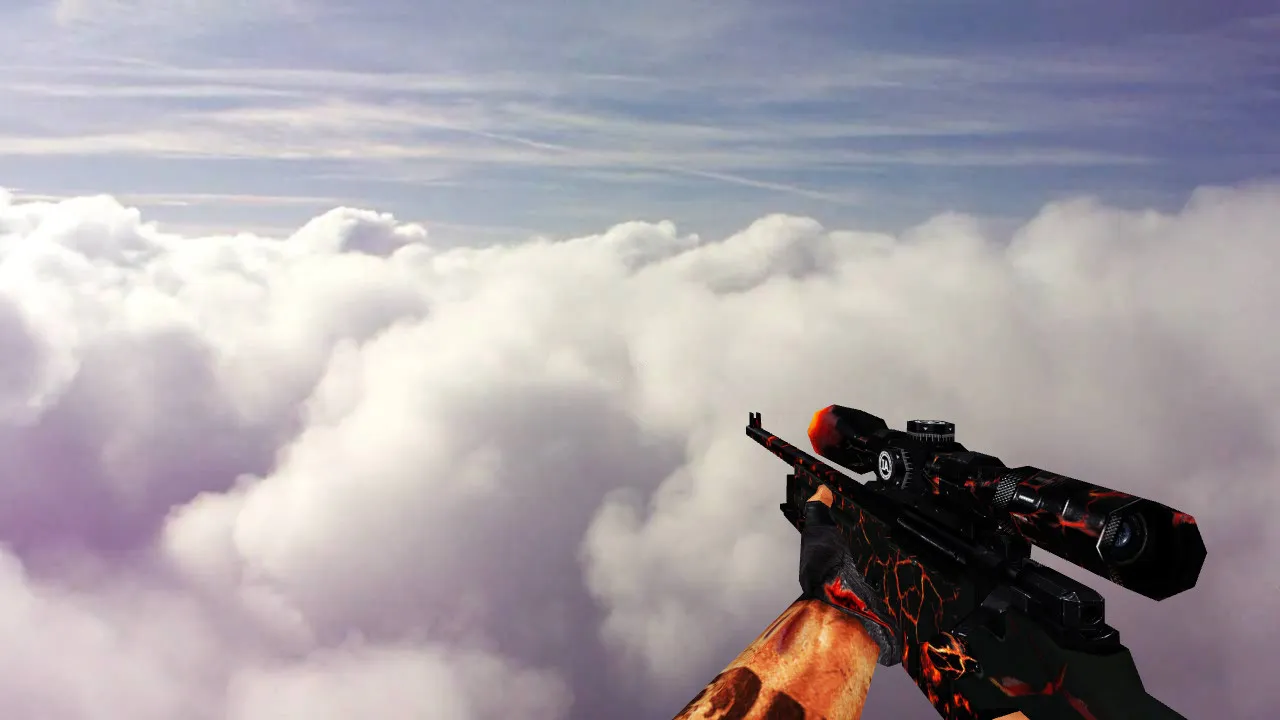
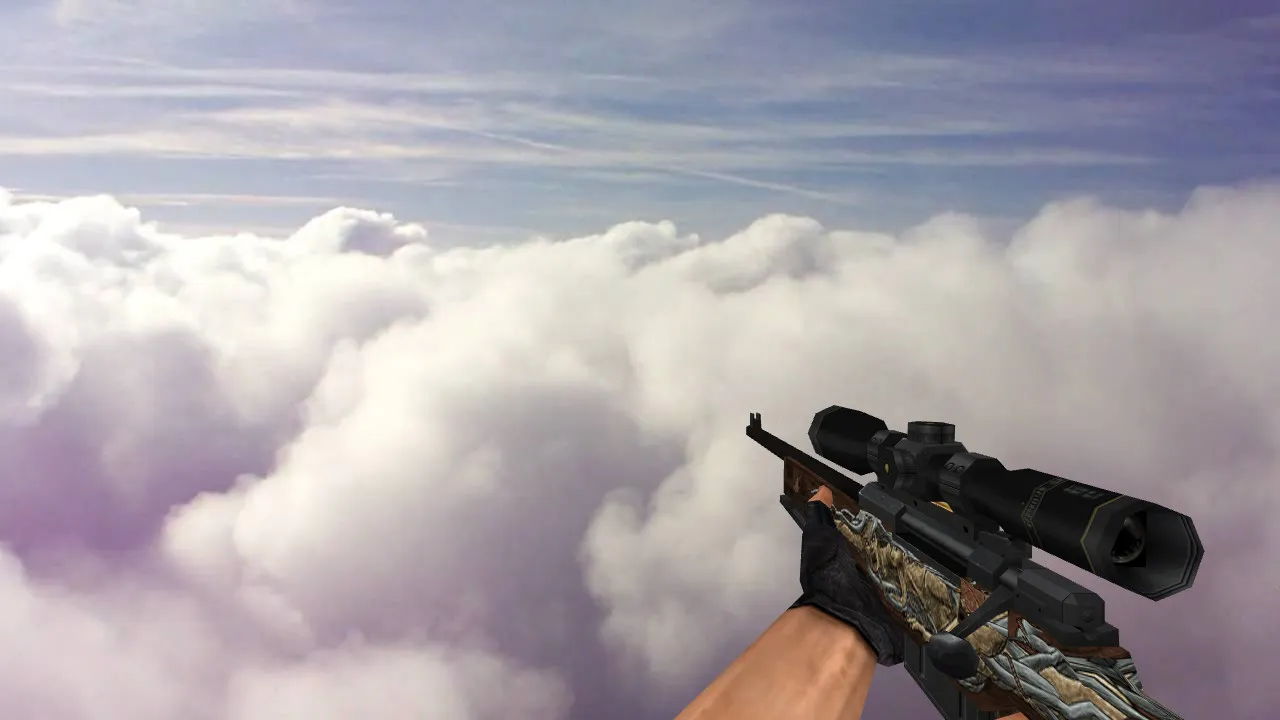
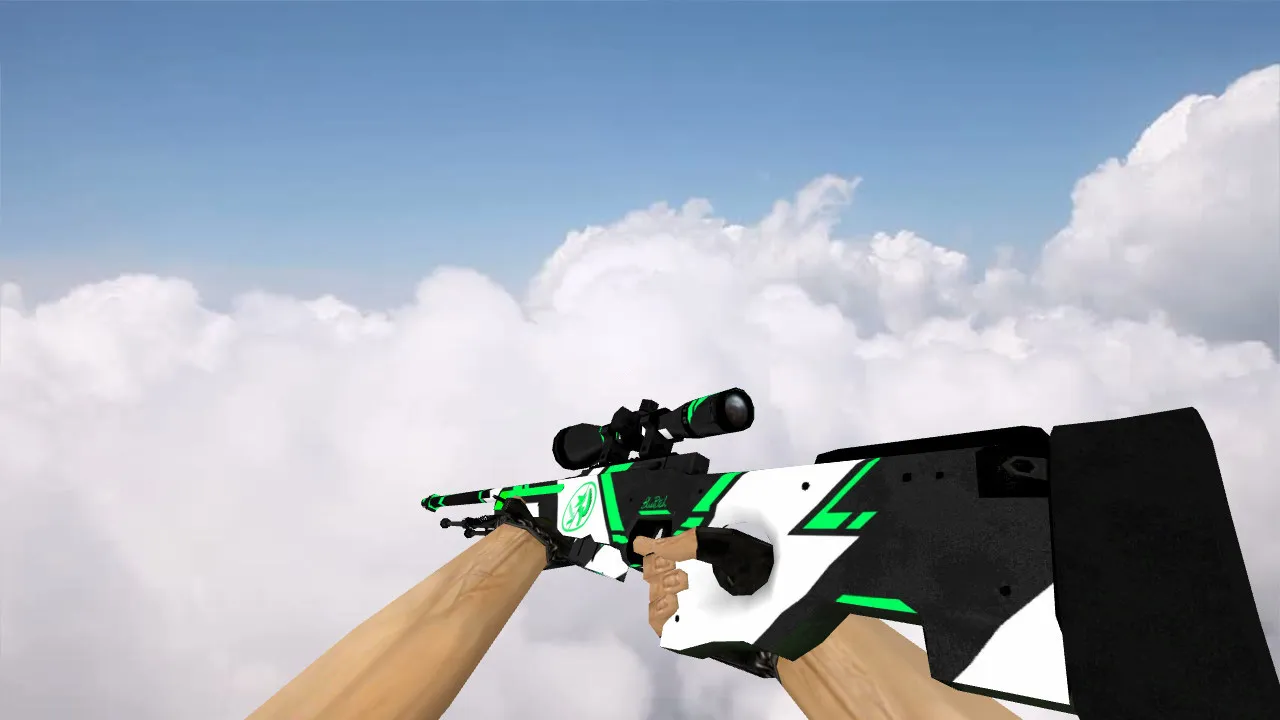
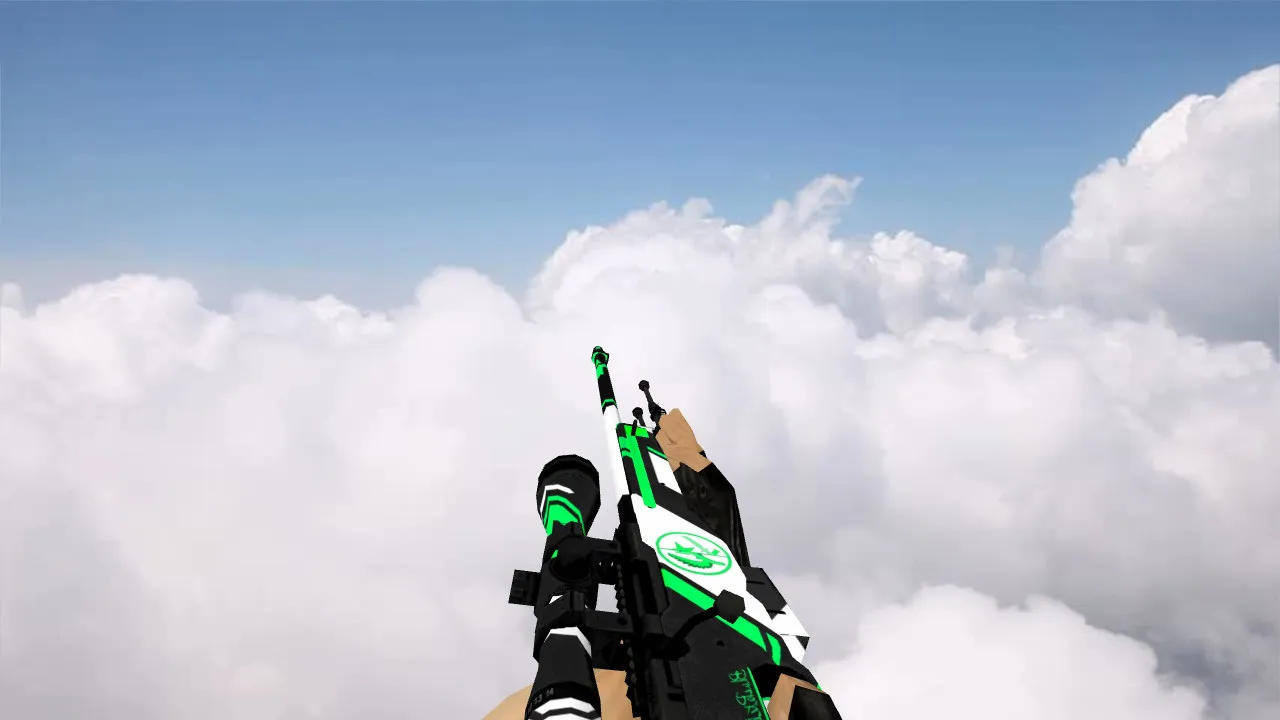
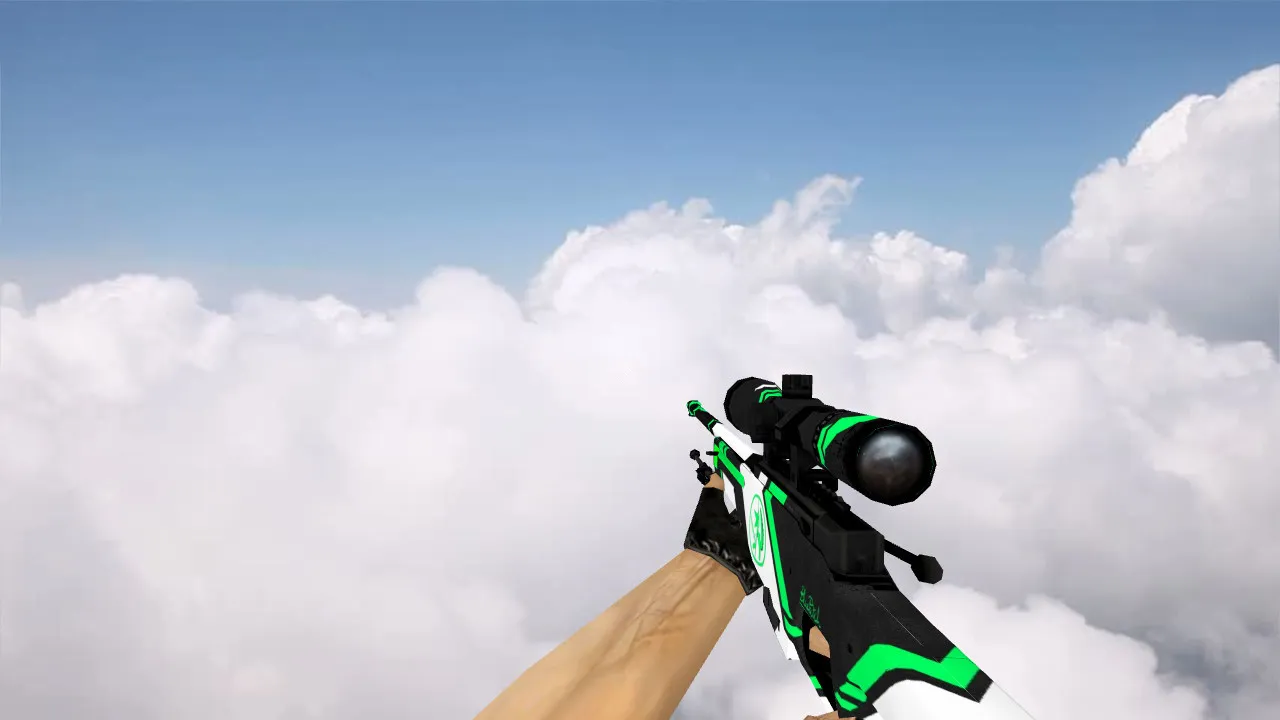
AWP Sport Shot Model for CS 1.6
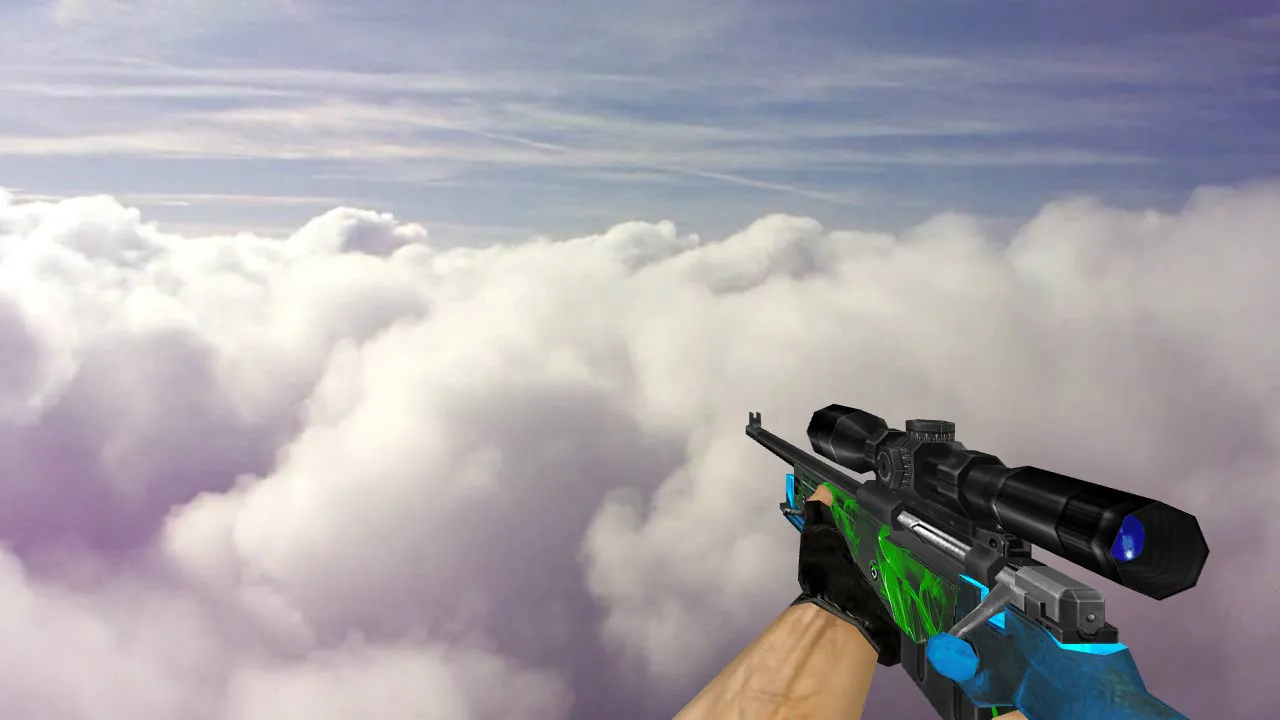
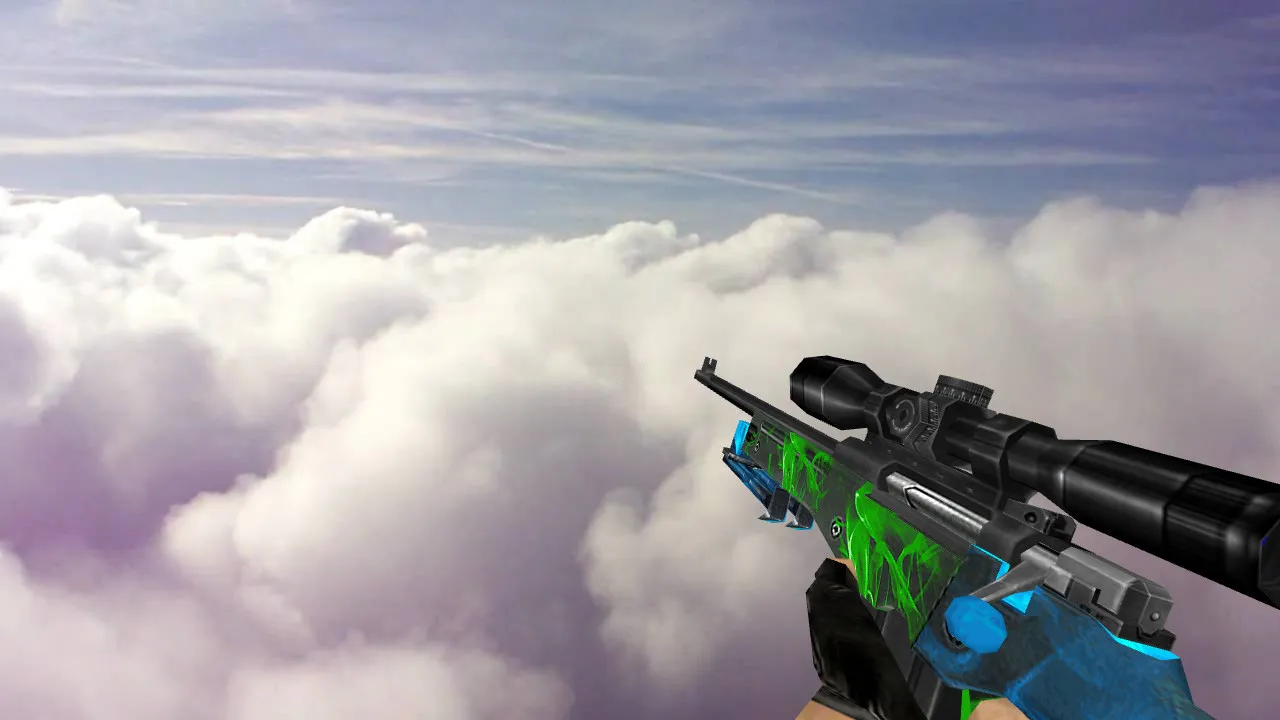
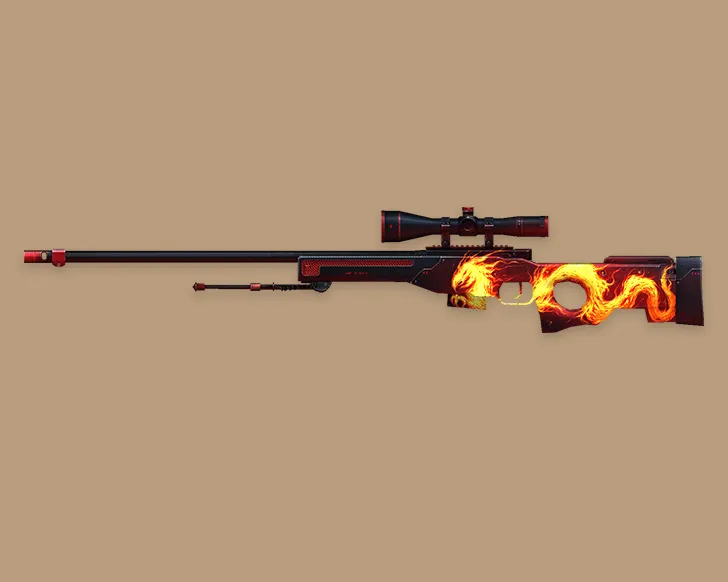
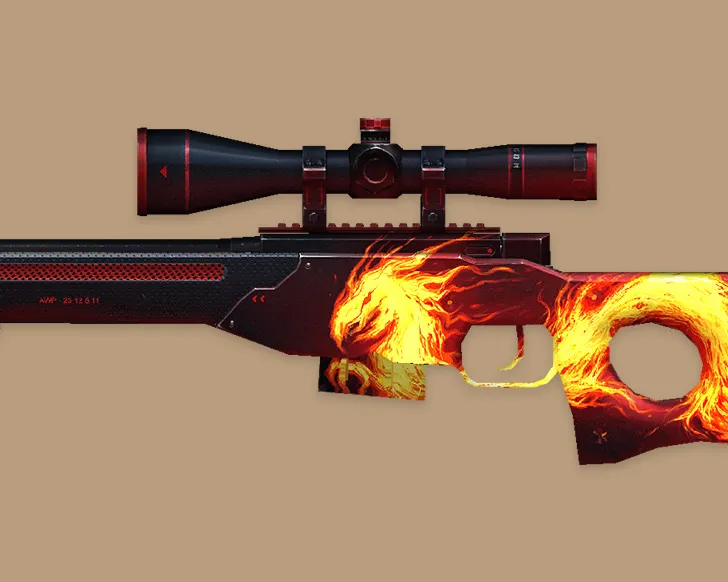
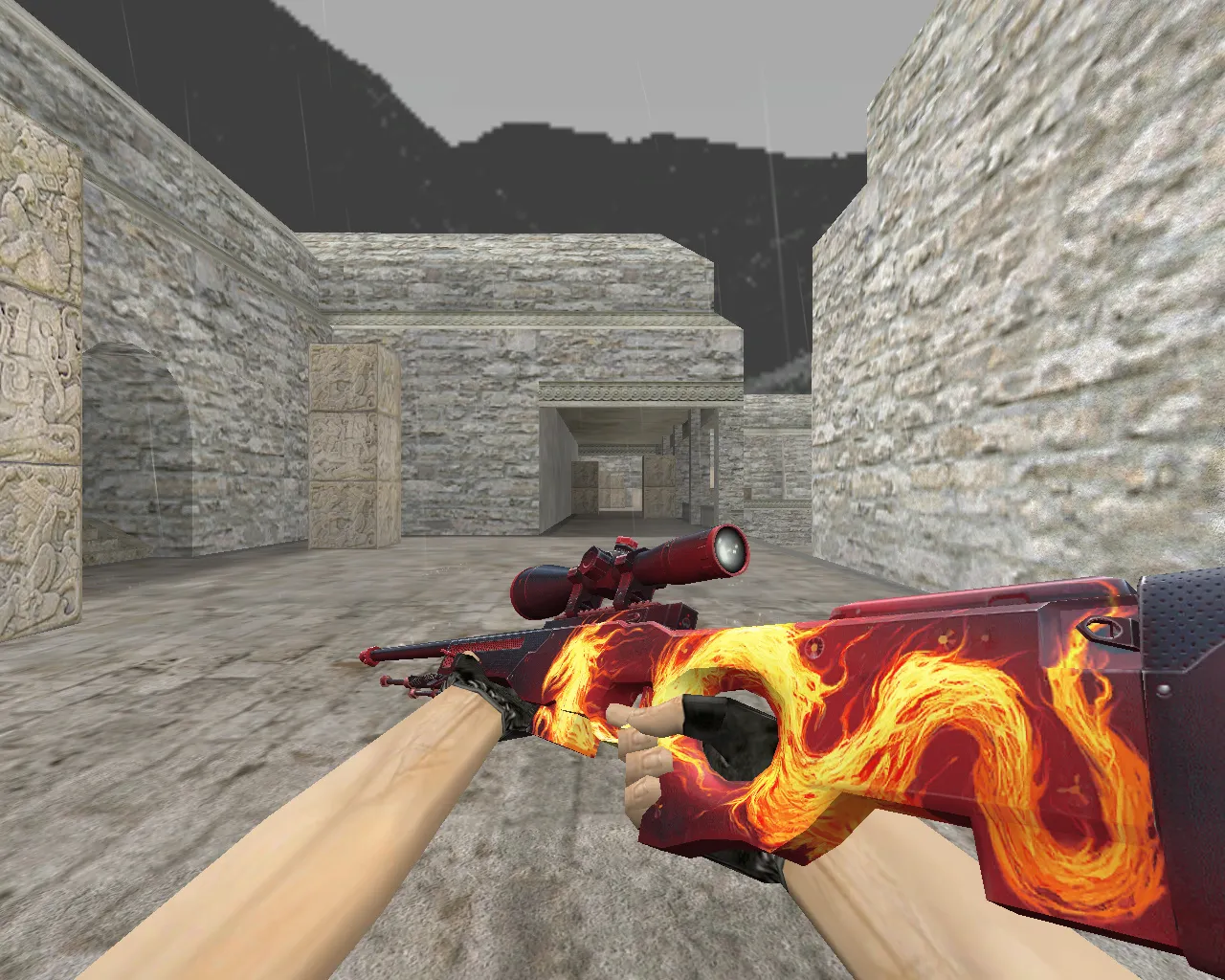
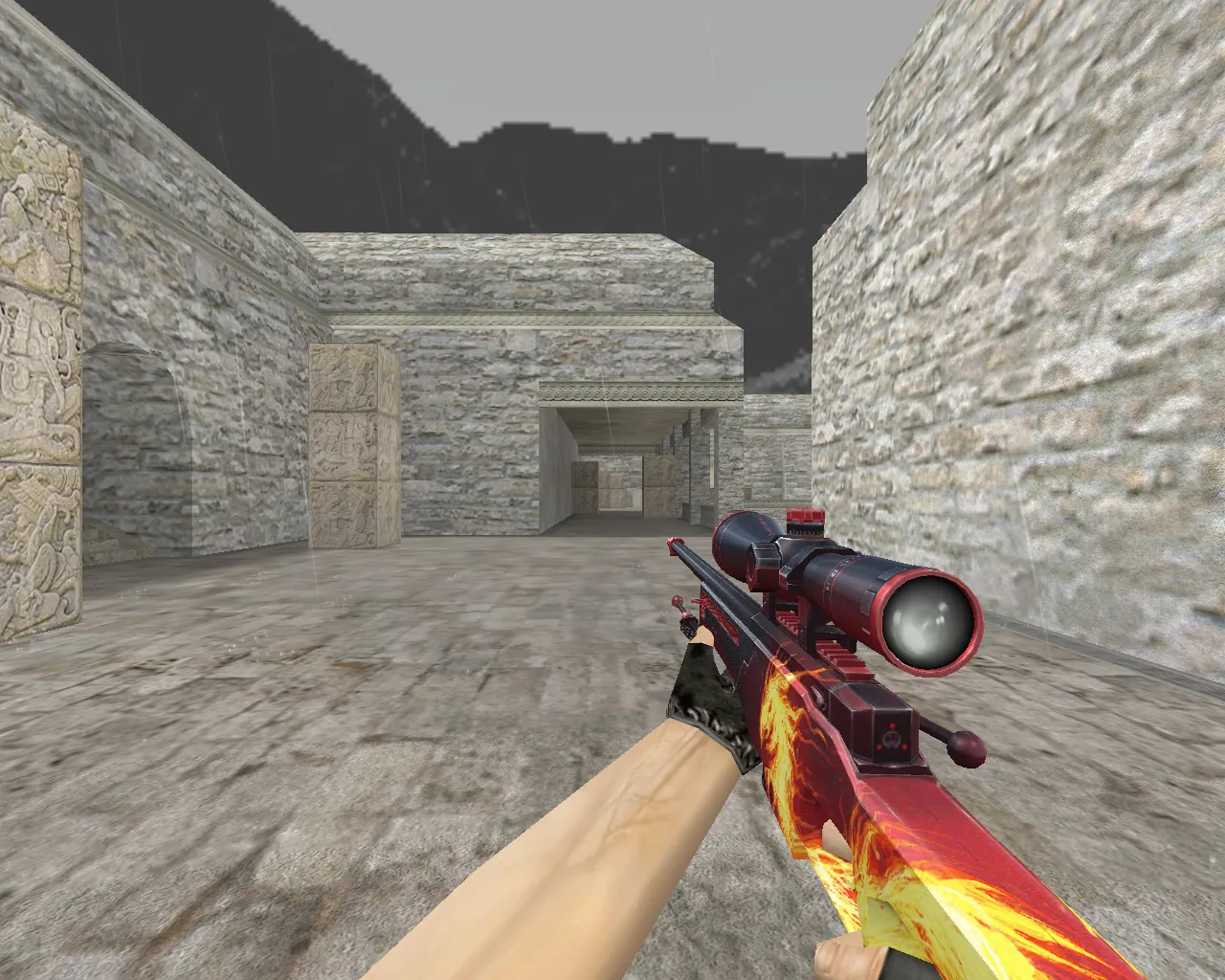
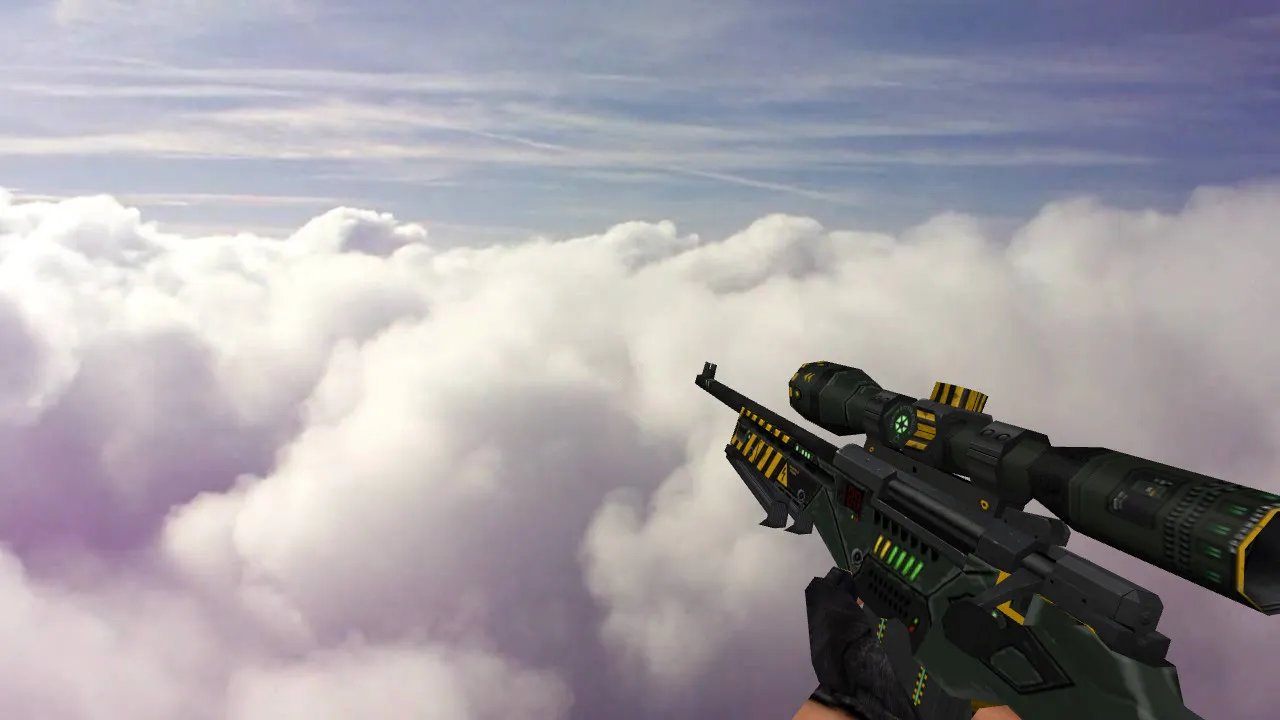
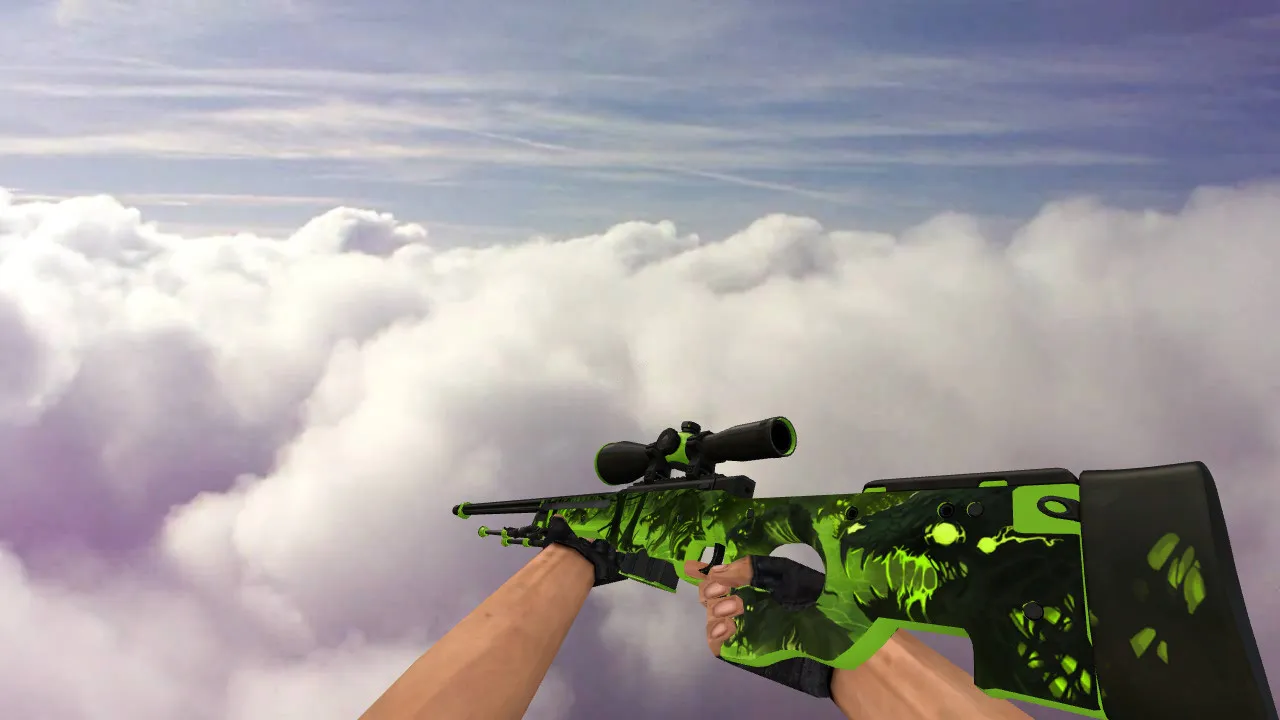
The AWP Sport Shot model brings crisp details and fluid inspect animations that blend perfectly with CS 1.6 gameplay. Custom sounds give clear feedback on shots and reloads, boosting immersion without causing lag. HD textures at 1024x1024 resolution make the weapon stand out in dim maps such as de_dust2 tunnels or de_inferno corners.
This model keeps hitbox accuracy for precise aiming, with a low polycount of about 1500 faces to maintain FPS above 100 on older machines. It drops right into your Half-Life engine setup, working with Build 4554 and non-Steam clients. No external dependencies or wad files are required beyond standard replacement.
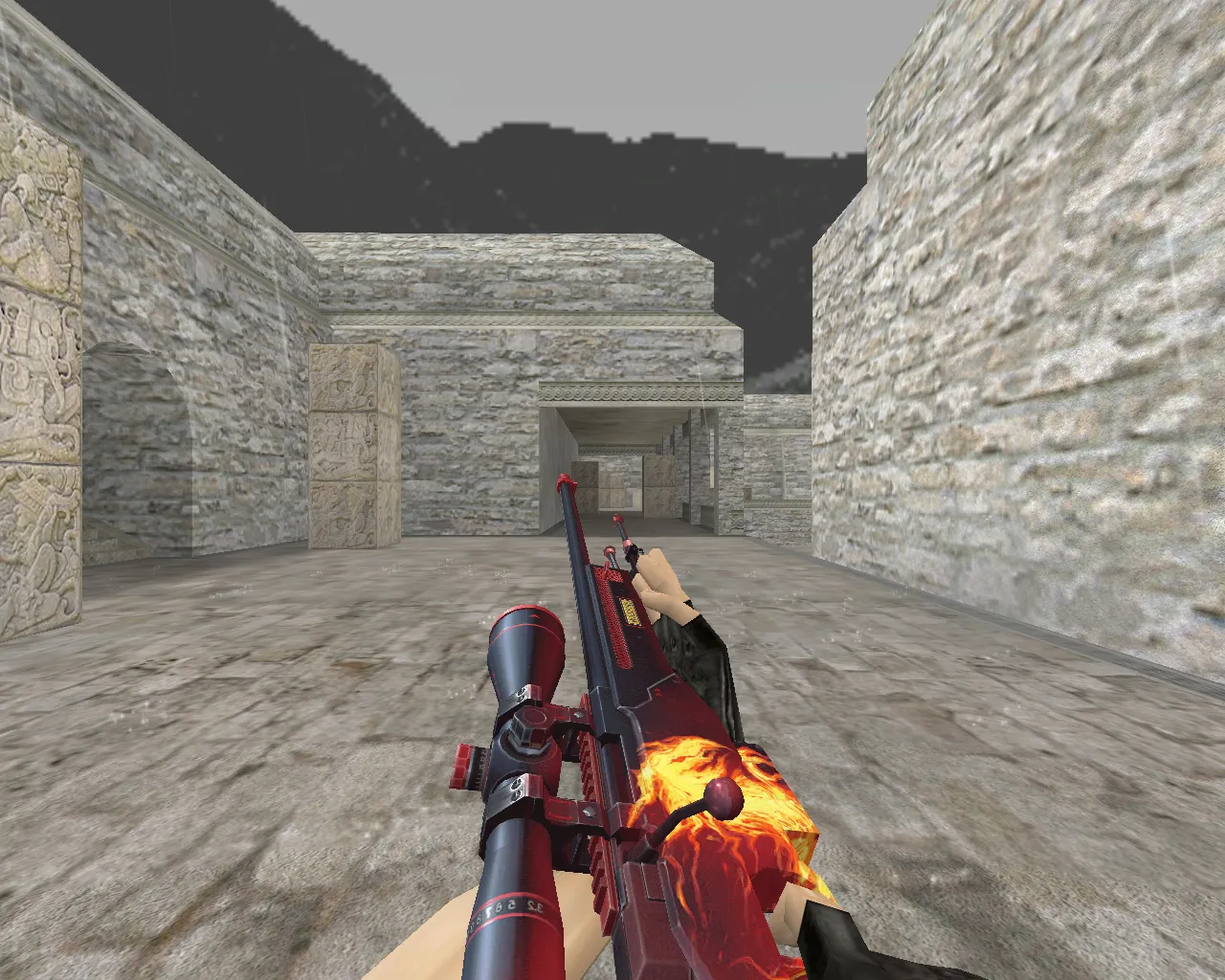
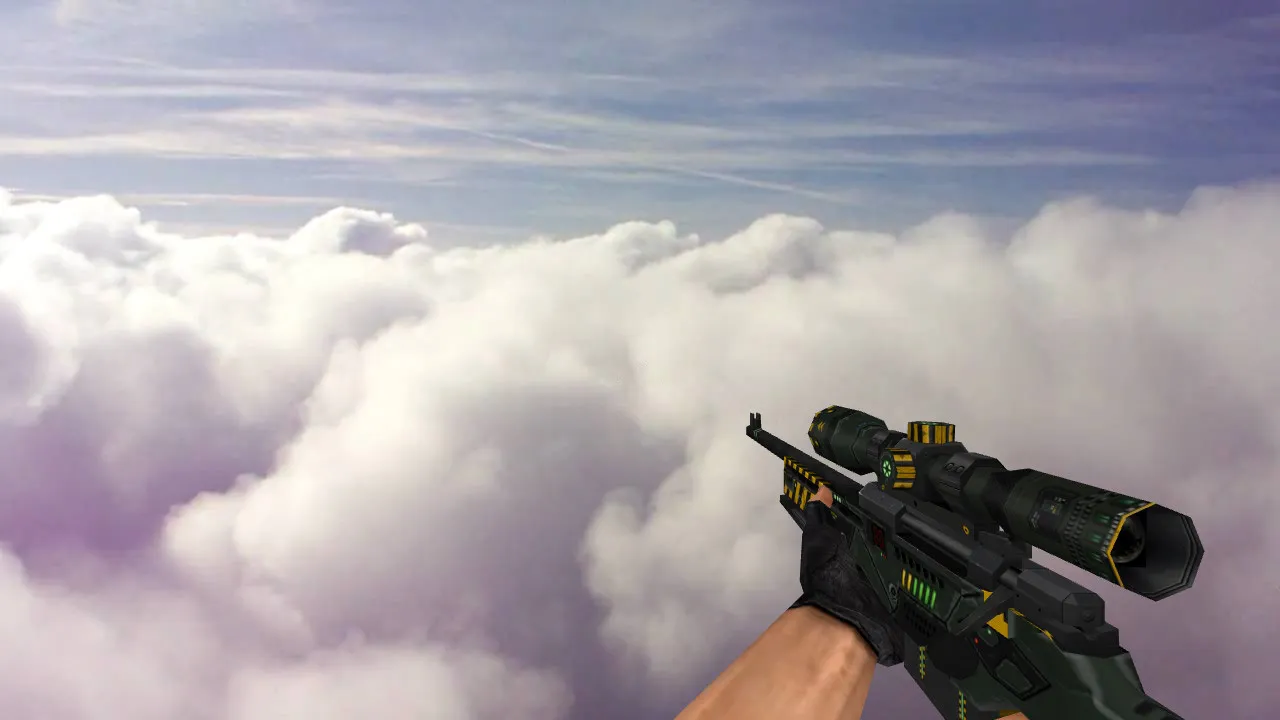
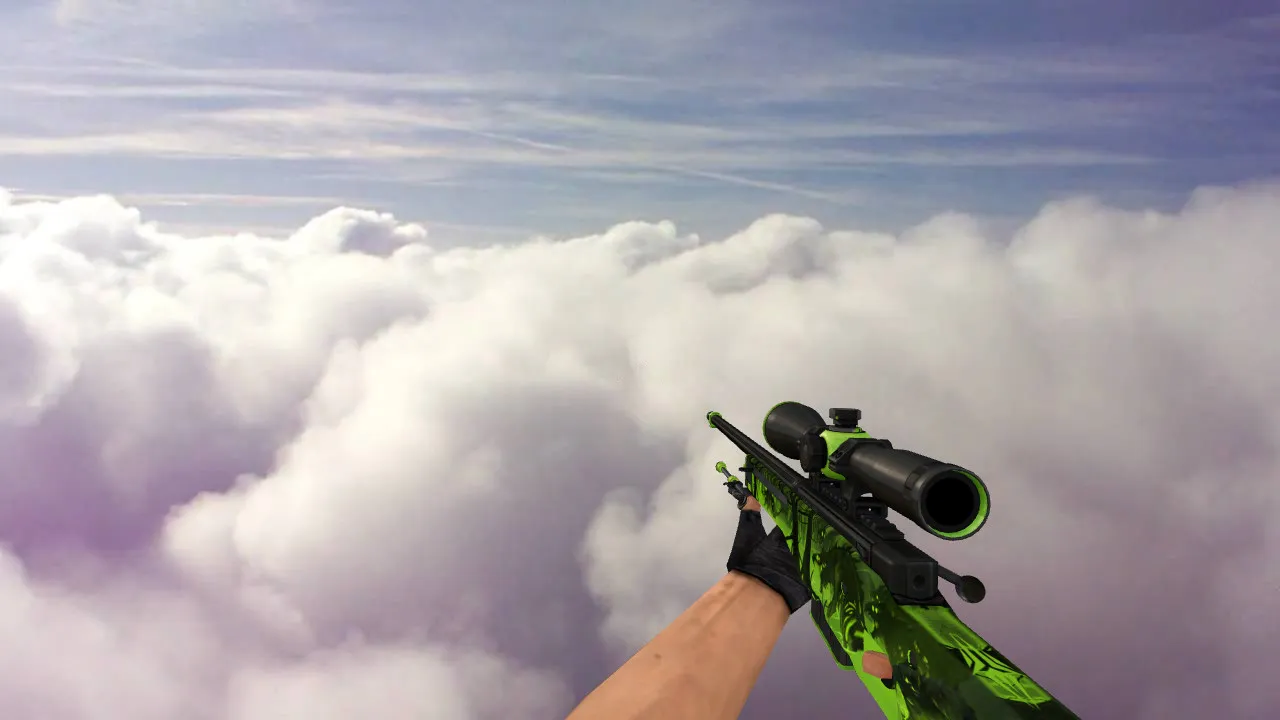
- v_model: High-fidelity viewmodel for first-person control, featuring detailed scope and bolt action;
- p_model: Optimized player model visible to others, with proper shadow casting;
- w_world_model: Detailed drop model for ground pickups, matching in-game physics;
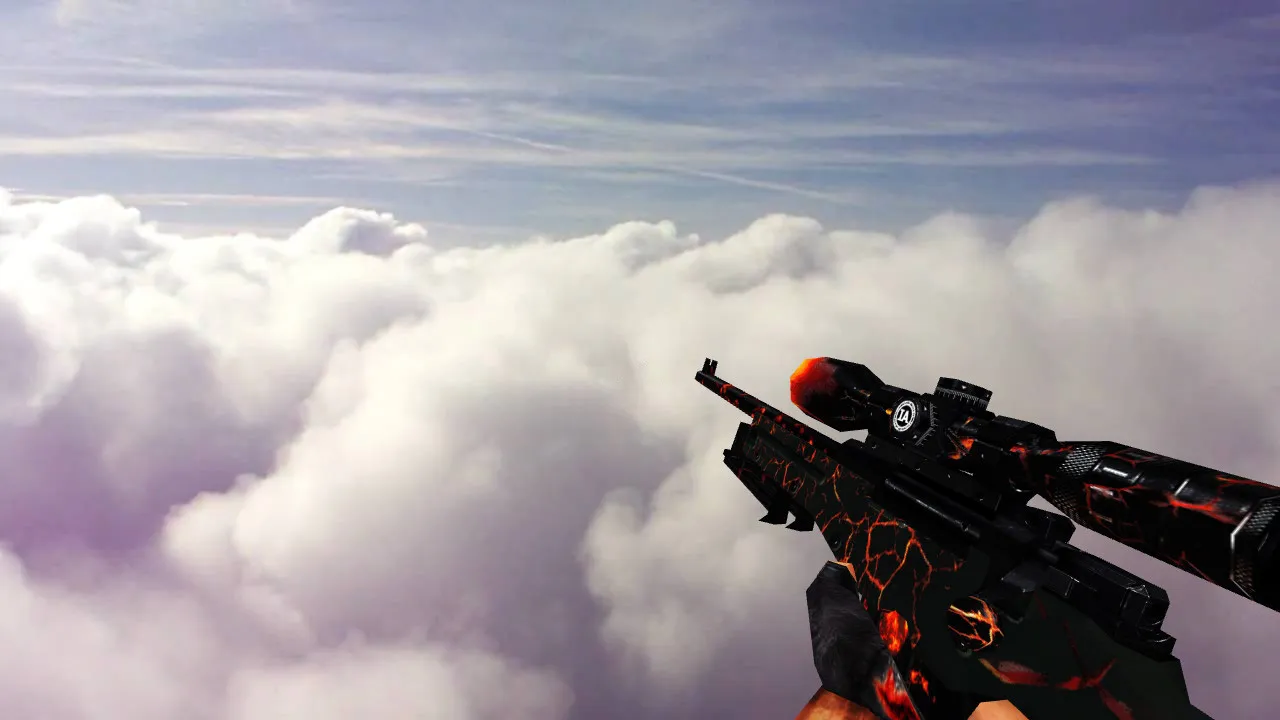
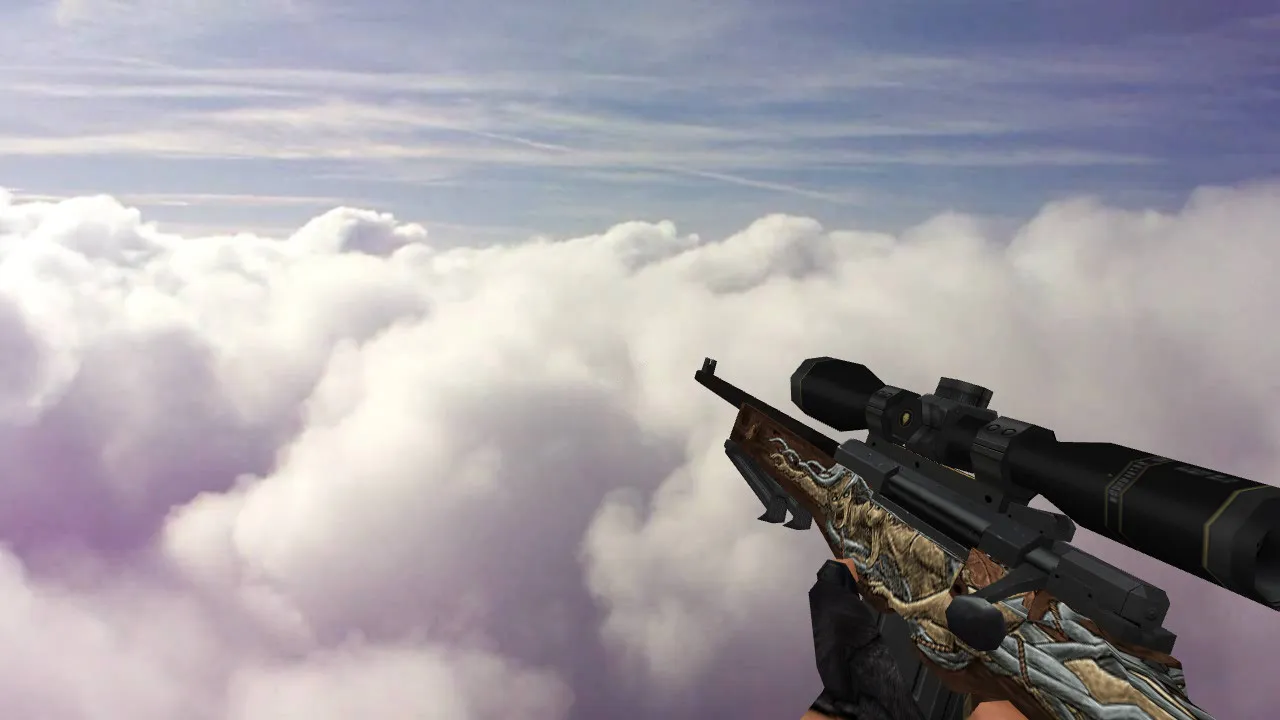
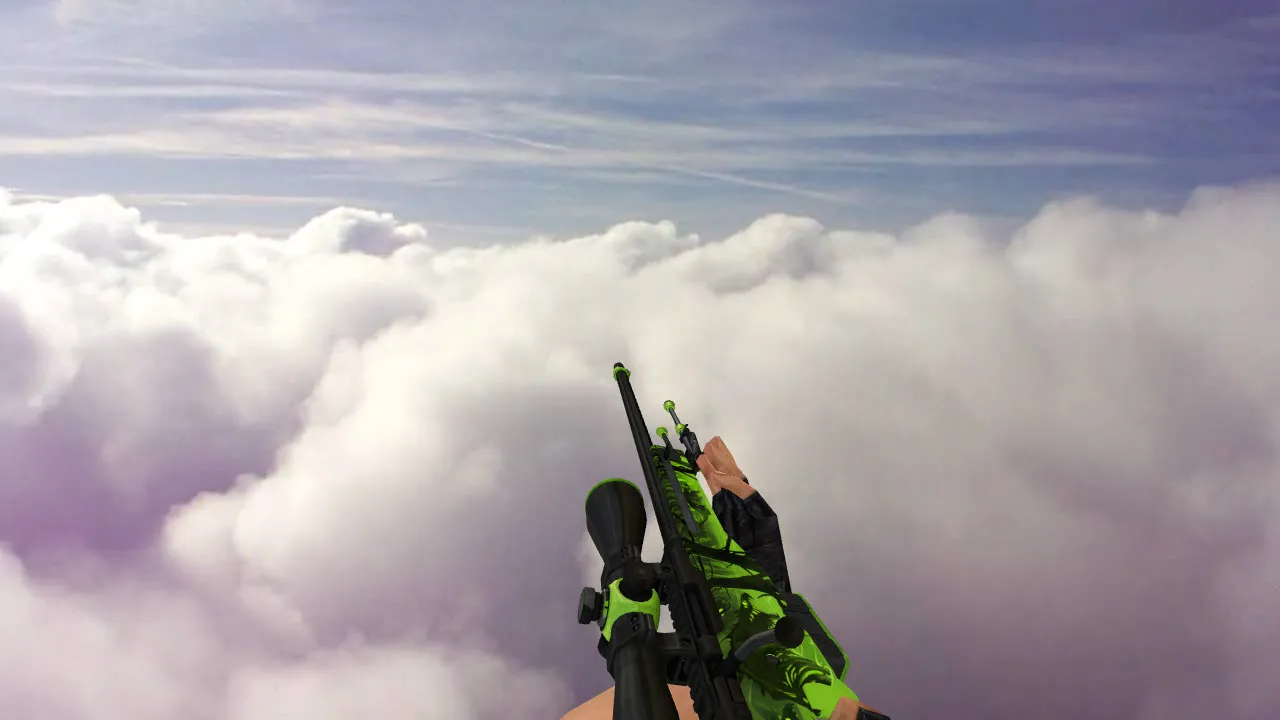
- Inspect Animation: Fluid 3D rotation on right-click, synced with custom audio cues;
- Custom Sounds: Crisp firing reports and metallic reload clinks, replacing stock wav files without distortion;
To install, drop the files into your cstrike/models folder and update model.ini for seamless loading. Tested for ESL-style visibility, the matte finish cuts glare in bright areas while increasing contrast in shadows. Pair it with a clean config.cfg to avoid conflicts, ensuring no-recoil scripts or autoexec tweaks interfere.
For modders, the source .mdl files allow further tweaks like reskinning or adding sprite effects for muzzle flash. This setup supports MasterServer protection, preventing kicks in public lobbies. Download includes a backup of original AWP assets to revert easily if needed.
Benefits extend to competitive play: better weapon recognition speeds up clutch moments, and the ergonomic design feels natural during long sessions. Avoid common pitfalls like mismatched hitboxes by verifying alignment post-install. Community feedback highlights its stability on Windows XP setups, with zero reports of crashes or memory leaks.
Expand your arsenal without compromising performance. This AWP variant shines in deathmatch servers, where quick model swaps matter. For bot compatibility, it loads fine with .nav files intact, maintaining AI pathing around dropped weapons.
Safety first: Files are scanned clean, no viruses, no adware, no slow-hack elements. Direct download, no auto-connect to shady servers. Update your CS 1.6 to the latest patch for optimal rendering of the alpha channels in textures.
Technical specs include UV mapping optimized for GoldSrc engine limits, ensuring no stretching on curved surfaces. Sound volumes balance with default HL audio mixer, adjustable via console commands like volume 0.8. If you're running custom HUDs, the model offsets align with standard crosshair positions.
Overall, the AWP Sport Shot elevates standard sniping without overhauling your setup. Ideal for veterans tweaking polycounts or newcomers seeking polished defaults. Integrate it today for that edge in ranked matches.
Install in three steps
-
1
Download the archive. Use the button on the right, or the Yandex.Disk mirror if the main server is slow.
-
2
Extract it into the game folder. Use 7-Zip or WinRAR. A path without non-Latin characters works best.
-
3
Launch the game. If something doesn't work, mark it below - that is how we know the file needs an update.
Did it work for you?
No sign-up needed. You can pick more than one.