CS 1.6 Victory Day Themed Build: 10 New Features, Weapon Models, Sounds, Optimized Config
Description
CS 1.6 Victory Day: Themed Build With No Hidden Risks
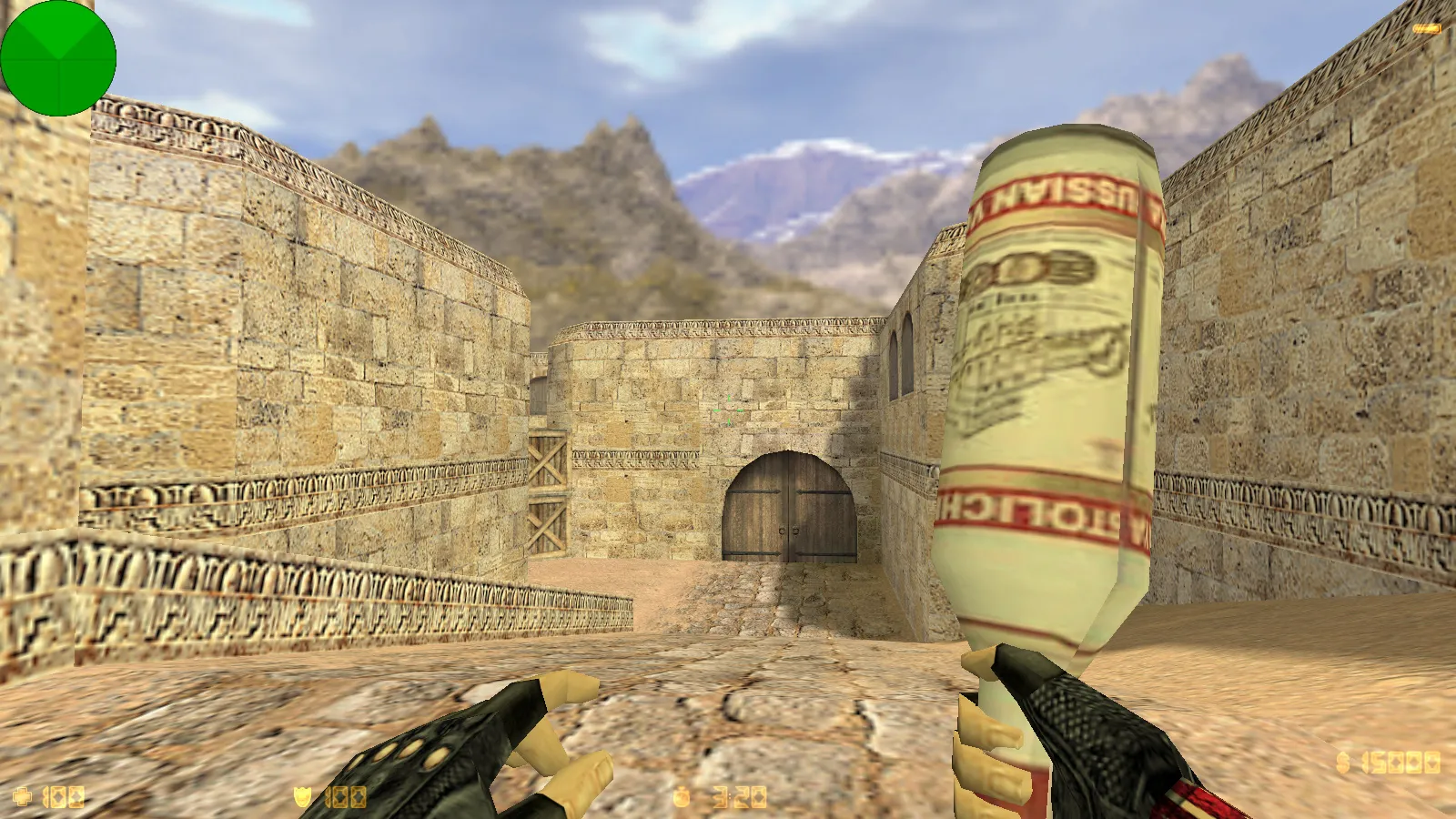
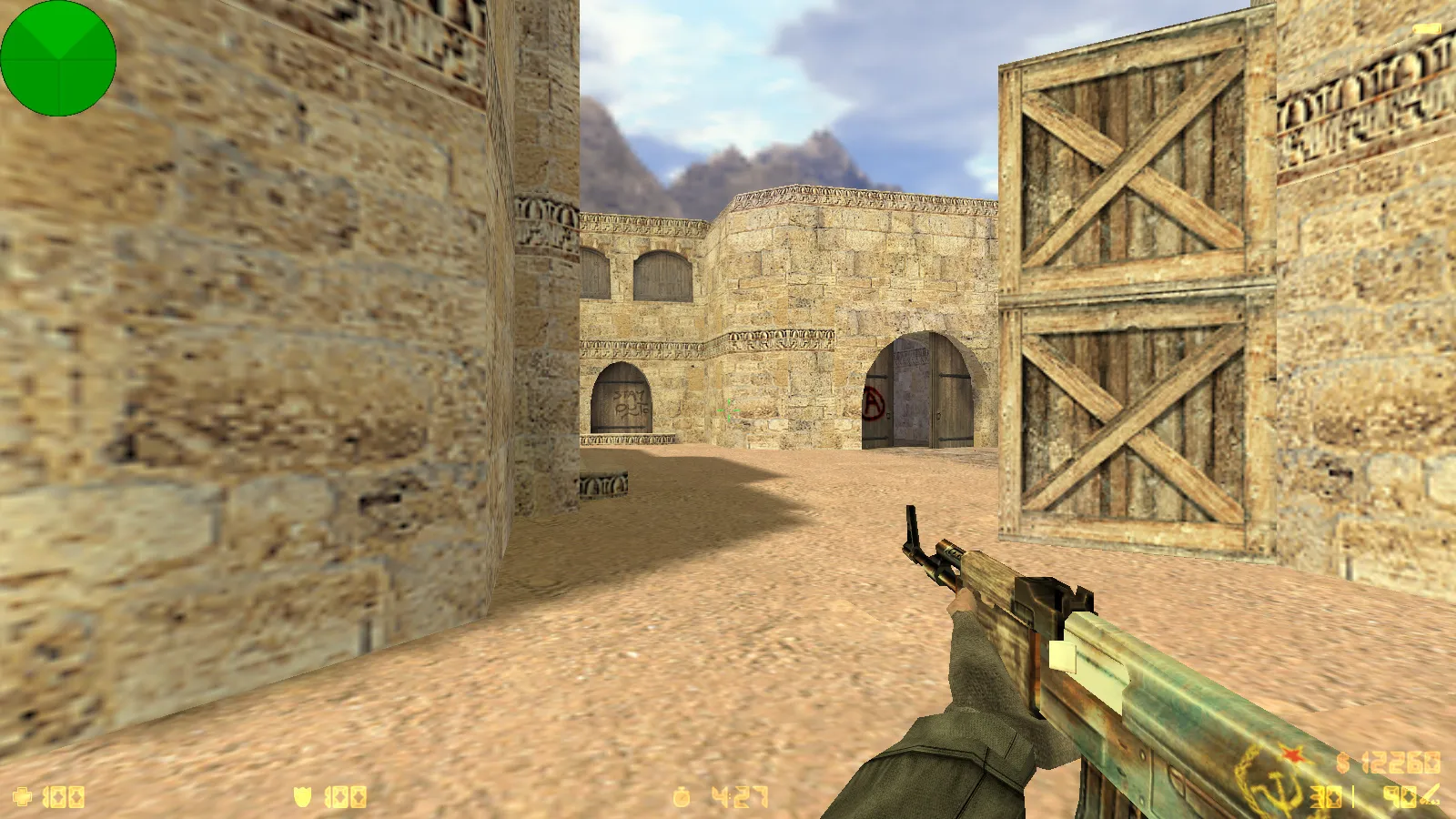
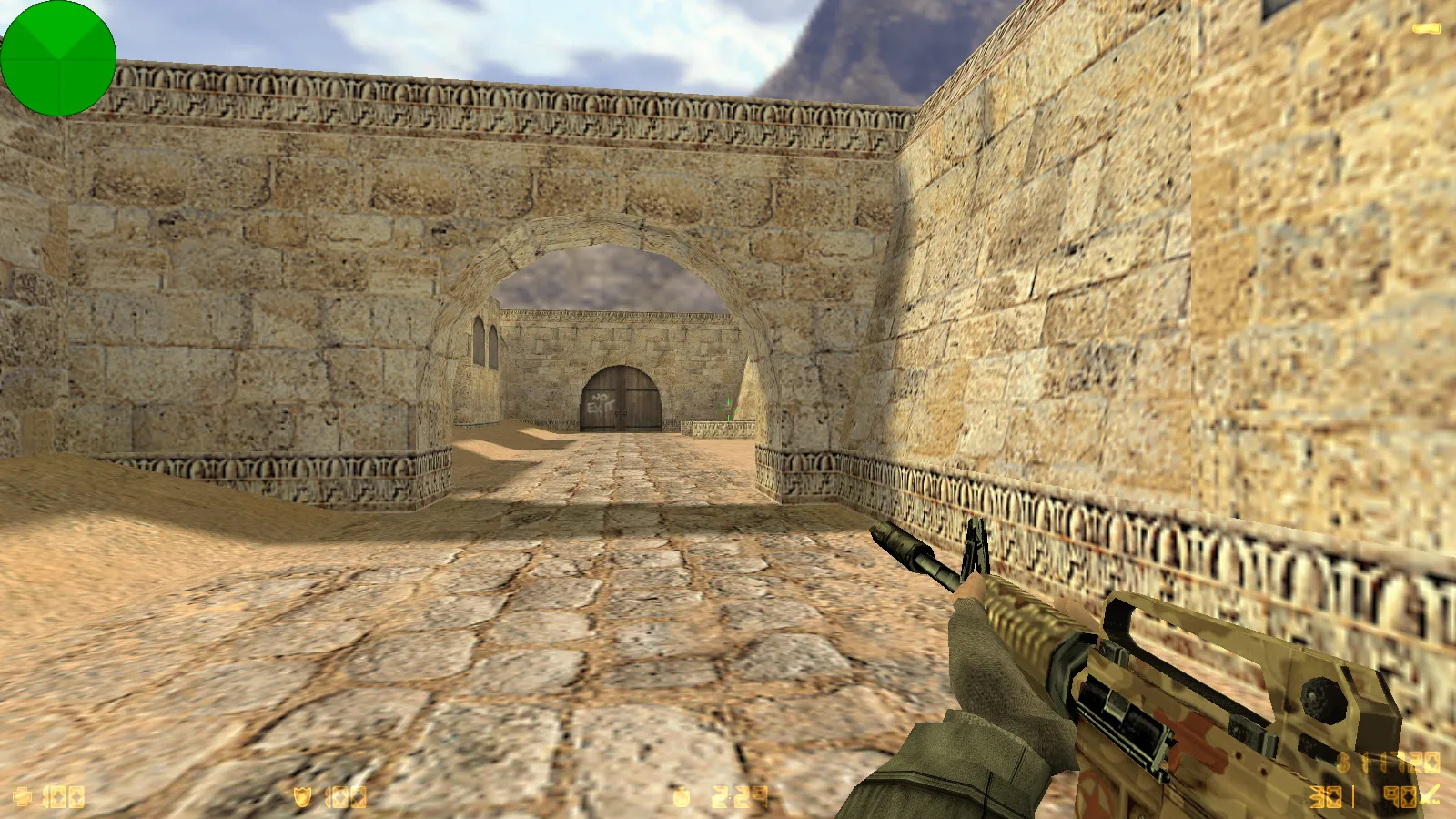
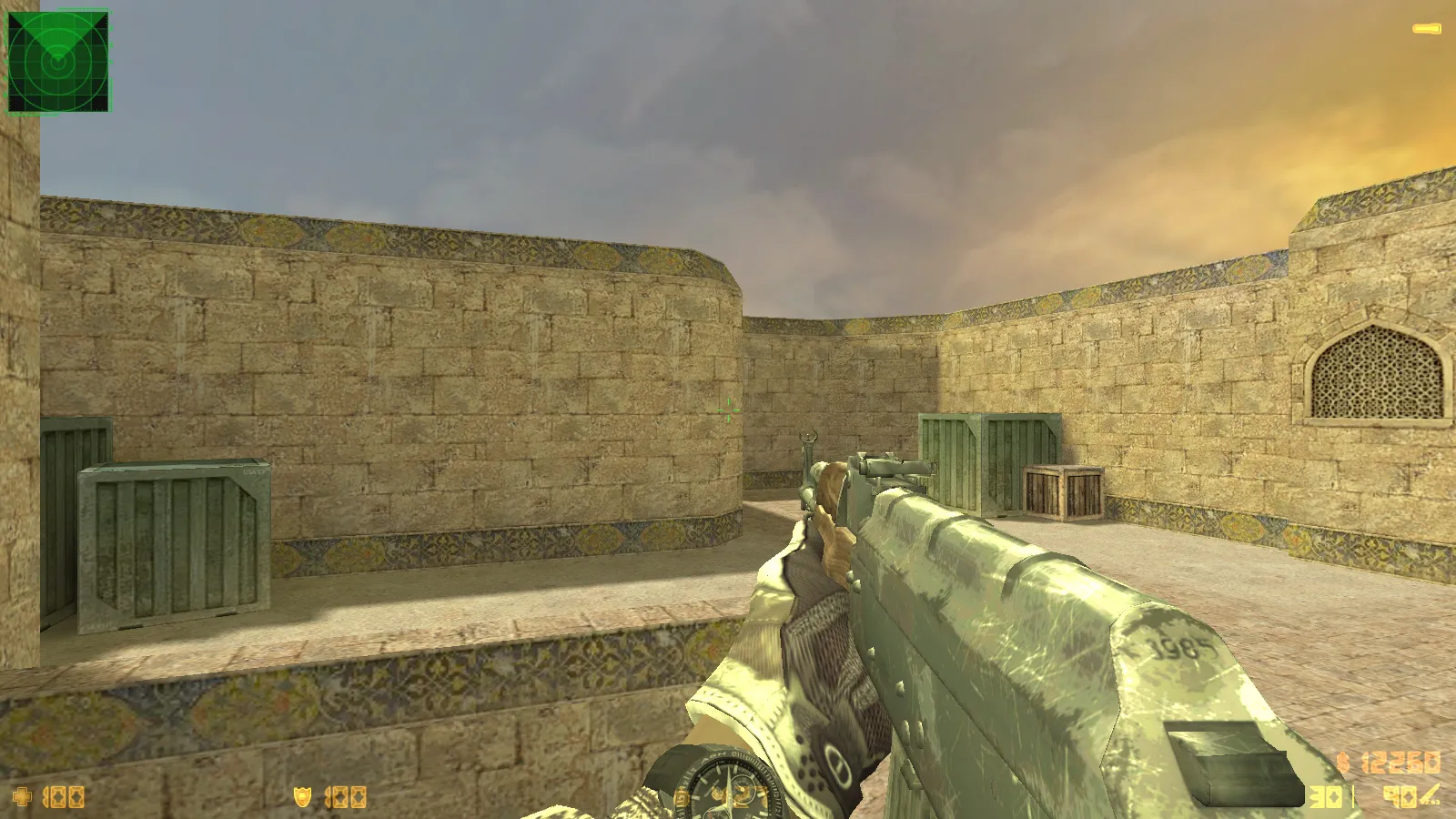
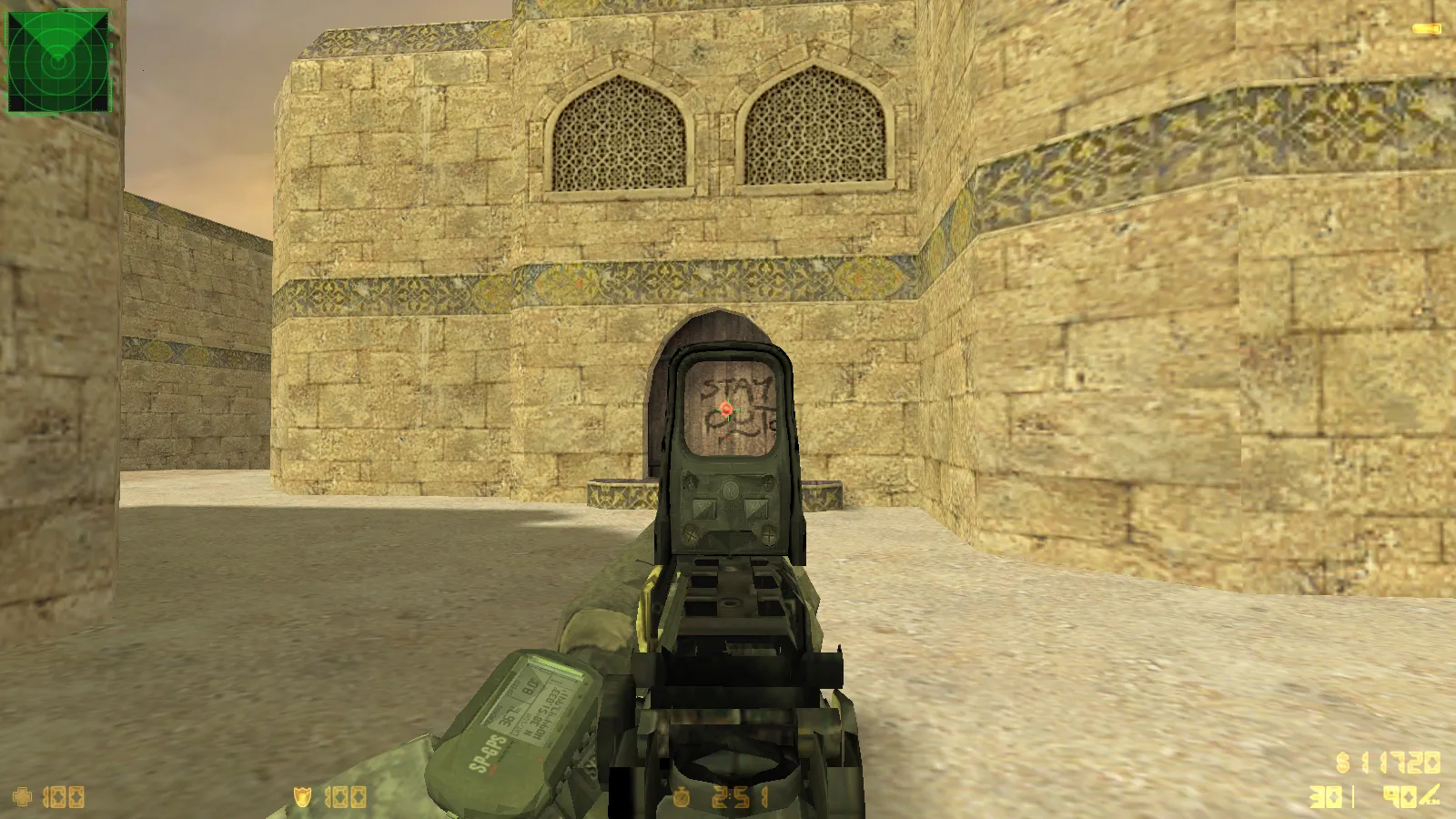
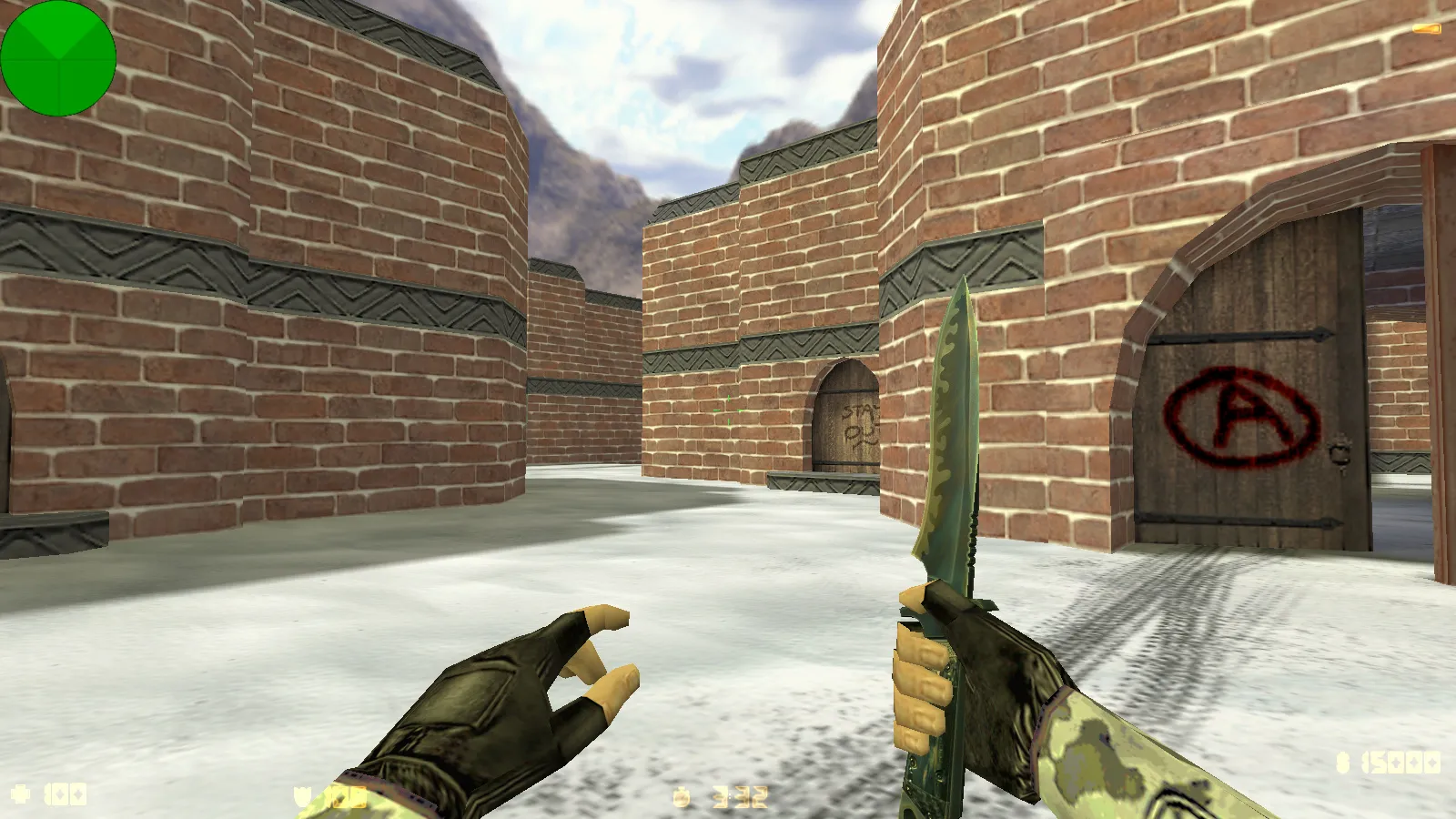
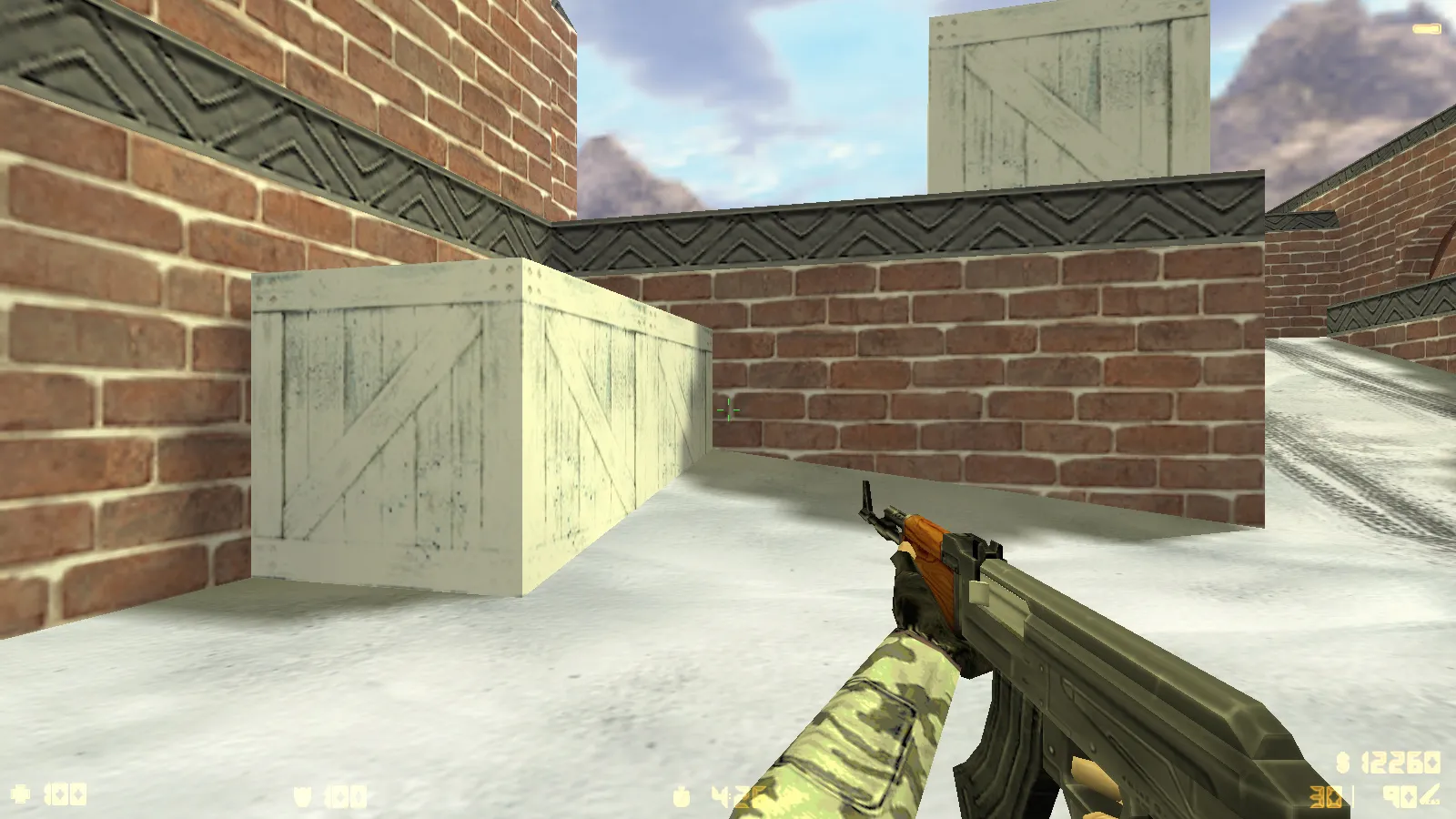
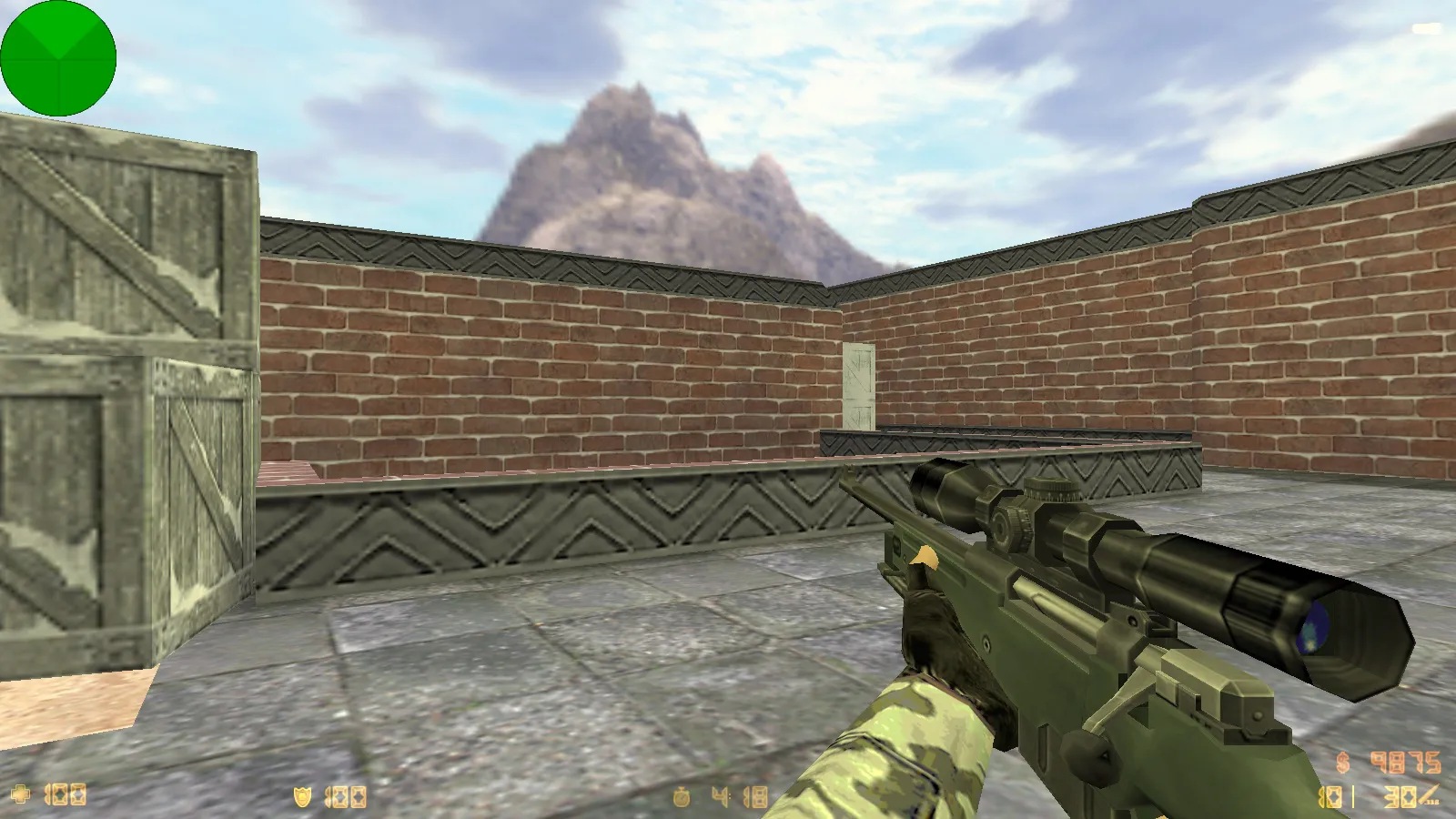
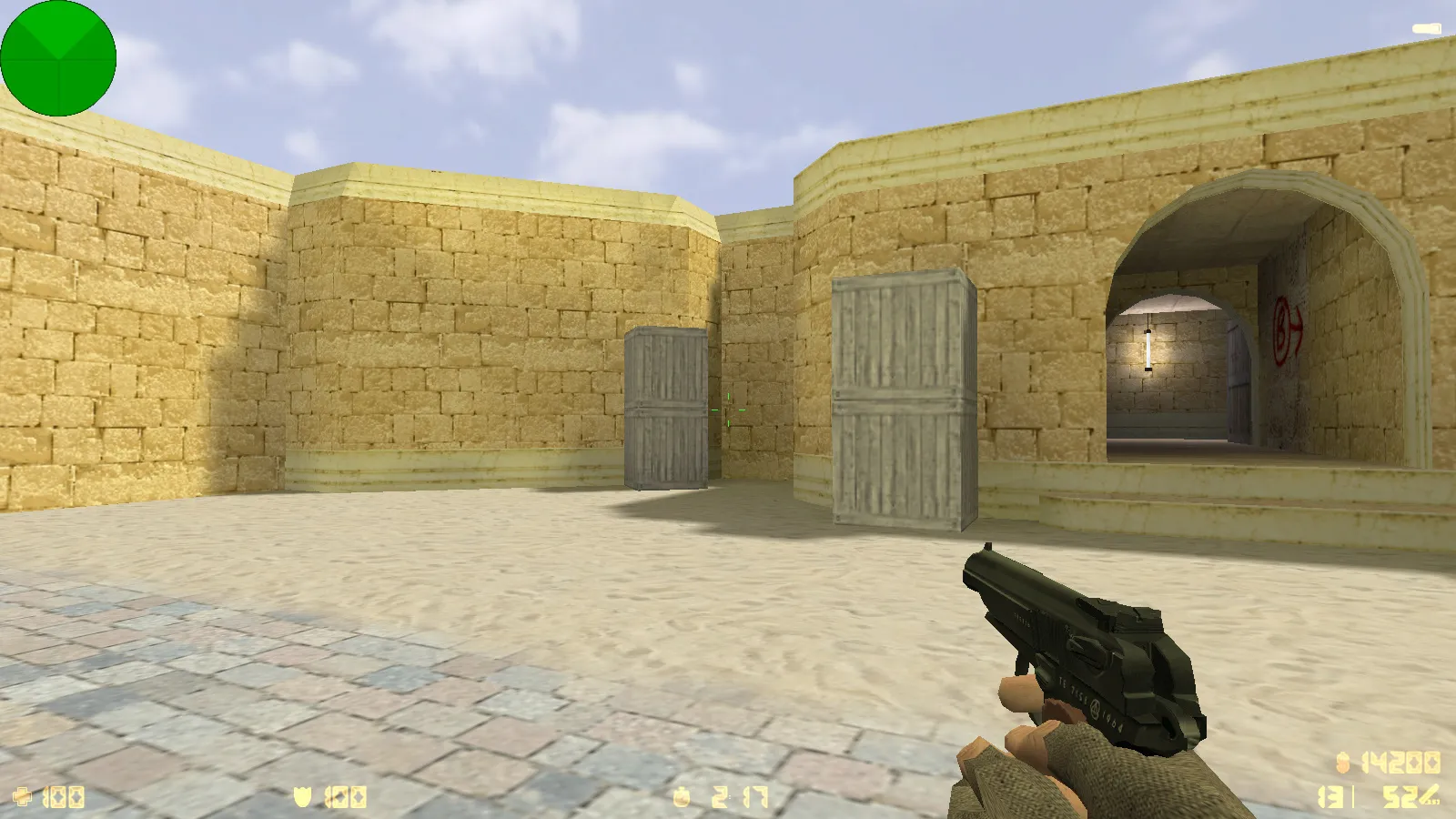
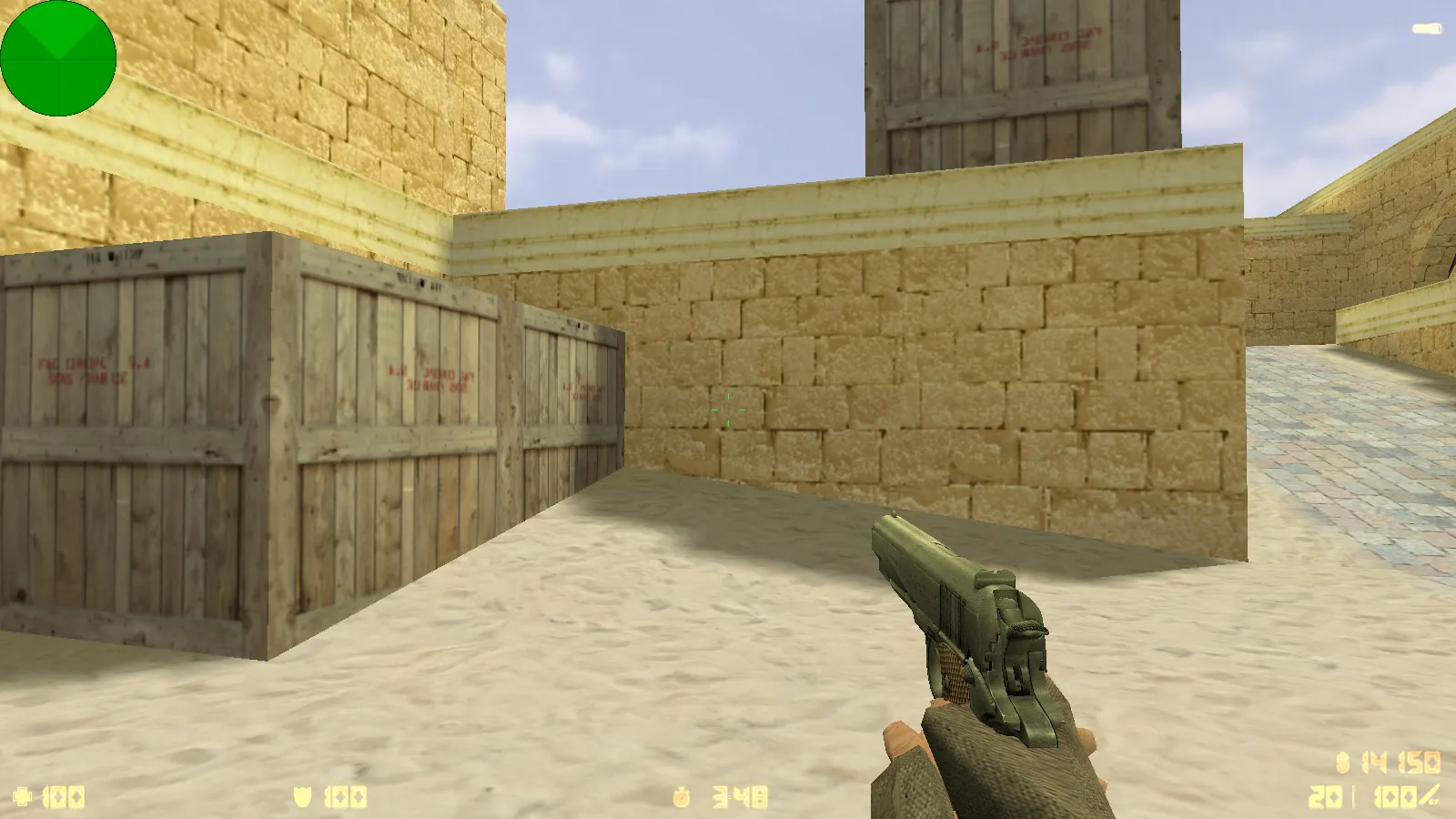
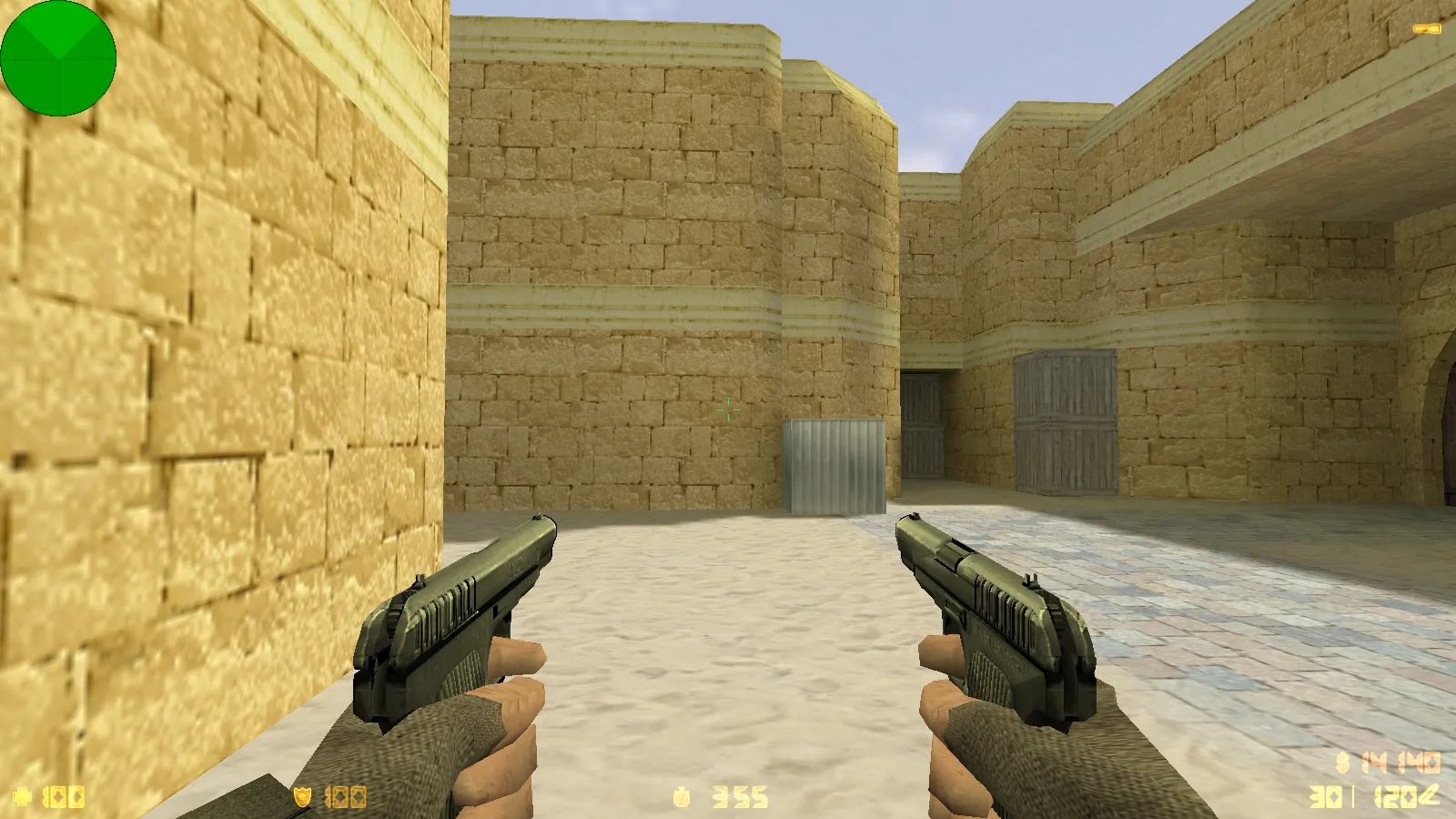
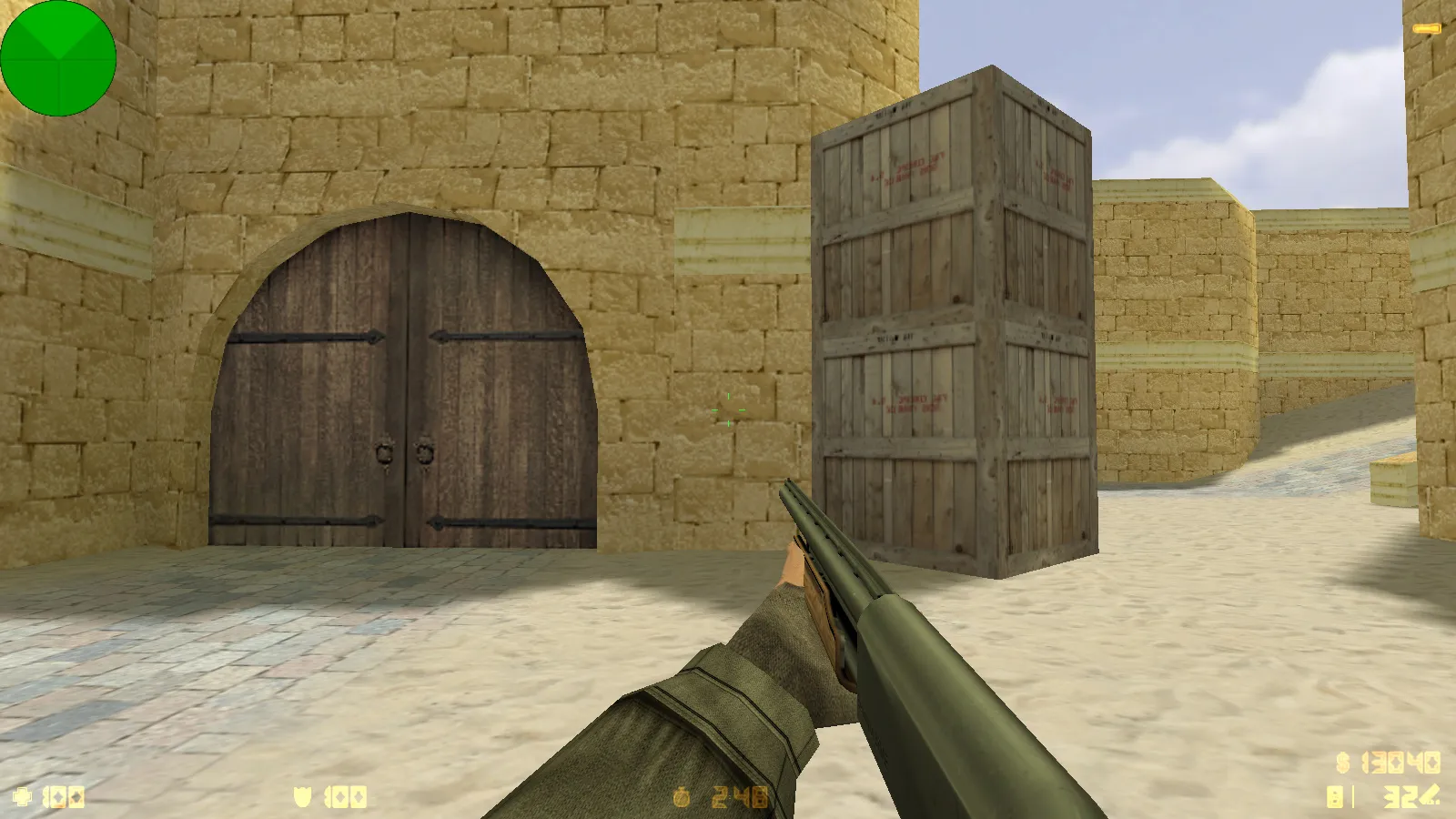
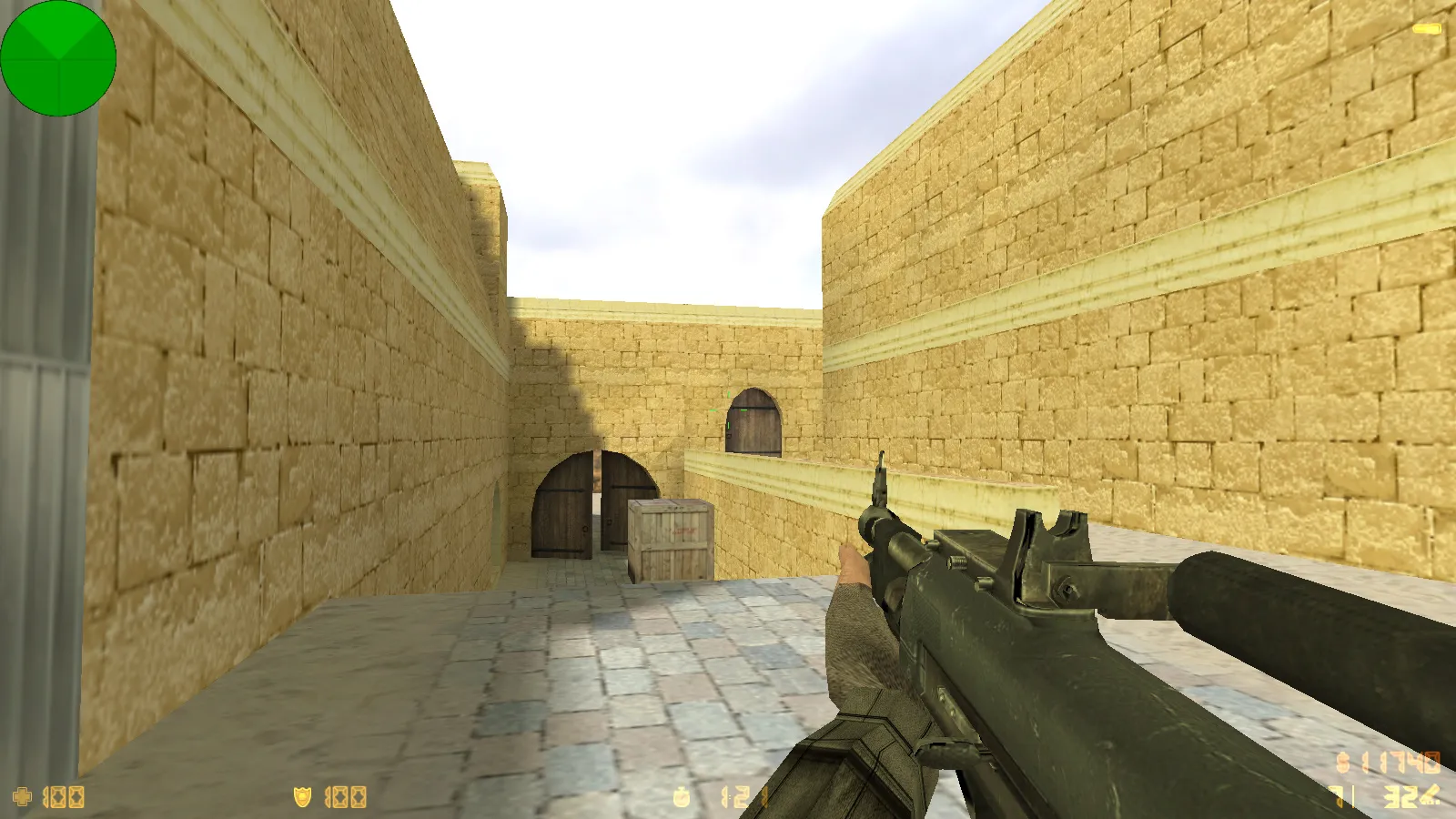
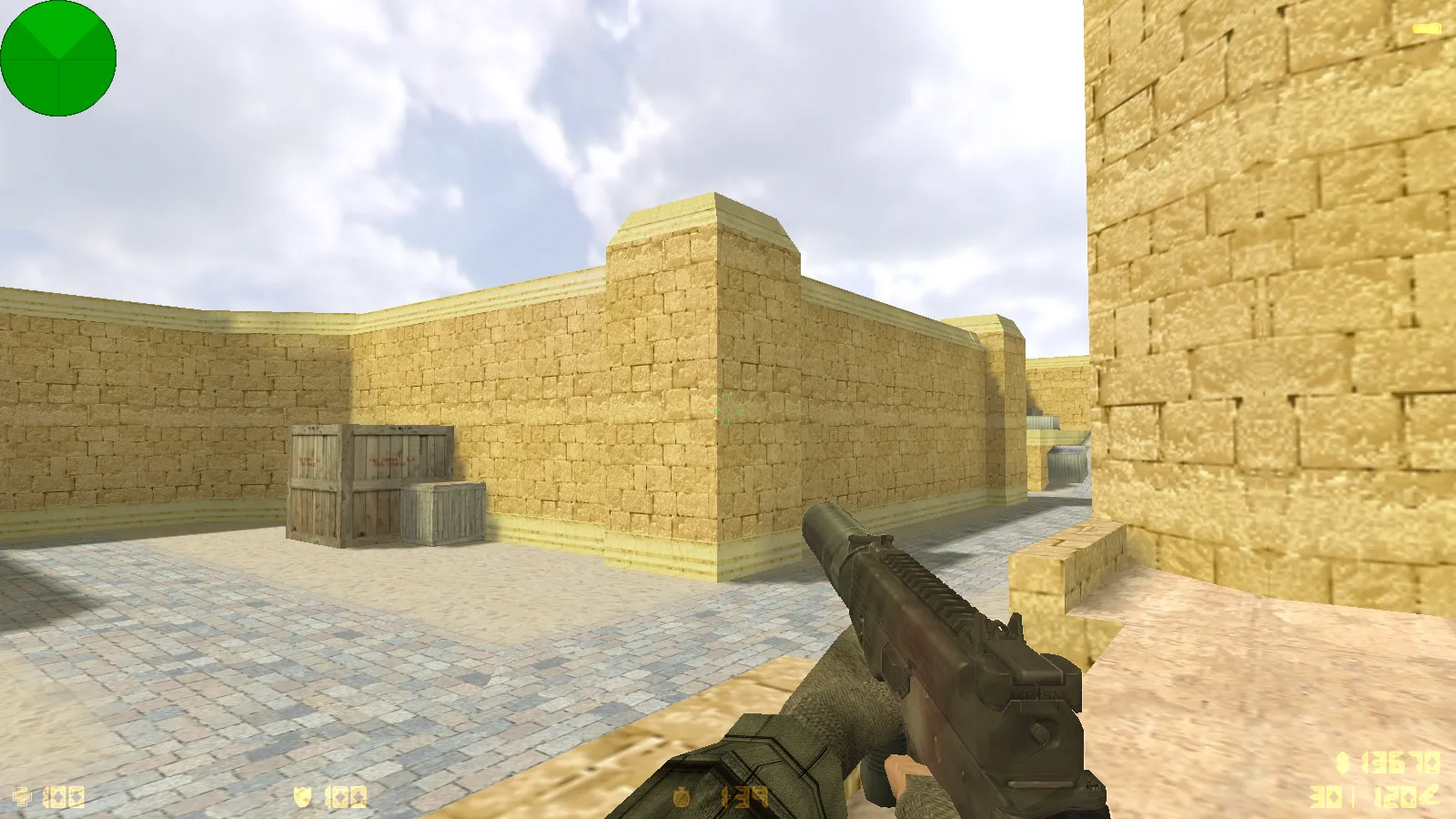
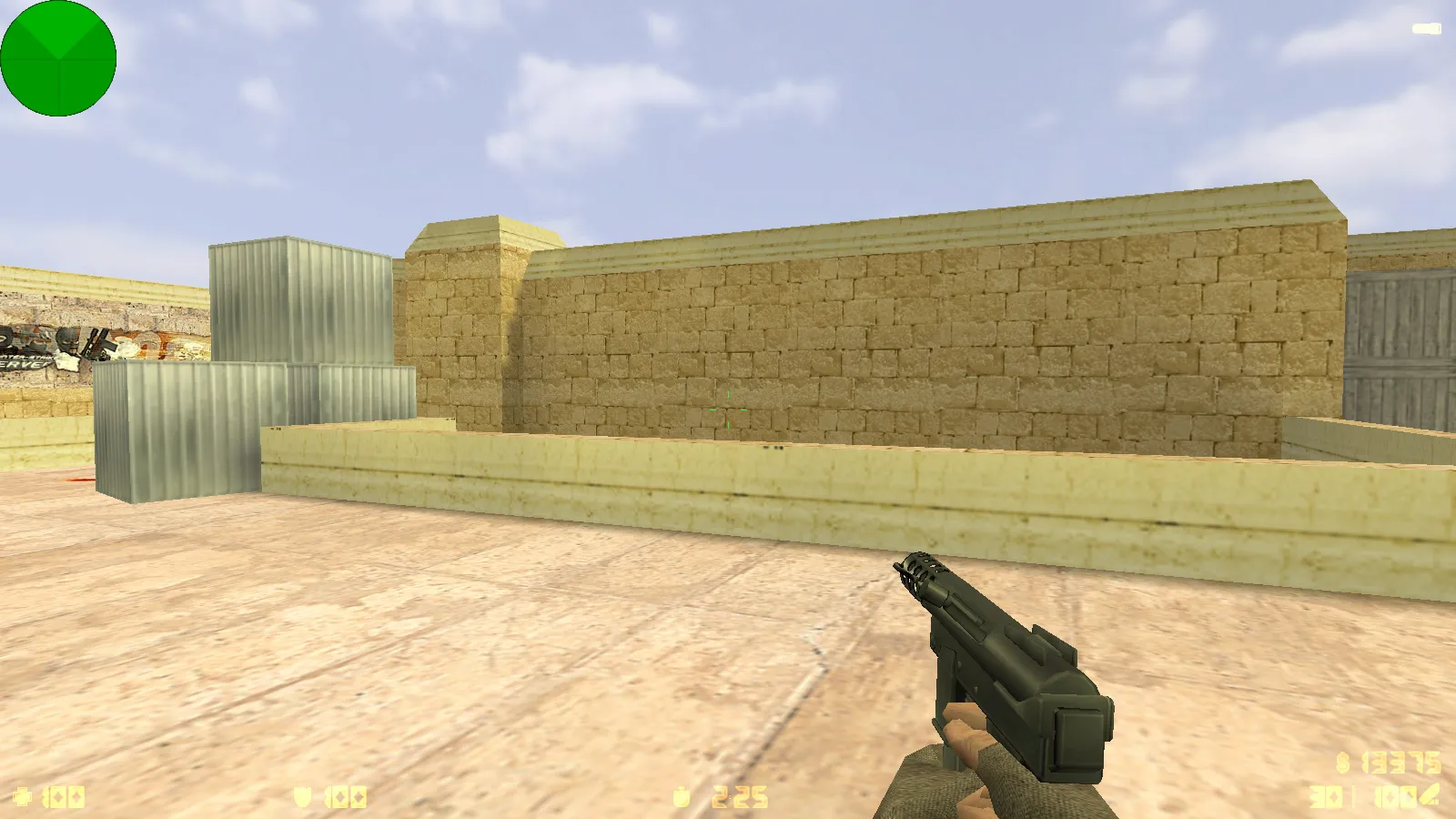
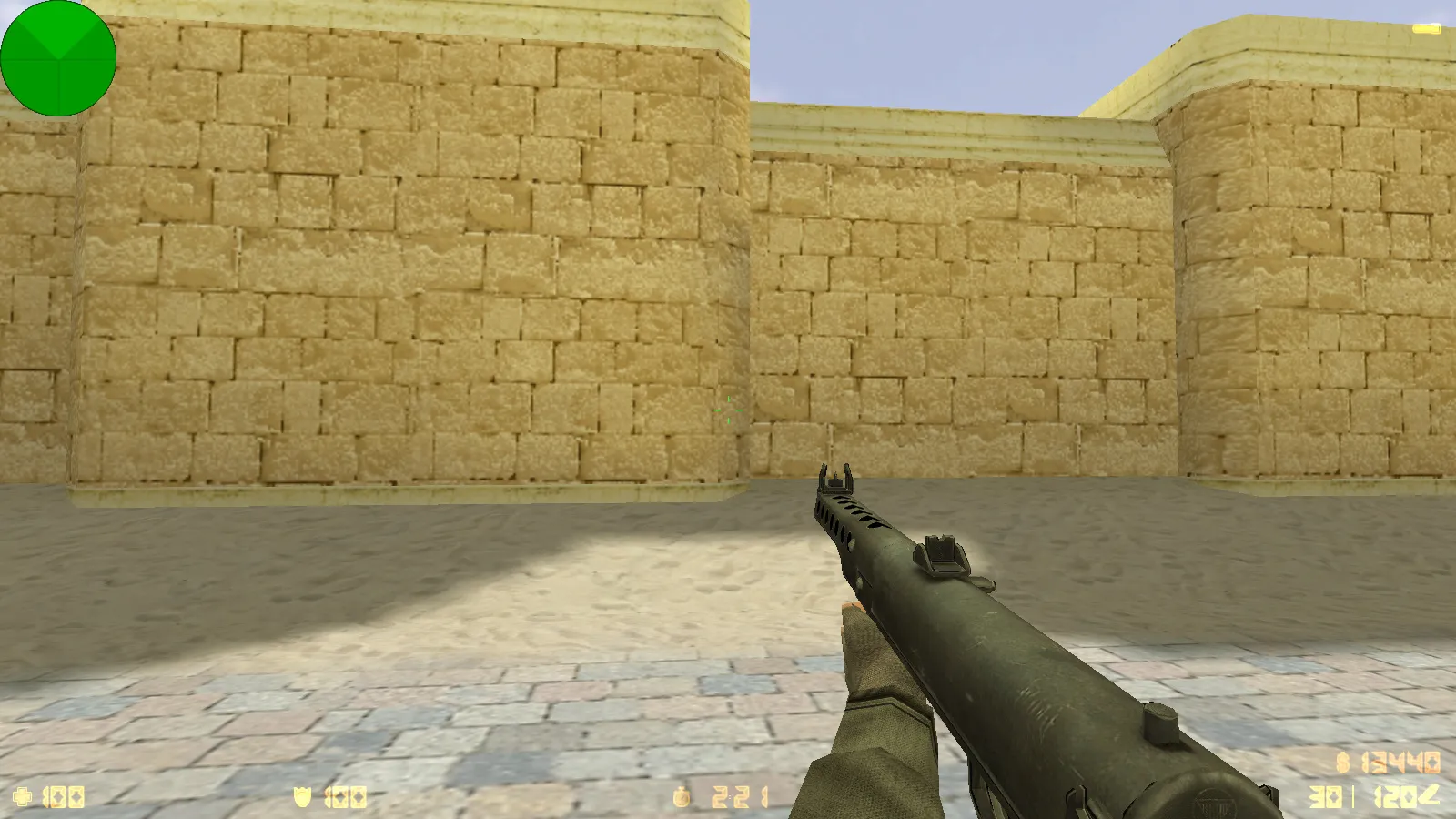
This Counter-Strike 1.6 Victory Day themed build captures the holiday spirit while preserving the core gameplay. It delivers 10 fresh updates that adjust visuals and audio: weapon models, side-specific player models, a main menu overhaul, sounds, and music. Everything functions exactly like standard CS 1.6. There are no auto-connects or hidden surprises. Install the build, launch it, and play on your own terms with bots or on online servers.
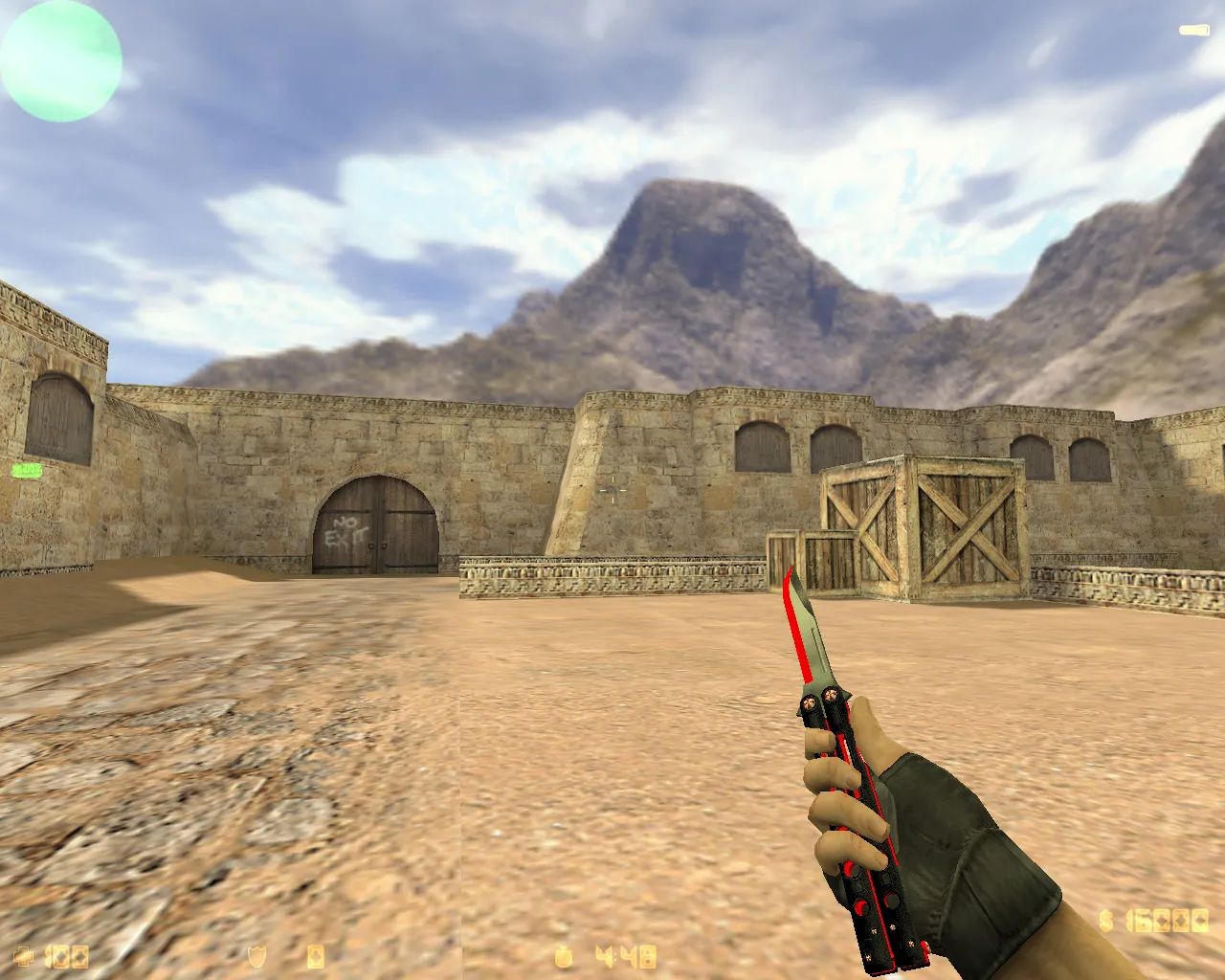
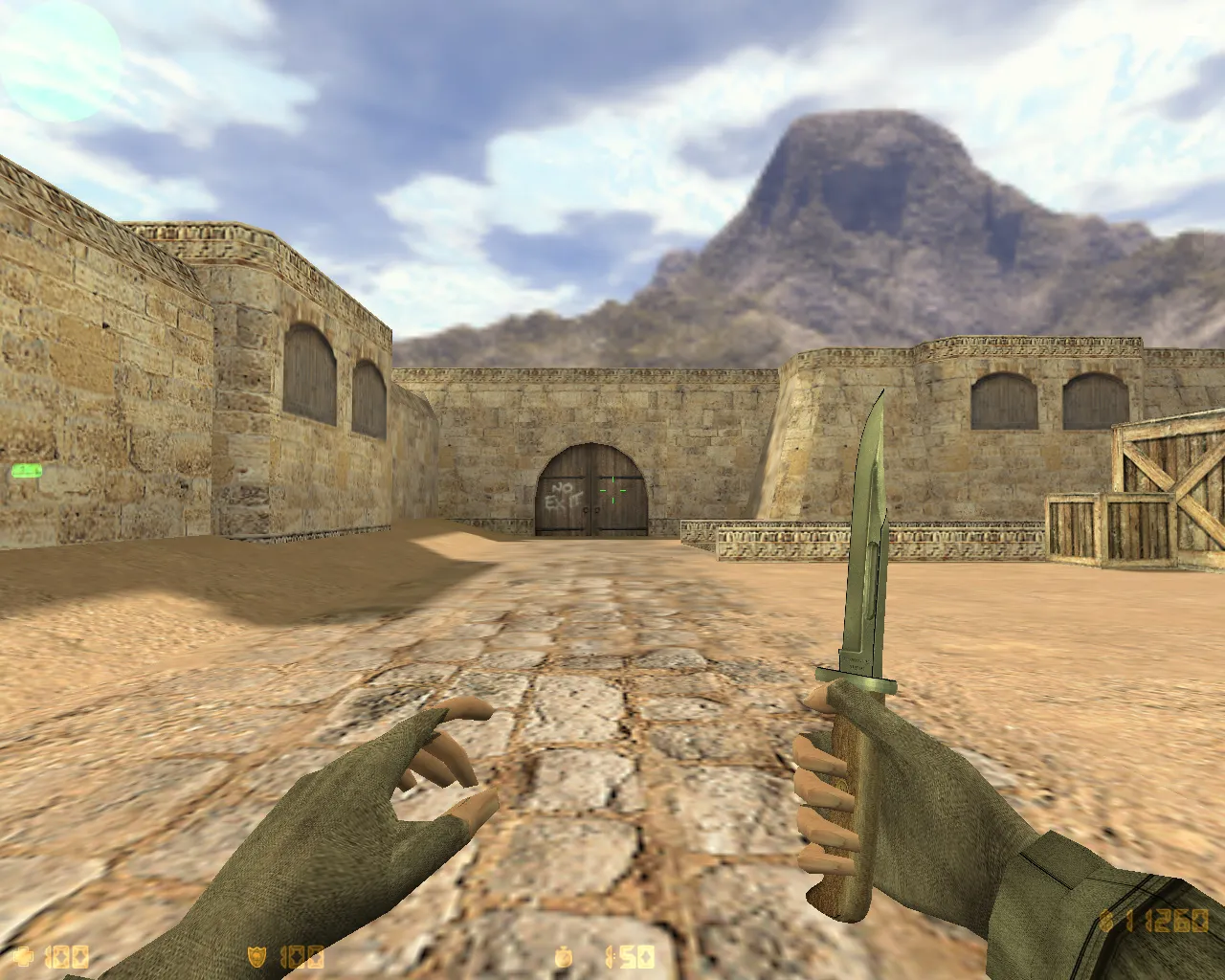
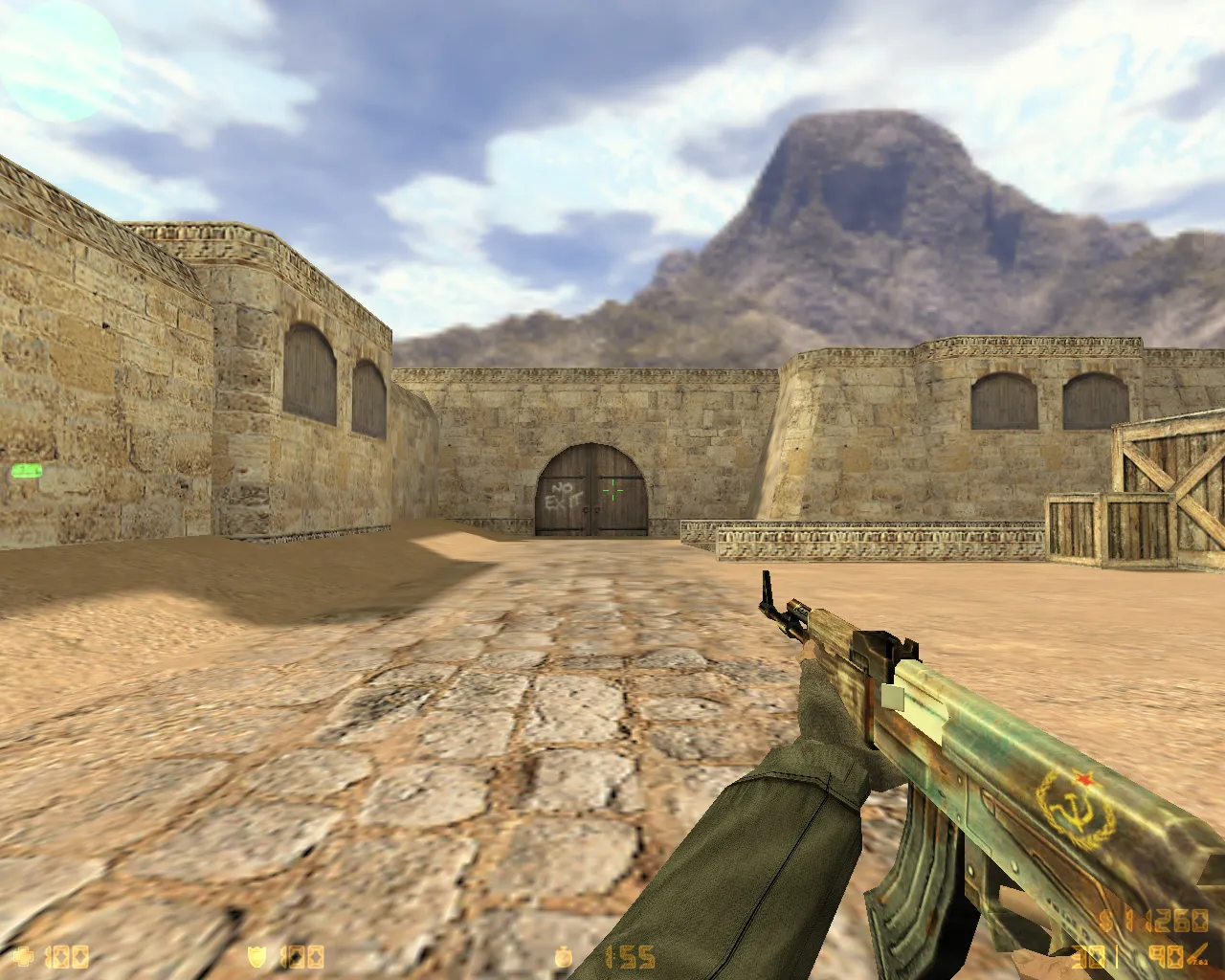
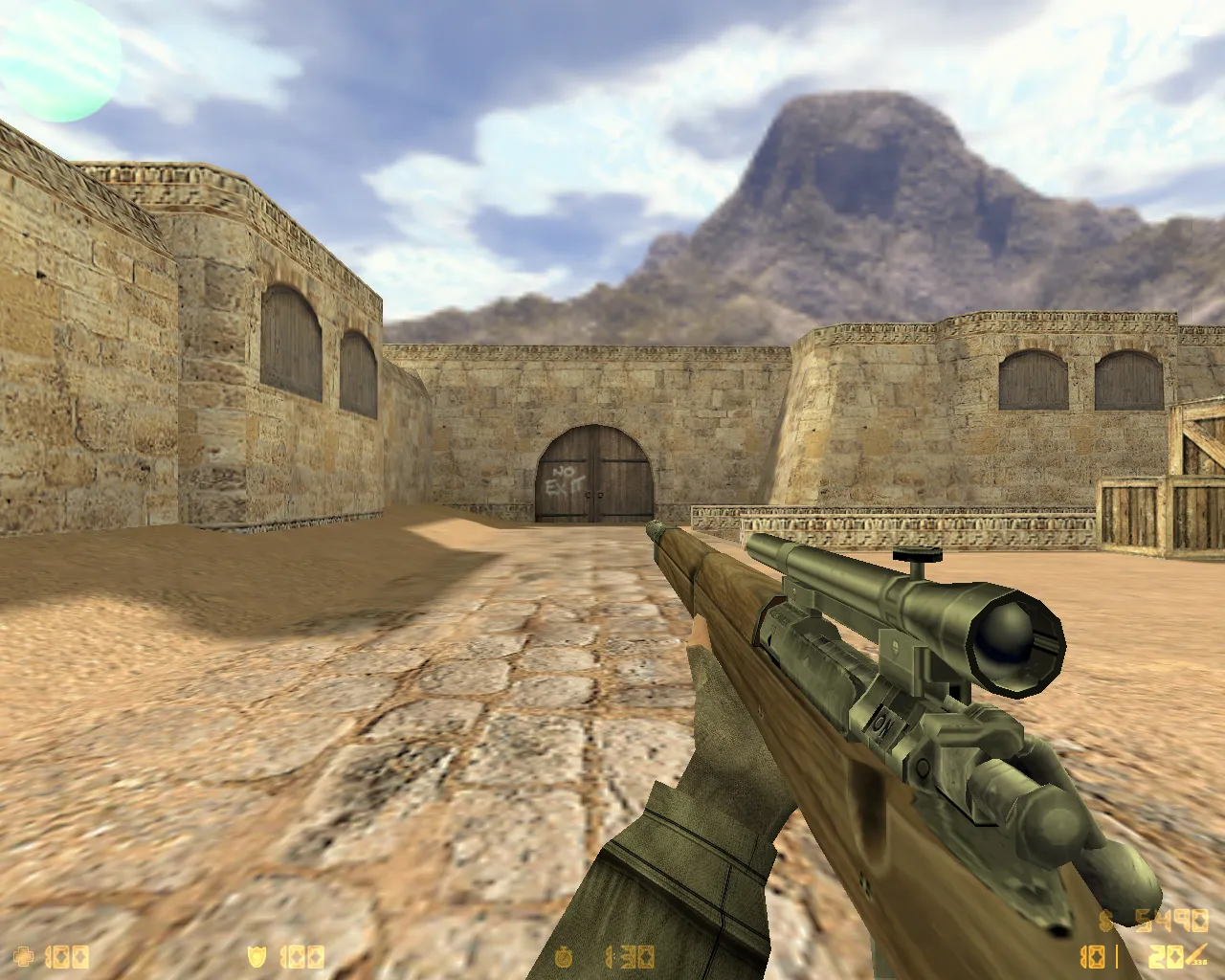
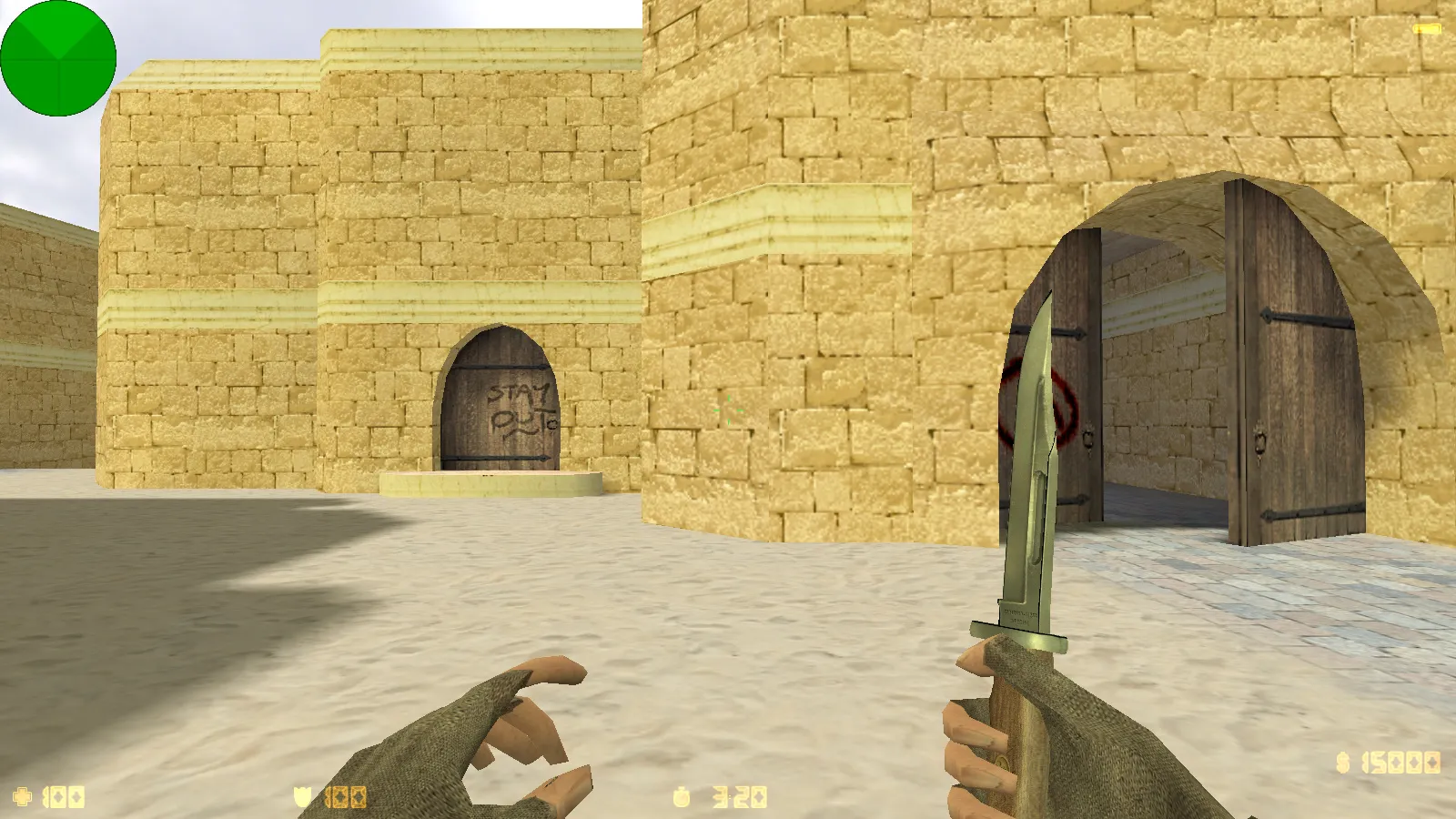
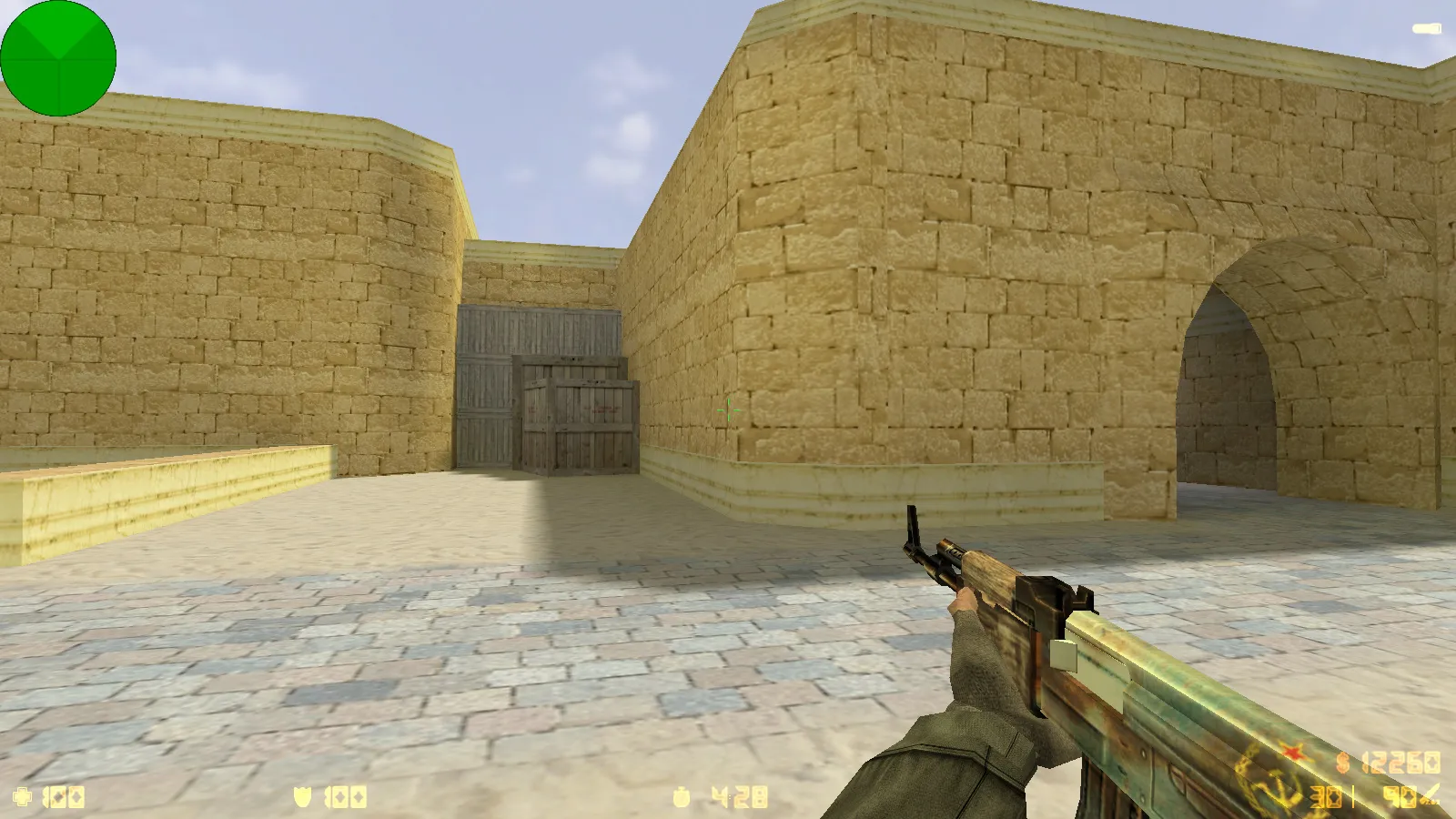
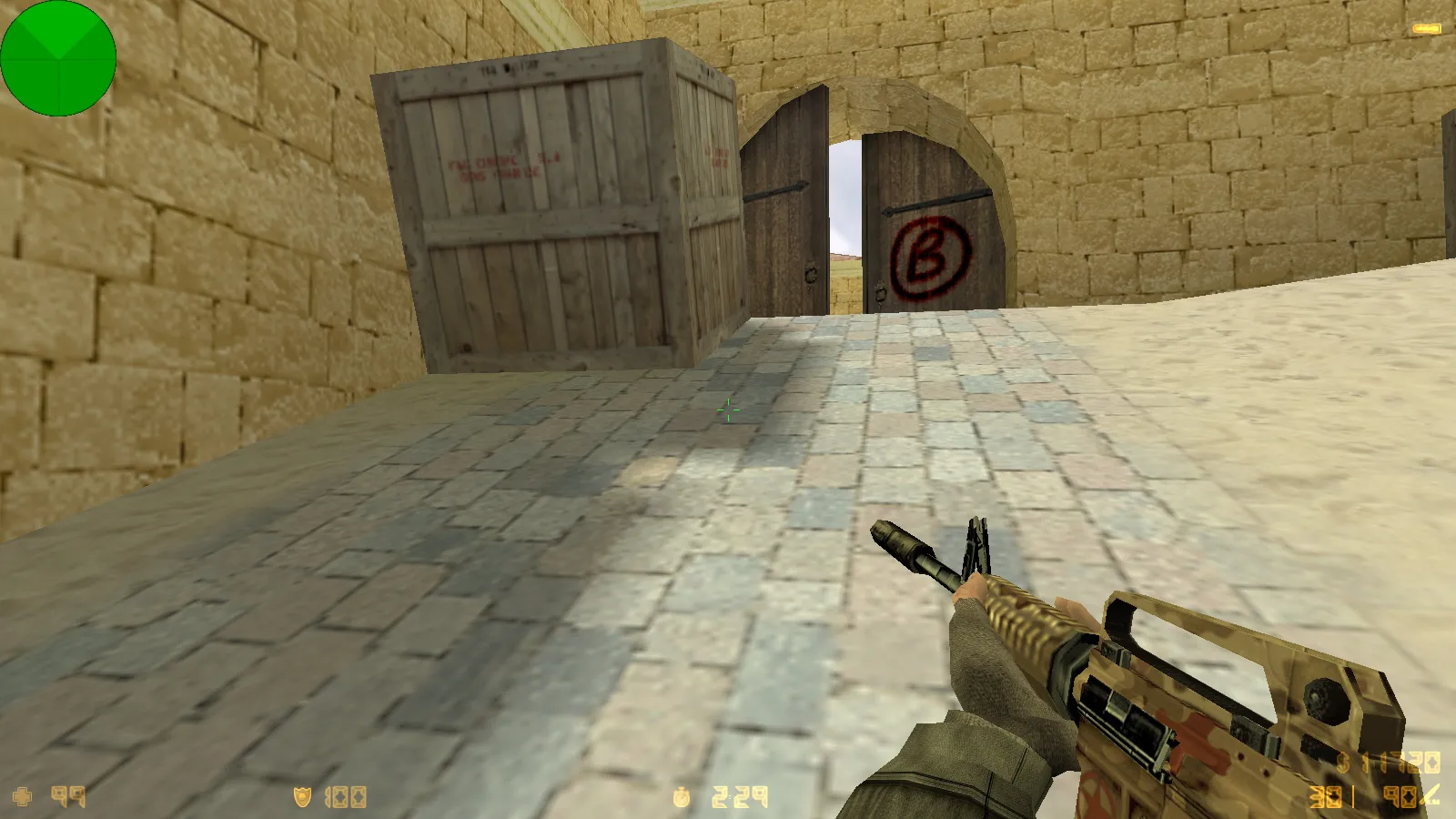
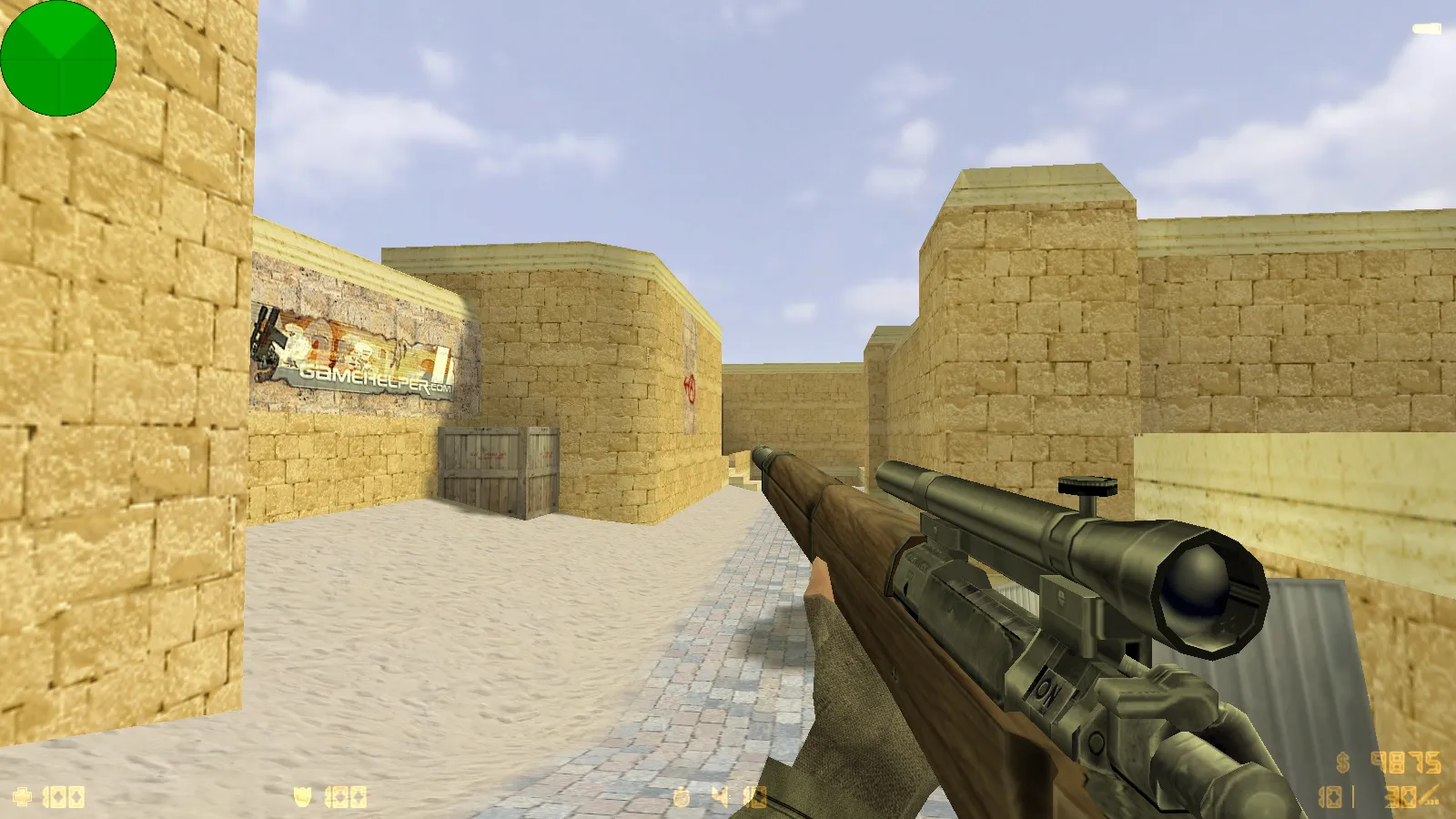
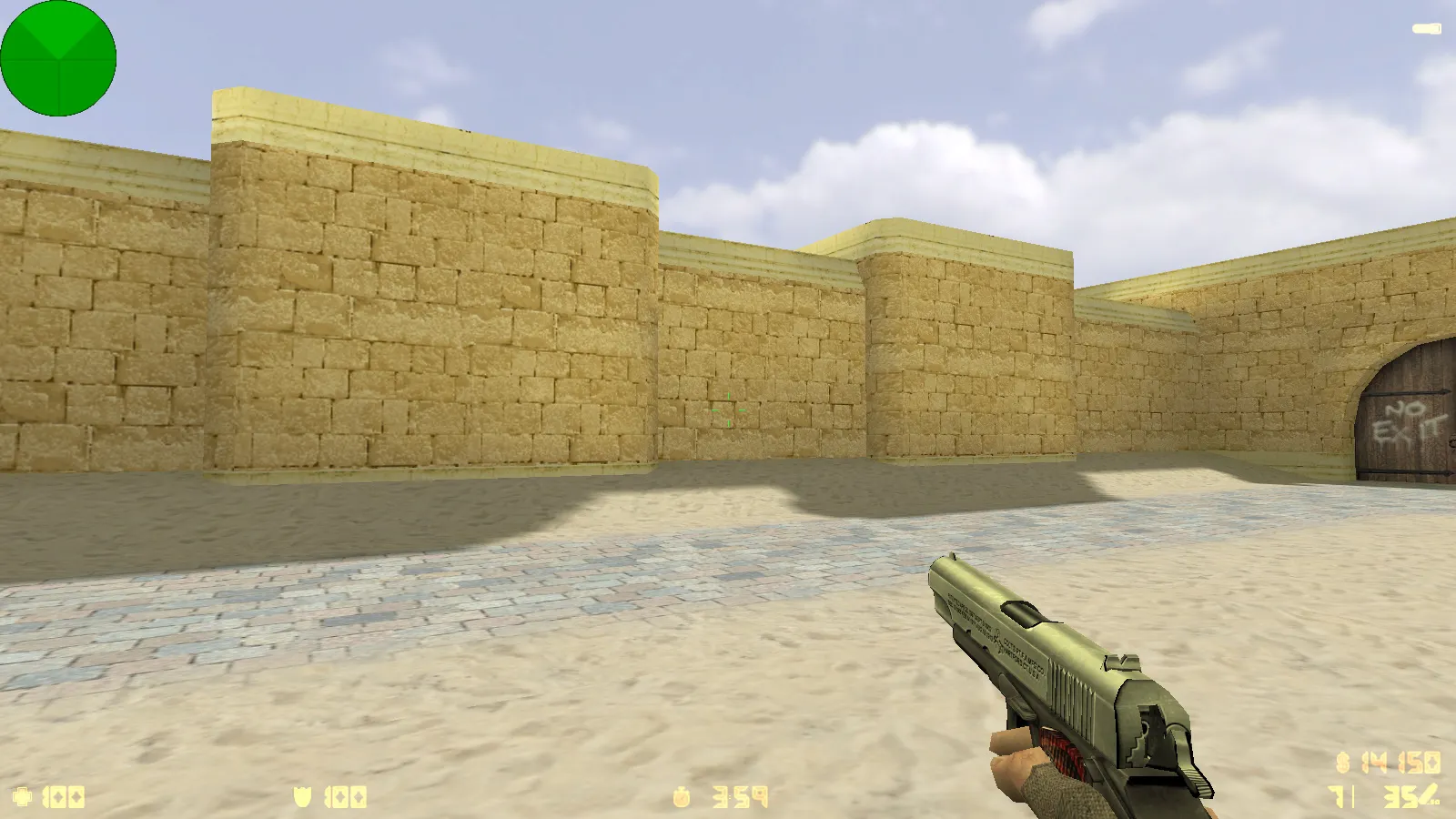
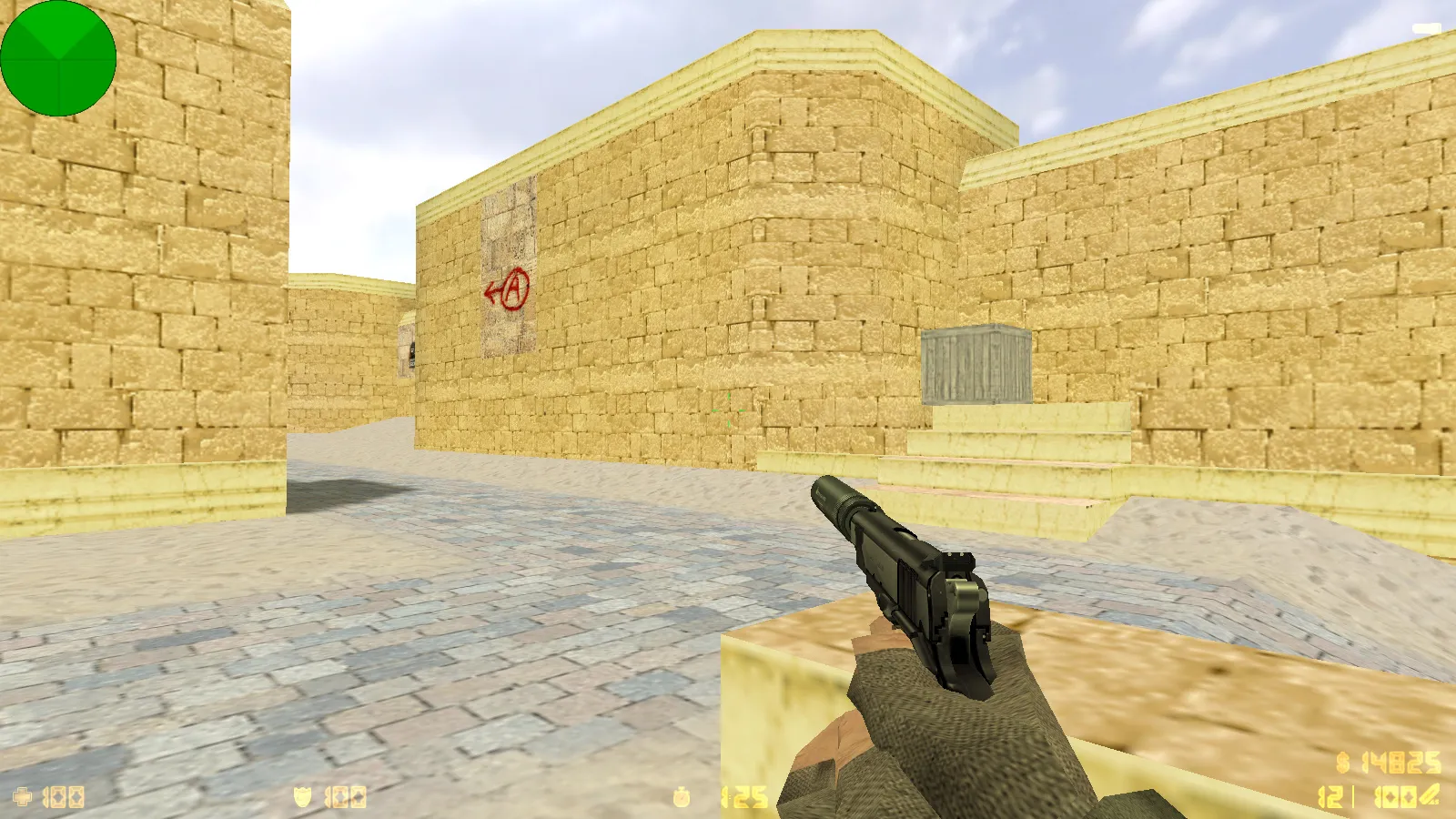
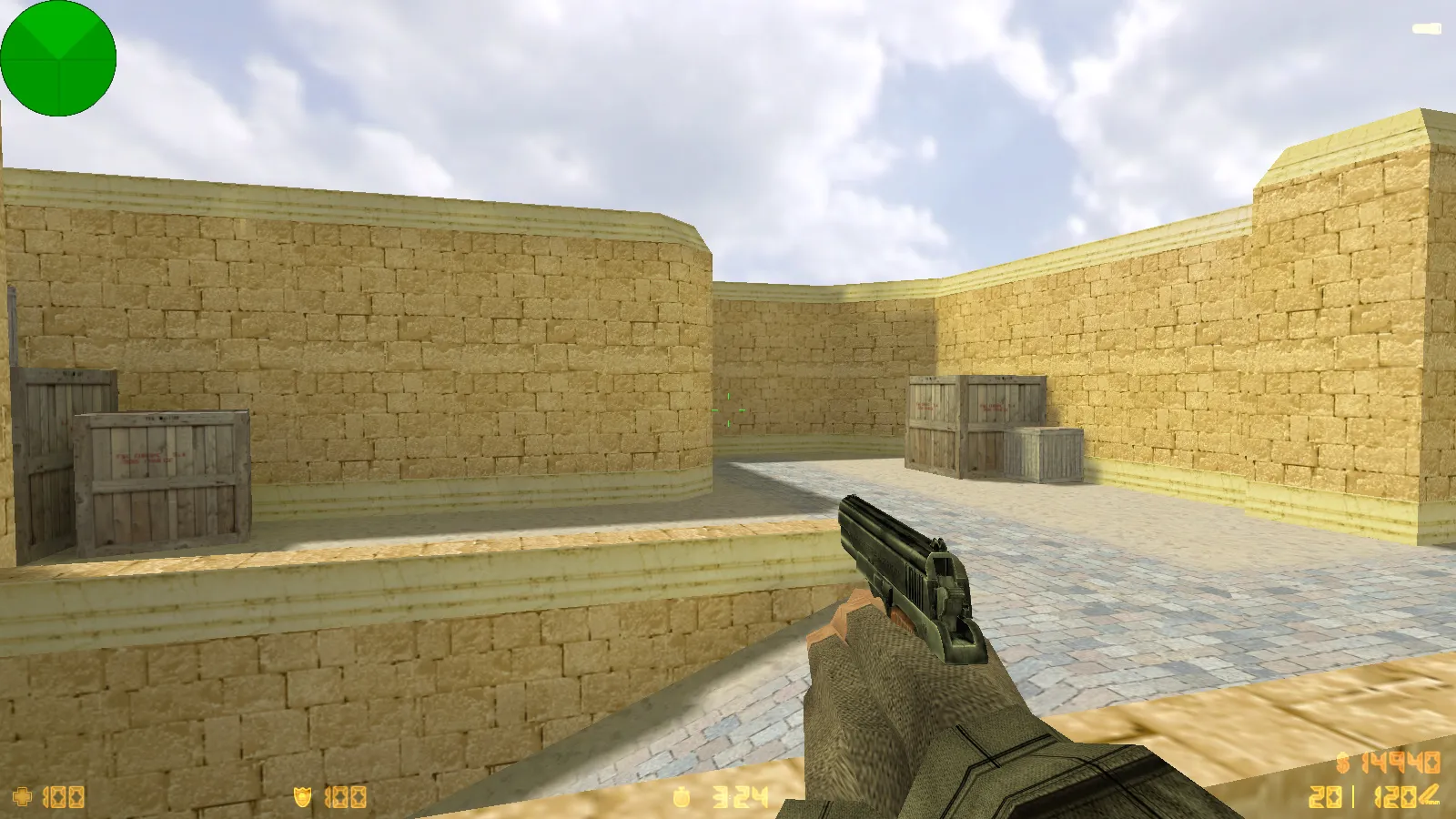
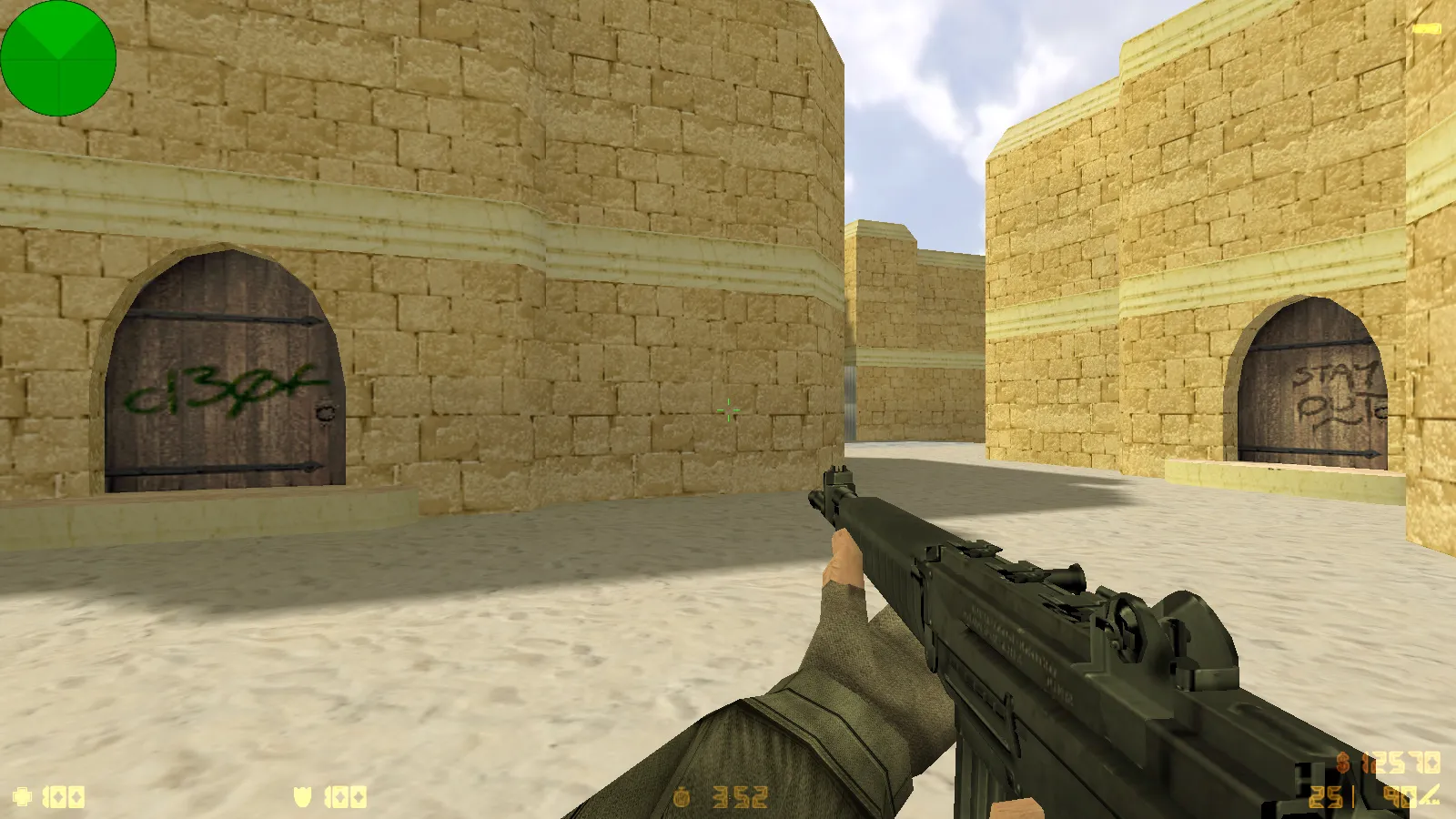
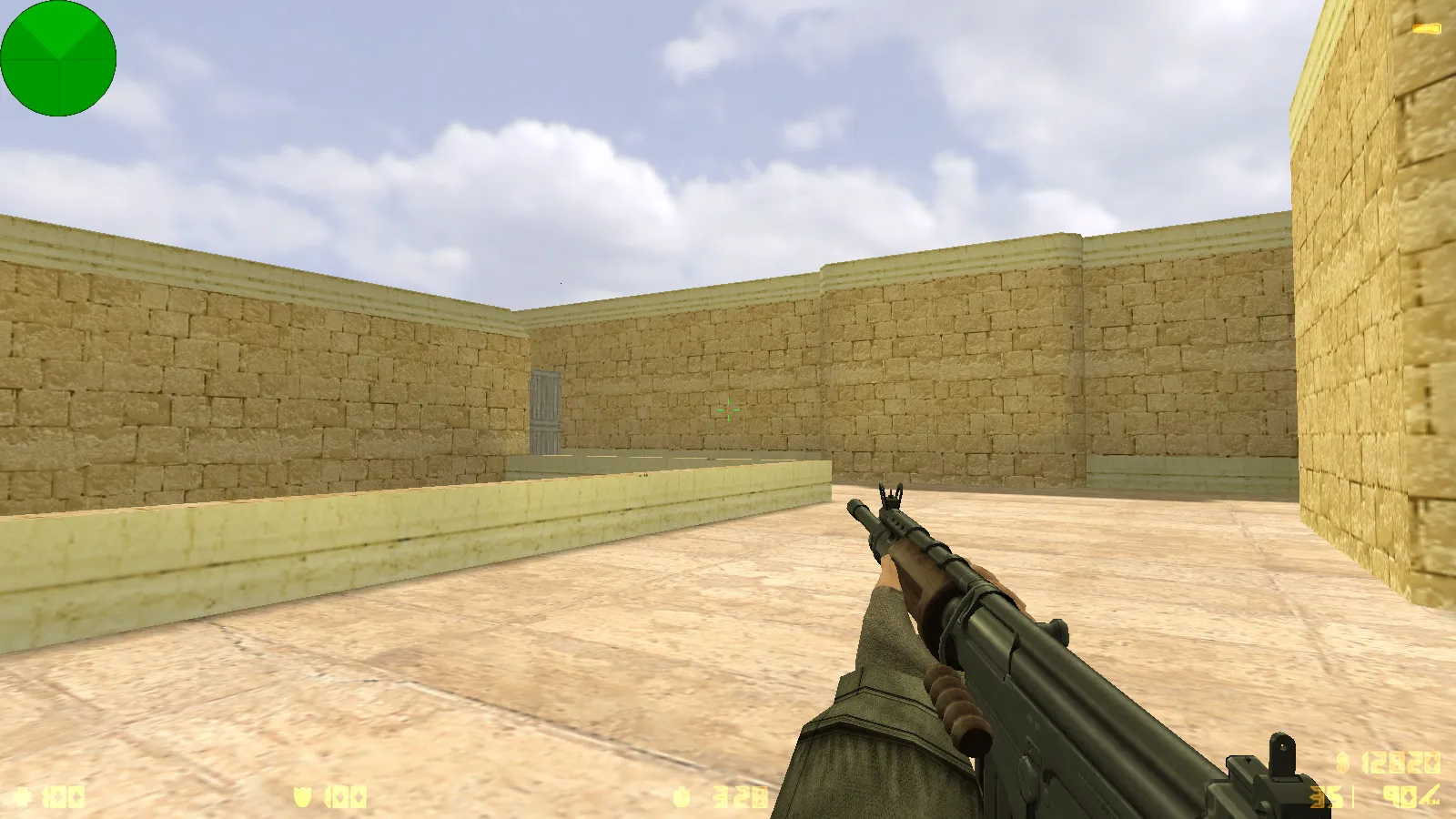
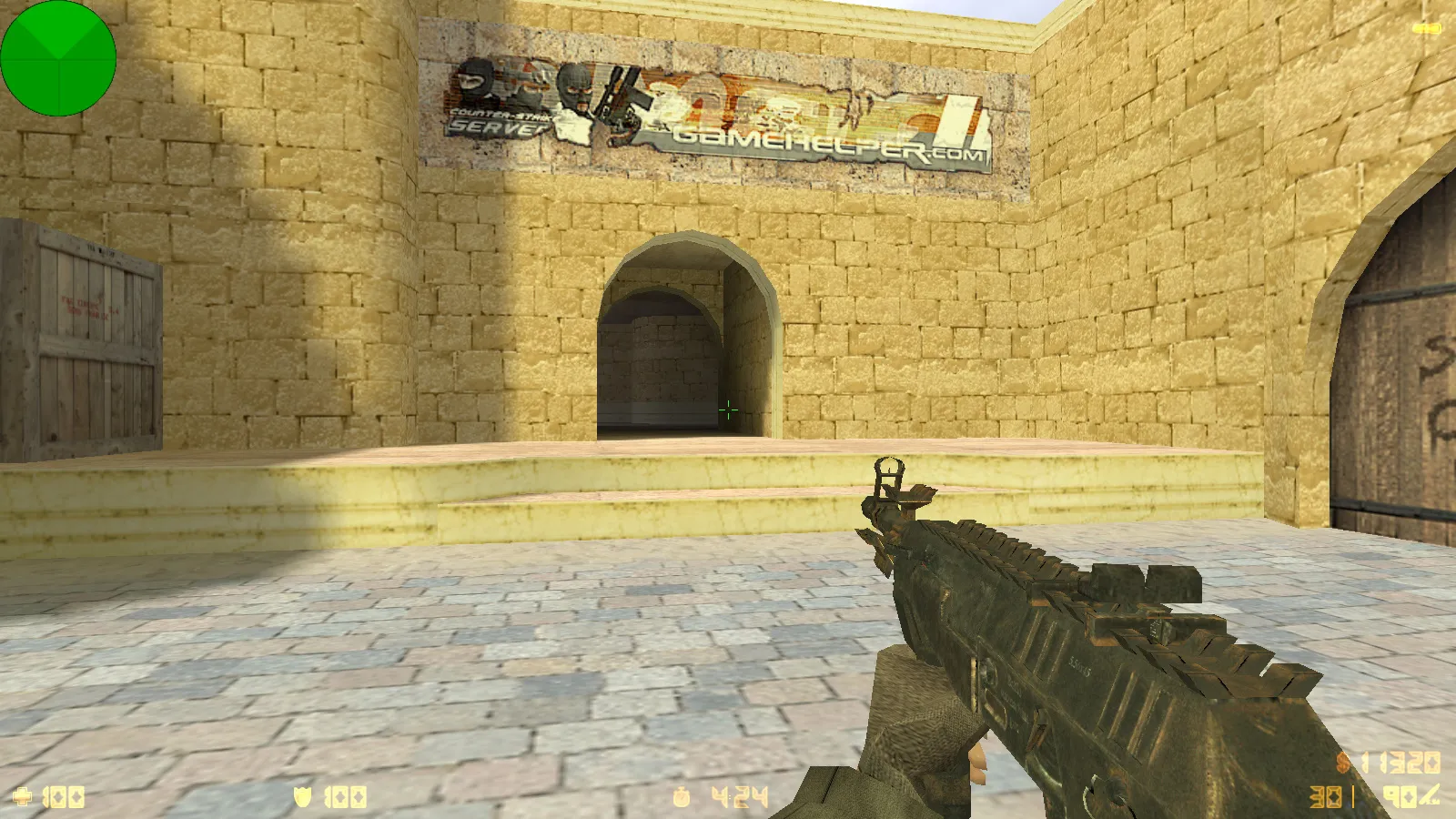
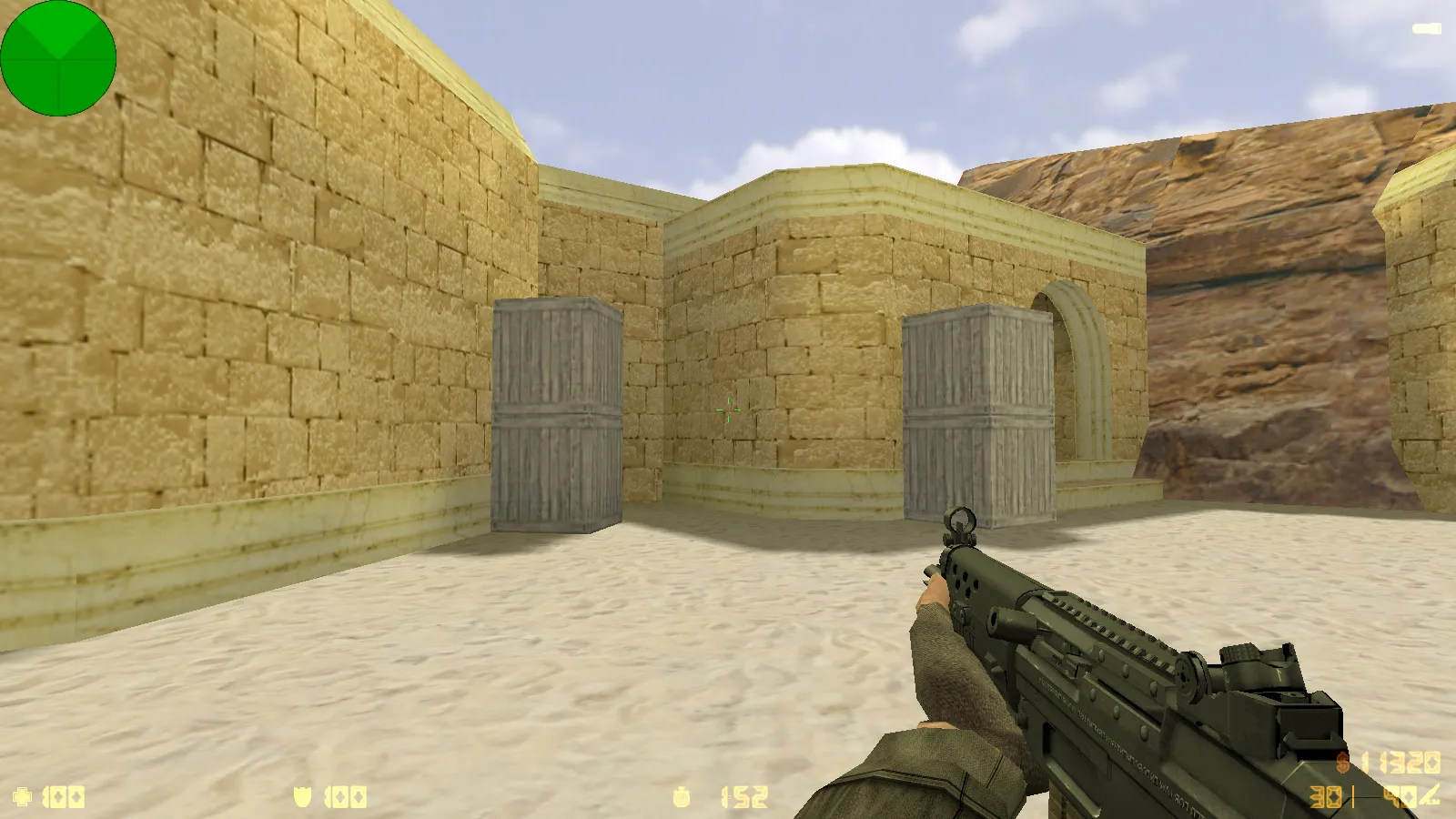
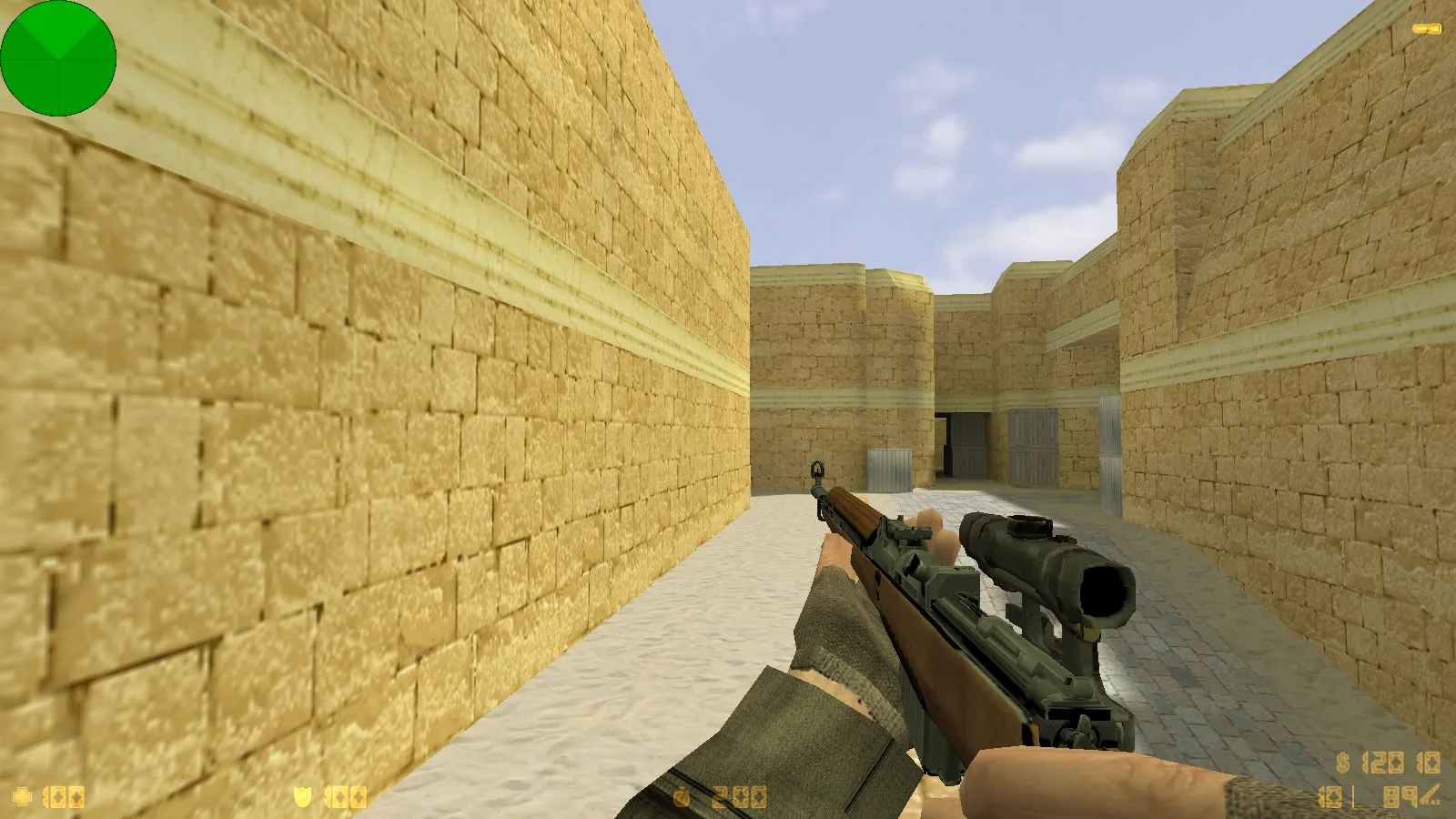
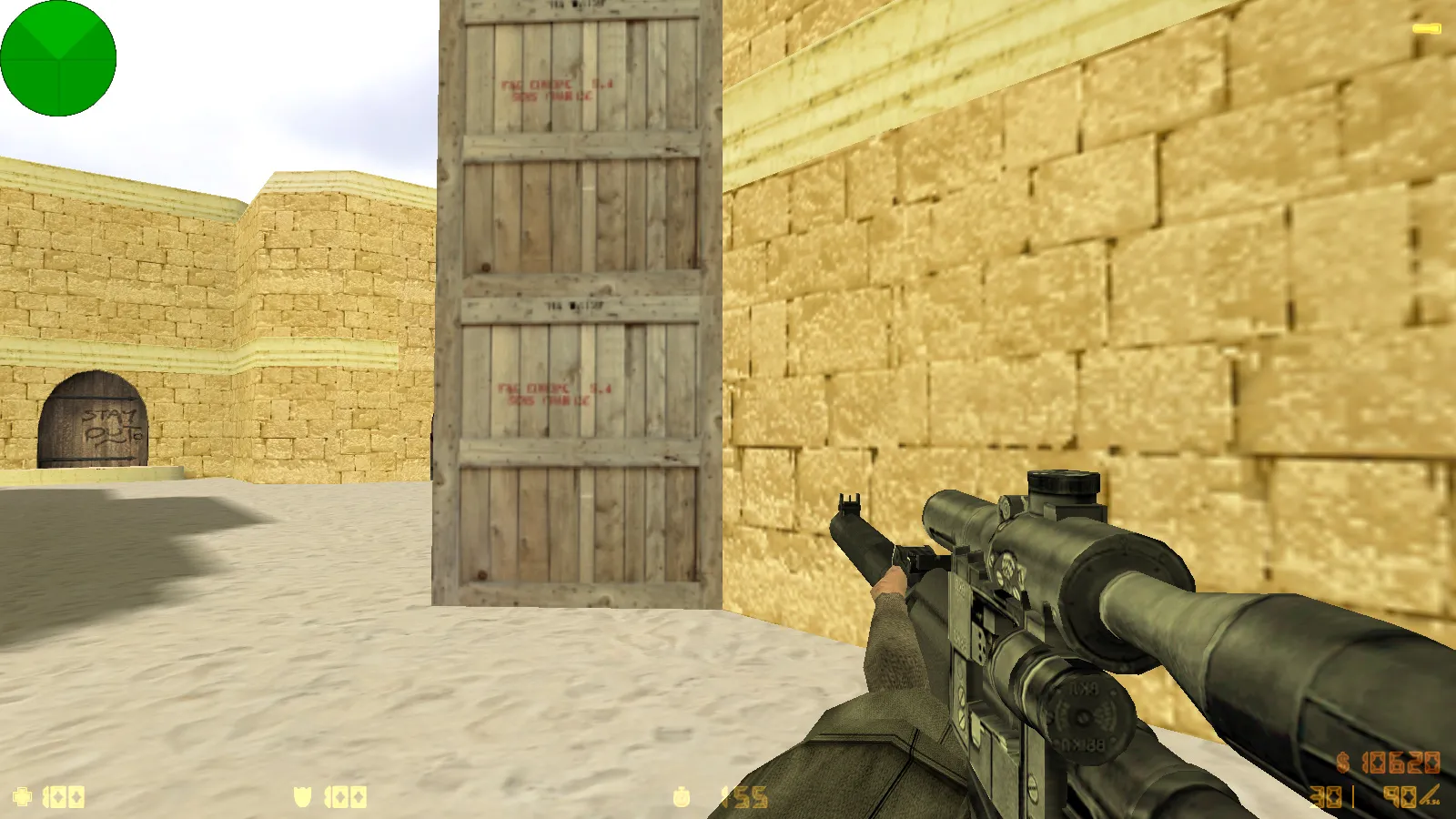
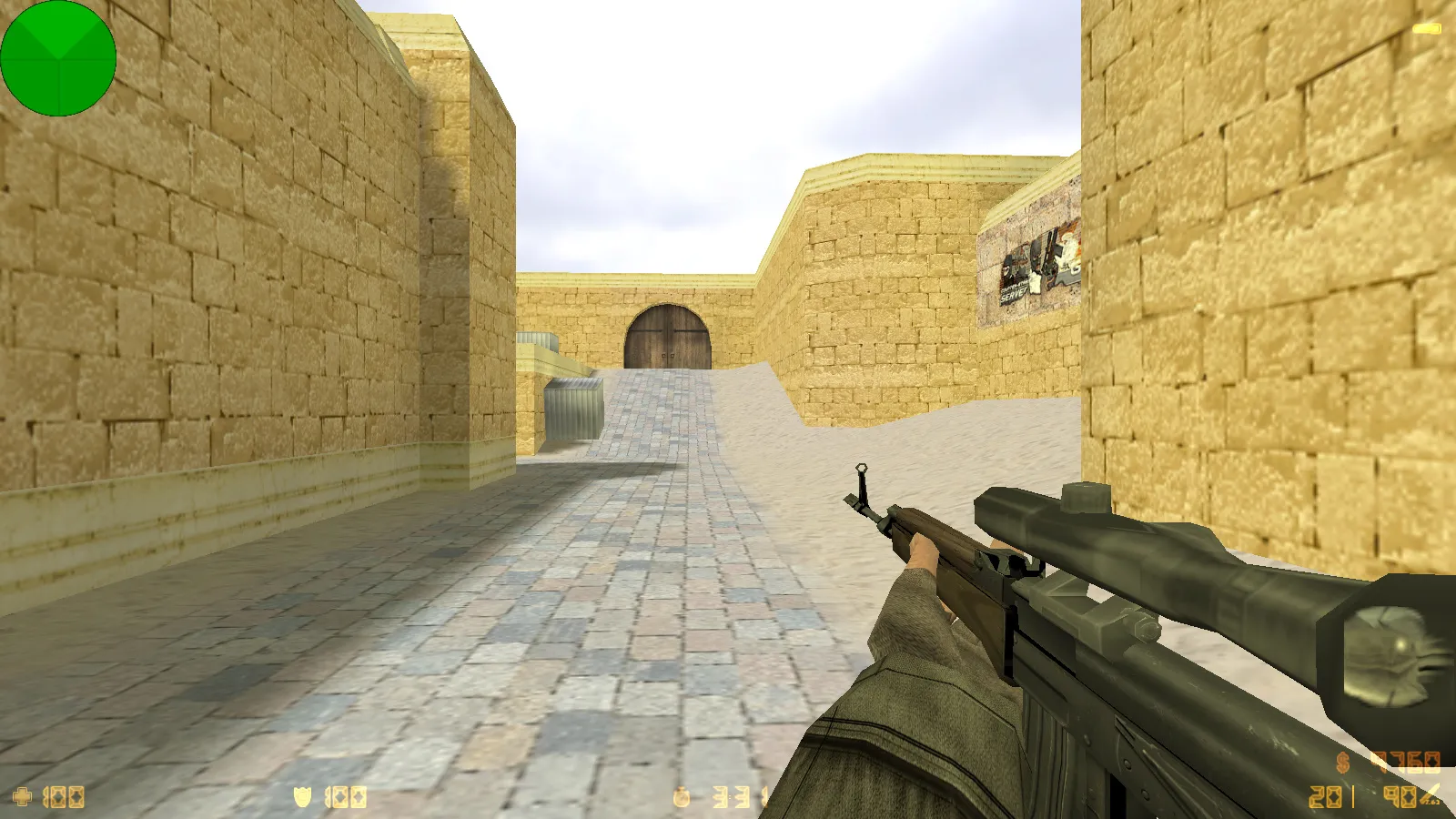
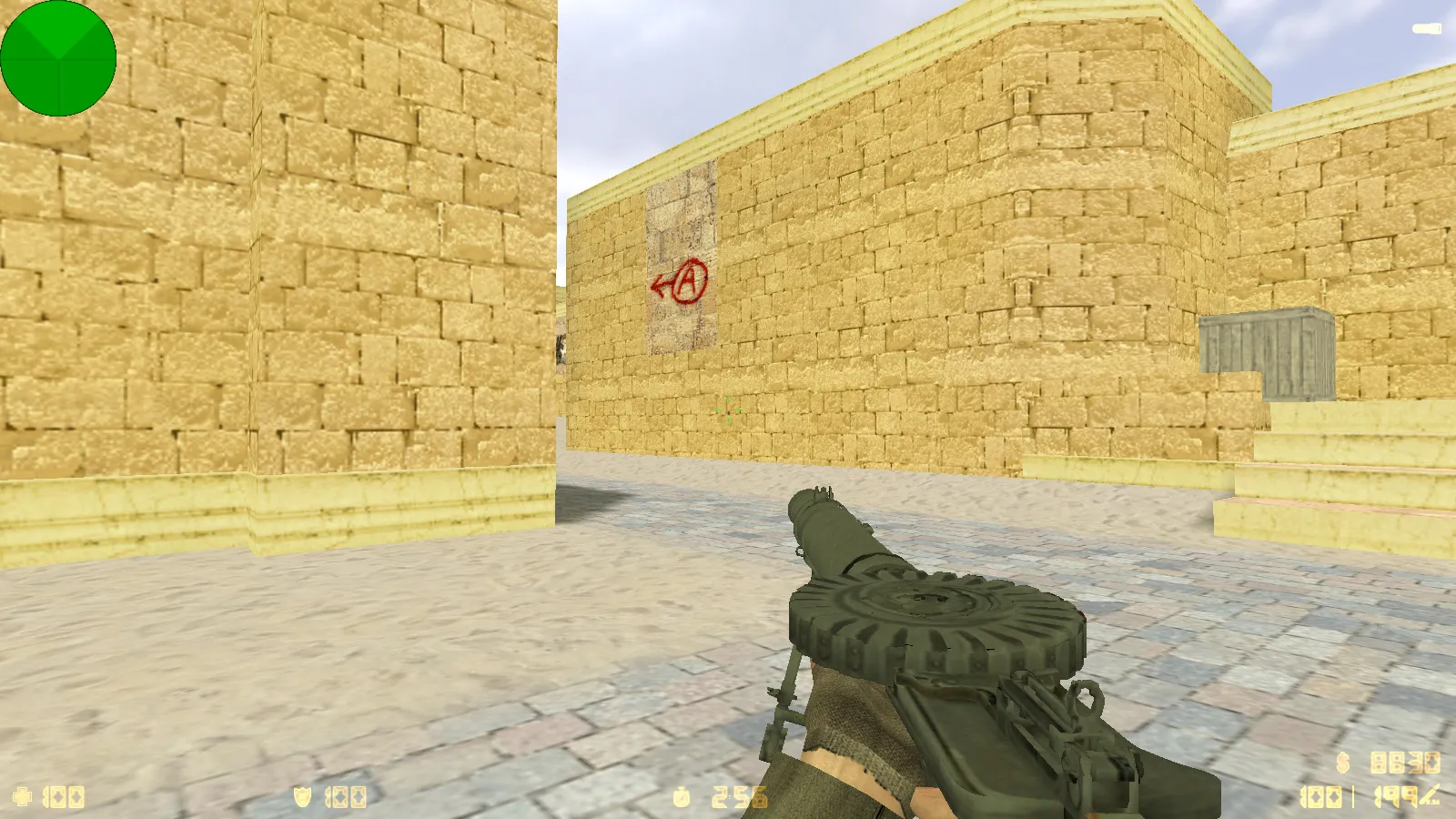
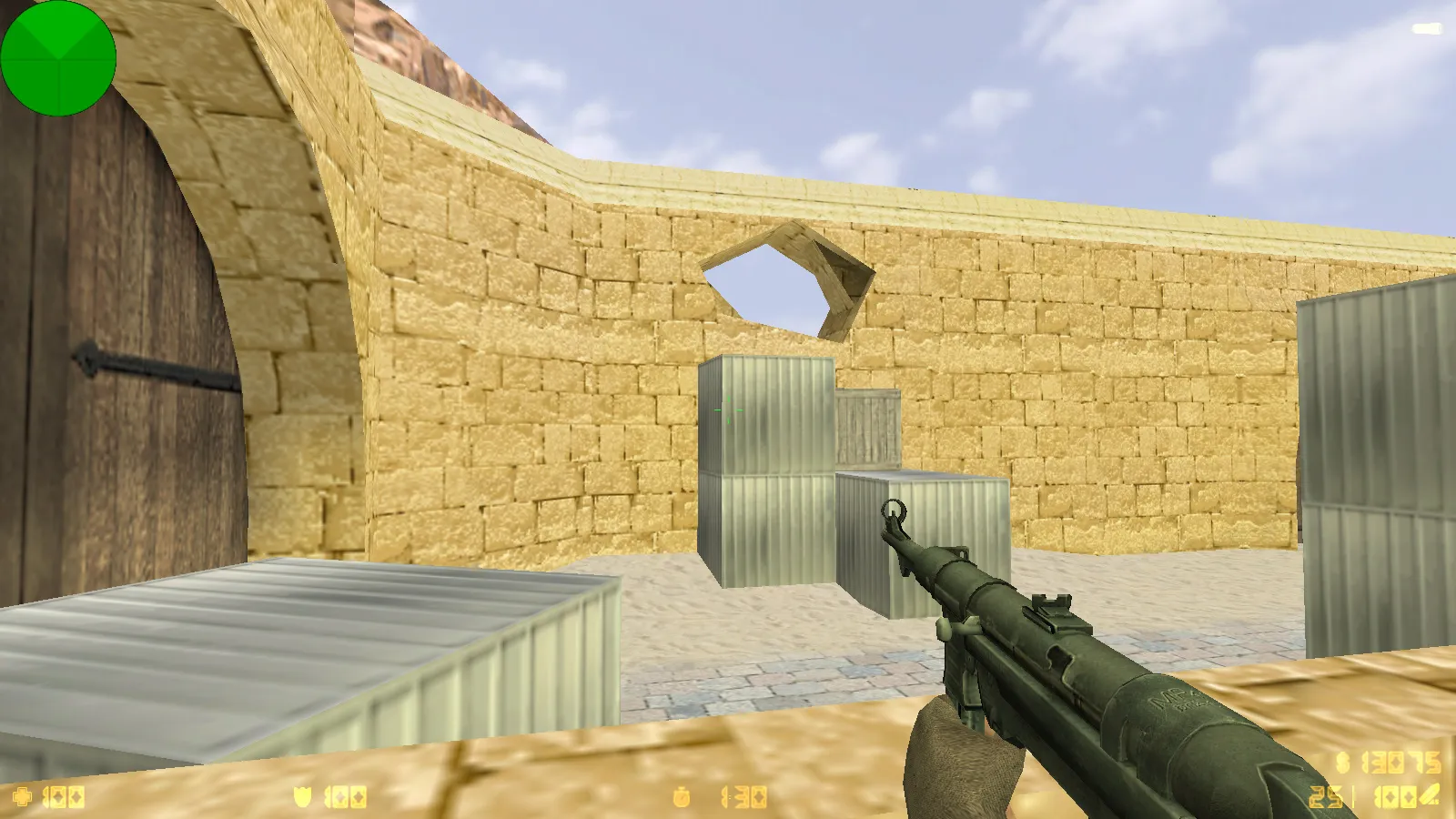
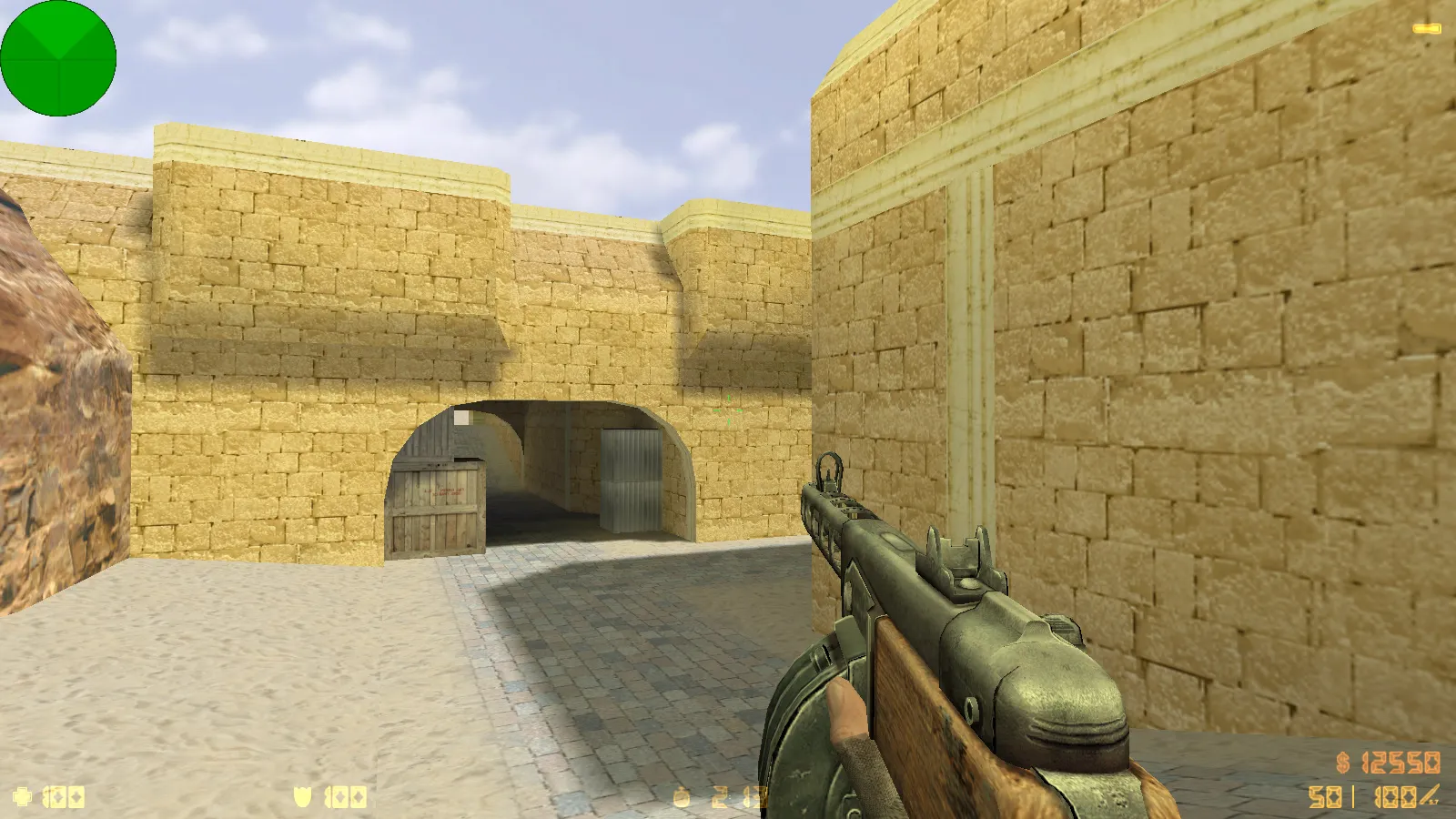
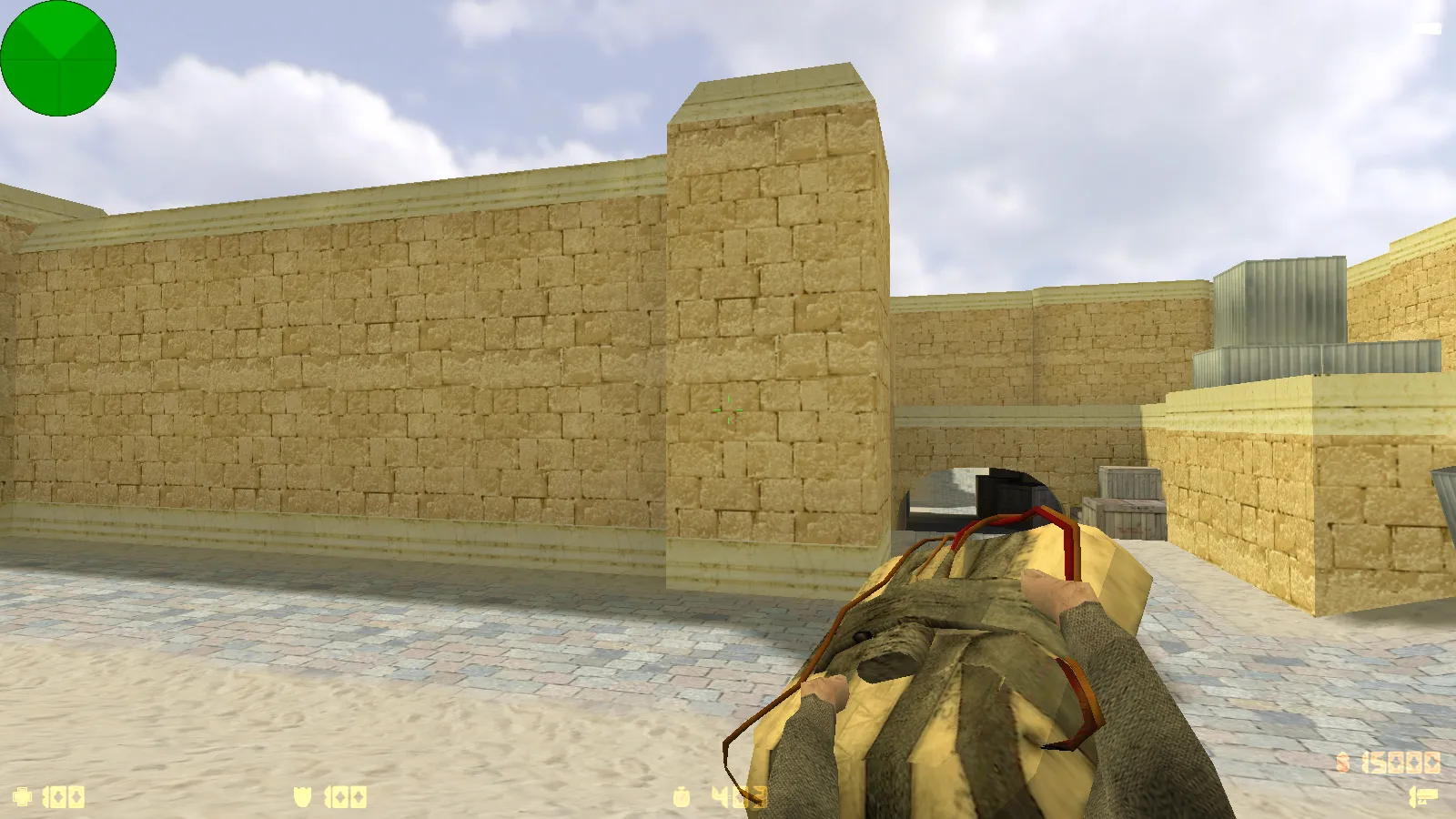
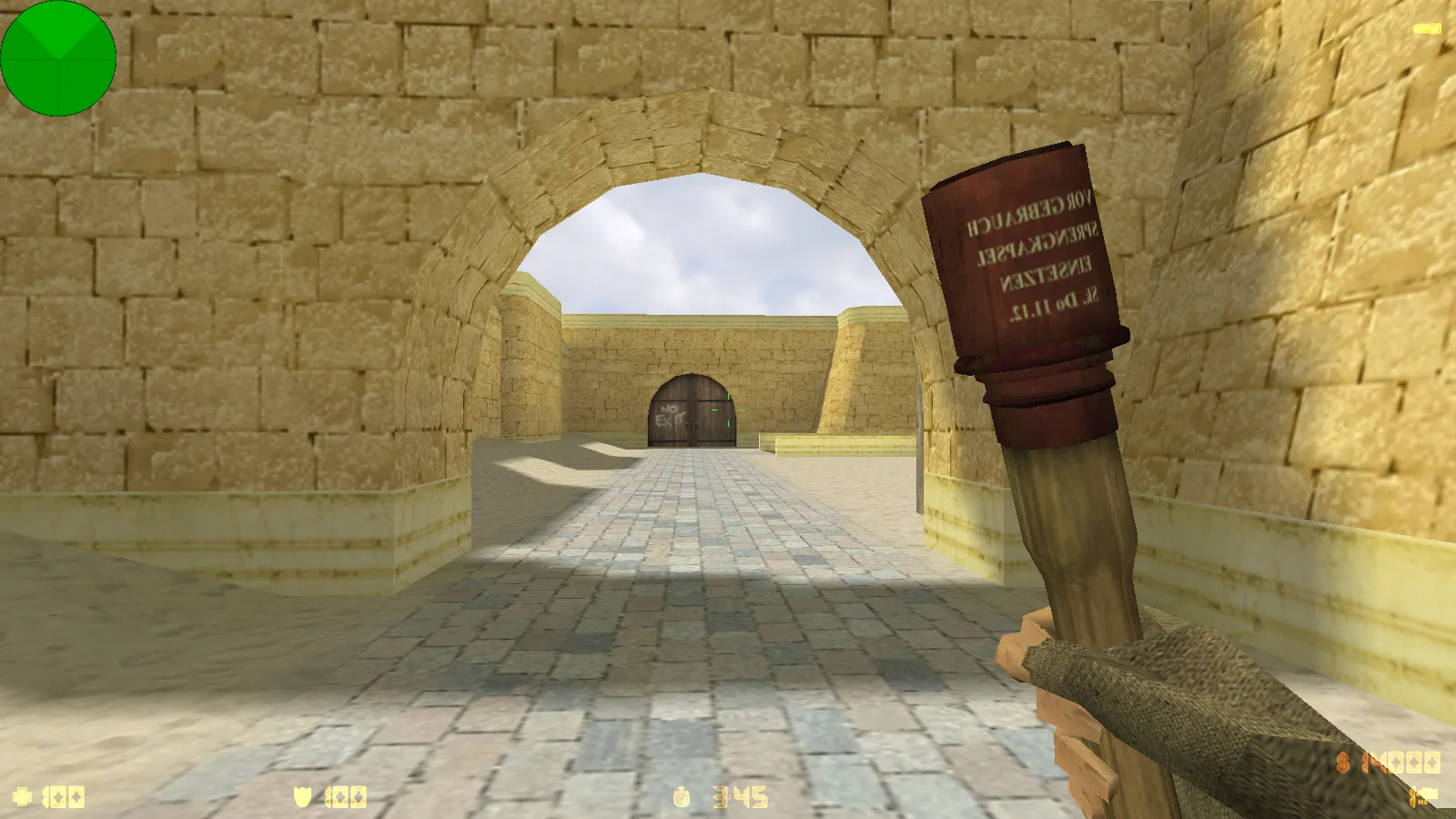
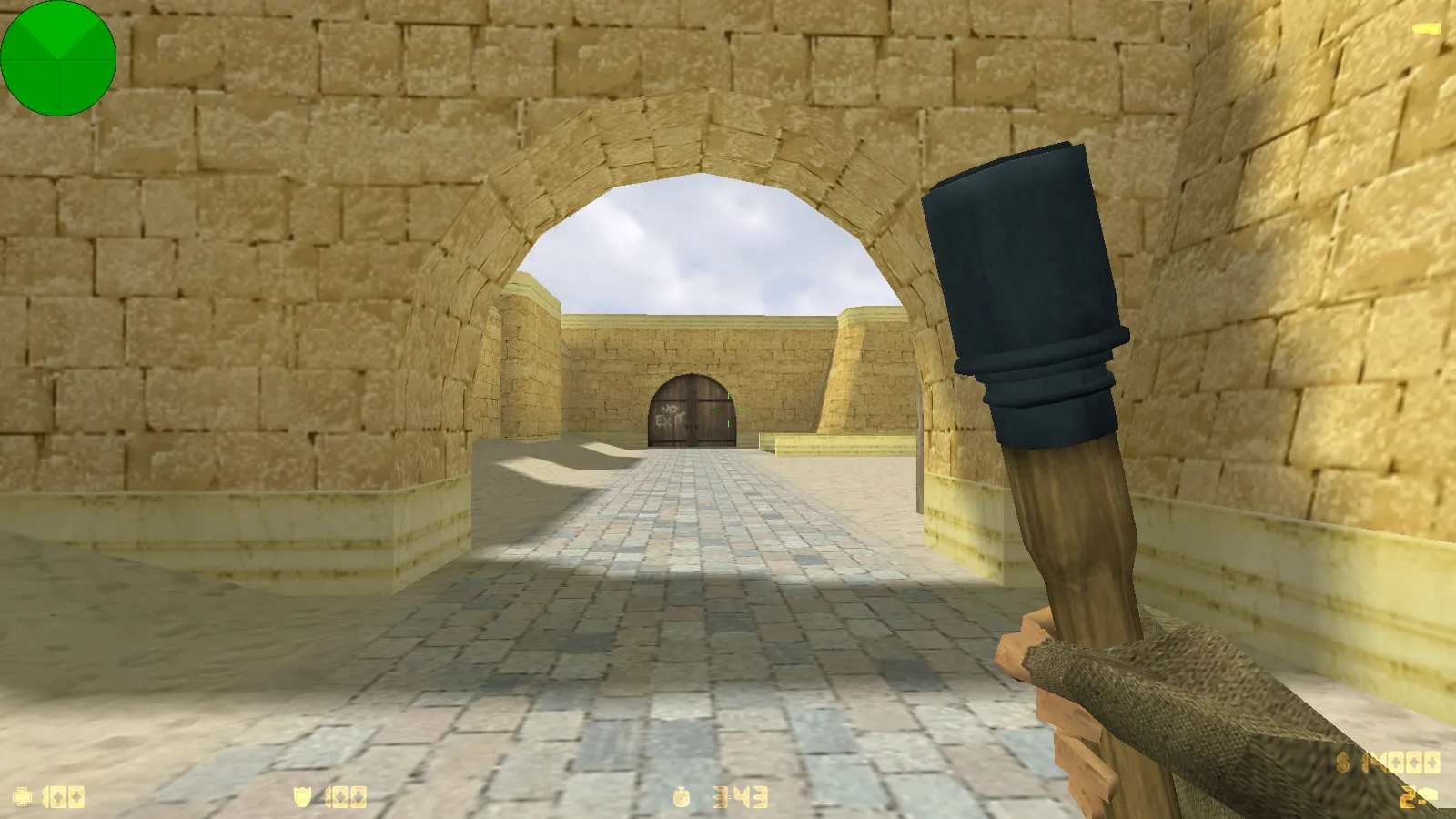
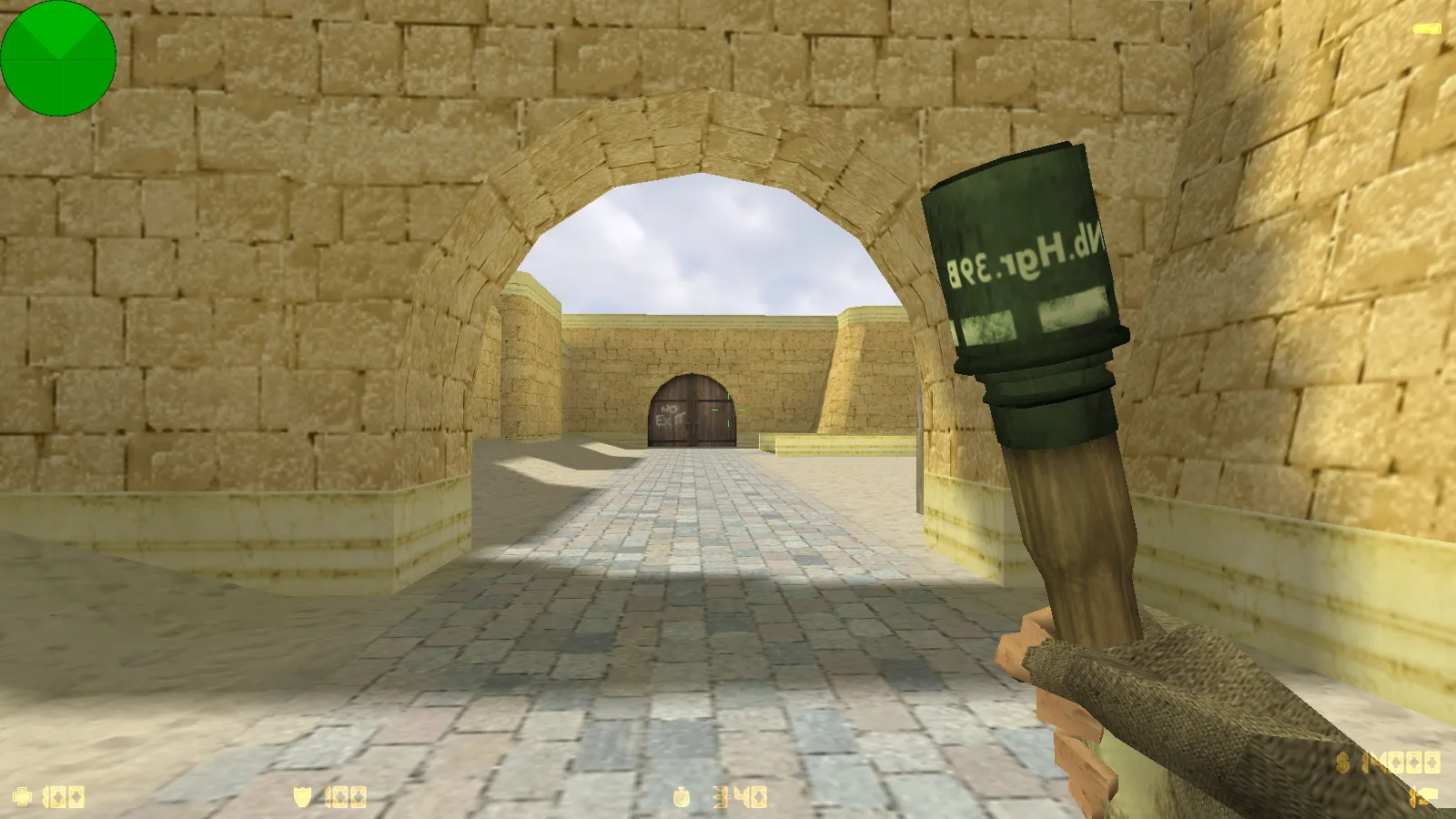
The visual setup keeps matches feeling classic but infused with the theme. Inside, you will find 30 vintage weapon models. These load via standard game resources, prioritizing v_ and p_ models for smooth first-person handling, plus w_ models for third-person world visibility. Inspect animations remain faithful to the original, with weapon switching and viewing flows intact during duels and firefights. Textures use high-definition 512x512 or higher mappings, matched to the overall style to avoid jagged edges on models or UI elements.
Sides and Atmosphere: Red Army vs. German Soldiers
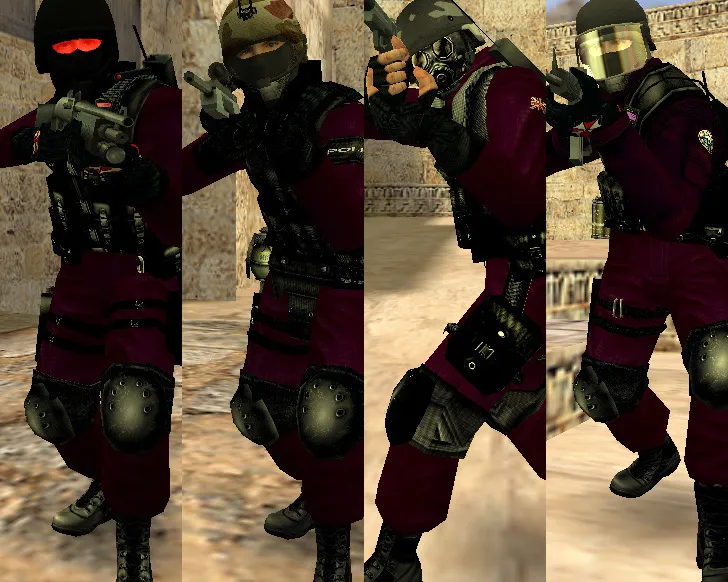
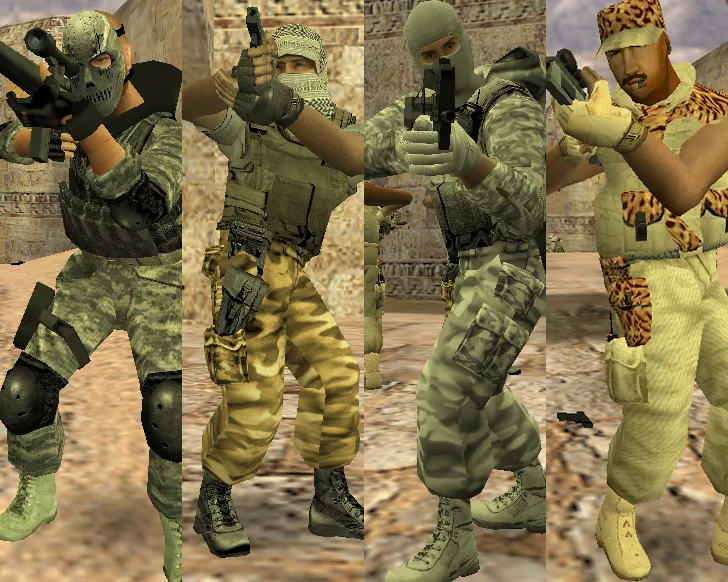
The build replaces player models for thematic factions. Counter-Terrorists become Red Army soldiers, while Terrorists field German troops. This improves role clarity in rounds and enhances map immersion. Models fit the game engine, maintaining hitbox accuracy and stable movement. In low-light areas or at range, silhouettes stay sharp, preventing visual glitches that could obscure targets during engagements.
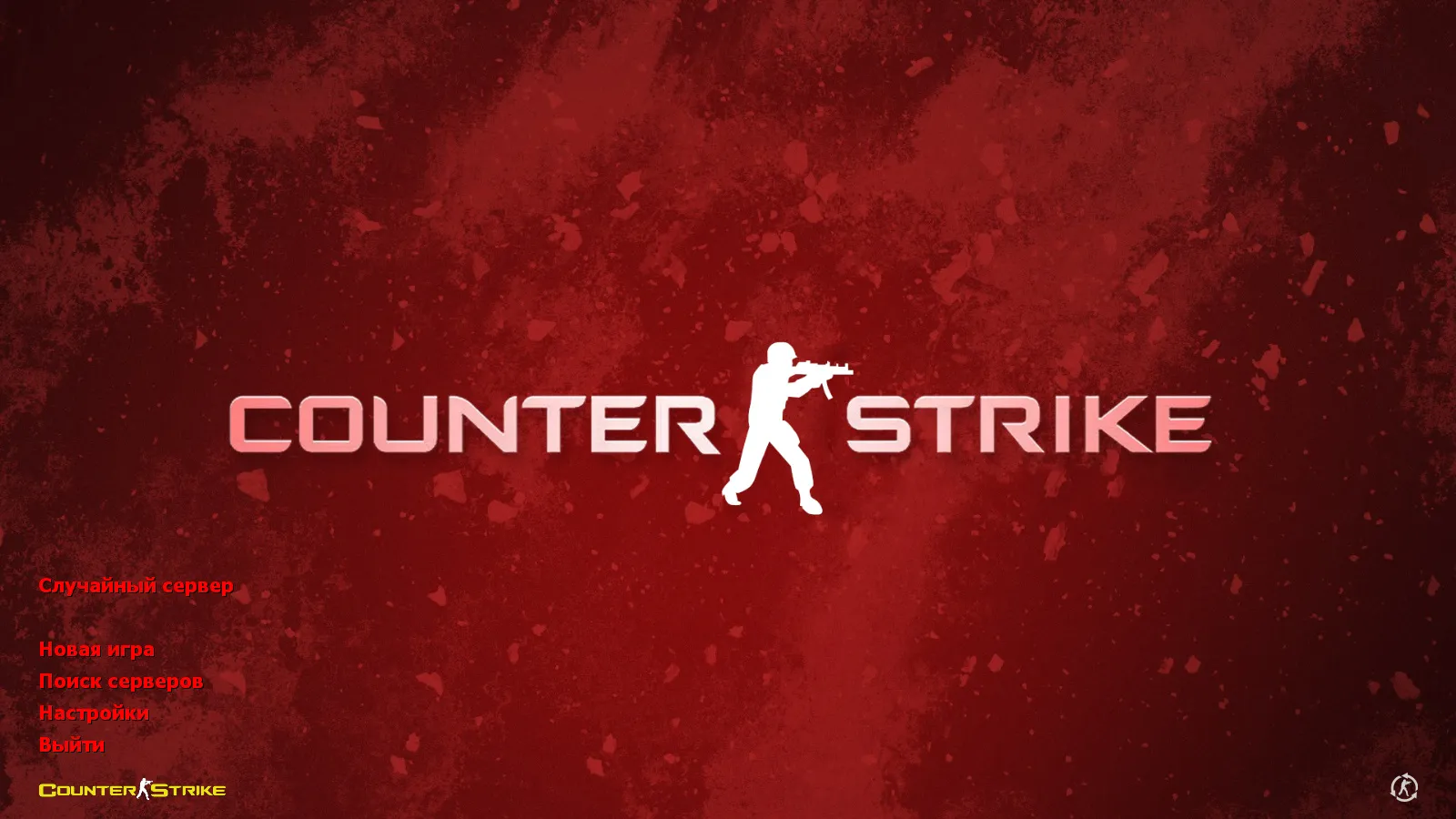
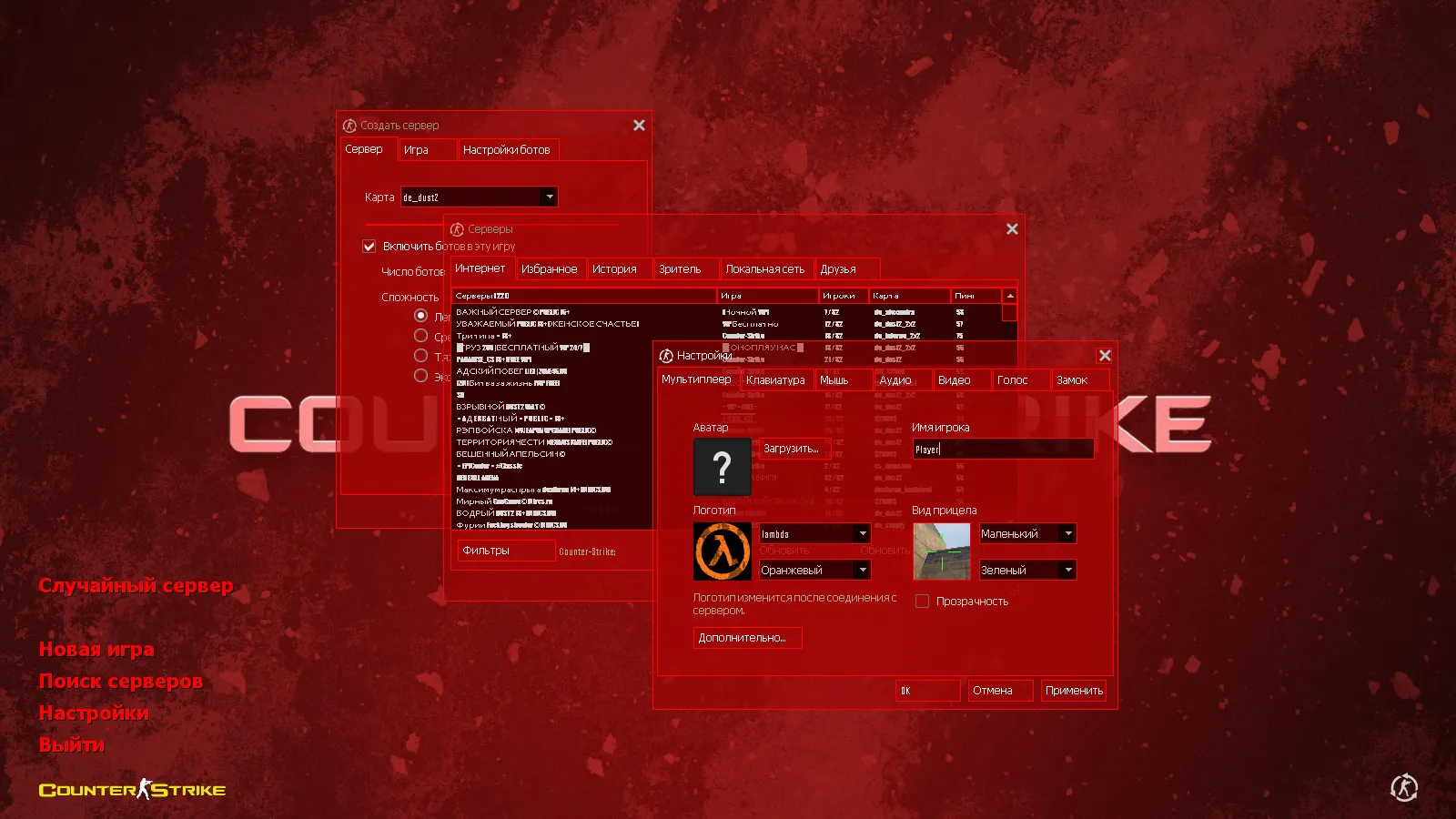
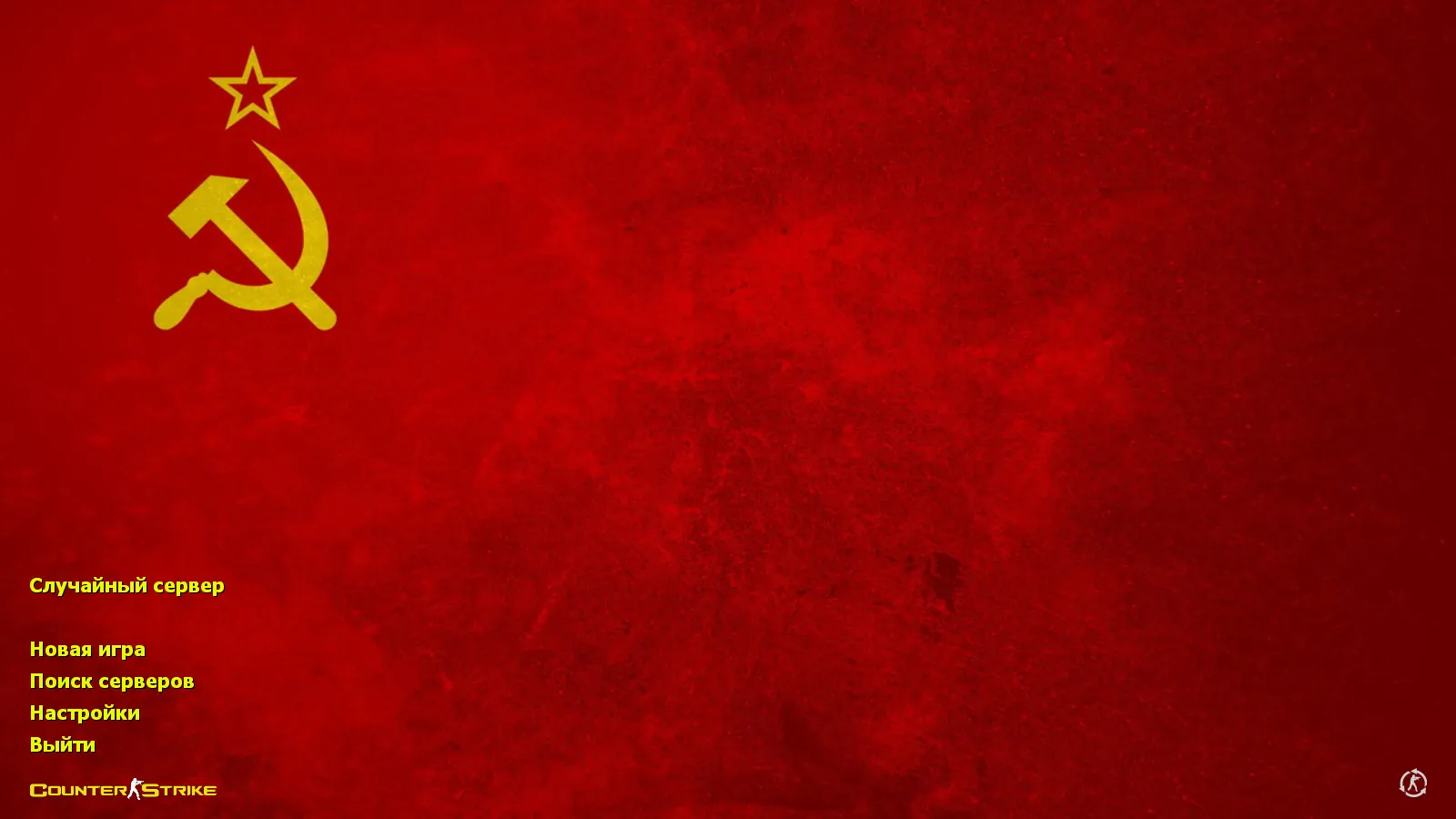
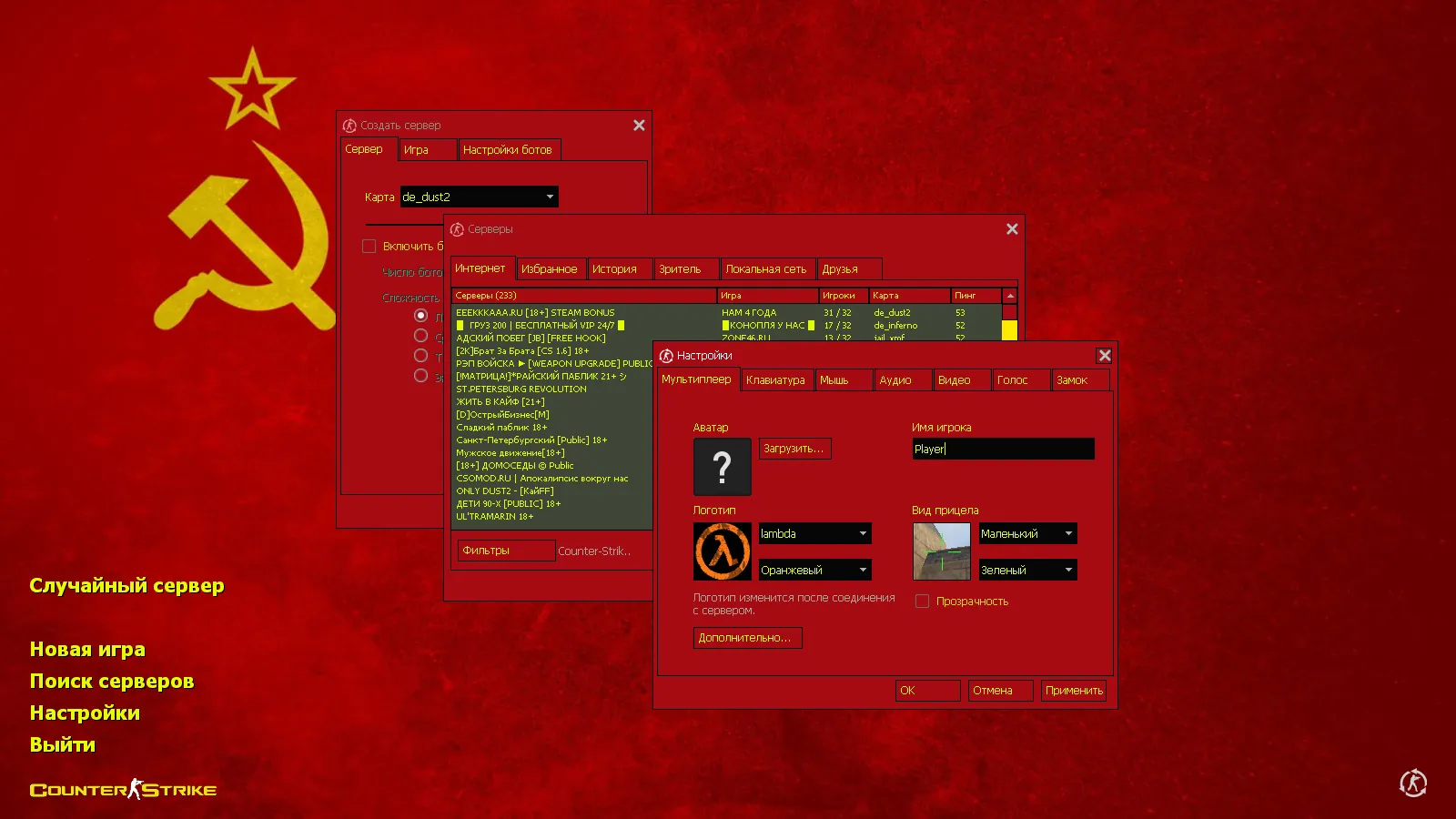
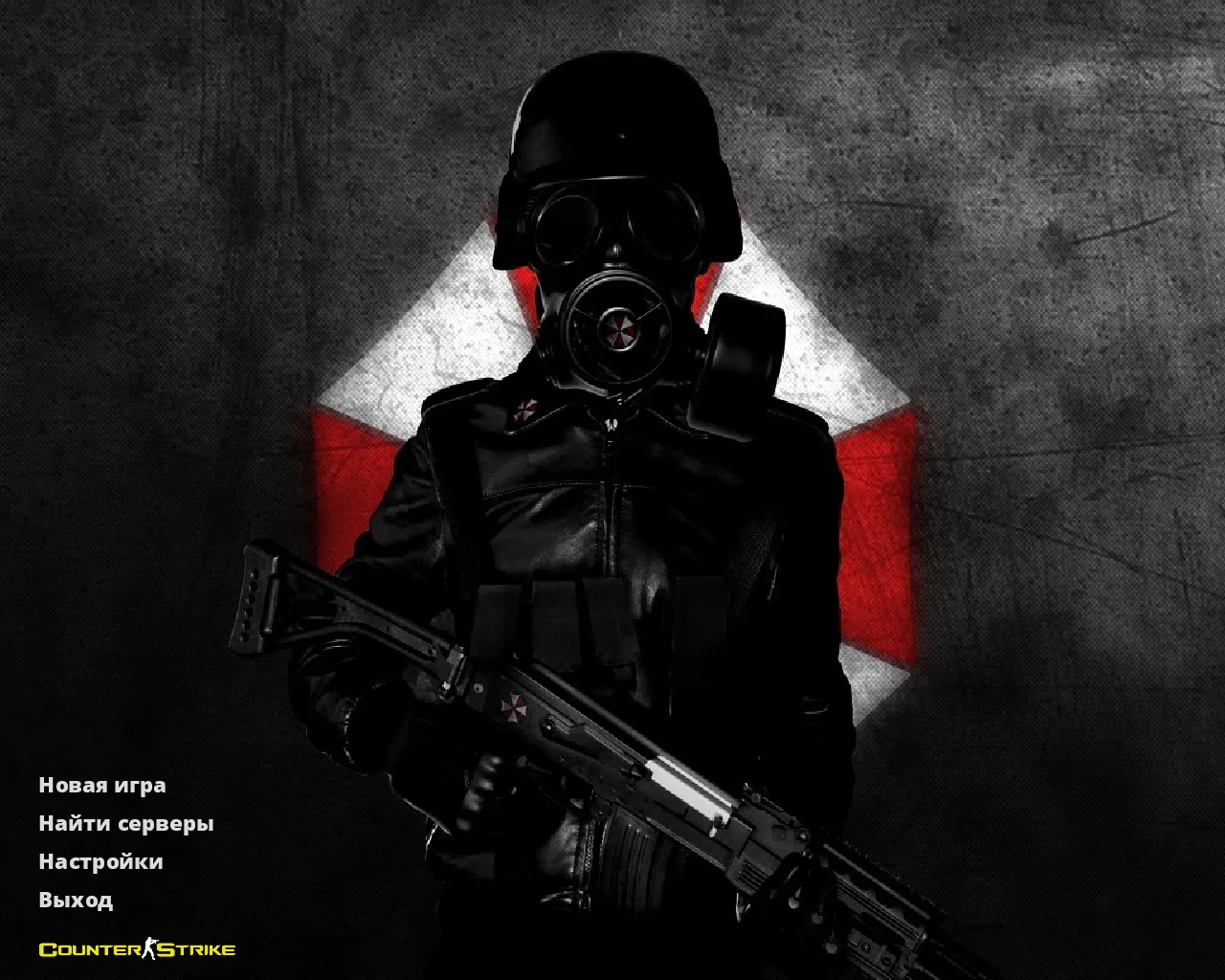
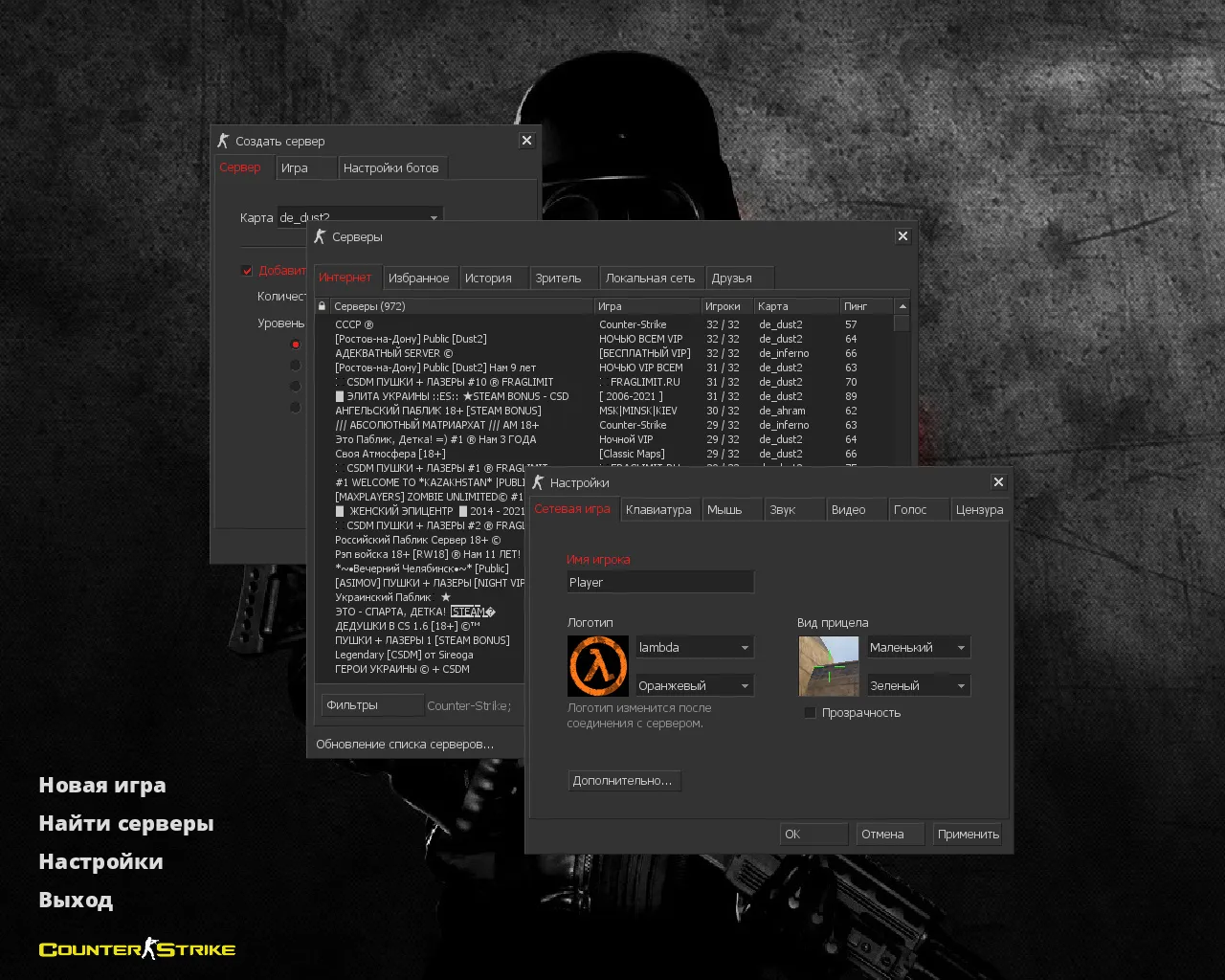
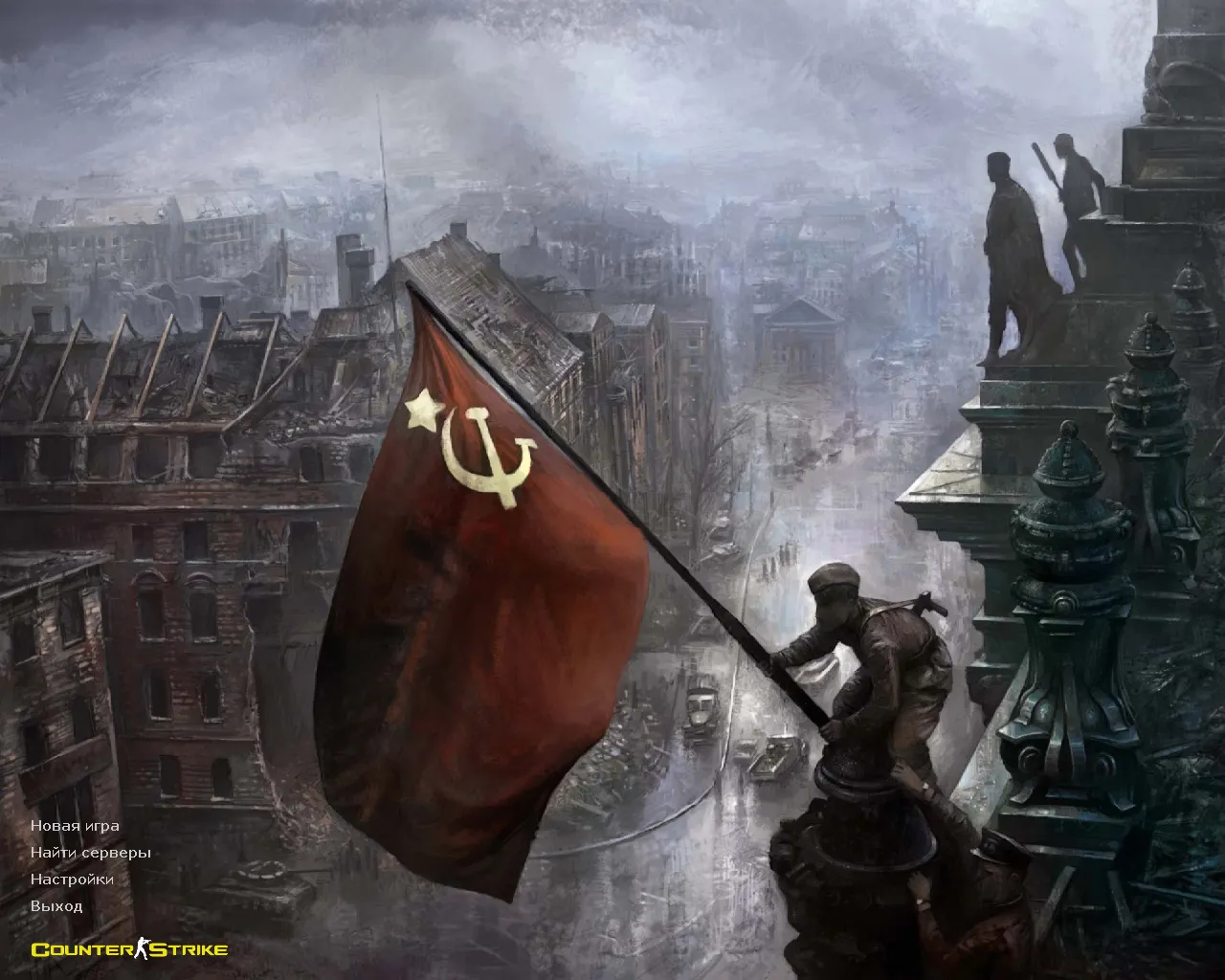
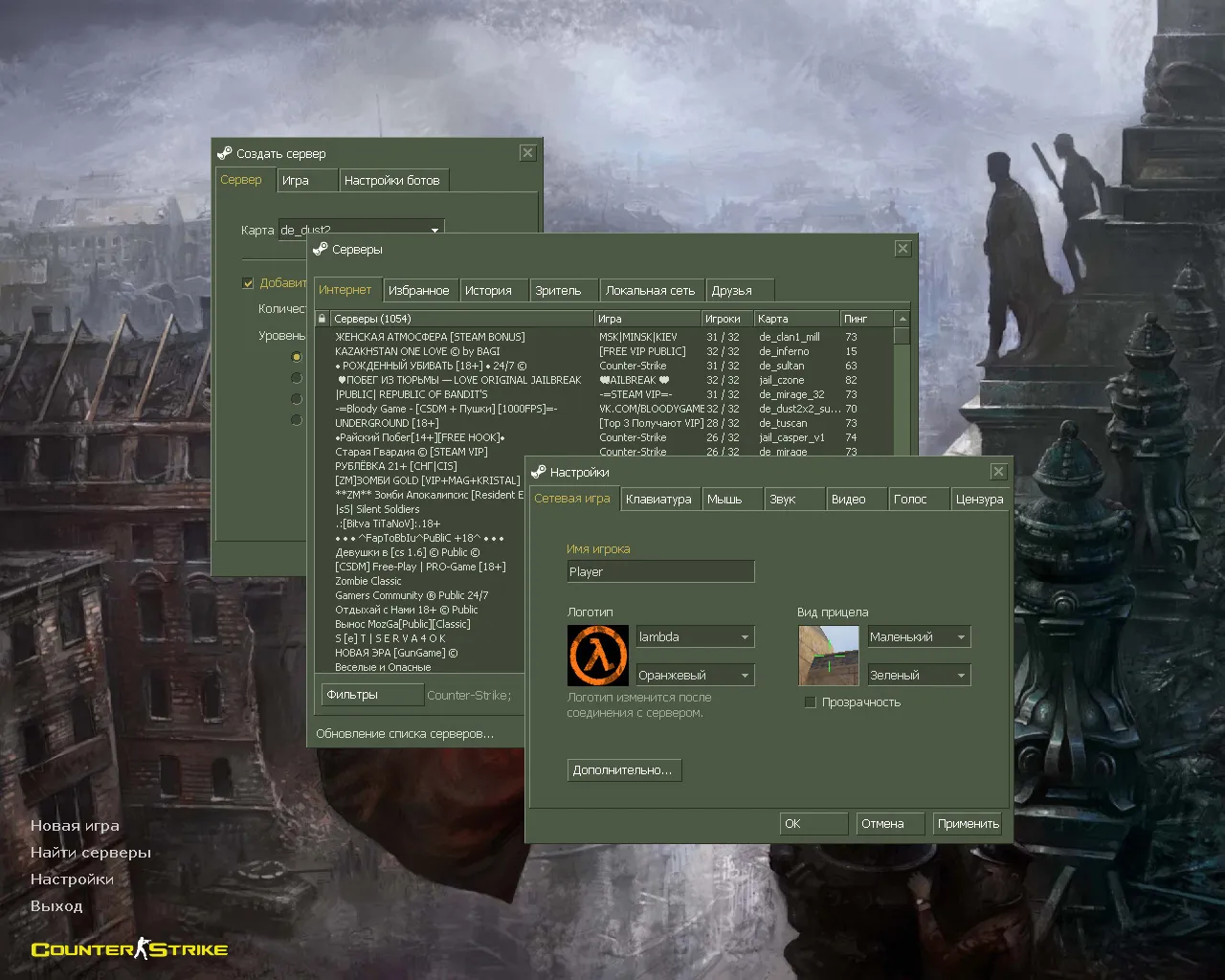
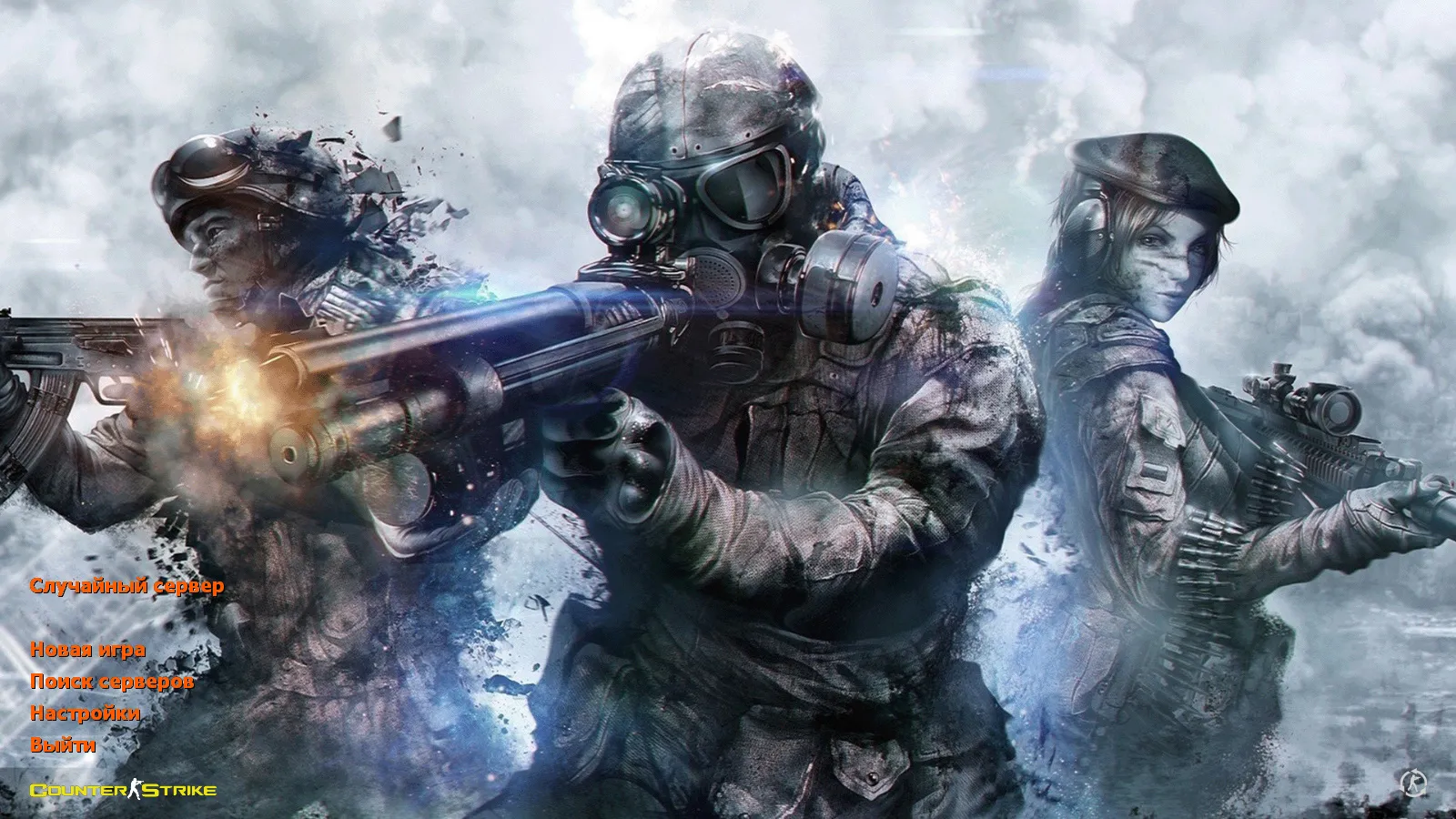
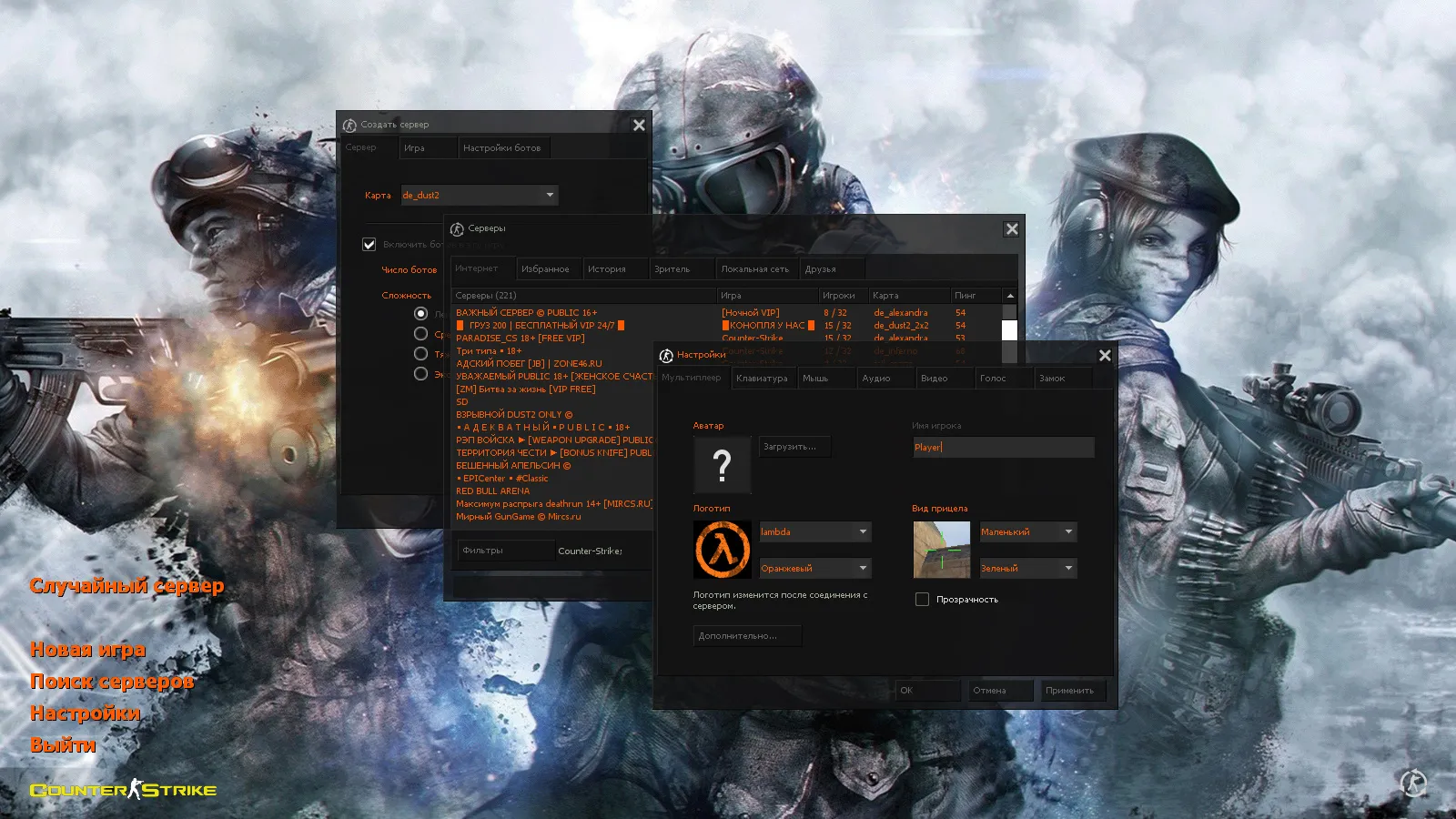
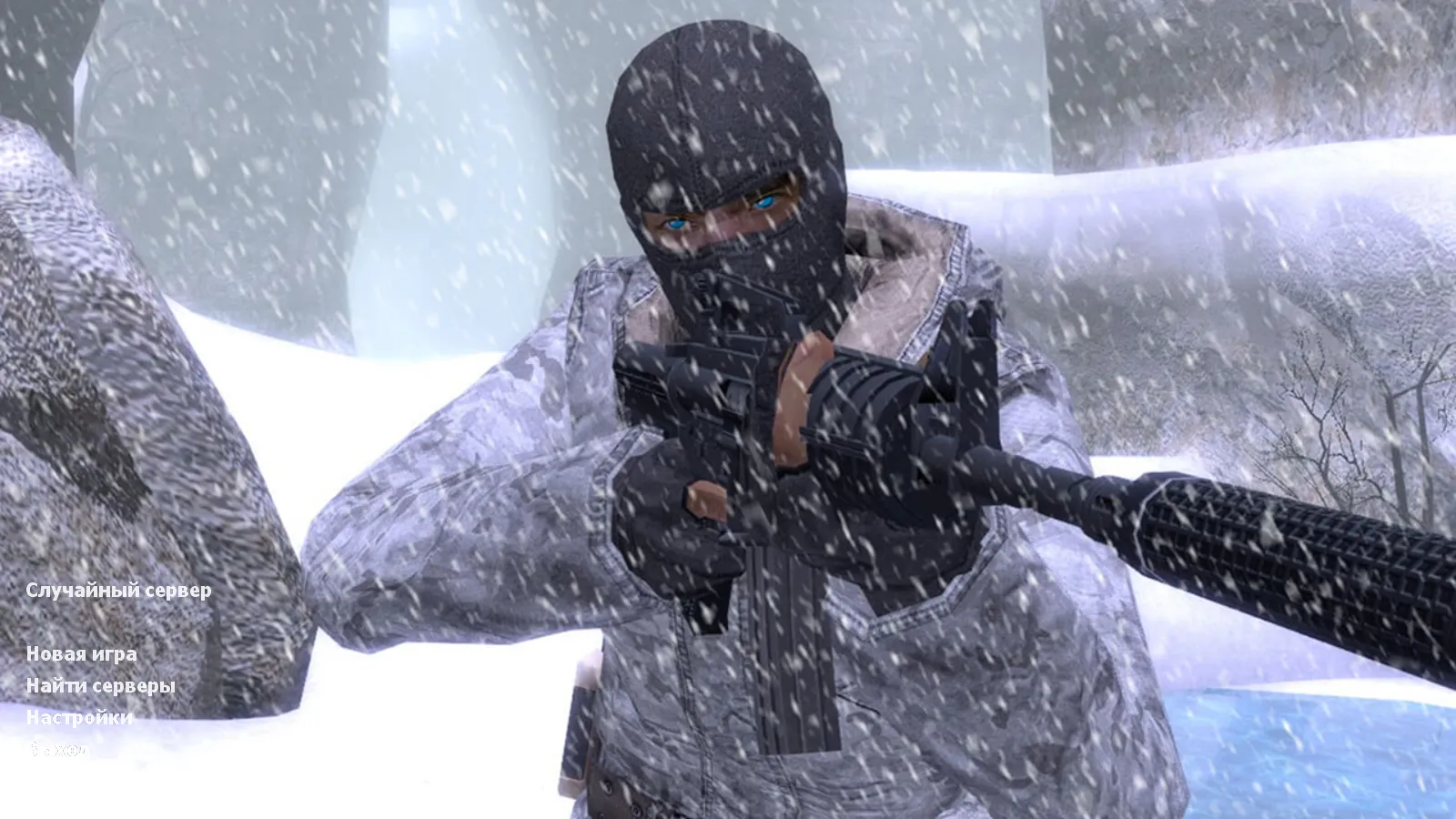
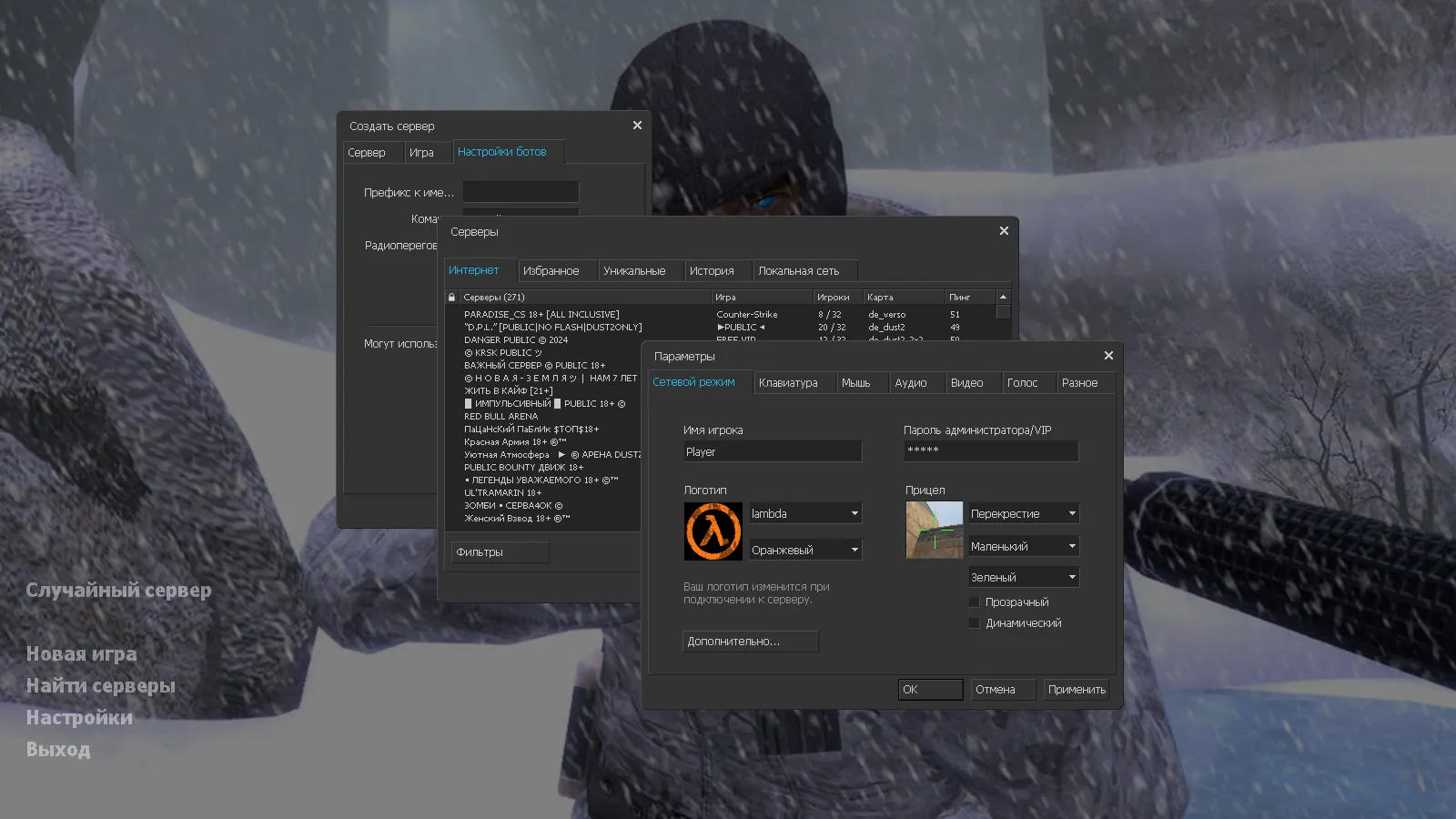
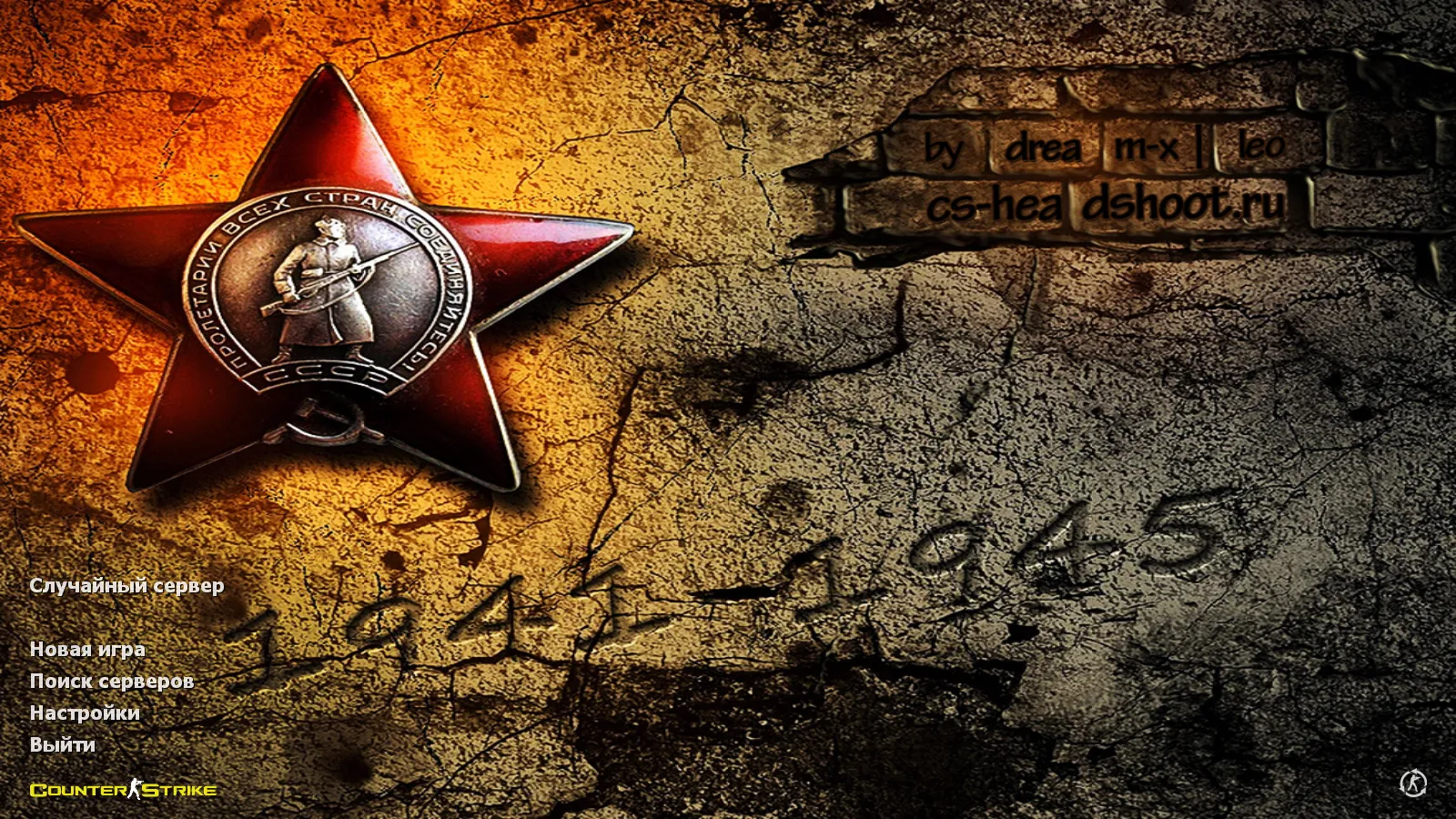
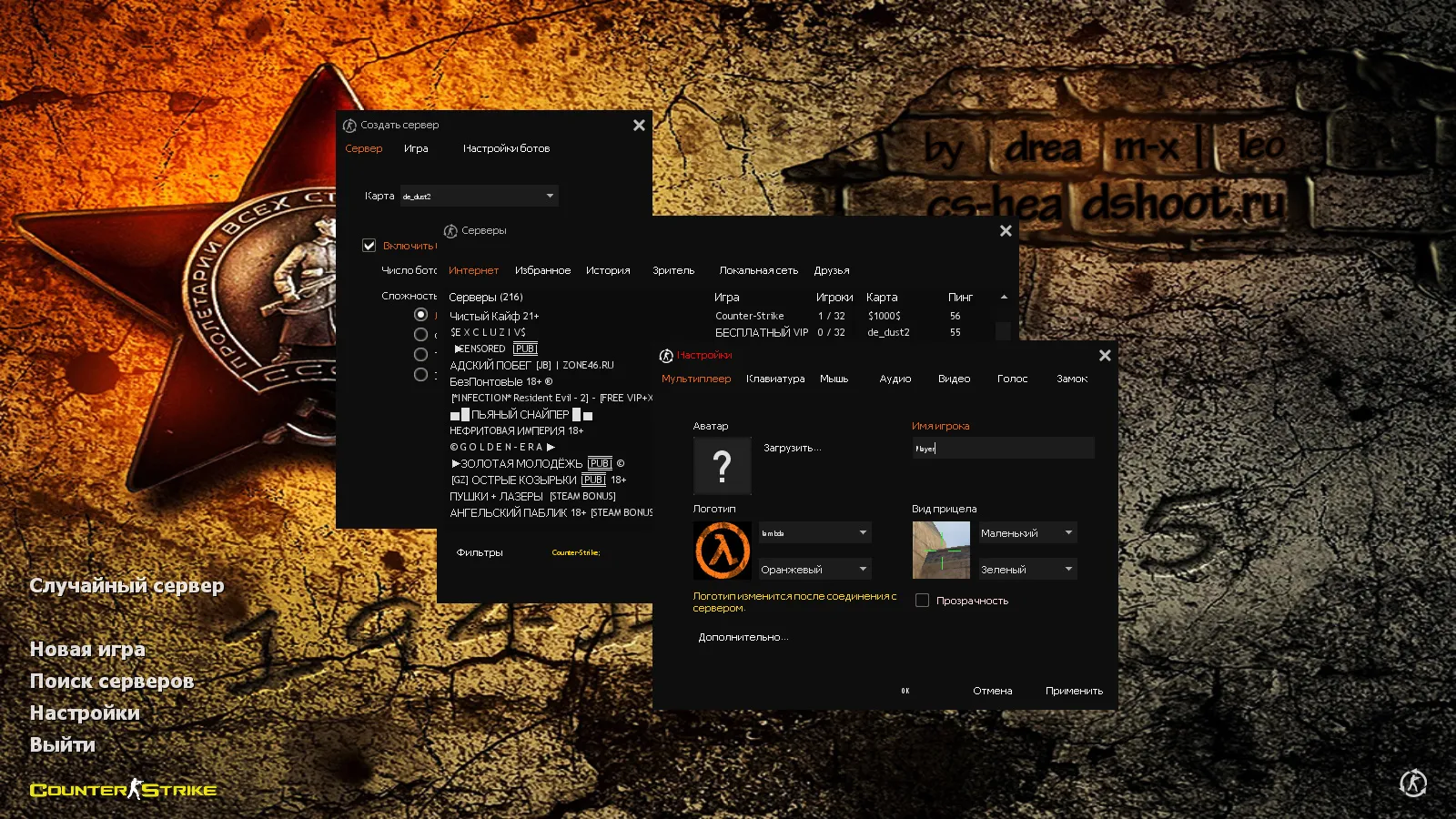
The main menu receives a complete refresh with a dark theme accented by orange highlights, a red star emblem, and the Great Patriotic War date in the background. The launch icon and logo update accordingly for instant recognition. The menu avoids clutter, adhering to CS 1.6 norms so it does not hinder server joins or config tweaks.
Sounds, Music, and Resources: Key Updates
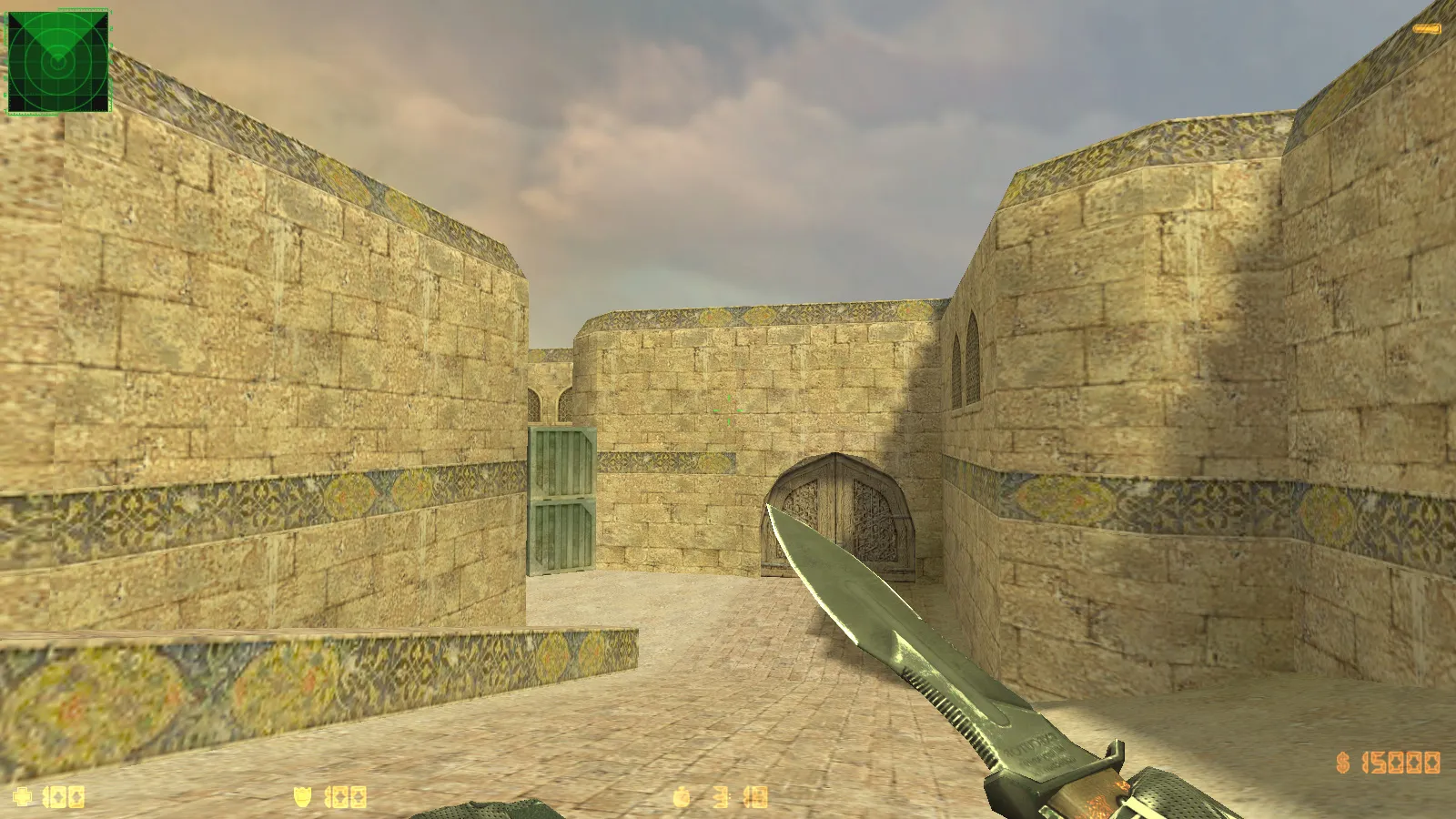
Audio and environmental elements see targeted improvements. Custom sounds cover standard events: gunfire pops, weapon swaps, footstep crunches, and round triggers. Menu music shifts to thematic tracks, setting the mood right from startup. Map textures receive cleanup, skyboxes update for consistency, and the launch icon ties it all together. This creates a cohesive look across maps like de_dust2 or cs_office, eliminating quality dips or zone mismatches that could affect high-fps performance.
Optimized Config and Stable Performance
Built around a tuned config.cfg, this setup emphasizes reliability and smooth play. Base settings stay clean to dodge resource conflicts. Launch without auto-connects or third-party boosters to sidestep errors. For custom mods, start vanilla and add files one by one. The build matches original CS 1.6 environments, running on Windows XP through 11. Online compatibility hits 250+ servers via MasterServer protection. Bot play works on any map with included .nav files. Russian nicknames and chat are fully supported. Mod installation remains open for compatible packs that will not break resources.
Polycount on models hovers around 500-800 per weapon for balanced visibility without fps drops. No-recoil tweaks are absent to preserve fair play, but hitbox alignment ensures precise shots. For ESL-style servers, the dark-area visibility shines, with no lighting exploits.
Safe Launch and Setup Tips
- Download from trusted sources only. Skip shady files and limit program permissions to basics-no viruses, no slow-hacks, no ads.
- Launch without auto-connect. Verify menu and server browser load cleanly first.
- For better FPS, stick to the stock config.cfg and tweak via console commands like fps_max or gl_texturemode based on your hardware.
- Add mods sequentially. This isolates any visual or audio issues quickly.
- Test weapon inspect animations offline. Run a local game to check v_ model flows before online queues.
This CS 1.6 Victory Day build suits playerscra
Install in three steps
-
1
Download the archive. Use the button on the right, or the Yandex.Disk mirror if the main server is slow.
-
2
Extract it into the game folder. Use 7-Zip or WinRAR. A path without non-Latin characters works best.
-
3
Launch the game. If something doesn't work, mark it below - that is how we know the file needs an update.
Did it work for you?
No sign-up needed. You can pick more than one.