CS 1.6 Union: Thematic Build Featuring 29 Weapon Models, Custom Audio, Music, and Optimized Config.cfg
Description
CS 1.6 Union: A Thematic Package Prioritizing Quality and Stability
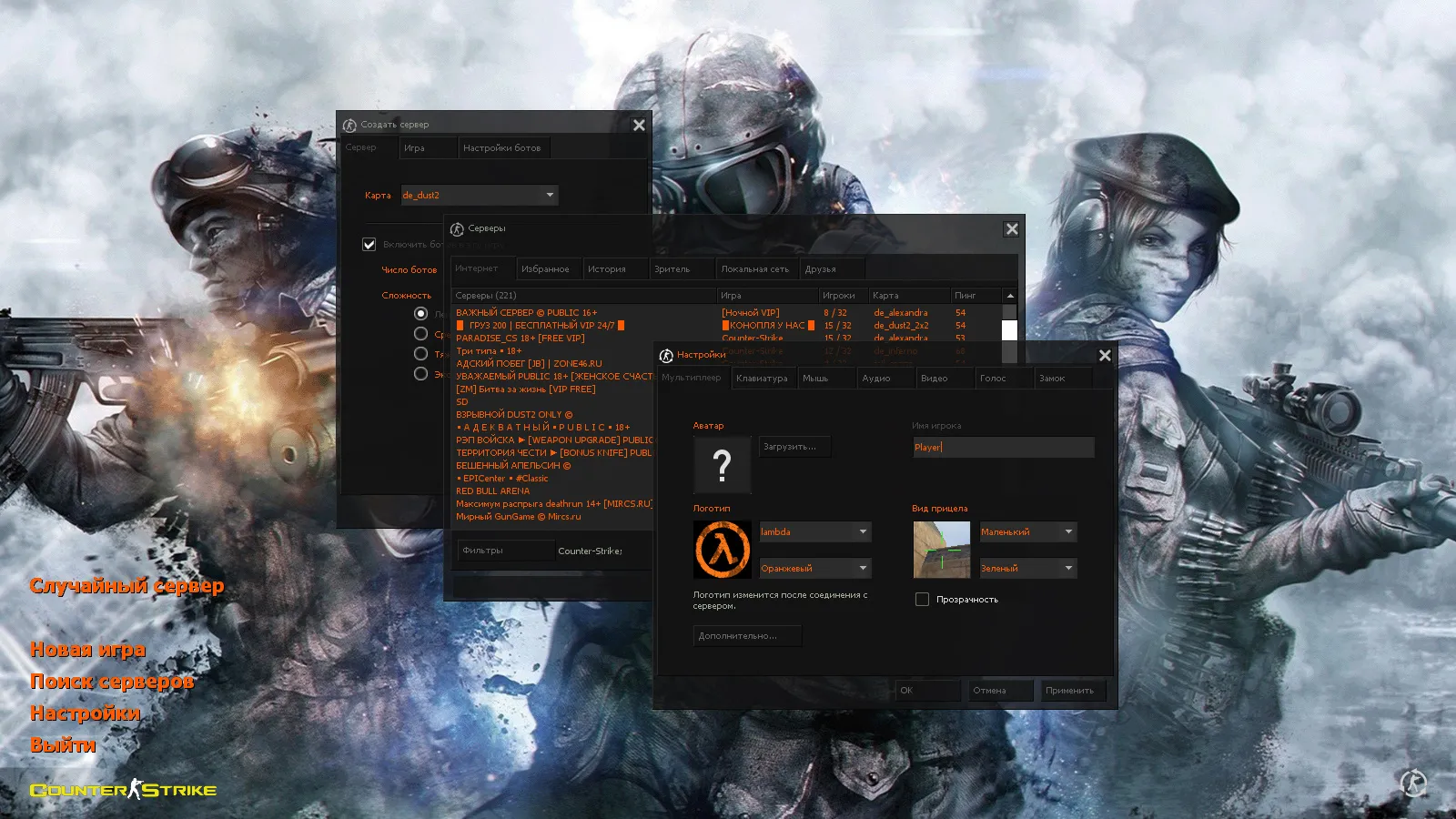
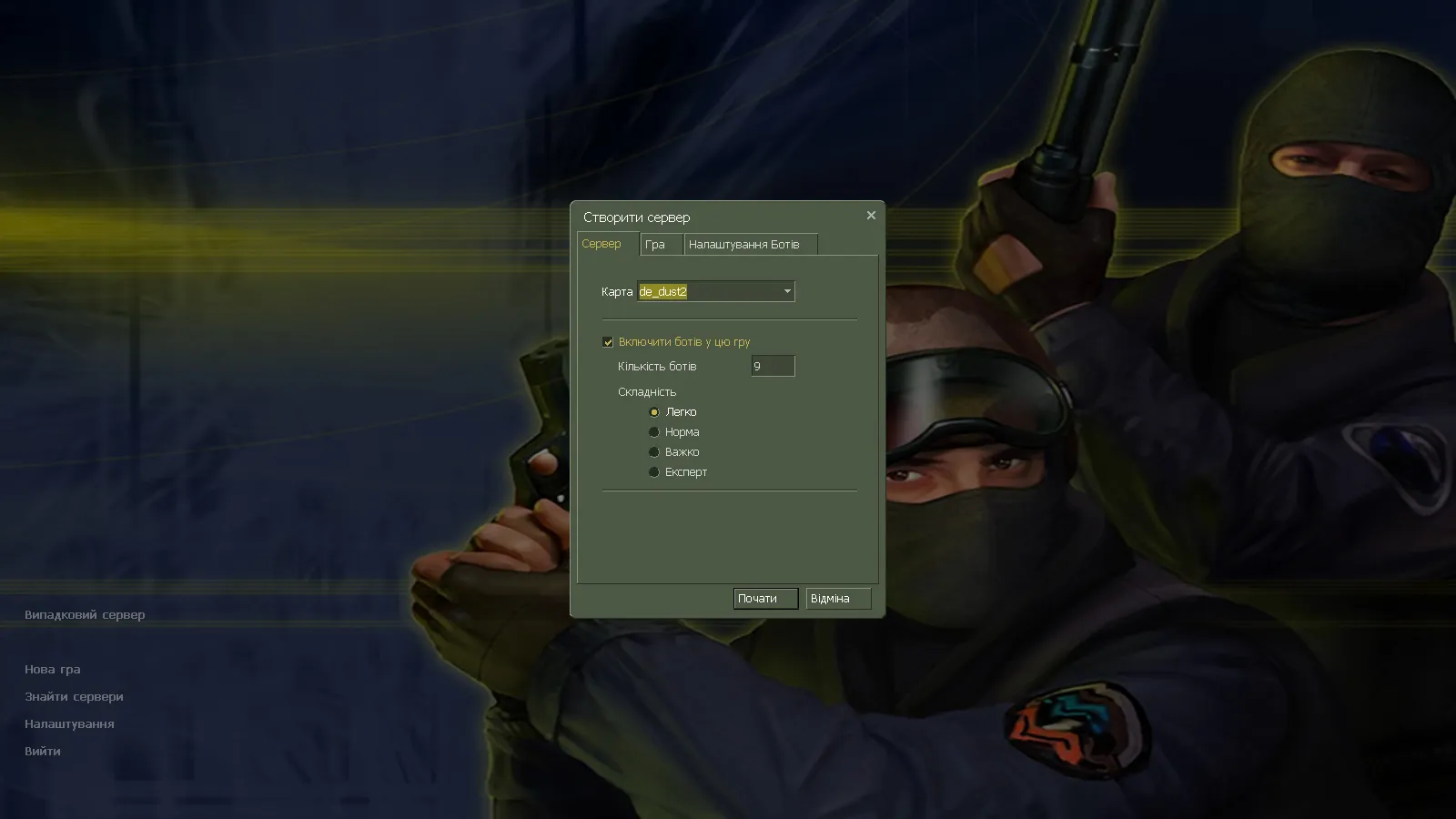
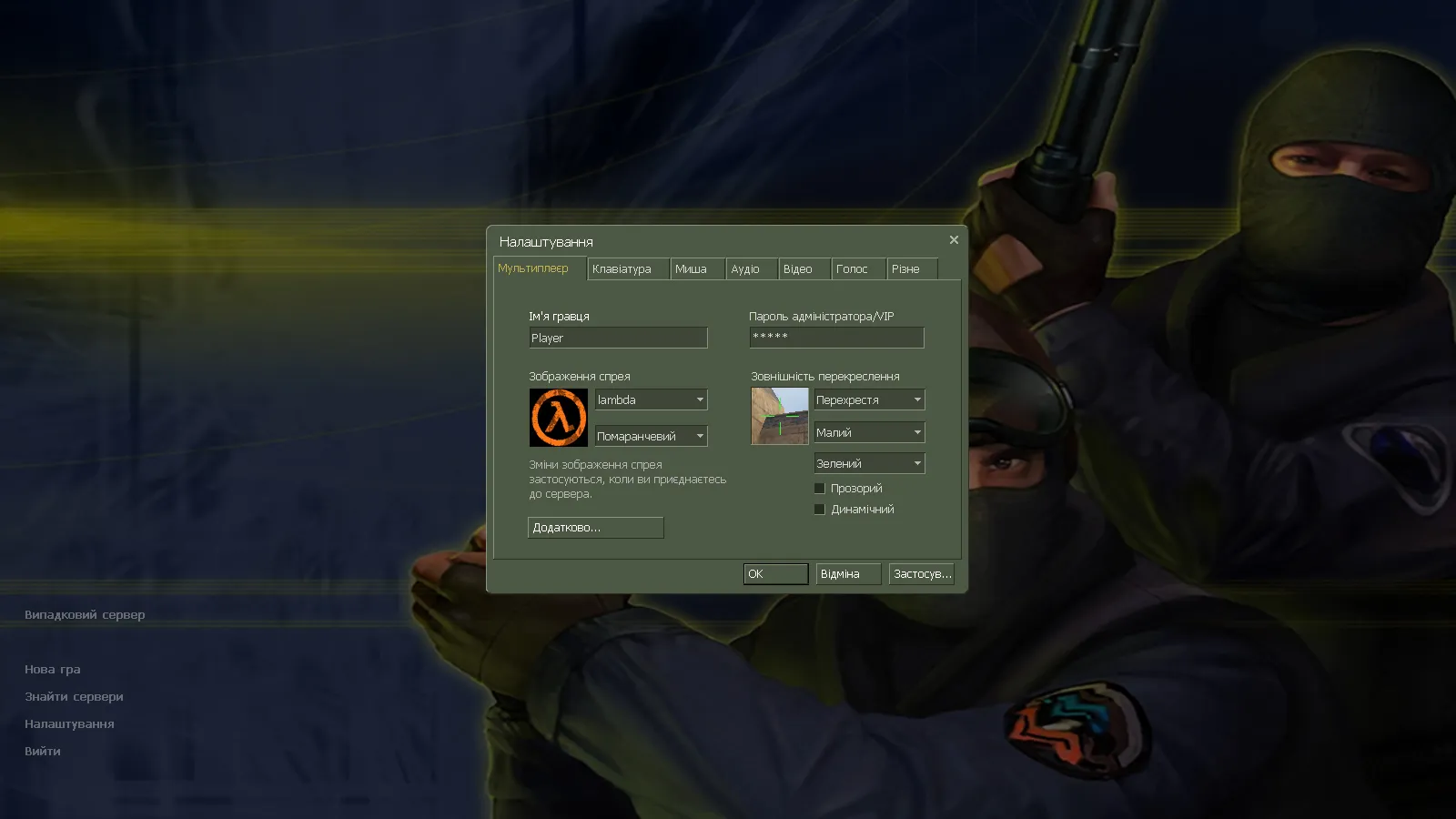
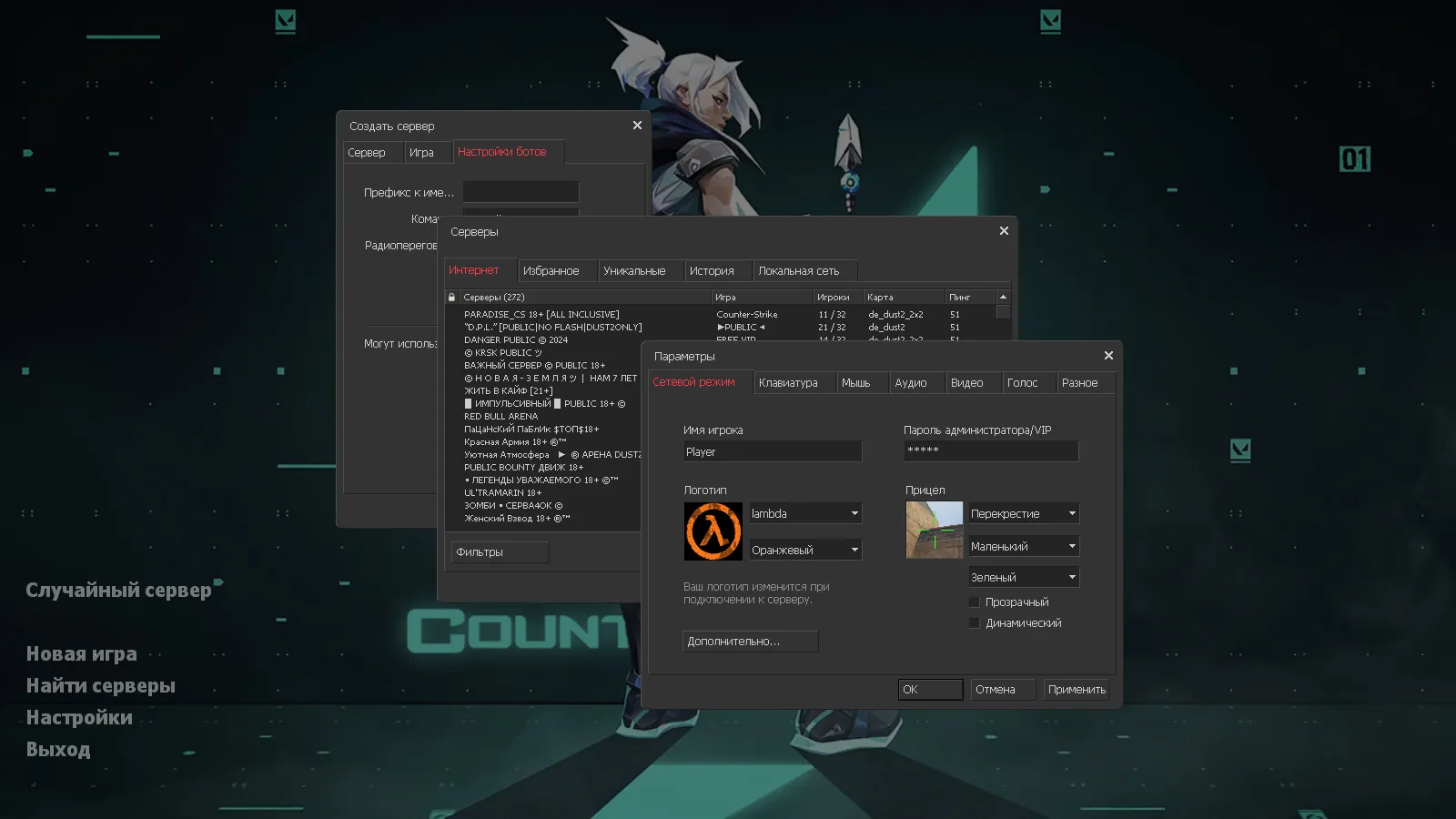
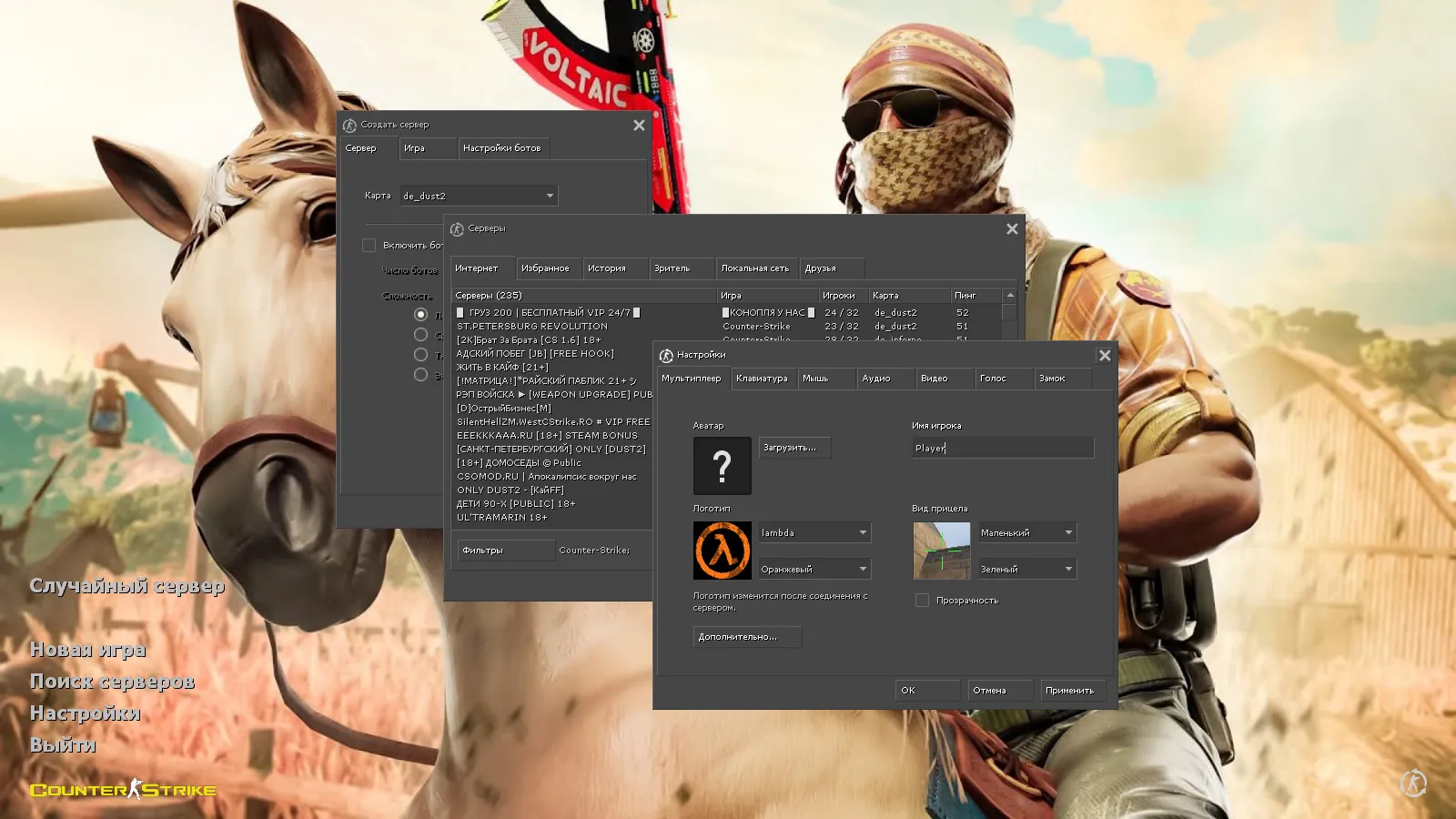
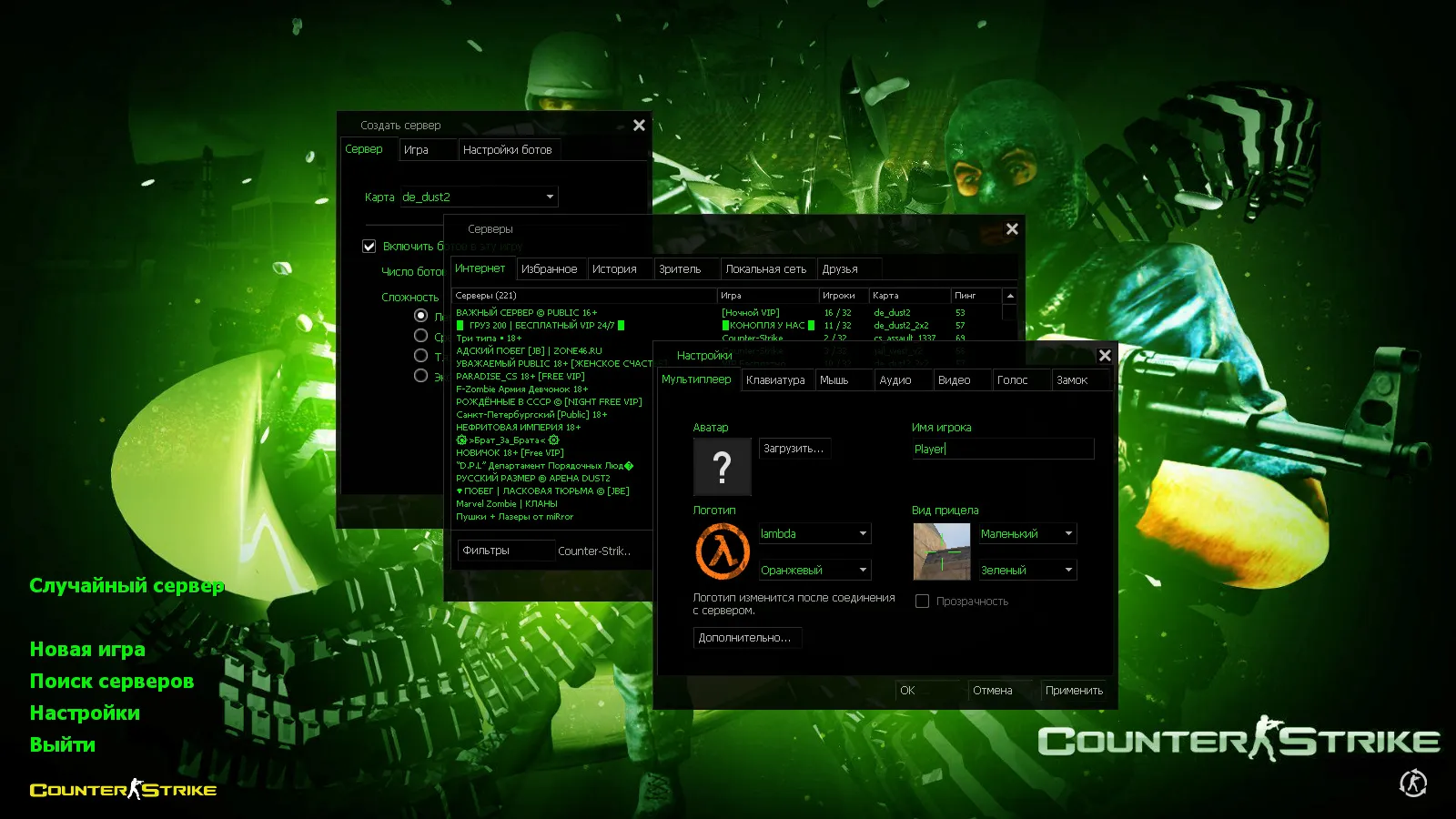
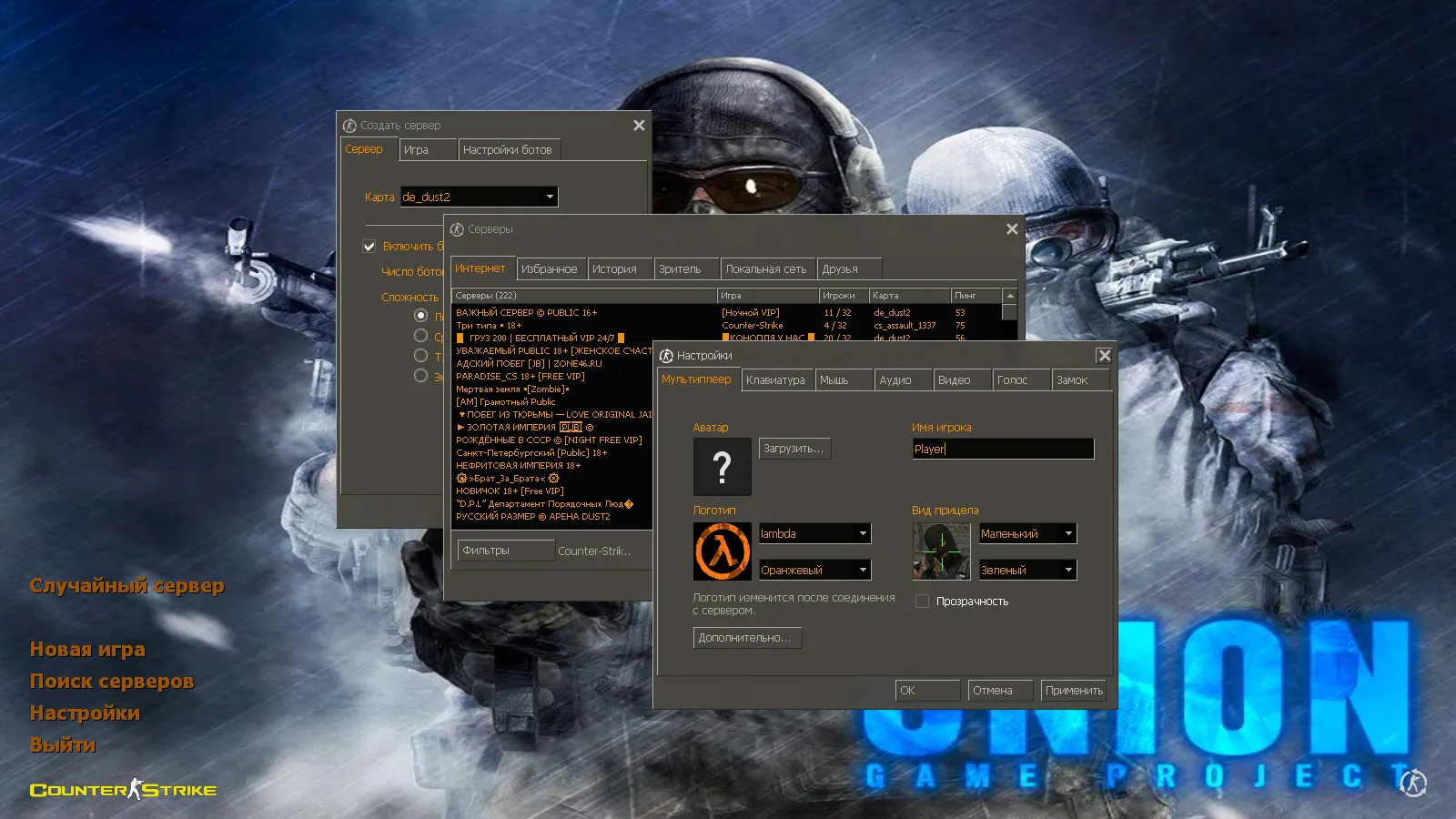
CS 1.6 Union provides a themed setup for classic gameplay free from unexpected problems. It bundles seven addons with precise adjustments for dependable launches. The interface adopts a light brown palette with orange highlights for clear readability that remains unobtrusive during play.
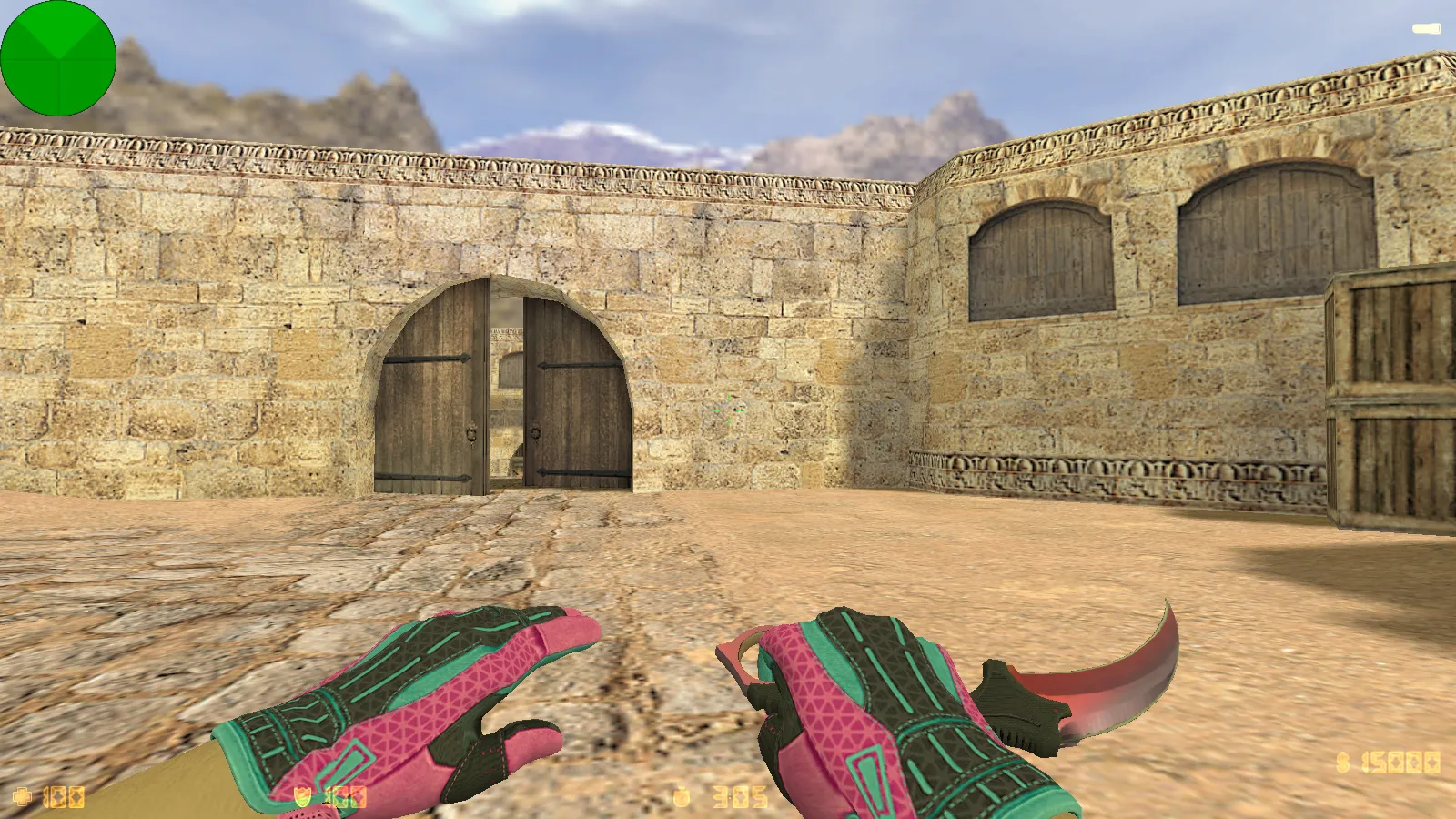
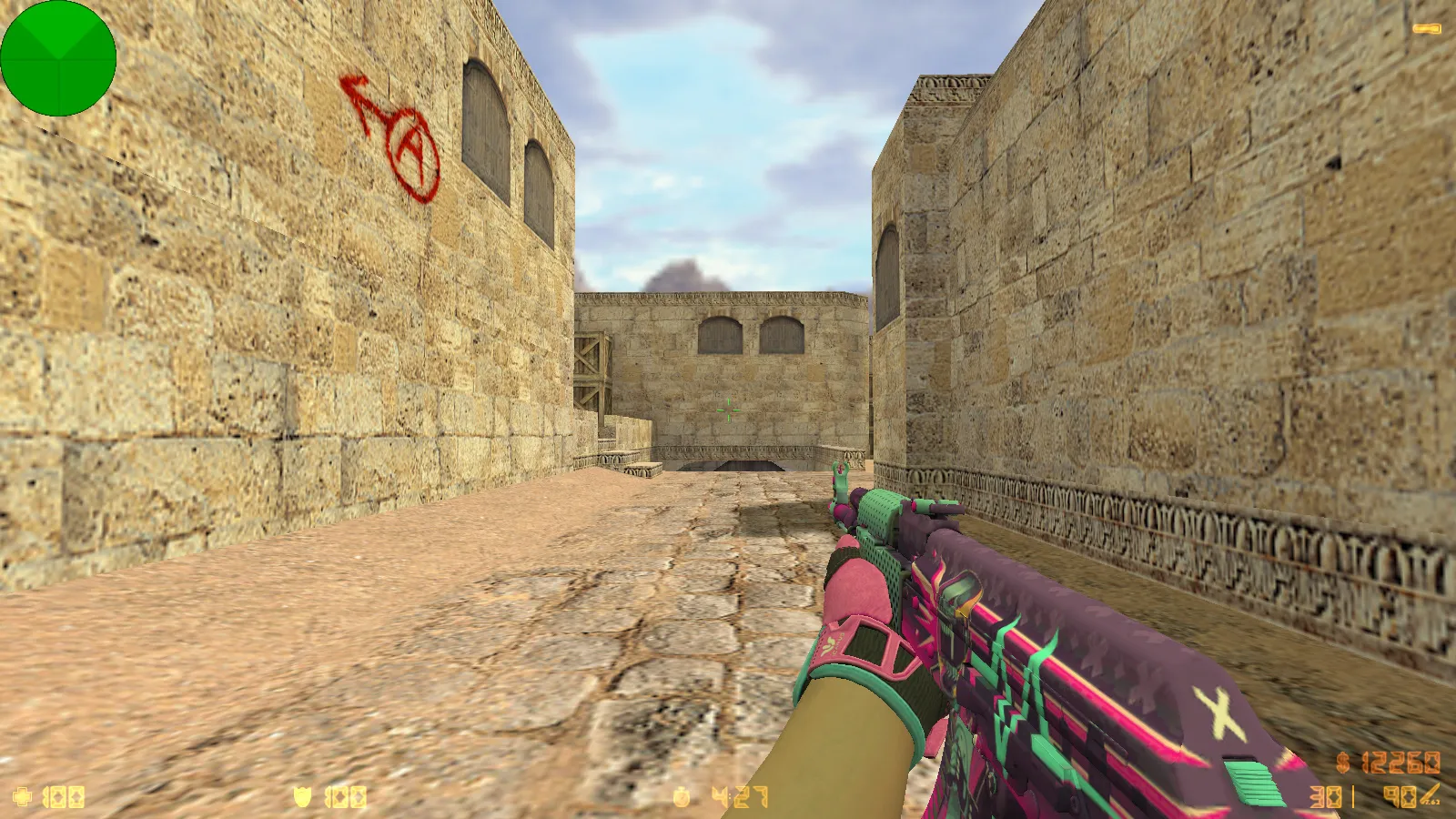
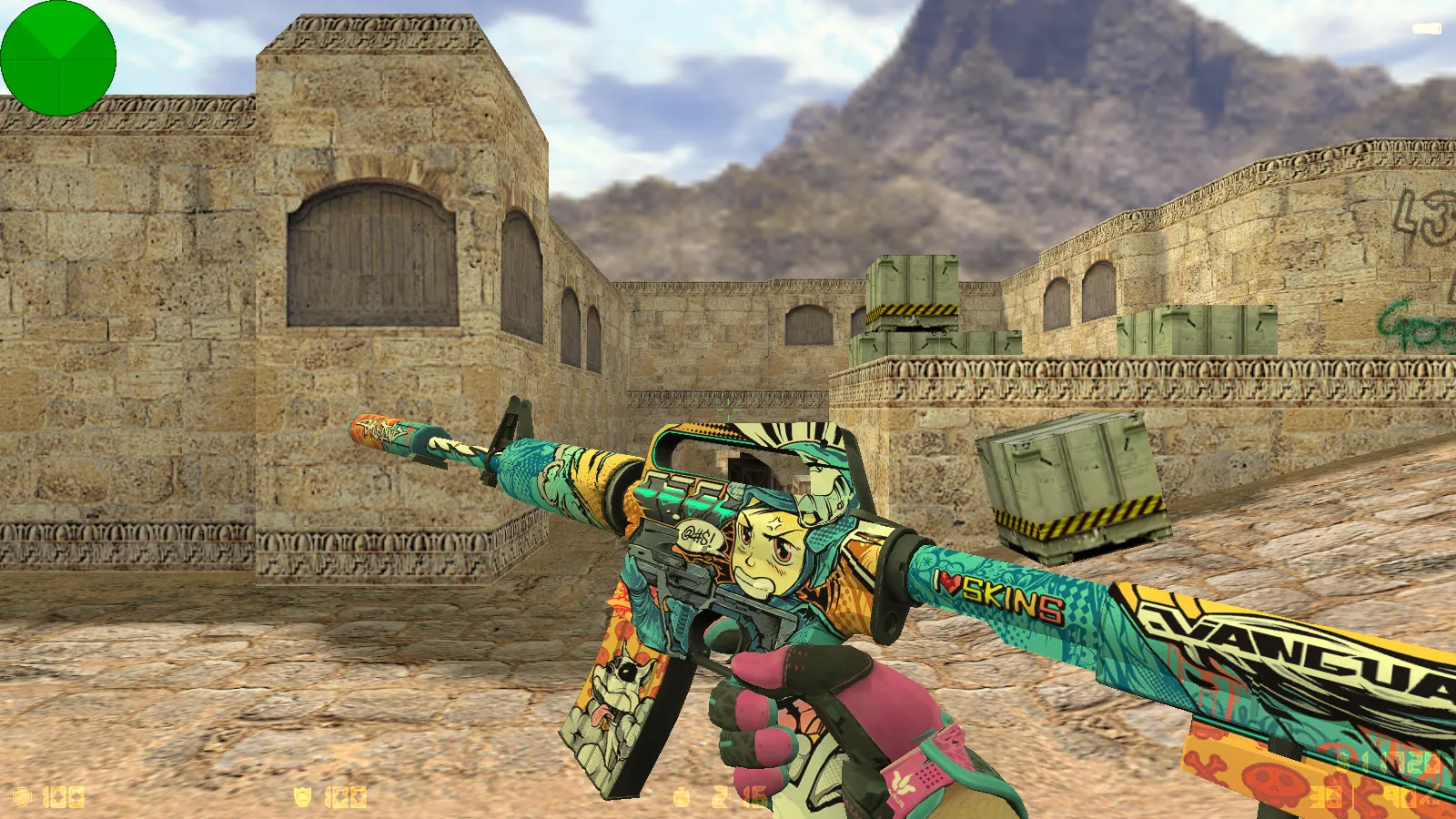
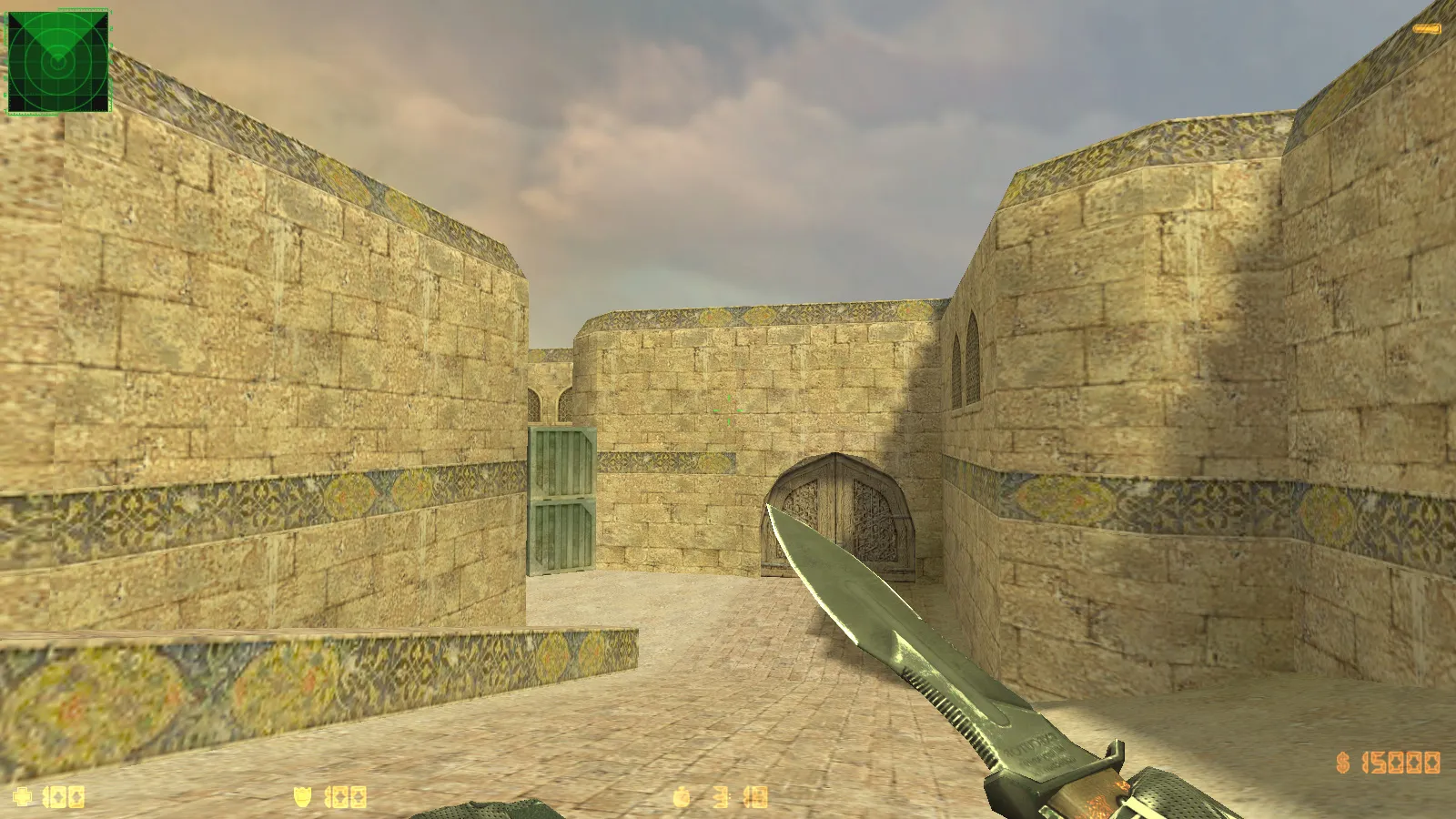
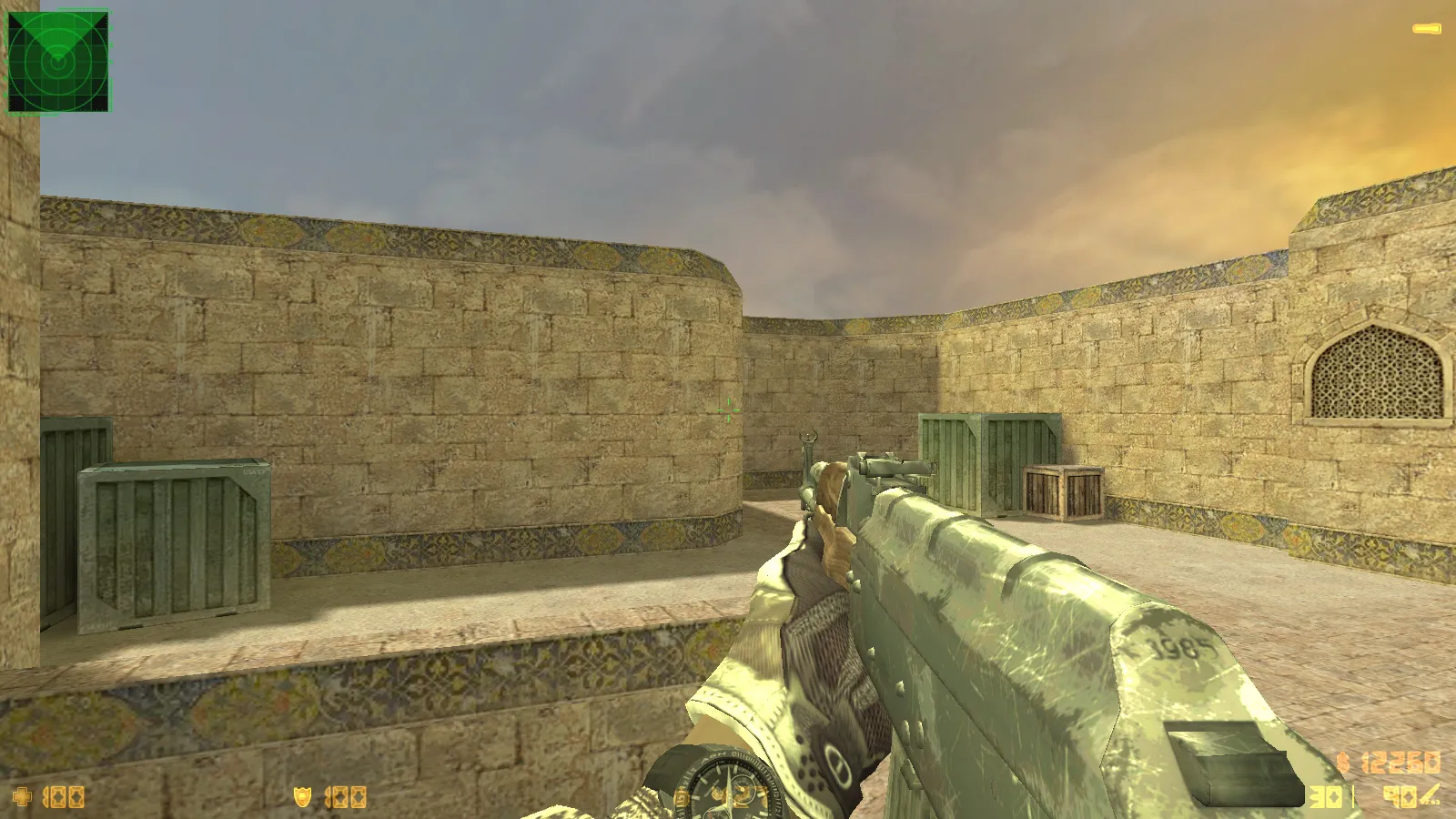
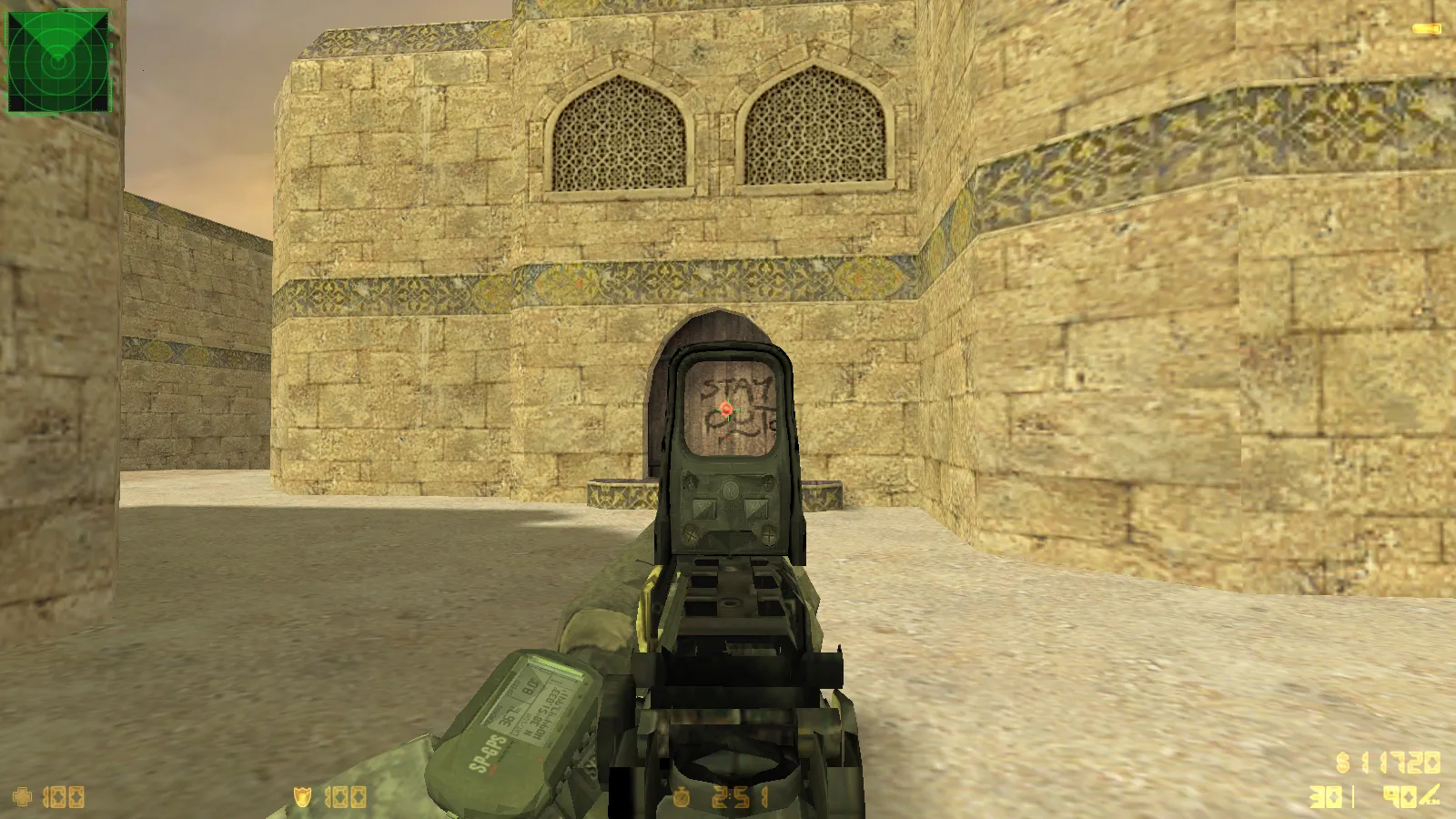
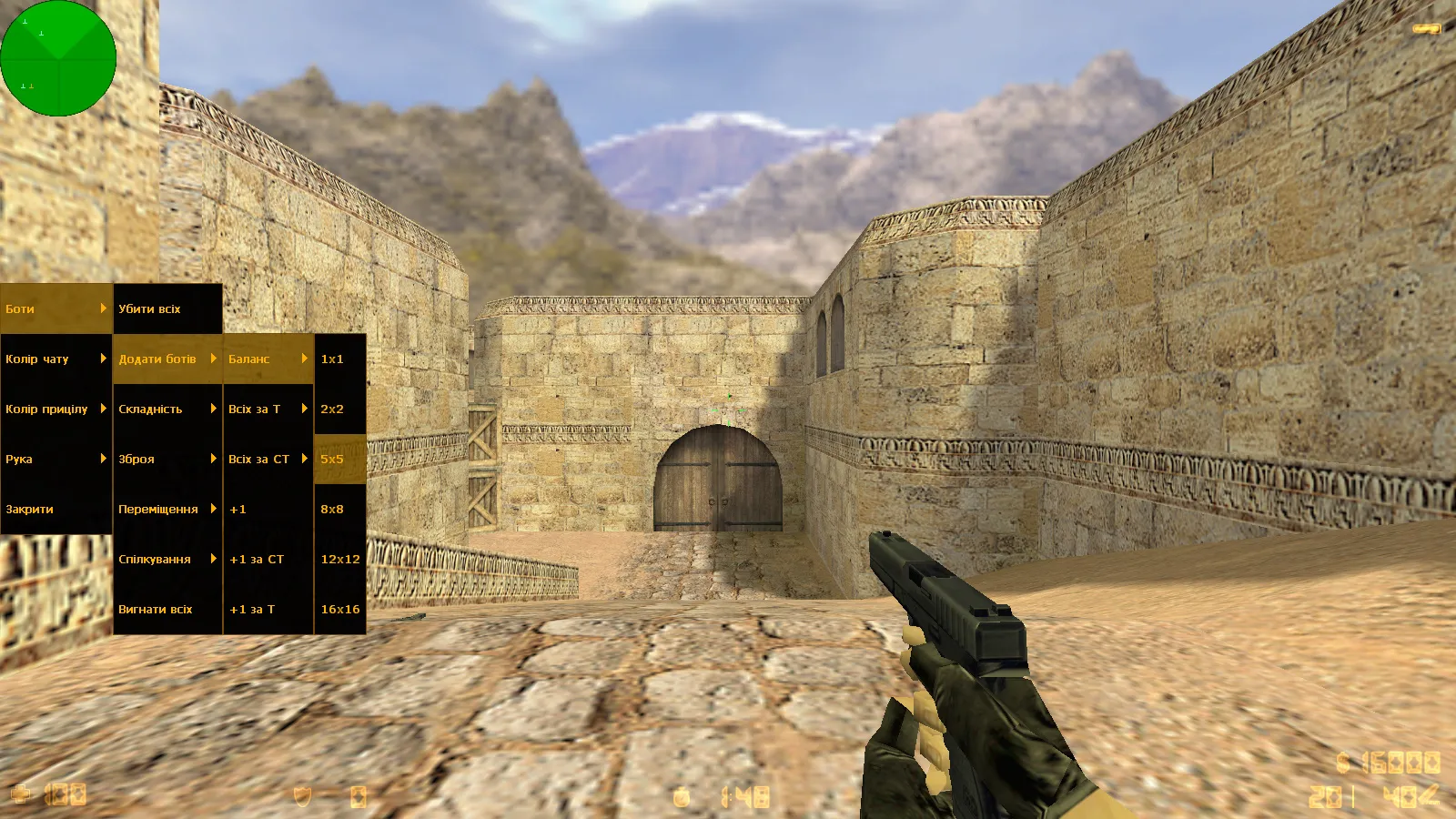
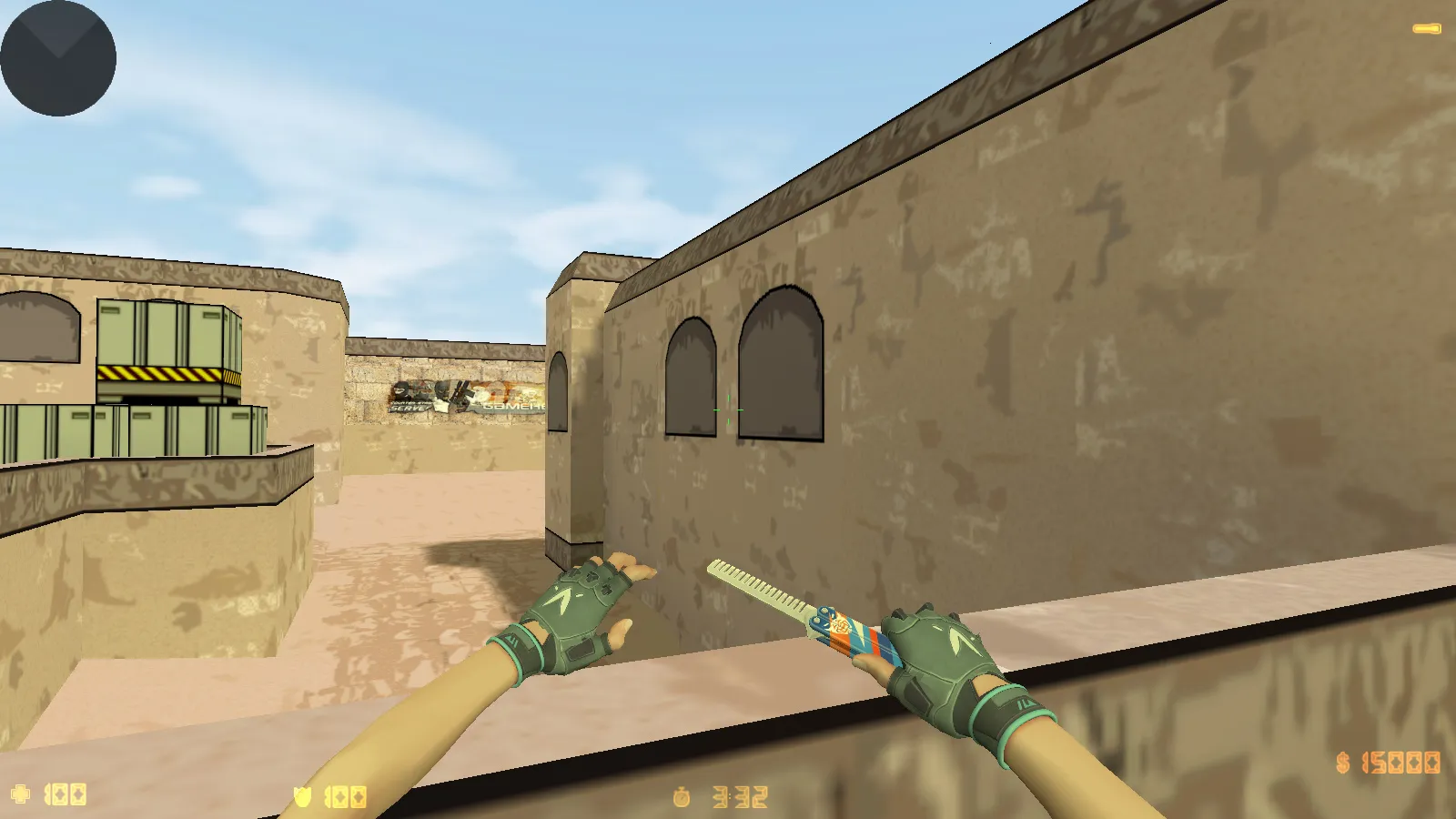
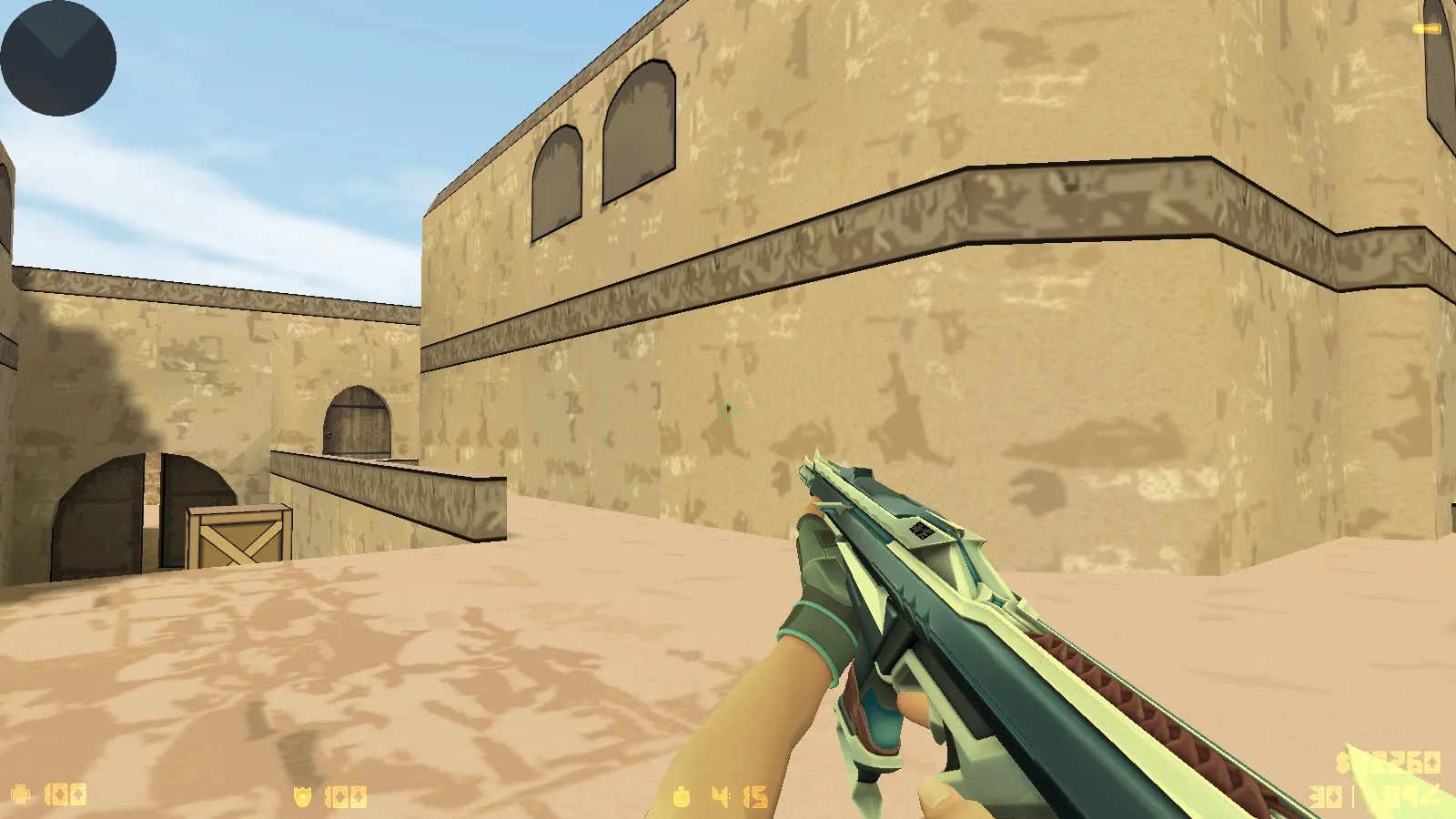
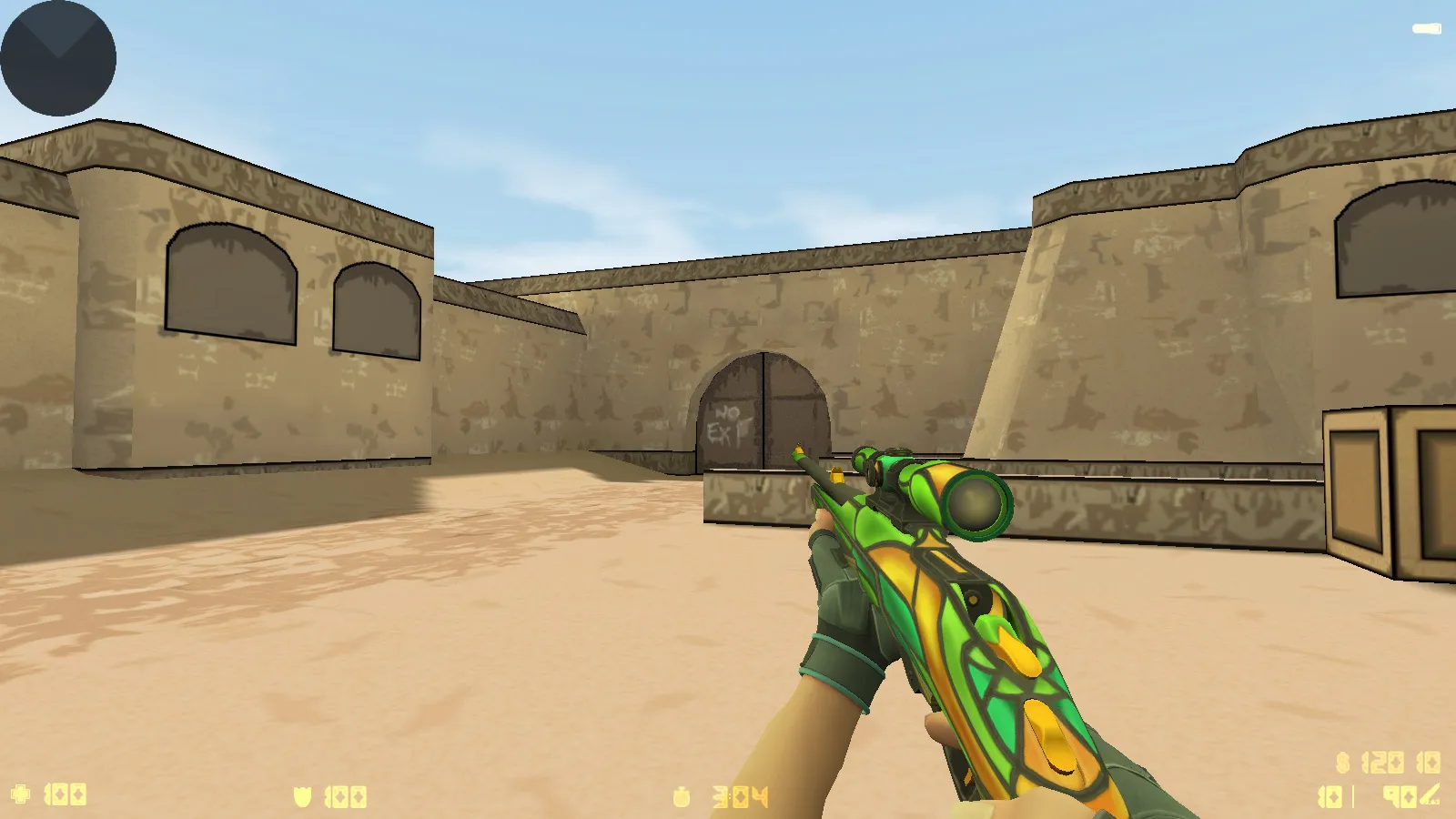
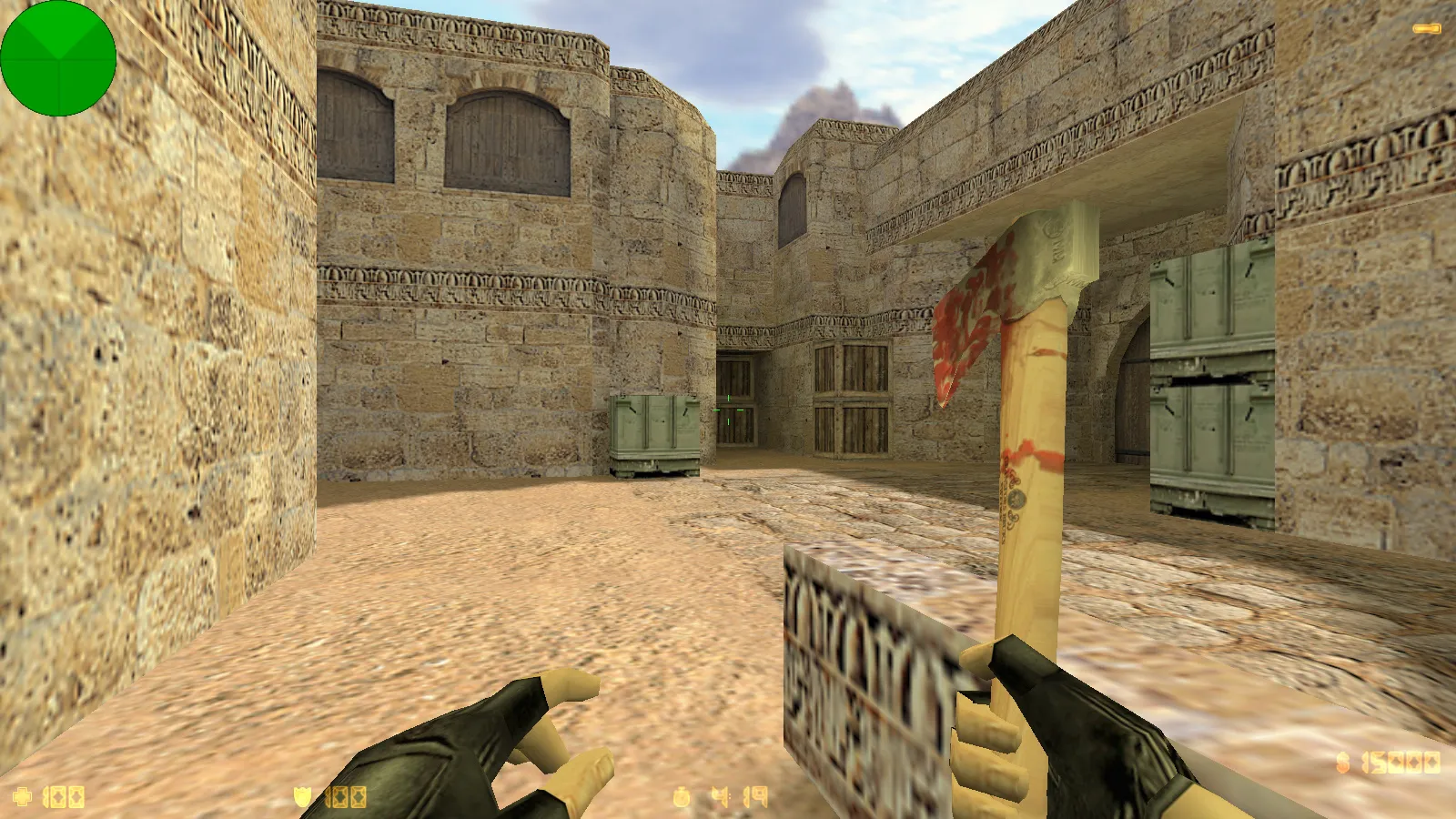
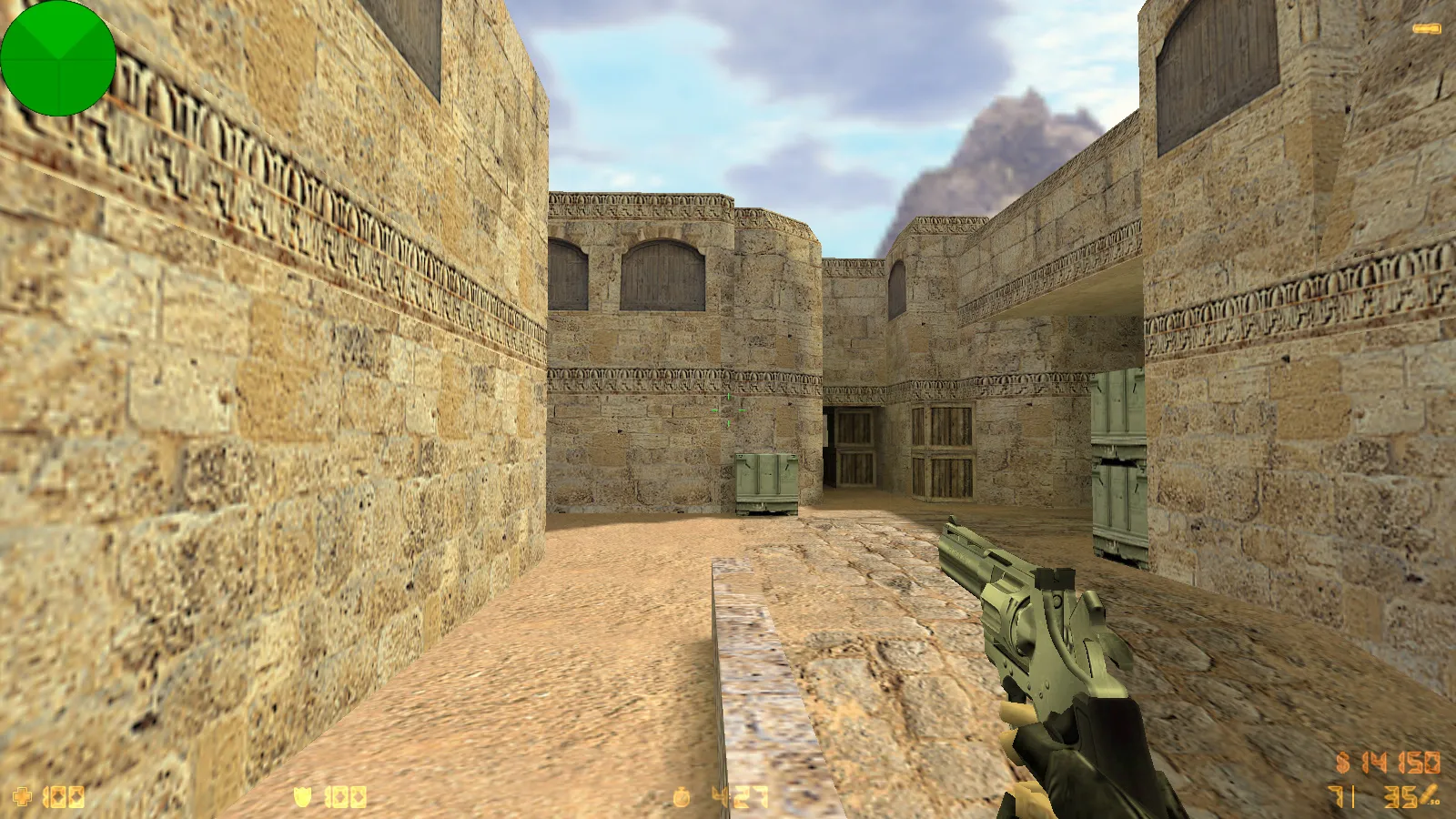
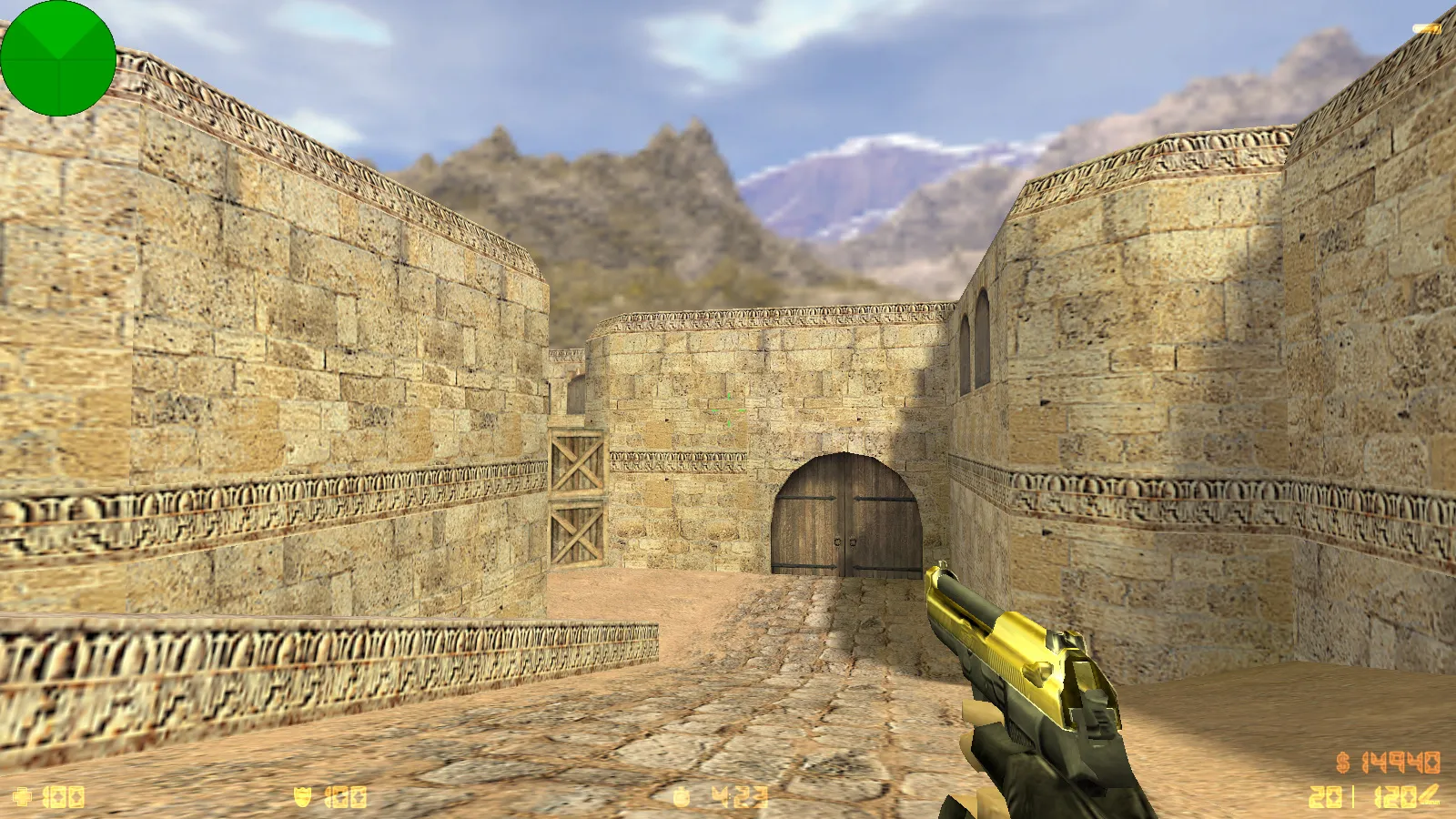
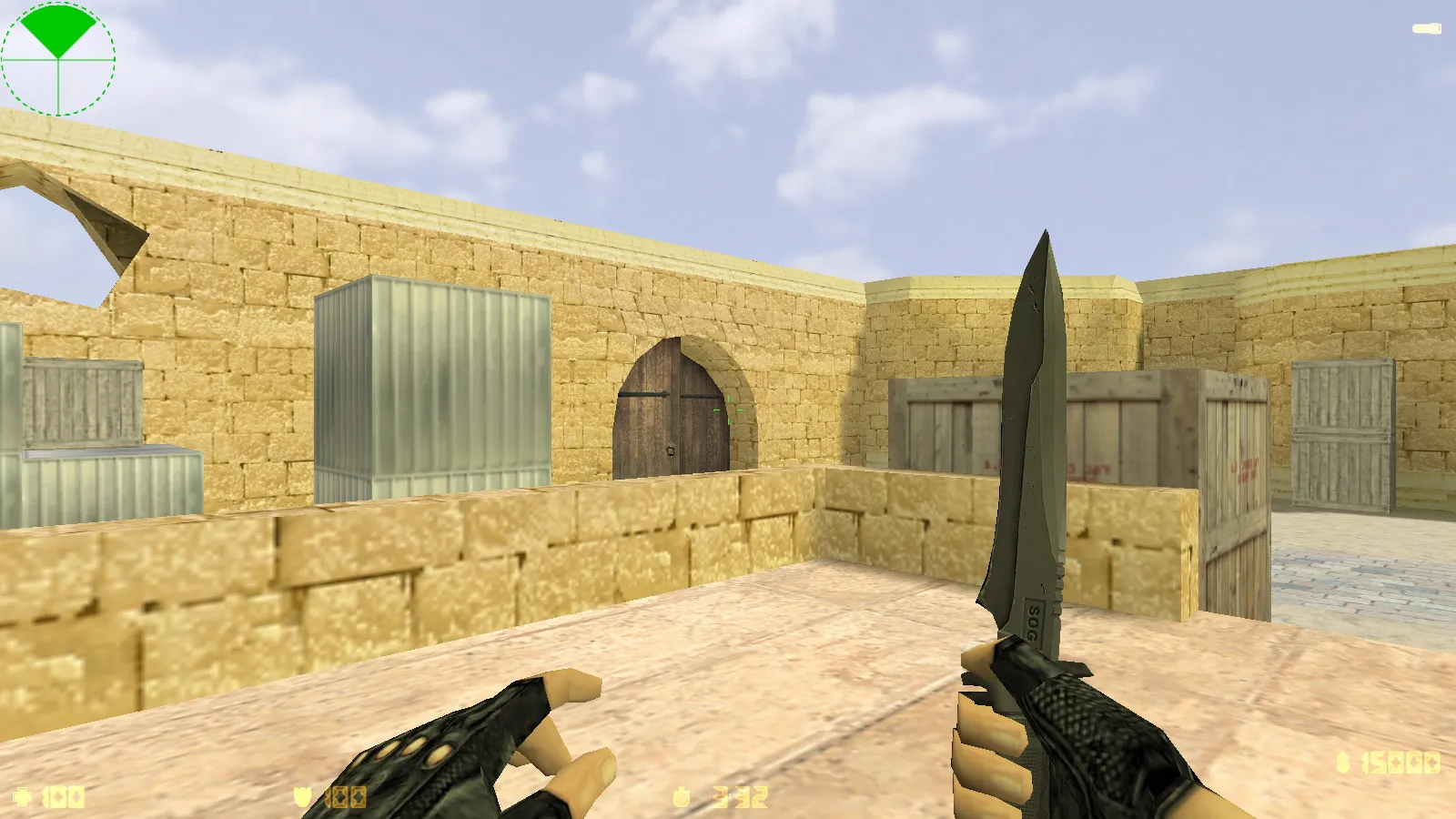
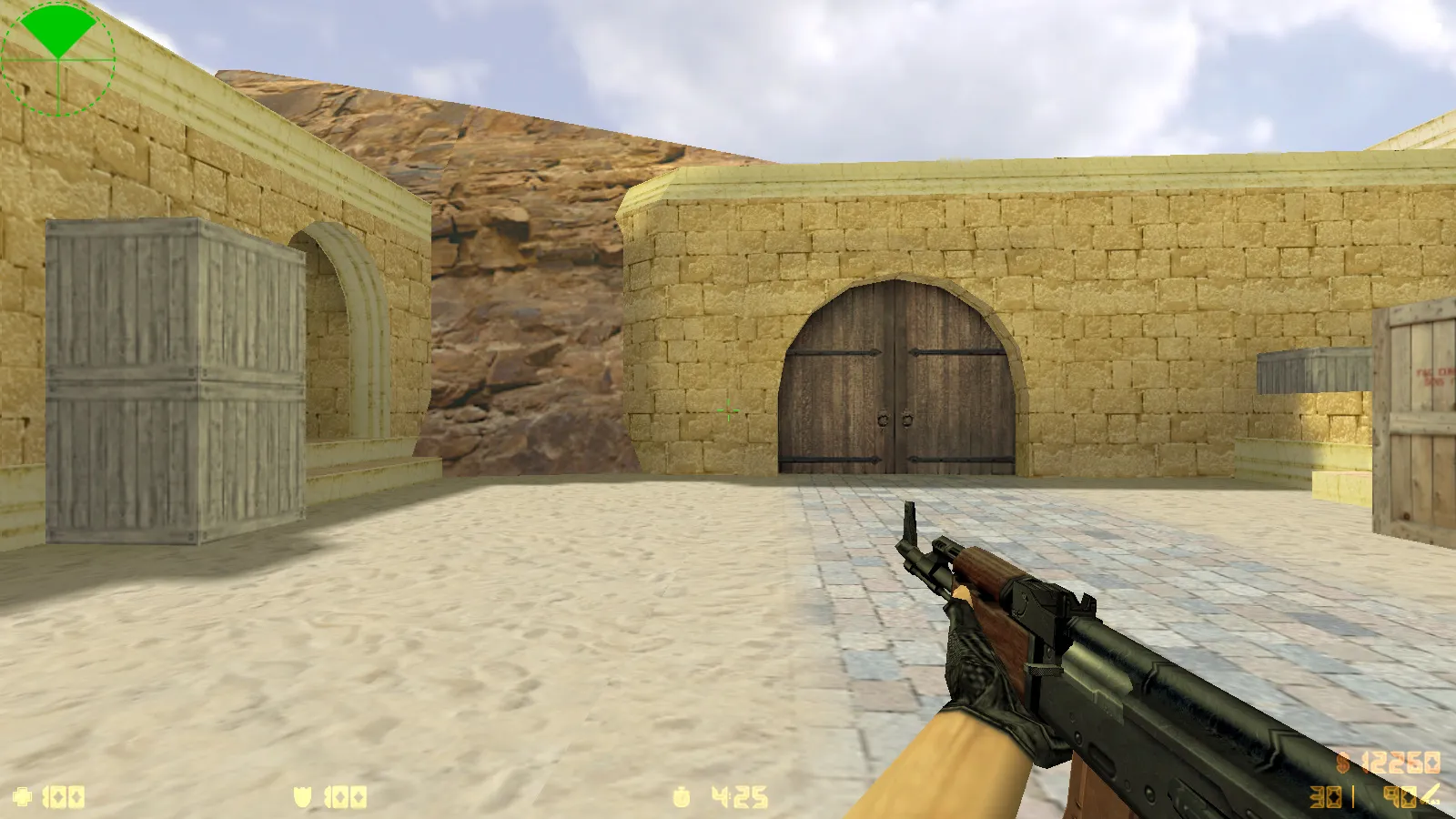
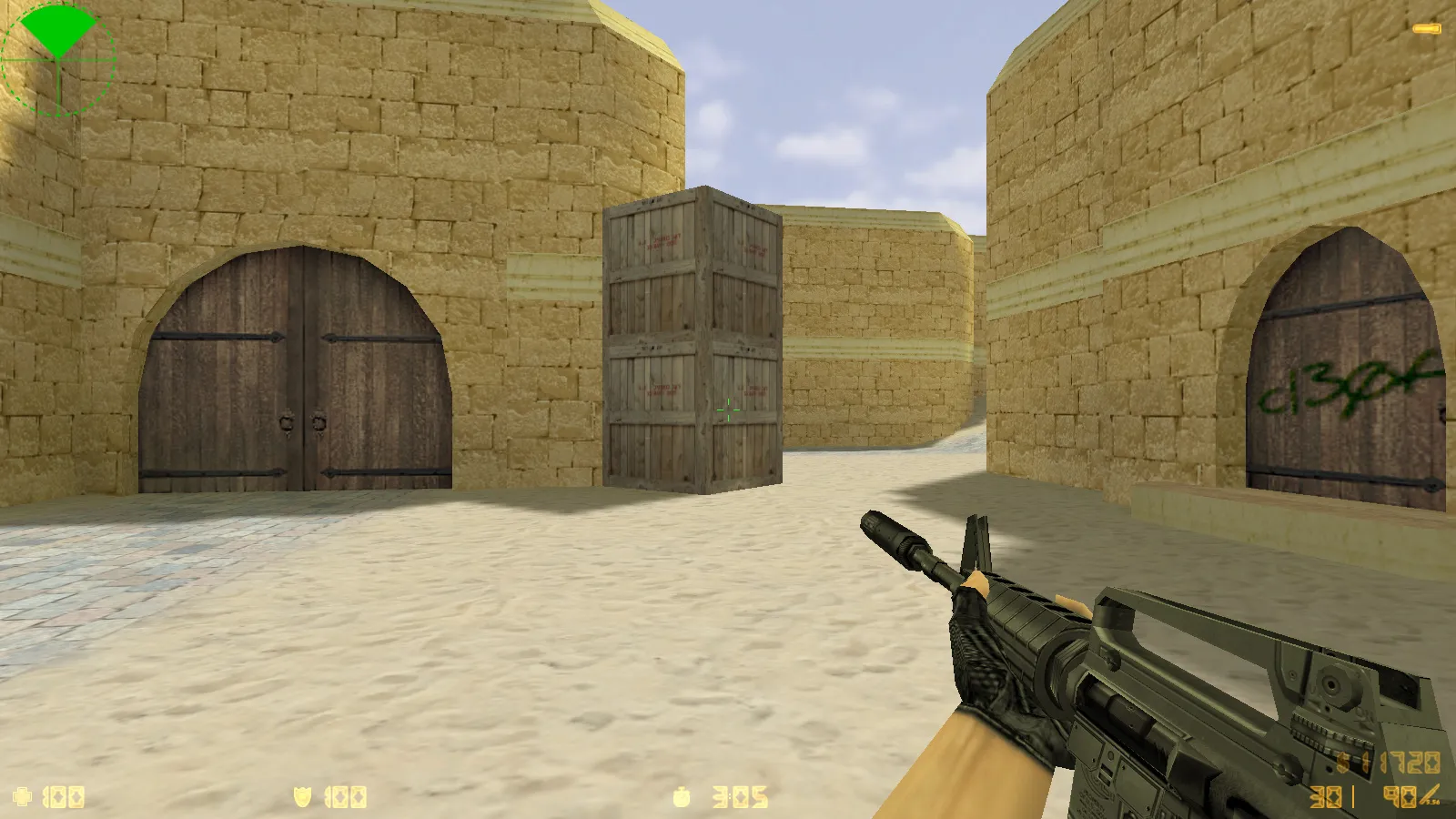
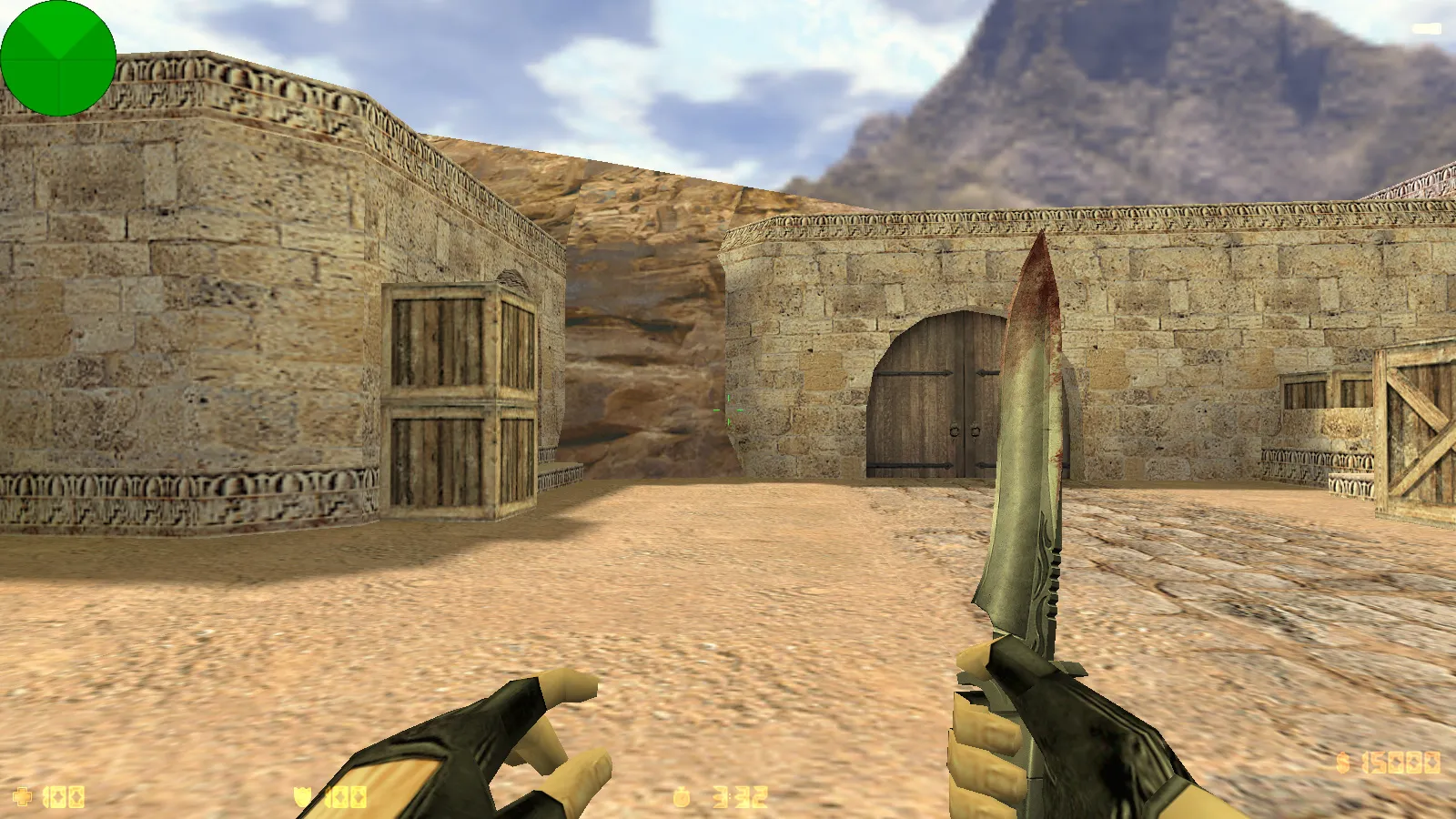
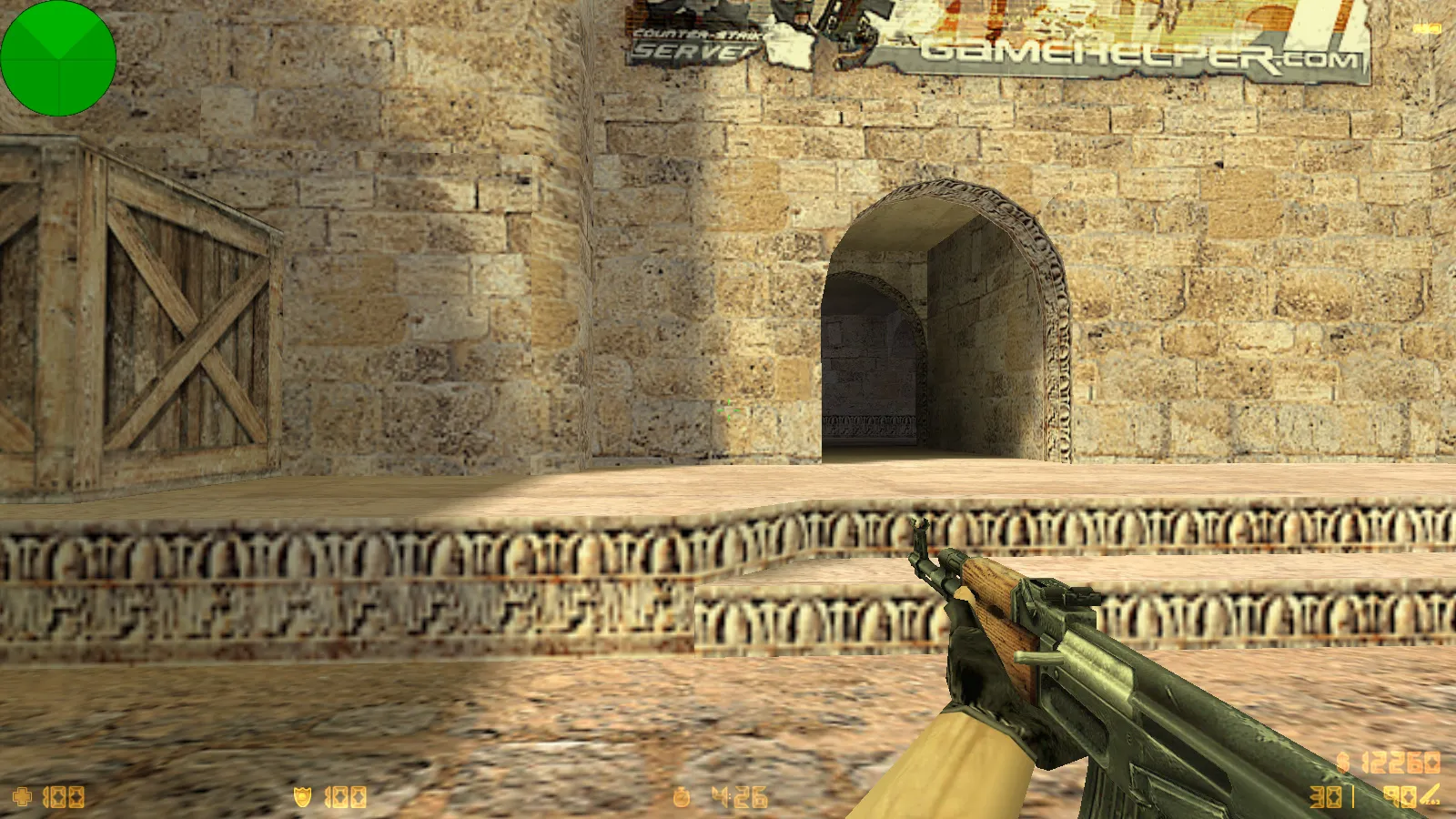
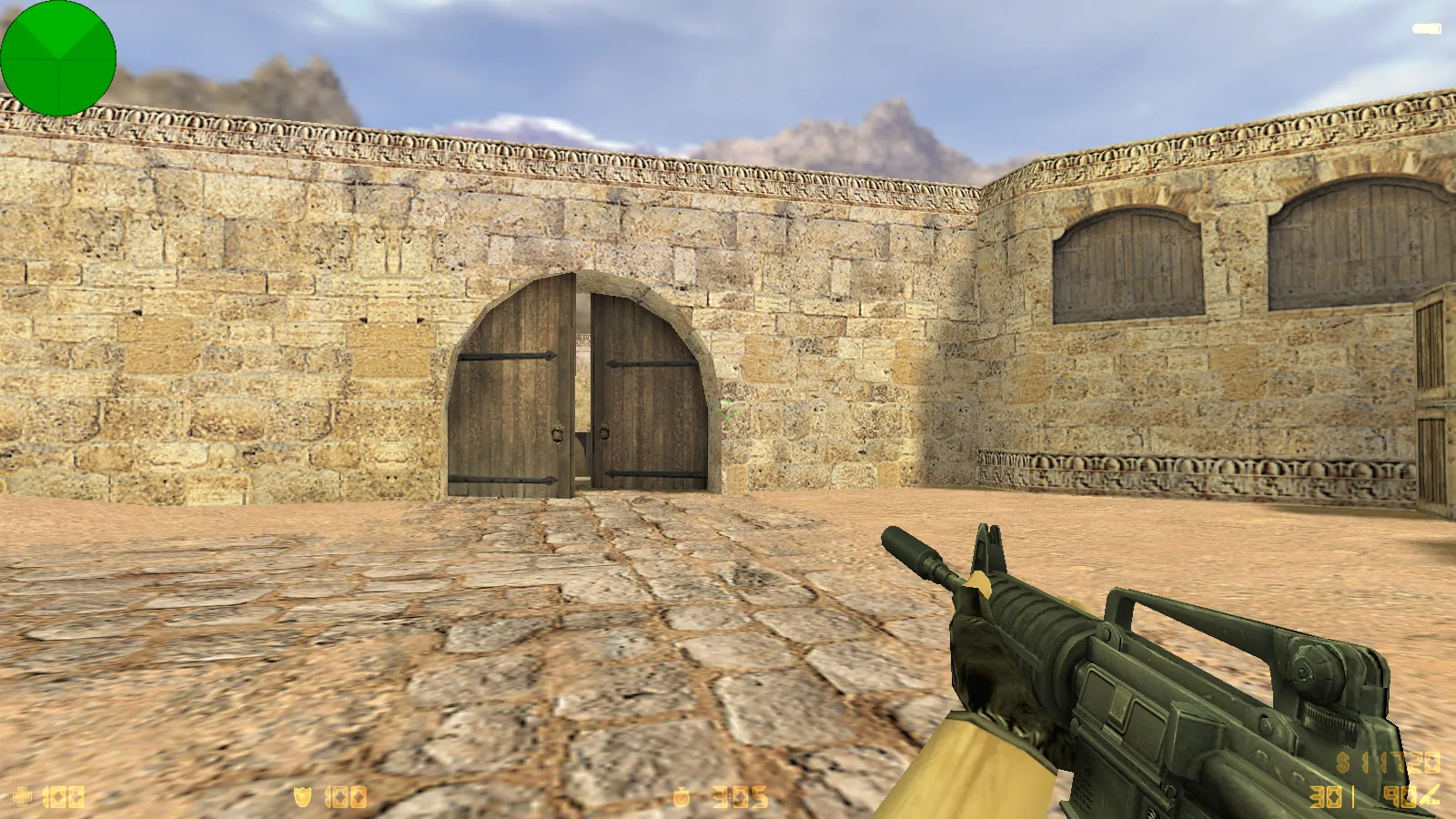
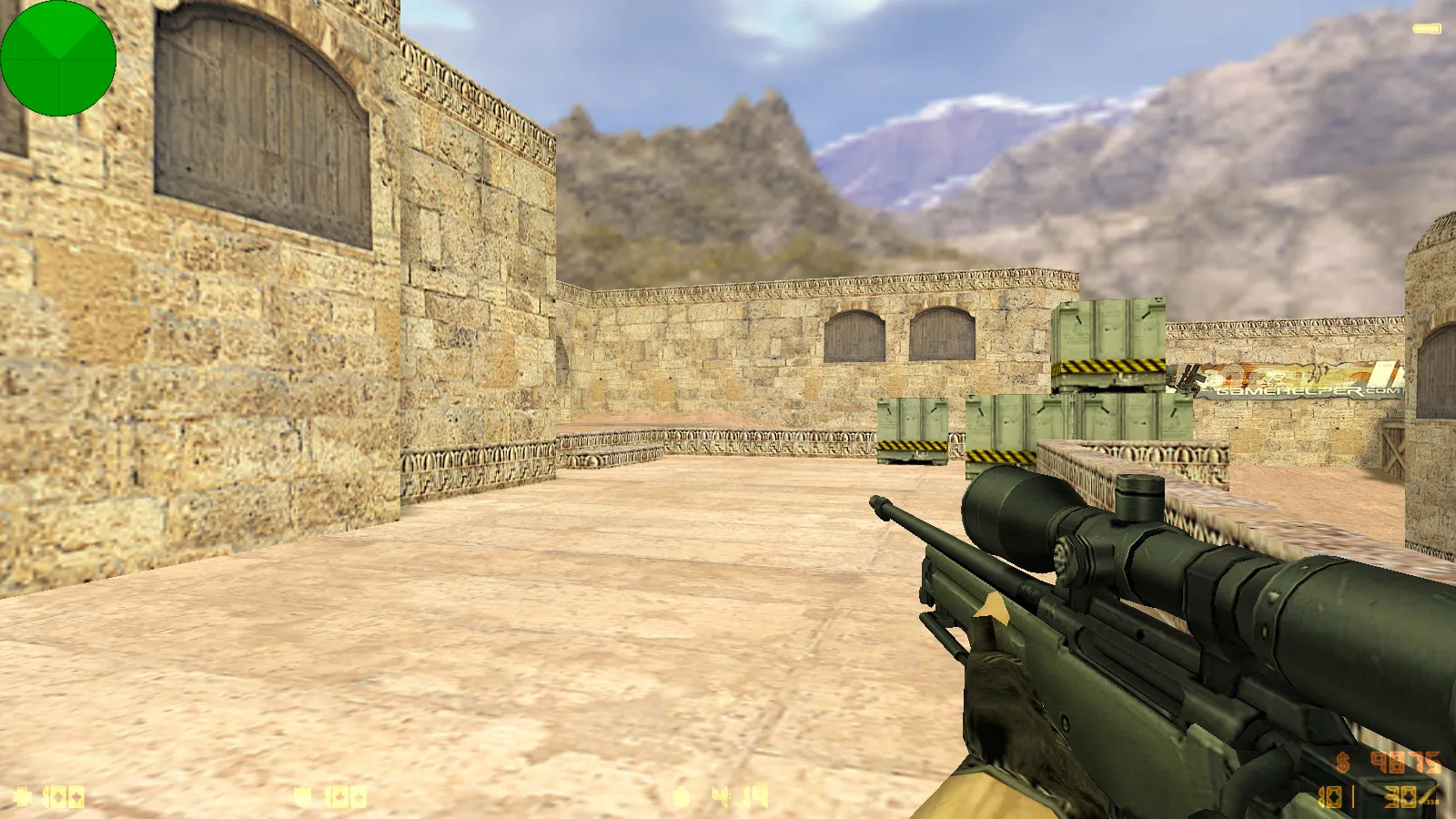
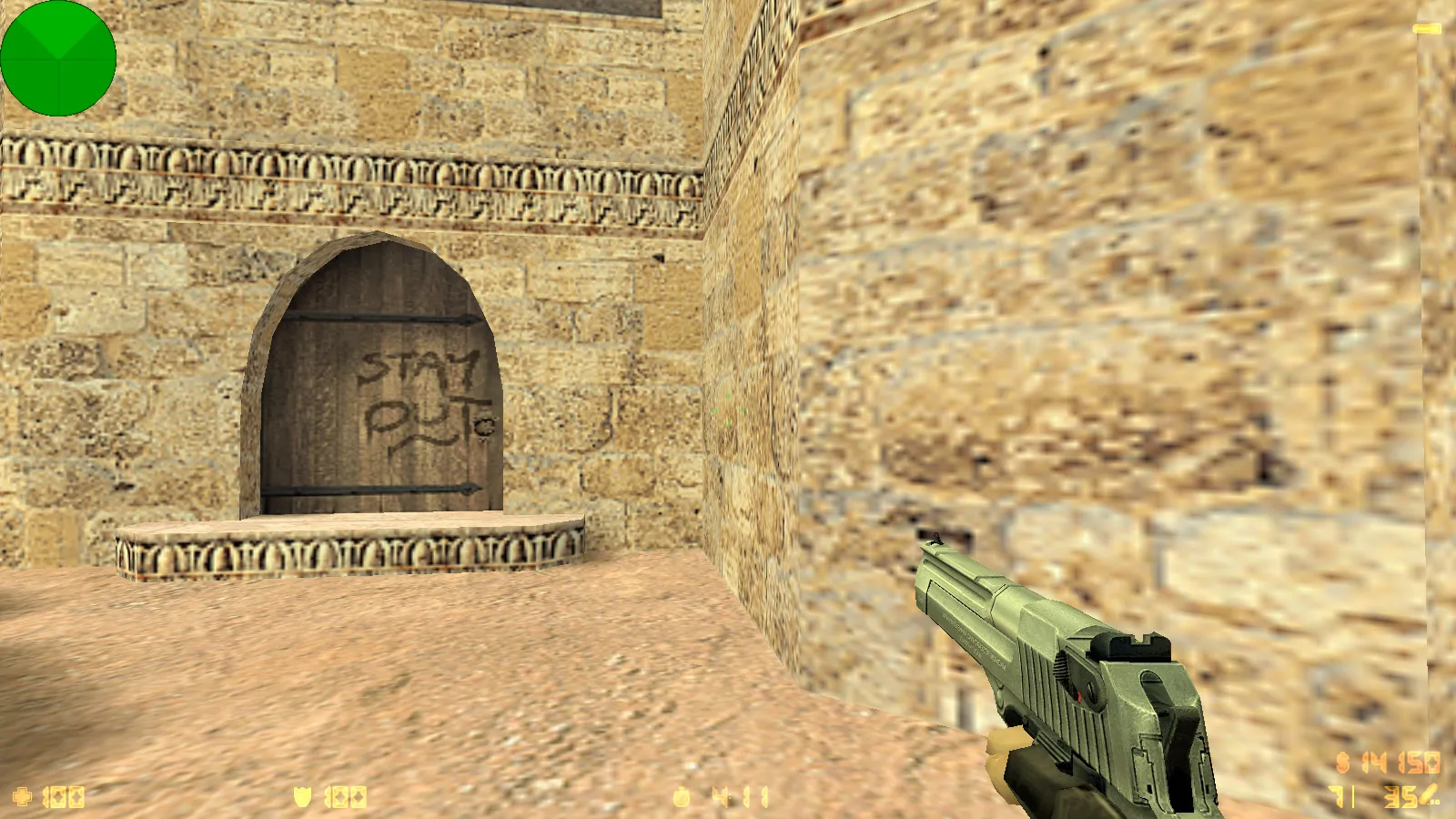
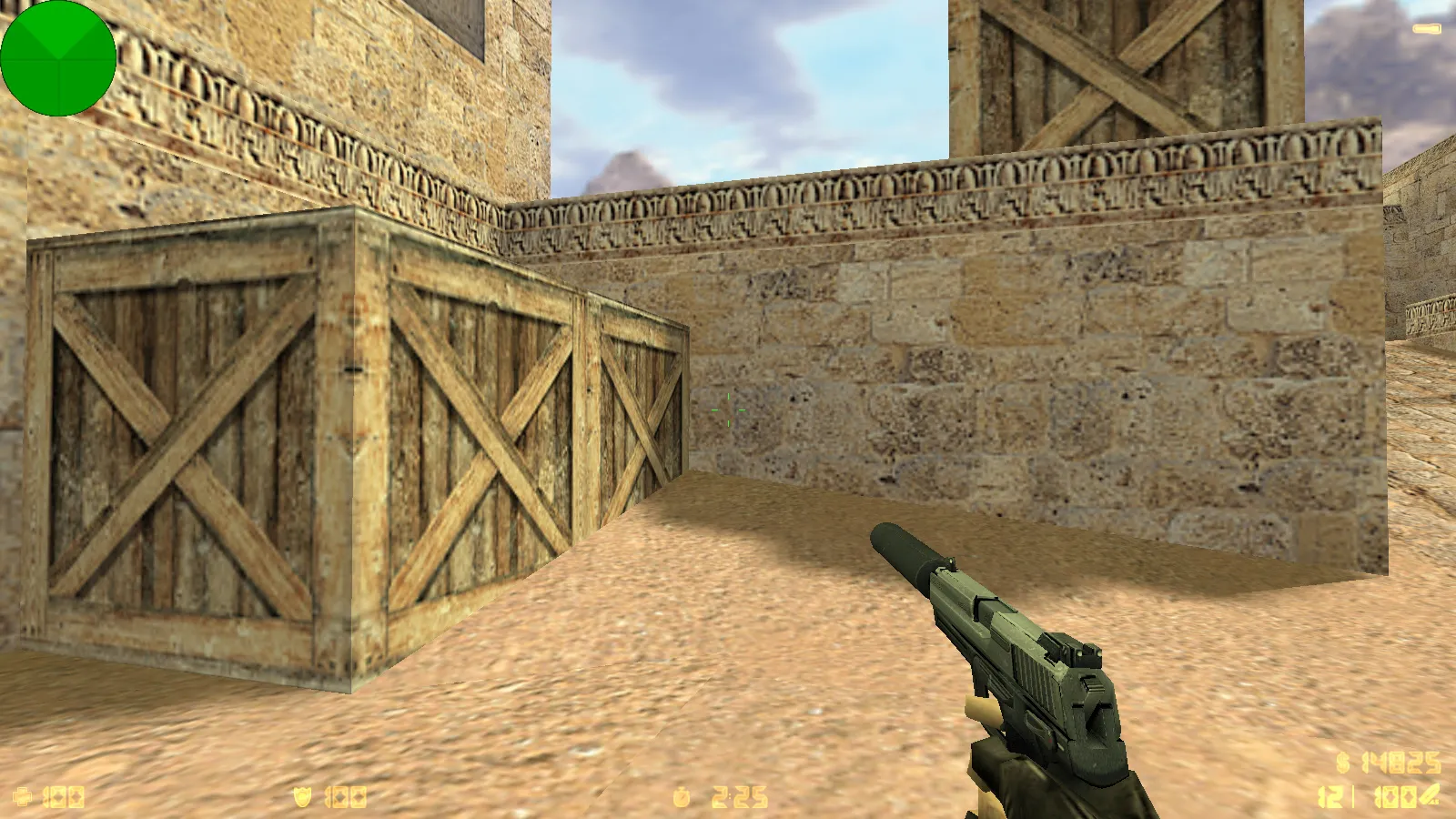
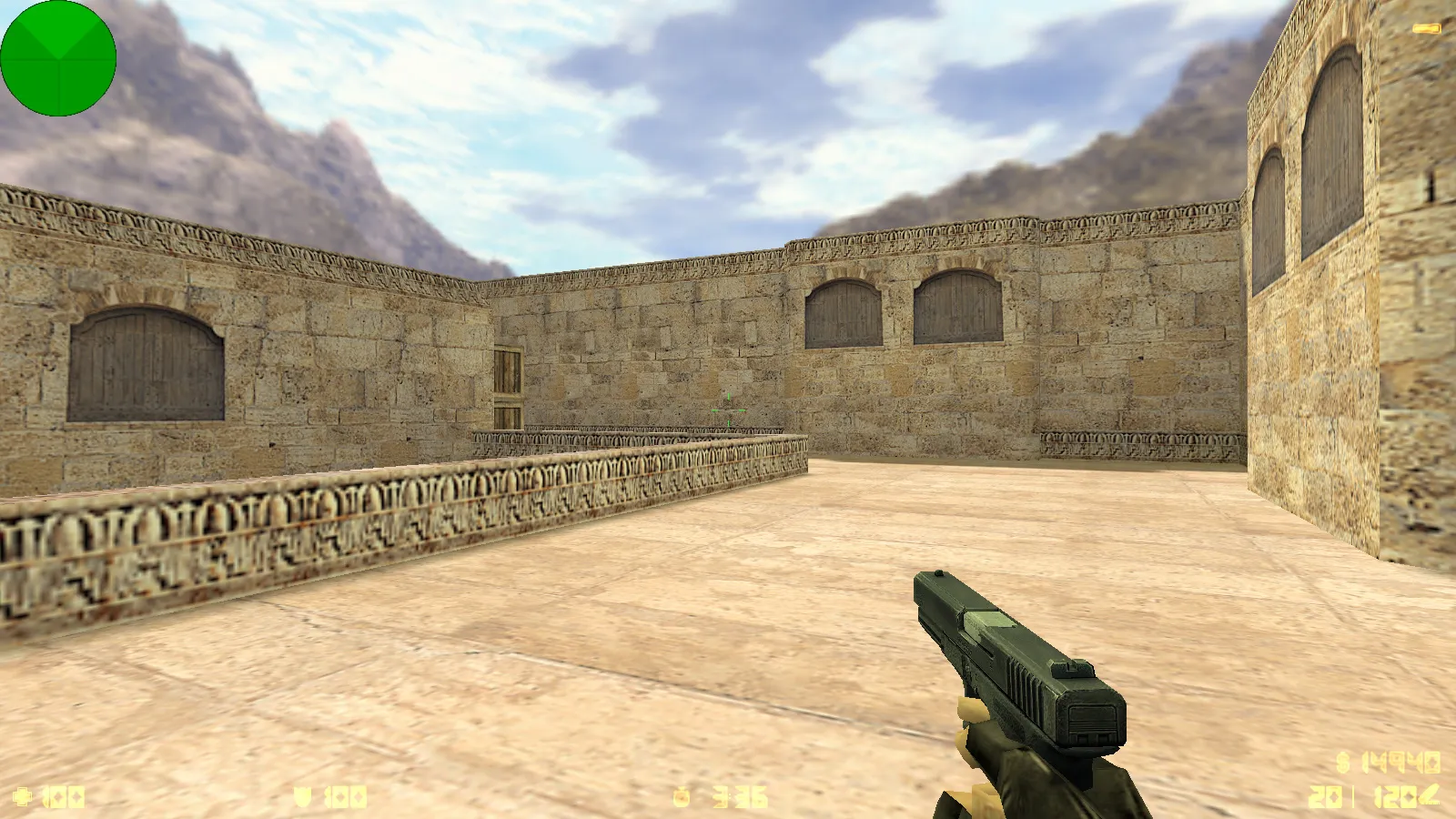
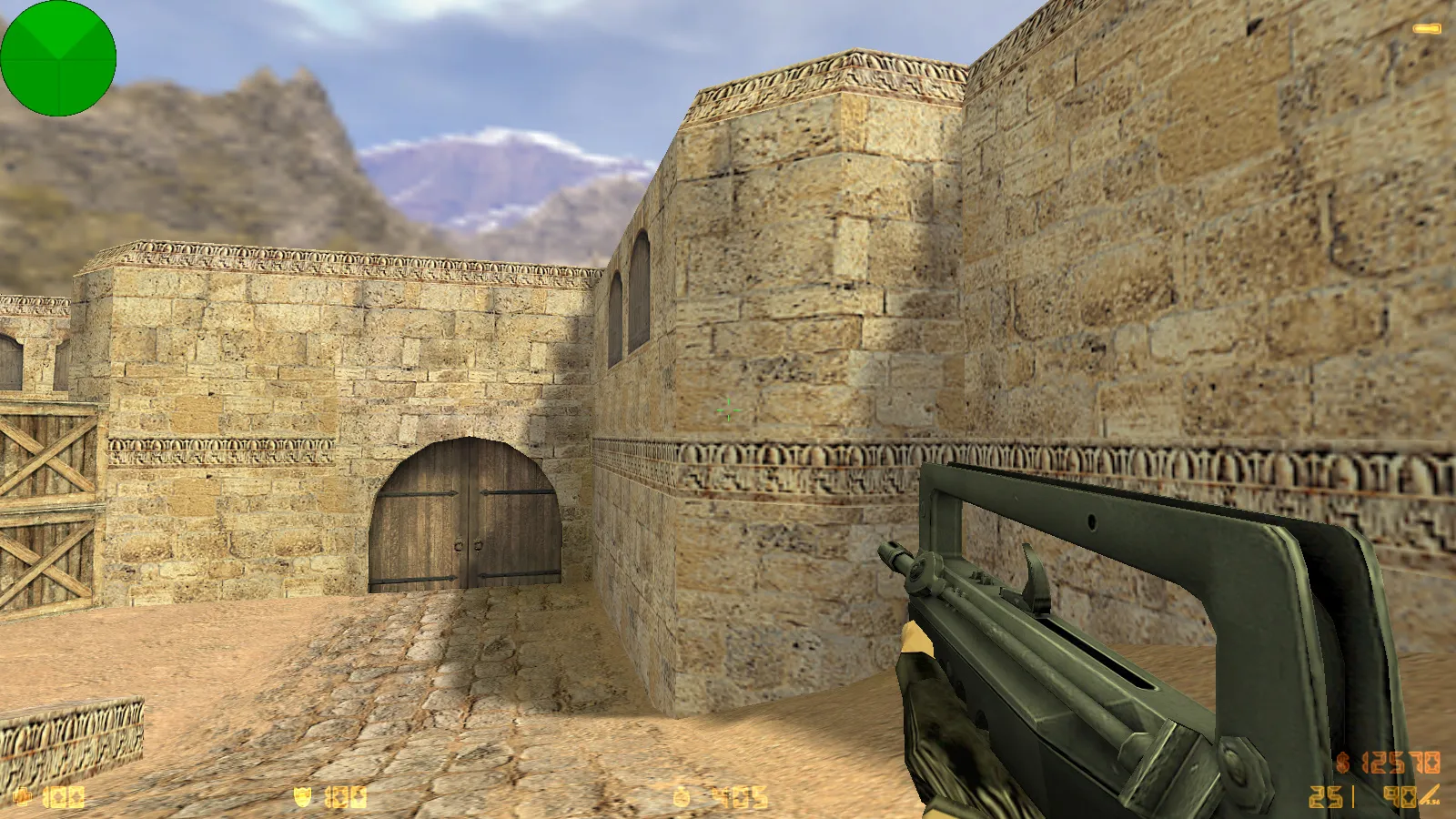
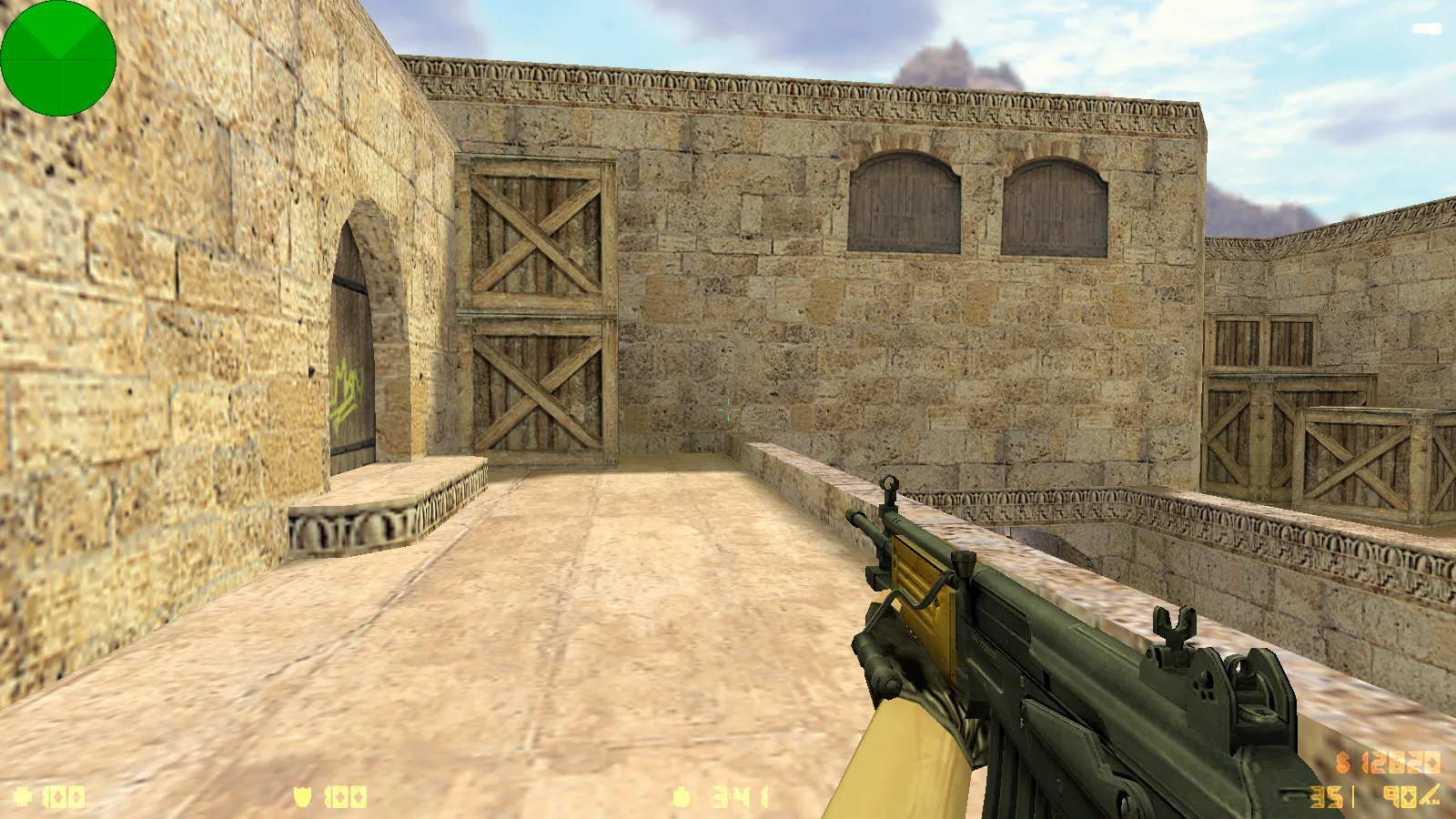
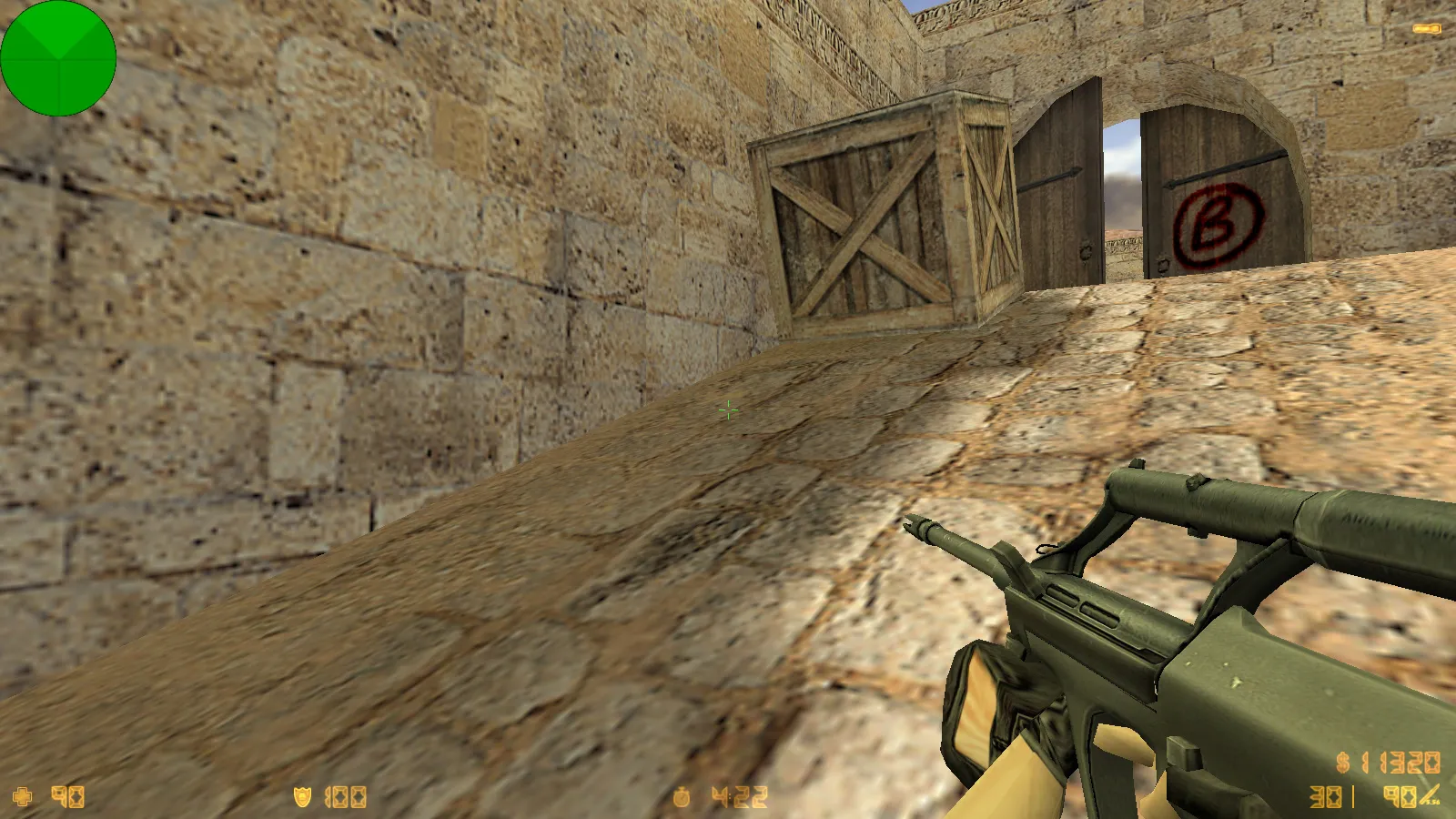
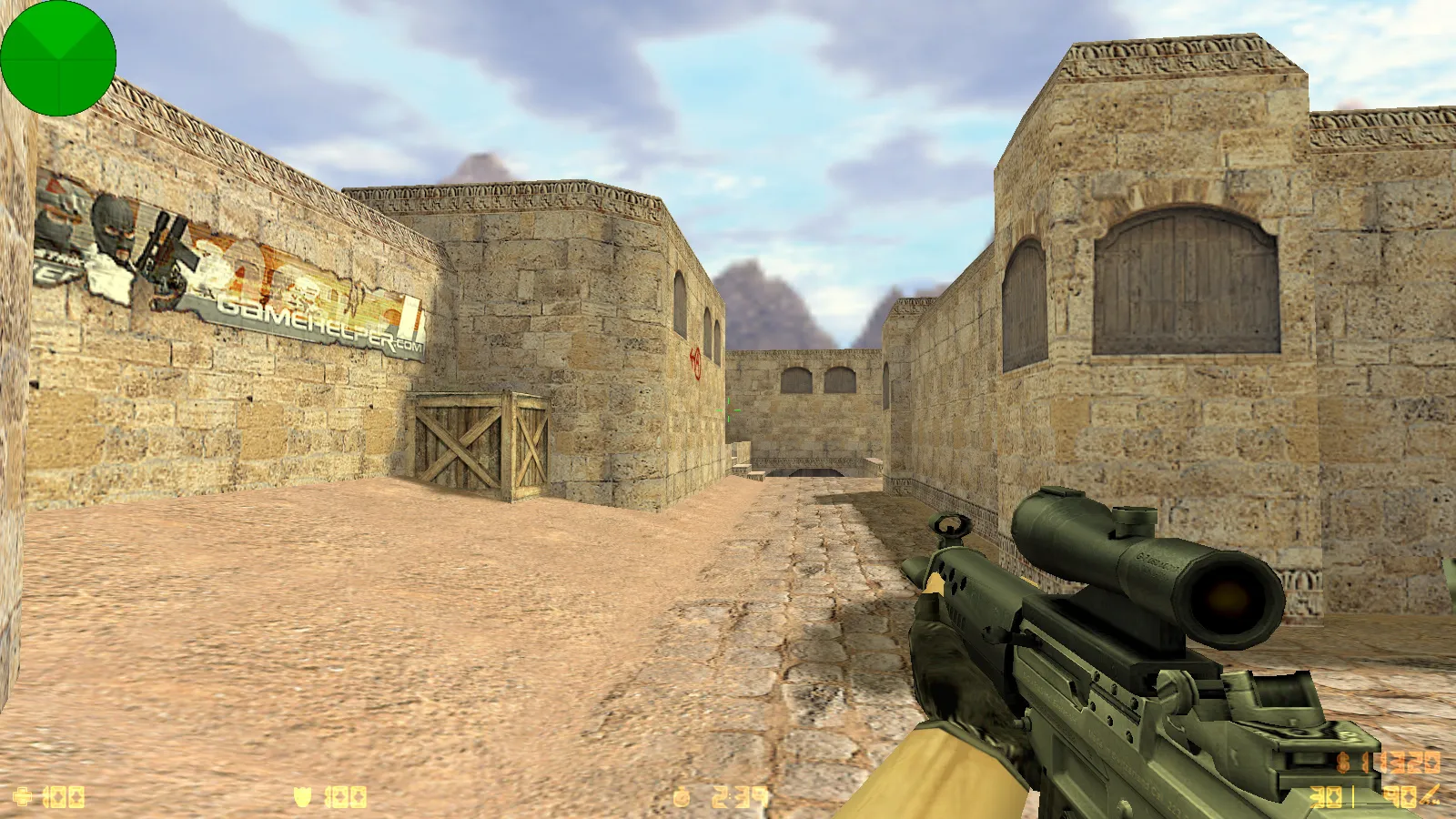
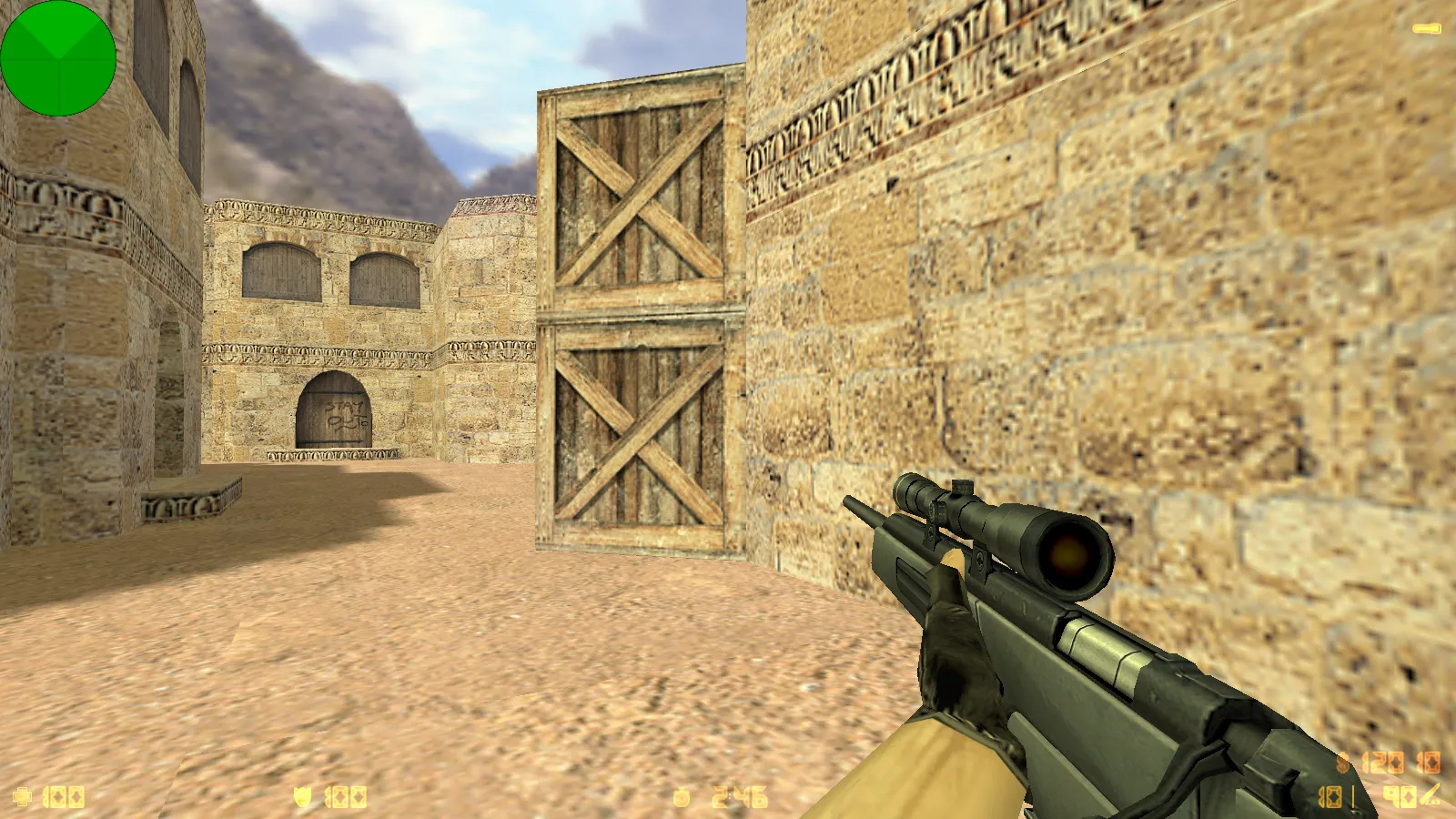
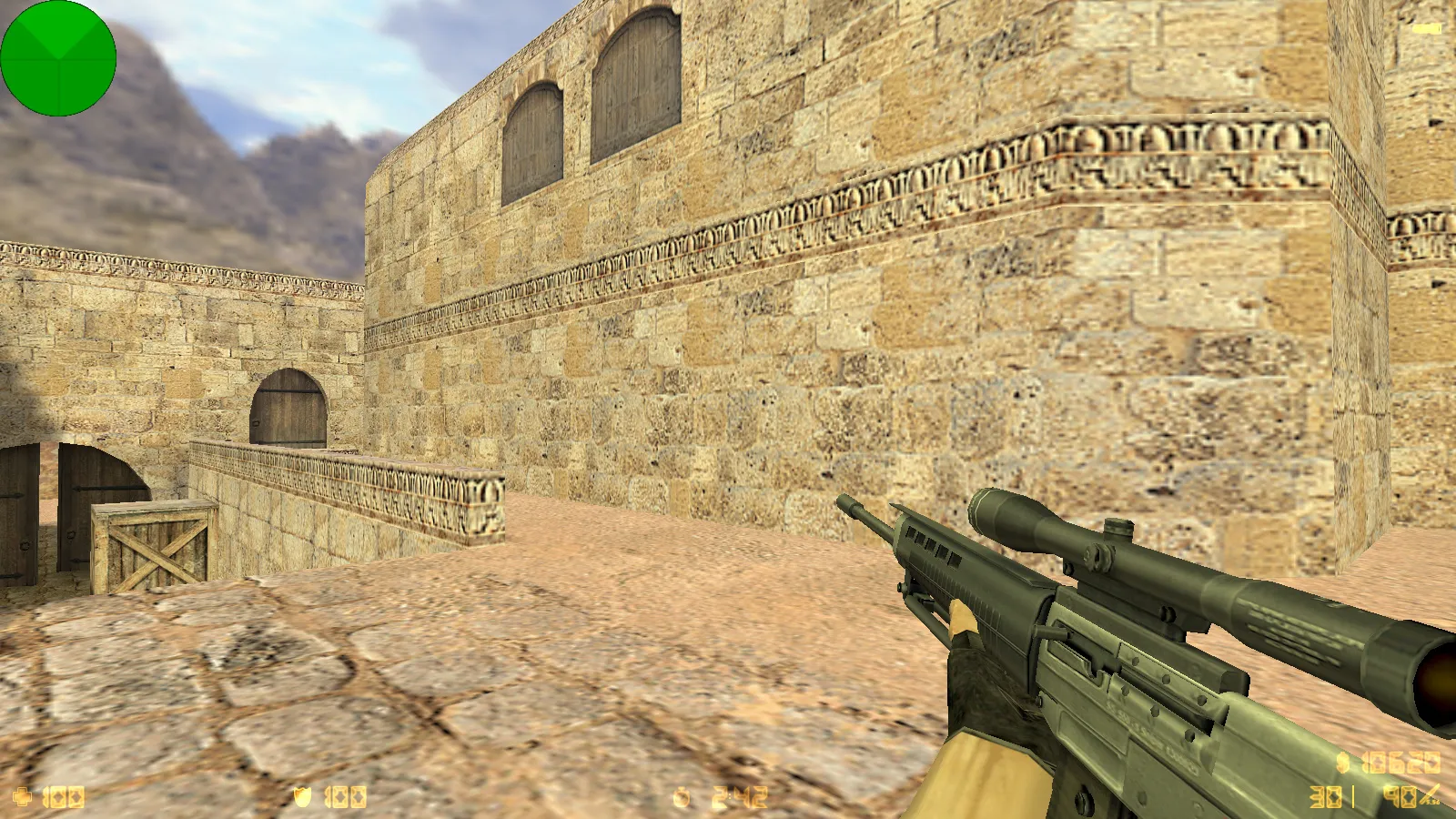
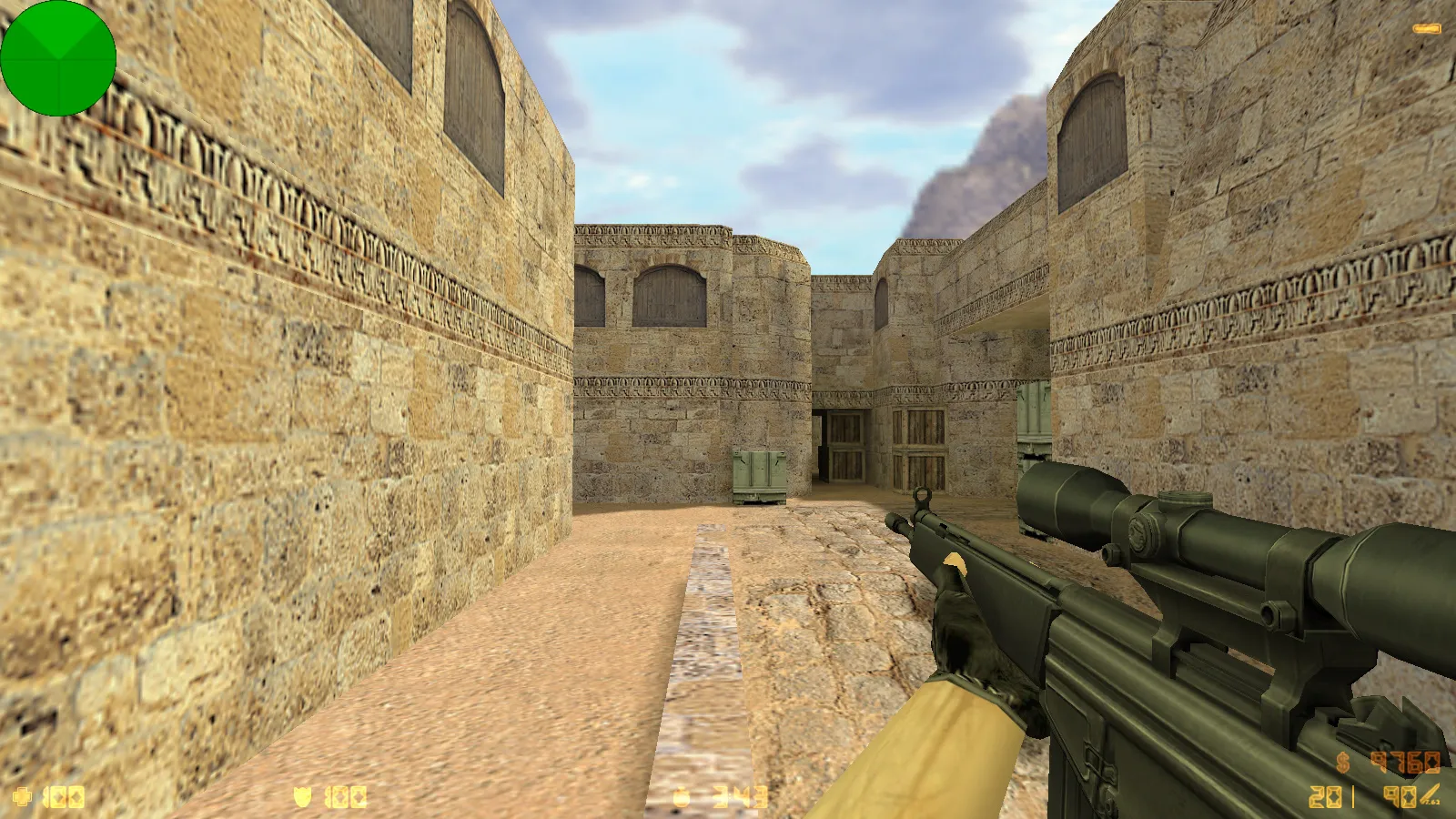
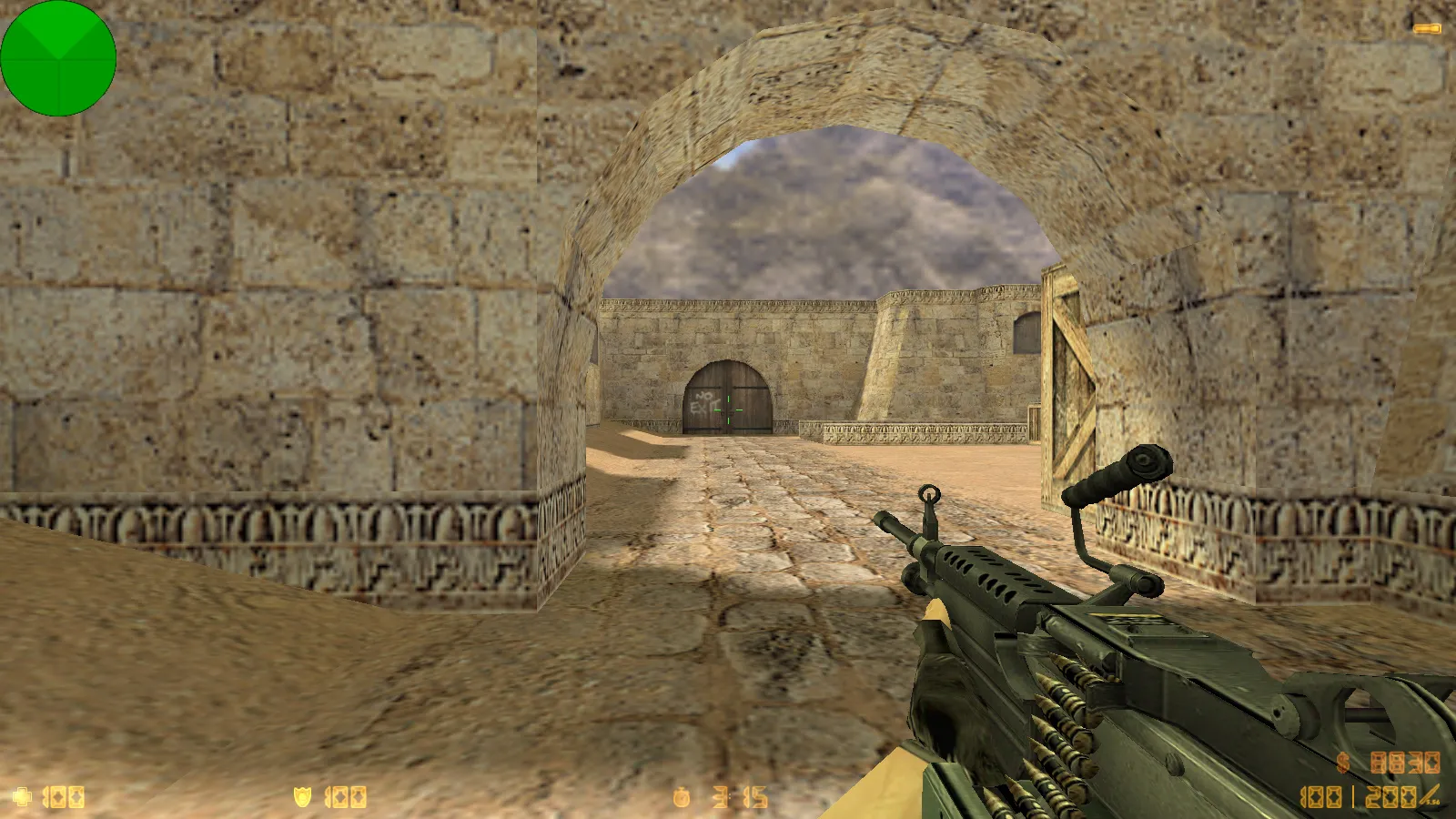
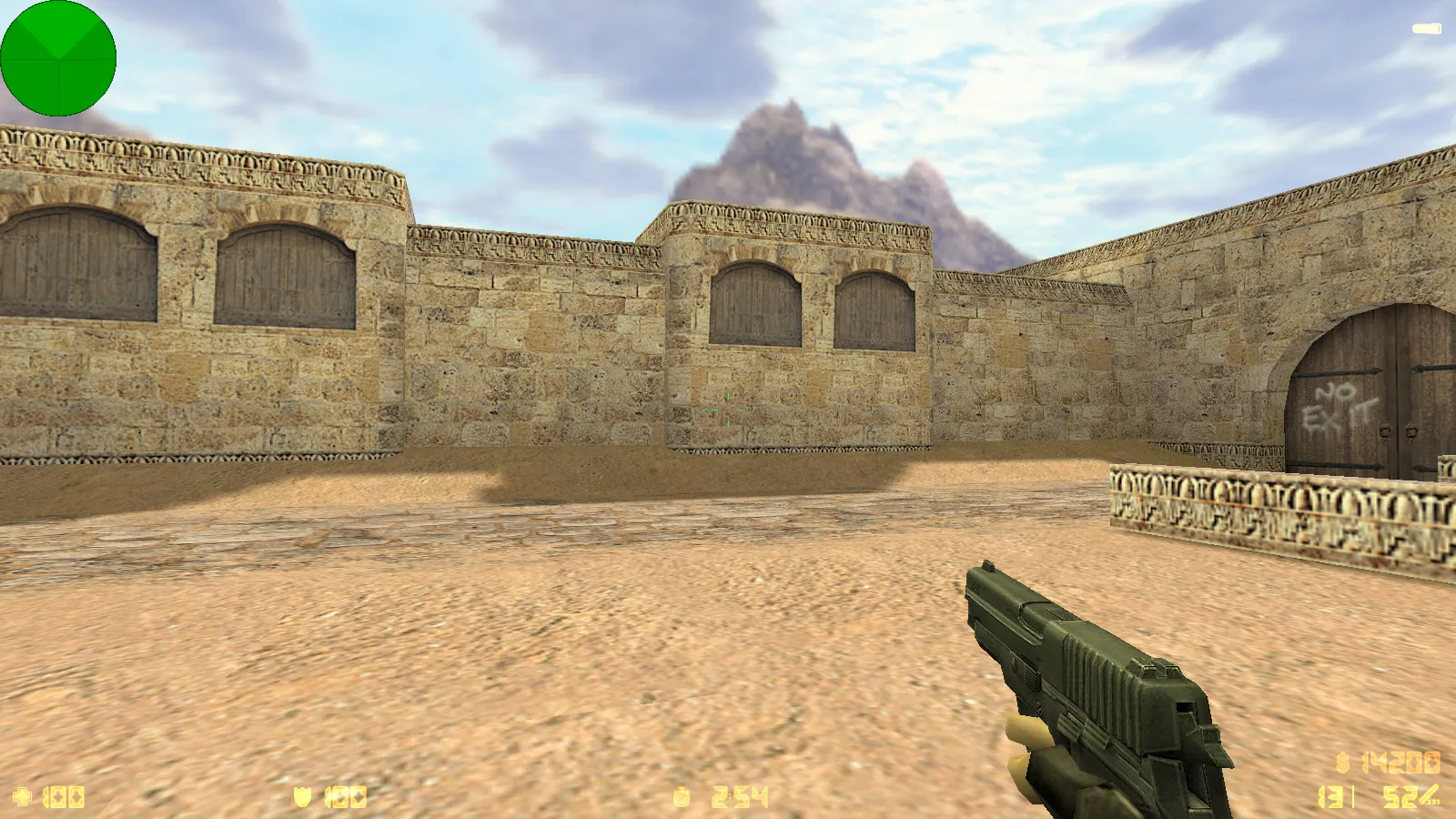
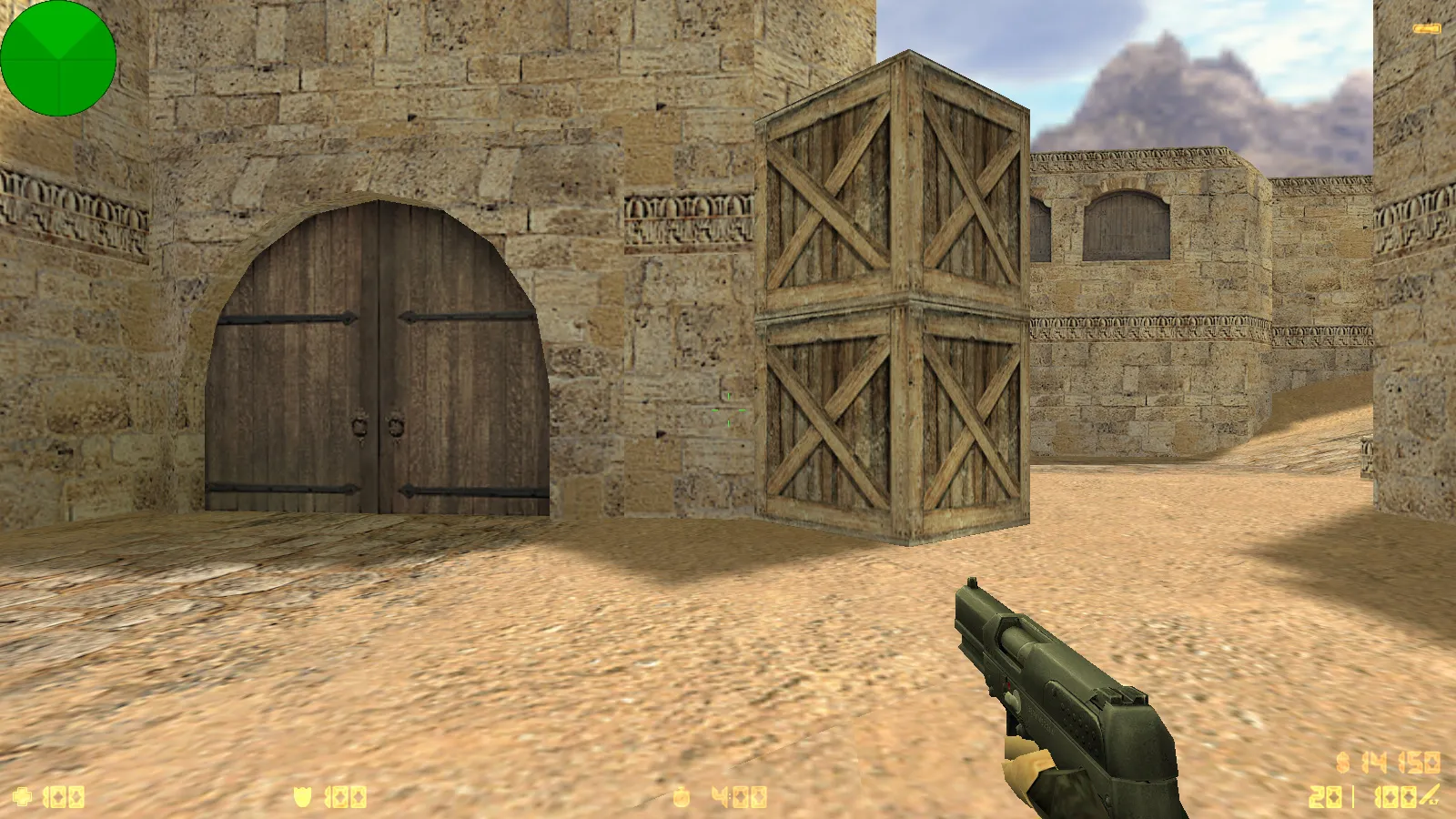
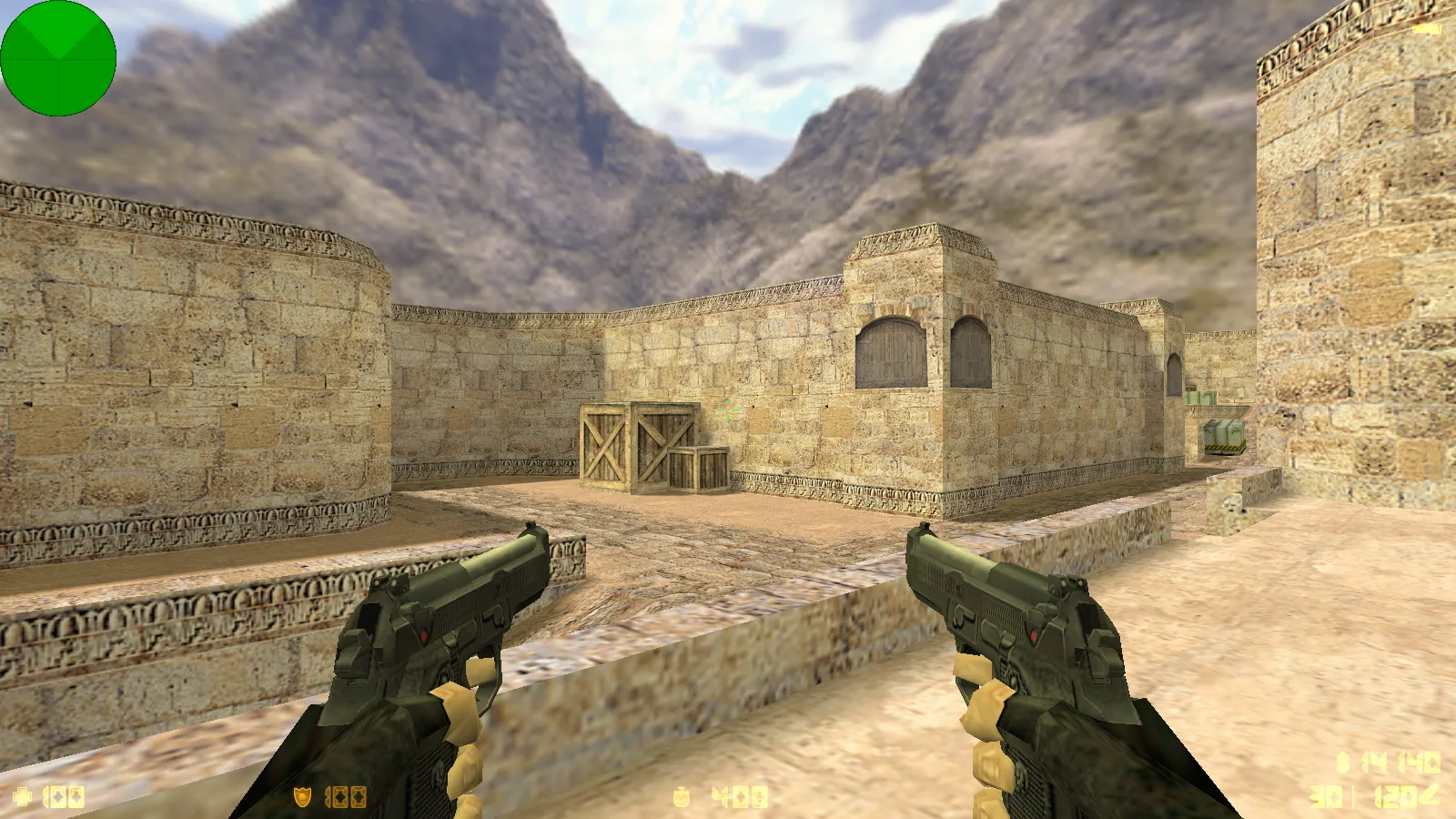
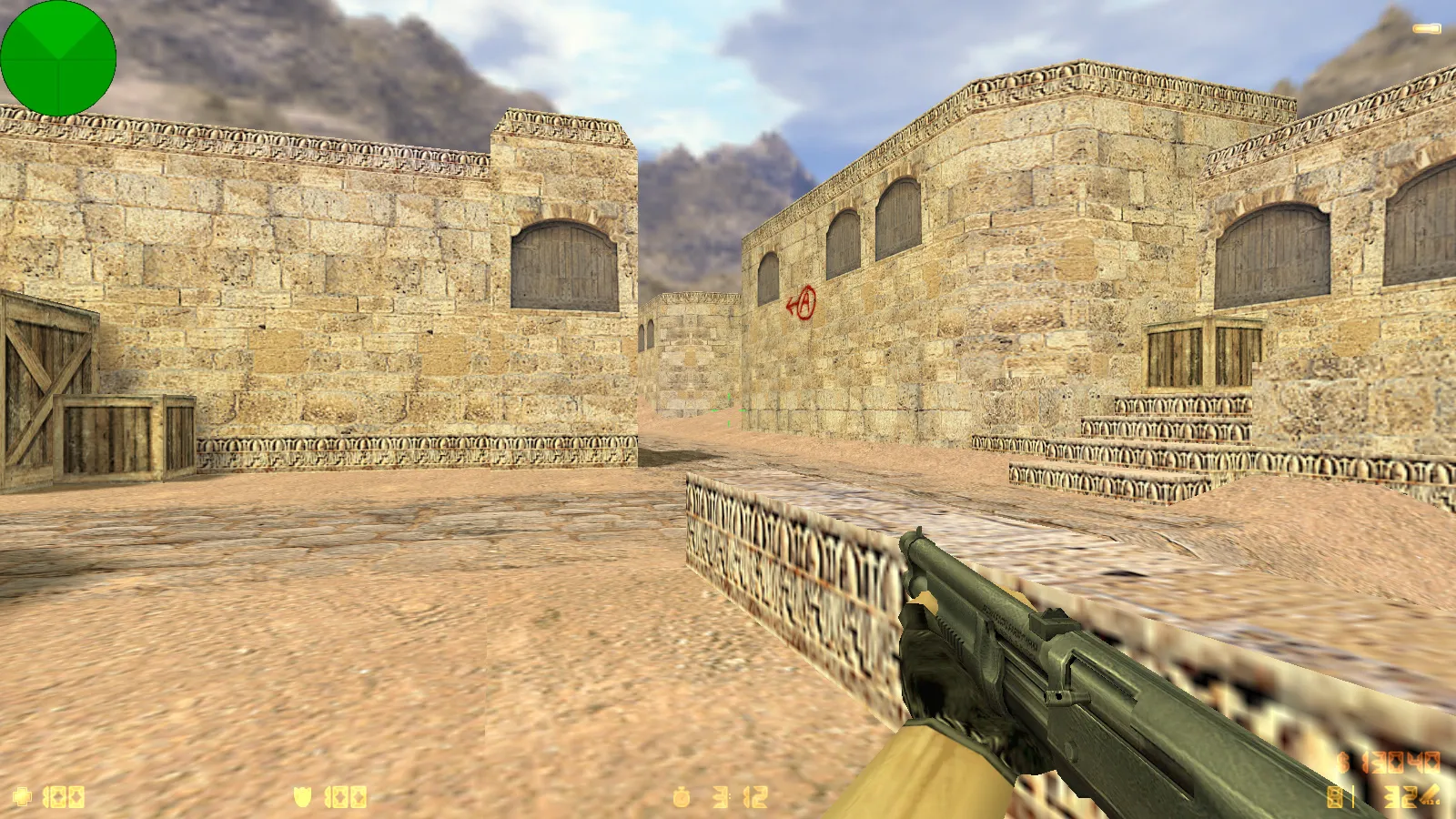
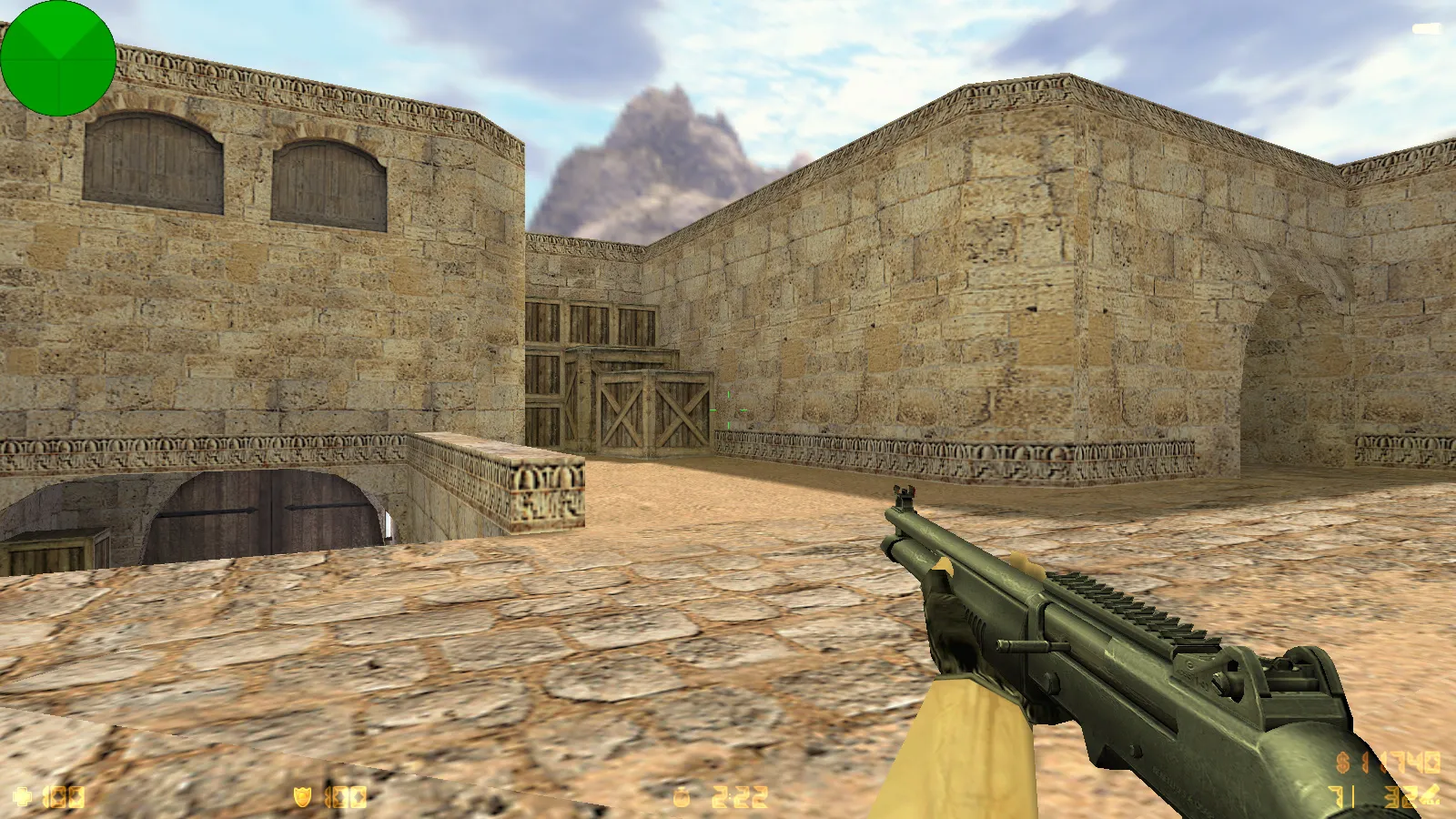
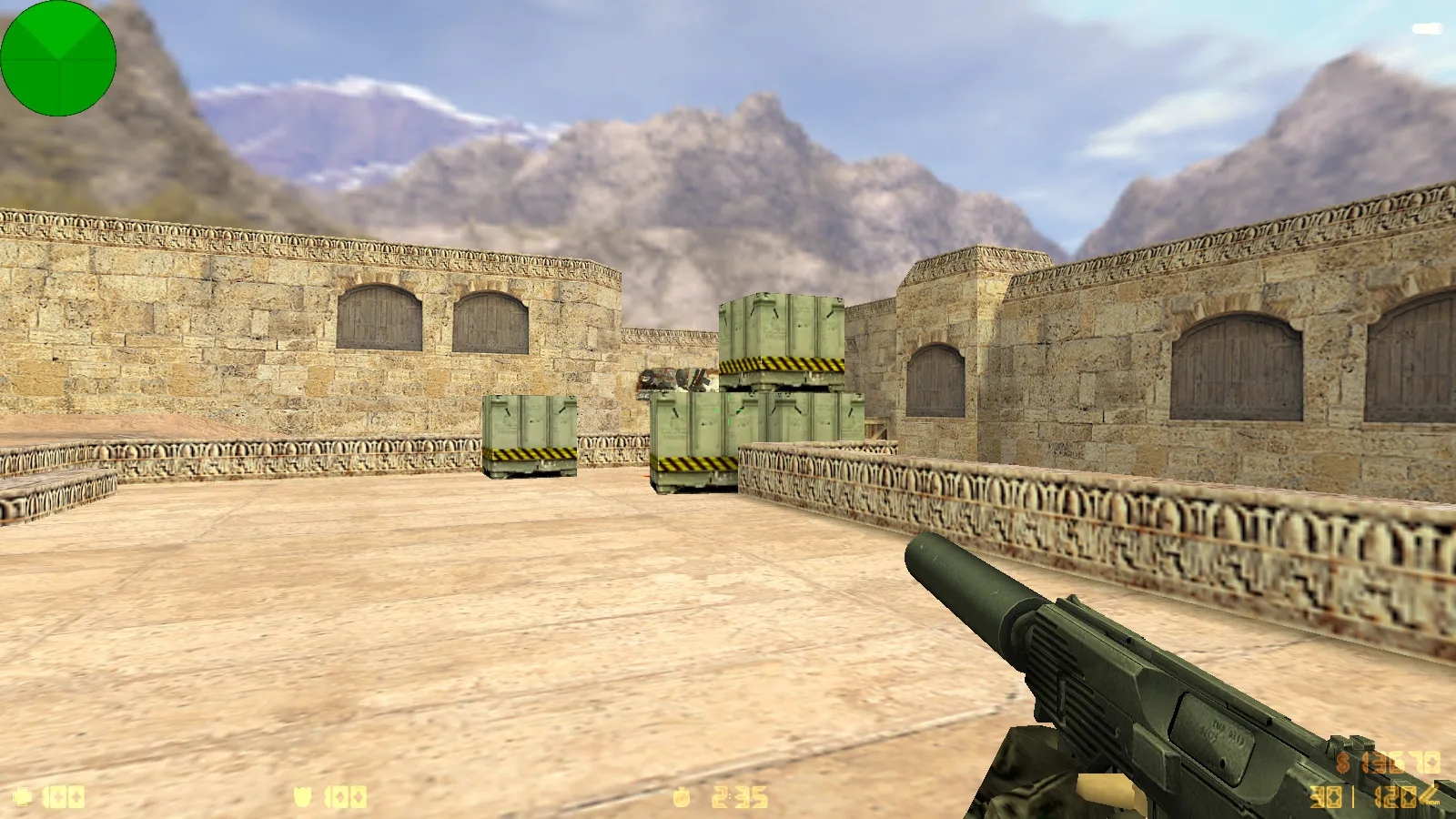
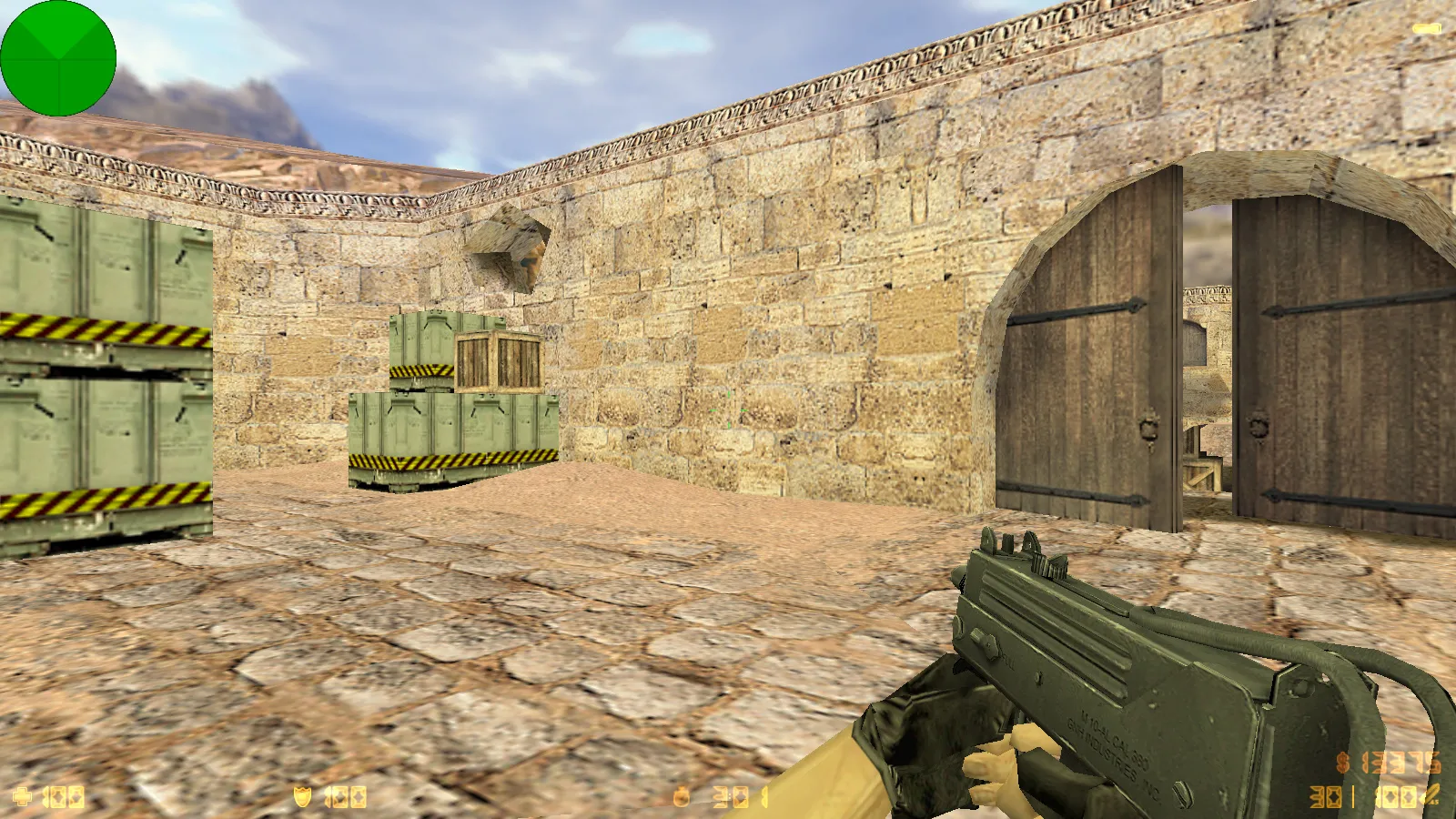
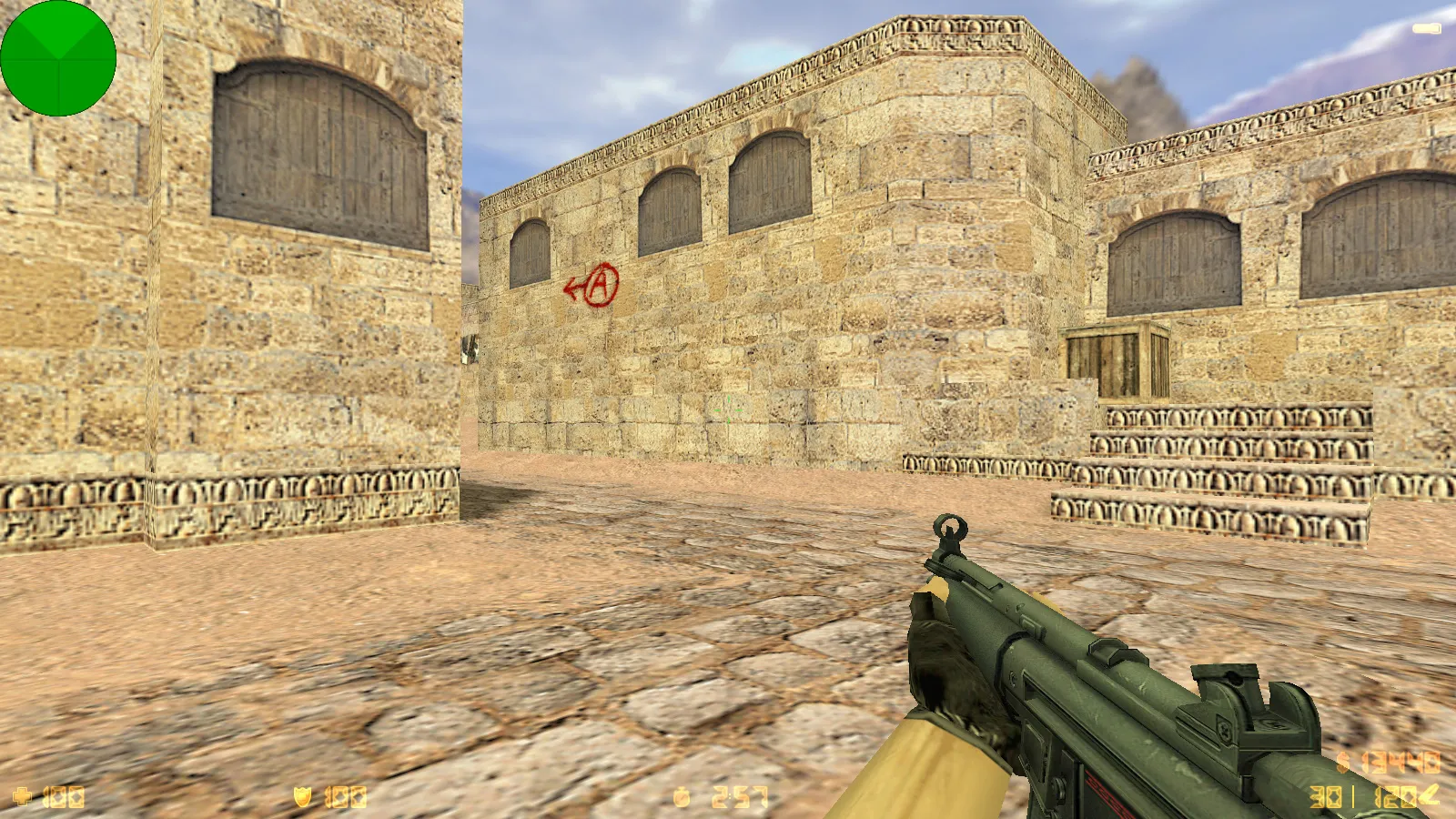
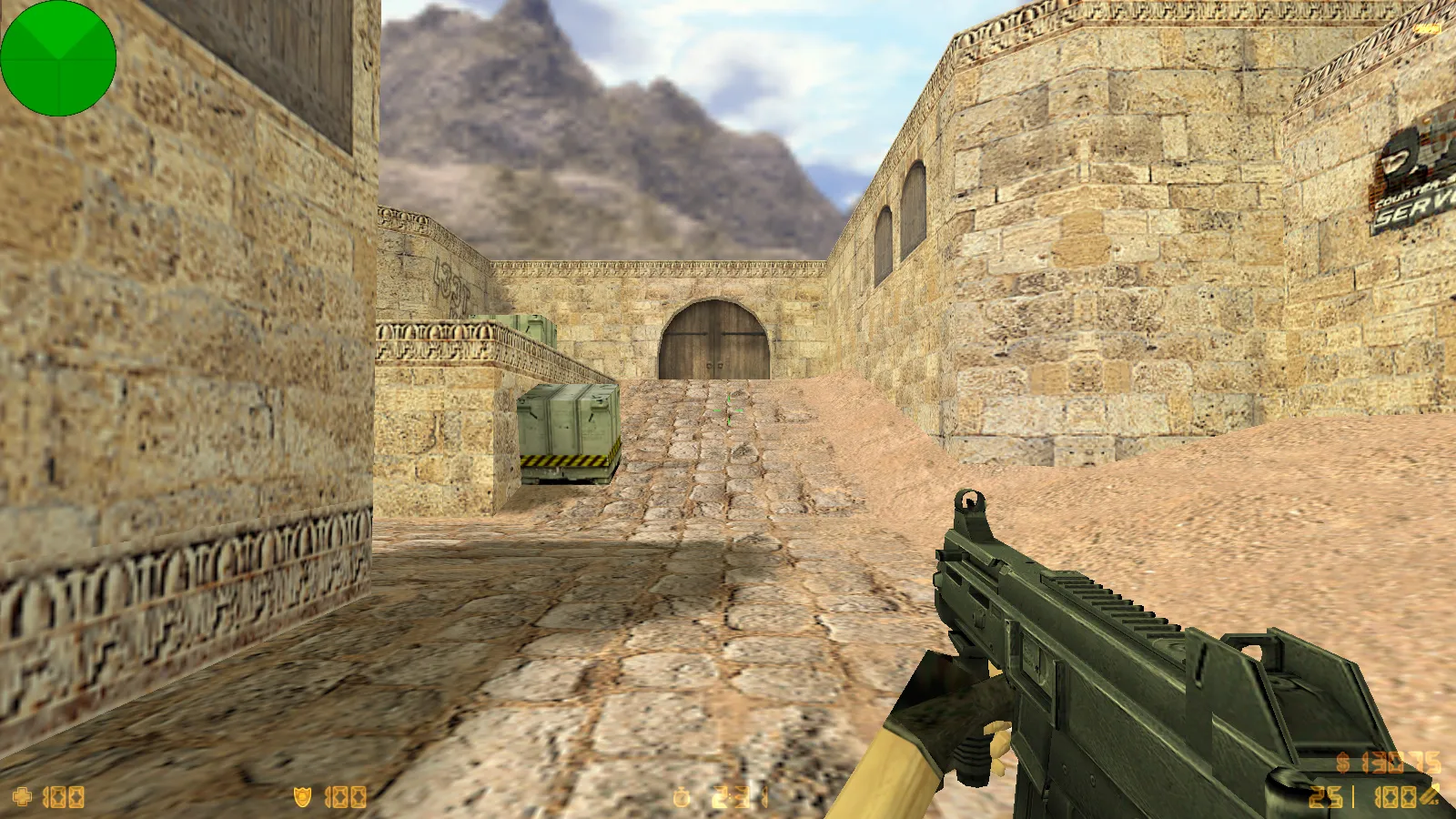
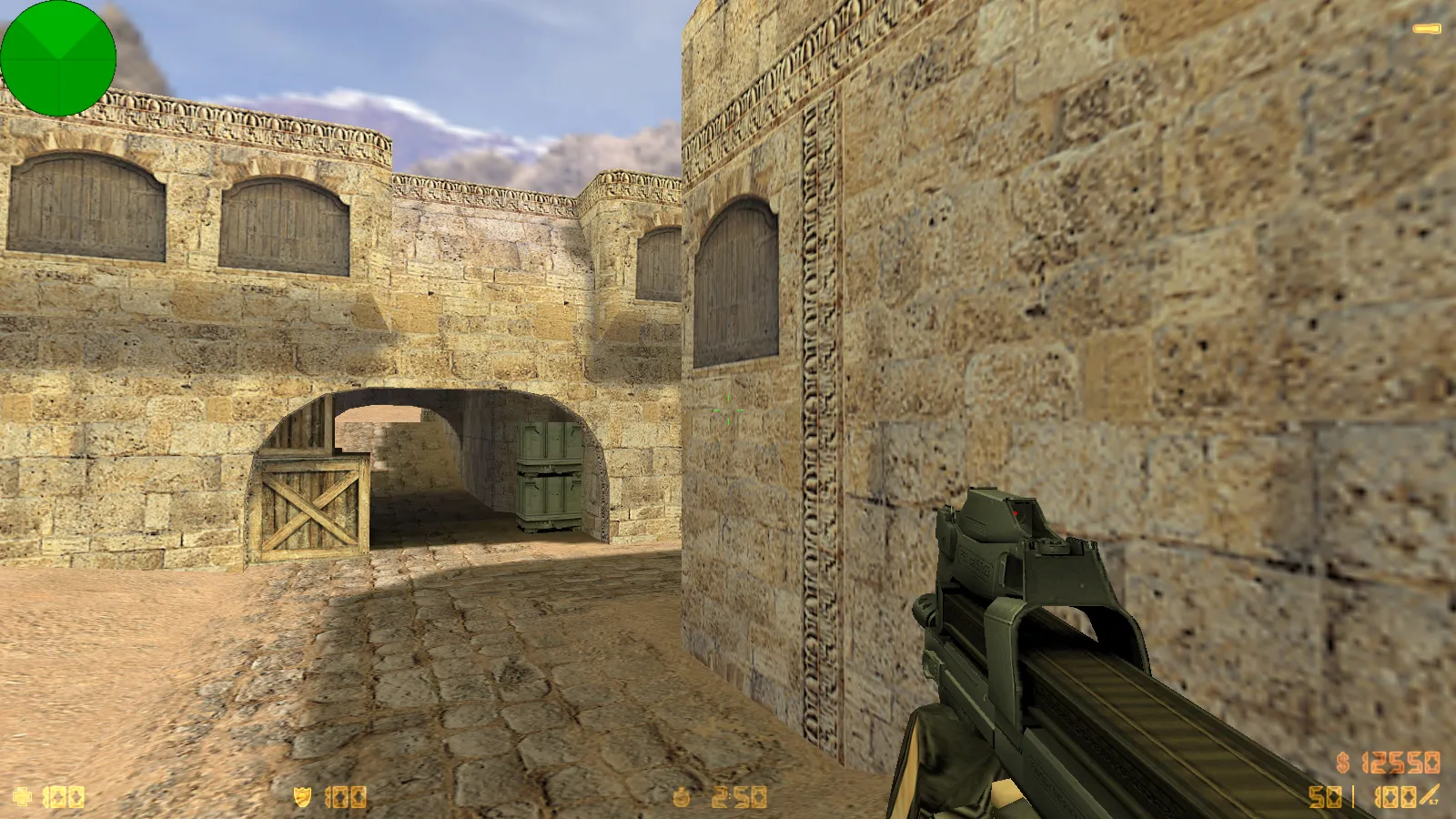
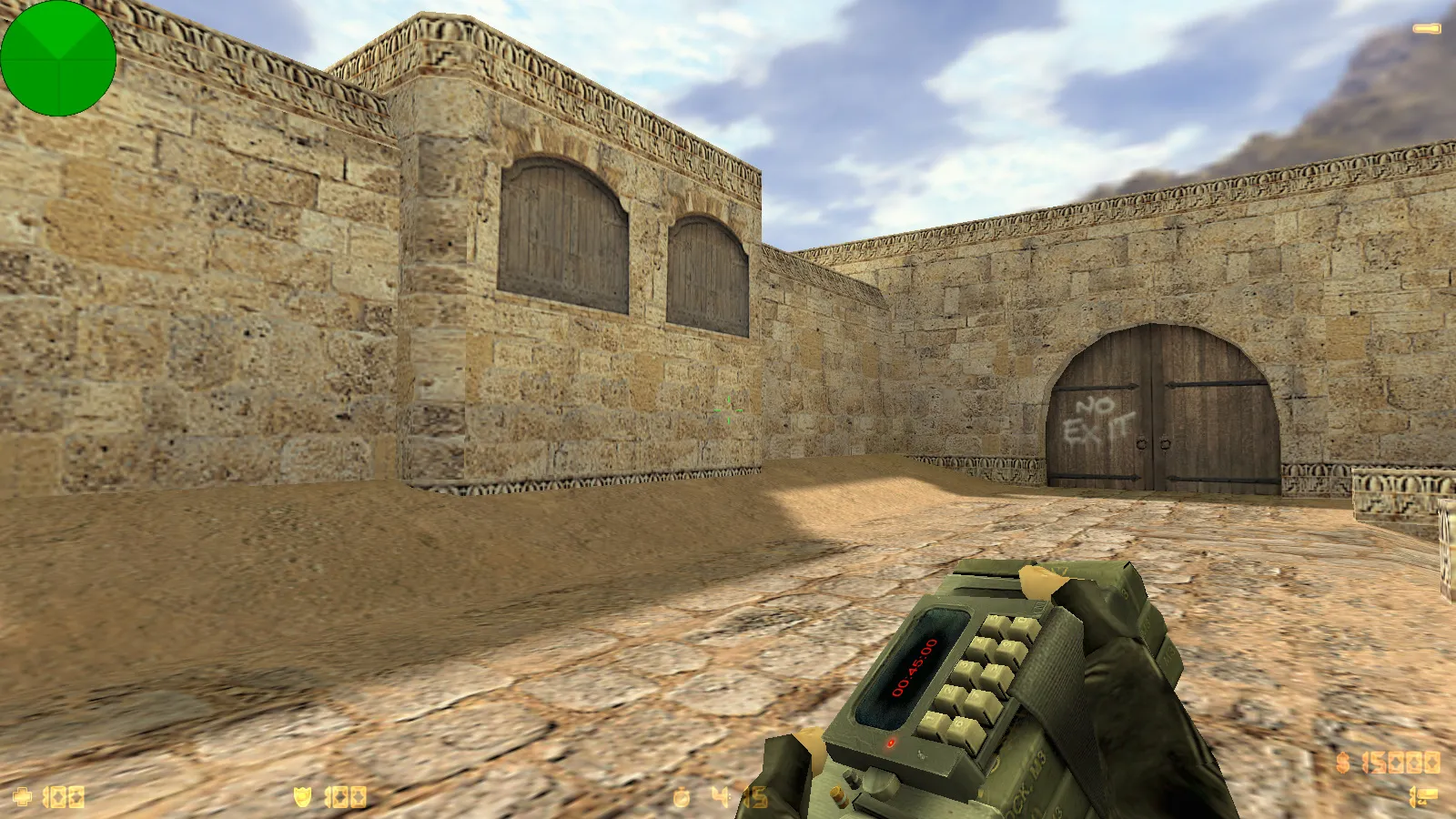
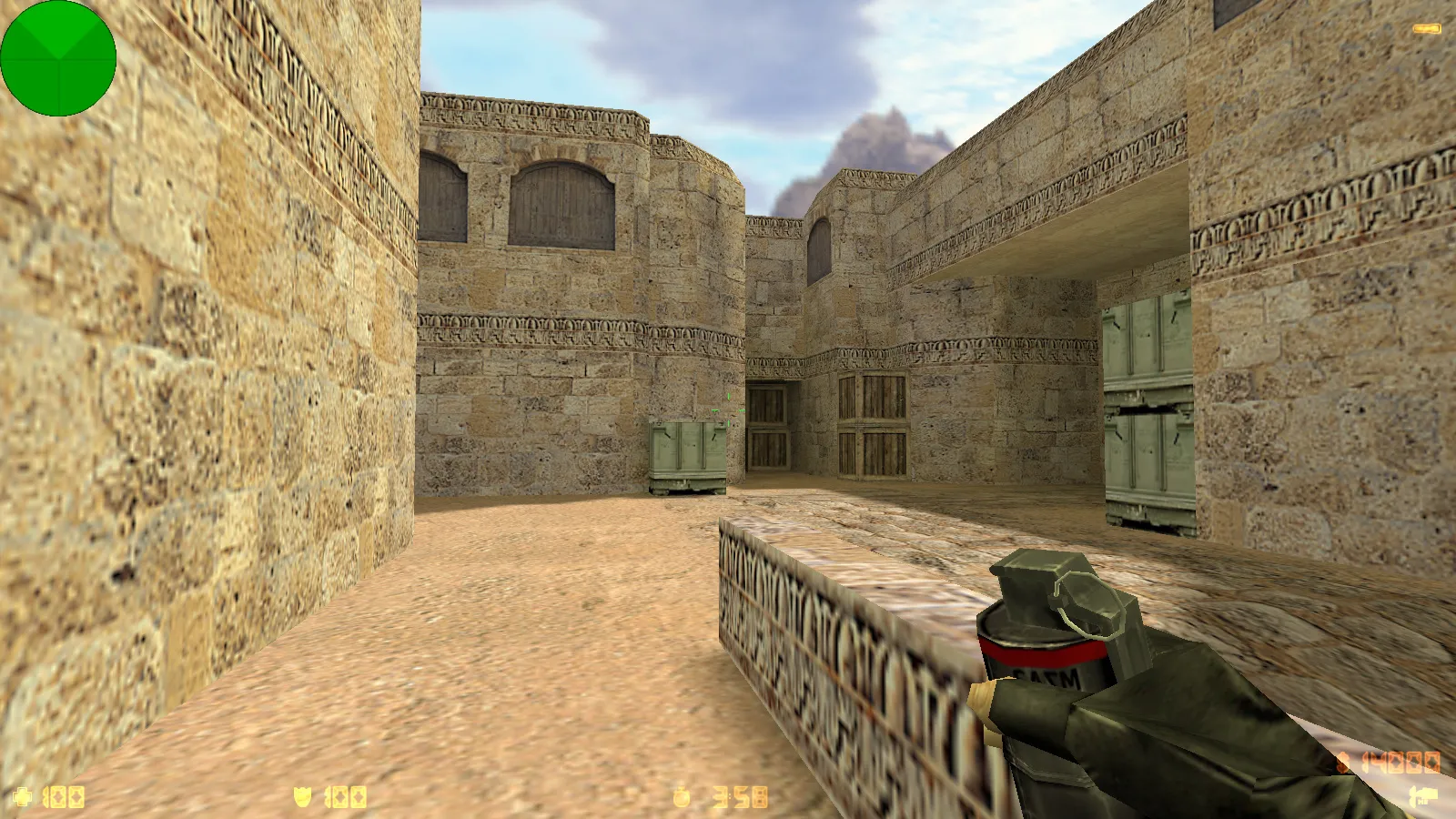
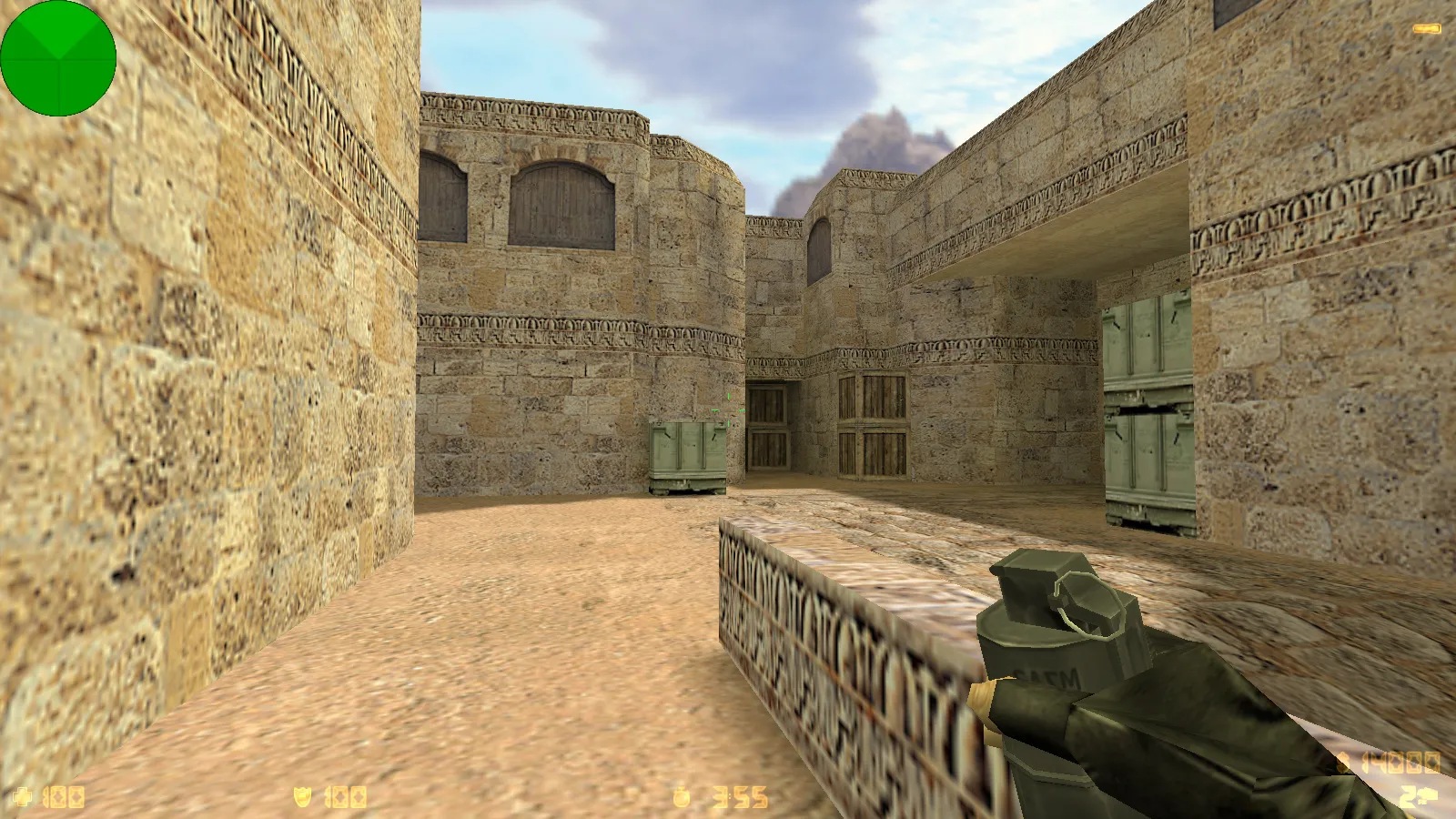
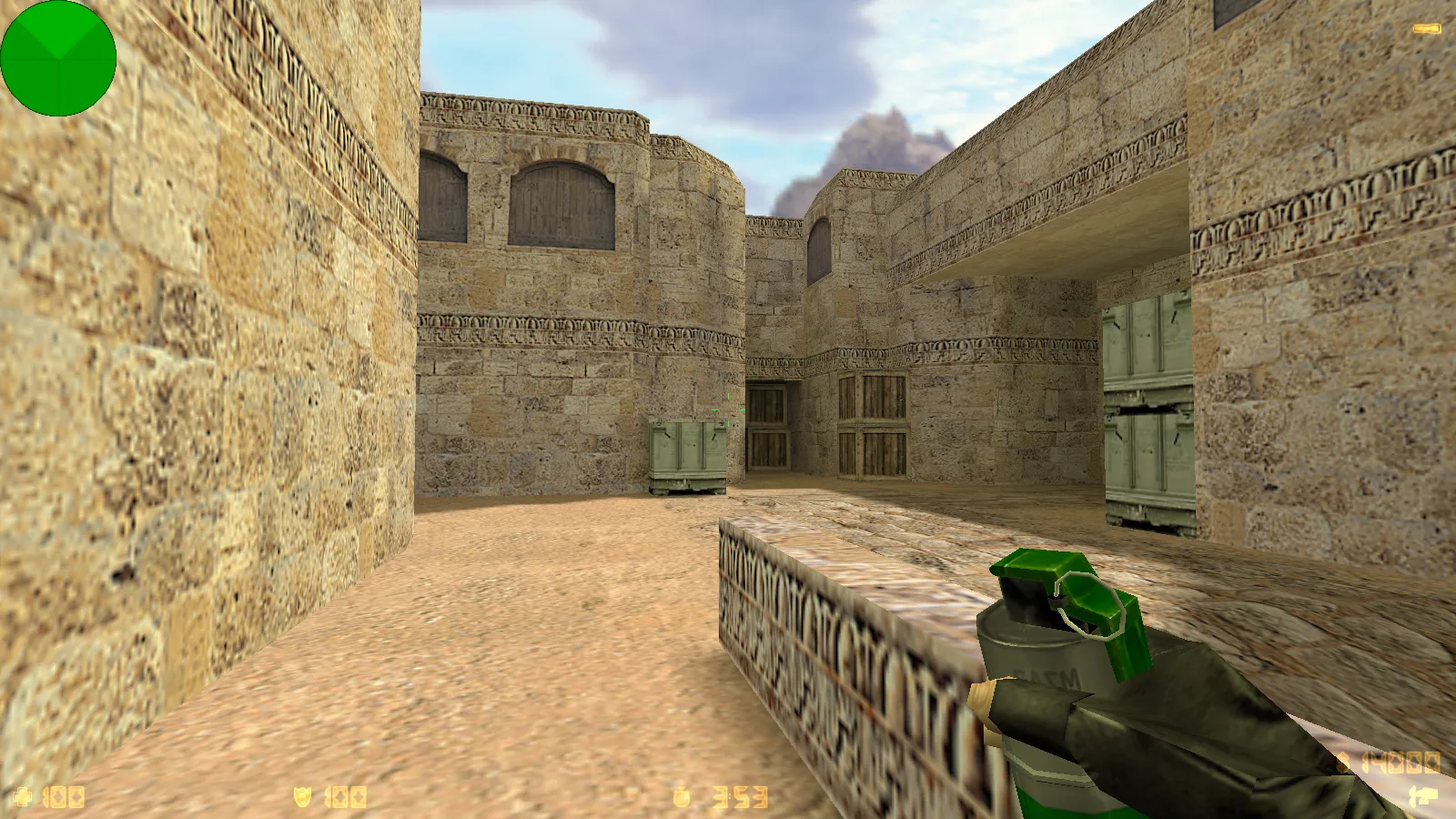
Visual upgrades focus on the most visible elements. The pack contains 29 high-detail weapon models covering what players watch closely: aiming, inspection, and switching. These utilize v_, p_, and w_ model types. Inspection relies on standard animations with seamless textures and no jagged edges. Audio packs are also refreshed-gunfire, reloads, and footsteps retain the classic vibe but deliver with crisper timing.
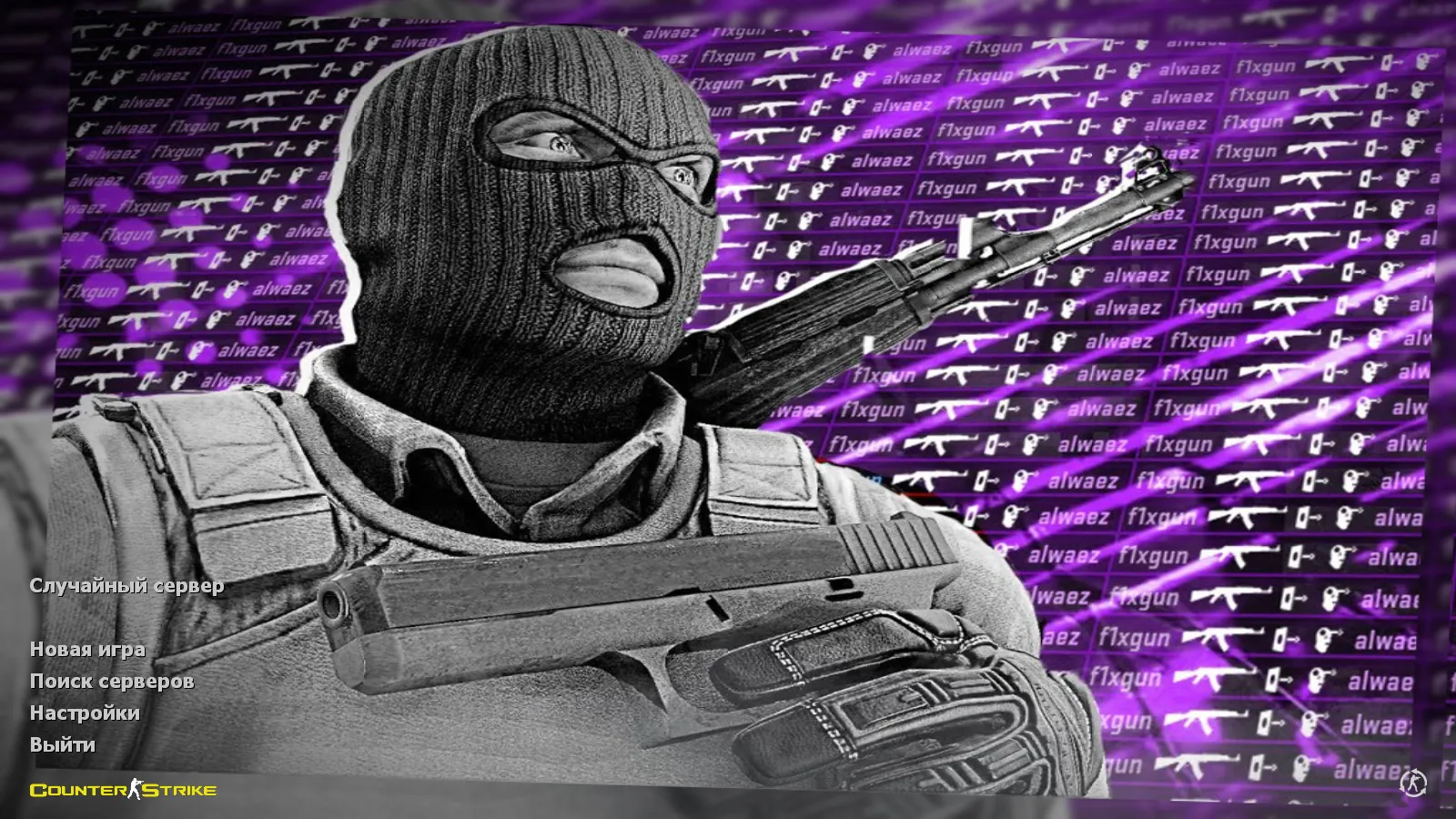
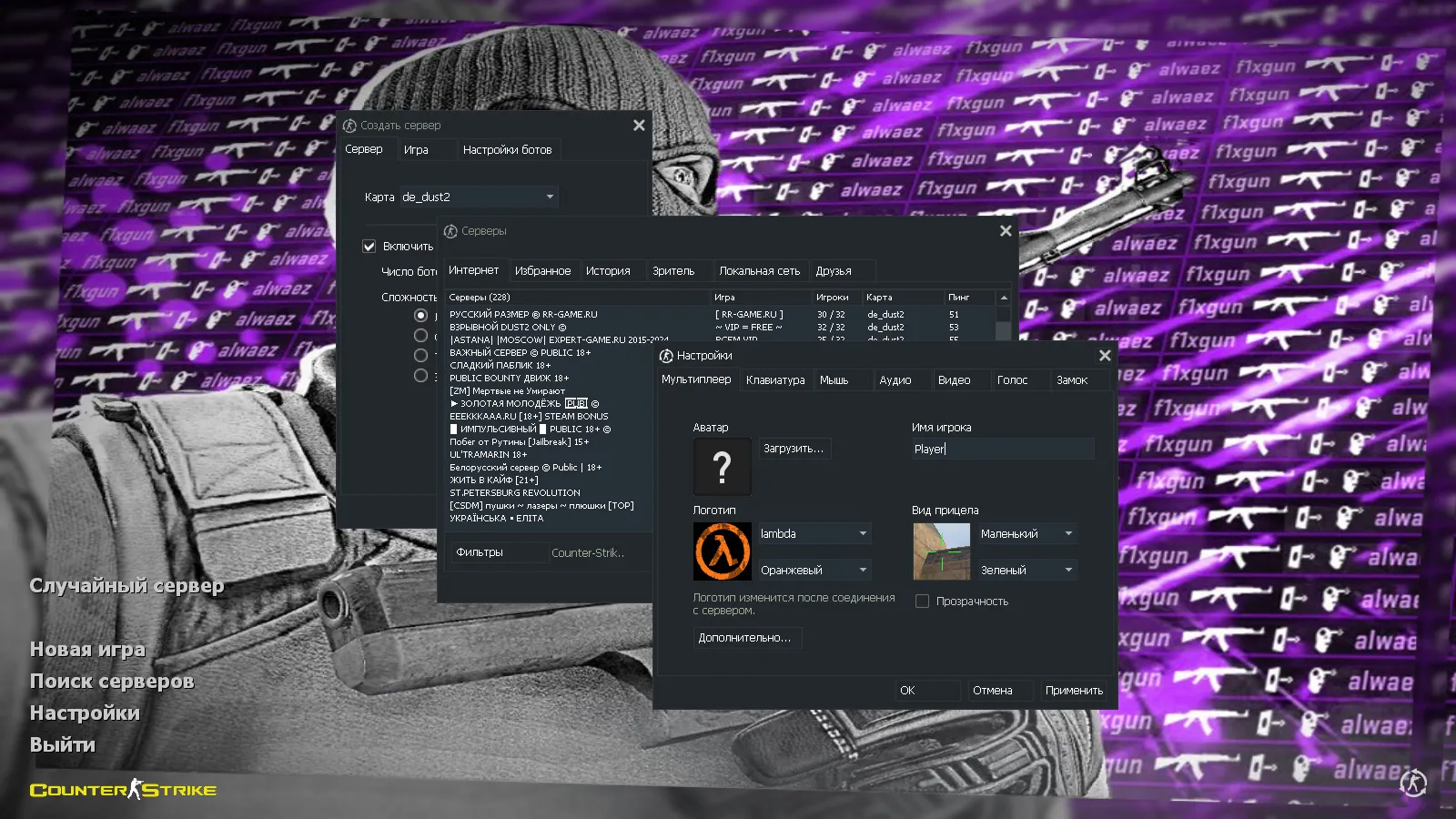
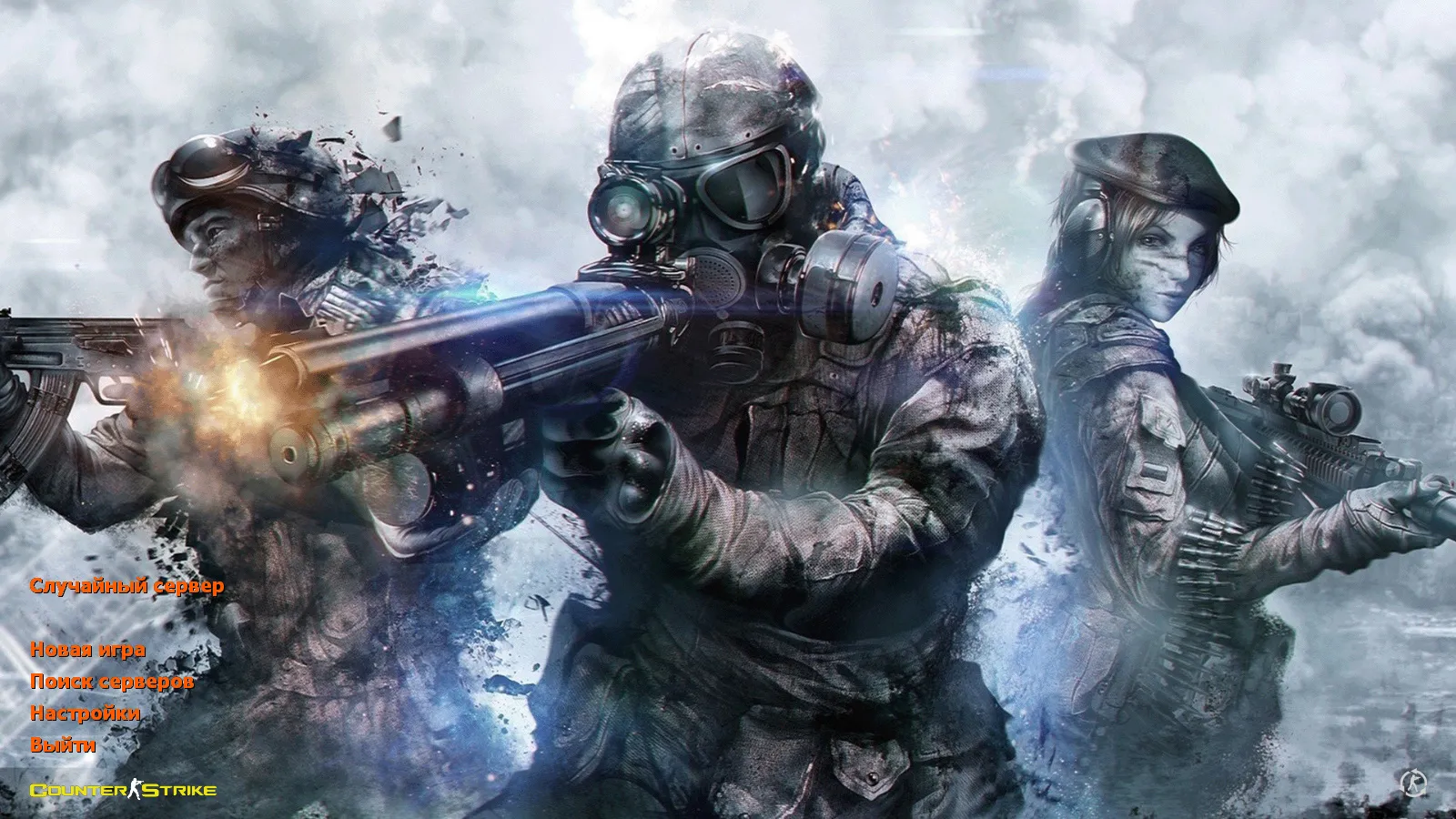
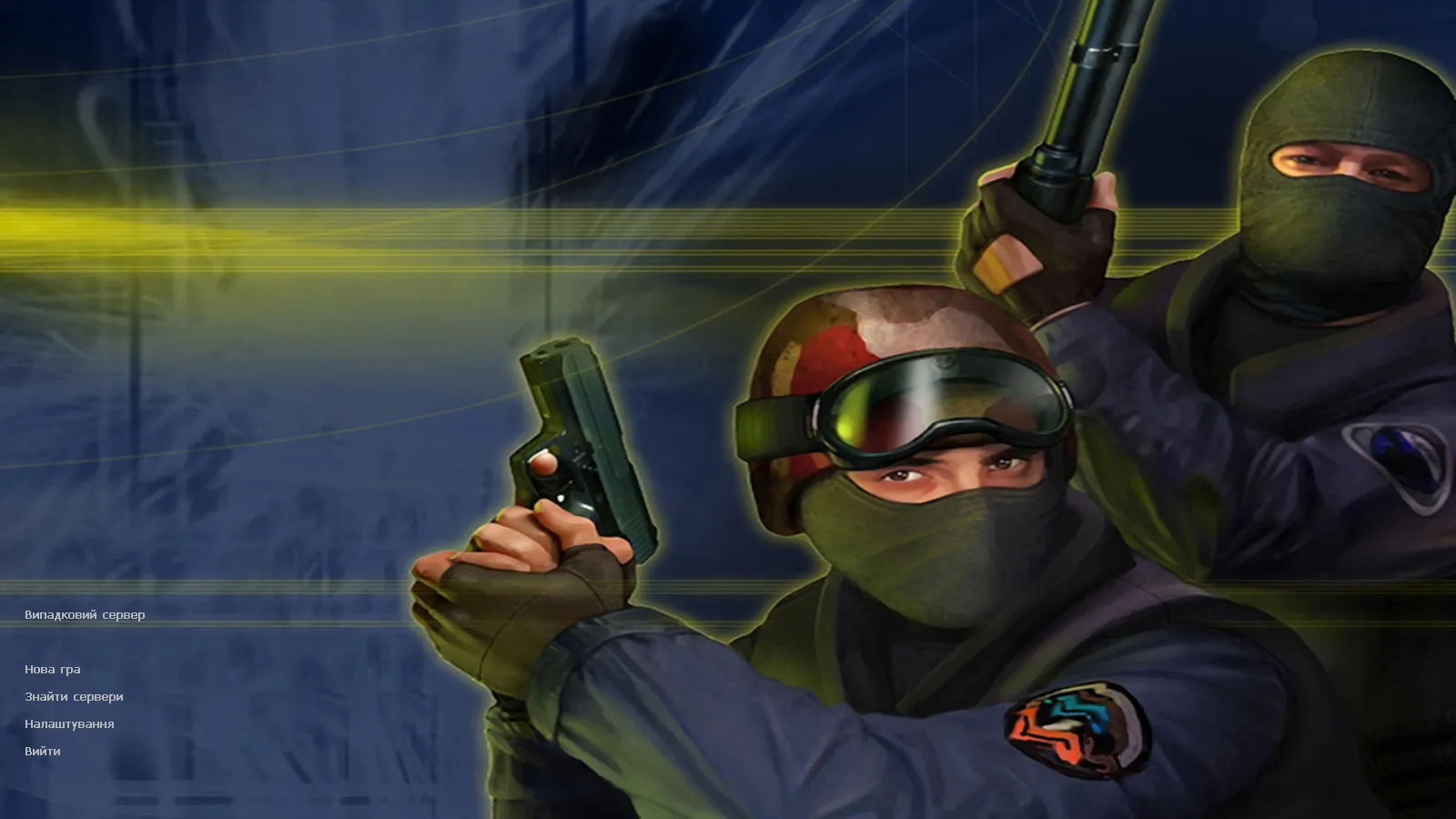
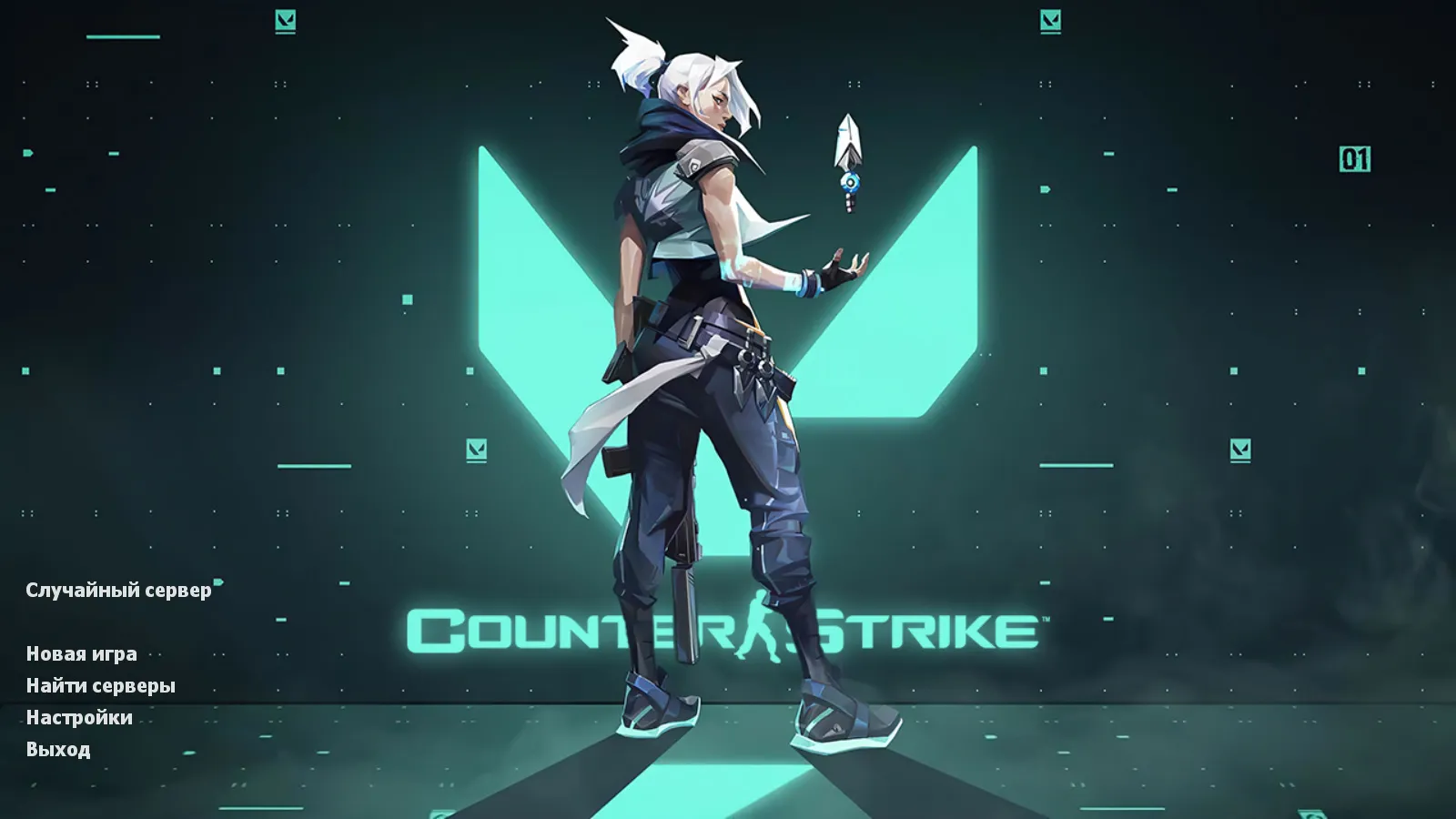
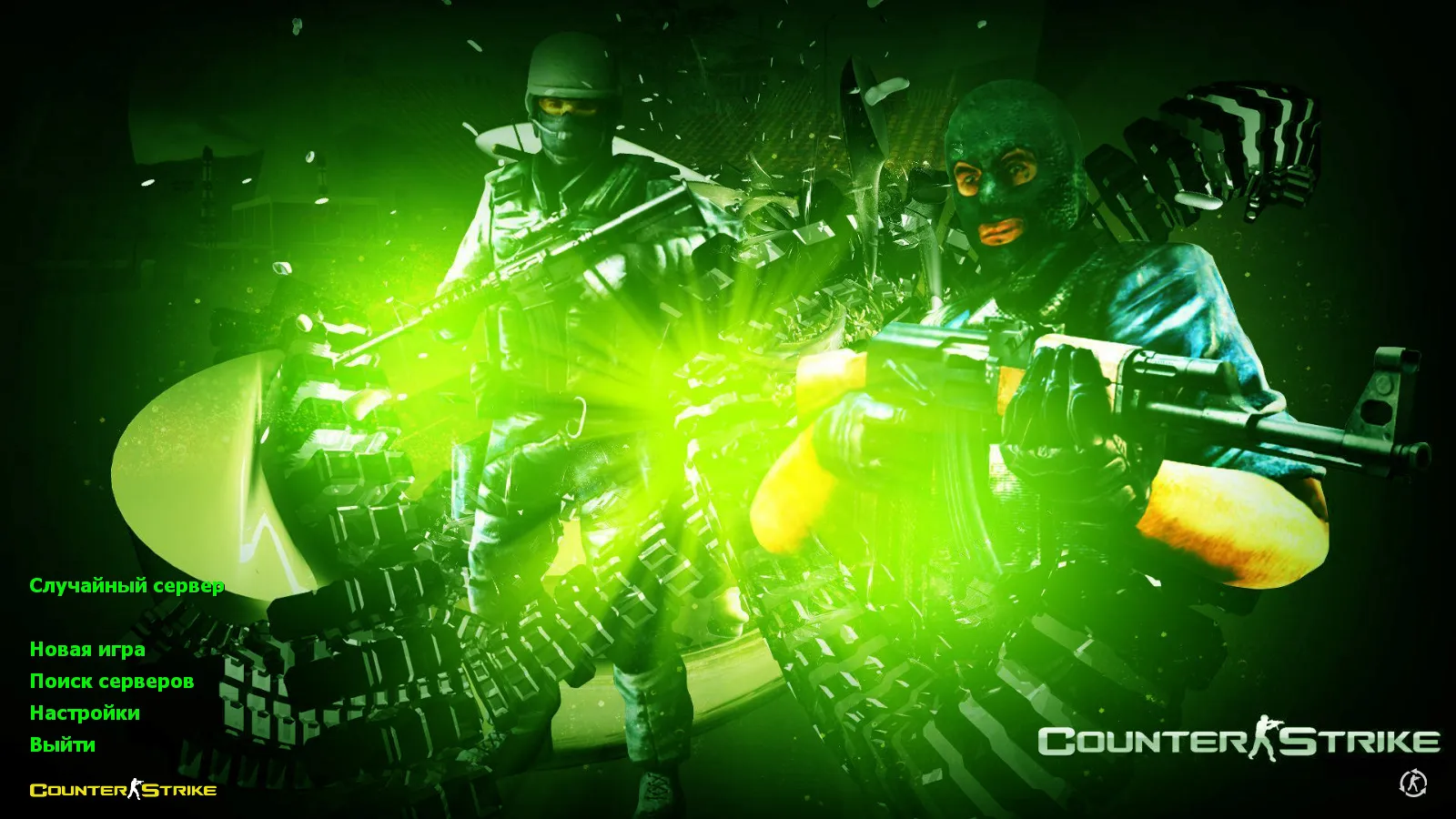
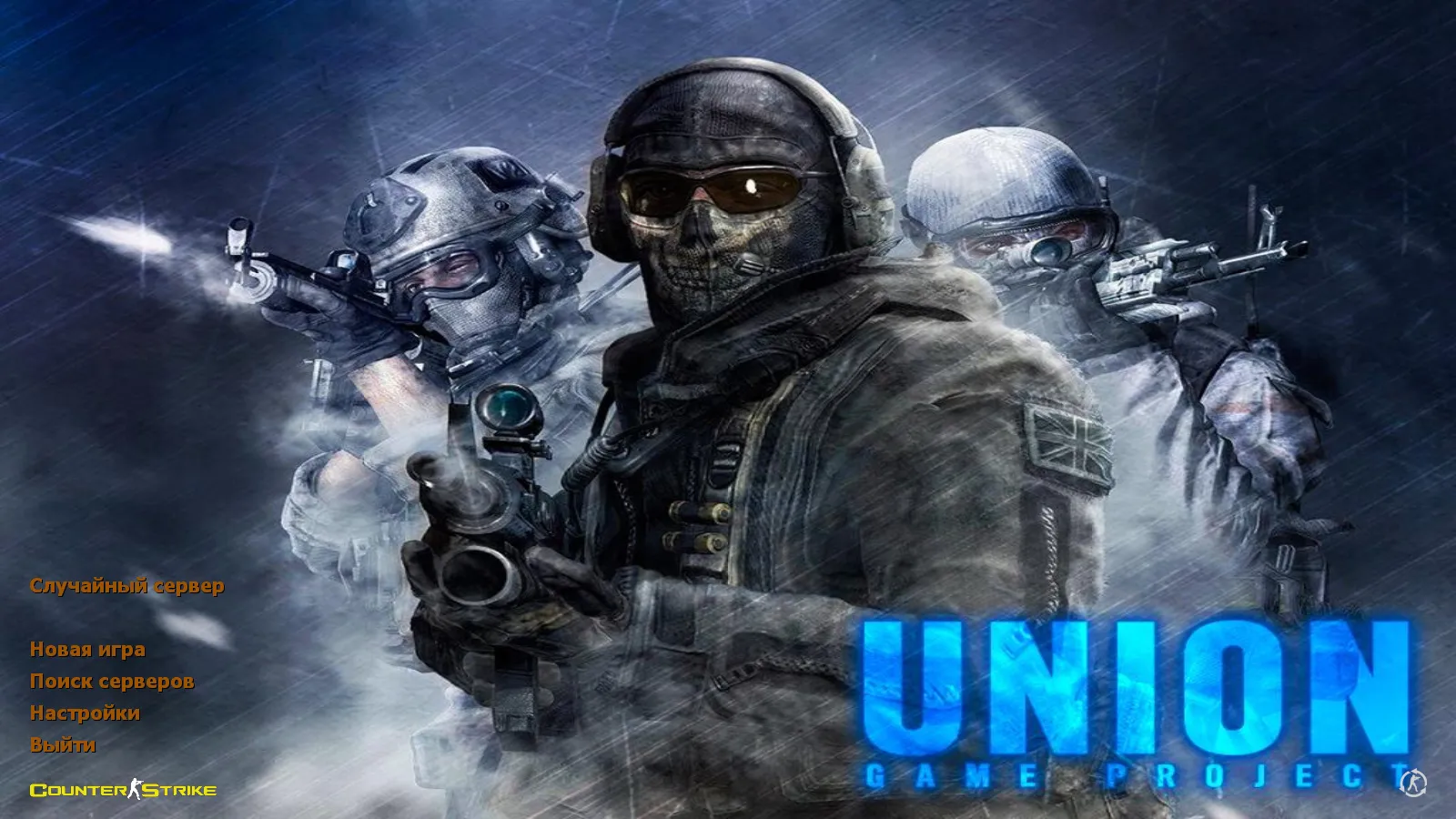
The main menu receives a redesign. It draws from a Call of Duty: Modern Warfare splash screen, incorporating the author's nickname as a backdrop detail. Custom menu music and a unique launch icon unify the experience, making the build feel like one cohesive project rather than a collection of loose files.
Core CS 1.6 Mechanics Preserved
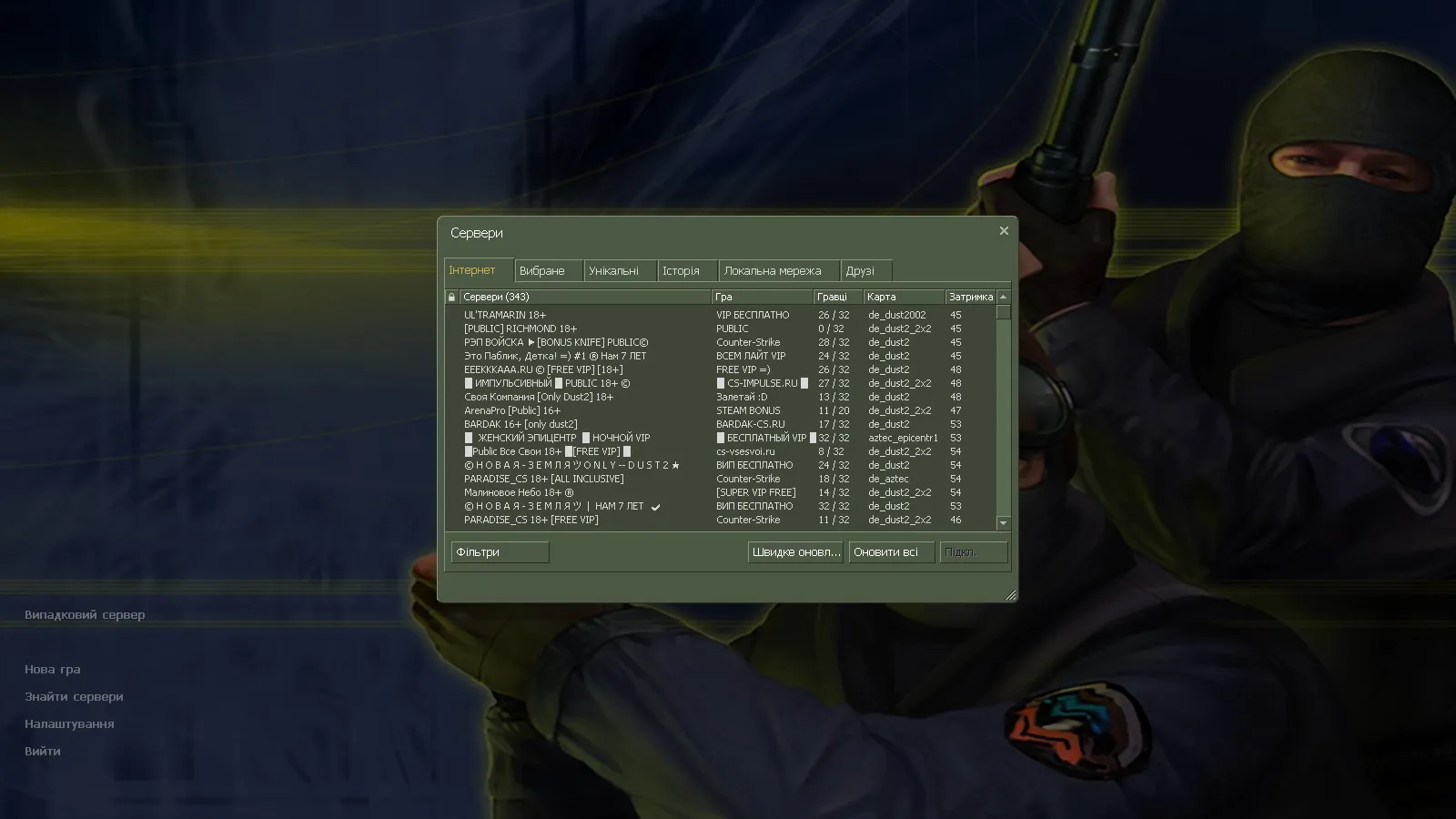
This package maintains the original mechanics intact. It remains faithful to the heart of CS 1.6, simply adding refinements. It operates on all Windows versions. You can play online or practice with bots. Online mode links to over 250 servers for ample choice. Offline mode handles any map type: aim training, round execution, or combo testing without needing a server connection.
Russian language support functions smoothly. You can set a Russian nickname, and chat accepts Cyrillic input. This helps coordination with Russian-speaking teammates through voice or text.
Config, Build Version, and Compatibility Specifics
Union includes an optimized configuration. It builds upon a clean config.cfg to prevent unnecessary tweaks. The setup targets stable rates and predictable network response. Recommended values: rates at 100k and ex_interp 0.01. Any aliases present integrate cleanly without breaking standard commands. This improves FPS and ensures smooth performance on typical hardware.
MasterServer protection safeguards against swaps, lowering the chance of mismatched client responses. It supports builds 4554 and 8610 for consistent startup behavior across different machines, avoiding strange discrepancies.
Compatibility with both Steam and Non-Steam clients covers various launch methods. Avoid layering questionable builds or conflicting mods to keep stability and prevent crashes. No viruses, no slow-hacks, no advertisements, and no auto-connect features-just pure, safe gameplay.
Mods and Maps: Safe Usage Guide
Union permits adding any mods. Proceed incrementally. First, run the build as provided: verify launch, menu, sounds, and weapon inspection. Then add one mod at a time, watching graphics and controls. This sequence minimizes file overwrites and errors.
For offline maps, bot support includes .nav files where required for proper navigation. Map optimization focuses on wpoly and epoly values. When adding custom maps, keep these within reasonable limits to avoid FPS drops.
Final Result
- Light brown menu theme with orange accents
- 29 weapon models using v_, p_, w_ with updated inspection
- Refreshed sound effects and menu music
- Main menu featuring splash screen and launch icon
- Clean config.cfg, 100k rates, ex_interp 0.01
- MasterServer protection, support for builds 4554/8610
- Steam/Non-Steam compatible, 250+ online servers, offline bots
Install Union, test the launch, then add mods gradually. This keeps the build stable while delivering refined CS 1.6 details. High-FPS performance and hitbox alignment remain true to the original, with no-recoil tweaks absent to preserve balance.
Install in three steps
-
1
Download the archive. Use the button on the right, or the Yandex.Disk mirror if the main server is slow.
-
2
Extract it into the game folder. Use 7-Zip or WinRAR. A path without non-Latin characters works best.
-
3
Launch the game. If something doesn't work, mark it below - that is how we know the file needs an update.
Did it work for you?
No sign-up needed. You can pick more than one.