CS 1.6 Ultimate Build: HD Weapon Skins, Black Menu Theme, Custom Sounds and Optimized Config
Description
CS 1.6 Ultimate Build for Quick Deployment
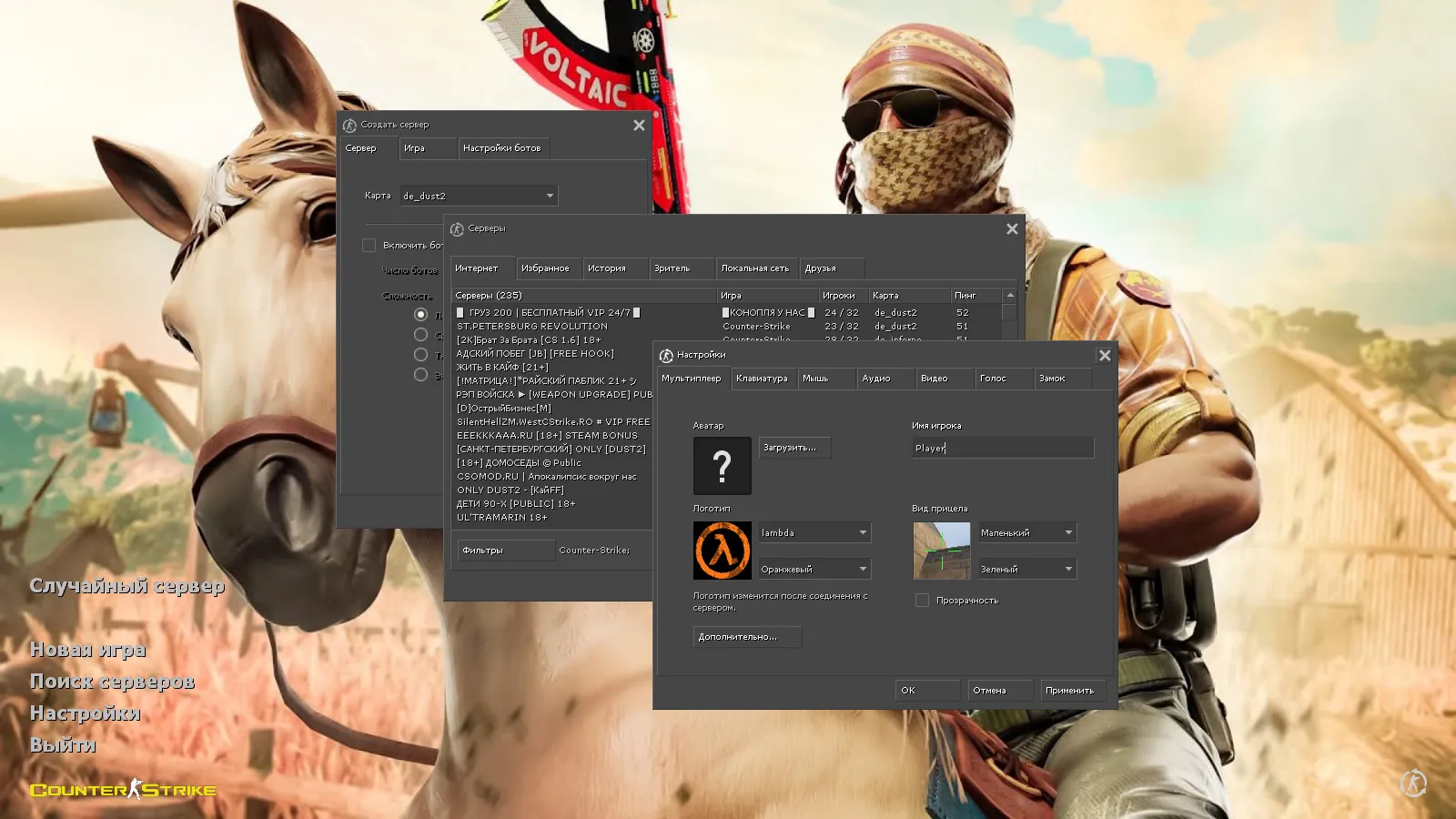
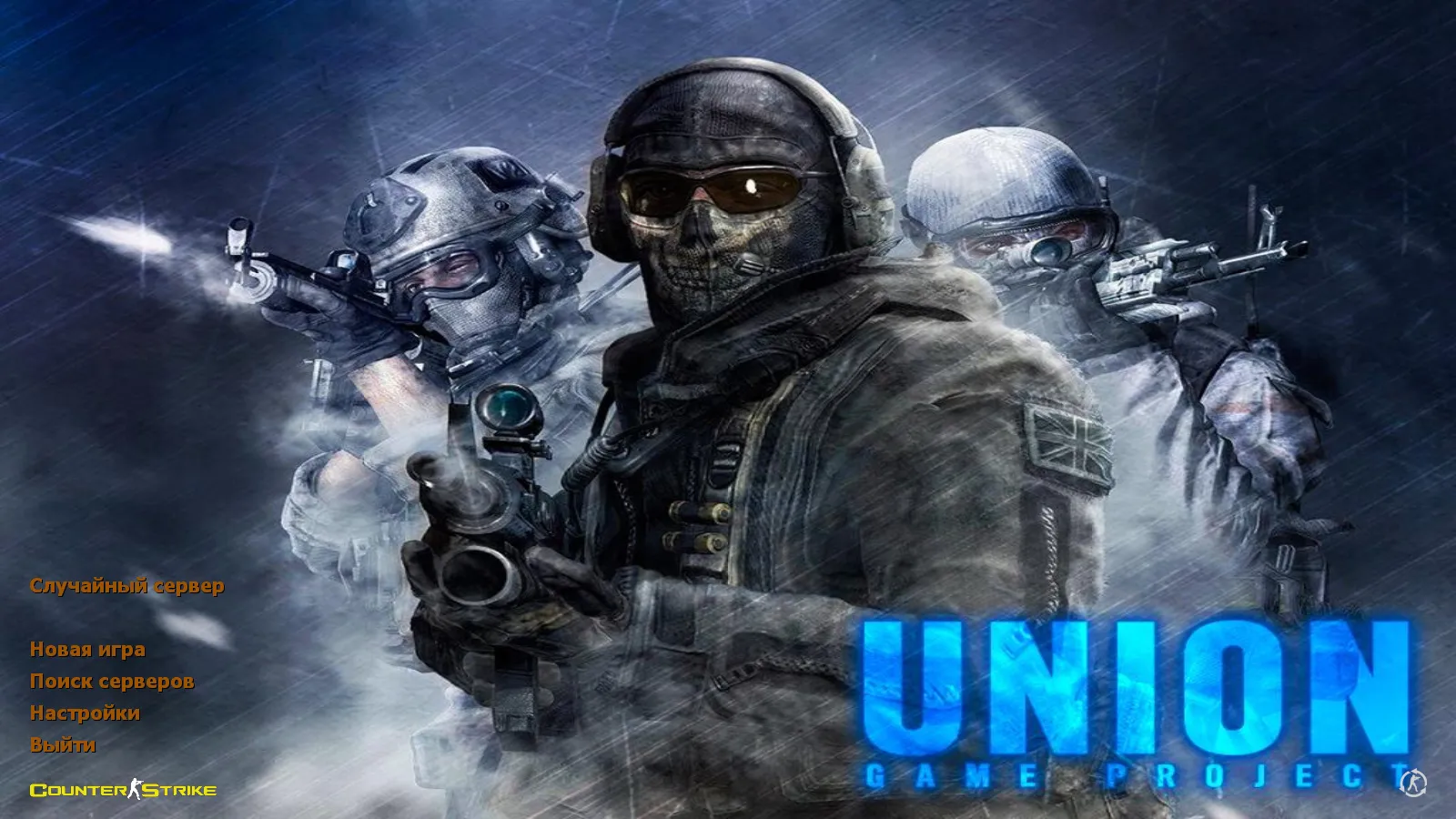
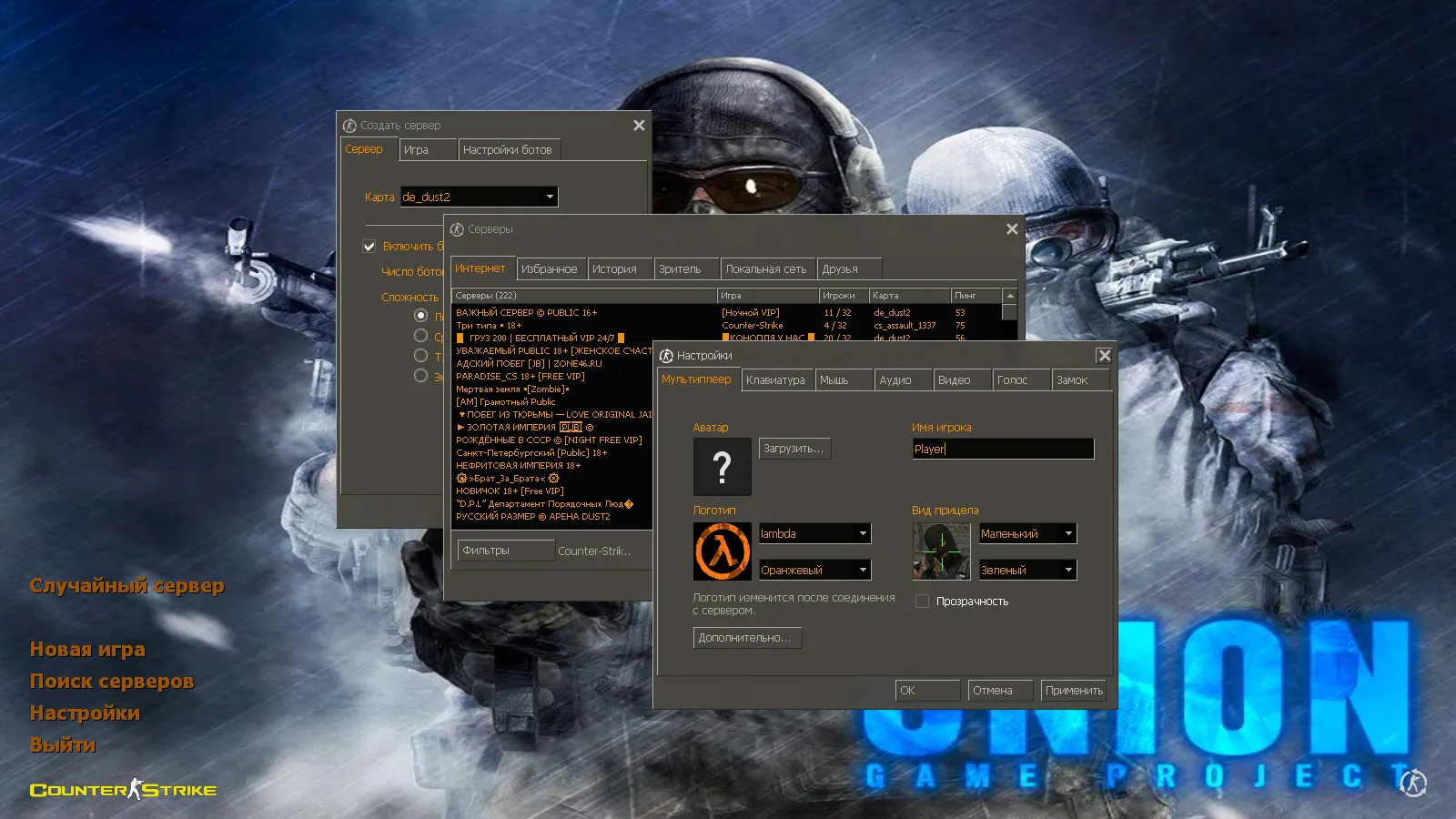
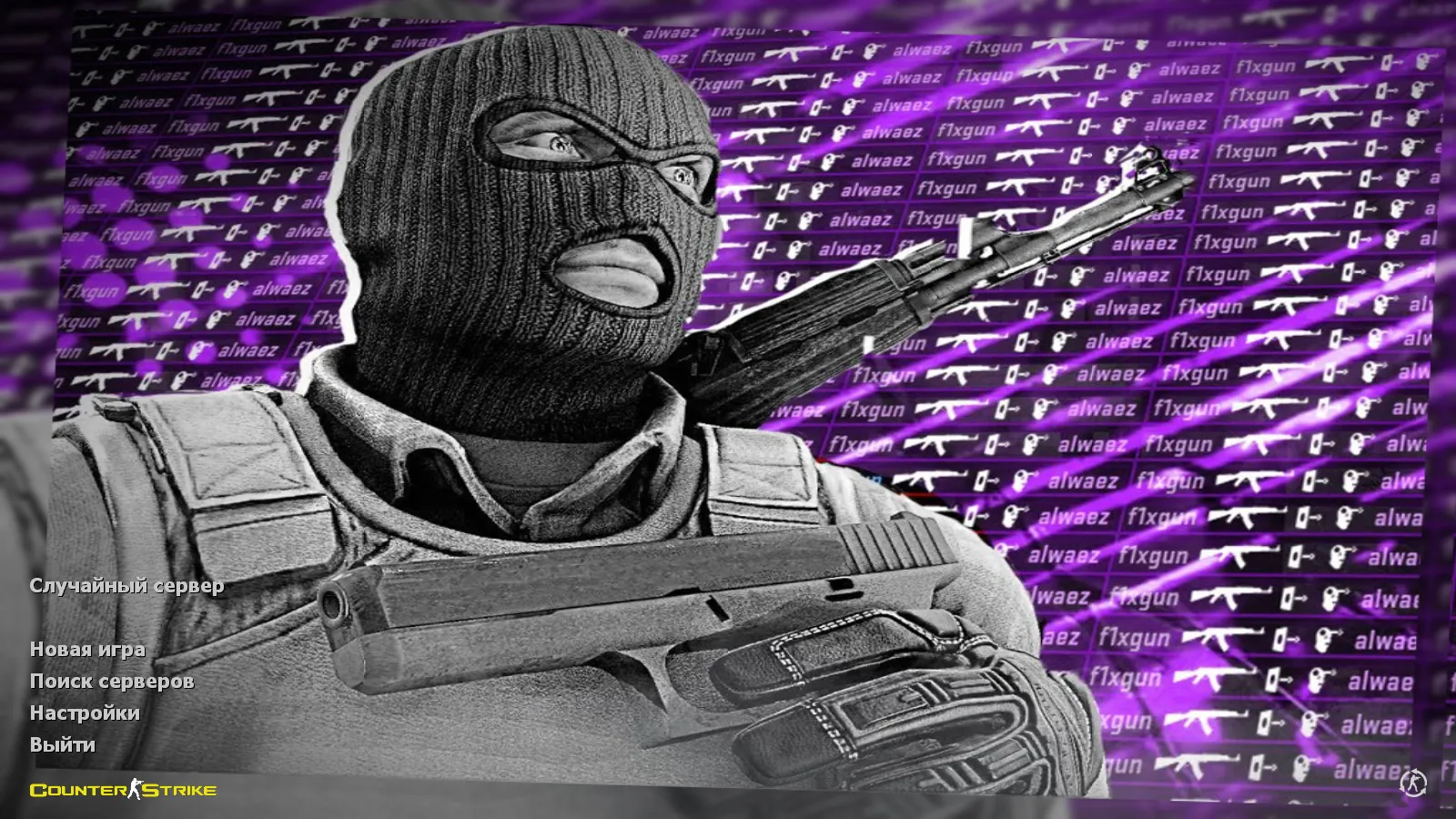
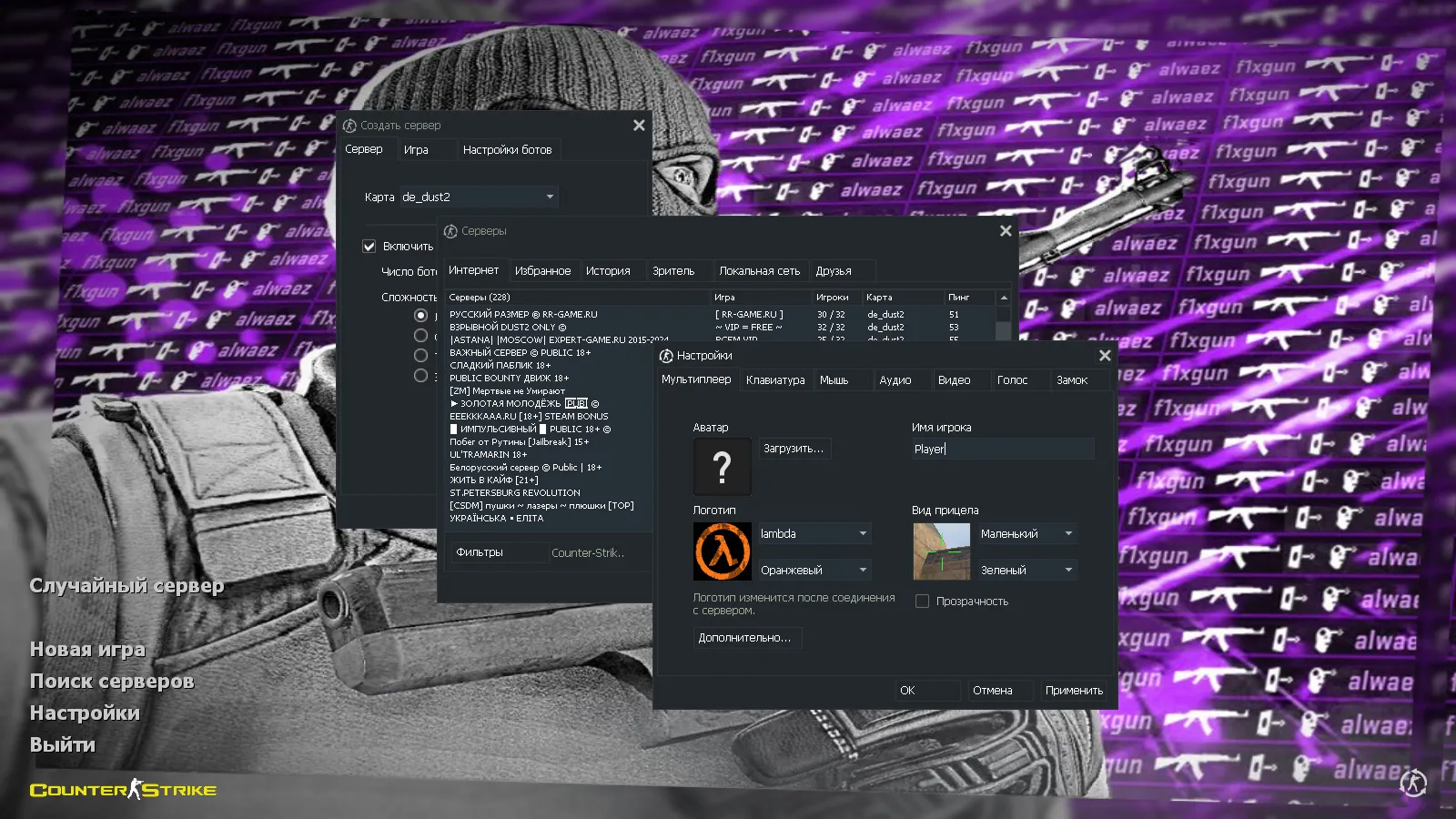
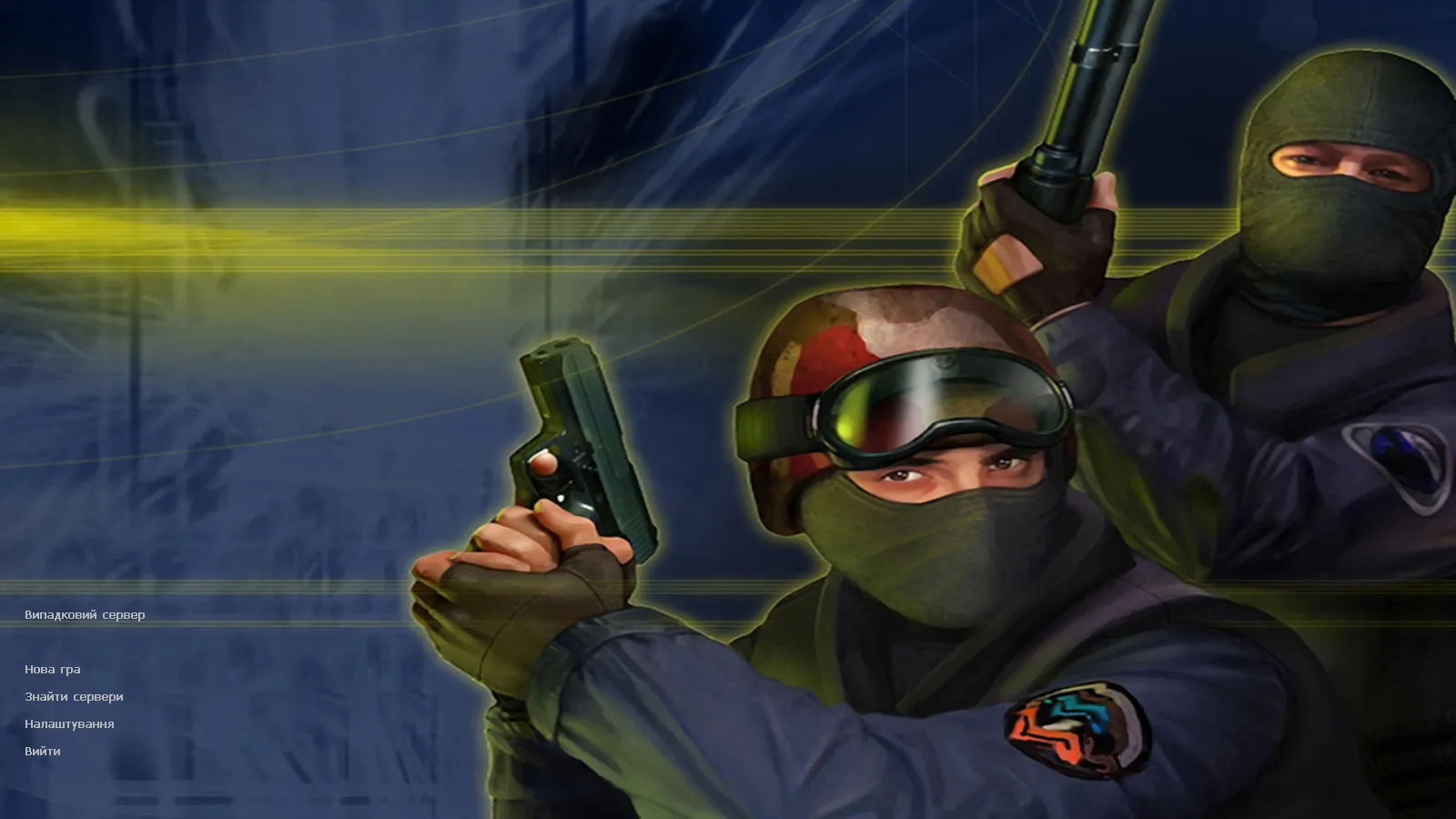
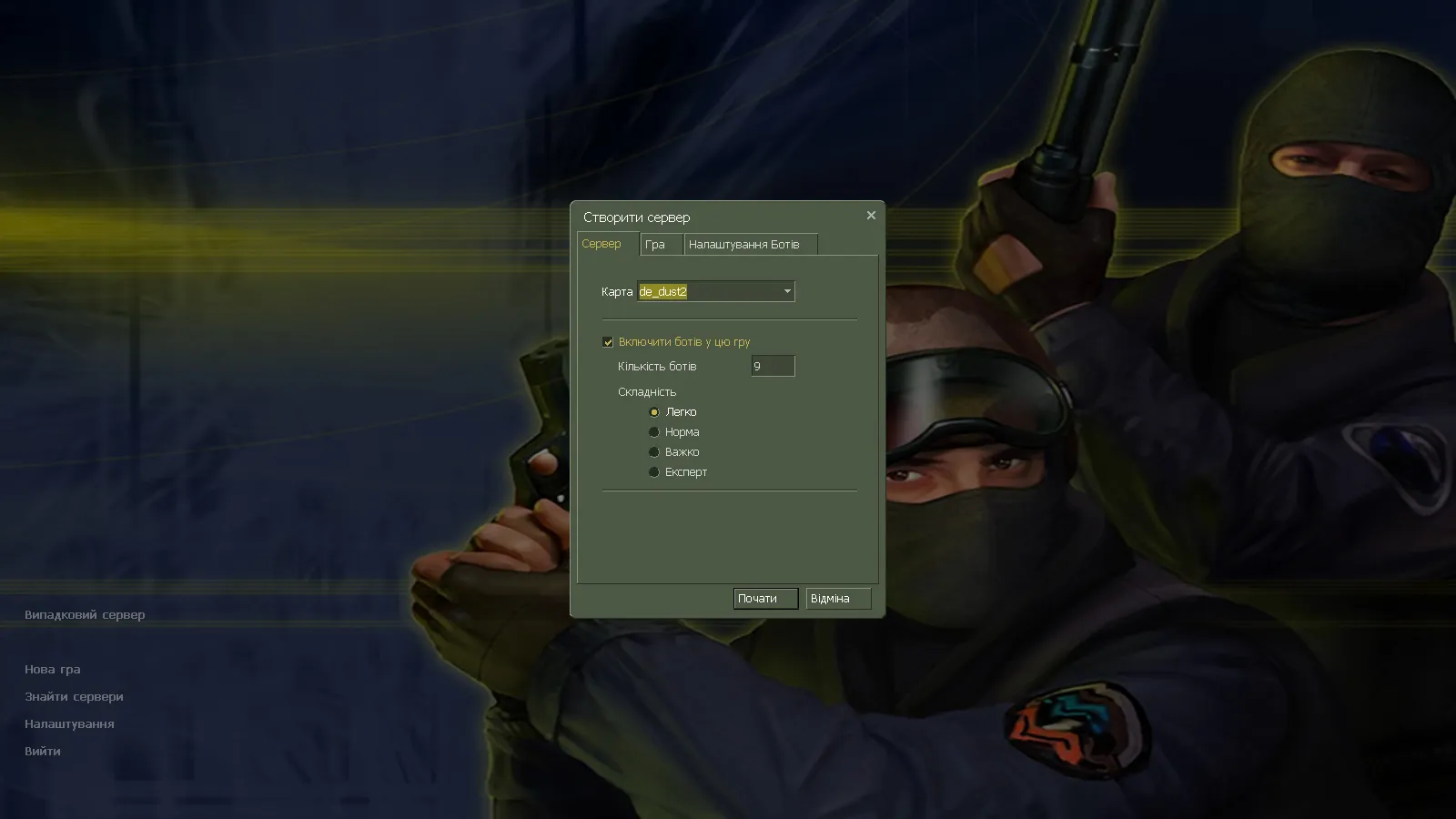
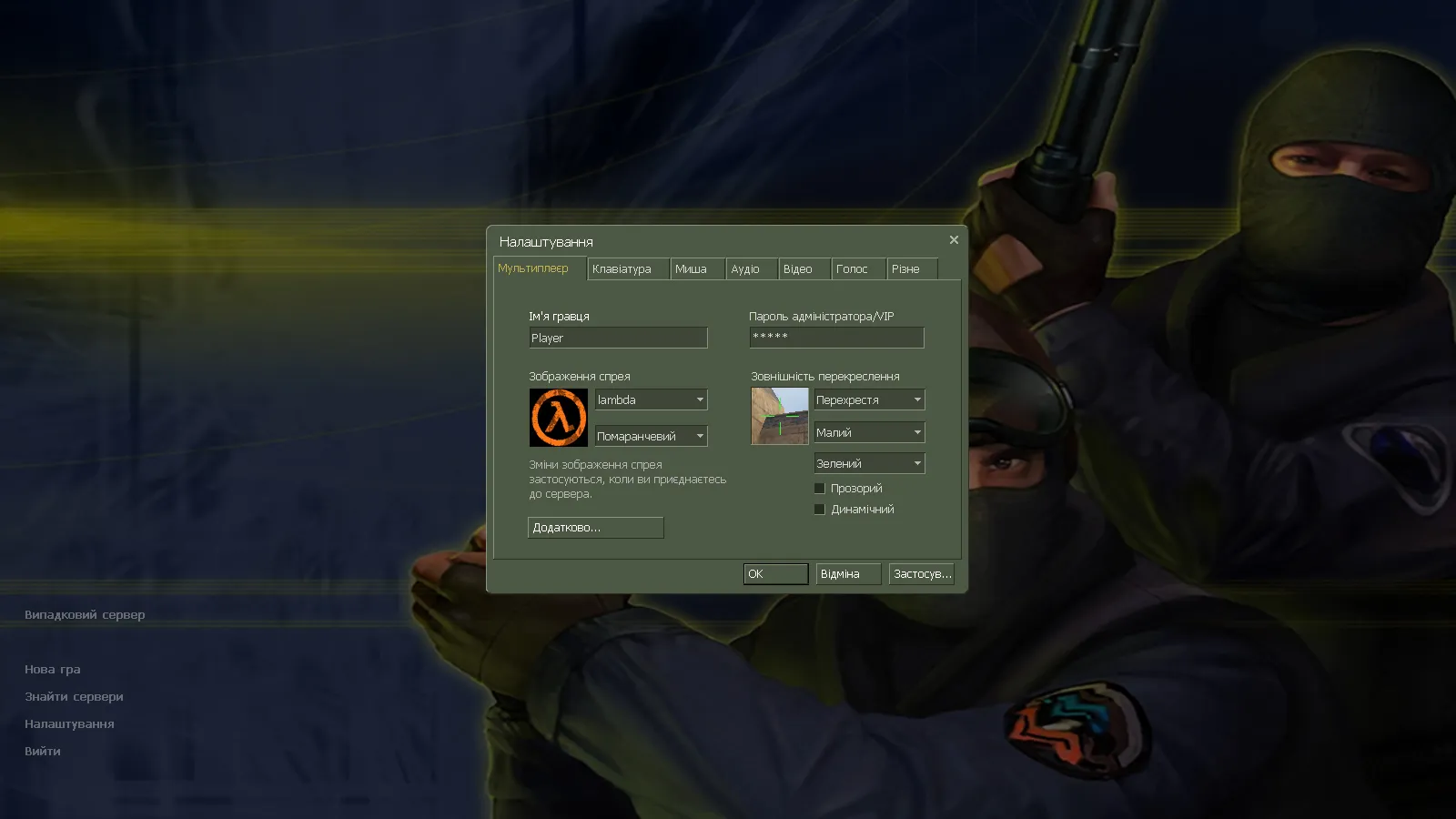
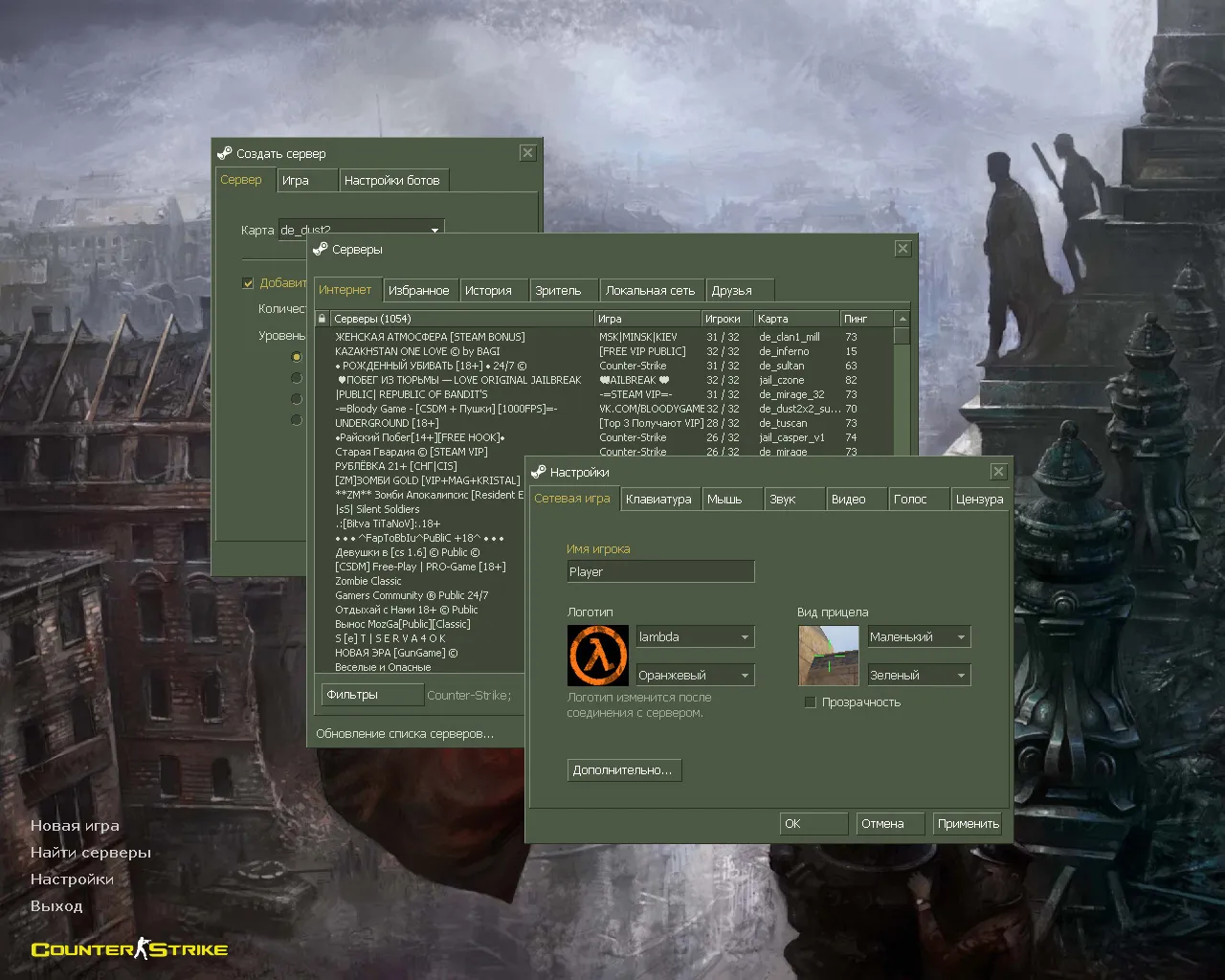
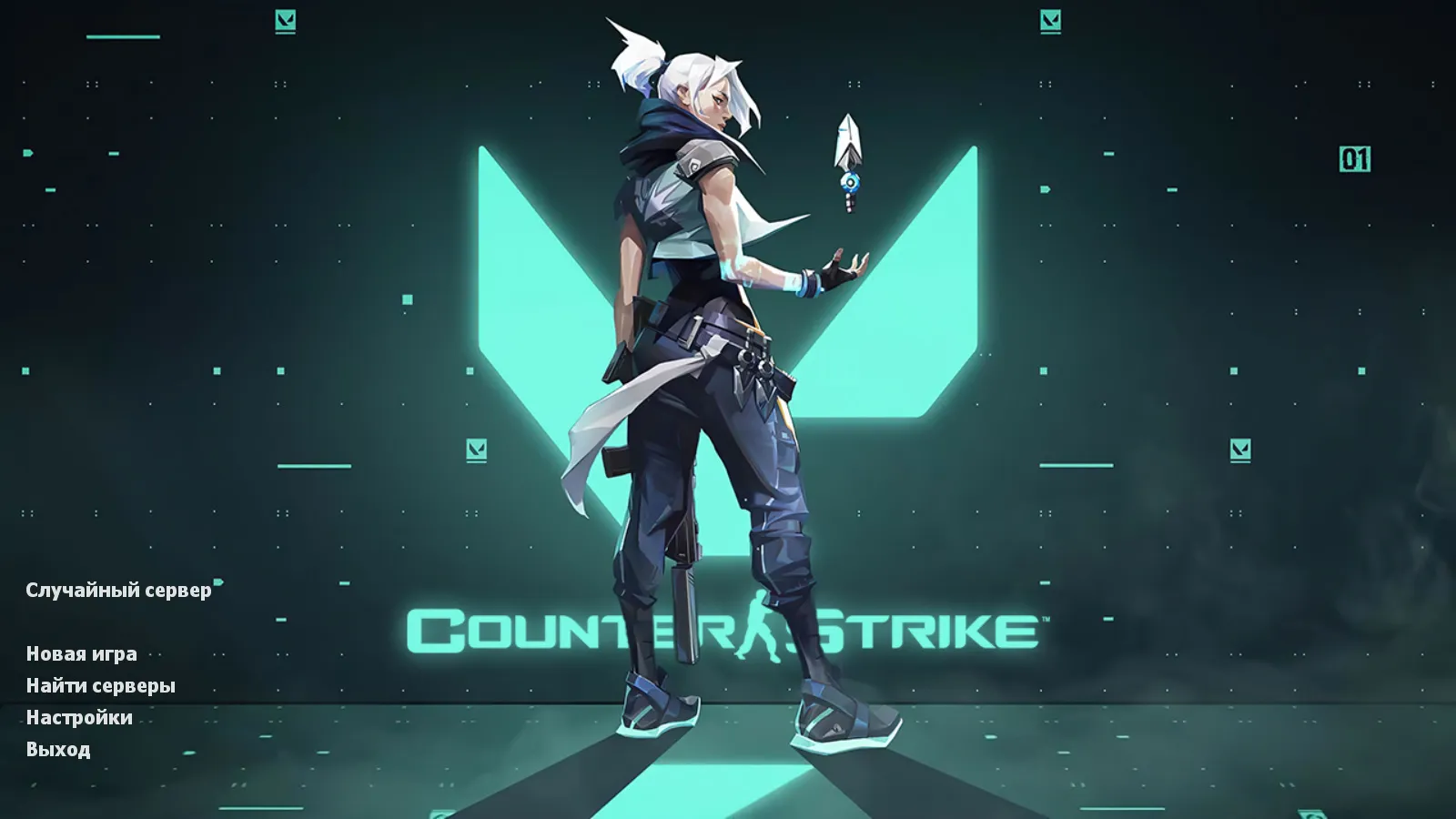
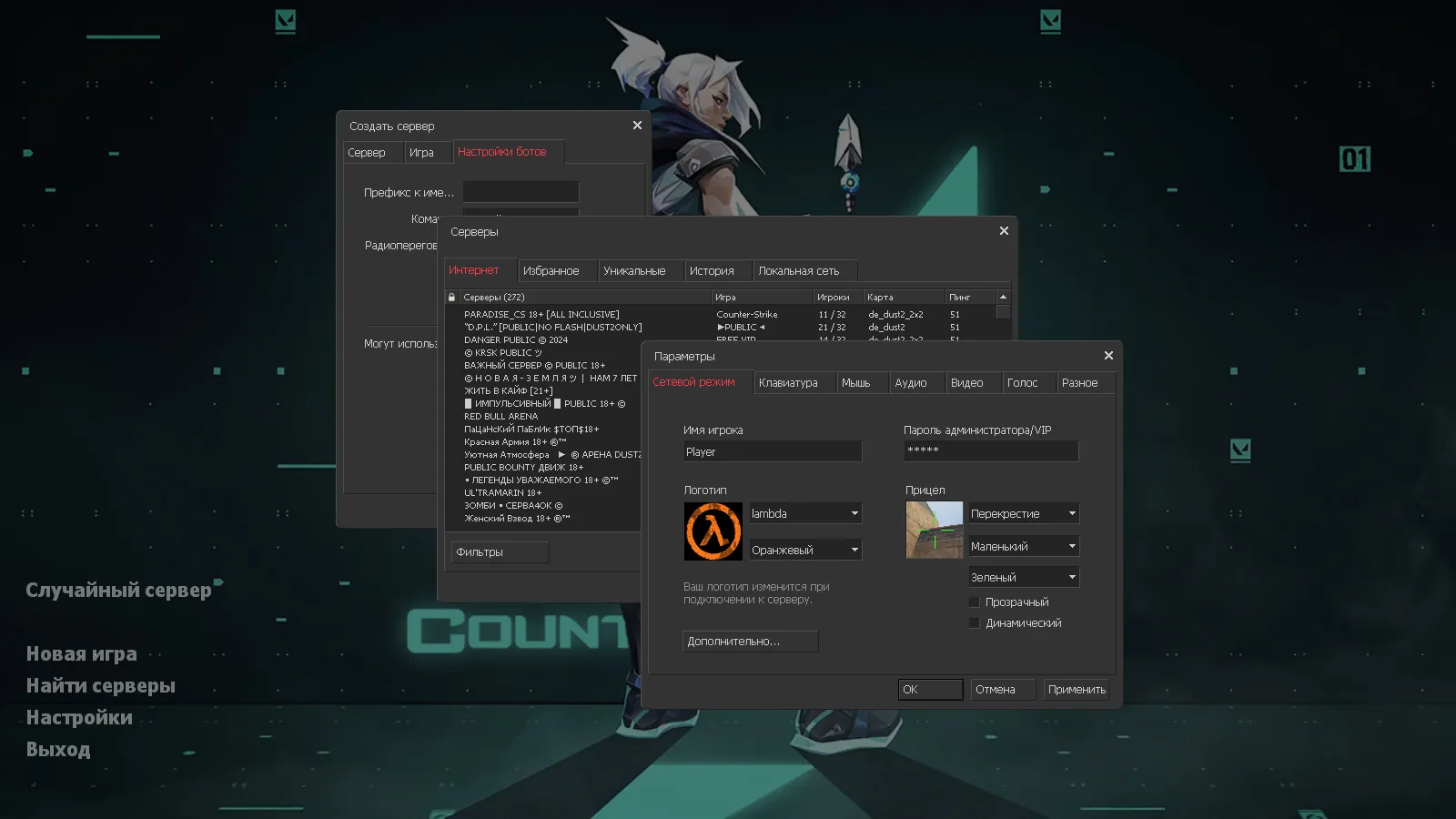
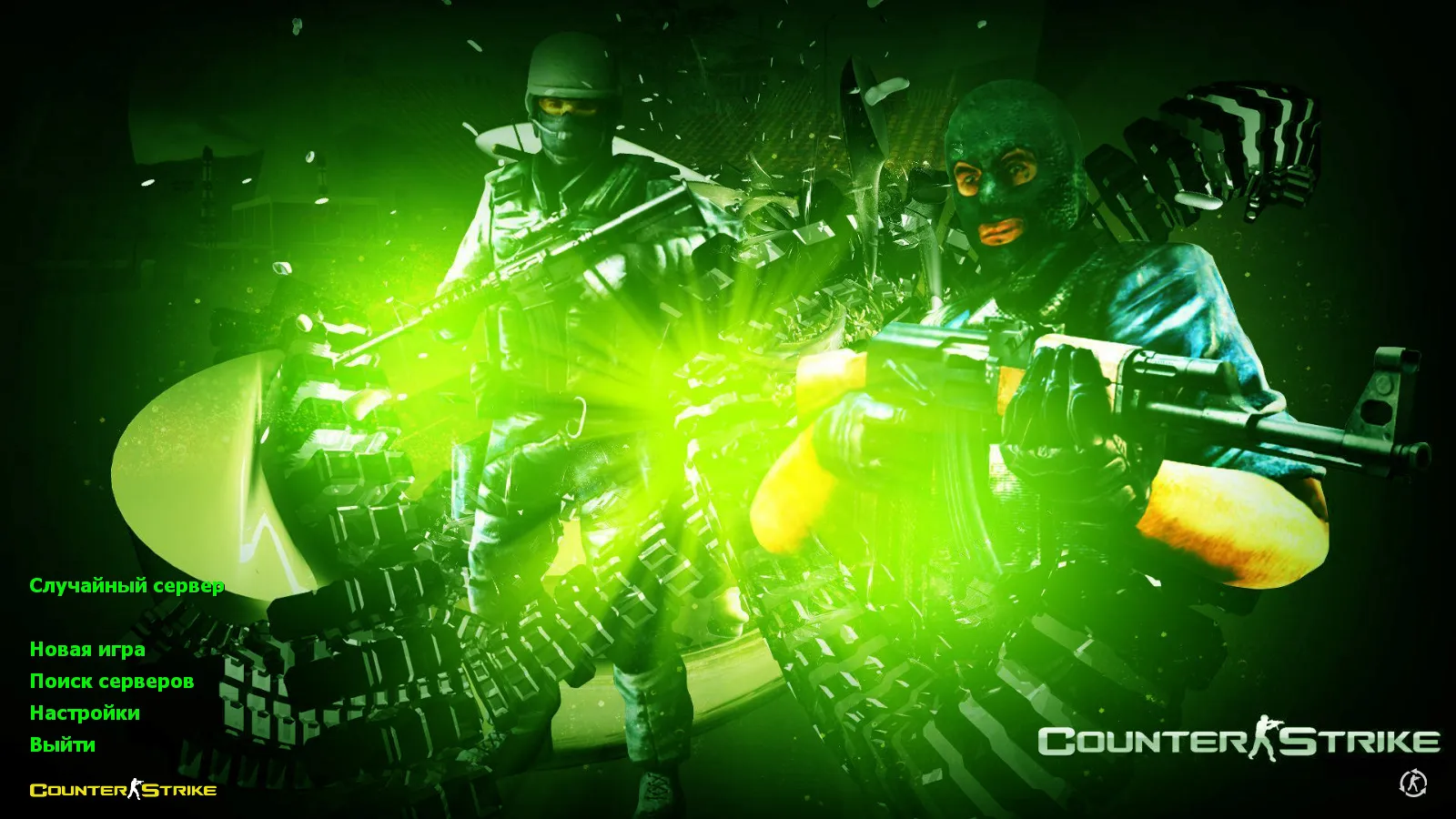
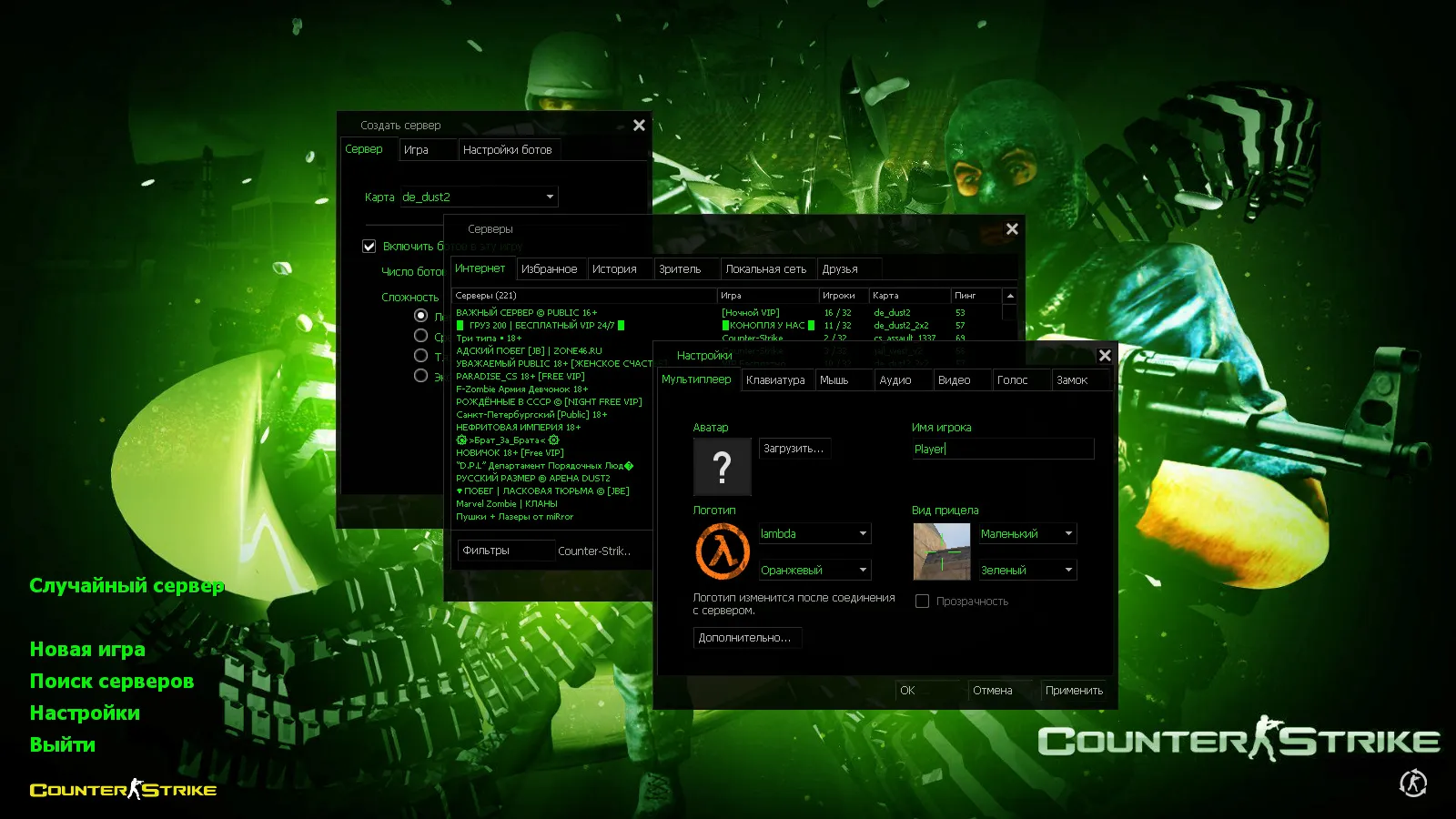
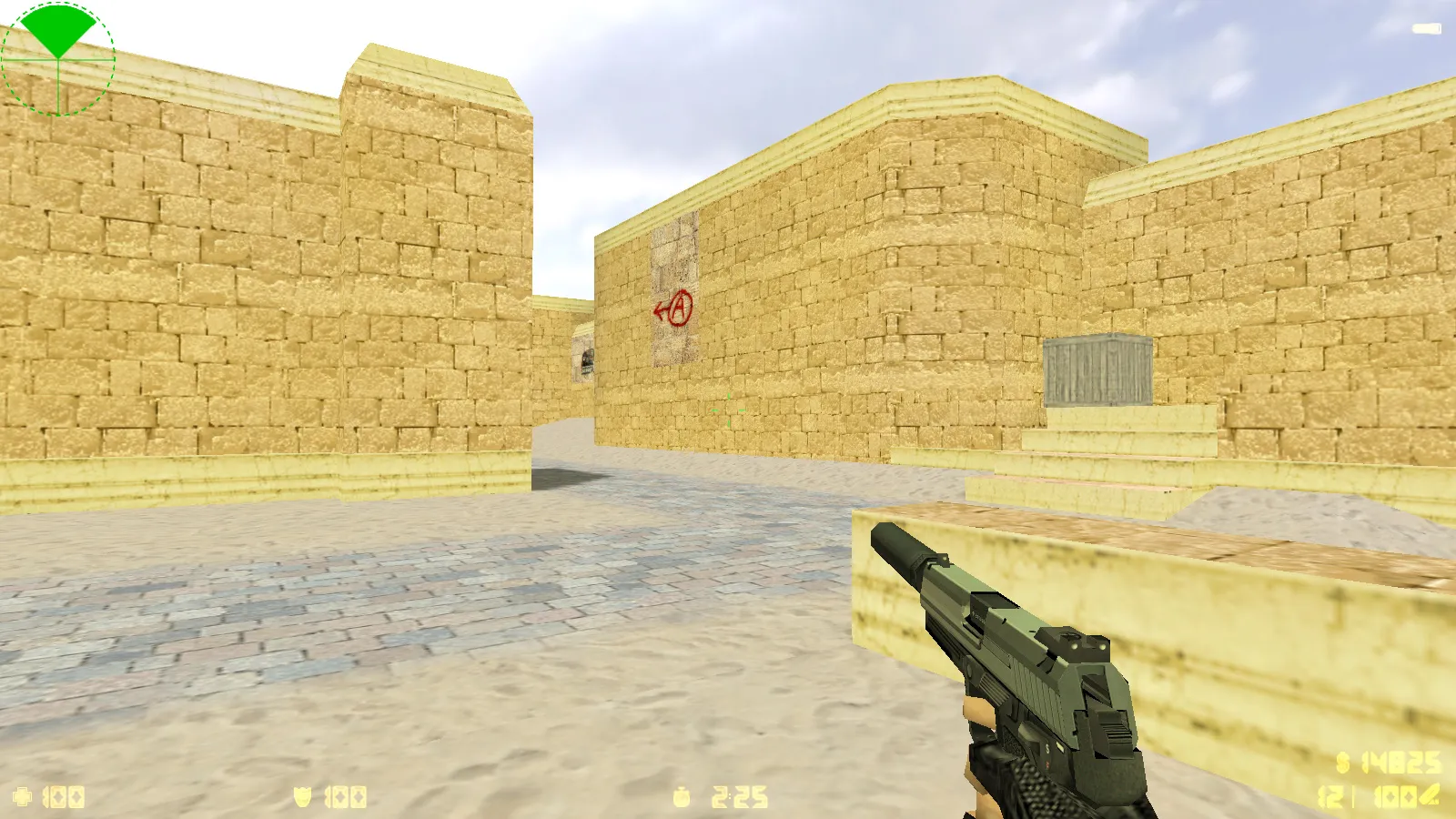
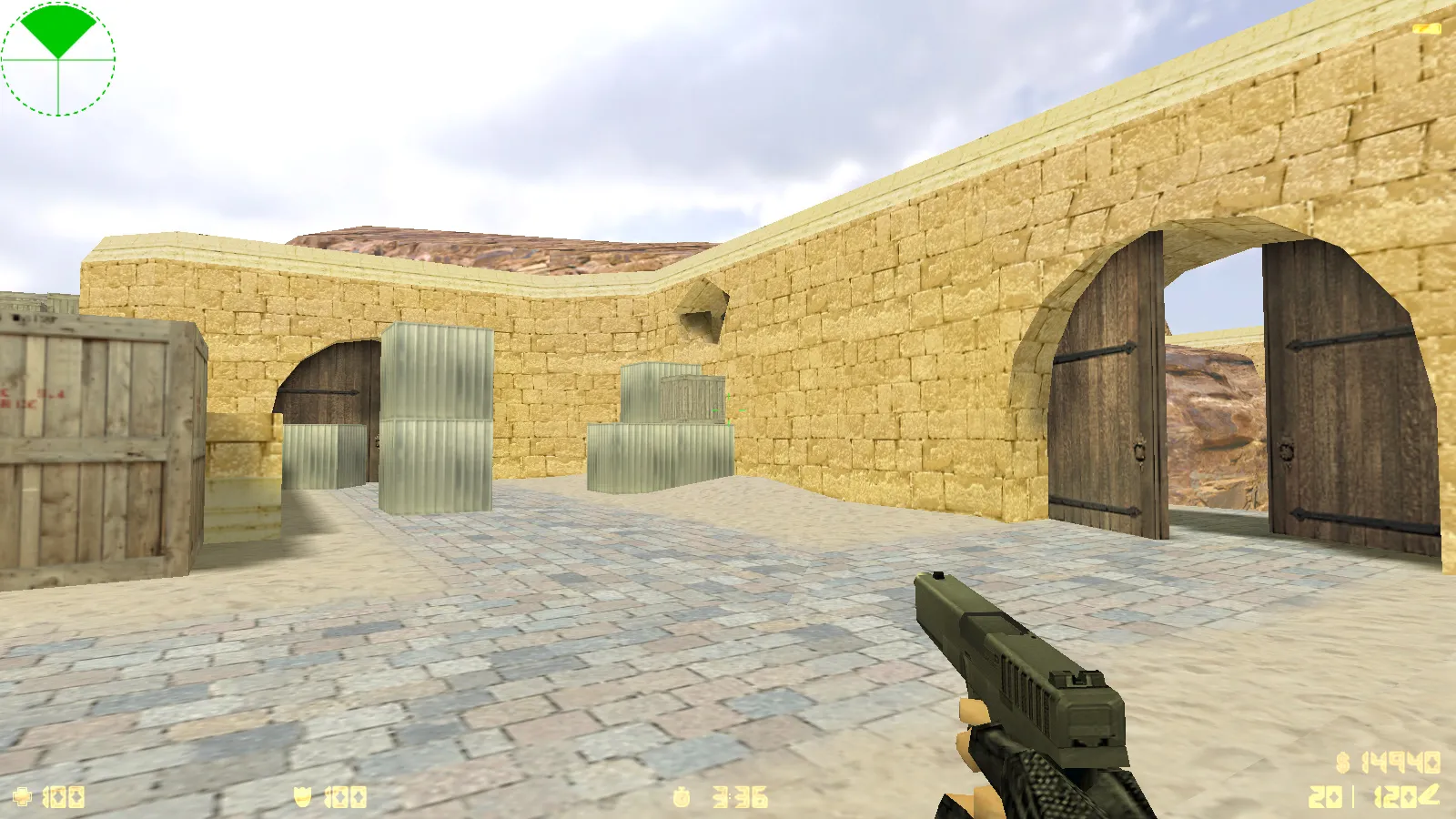
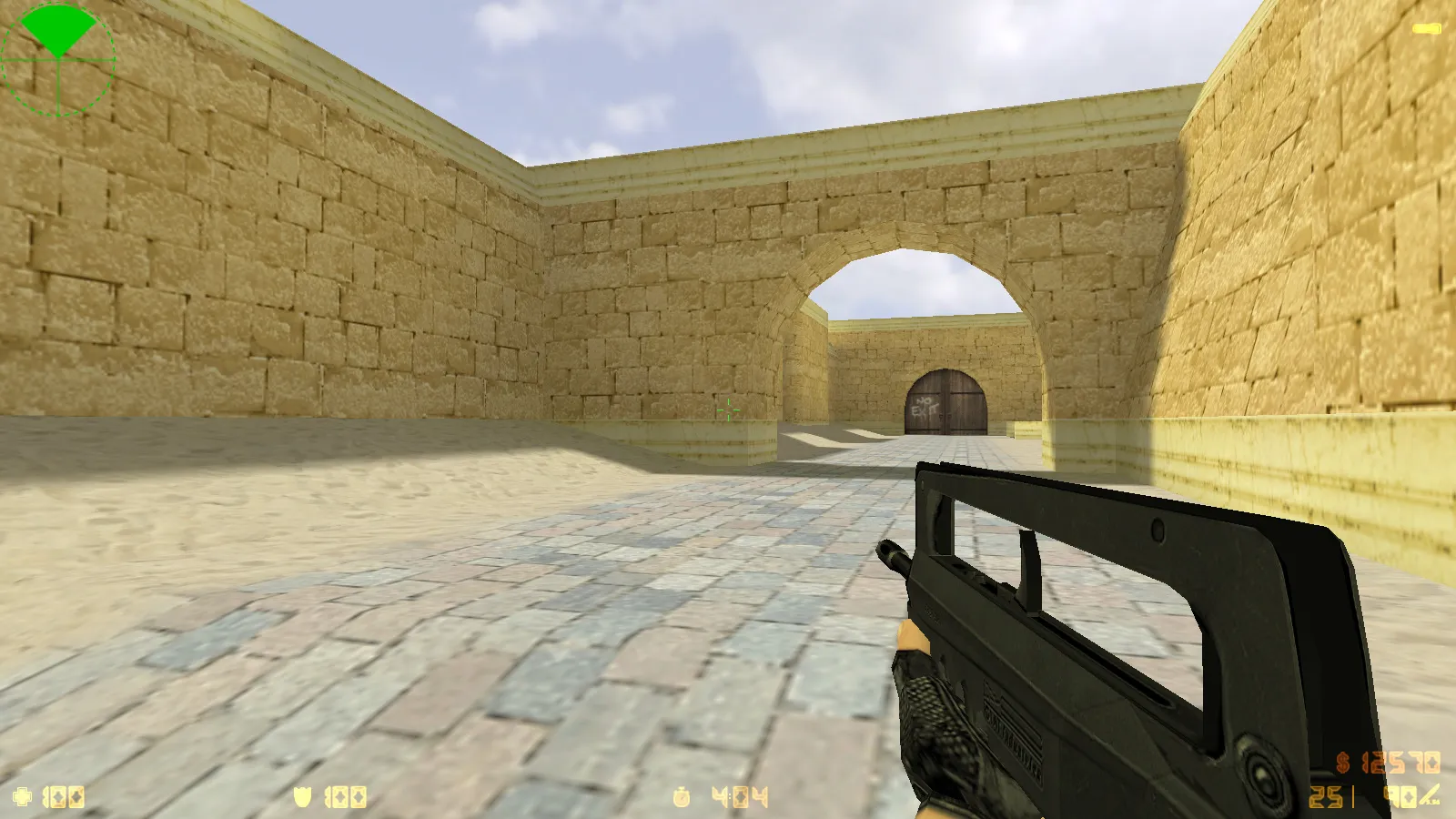
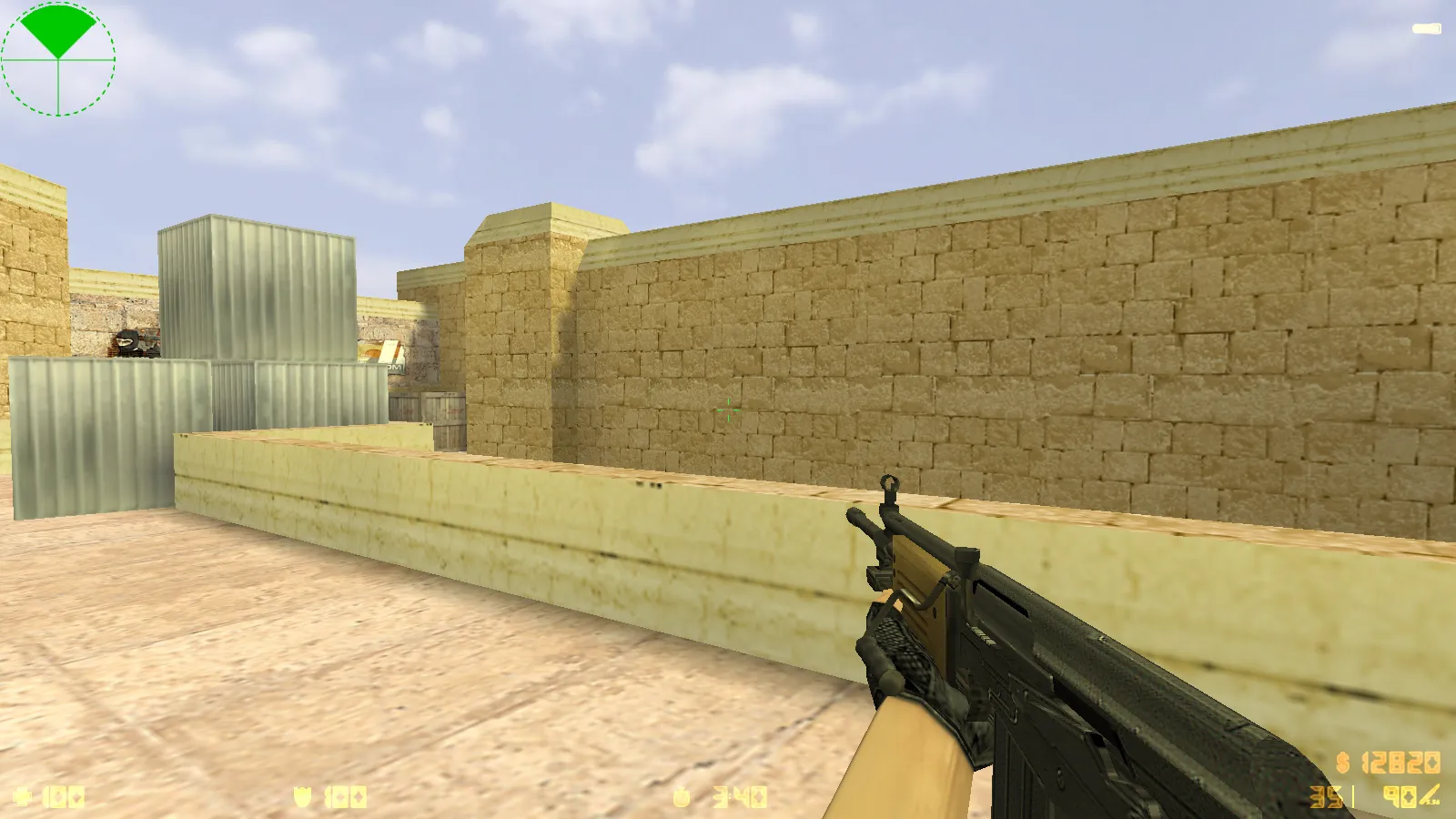
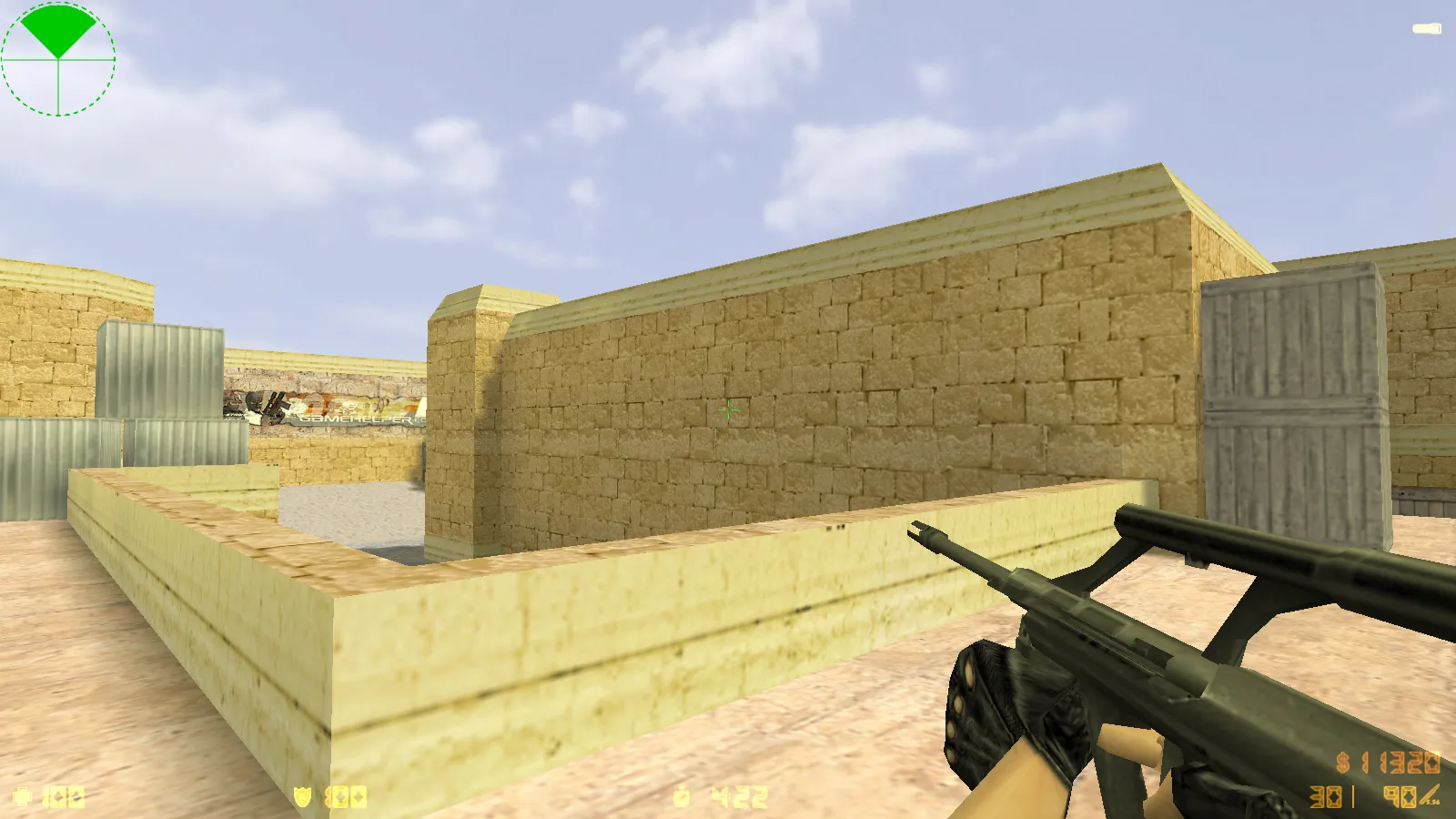
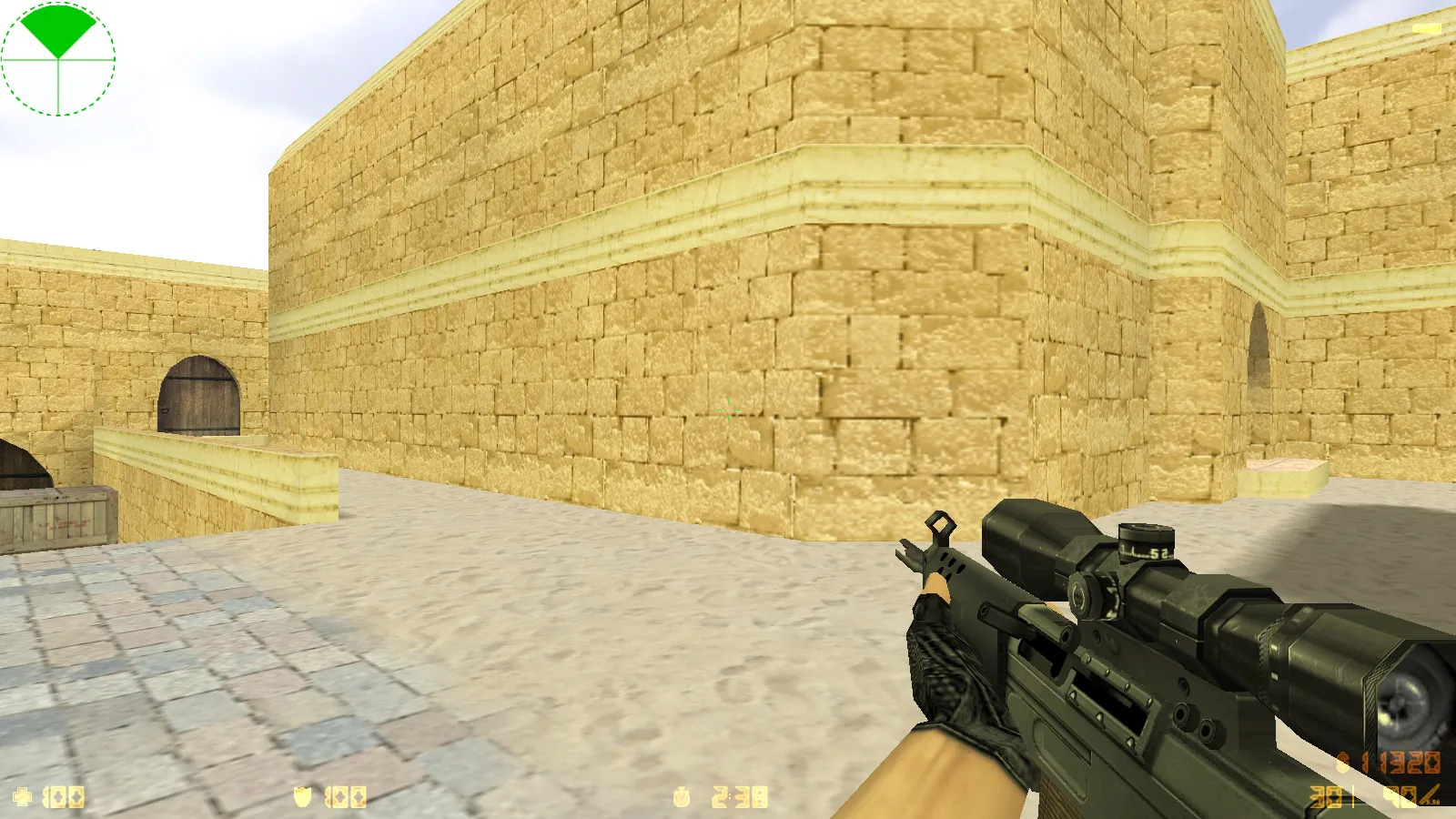
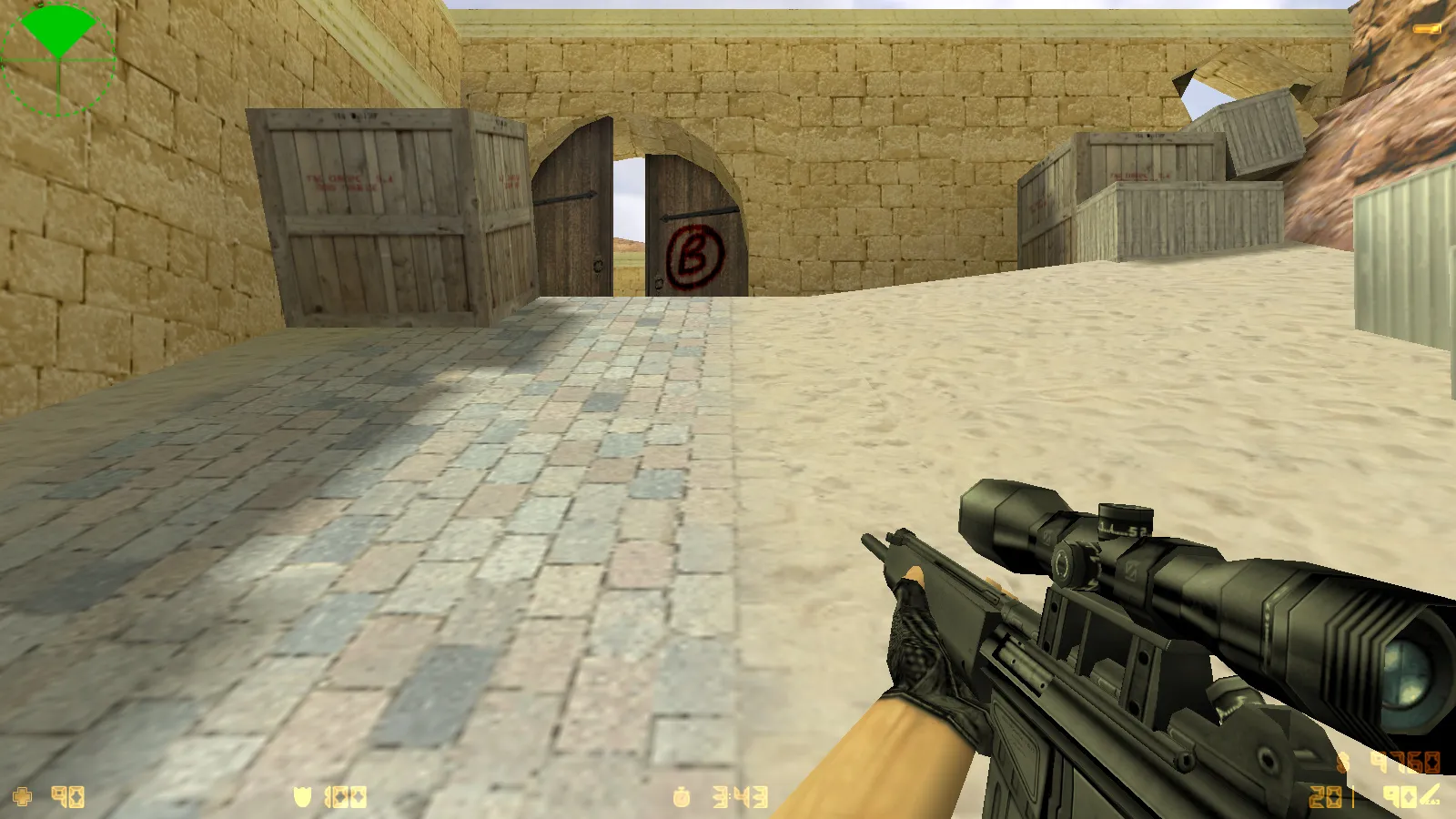
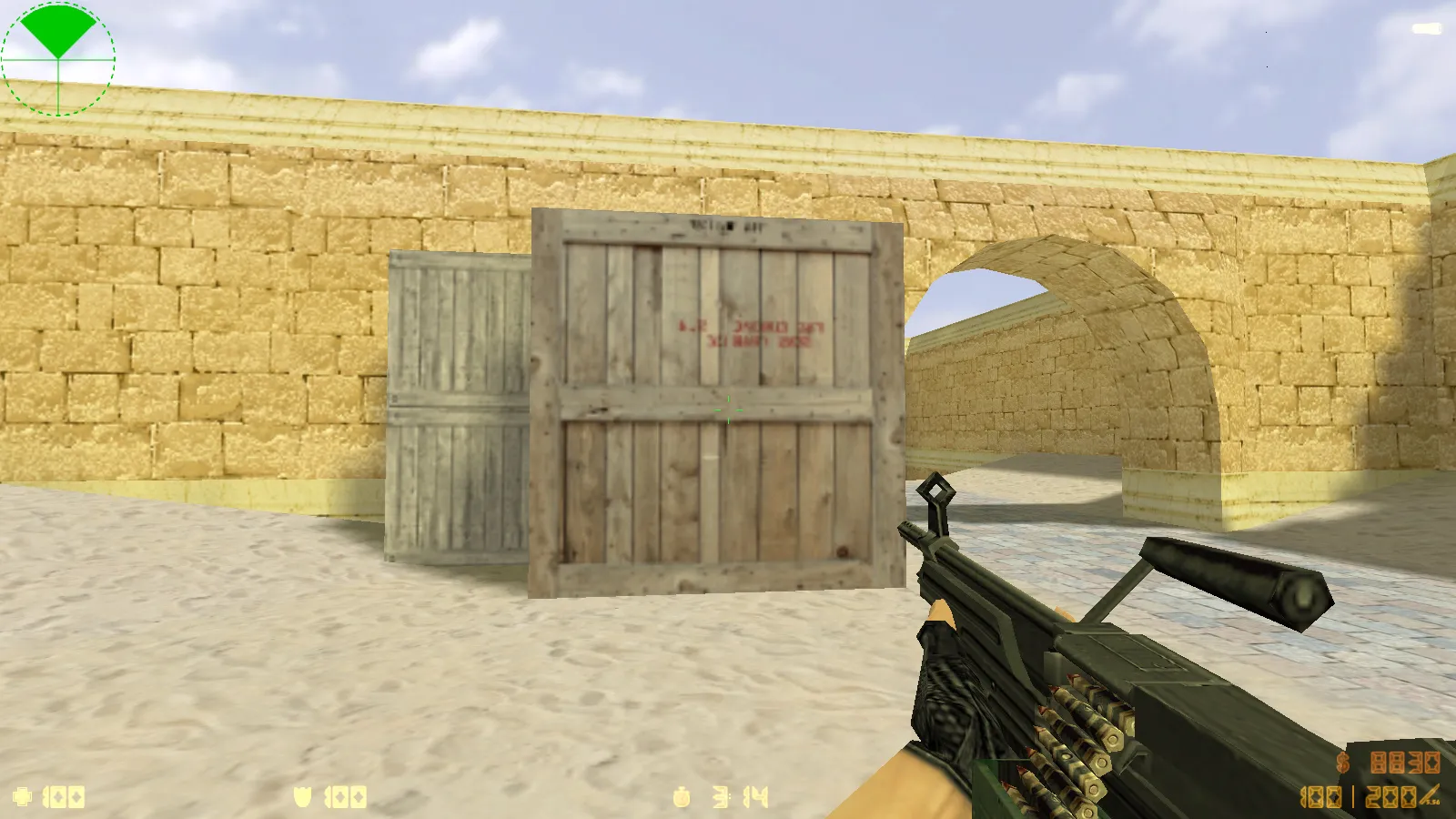
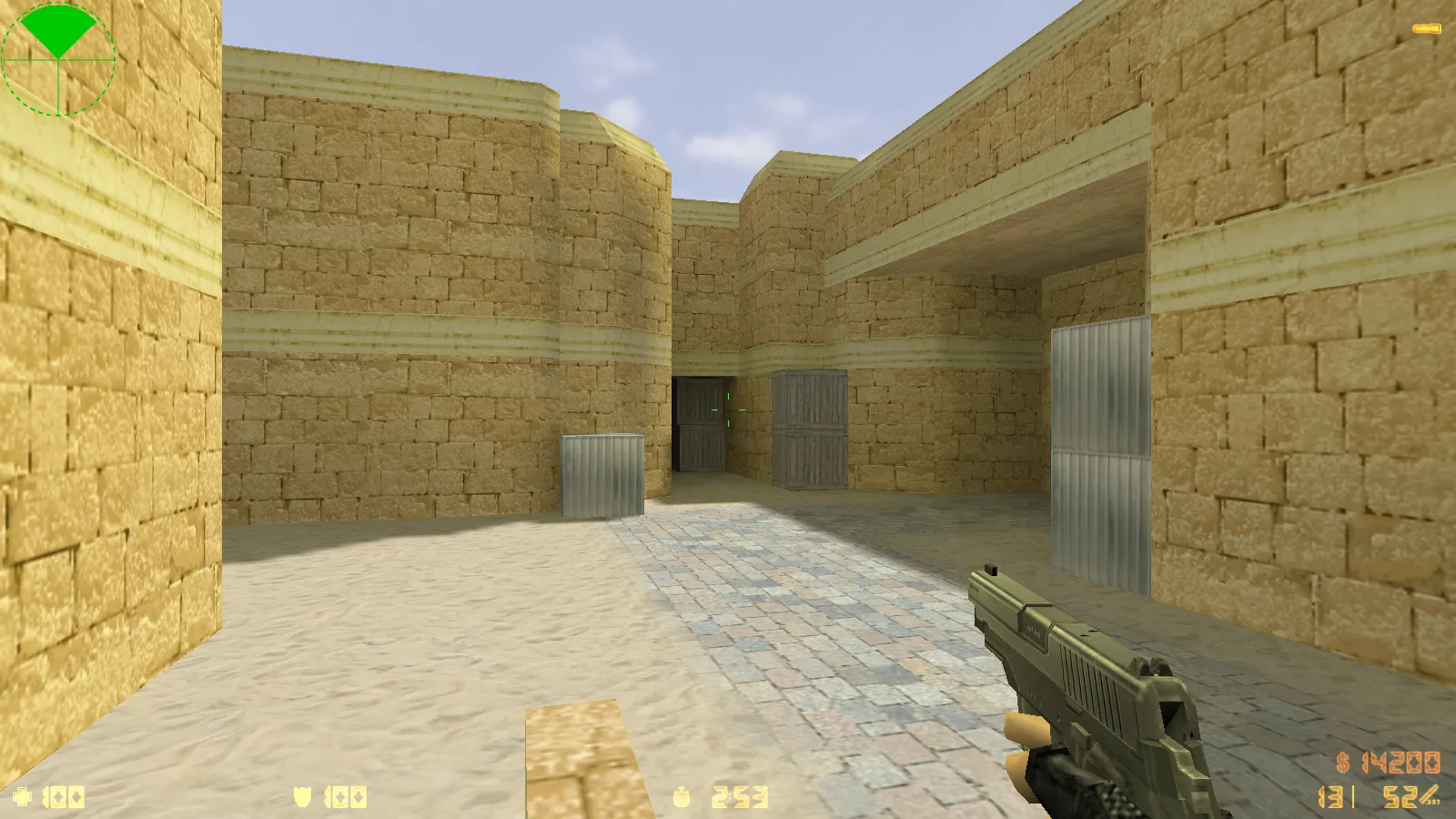
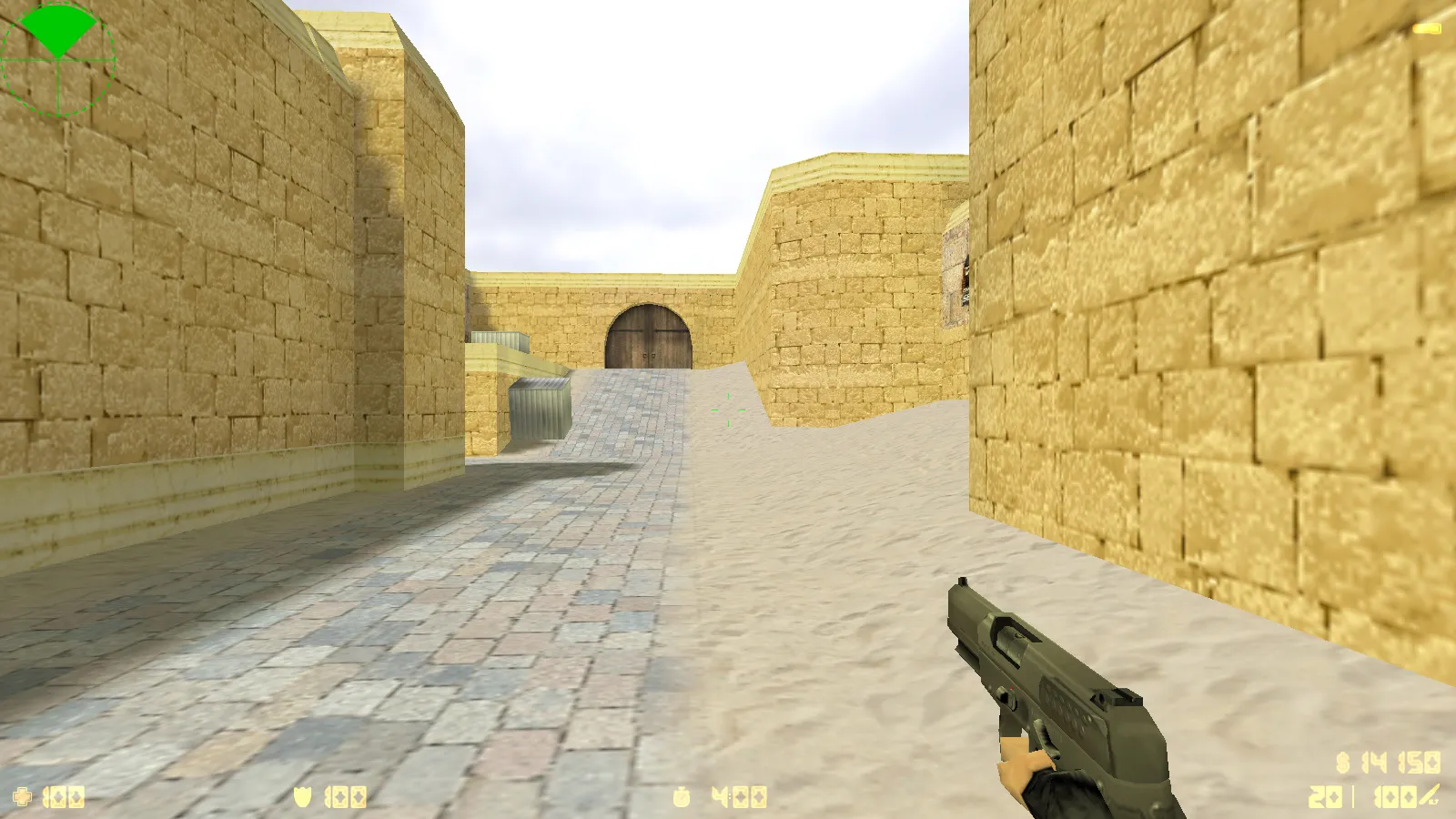
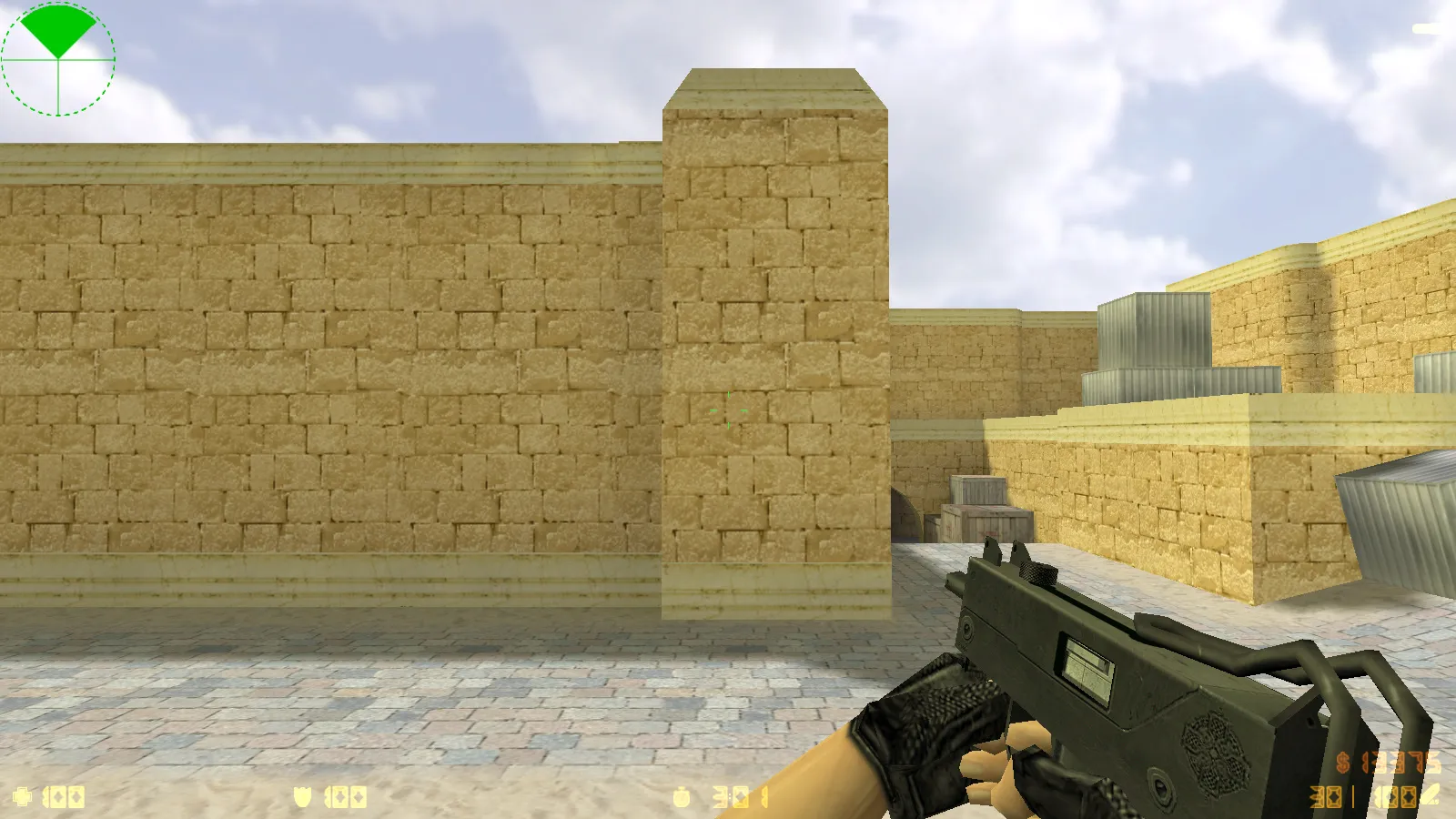
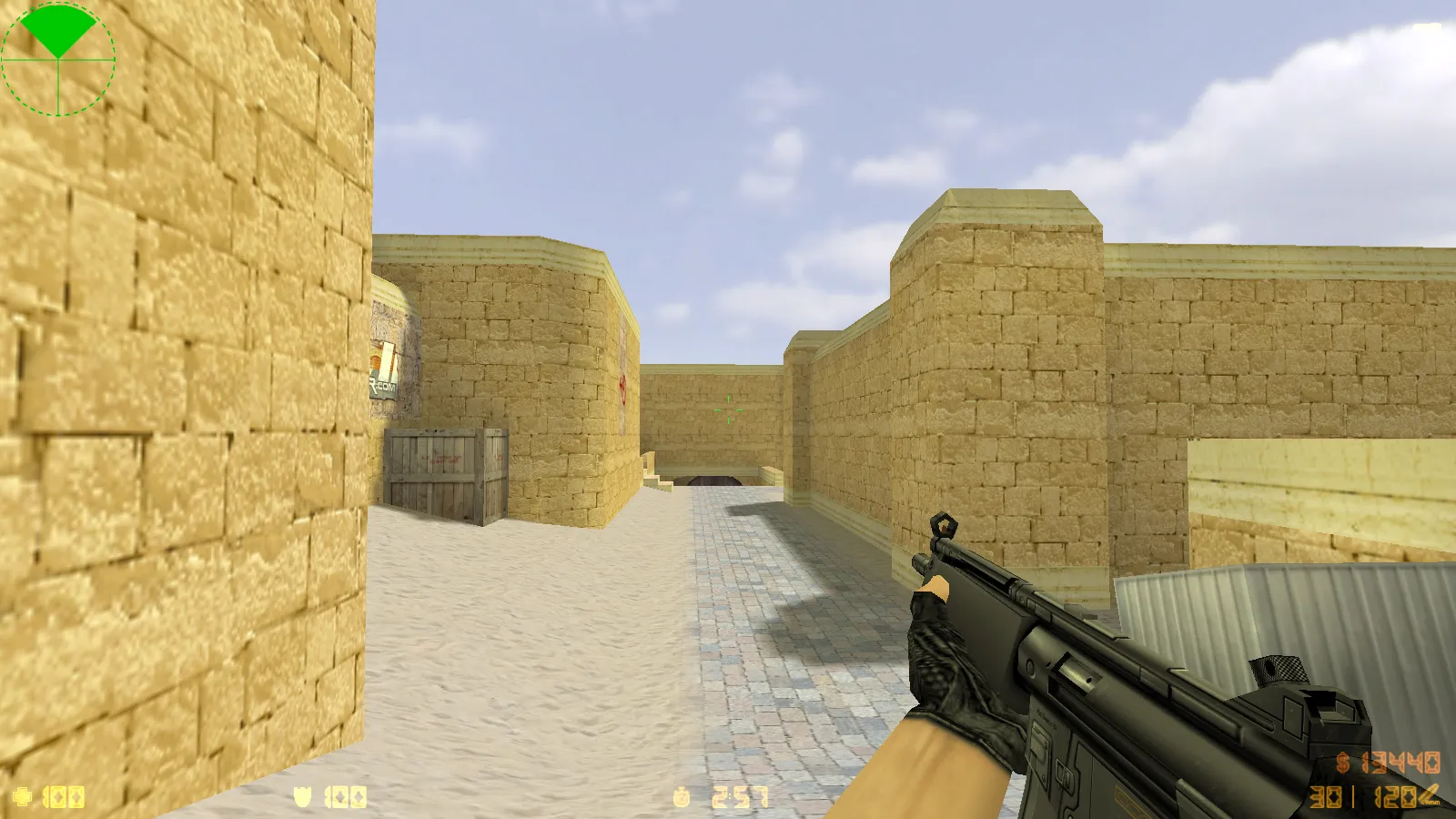
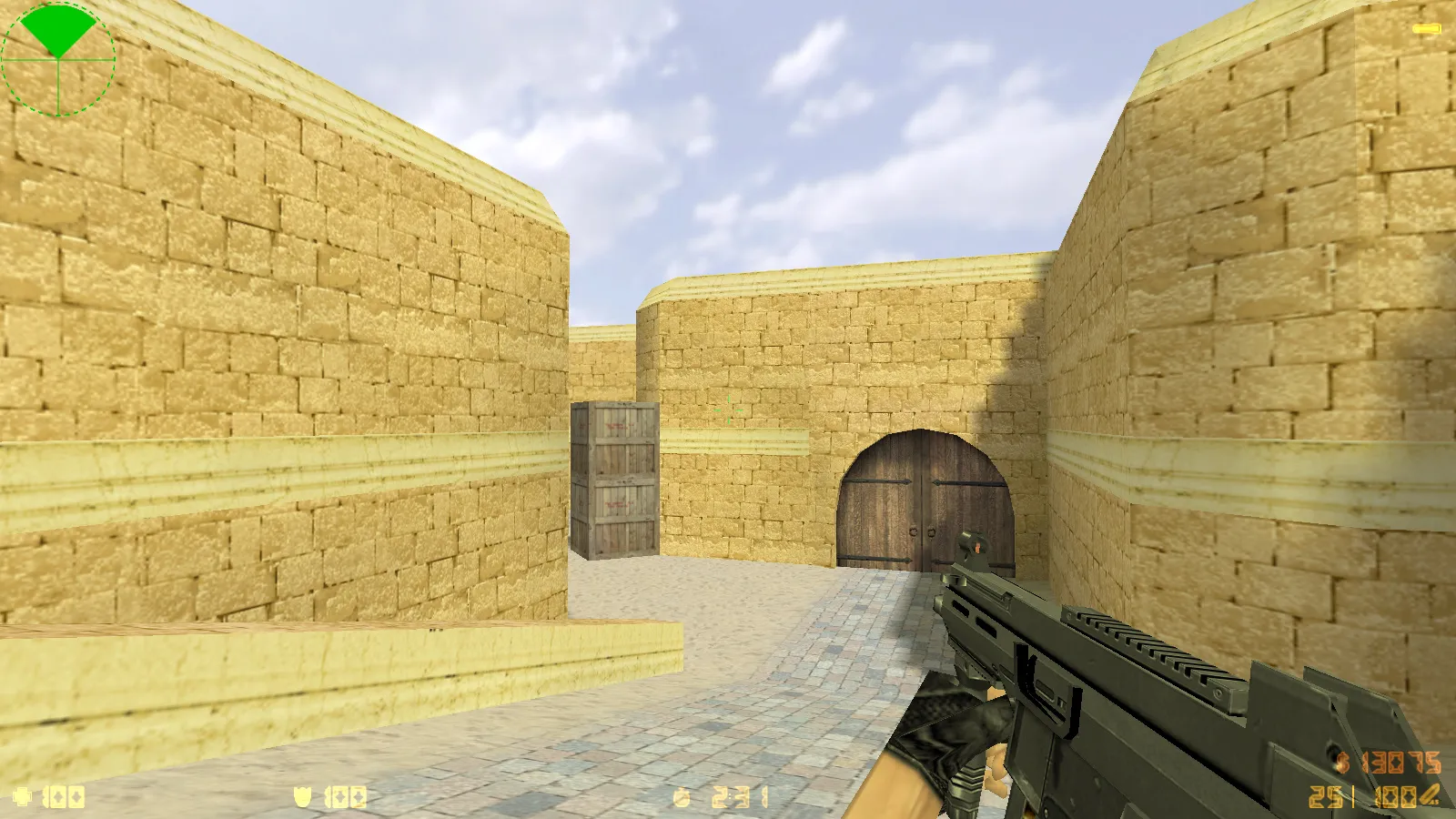
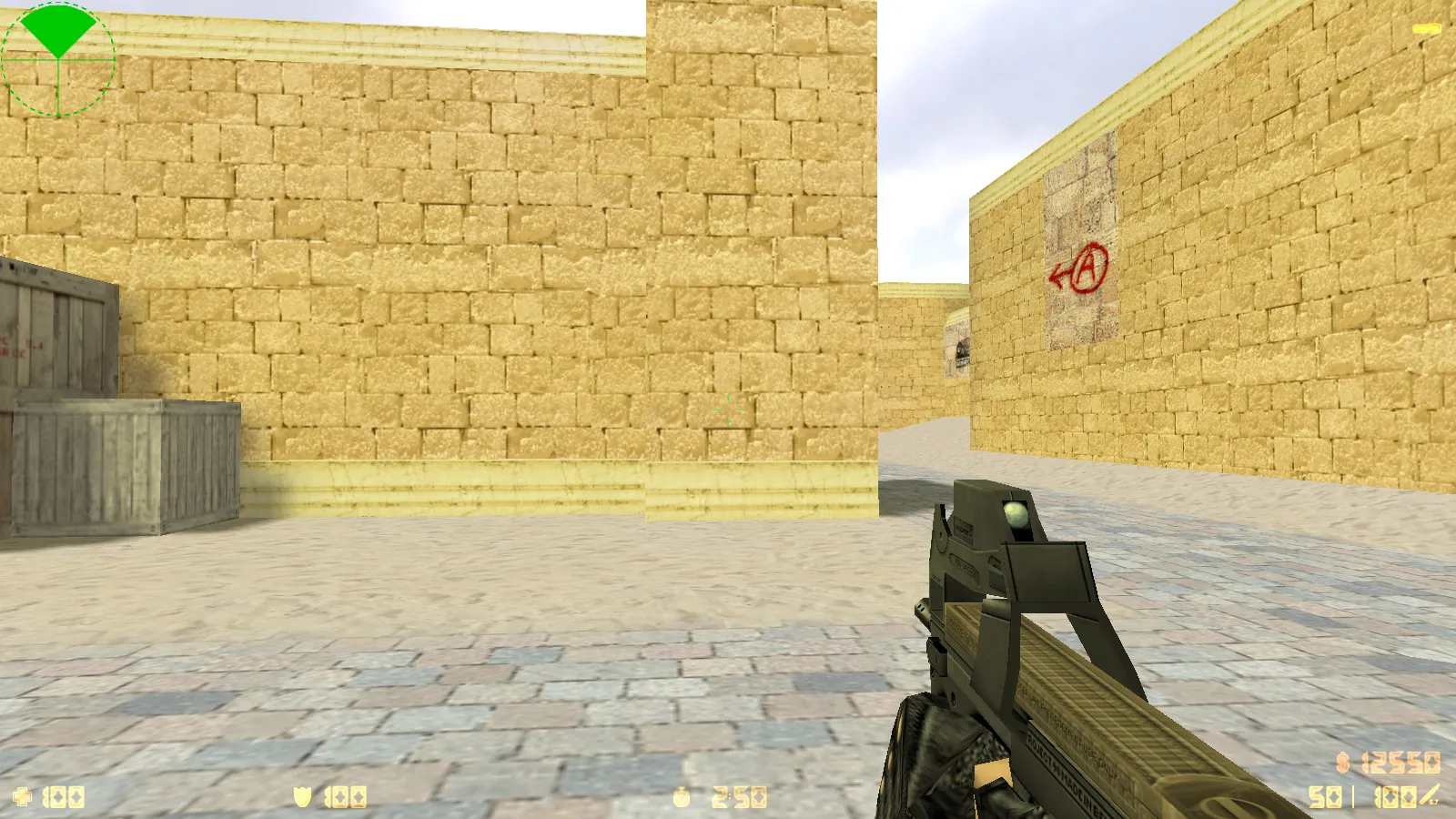
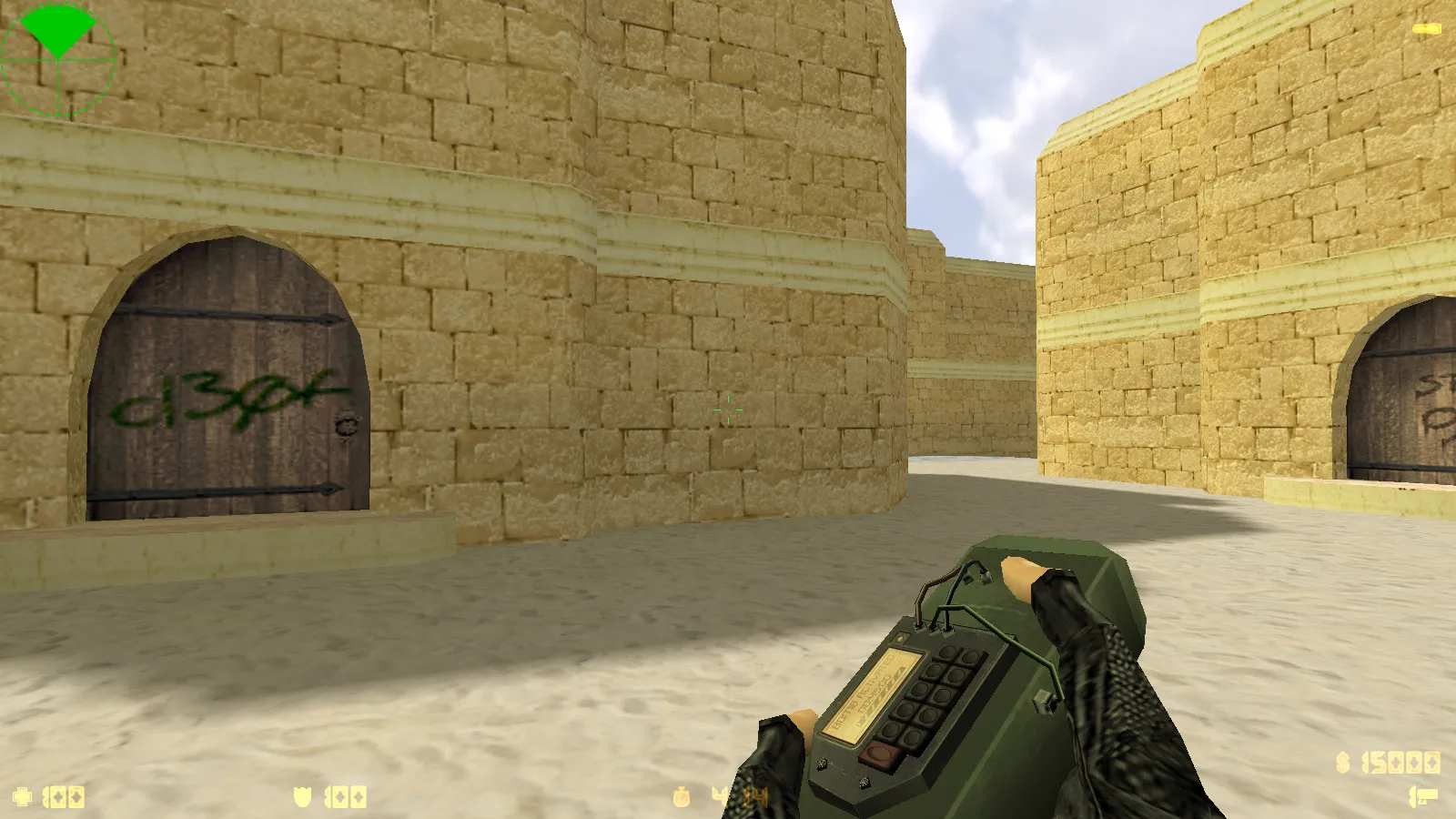
CS 1.6 Ultimate provides a full package based on the original game foundation, combining graphical upgrades, audio adjustments, and configuration improvements into a single stable client. It performs well both online and offline, aiming for comfortable play with a tidy interface. The menu sports a dark theme with see-through overlays and green accents, ensuring readability during pre-match preparation without crowding the screen.
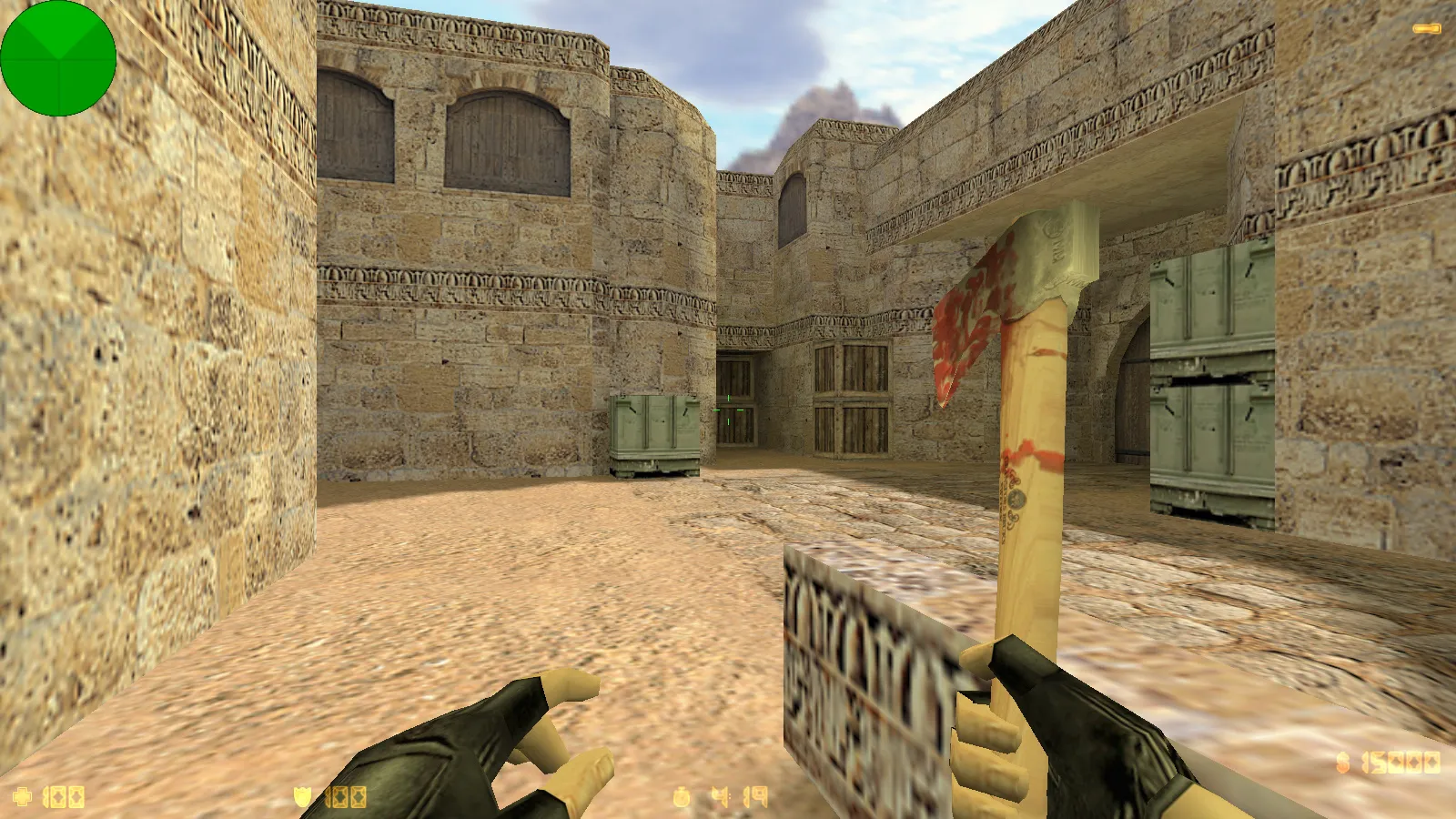
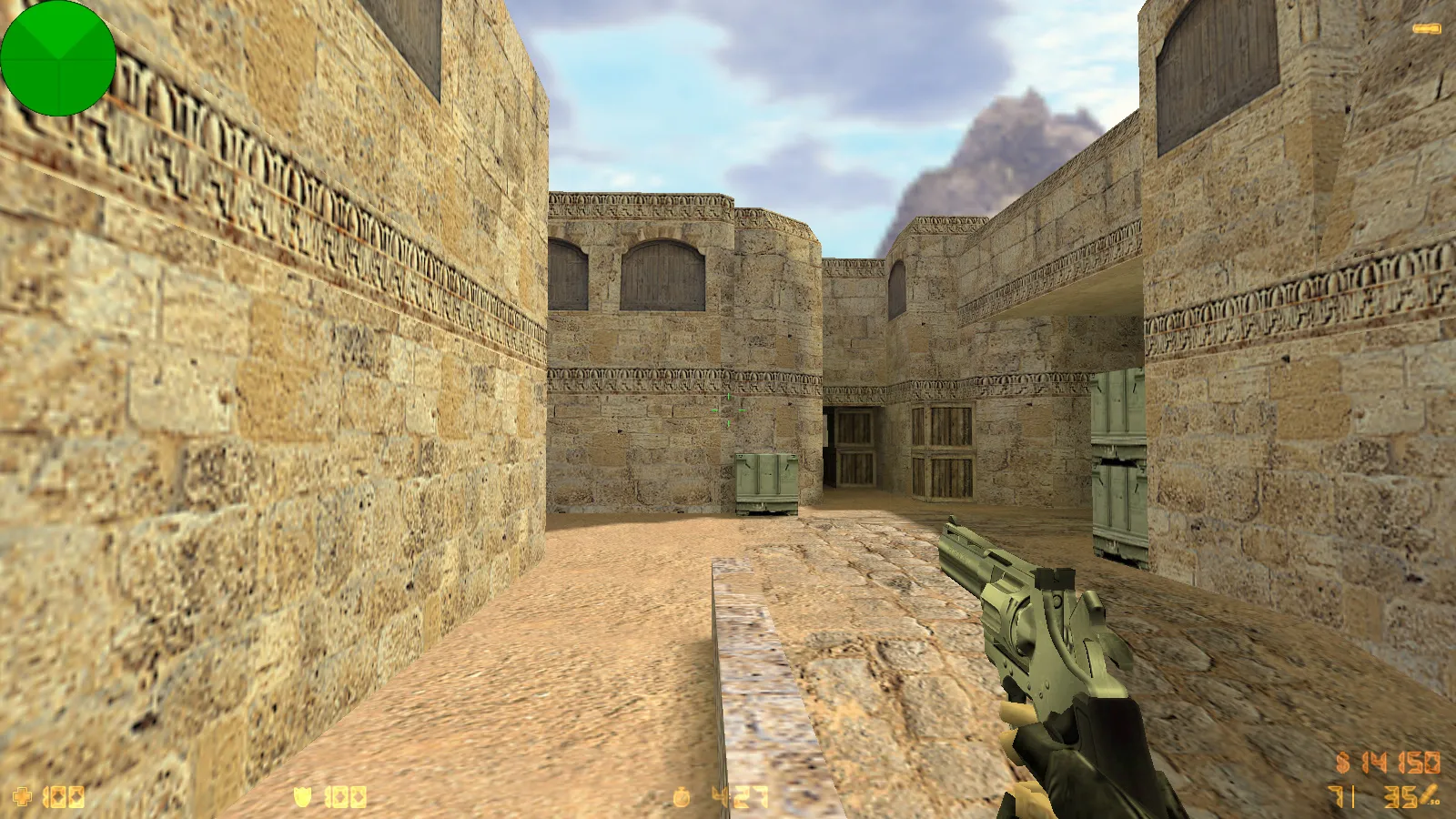
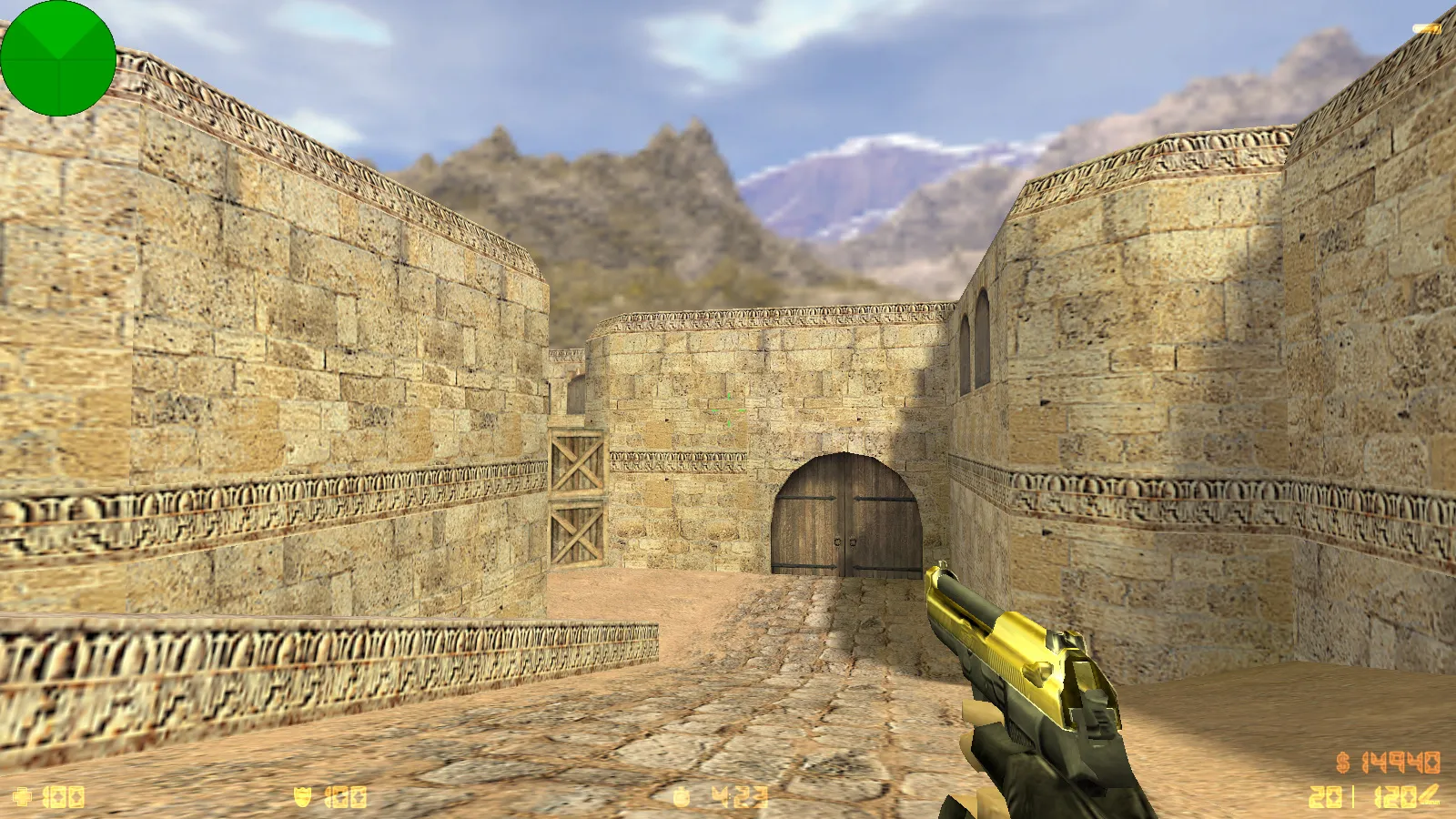
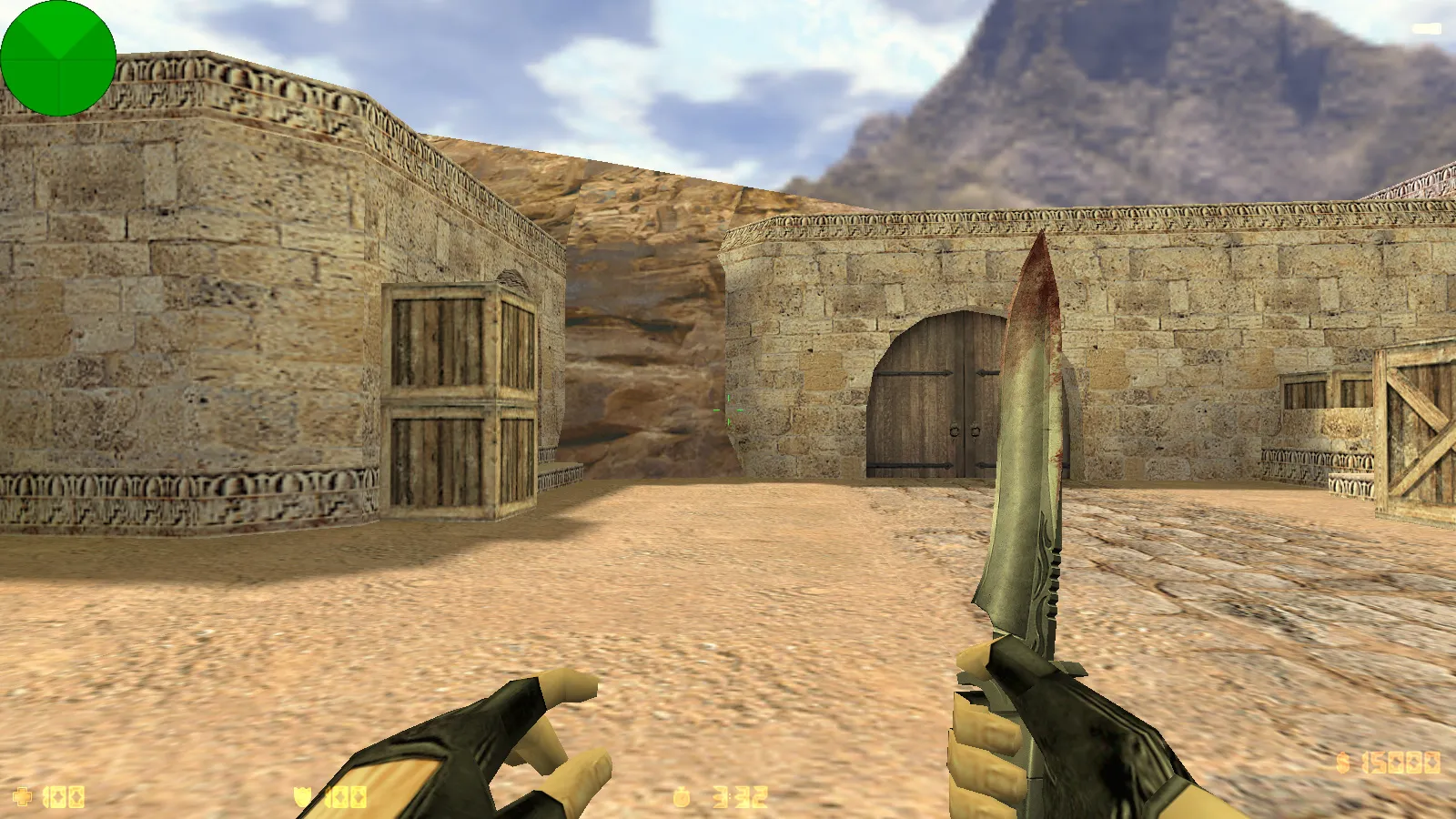
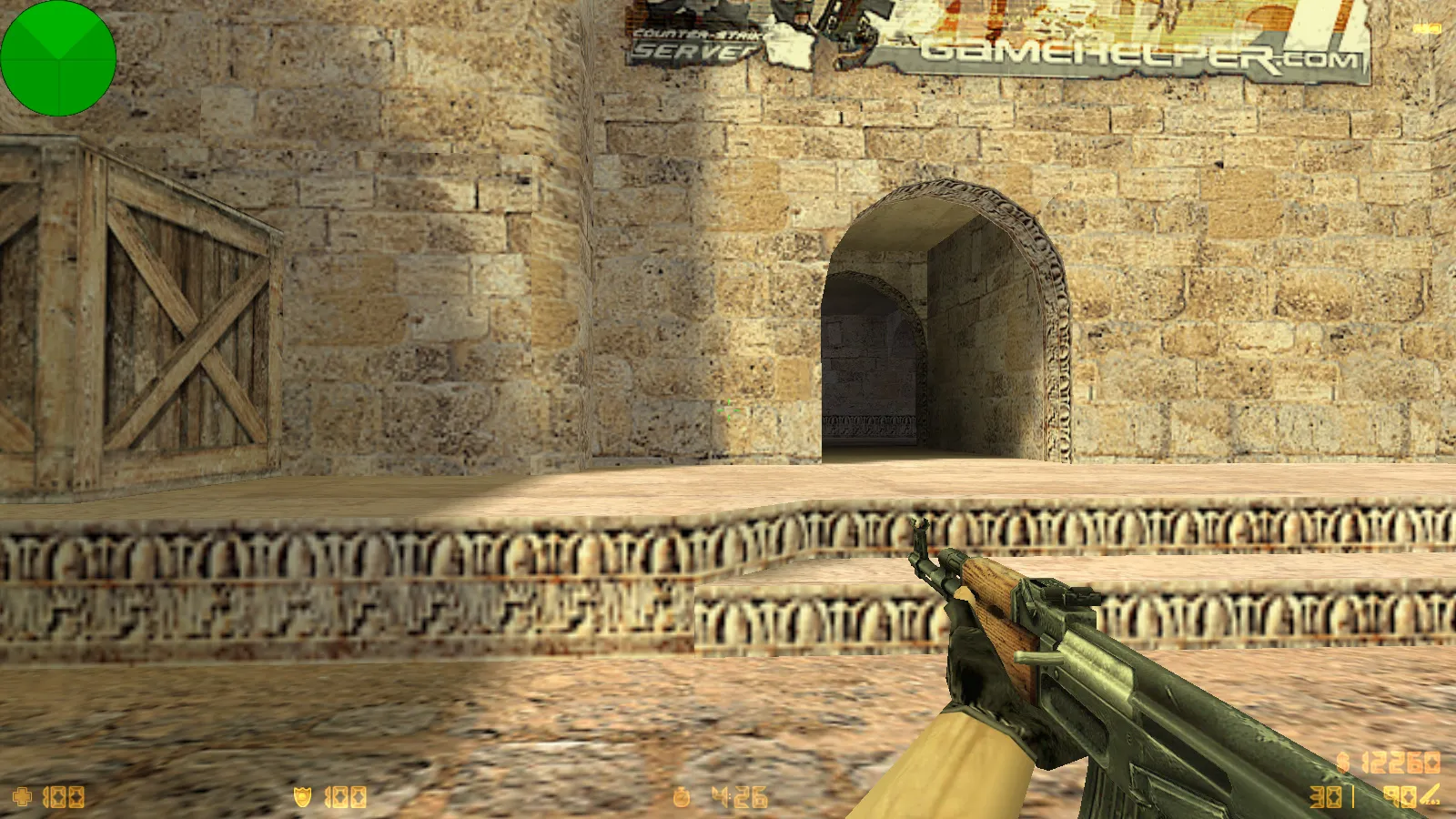
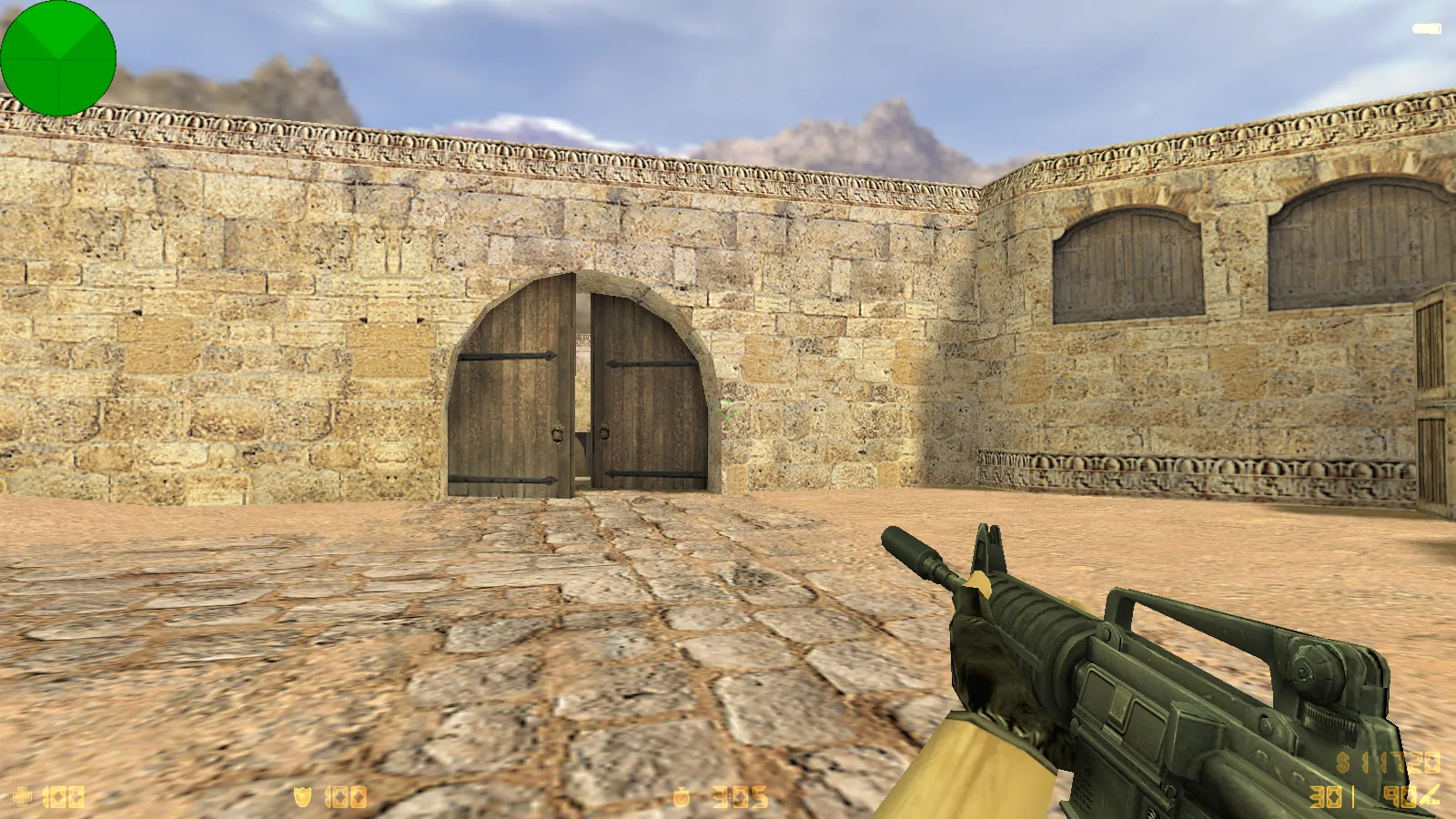
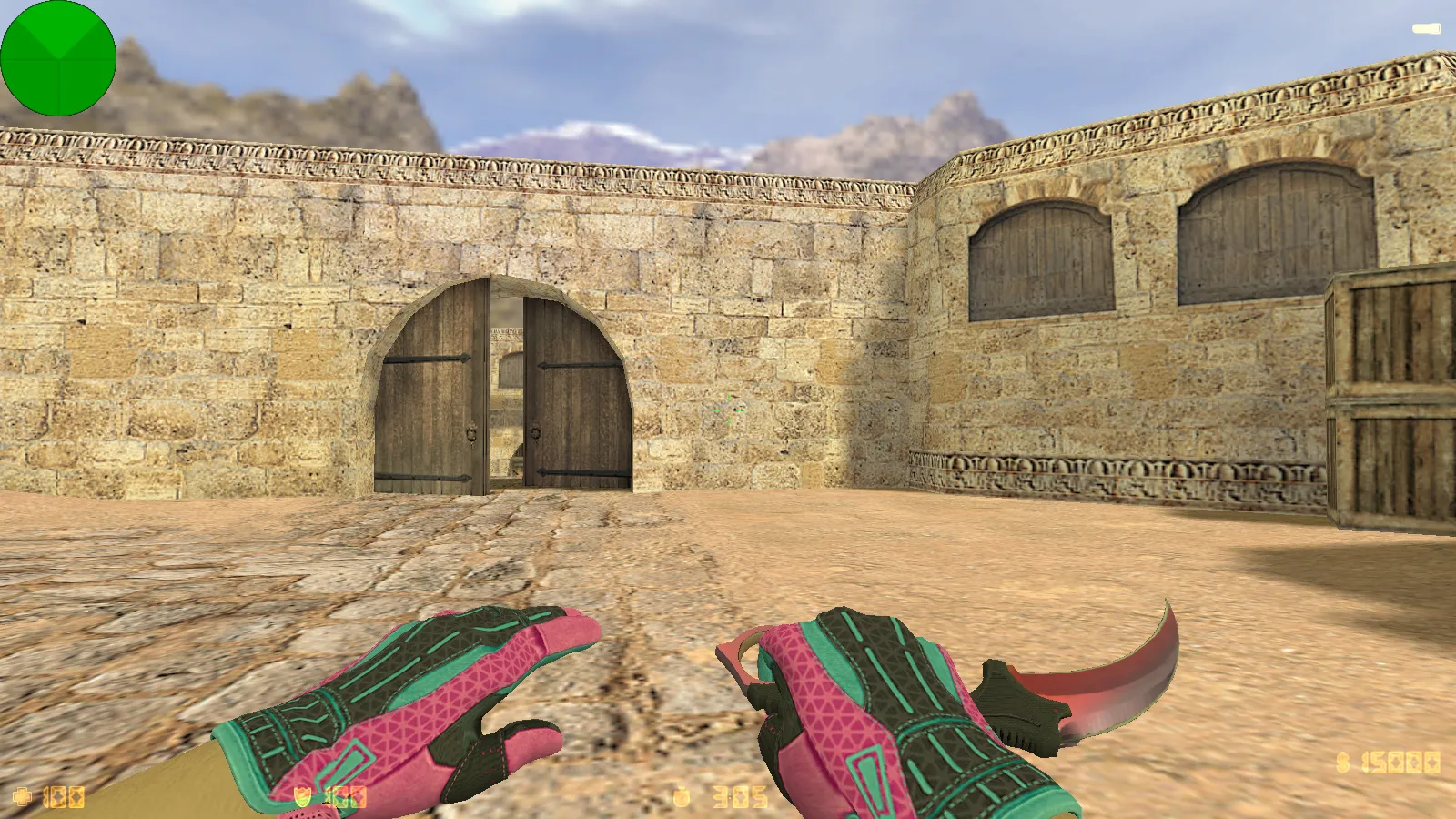
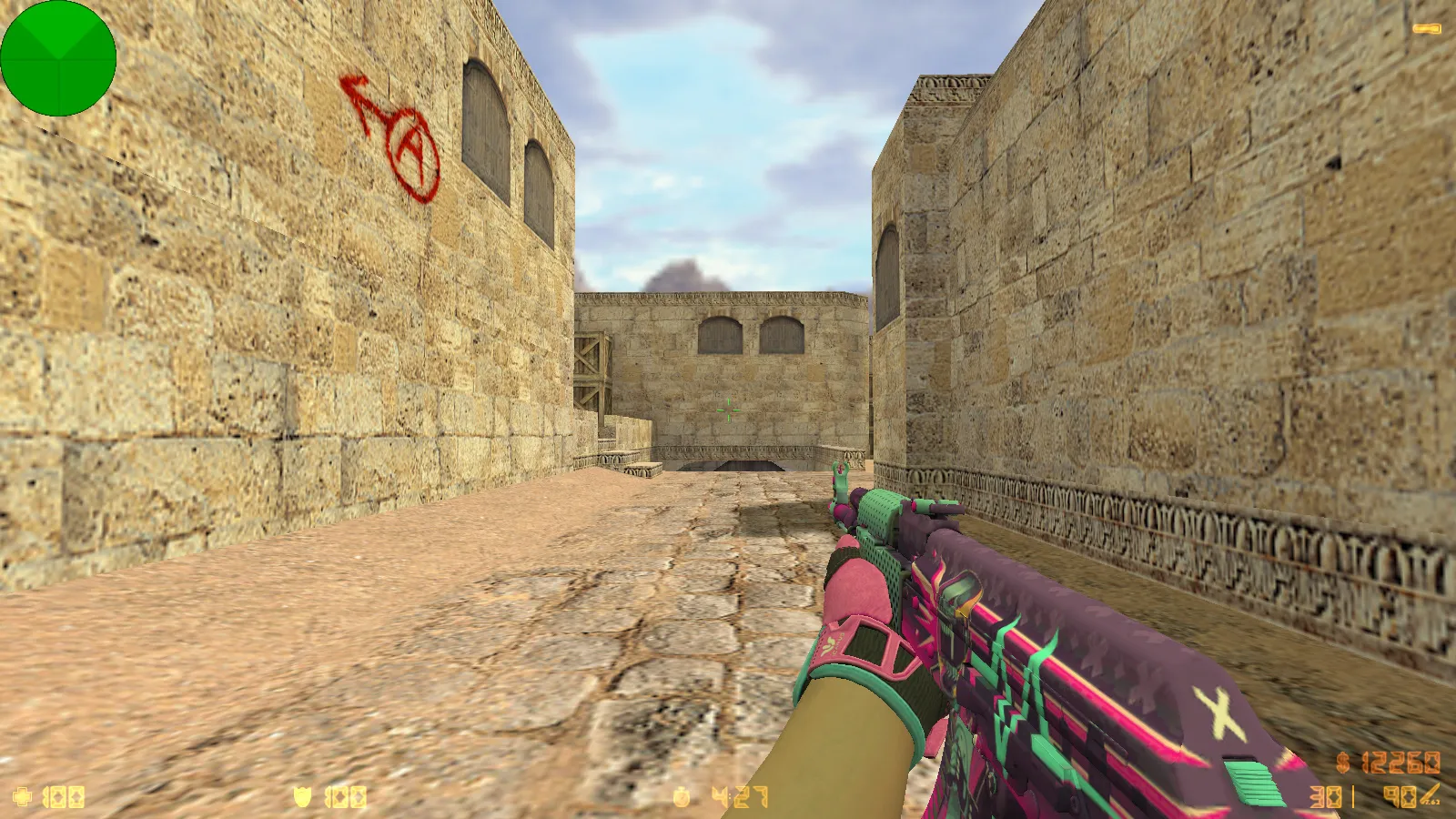
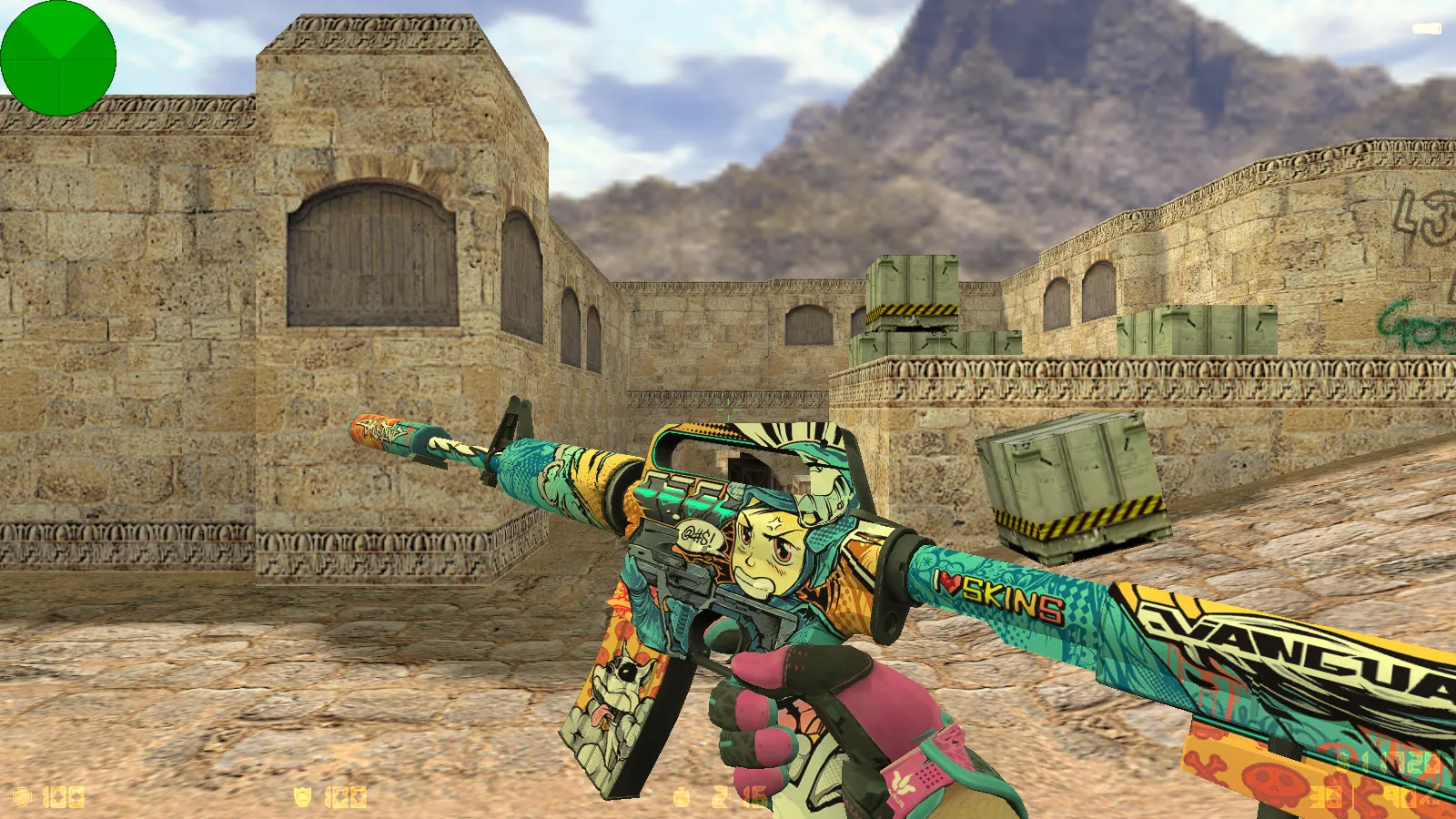
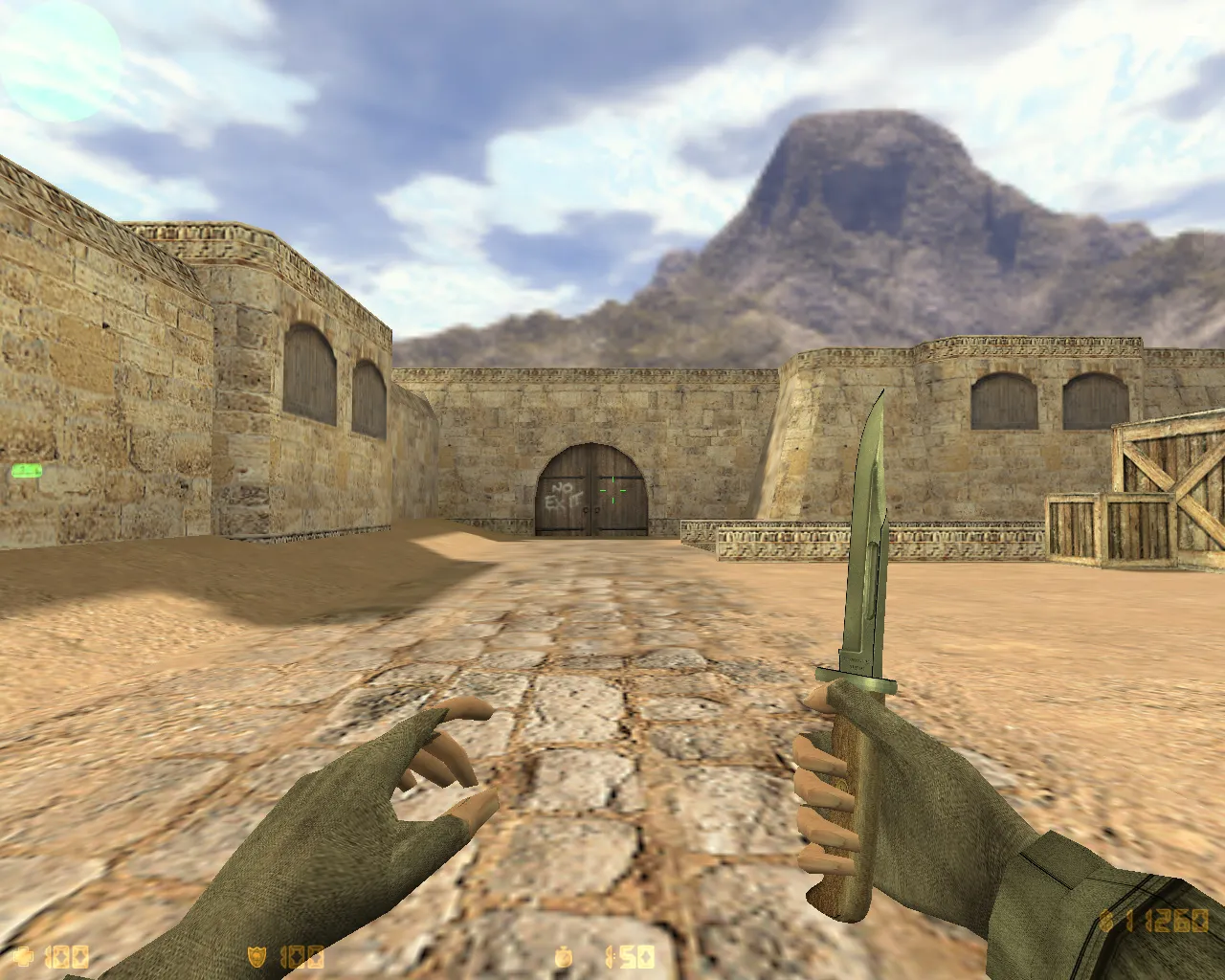
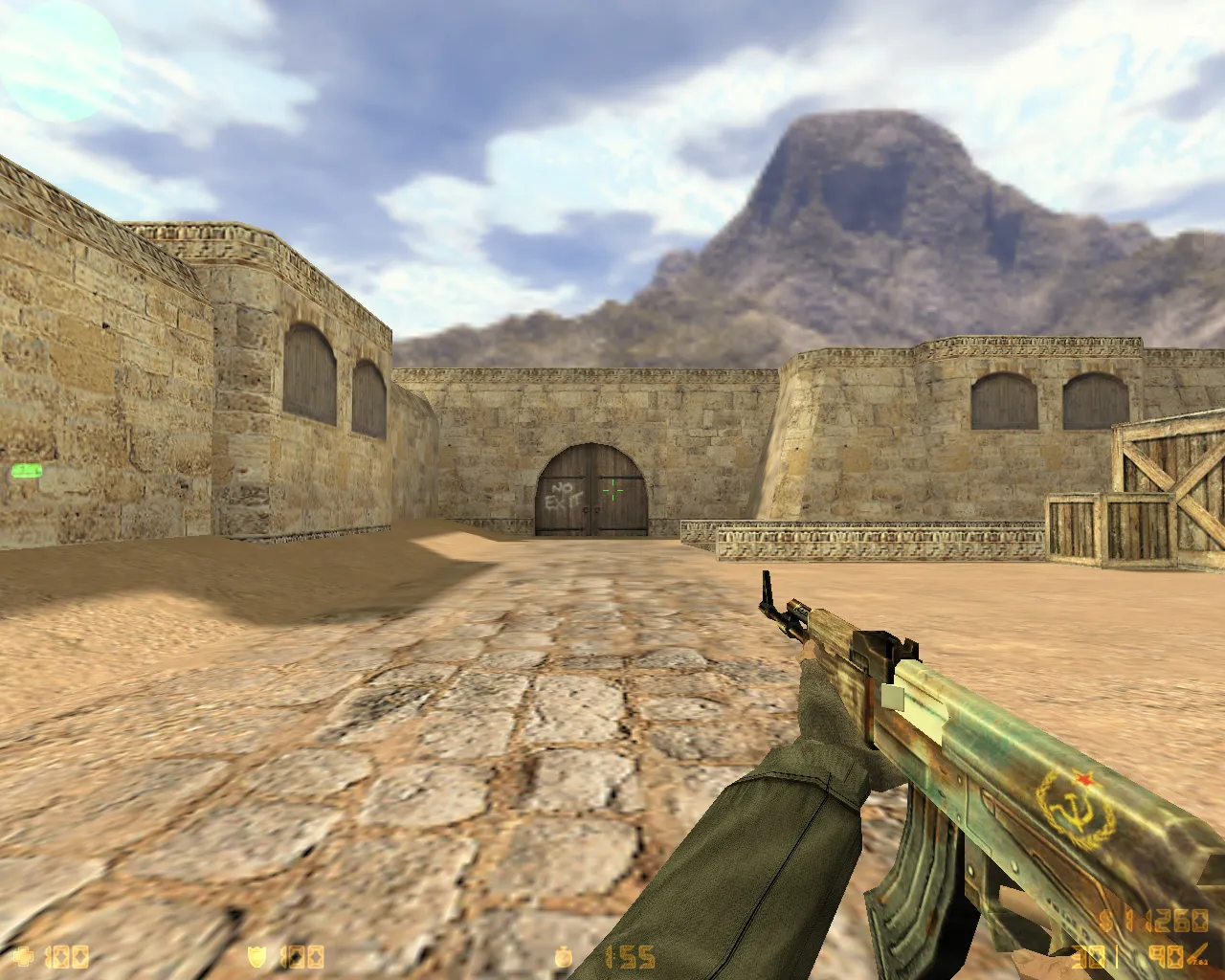
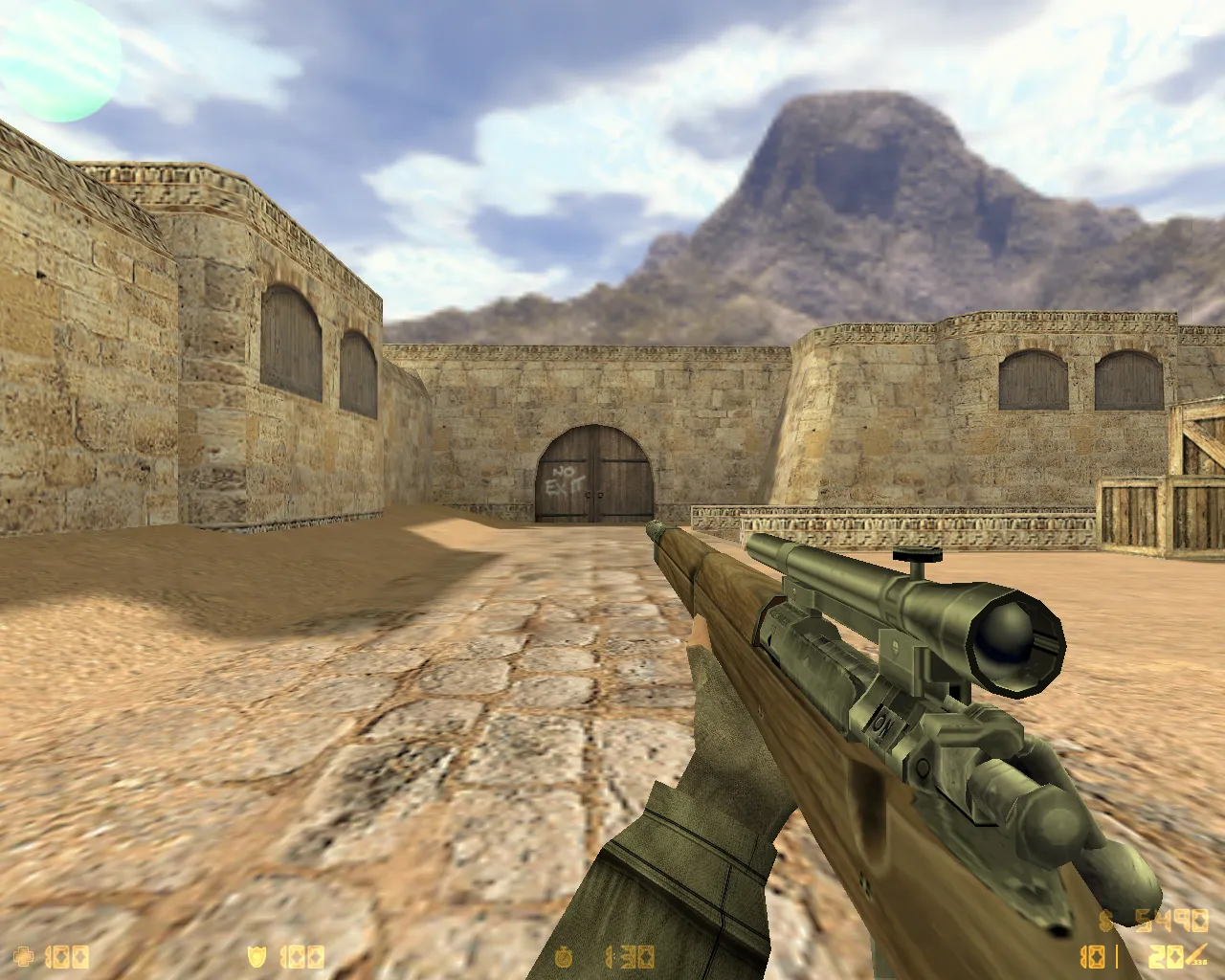
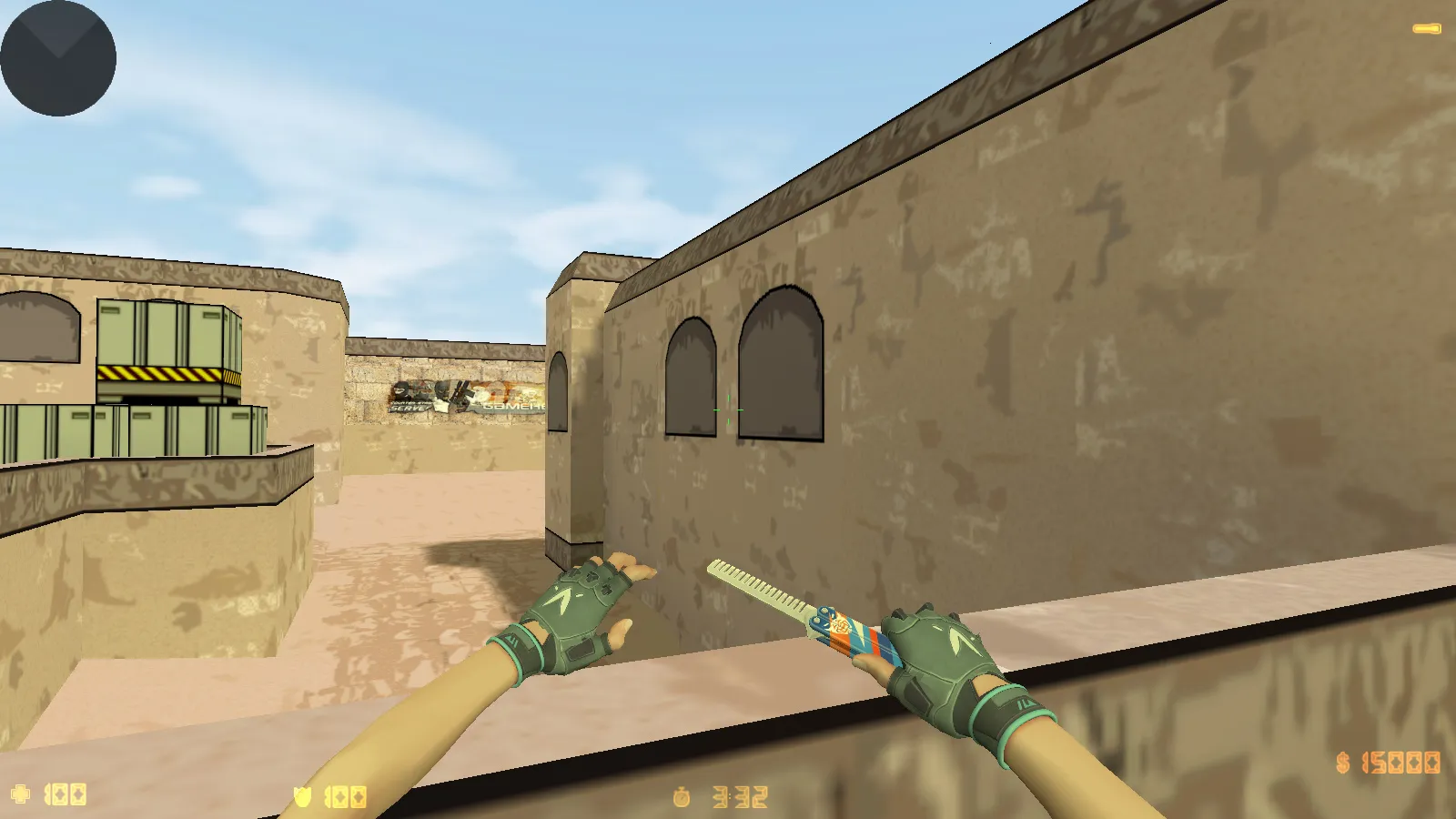
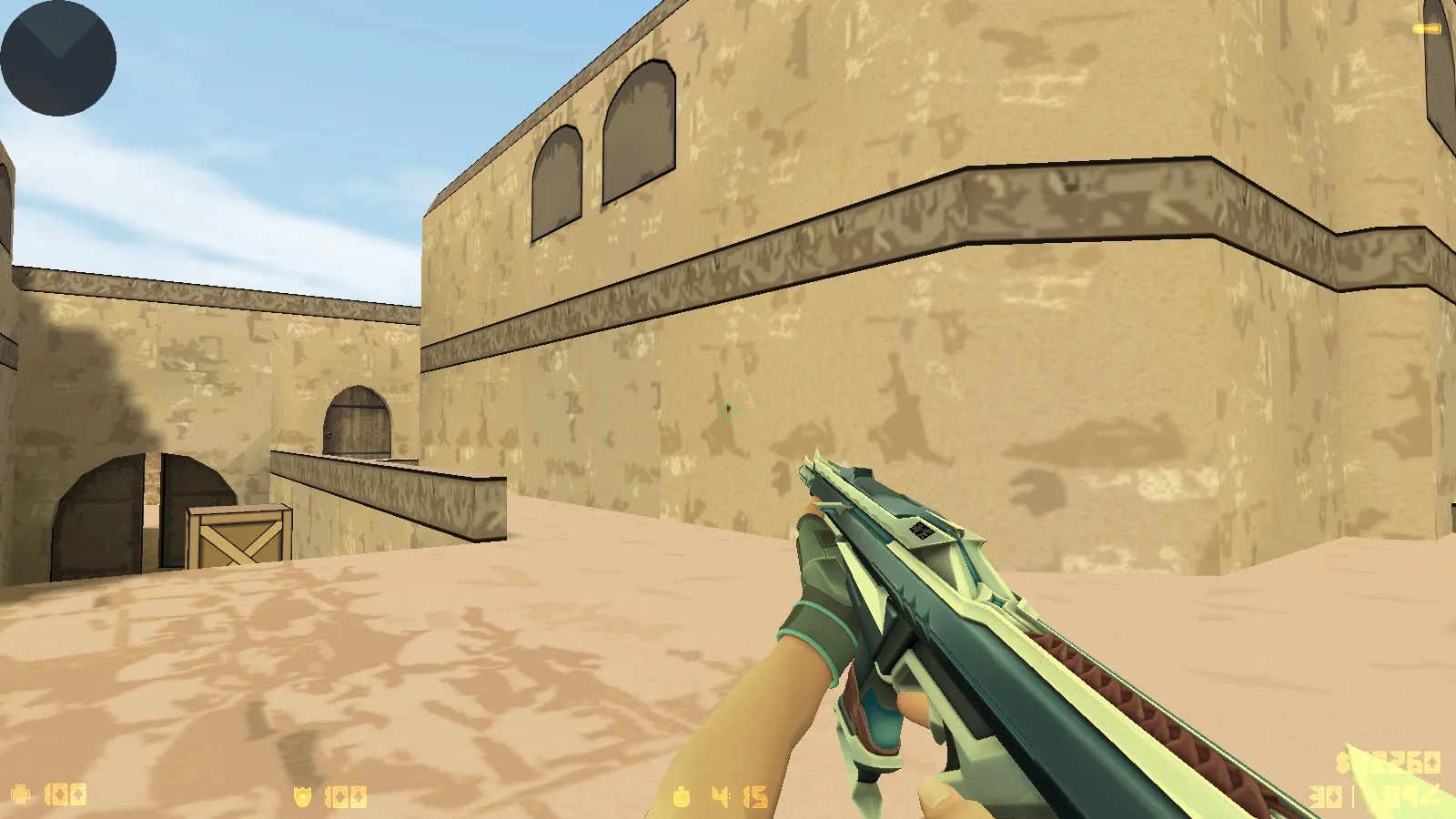
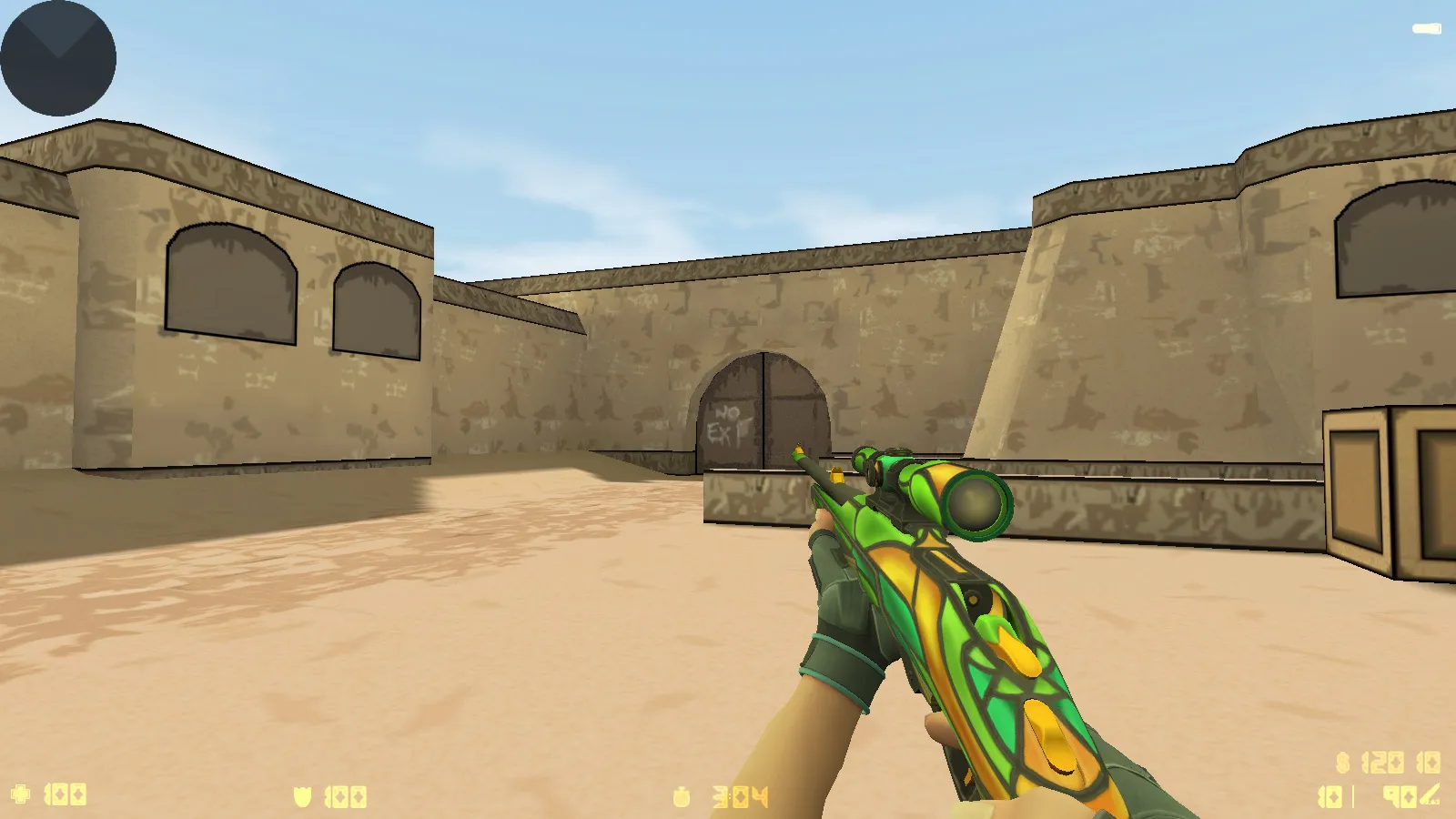
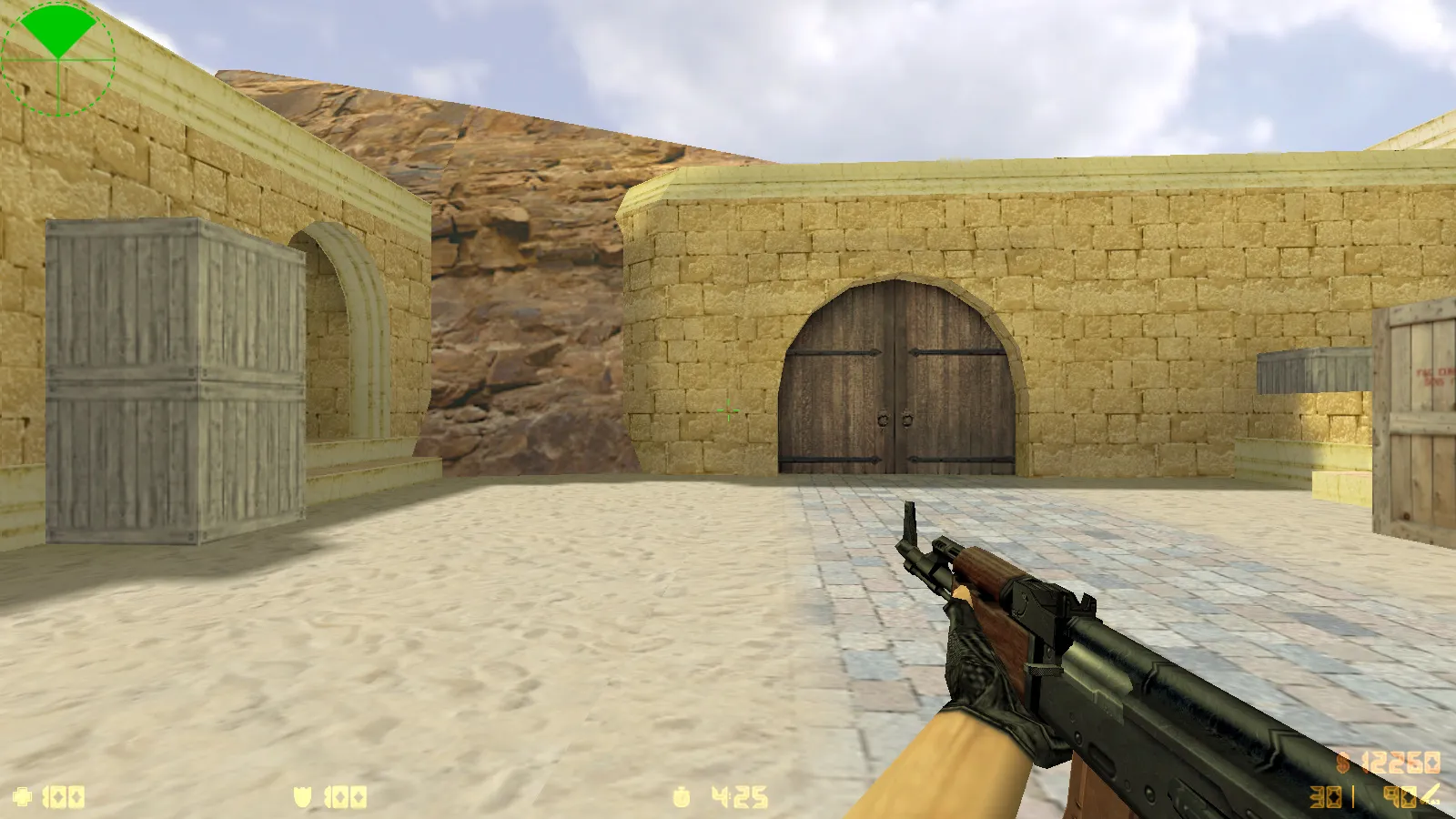
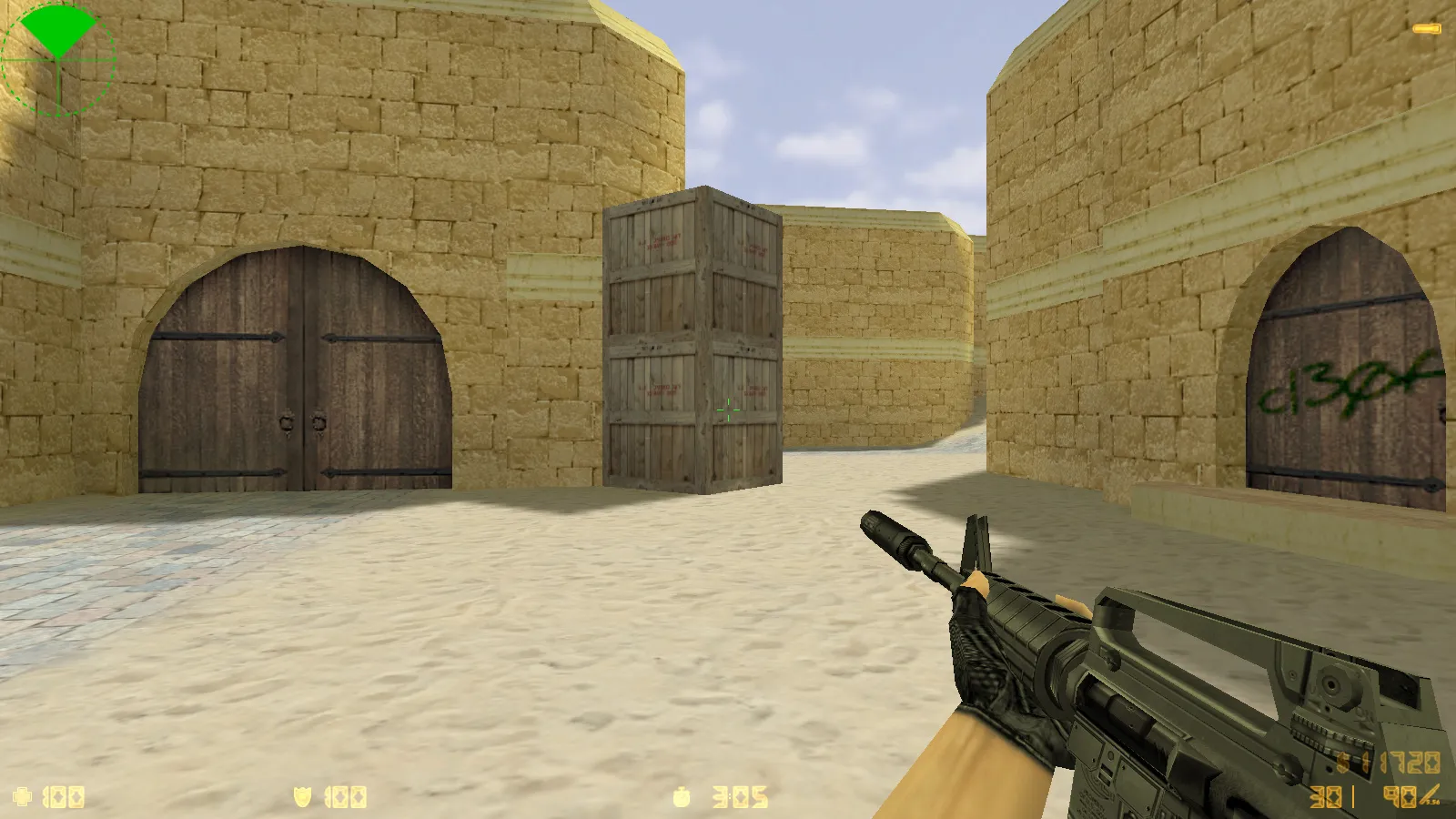
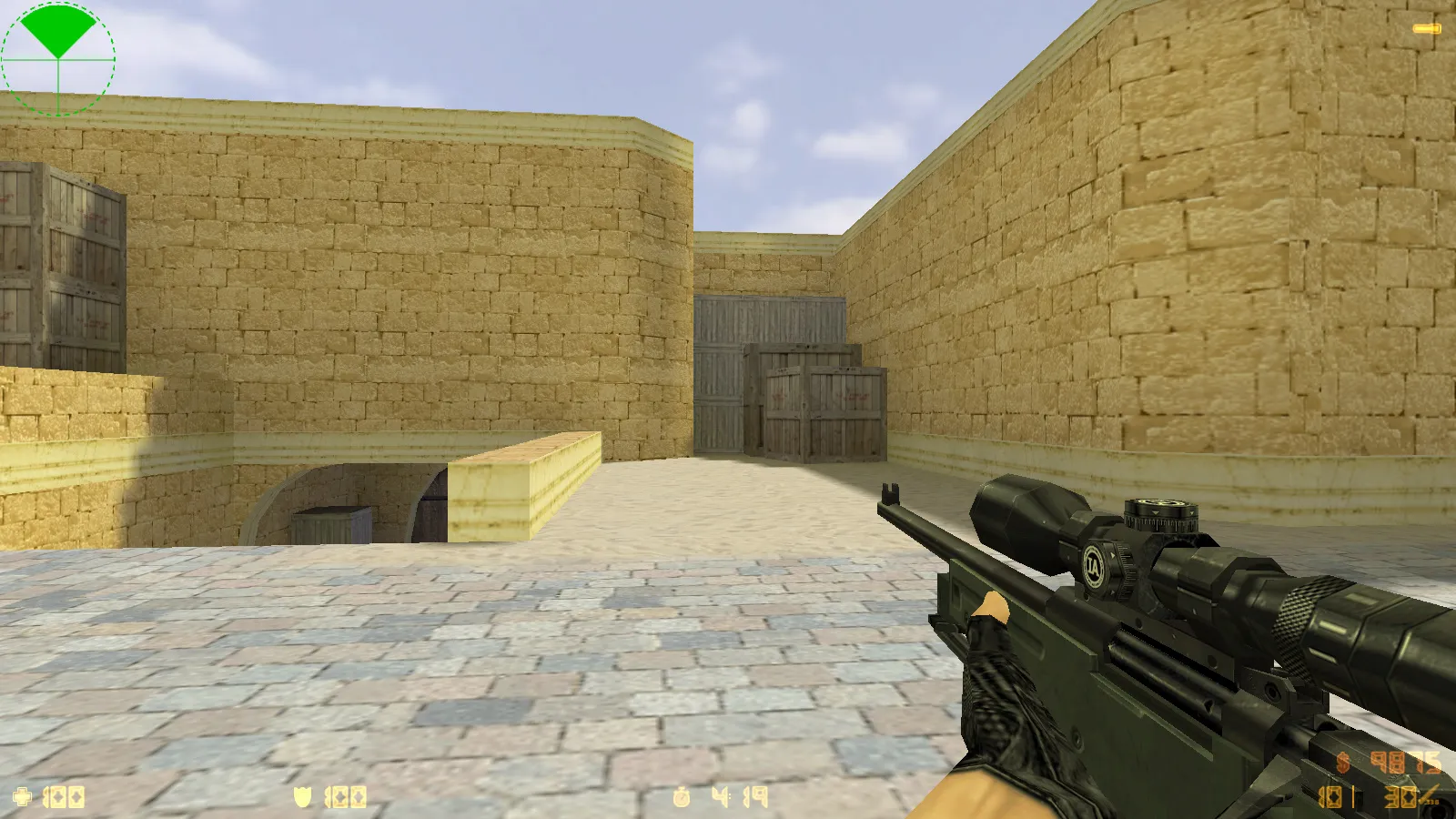
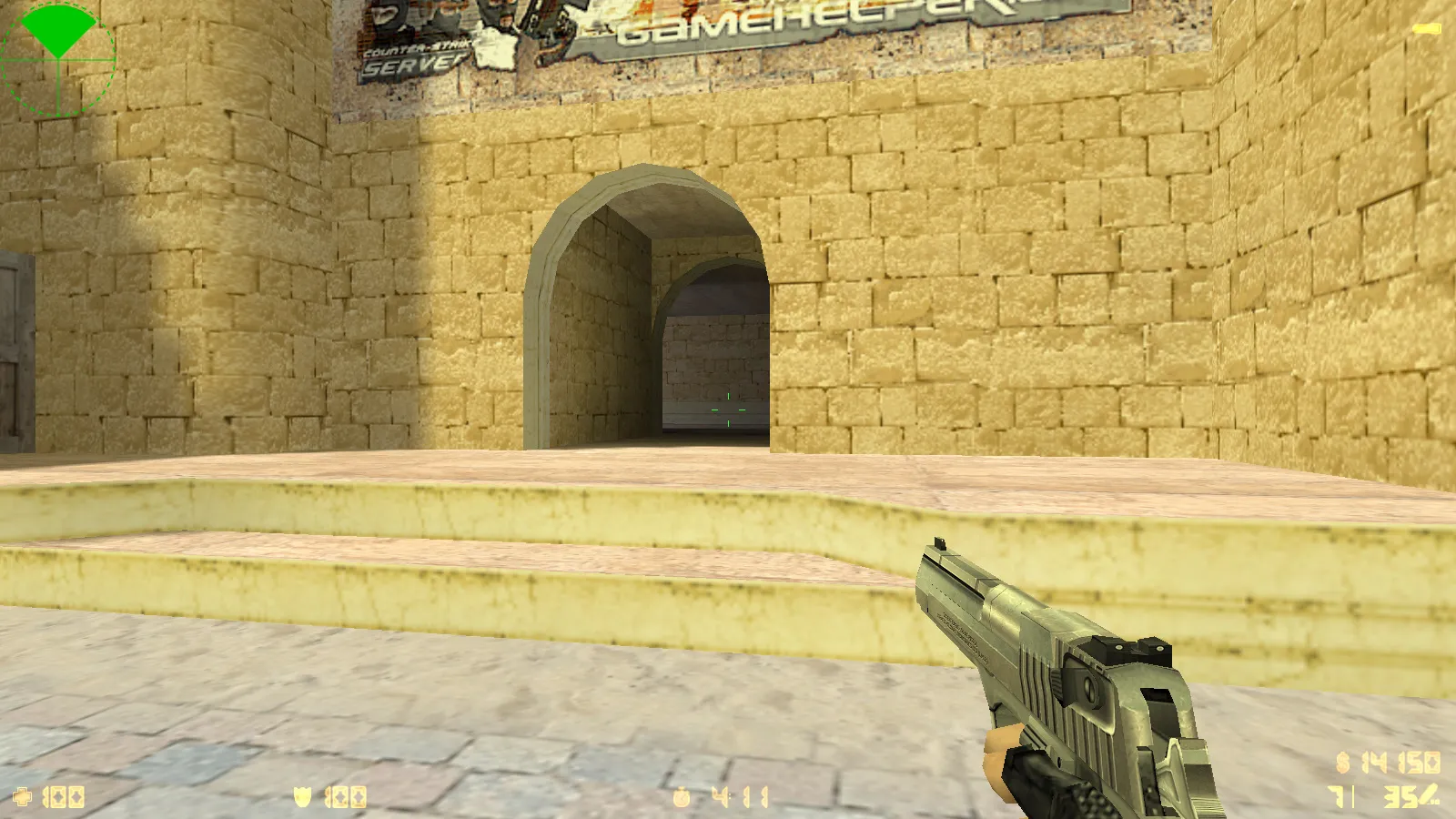
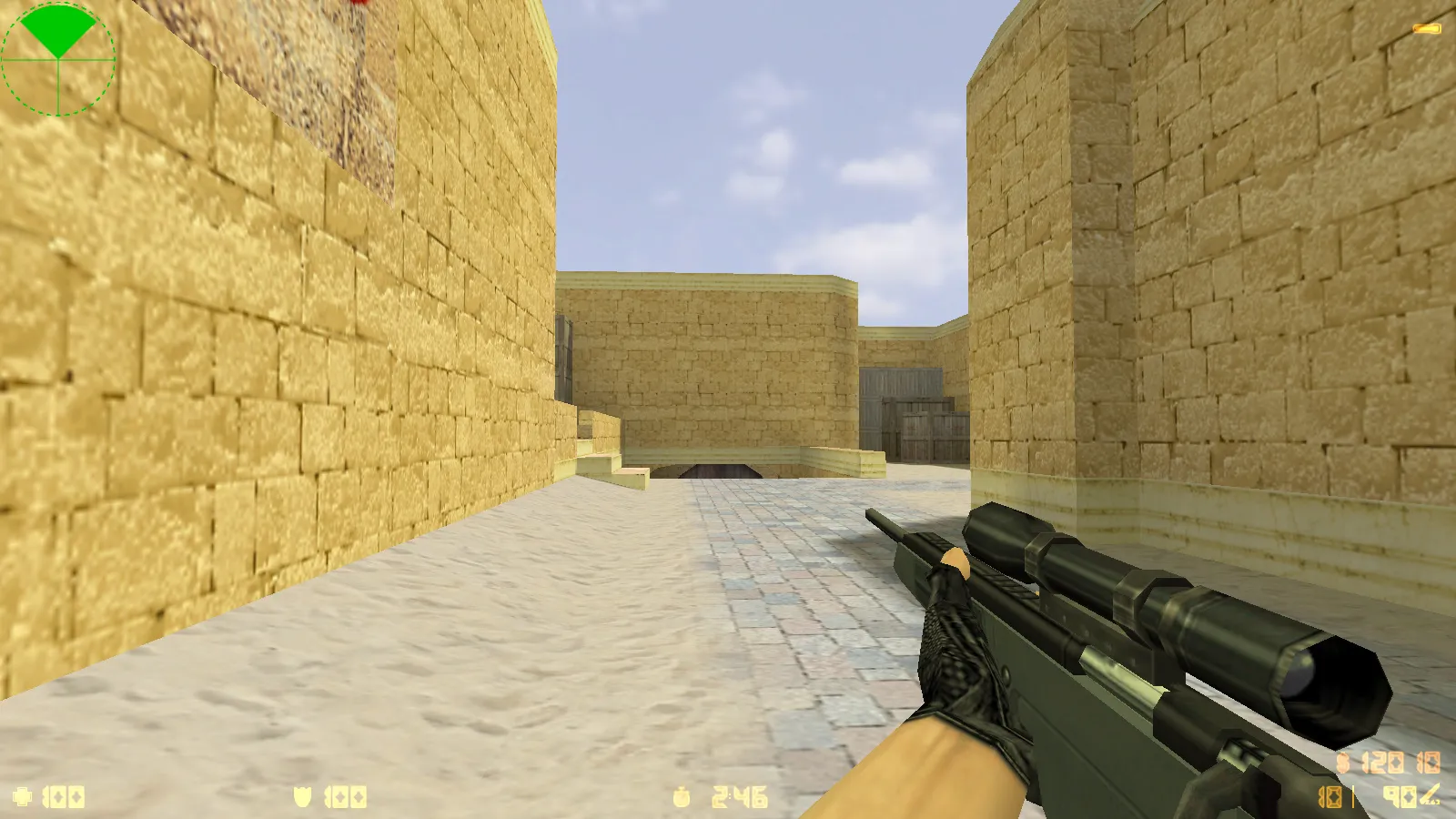
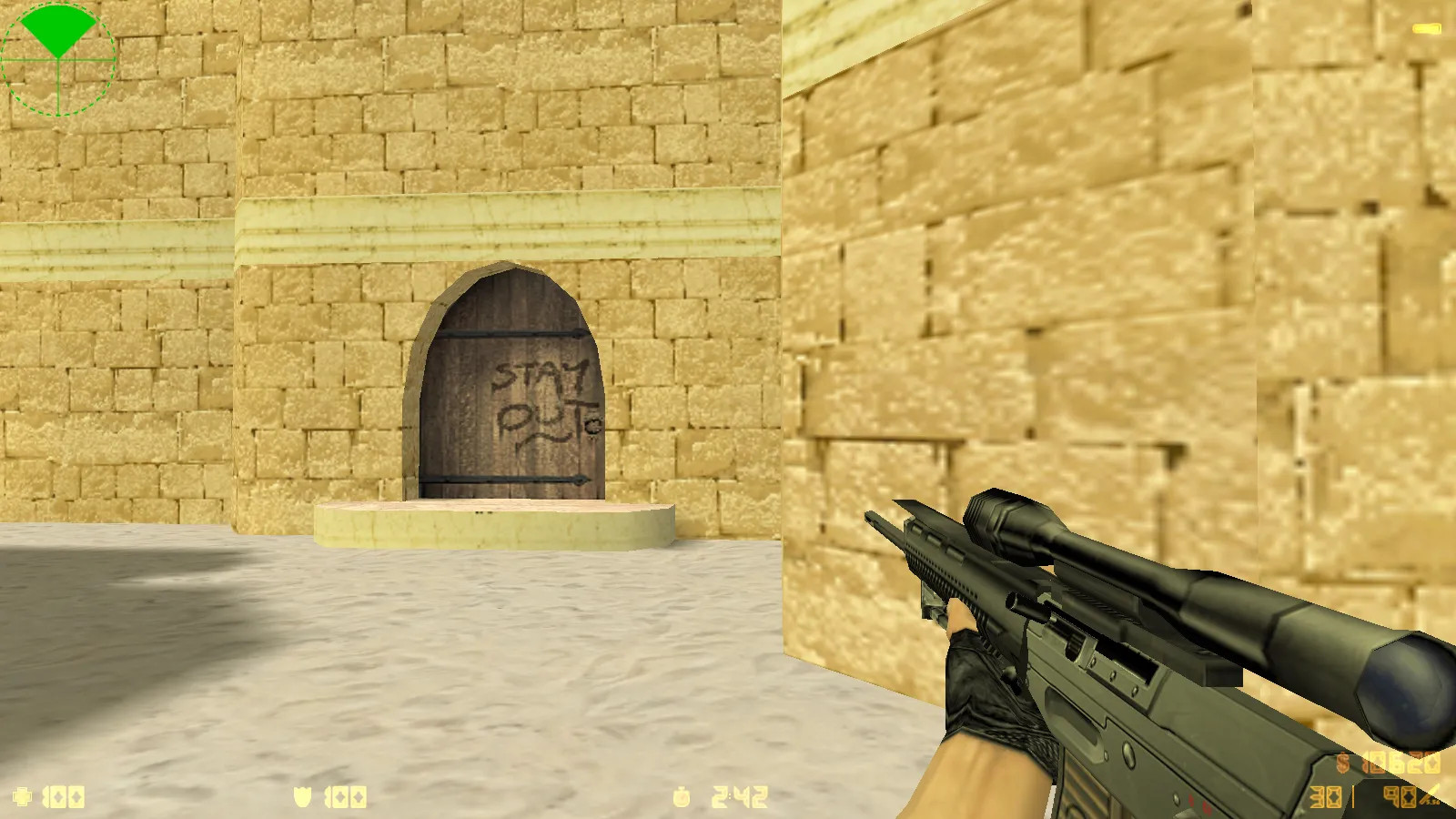
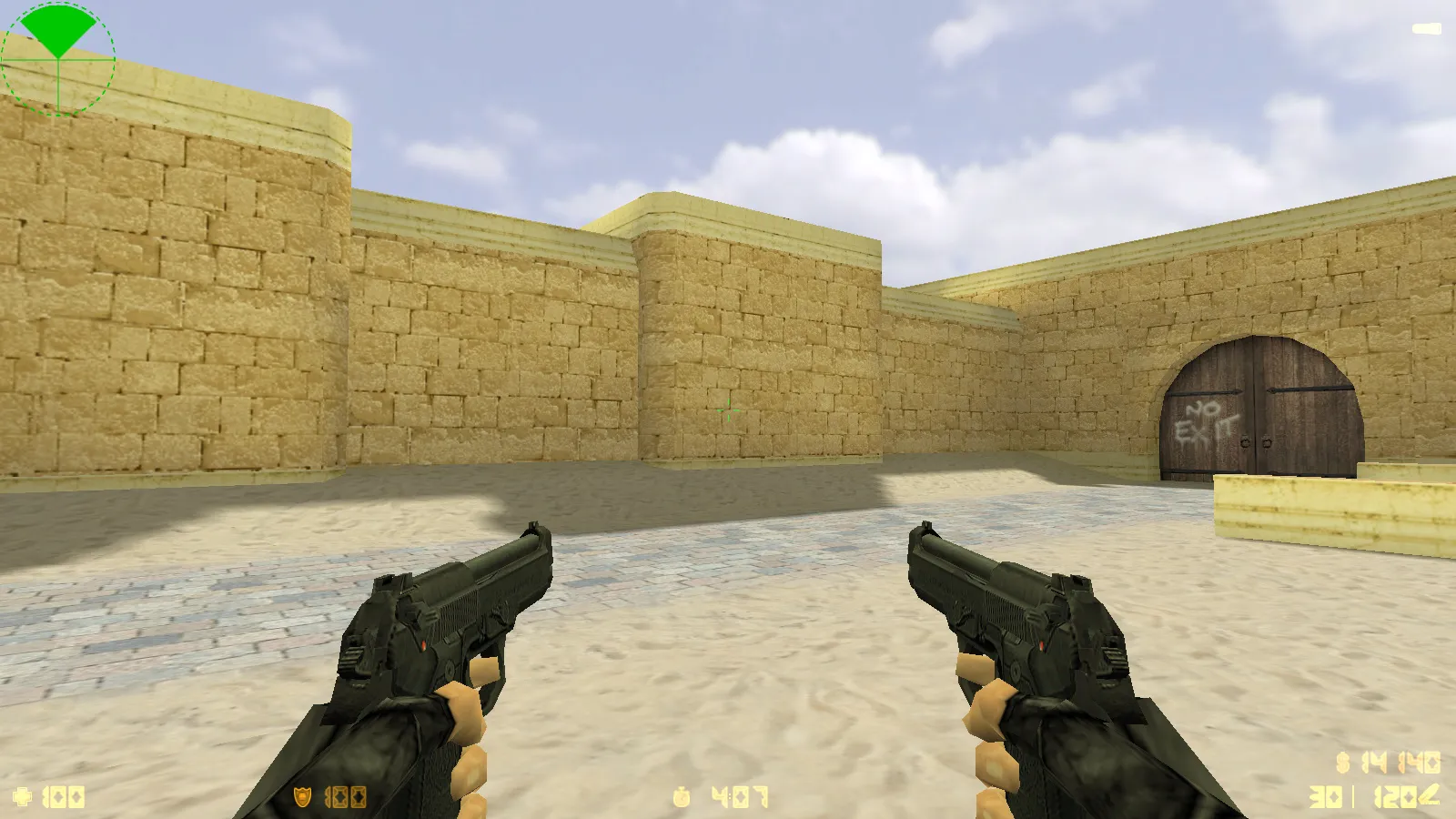
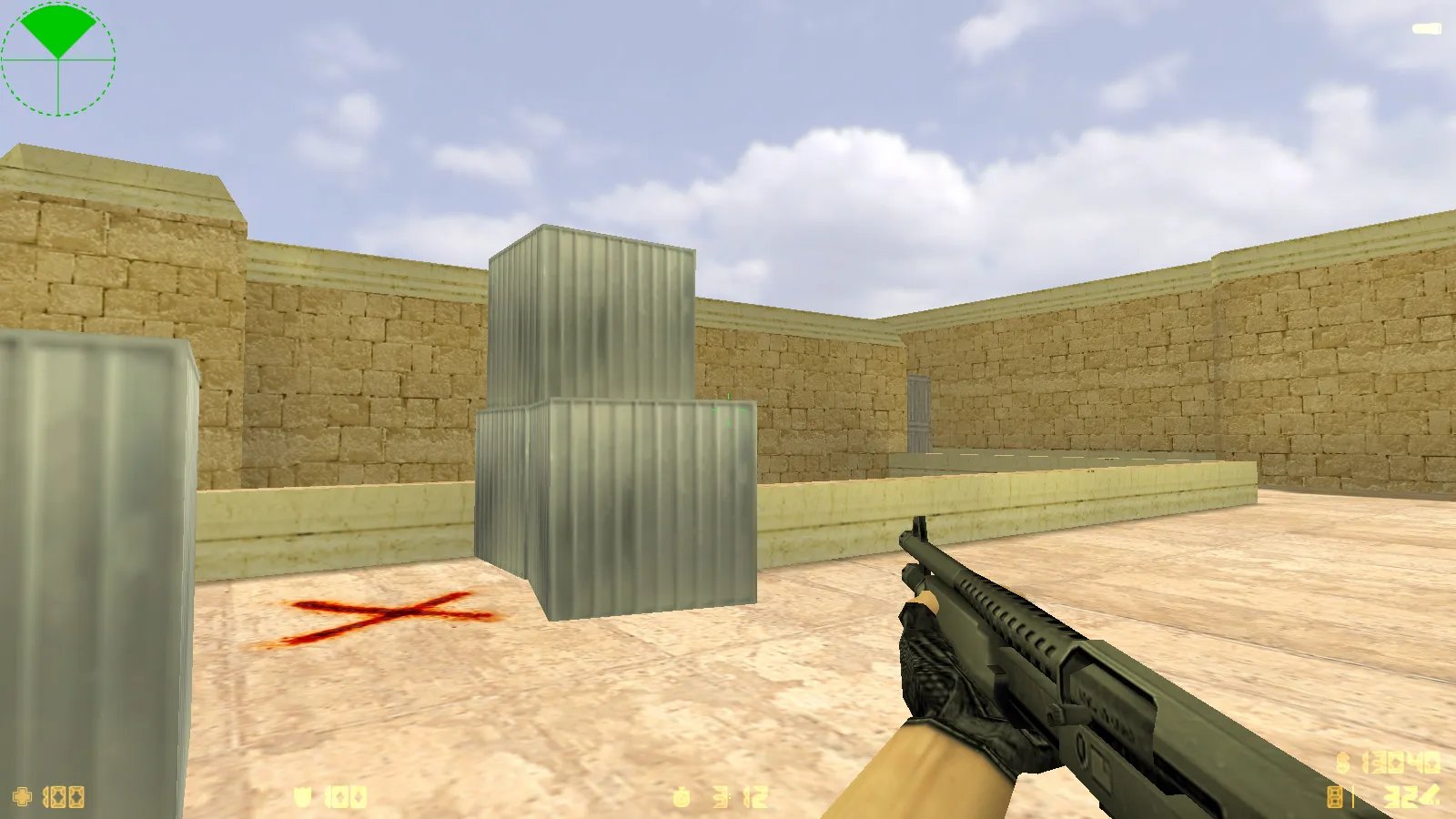
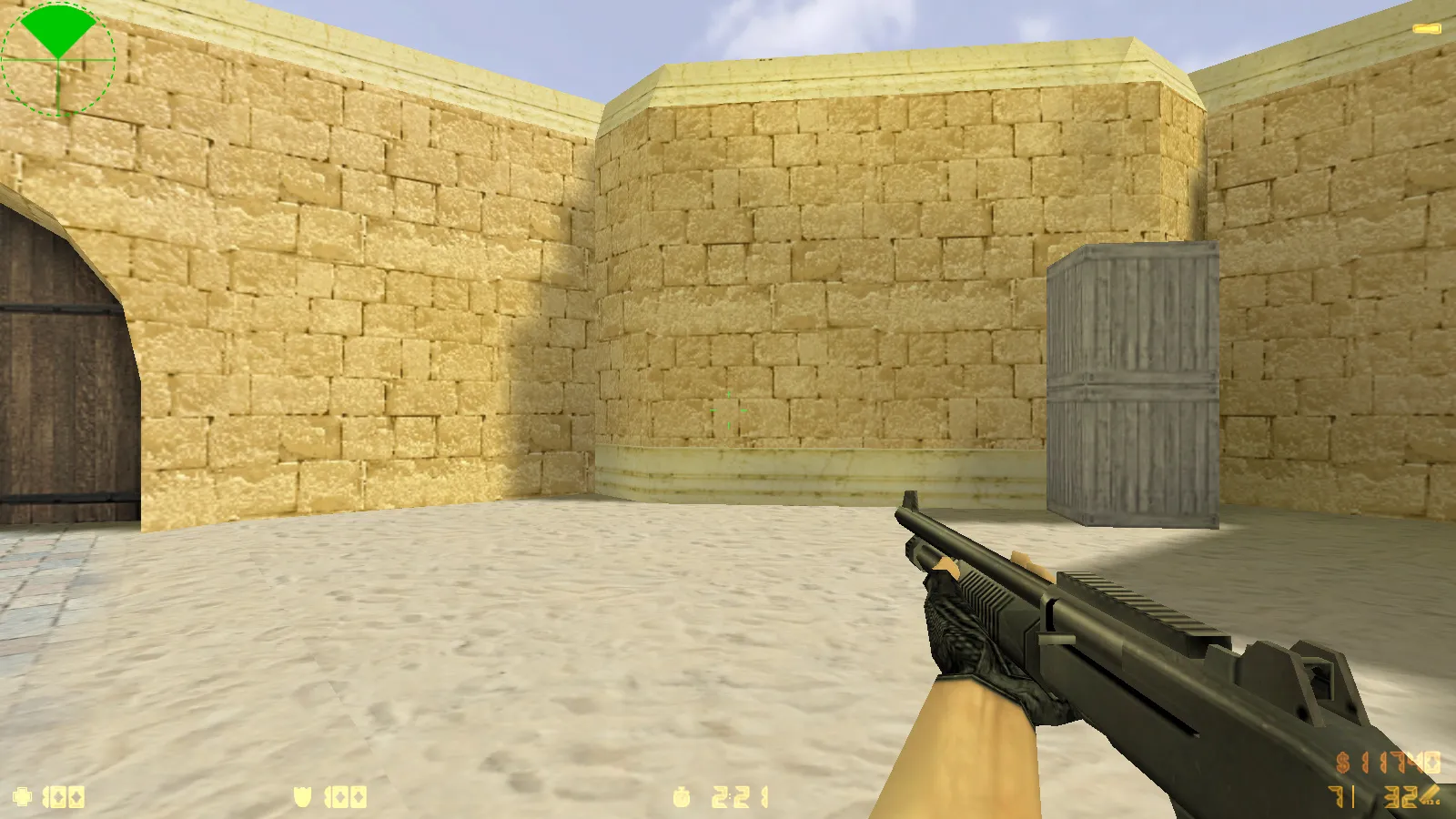
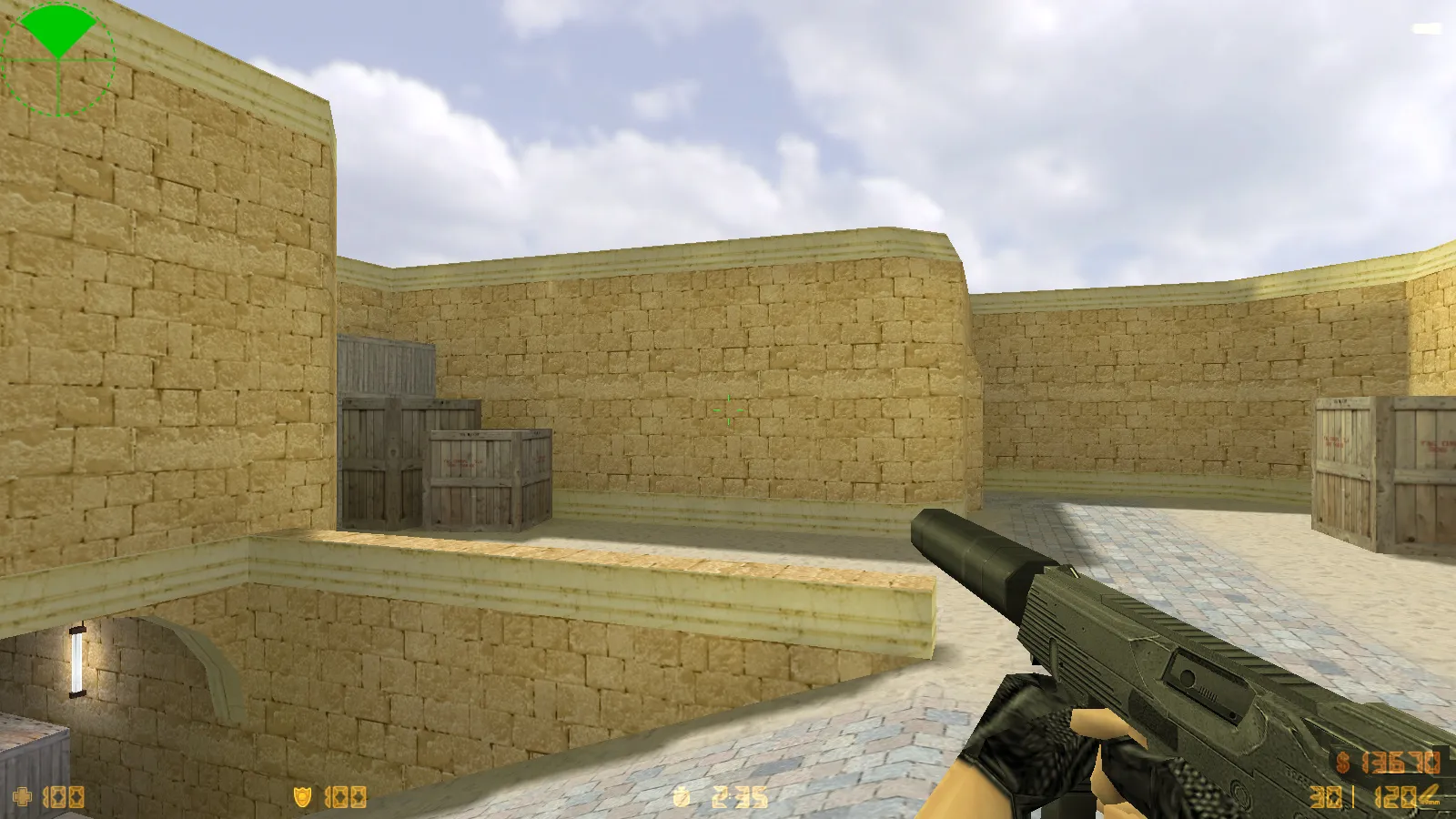
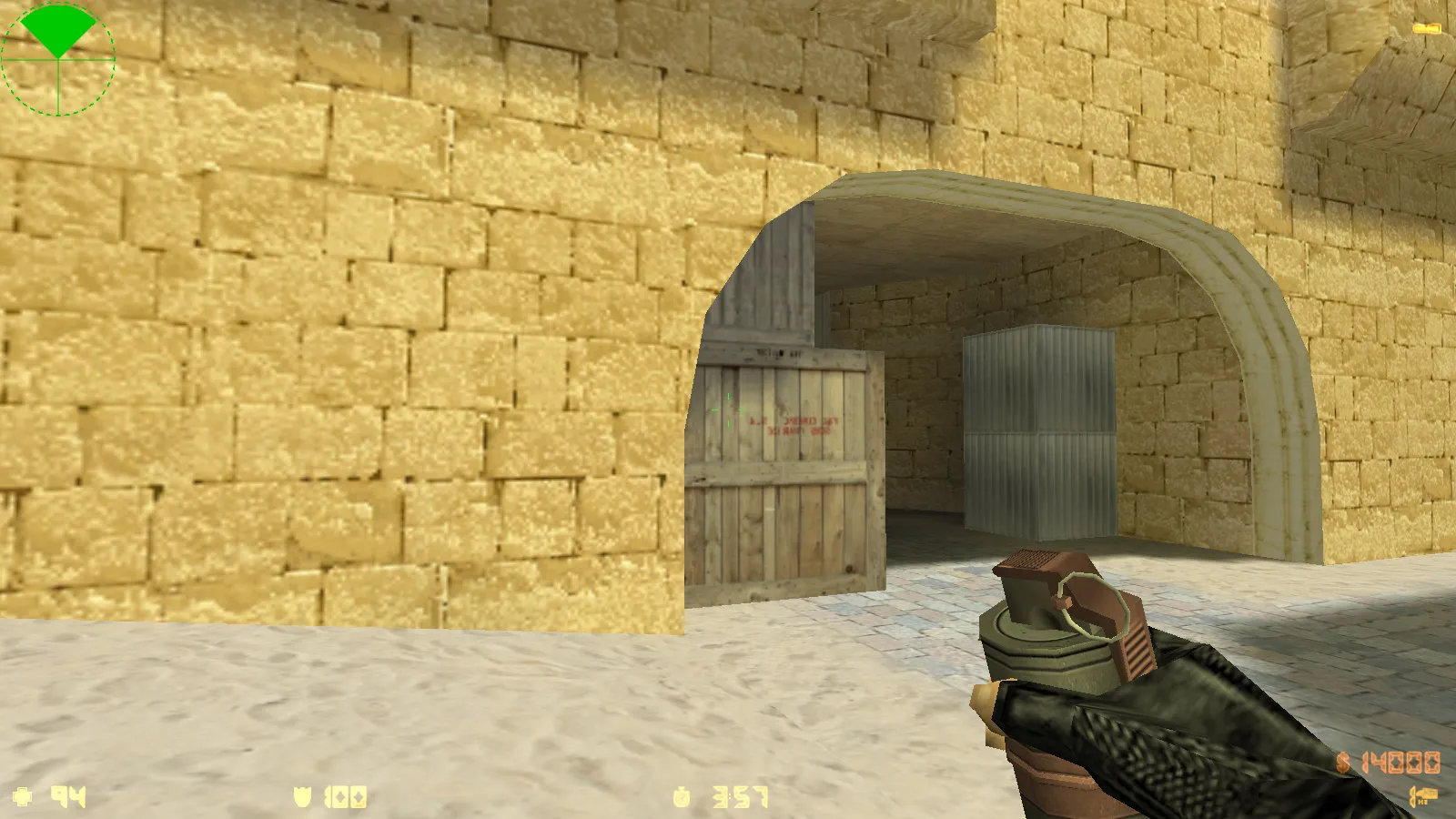
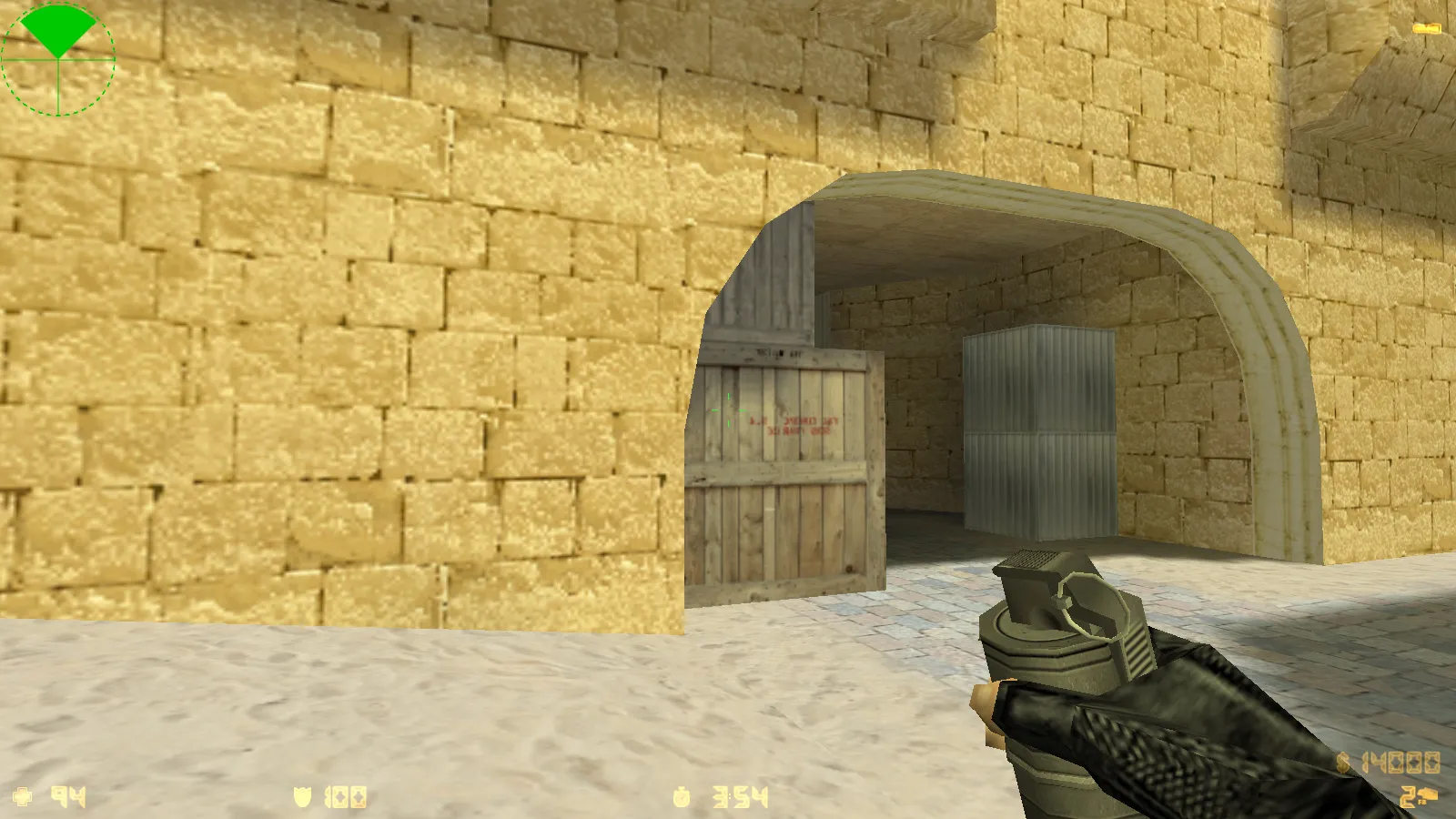
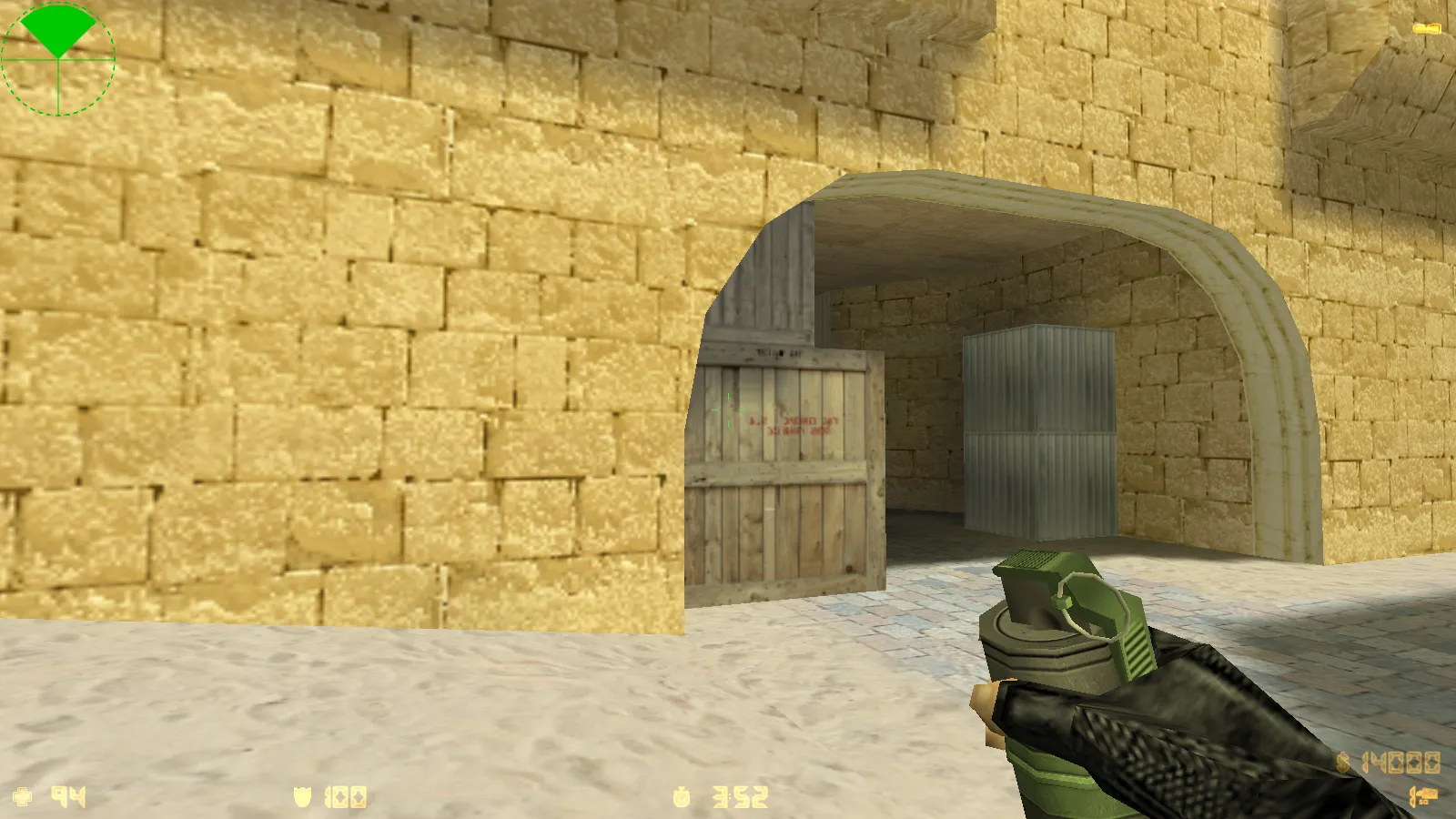
This release contains 10 major updates centered on visuals, sound, and usability. The highlight is 30 HD weapon skins, showcasing high-definition 1024x1024 textures on v_ models for crisp viewmodel detail. Every skin includes proper inspect animations and unique firing/reload audio, preserving hitbox alignment and standard no-recoil behavior. Textures blend naturally with map atmospheres, preventing visual distractions during rounds.
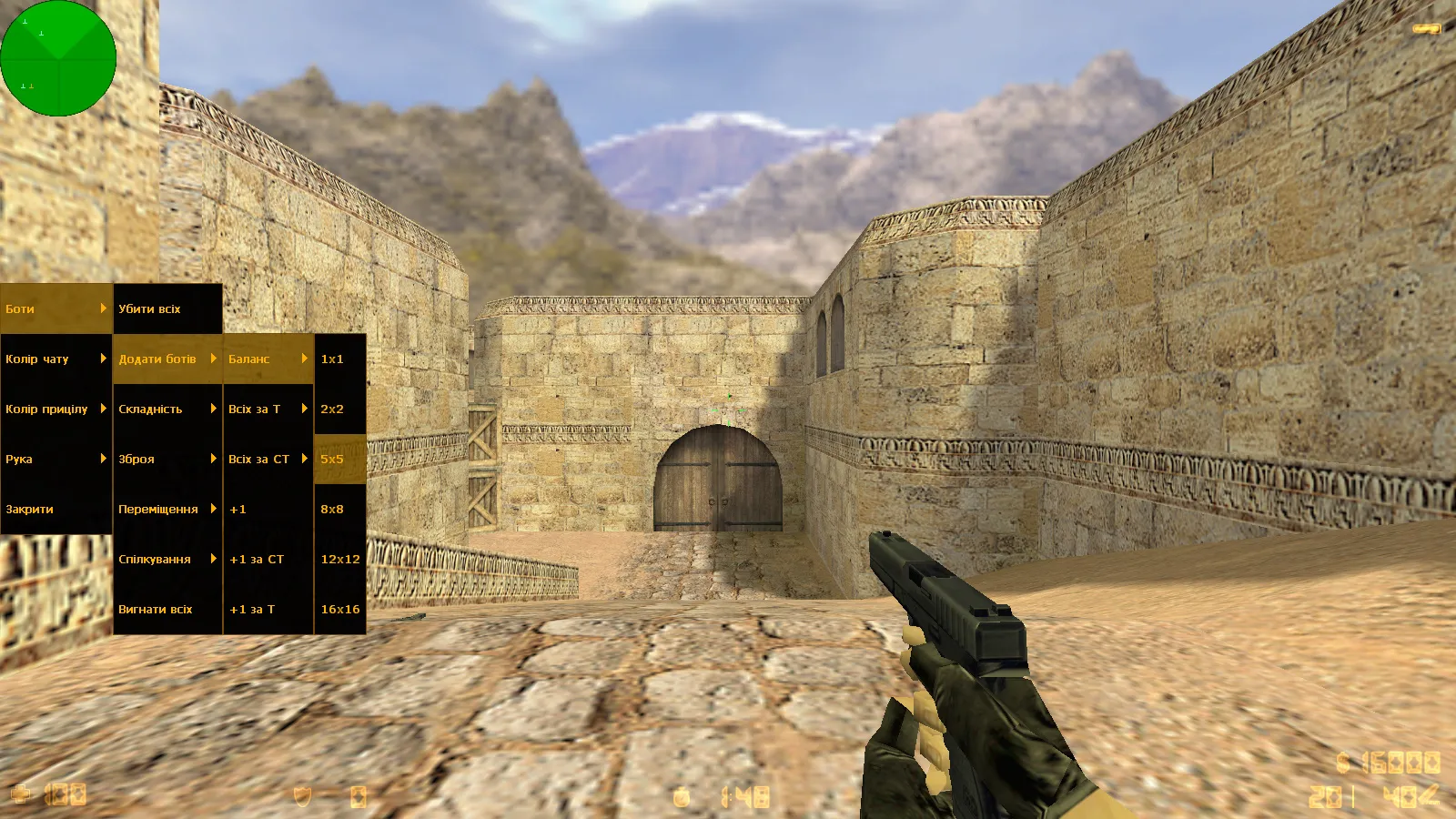
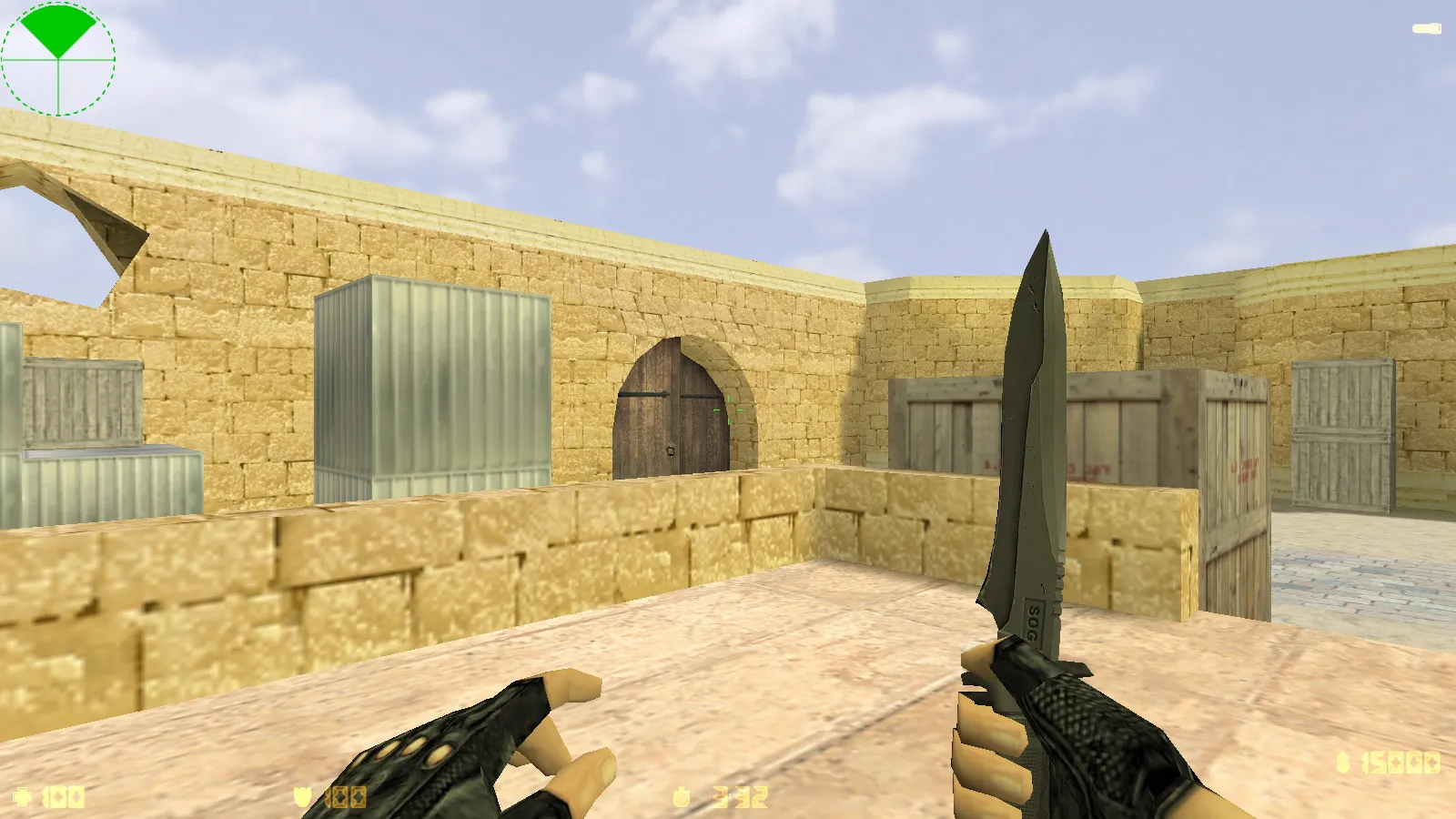
Menu audio receives an overhaul with refreshed tracks and effects, delivering a ready-to-launch atmosphere that accelerates navigation. Map textures are enhanced for improved visibility in dim areas, such as ESL-style dark corners, while skyboxes add depth without hurting FPS. The radar is refined for fast tactical reads, and the launch icon fits the overall aesthetic. The interface remains straightforward, free of extra tabs or confusing options.
The configuration is calibrated for common hardware, guaranteeing high-FPS performance on older machines. It keeps all core CS 1.6 features intact, ensuring compatibility without requiring unusual launch methods. Both Steam and Non-Steam editions work immediately, supporting Windows from XP onward.
Contents of CS 1.6 Ultimate
- 10 updates addressing graphics, interface, and audio improvements
- 30 HD weapon skins with inspect animations and custom sound sets
- Dark menu theme utilizing transparent elements and green highlights for contrast
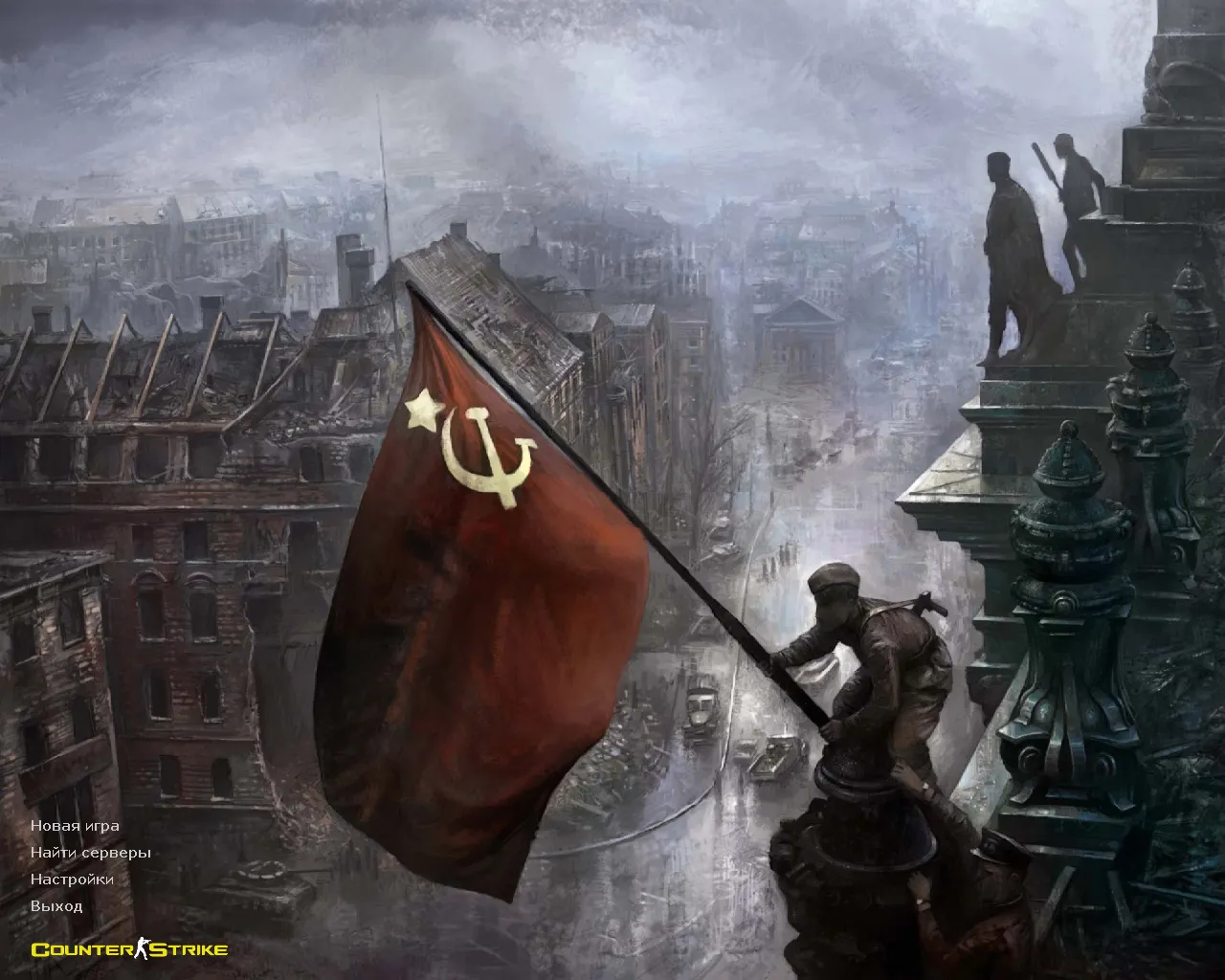
- Main menu backdrop displaying CS character sprites
- Custom menu music and sound effects for an immersive startup
- Upgraded map textures and skybox renders for richer environmental detail
- Refined radar display and launch icon integration
- Clean config.cfg arrangement, avoiding setting conflicts or bloat
Support for Online and Offline Play
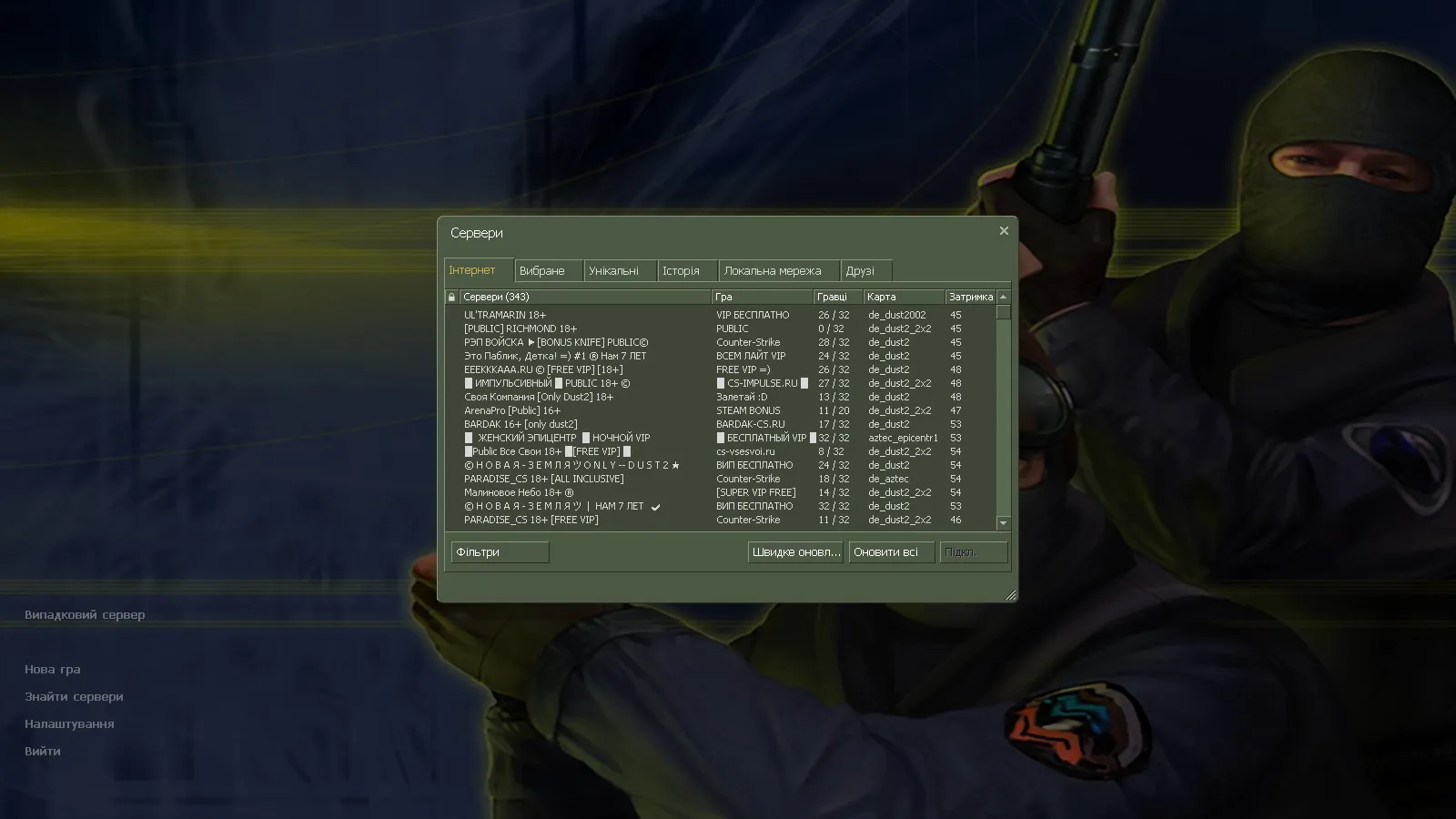
CS 1.6 Ultimate manages online matches through a pre-loaded server list, allowing you to join games quickly without manual searching. For solo practice, it supports bots on any map, perfect for spray control, crosshair testing, and entry point drills. Bot navigation relies on standard .nav files for balanced AI behavior.
Server logic adheres to vanilla CS 1.6 rules, ensuring fair play on public or private servers. Network parameters like ex_interp 0.01 and cl_cmdrate 100 keep movement smooth and predictable, minimizing lag spikes. MasterServer protection blocks redirects to suspicious IPs, so launches connect reliably as intended.
Russian nicknames and chat function natively, ideal for team communication with friends. Aliases in the config simplify binds for rapid actions, reducing manual adjustments.
Configuration Stability and Performance Adjustments
The optimized config emphasizes reliability over flair, with a pristine config.cfg that removes random values after installation. Network rates set to 100k balance speed and stability, suiting connections from dial-up era to modern broadband. No autoexec clutter means fewer crashes from conflicting commands.
For users mindful of polygon counts, weapon models remain under 500 polys per skin to sustain 60+ FPS. Inspect sequences align with p_ worldmodels for consistent third-person views, and w_ pickups blend into environments without sprite glitches.
Mod Compatibility and Safety Emphasis
This build welcomes manual mod additions, such as extra maps or server tools, but install them cautiously-check wad files for conflicts and avoid auto-load scripts that touch system folders
Install in three steps
-
1
Download the archive. Use the button on the right, or the Yandex.Disk mirror if the main server is slow.
-
2
Extract it into the game folder. Use 7-Zip or WinRAR. A path without non-Latin characters works best.
-
3
Launch the game. If something doesn't work, mark it below - that is how we know the file needs an update.
Did it work for you?
No sign-up needed. You can pick more than one.