CS 1.6 SuperNova Build: Black Skins, Dark Menu and Stable Config
Description
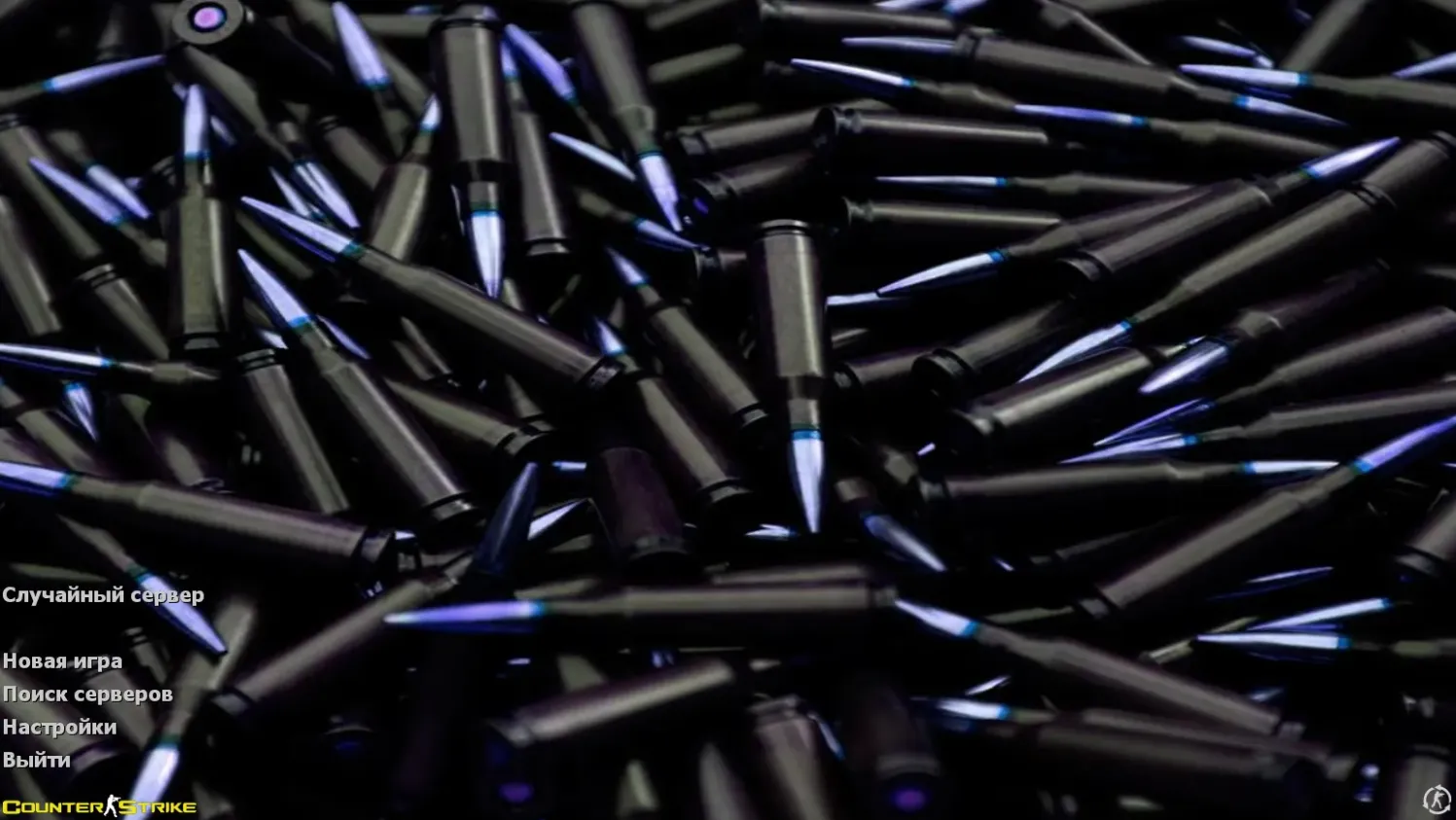
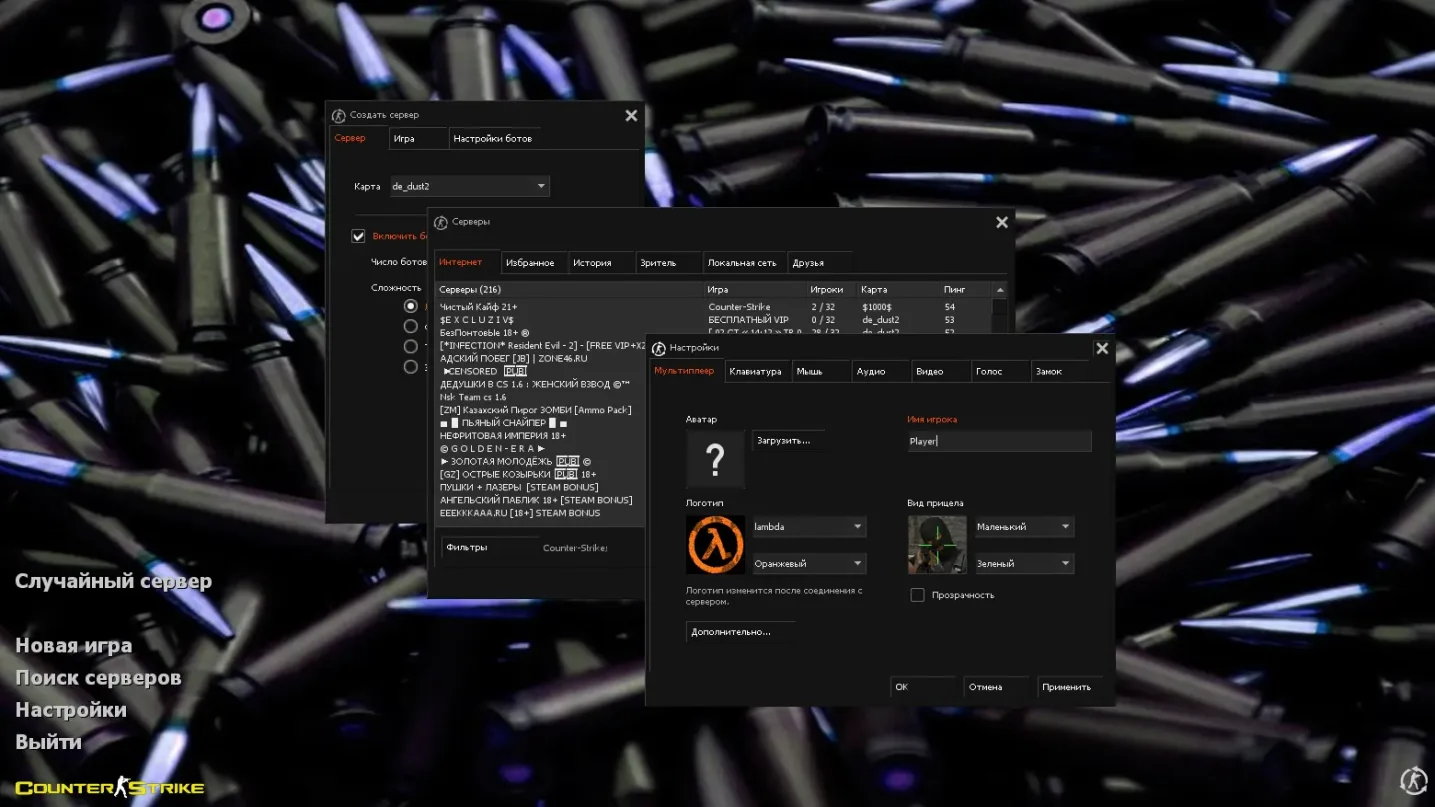
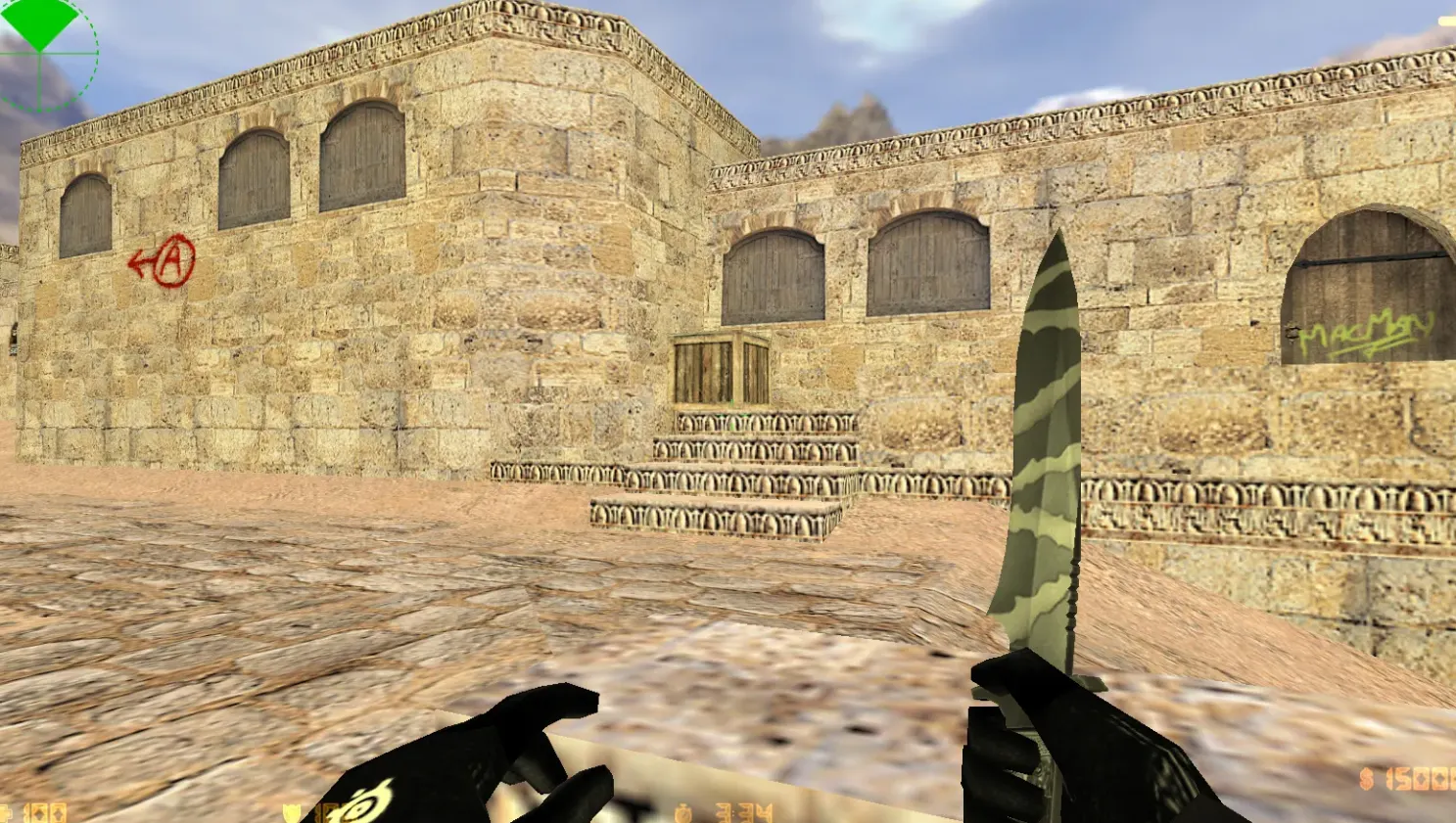
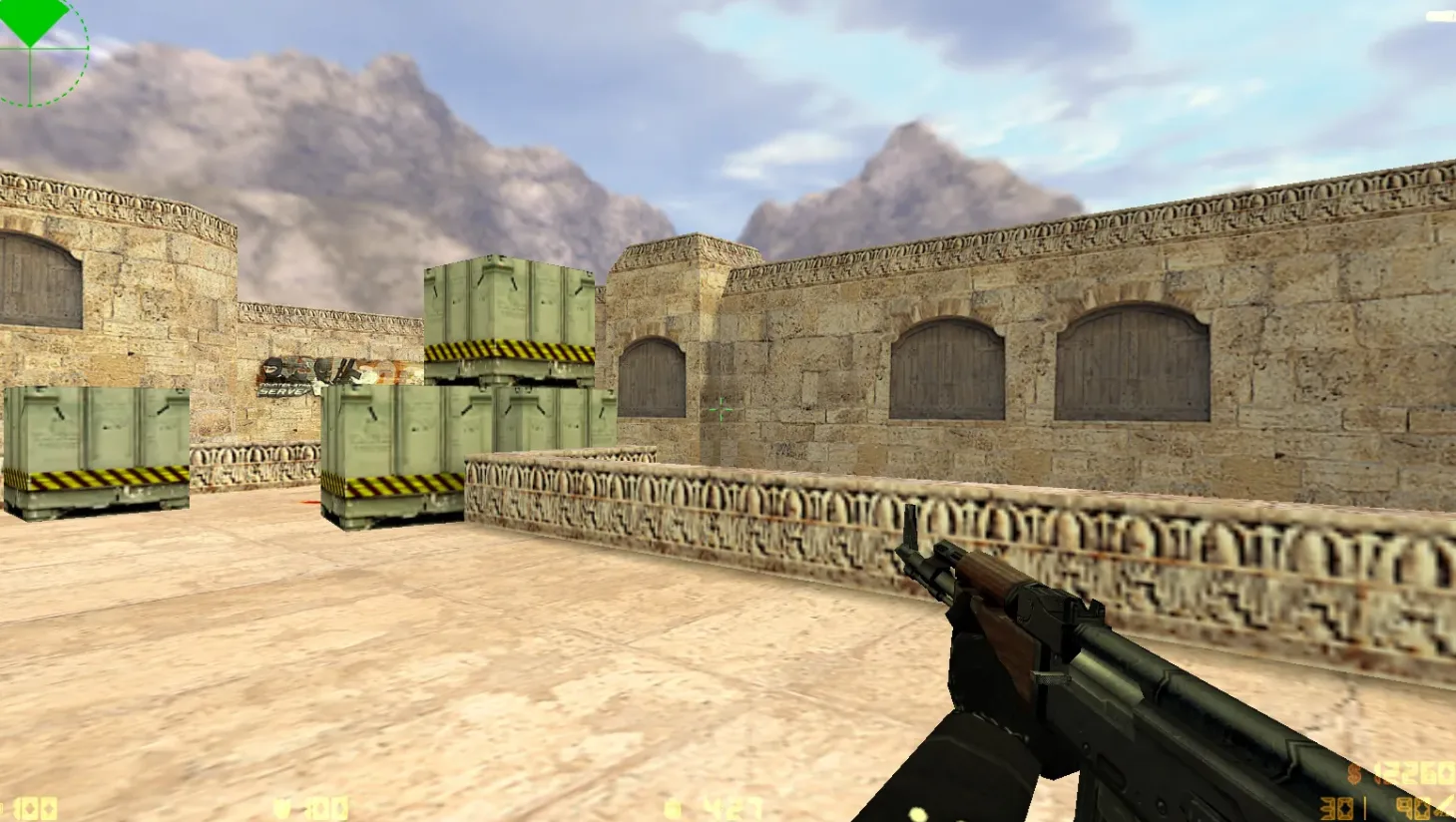
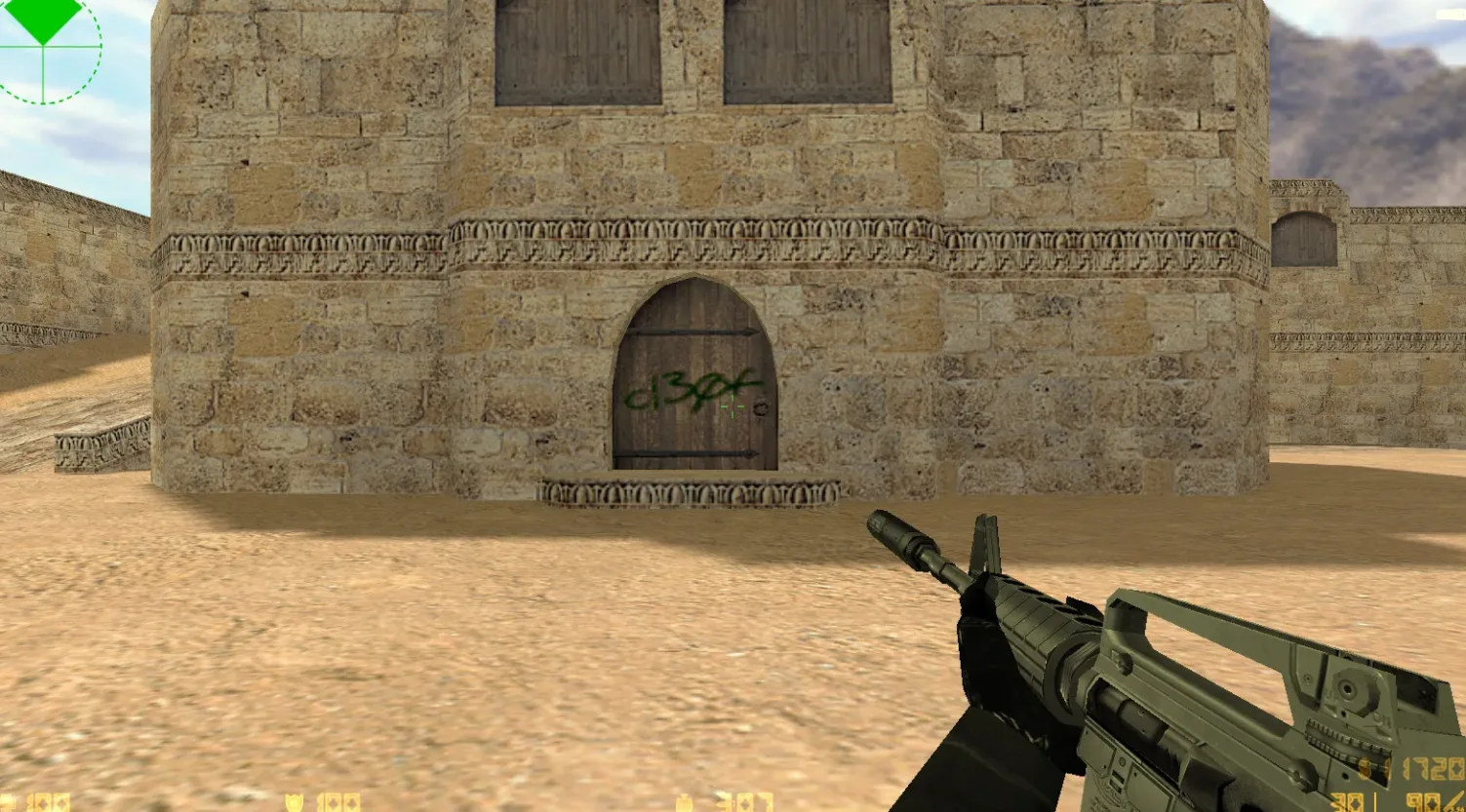
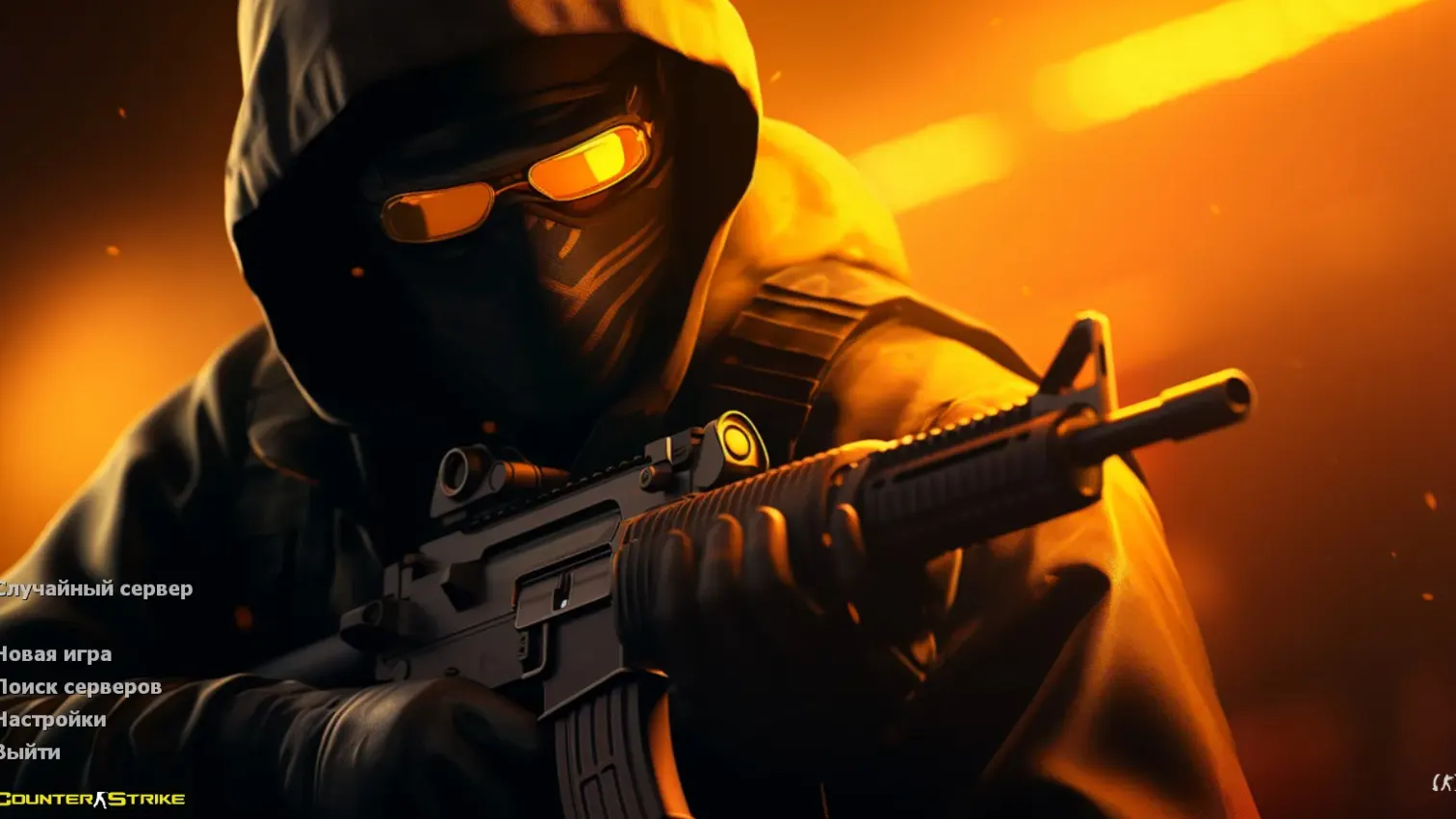
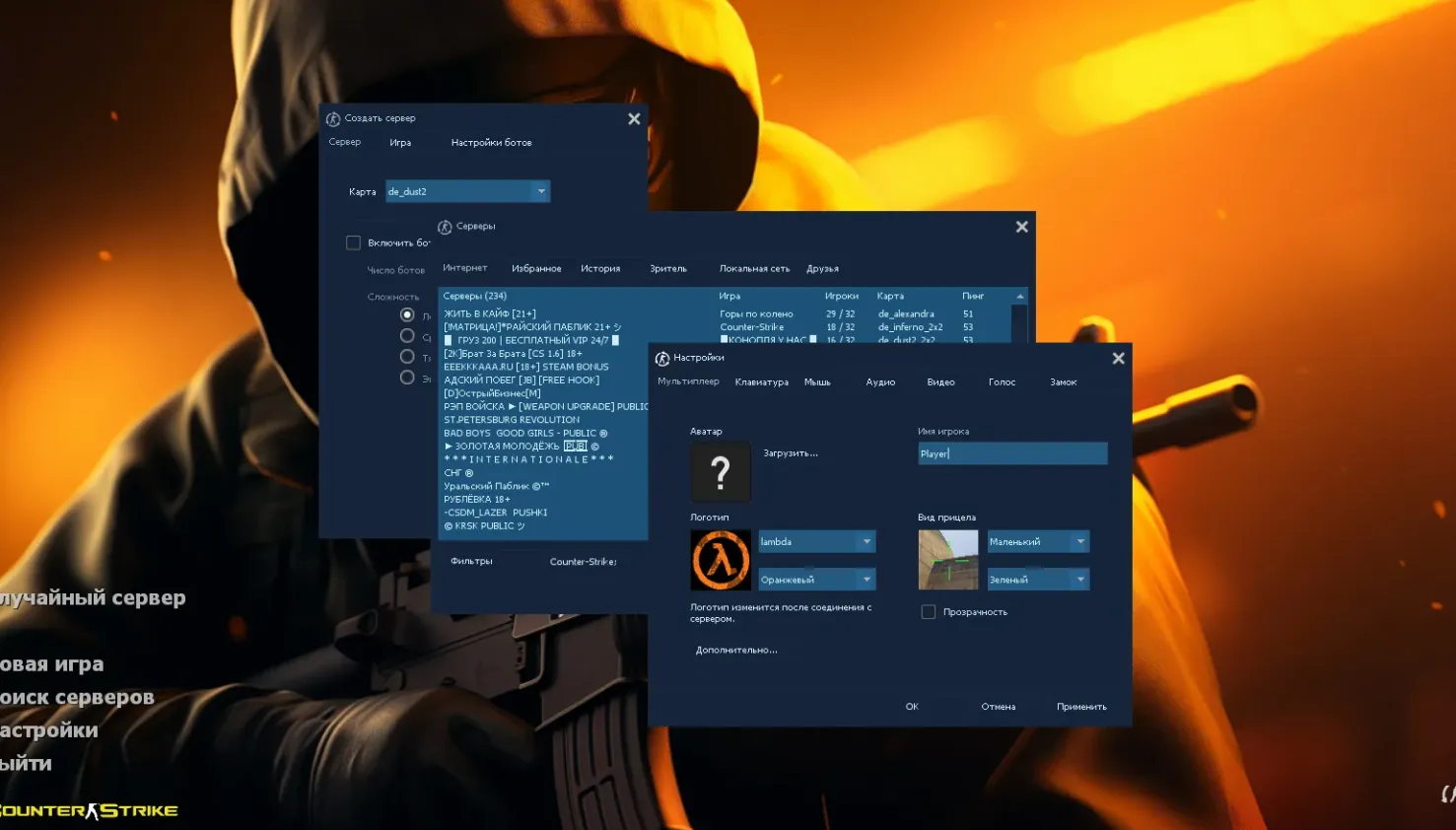
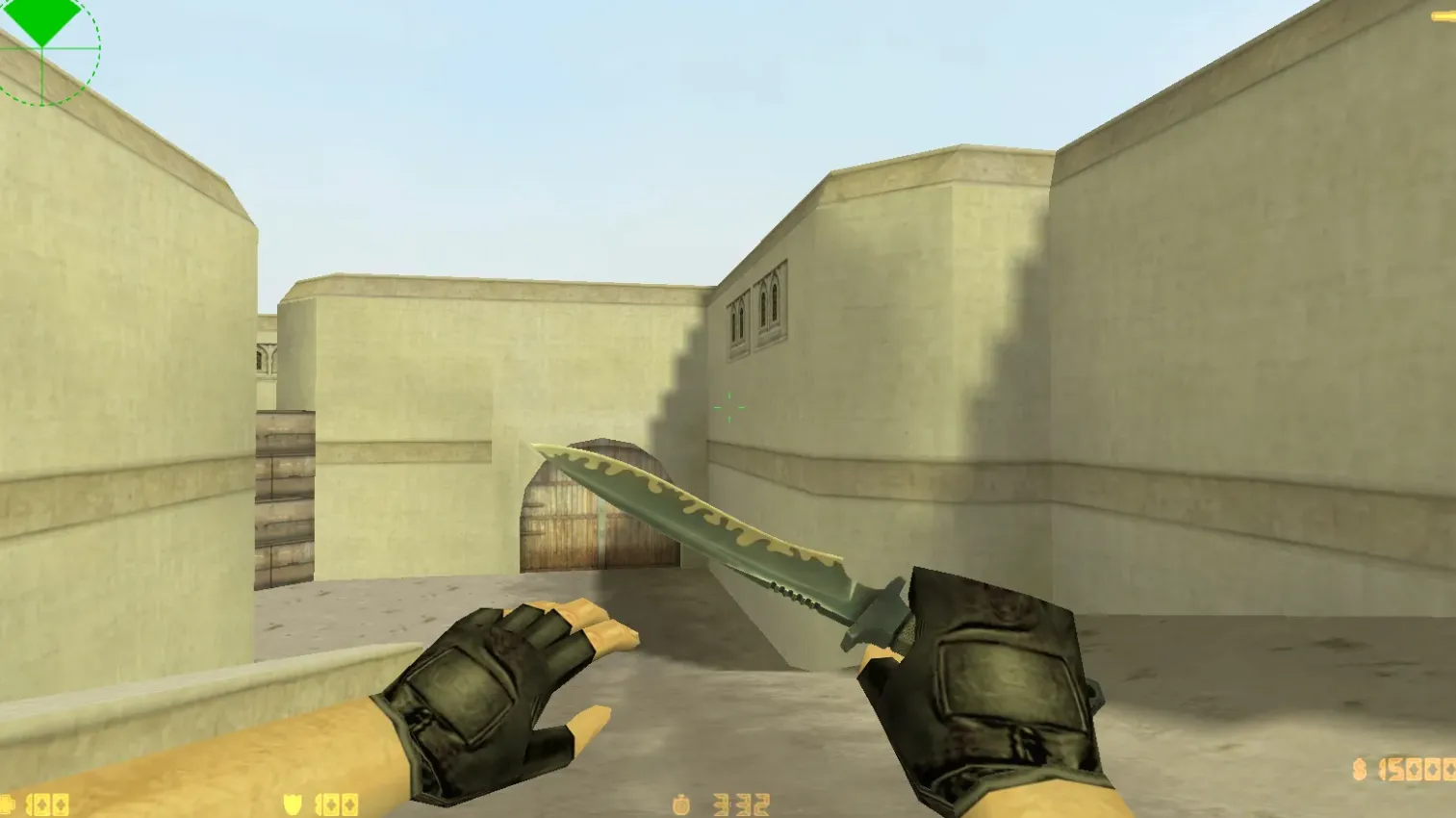
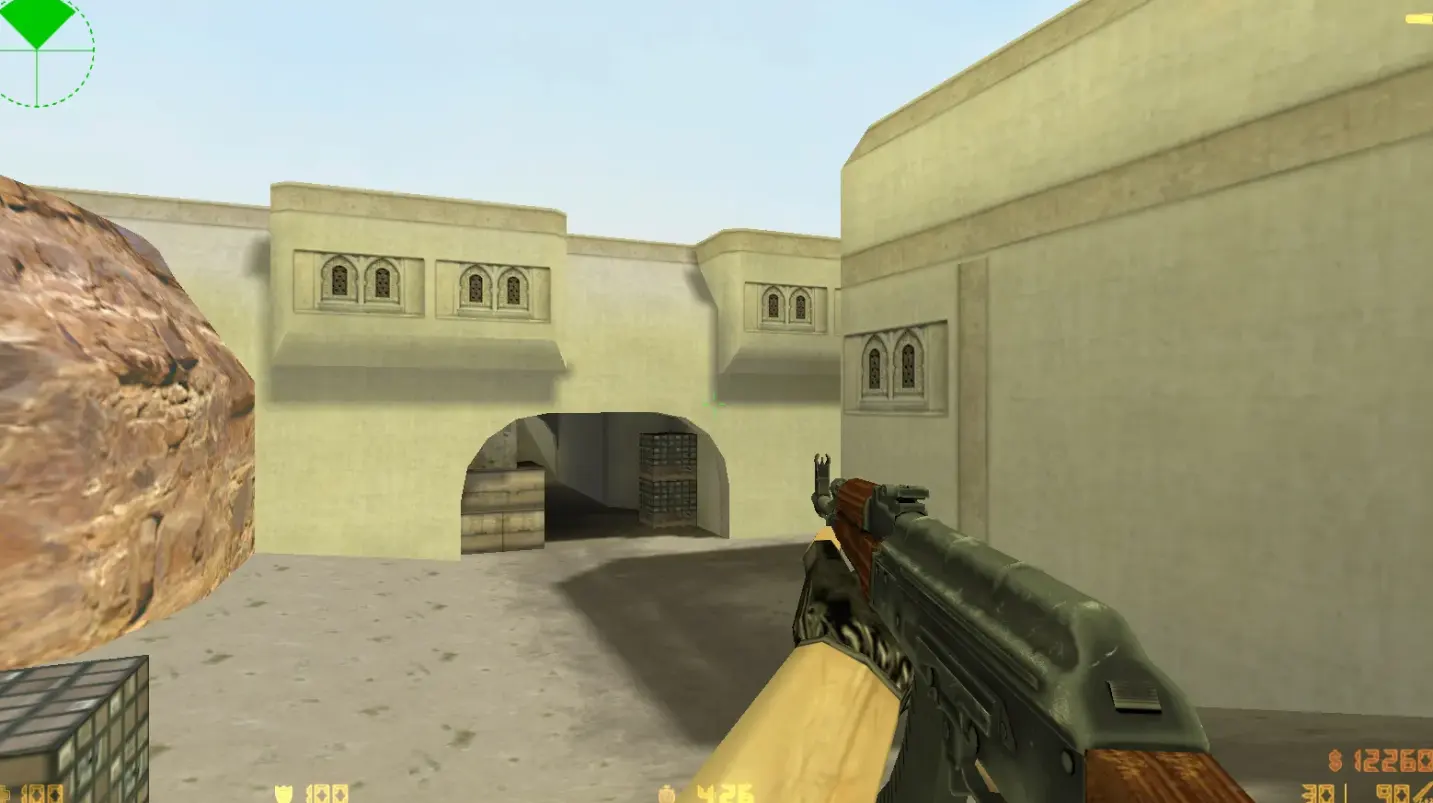
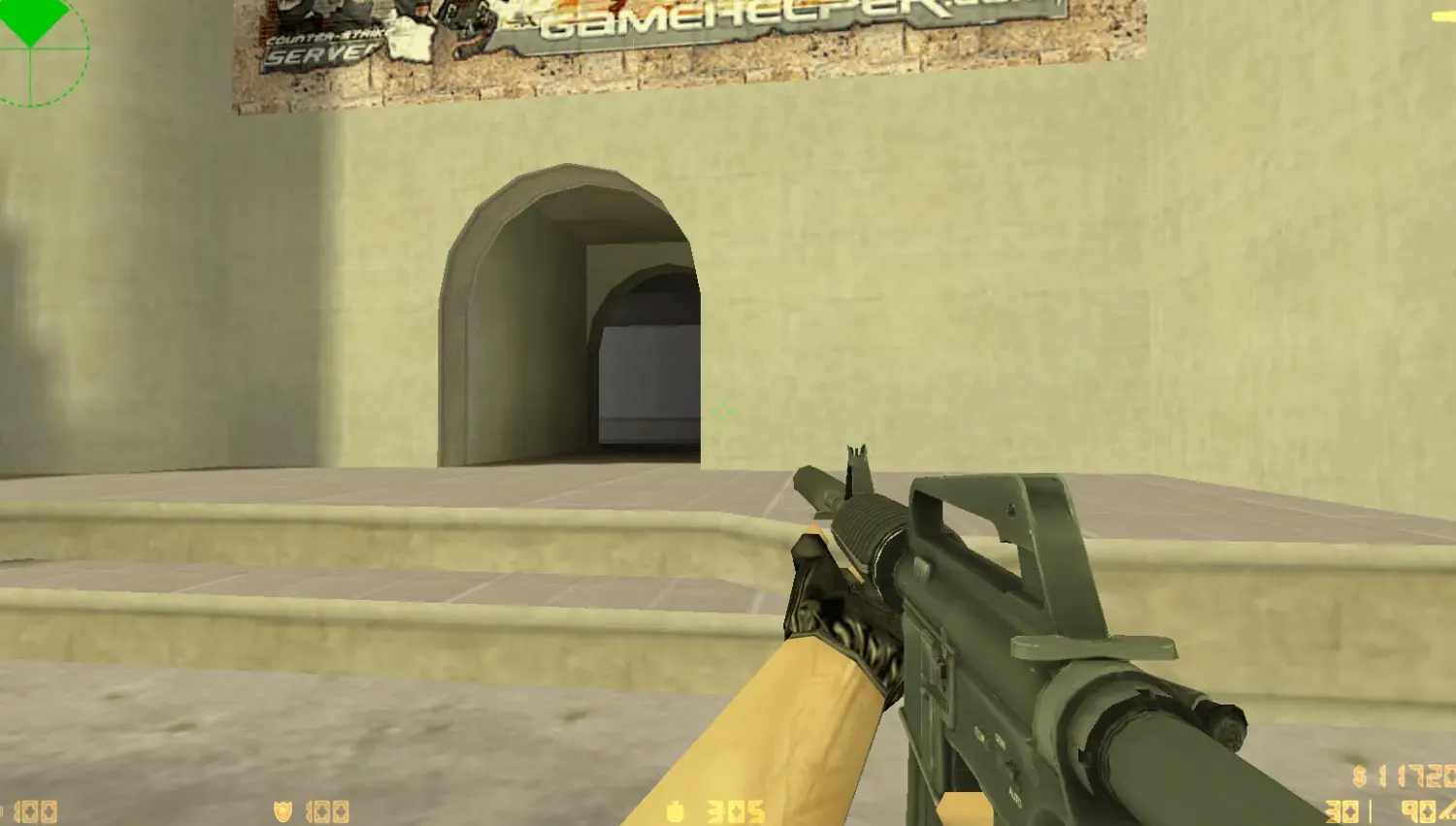
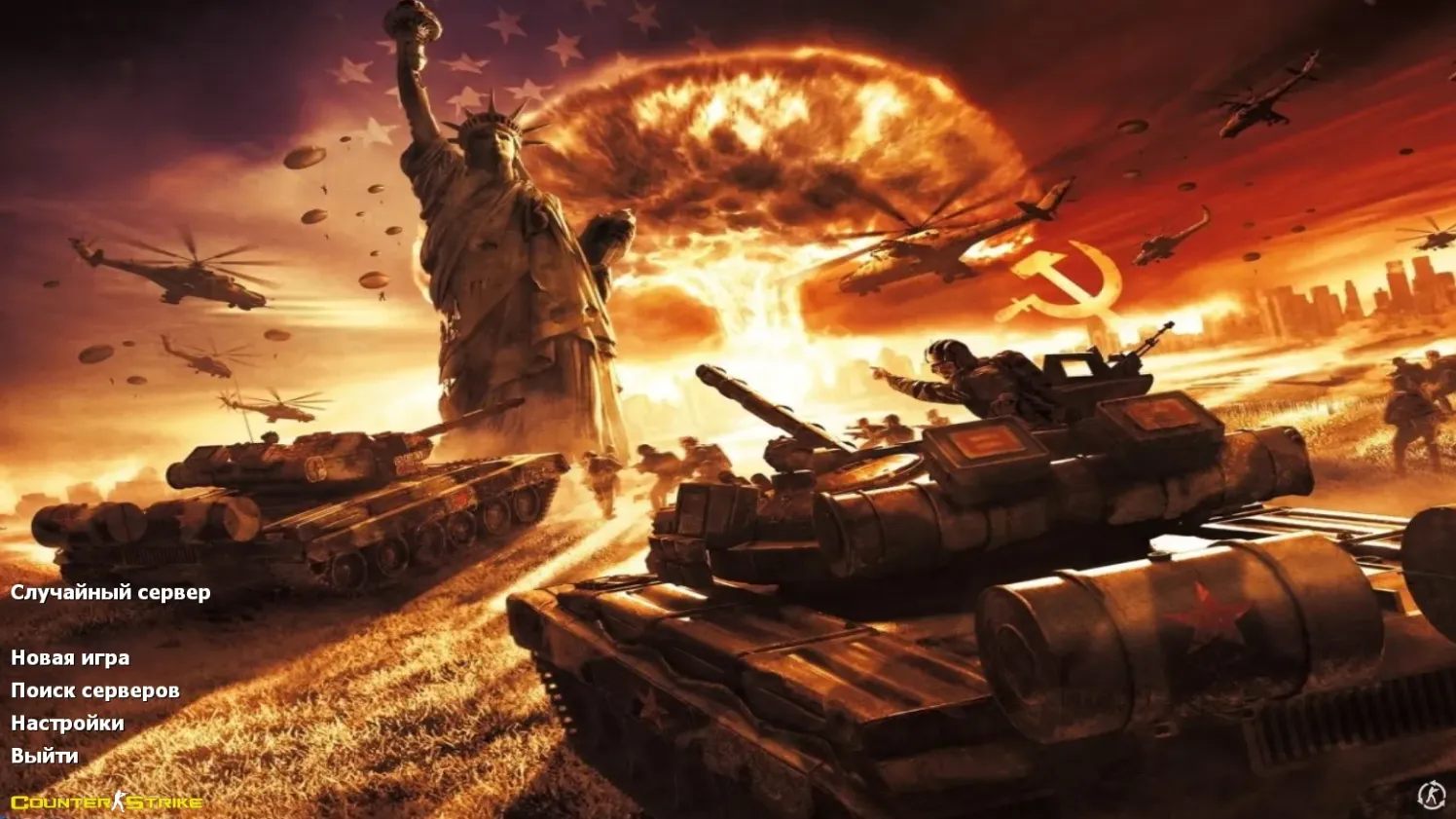
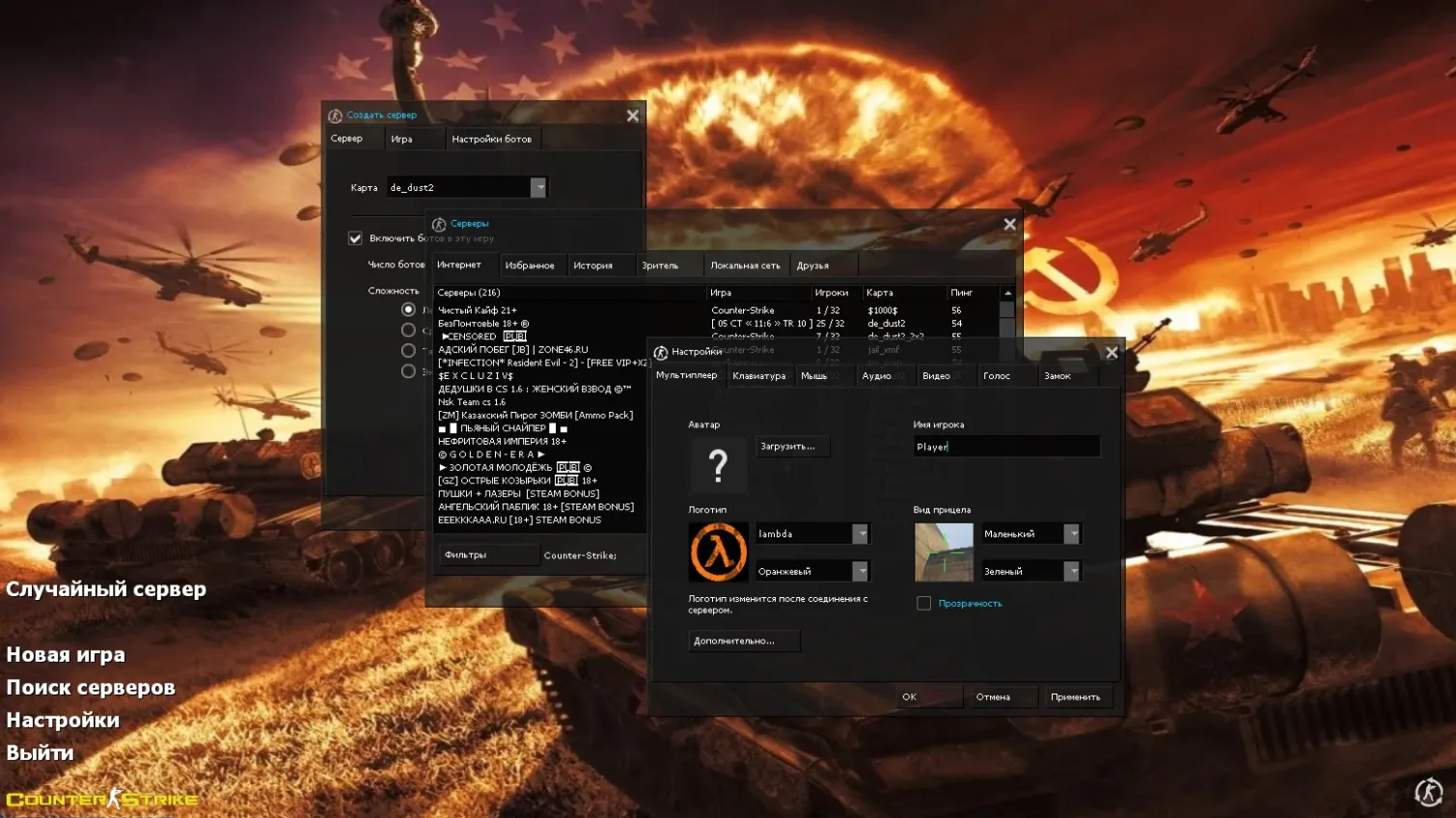
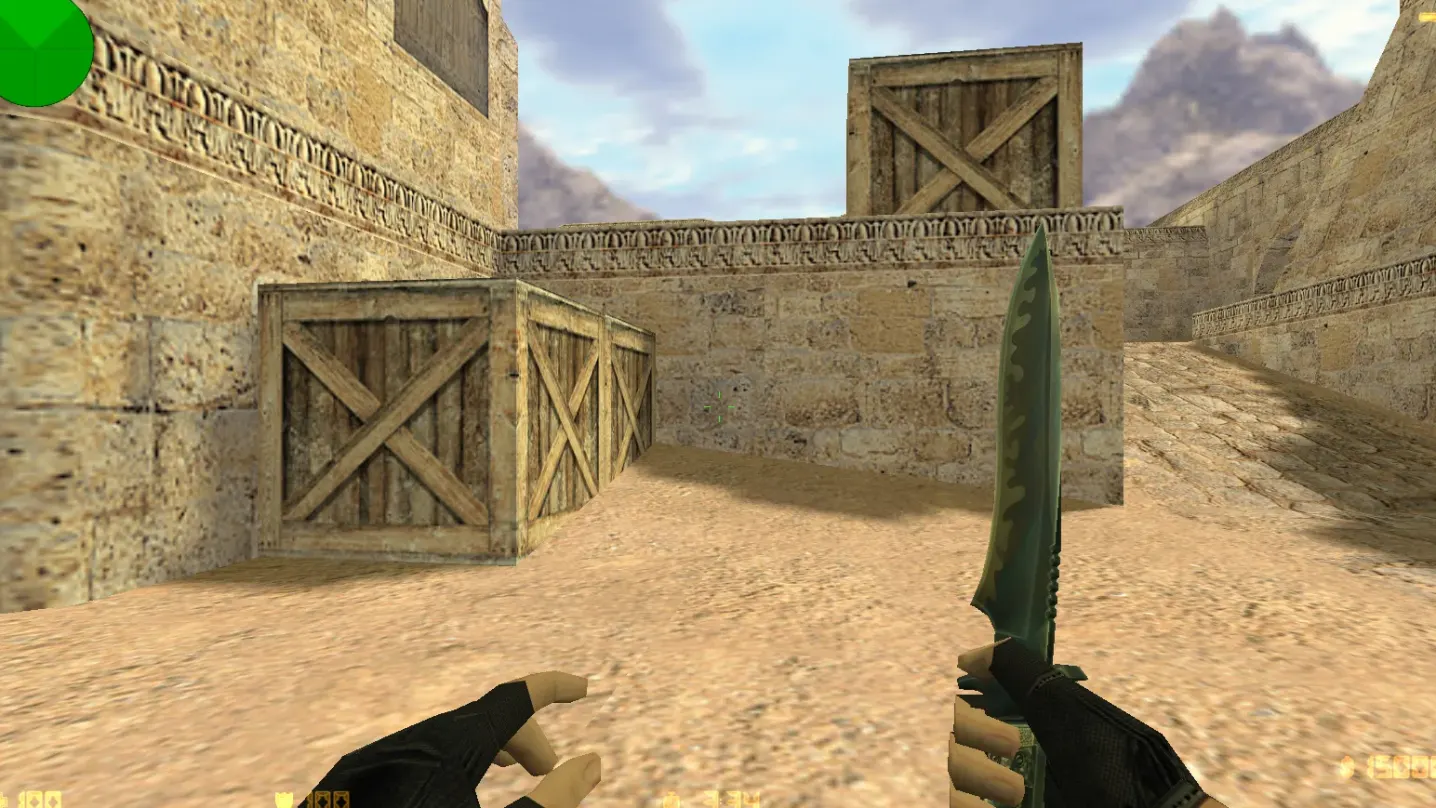
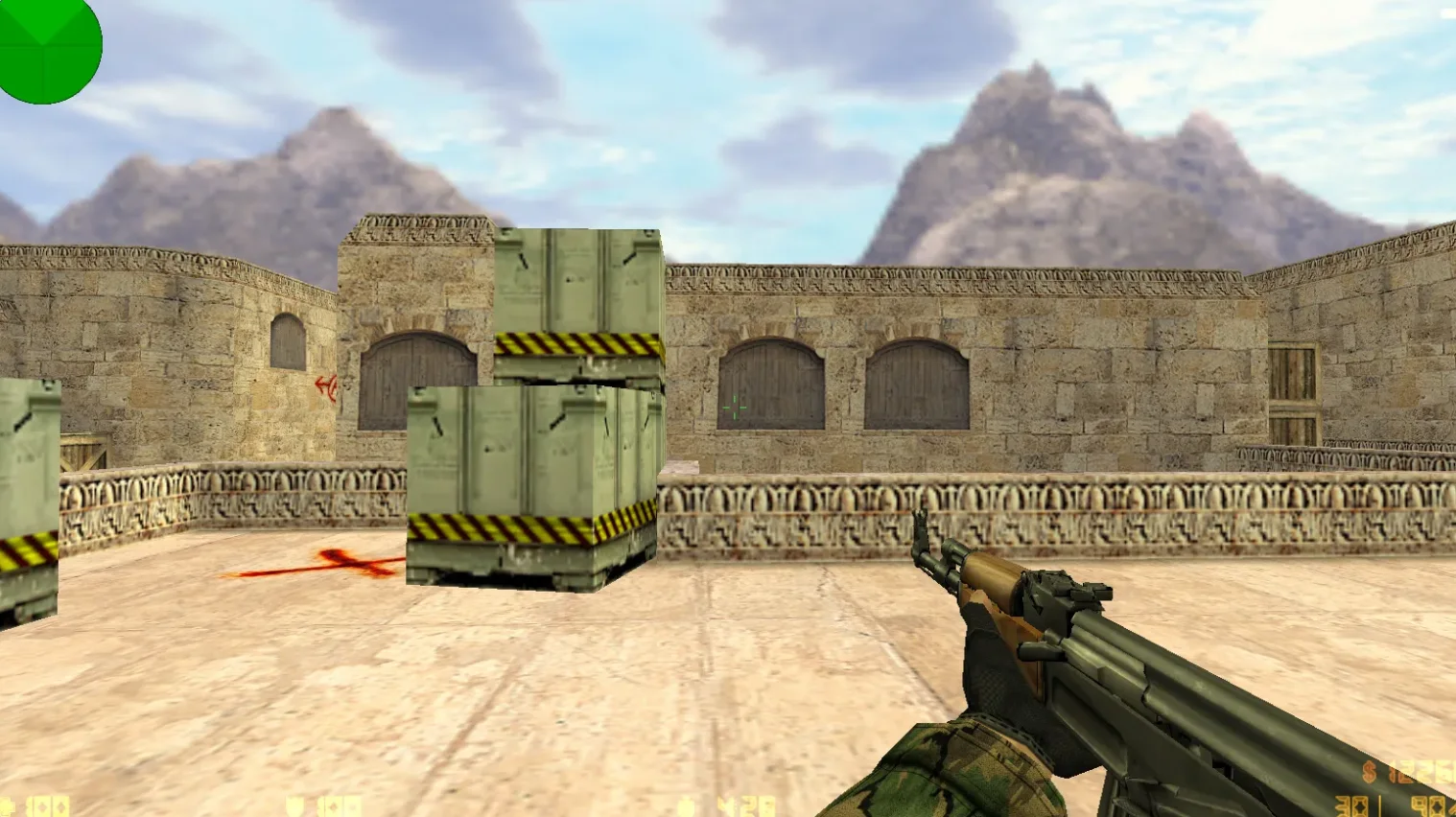
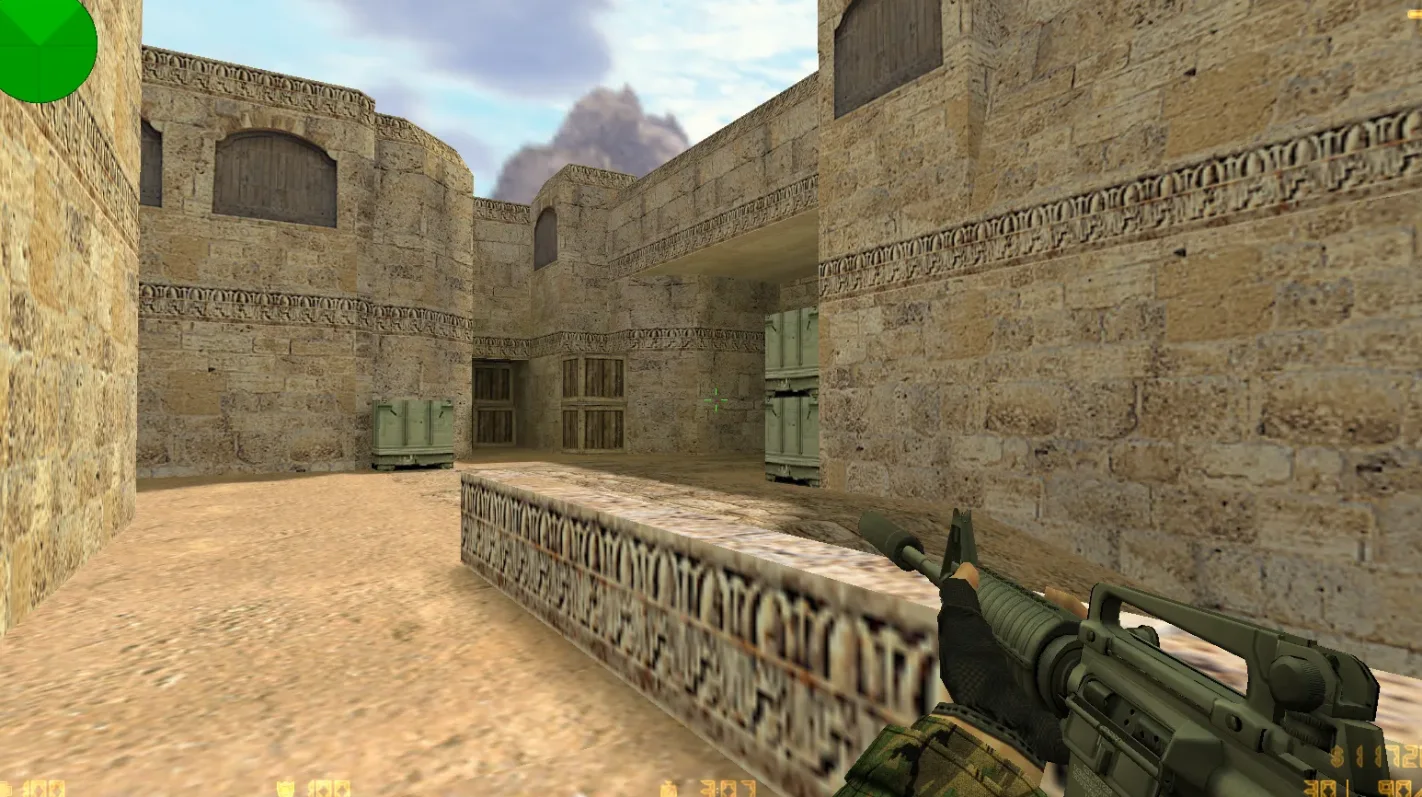
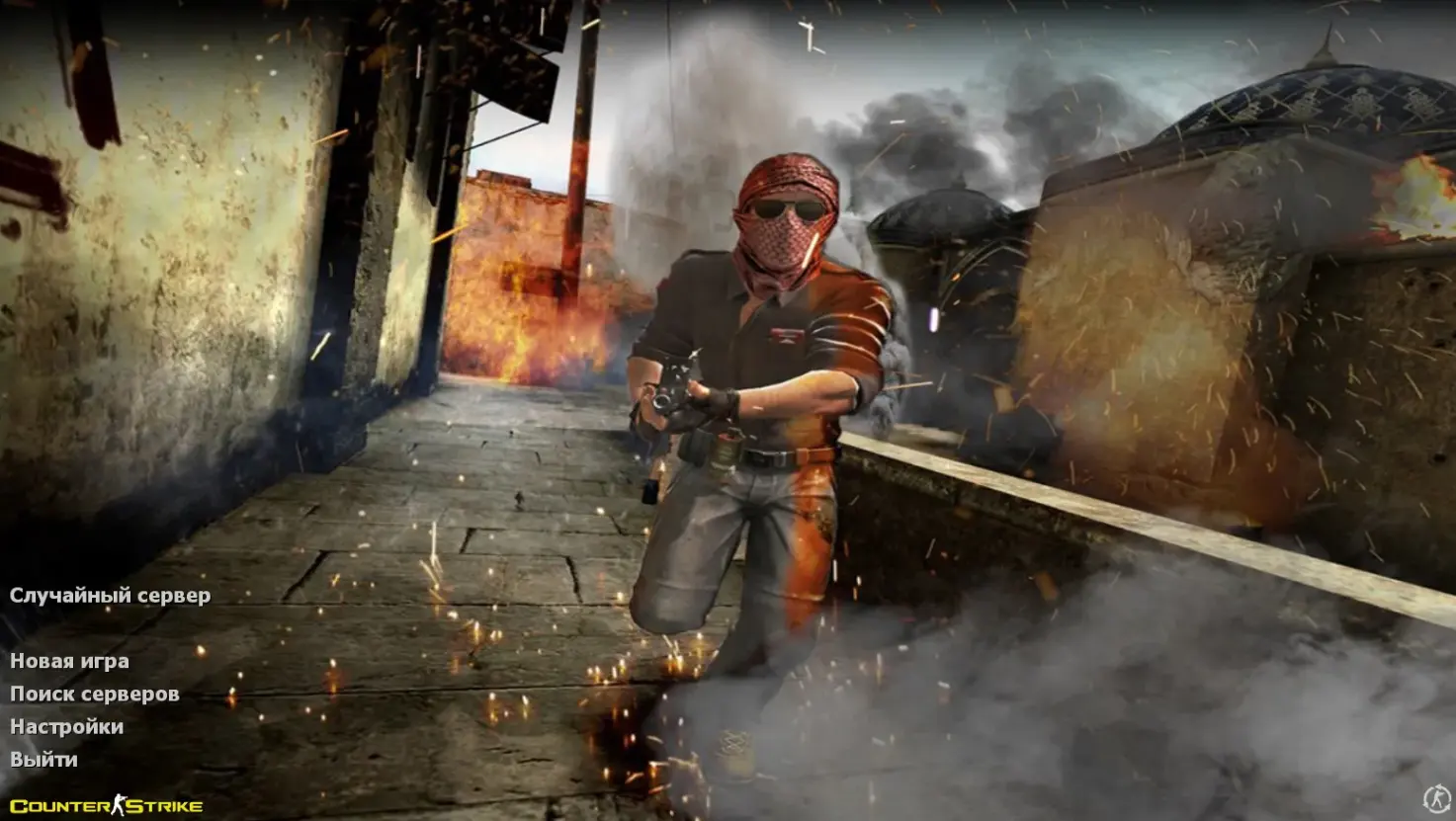
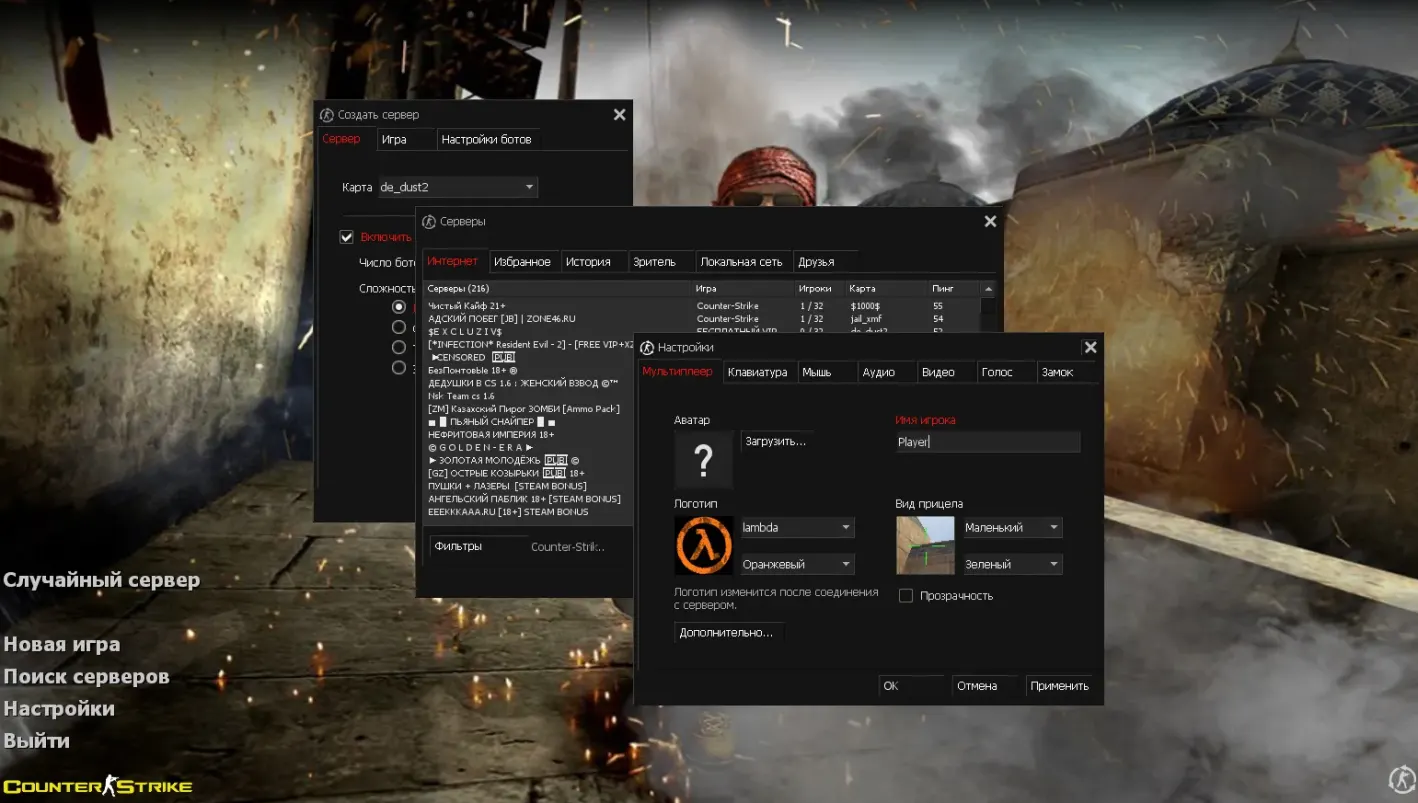
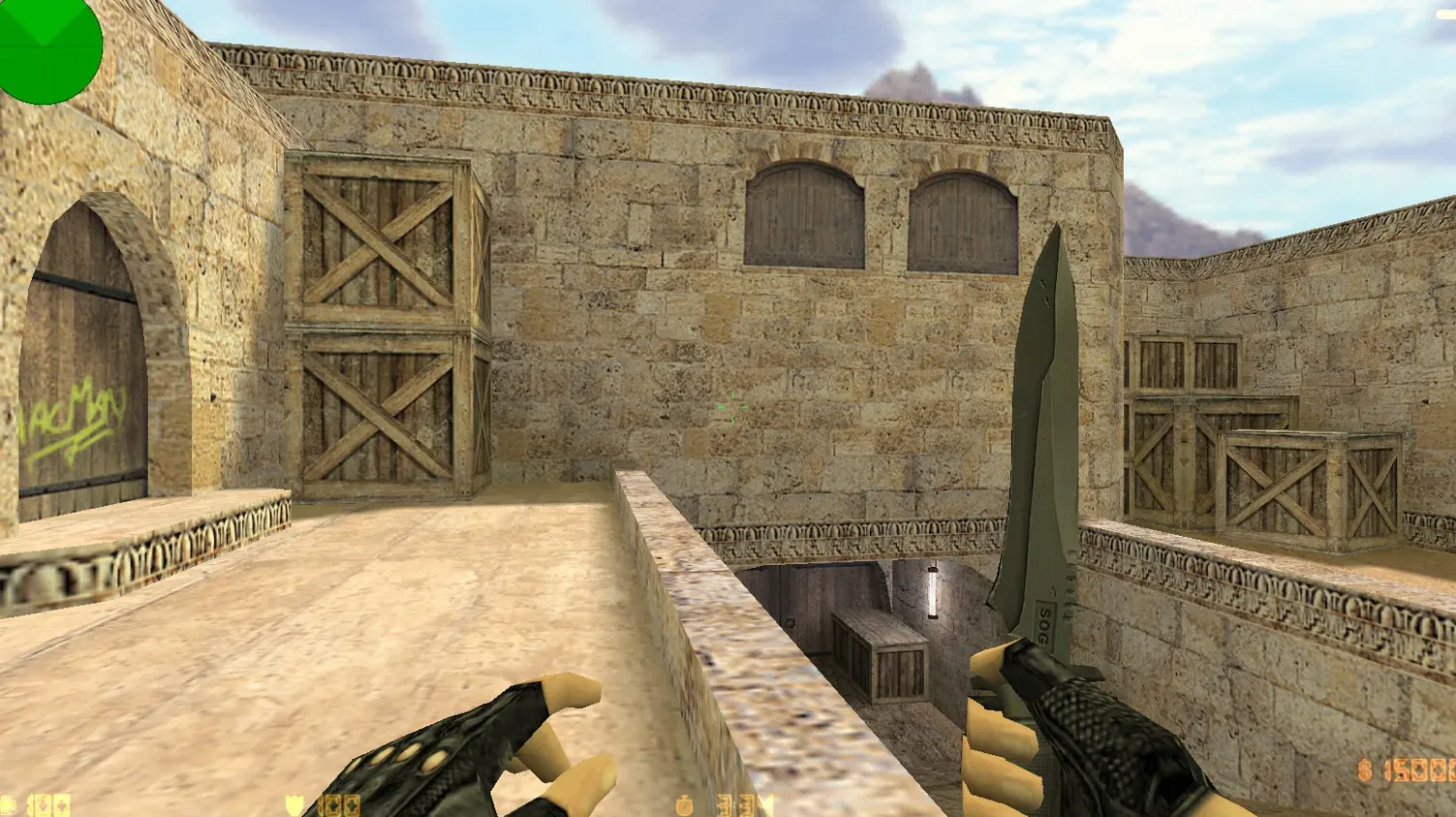
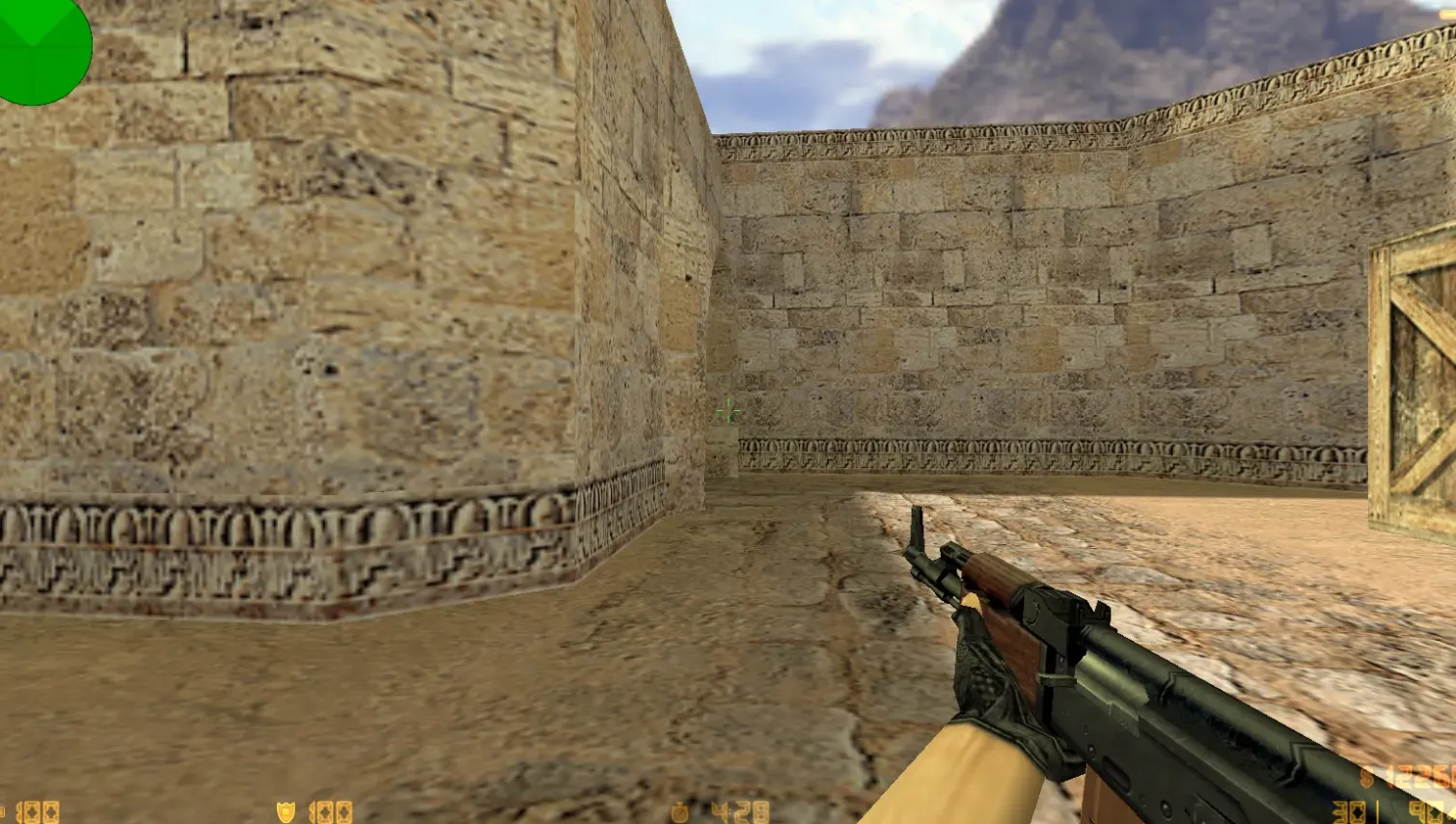
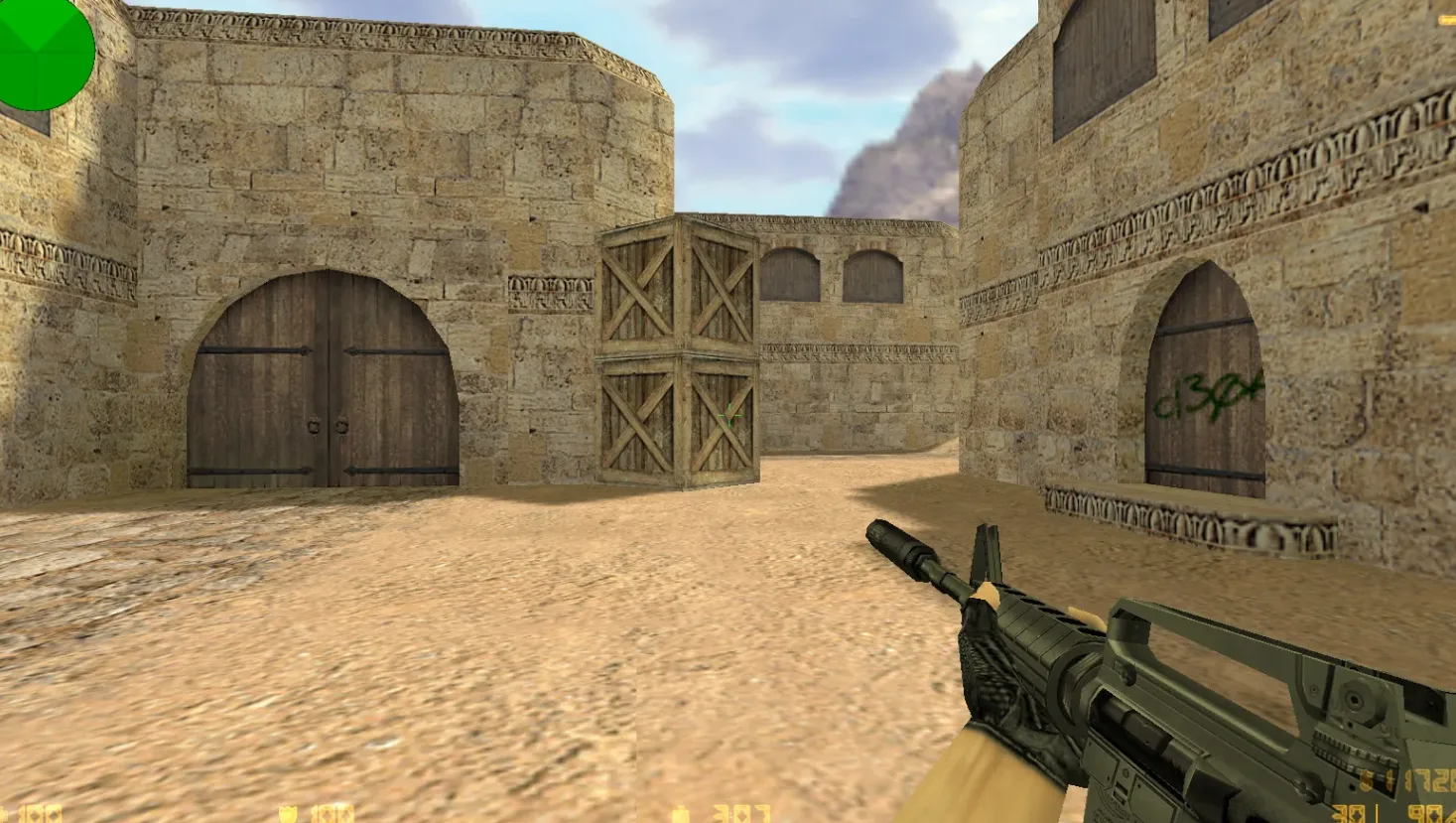
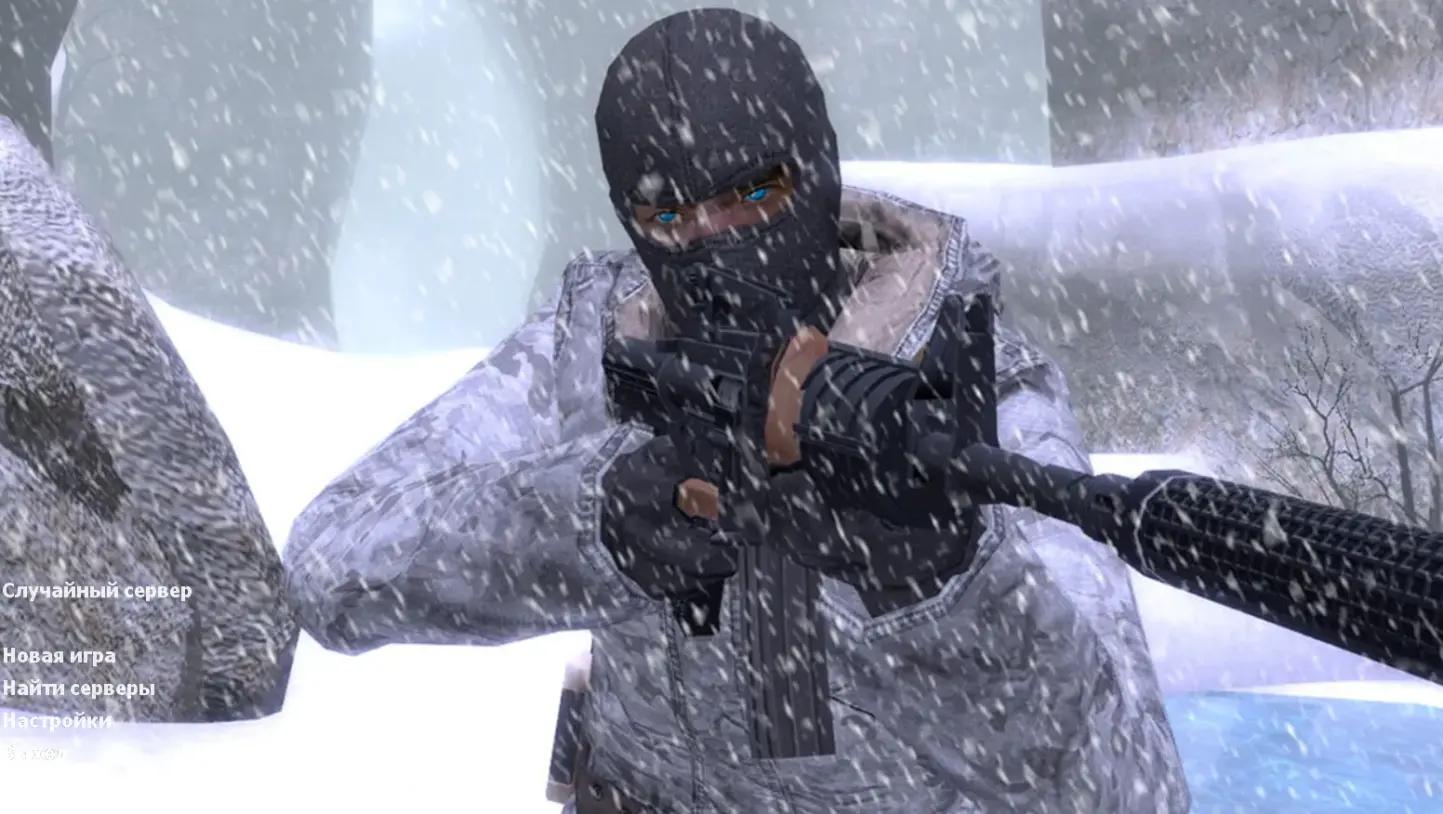
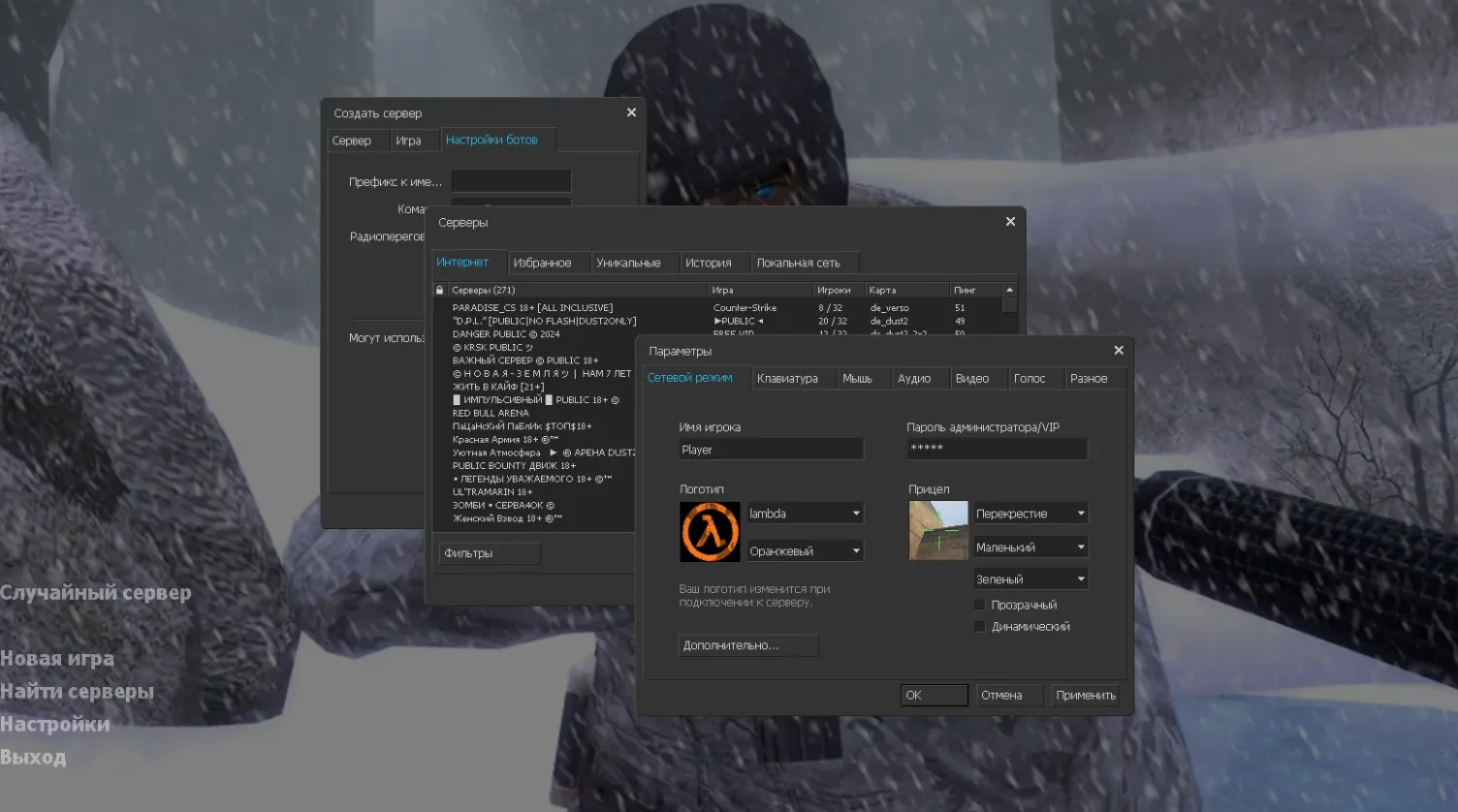
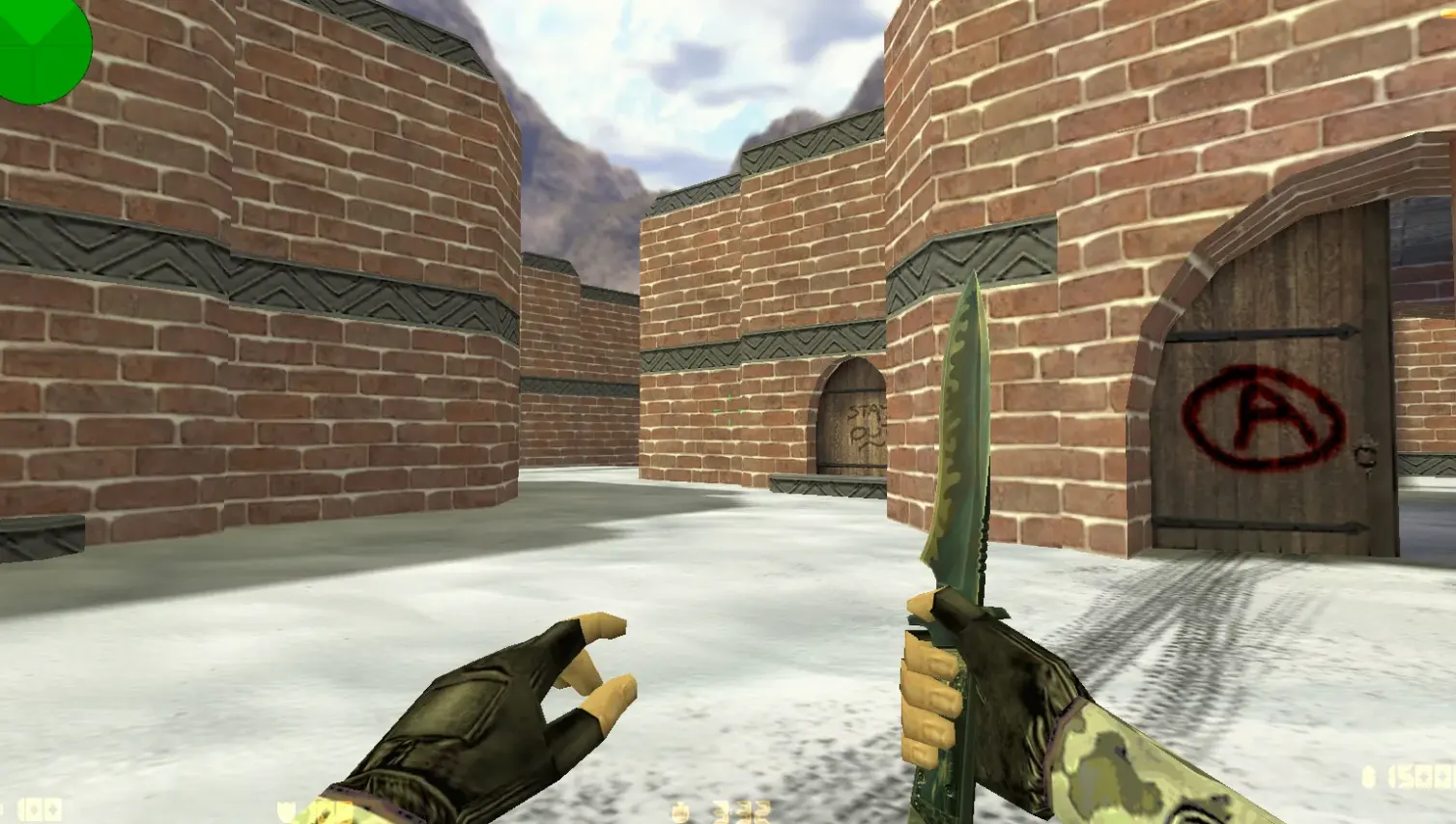
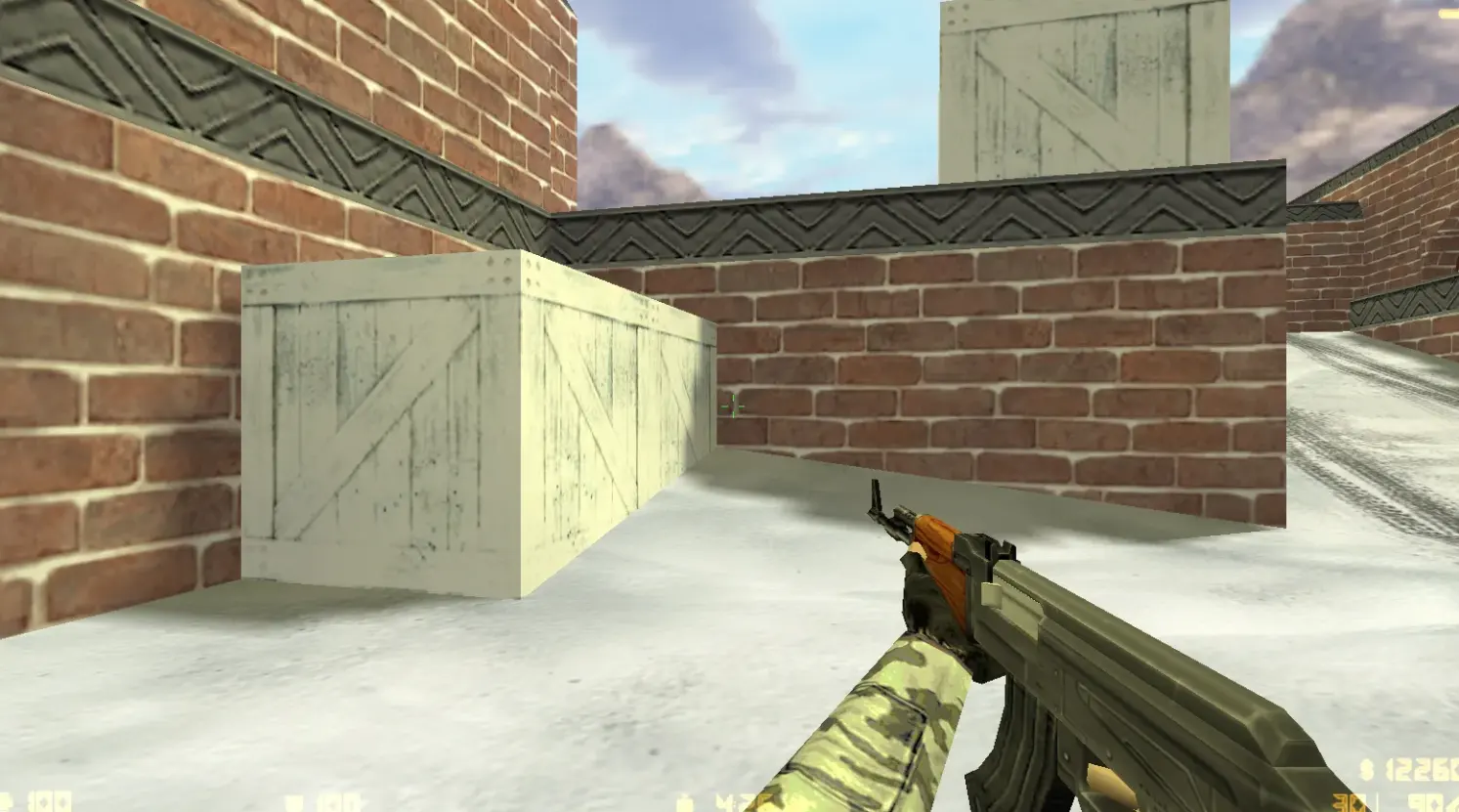
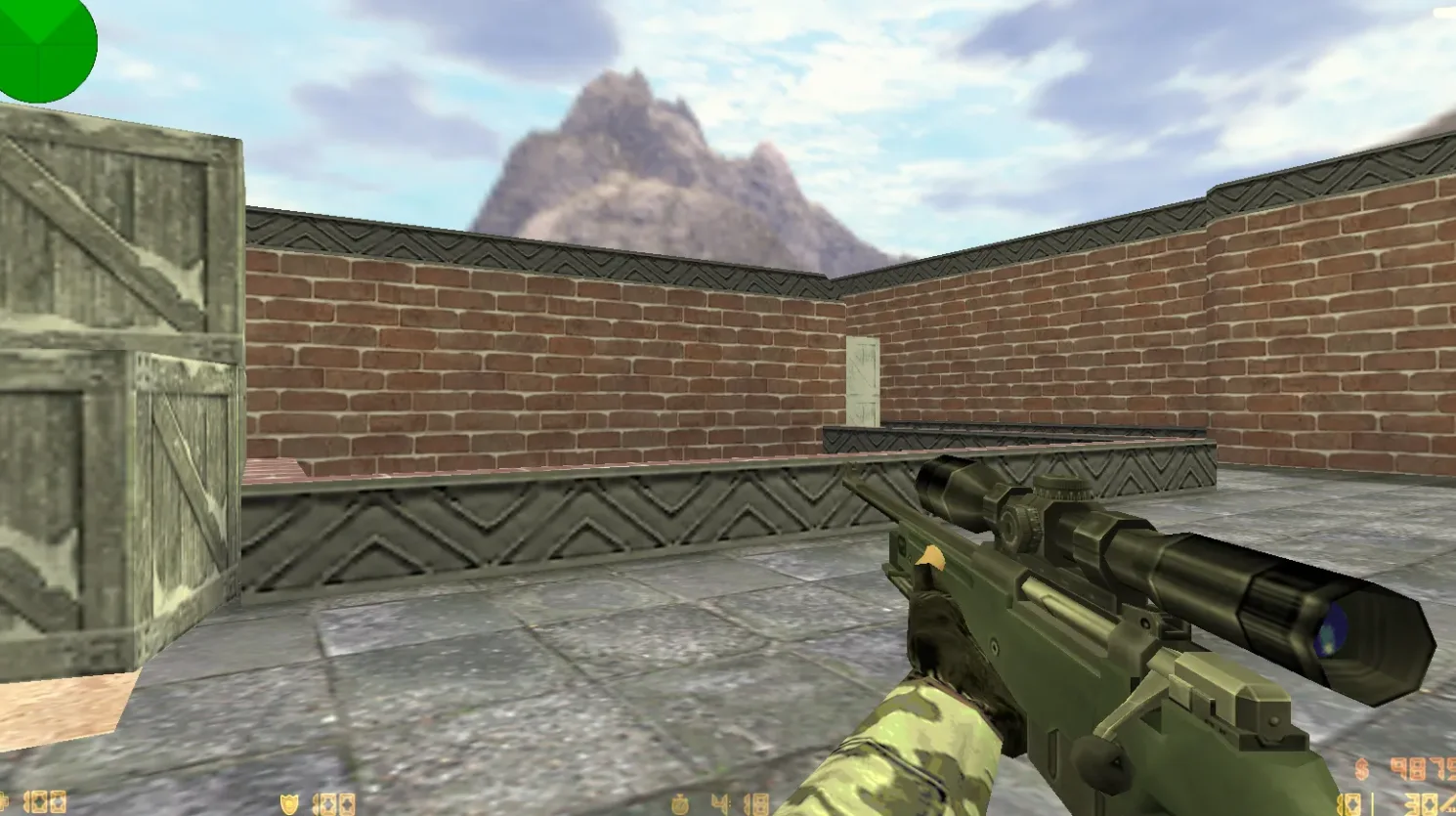
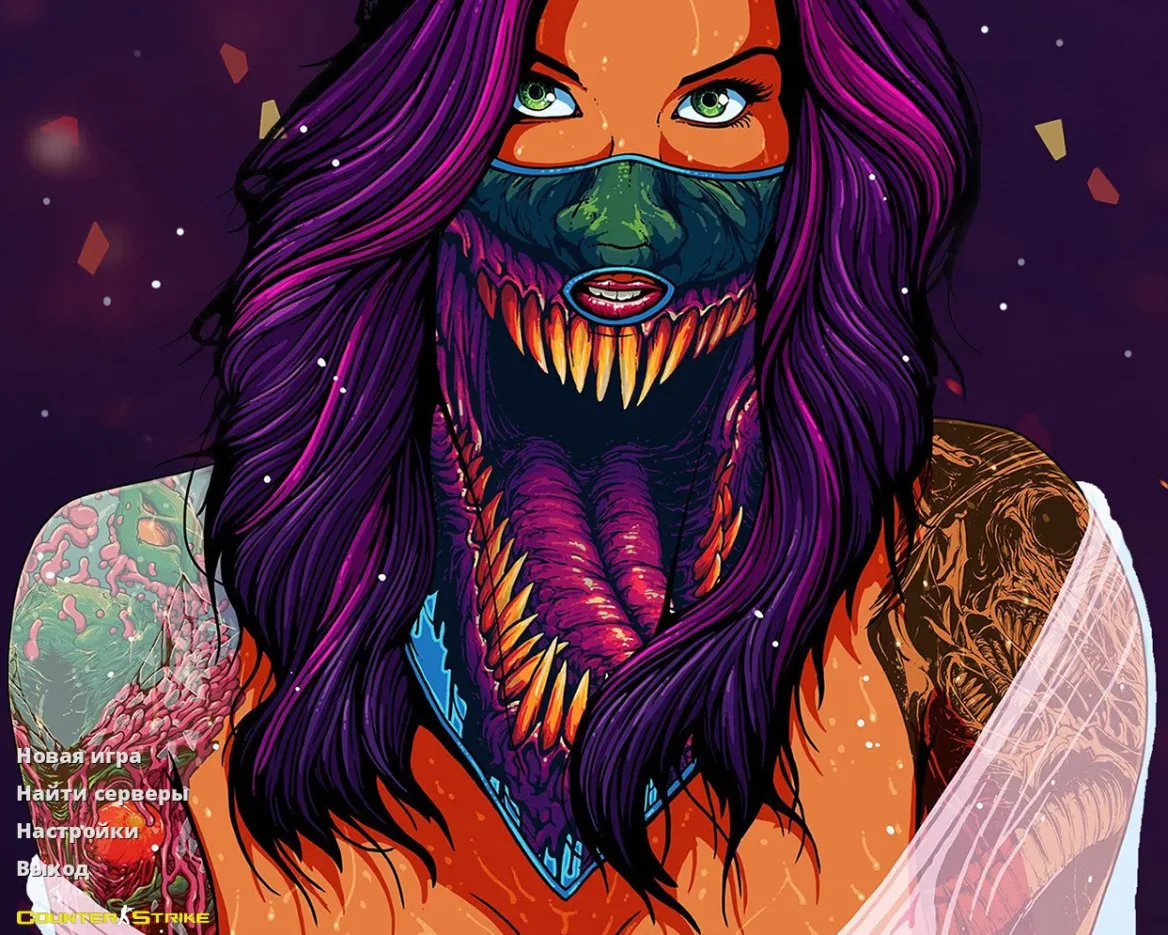
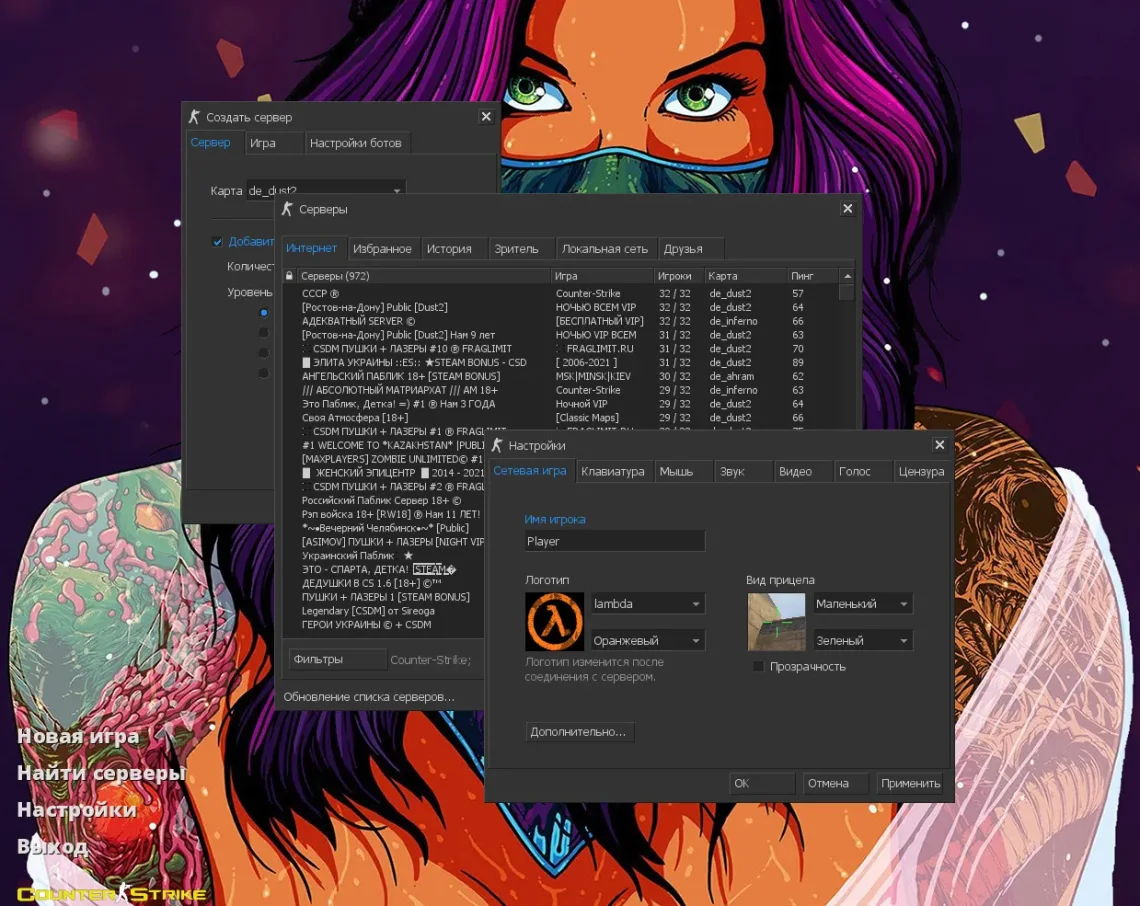
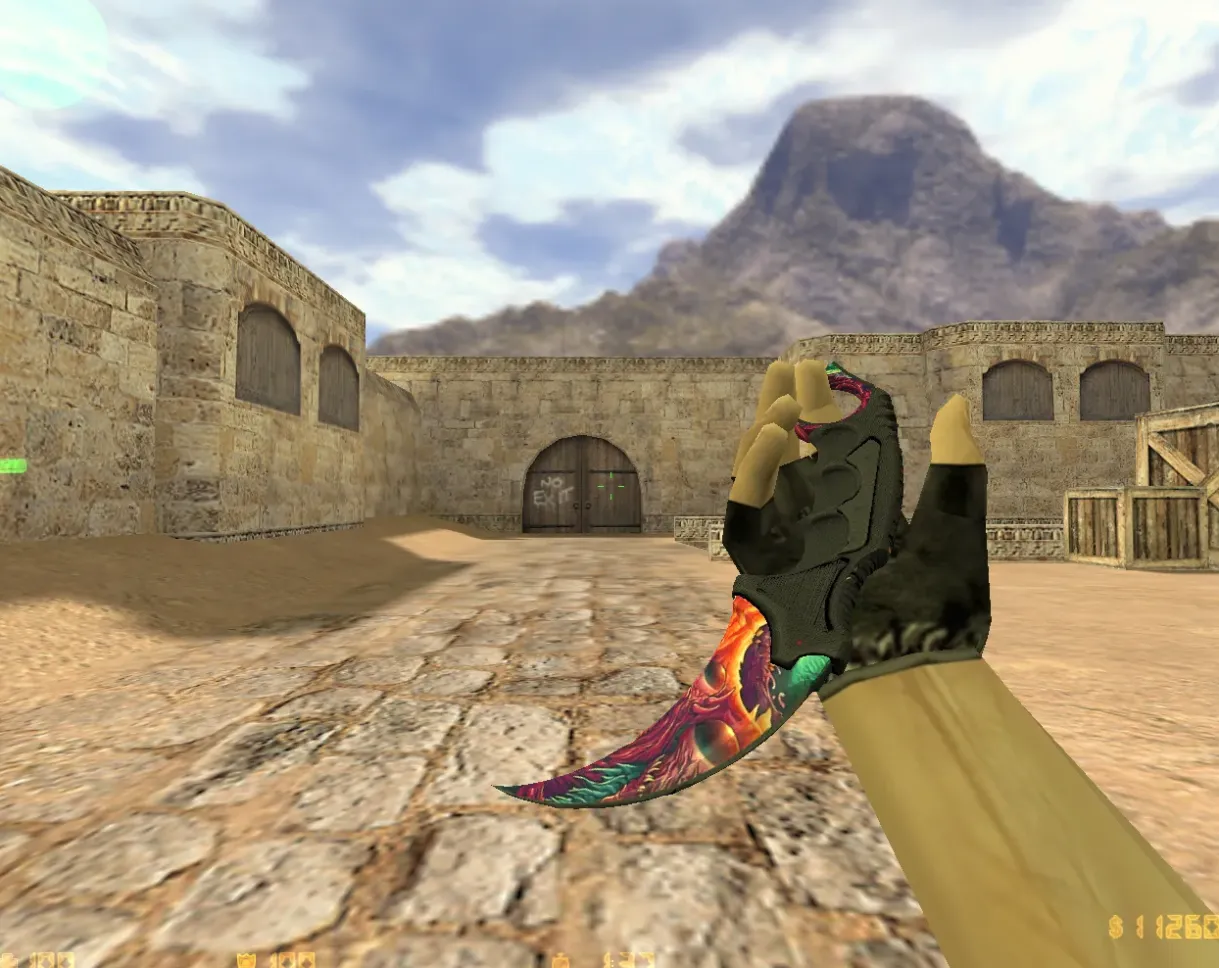
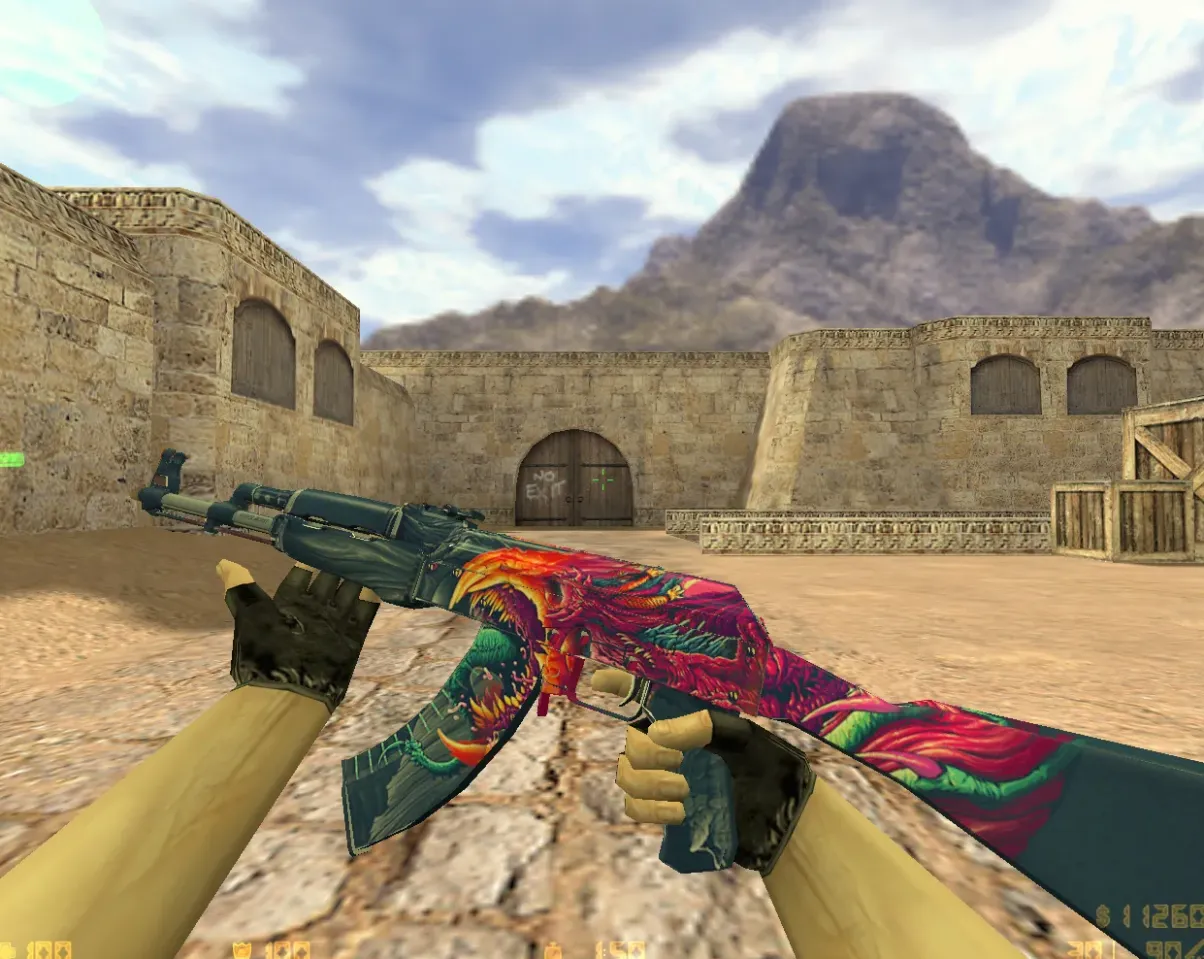
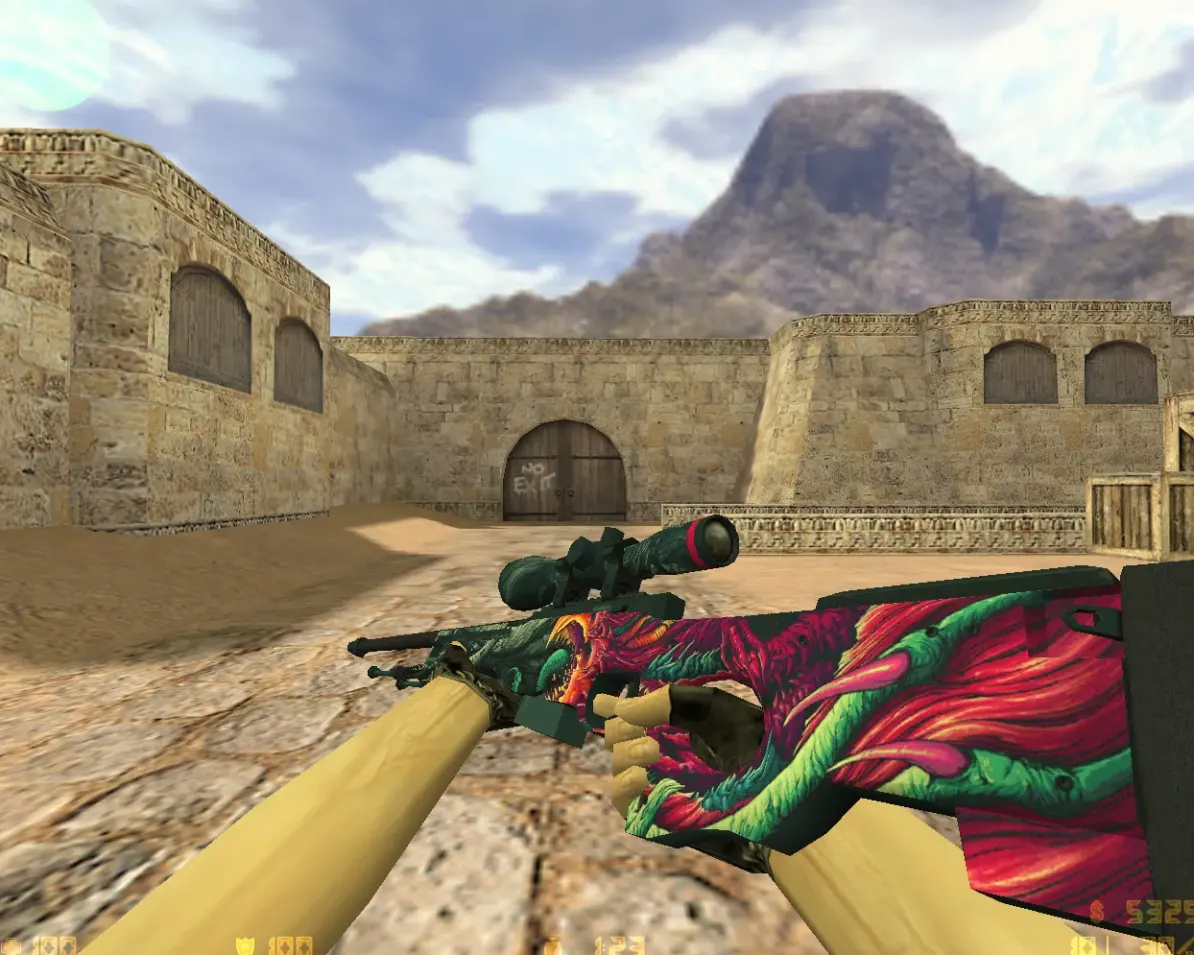
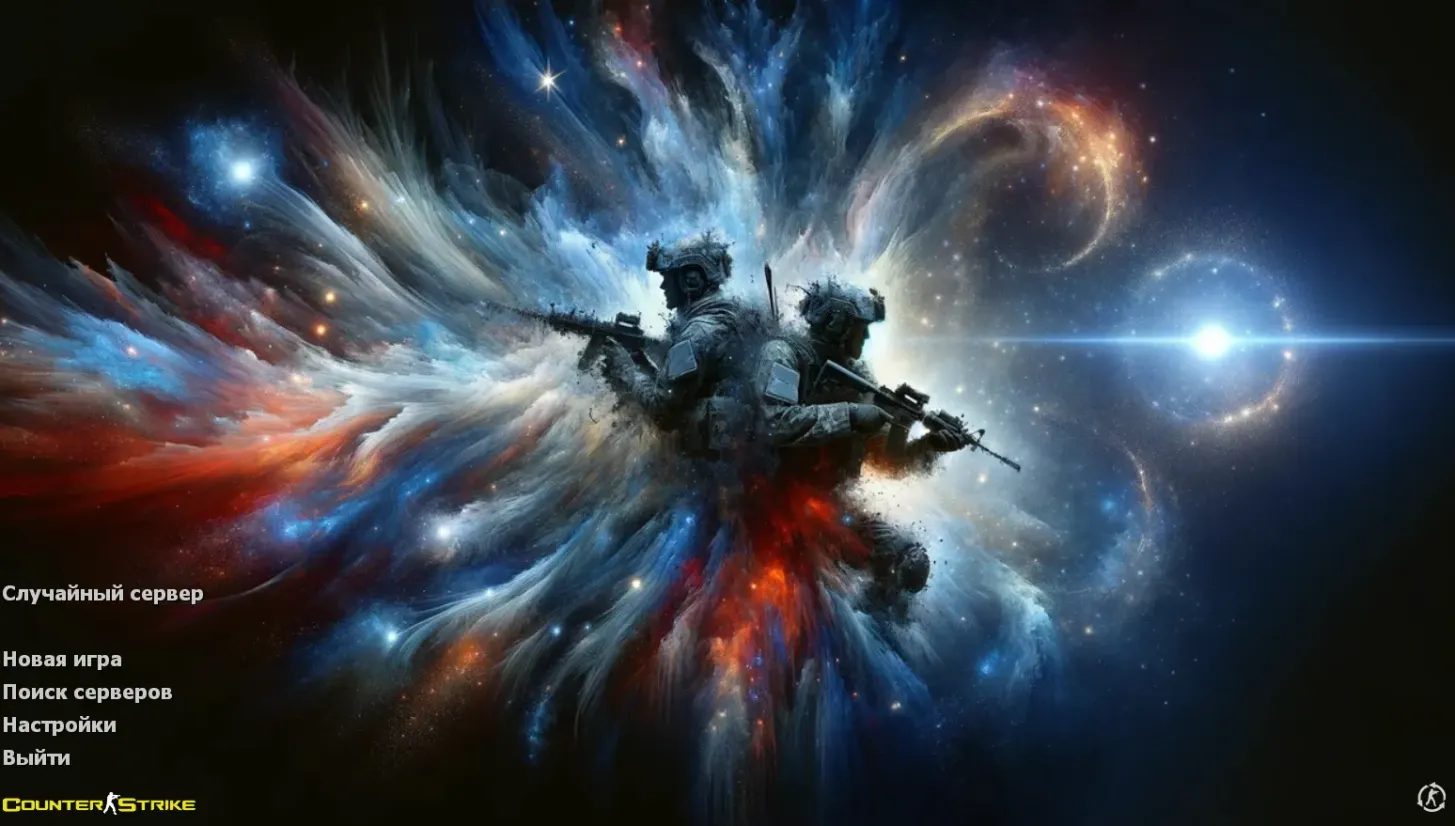
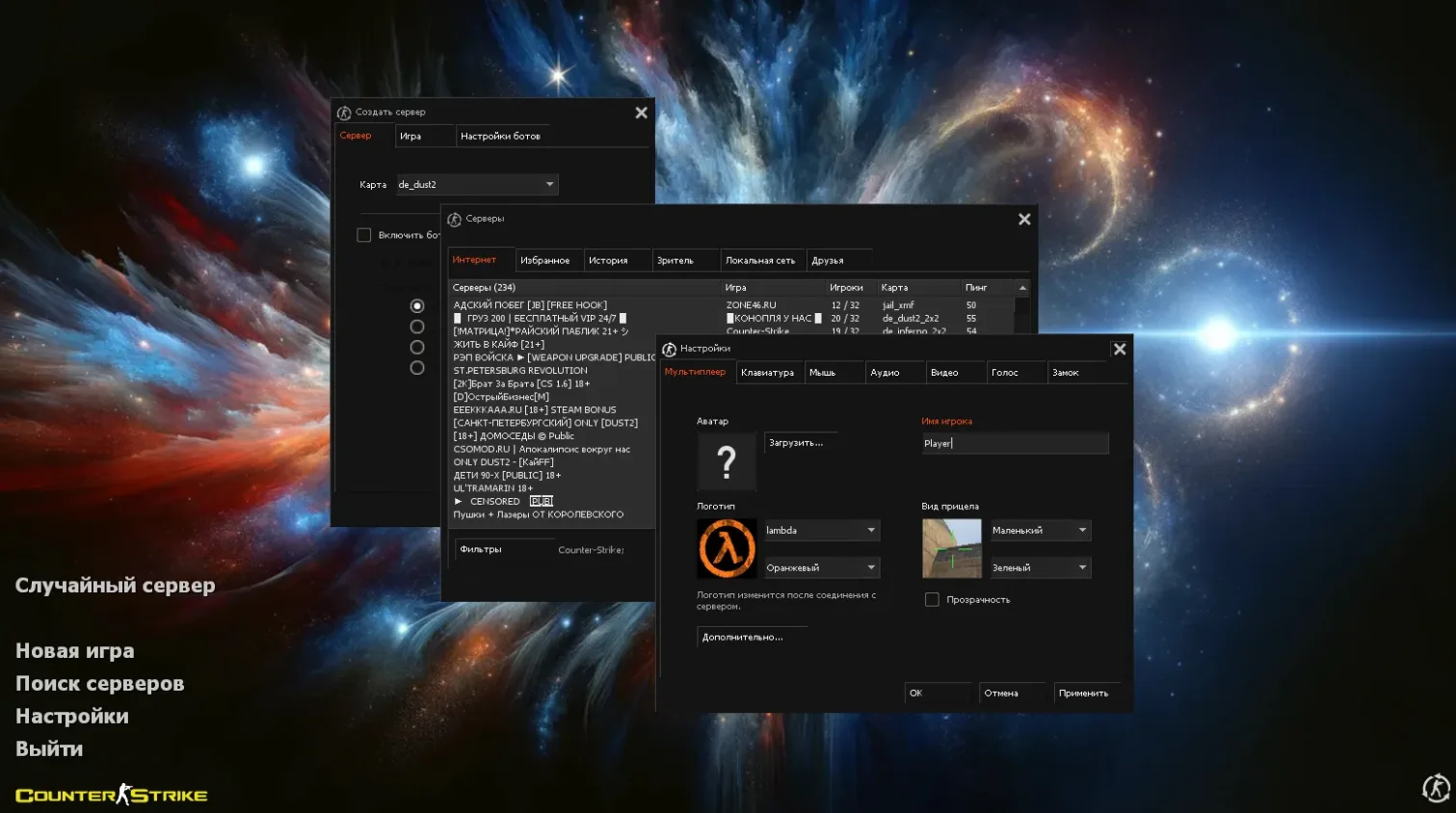
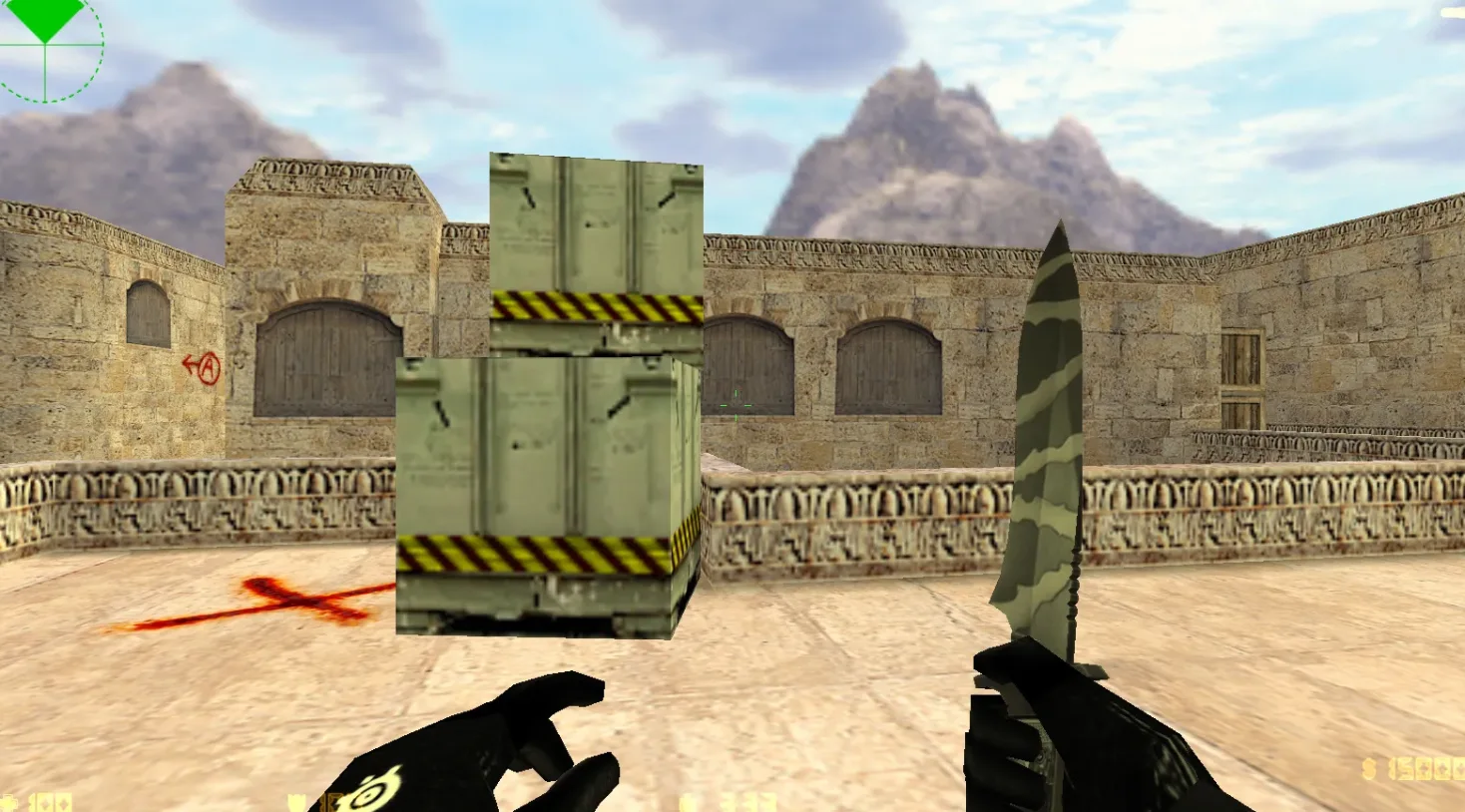
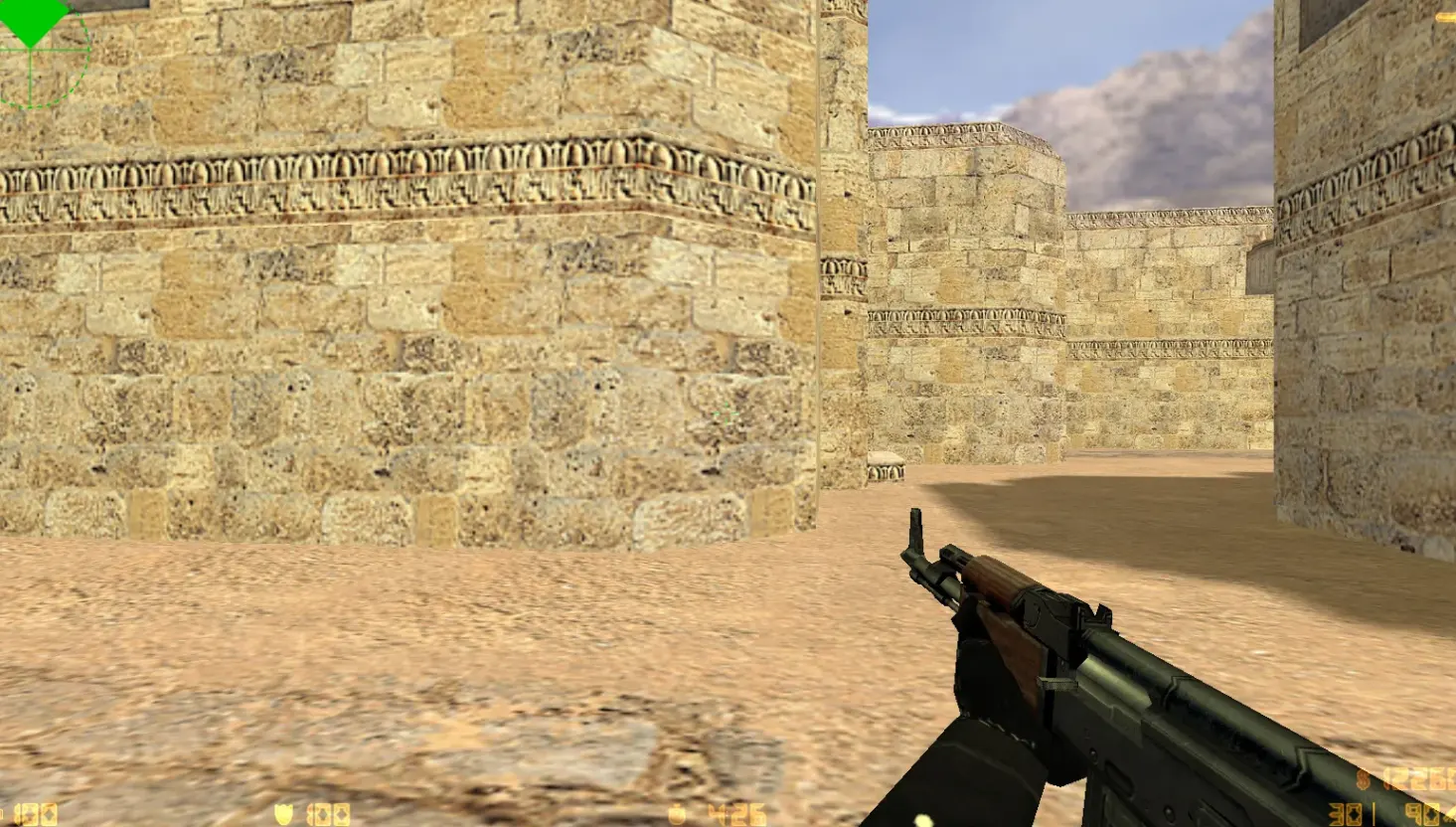
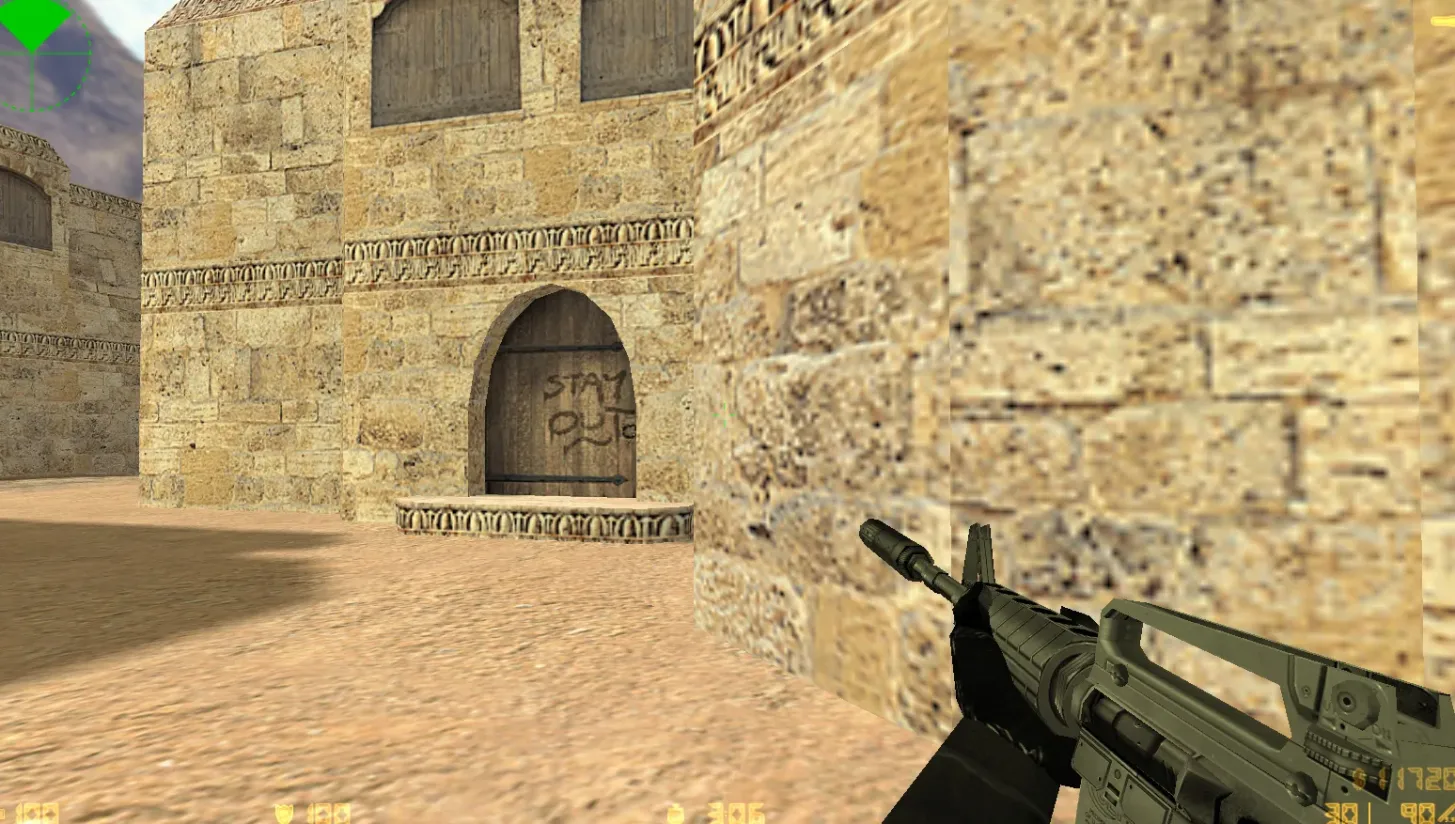
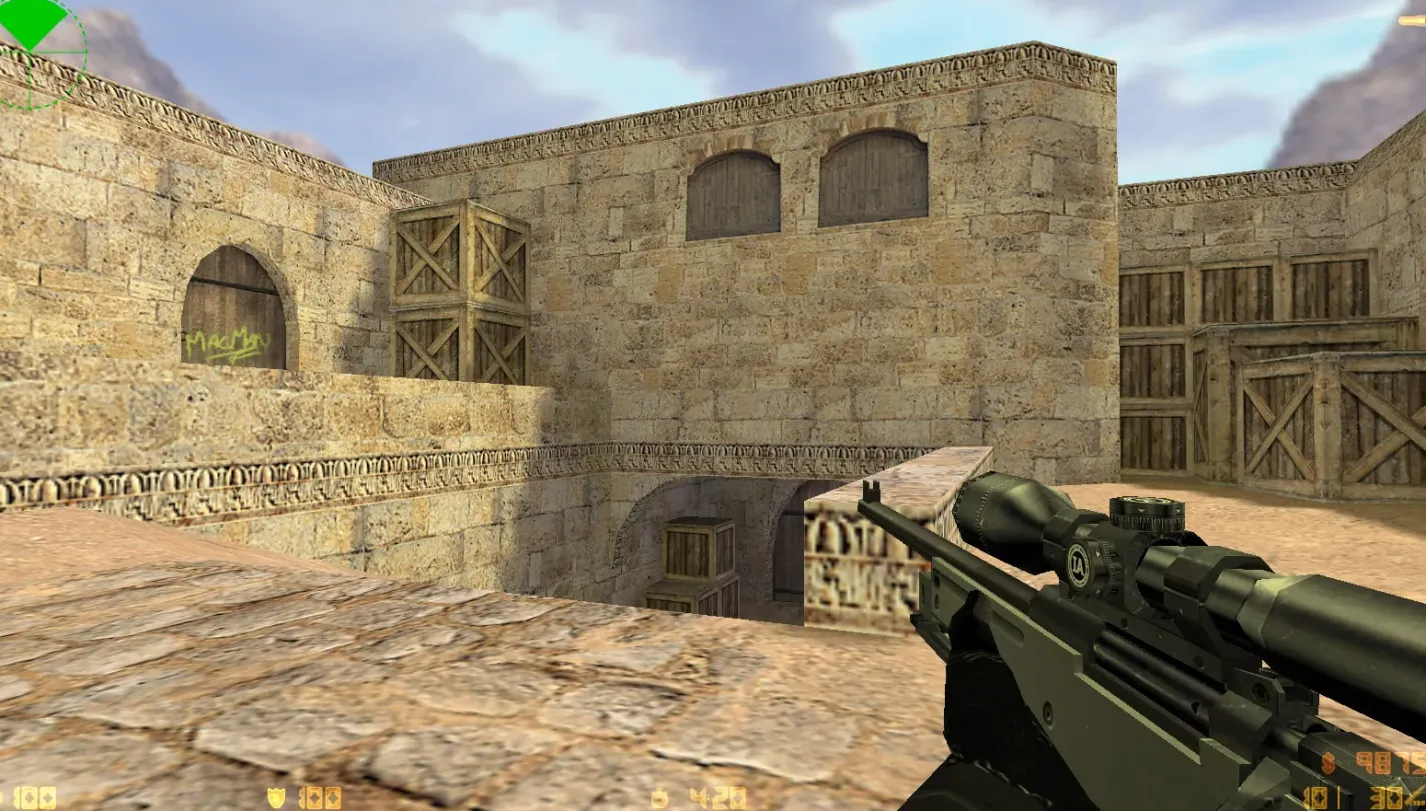
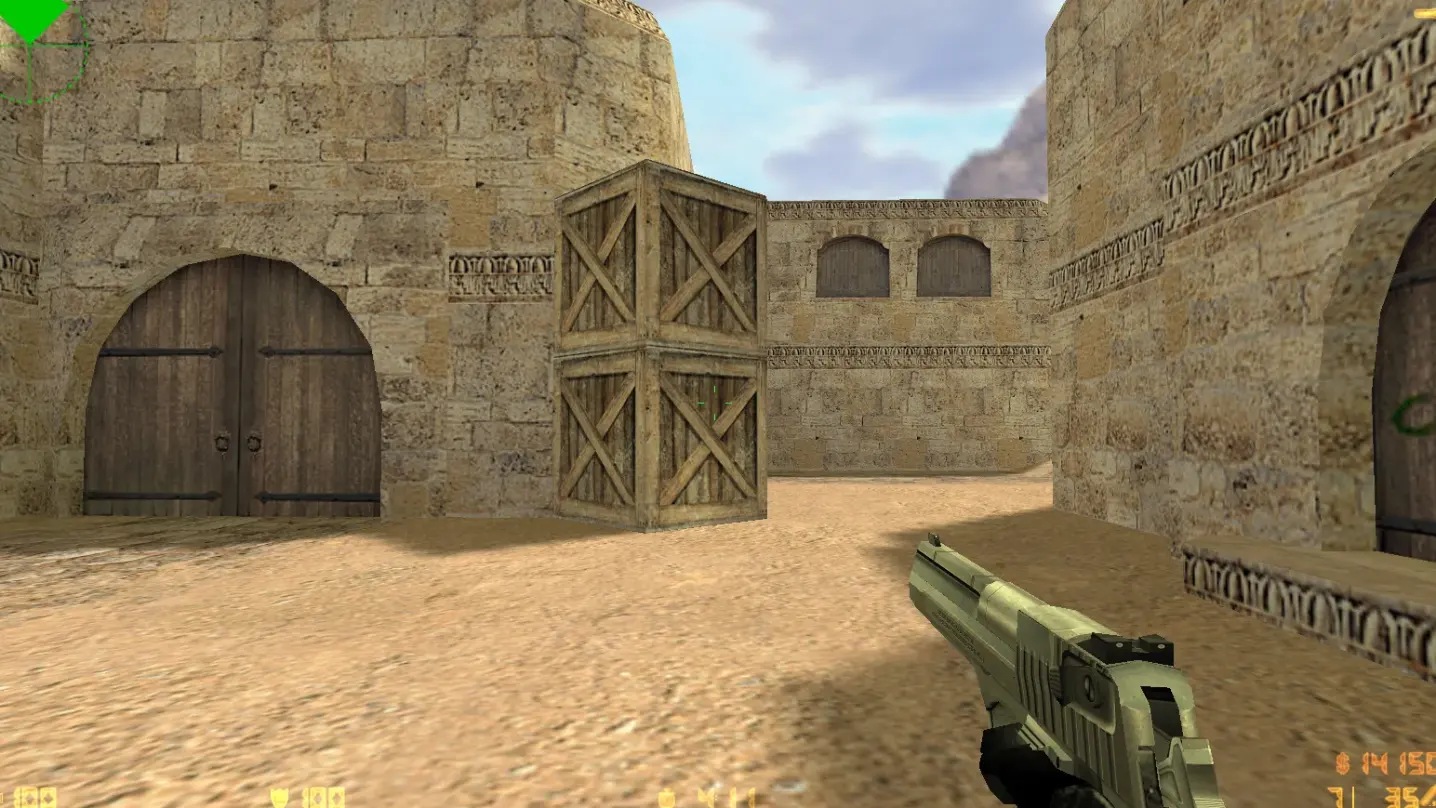
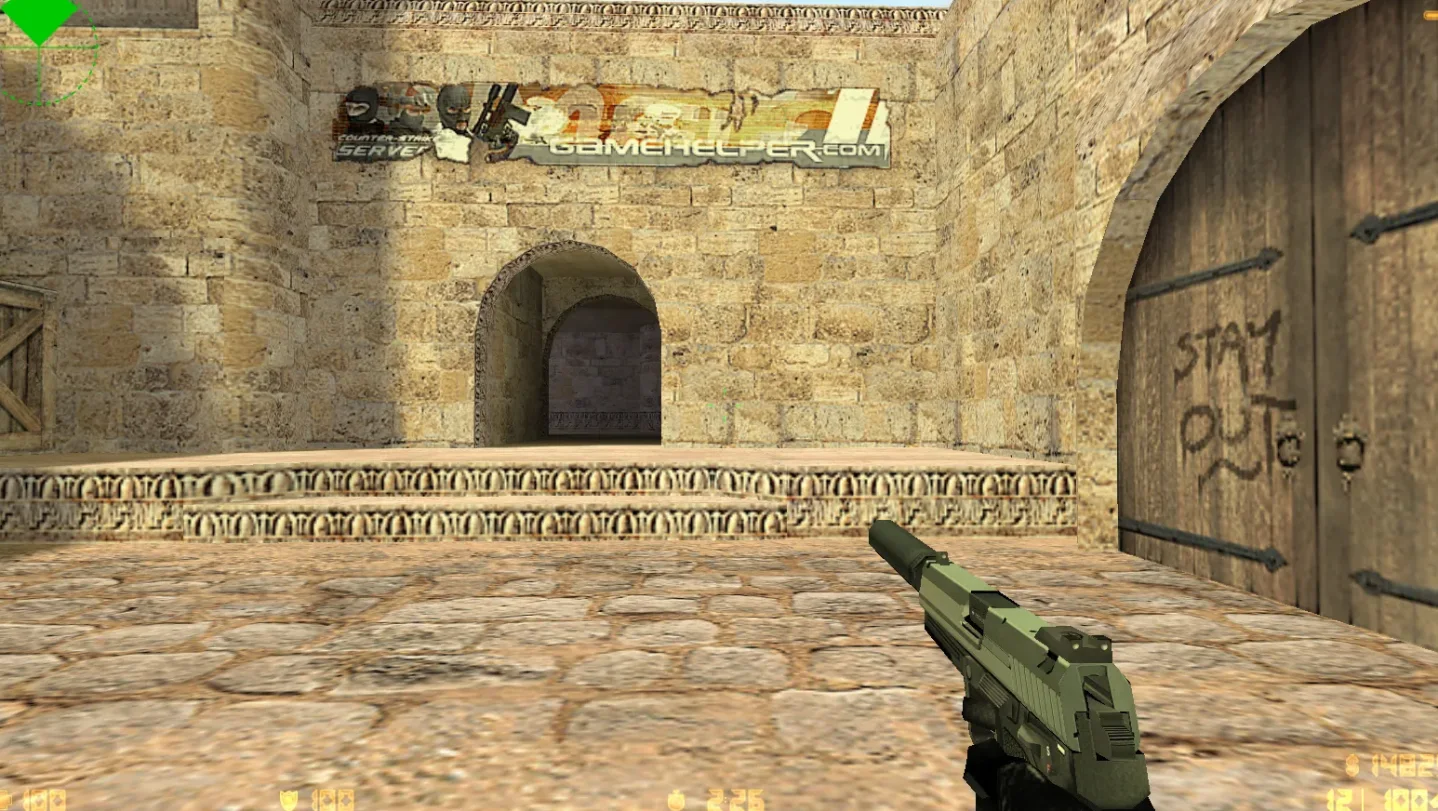
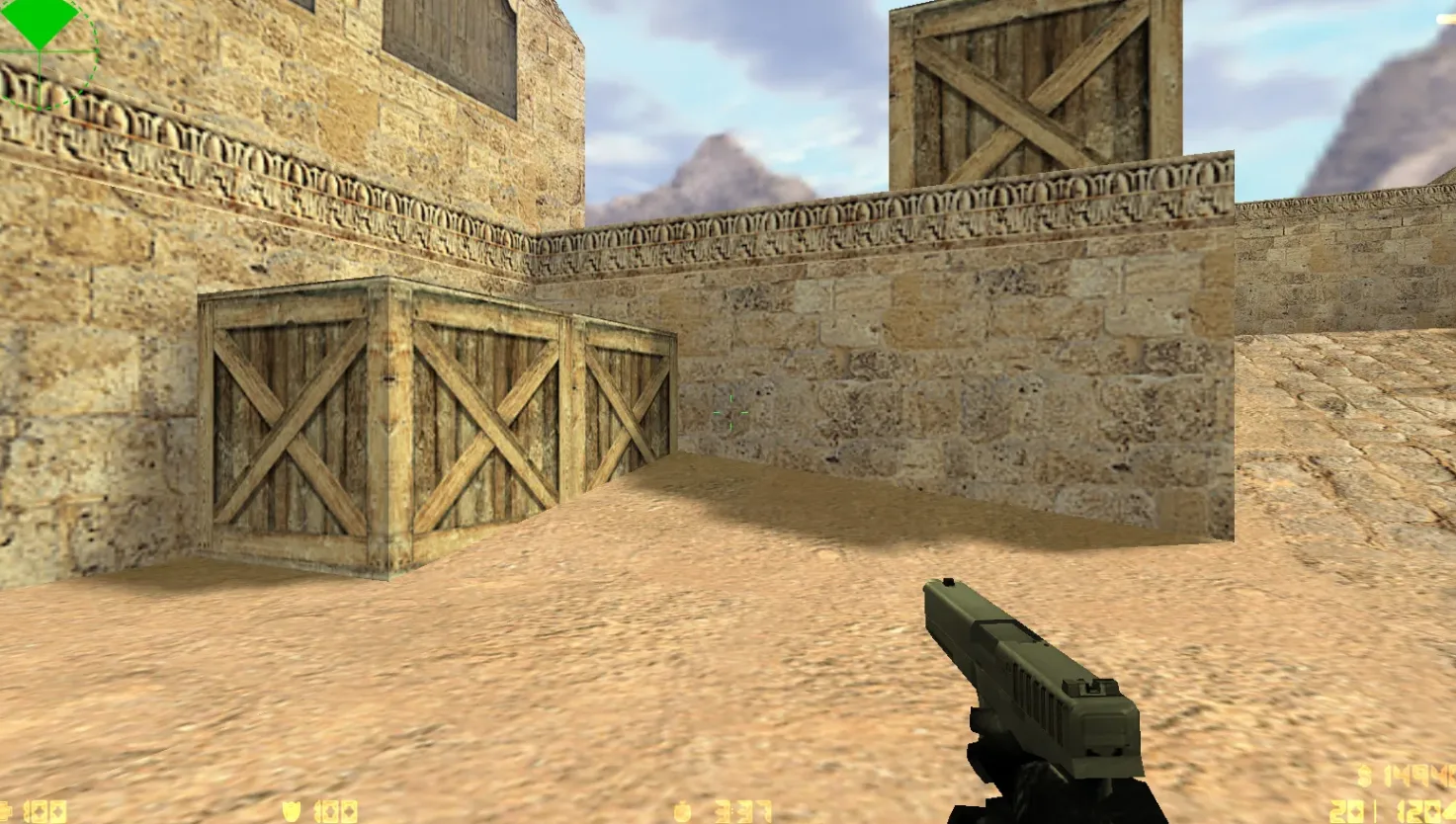
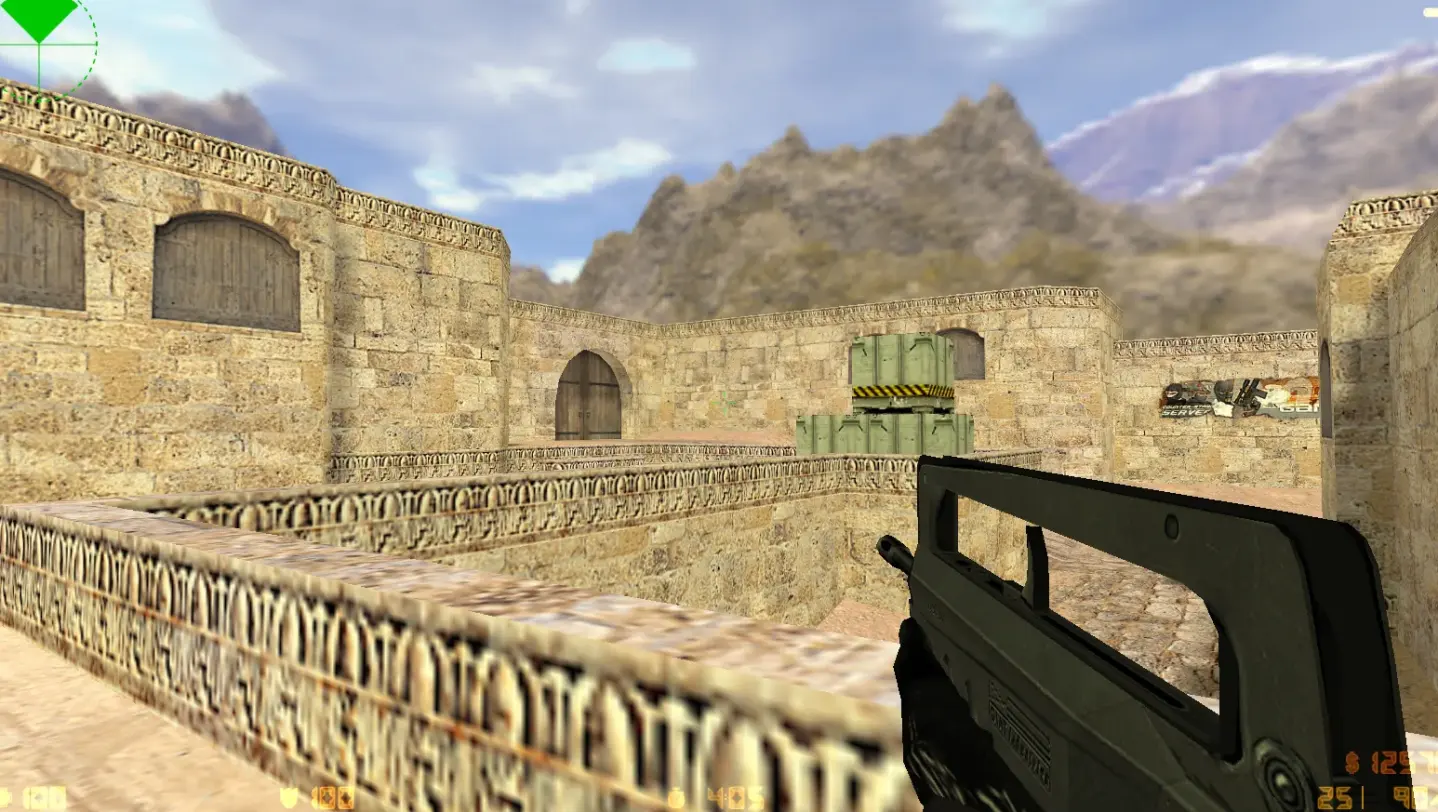
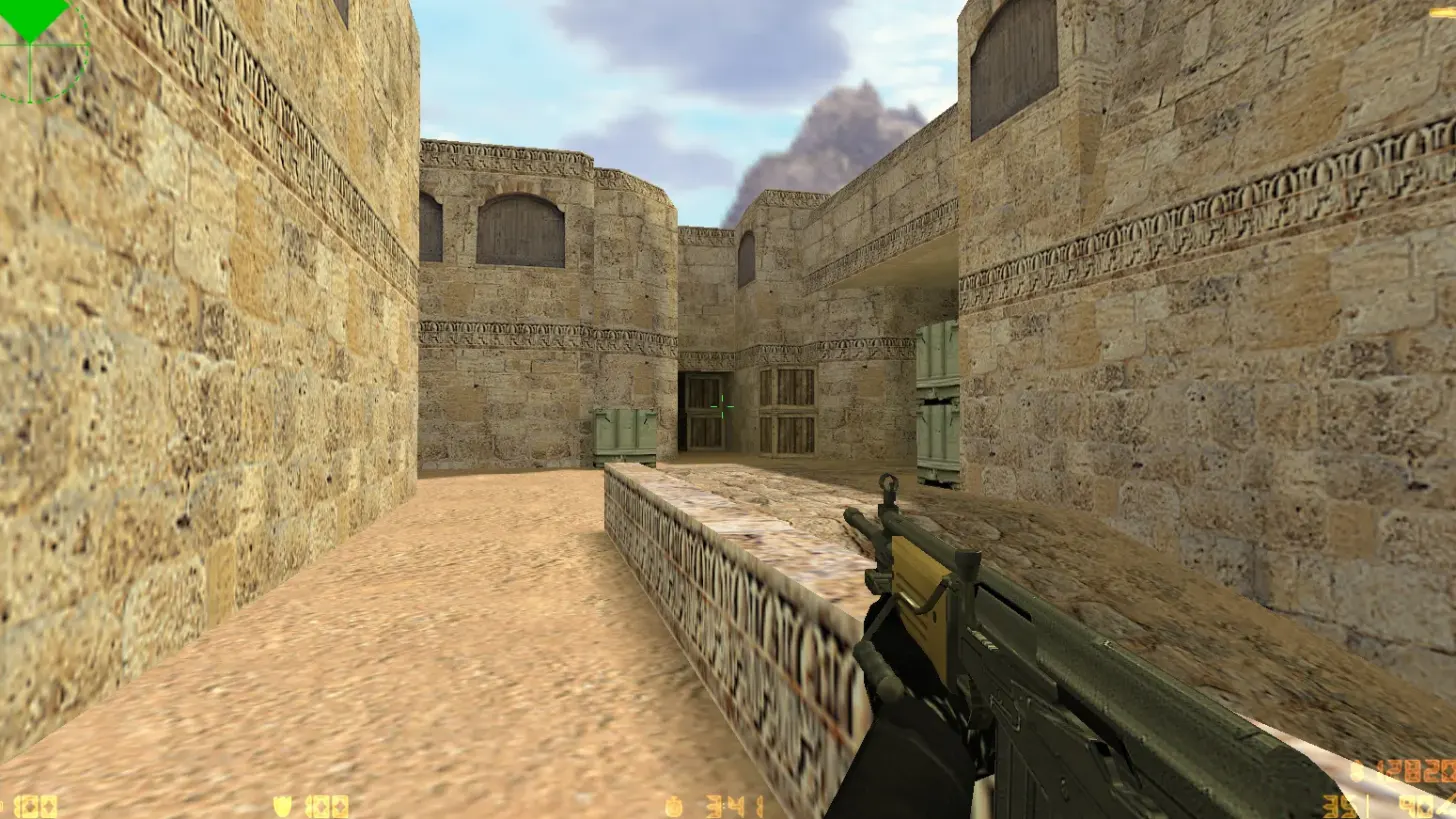
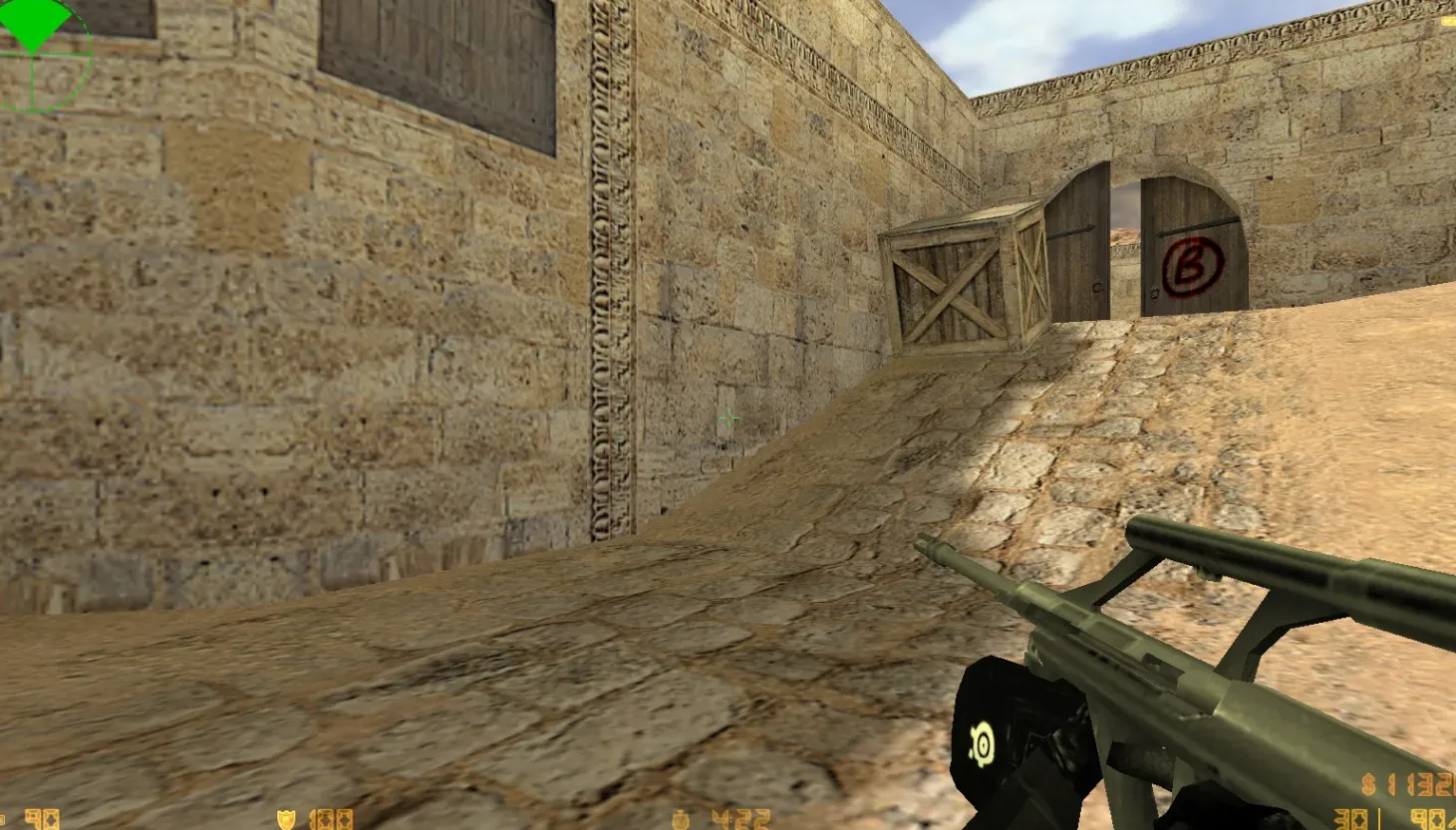
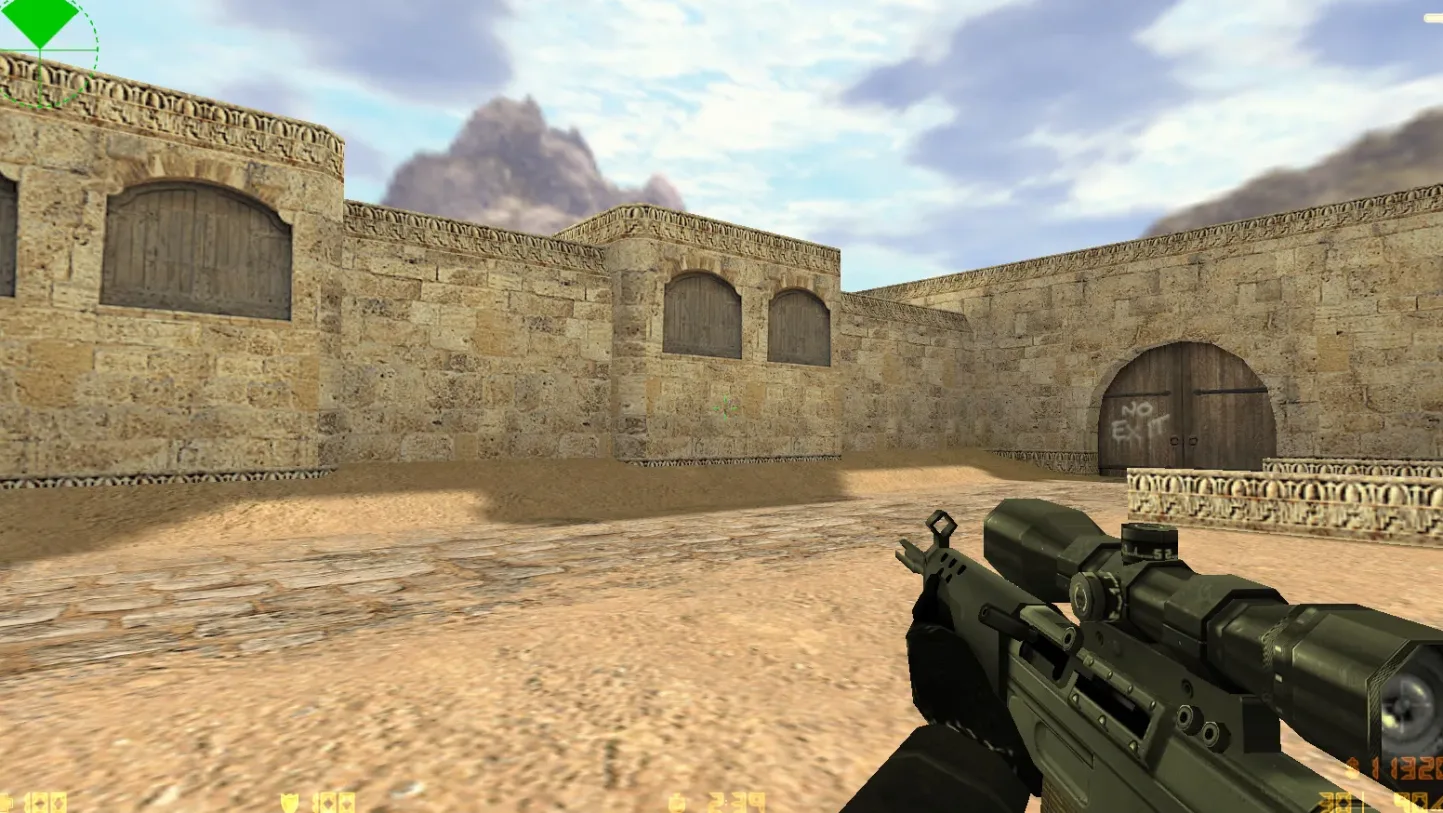
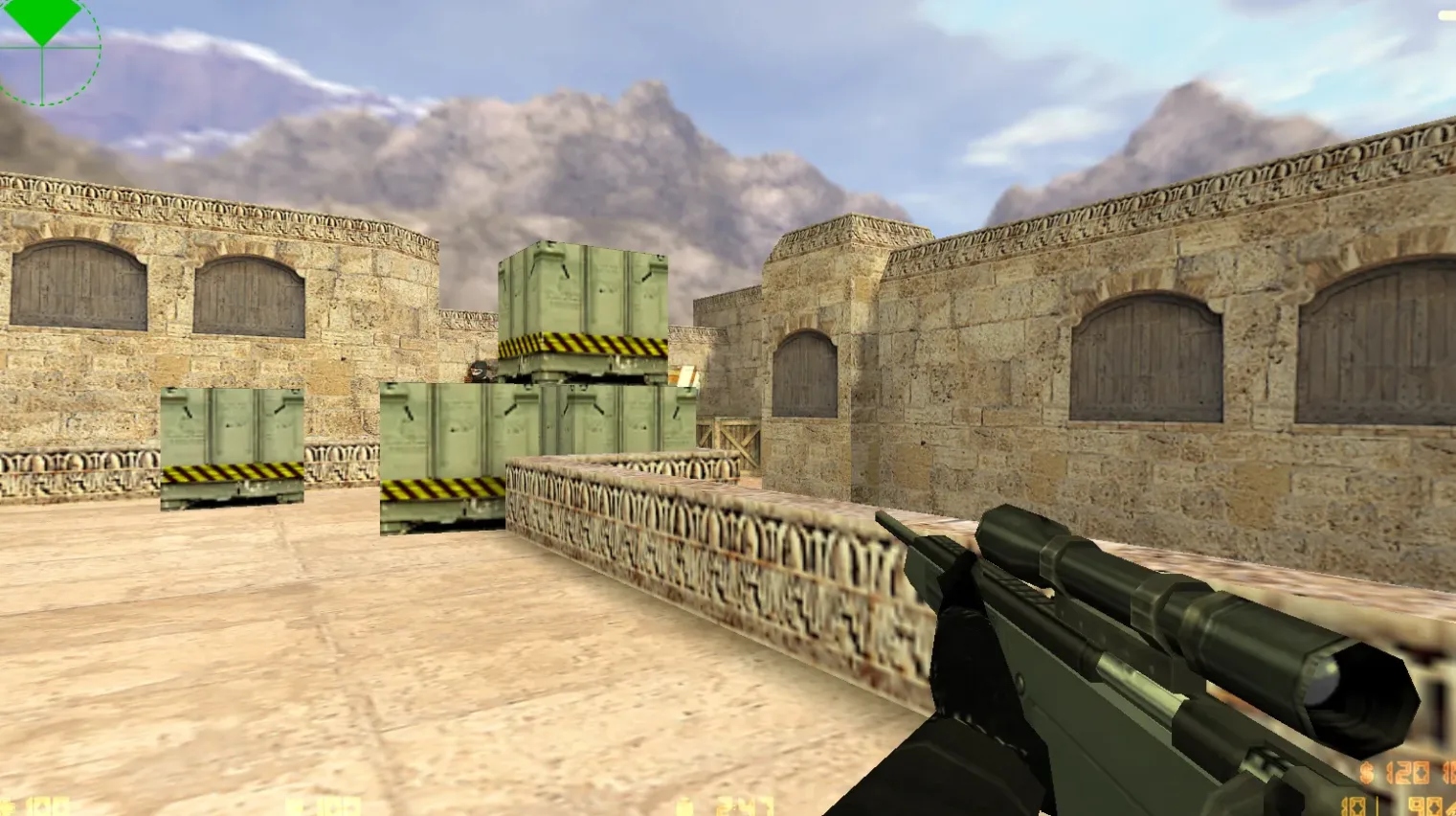
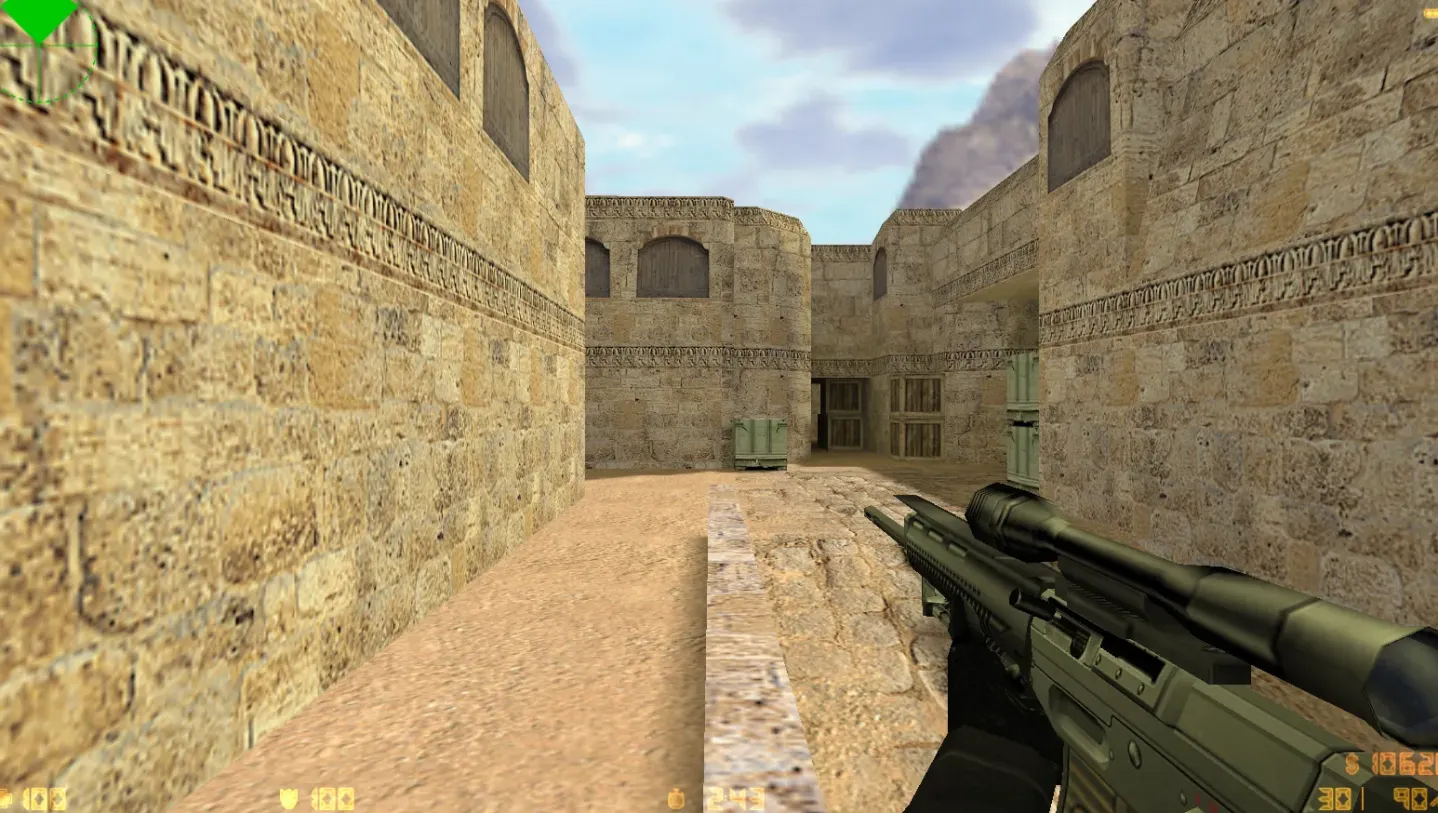
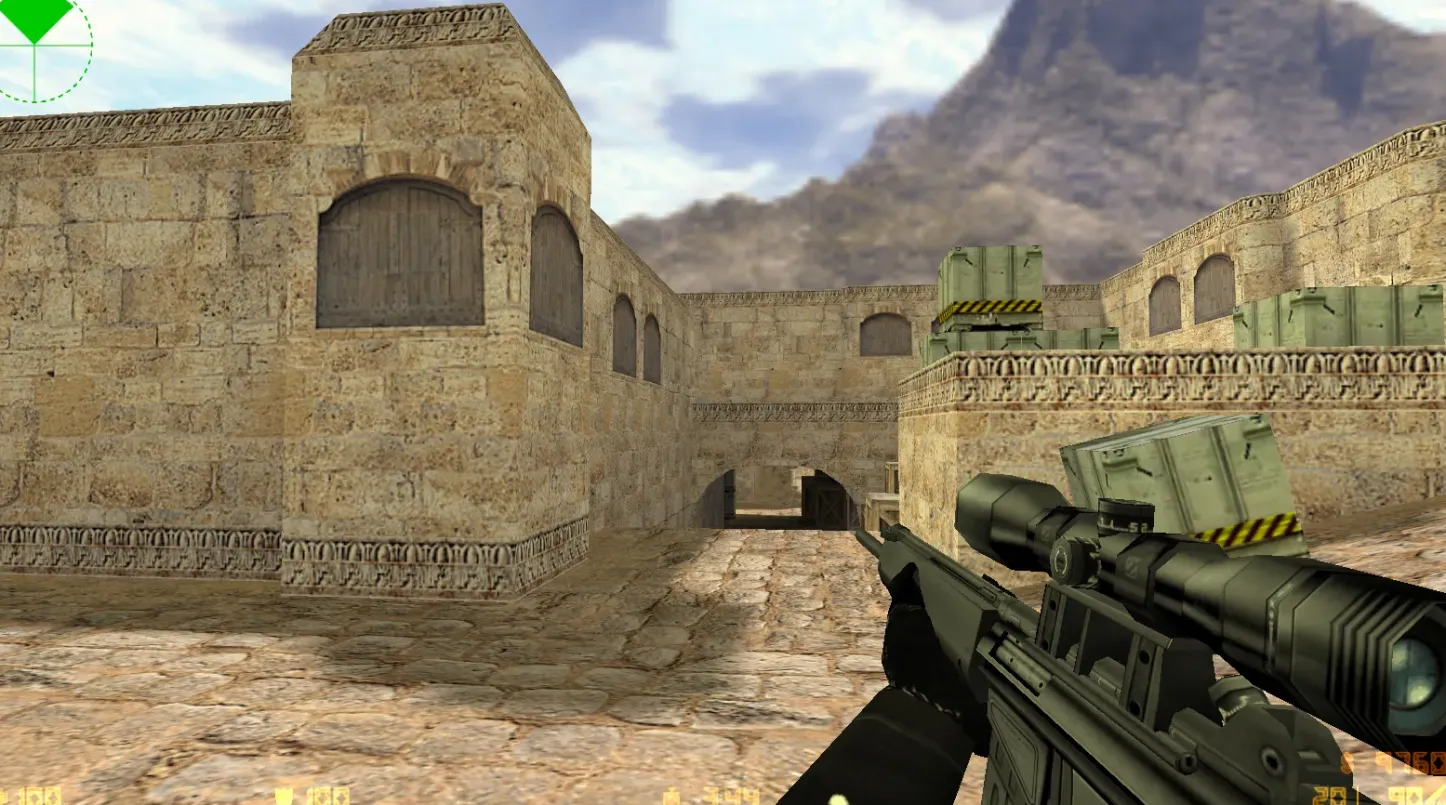
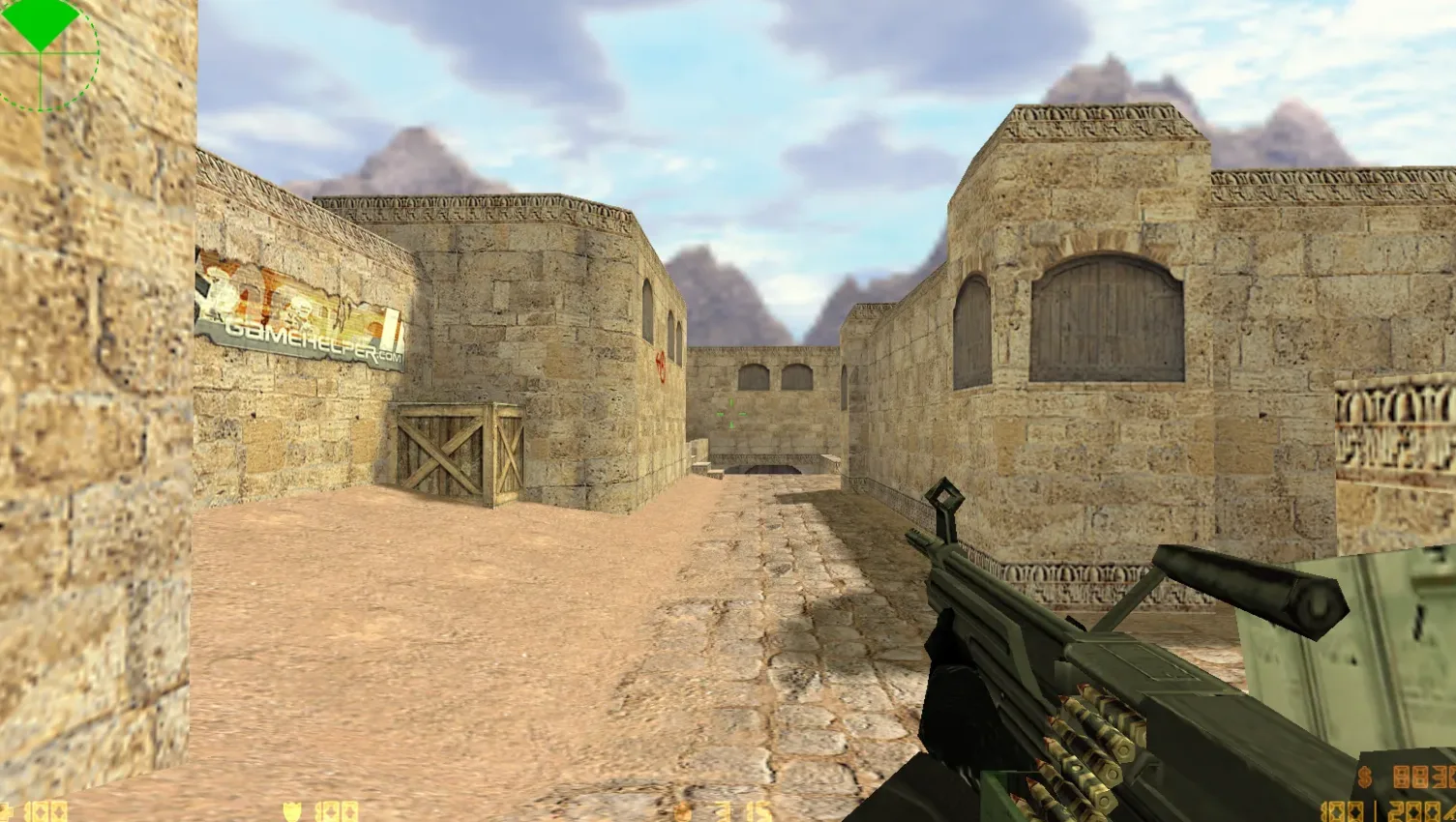
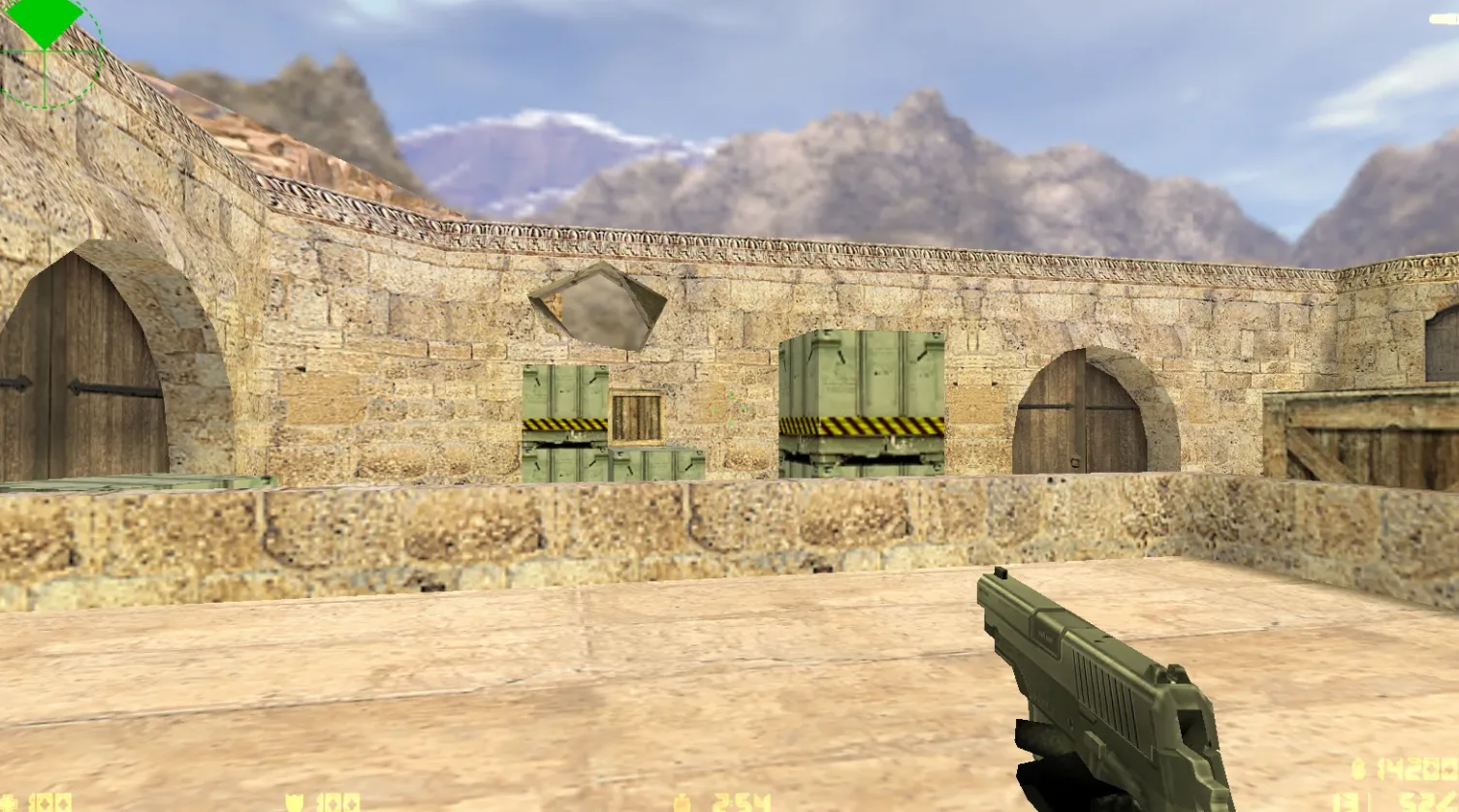
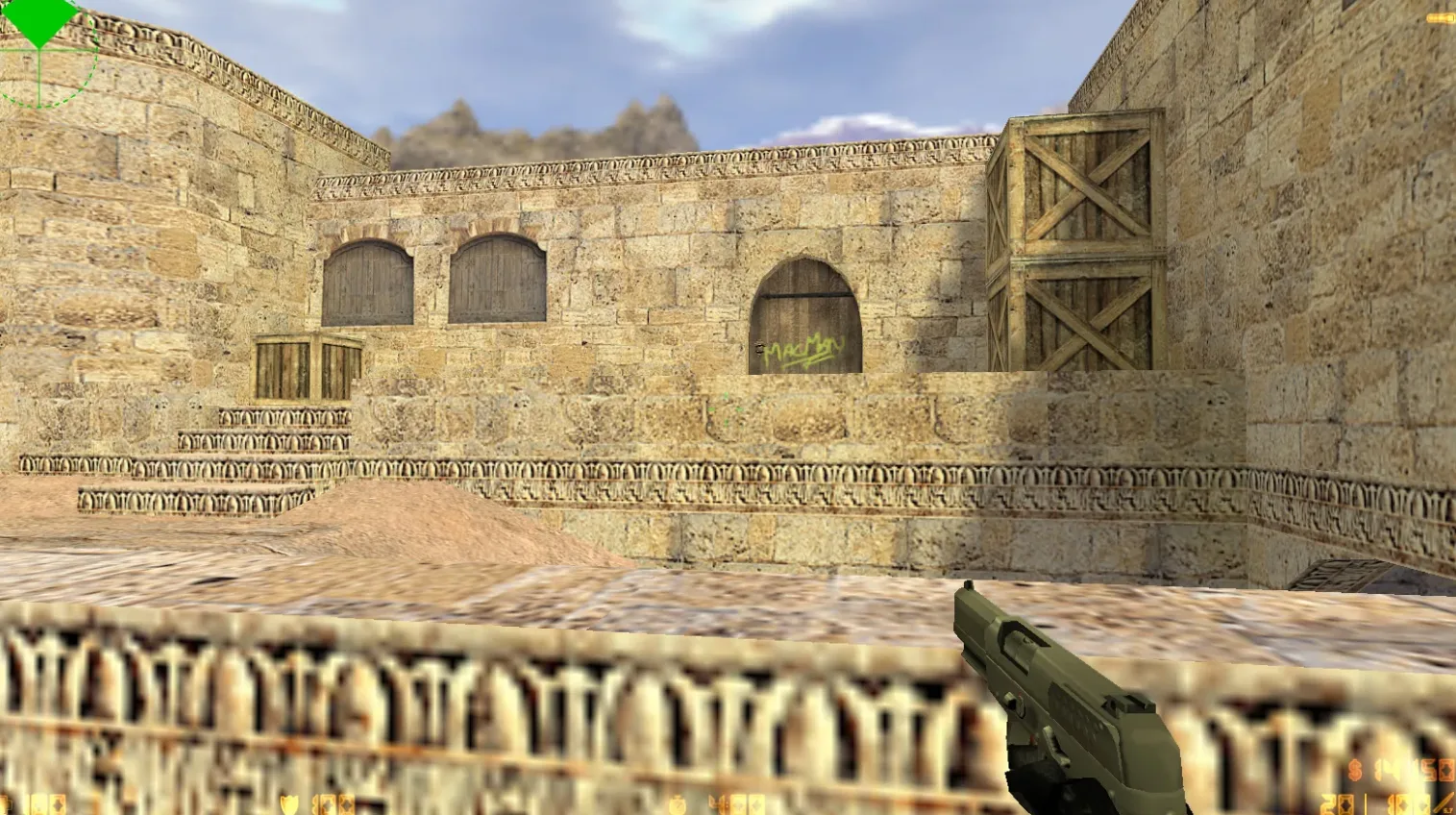
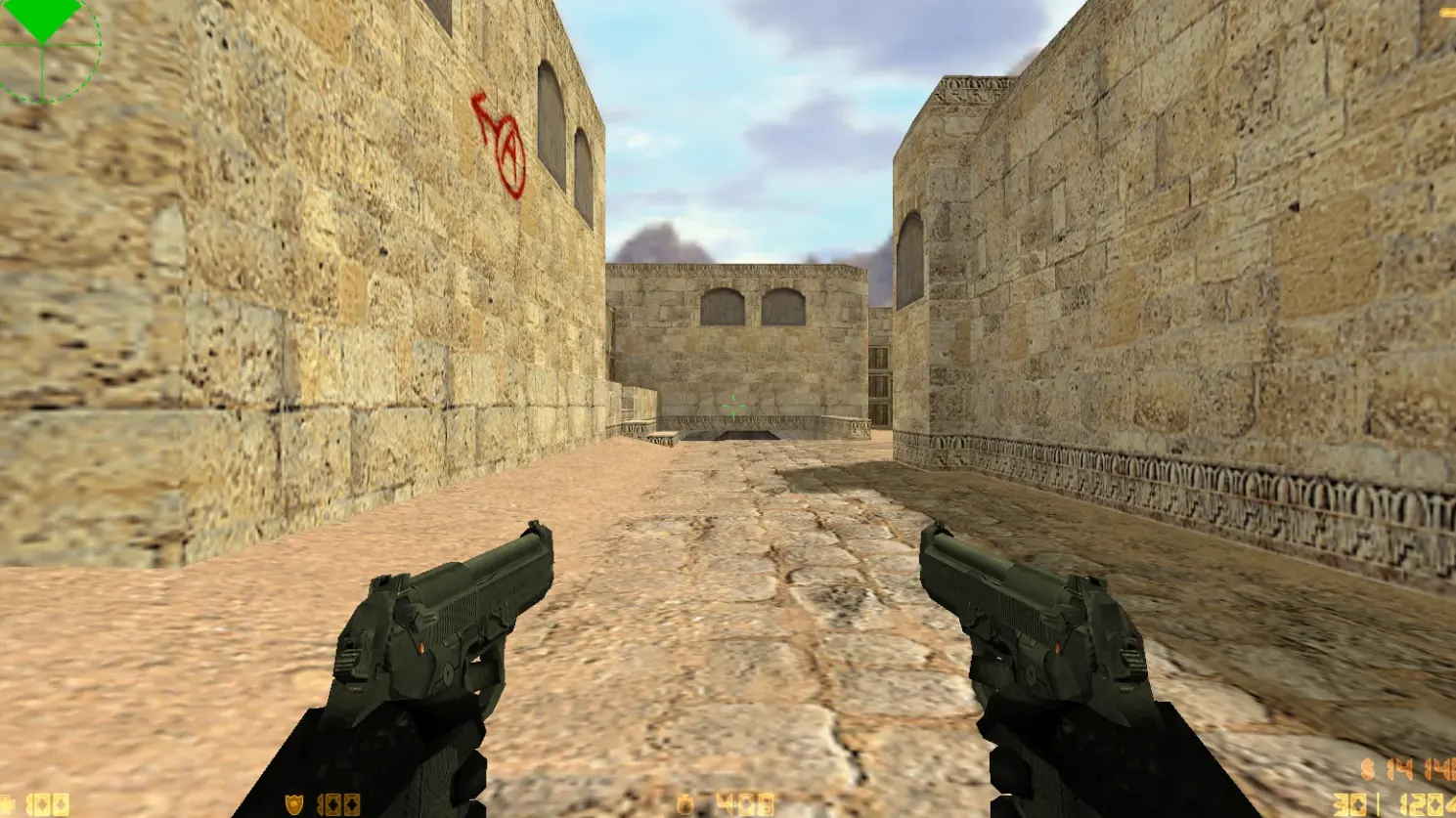
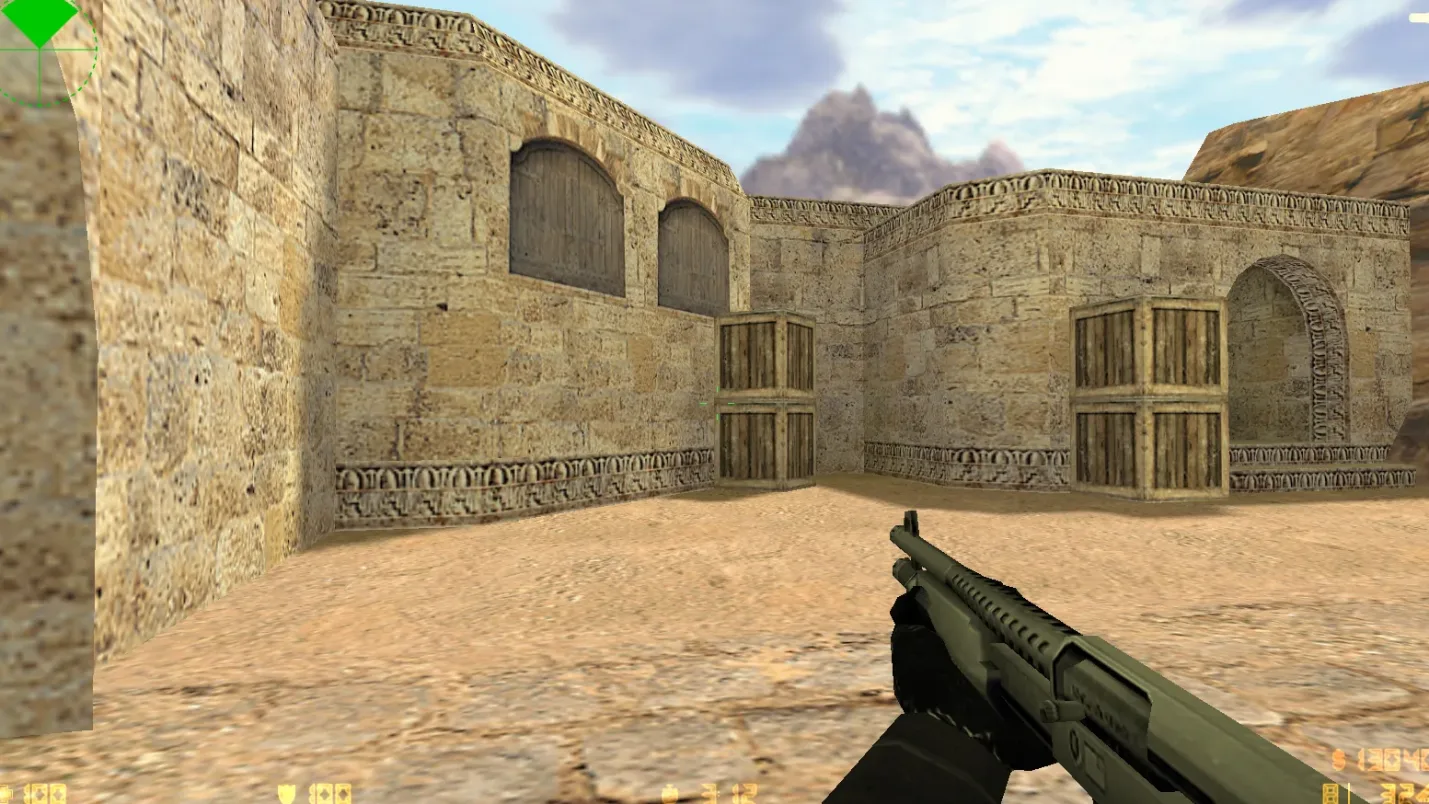
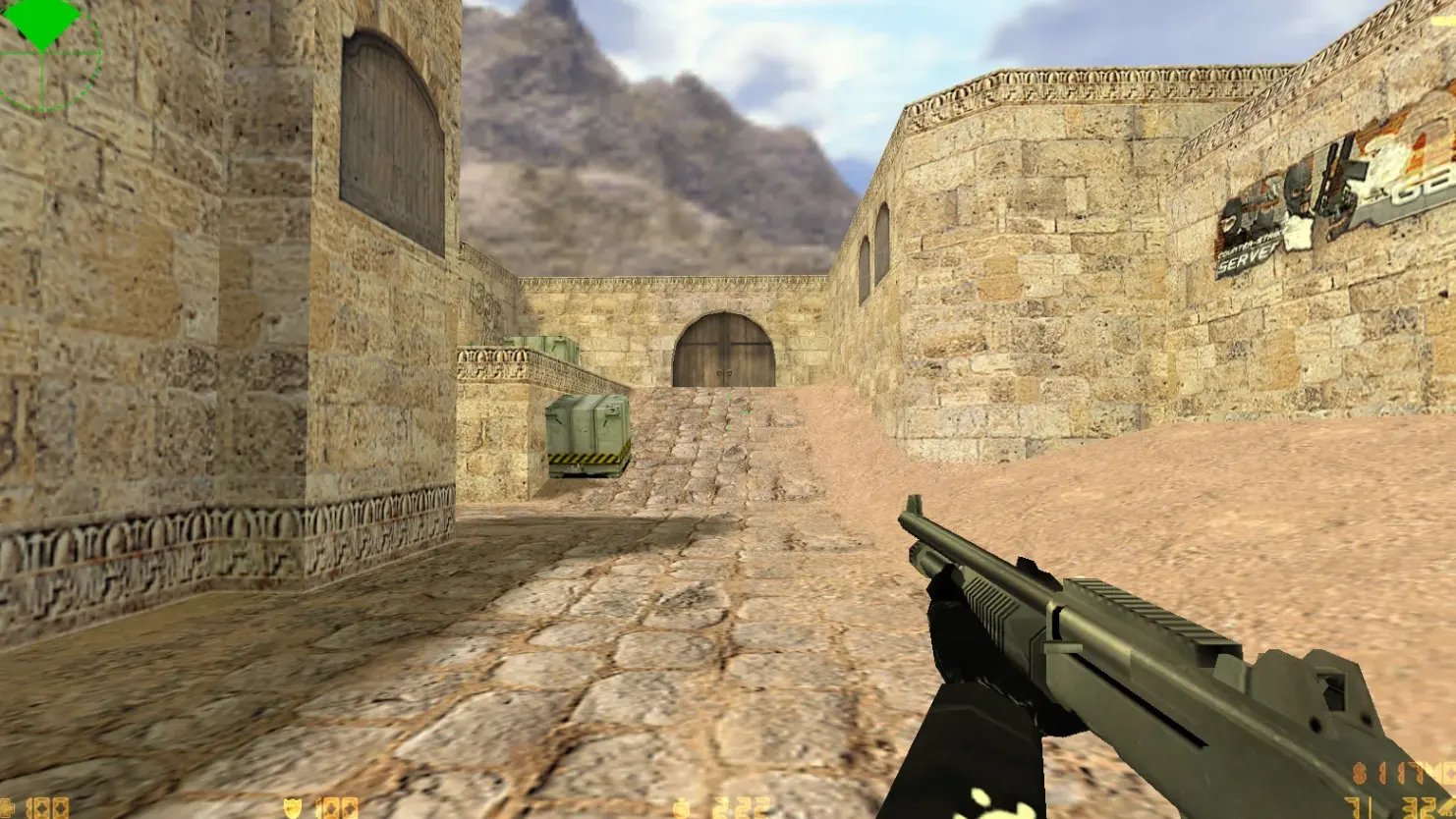
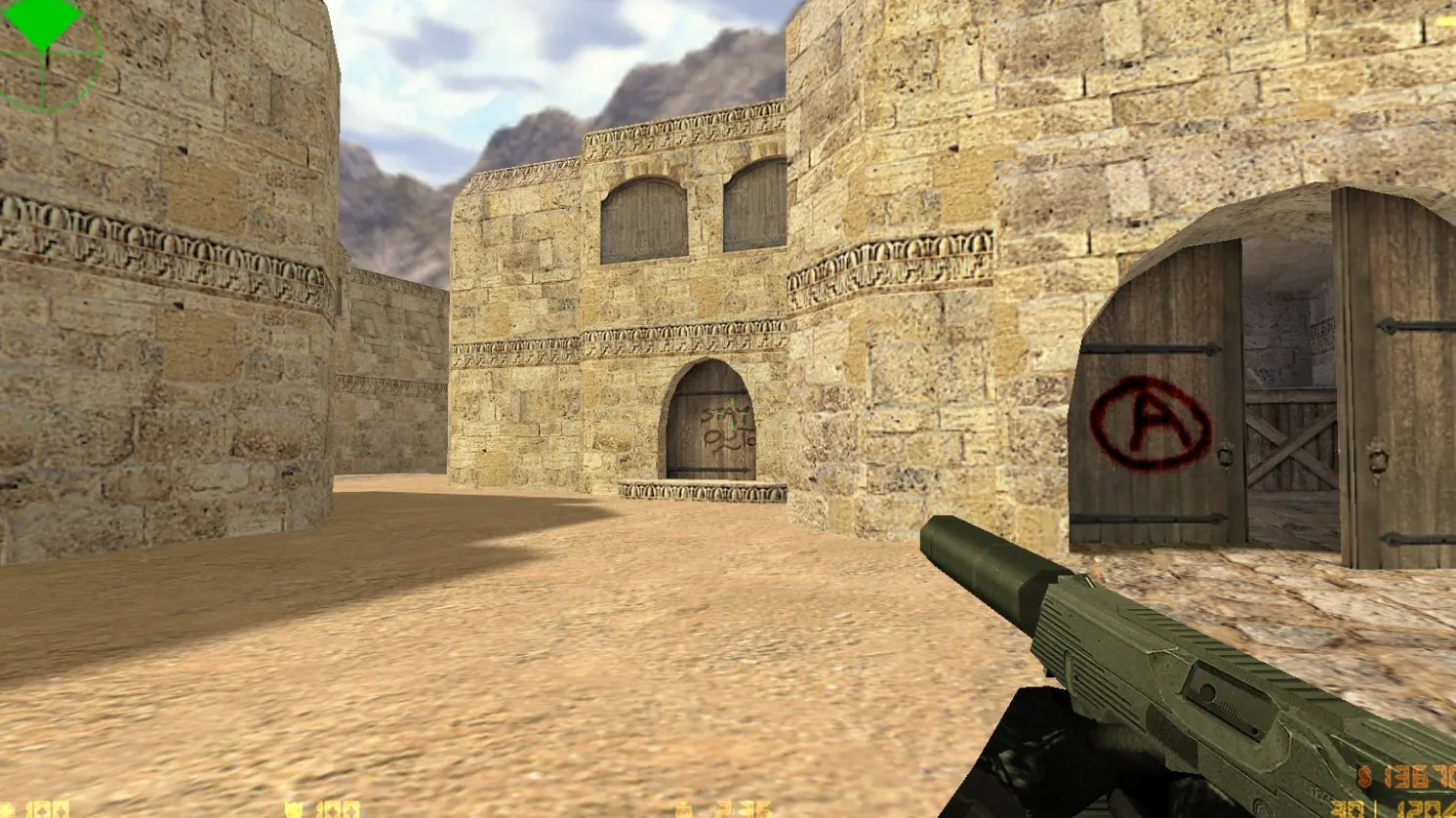
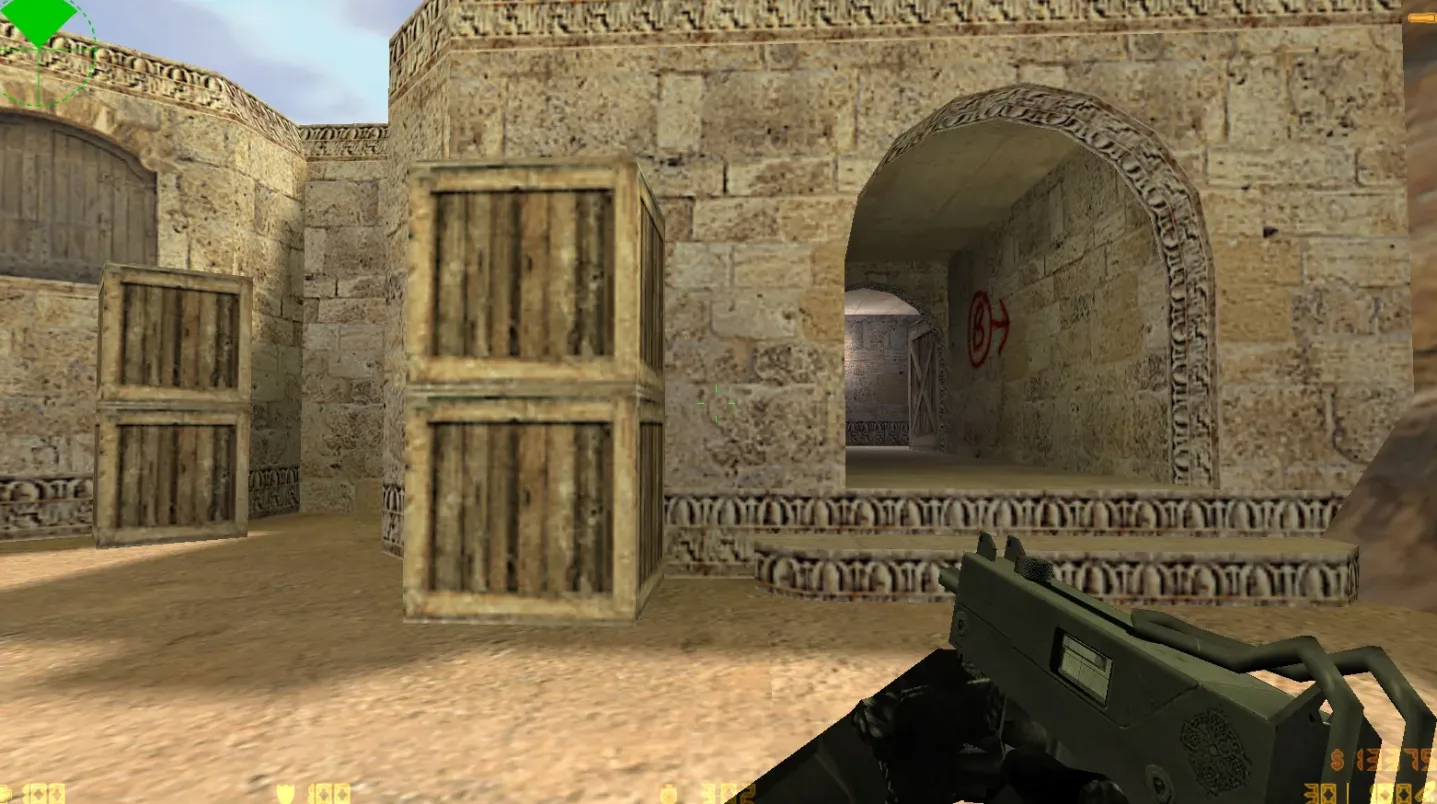
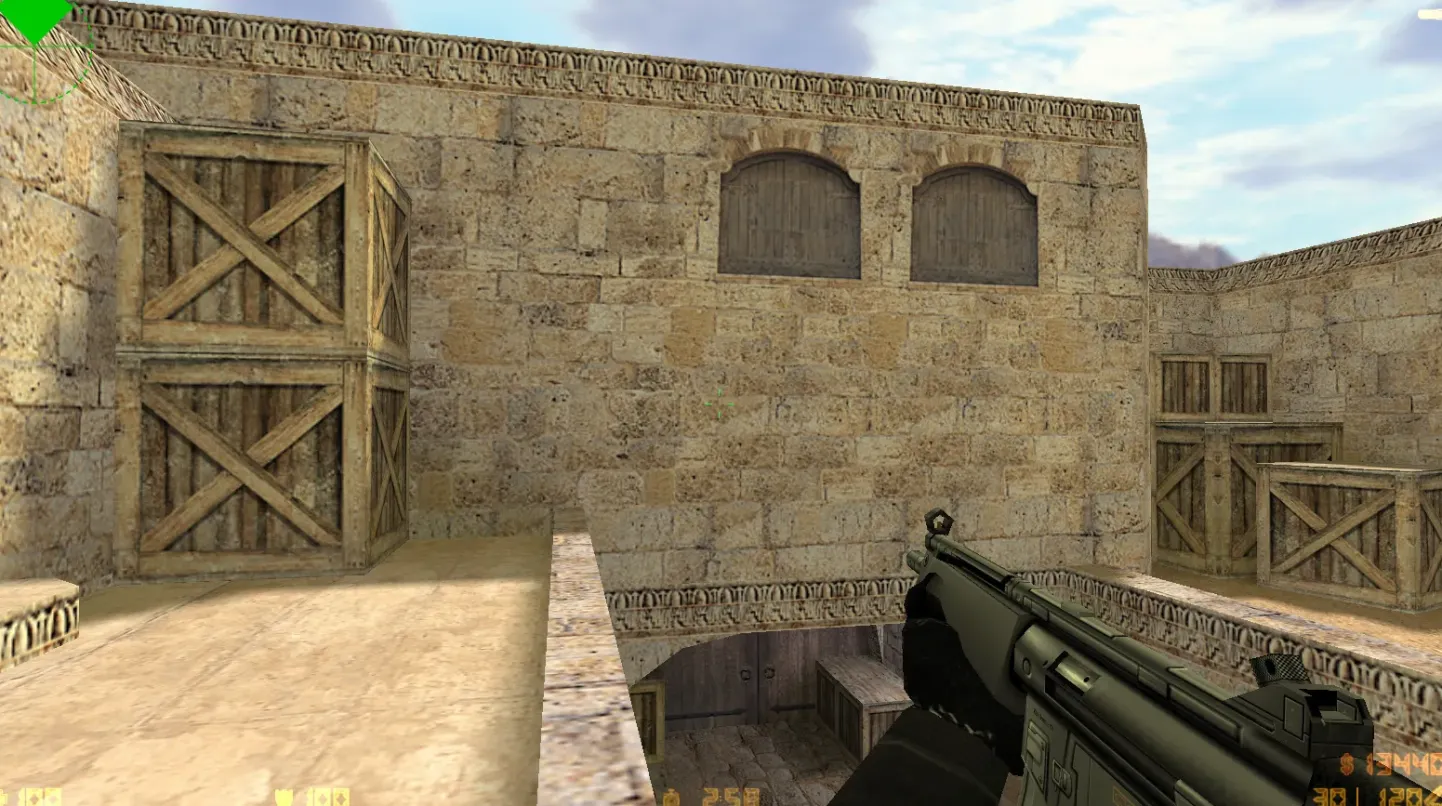
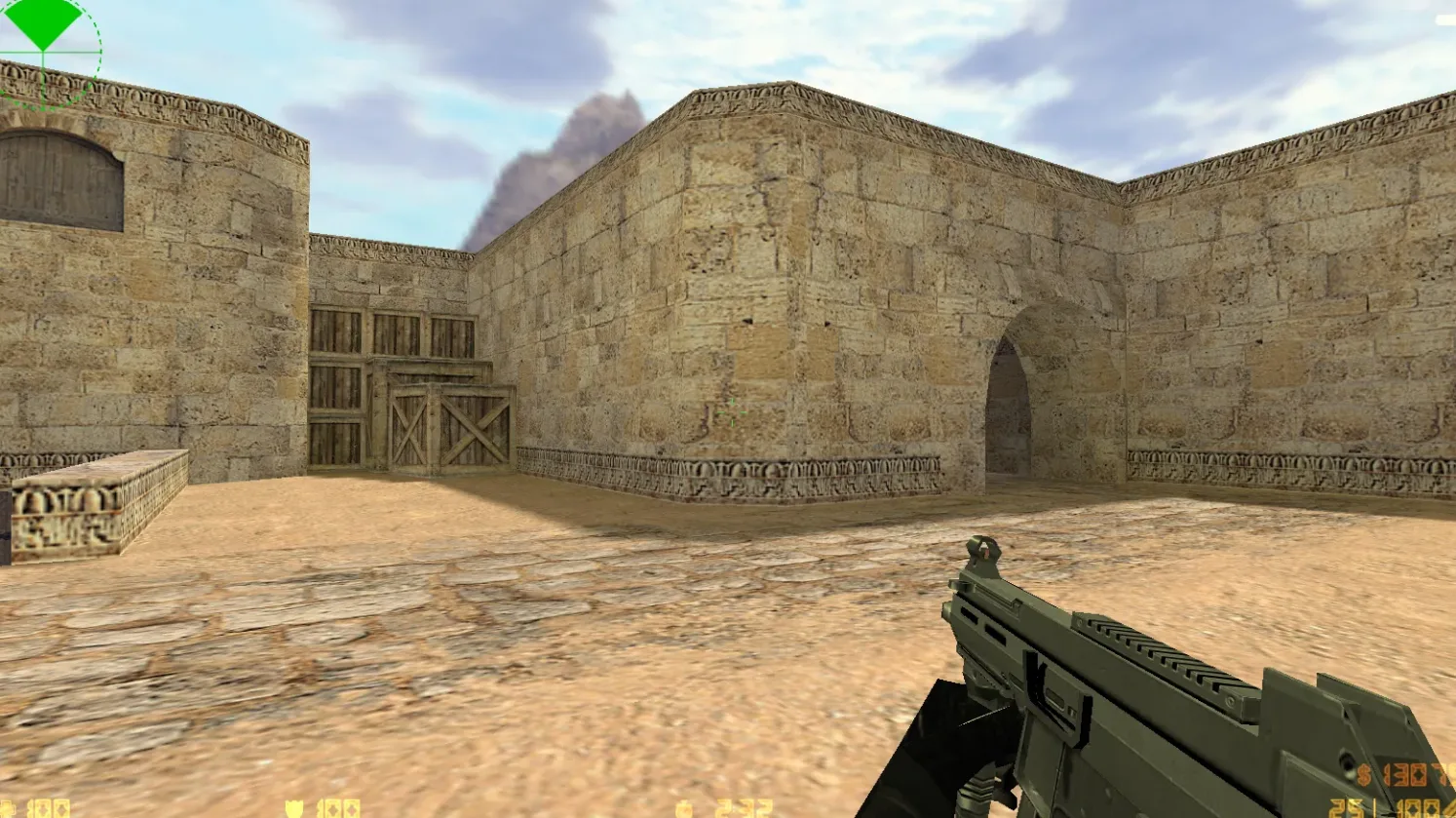
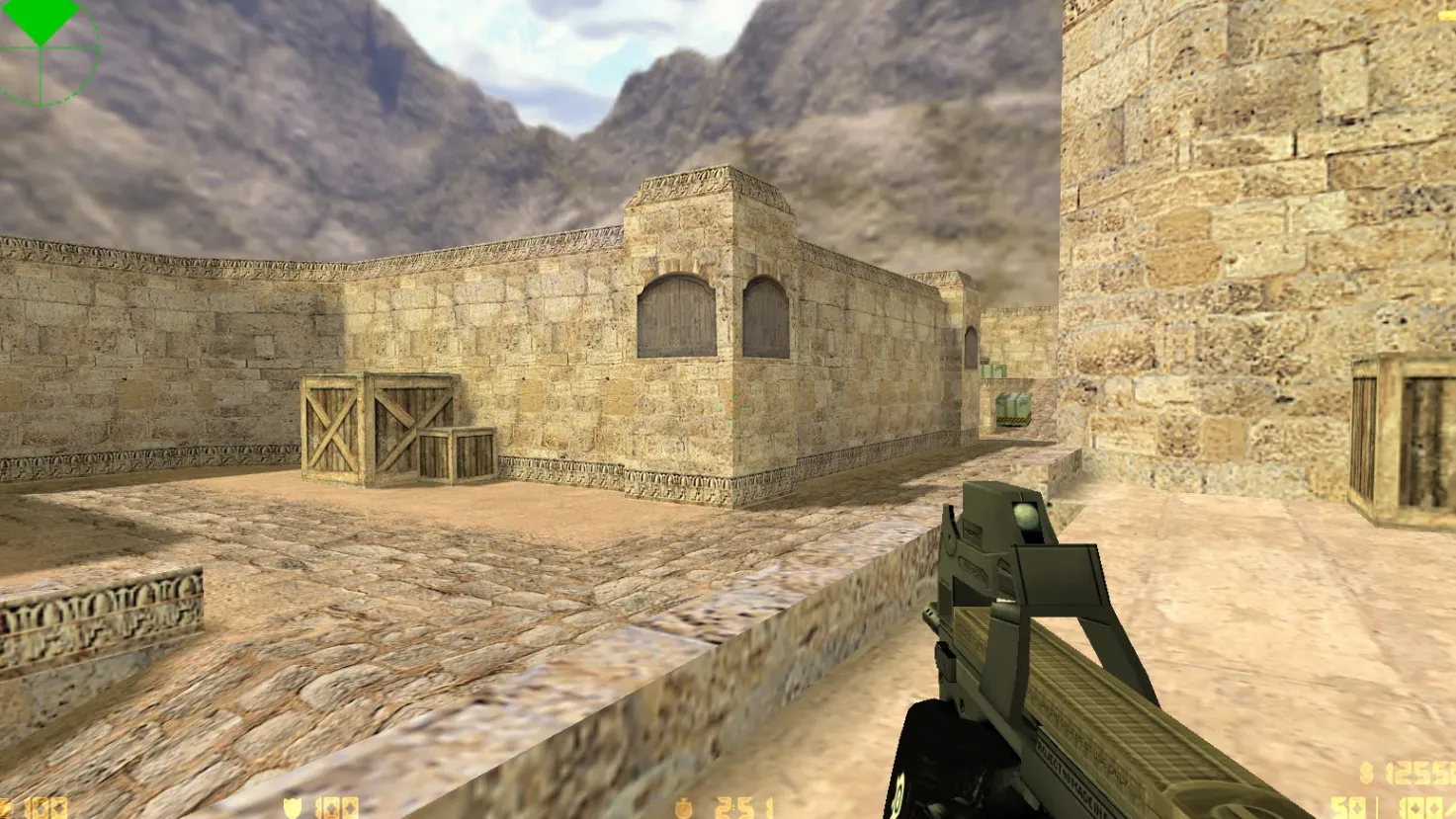
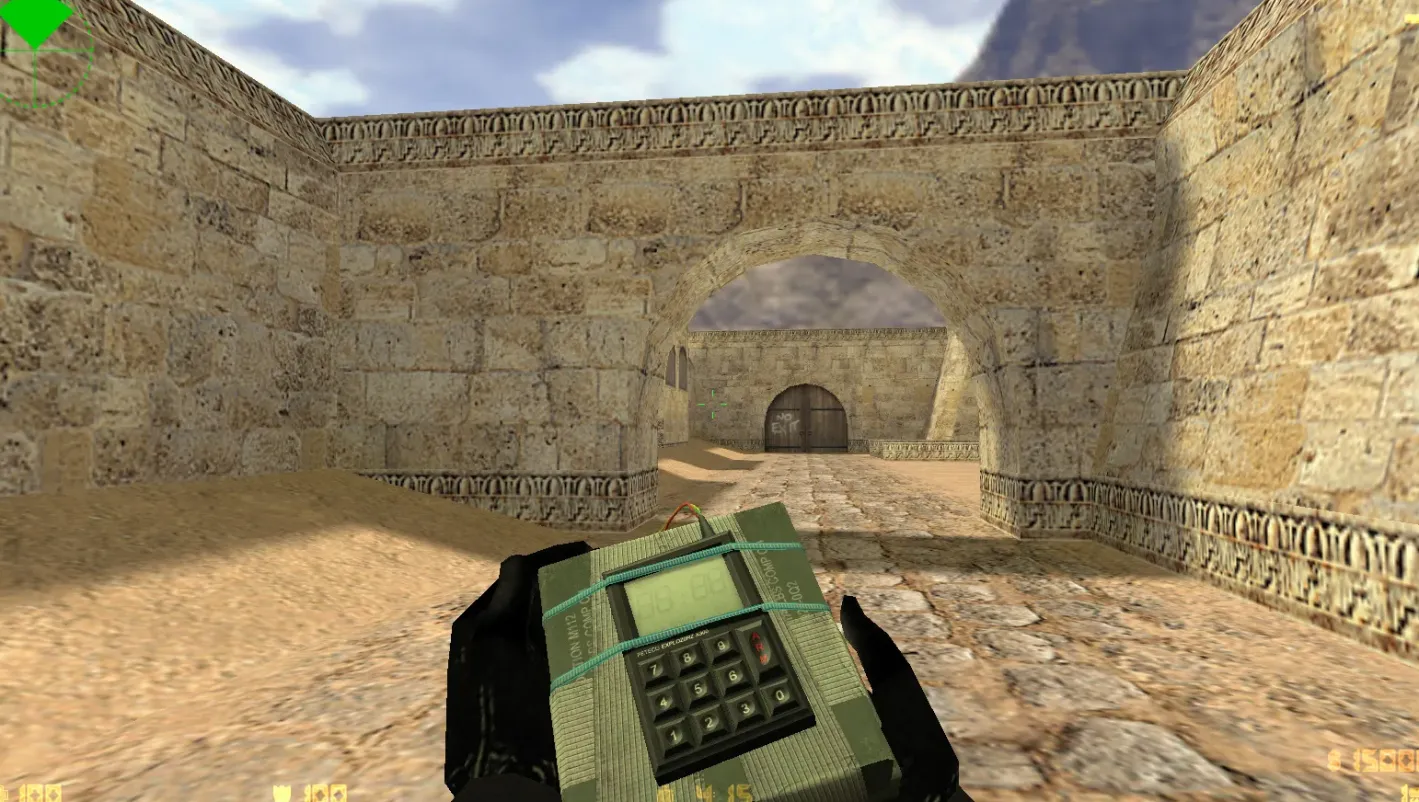
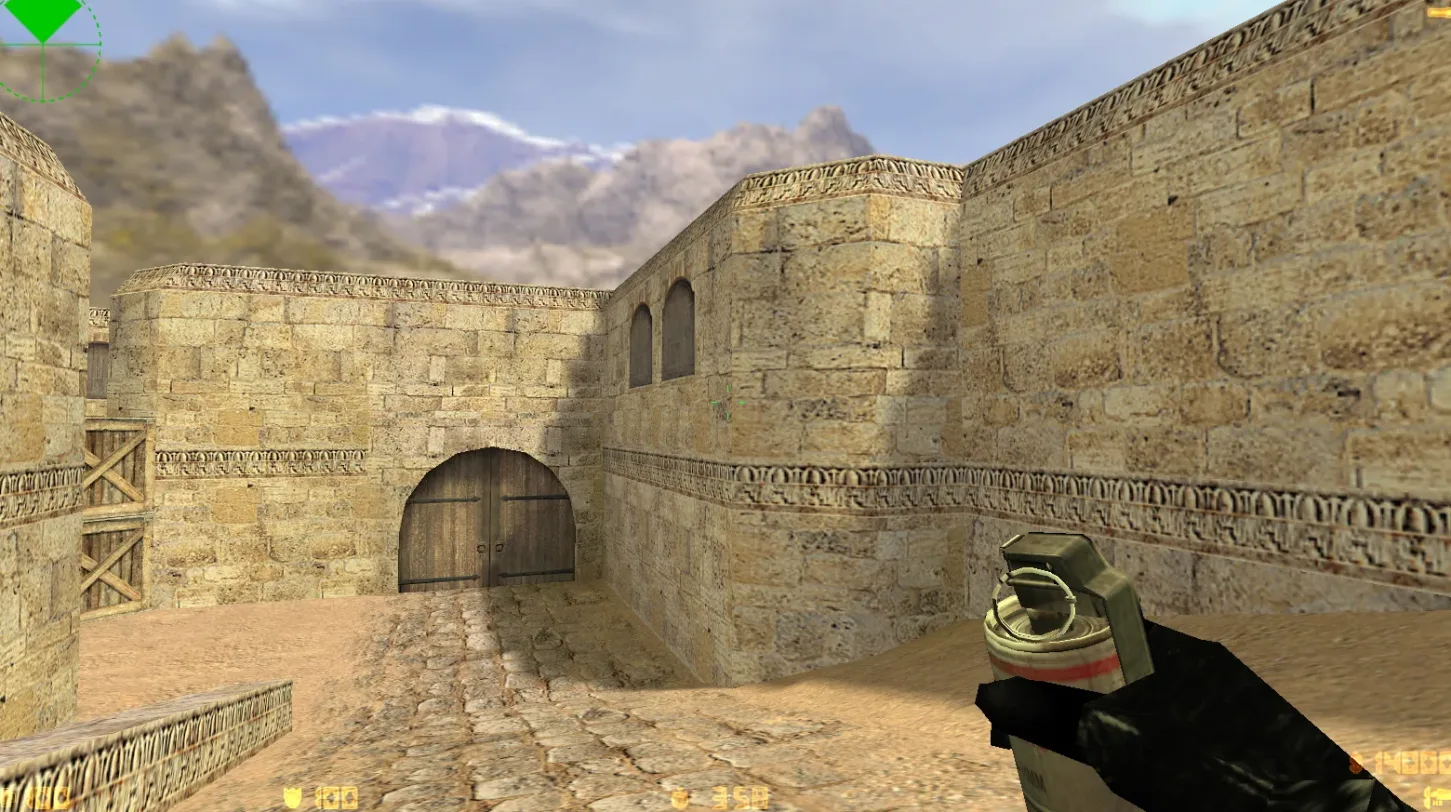
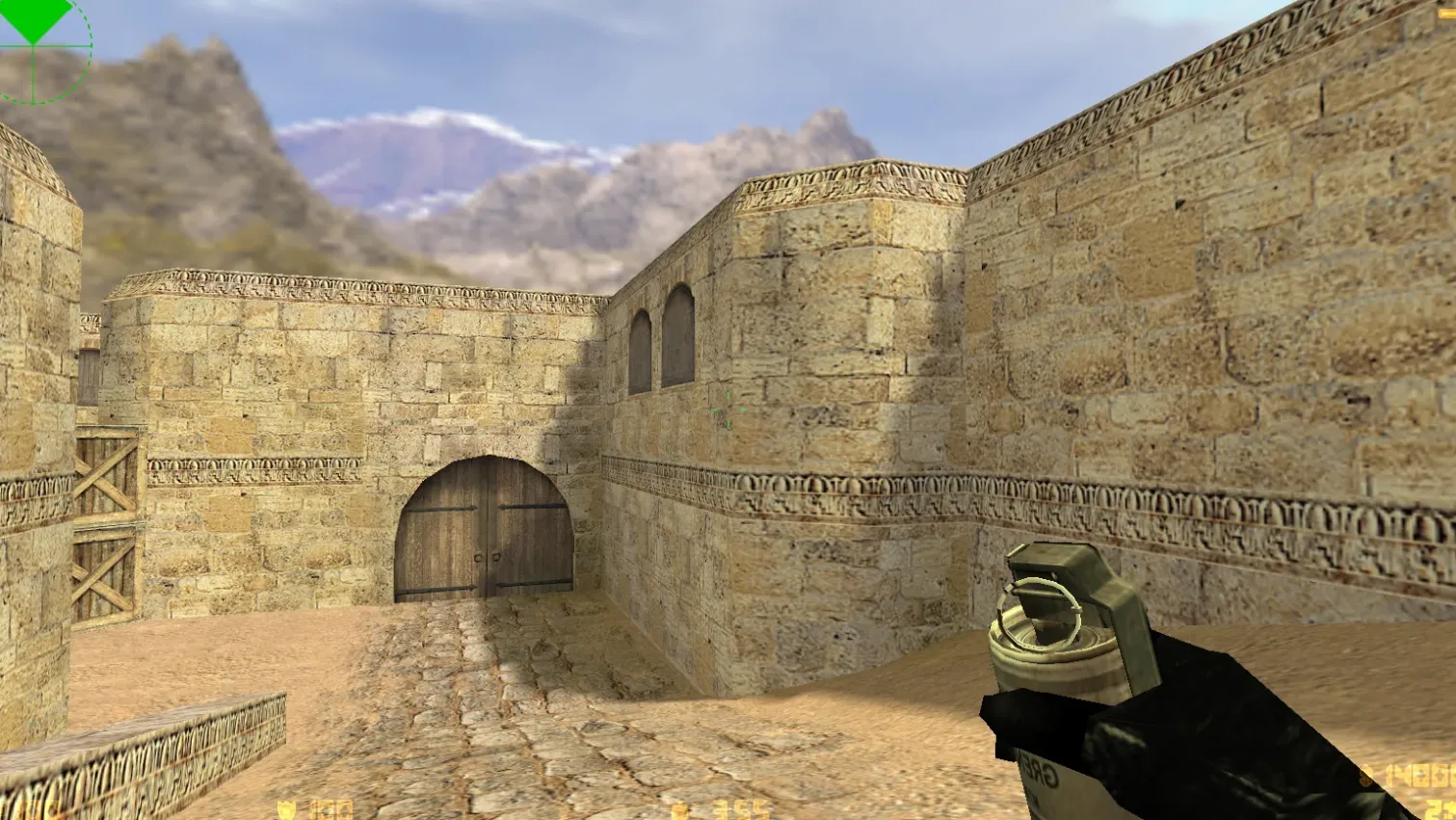
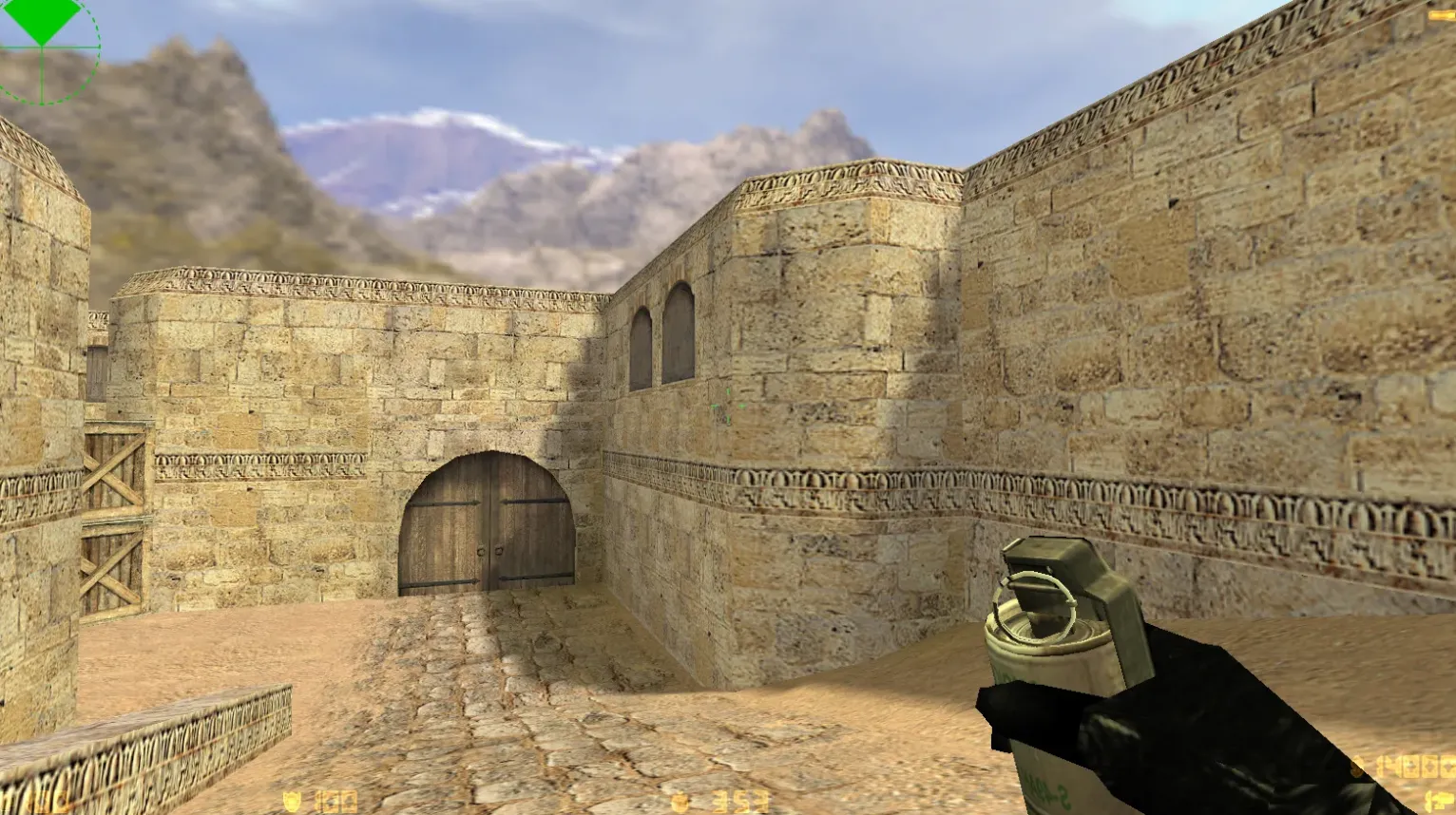
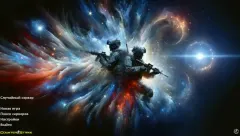
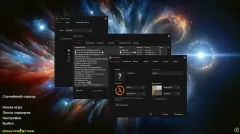
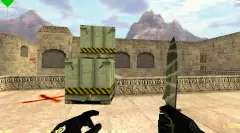
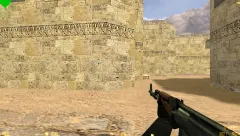
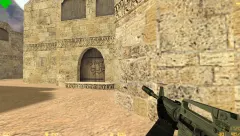
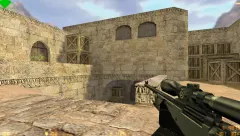
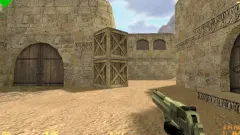
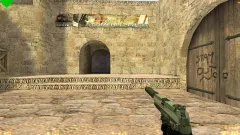
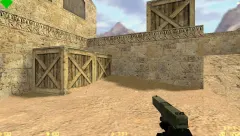
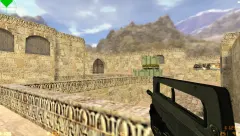
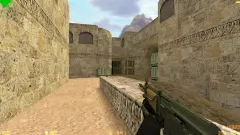
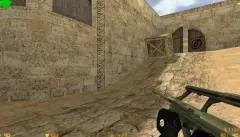
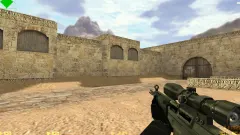
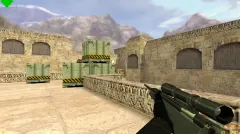
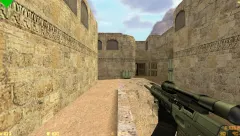
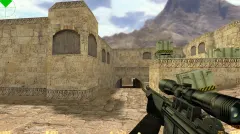
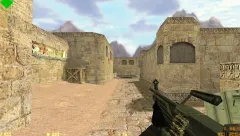
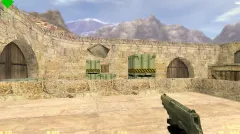
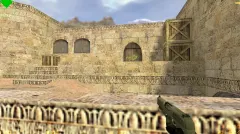
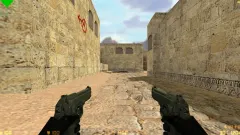
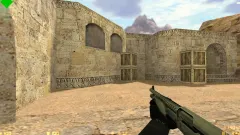
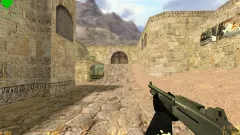
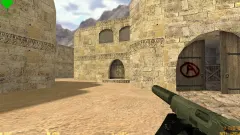
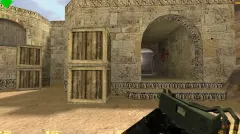
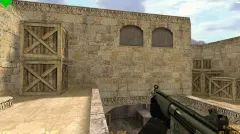
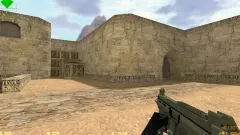
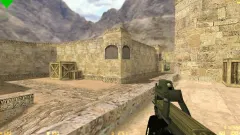
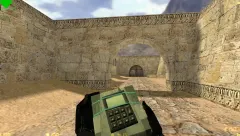
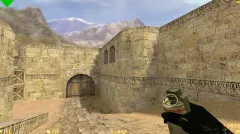
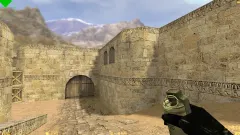
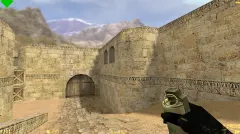
SuperNova is a CS 1.6 build focused on visuals and a stable config. It includes black skins applied to the default weapon models, a dark menu with orange highlights, a space-themed main menu background, an updated radar and a new desktop launch icon.
- Black weapon skins on the standard models.
- Dark menu theme with orange accents.
- Space-themed main menu background with two soldiers.
- Updated radar and launch icon.
The build keeps the original CS 1.6 features: online play on Windows, bot matches on any map, and Russian nicknames and chat input. Built on revisions 4554 and 8610, it works with both Steam and Non-Steam installations. The config.cfg file ships with stable defaults, with ex_interp set to 0.01 and rates around 100k.
Install in three steps
-
1
Download the archive. Use the button on the right, or the Yandex.Disk mirror if the main server is slow.
-
2
Extract it into the game folder. Use 7-Zip or WinRAR. A path without non-Latin characters works best.
-
3
Launch the game. If something doesn't work, mark it below - that is how we know the file needs an update.
Did it work for you?
No sign-up needed. You can pick more than one.