
SK Gaming Config for CS 1.6: Pro Player Settings


Description
A config archive with the cstrike config.cfg files of five players: Delpan, GeT_RiGhT, RobbaN, f0rest and face. Each player's file sits in its own folder, so you can pick one and copy it into your game.
- Each config.cfg goes into the cstrike folder of your game installation.
- Run exec config.cfg in the console to load the settings.
- The archive contains only the five config files, nothing else.
Archive contents
5 files, 21 KB uncompressed.
- sk-gaming-cfg/Delpan/cstrike/config.cfg 4 KB
- sk-gaming-cfg/GeT_RiGhT/cstrike/config.cfg 4 KB
- sk-gaming-cfg/RobbaN/cstrike/config.cfg 4 KB
- sk-gaming-cfg/f0rest/cstrike/config.cfg 4 KB
- sk-gaming-cfg/face/cstrike/config.cfg 4 KB
Install in three steps
-
1
Download the archive. Use the button on the right, or the Yandex.Disk mirror if the main server is slow.
-
2
Extract it into the game folder. Use 7-Zip or WinRAR. A path without non-Latin characters works best.
-
3
Launch the game. If something doesn't work, mark it below - that is how we know the file needs an update.
Did it work for you?
No sign-up needed. You can pick more than one.
Similar files




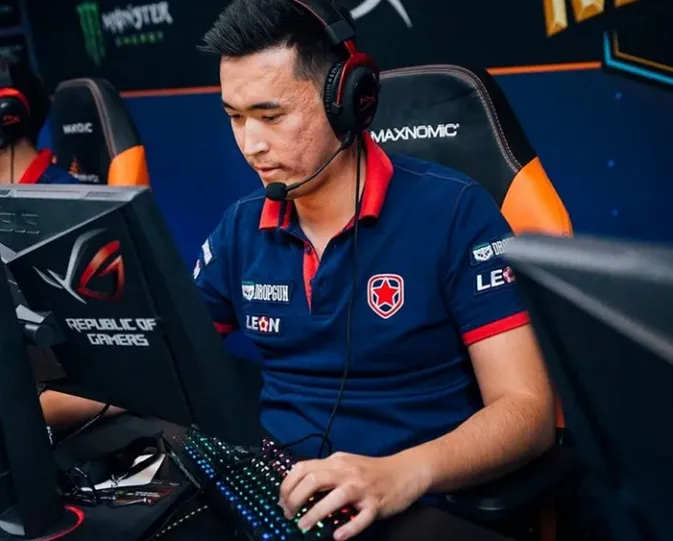
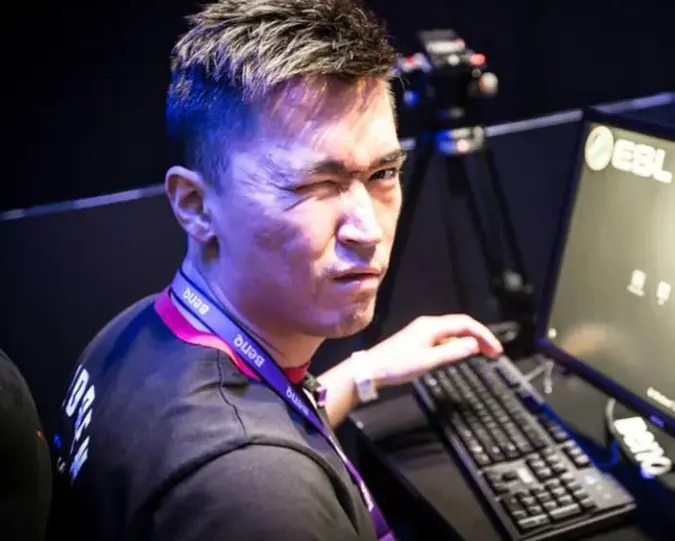
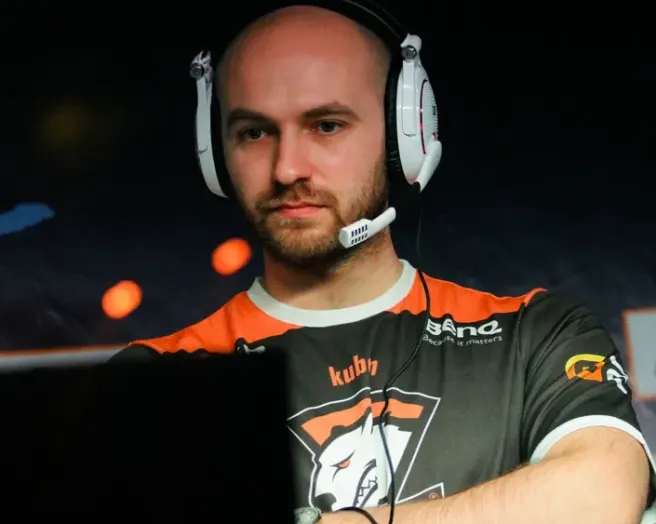
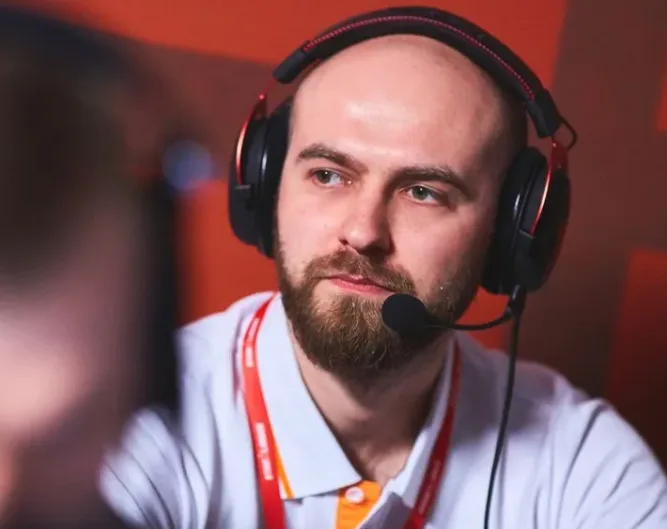



New in this section
- Solo.cfg Config for CS 1.6 - Settings from Kun-chul 'Solo' Kan
- naSu.cfg Pro Config for CS 1.6 by Nico Kovanen
- Frag eXecutors CFG Config for CS 1.6
- natu.cfg Pro Config for Counter-Strike 1.6 - Rates and Latency Settings from Joonas Leppänen
- Zet.cfg Config for CS 1.6 - Settings from Marcus 'zet' Sandström
- ins.cfg Config for CS 1.6 by Pro Player Oscar Holm
- Fisker.cfg Config for CS 1.6 - Pro Setup from Krista Ericsson
- Tentpole.cfg Pro Player Config for Counter-Strike 1.6
- MAJ3R.cfg Config for CS 1.6 - Pro Player Settings from Engin Kupeli
- minet.cfg - Oliver "minet" Config for CS 1.6