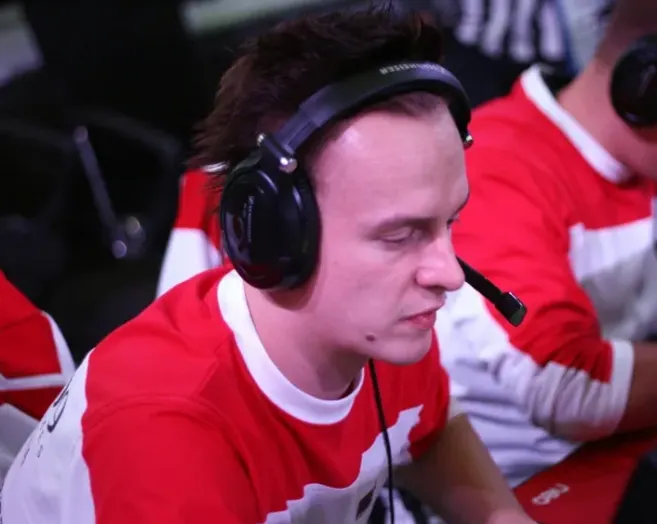
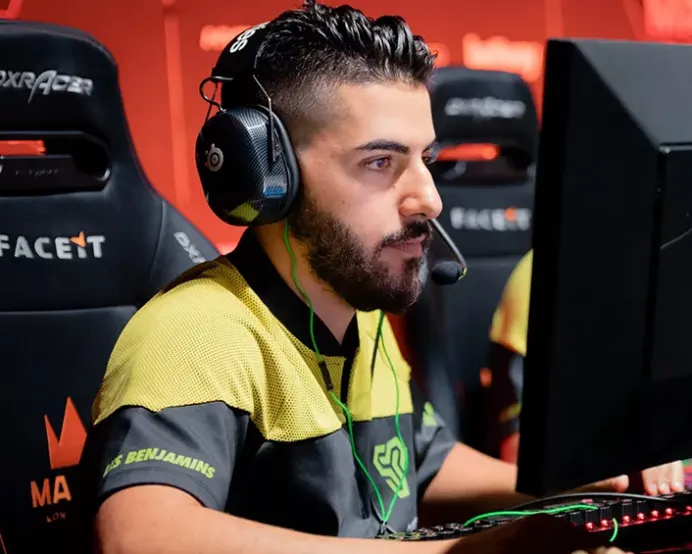
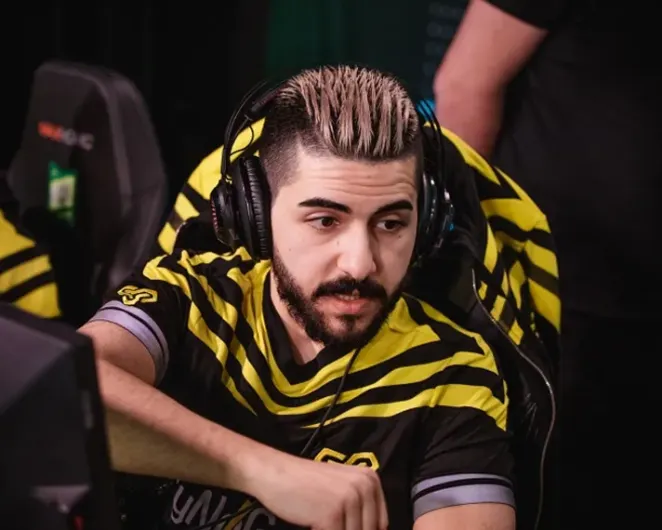
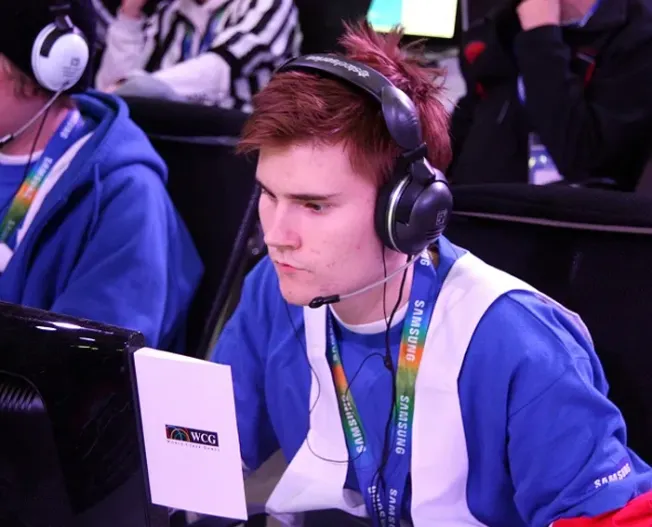
mousesports CFG Configs for CS 1.6 - Gob B, Karrigan, Ninja, Roman and Zonixx


Description
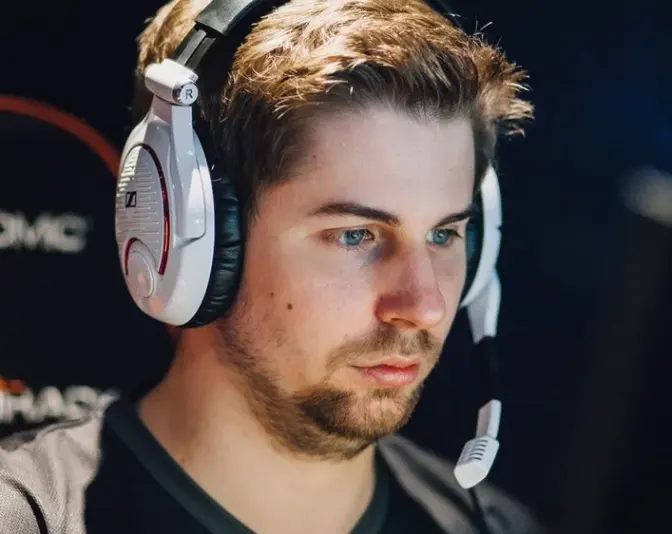
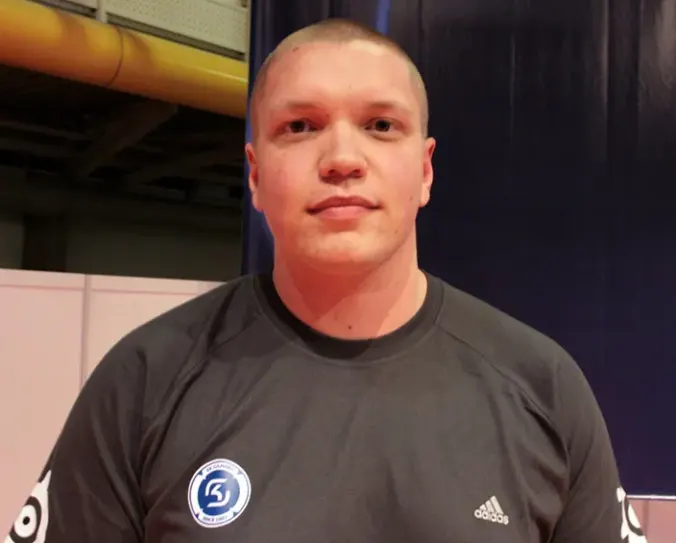
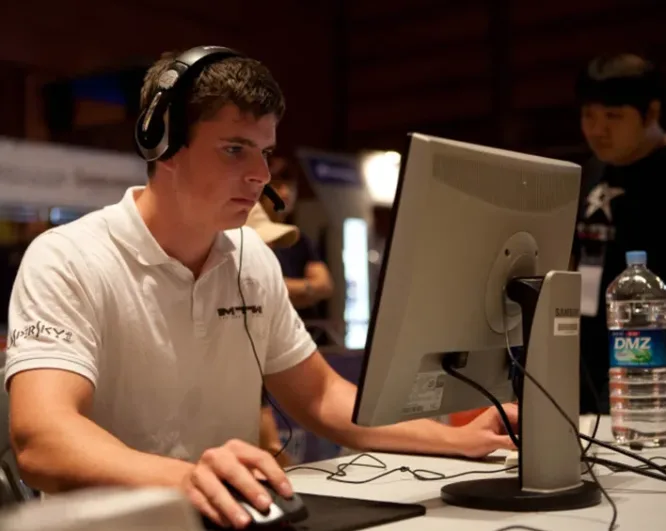
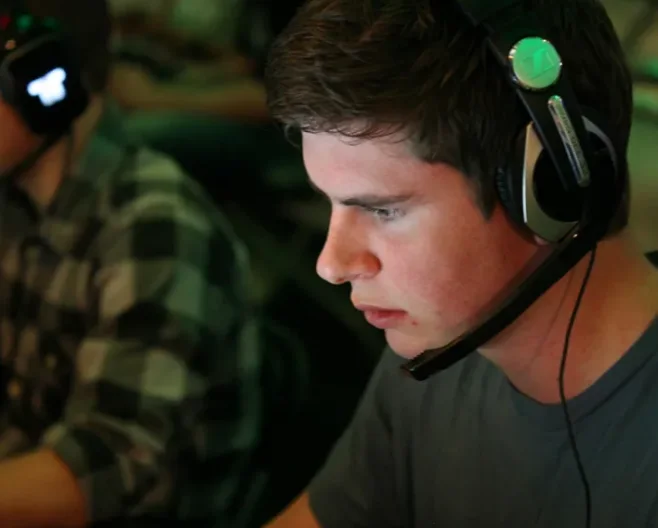
Config archive with player configs from mousesports: Gob B, Karrigan, Ninja, Roman and Zonixx. Each player has a separate folder with a config.cfg and, for some, a userconfig.cfg.
- Each folder holds the player's config.cfg and userconfig.cfg where present; contents are placed in cstrike.
- Files are stored under mousesports-cfg/<player>/cstrike/, so use the one you need and load it with exec.
Archive contents
8 files, 27 KB uncompressed.
- mousesports-cfg/gob b/cstrike/config.cfg 4 KB
- mousesports-cfg/gob b/cstrike/userconfig.cfg 1 KB
- mousesports-cfg/karrigan/cstrike/config.cfg 5 KB
- mousesports-cfg/ninja/cstrike/config.cfg 4 KB
- mousesports-cfg/ninja/cstrike/userconfig.cfg 4 KB
- mousesports-cfg/roman/cstrike/config.cfg 4 KB
- mousesports-cfg/roman/cstrike/userconfig.cfg 1 KB
- mousesports-cfg/zonixx/cstrike/config.cfg 4 KB
Install in three steps
-
1
Download the archive. Use the button on the right, or the Yandex.Disk mirror if the main server is slow.
-
2
Extract it into the game folder. Use 7-Zip or WinRAR. A path without non-Latin characters works best.
-
3
Launch the game. If something doesn't work, mark it below - that is how we know the file needs an update.
Did it work for you?
No sign-up needed. You can pick more than one.