
paN.cfg Config for Counter-Strike 1.6 - Setup of Pro Player paN


Description
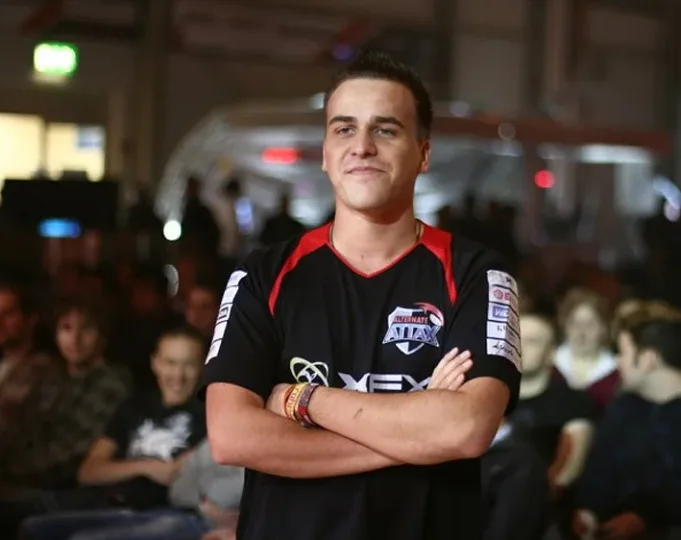
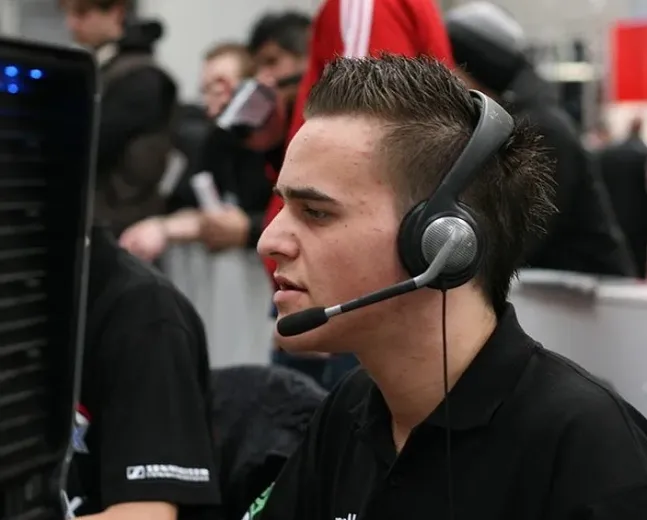
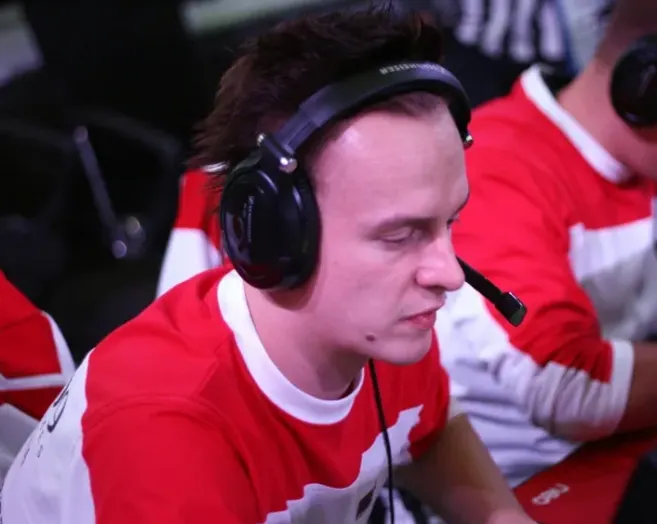
A config file based on the settings of German pro player Benjamin "paN" von Müllert, who played for Alternate and n!faculty. The archive contains a single file, pan.cfg, which goes into the cstrike folder.
- Network rates: cl_rate 100000, cl_updaterate 100, cl_cmdrate 100
- Interpolation: ex_interp 0.01 and cl_lc 1
- FPS and graphics: fps_max 1000, violence_hspray 0, gl_picmip 0
- Crosshair: cl_crosshairscale 1200 and cl_lw 1
- Aliases and binds for jumpthrow, bindtoggle and fast weapon switching
To use it, copy pan.cfg into cstrike and run exec pan.cfg in the console, or add the same line to autoexec.cfg. Back up your current config first, as some binds may conflict with yours.
Archive contents
1 file, 4 KB uncompressed.
- pan CFG/pan.cfg 4 KB
Install in three steps
-
1
Download the archive. Use the button on the right, or the Yandex.Disk mirror if the main server is slow.
-
2
Extract it into the game folder. Use 7-Zip or WinRAR. A path without non-Latin characters works best.
-
3
Launch the game. If something doesn't work, mark it below - that is how we know the file needs an update.
Did it work for you?
No sign-up needed. You can pick more than one.
Similar files












New in this section
- shaGuar.cfg Pro Config for CS 1.6 - Griffin's Setup
- ave.cfg Config for CS 1.6 by Alexander 'ave' Holst
- pronax.cfg Pro Config for Counter-Strike 1.6
- ROMJkE.cfg Pro Config for CS 1.6 – Roman Makarov's Professional Settings
- Tixo.cfg Config for CS 1.6 by Manuel Macola
- mSx.cfg Config for Counter-Strike 1.6 - Michael Cassisi Settings
- whiMp.cfg Config for CS 1.6: Jonas Svendsen Pro Player Settings
- Loord.cfg Config for Counter-Strike 1.6
- Delpan.cfg Config for CS 1.6 - Marcus Larsson Setup
- Snajdan.cfg Config for CS 1.6