
Loord.cfg Config for Counter-Strike 1.6

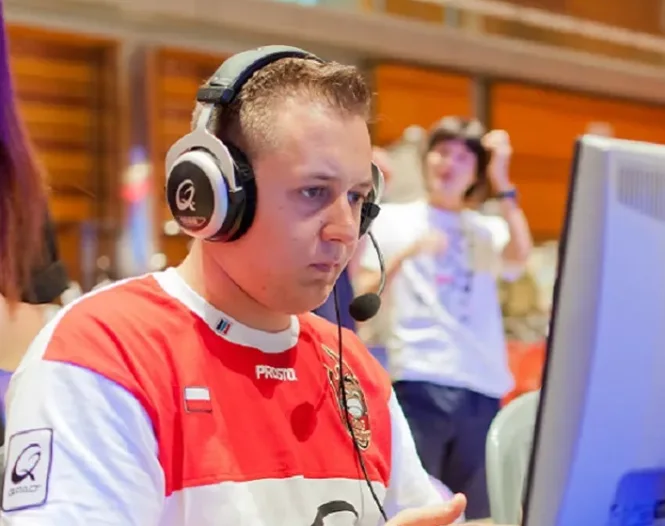


Description
Loord.cfg is the personal config of Mariusz "Loord" Cybulski, a Polish Counter-Strike 1.6 player who competed for Pentagram G-Shock and Frag eXecutors. The archive contains a single file, loord CFG/loord.cfg, which is extracted into the cstrike folder as config.cfg-style setup for Build 4554 and 8610 clients.
- Rates: cl_cmdrate, cl_updaterate and rate are set to 100000.
- Interpolation: ex_interp is fixed at 0.01 together with cl_lc 0.
- Aliases: custom binds for quickswaps, bunnyhopping and grenade throws, including +jumpthrow.
- Crosshair and FPS: crosshair 1, cl_dynamiccrosshair 0, fps_max 100 and gl_vsync 0.
To use it, place loord.cfg in the cstrike folder and run exec loord.cfg in the console, or add the line to autoexec.cfg. Mouse settings such as m_yaw 0.022 and m_accel 0 are suggested as a starting point and should be adjusted to your DPI.
Archive contents
1 file, 4 KB uncompressed.
- loord CFG/loord.cfg 4 KB
Install in three steps
-
1
Download the archive. Use the button on the right, or the Yandex.Disk mirror if the main server is slow.
-
2
Extract it into the game folder. Use 7-Zip or WinRAR. A path without non-Latin characters works best.
-
3
Launch the game. If something doesn't work, mark it below - that is how we know the file needs an update.
Did it work for you?
No sign-up needed. You can pick more than one.
Similar files











New in this section
- Lurppis.cfg Config for CS 1.6 - Tomi Kovanen Setup
- mSx.cfg Config for Counter-Strike 1.6 - Michael Cassisi Settings
- Delpan.cfg Config for CS 1.6 - Marcus Larsson Setup
- elemeNt.cfg Pro Config for CS 1.6
- Snajdan.cfg Config for CS 1.6
- Friis.cfg Config for Counter-Strike 1.6 from Michael Friis
- XeqtR.cfg Config for CS 1.6
- Xizt.cfg Config for CS 1.6 by Richard Landström
- Xaoc.cfg Config for CS 1.6 - Alexey Kucherenko Setup
- Allen.cfg Pro Config for CS 1.6 - Jimmy Allen's Settings