
CS 1.6 Nike Build: Dark Menu Theme and Logo Background
Description
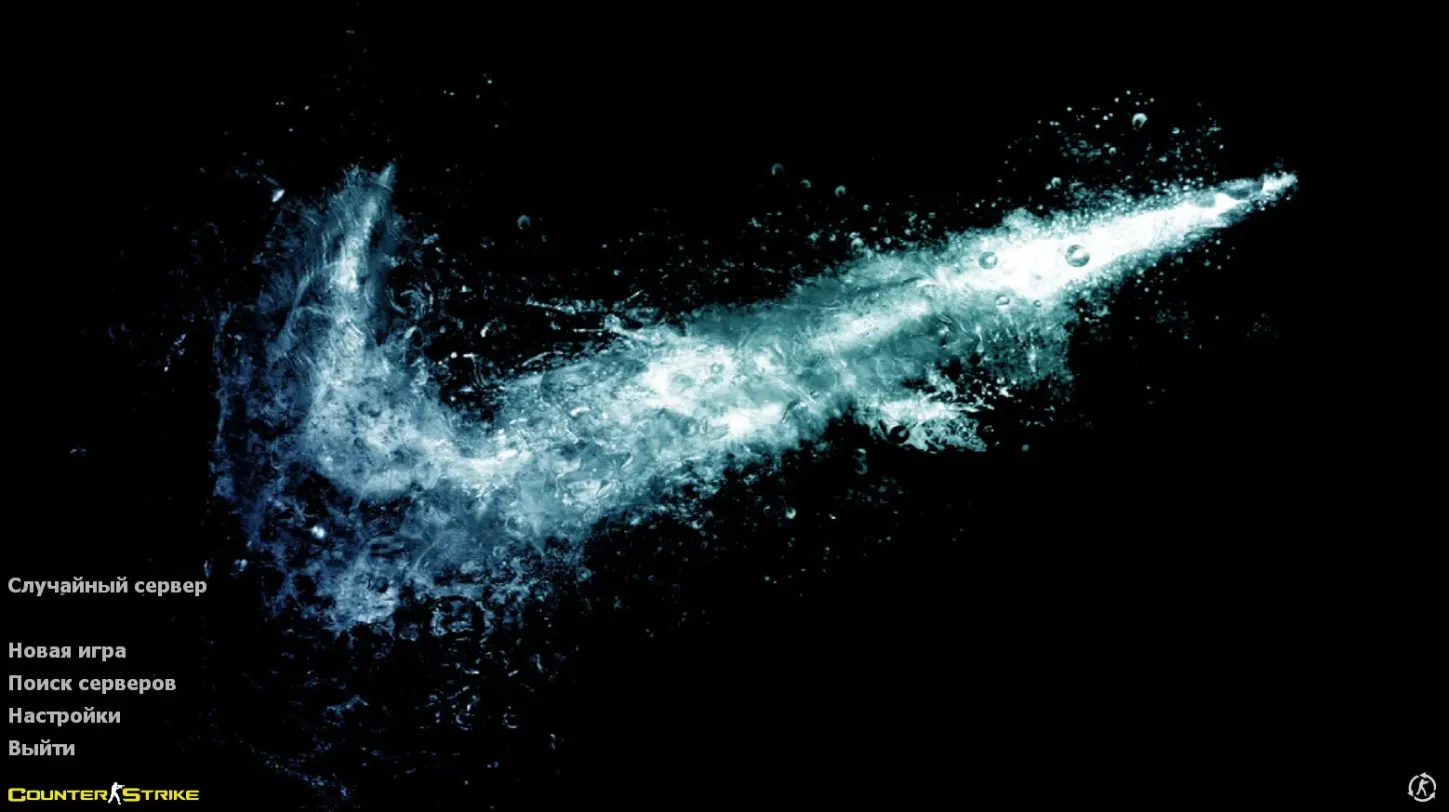
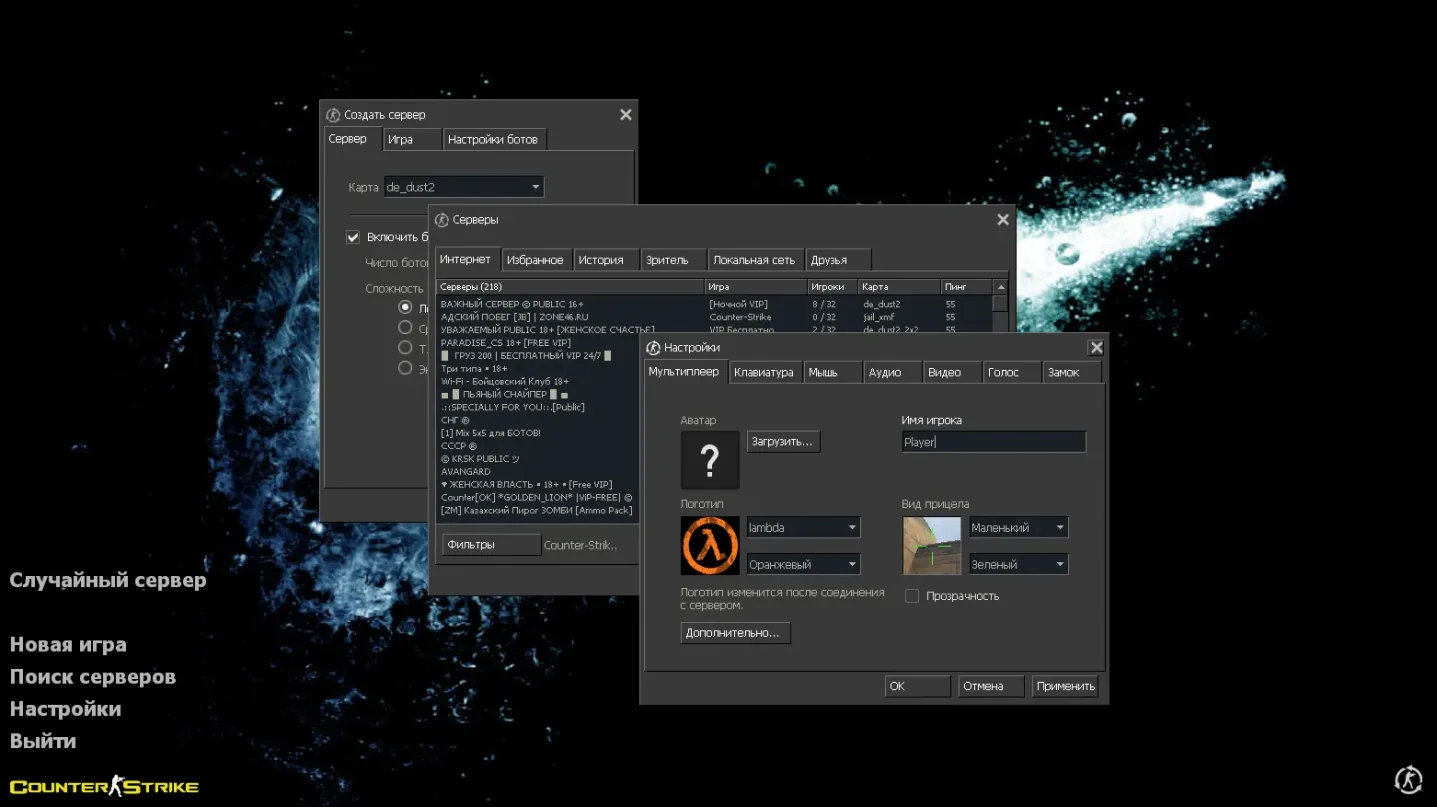
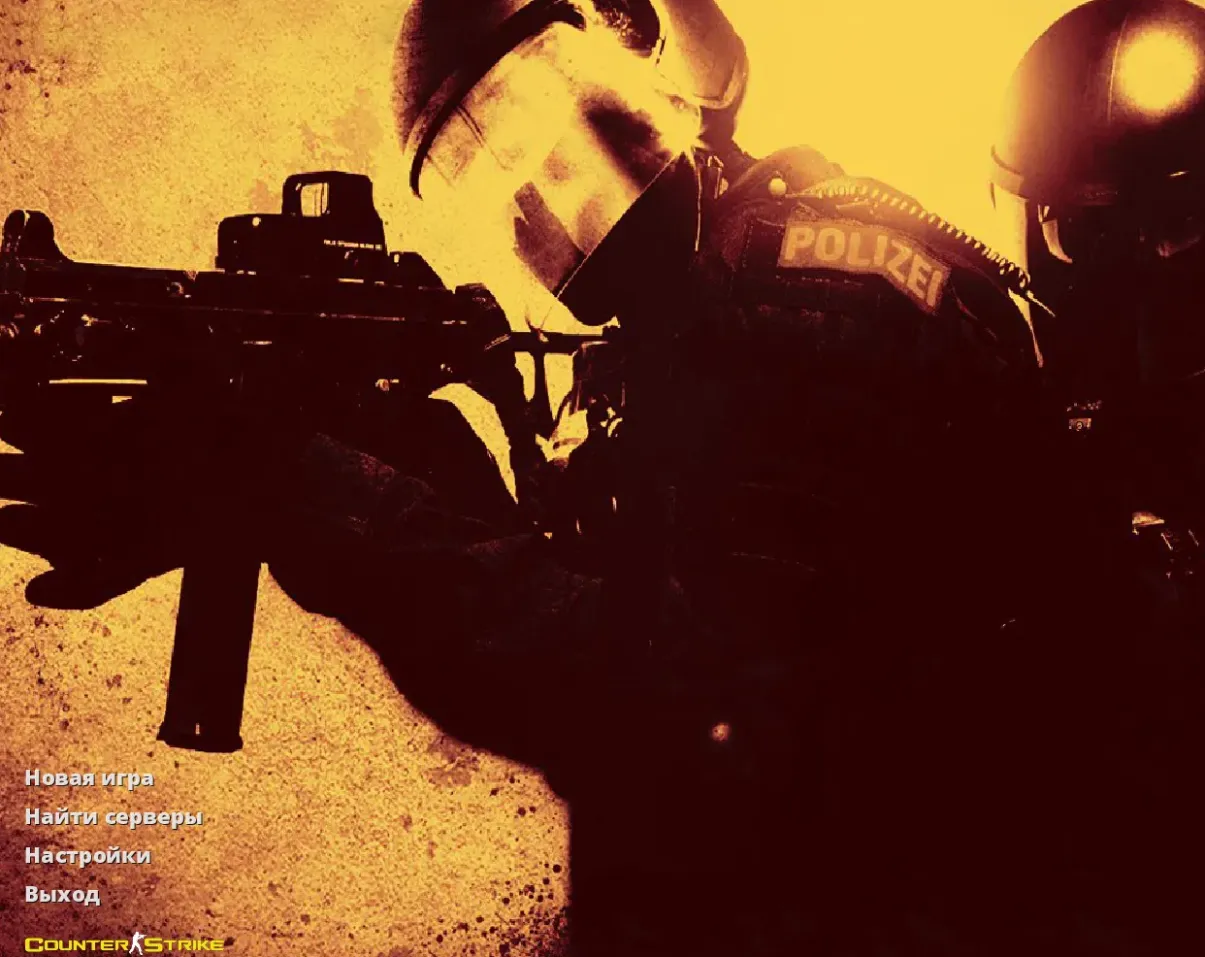
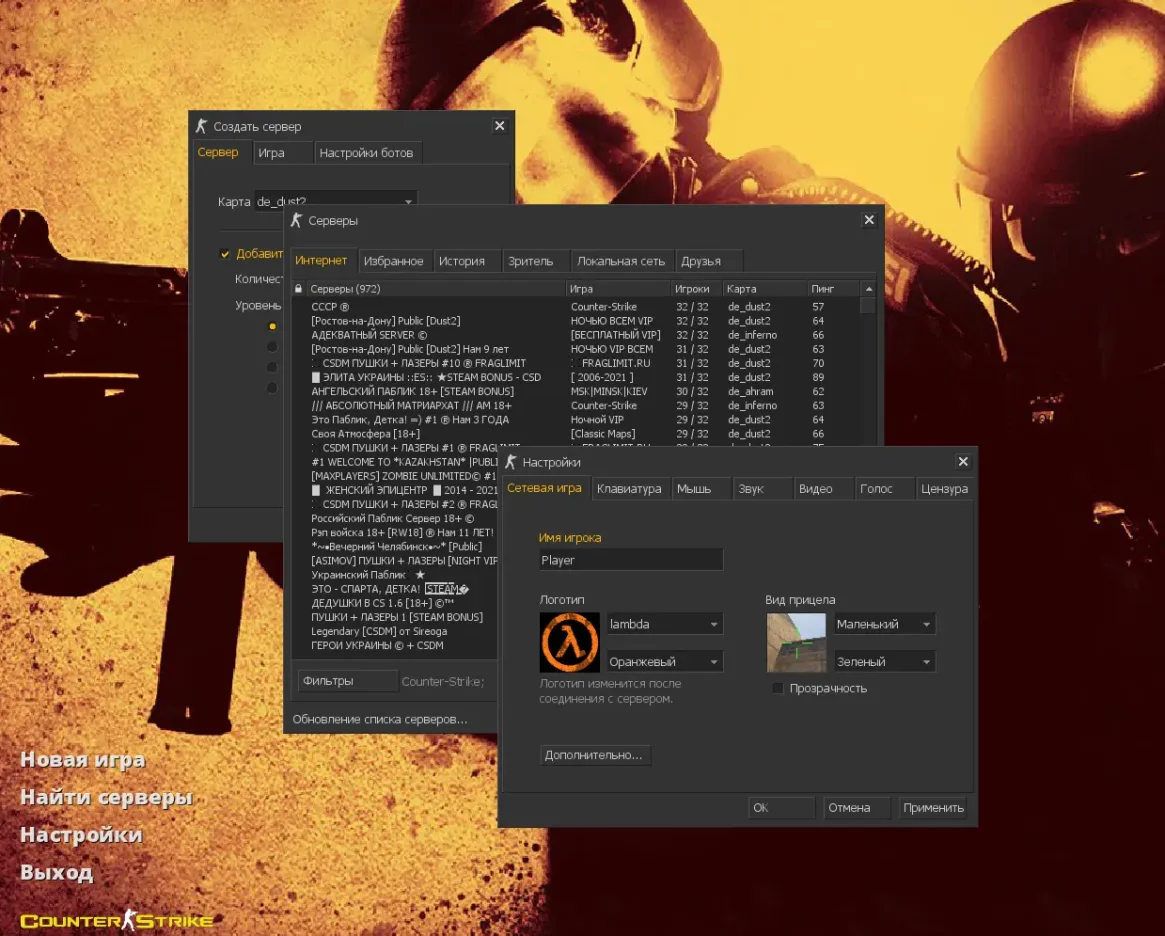
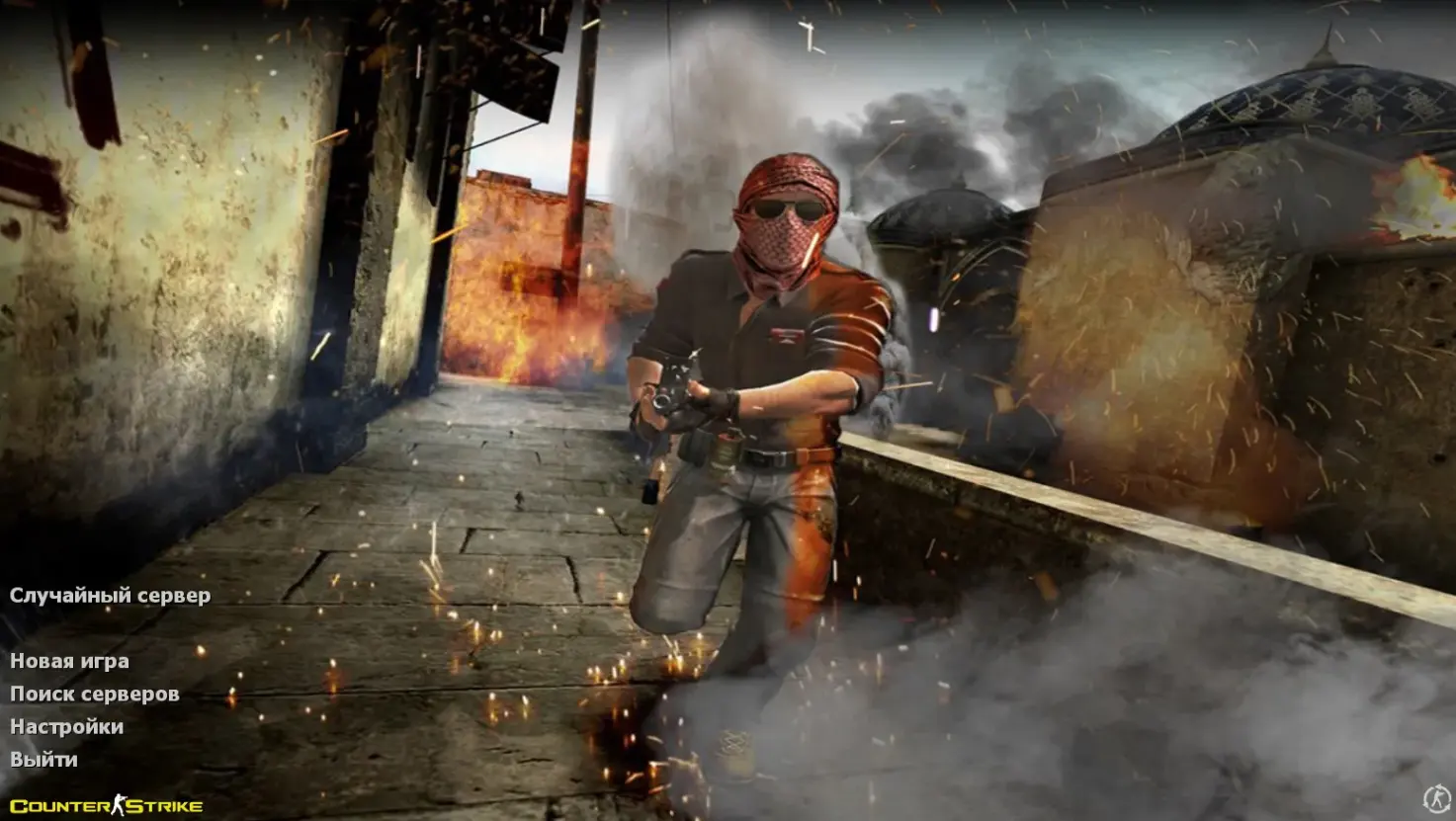
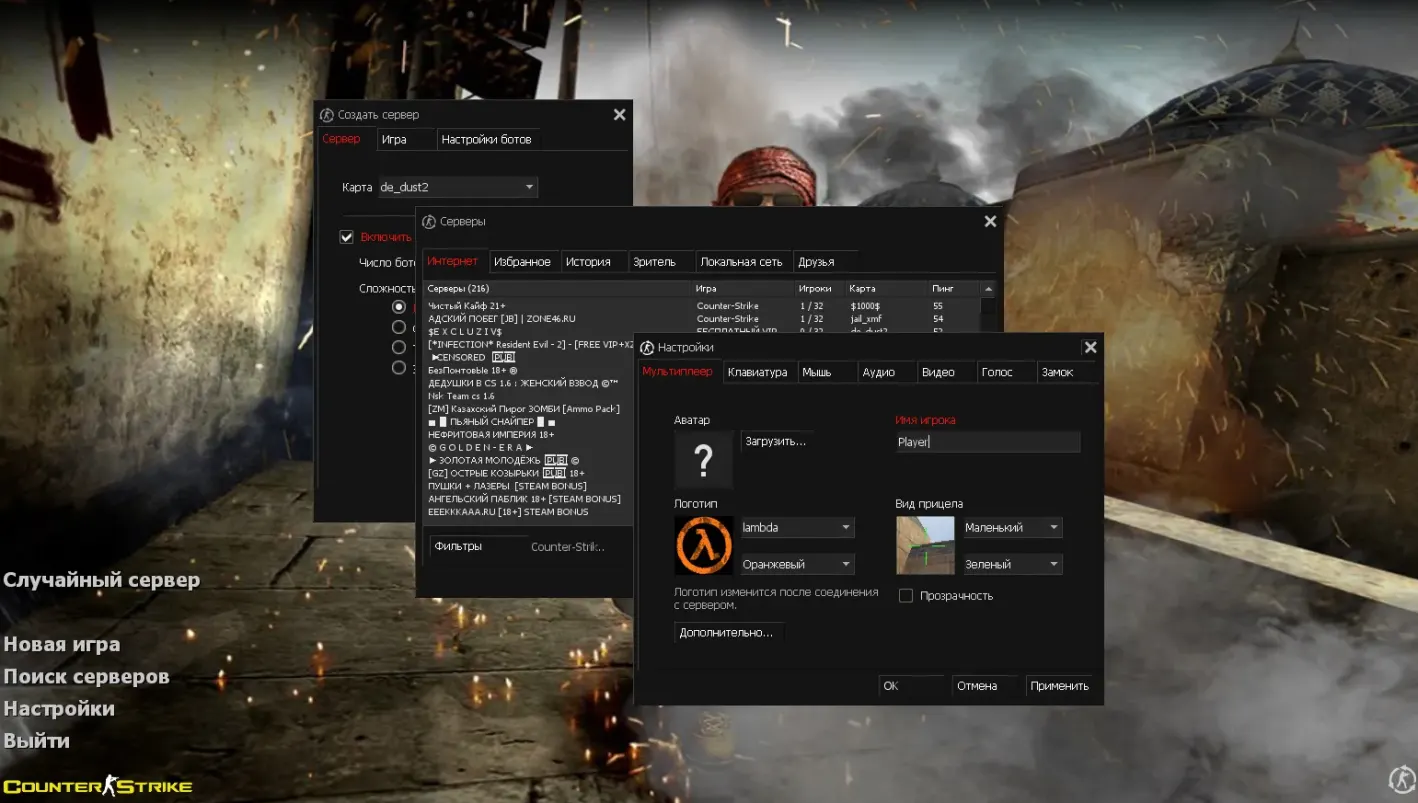
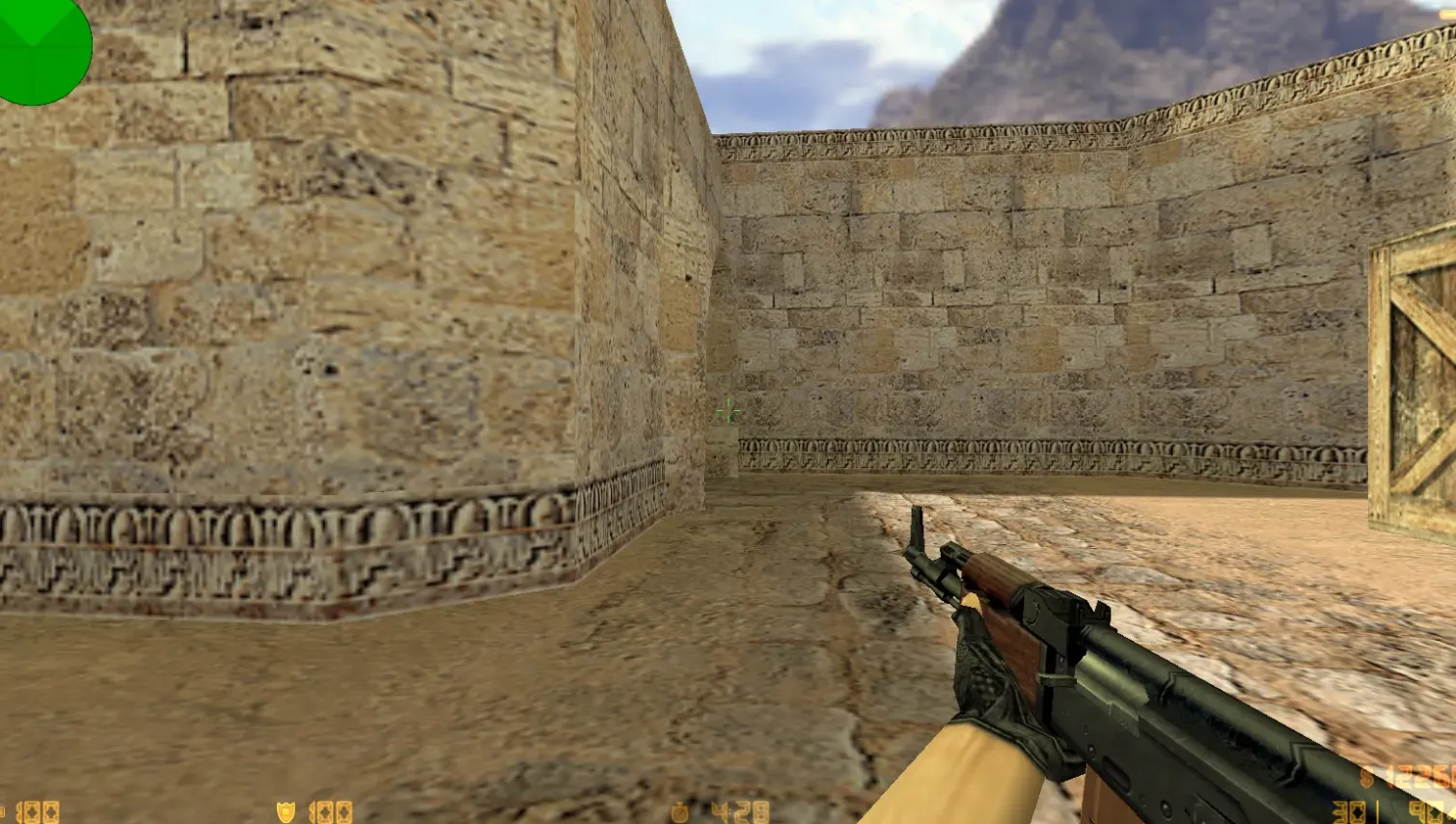
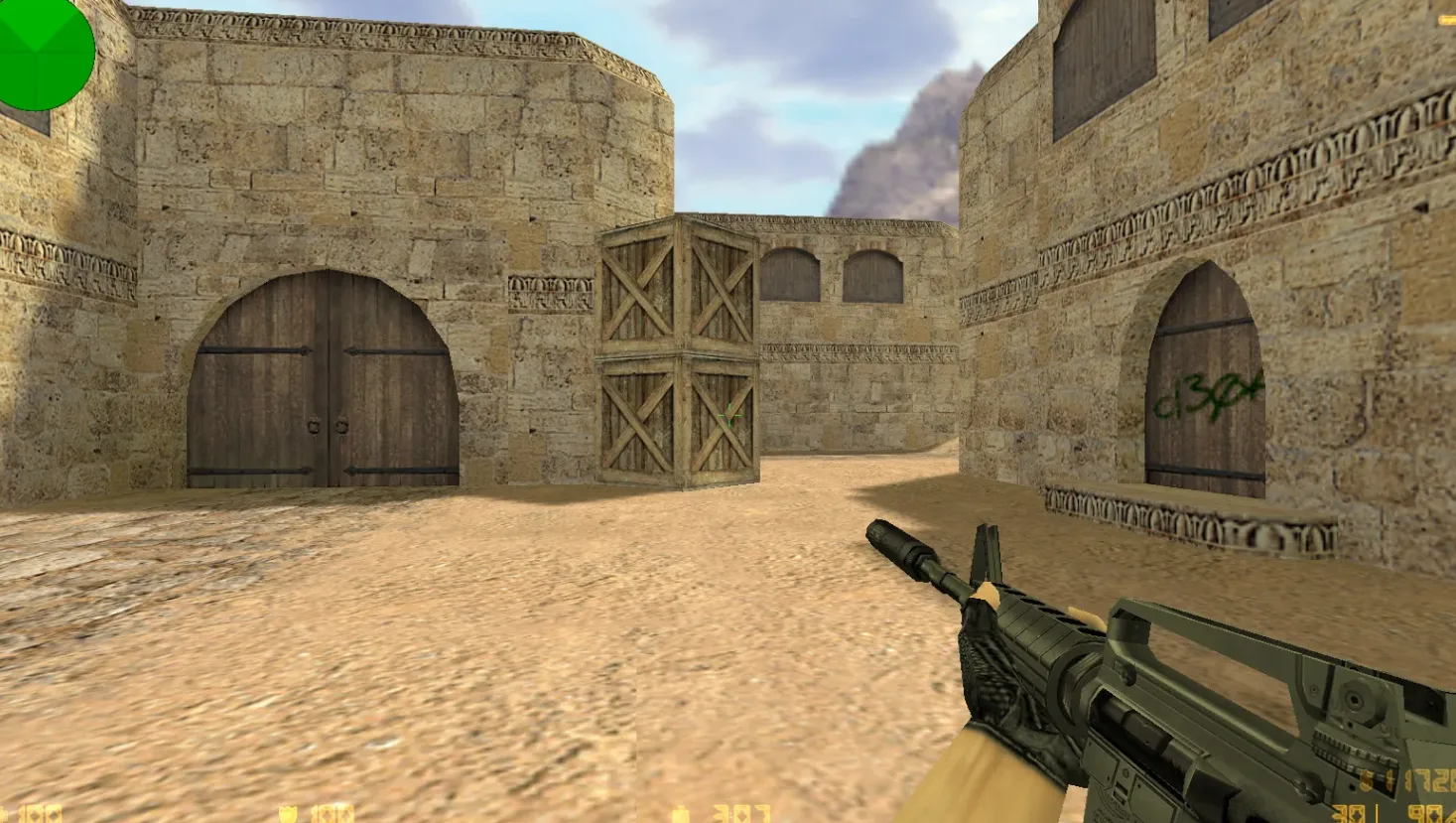
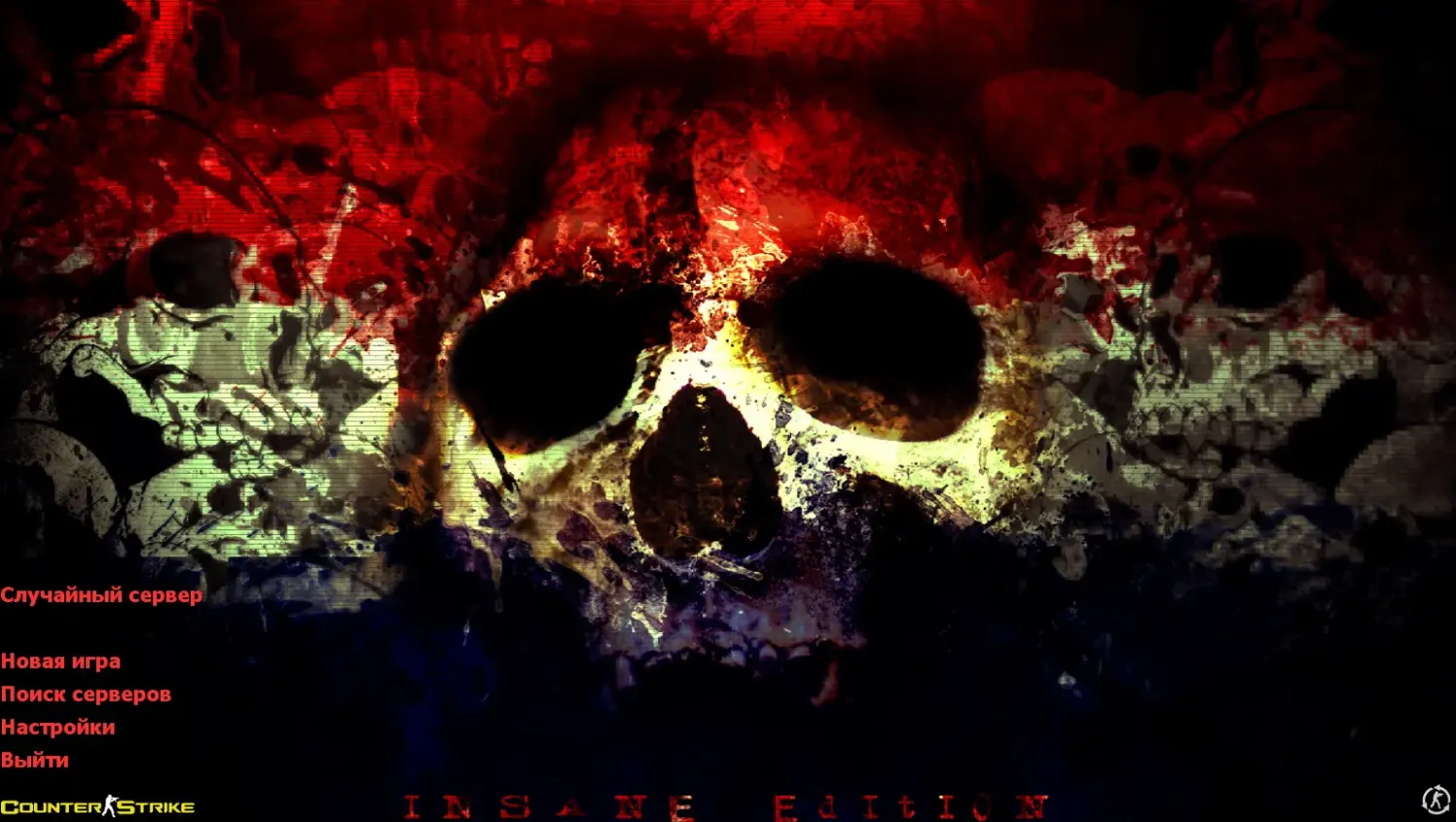
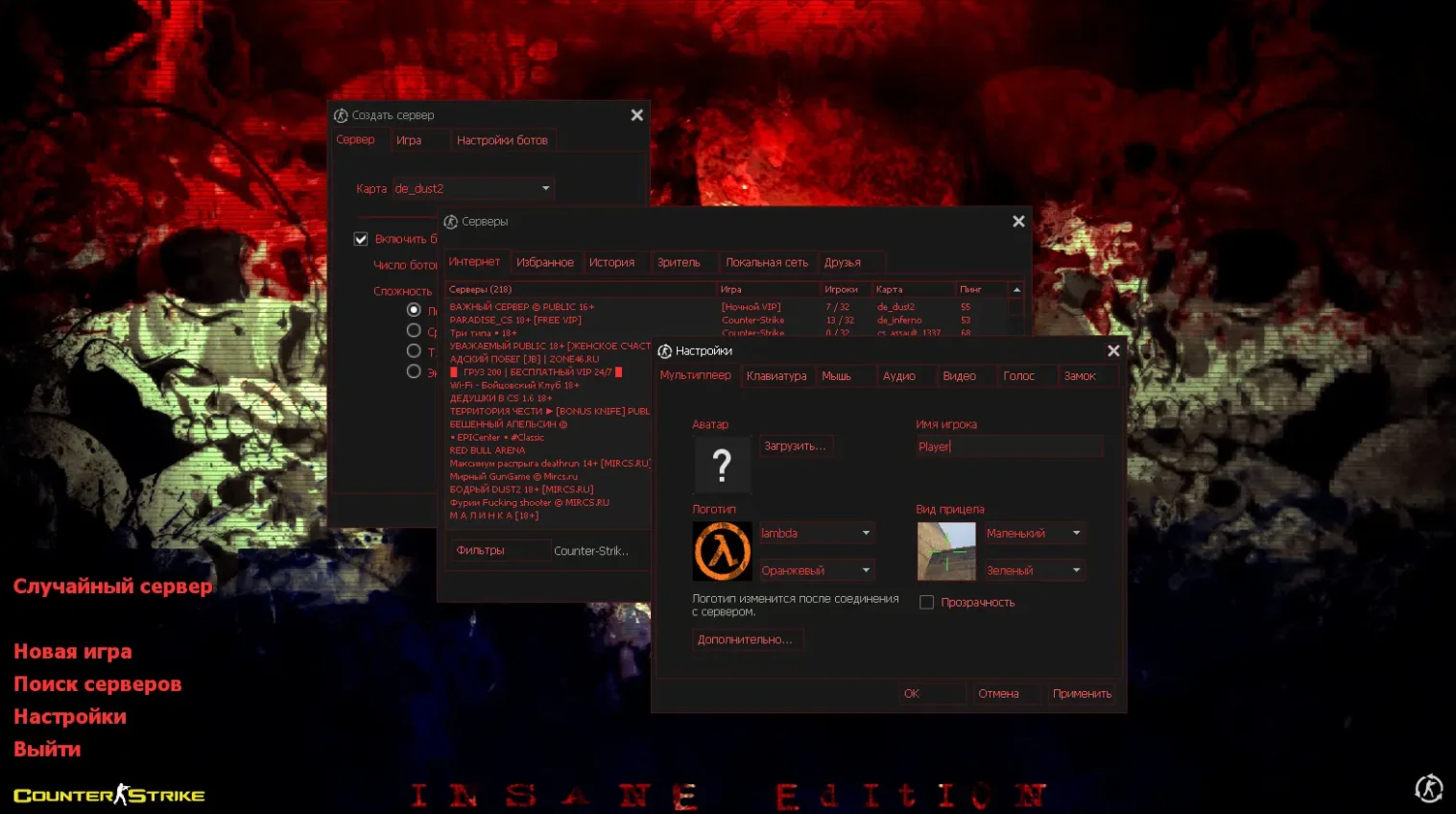
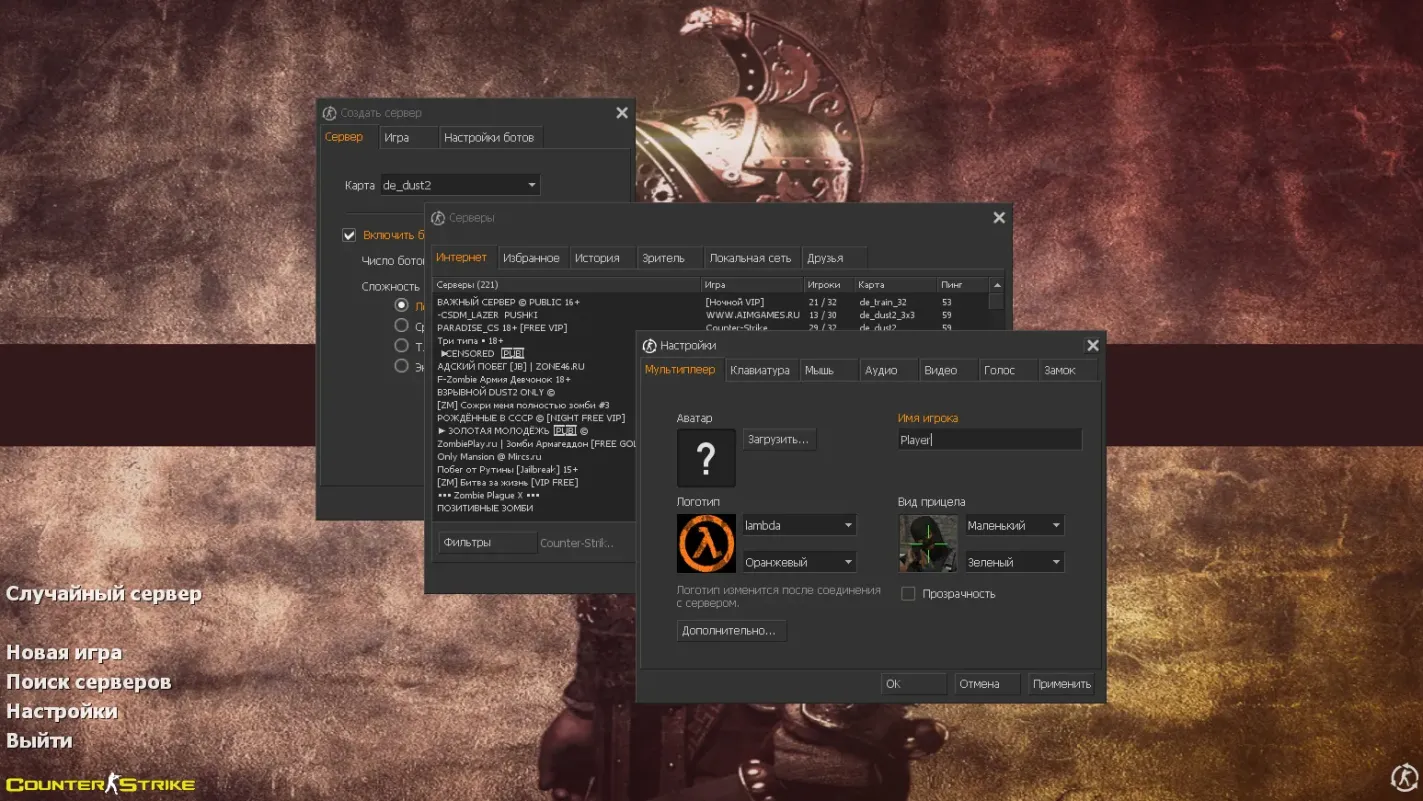
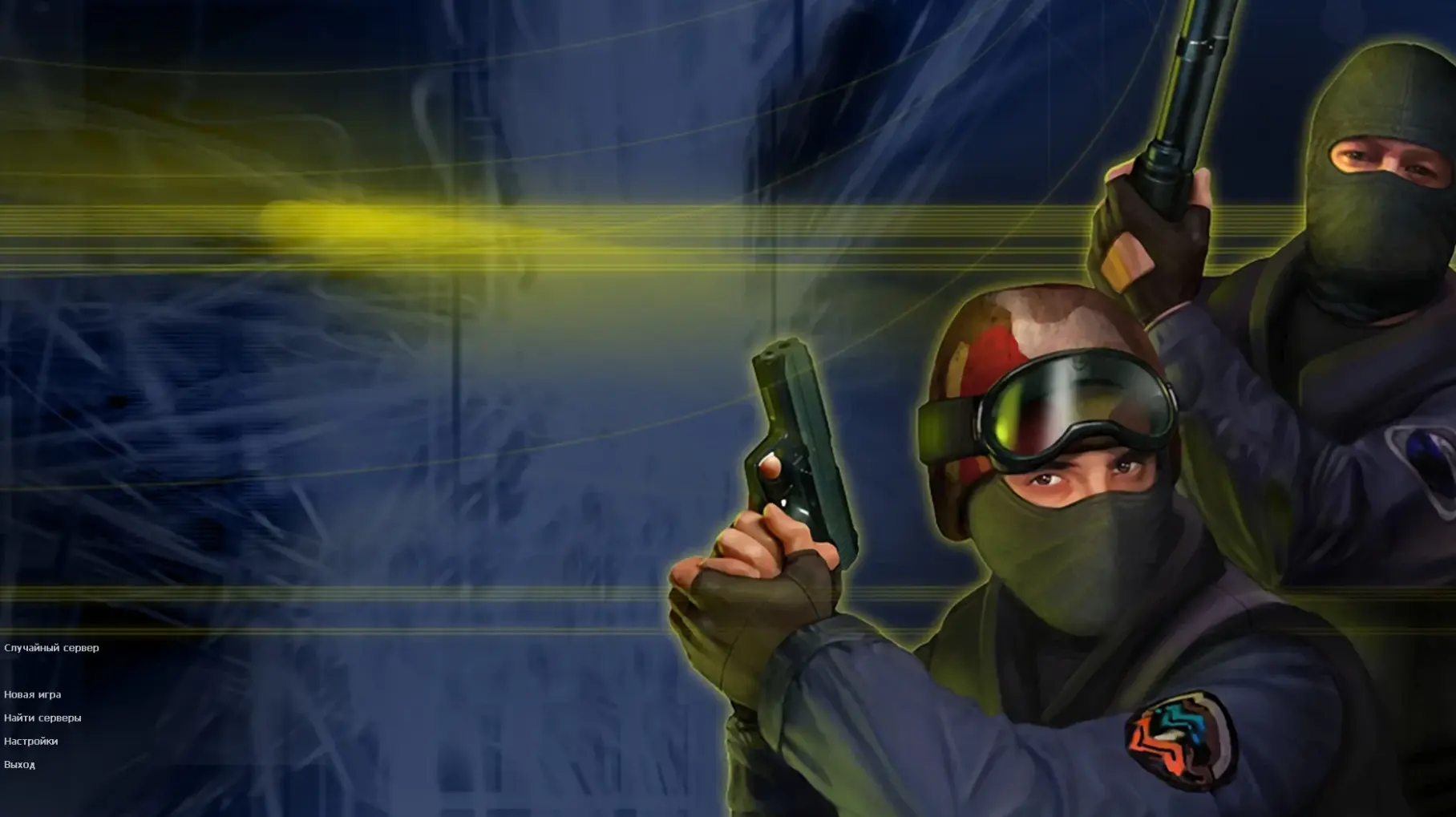
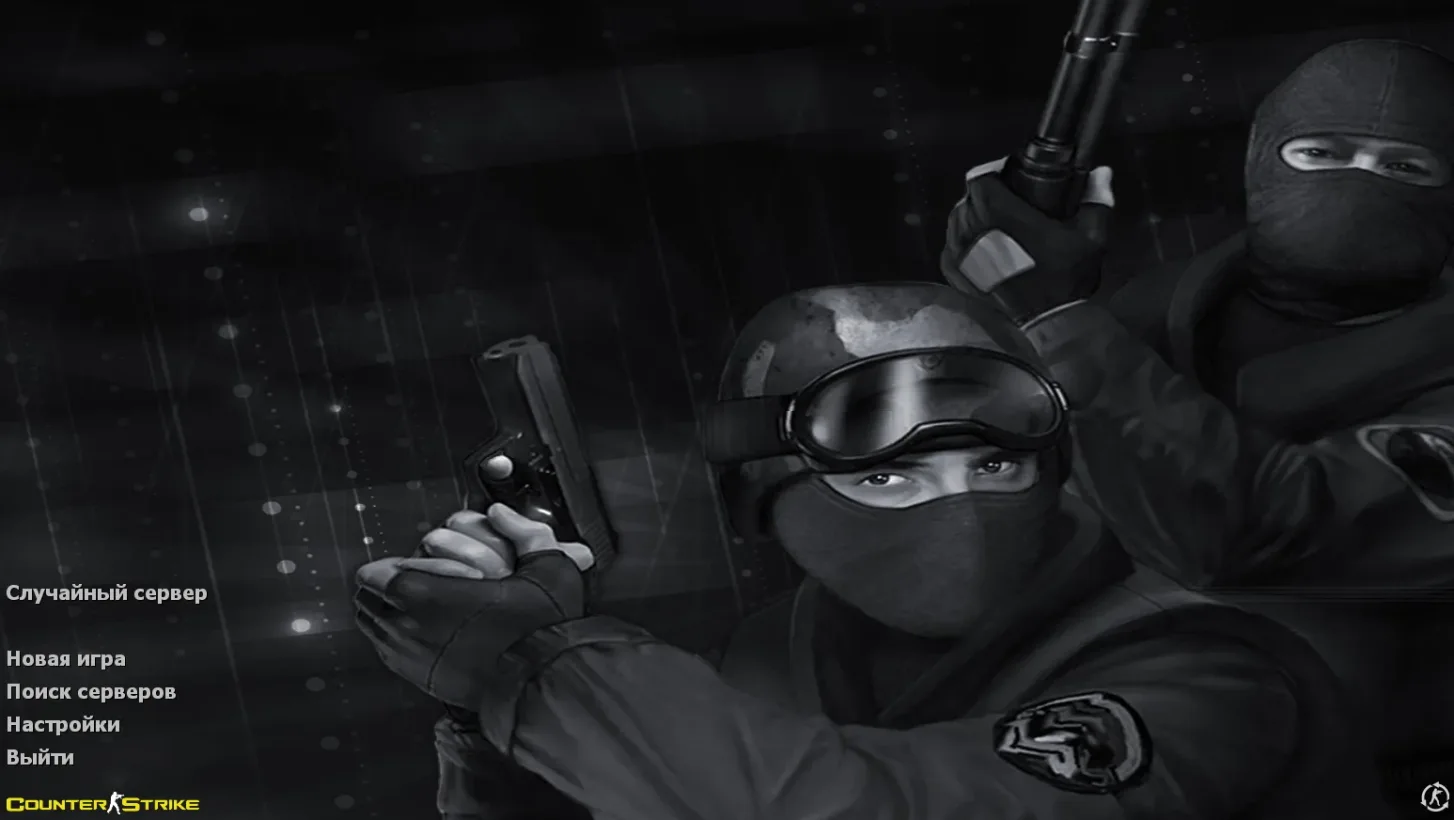
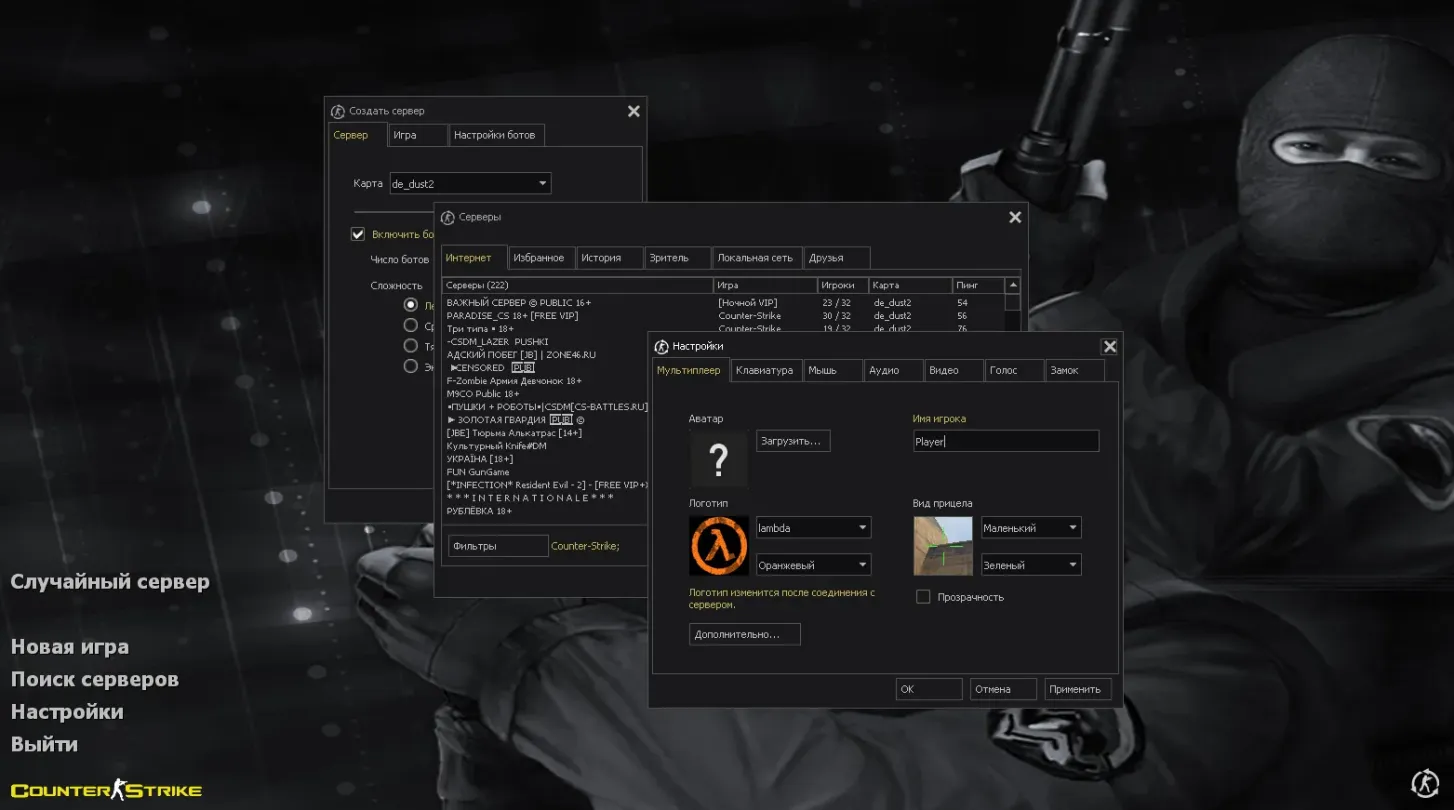
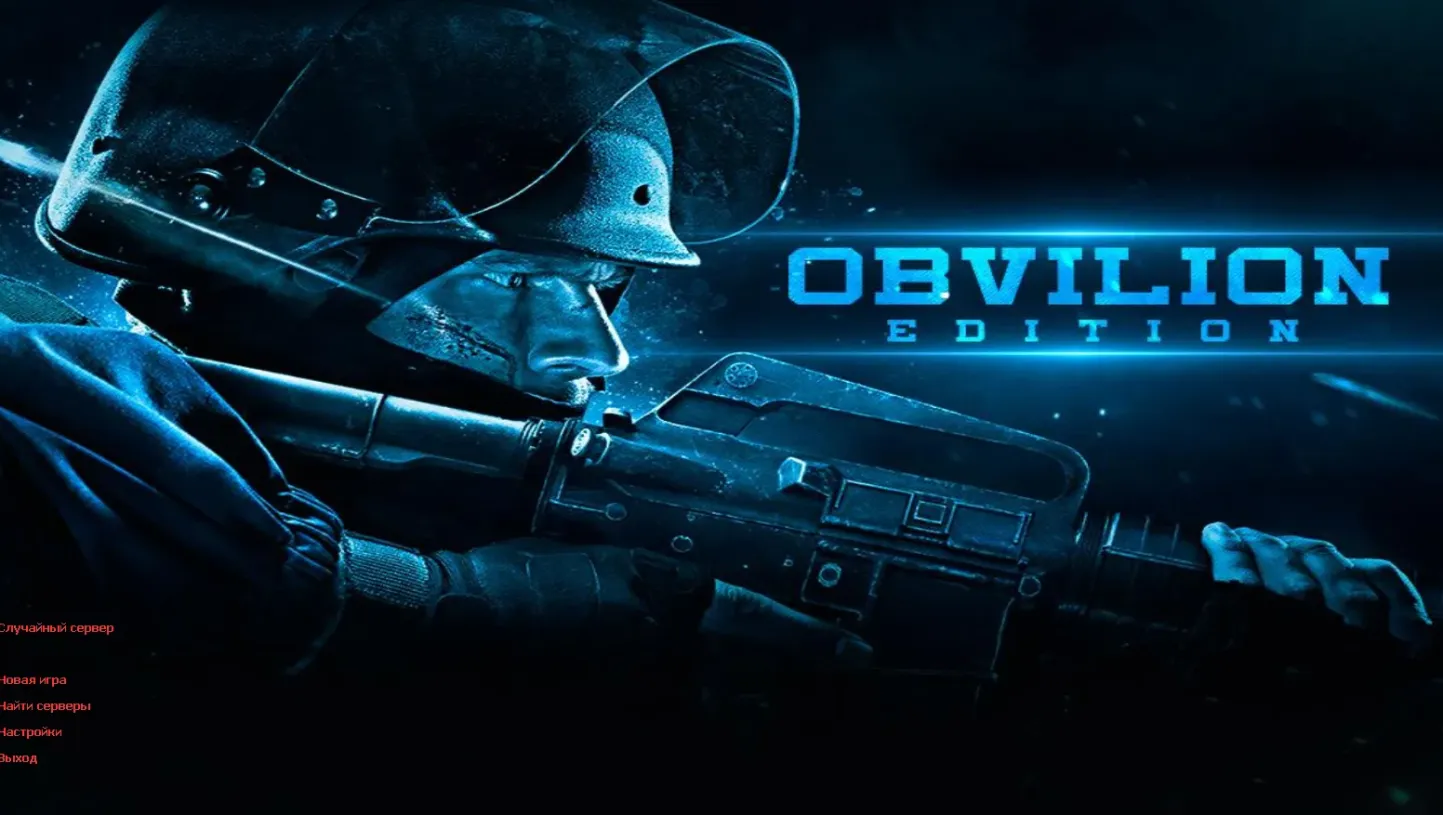
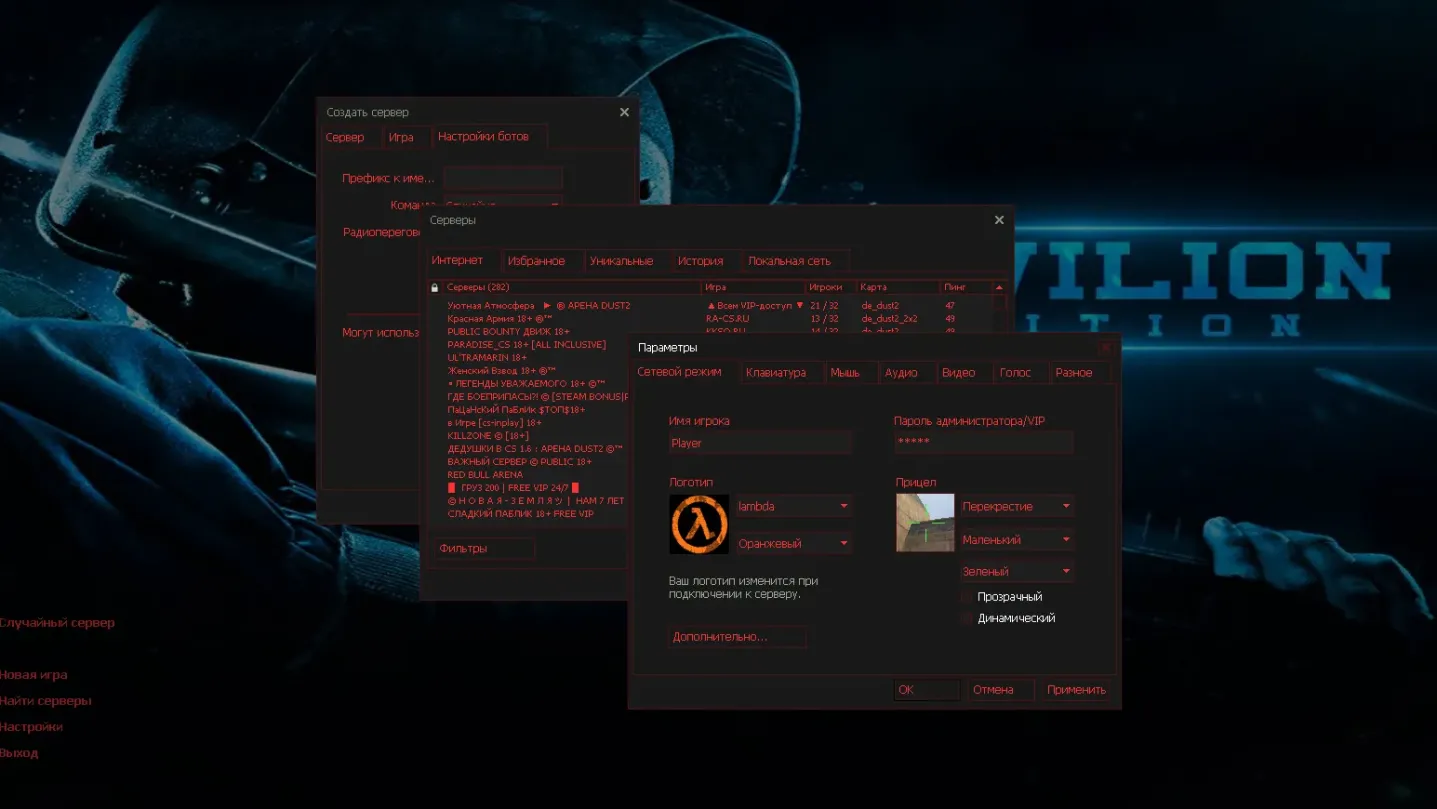
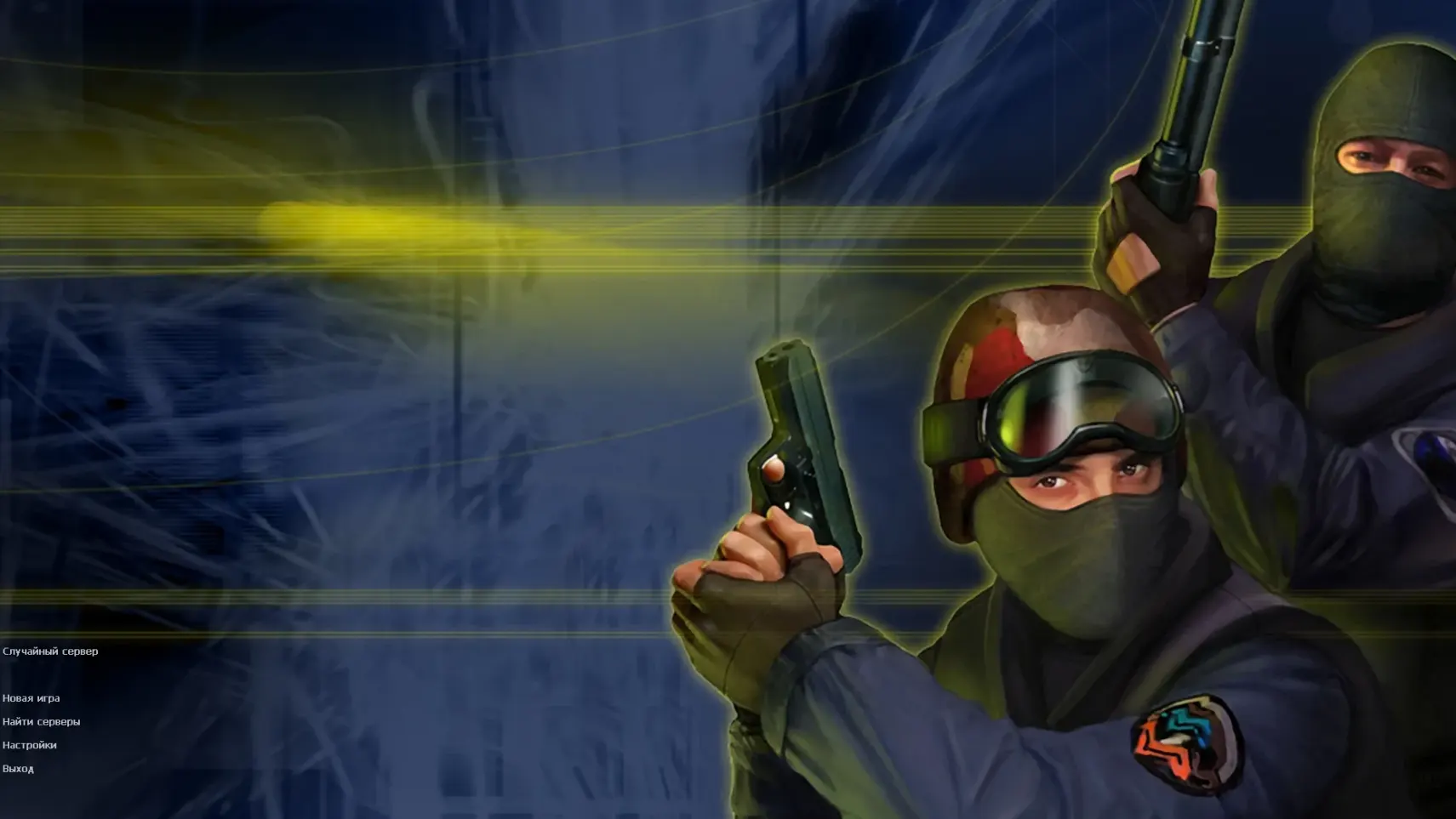
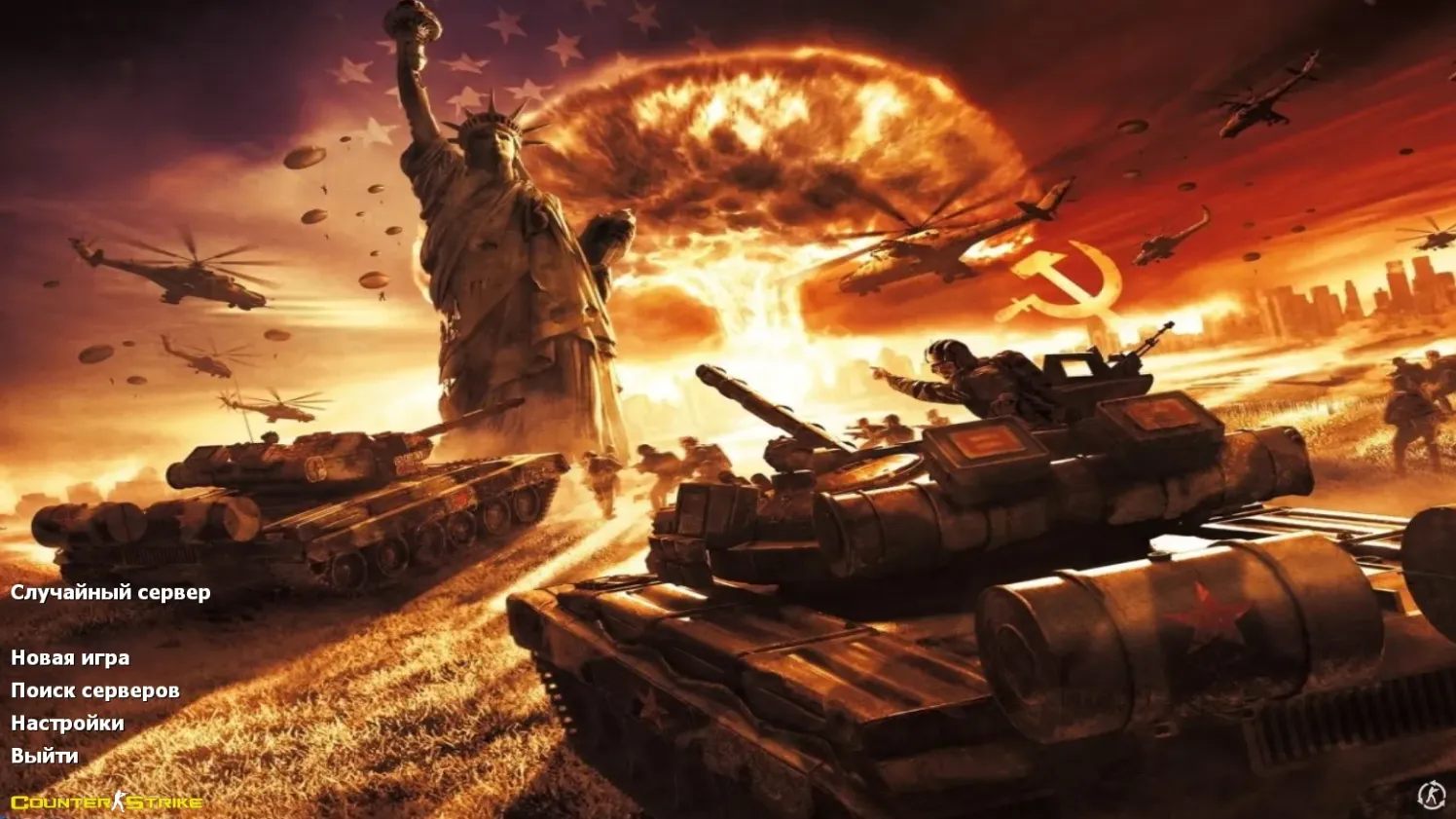
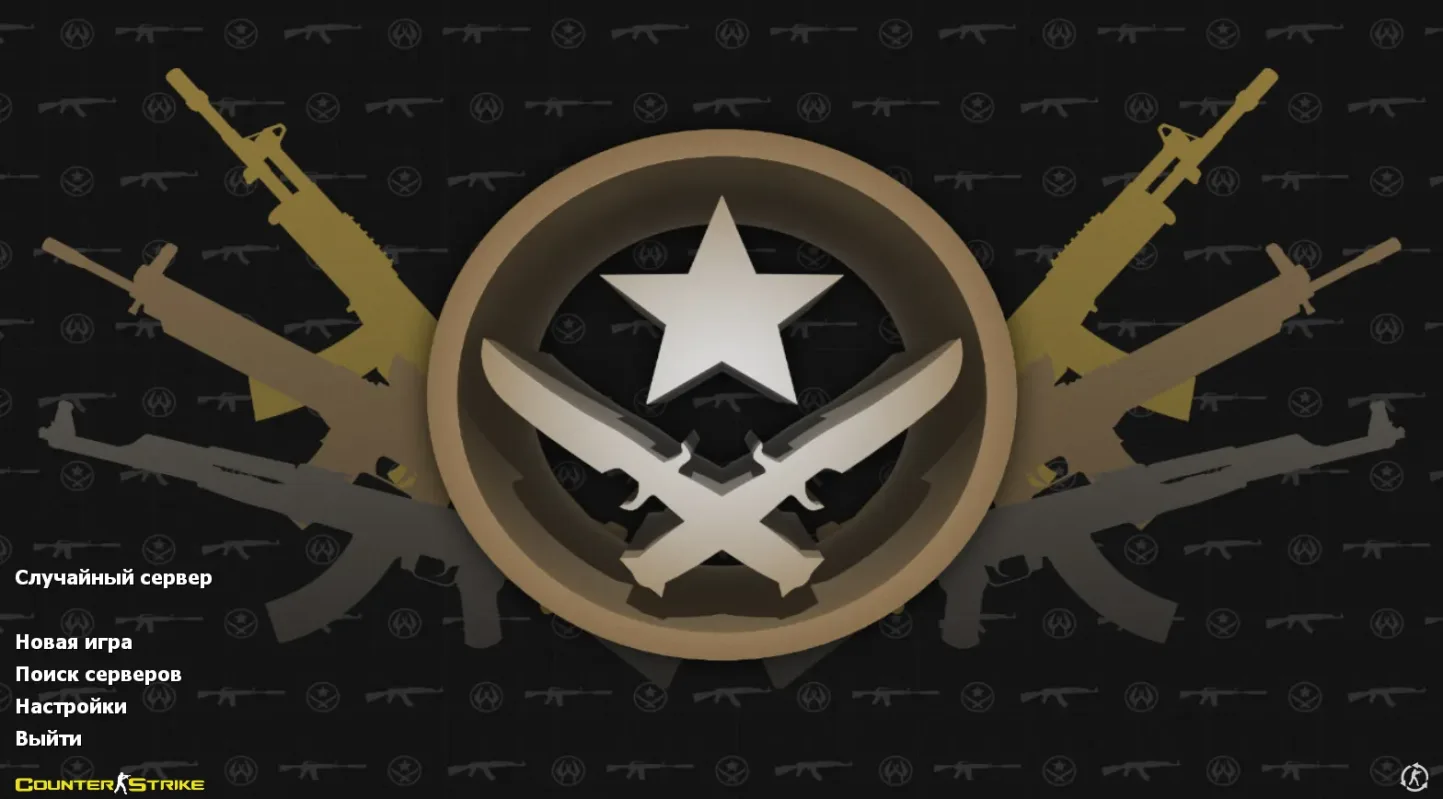
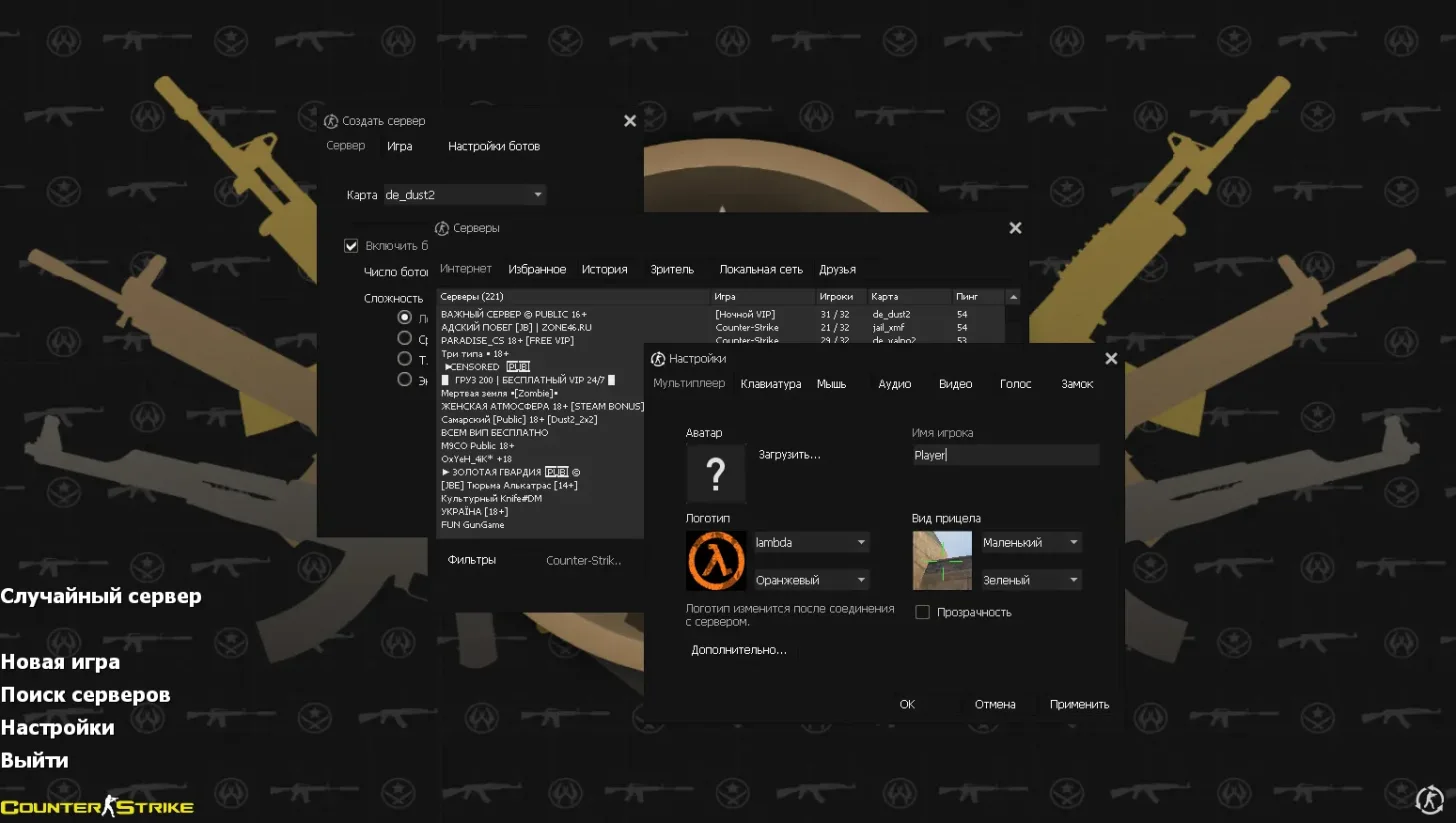
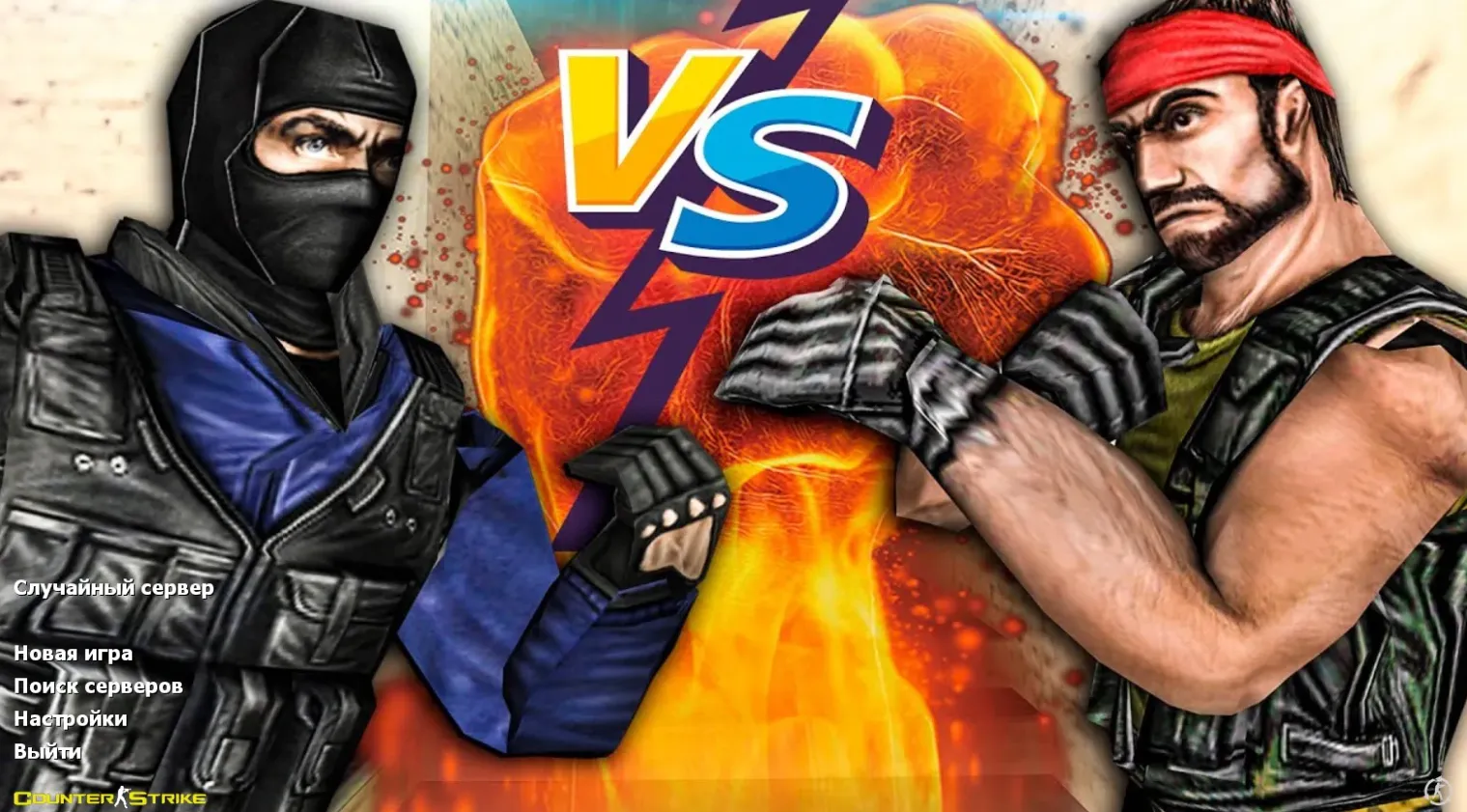
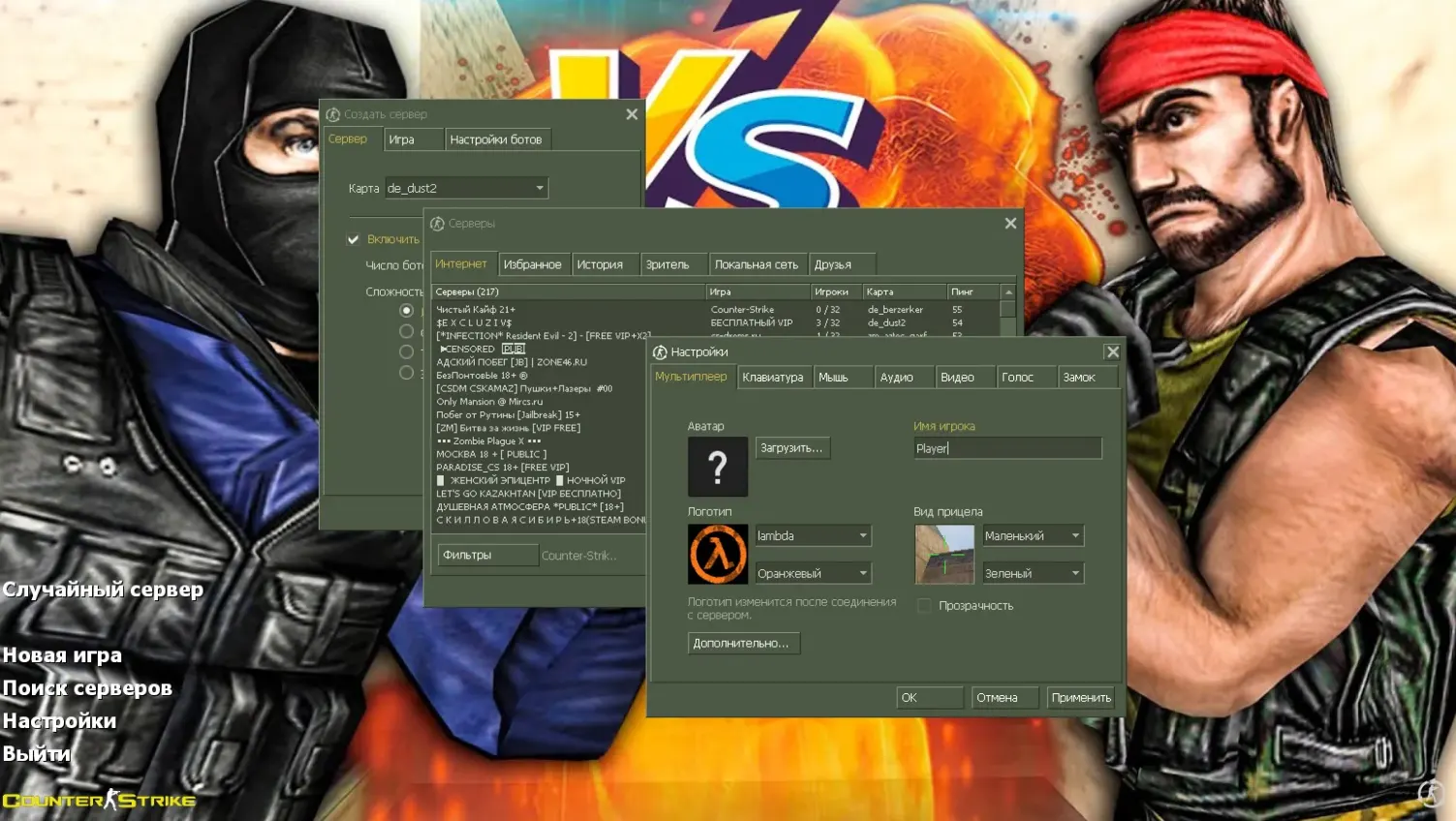
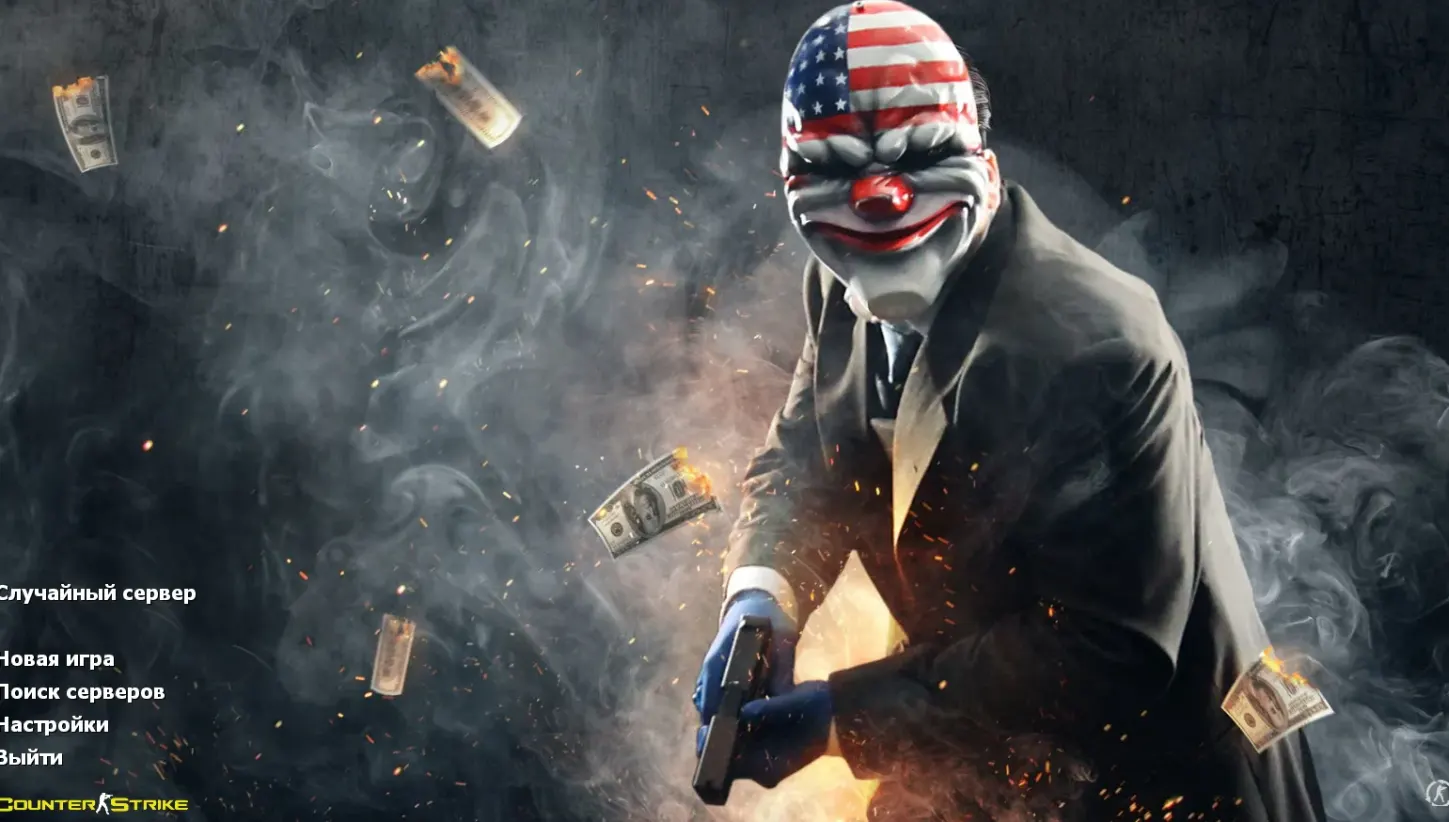
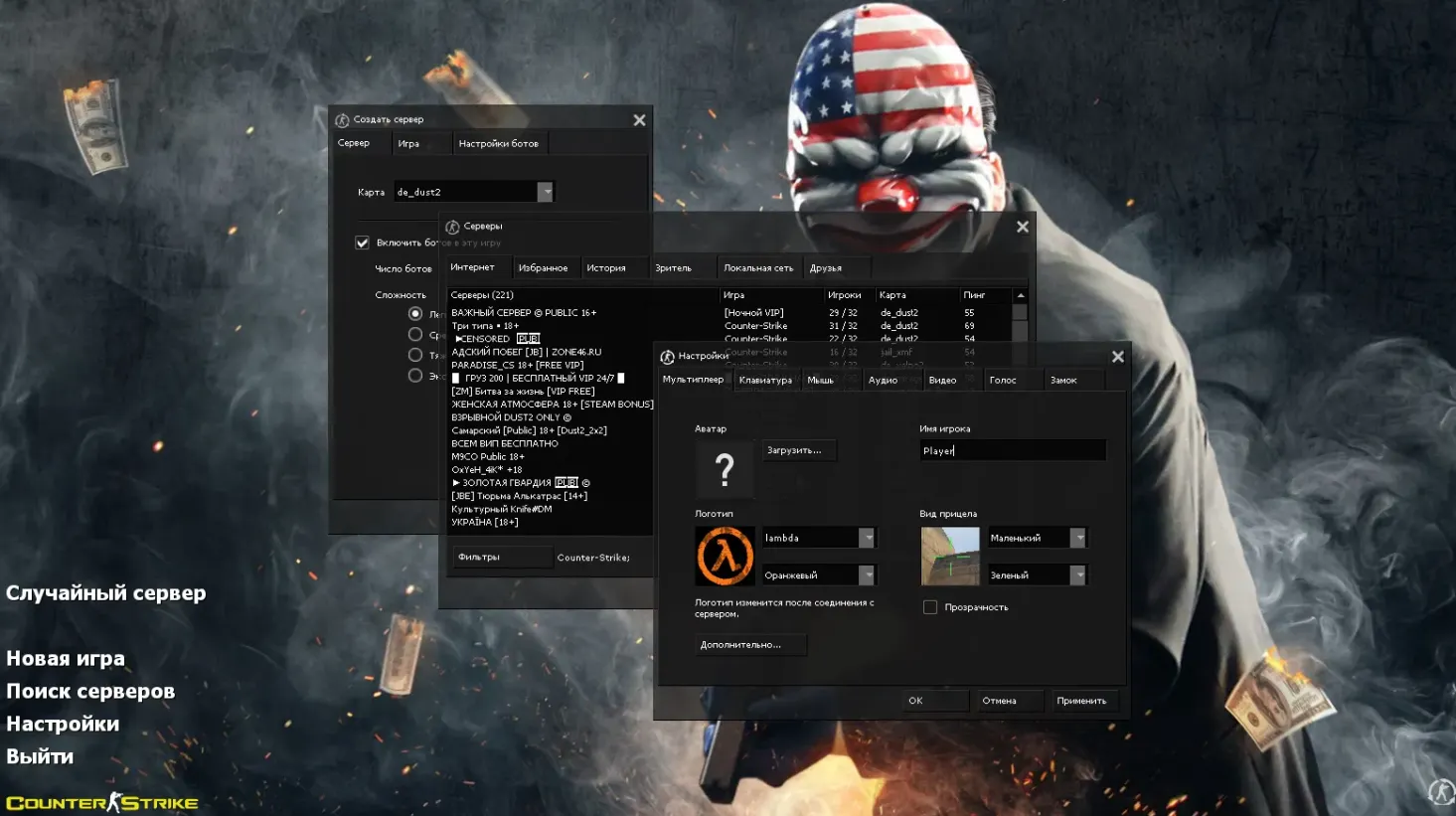
A custom Counter-Strike 1.6 package focused on the menu interface. It adds a darker menu palette with higher contrast and a Nike logo on the main menu background, and it ships with a revised config.cfg. Gameplay mechanics are not changed.
- Dark menu theme - muted dark colors on the interface.
- Nike logo background - a stylized emblem on the main menu screen.
- Revised config.cfg - adjusted rate and interpolation settings for steadier frame delivery.
- Updated launch icon - a replacement shortcut icon for the build.
The config.cfg can be edited by hand if you want different values. Launch the game manually after installing.
Install in three steps
-
1
Download the archive. Use the button on the right, or the Yandex.Disk mirror if the main server is slow.
-
2
Extract it into the game folder. Use 7-Zip or WinRAR. A path without non-Latin characters works best.
-
3
Launch the game. If something doesn't work, mark it below - that is how we know the file needs an update.
Did it work for you?
No sign-up needed. You can pick more than one.
Similar files
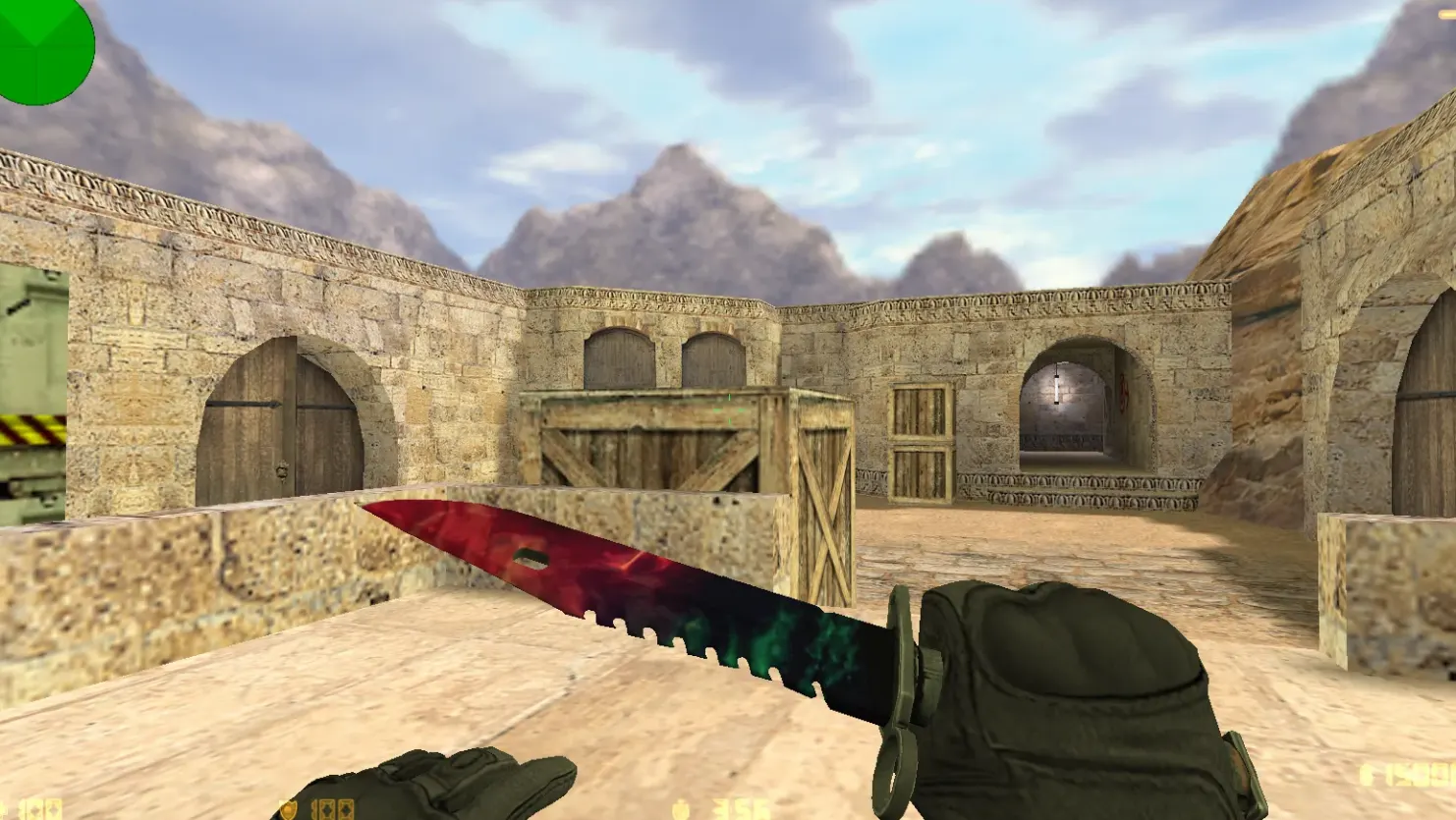
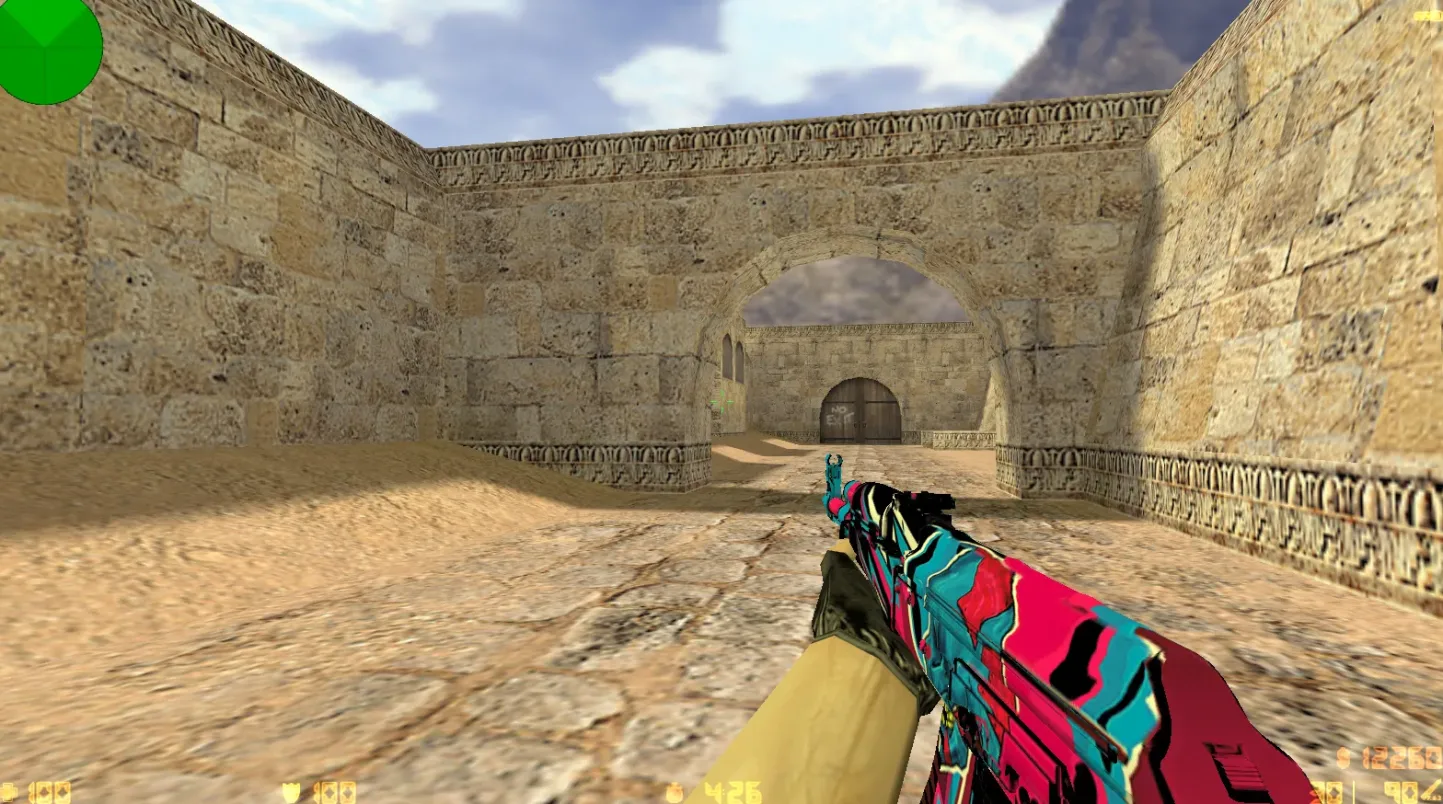
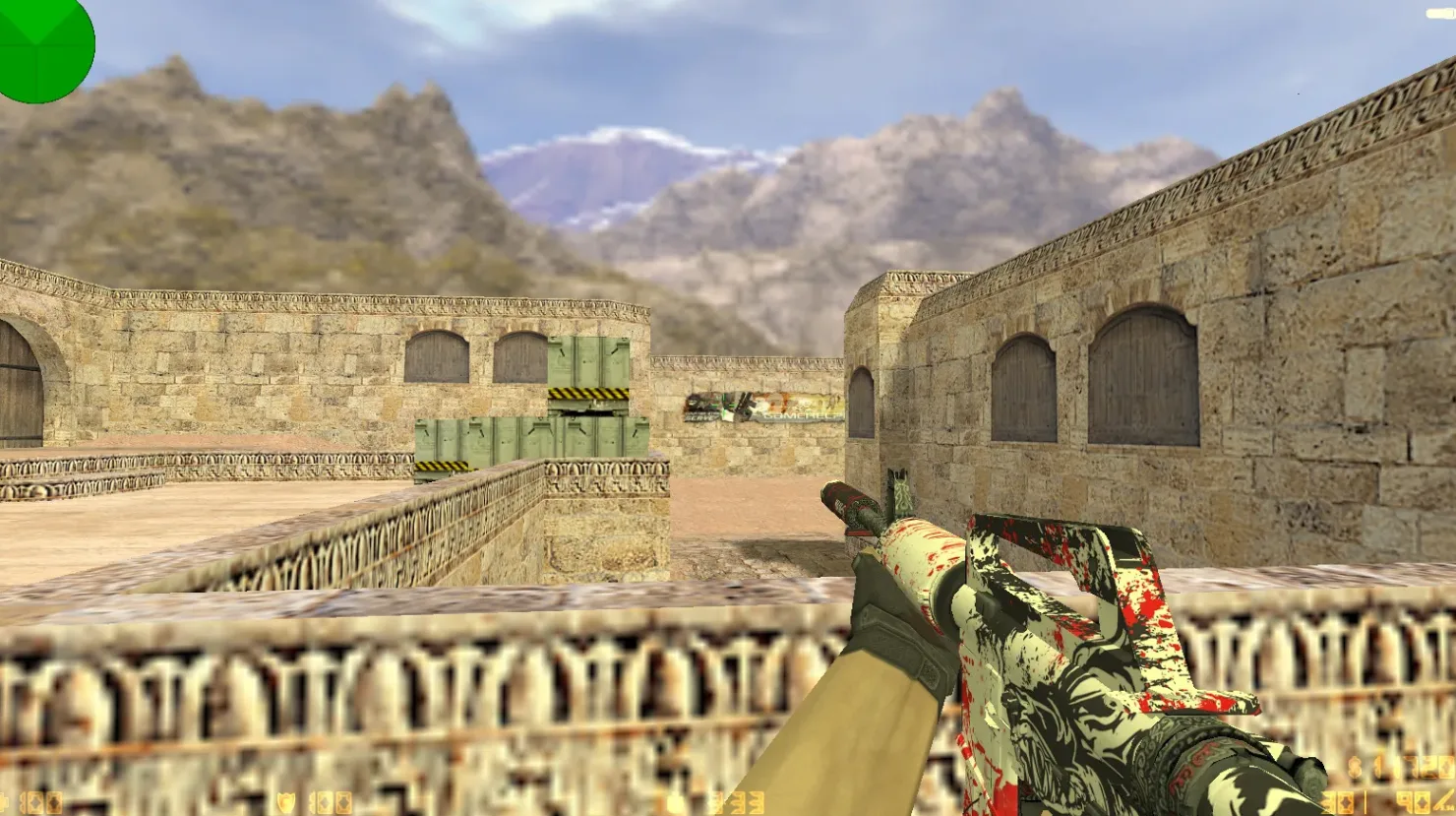
New in this section
- CS 1.6 Bears Build: 27 Black Weapon Models, Bear-Head Heavy, Dark Menu Theme
- CS 1.6 Neutrino: Weapon Skins, Dark Menu and Optimized Config
- CS 1.6 Revision Build: 24 Skins, Ninjas in Pyjamas Gloves, Dark Menu Theme, and Optimized Config.cfg
- CS 1.6 Phantom Build: 13 Weapon Skins, Red-Blue Team Models, Dark Menu
- CS 1.6 Cool HD Build: 30 Weapon Skins, HD Graphics, Sounds & Menu Overhaul
- CS 1.6 Elite Special Forces Russia: Weapon Skins and HD Models
- CS 1.6 Playtex: 7 Updates with v_/p_/w_ Weapon Models, Dark Menu and Sounds
- CS 1.6 Revolt Build: 27 Skins, Graphics Overhaul, Dark Menu, Sounds and Config
- CS 1.6 Asiimov Build: Asiimov Skins, ACS Player Models, Dark Menu and Config
- CS 1.6 Paradise Build: 30 Weapon Skins, Omega Gloves, Dark Menu and Config Tweaks