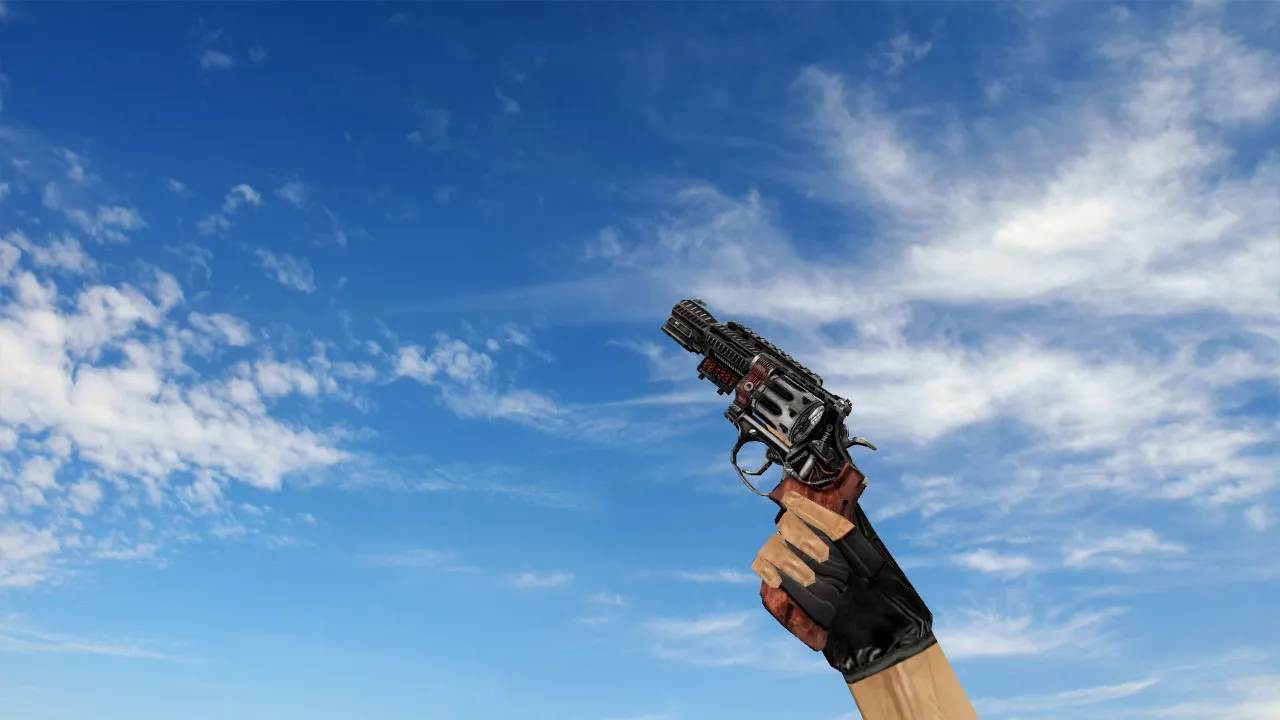
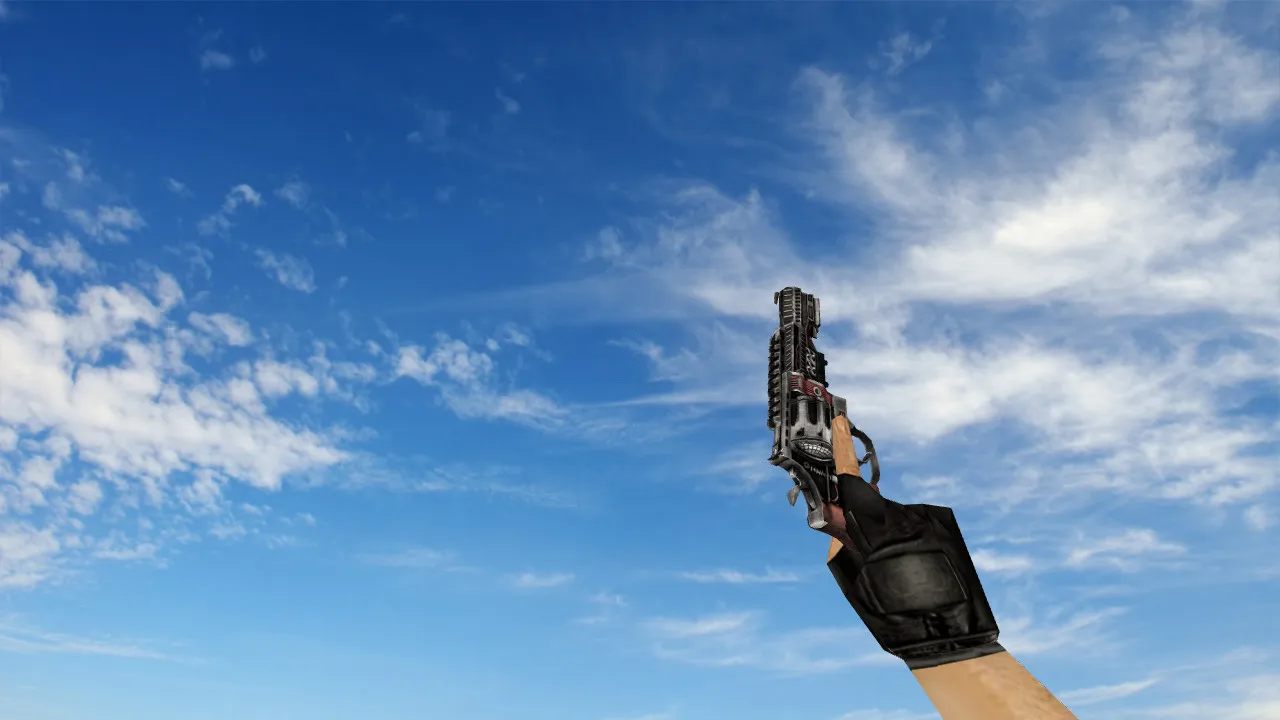
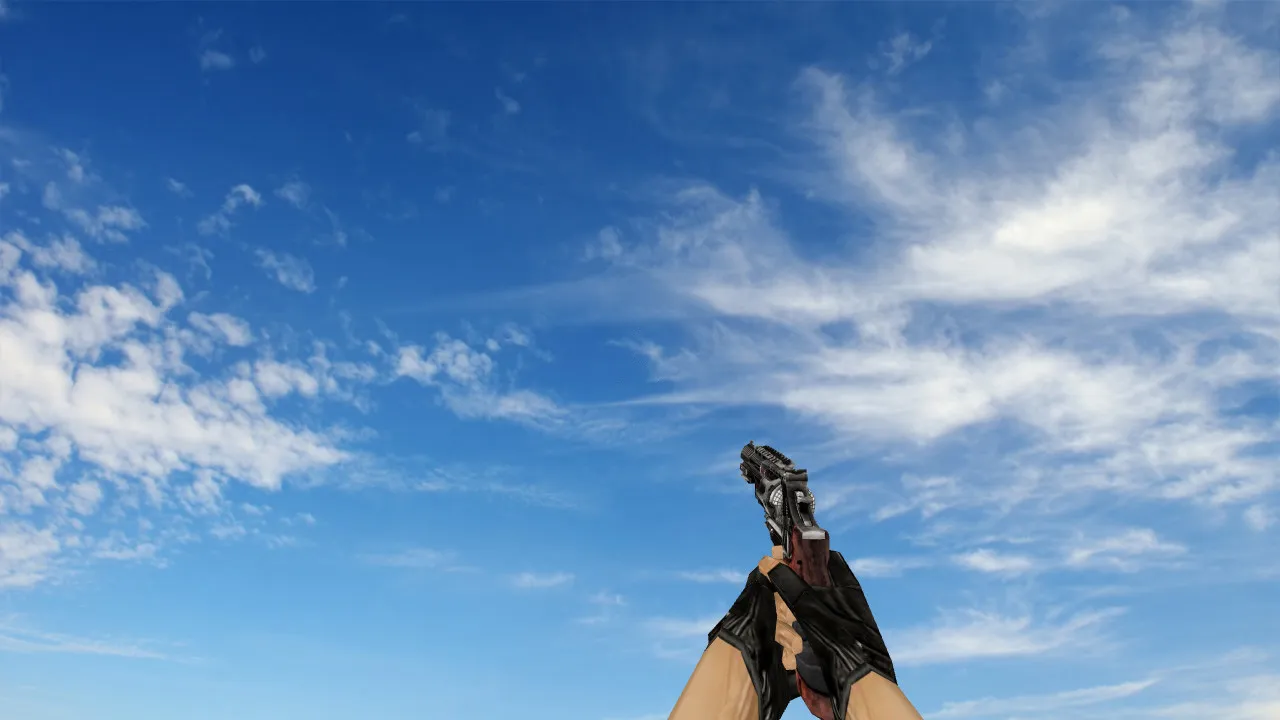
R8 Revolver Plasmax Deagle Model for CS 1.6 - Custom Features and Easy Installation Guide
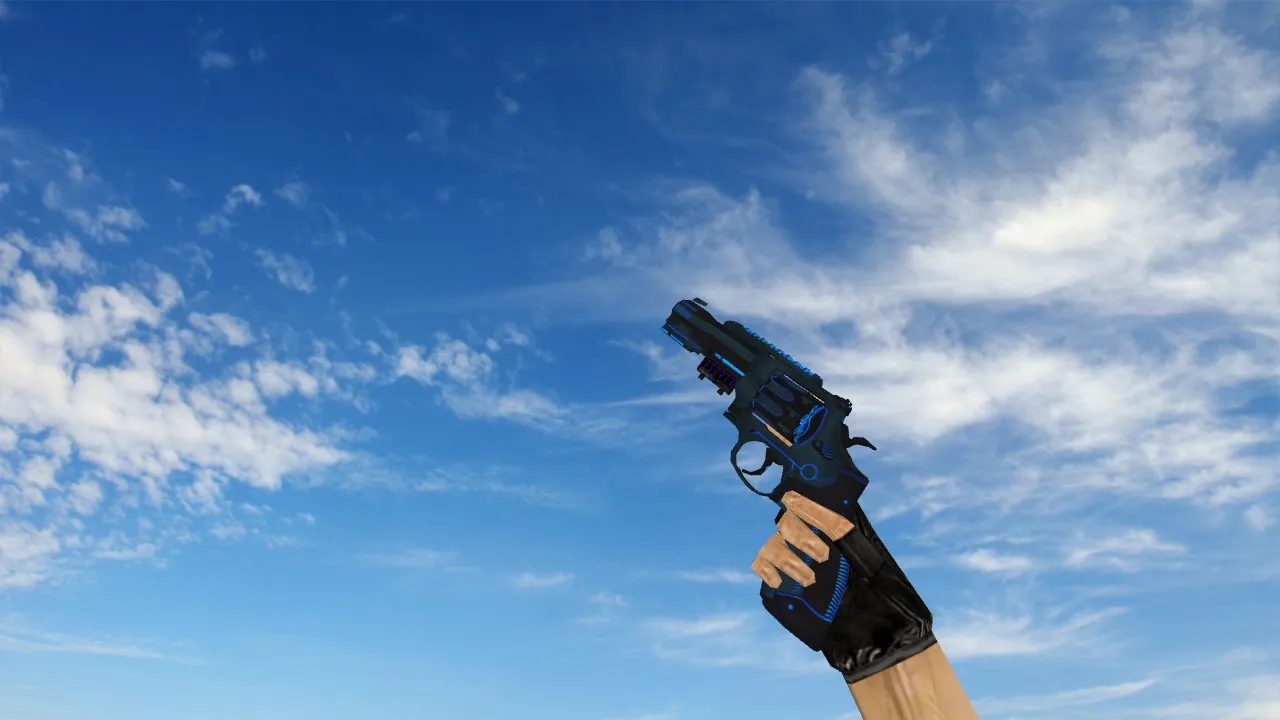
Description
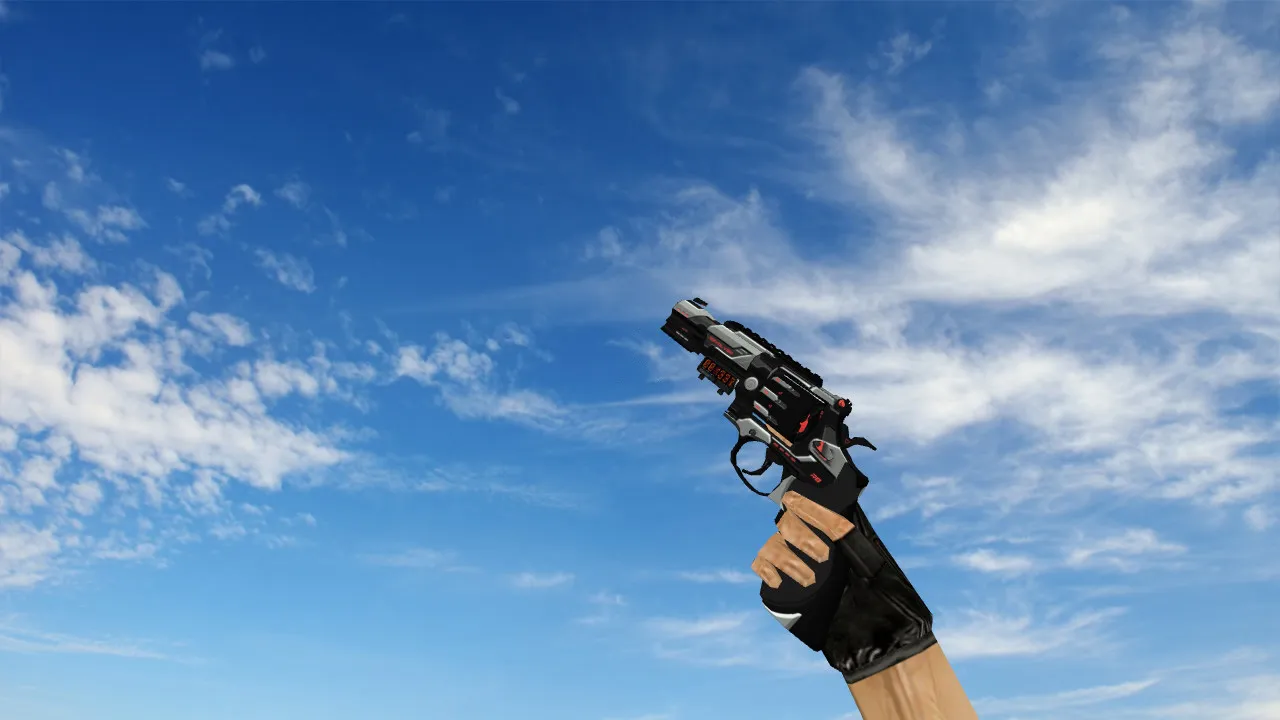
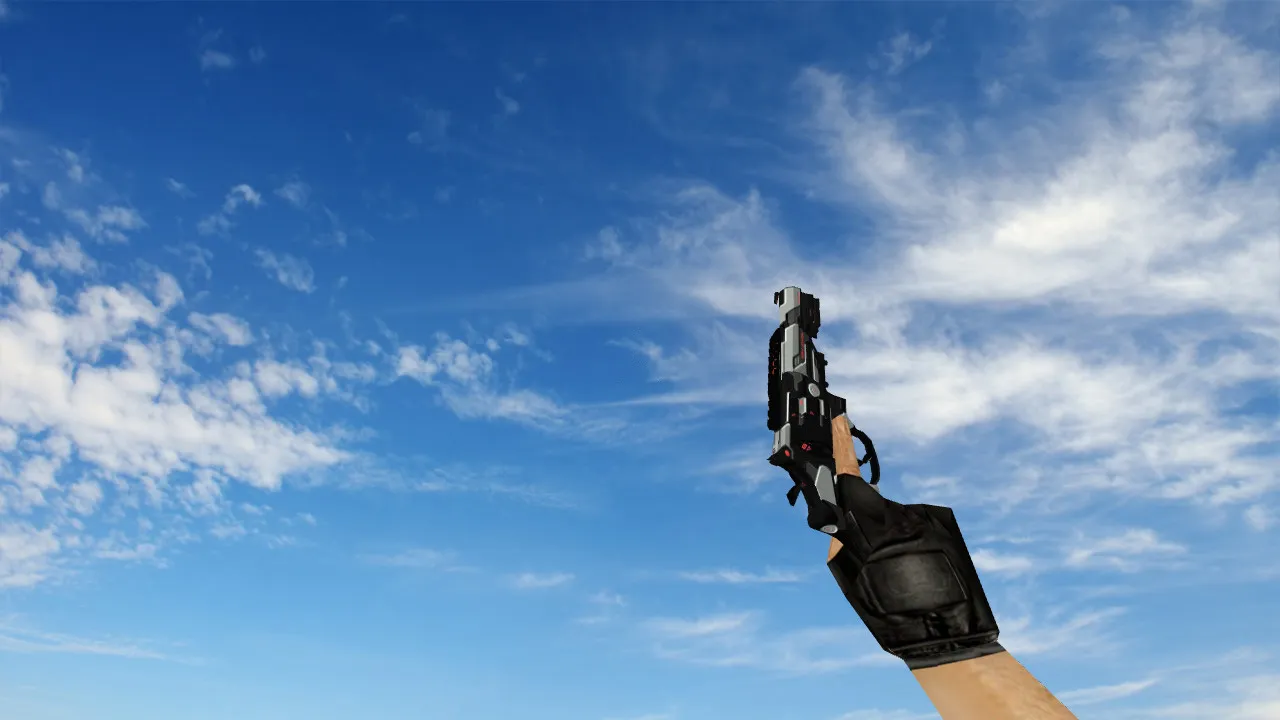
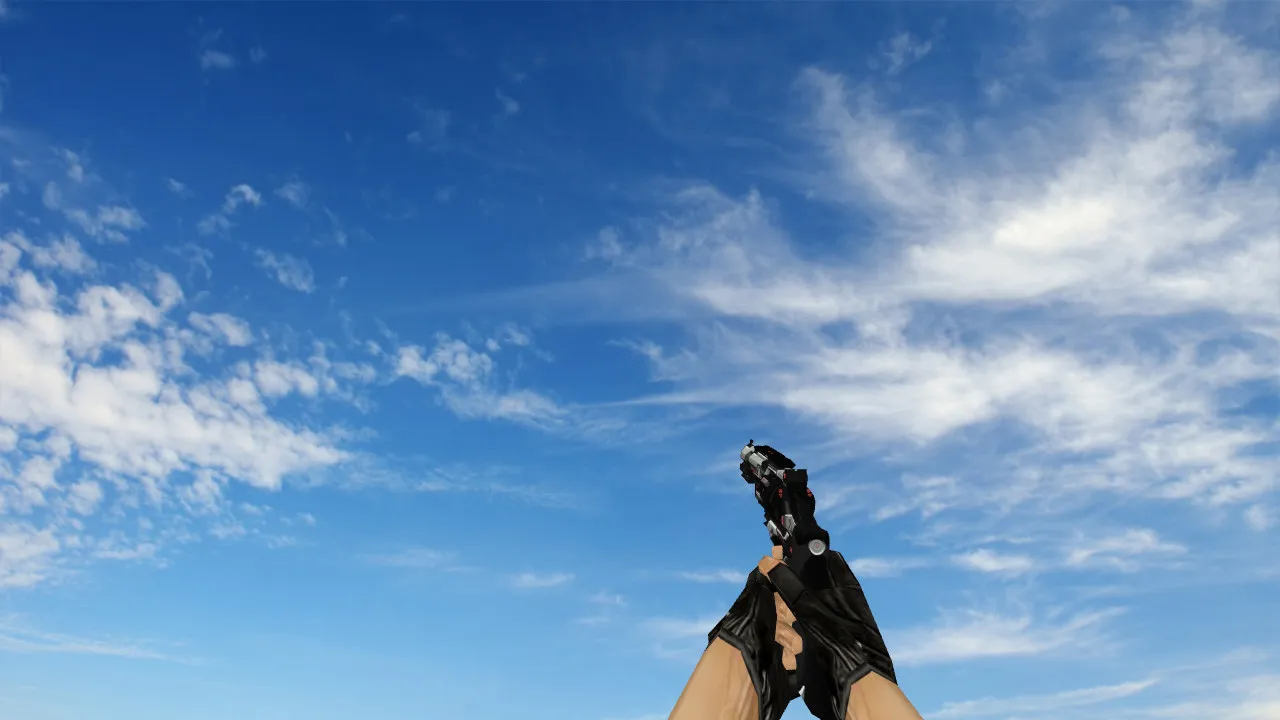
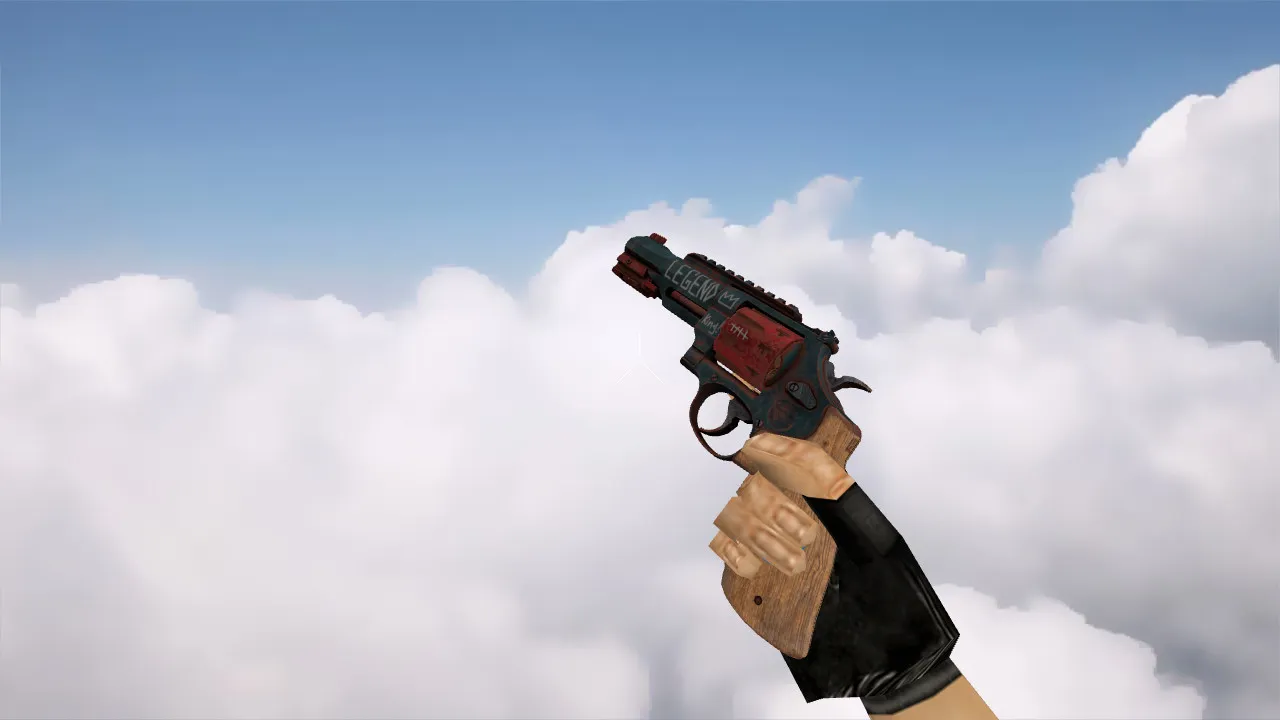
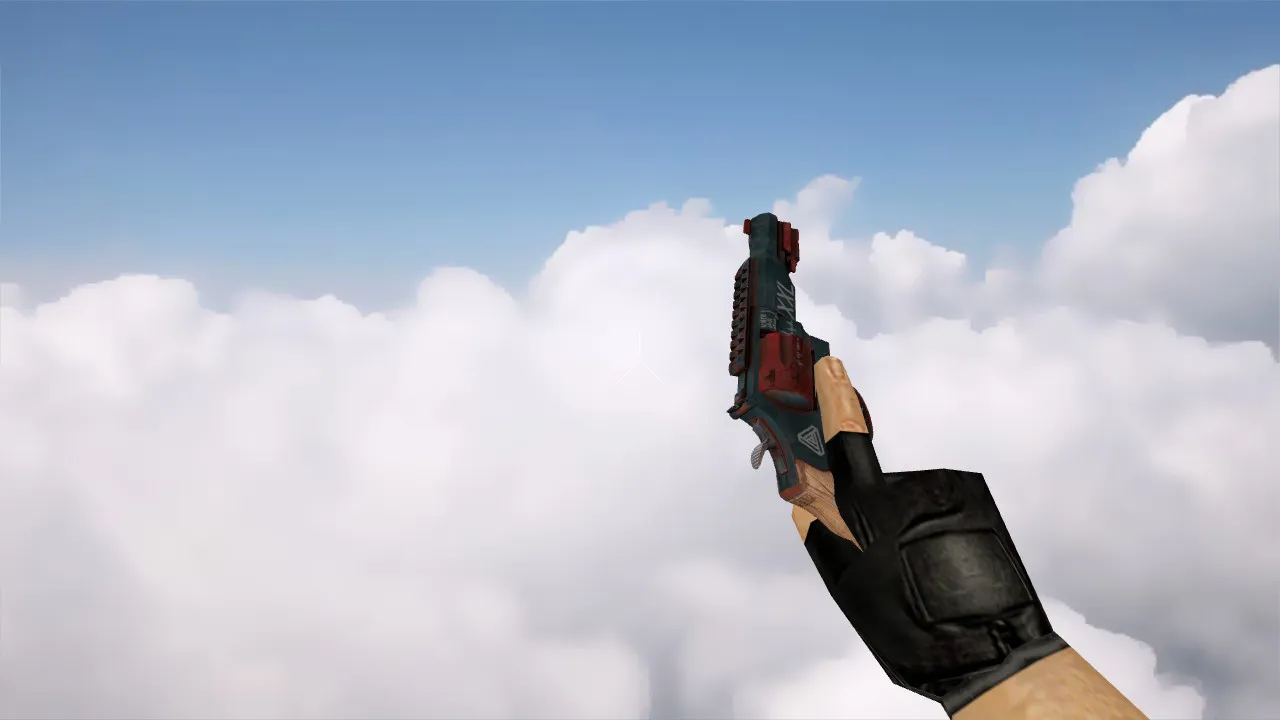
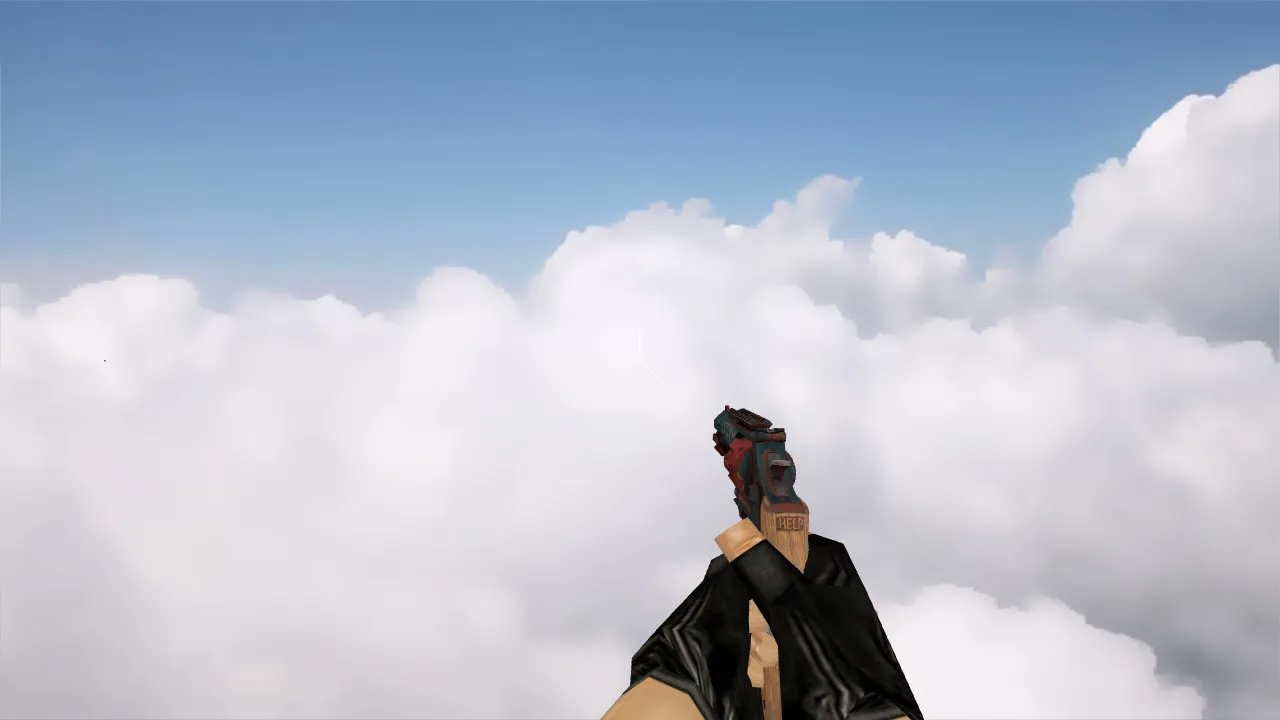
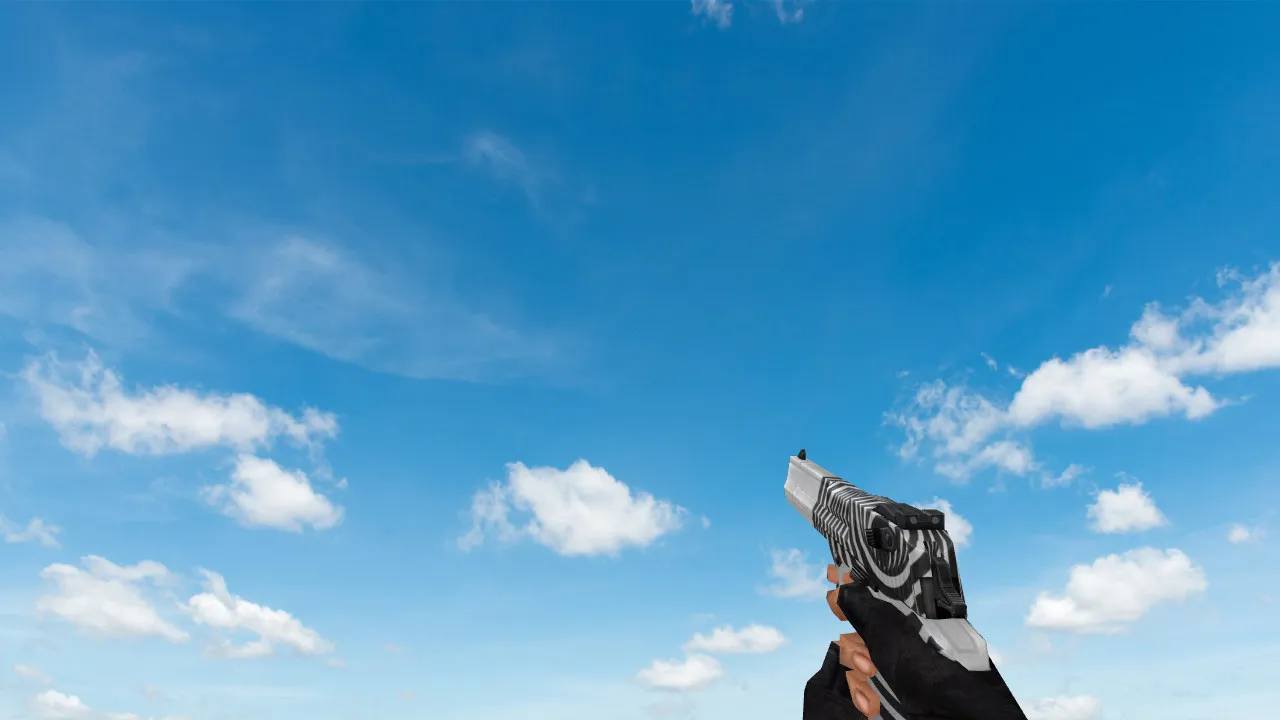
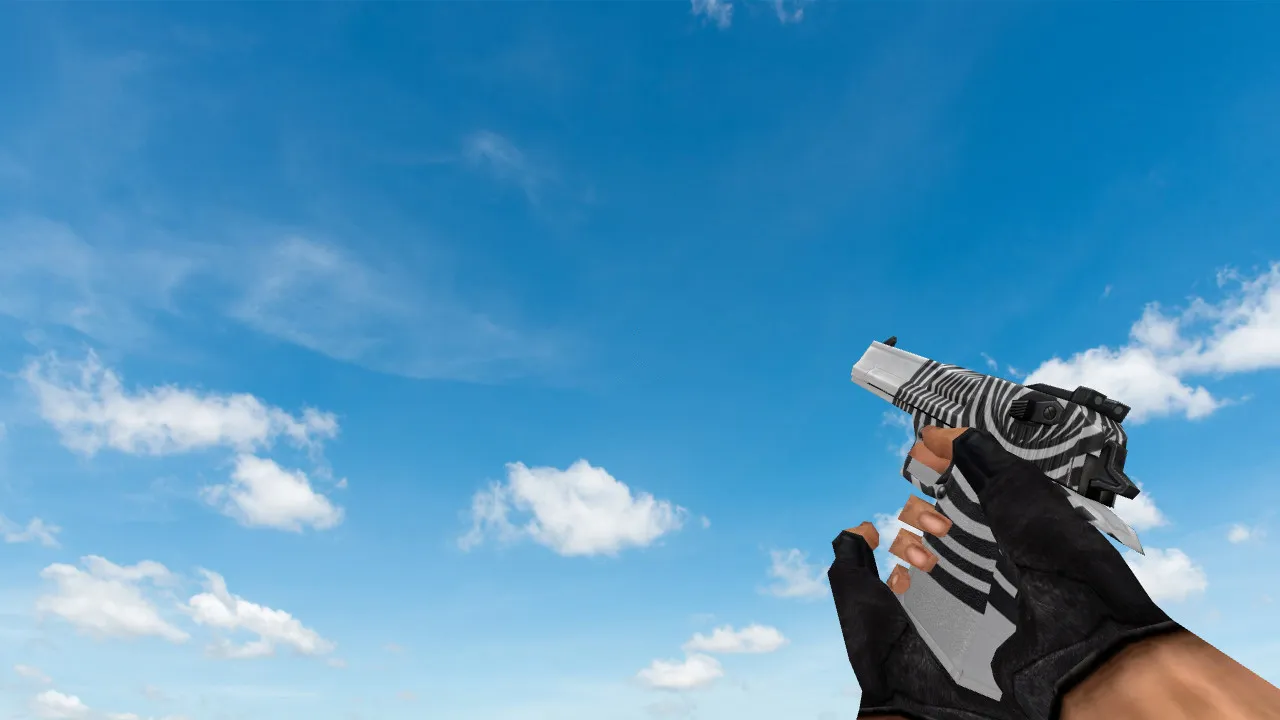
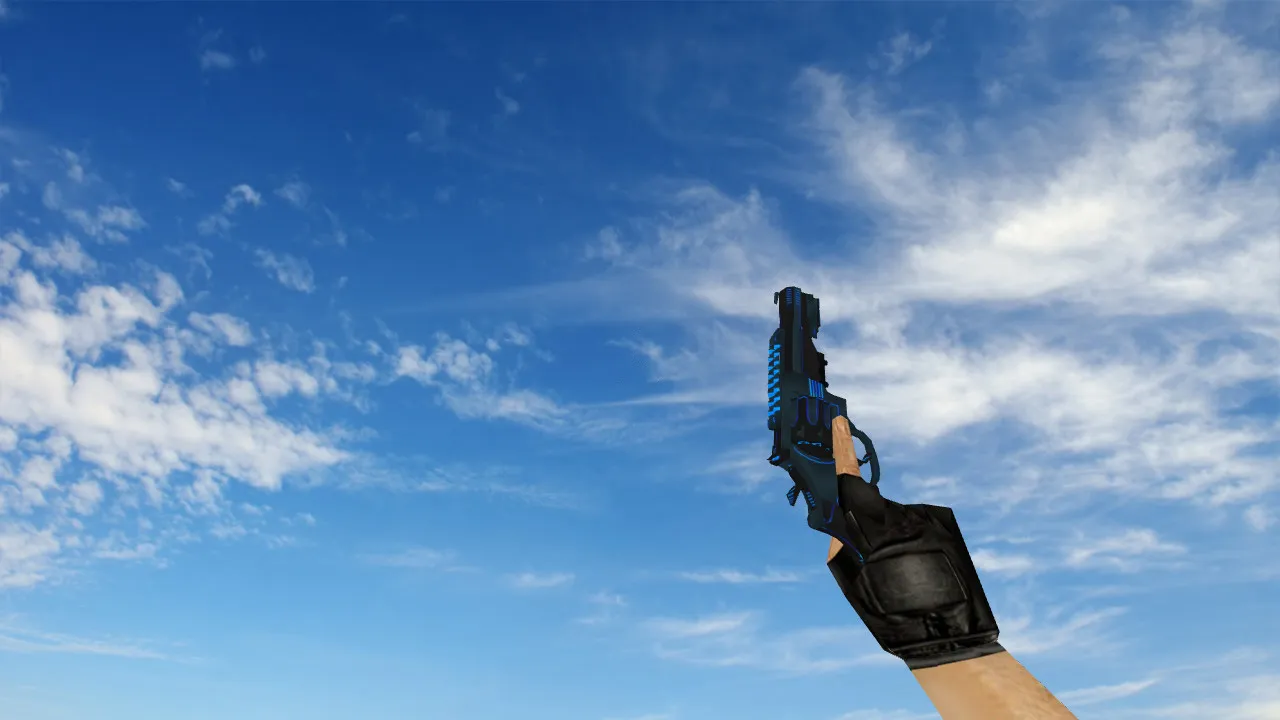
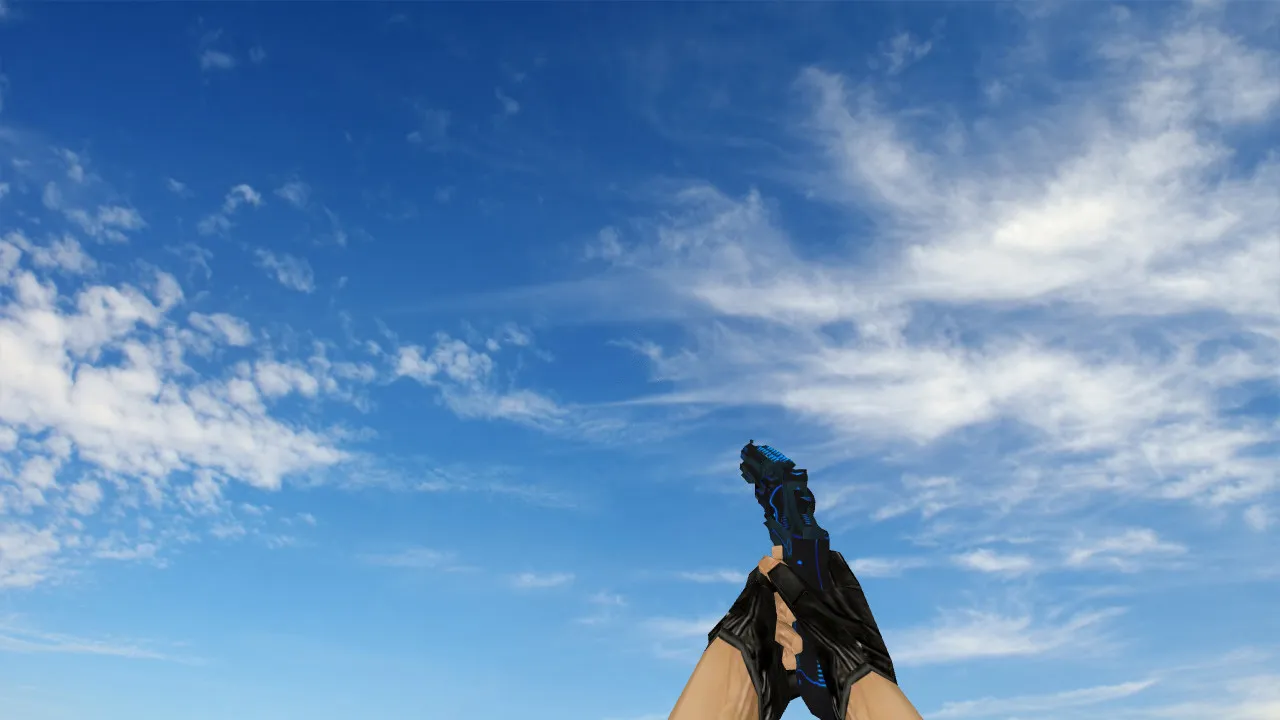
R8 Revolver Plasmax Deagle Model
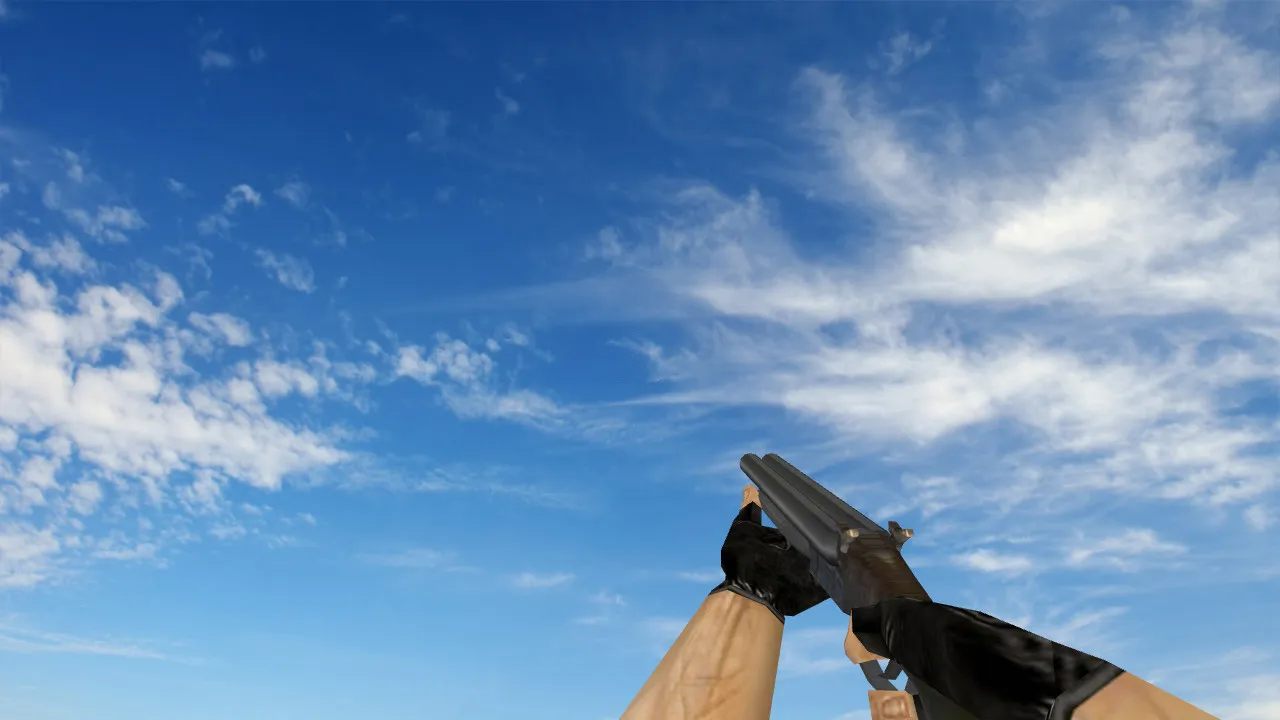
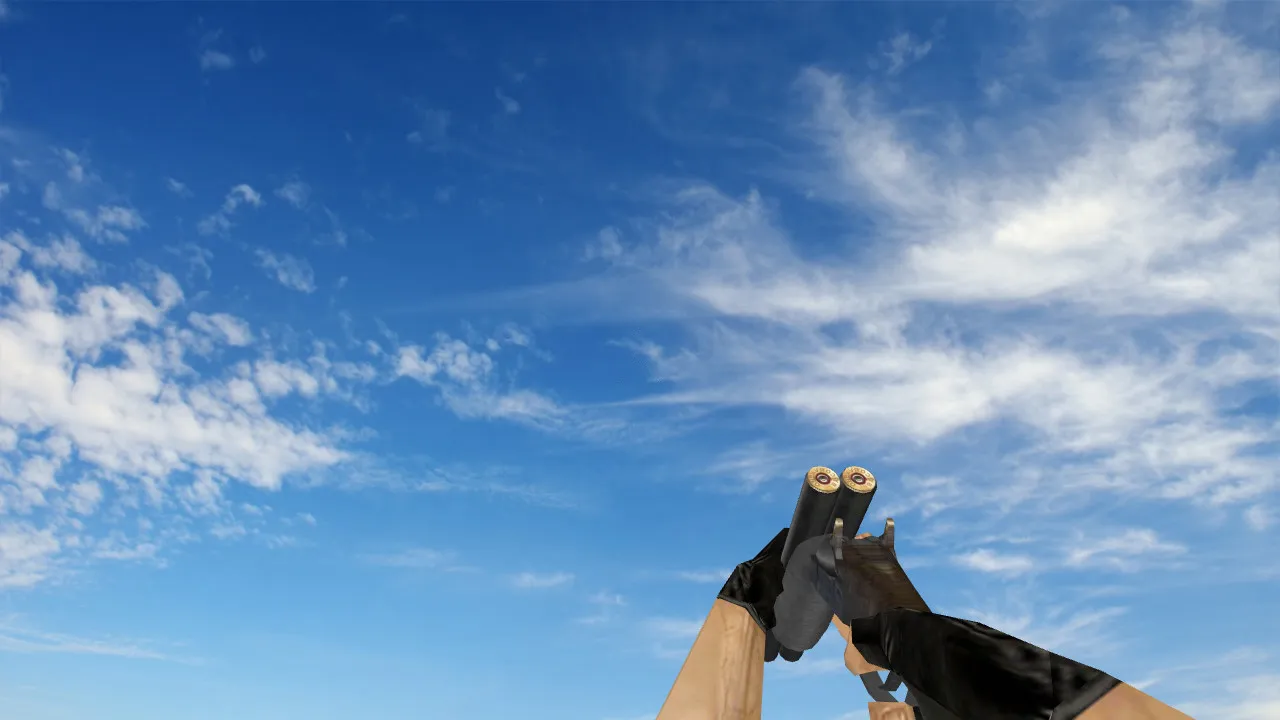
The R8 Revolver Plasmax model belongs to the weapon models category for Counter-Strike 1.6, and it upgrades the Deagle specifically. This custom v_ model swaps out the usual Desert Eagle for a streamlined R8 Revolver shape, with plasma-style textures that stay clearly visible on any map. The HD 1024x1024 textures keep details sharp in bright bomb sites and dark corners alike, perfect for ESL-style play where spotting opponents is crucial.
The polycount is optimized at roughly 1500 triangles for the v_ viewmodel, so frame rates stay high even on older machines without Build 4554. The p_ player and w_ world models line up exactly with hitboxes, so there are no alignment problems during sprays or quickscopes. Custom inspect animations play smoothly at 30 FPS, letting you enjoy the plasma glow without lag breaking your rhythm.
Sound integration makes the experience better-revolver shots have a deep, realistic punch with layered reverb for strong feedback. There are no default Deagle sounds here; these are custom .wav files that match the model's firing cycle, adding immersion without making your wad files larger. Compatibility is wide: it works without issues on Steam and Non-Steam clients, including MasterServer protected servers. Tested on Build 8610 with no conflicts, and it works well with clean config.cfg setups for no-recoil tweaks.
Safety comes first-this download is virus-free, with no slow-hack scripts, no ads appearing mid-round, and no auto-connect nonsense. Just pure modding to improve your arsenal. Installation is simple for modders at any level:
- Download the archive from the download link.
- Extract it to your desktop or a temp folder.
- Go to your CS 1.6 install directory, usually cstrike/models/.
- Copy the v_ r8_plasmax.mdl, p_ r8_plasmax.mdl, and w_ r8_plasmax.mdl files over, overwriting if asked.
- Put the custom sprites and textures into sprites/ and models/ subfolders as needed.
- Start the game, join a local server, and bind a key for weapon inspect to test the animations.
- For sounds, place the .wav files in sound/weapons/deagle/ and restart.
If you use bots, the model loads fine with .nav files intact-no pathing issues on maps like de_dust2. In darker spots like Long A on Dust2, the plasma accents give a better outline than vanilla skins, helping in clutch 1v1s at B-site. The efficient polycount means no FPS drops during intense CT rushes.
Modders like the clean file structure; there are no hidden dependencies or bloated .res files. This R8 Revolver Plasmax makes your Deagle stand out, mixing futuristic plasma looks with classic CS 1.6 handling. Use it with a no-recoil config for accurate headshots, or in pub matches to show off. It's not just a skin-it's a tactical advantage that suits any loadout, from eco rounds to full buys. Jump into the modding scene and see how this improves your gameplay without the usual problems of third-party files.
Grow your CS 1.6 toolkit with models like this, focusing on hitbox accuracy and high-fps performance. Whether you're tuning for competitive edge or casual fun, the R8 Revolver Plasmax is reliable across builds. No extra tools are needed; the standard GoldSrc engine handles everything. Keep your installs lean-avoid mixing with high-poly packs to maintain that 100+ FPS sweet spot.
Install in three steps
-
1
Download the archive. Use the button on the right, or the Yandex.Disk mirror if the main server is slow.
-
2
Extract it into the game folder. Use 7-Zip or WinRAR. A path without non-Latin characters works best.
-
3
Launch the game. If something doesn't work, mark it below - that is how we know the file needs an update.
Did it work for you?
No sign-up needed. You can pick more than one.