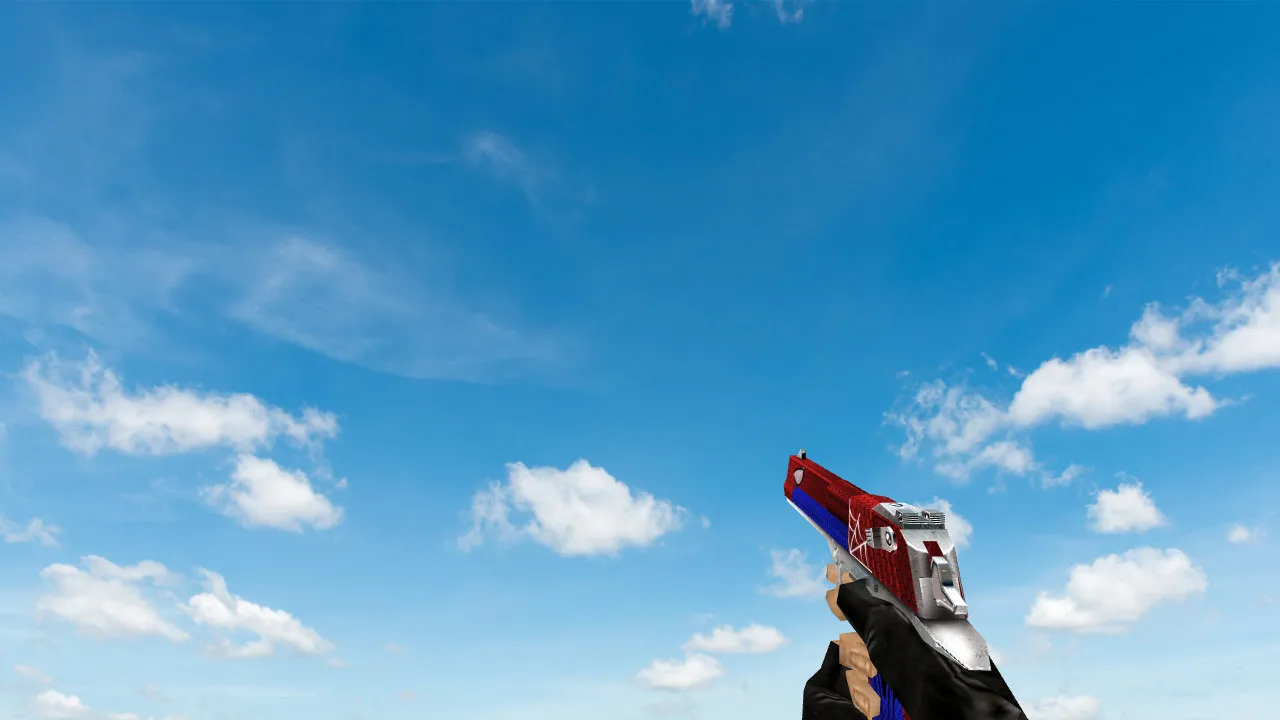
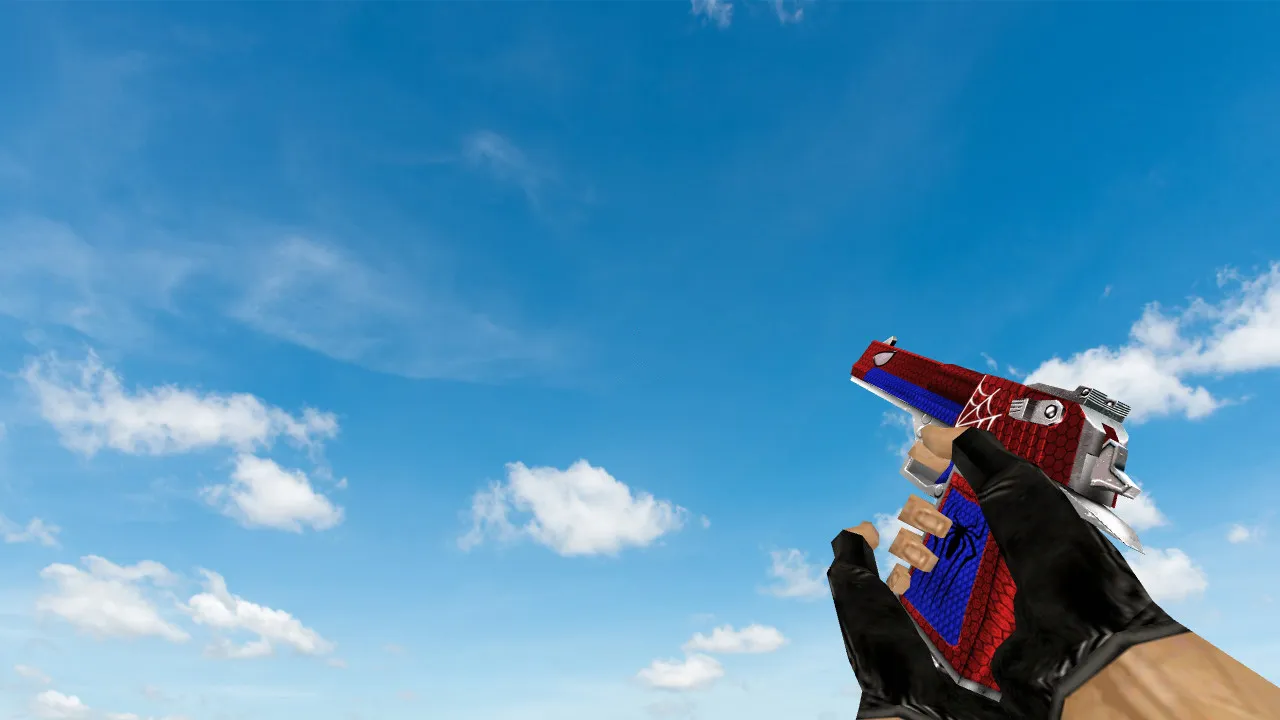
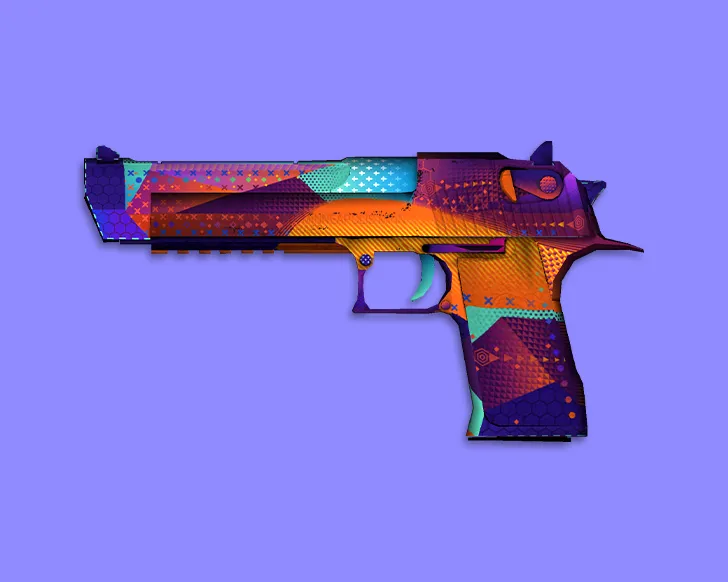
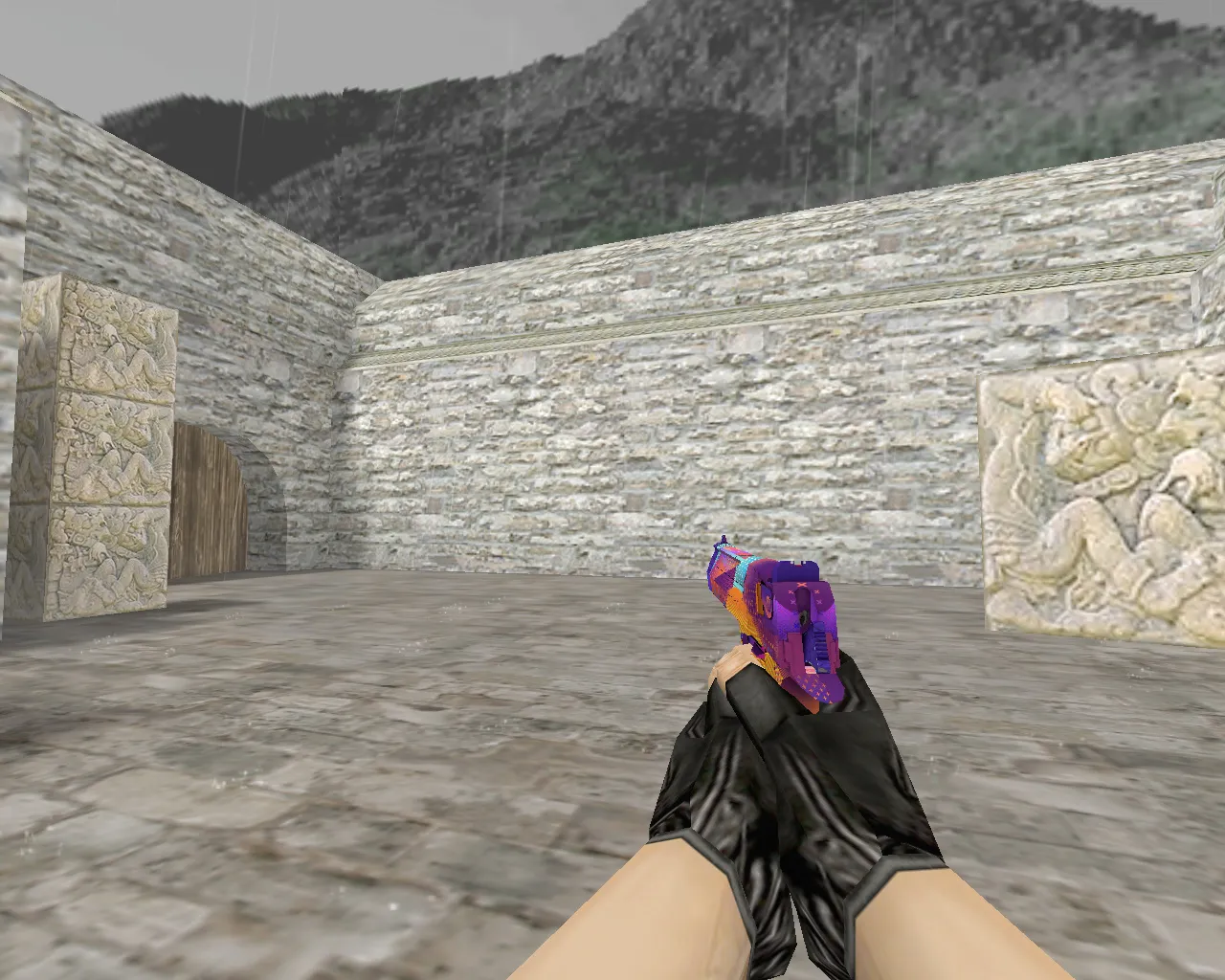
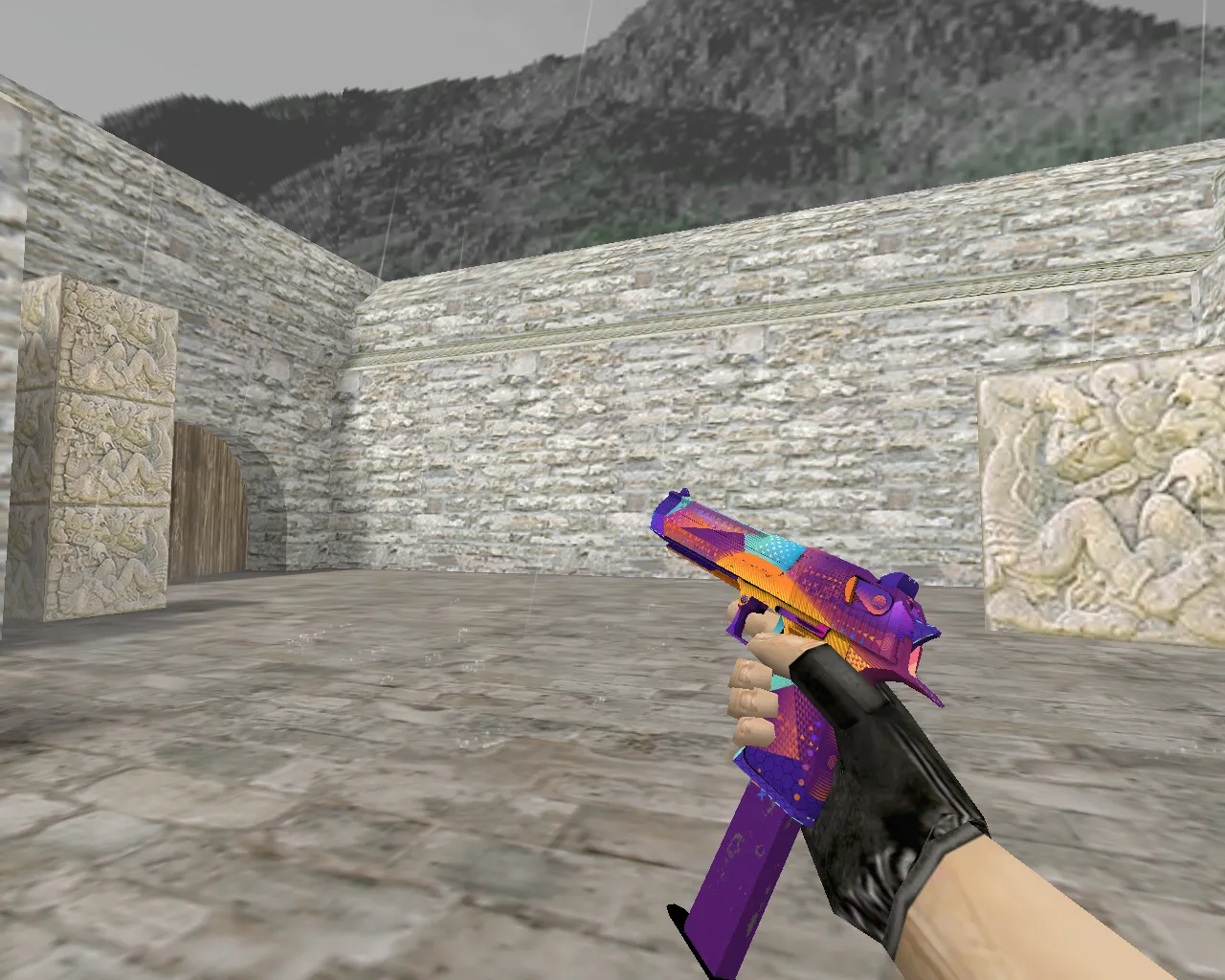
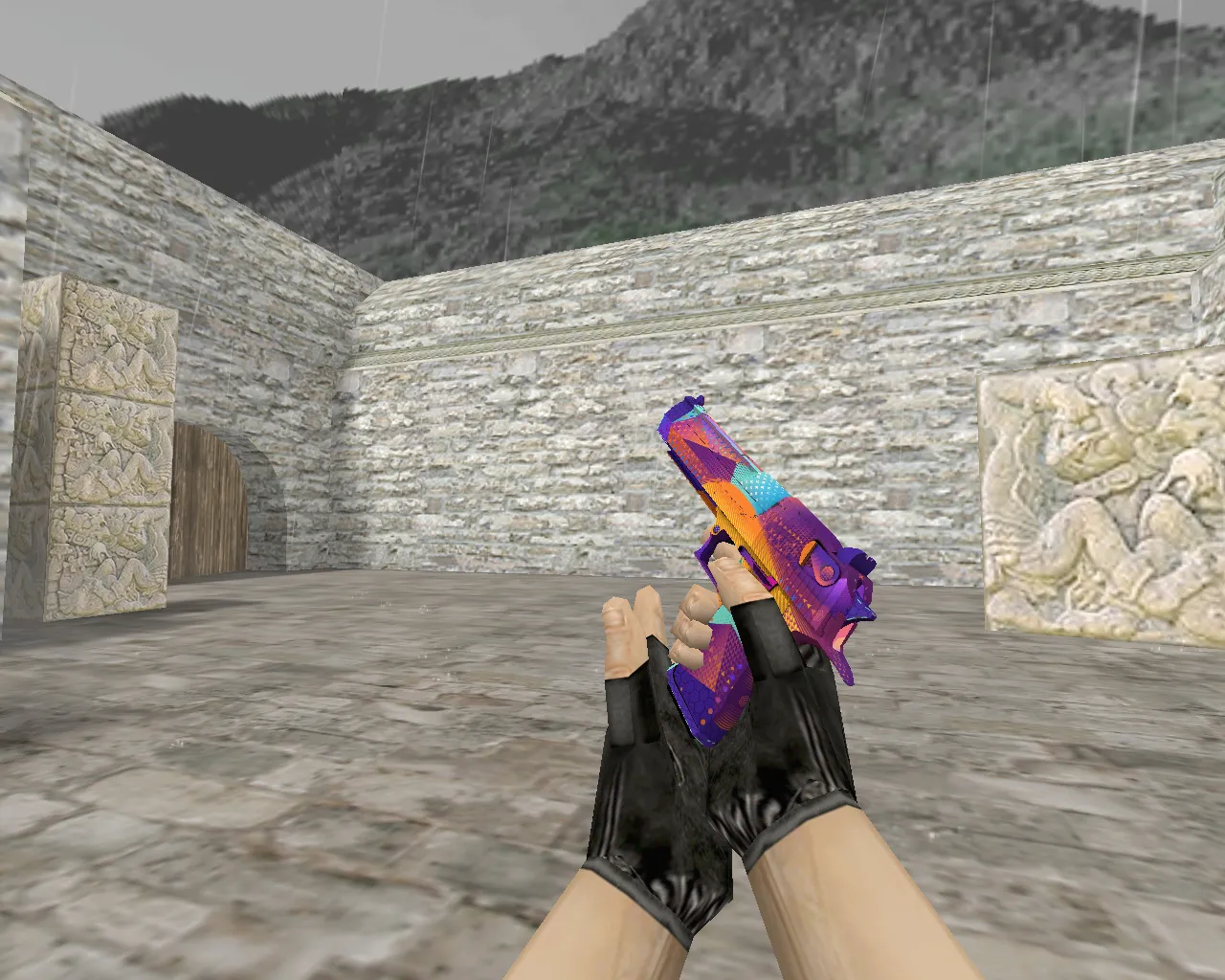
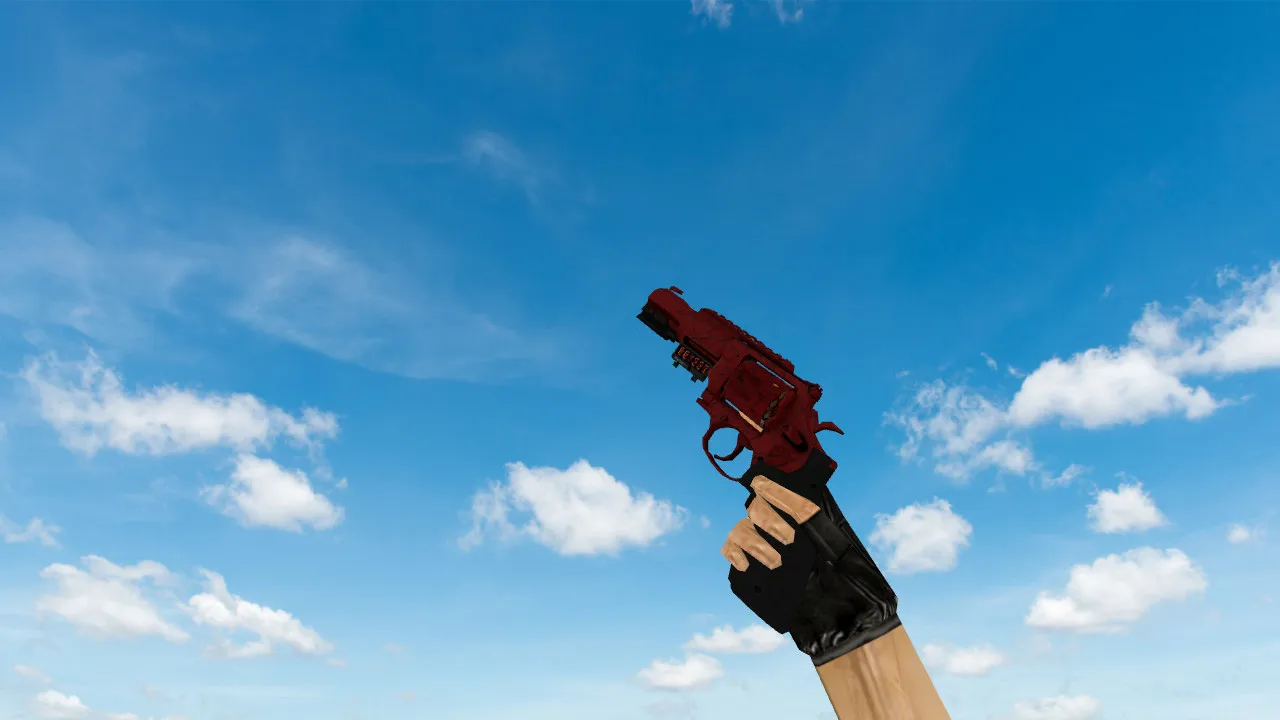
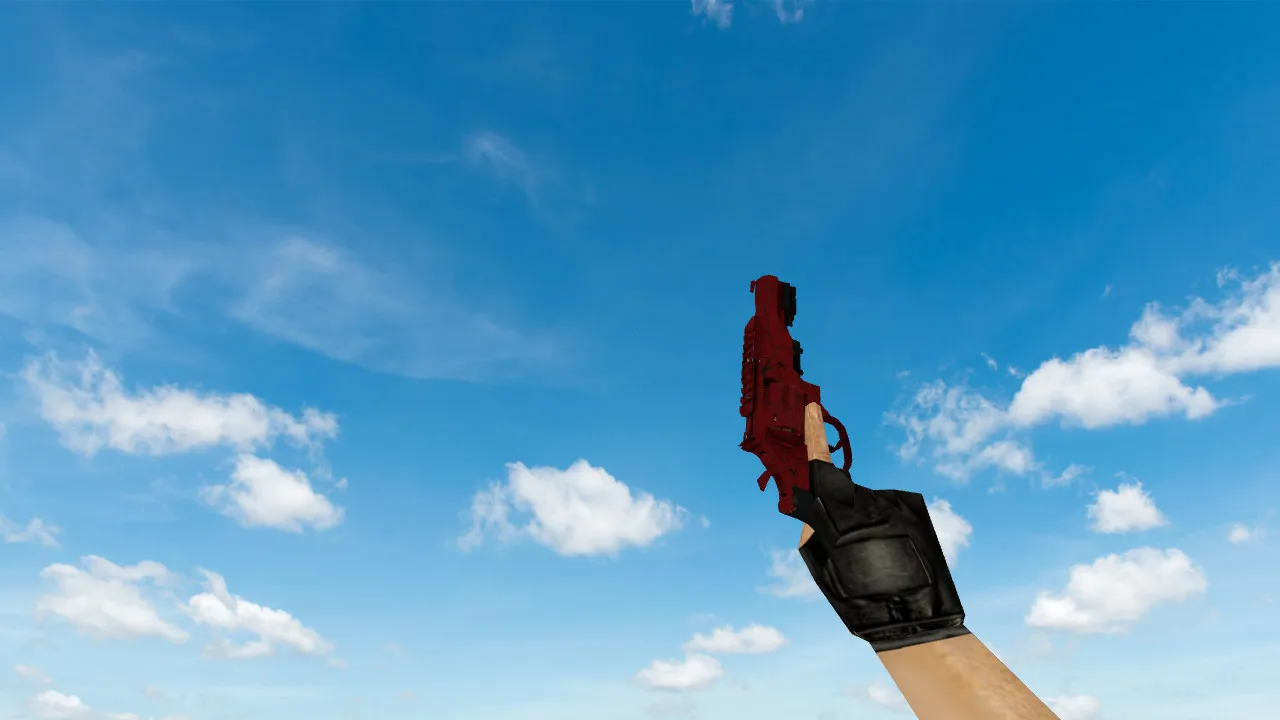
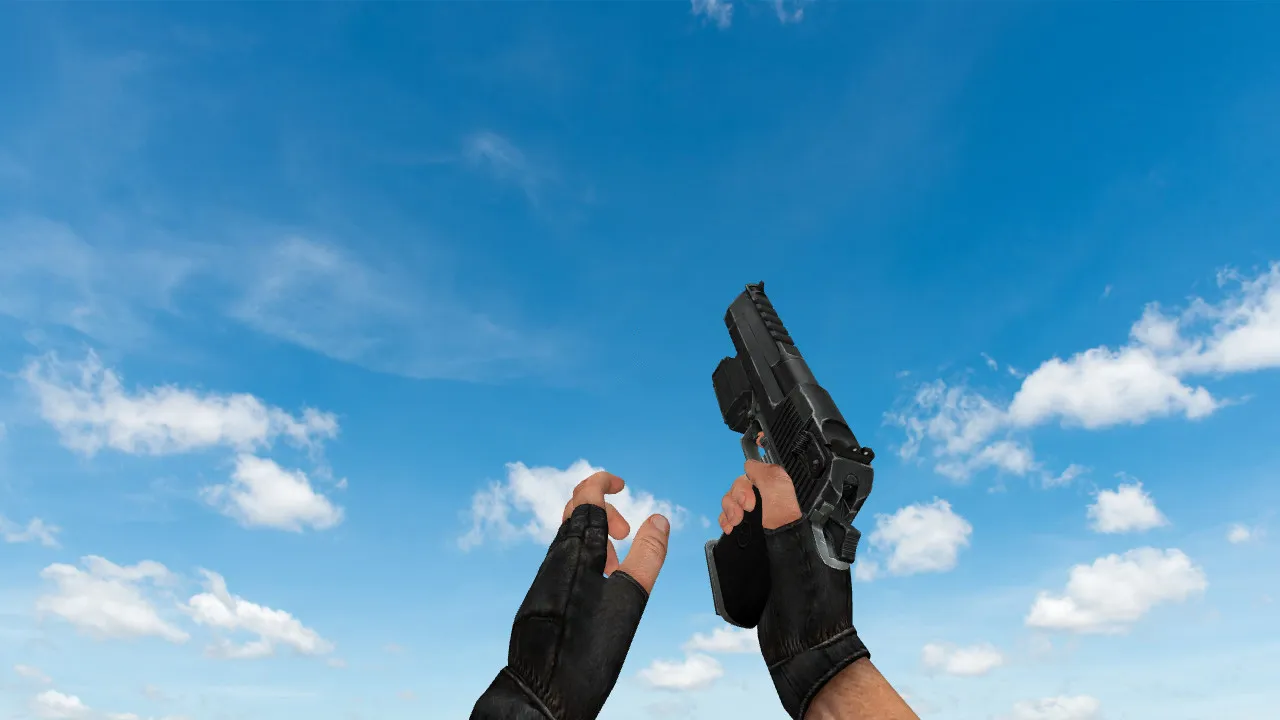
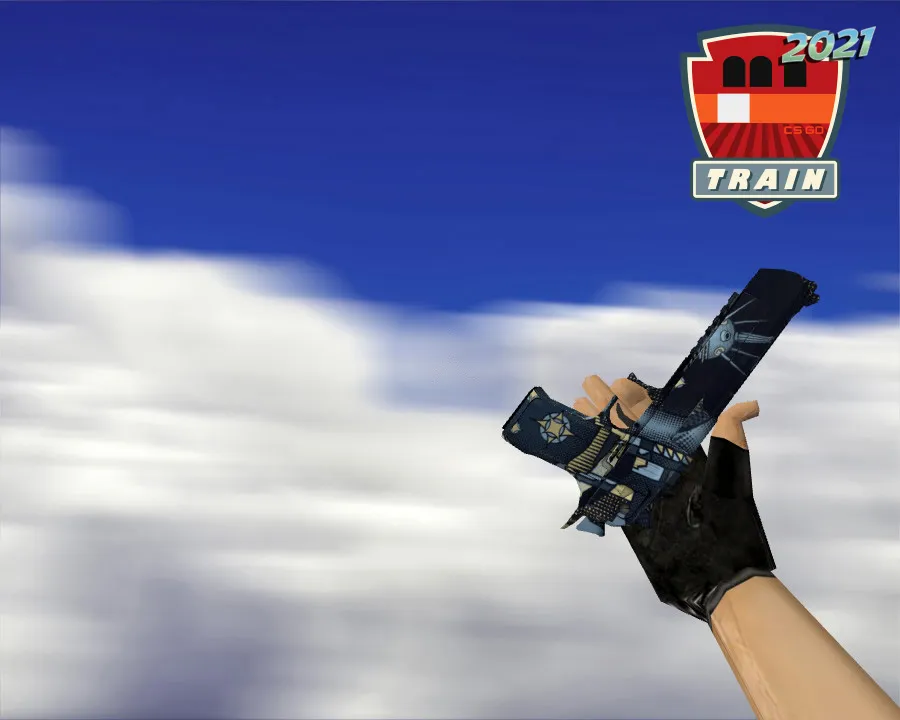
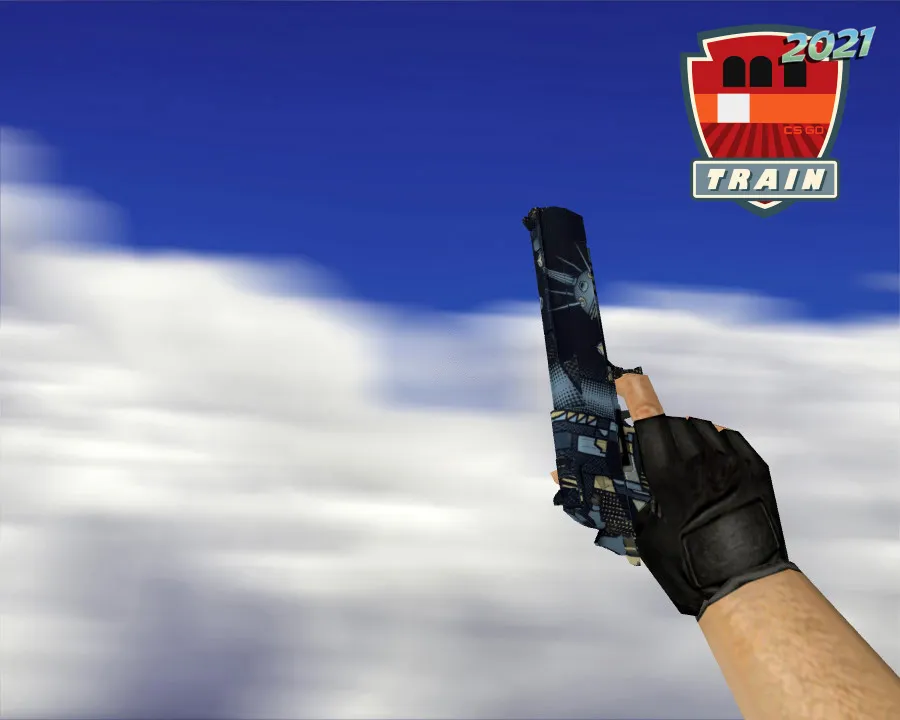
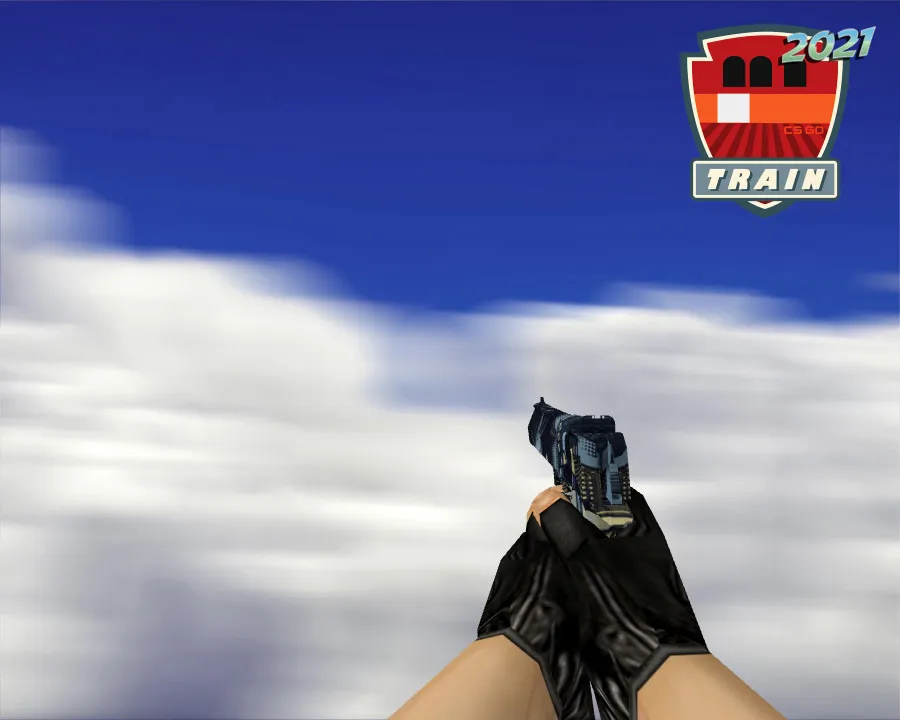
R8 Revolver Reload Deagle Model for CS 1.6 - Precise Hitboxes and HD Textures
Description
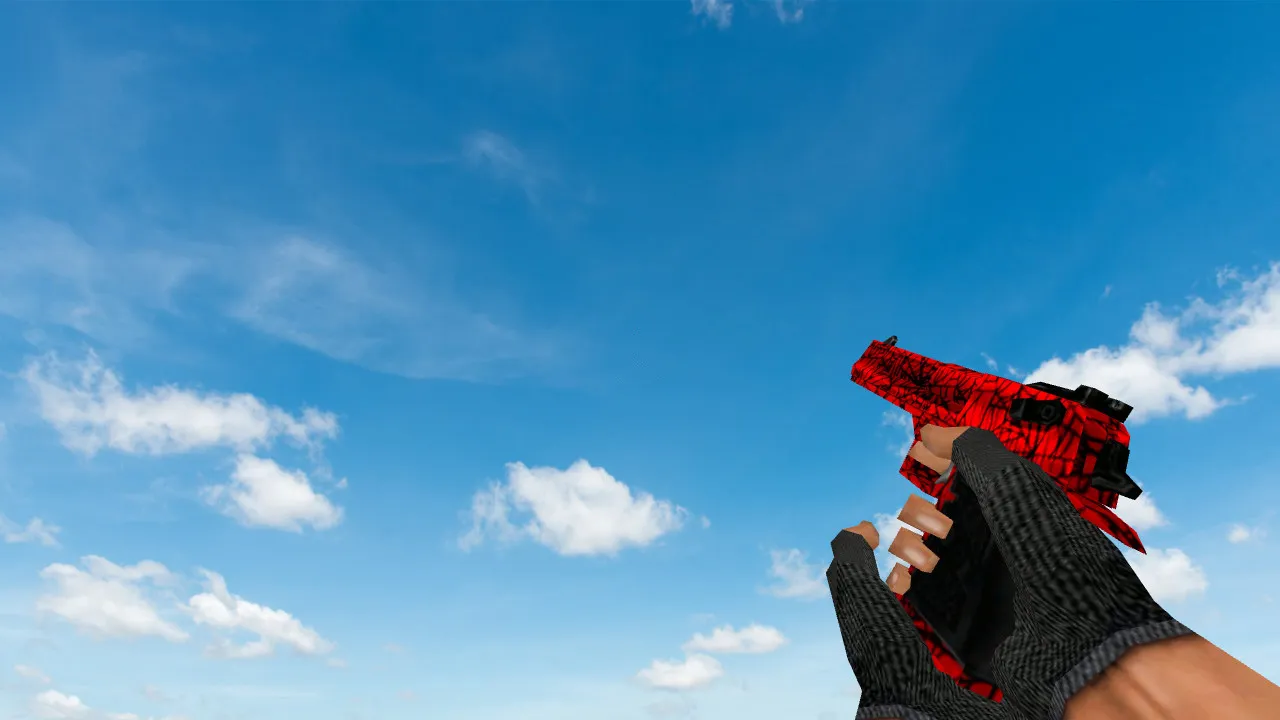
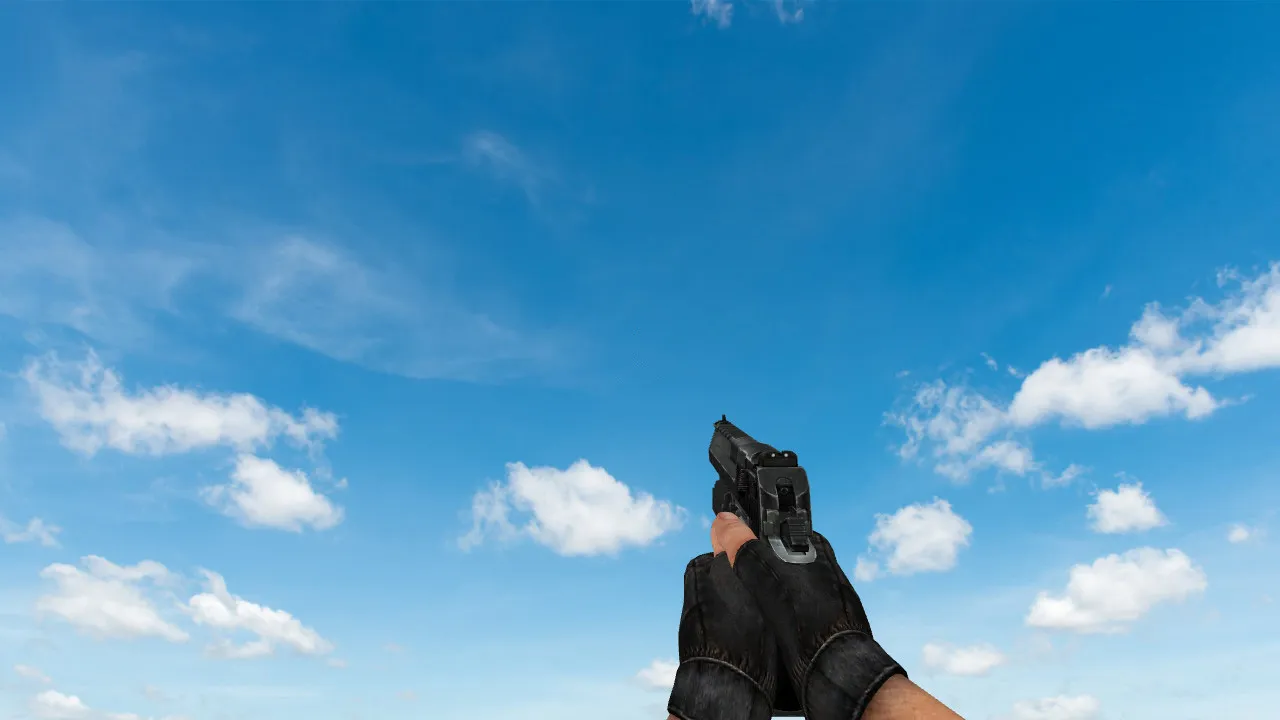
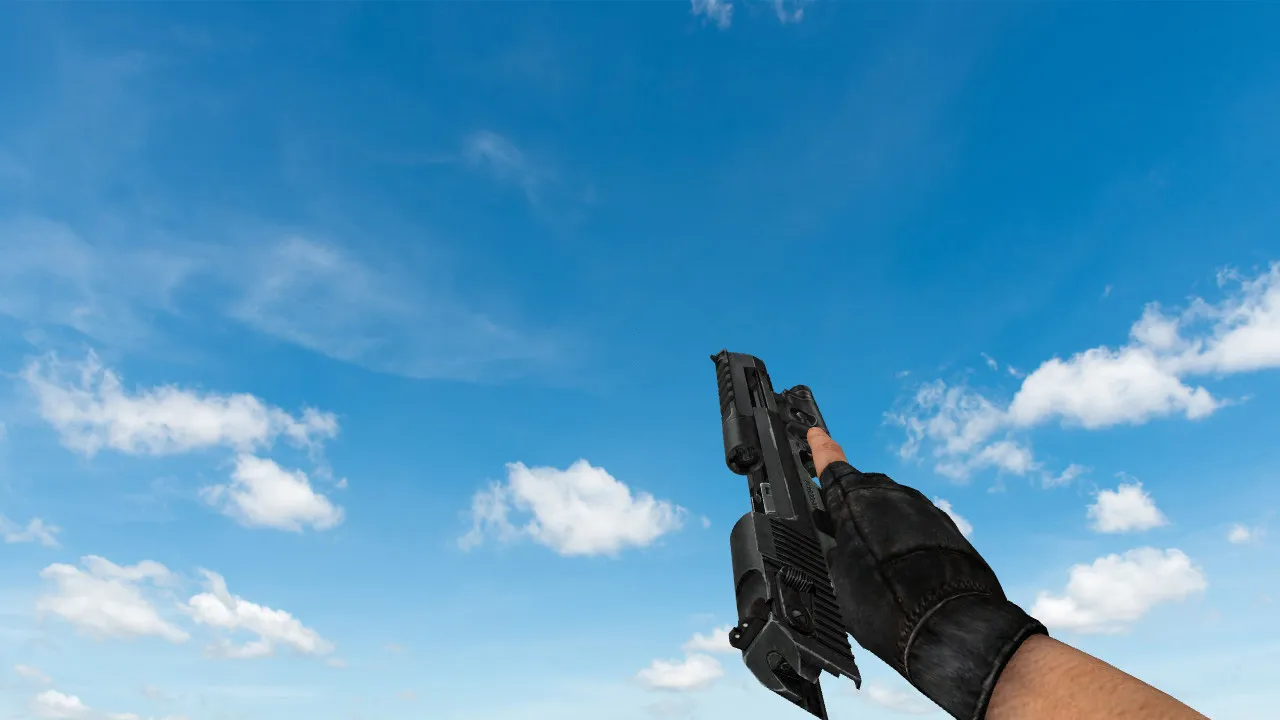
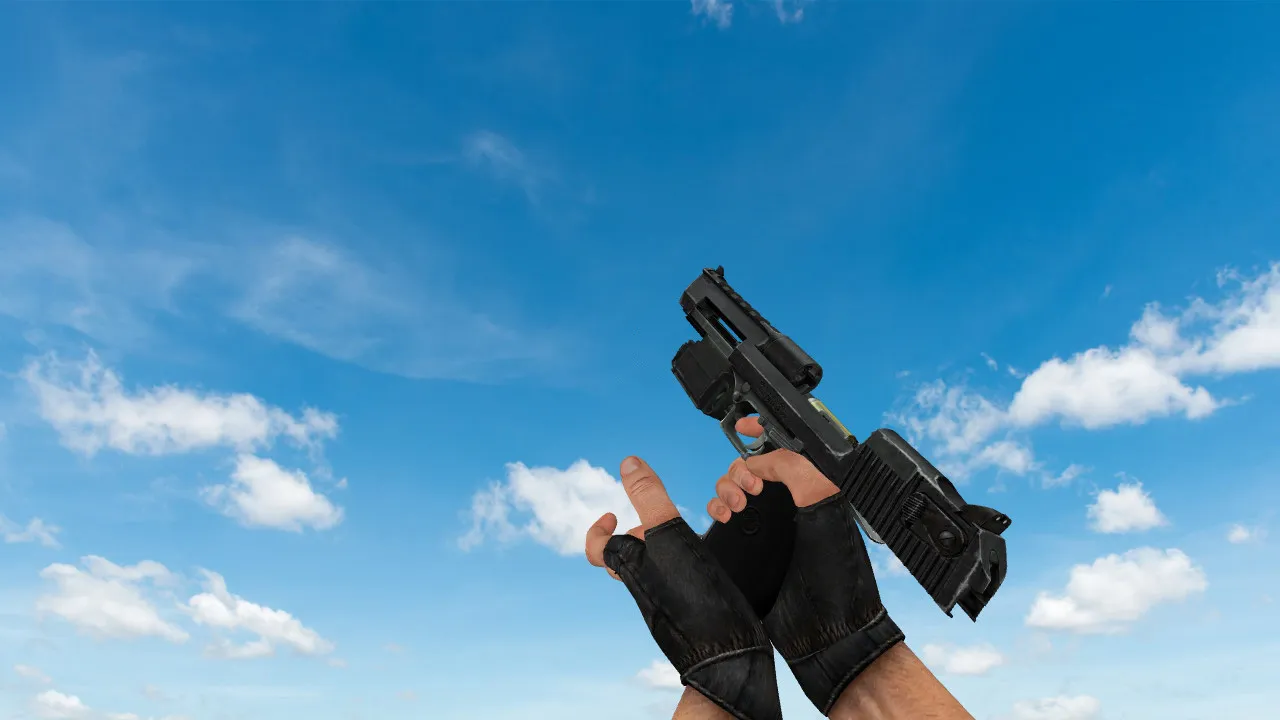
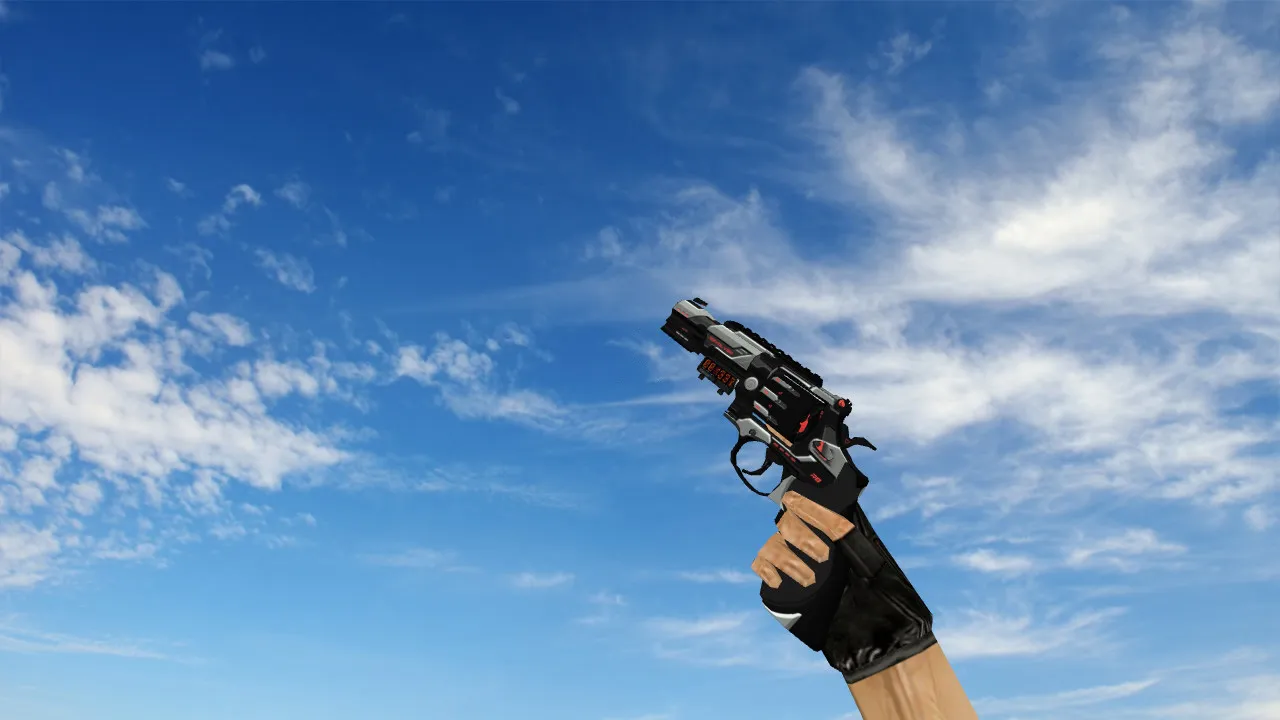
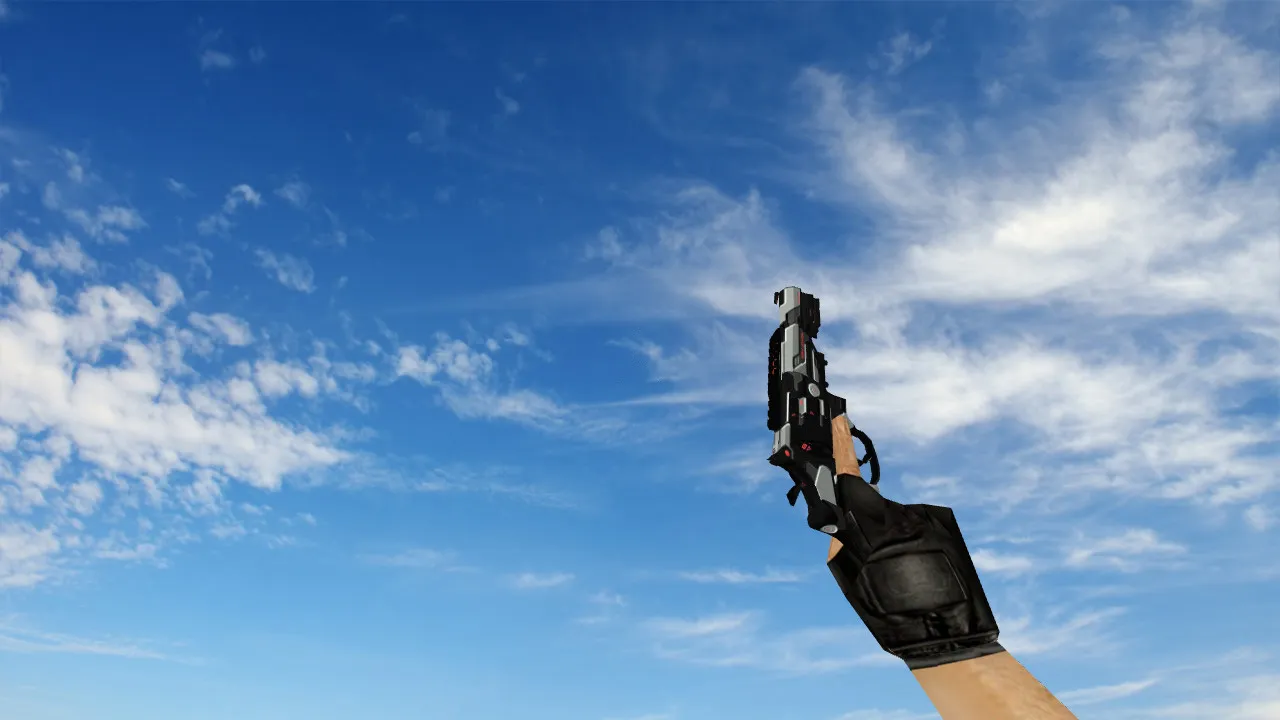
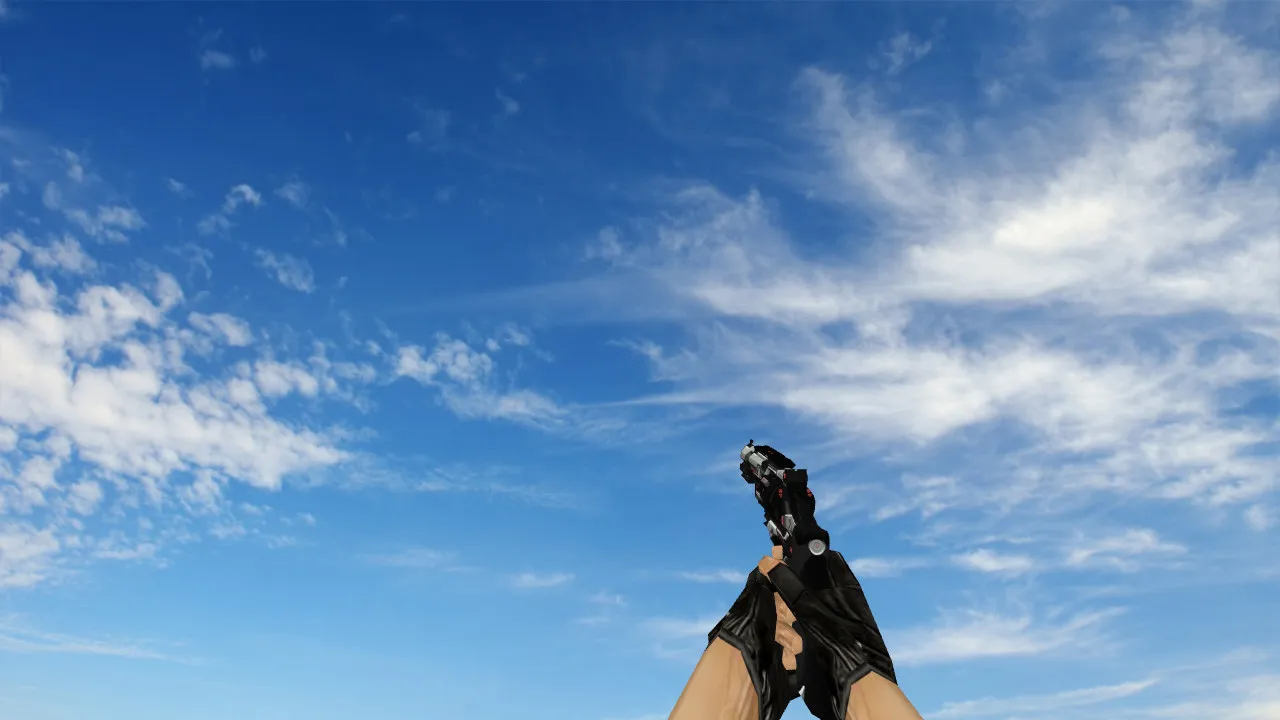
R8 Revolver Reload Deagle Model
With this custom Deagle model, you get the R8 revolver look in CS 1.6, complete with smooth reload actions and fine detailing. It swaps out the default Desert Eagle files, using v_ for the first-person view, p_ for the player's hands, and w_ for the world model. The 512x512 HD textures remain clear even in dim areas such as the de_dust2 tunnels, so your line of sight stays sharp in tense moments. The inspect animation allows you to twirl the model without any frame rate drops, giving your pre-round routine a little extra flair.
Key Features
- Texture Quality: The high-resolution 512x512 maps give the cylinder and barrel clean edges, cutting down on pixelation when enemies are close.
- Animations: The reload motion flows naturally like a real revolver, with a satisfying click as each chamber is filled. The zoom-in animation lines up with the iron sights for accurate headshots.
- Sound Design: The custom gunshot audio hits hard-a deep boom for the .50 cal impact, along with metallic reload clinks that stand out amid bomb site commotion.
- Hitbox Optimization: The hitboxes are matched to the model's shape, so you won't miss due to offset collisions. The polycount remains below 1500, helping older machines maintain high fps.
- Compatibility: It runs without issues on Build 4554 and 8610, whether you use Steam or Non-Steam. No config changes are required; just drop it into your models folder.
In CS 1.6, the Deagle is a one-tap wonder for long-range picks, and this R8 version enhances the revolver feel while keeping the base stats the same. You can use it on servers with ESL rules-its clean design won't set off anti-cheat alarms. When pushing the A-site on de_inferno, the w_ model's distant visibility helps teammates see where you are without confusion. In bot matches, the model works with .nav files, so AI pathing stays unaffected.
Installation Guide
Get the .mdl, .mdl files, and .wav sounds from the download. Extract them to your cstrike/models/v_desert eagle.mdl path-overwrite the existing ones. For Non-Steam, direct it to the custom game folder. Test on a local server first: bind 'inspect' to a key and switch through the views. There are no viruses, no backdoors, and no auto-exec scripts that might cause lag. If you use a clean config.cfg, you can add alias commands for quick model swaps if you want, but this one works right away.
Players say accuracy improves in deathmatch lobbies because of the intuitive grip model in the p_ view. On high-ping connections, the low-poly design stops stuttering during sprays. You can pair it with a no-recoil script for practice, but keep in mind that fair play keeps the community healthy. This model suits any loadout-eco rounds with the Deagle's power now feel more strategic, like loading rounds in the middle of a fight.
Performance Tips
To get the most out of this setup, clean up your wad files by deleting unused sprites. Play at 800x600 for that classic 1.6 feel, where the textures look great without overworking your CPU. In multiplayer, it has no effect on server tick rates. For modders, the source .smd files make reskins easy-adjust the metallic shaders for a gold version if you like custom work.
Why Choose This Model?
Aside from looks, it's made for a competitive advantage. The hitbox alignment keeps your crosshair true, which is crucial for 1v2 clutches. There's no extra bulk-the file size is under 5MB, so downloads on community servers are quick. Veterans from old modding forums trust similar R8 ports for their dependability. Improve your CS 1.6 sessions with this accurate tool; it's more than a skin, it's a gameplay boost that honors the game's origins.
Check out other Deagle mods for variety, but this R8 reload stands out for balancing style and function. It's safe, stable, and ready to use.
Install in three steps
-
1
Download the archive. Use the button on the right, or the Yandex.Disk mirror if the main server is slow.
-
2
Extract it into the game folder. Use 7-Zip or WinRAR. A path without non-Latin characters works best.
-
3
Launch the game. If something doesn't work, mark it below - that is how we know the file needs an update.
Did it work for you?
No sign-up needed. You can pick more than one.