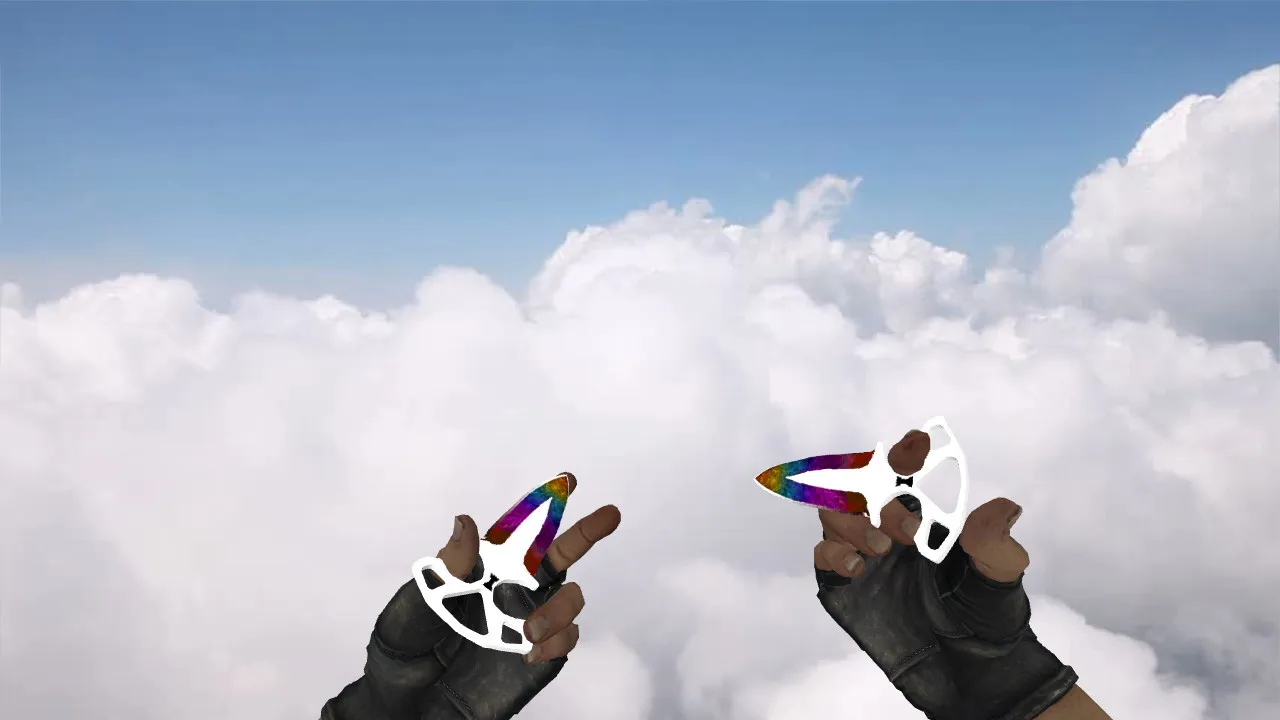
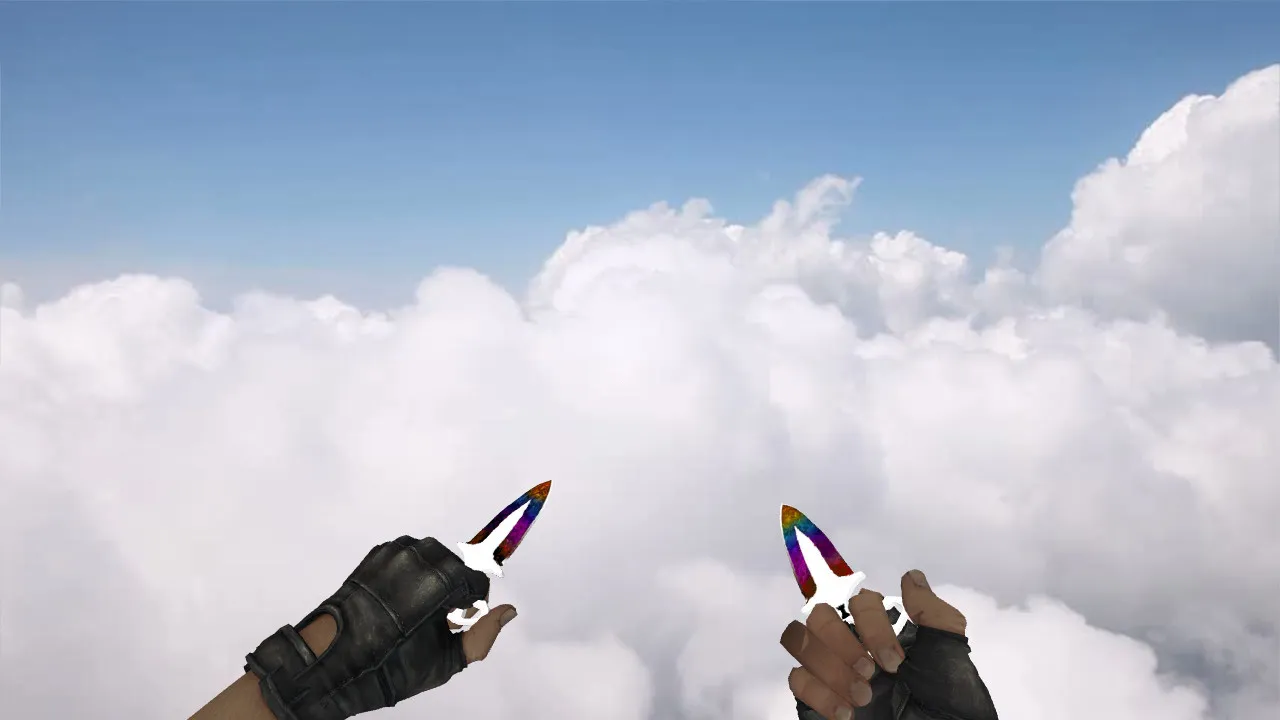
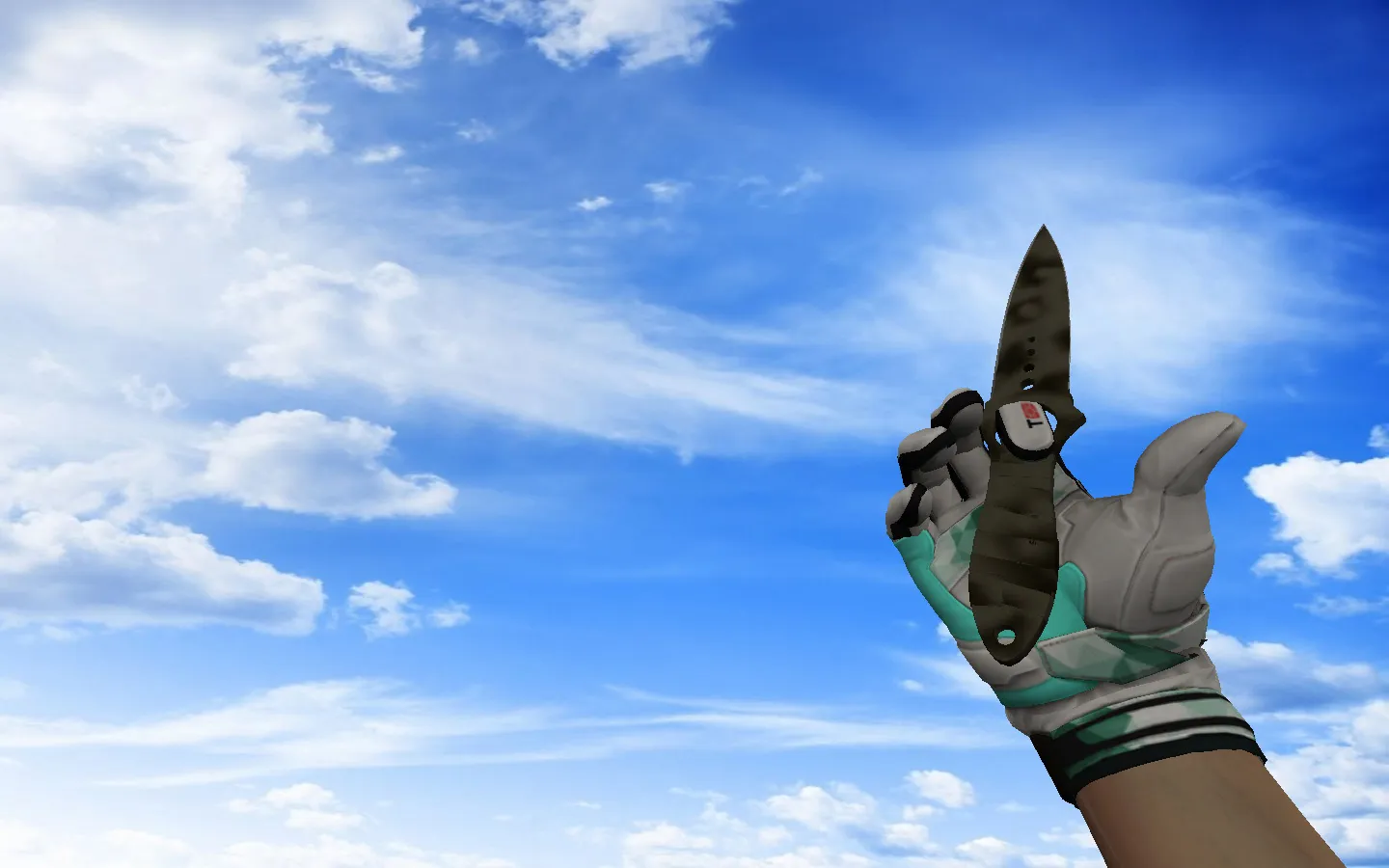
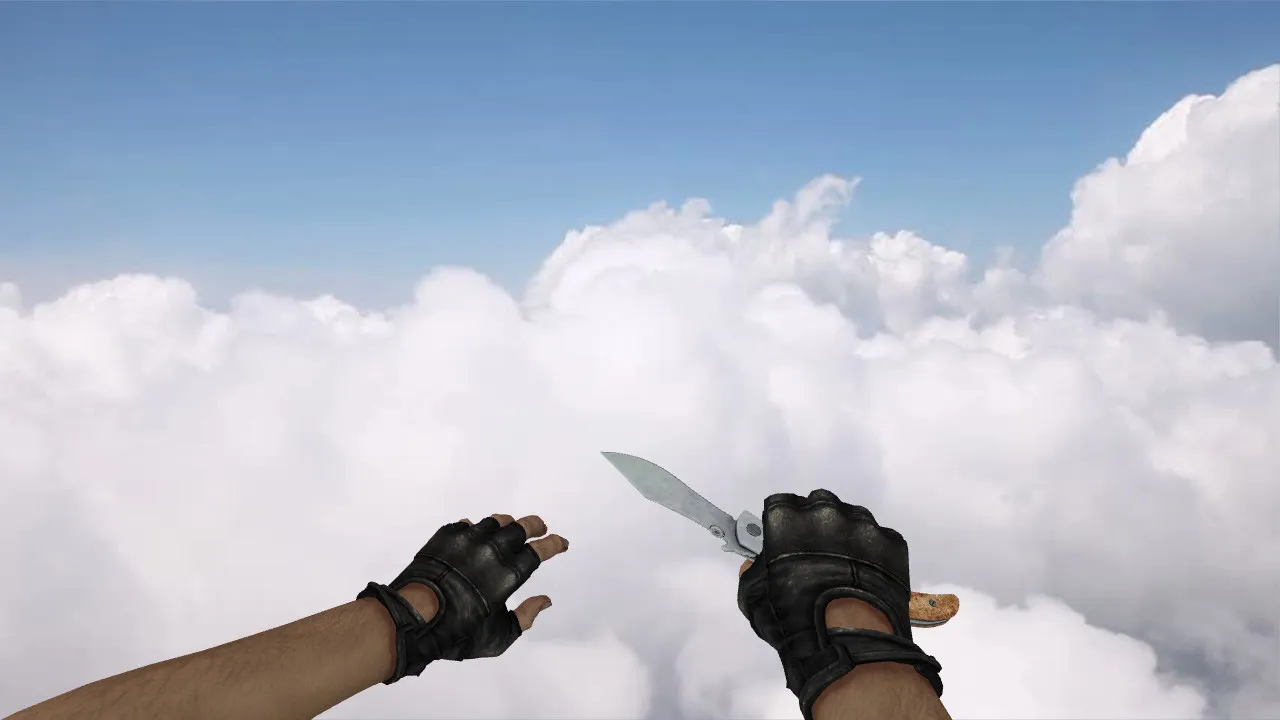
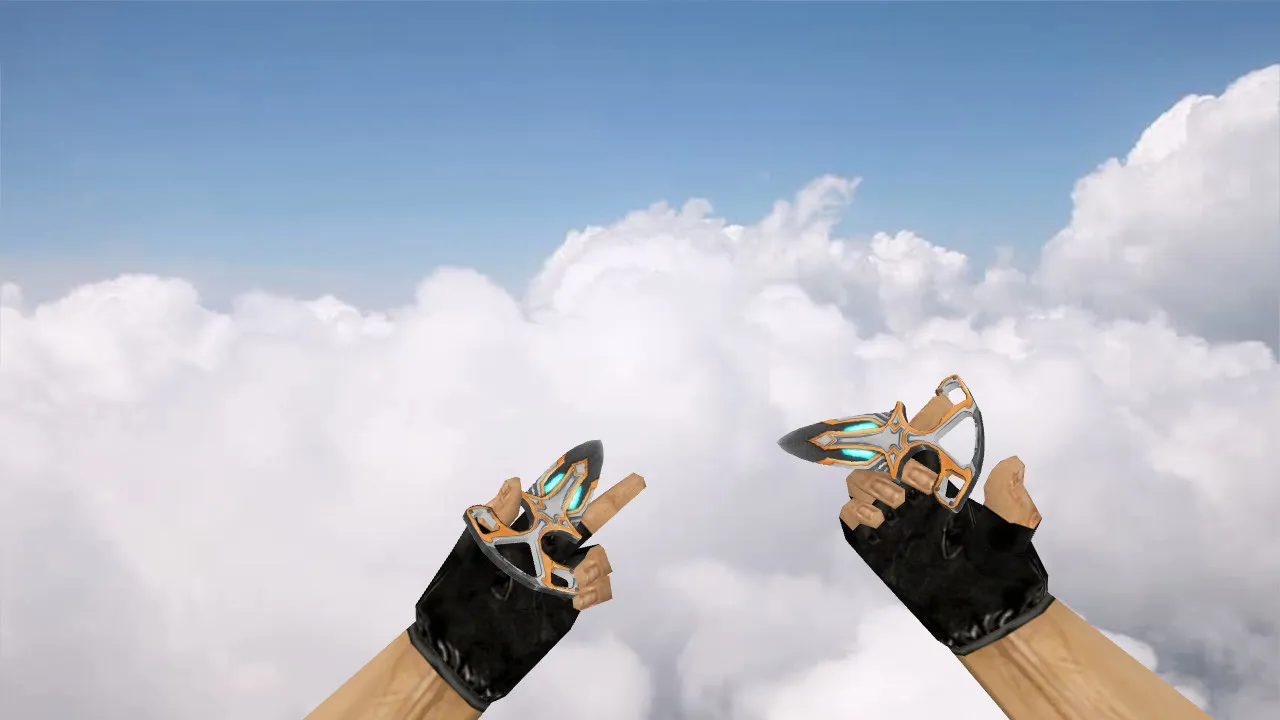
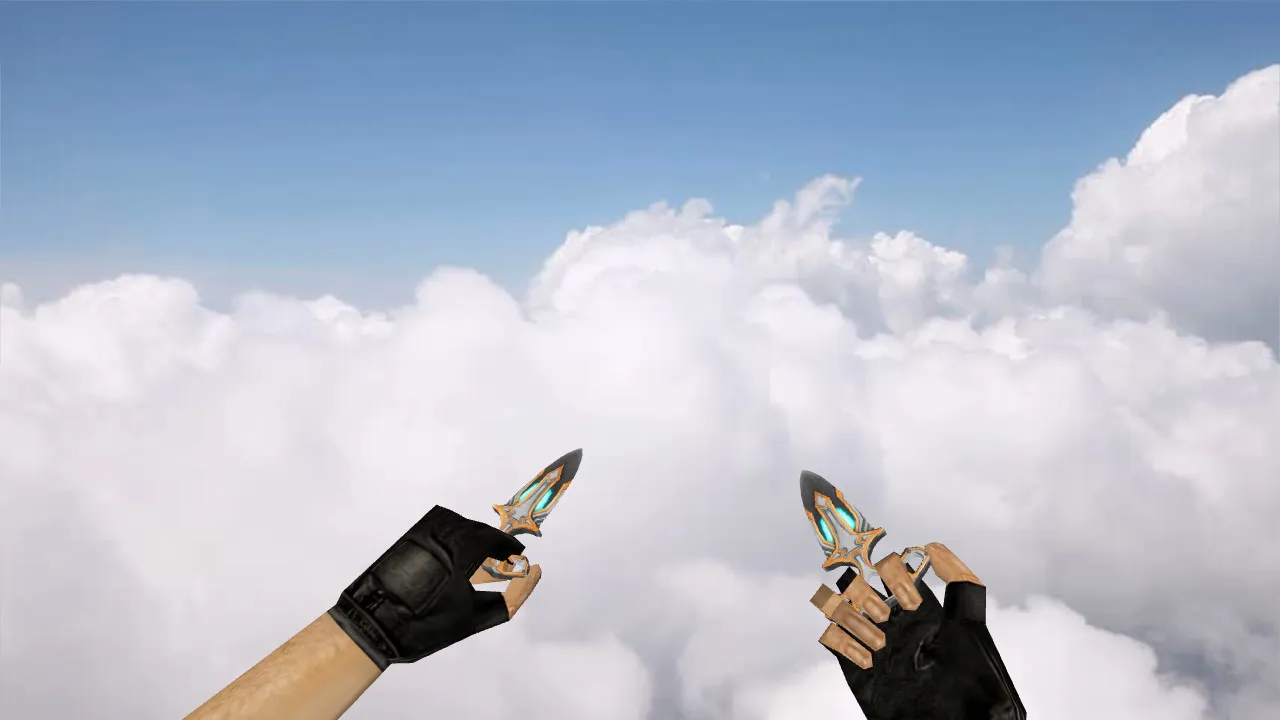
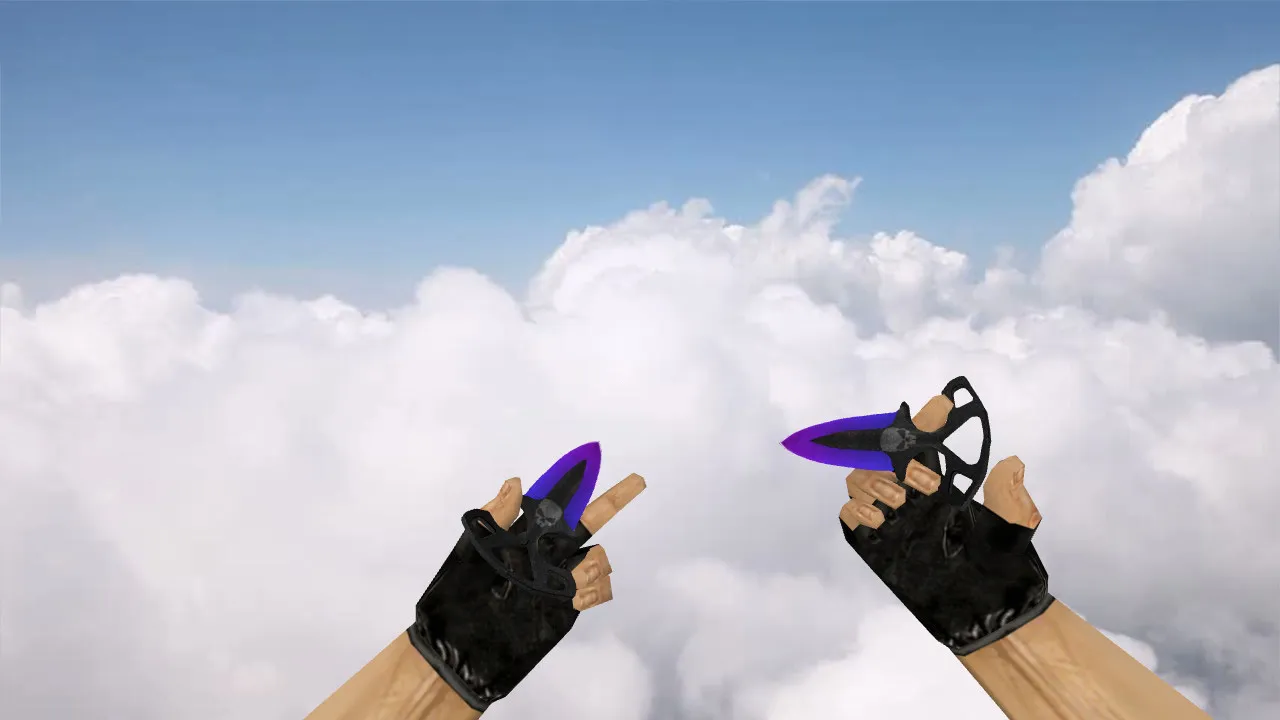
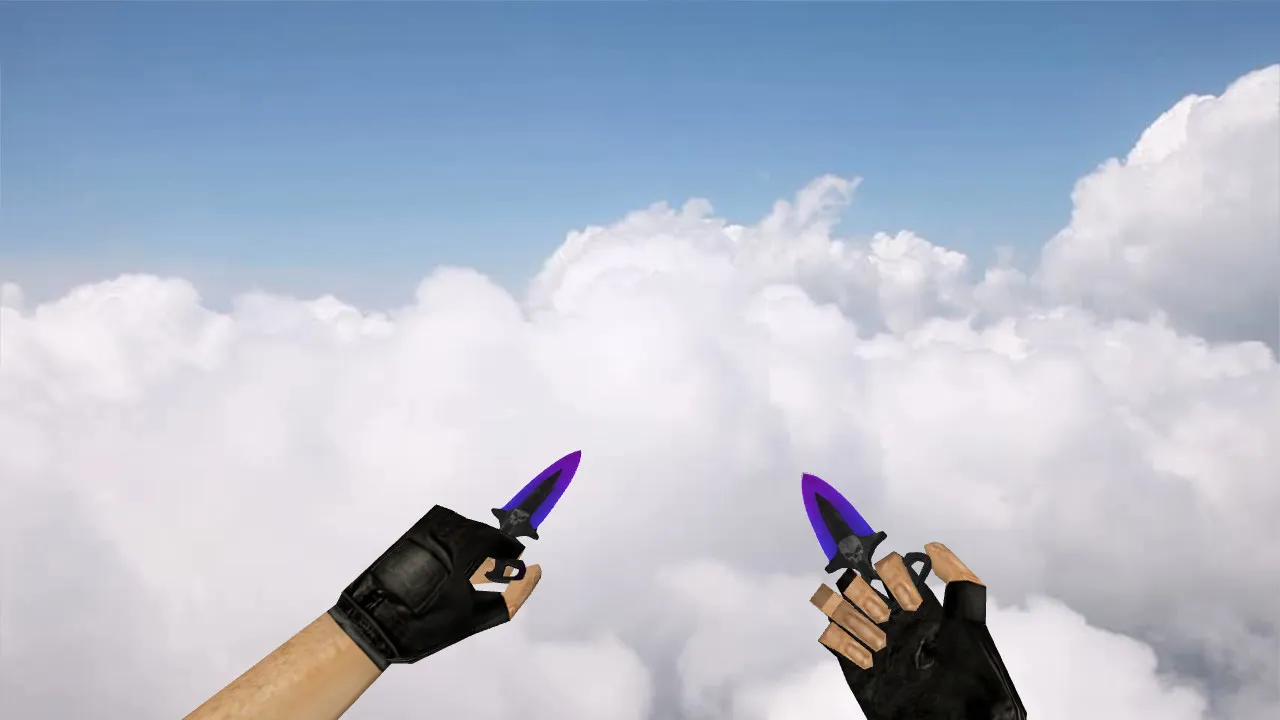
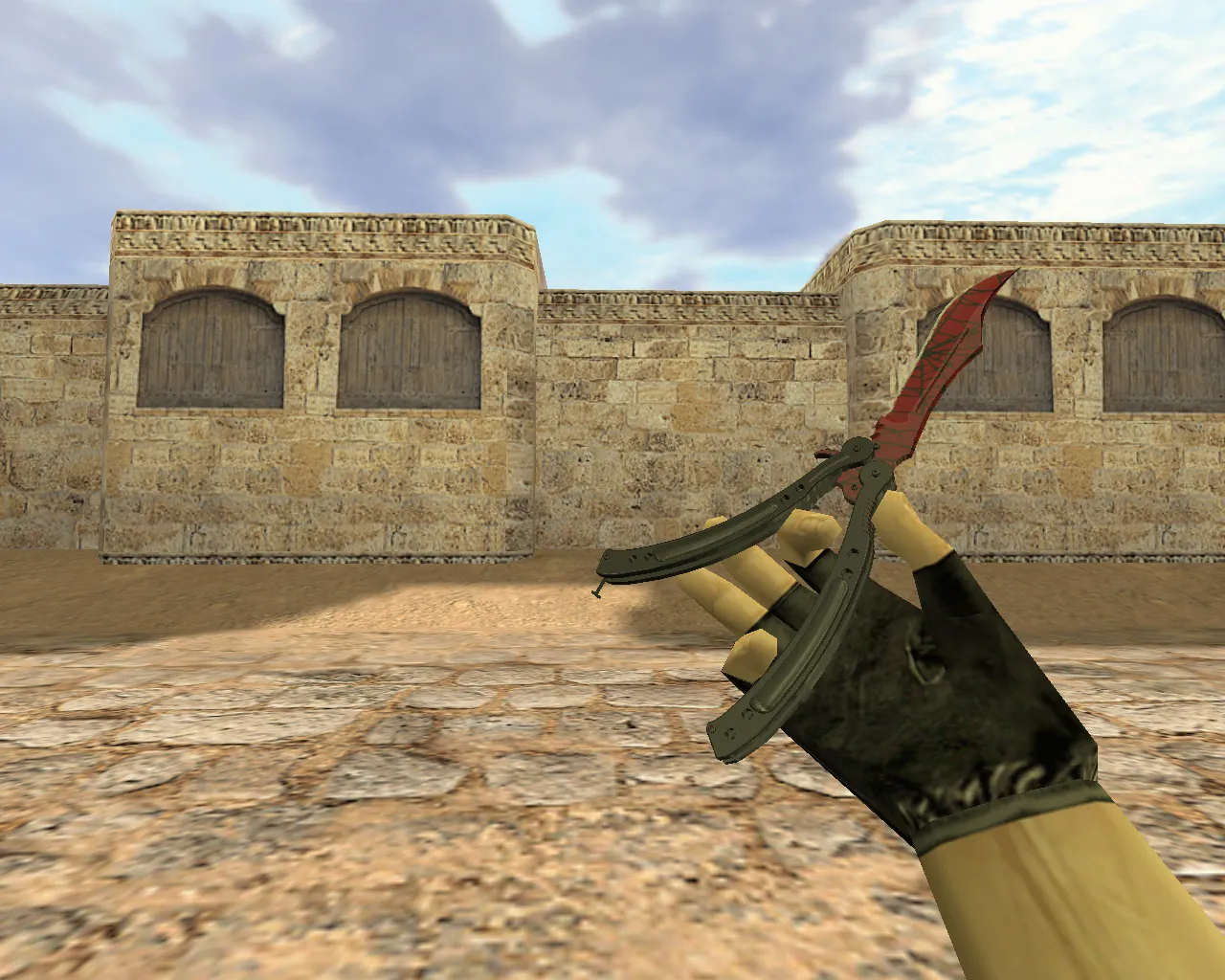
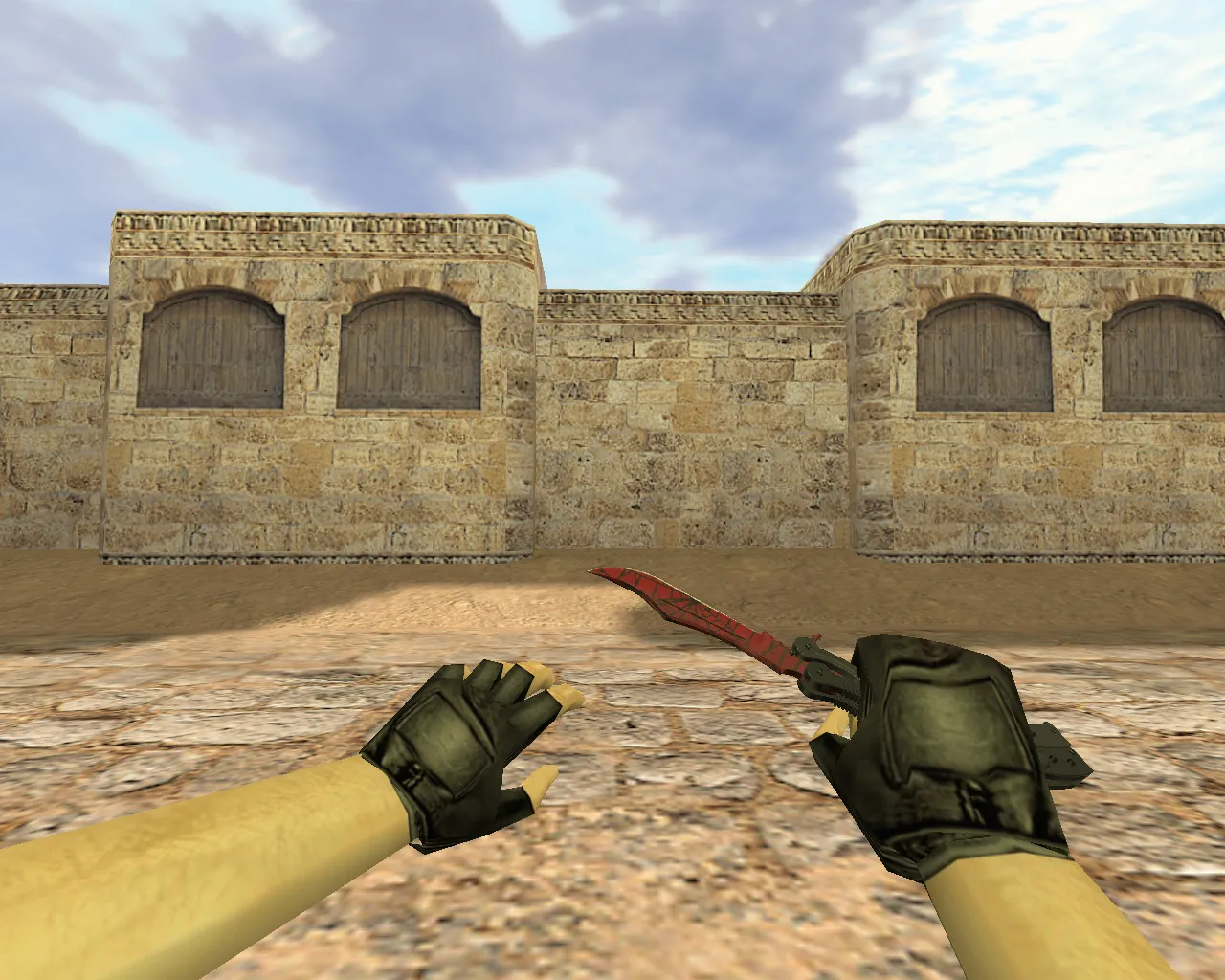
Navaja Night Stripe Knife for CS 1.6: v_ p_ w_ Models, Custom Audio, Inspect Animation, HD Textures
Description
Navaja Night Stripe Knife in CS 1.6: Model Views and Visibility
Need a blade that remains easy to see during combat without clashing with the server's look? The Navaja Night Stripe fits Counter-Strike 1.6 well, supplying v_, p_, and w_ models so the weapon appears consistent in first-person, on player hands, and in third-person. The textures are tuned for gloomy areas, keeping the blade stripes distinct against smoke and shadows instead of merging with the silhouette.
During play, this knife behaves like the standard melee slot. Inspect and draw animations run smoothly, while the blade hit sounds and footstep audio merge cleanly with the original game system. There is no awkward add-on sensation. The model stays steady in the hand while moving, preserving visual quality on typical server settings without polygon spikes that cause frame loss.
For mix matches where team consistency counts, correct installation is the priority. This knife skips auto-connect demands and external scripts. Simply place the model files and confirm no overrides exist in server or client configs. Test locally to verify the display works correctly in hands and on the ground.
Package Contents and Pre-Match Checks
The download follows CS 1.6 conventions: v_ for first-person view, p_ for hand view, w_ for world display. This arrangement guarantees the knife looks identical in every situation. The inspect animation clearly shows the grip and weapon-switch mechanics.
- v_ model: First-person perspective with legible stripe patterns during rotations.
- p_ model: Hand perspective with firm positioning while running and turning.
- w_ model: Ground and third-person rendering free of clipping issues.
- Textures: High-contrast on dark backdrops, no blur at 512x512 resolution.
- Animation: Inspect and switch sequences without hitches or desync.
- Sounds: Blade impacts blend into the game audio mix without conflicts.
Before using on your main account, run offline tests. Open the console, rotate the view to check model stability, and cycle through weapons. On strict configurations, ensure textures load without errors and the model persists across map changes. The polygon count stays low for high-FPS performance on older machines.
Hitbox Alignment, Low-Light Visibility, and Visual Identity
Once equipped, players notice rapid hitbox matching and crisp outlines. The model aligns exactly with collision bounds, keeping the blade inside visual edges for dependable close-quarters control and aiming response.
Visibility in darkness is crucial. The Night Stripe pattern makes the blade lines pop on dim maps, in corners, near firelight, and during flashes. No fading into gray blobs-it keeps its identity in low-light tactical spots such as de_dust2 tunnels or cache shadows.
Visual uniqueness stems from the blade stripe pattern. It adds distinction without turning the knife into a mismatched item. It remains true to the CS 1.6 aesthetic, sitting naturally in the hand without a foreign feel.
Secure Installation and Usage Advice
Download only from trusted sources. No viruses, no slow-hacks, no ads, no auto-connect. Extract and copy the models to your client folders. Steam and Non-Steam paths differ, so match your installation structure. Avoid editing config.cfg unless necessary.
For protected servers, verify the model does not break client purity. Test on local servers or custom-model permitted spots if file checks are strict. Compatibility with builds 4554 and 8613 is ensured, along with MasterServer support.
After installation, launch the game, check first-person and third-person views. If the display is smooth, audio intact, and inspect animation fluid, the Navaja Night Stripe is ready for matches. Hitbox accuracy holds up for ESL-style play, with no recoil interference or config bloat.
Install in three steps
-
1
Download the archive. Use the button on the right, or the Yandex.Disk mirror if the main server is slow.
-
2
Extract it into the game folder. Use 7-Zip or WinRAR. A path without non-Latin characters works best.
-
3
Launch the game. If something doesn't work, mark it below - that is how we know the file needs an update.
Did it work for you?
No sign-up needed. You can pick more than one.