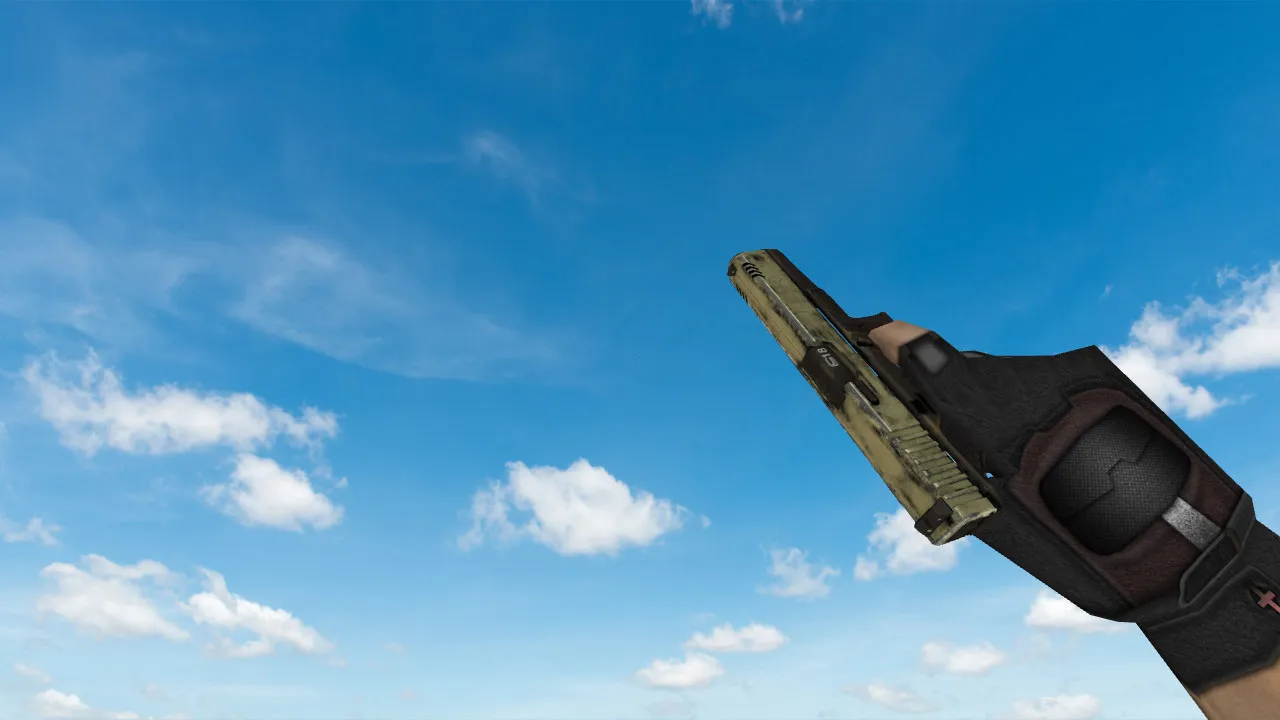
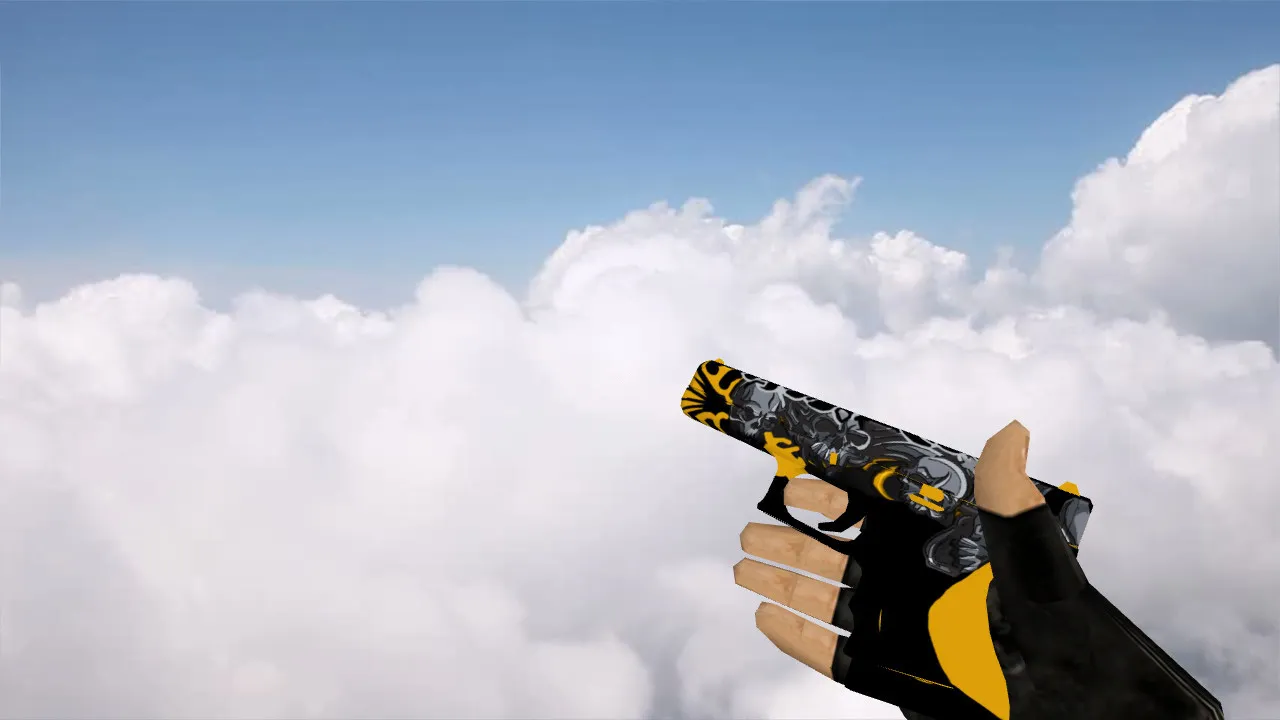
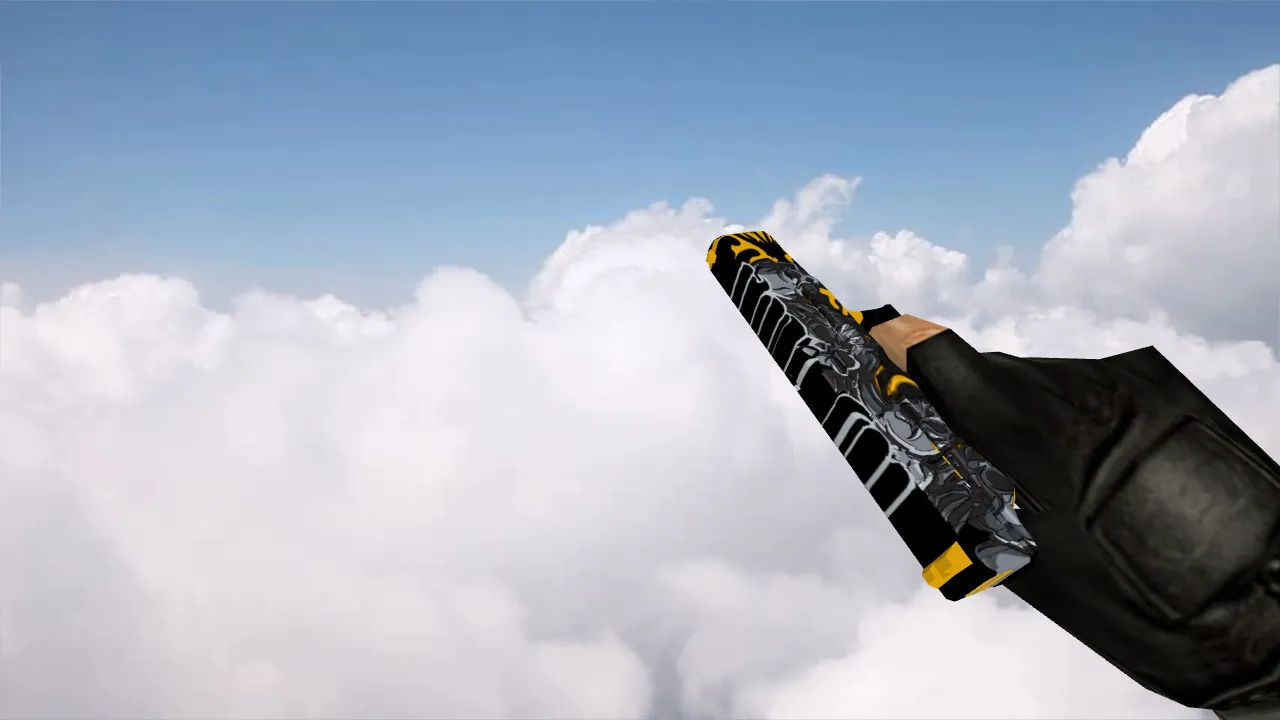
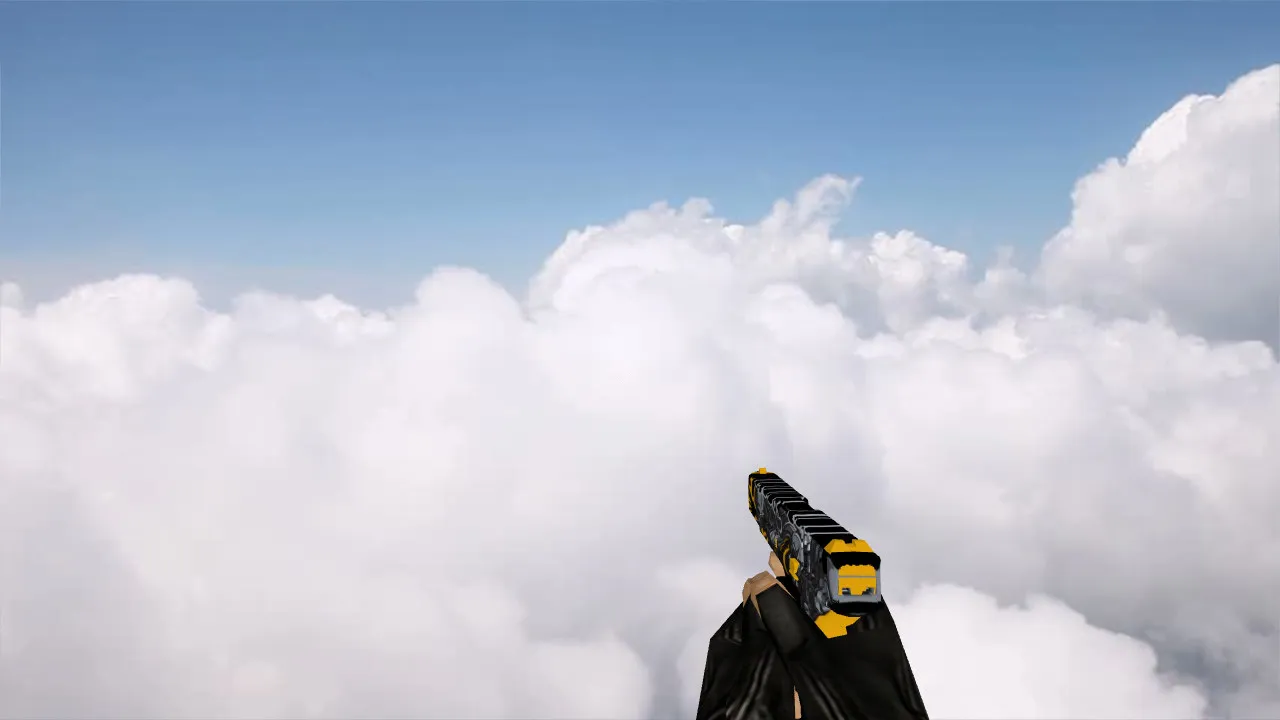
Glock Bunsen Burner Model for CS 1.6 – Perfect Weapon Customization
Description
Glock Bunsen Burner Model Overview
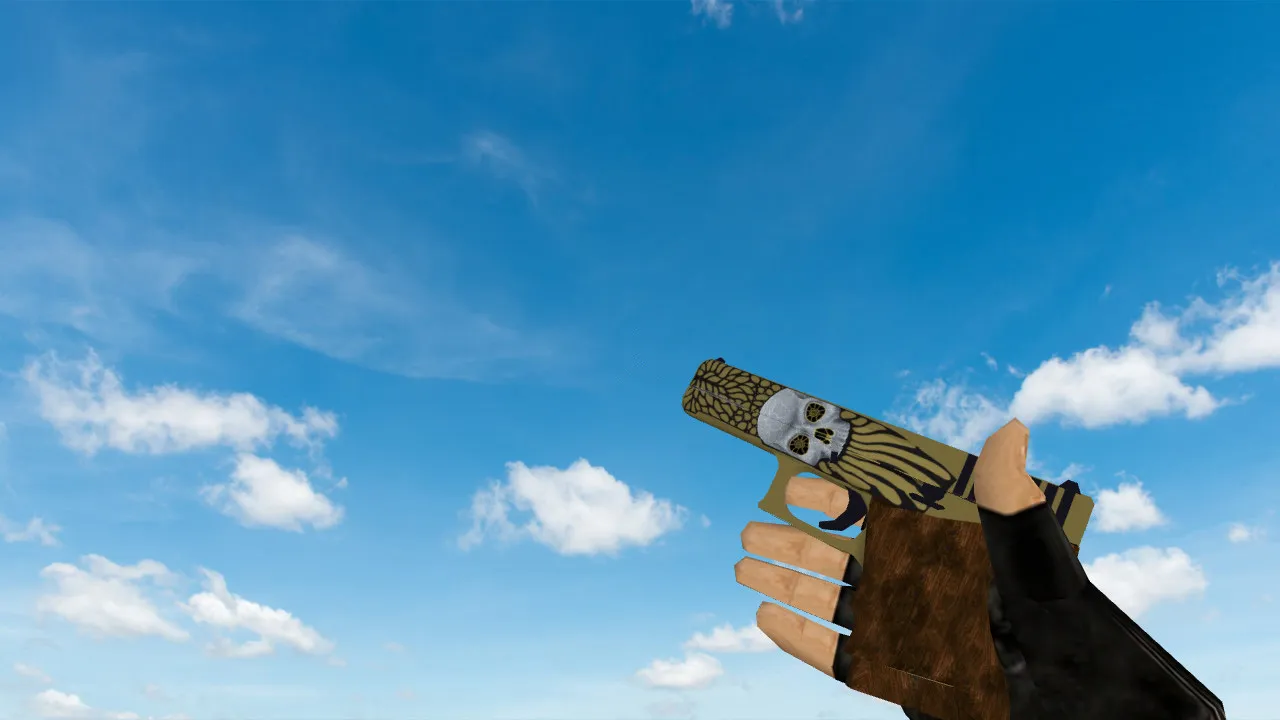
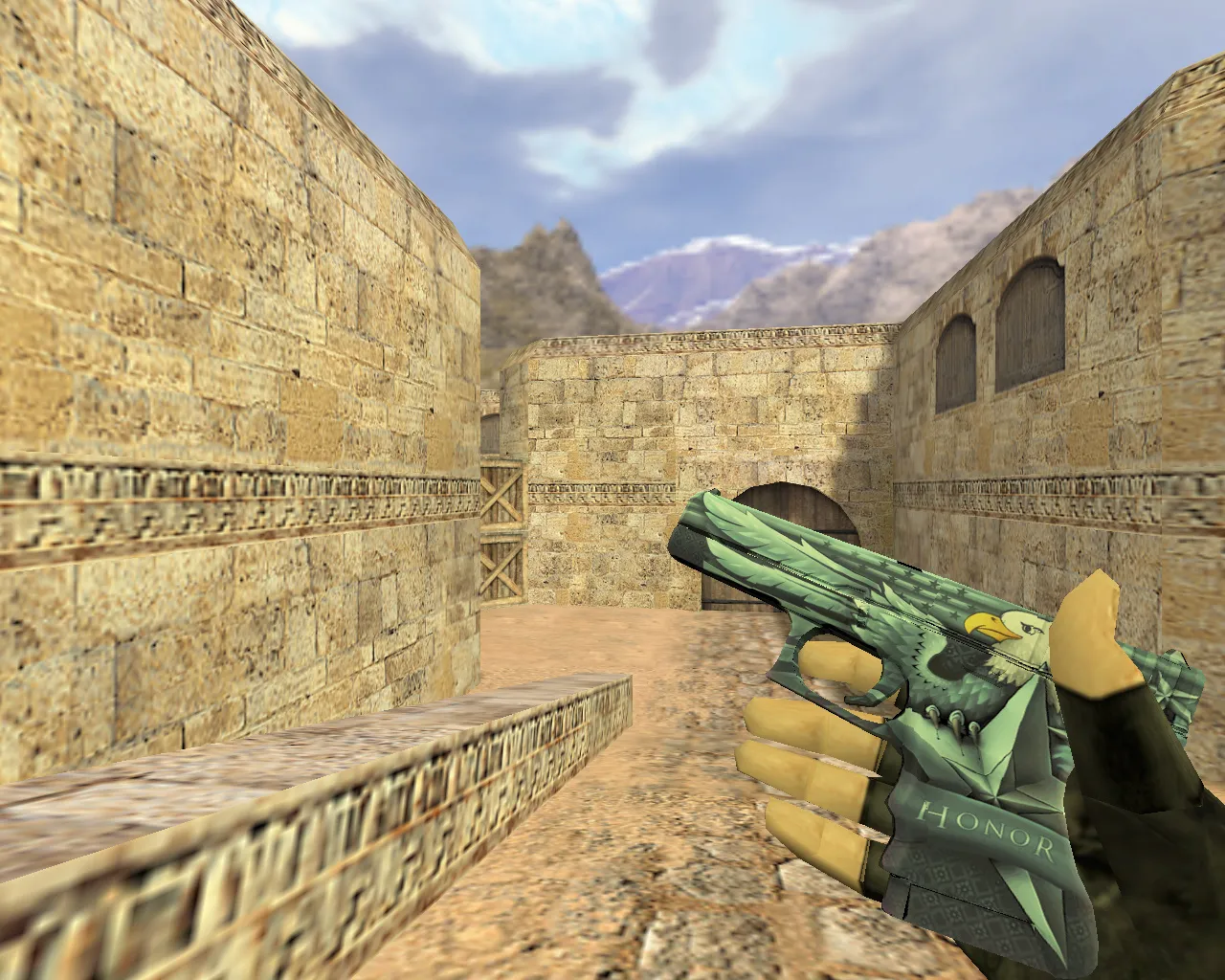
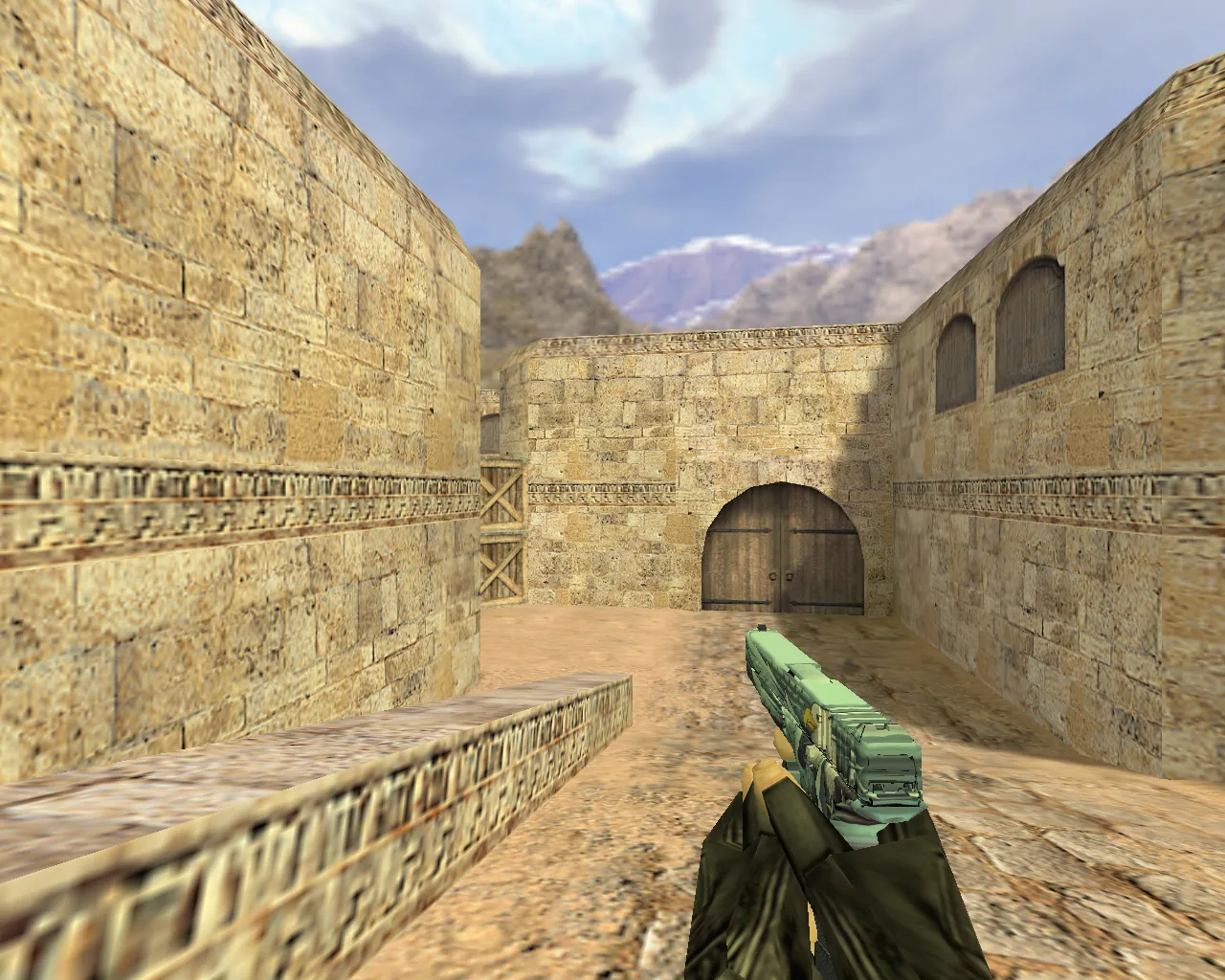
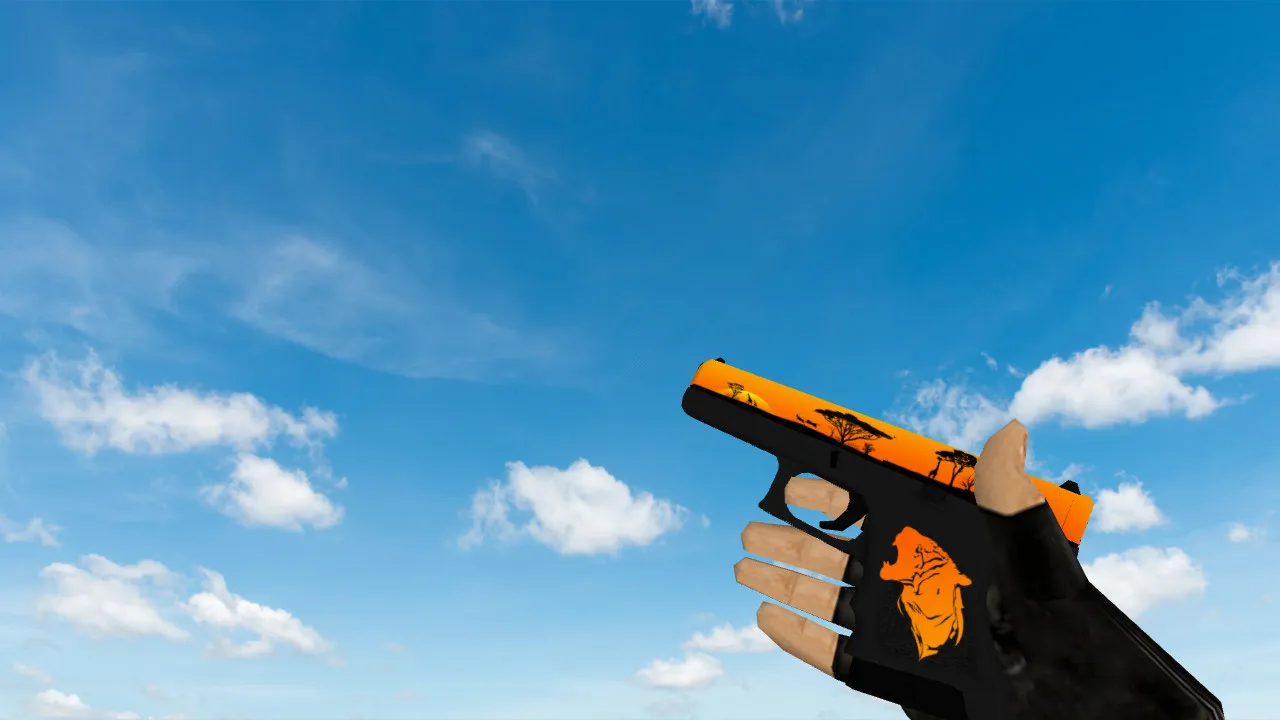
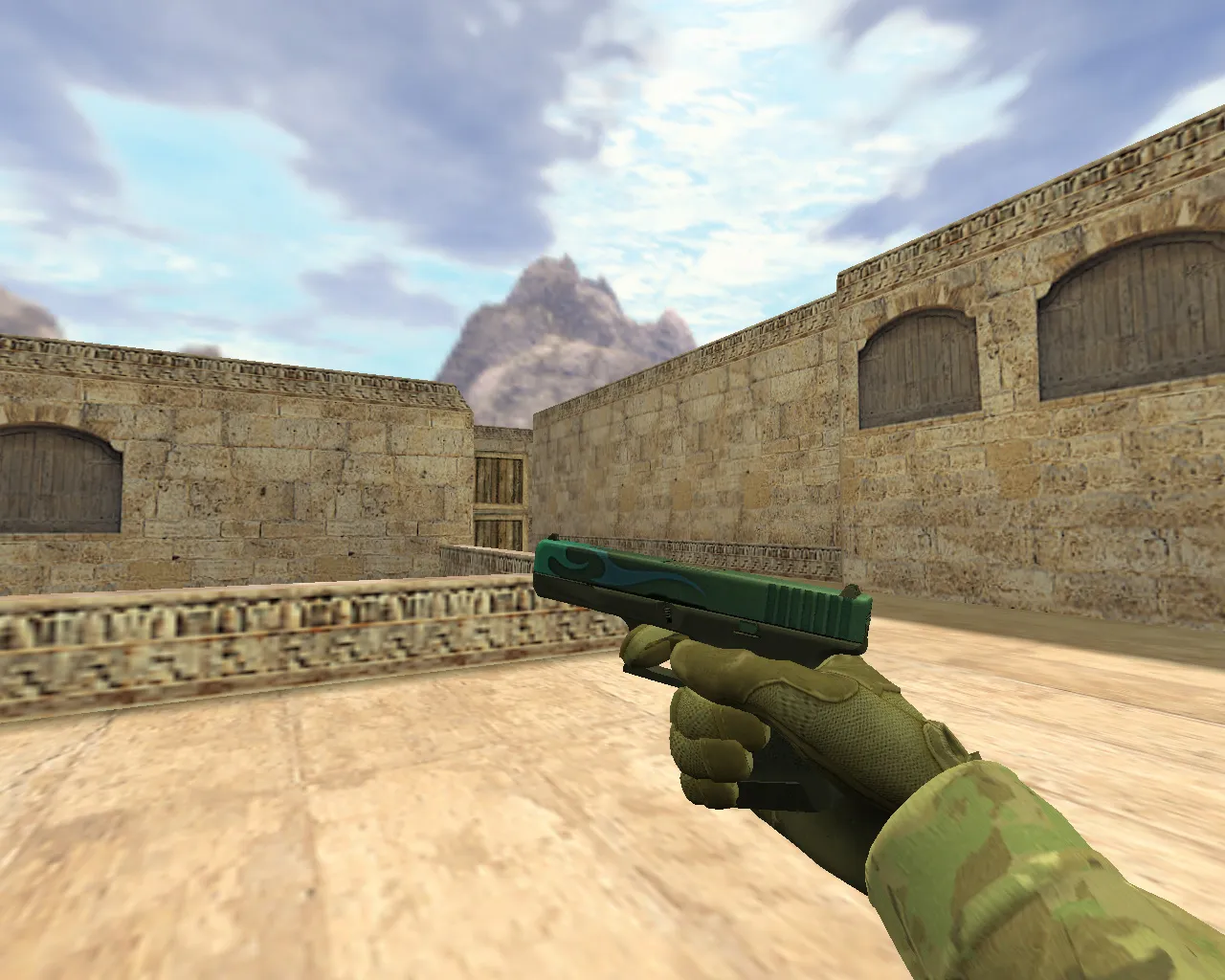
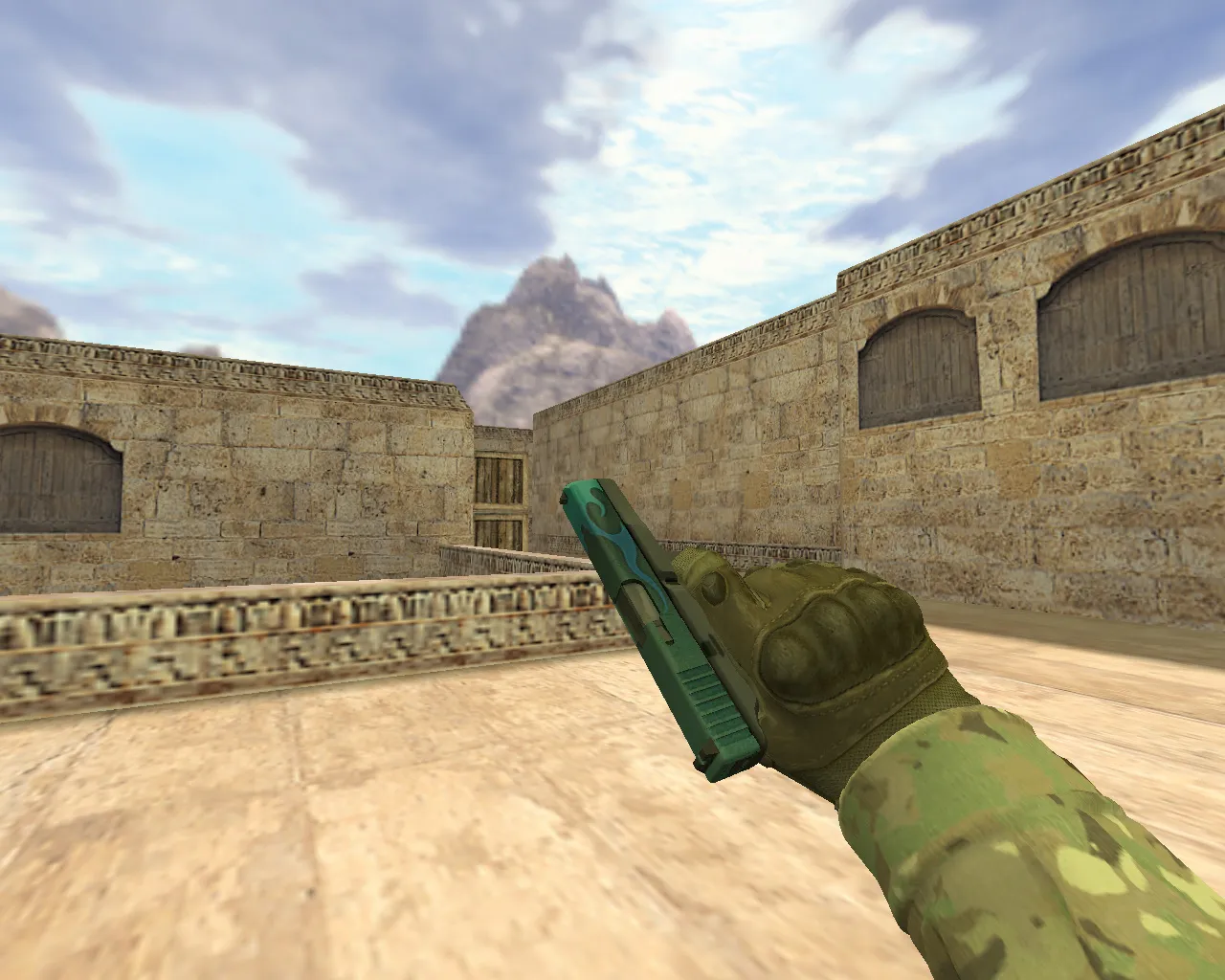
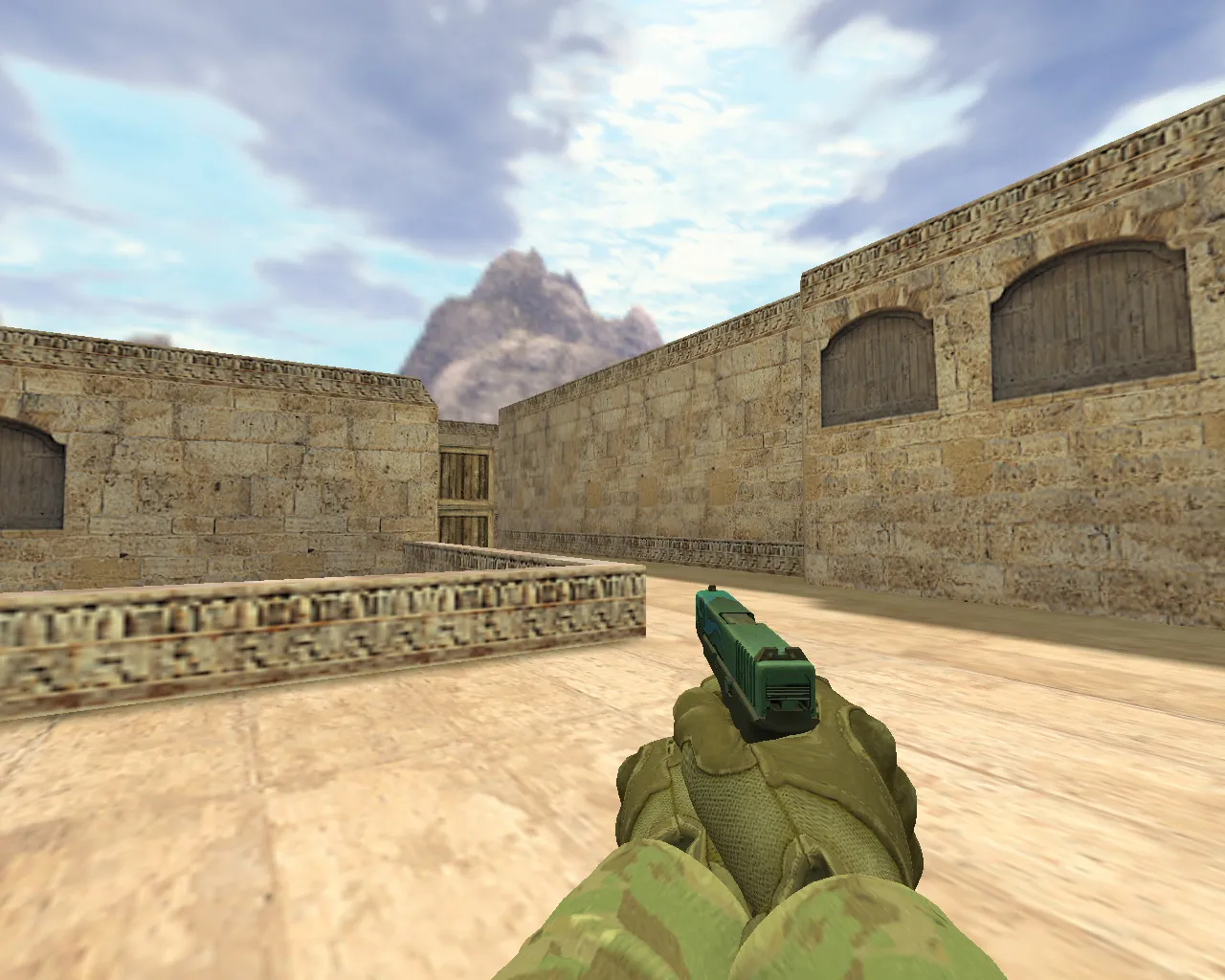
With its intricate design and crisp textures, the Glock Bunsen Burner model for CS 1.6 is a standout choice. This custom weapon replacement suits players who value both appearance and performance in their setup. It comes with a fluid inspect animation that allows you to view the distinctive Bunsen burner theme closely, along with custom firing sounds that boost immersion during matches.
Made specifically for CS 1.6, this model swaps the default Glock 18 for a laboratory-inspired look, transforming your sidearm into a fiery precision tool. The v_glock viewmodel displays the elaborate burner details in your hands, while the p_glock player model guarantees smooth third-person visibility. The w_glock world model maintains consistency across the map, preventing clipping problems in narrow spots like de_dust2's B-site.
Technical Details
- Included Models: v_glock, p_glock, w_glock – all tuned for low polycount to keep high FPS on older systems.
- Inspect Animation: Completely implemented, with a smooth rotation that showcases the flame effects on the barrel.
- Texture Quality: HD 512x512 maps for sharp details, clear even in dim areas without overexposure.
- Sound Effects: Custom pack featuring metallic clinks and whooshing ignitions, replacing default Glock audio for improved audio cues in firefights.
- Compatibility: Runs on Build 4554 and 8613, Steam and Non-Steam clients; no issues with clean config.cfg setups.
This model improves hitbox alignment, so shots land accurately without offset glitches. On dark maps such as de_inferno, the glowing burner elements offer subtle visibility boosts, helping you detect enemies faster during night rounds or smoke grenades.
Installation Instructions
Put the files into your CS 1.6/cl_dlls folder. For the models, place .mdl files in models/v_glock.mdl, p_glock.mdl, and w_glock.mdl. Textures belong in the sprites and gfx directories. Execute a quick console command like 'gl_clear 0' to refresh. Test on a local server to verify no lag – this pack remains under 5MB total size. Always scan for viruses before installing any mod; this one is clean, with no backdoors or auto-exec scripts.
Combine it with a no-recoil config for tighter control on burst fire. The inspect animation activates via mouse wheel, giving you a moment to appreciate the custom sprite flames during downtime. Sound integration connects to the engine's audio wad files, so no extra plugins are required.
Benefits of the Bunsen Burner Glock
This model distinguishes itself in the CS 1.6 modding community through focused features:
- High-definition textures that avoid pixelation up close, enhancing aim precision.
- Distinct sound effects that set your shots apart from teammates, helping team coordination.
- Adaptable for all playstyles – rushers benefit from the quick draw animation, while snipers value the low-profile world model.
- ESL-style visibility in shadows, with emissive mapping on the burner tip for edge detection.
- Polycount under 1500 tris per model, ensuring 100+ FPS on 2004-era hardware without MasterServer hiccups.
Players note improved engagement in close-quarters maps like cs_office, where the custom animations add flair without distracting from recoil patterns. It's more than a skin; it's a functional upgrade that integrates with the game's core mechanics.
Gameplay Impact
In competitive lobbies, the Bunsen Burner Glock excels on T-side executes. The enhanced inspect lets you mentally reset between rounds, while the sounds give auditory feedback on ammo count. For bot matches, it works well with .nav files, as the model doesn't interfere with pathfinding. Avoid mixing with heavy sprite packs to prevent frame drops in epicenters like de_cbble's mid.
Community feedback emphasizes its balance – no overpowered stats, just pure cosmetic enhancement. Update your sprite.wad if needed for full texture support, and bind a key for inspect to maximize utility.
Conclusion
Choose the Glock Bunsen Burner model to upgrade your CS 1.6 arsenal with style and reliability. It delivers on visuals and audio without sacrificing performance. Double-check for no ads, no slow-hacks, or unwanted auto-connects during install. Gear up and dominate lobbies with this standout weapon mod today.
Install in three steps
-
1
Download the archive. Use the button on the right, or the Yandex.Disk mirror if the main server is slow.
-
2
Extract it into the game folder. Use 7-Zip or WinRAR. A path without non-Latin characters works best.
-
3
Launch the game. If something doesn't work, mark it below - that is how we know the file needs an update.
Did it work for you?
No sign-up needed. You can pick more than one.