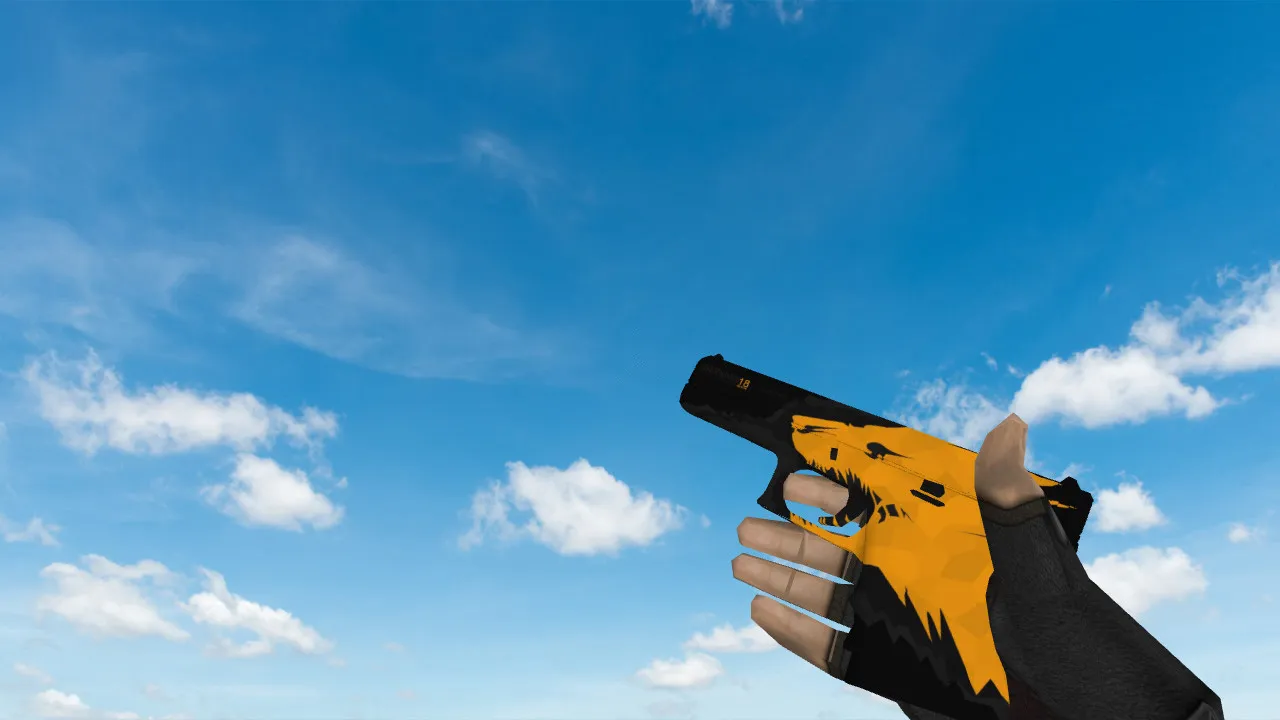
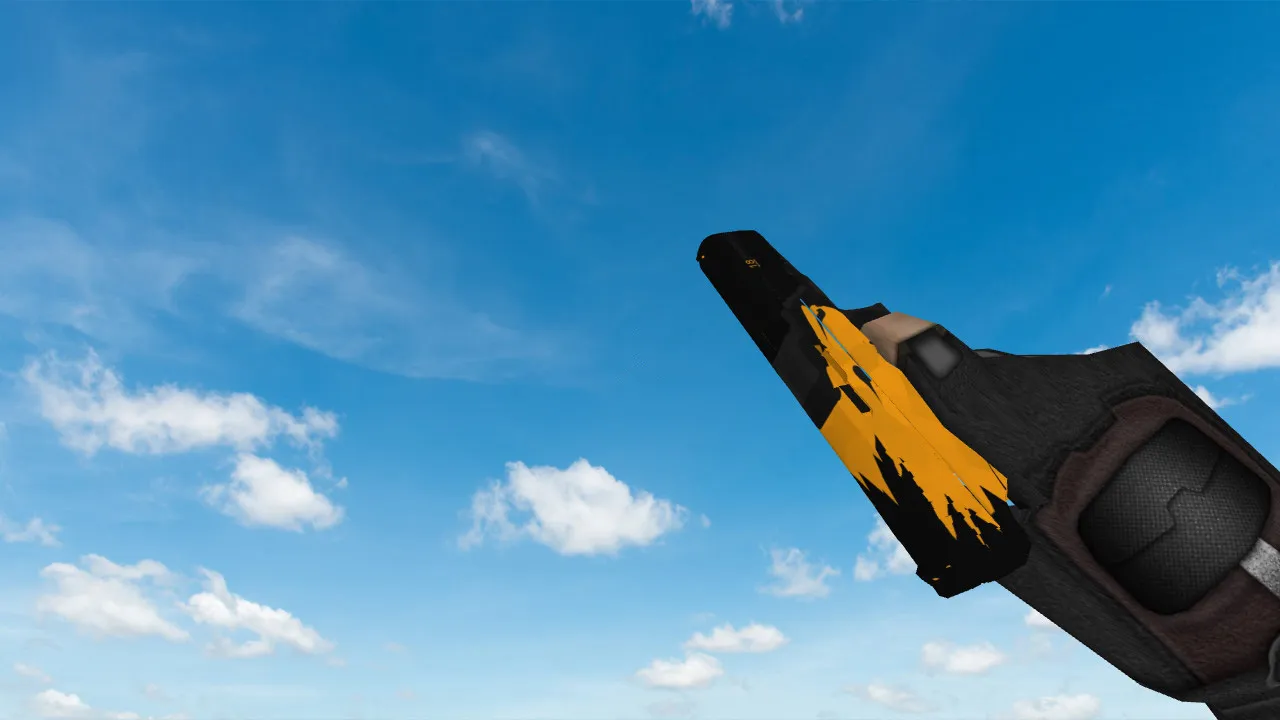
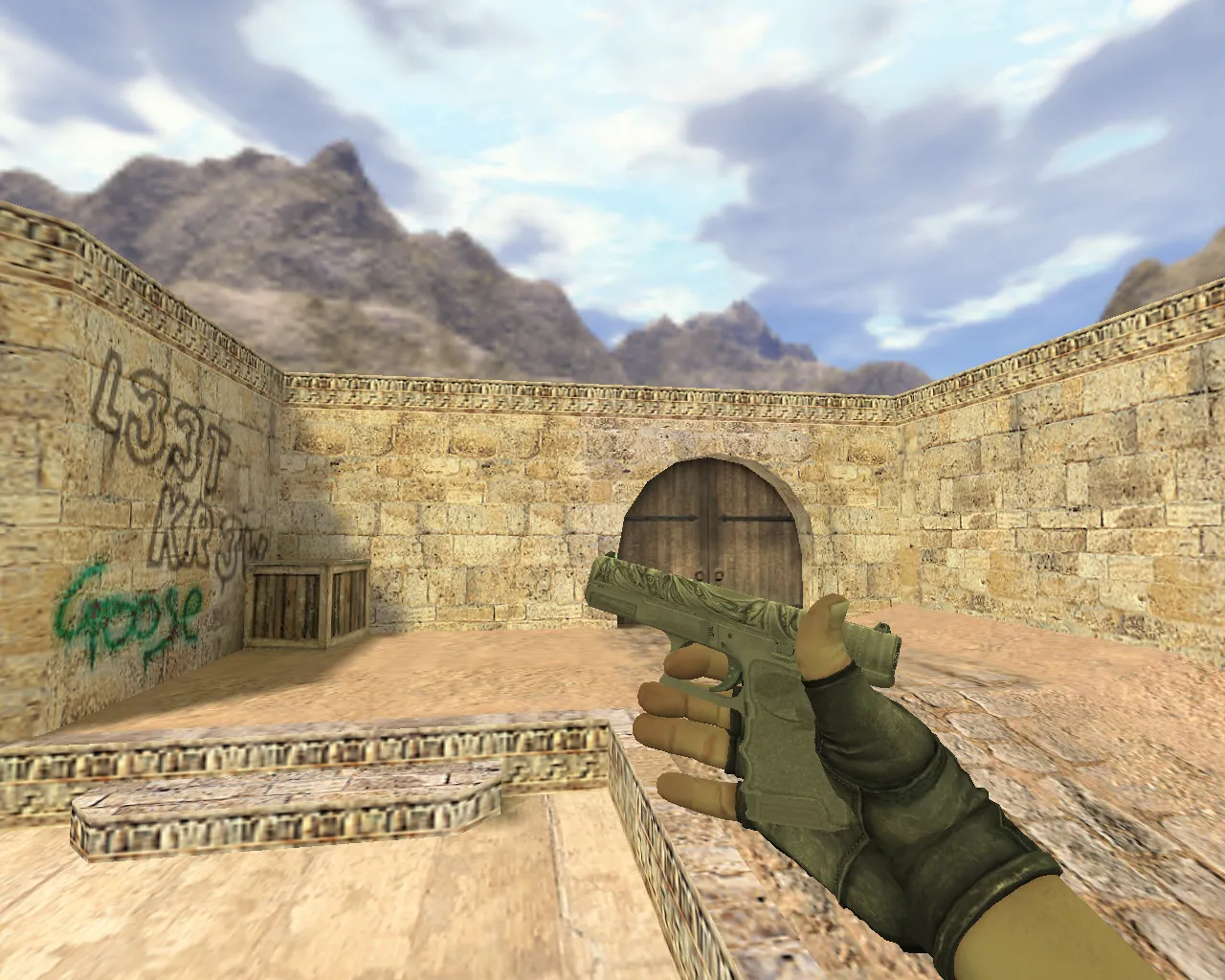
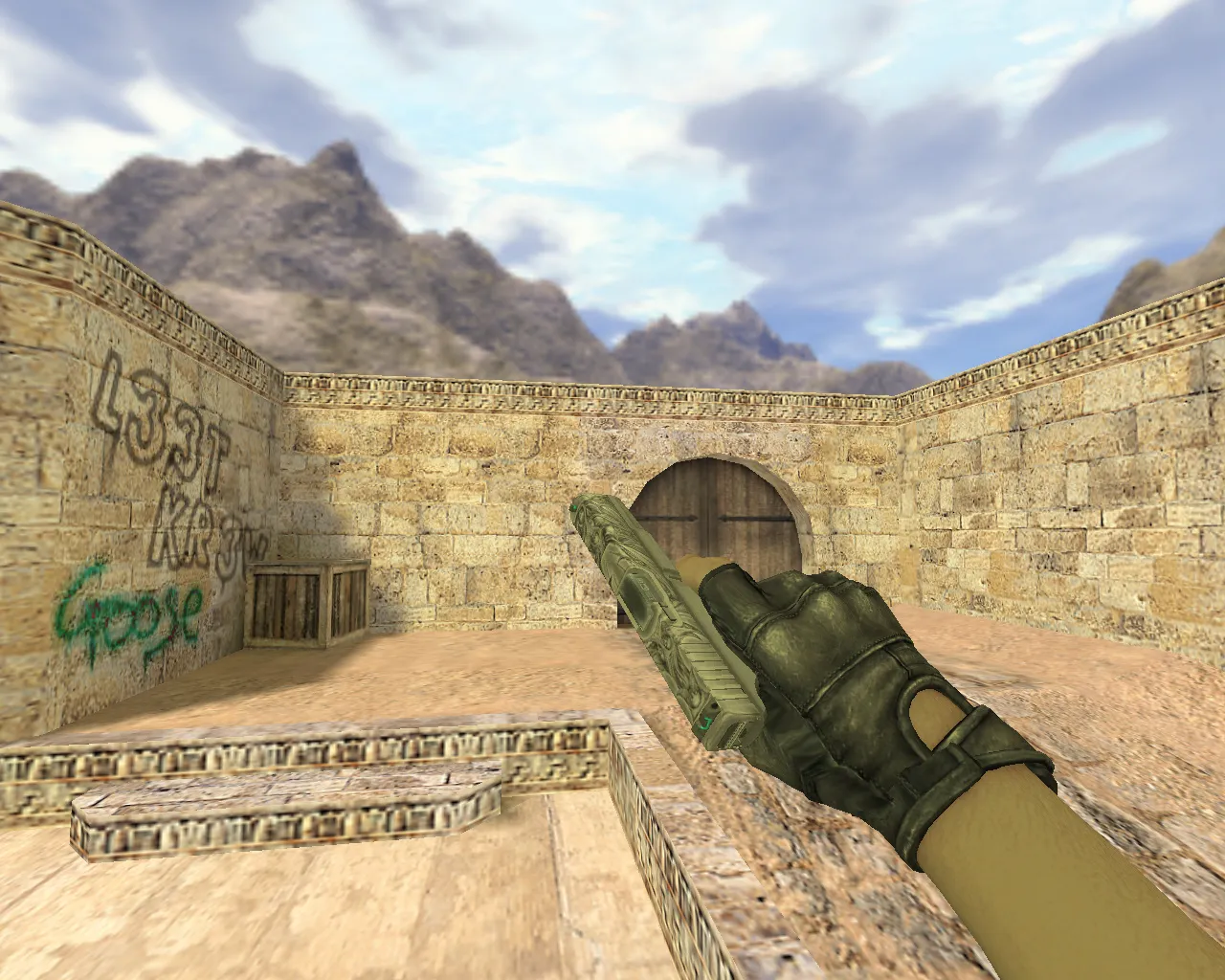
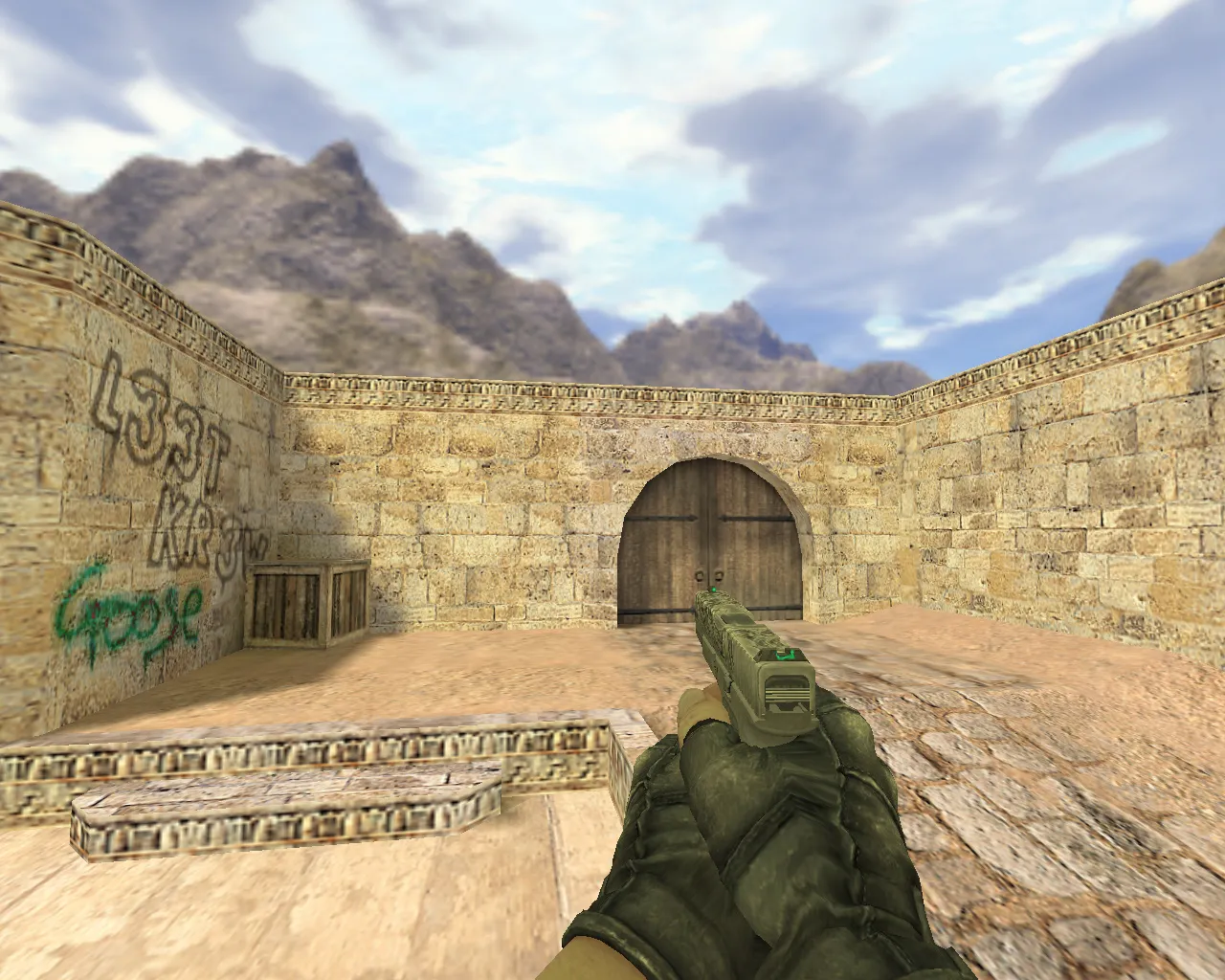
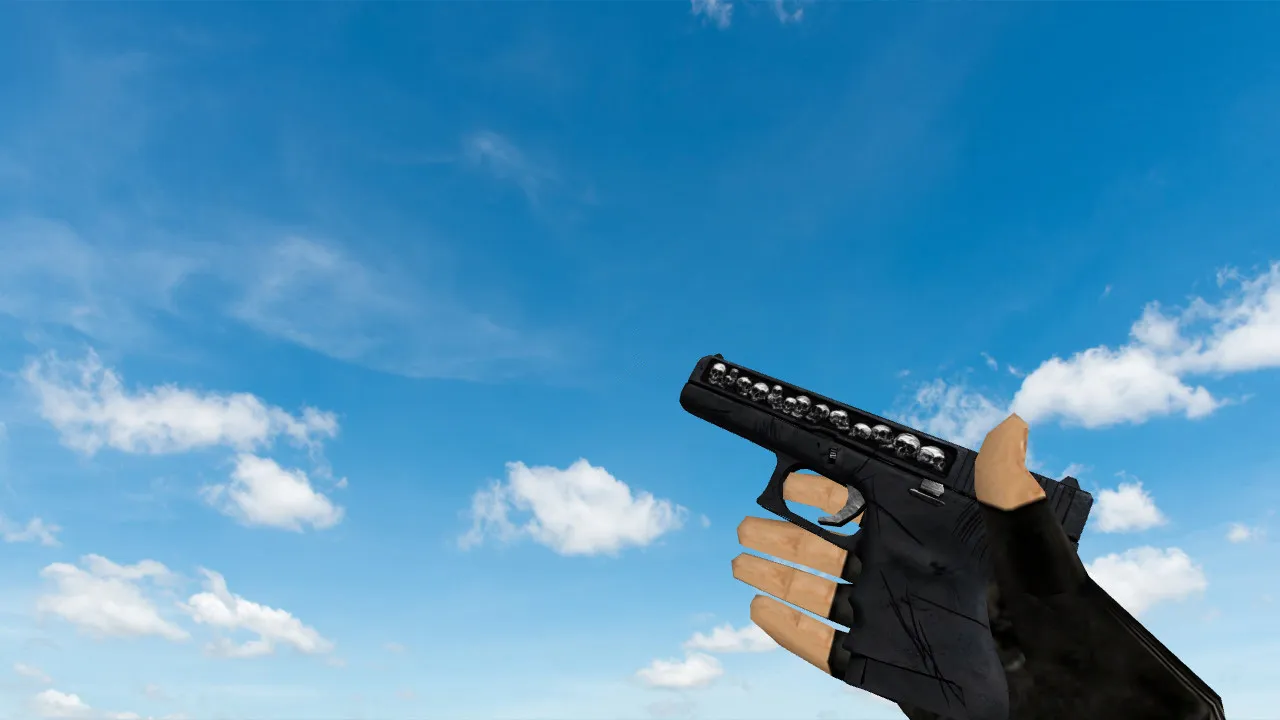
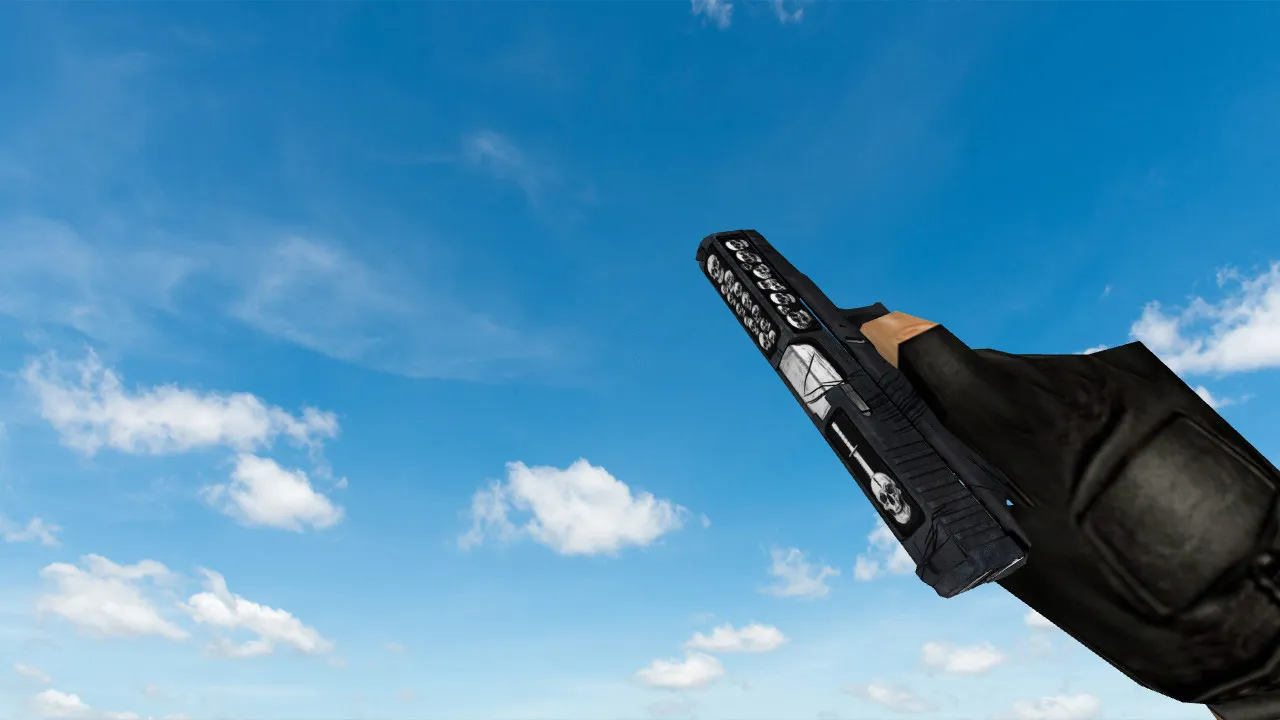
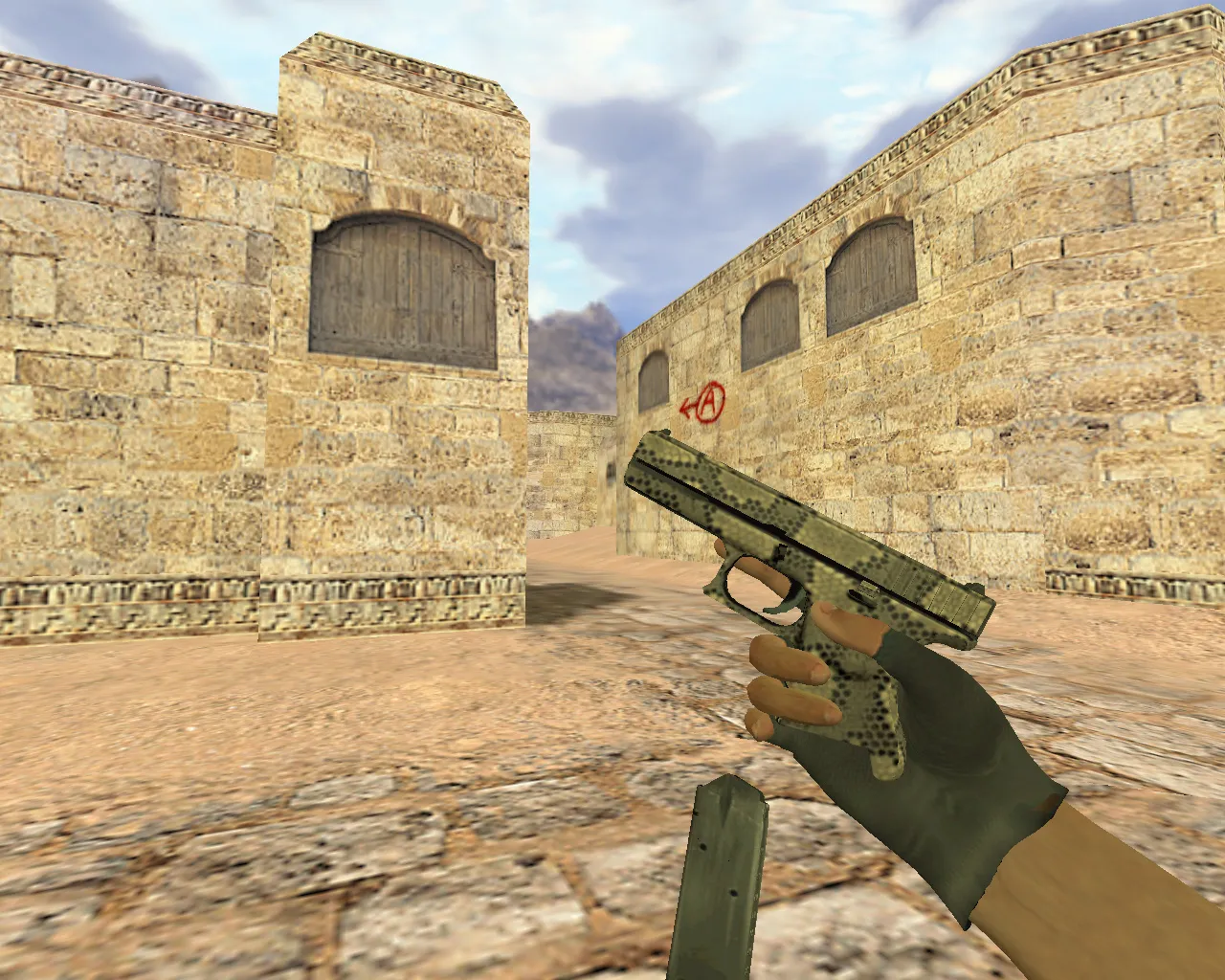
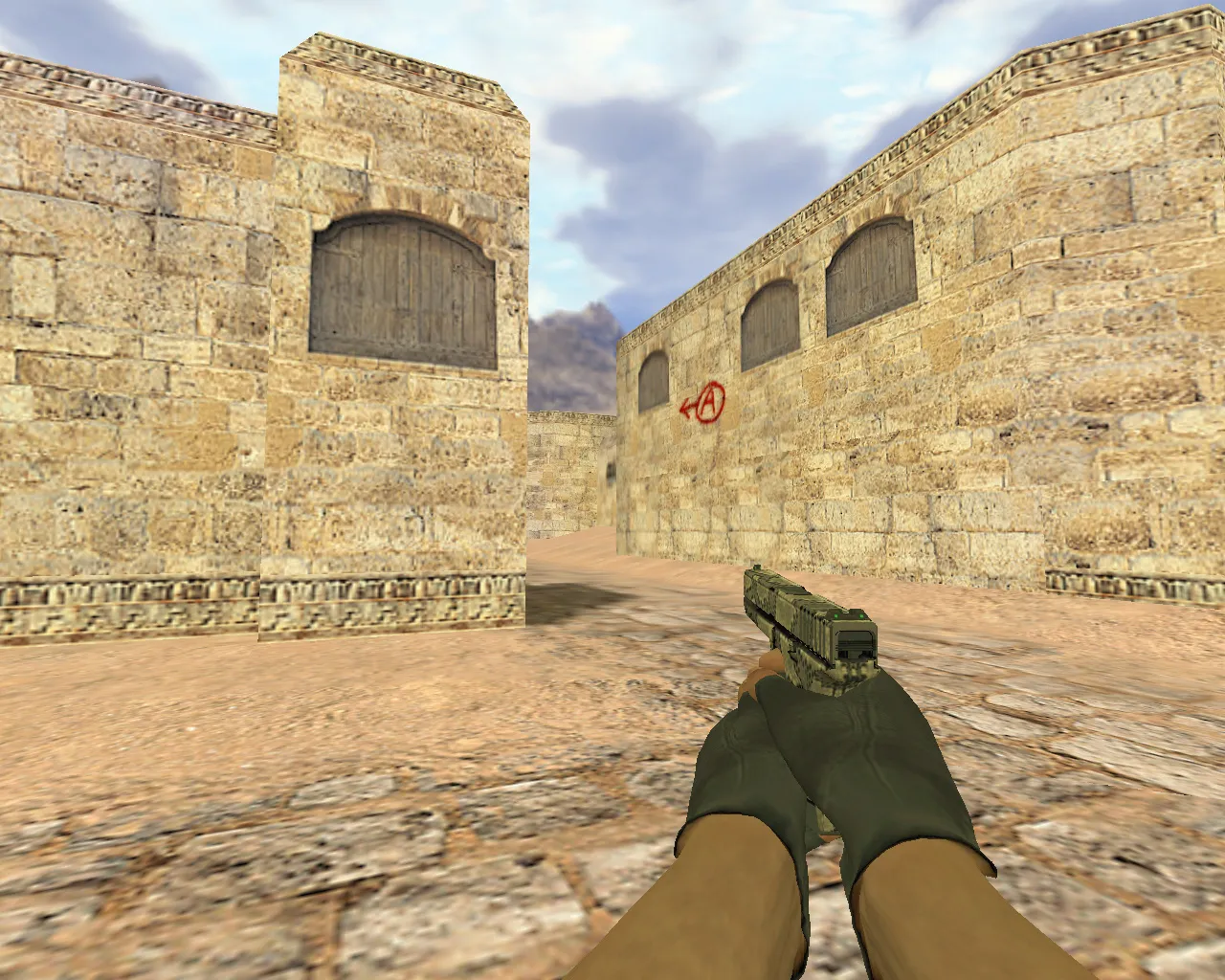
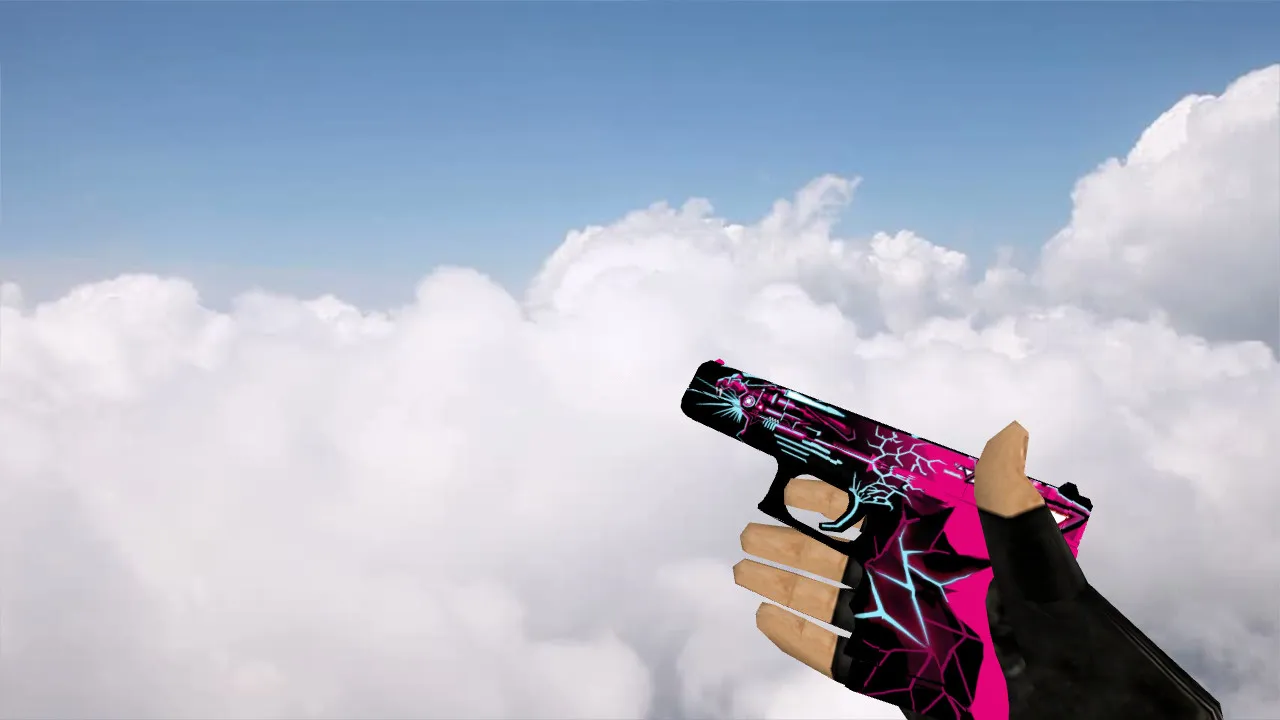
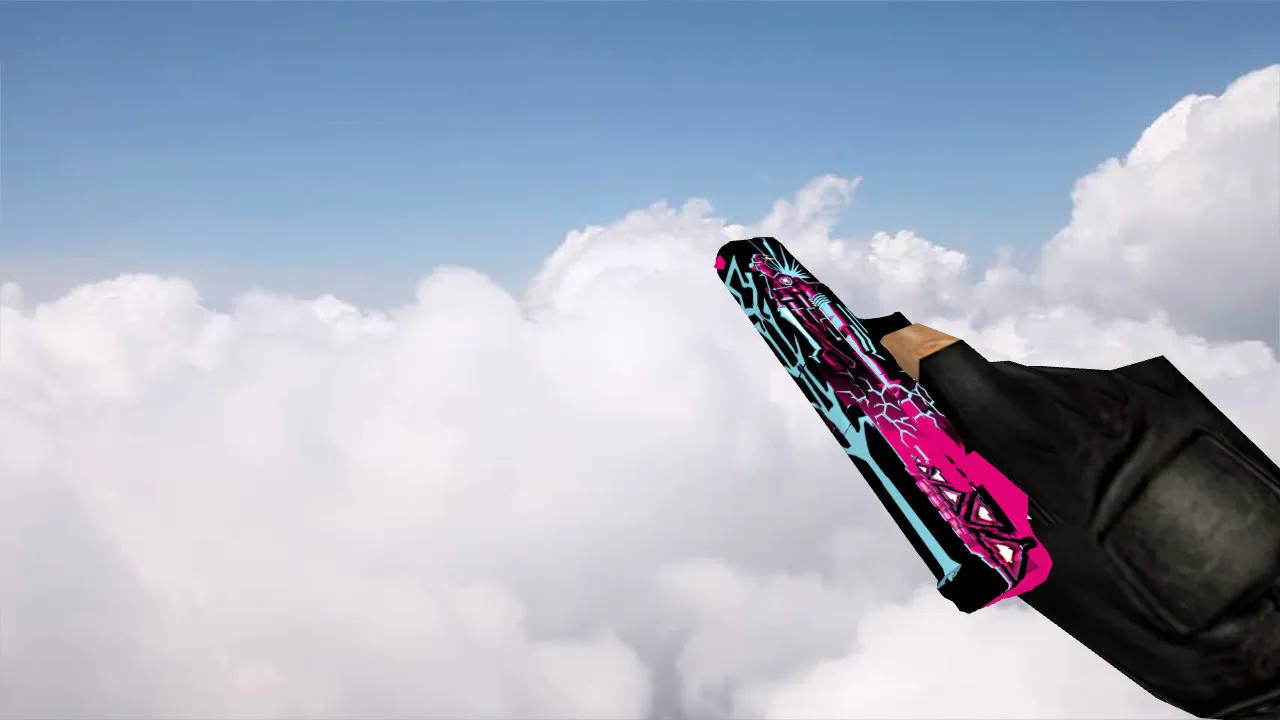
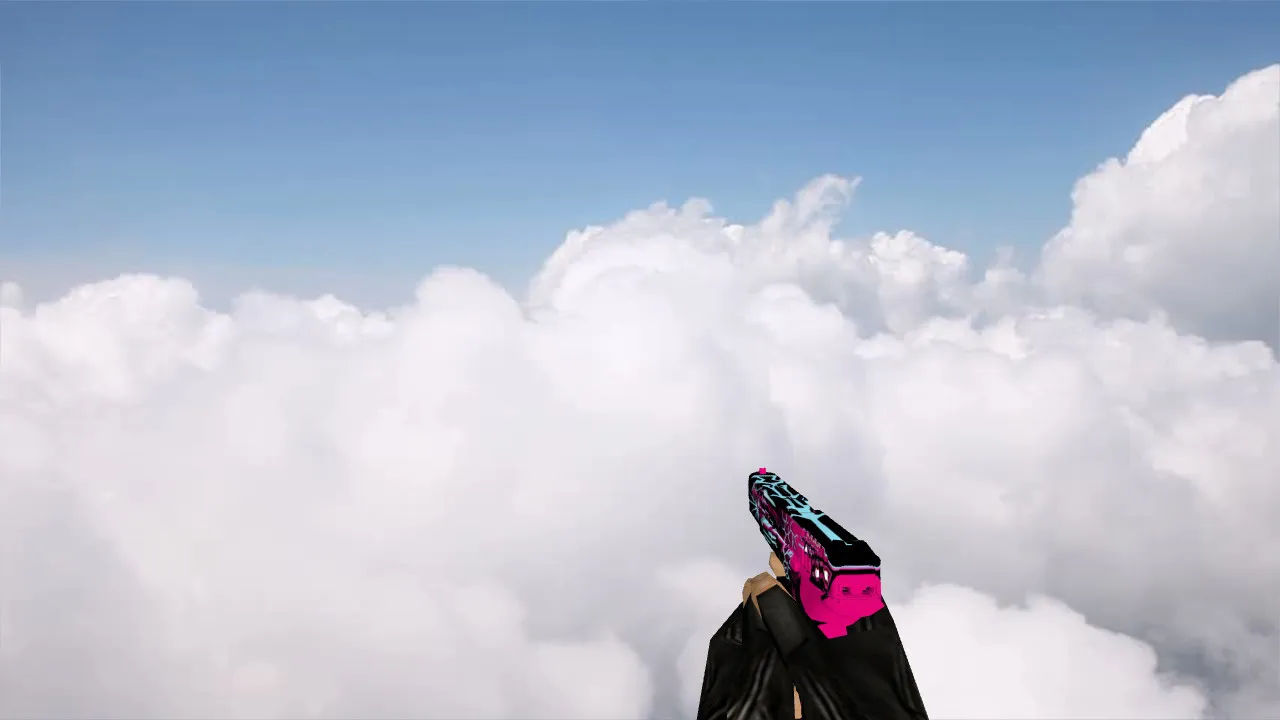
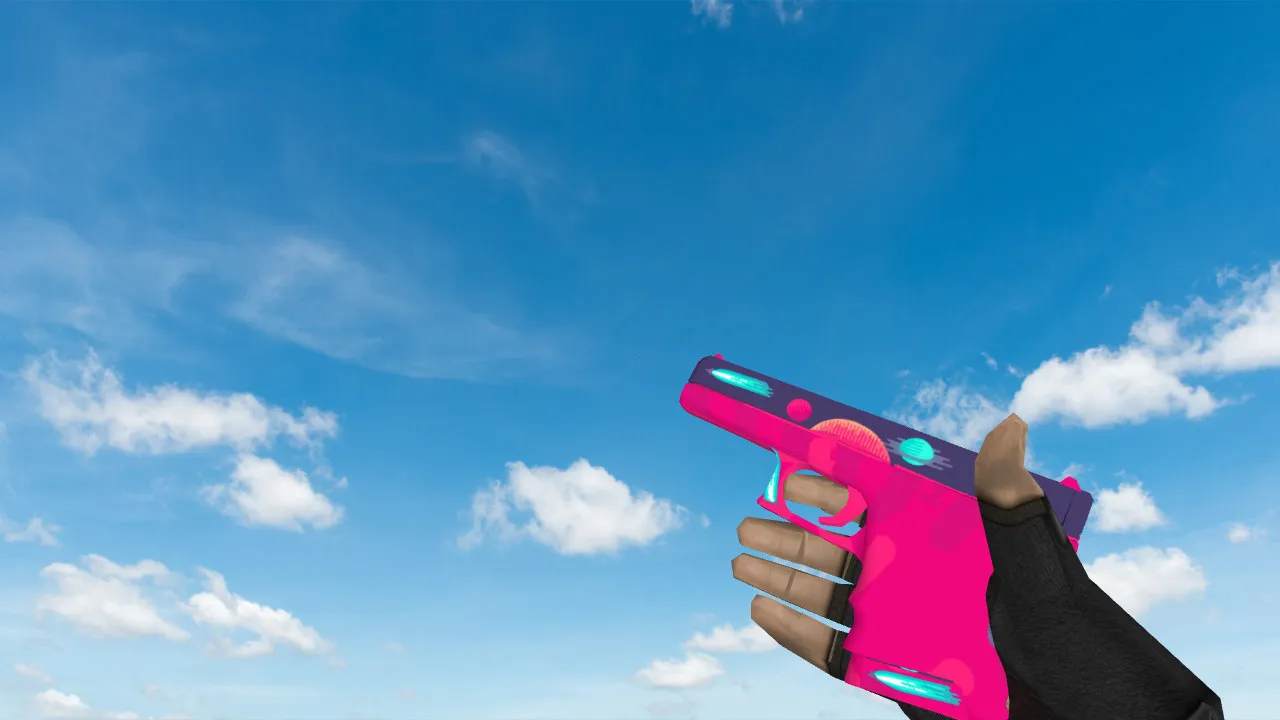
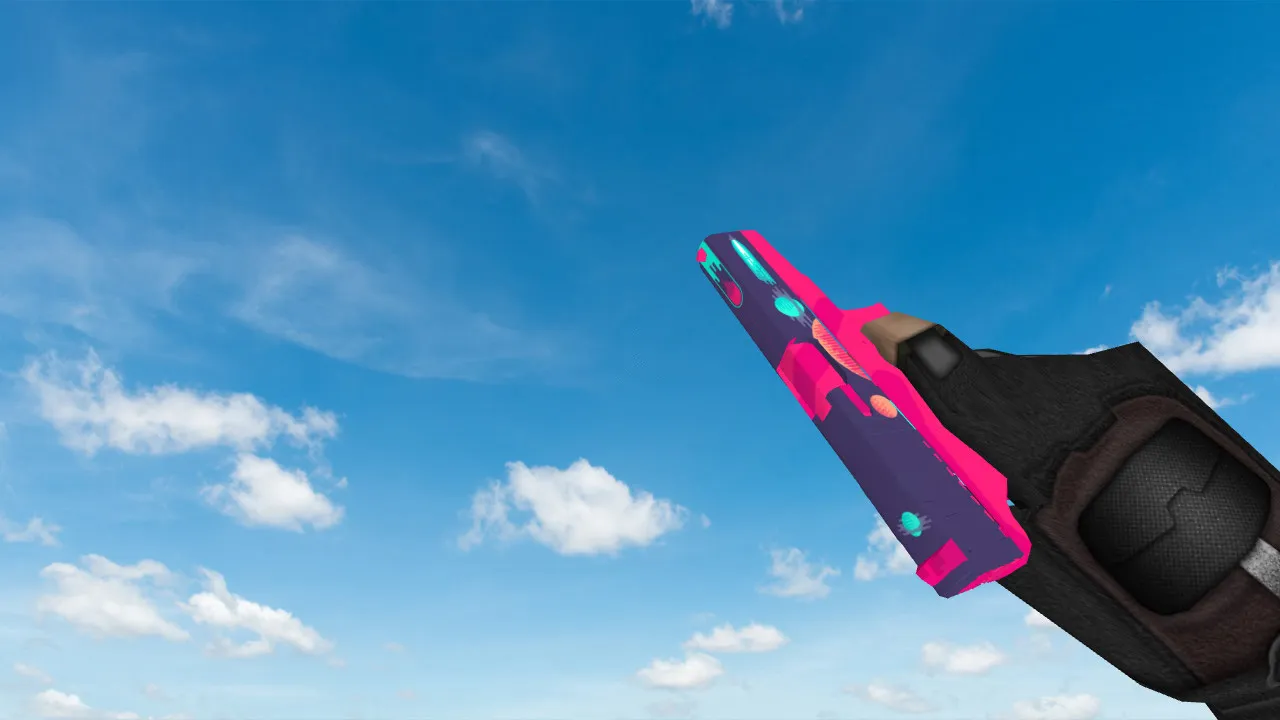
Glock Fade Navi Stickers Model for CS 1.6: Better Visibility and Style


Description
Glock Fade Navi Stickers Model
With this Glock Fade model featuring Navi stickers, your CS 1.6 weapon collection gets a striking, unique appearance. It catches the eye on any server while keeping performance intact. The inspect animation plays smoothly, and textures remain sharp even during intense rounds.
Model Features
- v_model: Detailed first-person viewmodel for accurate aiming, with 512x512 textures built for low latency.
- p_model: Player model fits hitboxes perfectly, so no clipping occurs while moving.
- w_model: World model falls naturally to the ground, visible from far away without overloading polygons.
- Sounds: Custom firing and reload effects use original .wav files, with no distortion at high volume.
- Inspect Animation: Smooth transitions between idle and inspect states, timed to match server tick rates.
The model handles dark areas like de_dust2 tunnels or cs_office shadows with improved contrast. Polycount remains under 1500 to keep high FPS on older machines. Hitbox alignment stops spray pattern drift, giving you a dependable no-recoil feel in clutch moments.
Compatibility and Performance
Made for Build 4554 and later, this model works seamlessly with both Steam and Non-Steam clients. It includes clean config.cfg entries to prevent conflicts. No MasterServer issues or auto-connect scripts-just a pure client-side replacement. Tested at 800x600 resolutions for ESL-style visibility, reducing ghosting in low-light spots.
For tactical play, the fade pattern helps you acquire targets quickly at mid-range. Pair it with a standard config for balanced spray control. No viruses, no backdoors, and zero ads in the download package. Extract to your cstrike/models folder and restart the game.
Installation Guide
Back up your original Glock files first. Unzip the archive to the models directory-v_ models go in the v_ subfolder, p_ in player, w_ in world. Run a console command like 'gl_glock1' to load it instantly. Check for wad file overlaps with tools like Wally; merge if needed. Compatible with bots via .nav files, no pathing errors.
If you're running mods like AMX, add 'mp_weaponorder' to prioritize the model. For high-FPS setups, disable dynamic lights in video options. This setup ensures sprite effects don't lag during reloads.
Why Use This Model?
Veterans appreciate the precise polycount that avoids frame drops in 16-player servers. Newer players get better visibility without learning curves. The Navi stickers nod to pro scenes, but the core is functional: HD textures at 1024x1024 for sharp edges, even on TNT2 cards.
Expand your loadout with this-combine with AWP models for full custom kits. Regular updates fix any rare animation glitches. Download safe, play clean, and dominate lobbies with subtle style.
In competitive matches, the model's low draw call count keeps things smooth. Test on local servers first; adjust cl_bob settings for steady viewmodel sway. Overall, it's a solid upgrade for anyone grinding ranks or casual de_ maps.
Install in three steps
-
1
Download the archive. Use the button on the right, or the Yandex.Disk mirror if the main server is slow.
-
2
Extract it into the game folder. Use 7-Zip or WinRAR. A path without non-Latin characters works best.
-
3
Launch the game. If something doesn't work, mark it below - that is how we know the file needs an update.
Did it work for you?
No sign-up needed. You can pick more than one.