Glock Bang Bang Model for CS 1.6 - Download and Install Guide
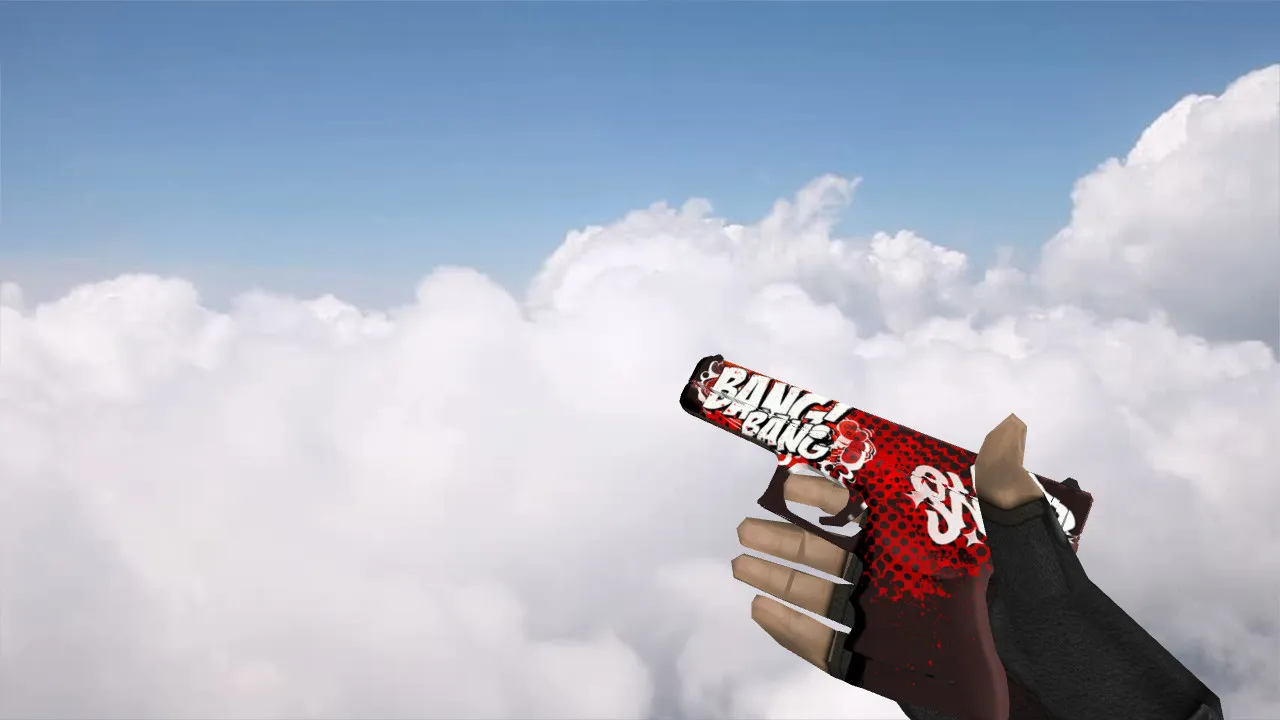
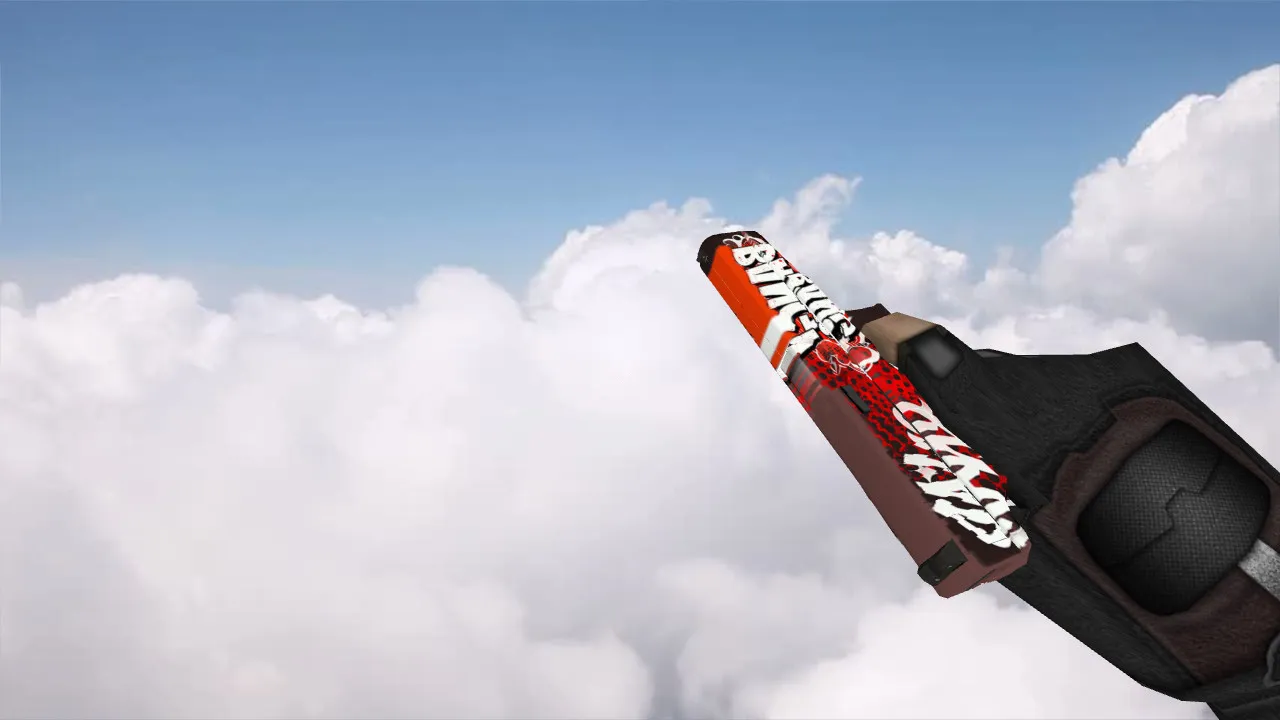

Description
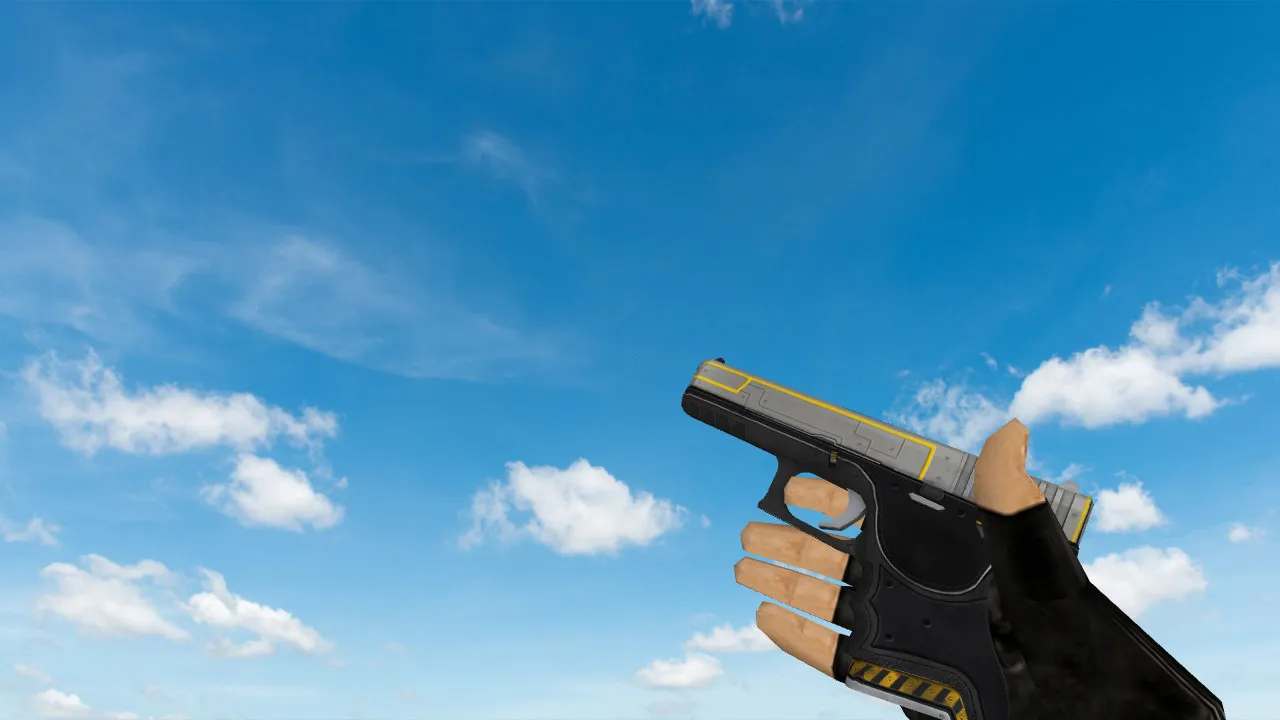
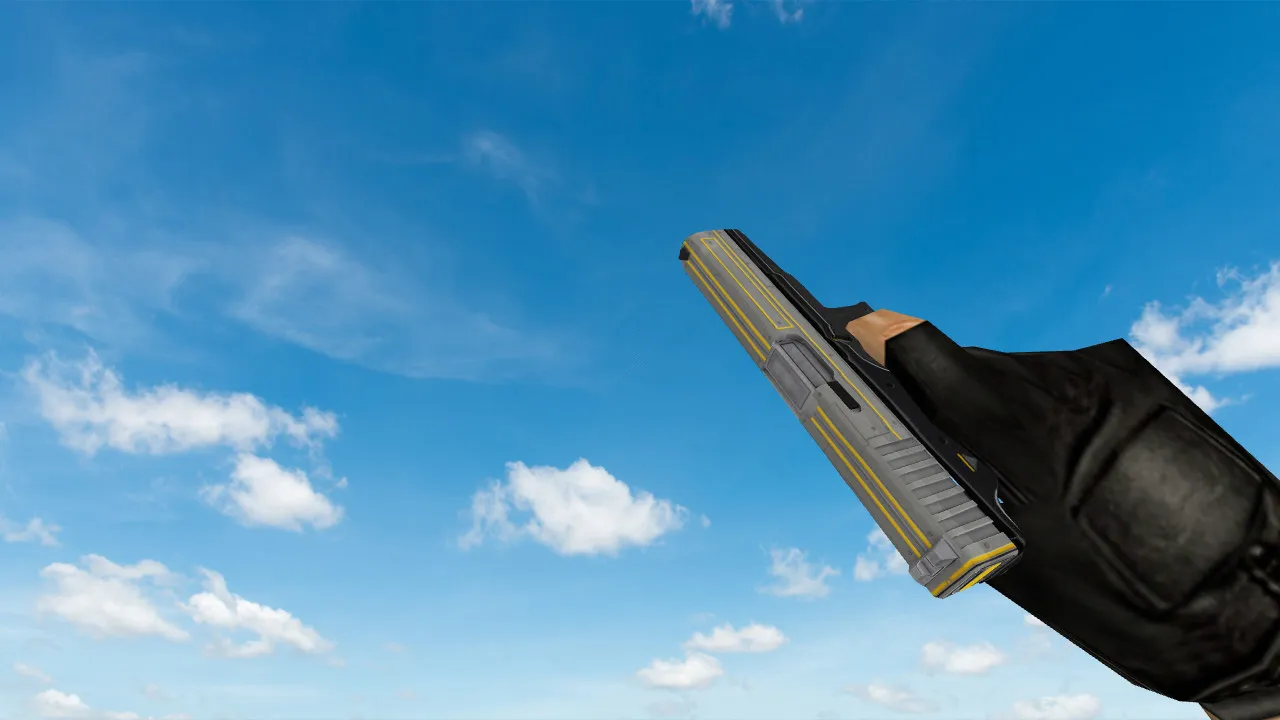
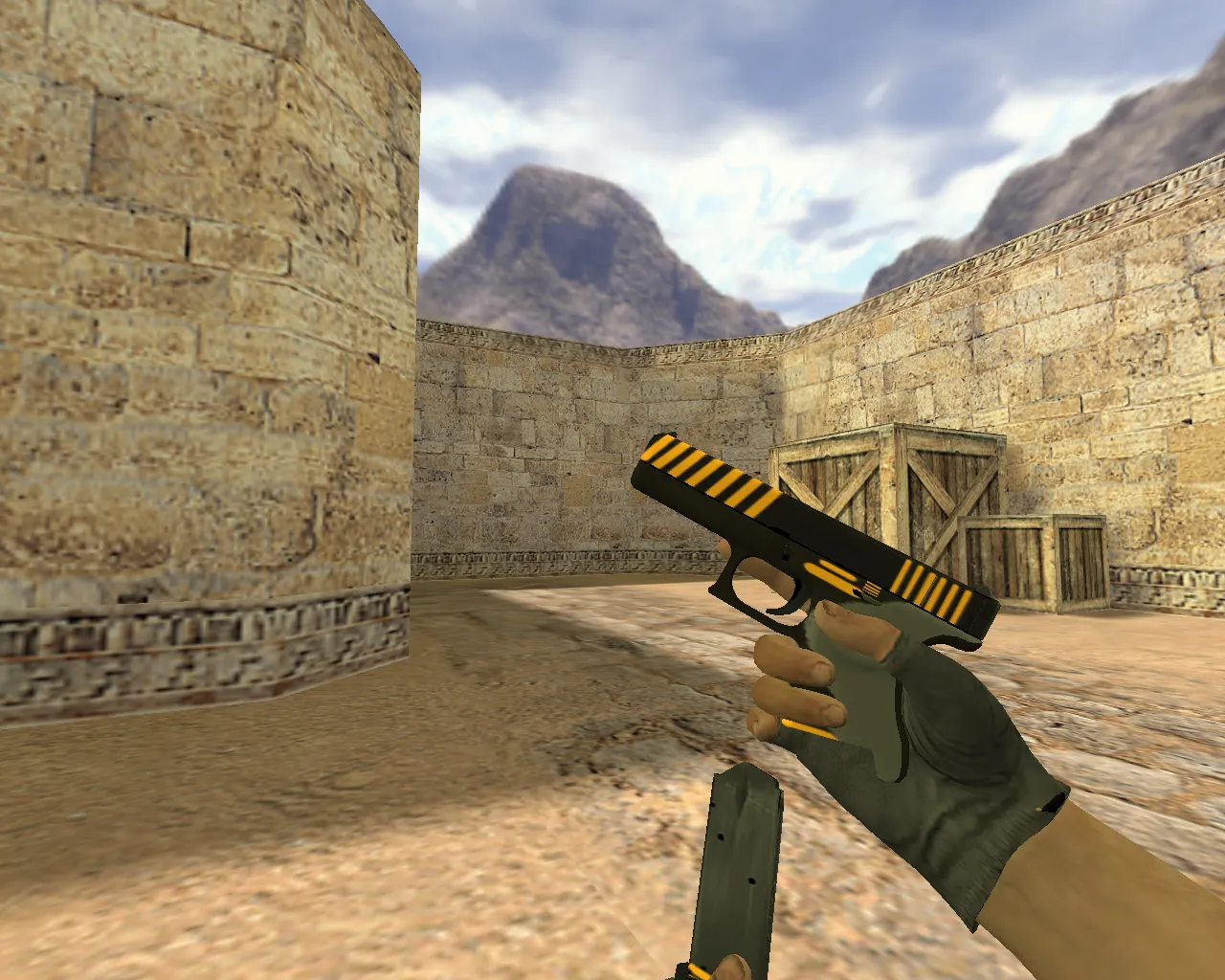
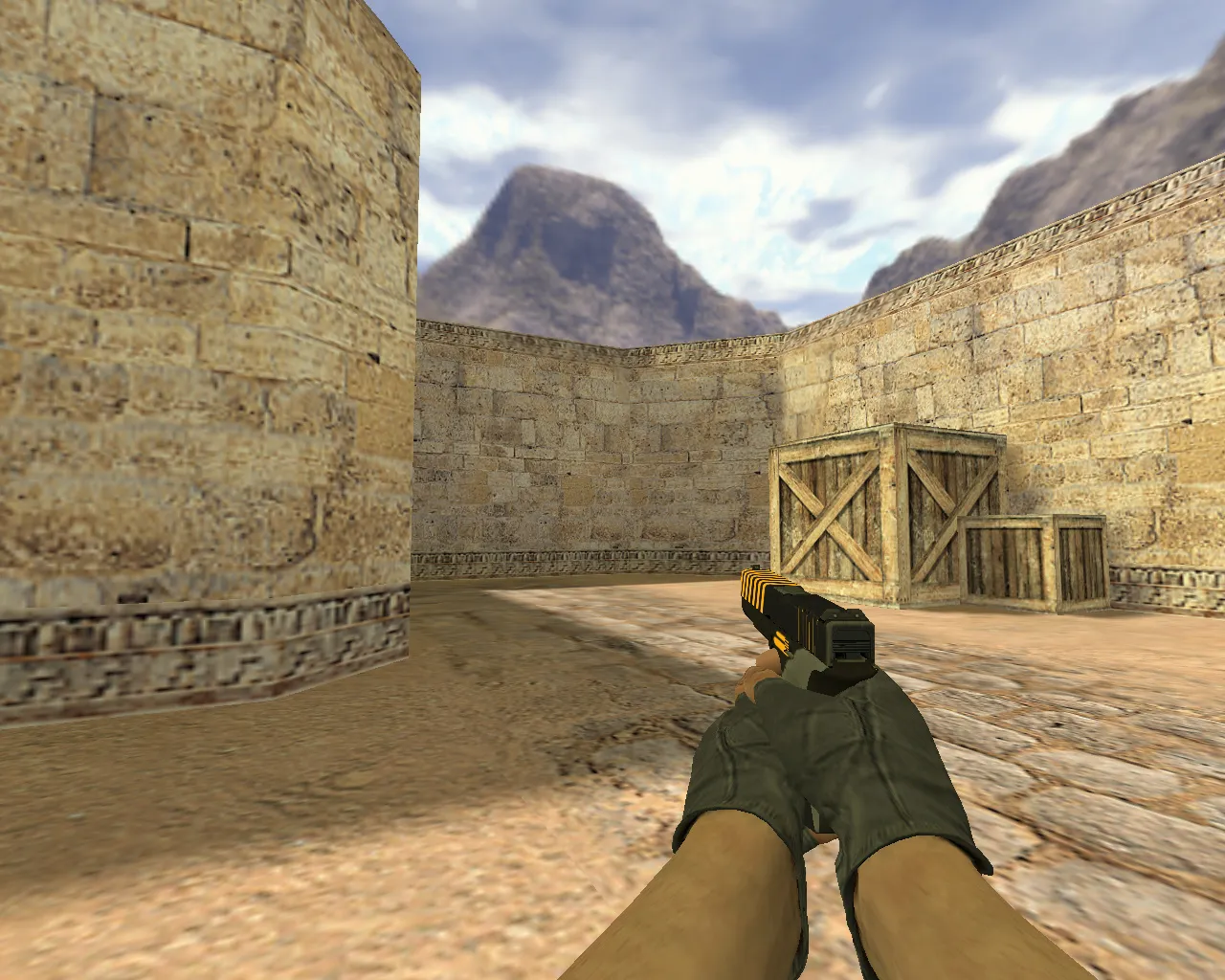
Glock Bang Bang Model for CS 1.6
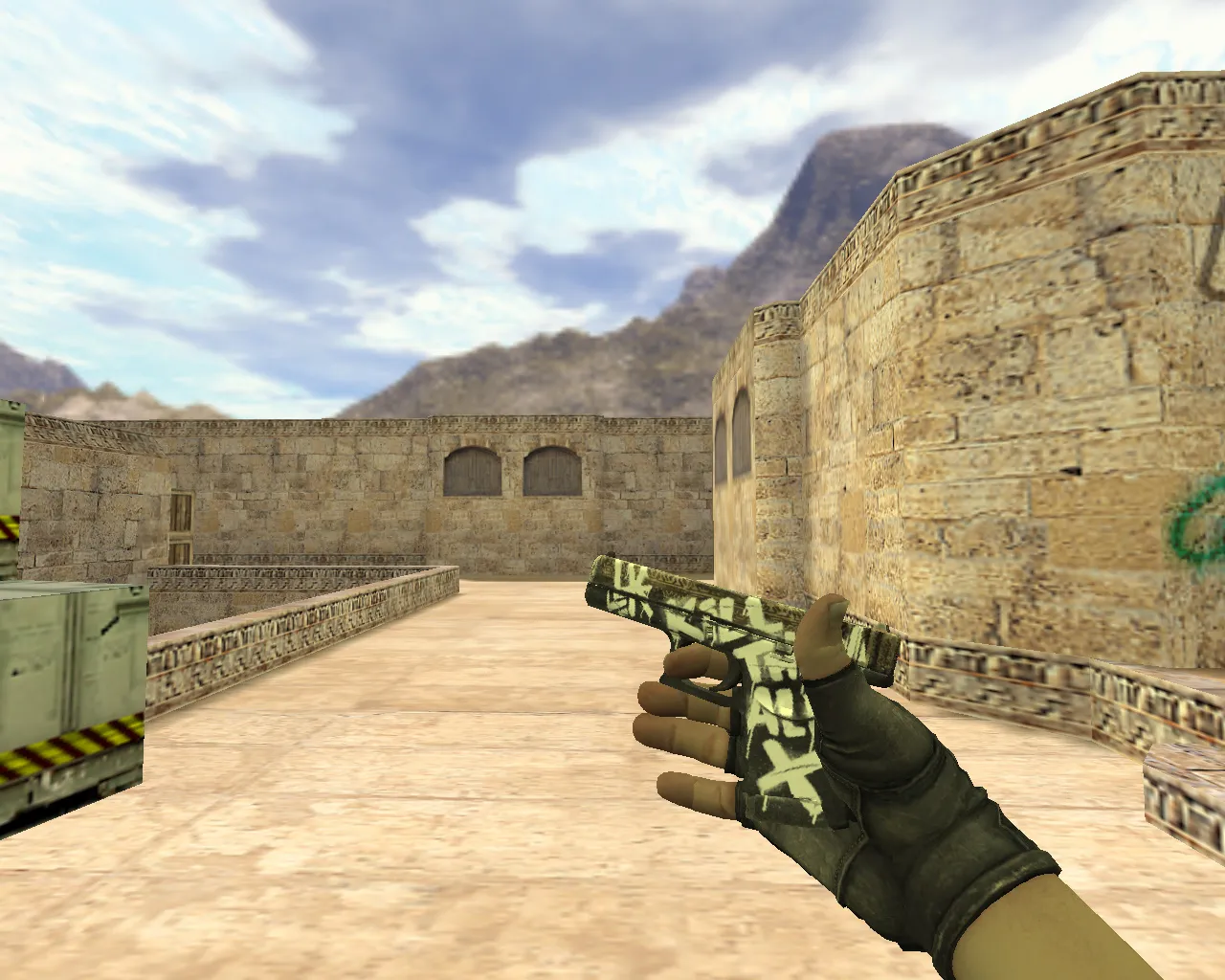
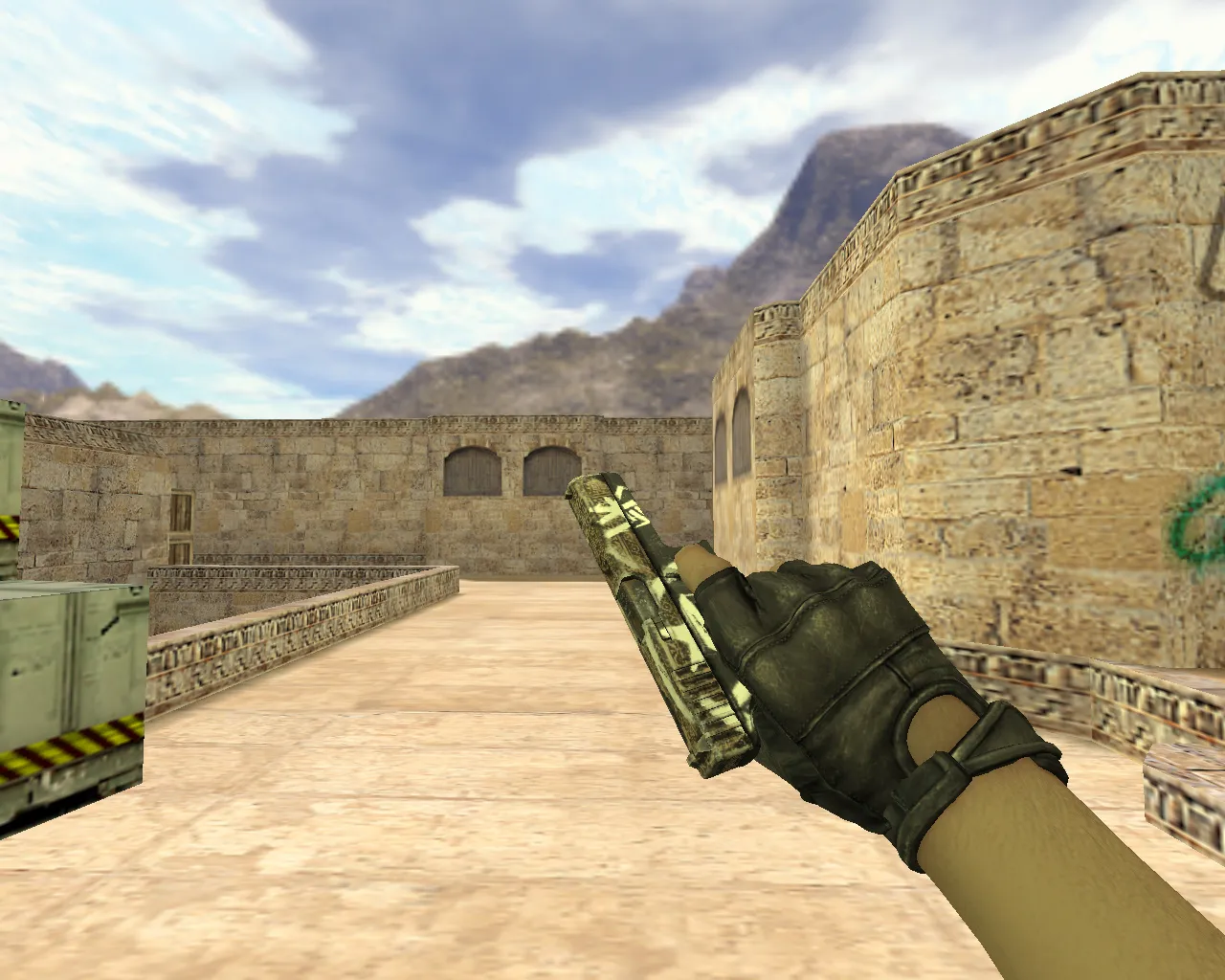
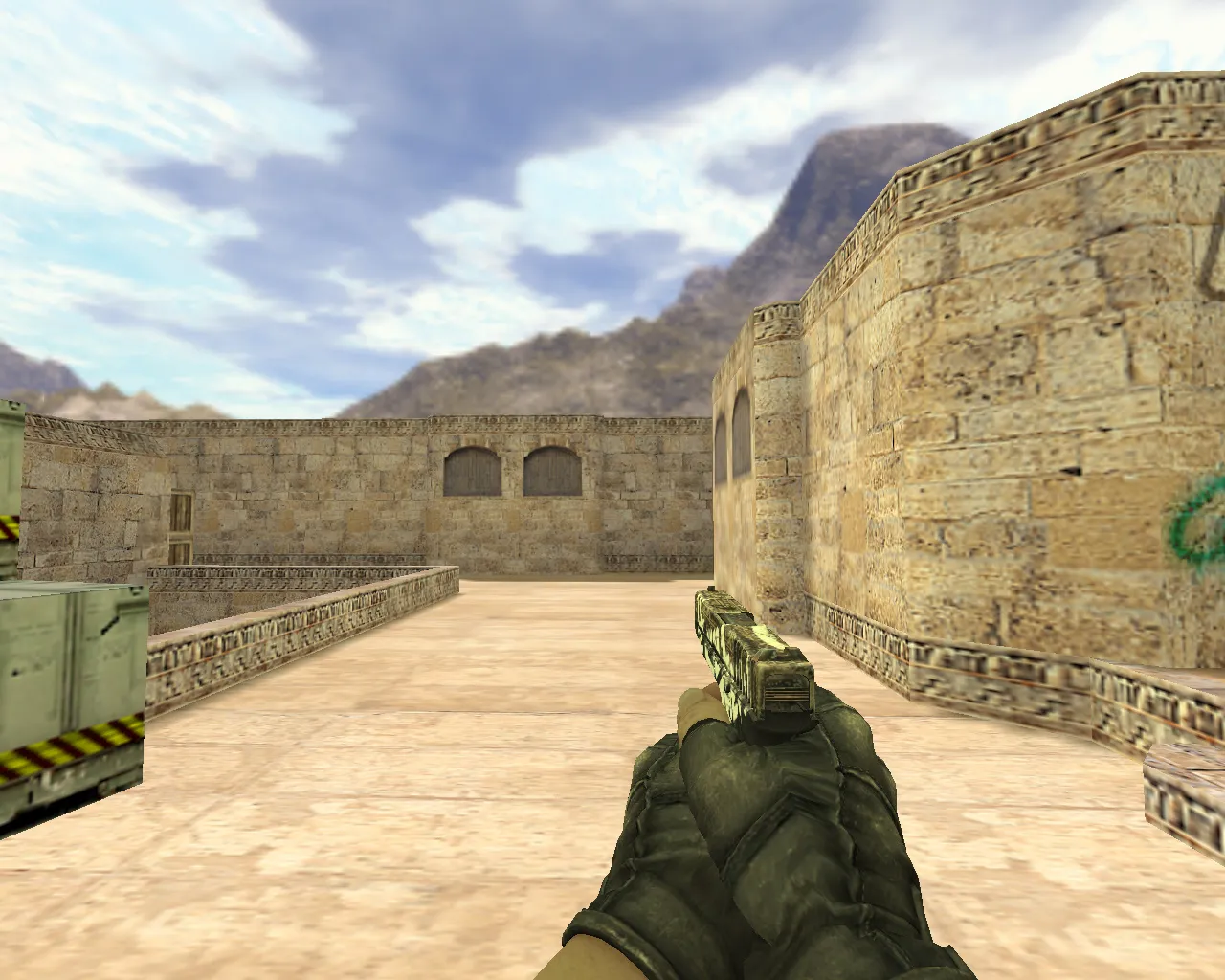
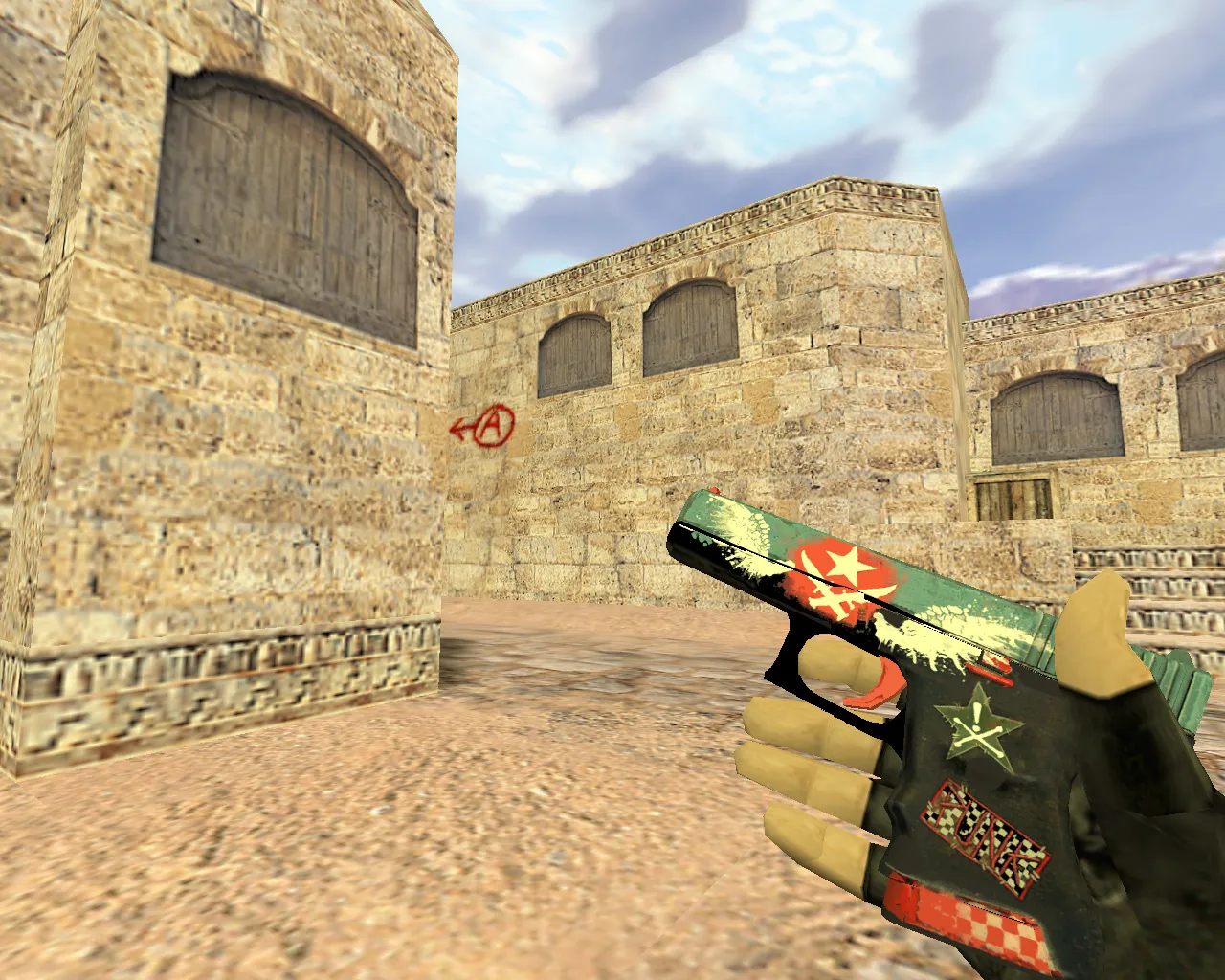
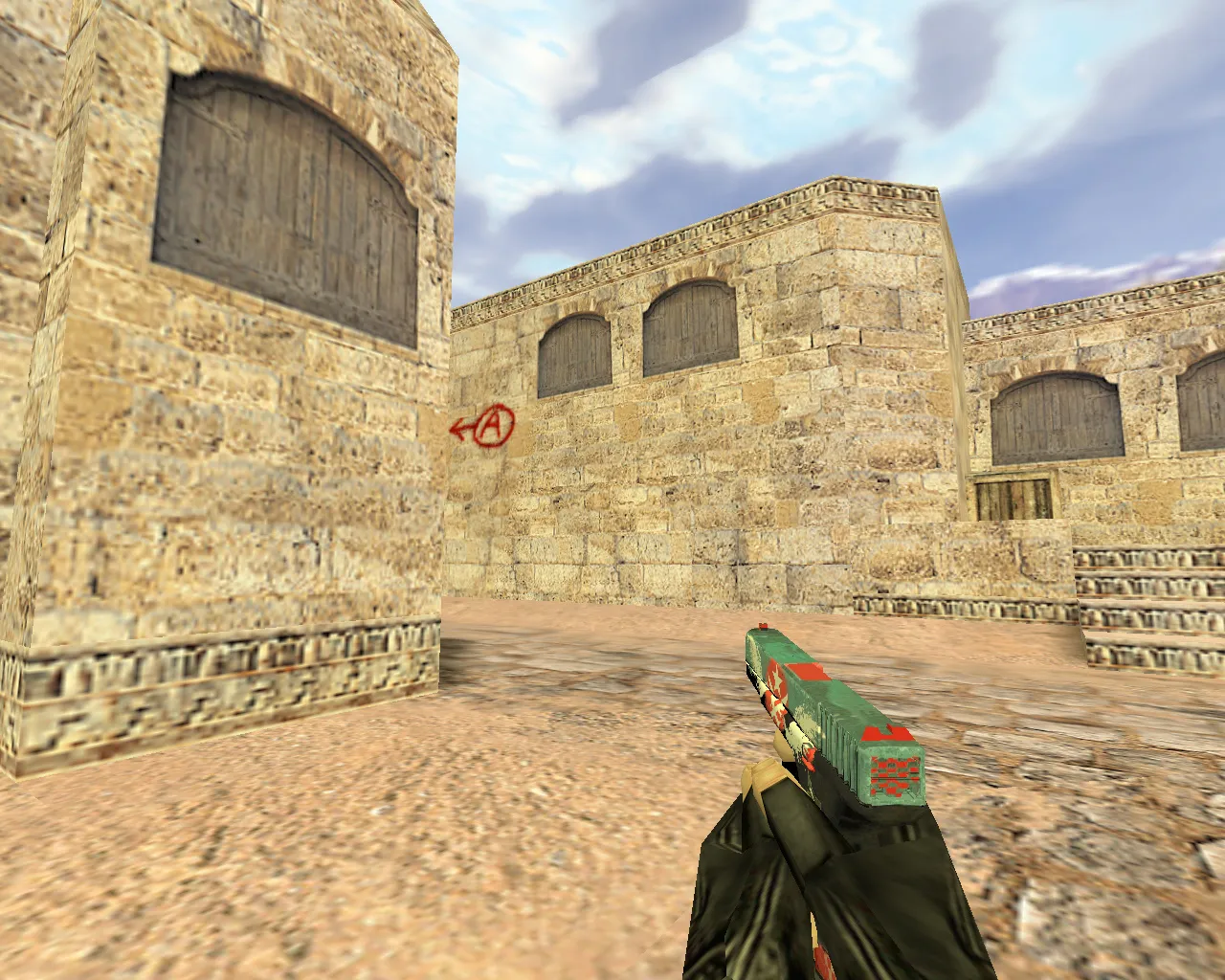
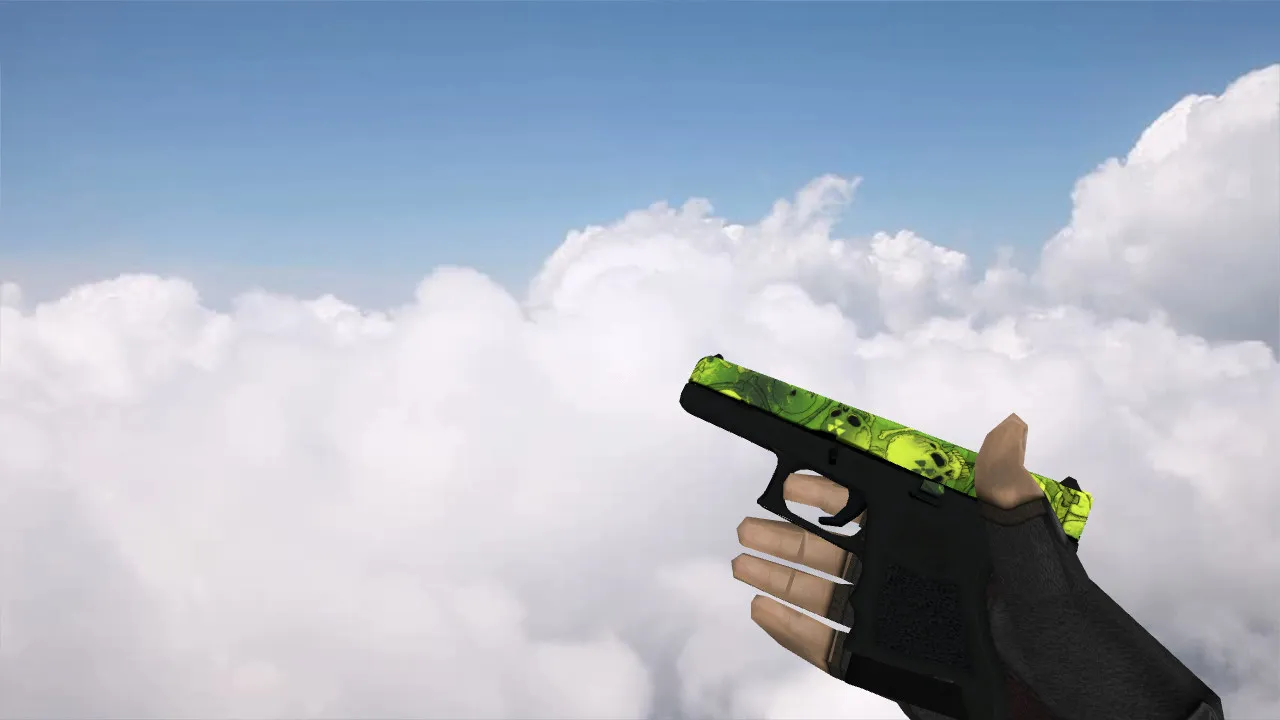
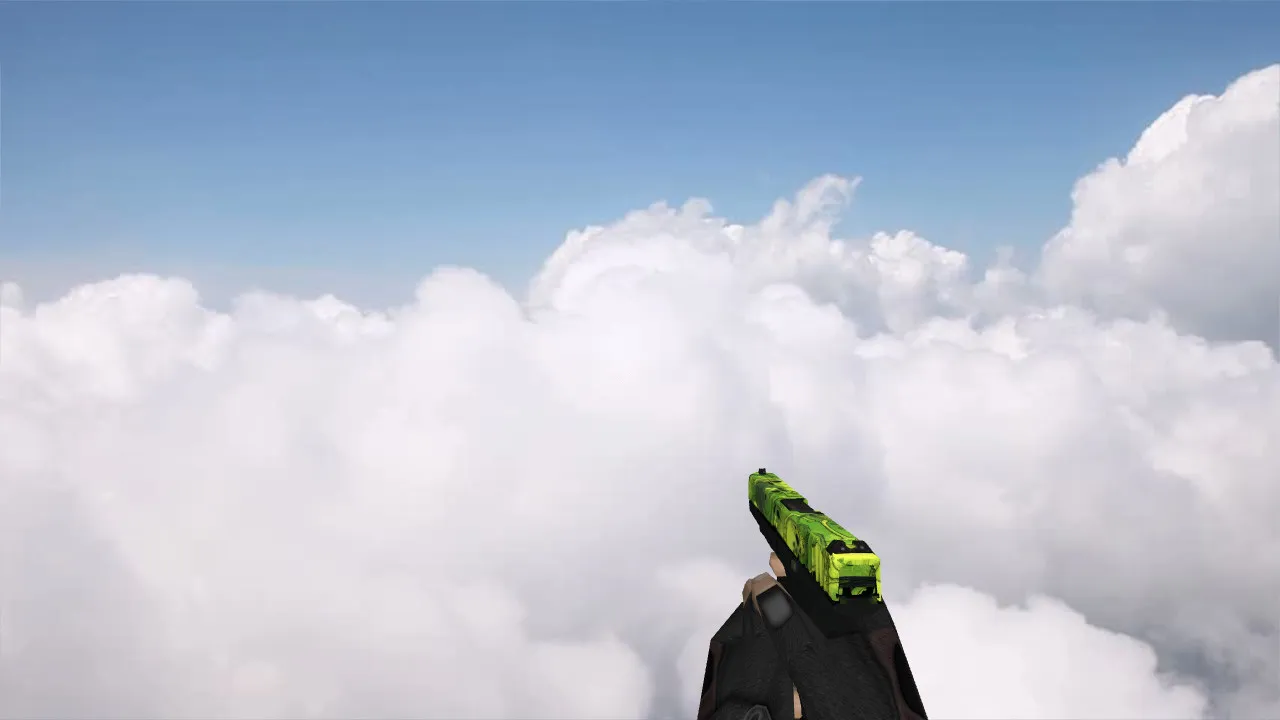
The Glock Bang Bang model gives the default pistol in Counter-Strike 1.6 a completely new look. Its custom v_ model has detailed geometry but a low polygon count, so it runs smoothly even at high frame rates. The p_ model keeps hitboxes properly aligned for third-person views, and the w_ model stays visible on any map. Textures are HD at 512x512, offering sharp detail without making files larger, which is great for ESL-style play where seeing clearly in dark corners is important.
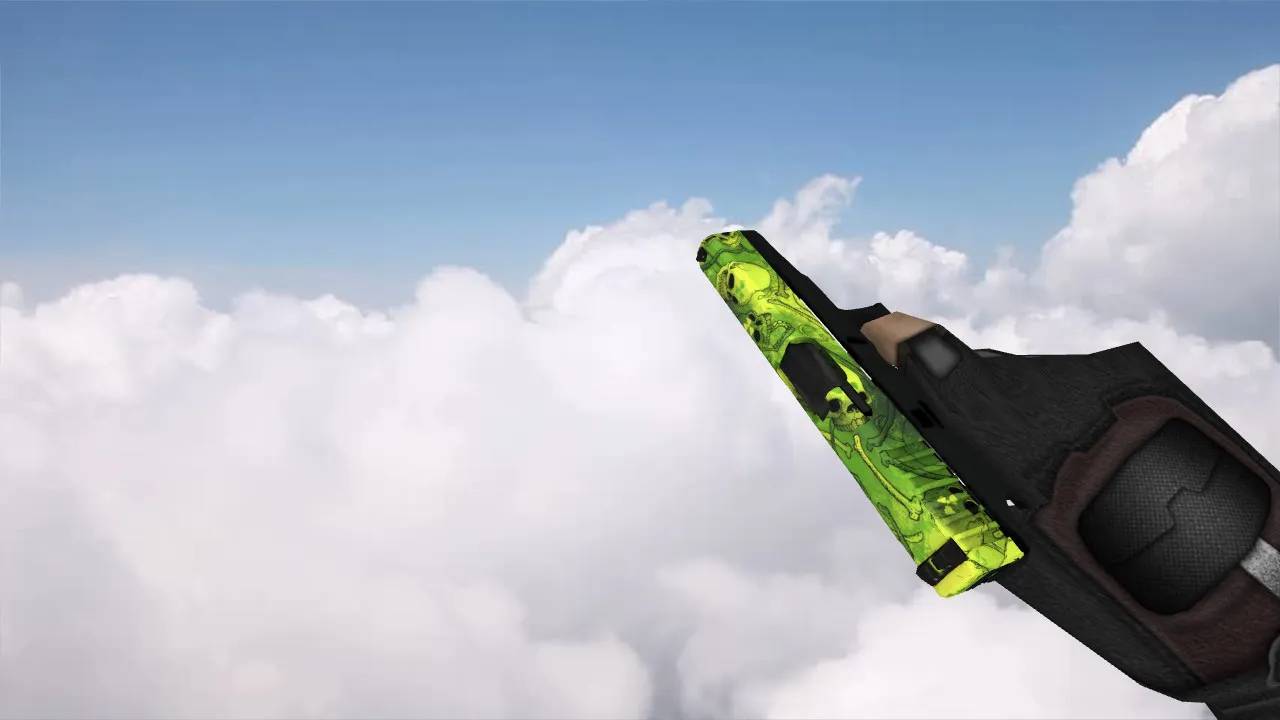
Default Glock sounds are swapped out for custom audio. The firing sound is a punchy .wav that stands out over background noise, giving you better audio feedback during rushes. Inspect animations flow well, with a responsive cycle that keeps the original timing but adds a little flair through longer draw sequences. These parts fit right into the weapon's cycle, working with no-recoil configs and clean gameplay without script issues.
In dim places like de_inferno tunnels or de_dust2 long, the model's bright accents help you spot targets faster. The v_ variant stays under 1500 polygons, so older hardware won't see frame drops. Every file is wad-compatible, loading through standard sprite references in the .mdl structure.
Key Advantages of the Glock Bang Bang Model
- HD 512x512 textures for crisp visuals
- Custom .wav firing sounds with high volume punch
- Smooth inspect animations with precise timing
- Enhanced visibility in dark map areas
- Low polycount for high-FPS stability
- Accurate hitbox alignment on p_ and w_ models
No extra tools are needed to install. Just extract the .mdl, .bmp, and .wav files into your cstrike folder, replacing the default glock18.mdl and related assets. For Steam versions, put them in valve/cstrike; for Non-Steam setups, use the root directory. Test on a local server to check load order-make sure precache statements in your config.cfg point to the new files. Works with Build 4554 and 8610, including MasterServer protection for online lobbies.
This model is compatible with bot navigation through .nav files because it doesn't change collision bounds. Use it with a clean config for best performance: alias +attack for the custom sound trigger, and bind inspect to a key for quick checks. Don't mix it with other weapon packs to avoid texture conflicts.
Safety first: All files scan clean with no viruses, backdoors, or slow-hack elements. No auto-connect scripts or adware included. Download from trusted sources only. If issues arise, like missing sprites, regenerate the wad file using a tool like Wally. Community forums offer fixes for rare Non-Steam glitches, such as path mismatches in liblist.gam.
For deeper customization, edit the .qc source if available, adjusting bone scales for better hand alignment in v_ views. This model elevates pistol rounds, giving the Glock a distinct edge in 1.6's fast-paced meta. Regular updates from modders keep it aligned with patch changes, ensuring longevity across private servers.
Expand your loadout with similar pistol tweaks-think AWP variants or AK reskins-for a cohesive setup. Performance benchmarks show 5-10% less draw call overhead compared to stock models, ideal for 100+ player gatherings without lag spikes.
Install in three steps
-
1
Download the archive. Use the button on the right, or the Yandex.Disk mirror if the main server is slow.
-
2
Extract it into the game folder. Use 7-Zip or WinRAR. A path without non-Latin characters works best.
-
3
Launch the game. If something doesn't work, mark it below - that is how we know the file needs an update.
Did it work for you?
No sign-up needed. You can pick more than one.