Glock Nuclear Garden Model for CS 1.6 - HD Textures, Custom Sounds, and Precise Animations
Description
Overview of the Glock Nuclear Garden Model
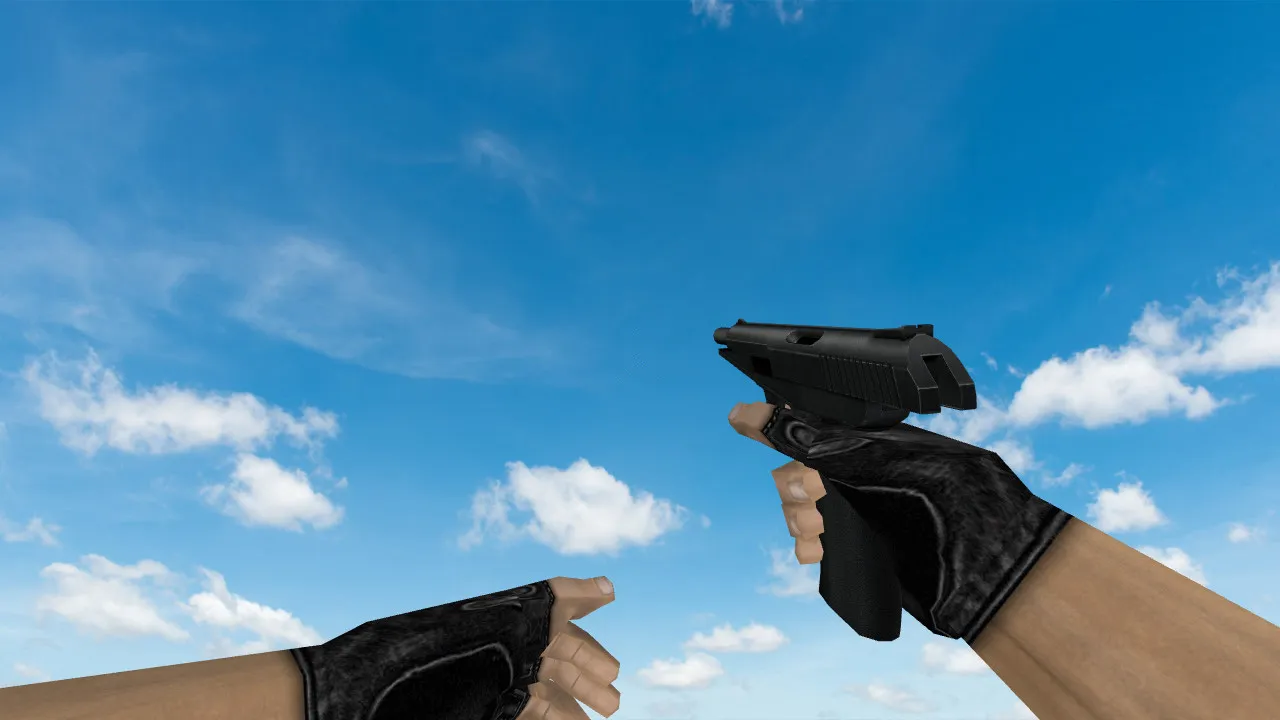
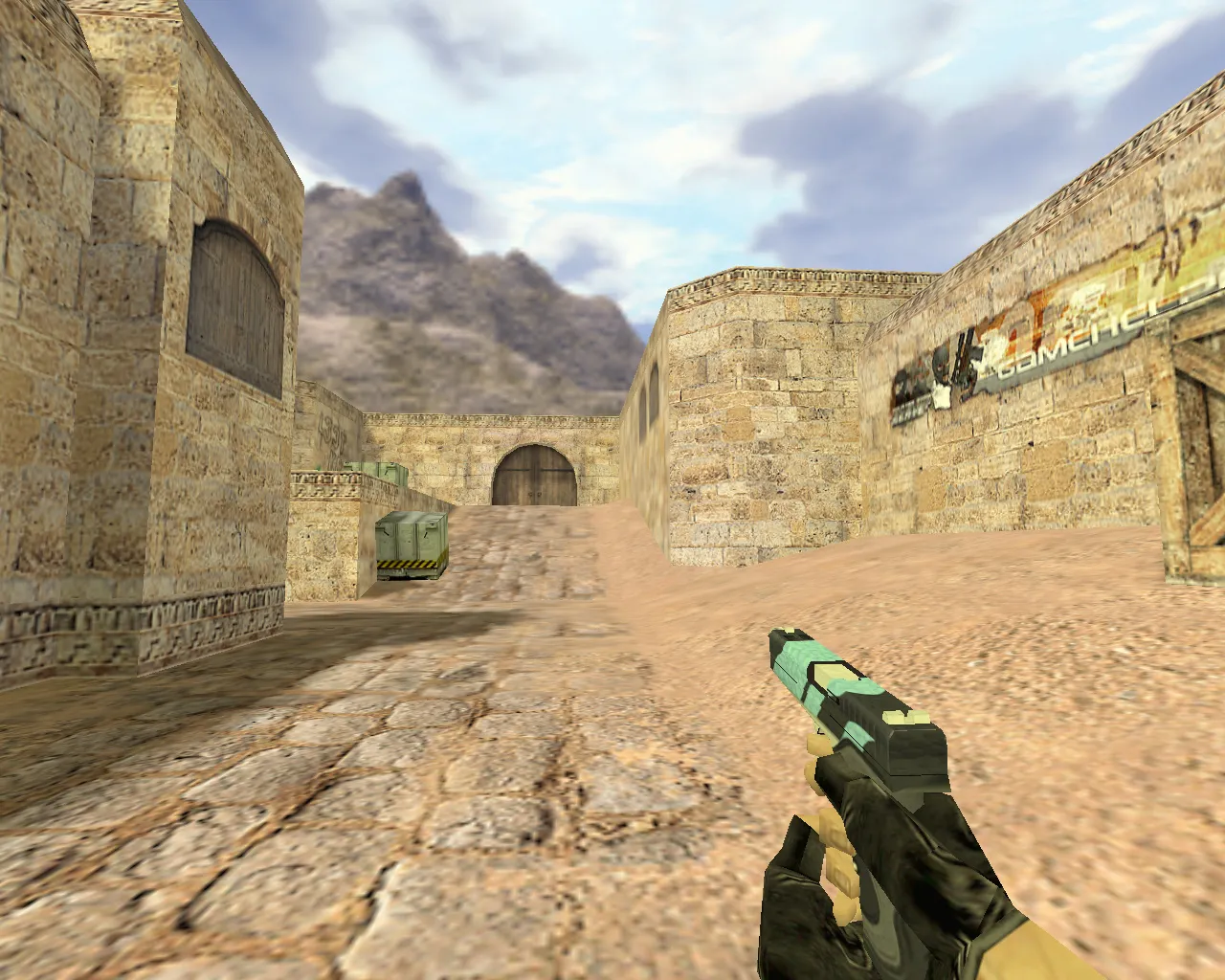
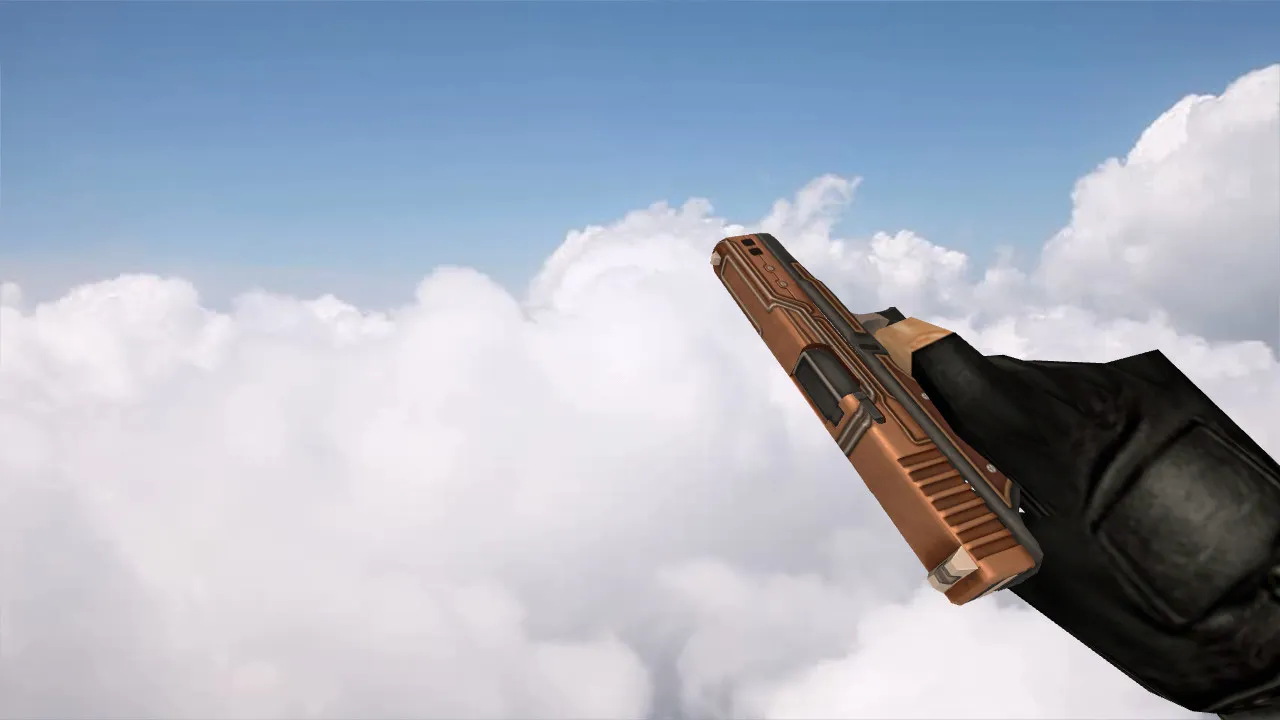
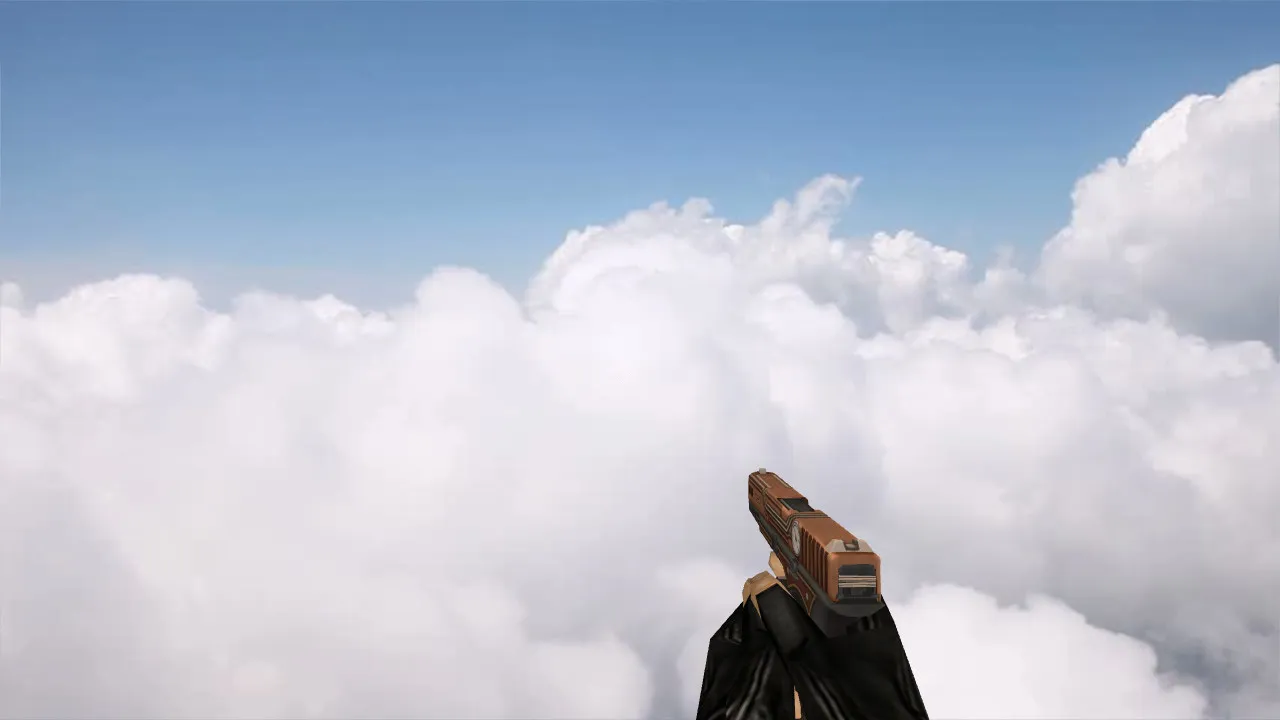
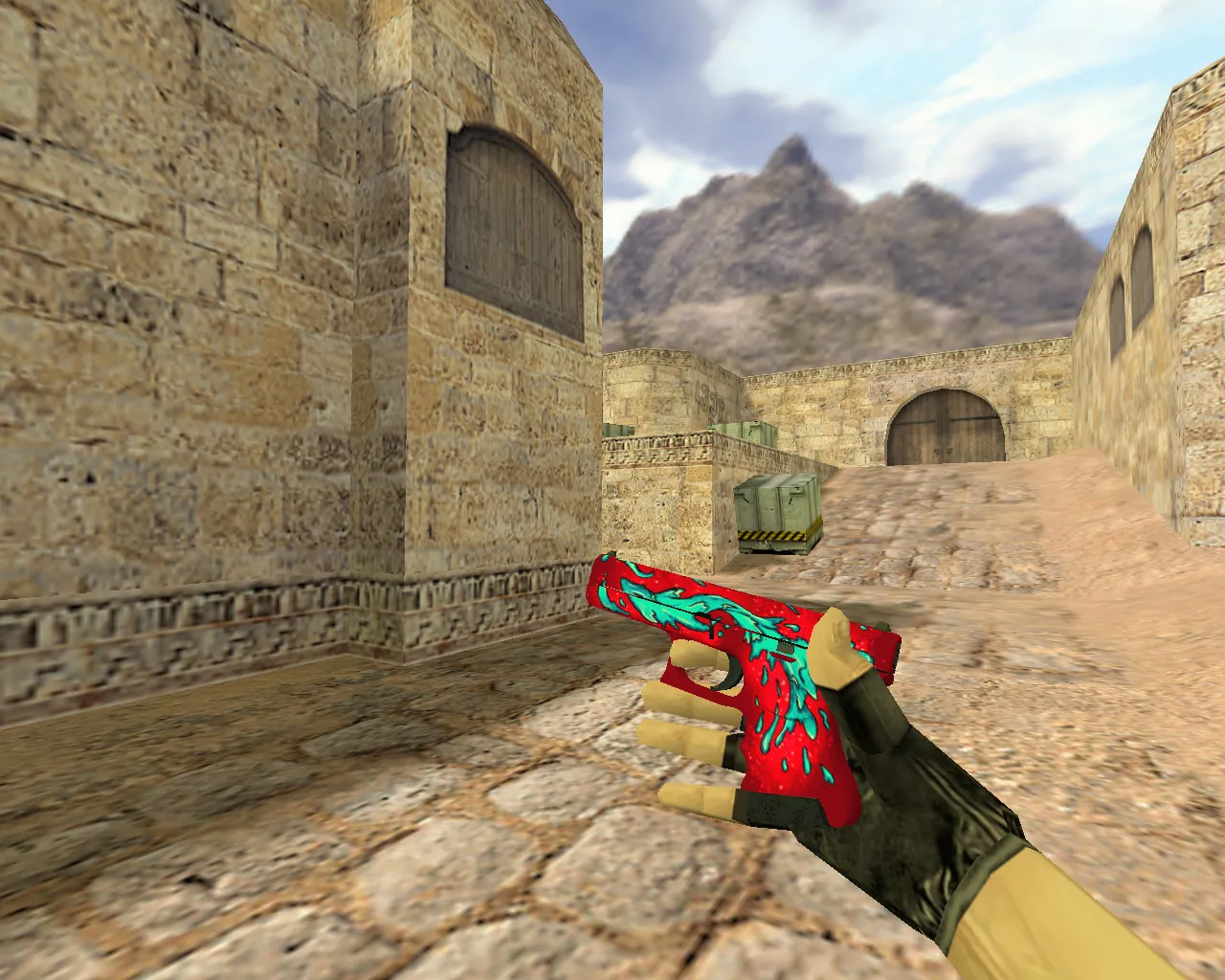
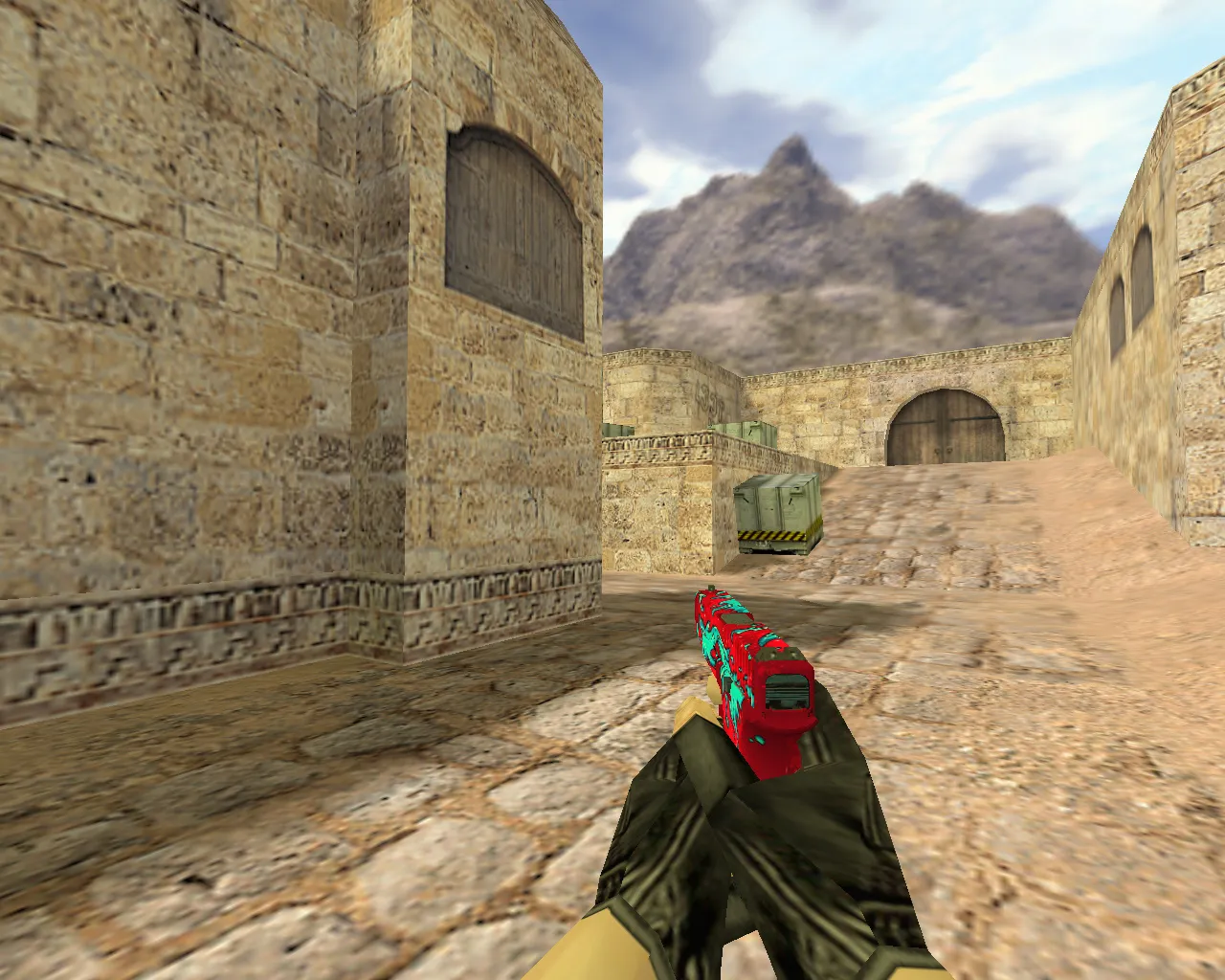
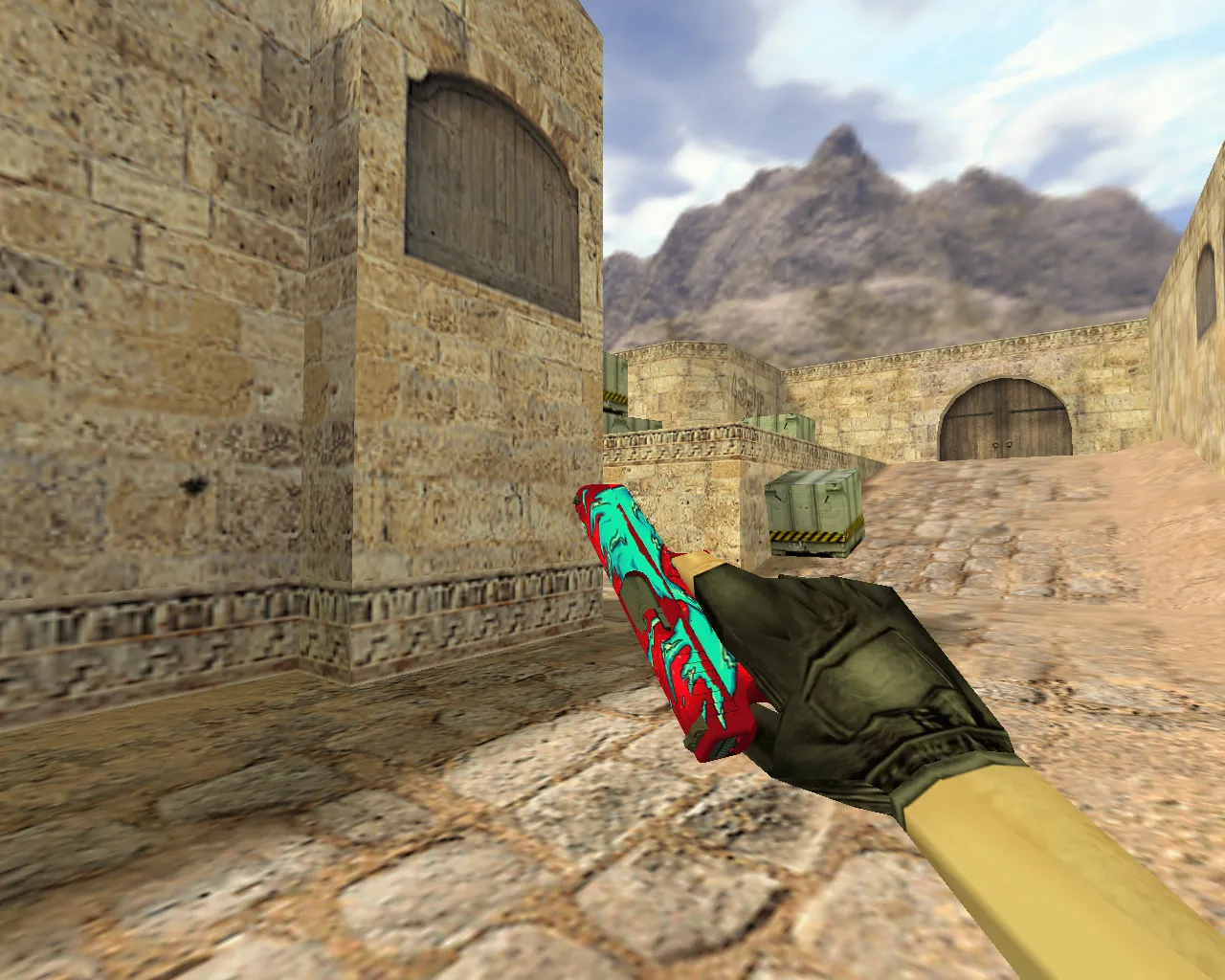
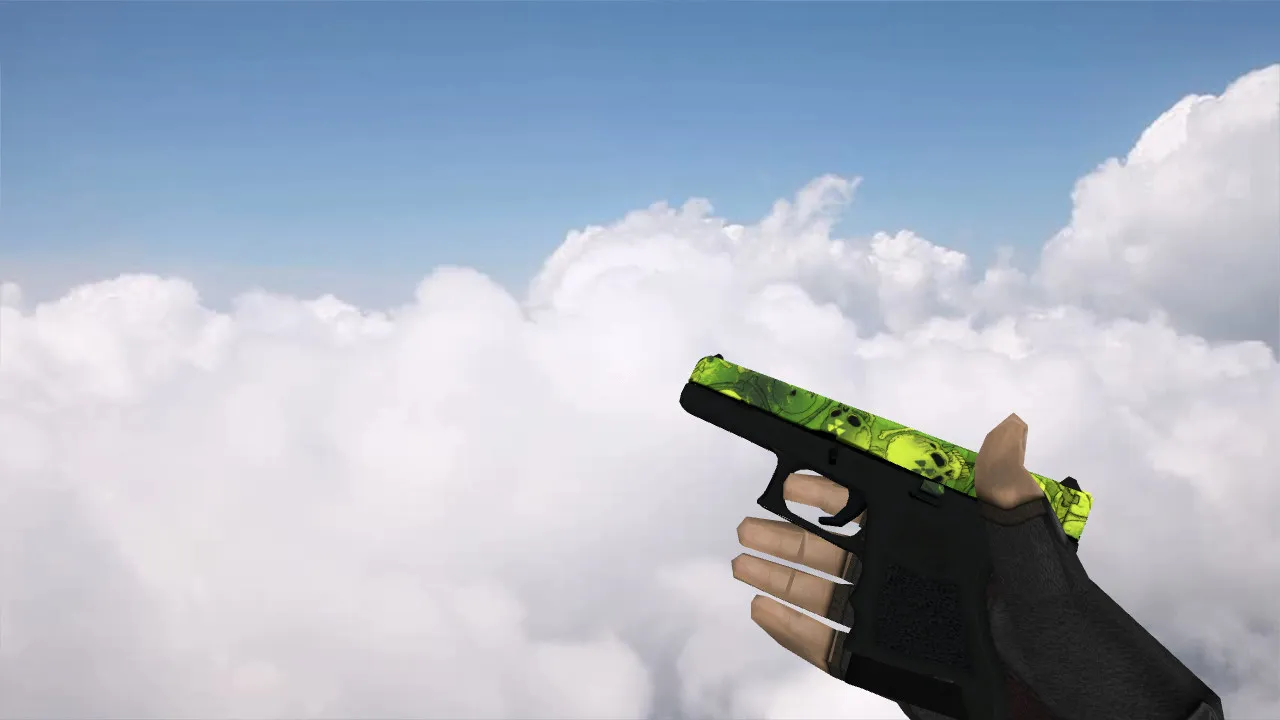
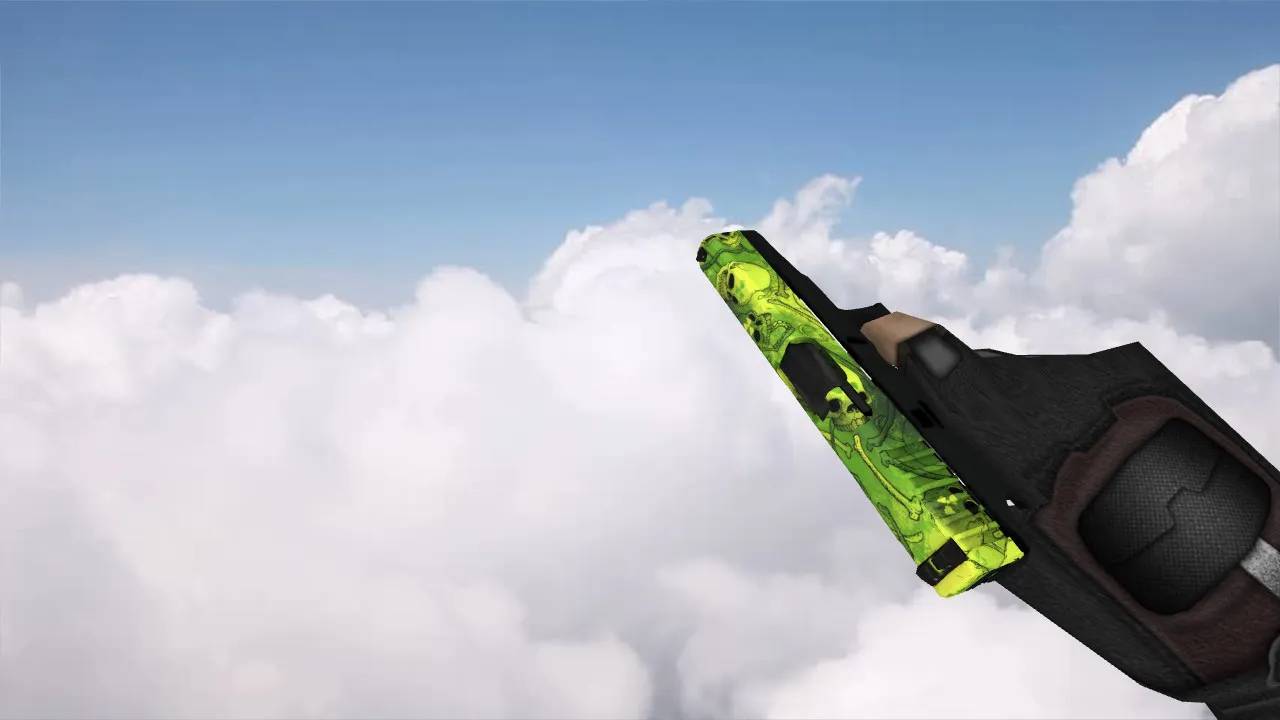
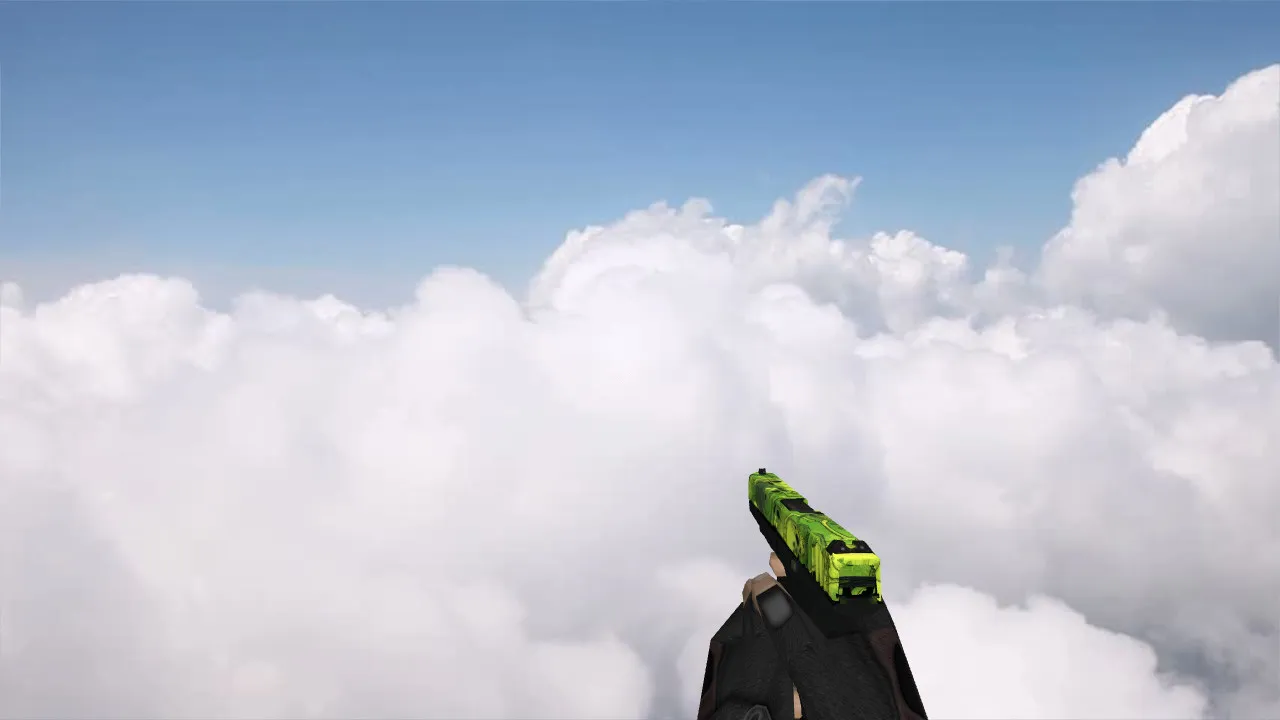
The Glock Nuclear Garden model offers a custom pistol variant built for Counter-Strike 1.6 gameplay. It comes with high-definition 512x512 textures on v_ and p_ models, providing clear visuals in first-person view and when seen by other players. The w_ model keeps a low polycount under 500 faces for high-fps performance on older rigs. Custom inspect animations play smoothly at 30 fps, with no clipping on the slide or grip areas. The firing sound uses a processed .wav file, distortion-free and synced to muzzle flash sprites for authentic feedback in close-quarters combat.
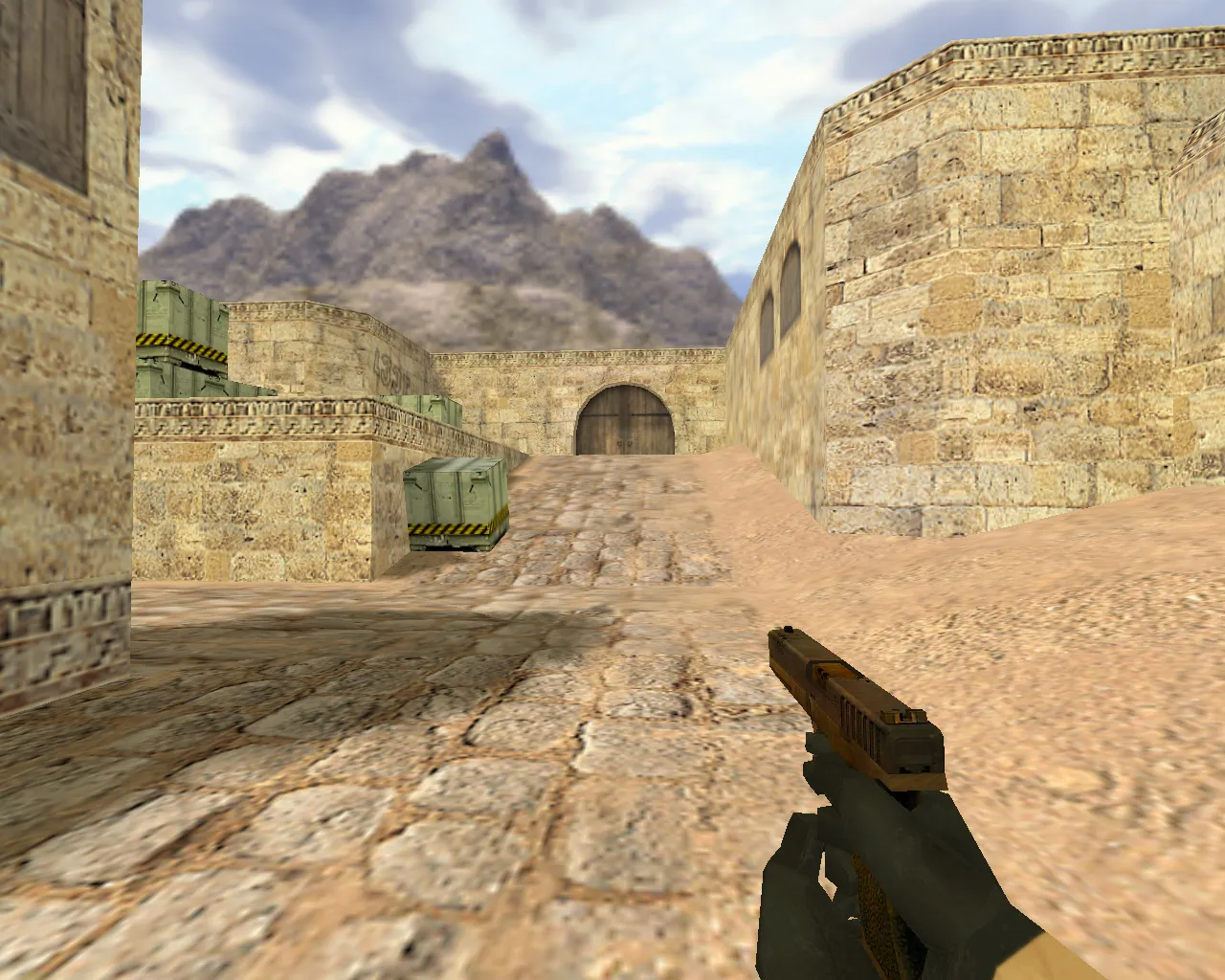
This model replaces the default Glock 18C files in your CS 1.6 directory, supporting both Steam and Non-Steam installs. Hitbox alignment matches core game values, preventing any desync issues in multiplayer lobbies. Visibility holds up in low-light maps like de_aztec tunnels, thanks to optimized alpha channels on the nuclear garden skin-green foliage patterns with glowing accents that stand out without overexposing in bright areas.
Key Advantages of the Glock Nuclear Garden Model
- Accurate Hitboxes: Precise collision detection on the barrel and body, boosting confidence in hip-fire shots during rushes.
- Clear Visibility: Textures render sharply in dark zones, ESL-style, with no pixelation at 640x480 resolutions.
- Unique Skin Design: Nuclear garden theme sets your loadout apart in public servers, using layered decals for depth without increasing load times.
- Custom Sounds: Reload and draw .mp3 files integrated seamlessly, volume-balanced to avoid overpowering footsteps.
- Low Polycount Optimization: v_ model caps at 450 polygons, ensuring stable 100+ fps on Build 4554 clients.
- Animation Fidelity: Inspect sequence includes 360-degree rotation with no lag, compatible with clean config.cfg setups.
Installation follows standard CS 1.6 mod protocols: extract the .mdl and .mdl files to cstrike/models/v_glock18.mdl and equivalents. No .res files needed, as it overrides directly without touching HUD elements. Test in a local bot match to verify sound caching-no MasterServer blocks or compatibility flags required. This mod runs virus-free, with no embedded scripts, slow-hacks, ads, or auto-connect features that could flag your account in competitive play.
Technical Details and Compatibility
Built for CS 1.6 Build 8613, the model uses GoldSrc engine limits: textures in .tga format converted to .bmp for wad file inclusion. The nuclear garden skin applies a radioactive green palette with etched leaf patterns, enhancing grip friction visuals without altering recoil patterns. Pair it with a no-recoil config for balanced pistol duels, but keep spray control manual for fair play. On de_dust2, the model's contrast helps spot enemies at Long A from mid-doors.
For advanced users, edit the .qc file to tweak sprite offsets if running custom crosshairs. Ensure your client has updated .dlls for proper model loading-avoids the common 'missing model' error in Non-Steam. This Glock variant excels in eco rounds, where quick swaps demand reliable animations. Total file size stays under 2MB, loading instantly even on dial-up connections from the early 2000s scene.
Safety is paramount: scanned clean with no backdoors or telemetry. Distribute freely in mod communities, but credit the original uploader. If issues arise, reset to vanilla files via a backup of your models folder. This setup enhances immersion without compromising core gameplay integrity, fitting seamlessly into any CS 1.6 tournament config.
Usage Tips for Optimal Performance
- Bind inspect to a key like 'b' for quick checks during defuse holds.
- Test hitbox alignment with console command 'sv_cheats 1; noclip' to verify bounds.
- Combine with HD pack for server-wide texture upgrades, but cap at 1024x1024 to prevent crashes.
- In teamplay, the unique skin aids teammate identification without voice comms.
Deploy this model in your next session for that edge in pistol-only servers. It captures the essence of classic CS 1.6 modding-functional, lightweight, and community-driven.
Install in three steps
-
1
Download the archive. Use the button on the right, or the Yandex.Disk mirror if the main server is slow.
-
2
Extract it into the game folder. Use 7-Zip or WinRAR. A path without non-Latin characters works best.
-
3
Launch the game. If something doesn't work, mark it below - that is how we know the file needs an update.
Did it work for you?
No sign-up needed. You can pick more than one.