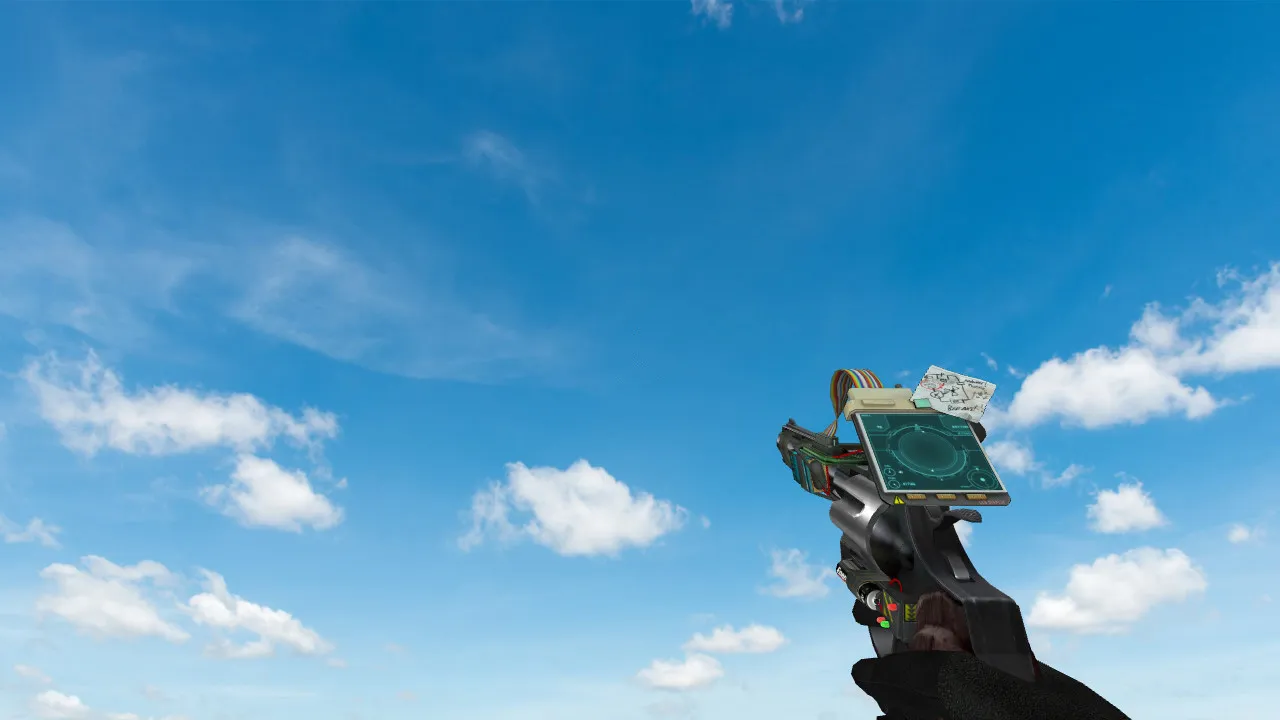
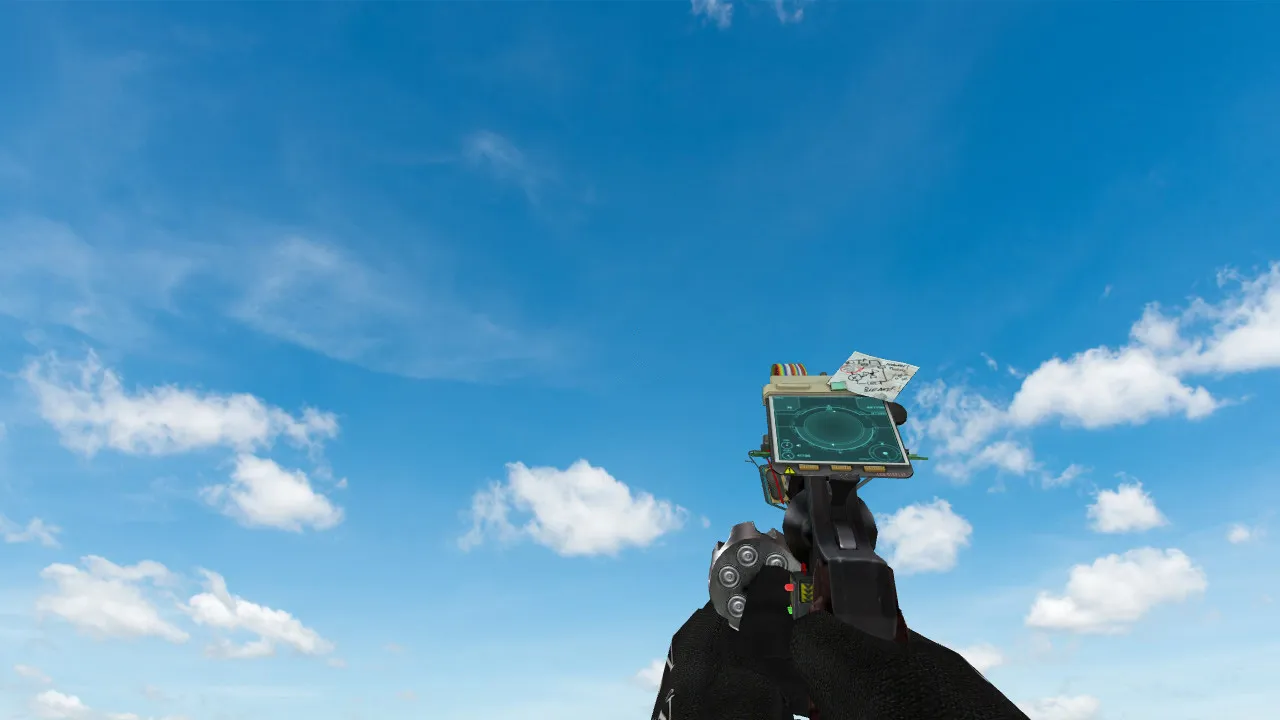
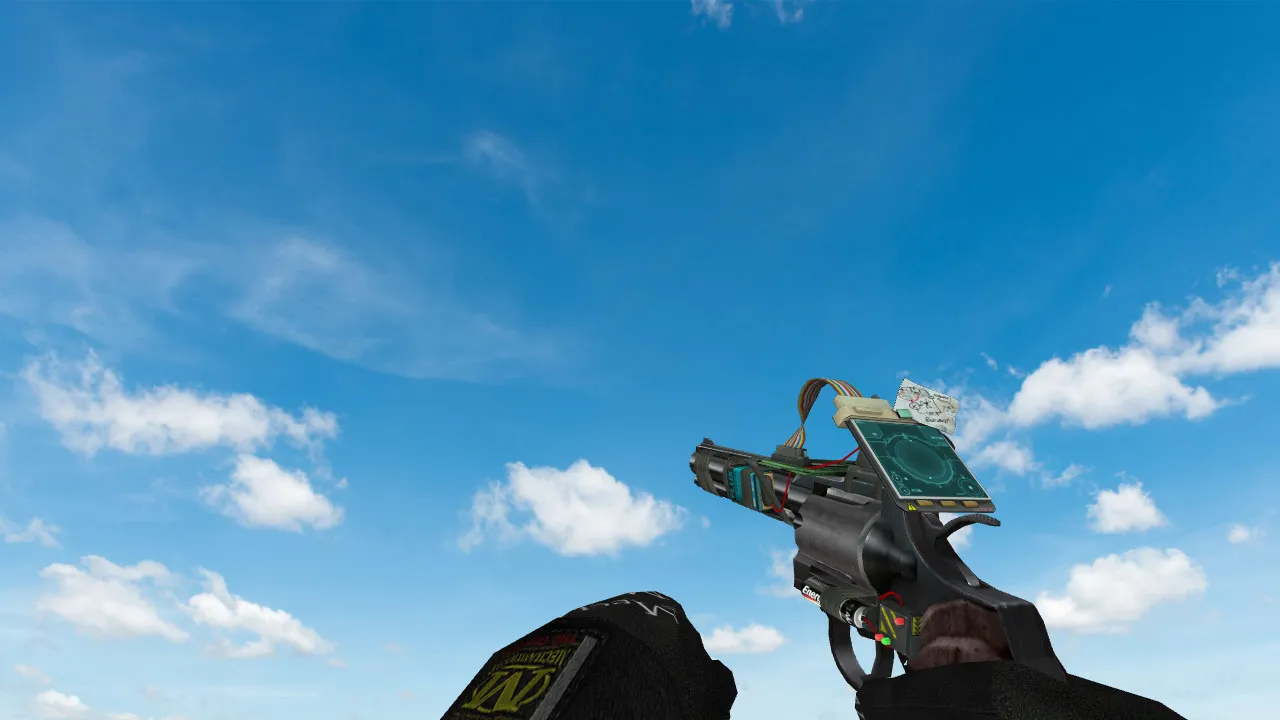
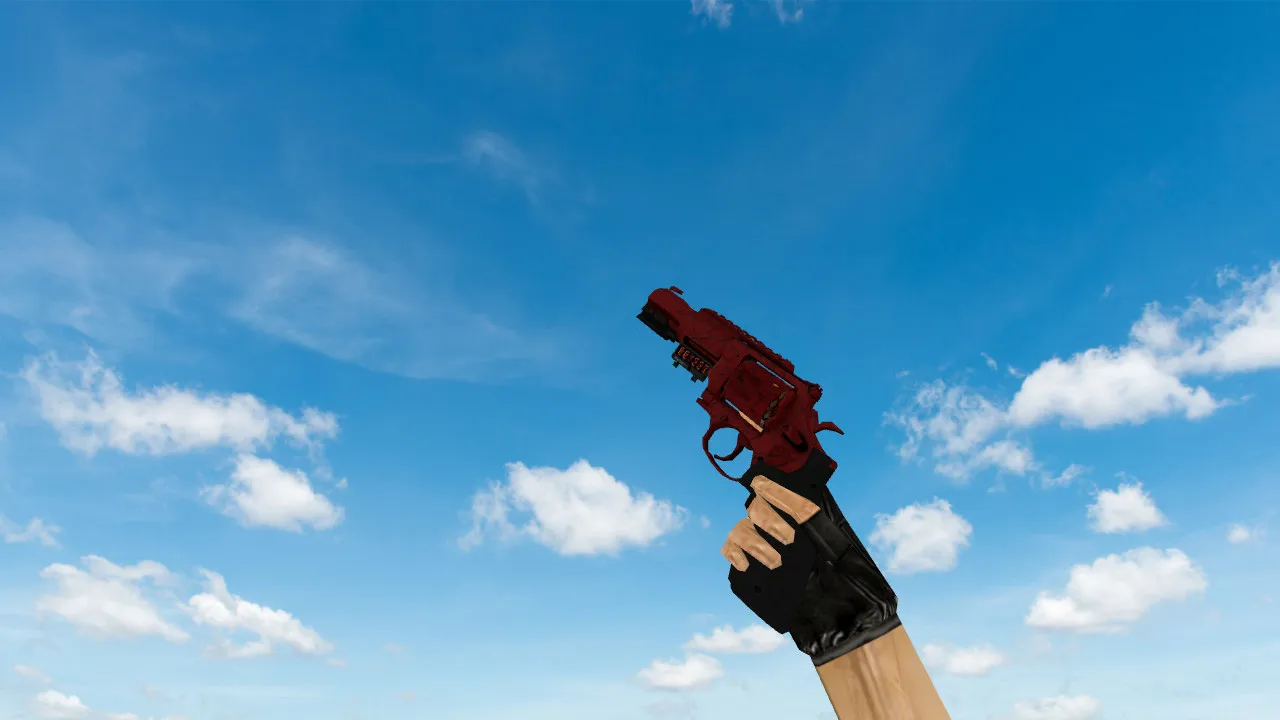
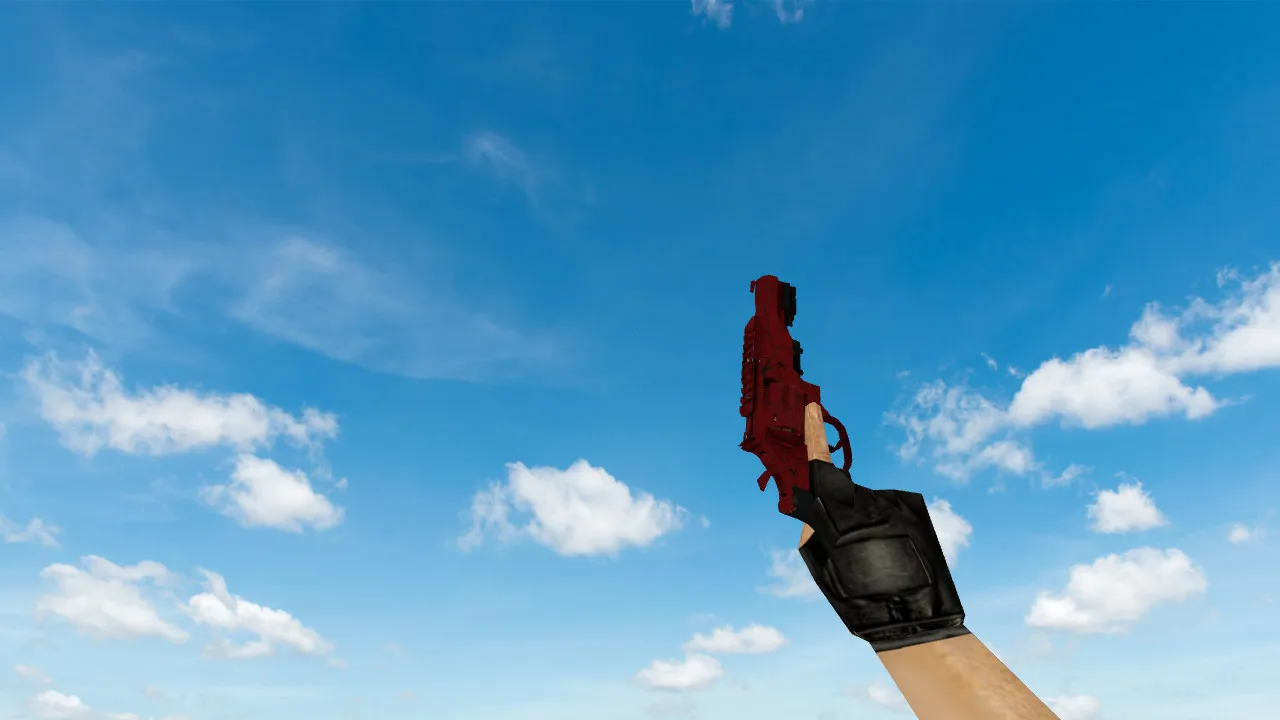
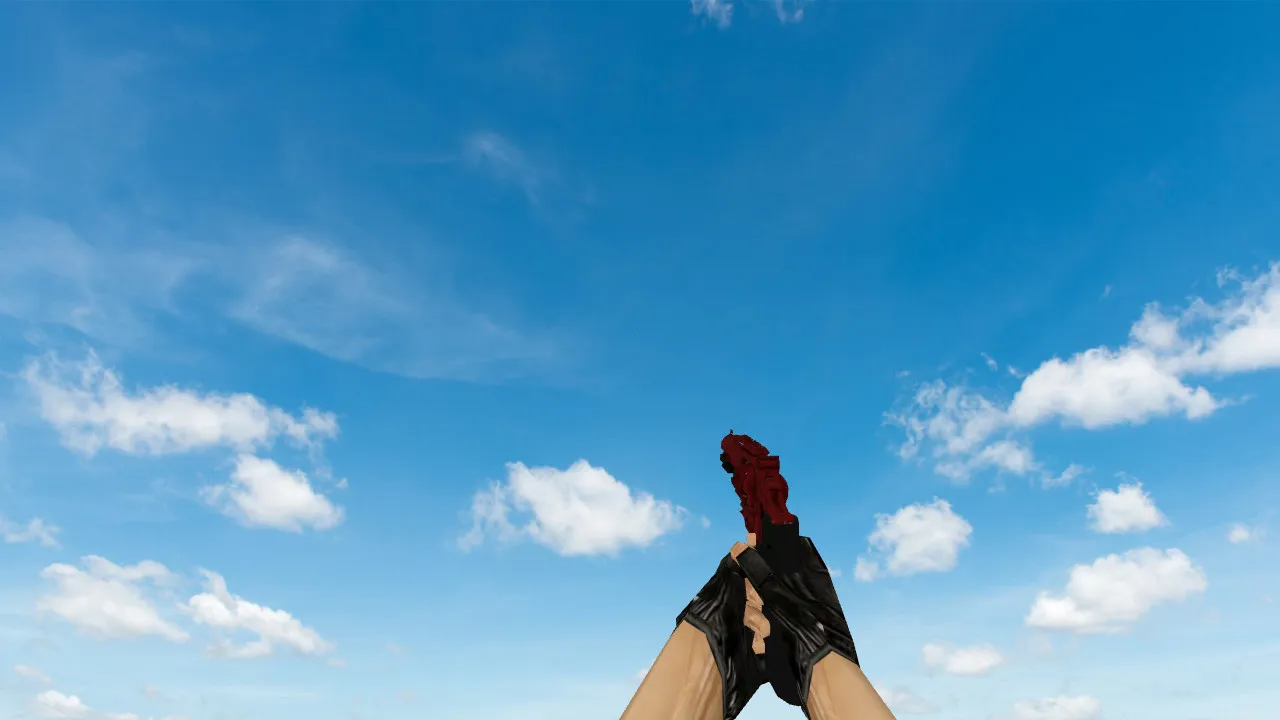
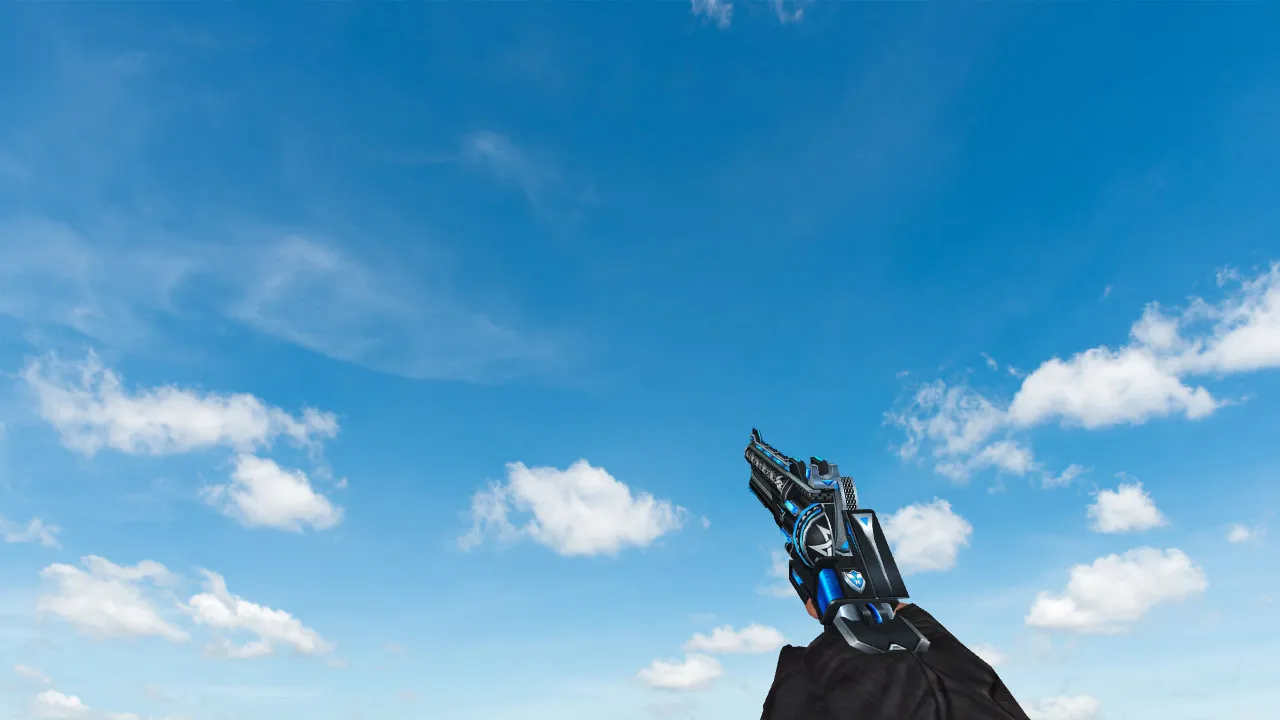
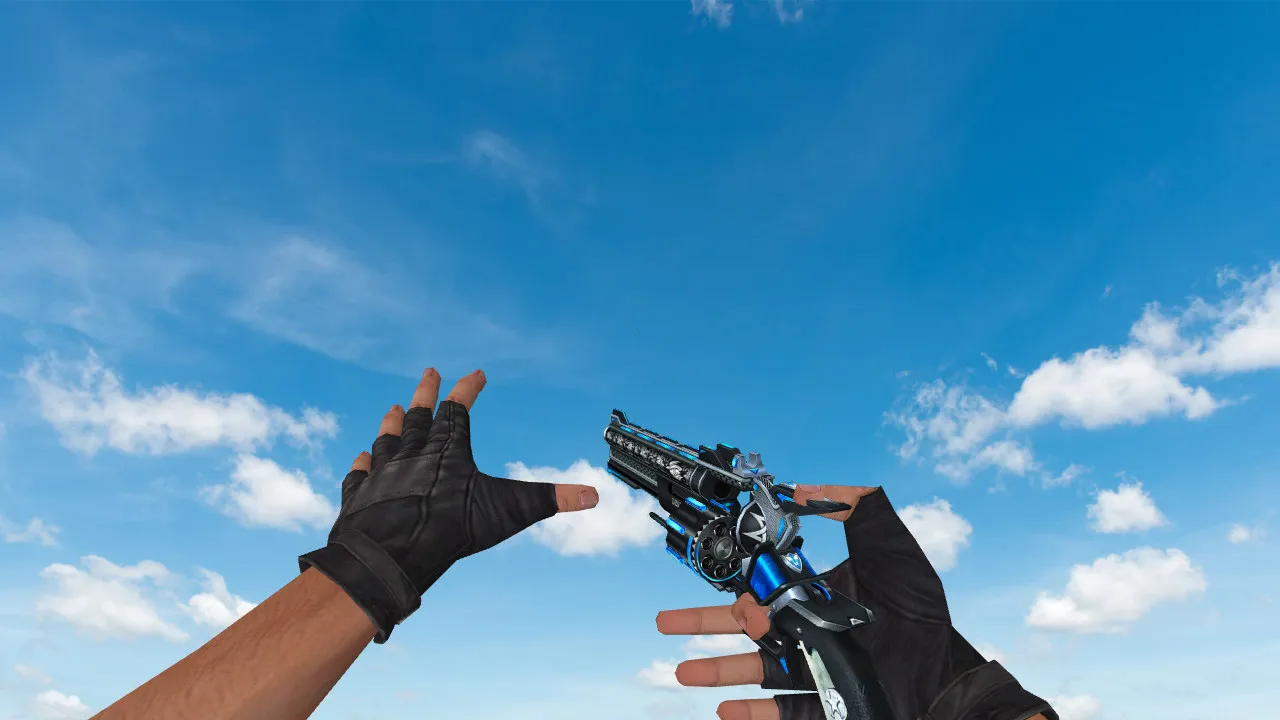
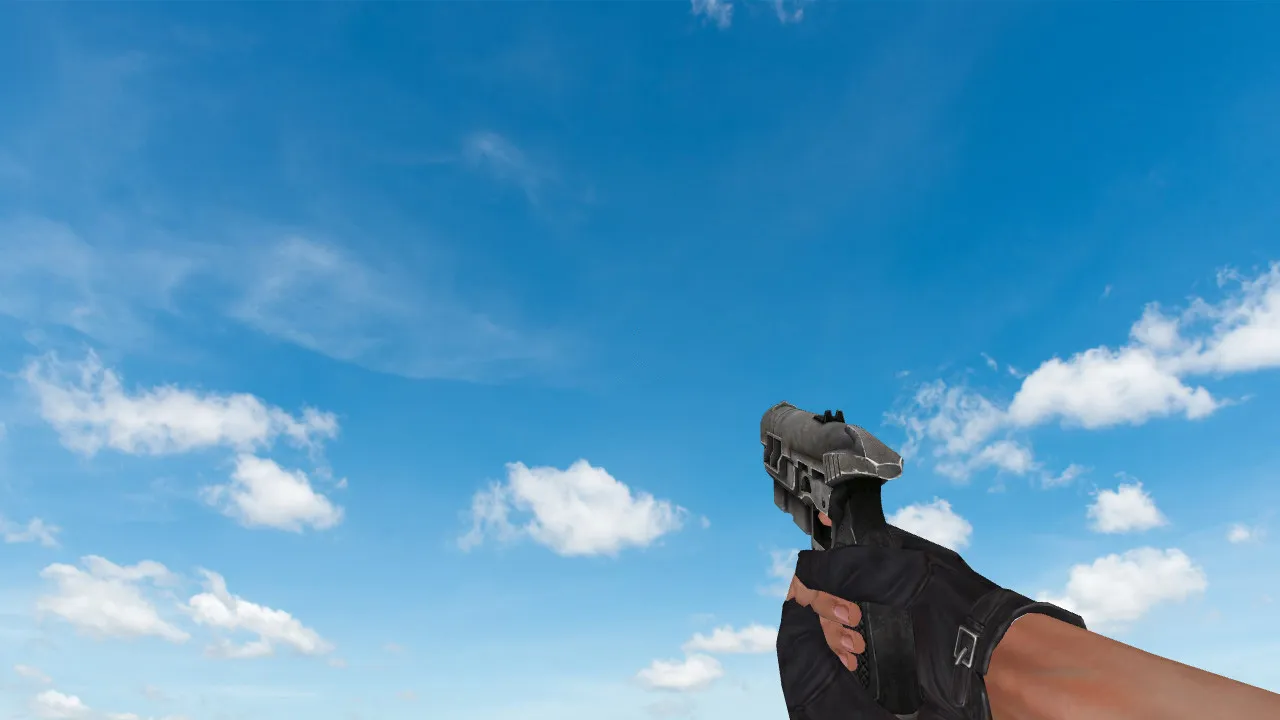
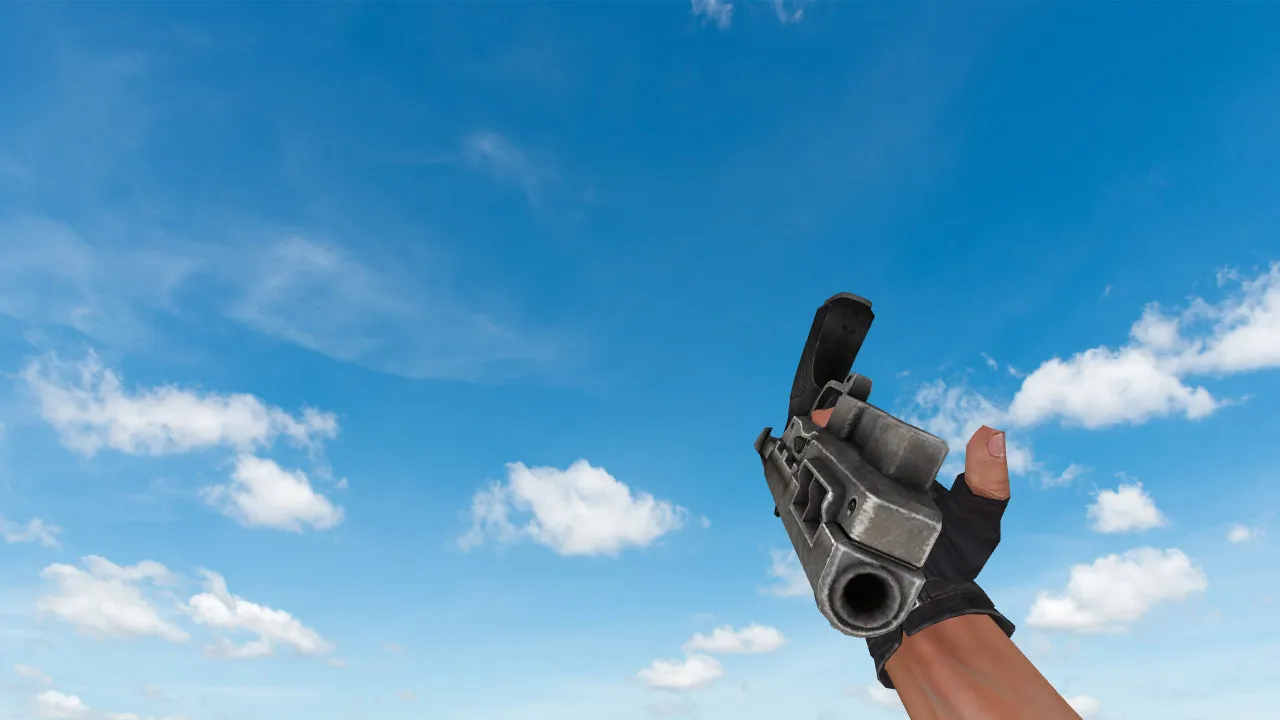
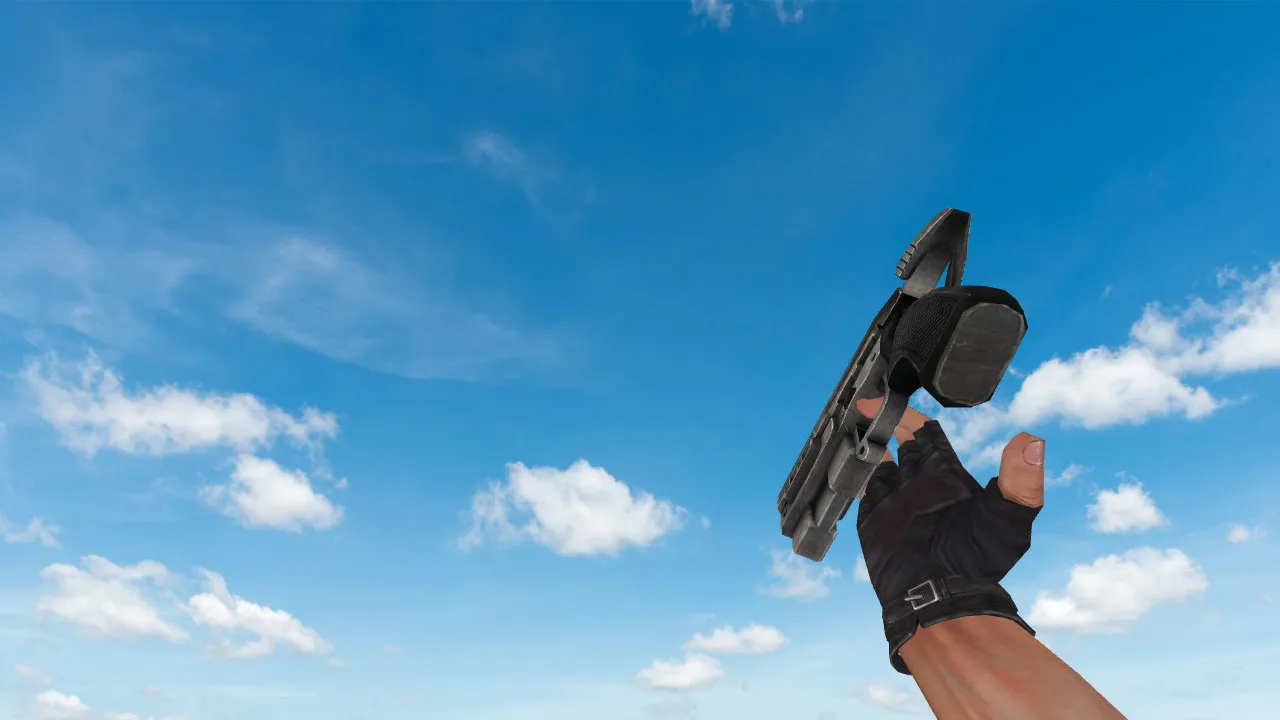
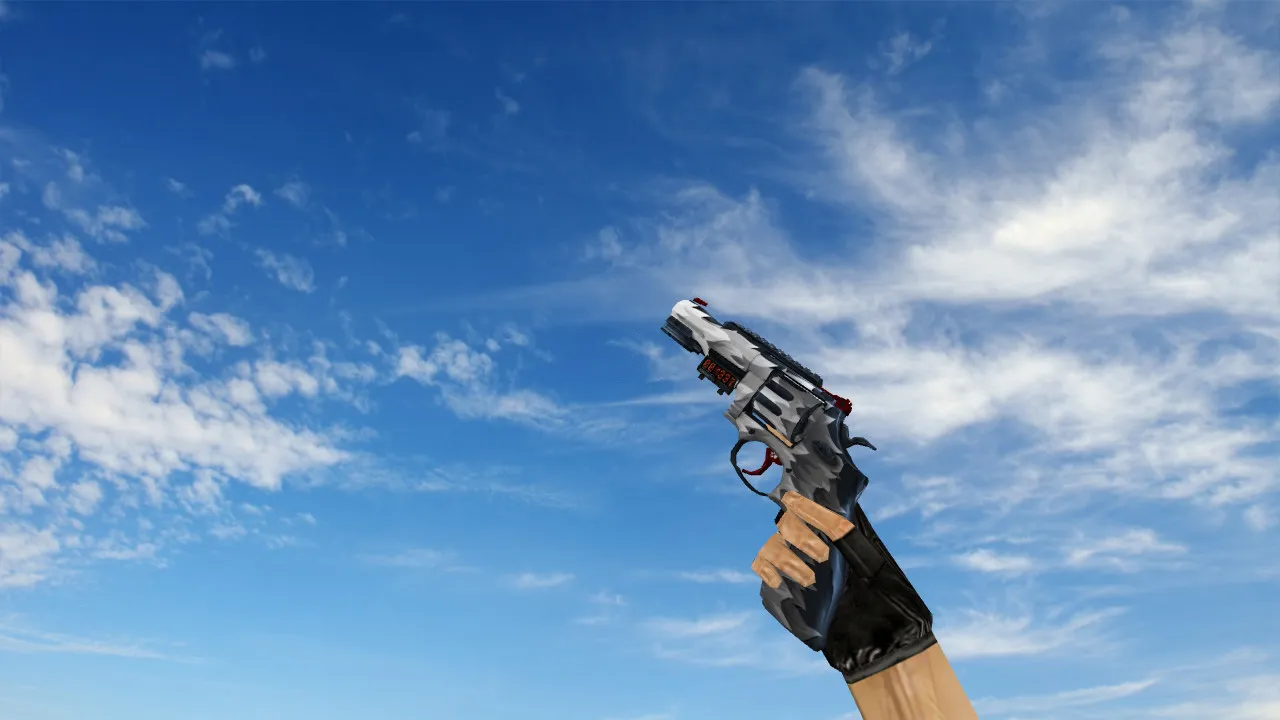
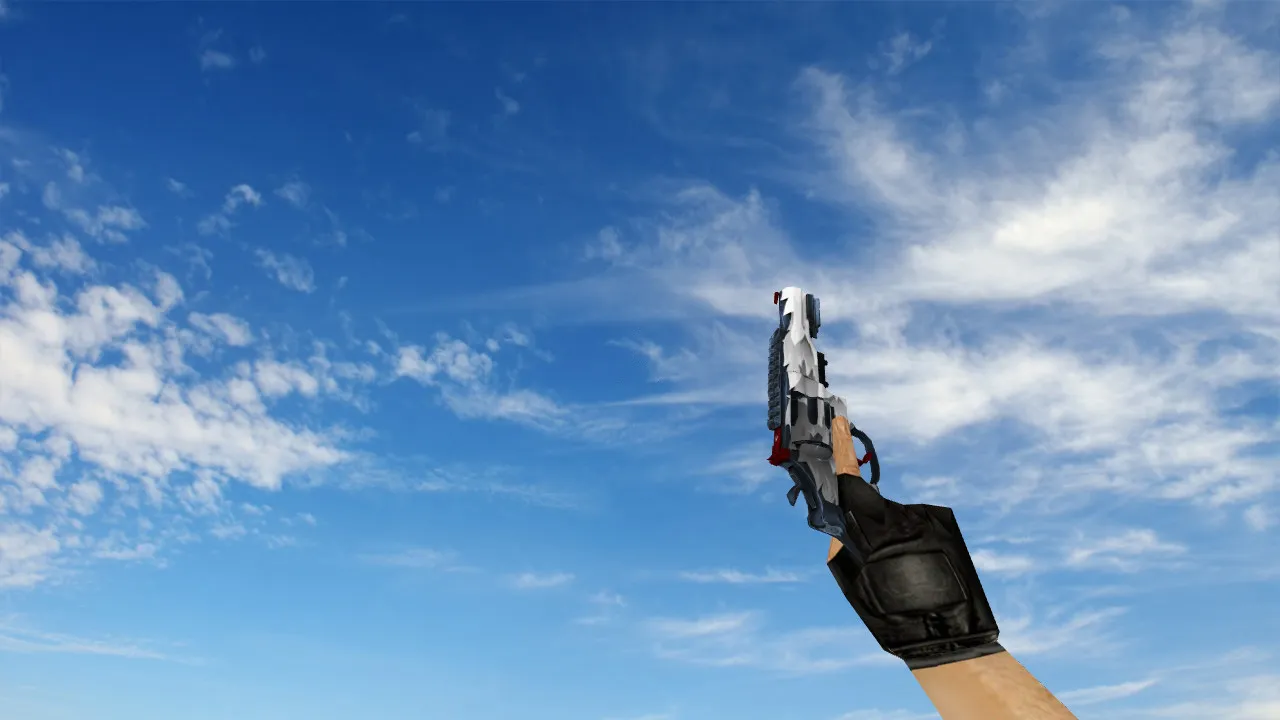
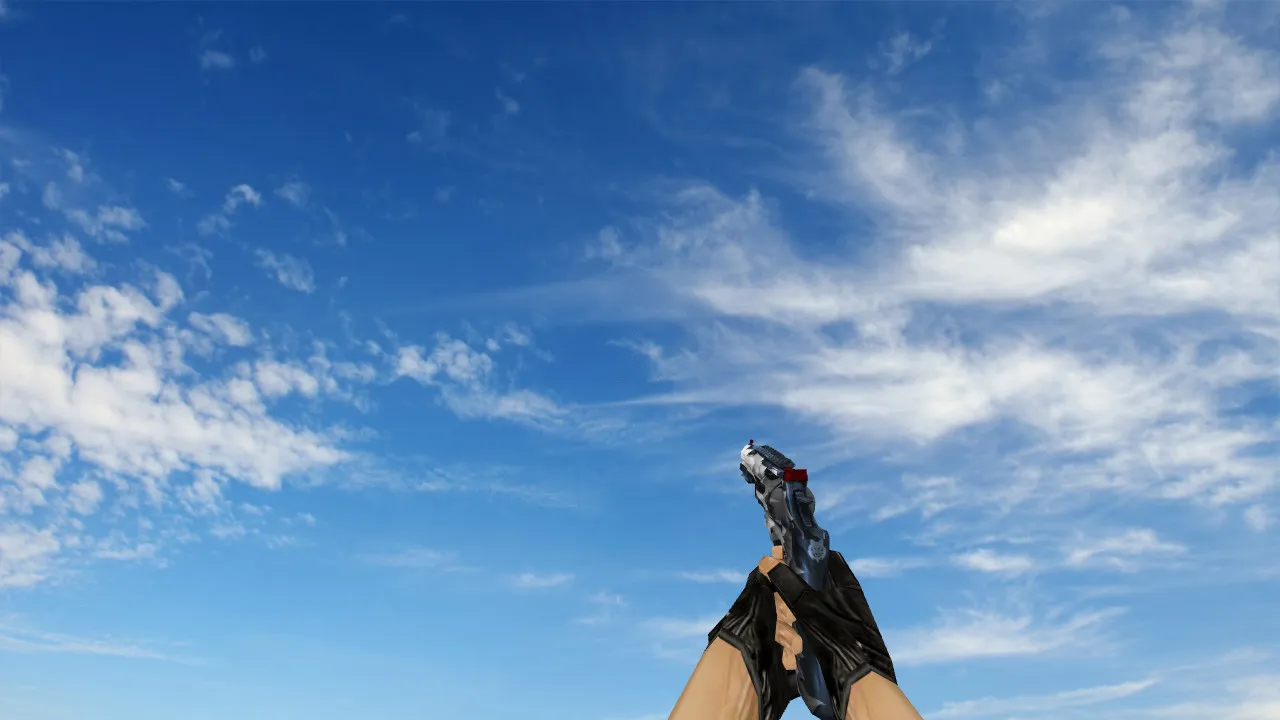
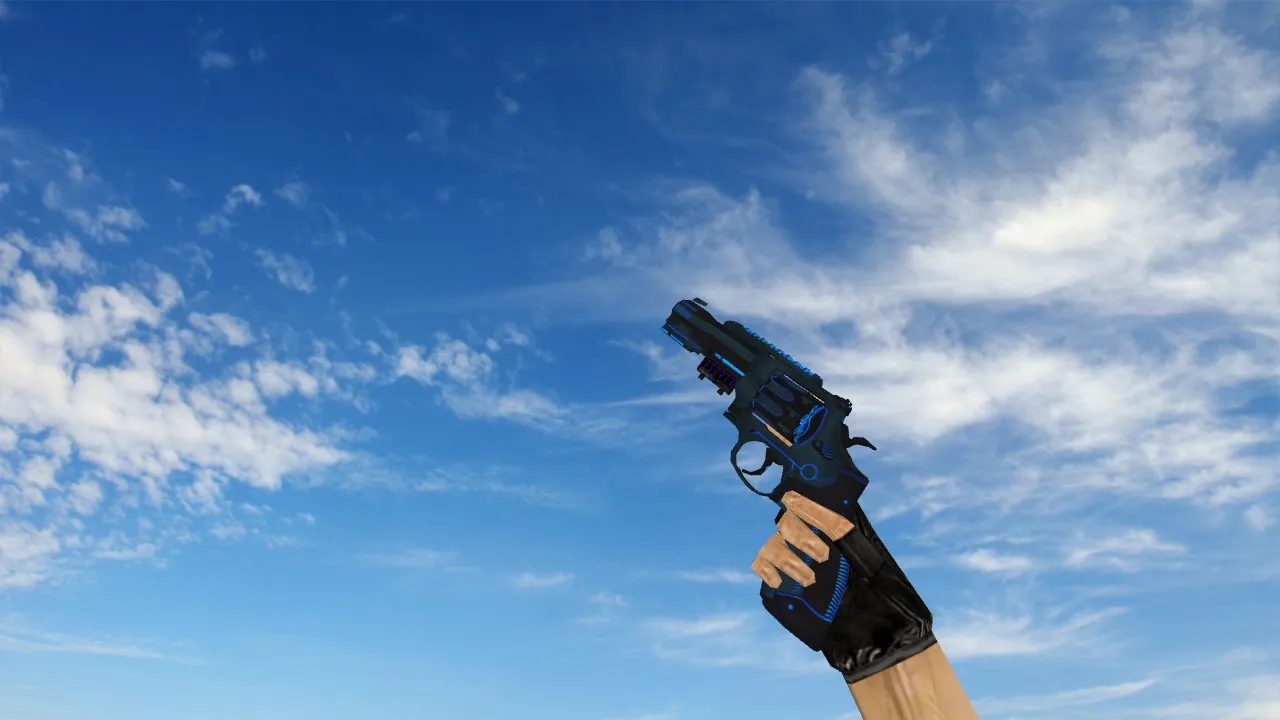
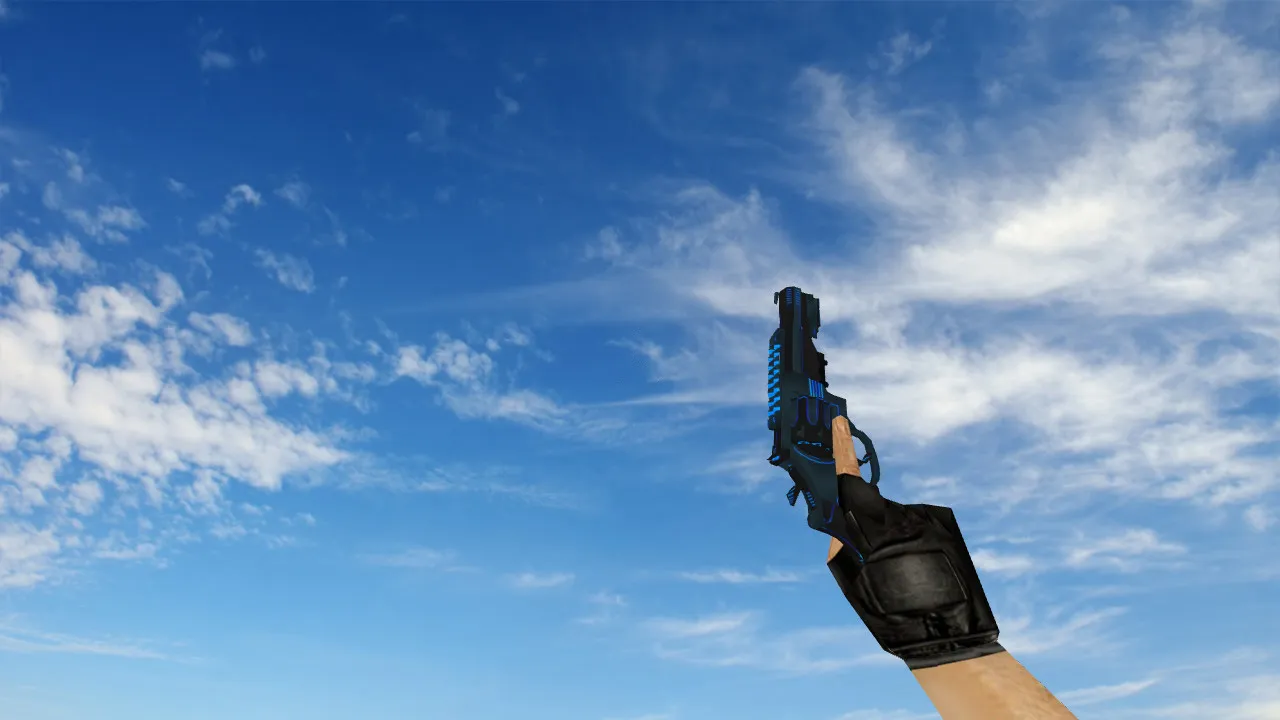
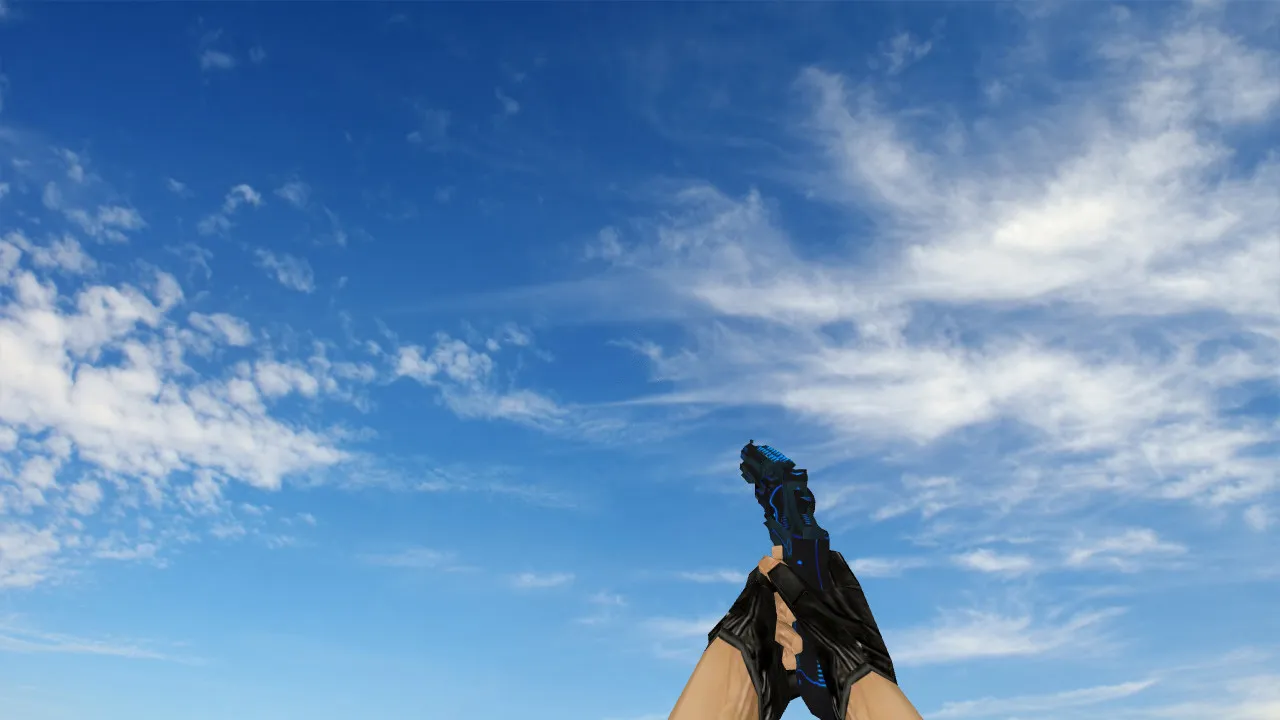
Default Deagle Geometry Model for CS 1.6: Custom Sounds and Inspect Animations
Description
Default Deagle Geometry Model
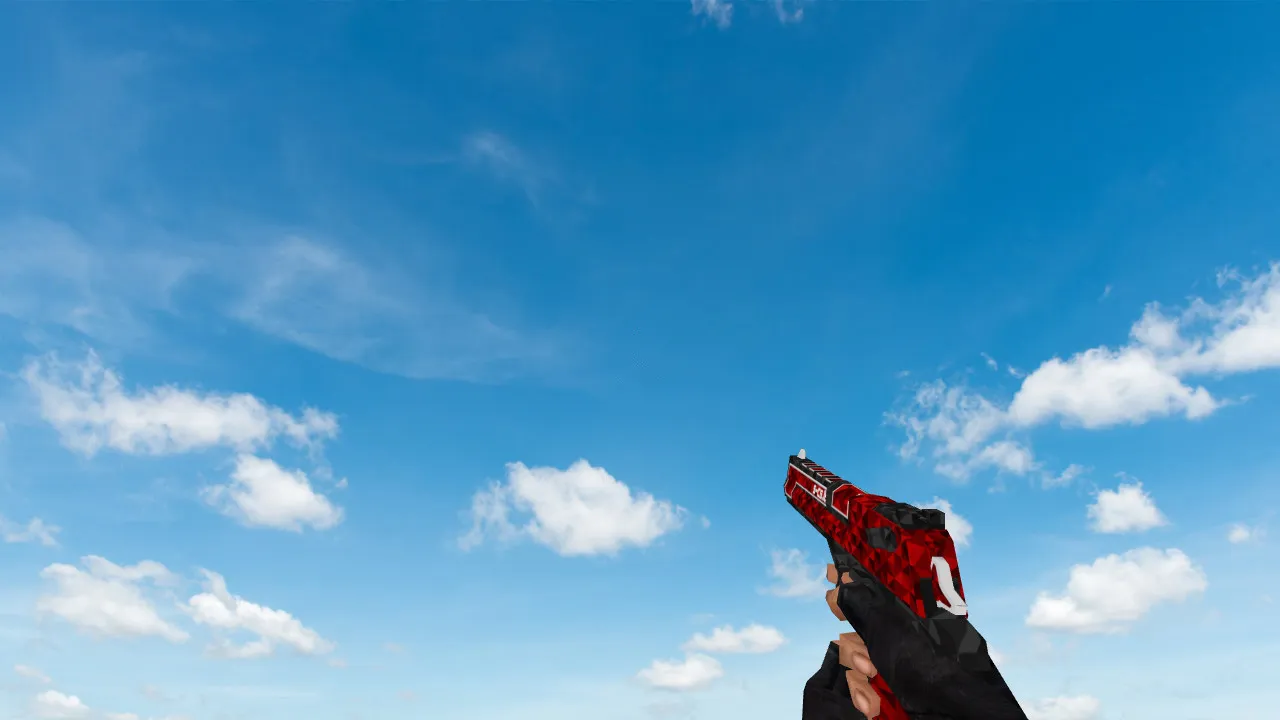
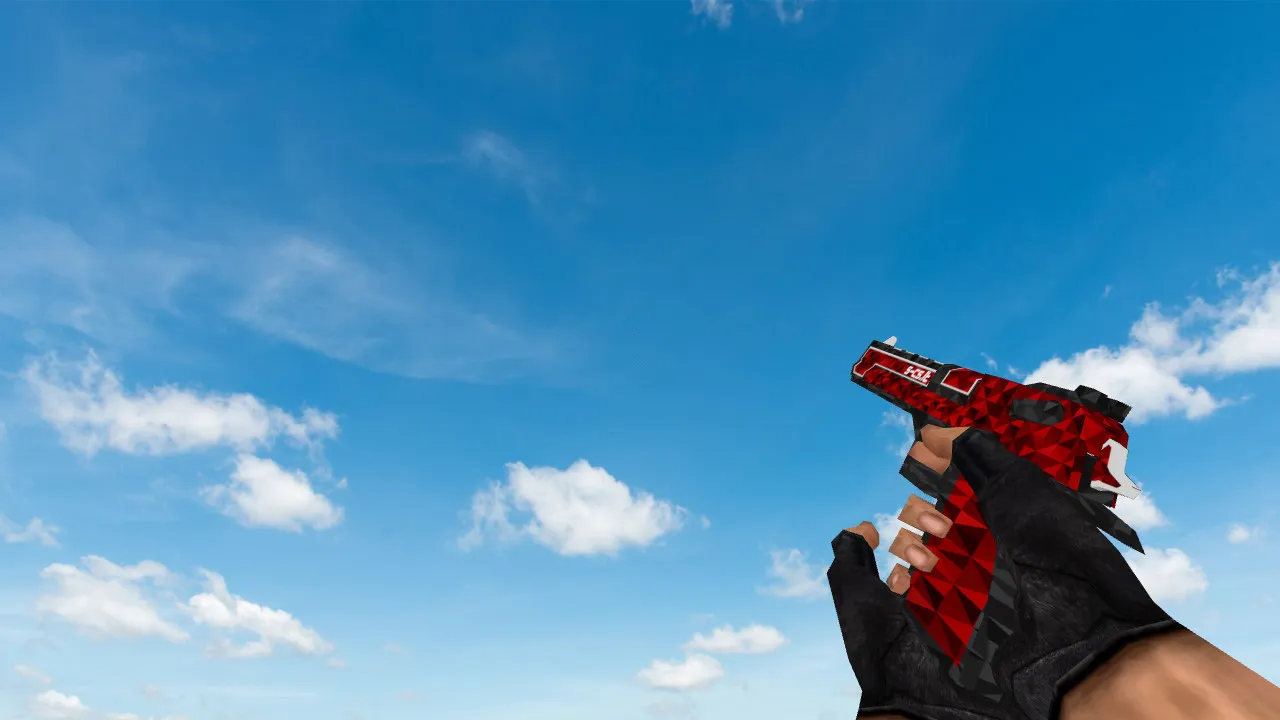
For players who want a more polished pistol feel, the Default Deagle Geometry model for CS 1.6 offers strong detail and performance. It comes with a v_ model for first-person view, a p_ model for third-person view, and a w_ model for ground drops. Custom sounds highlight the Deagle's power with sharp firing reports and reload clips that stand out over server noise. Inspect animations are smooth, letting you check the weapon quickly without losing aim. Textures are 512x512 resolution, making edges on the slide and grip clearer in dark areas like the de_inferno tunnels.
This package keeps hitbox alignment with the original Deagle, so there are no recoil changes or accuracy problems in high-fps setups. Polycount remains below 1500 triangles per model, keeping frame rates stable above 100 FPS on older machines. No custom sprites or wad files are required-it's a direct replacement for stock assets. It works with both Steam and Non-Steam installs, and runs on Build 4554 and later without MasterServer conflicts.
Key Features
- v_model: Detailed first-person geometry with accurate hand placement for spray control.
- p_model: Third-person view tuned for team visibility during rushes.
- w_model: Ground model with realistic physics for pickups in de_dust2 long angles.
- Custom Sounds: Realistic draw, fire, and empty sounds matched to animation frames.
- Inspect Animation: Smooth 180-degree spin and detail zoom, running at 30 frames for seamless integration.
- HD Textures: 512x512 maps reduce aliasing, bringing out engravings and wear patterns.
- Hitbox Accuracy: Matches vanilla Deagle for consistent headshot registration.
Install this model to improve your sidearm play without editing config.cfg. It fits clutch situations, such as holding B-site on de_nuke with precise one-taps. Players say clearer audio cues help predict enemy positions in smoke stacks. For modders, the geometry allows easy reskinning using external tools like MilkShape 3D.
Installation Guide
Find your CS 1.6 directory, usually cstrike/models/. Back up the original Deagle files: v_desert_eagle.mdl, p_desert_eagle.mdl, and w_desert_eagle.mdl. Unpack the mod package and overwrite with the new files. Put sound files into sound/weapons/desert eagle/. Restart the game and bind inspect to a key like mouse3 for testing. Use a clean config-no autoexec changes needed. Test on a local server to check animations play without issues. If using bots, make sure .nav files load correctly for Deagle drops.
For Non-Steam users, direct the mod loader to the base folder. Don't mix with other weapon packs to avoid model conflicts. Total install time: under 2 minutes. Revert by restoring backups if necessary.
Safety and Compatibility
This model pack scans clean-no viruses, no adware, no slow-hack scripts. Files are lightweight at 5MB total, with no auto-connect or server redirects. Verified on Windows XP through 10, supports 32-bit and 64-bit clients. No effect on VAC status since it's client-side only. Community-tested on ESL-style servers for zero bans. Keep your setup virus-free by downloading from trusted sources and running antivirus after install.
Expand your CS 1.6 arsenal with this Deagle upgrade. Focus on tactical edges: the improved geometry helps with quick draws during 1v2 peeks on de_train platforms. Sounds give audible feedback for ammo management in long rounds. Pair with a no-recoil config for peak performance, but always play fair. Modding scene vets praise its balance-stock feel with pro-level polish.
Install in three steps
-
1
Download the archive. Use the button on the right, or the Yandex.Disk mirror if the main server is slow.
-
2
Extract it into the game folder. Use 7-Zip or WinRAR. A path without non-Latin characters works best.
-
3
Launch the game. If something doesn't work, mark it below - that is how we know the file needs an update.
Did it work for you?
No sign-up needed. You can pick more than one.