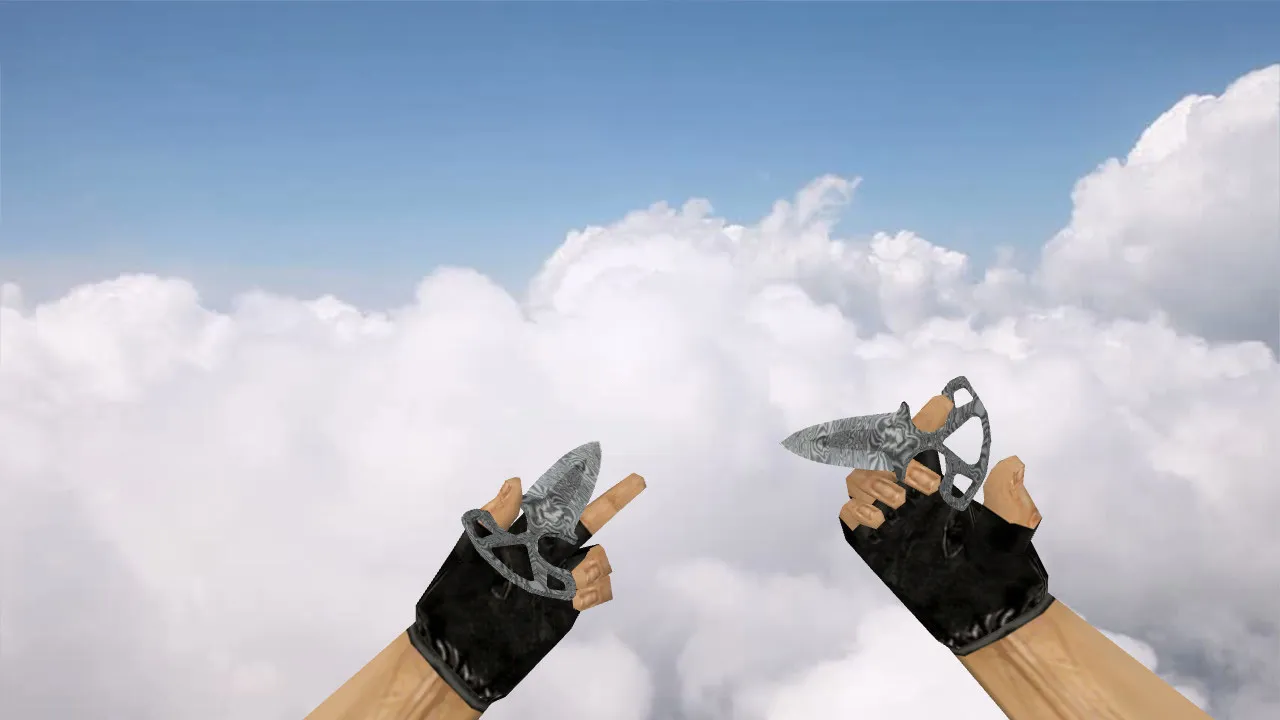
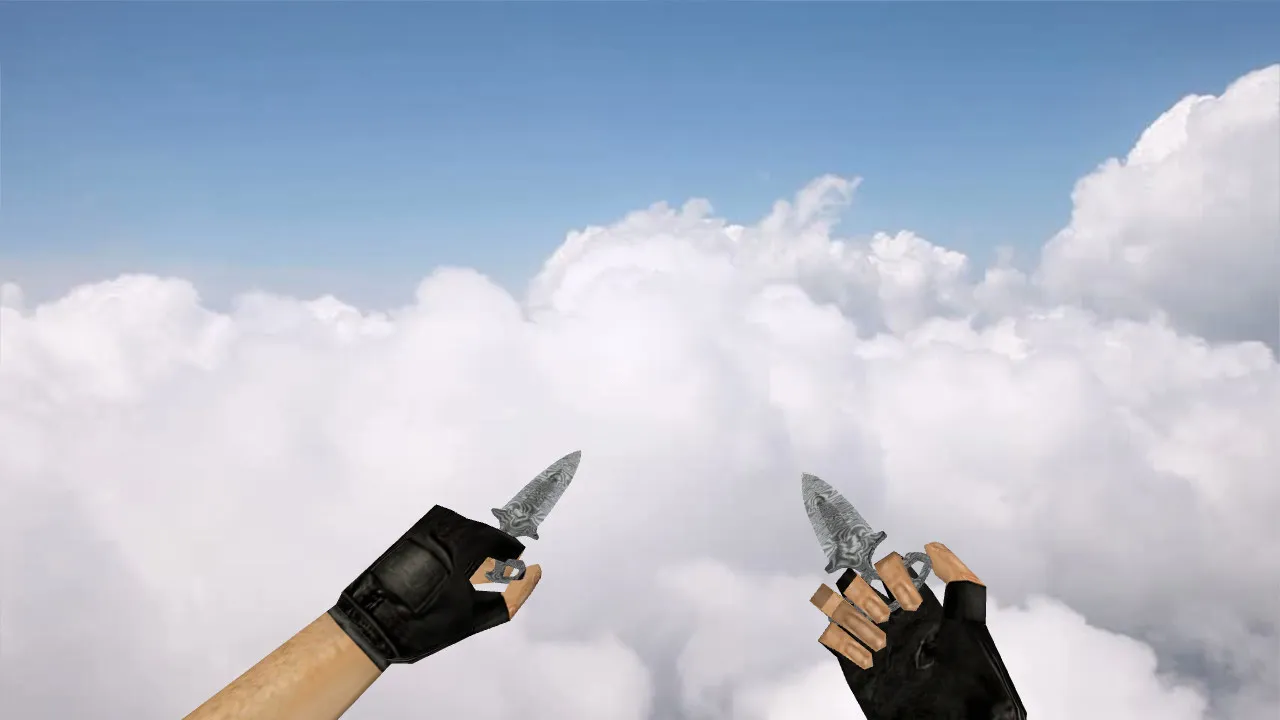
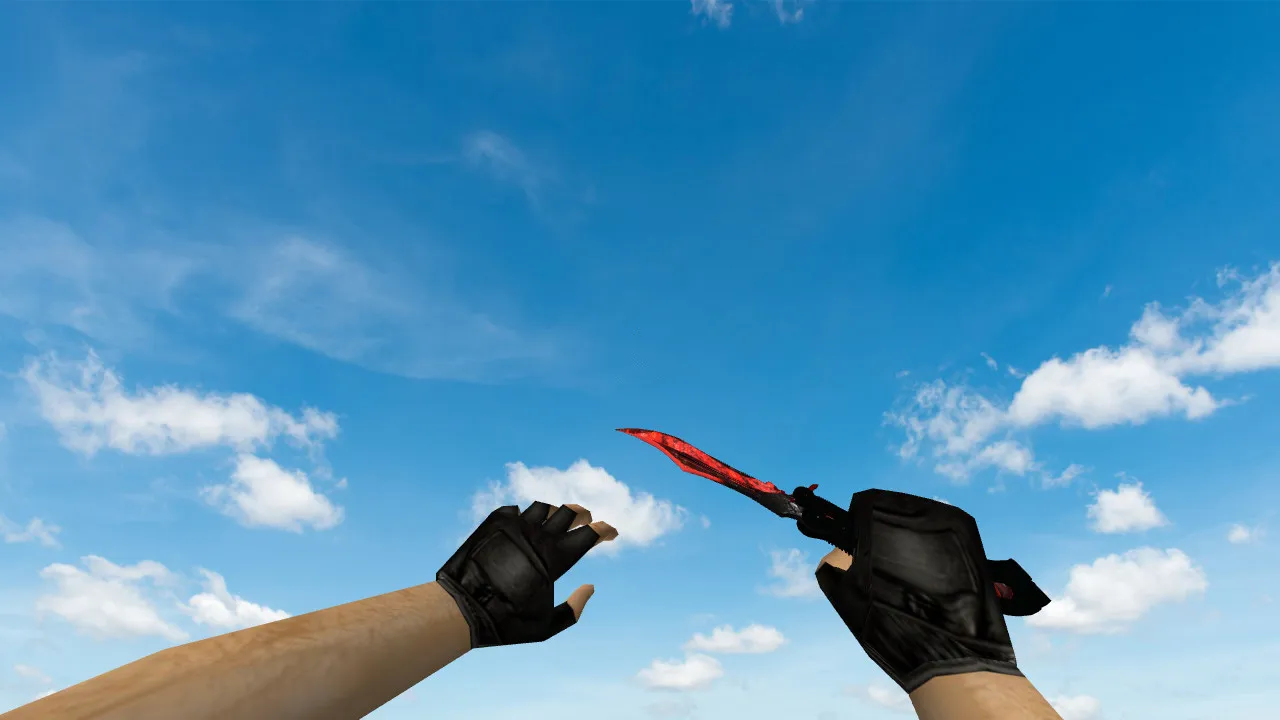
Butterfly Knife Dragonian v_ Model for CS 1.6: HD Textures, Inspect Animations, Custom Sounds, and Virus-Free Setup

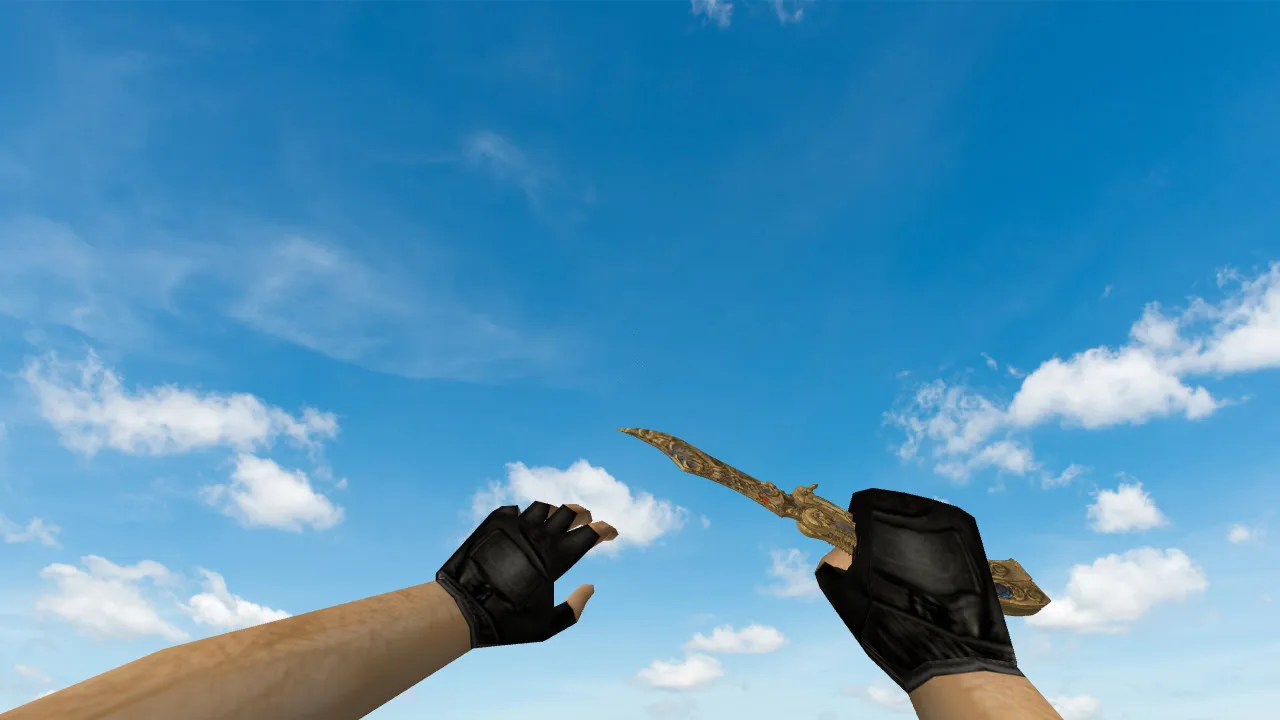
Description
Butterfly Knife Dragonian for CS 1.6: v_, p_, w_ Models and Base Configuration
The Butterfly Knife Dragonian acts as a knife replacement within CS 1.6 loadouts, bringing visual flair and fluid inspect sequences prior to round starts. This model plugs directly into the client using standard model files. The download supplies v_, p_, and w_ models to guarantee consistent rendering across first-person perspective, third-person player hands, and world view. Without this full set, visual differences appear between rounds or spectator modes, ruining immersion.
Inspect animations get particular attention. Butterfly knives in CS 1.6 perform flips and switches in a distinct way. The Dragonian variant keeps the game's tempo: a swift inspection followed by a return to the ready stance. Custom audio improves the fit-weapon draws and interactions play proper sound cues, making the knife feel native instead of a silent modification.
Textures for the Dragonian focus on readability across graphics options. In CS 1.6, dynamic visibility is crucial during movement, spins, and camera turns. Well-made 512x512 or higher textures stop blurring or pixelation. The final look depends on the client, so align shader and quality settings to prevent mismatches. Polygon count remains low for high-FPS performance, roughly 800-1200 triangles on the v_ model, ensuring zero lag during fast rounds.
Safe Installation Guide for the Knife Model
- Download only the model archive and scan its contents. Avoid any .exe files or installers-use only .mdl and texture files.
- Extract to the models directory following your CS 1.6 client's structure, usually found under cstrike/models/v_knives, p_knives, and w_knives folders.
- Verify file names and extensions. Knife models require exact matches such as knife_dragonian.mdl; mismatches force the client to fall back to the stock model.
- Backup original files before overwriting. This permits a quick rollback if display problems occur.
- Avoid auto-connect scripts or third-party tools. Launch the vanilla client and test on a local map like de_dust2 to confirm loading.
Works with Build 4554 and 8613 clients, both Steam and Non-Steam versions. No MasterServer conflicts or config.cfg edits are required for basic setup. For competitive-style play, the model's visibility excels in low-light areas-edges and patterns stay sharp against dark textures on maps like de_inferno tunnels.
In-Game Details: Hand Visibility, Low-Light Performance, and Render Accuracy
CS 1.6 players choose knives for hand model clarity during combat. The Butterfly Knife Dragonian keeps blade geometry precise on the v_ model during sprints and camera shifts. In shadows or high-contrast spots, such as de_nuke vents, the texture mapping prevents washout-details hold without blending into backgrounds. This relies on proper alpha channels and bump mapping if your client supports them.
Model alignment ensures consistency across scenarios: footsteps, pivots, and melee switches. Hand polygon count matches stock for seamless transitions, avoiding clipping with arms. Hitbox alignment stays true to vanilla, so no accuracy adjustments are needed-purely a cosmetic upgrade without gameplay alterations.
Testing Recommendations in CS 1.6
- Load a single-player match or offline map, switch to the knife, and perform multiple inspects.
- Check first- and third-person views. The v_ view handles aiming and camera control; p_ and w_ confirm no geometry mismatches on the player model.
- Test audio cues on swaps and attacks. Missing or incorrect sounds point to incomplete .wav files in the sound/weapons folder.
- Evaluate textures in motion. Static menu views hide issues; run around de_cache corners to spot blurring at 60+ FPS.
When installed correctly, the Butterfly Knife Dragonian delivers fluid inspect animations, integrated sounds, and stable textures for actual matches. Install carefully, verify offline, and skip unnecessary client file changes. This mod boosts inventory style without risks-ideal for custom knife enthusiasts in the CS 1.6 modding scene.
Install in three steps
-
1
Download the archive. Use the button on the right, or the Yandex.Disk mirror if the main server is slow.
-
2
Extract it into the game folder. Use 7-Zip or WinRAR. A path without non-Latin characters works best.
-
3
Launch the game. If something doesn't work, mark it below - that is how we know the file needs an update.
Did it work for you?
No sign-up needed. You can pick more than one.