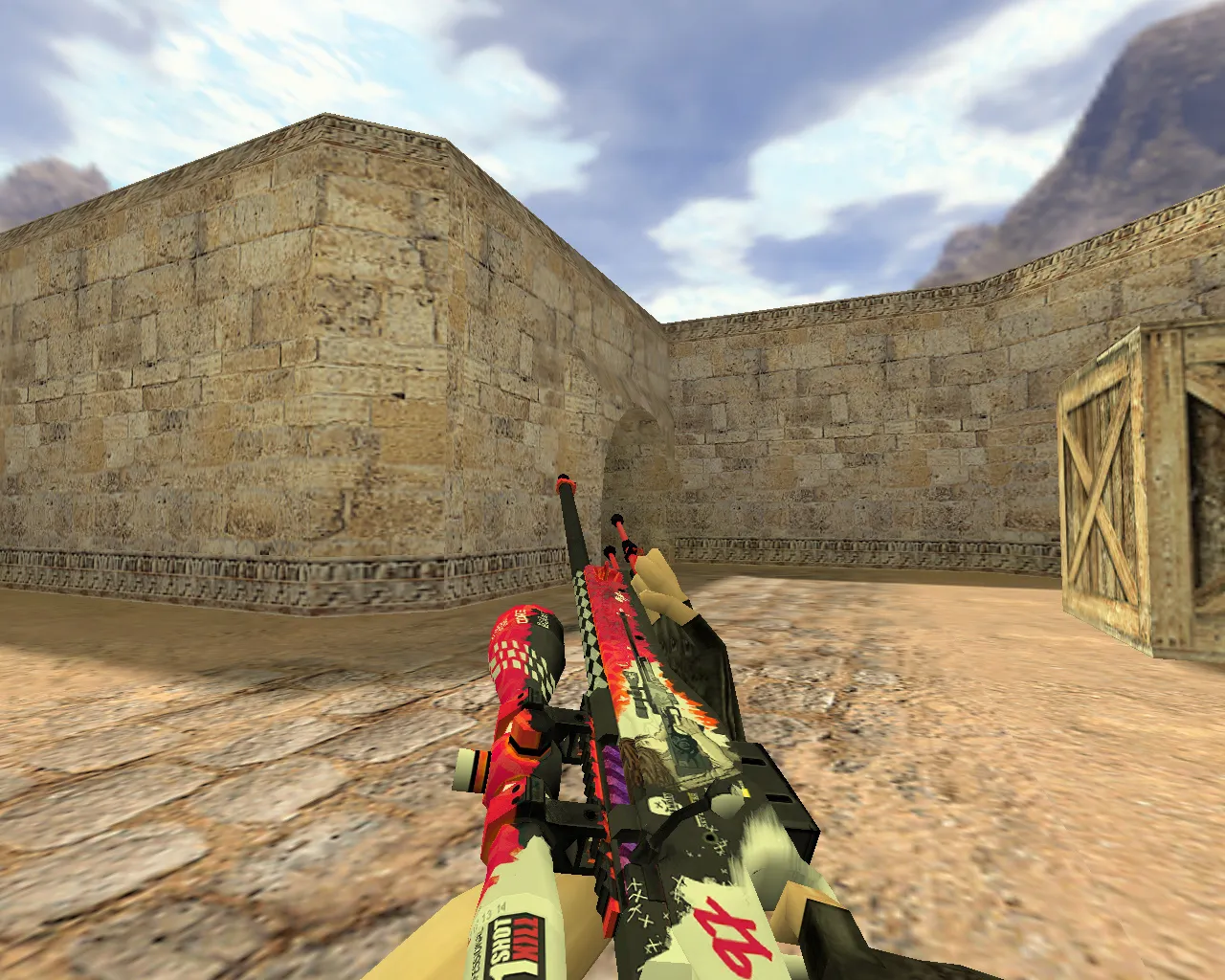
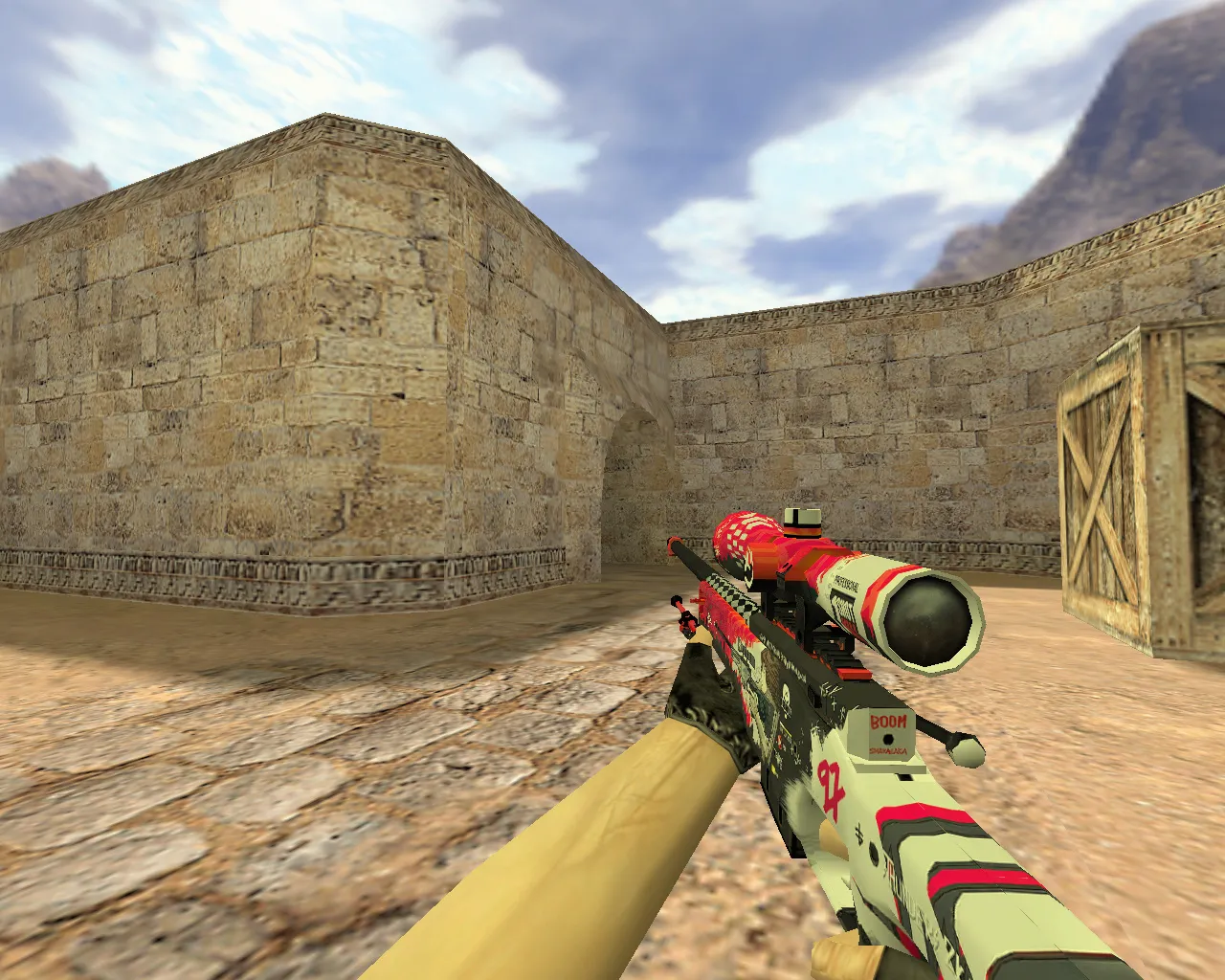
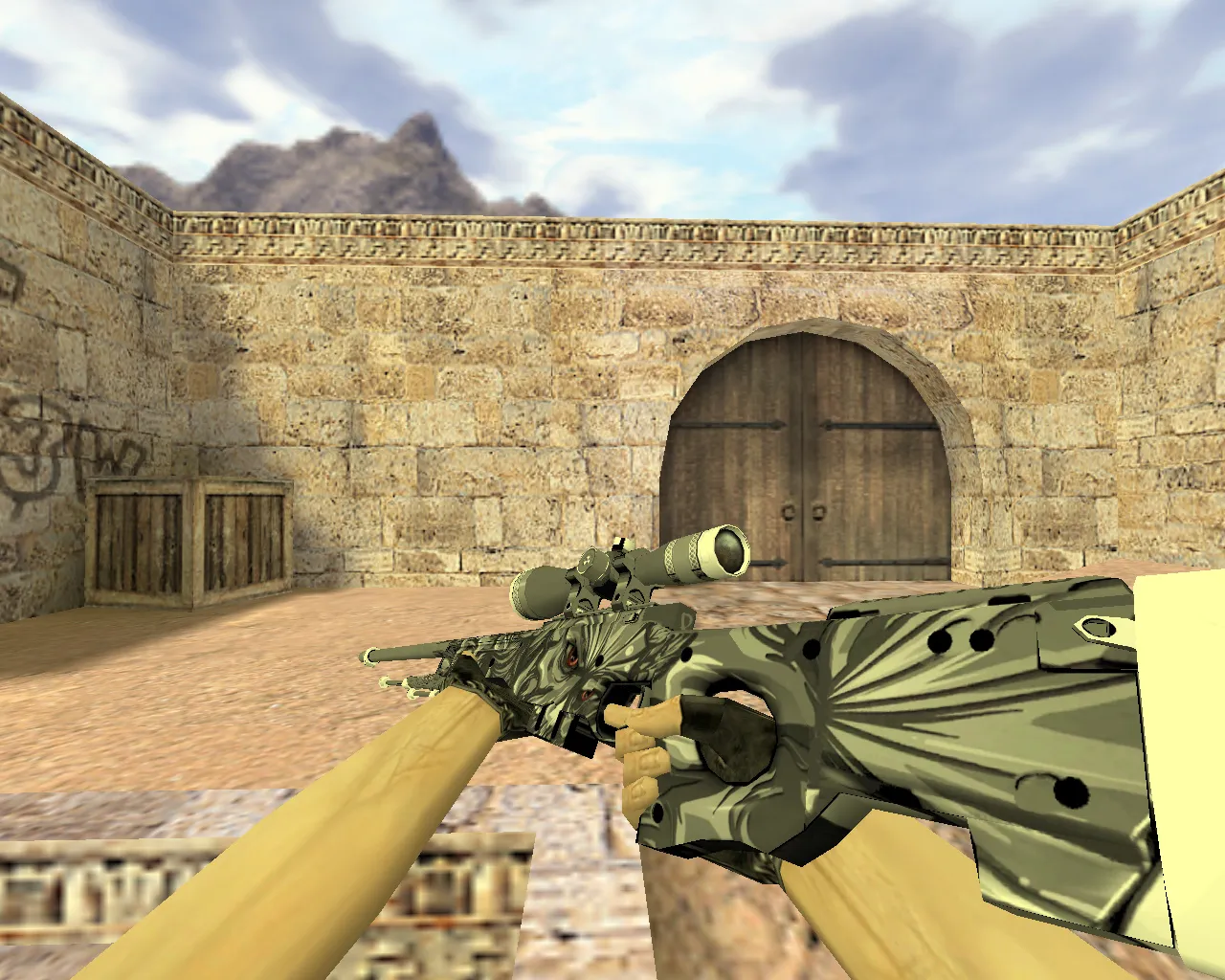
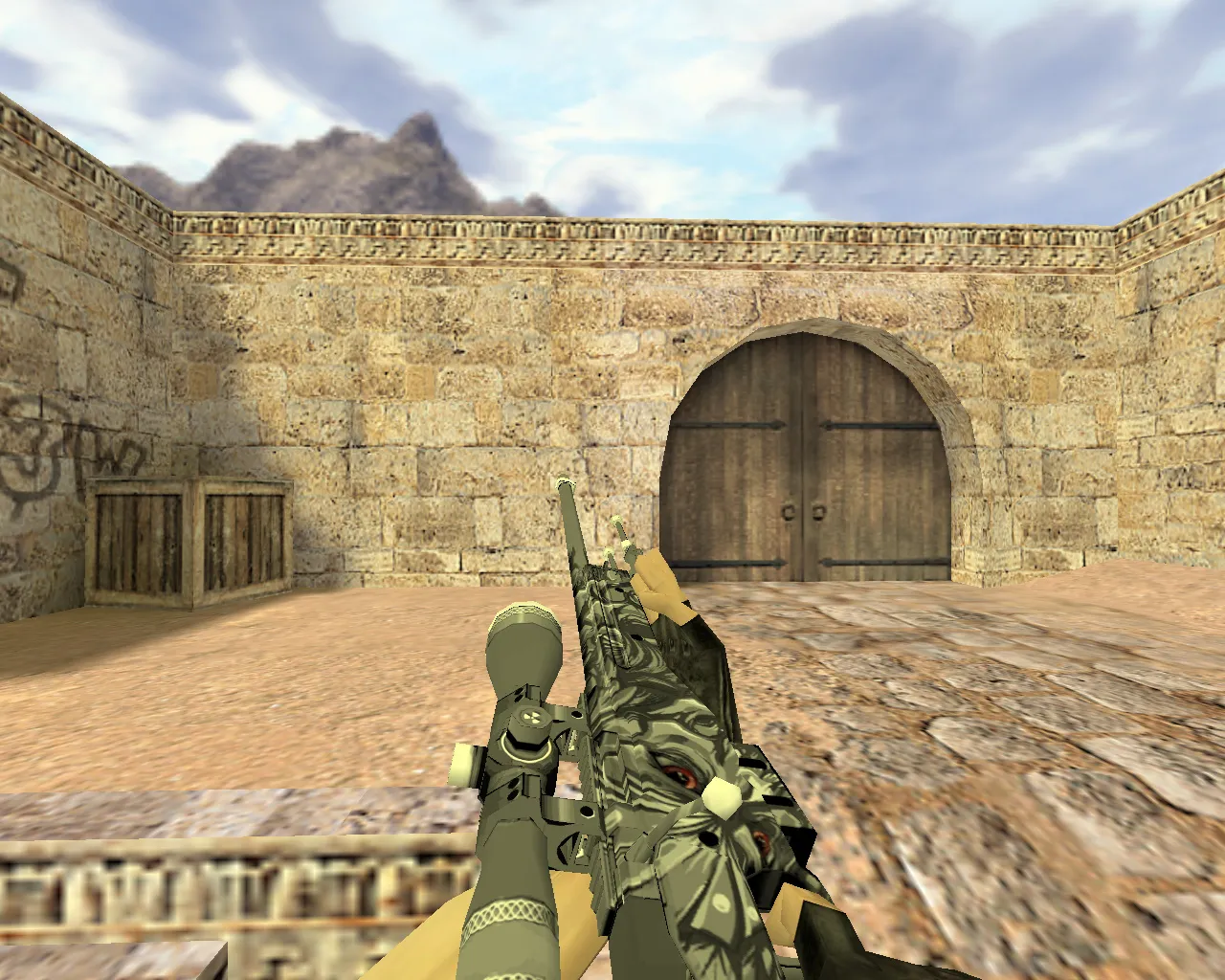
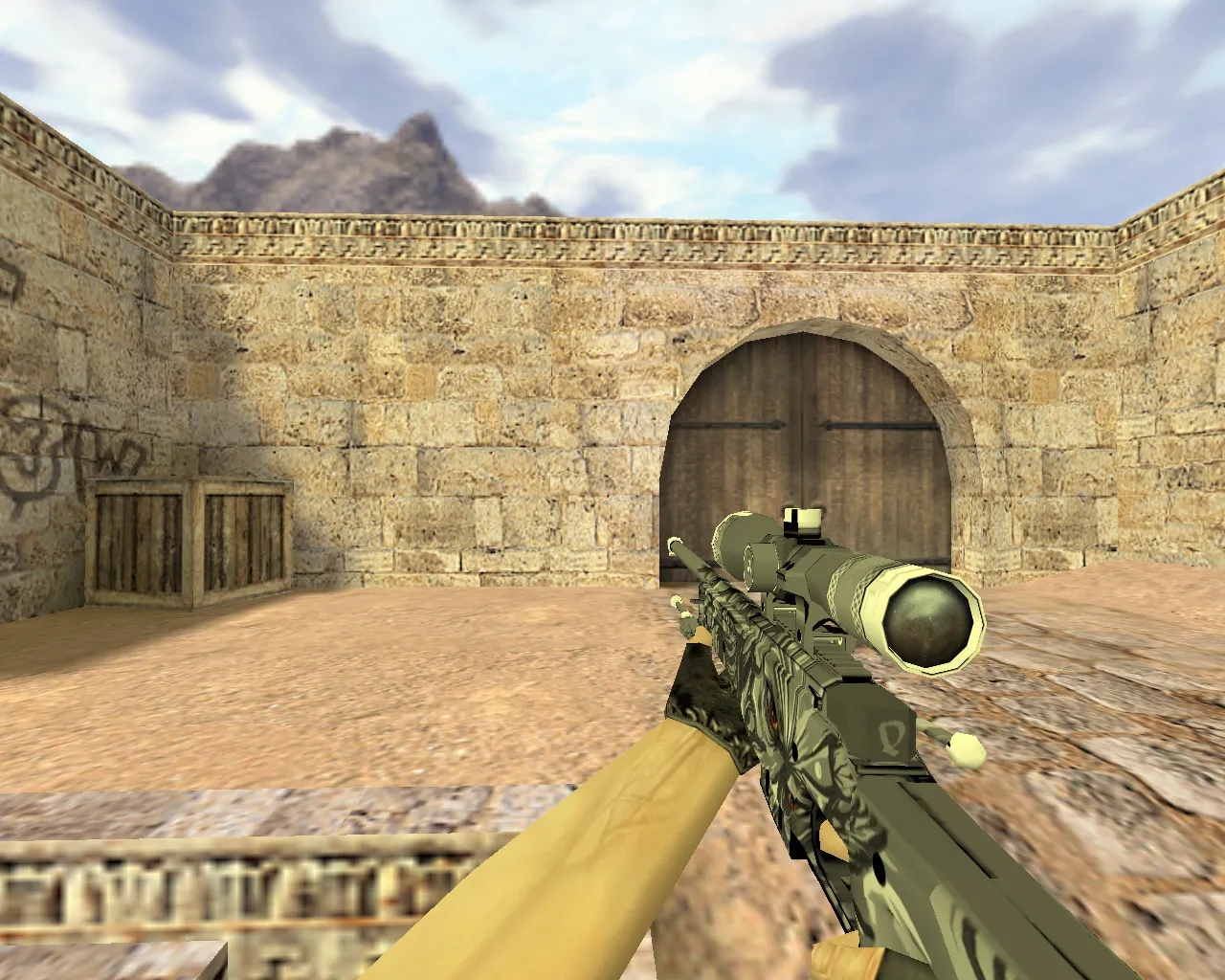
AWP Tiger Fang Model for CS 1.6 - Unique Gameplay Experience
Description
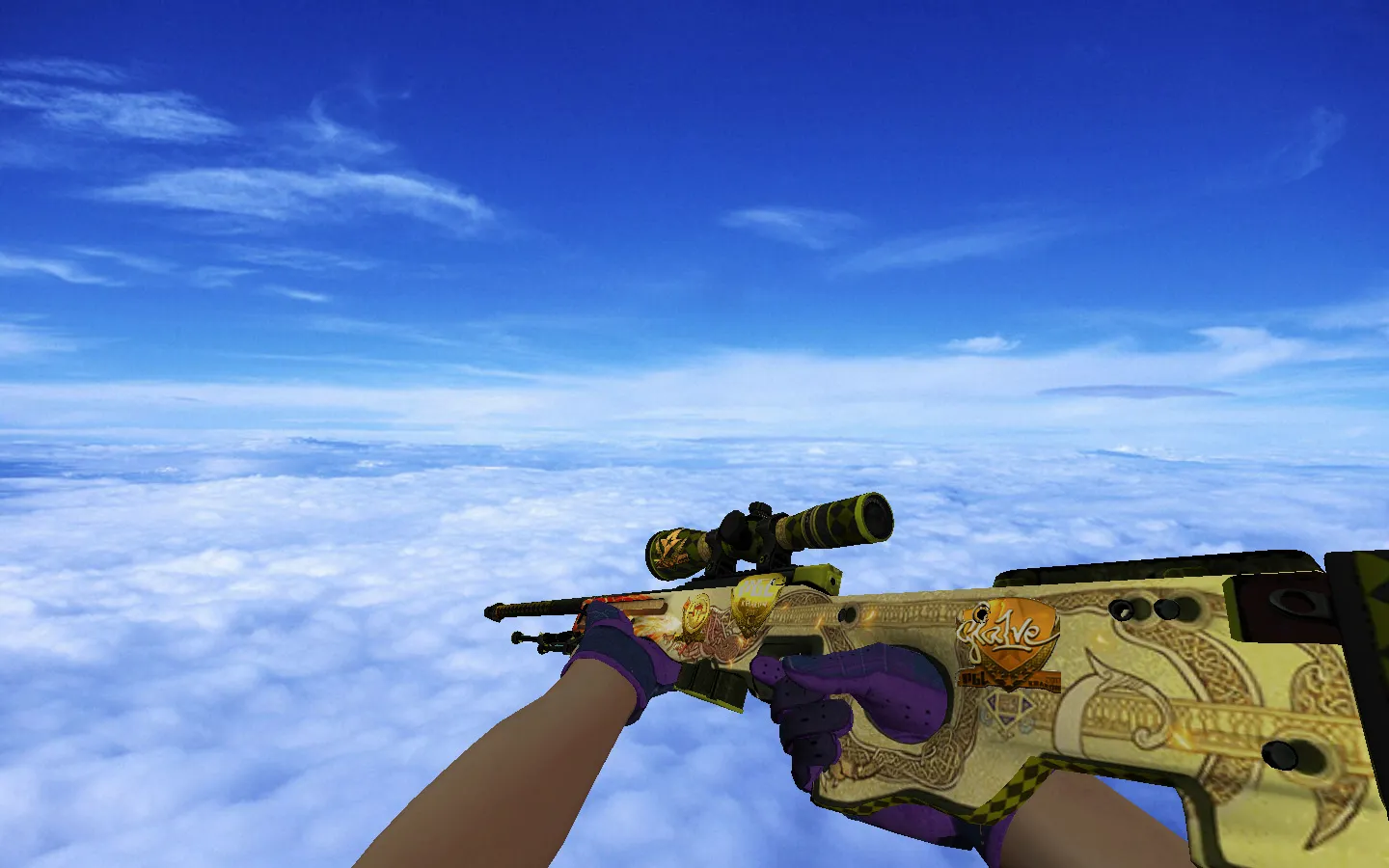
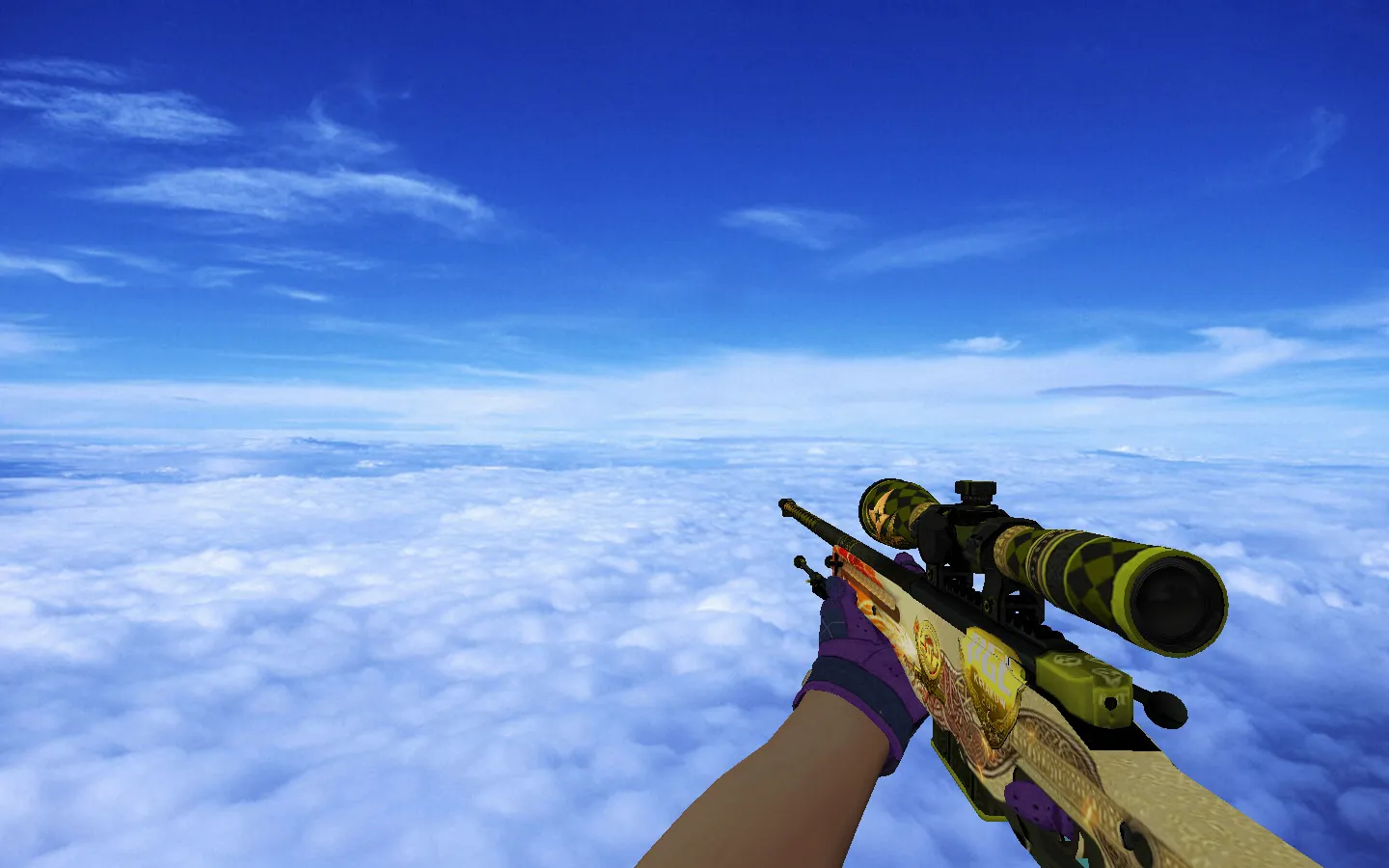
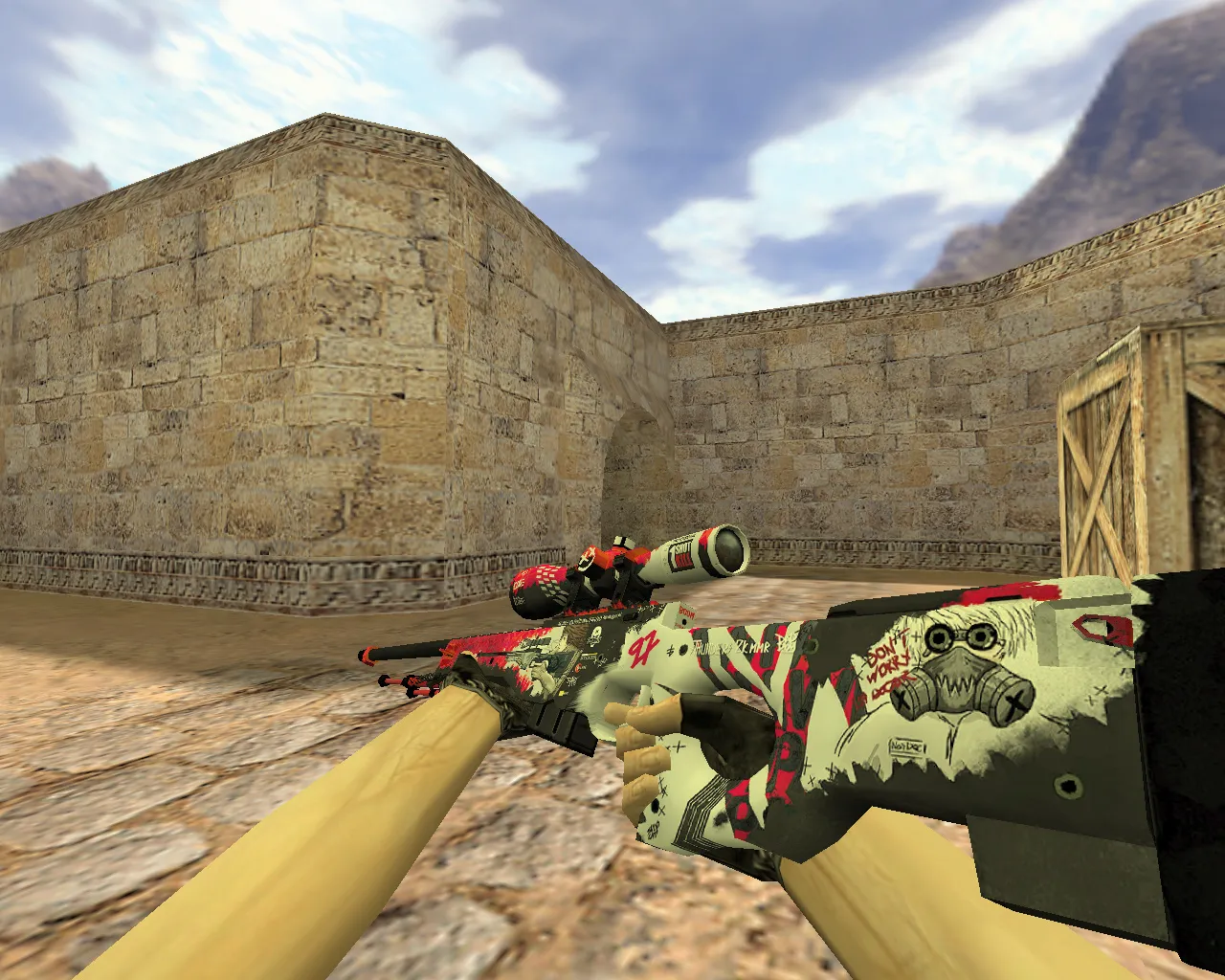
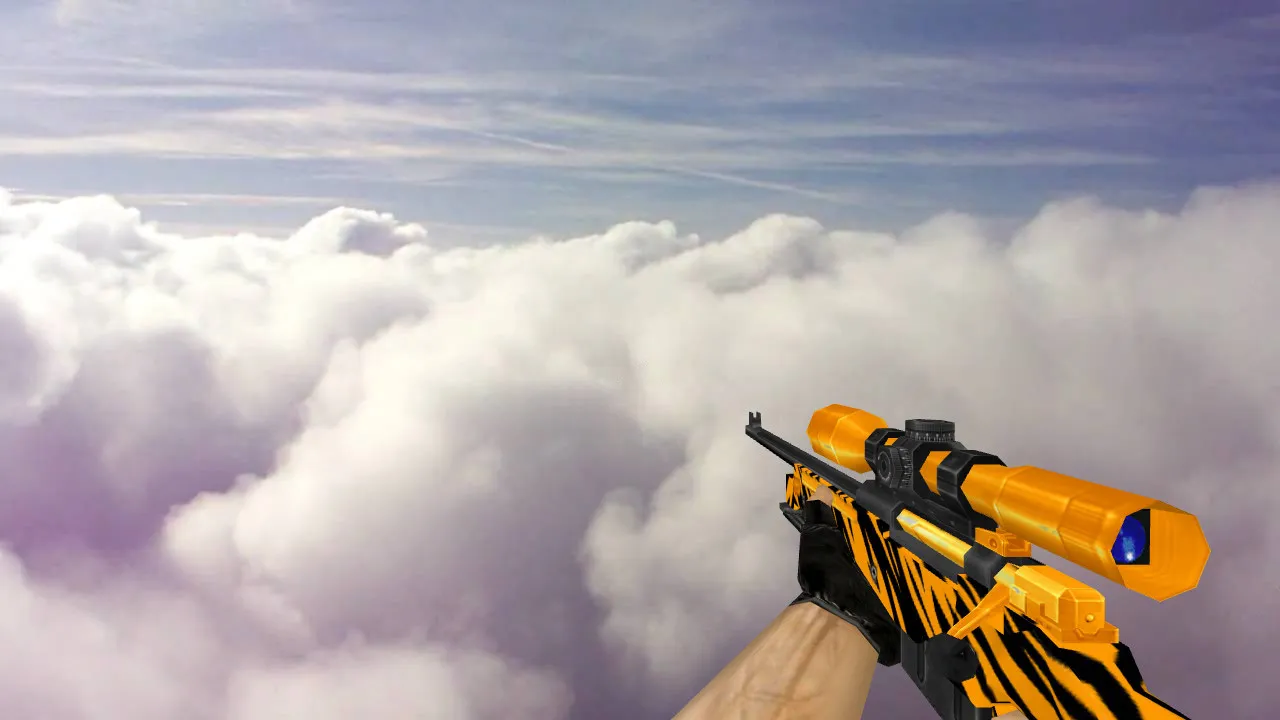
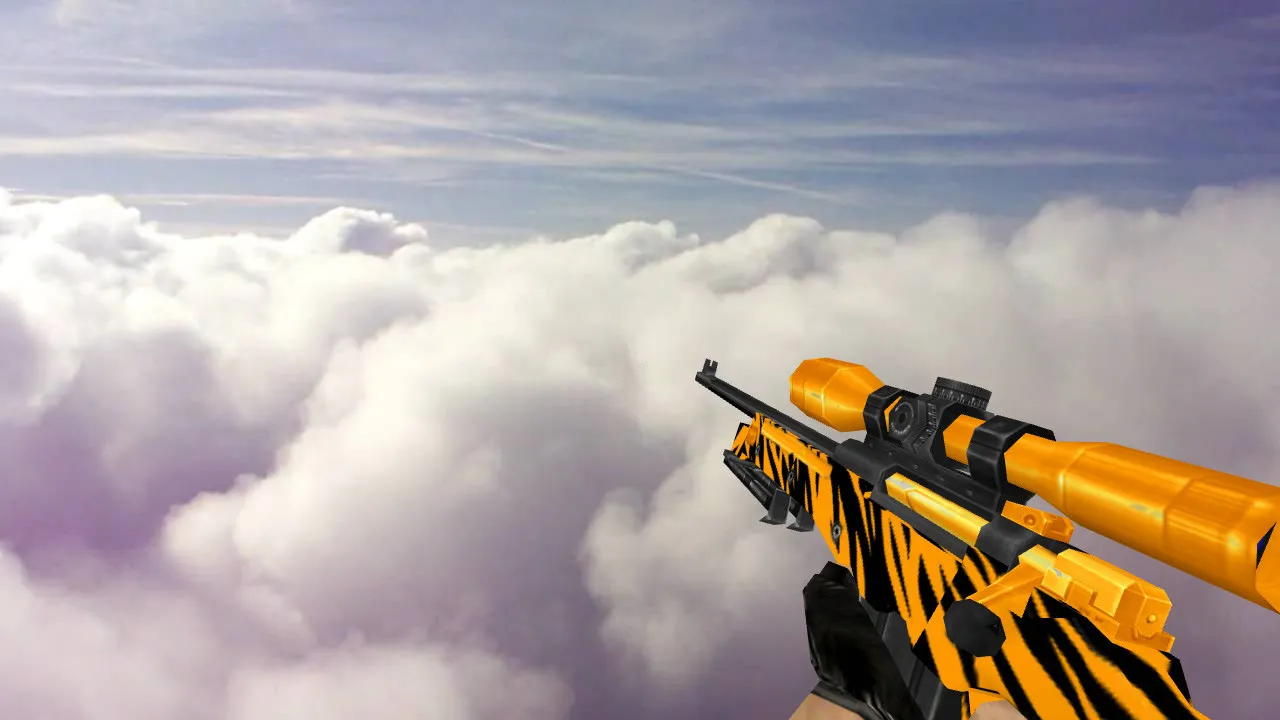
AWP Tiger Fang Model
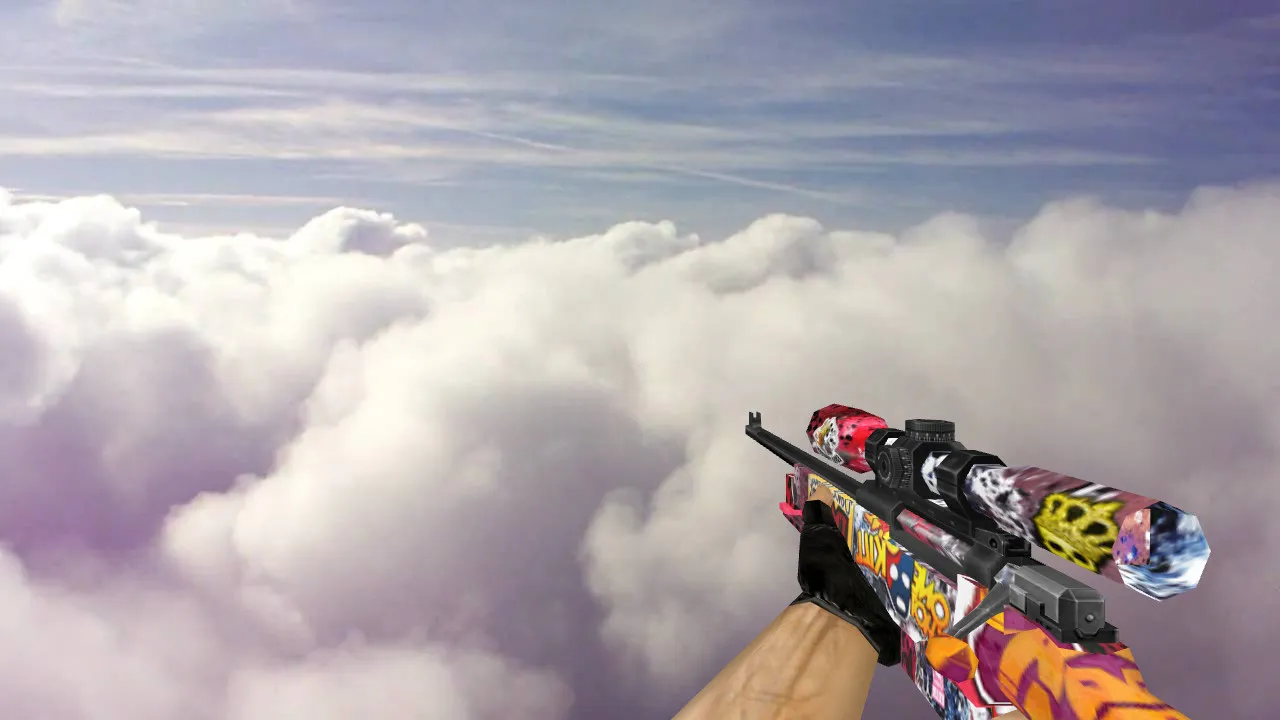
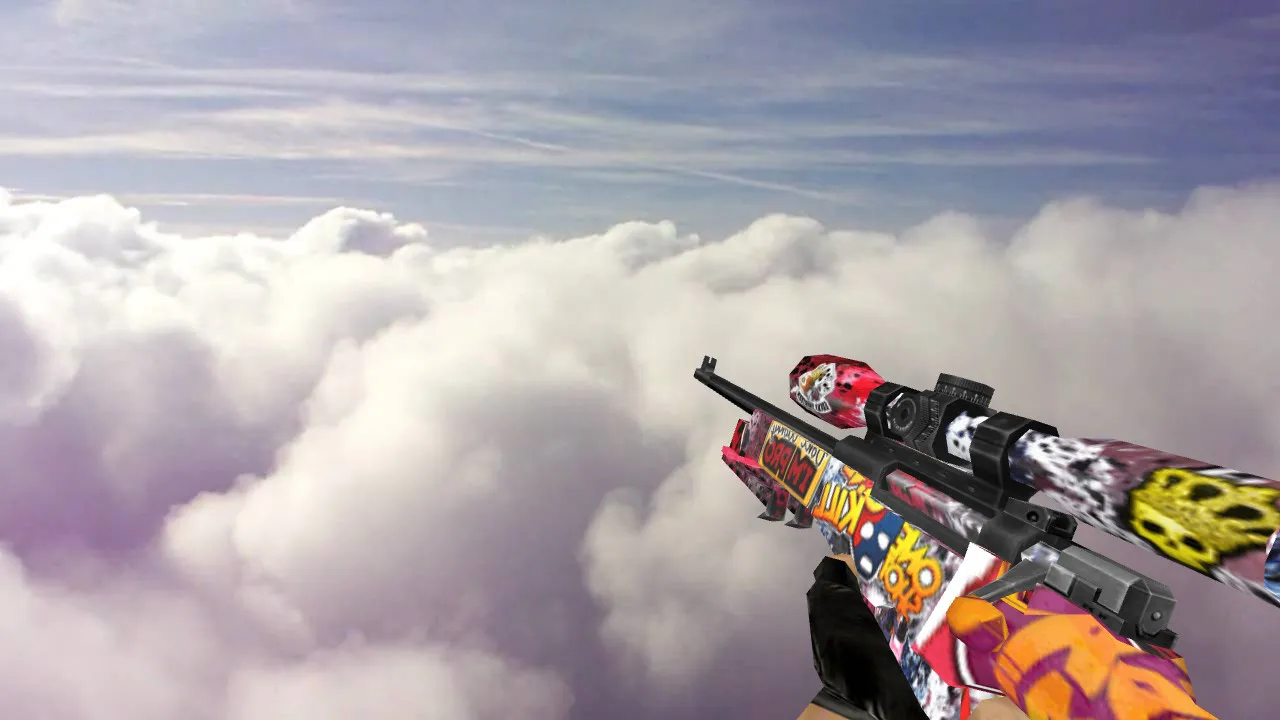
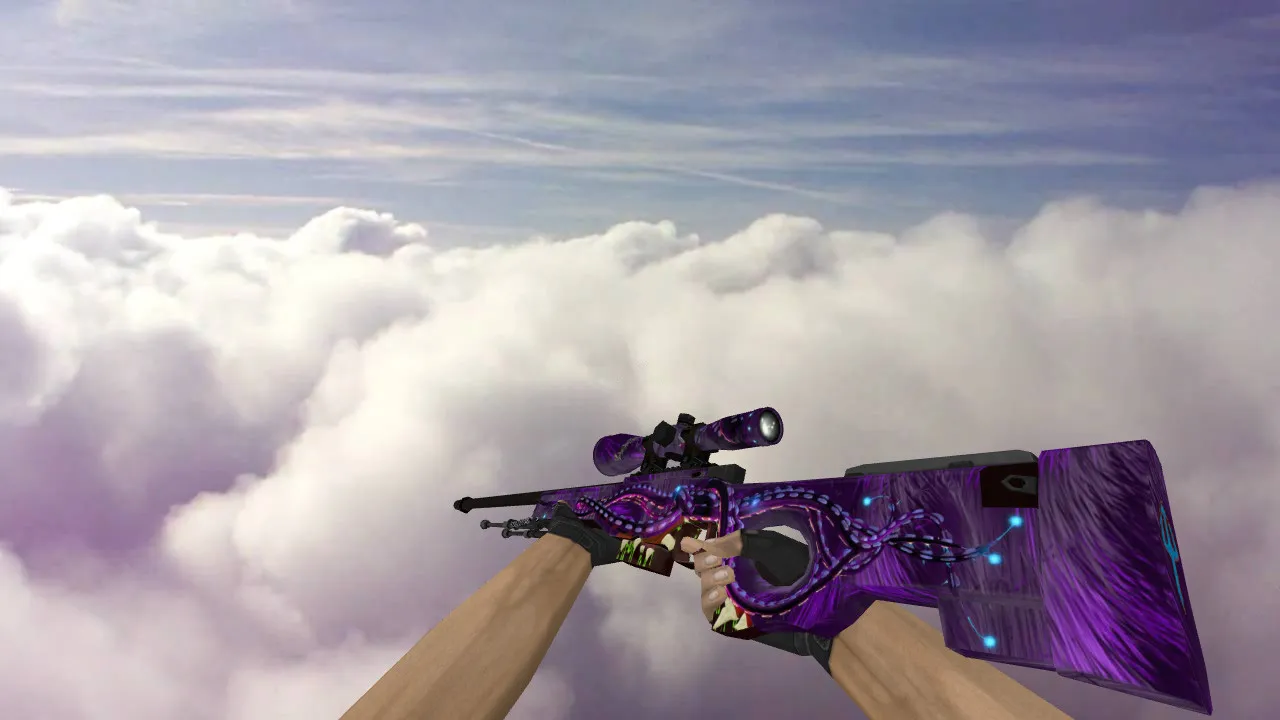
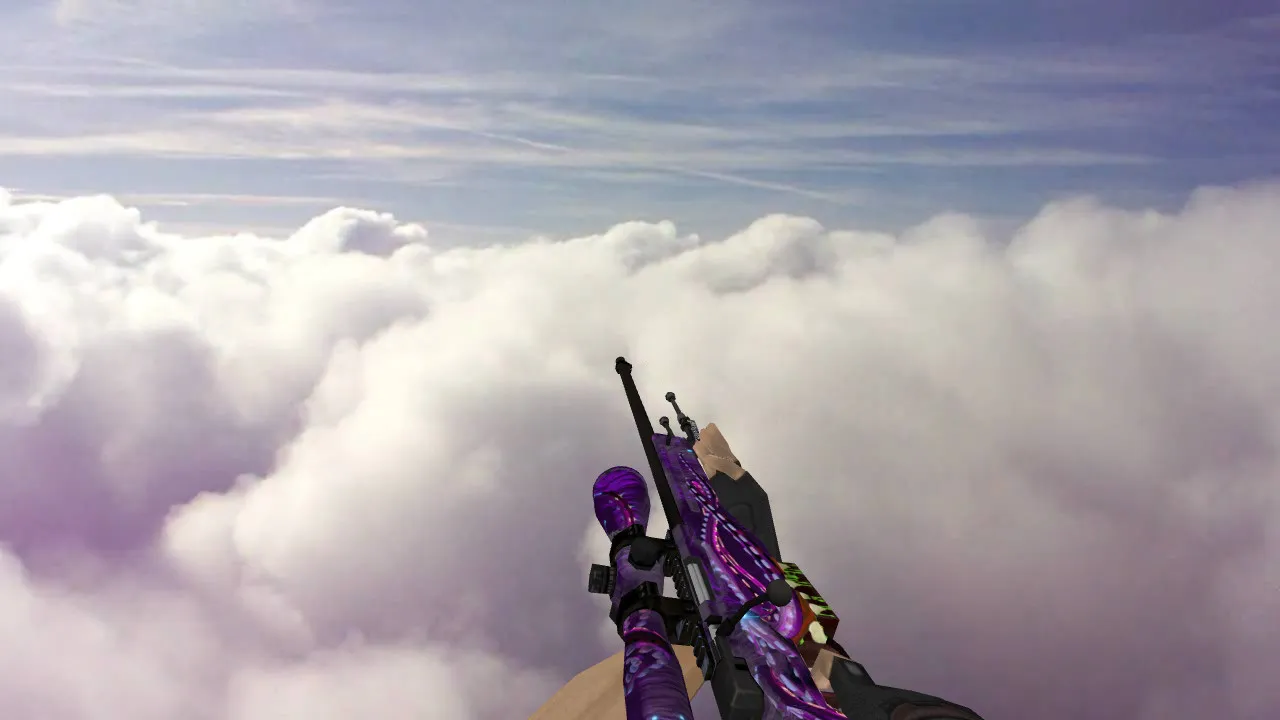
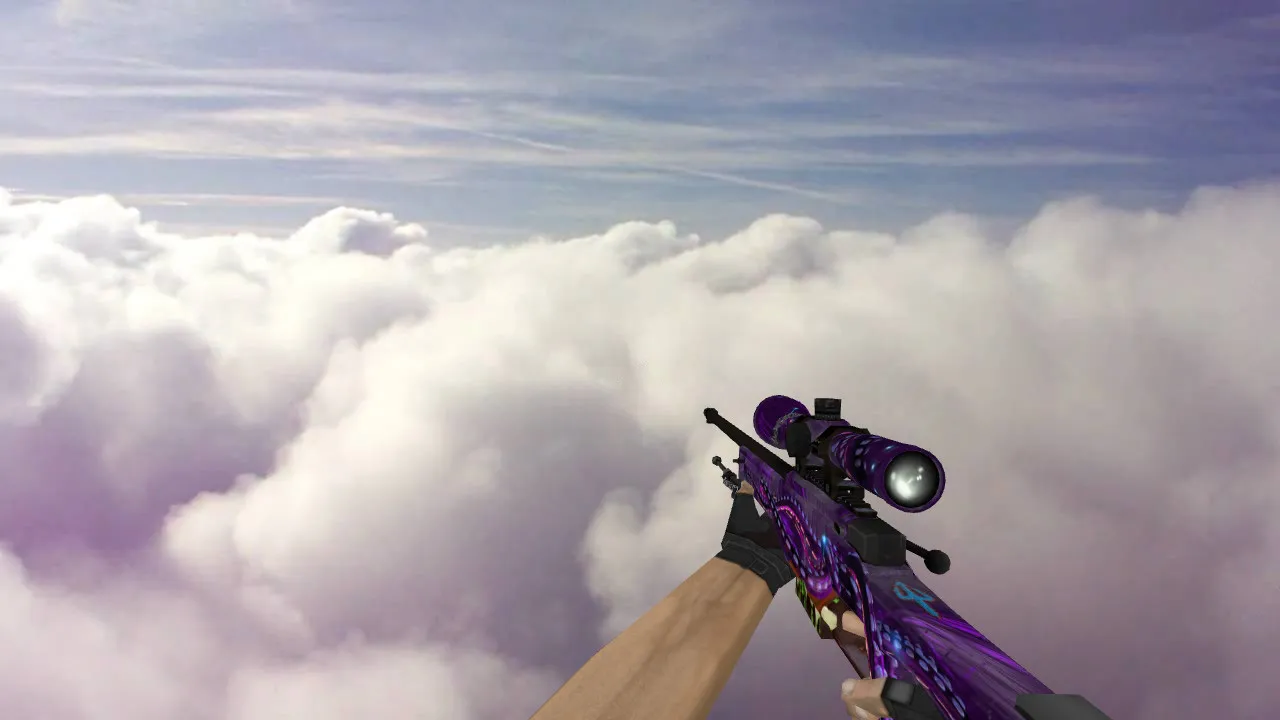
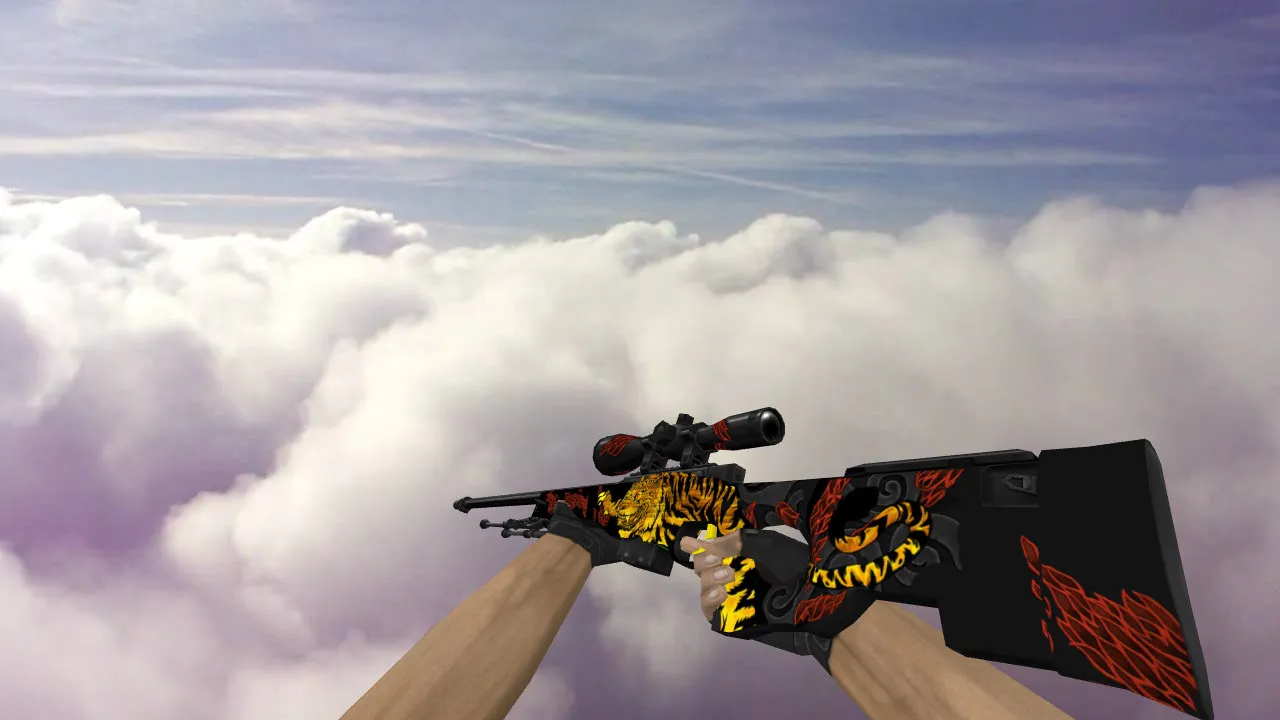
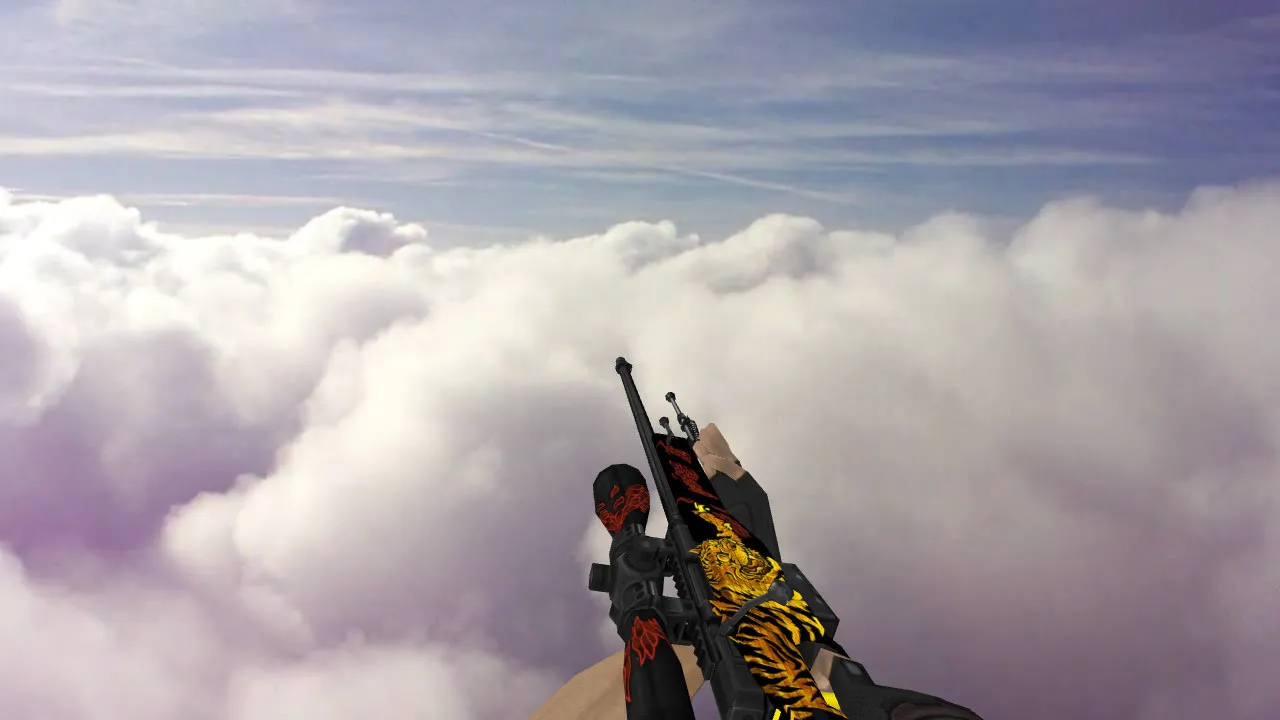
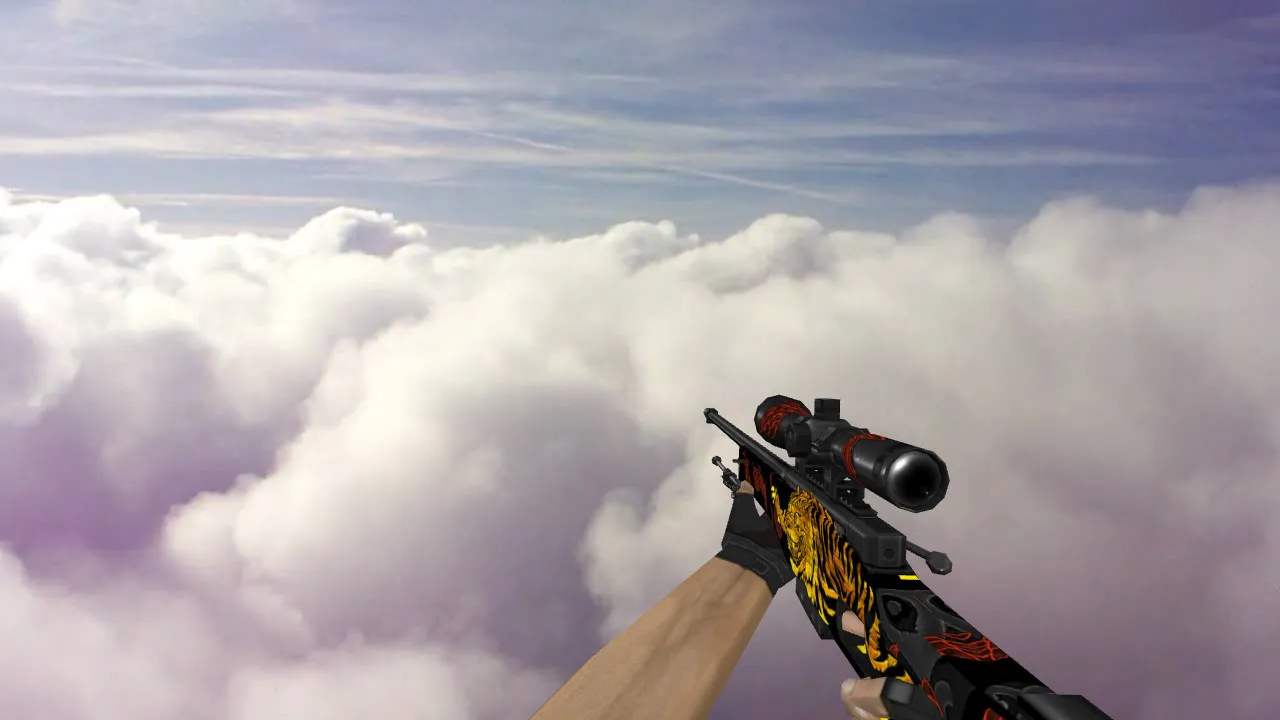
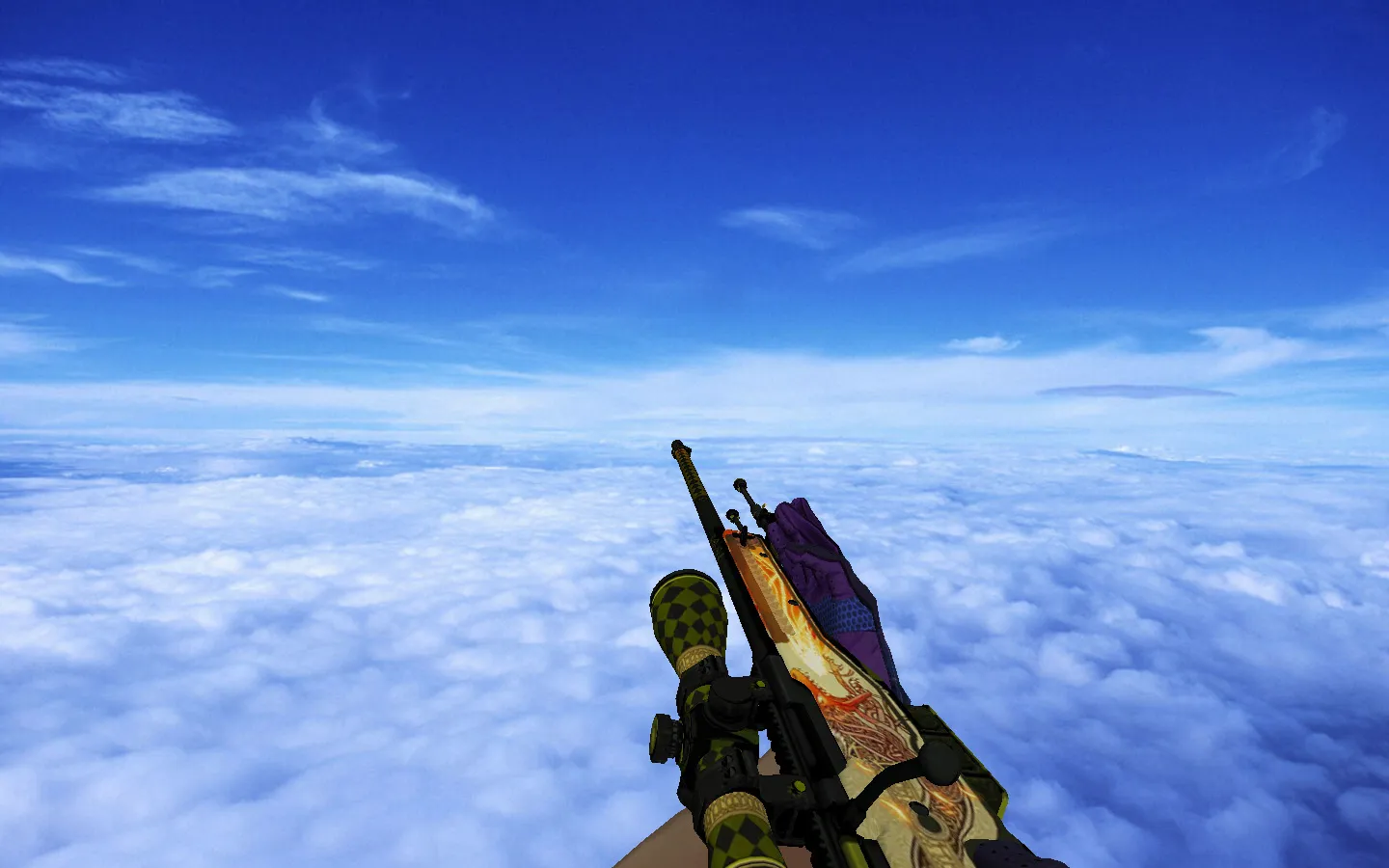
The Tiger Fang skin for the AWP makes sniping in CS 1.6 feel fresh. Its high-definition textures stay clear even in dim spots such as the de_inferno tunnels or the shadowy areas of de_dust2. The inspect animation plays without stuttering, and it holds up on older machines running Build 4554. New firing sounds give a strong, lifelike report that carries across the map, pulling you deeper into tense clutch moments.
Technical Specifications
- Models: v_awp, p_awp, w_awp – a complete set covering first-person, world, and pickup views.
- Texture Quality: 1024x1024 resolution, so the tiger fang carvings look crisp.
- Sounds: swapped for rich, high-fidelity wav files on both shots and reloads.
- Animation: a smooth inspect sequence with no clipping on the v_model.
- Polycount: kept under 2000 tris so FPS stays above 100.
- Compatibility: runs on Steam and Non-Steam clients alike, with no MasterServer conflicts.
This model sidesteps typical problems such as misaligned hitboxes or sprite glitches. The tiger pattern pops in dark ESL-style spots, letting you spot enemies quicker without bright glows that reveal your position.
Gameplay with the Skin
During CS 1.6 matches, the AWP Tiger Fang keeps hitbox alignment exact for one-shot kills. Try it on de_nuke ramps or de_train long A – the skin's contrast helps with quick scopes. No-recoil patterns remain true, and the p_model drops cleanly for teammates. Players say they control 1v1s better because the design doesn't distract. For bot matches, it works with .nav files without any pathing errors.
Safety first: this download is clean – no viruses, no slow-hack backdoors, no adware, and zero auto-connect scripts. Extract to your cstrike/models folder and edit cl_hud files if you need custom binds. Back up your stock awp.mdl before swapping.
Installation Guide
Installation takes less than two minutes. Go to your CS 1.6 directory, usually C:\Program Files\Counter-Strike\cstrike\models. Swap the v_awp.mdl, p_awp.mdl, and w_awp.mdl files with the ones provided. For sounds, place the new wav files into sound\weapons\awp. Run a clean config.cfg to clear any cache: bind keys for inspect via alias commands. Test on a local server with sv_cheats 1 to check the animations.
If you're modding further, pair this with a low-smoke sprite wad for clearer sightlines. The model handles high-fps configs at 800x600 resolutions without texture pop-in. In multiplayer, it loads fast on 56k connections, with no lag spikes reported.
AWP mains in CS 1.6 clans trust custom models like Tiger Fang for an edge in tournaments. The realistic audio syncs with server ticks, avoiding desync on no-steam servers. Expand your loadout – download and slot it into your next de_cache defense.
Overall, this skin improves tactical sniping without changing core balance. Hitbox accuracy stays stock, ensuring fair play on public servers. Integrate it with your clean HUD for a pro setup, visible even in bomb defusal under pressure.
Install in three steps
-
1
Download the archive. Use the button on the right, or the Yandex.Disk mirror if the main server is slow.
-
2
Extract it into the game folder. Use 7-Zip or WinRAR. A path without non-Latin characters works best.
-
3
Launch the game. If something doesn't work, mark it below - that is how we know the file needs an update.
Did it work for you?
No sign-up needed. You can pick more than one.