
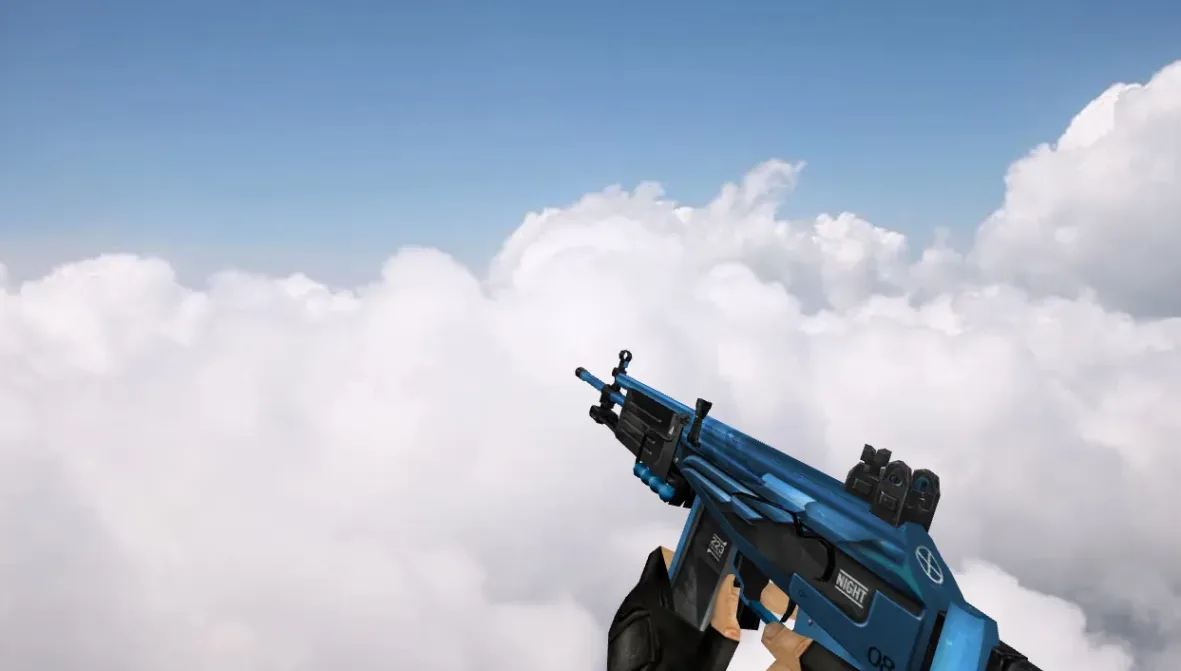
HK G11 Default Blue Skull Galil Model for Counter-Strike 1.6


Description
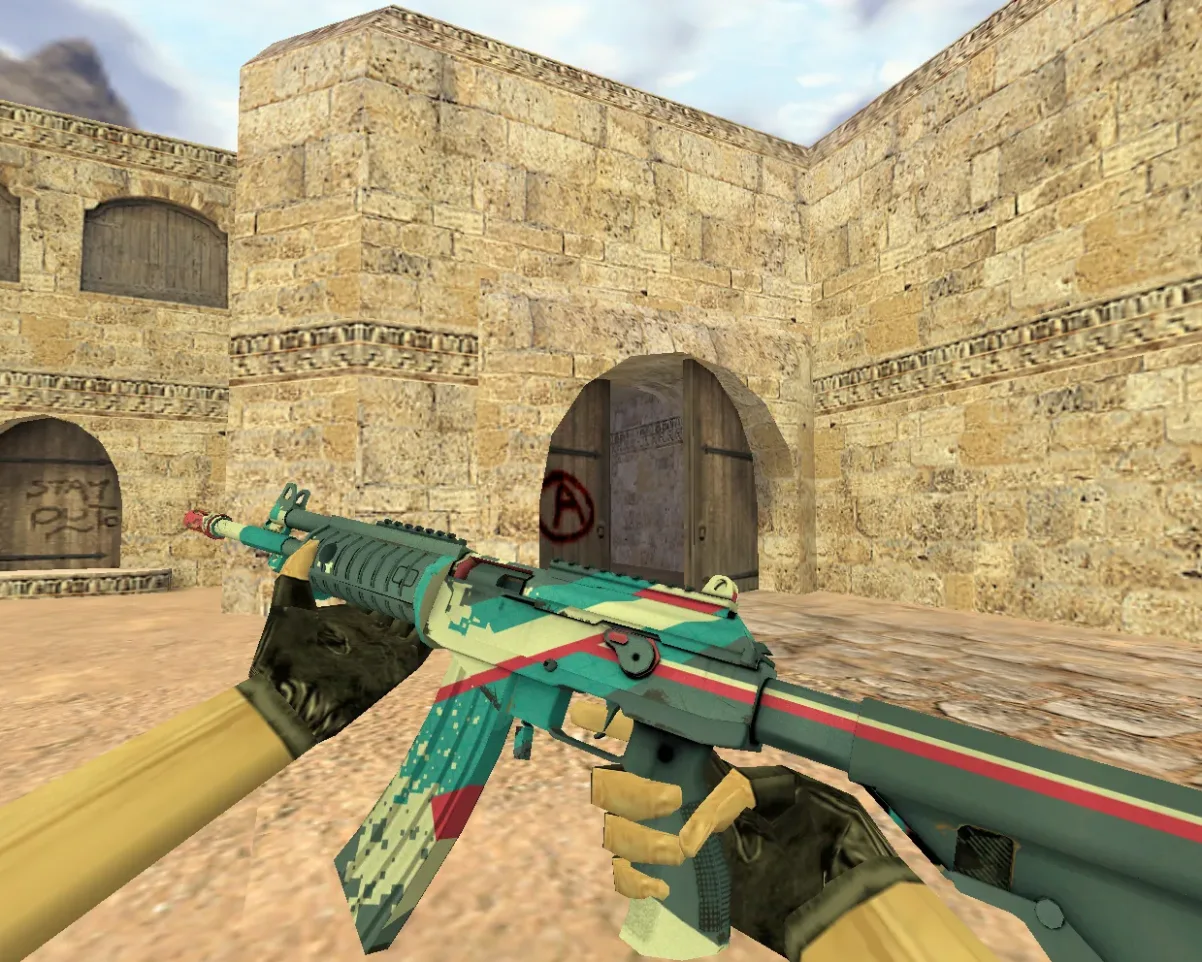
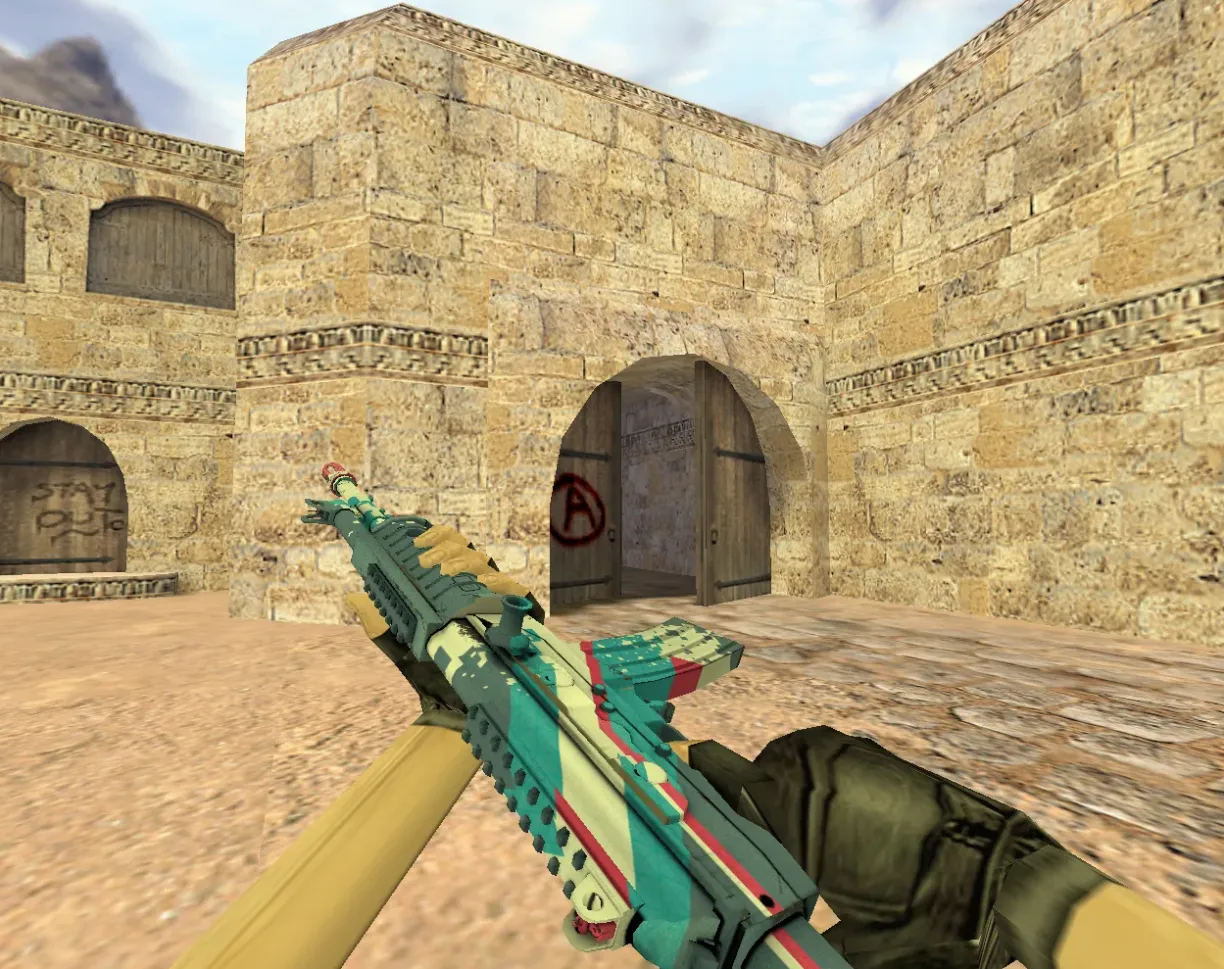
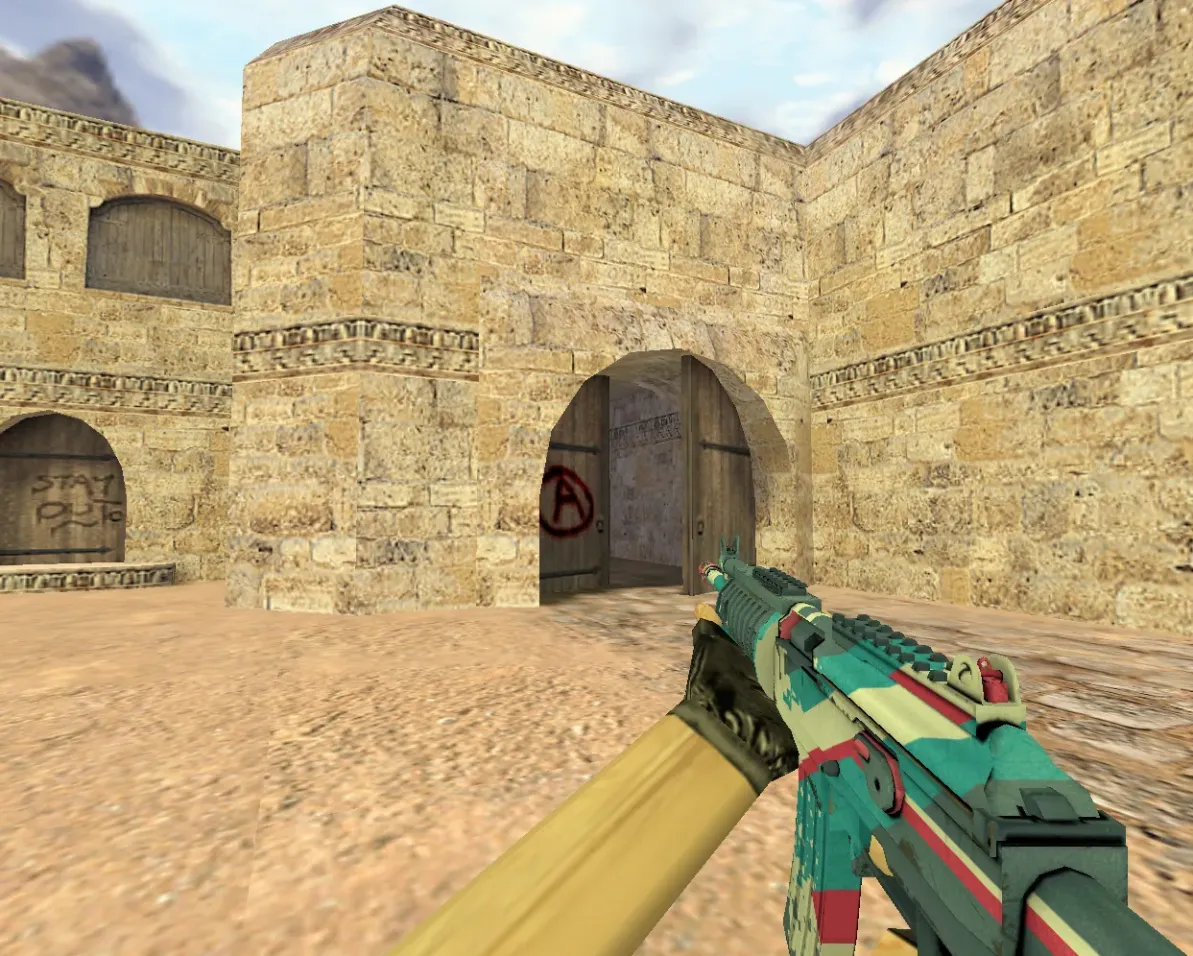
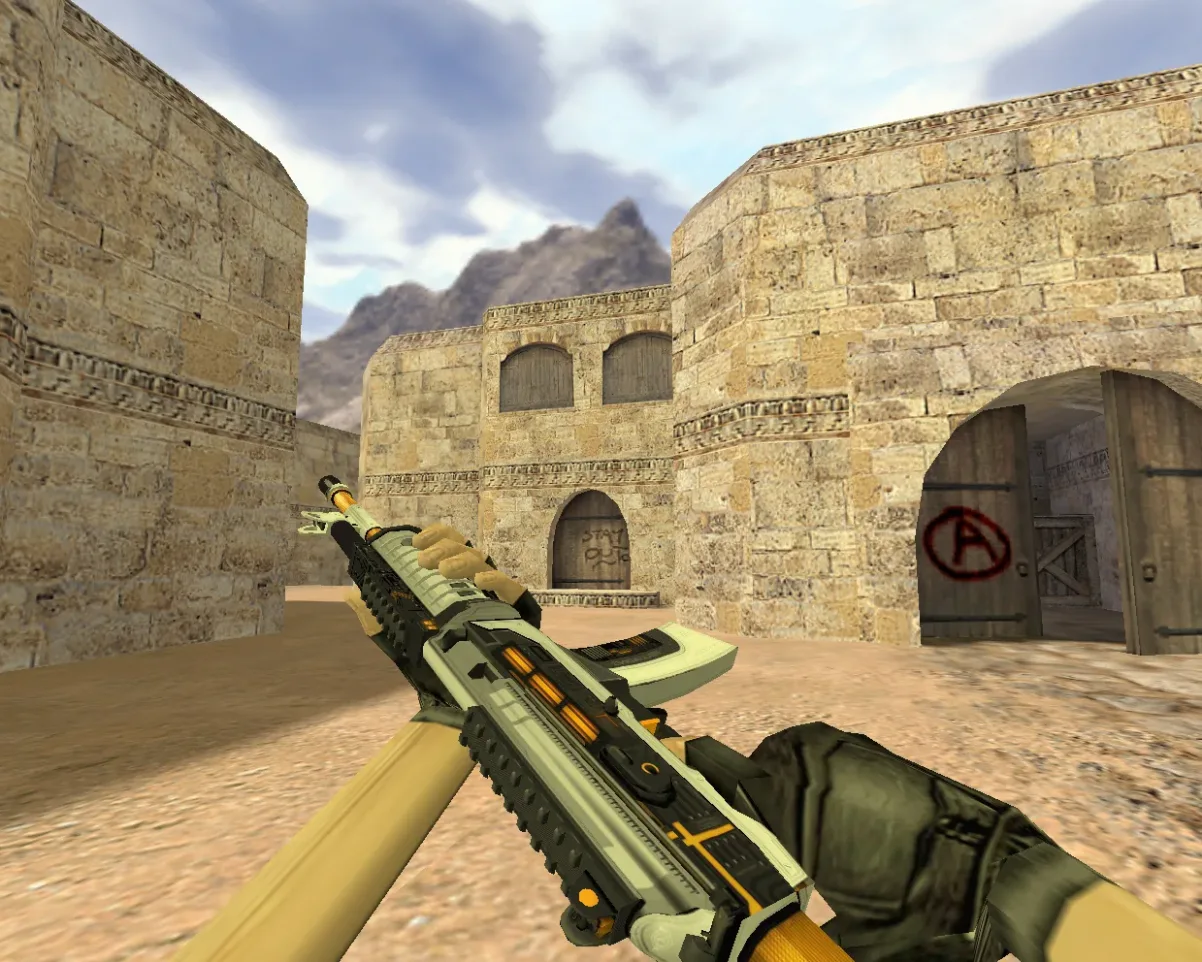
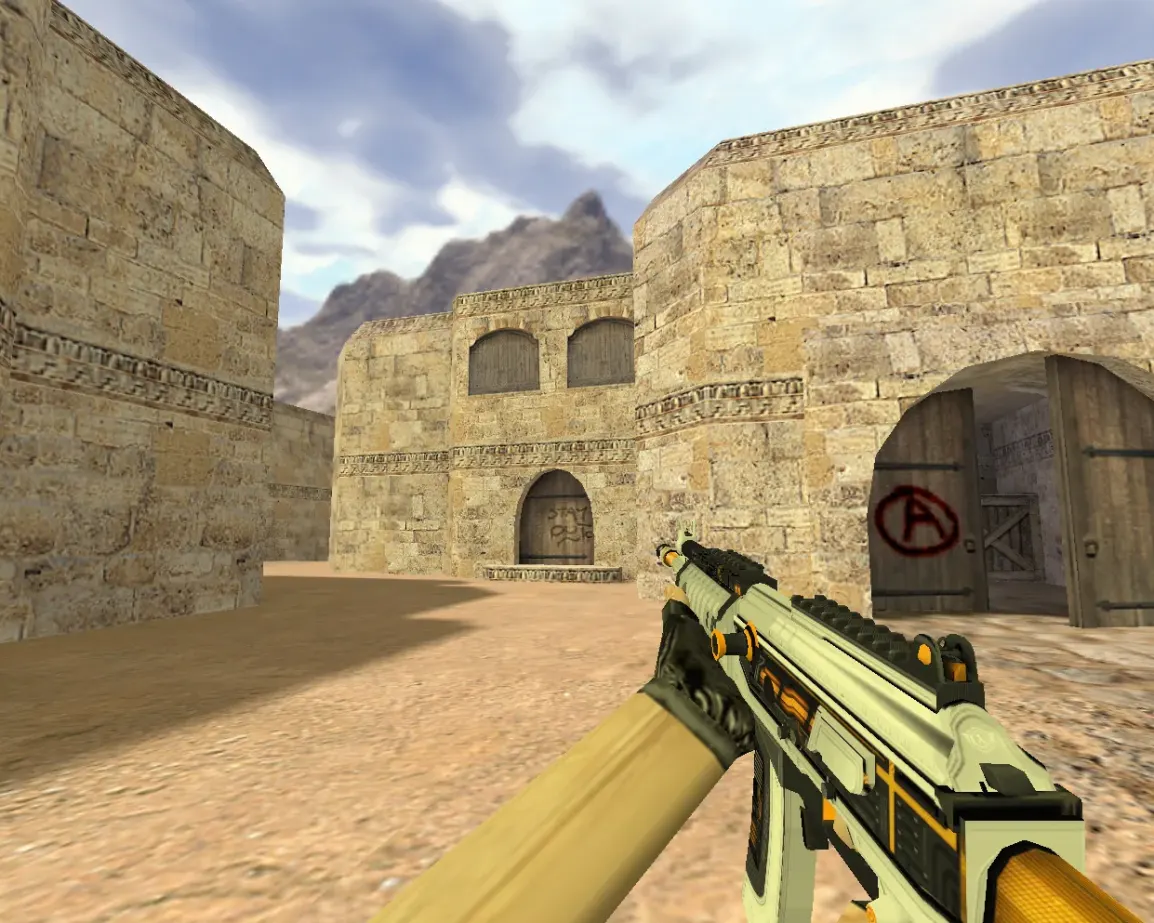
A replacement Galil viewmodel and worldmodel for Counter-Strike 1.6 that swaps the default rifle appearance for a blue skull design.
- v_galil.mdl: first-person viewmodel with the blue skull skin.
- Custom sounds: clip in, clip out, draw, tap and a Galil fire sound in sound/weapons/g11/ and sound/weapons/.
Extract the archive into the cstrike folder. Its hk-g11-default-blue-skull folder contents go into cstrike, so the model ends up in cstrike/models/ and the sounds in cstrike/sound/weapons/g11/.
Archive contents
6 files, 1.3 MB uncompressed. Copy the contents of the hk-g11-default-blue-skull folder from the archive into the cstrike folder inside the game folder.
- hk-g11-default-blue-skull/models/v_galil.mdl 1.1 MB
- hk-g11-default-blue-skull/sound/weapons/g11/clipin.wav 52 KB
- hk-g11-default-blue-skull/sound/weapons/g11/clipout.wav 36 KB
- hk-g11-default-blue-skull/sound/weapons/g11/draw.wav 55 KB
- hk-g11-default-blue-skull/sound/weapons/g11/tap.wav 33 KB
- hk-g11-default-blue-skull/sound/weapons/galil-1.wav 20 KB
Install in three steps
-
1
Download the archive. Use the button on the right, or the Yandex.Disk mirror if the main server is slow.
-
2
Extract it into the game folder. Use 7-Zip or WinRAR. A path without non-Latin characters works best.
-
3
Launch the game. If something doesn't work, mark it below - that is how we know the file needs an update.
Did it work for you?
No sign-up needed. You can pick more than one.
Similar files









New in this section
- AKS-74U Suppressed Galil Model for CS 1.6
- AN-94 Abakan Galil Model for CS 1.6
- Default Galil Black-n-White Model for CS 1.6
- Galil Biomech Weapon Model for Counter-Strike 1.6
- Galil AR Chromatic Aberration Skin for Counter-Strike 1.6
- Galil Cogworks Weapon Model for CS 1.6
- Galil Black Sand Model for CS 1.6
- Galil Crimson Tsunami Model for CS 1.6
- Galil Coup Weapon Model for CS 1.6
- Galil Irradiation Model for CS 1.6