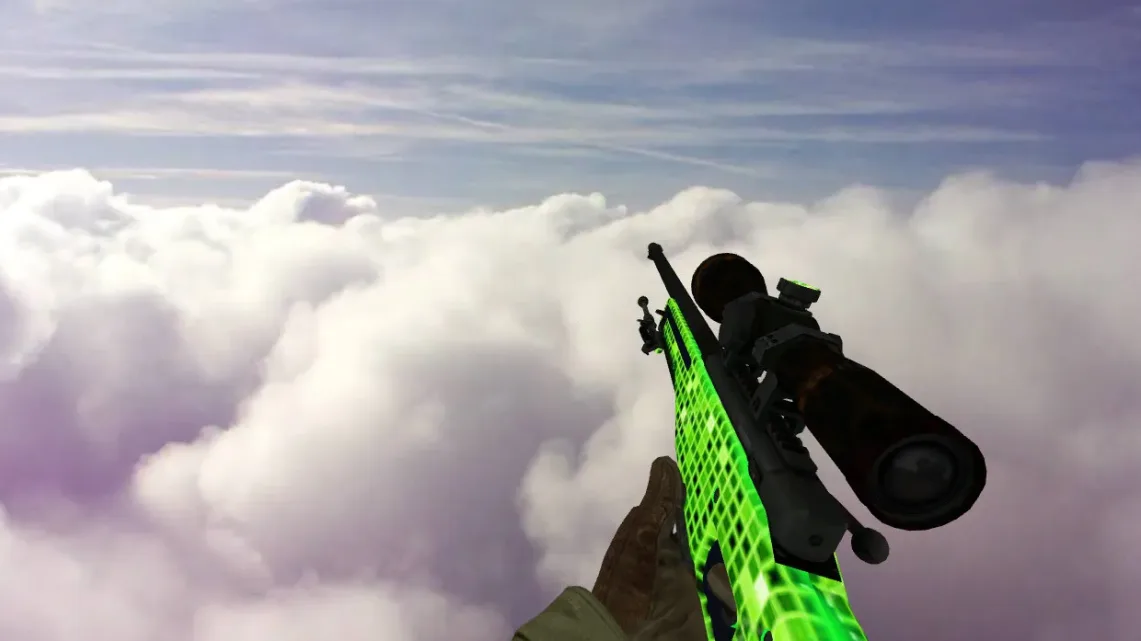
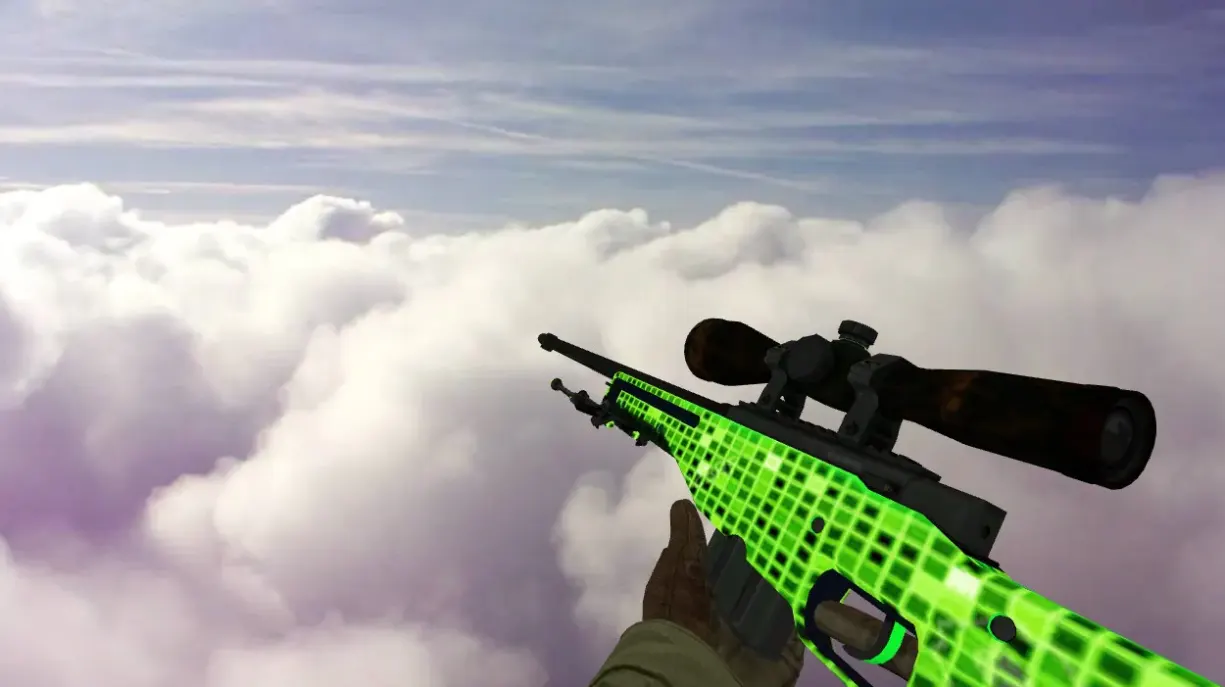
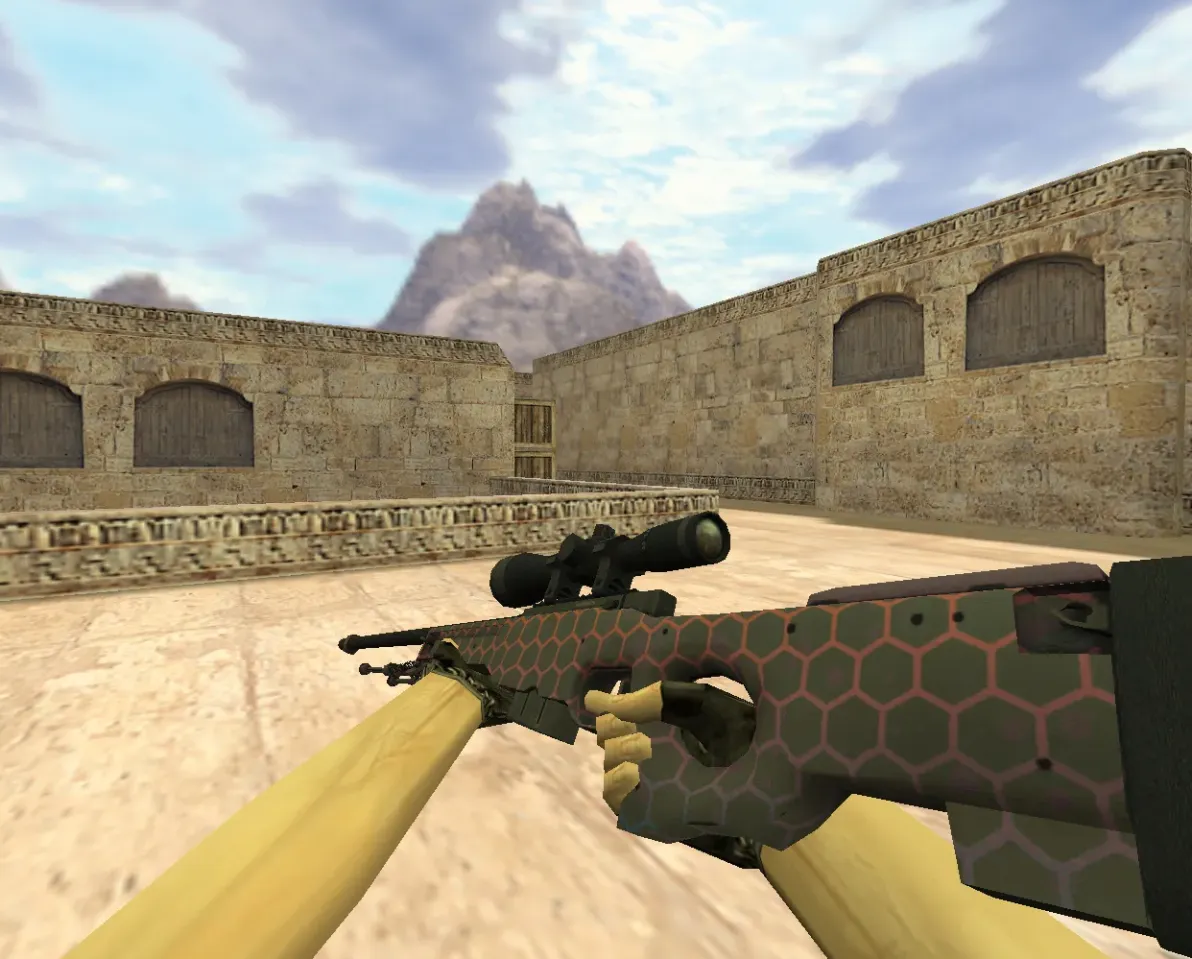
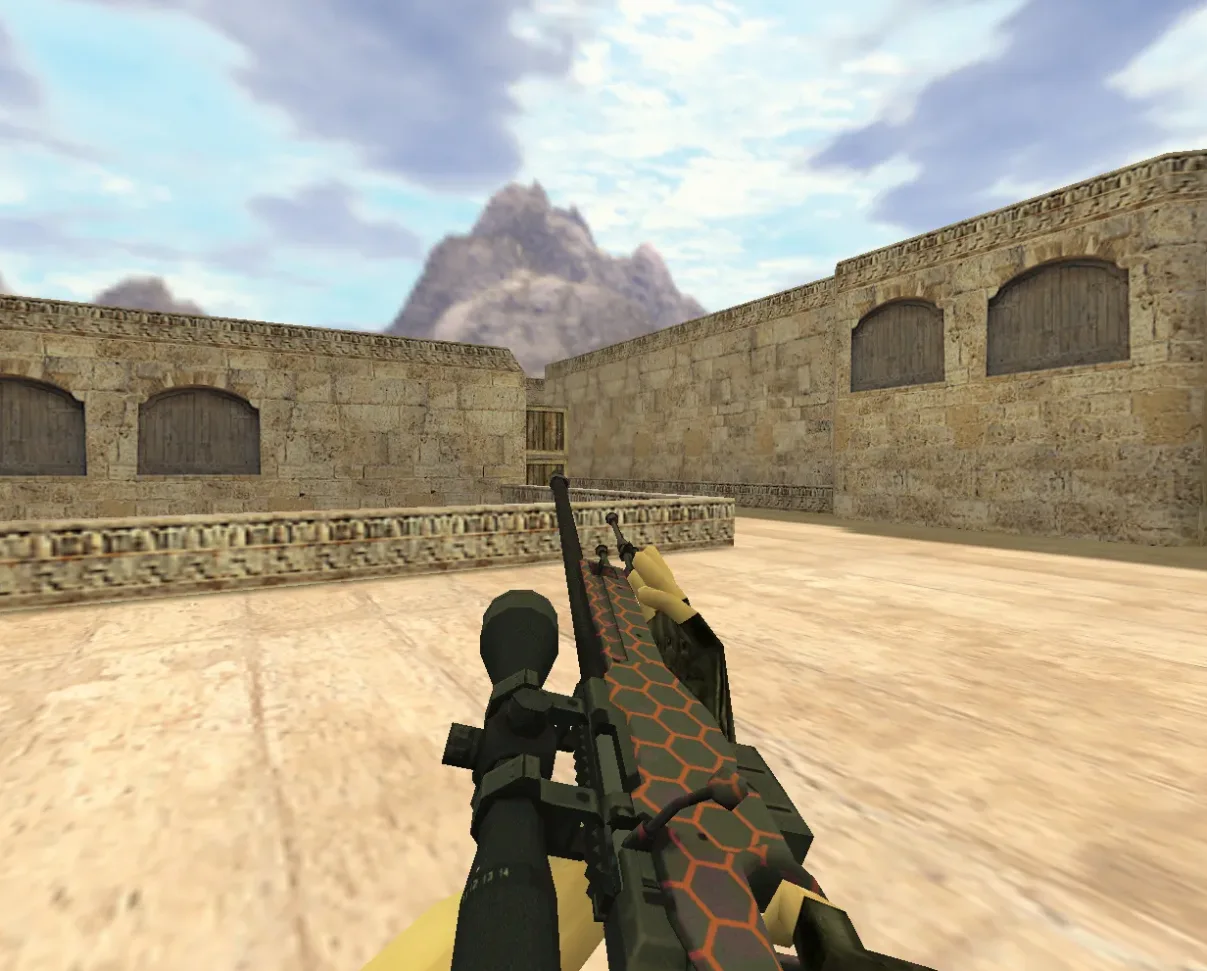
AWP Wildfire Weapon Skin for CS 1.6 with Custom Sounds
Description
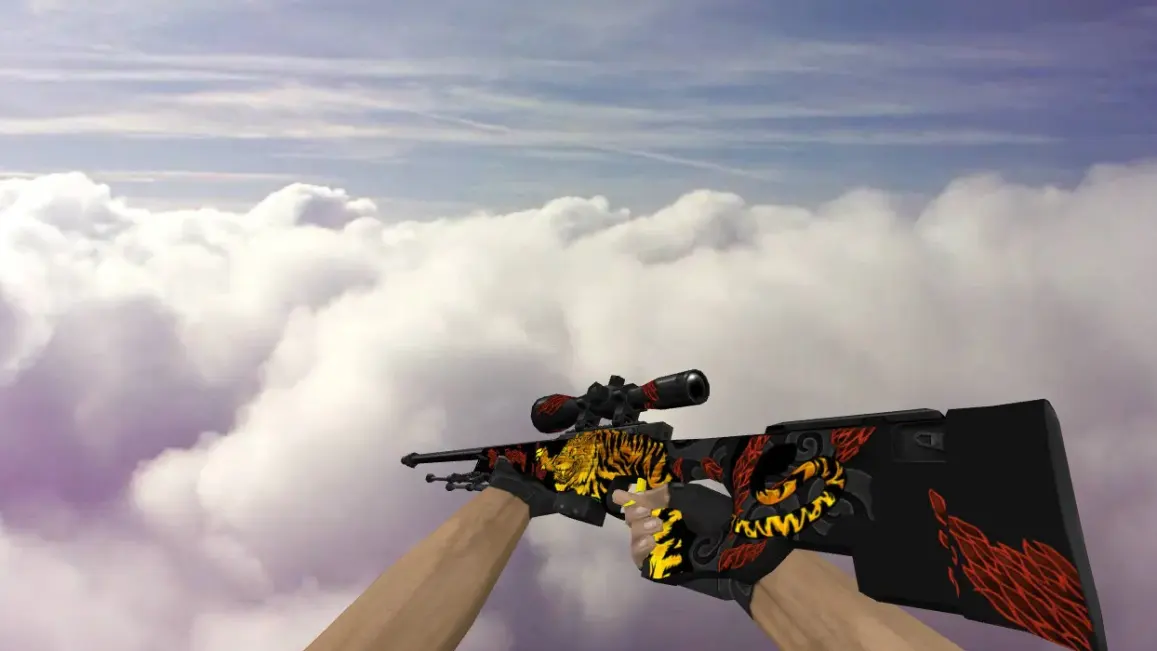
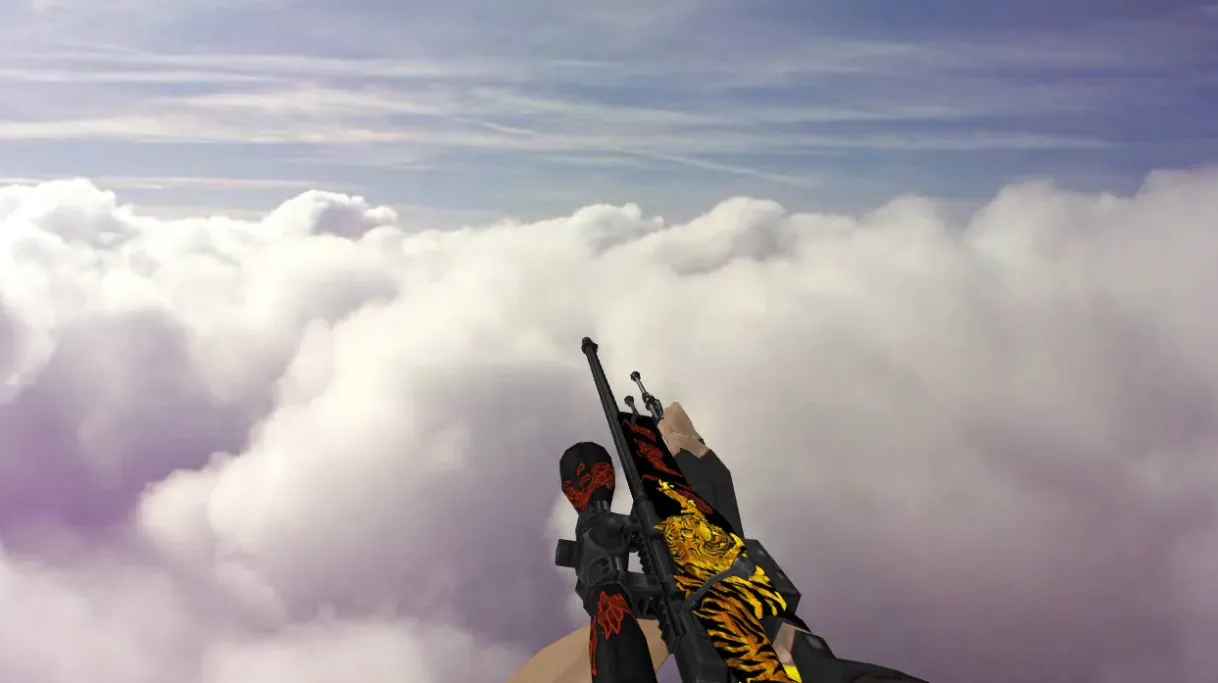
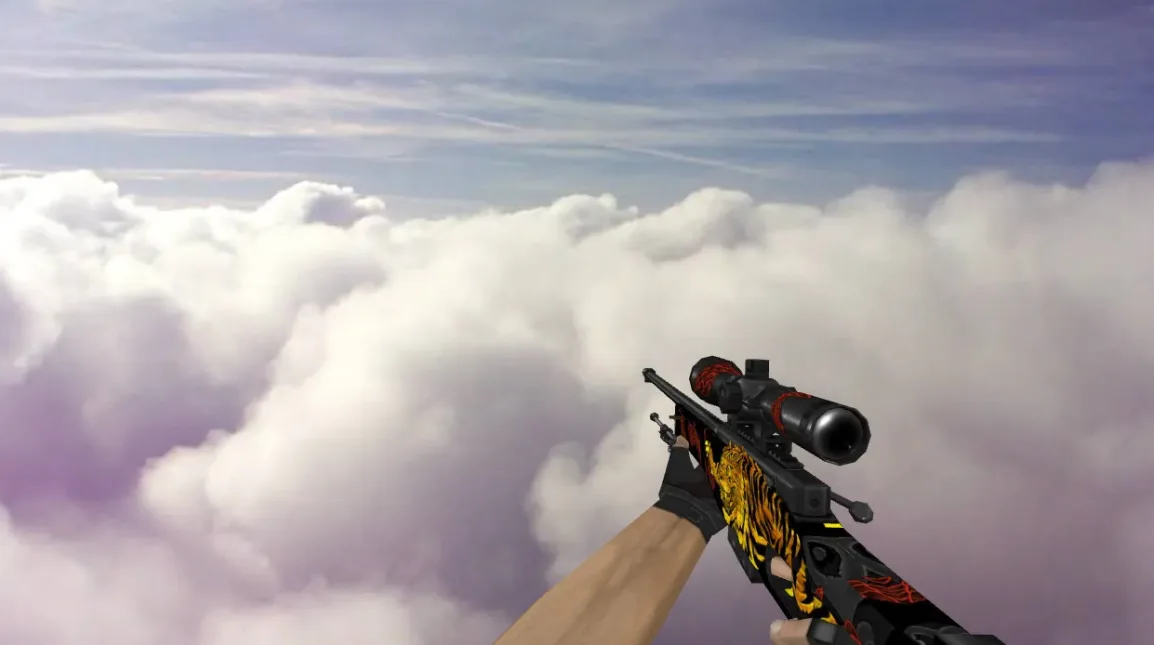
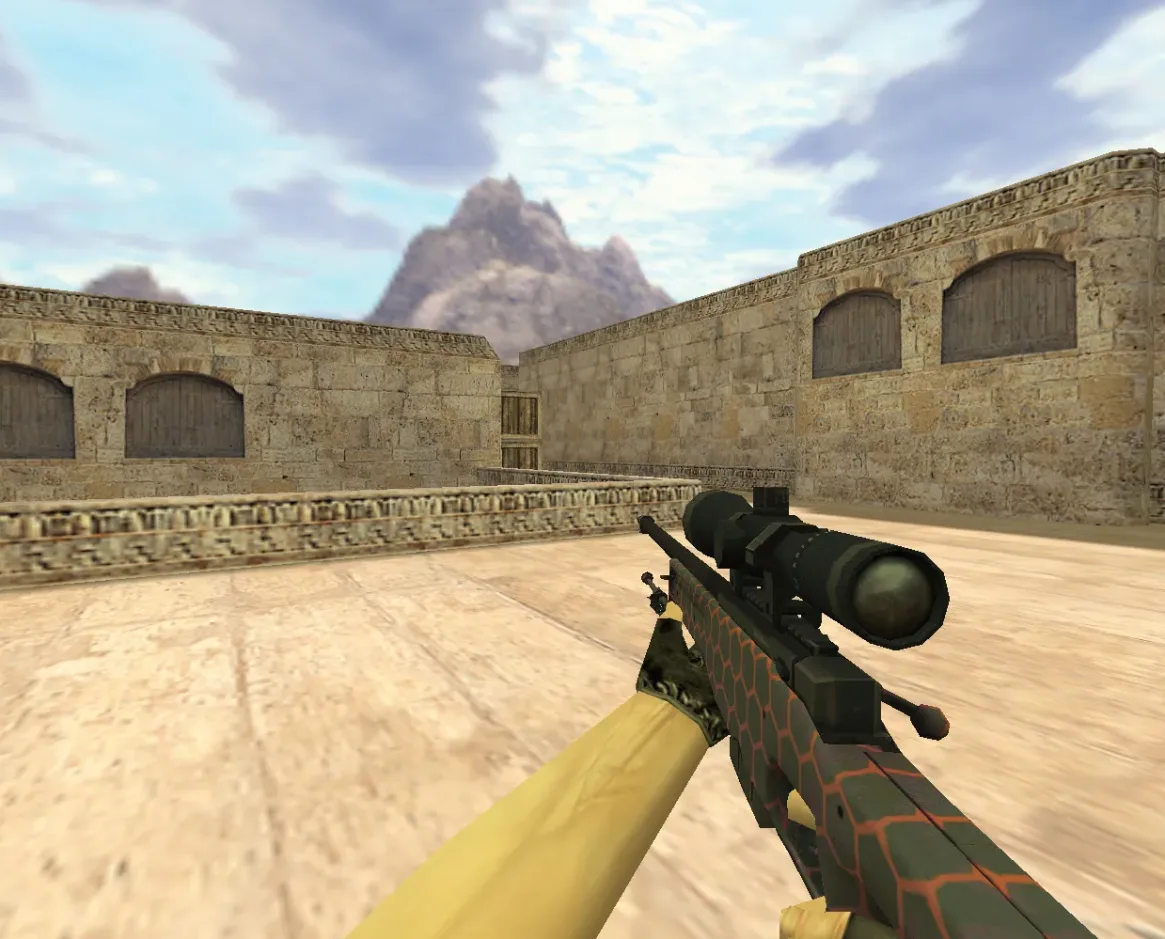
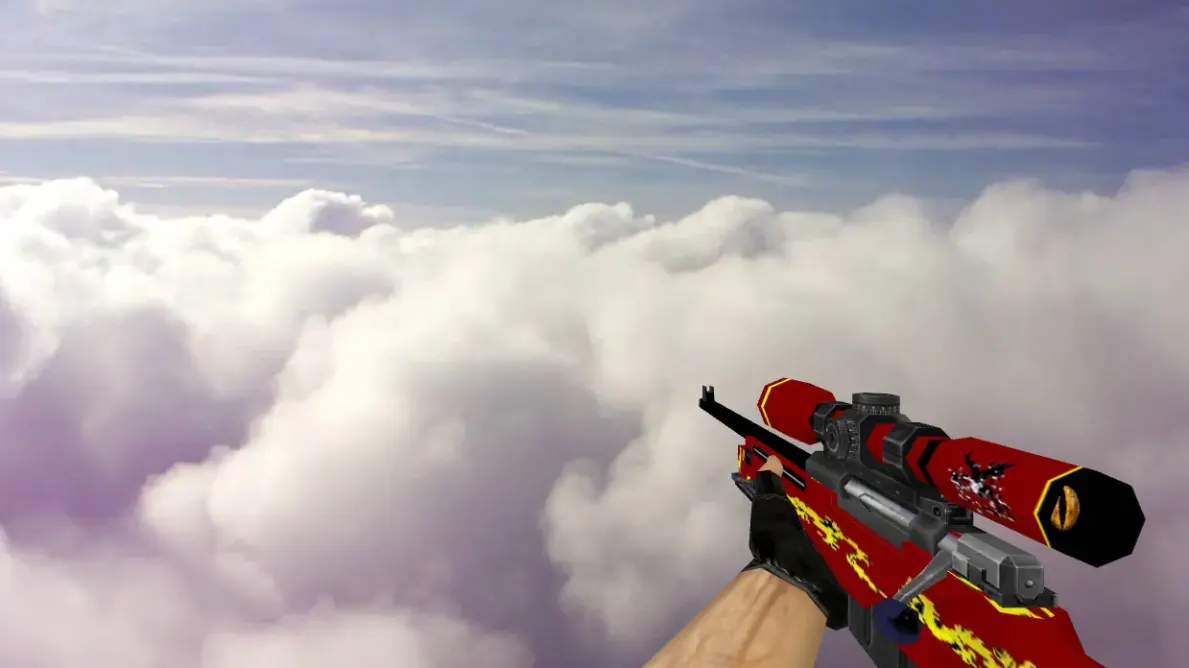
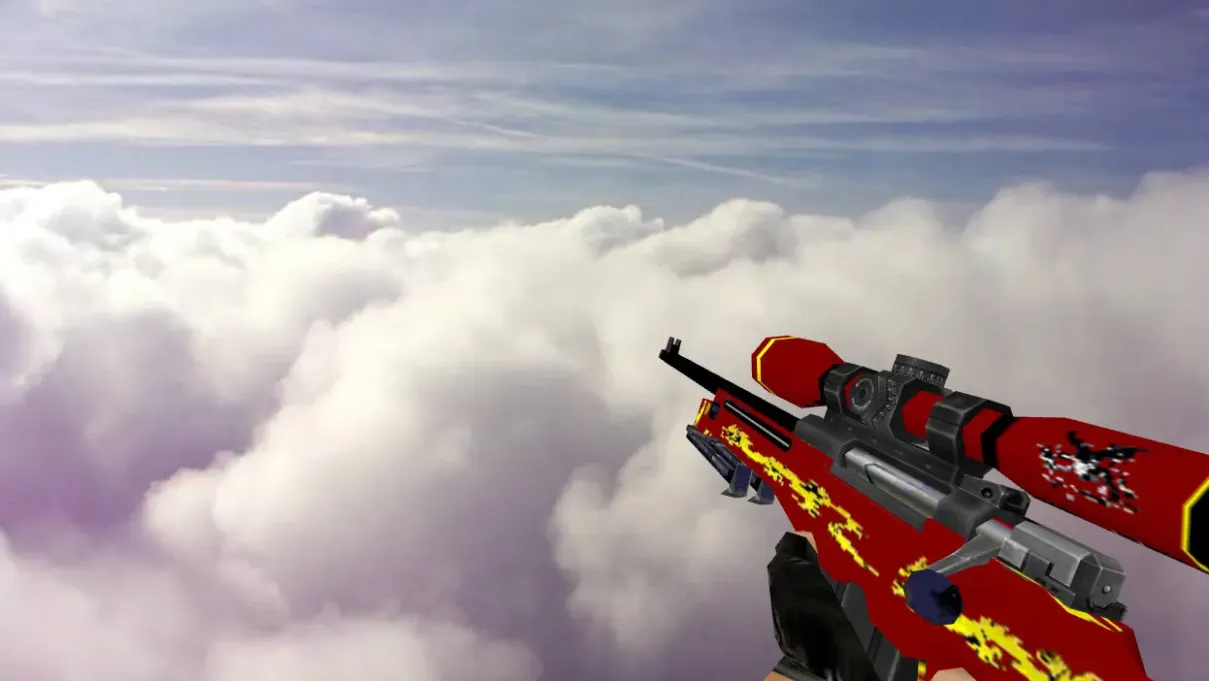
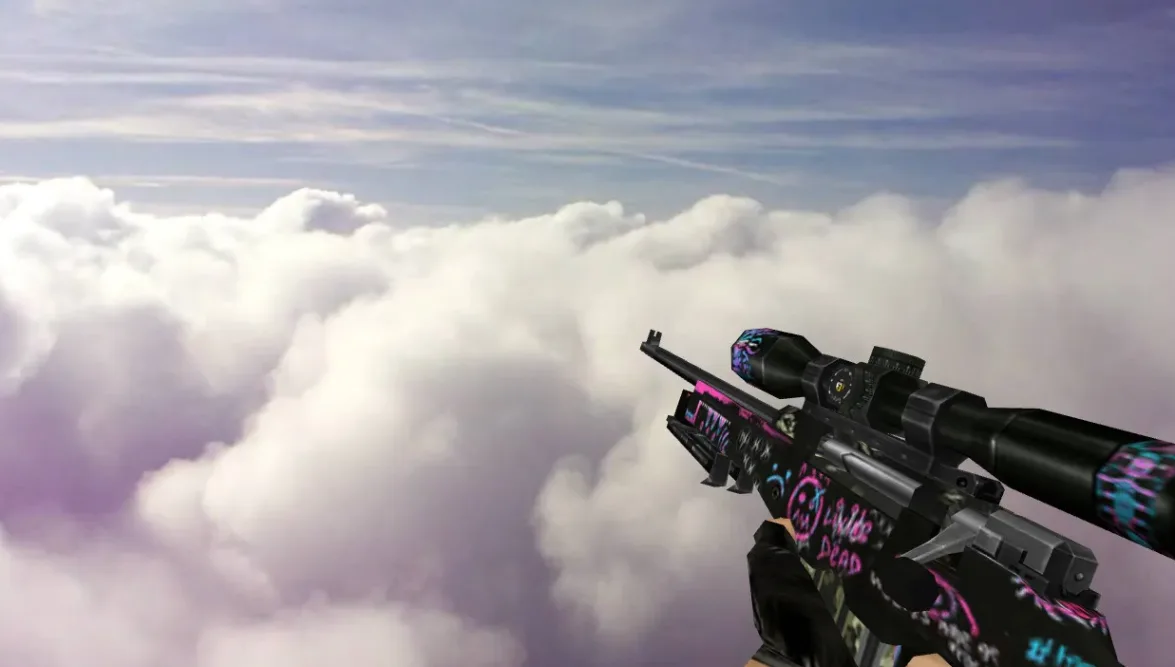
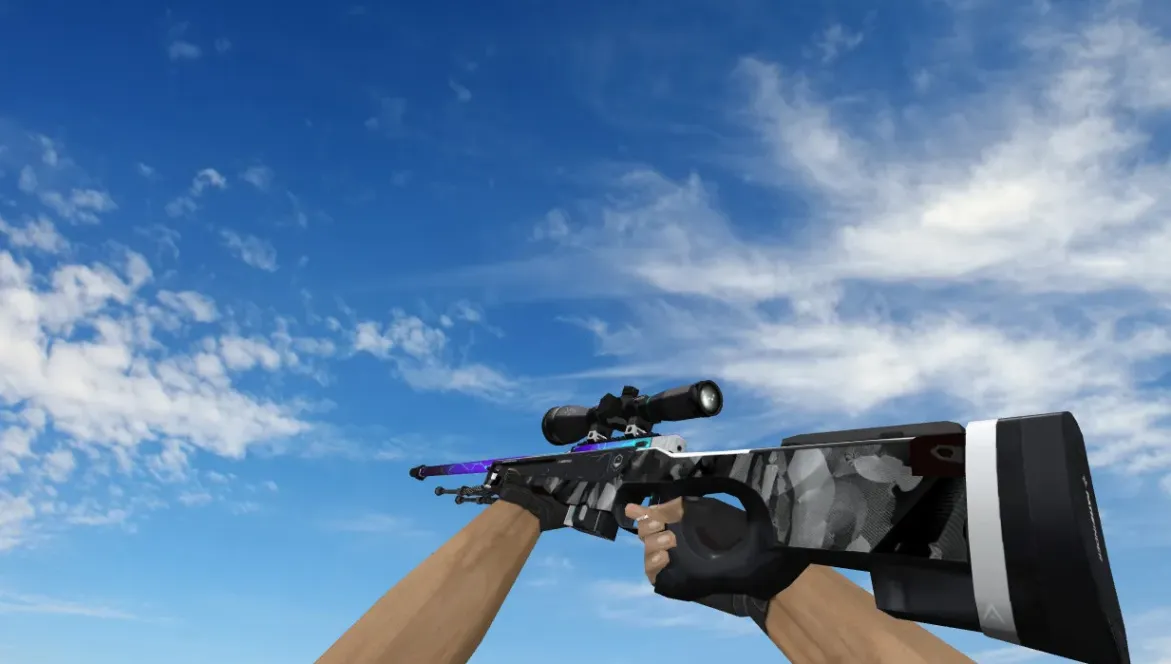
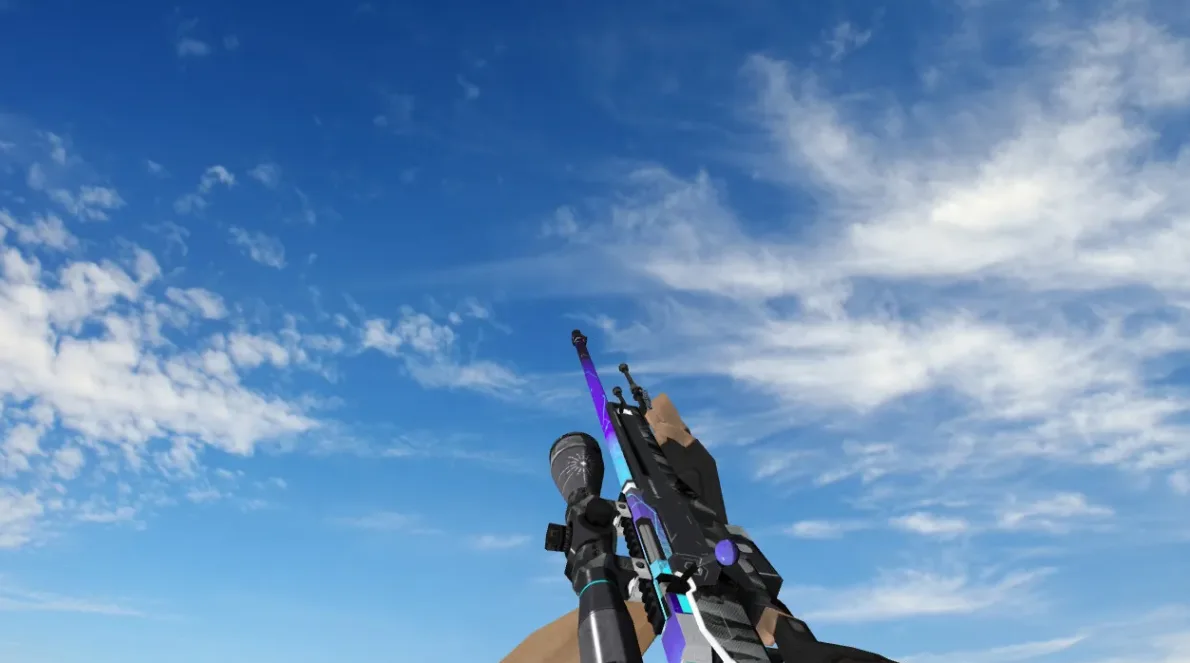
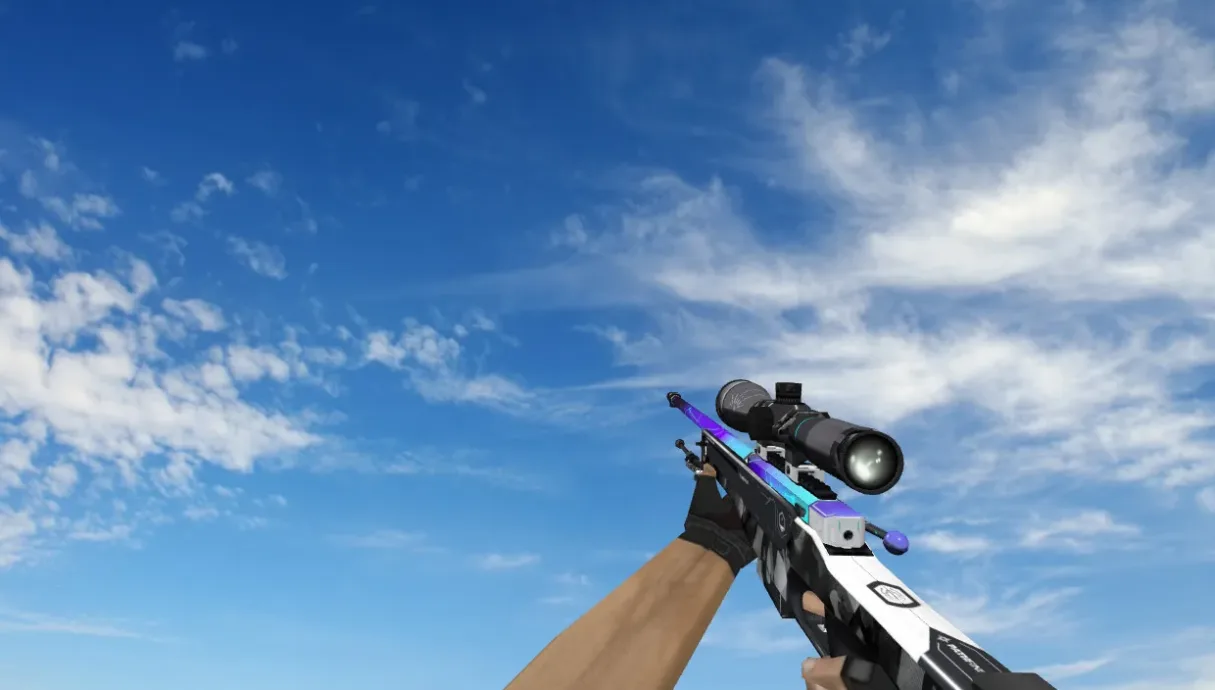
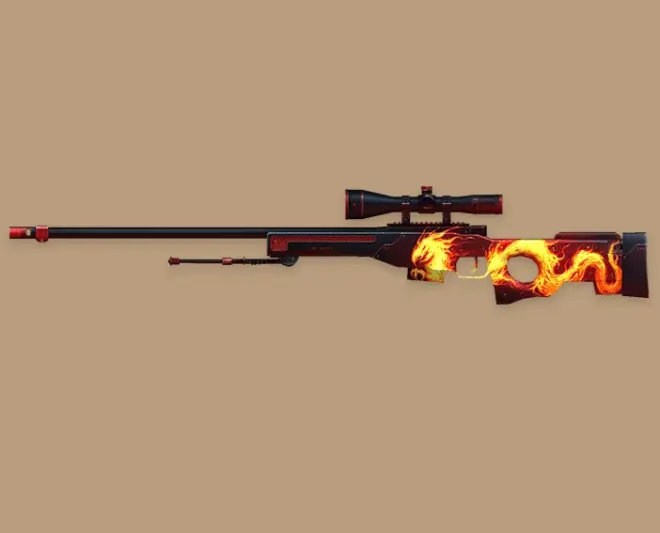
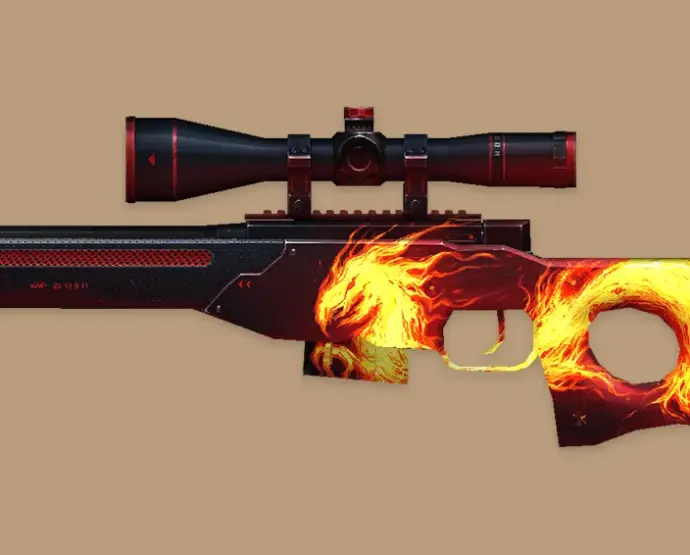
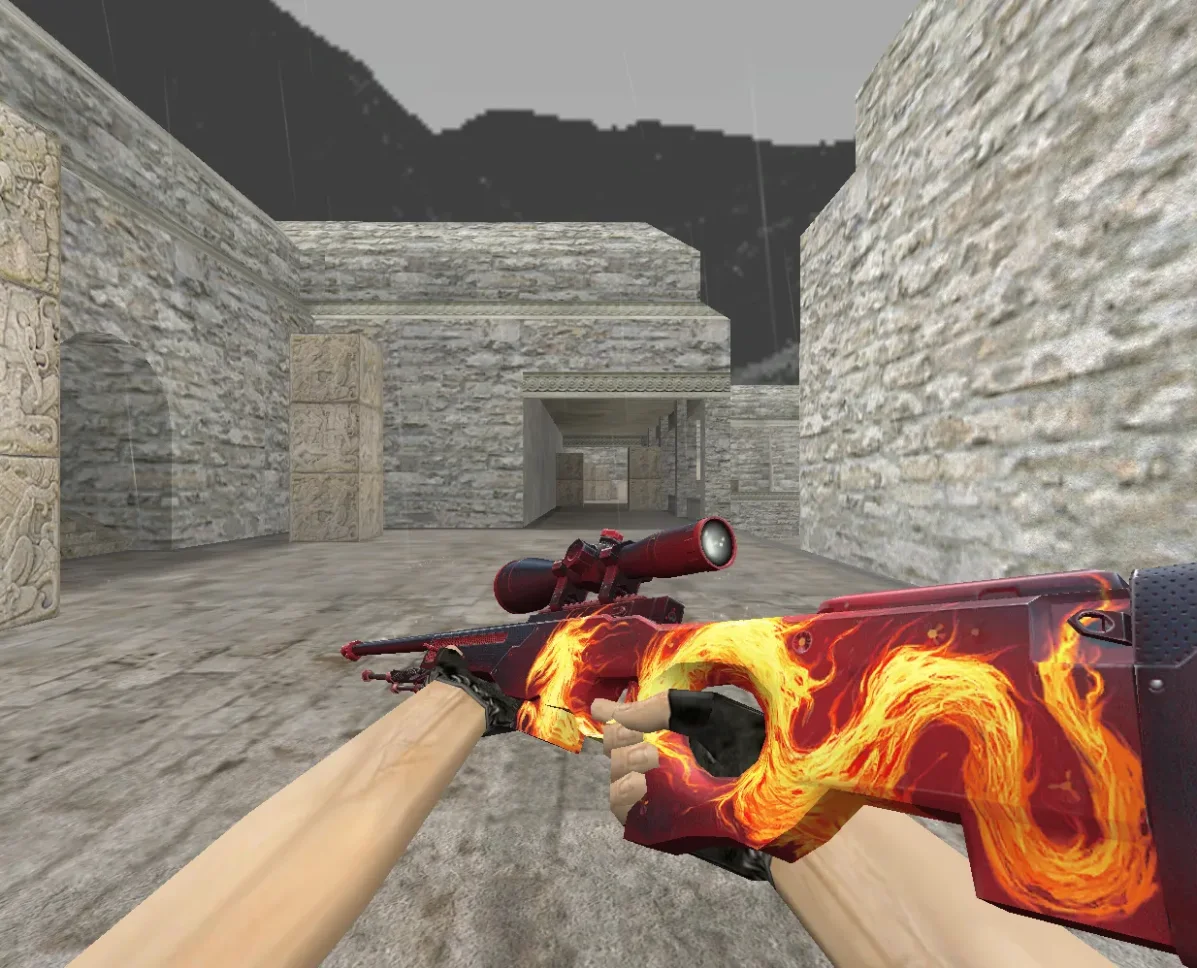
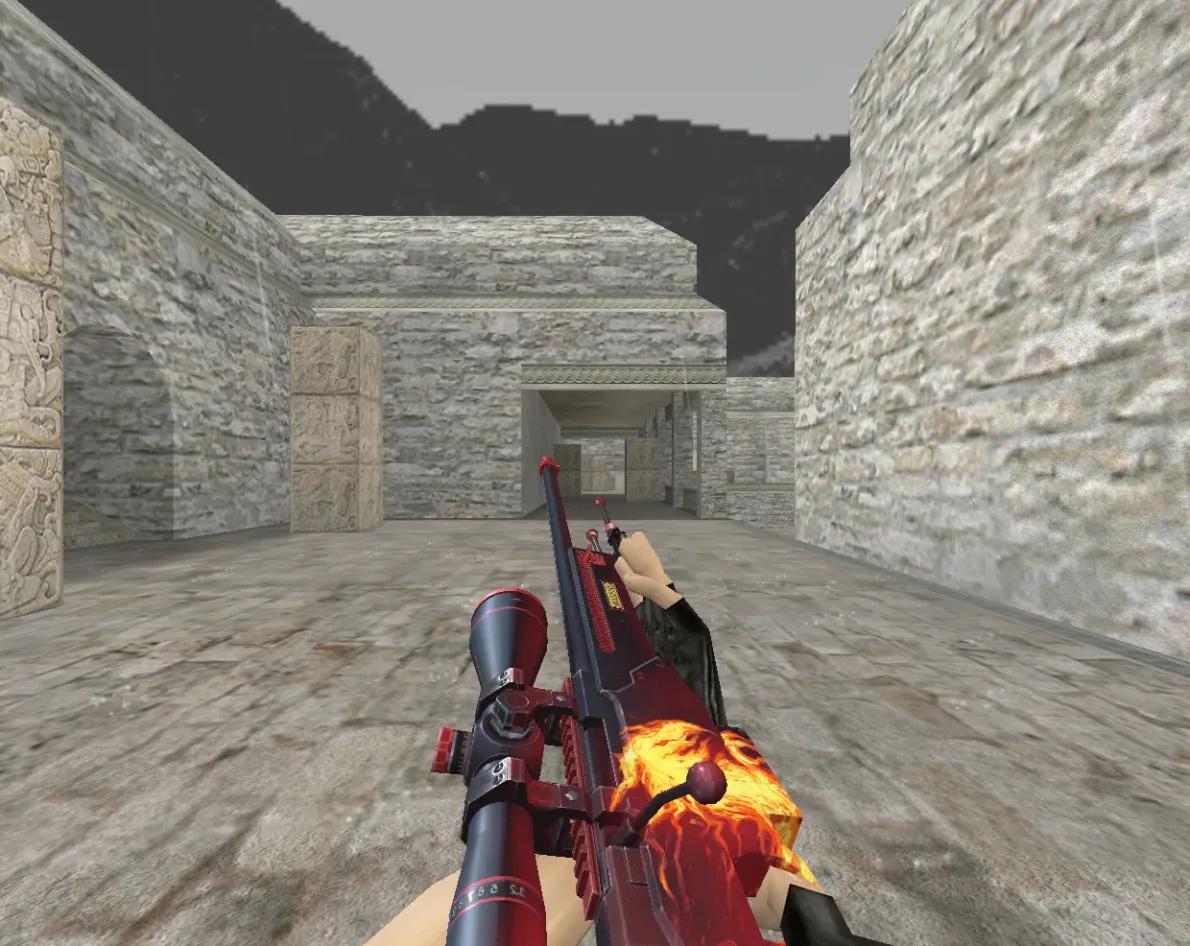
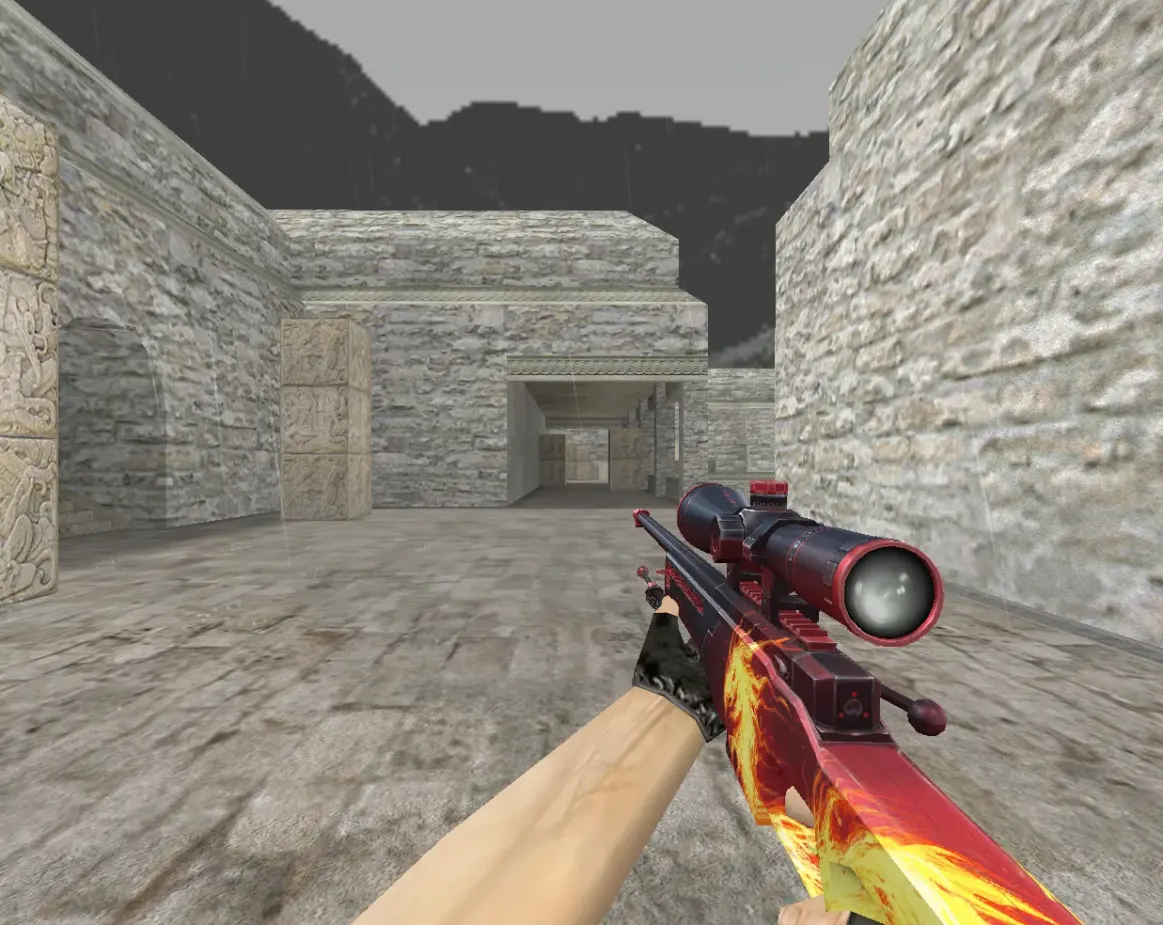
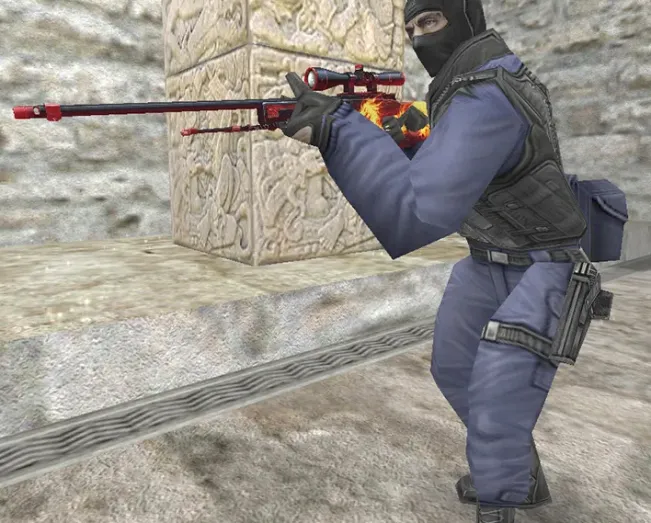
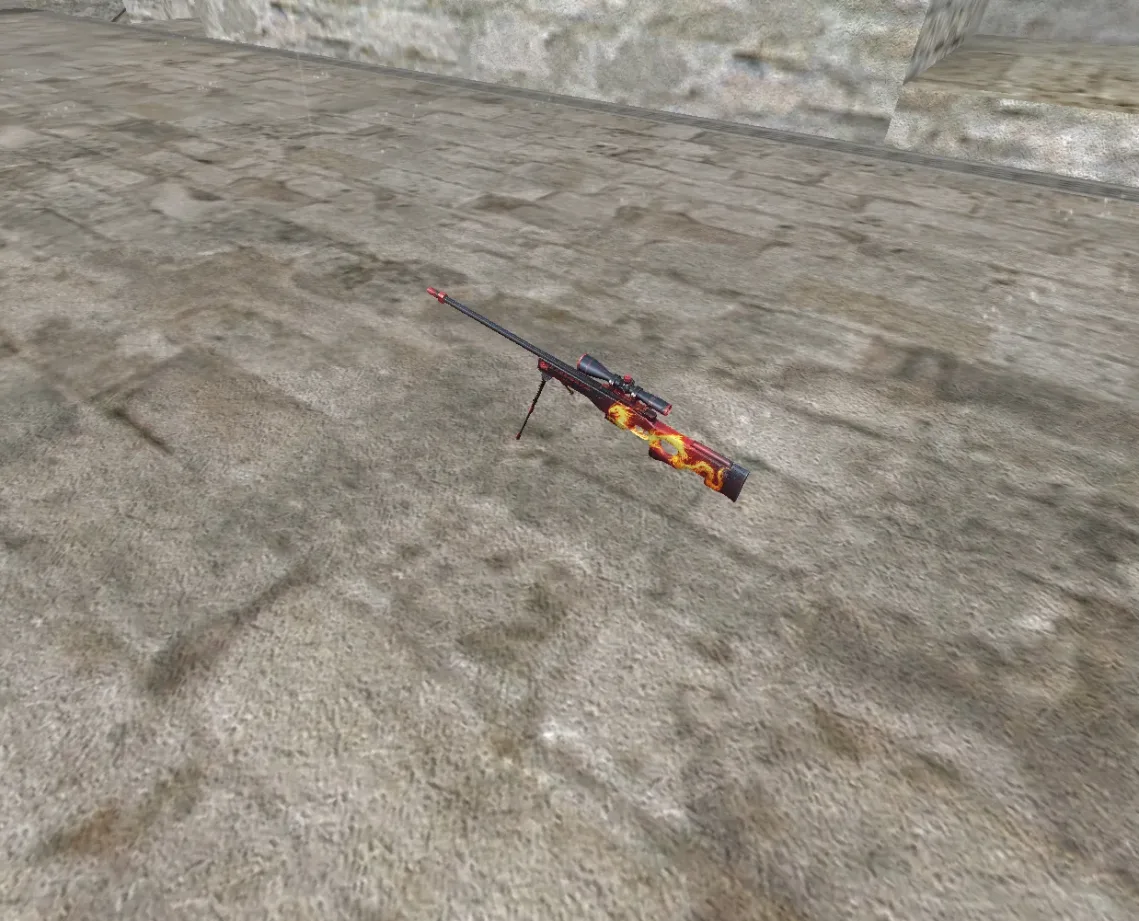
This is a replacement model for the AWP sniper rifle in Counter-Strike 1.6, with a red and black pattern and a carved operation emblem on the body.
- Archive contents: viewmodel (v_awp), player hands model (p_awp), world drop model (w_awp), and a set of AWP sound files covering shots, bolt movement, clip handling and draw.
- Installation: copy the contents of the "AWP Wildfire by OLAF" folder from the archive into your cstrike folder. The models and sounds are placed in their matching subfolders.
Back up the original AWP model files before installing if you want to restore the default look later.
Archive contents
11 files, 13.5 MB uncompressed. Copy the contents of the AWP Wildfire by OLAF folder from the archive into the cstrike folder inside the game folder.
- AWP Wildfire by OLAF/models/p_awp.mdl 4.4 MB
- AWP Wildfire by OLAF/models/v_awp.mdl 4.3 MB
- AWP Wildfire by OLAF/models/w_awp.mdl 4.4 MB
- AWP Wildfire by OLAF/sound/weapons/awp1.wav 178 KB
- AWP Wildfire by OLAF/sound/weapons/awp2.wav 178 KB
- AWP Wildfire by OLAF/sound/weapons/awp_boltdown.wav 9 KB
- AWP Wildfire by OLAF/sound/weapons/awp_boltup.wav 14 KB
- AWP Wildfire by OLAF/sound/weapons/awp_clipin.wav 13 KB
- AWP Wildfire by OLAF/sound/weapons/awp_clipout.wav 6 KB
- AWP Wildfire by OLAF/sound/weapons/awp_cliptap.wav 12 KB
- AWP Wildfire by OLAF/sound/weapons/awp_draw.wav 32 KB
Install in three steps
-
1
Download the archive. Use the button on the right, or the Yandex.Disk mirror if the main server is slow.
-
2
Extract it into the game folder. Use 7-Zip or WinRAR. A path without non-Latin characters works best.
-
3
Launch the game. If something doesn't work, mark it below - that is how we know the file needs an update.
Did it work for you?
No sign-up needed. You can pick more than one.