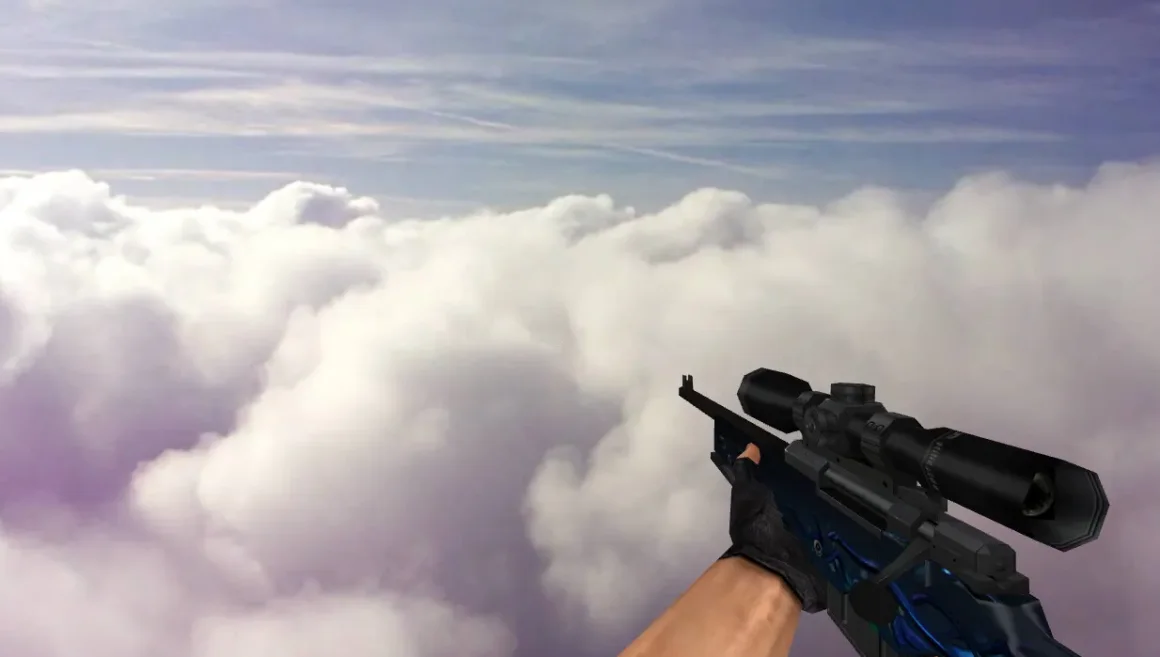
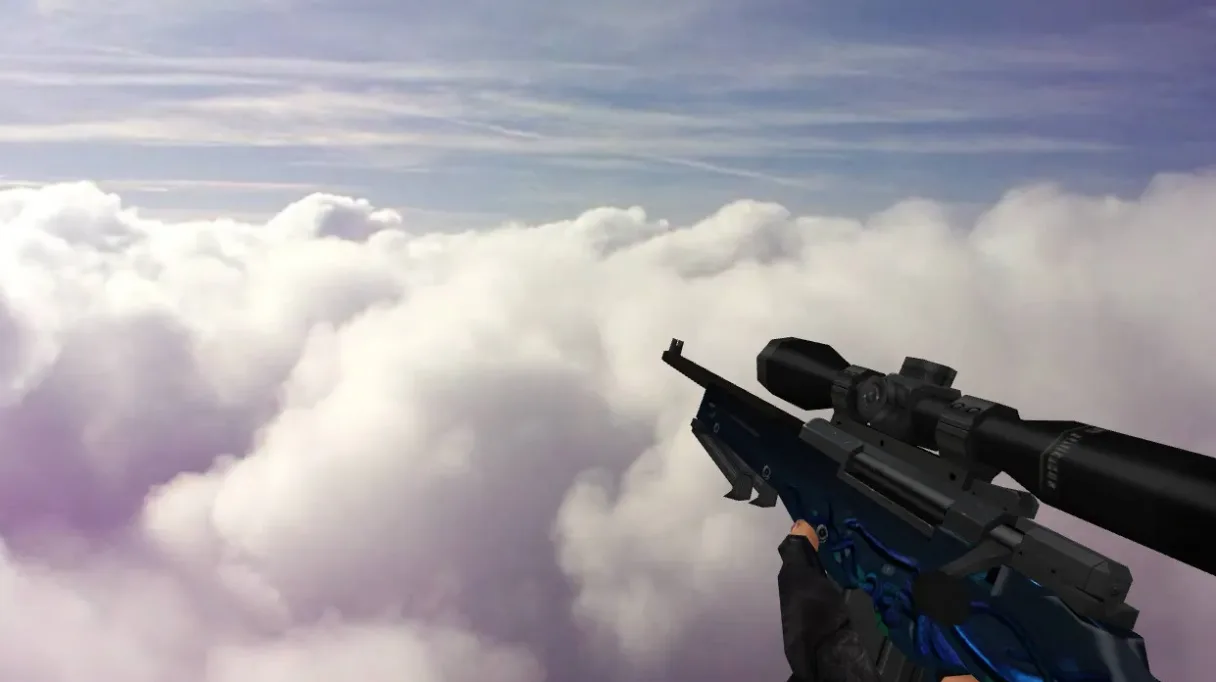
AWP Sport Shot Model for CS 1.6
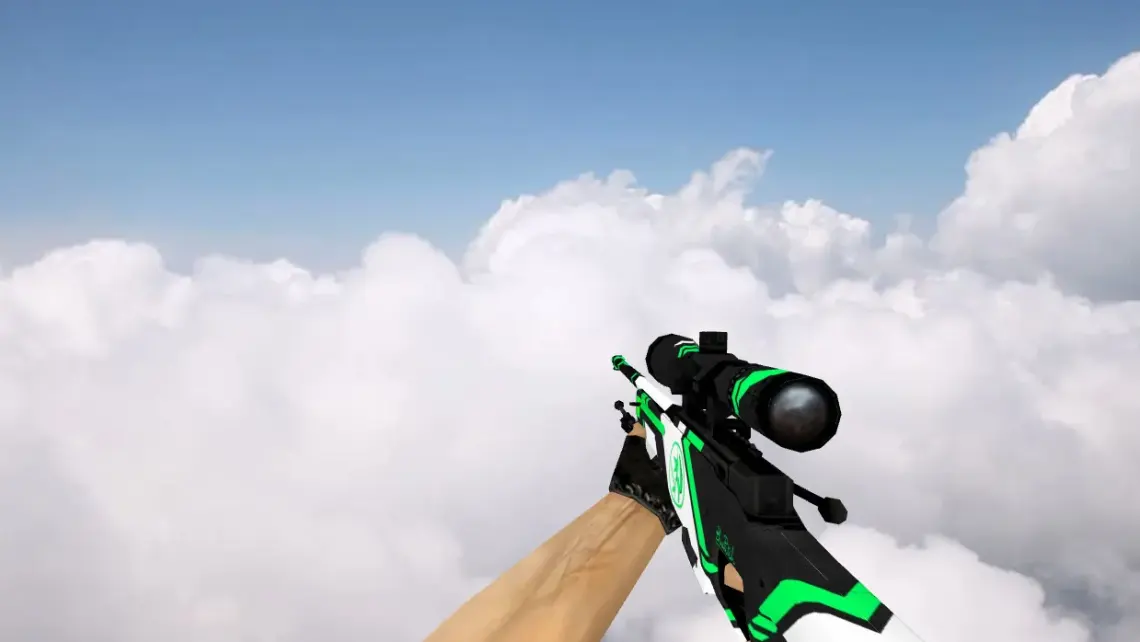
Description
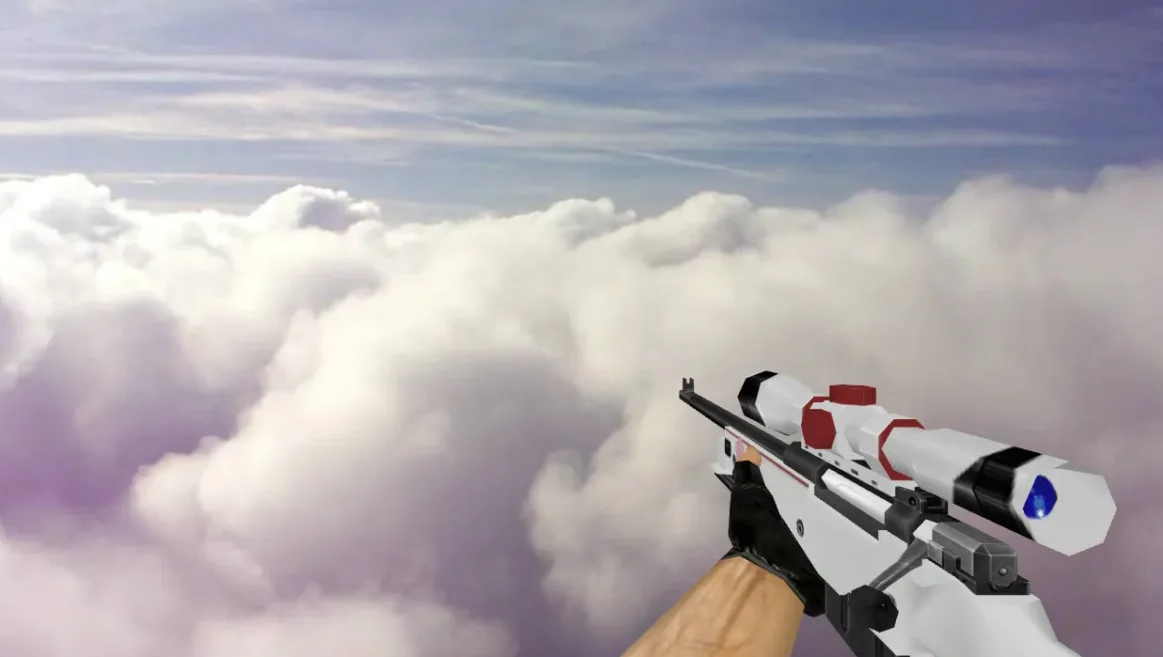
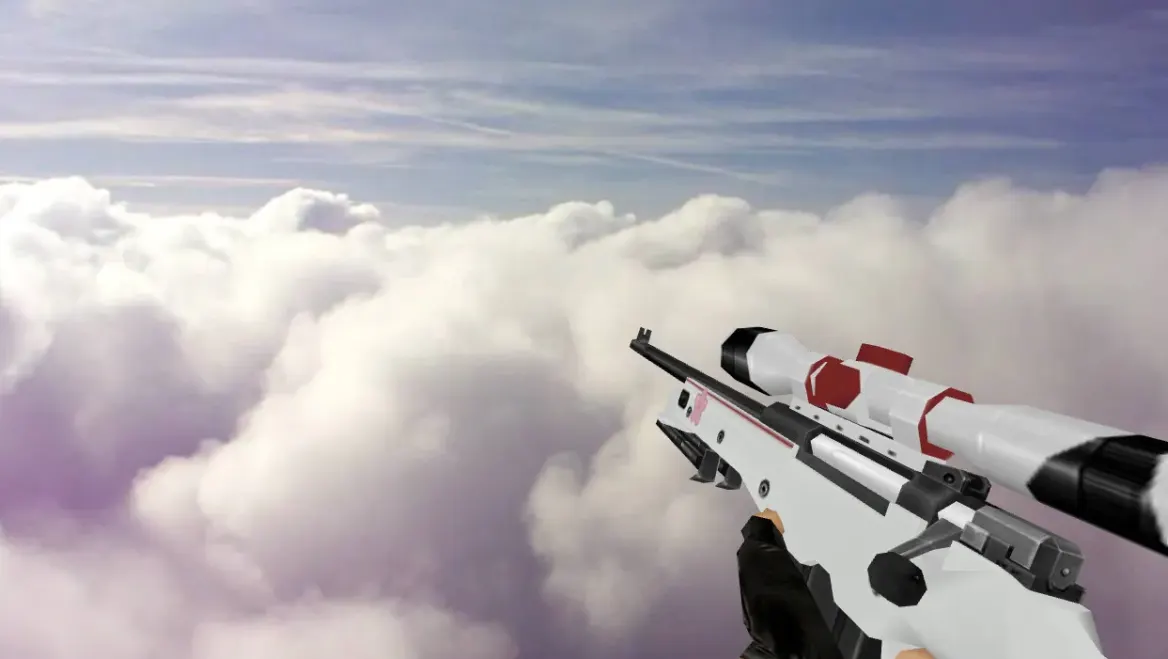
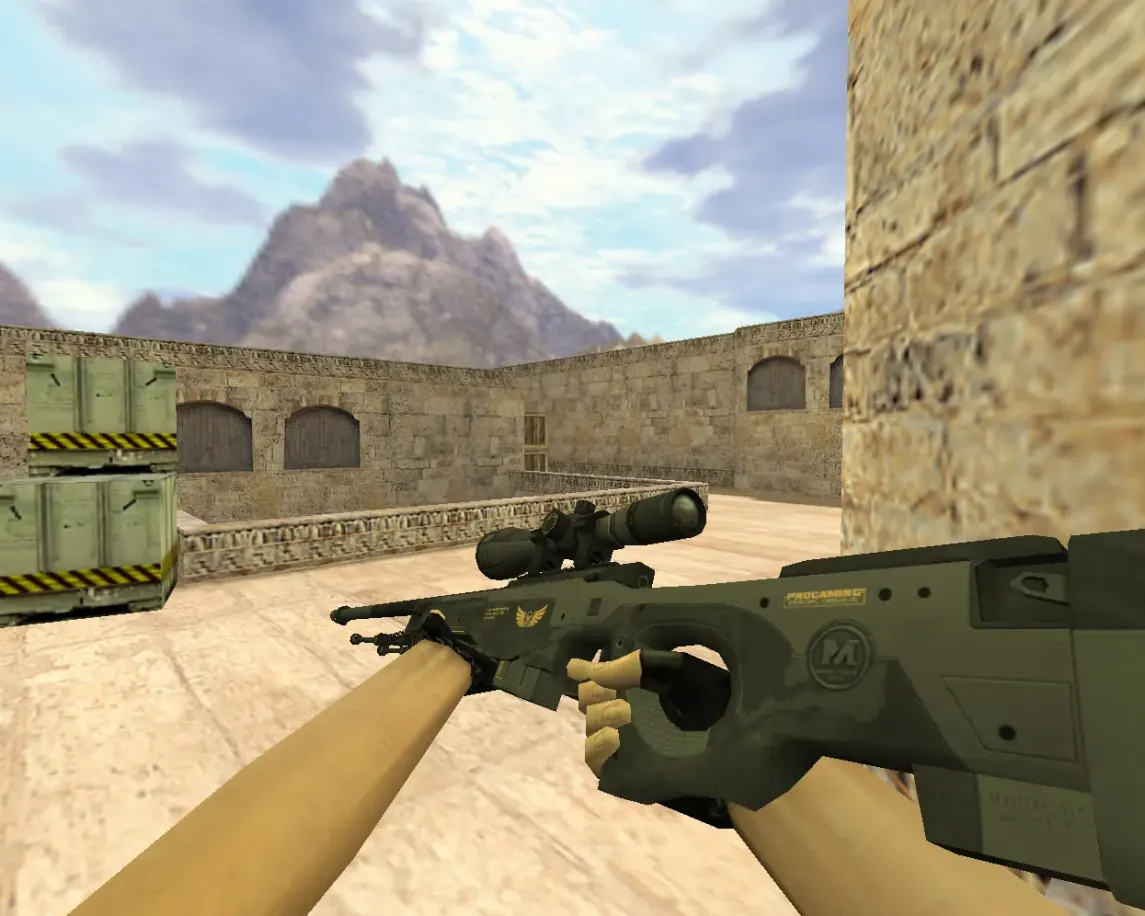
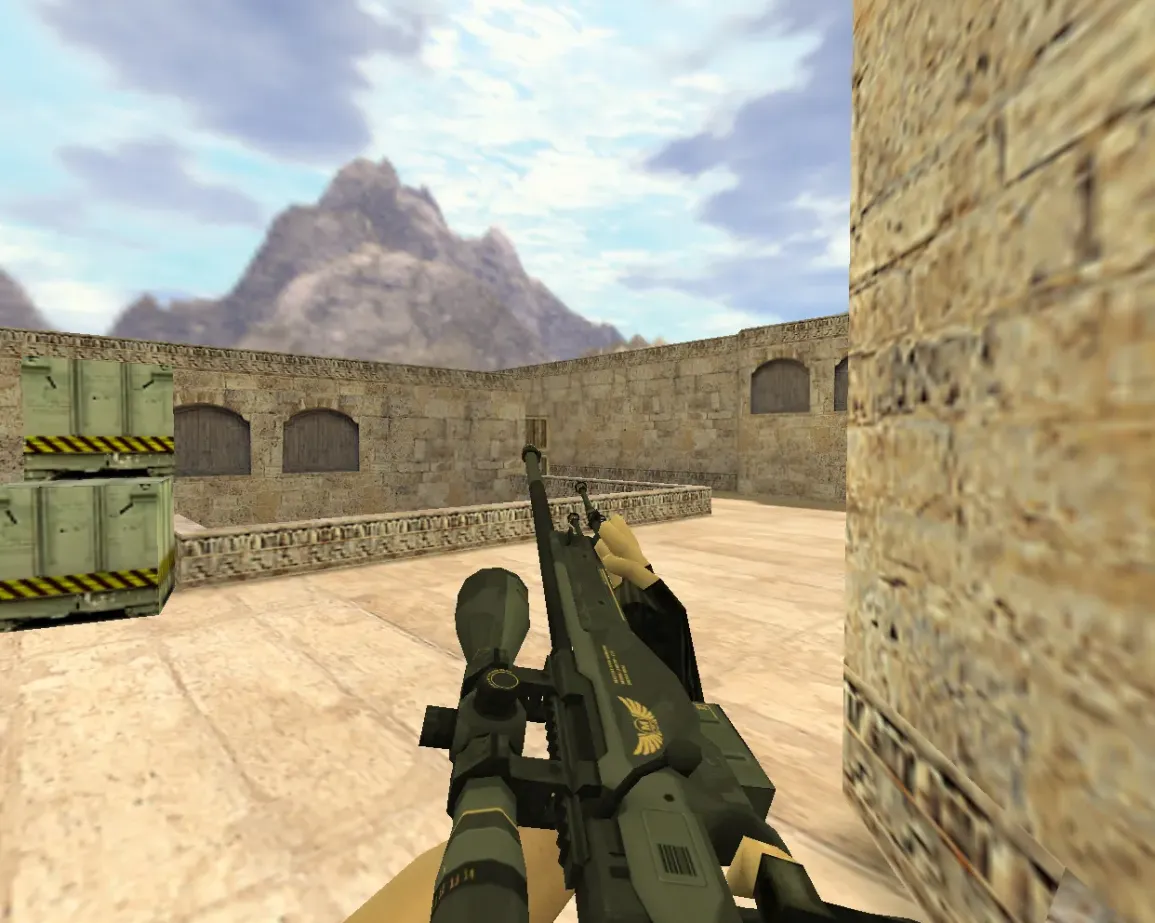
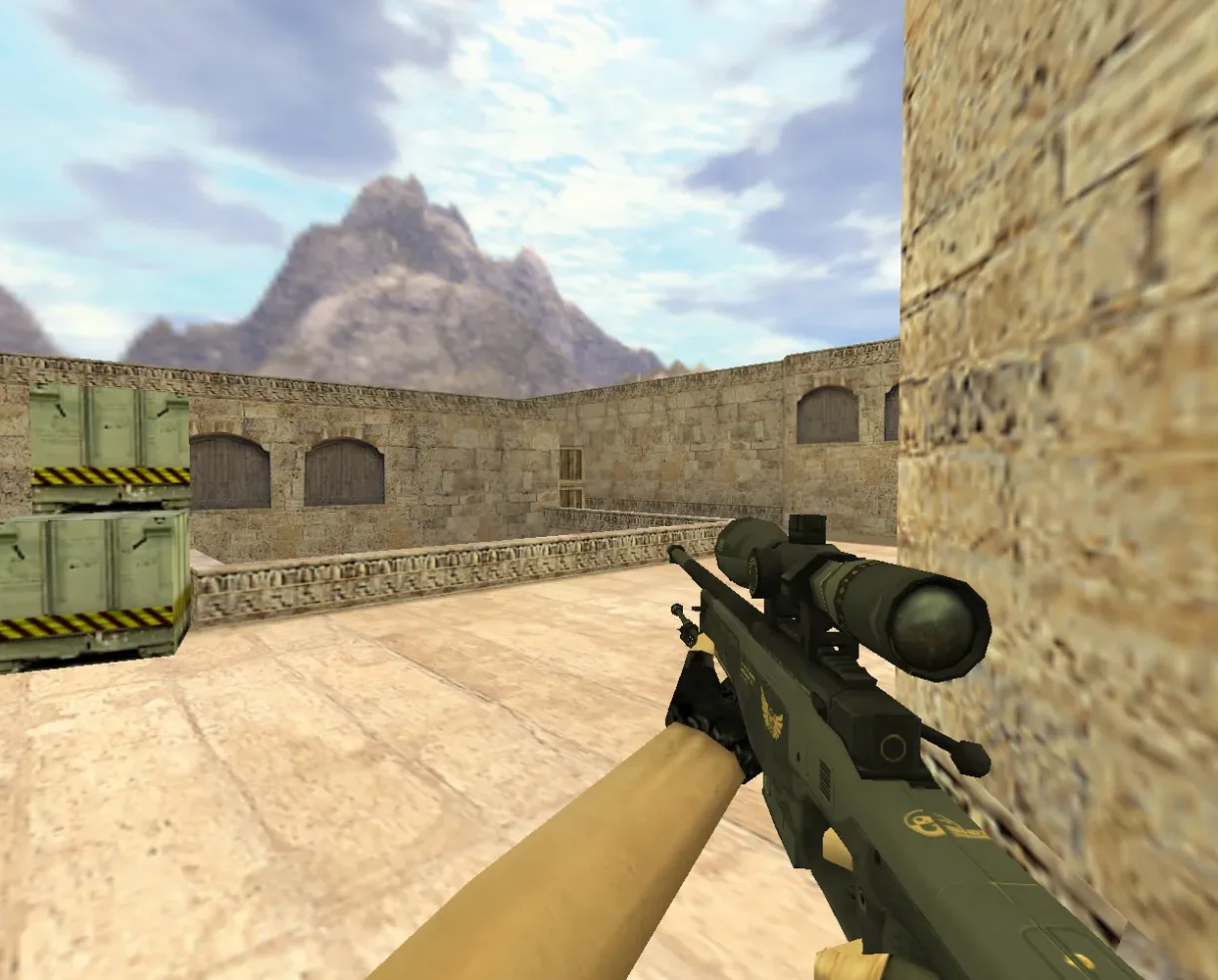
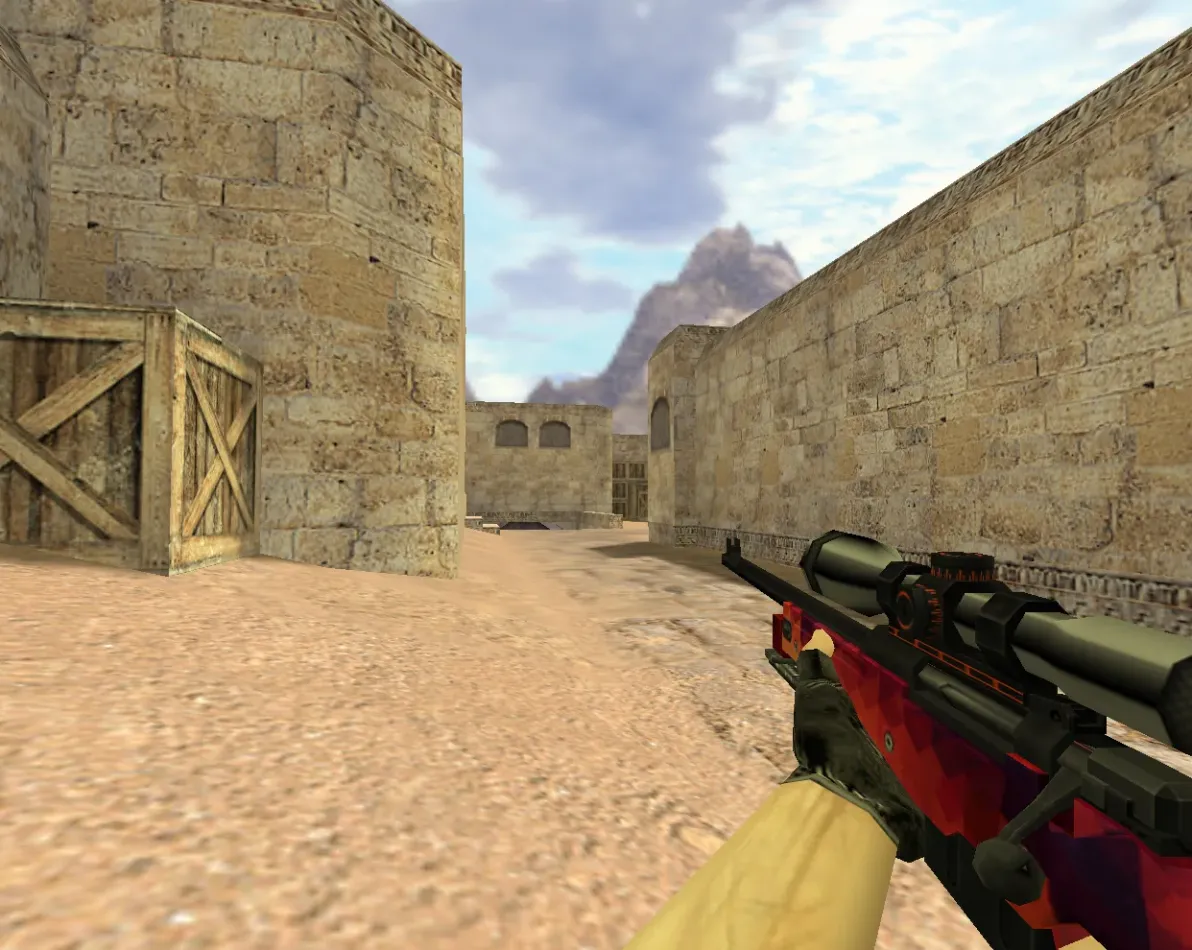
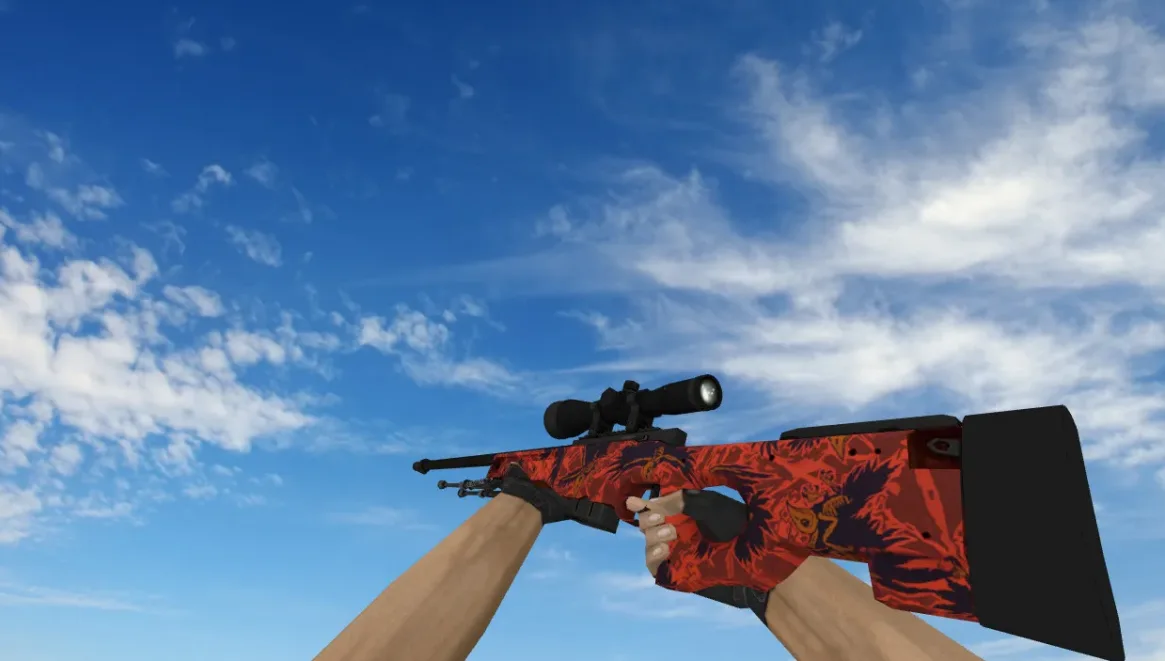
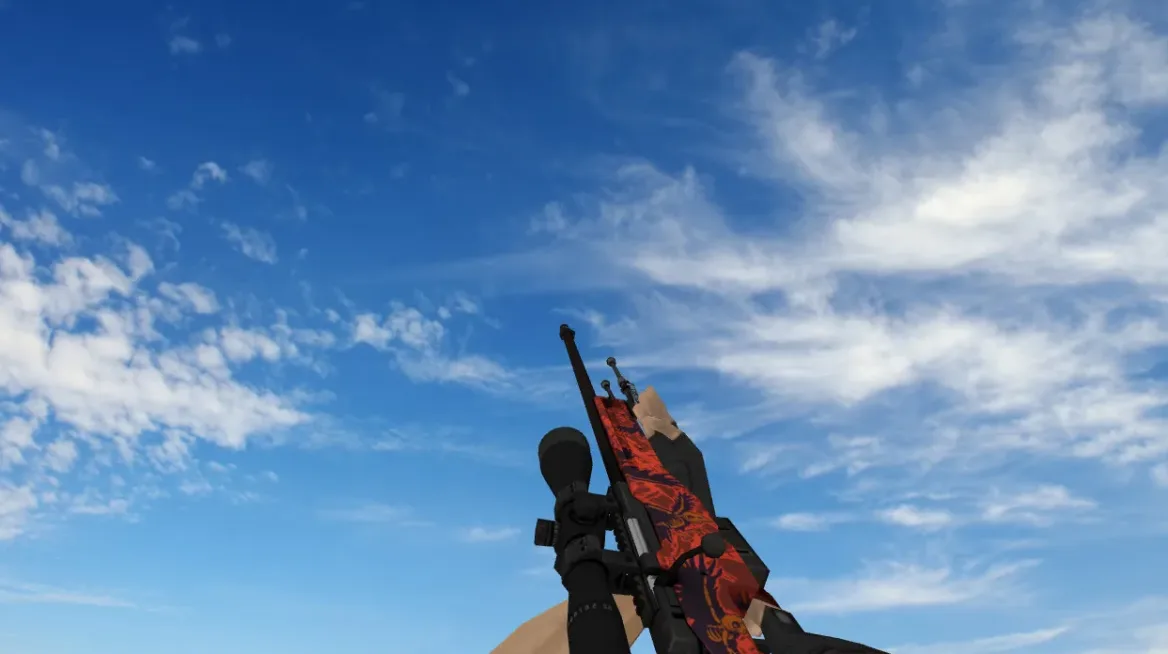
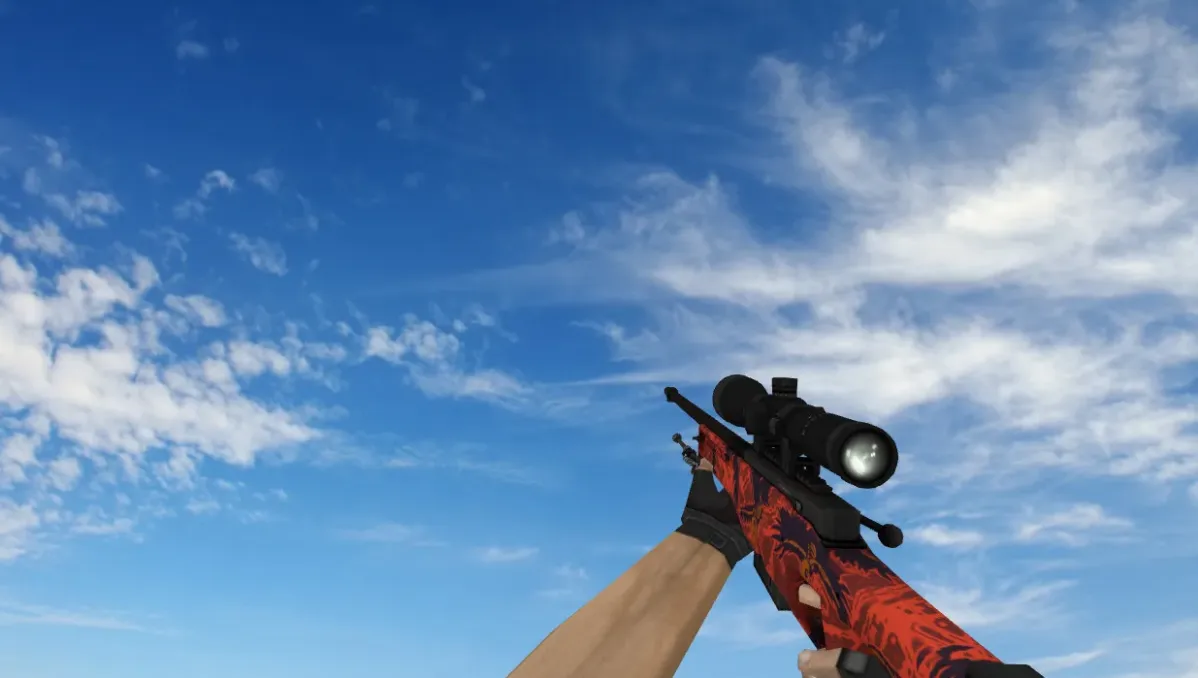
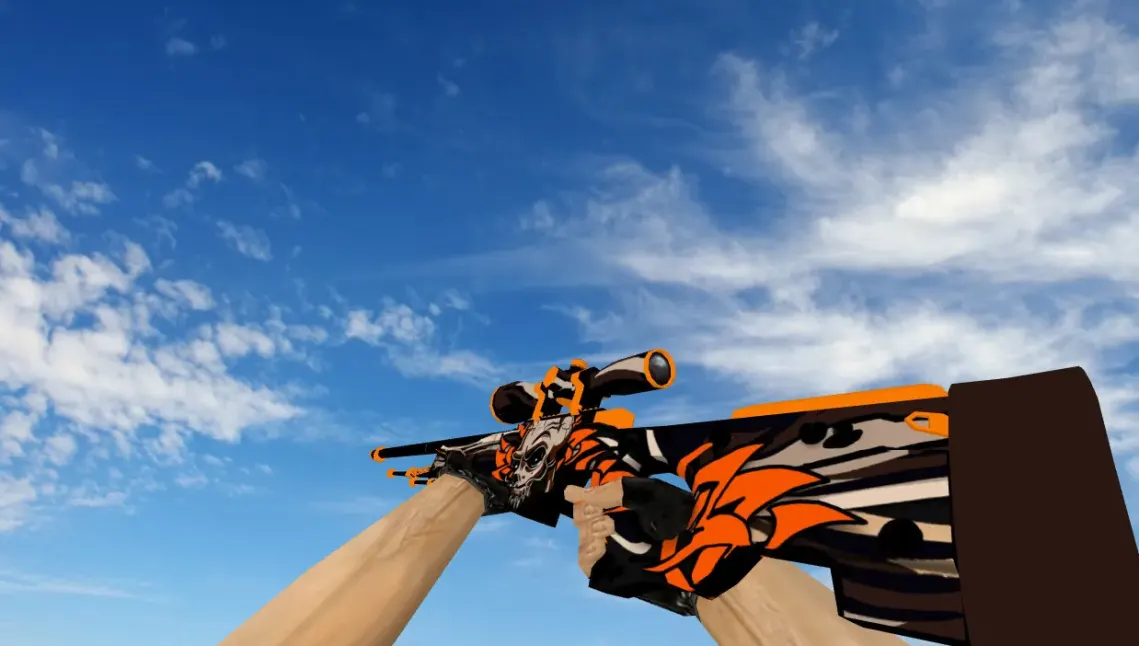
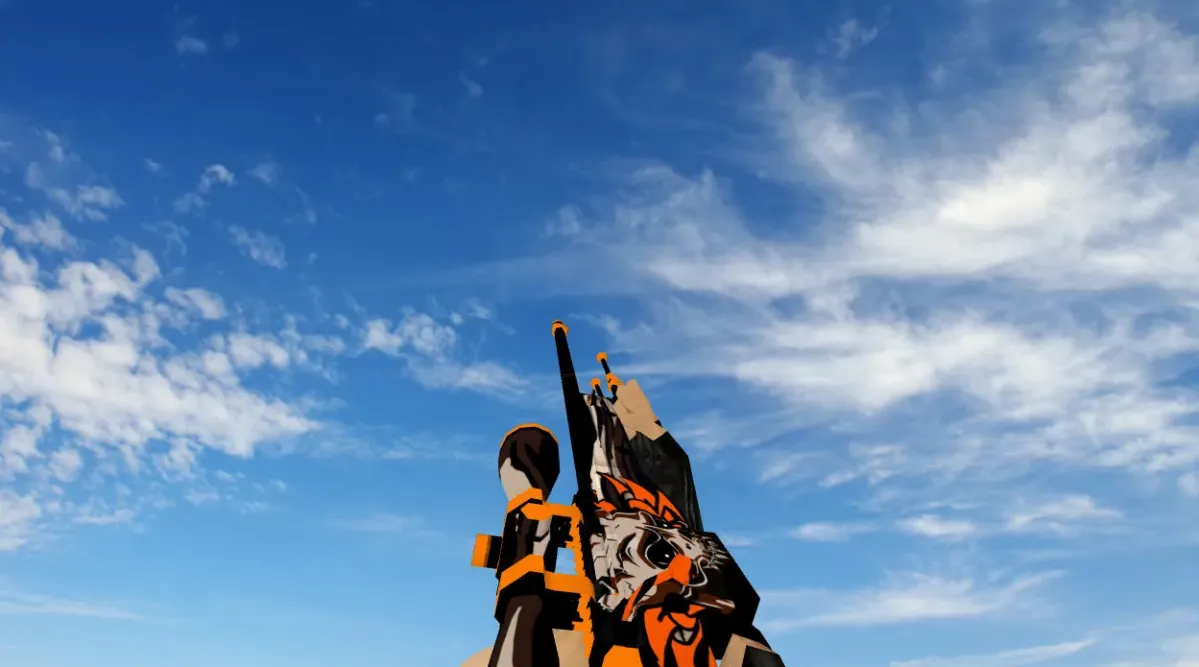
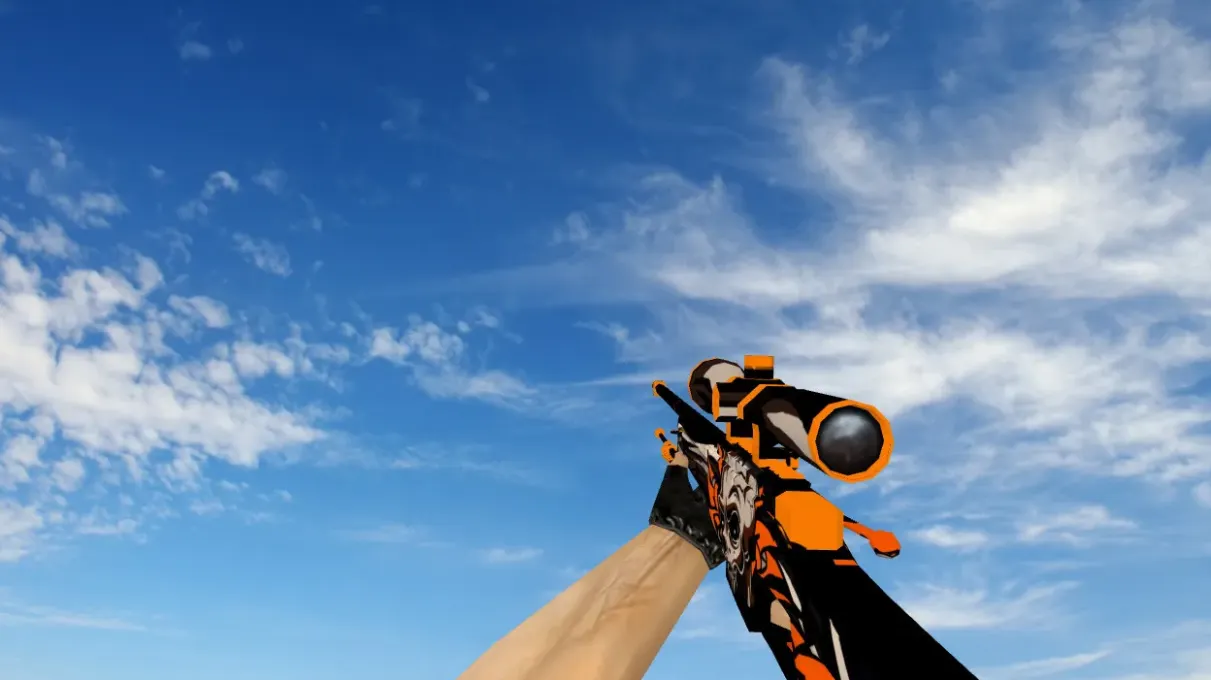
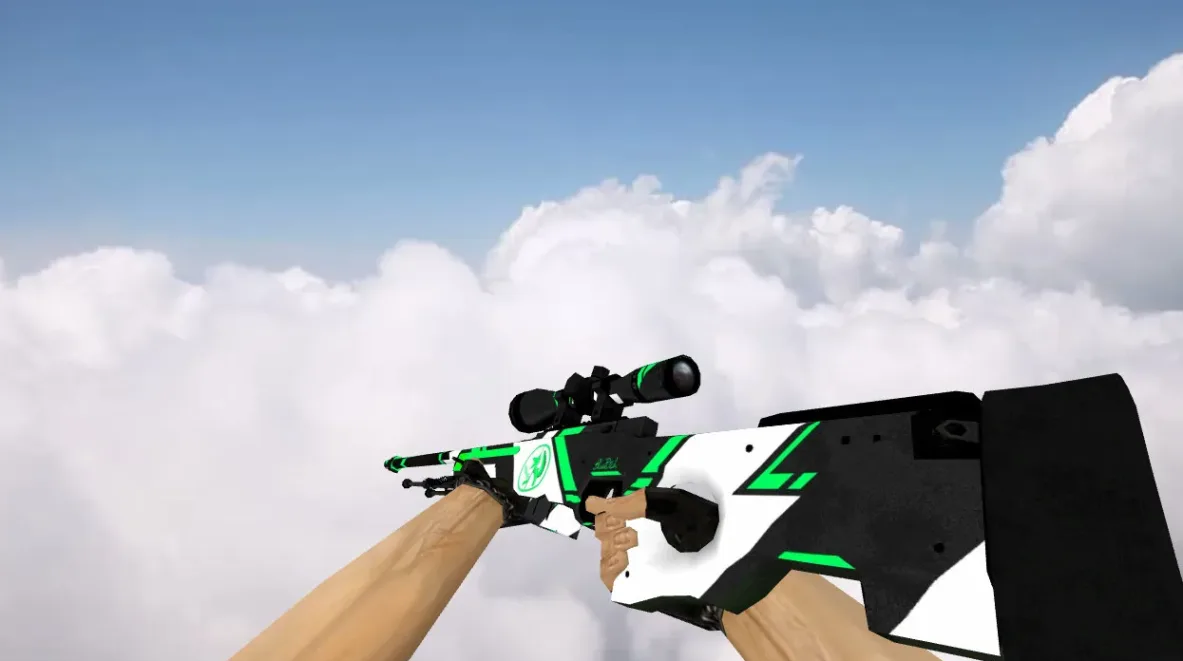
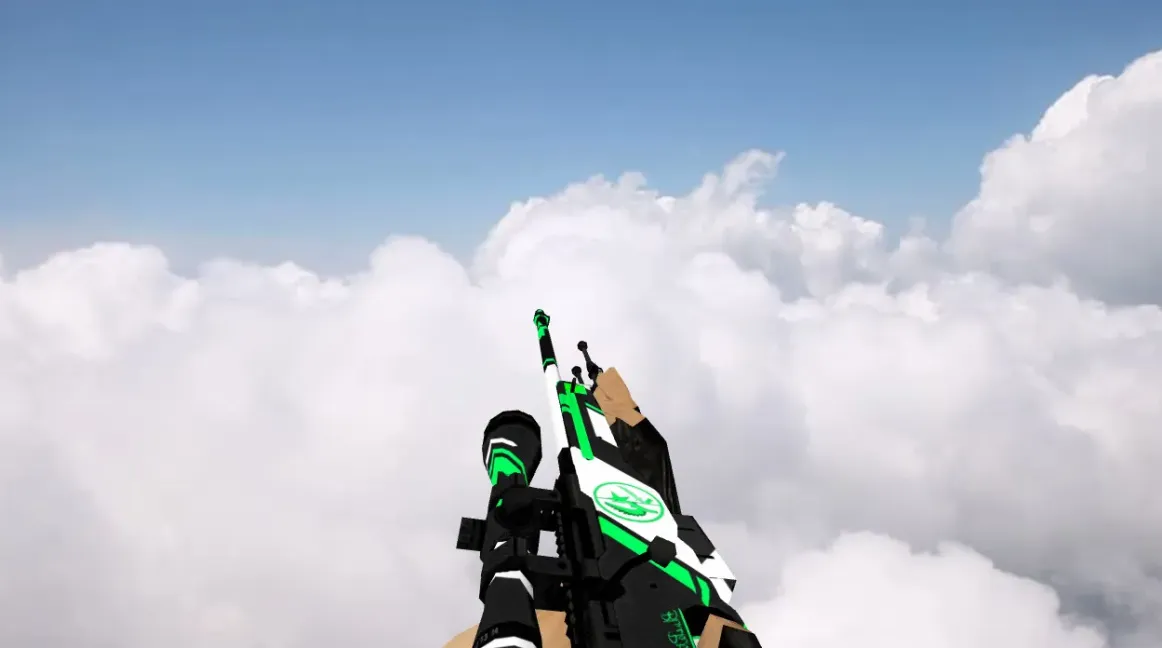
A replacement AWP model for Counter-Strike 1.6 with a new viewmodel, player model and world model, plus custom firing, reload and draw sounds.
- v_awp.mdl: first-person viewmodel
- p_awp.mdl: player model visible to other players
- w_awp.mdl: model of the weapon dropped on the ground
- Sound: custom shot sounds (awp1.wav, awp2.wav), bolt sounds, clip insertion and removal sounds, and a draw sound
To install, copy the contents of the awp-sport-shot folder from the archive into the cstrike folder, so the models and sound folders land directly in cstrike. The original files are replaced by the ones in the archive.
Archive contents
11 files, 13.2 MB uncompressed. Copy the contents of the awp-sport-shot folder from the archive into the cstrike folder inside the game folder.
- awp-sport-shot/models/p_awp.mdl 4.2 MB
- awp-sport-shot/models/v_awp.mdl 4.4 MB
- awp-sport-shot/models/w_awp.mdl 4.2 MB
- awp-sport-shot/sound/weapons/awp1.wav 178 KB
- awp-sport-shot/sound/weapons/awp2.wav 178 KB
- awp-sport-shot/sound/weapons/awp_boltdown.wav 9 KB
- awp-sport-shot/sound/weapons/awp_boltup.wav 14 KB
- awp-sport-shot/sound/weapons/awp_clipin.wav 13 KB
- awp-sport-shot/sound/weapons/awp_clipout.wav 6 KB
- awp-sport-shot/sound/weapons/awp_cliptap.wav 12 KB
- awp-sport-shot/sound/weapons/awp_draw.wav 32 KB
Install in three steps
-
1
Download the archive. Use the button on the right, or the Yandex.Disk mirror if the main server is slow.
-
2
Extract it into the game folder. Use 7-Zip or WinRAR. A path without non-Latin characters works best.
-
3
Launch the game. If something doesn't work, mark it below - that is how we know the file needs an update.
Did it work for you?
No sign-up needed. You can pick more than one.