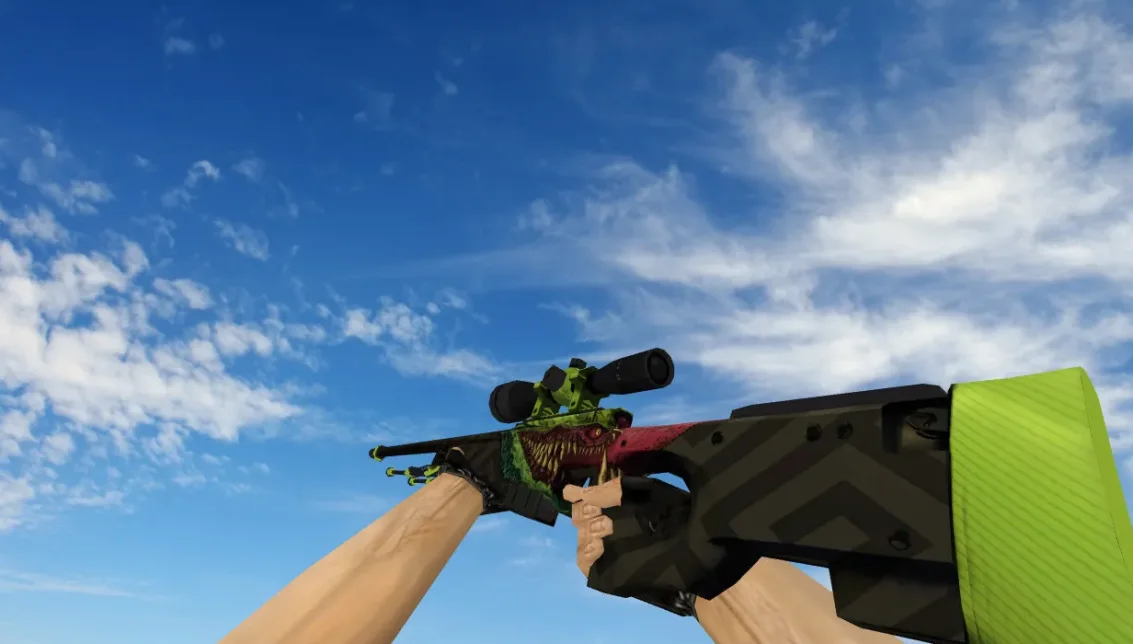
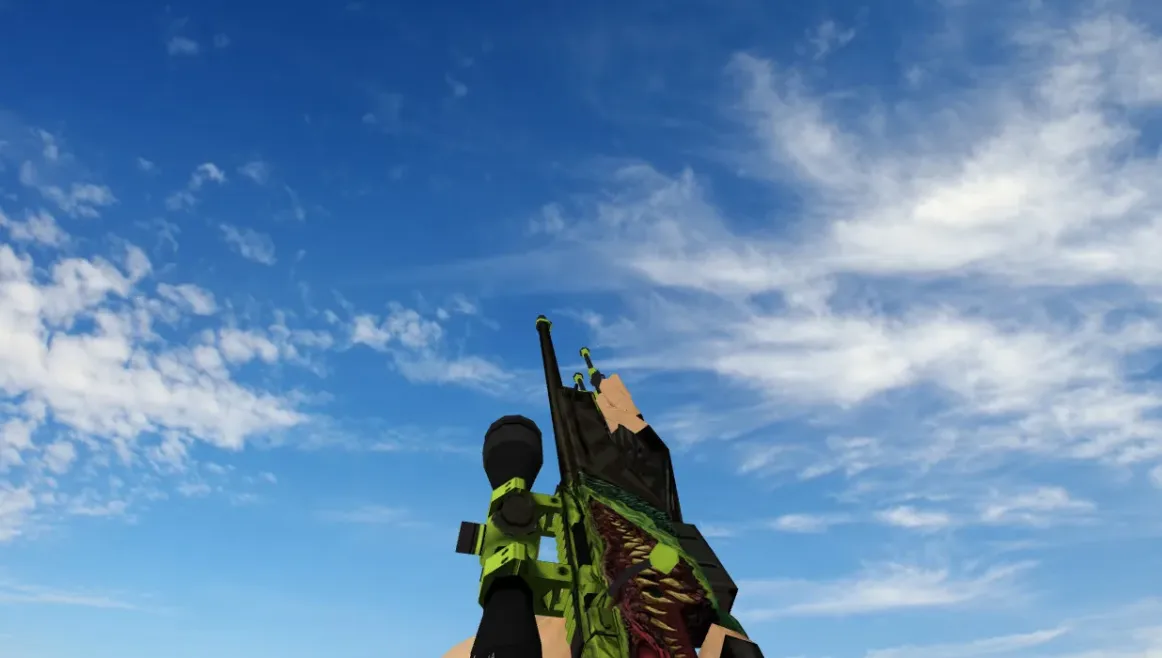
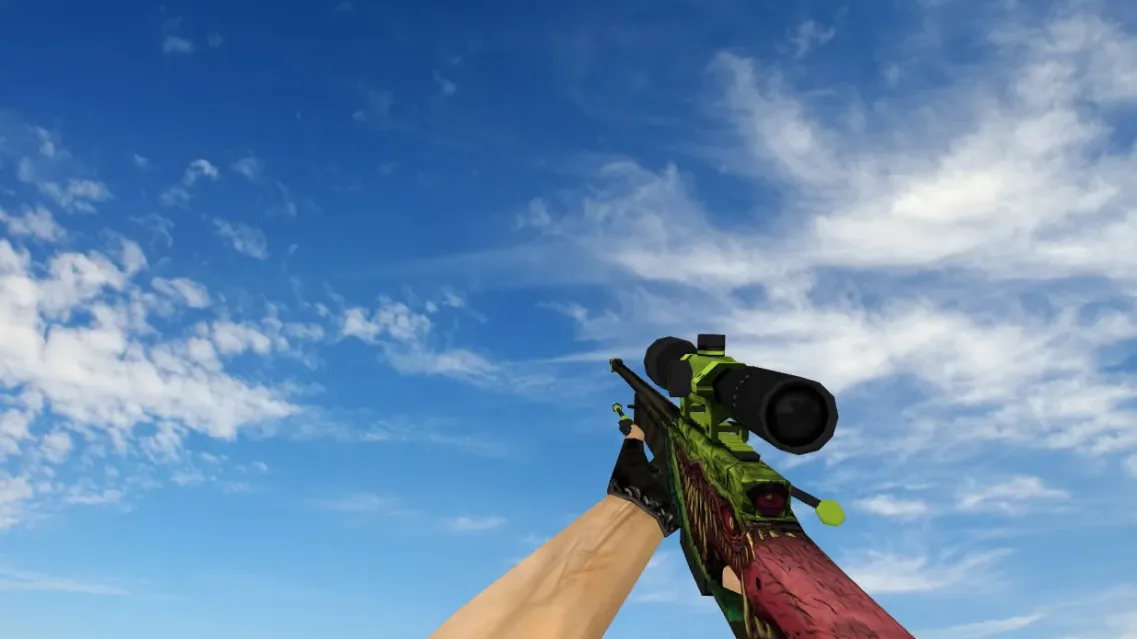
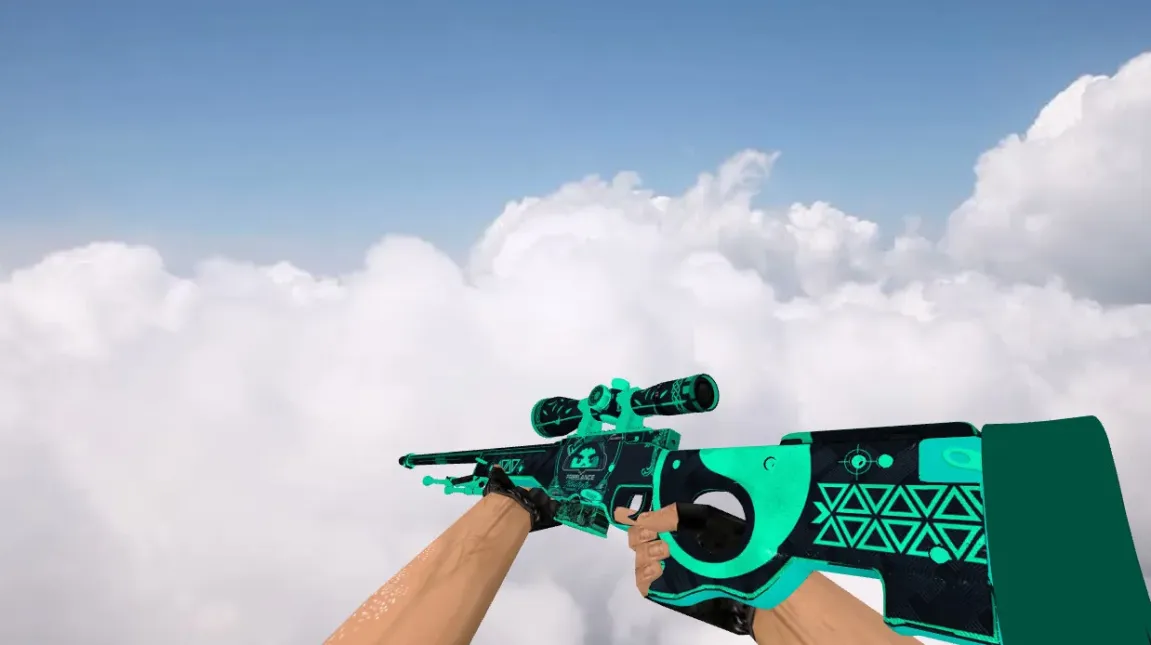
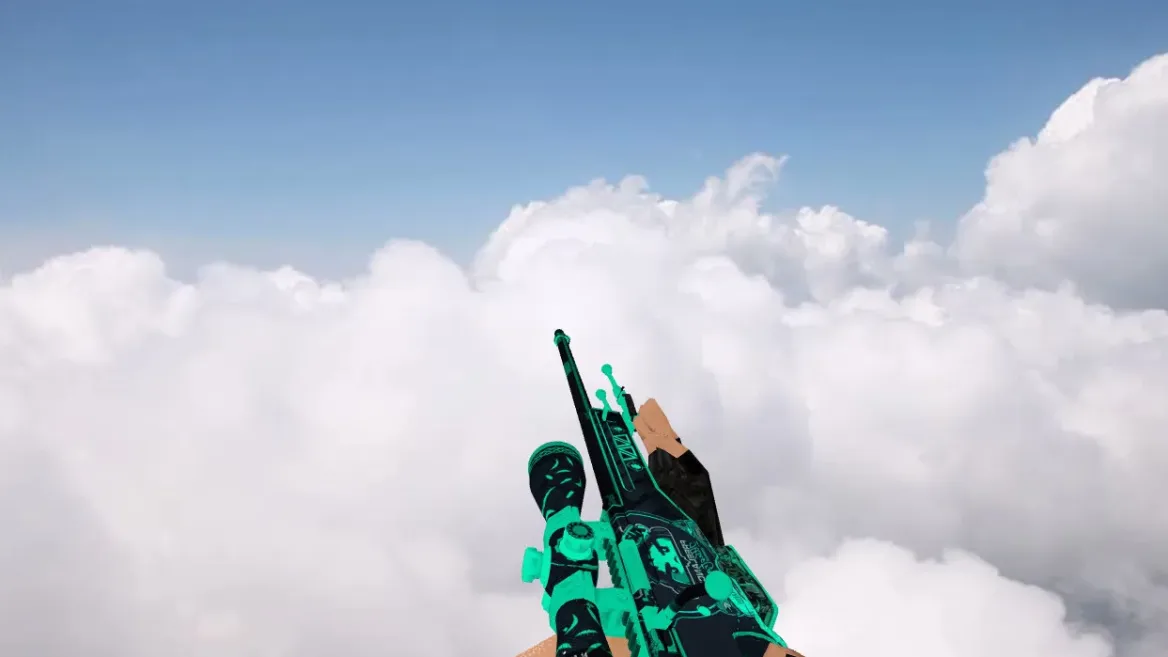
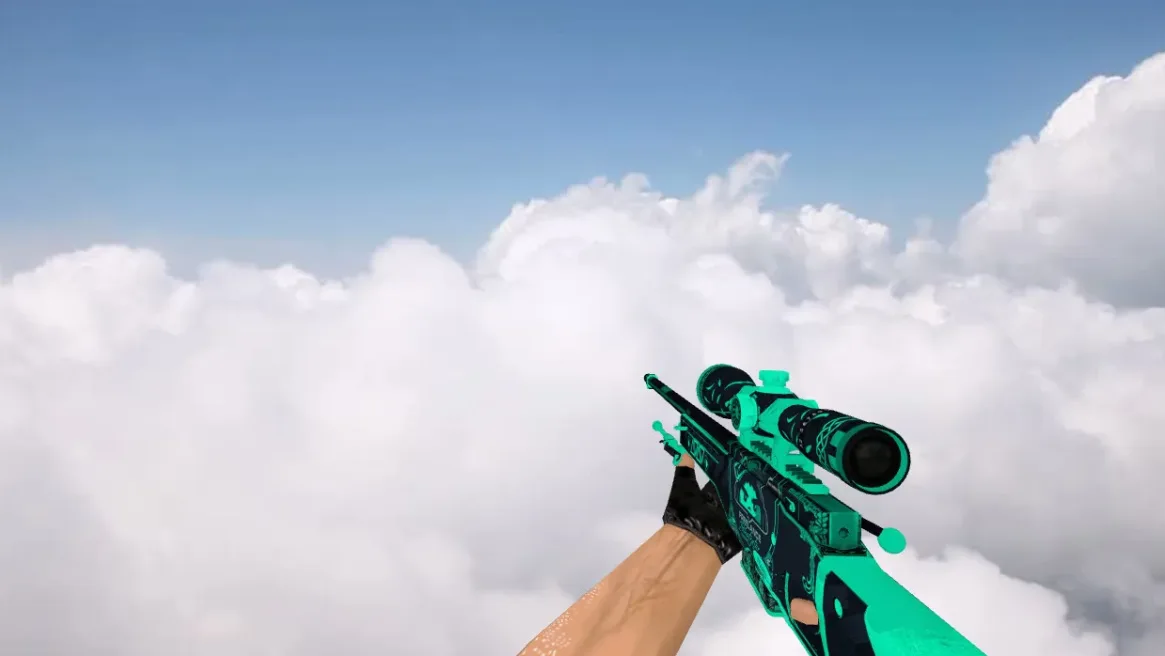
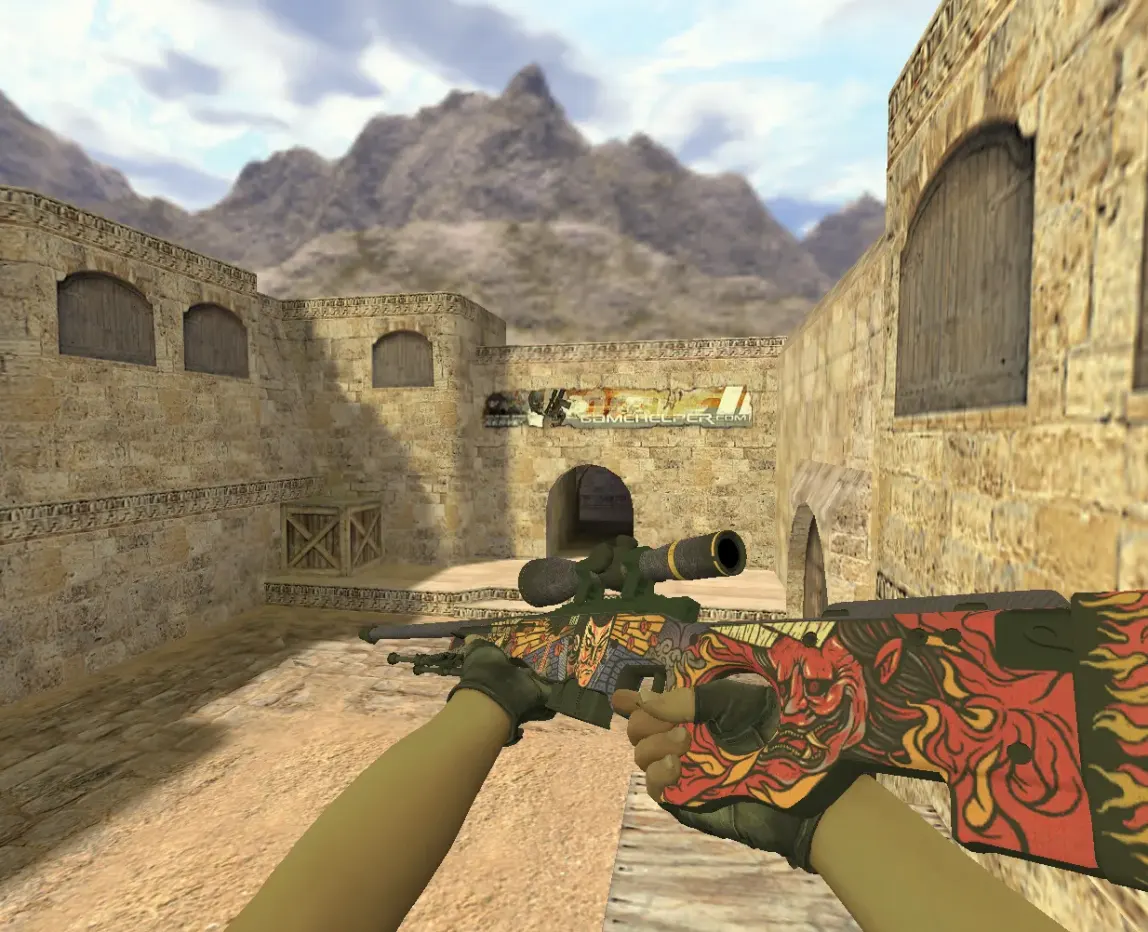
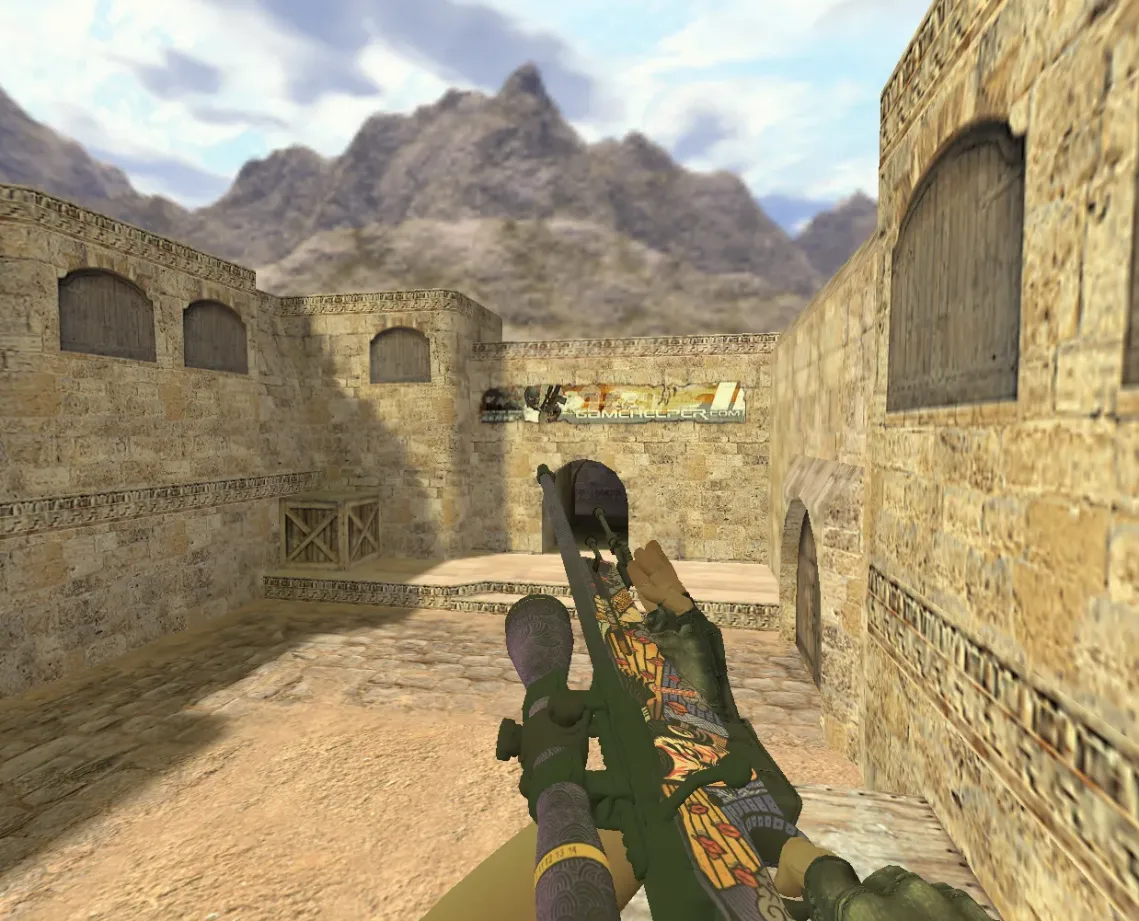
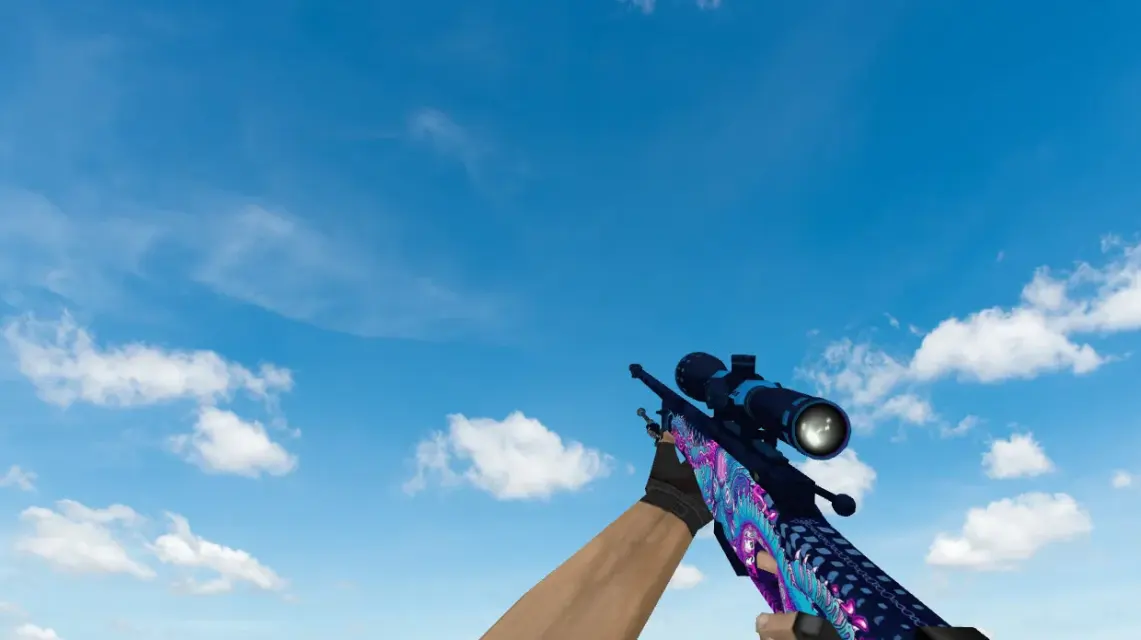
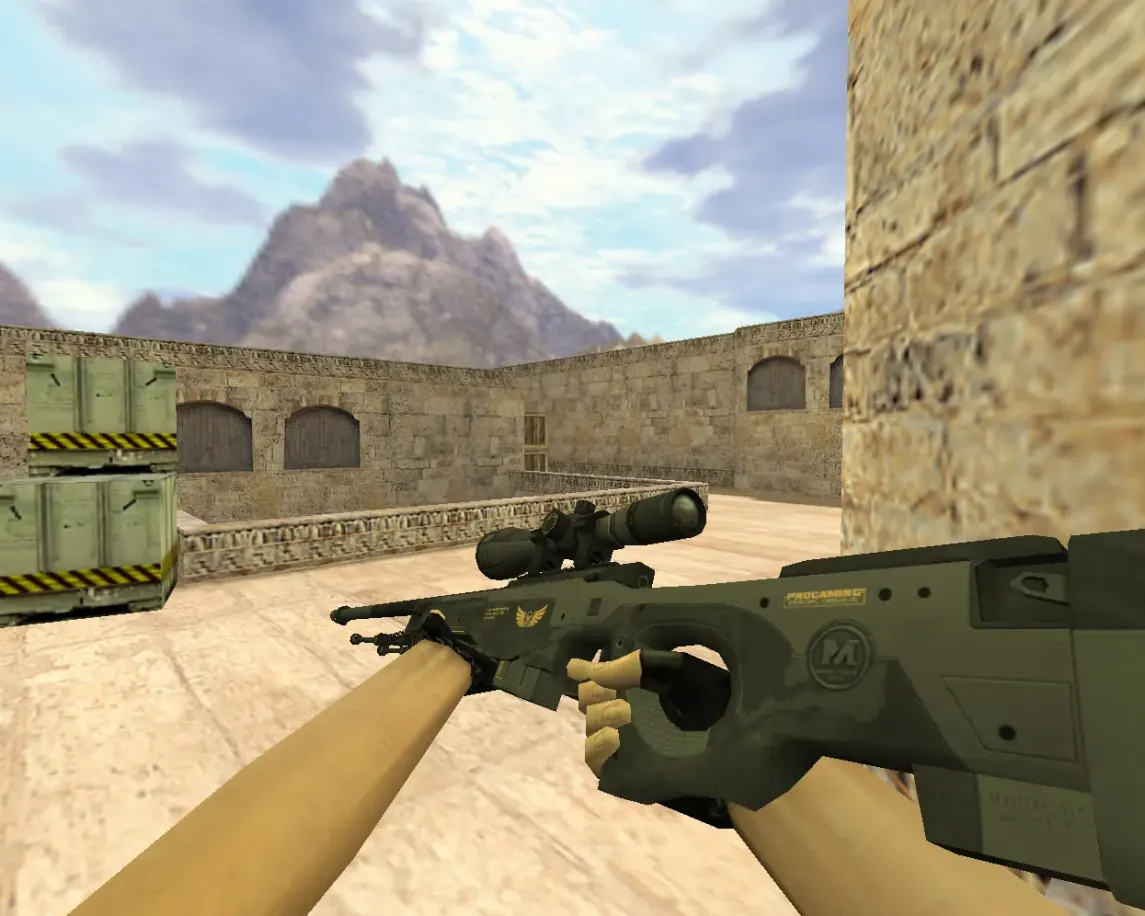
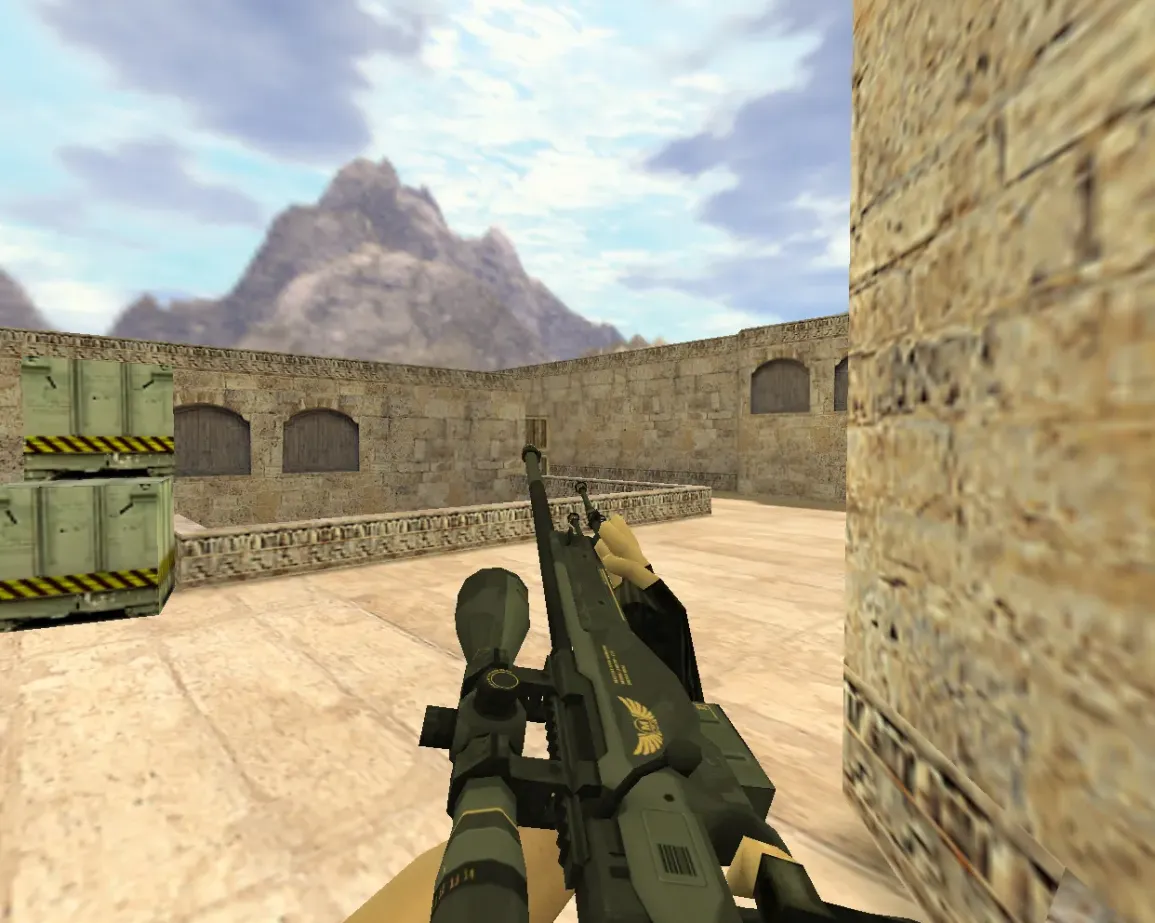
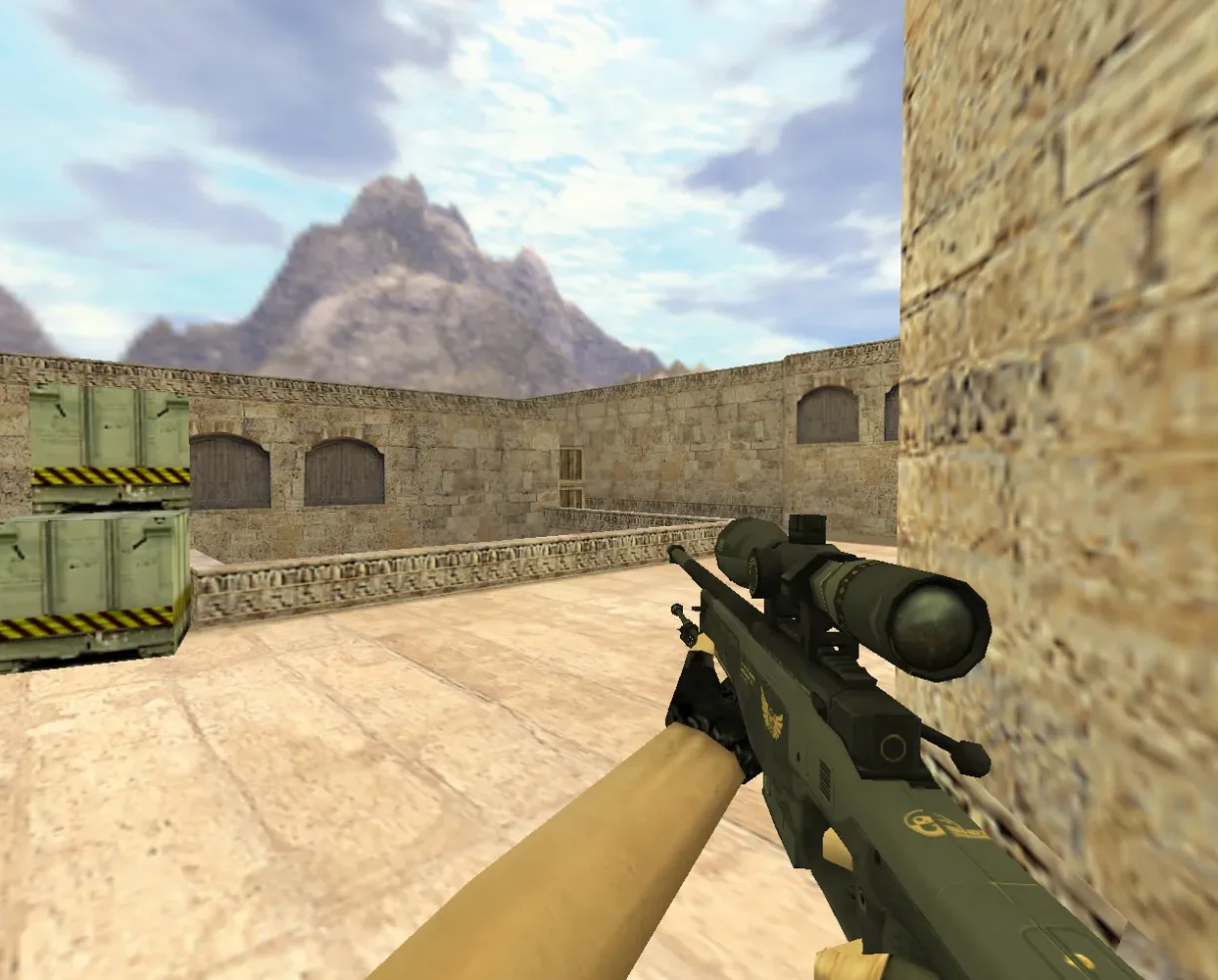
AWP Federation v2 Model for CS 1.6
Description
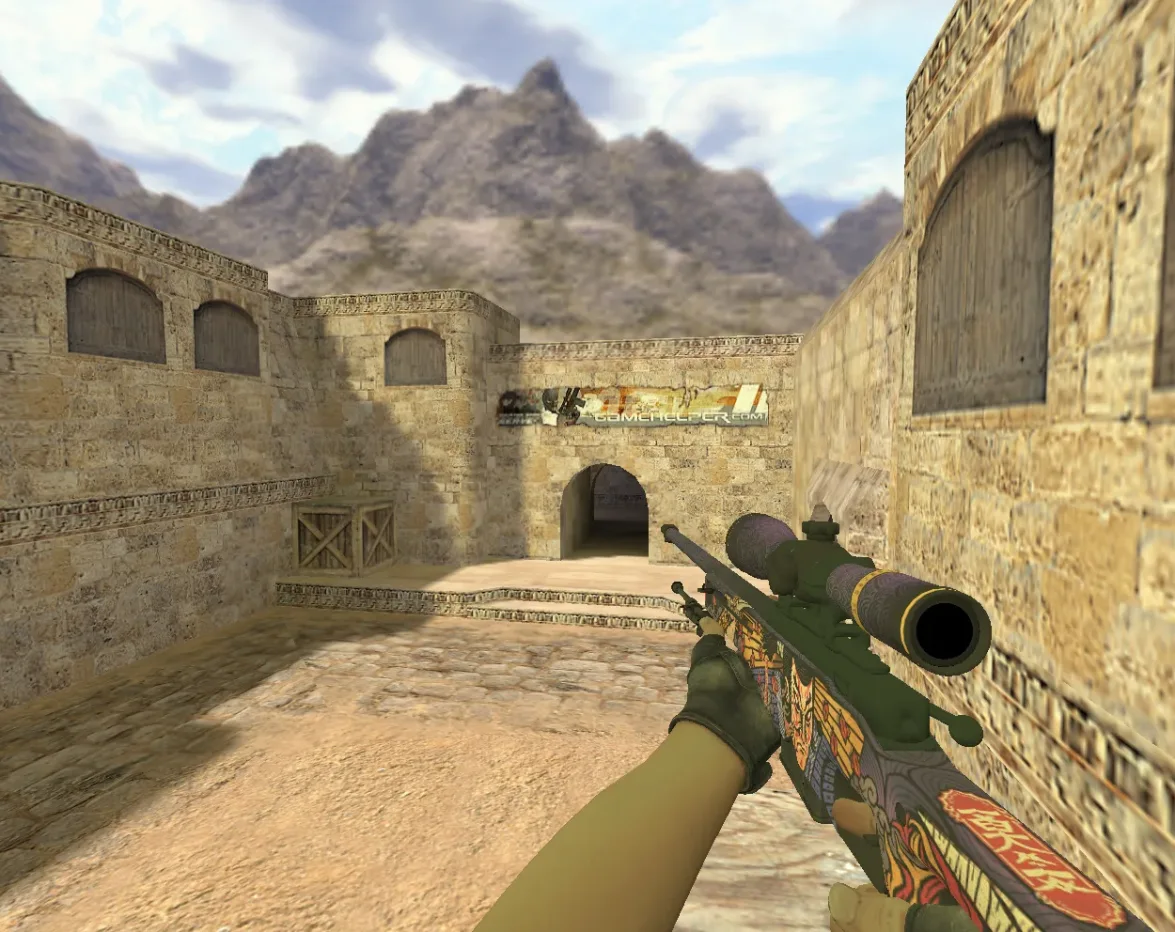
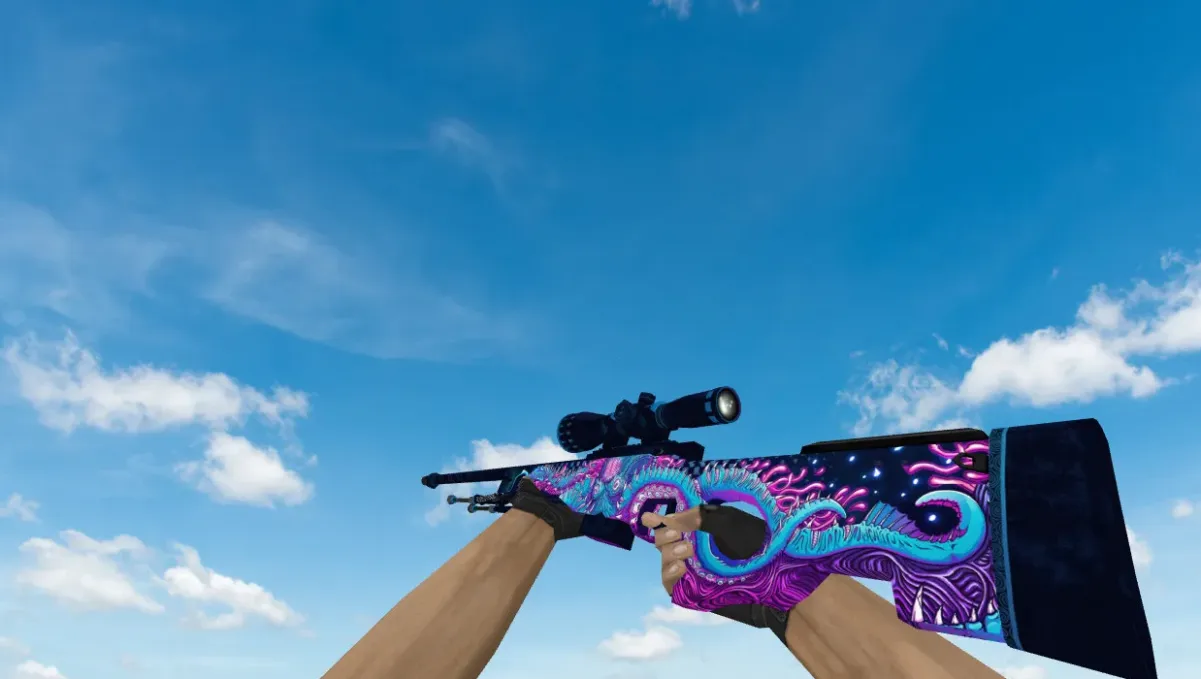
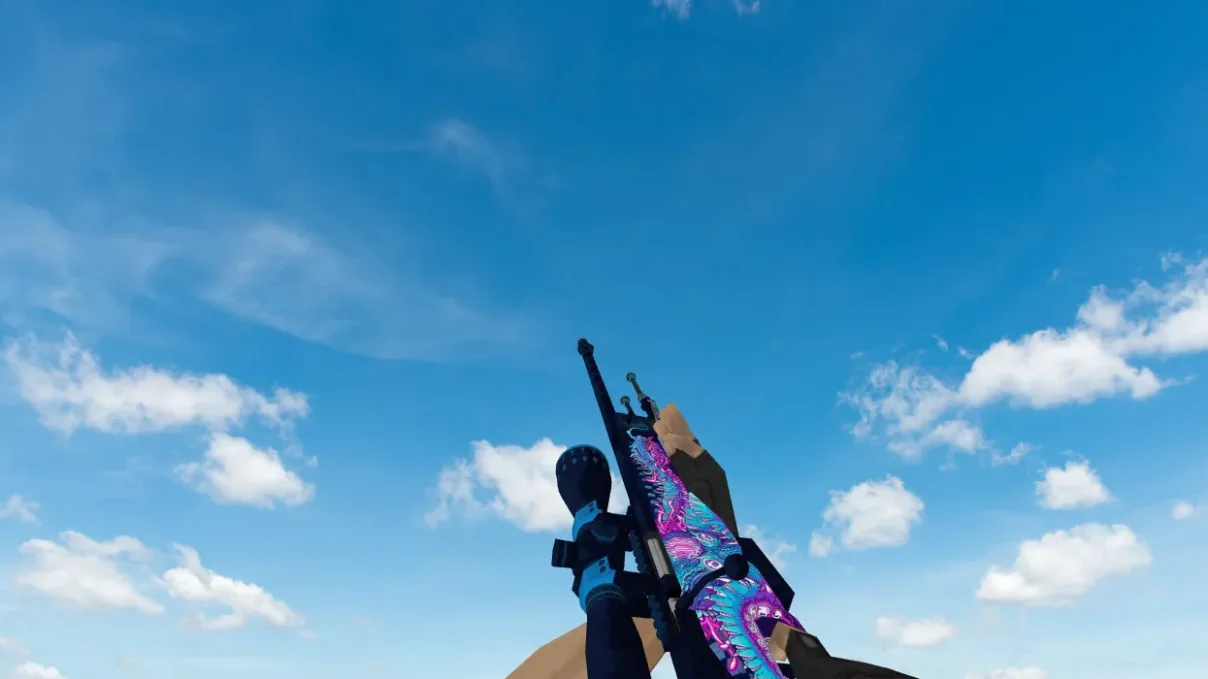
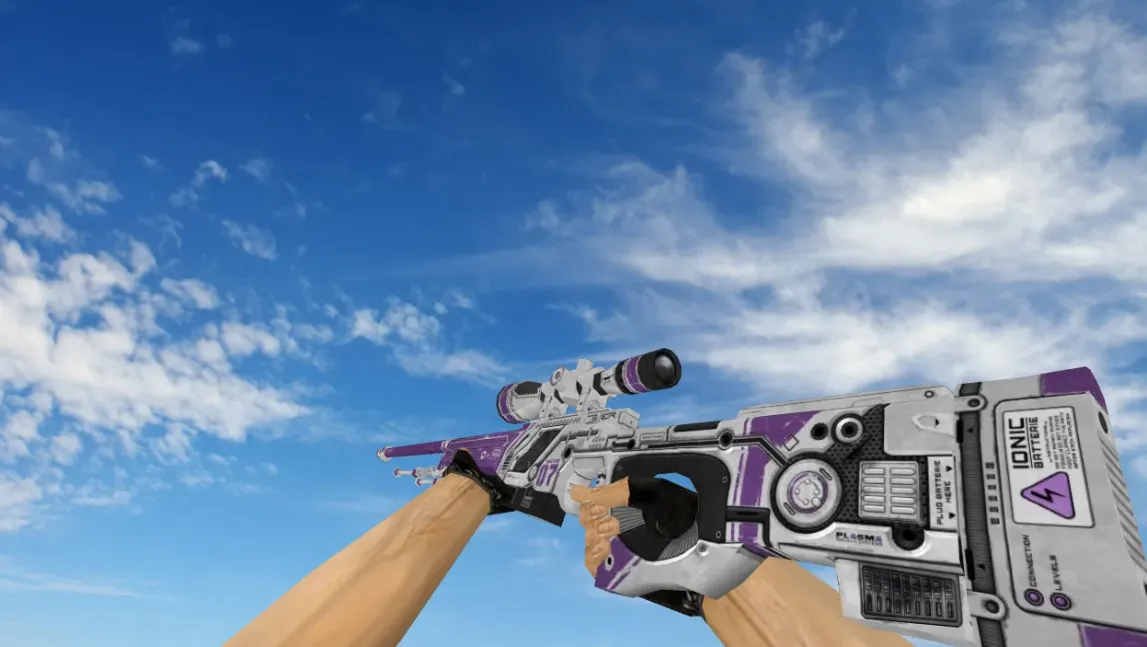
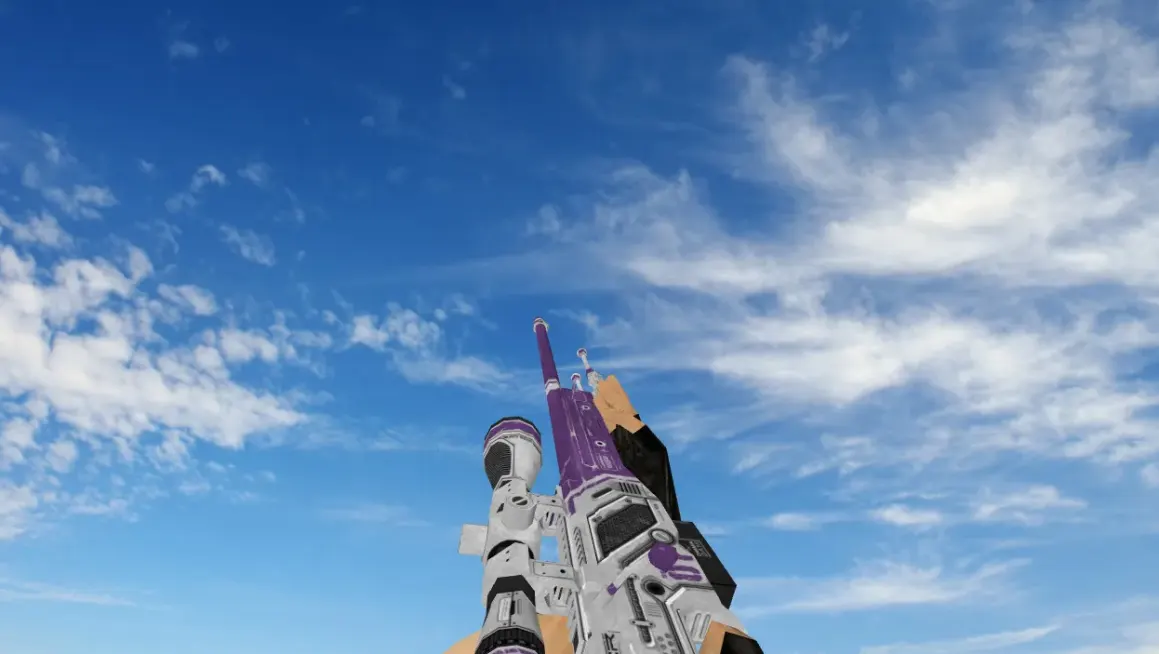
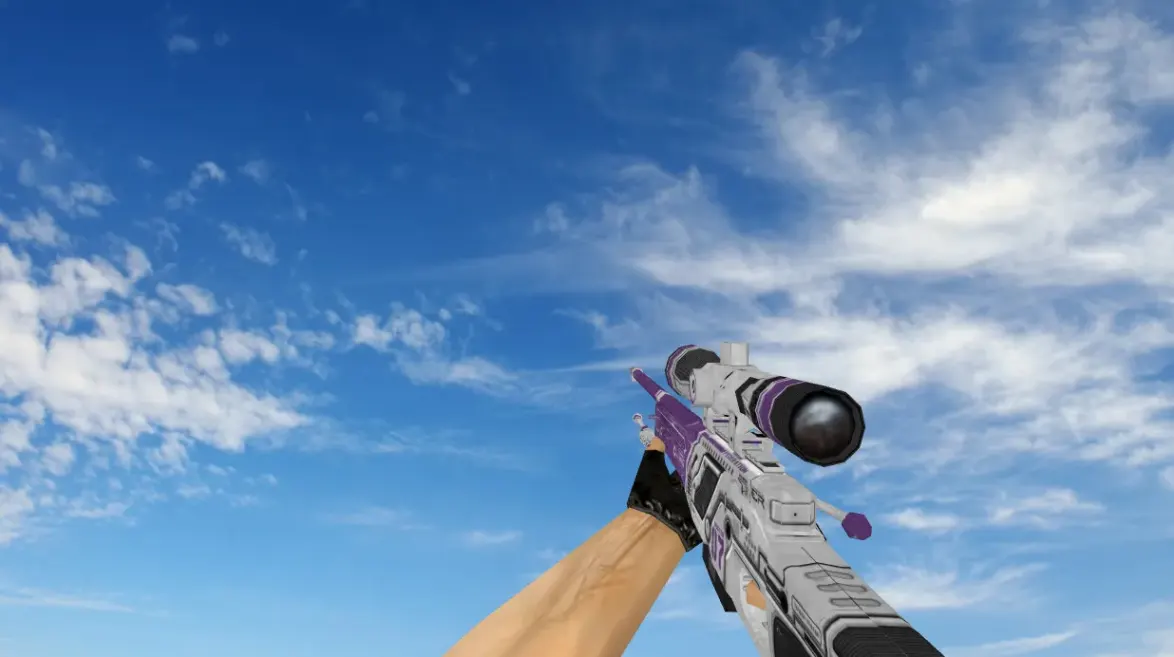
A replacement AWP model for Counter-Strike 1.6 with 1024x1024 textures, custom reload and bolt sounds, and reworked animations. The archive includes the v_awp, p_awp and w_awp models, which cover the first-person view, the player model and the dropped weapon.
- Viewmodel: v_awp.mdl for first-person use;
- Player model: p_awp.mdl;
- World model: w_awp.mdl, for the weapon on the ground;
- Sounds: awp1.wav, awp2.wav and the bolt, clip and draw sounds in sound/weapons/.
Copy the contents of the awp-federation-v2 folder into cstrike, then overwrite the default AWP files when prompted.
Archive contents
11 files, 6.1 MB uncompressed. Copy the contents of the awp-federation-v2 folder from the archive into the cstrike folder inside the game folder.
- awp-federation-v2/models/p_awp.mdl 669 KB
- awp-federation-v2/models/v_awp.mdl 4.4 MB
- awp-federation-v2/models/w_awp.mdl 628 KB
- awp-federation-v2/sound/weapons/awp1.wav 178 KB
- awp-federation-v2/sound/weapons/awp2.wav 178 KB
- awp-federation-v2/sound/weapons/awp_boltdown.wav 9 KB
- awp-federation-v2/sound/weapons/awp_boltup.wav 14 KB
- awp-federation-v2/sound/weapons/awp_clipin.wav 13 KB
- awp-federation-v2/sound/weapons/awp_clipout.wav 6 KB
- awp-federation-v2/sound/weapons/awp_cliptap.wav 12 KB
- awp-federation-v2/sound/weapons/awp_draw.wav 32 KB
Install in three steps
-
1
Download the archive. Use the button on the right, or the Yandex.Disk mirror if the main server is slow.
-
2
Extract it into the game folder. Use 7-Zip or WinRAR. A path without non-Latin characters works best.
-
3
Launch the game. If something doesn't work, mark it below - that is how we know the file needs an update.
Did it work for you?
No sign-up needed. You can pick more than one.