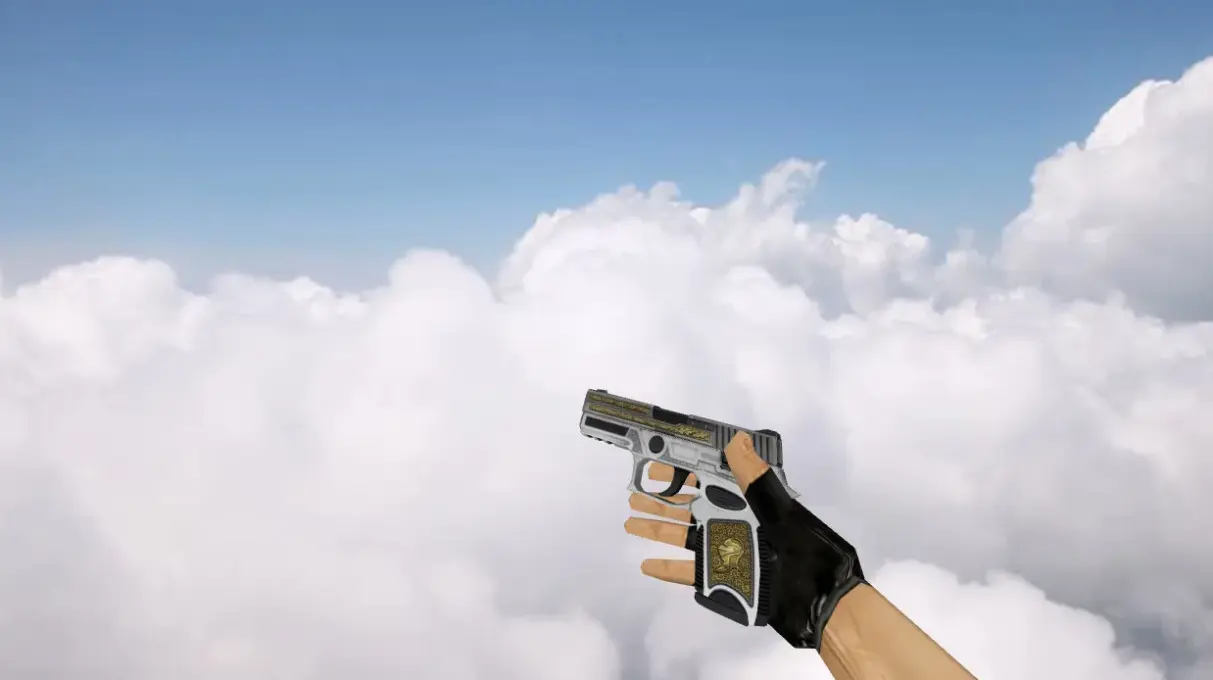
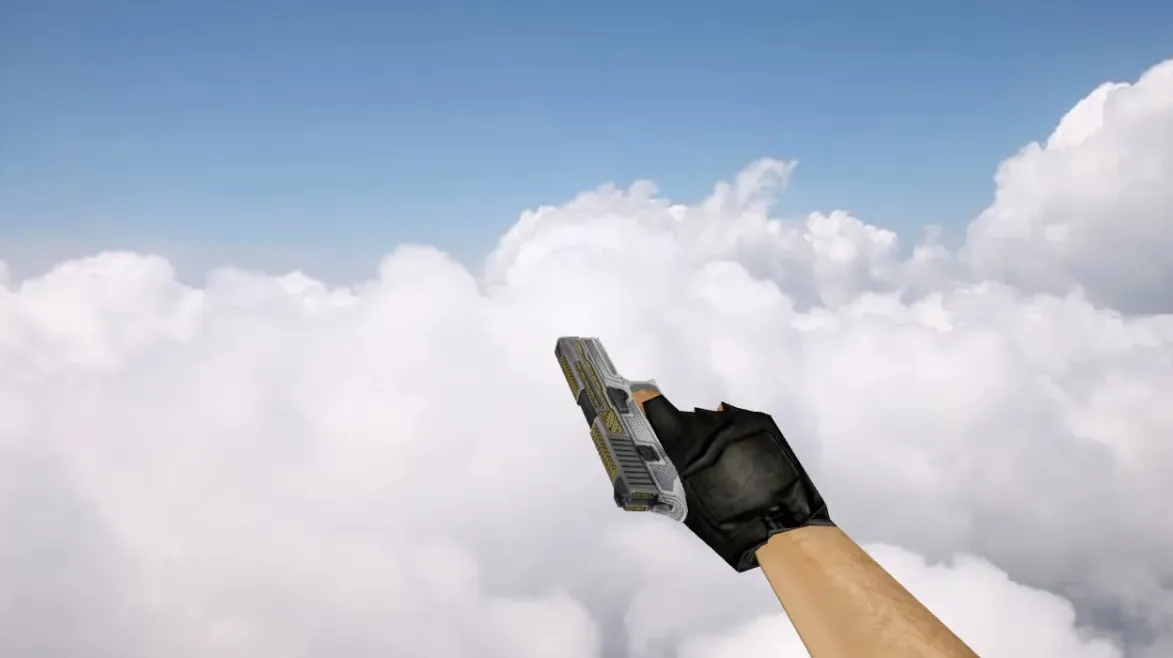
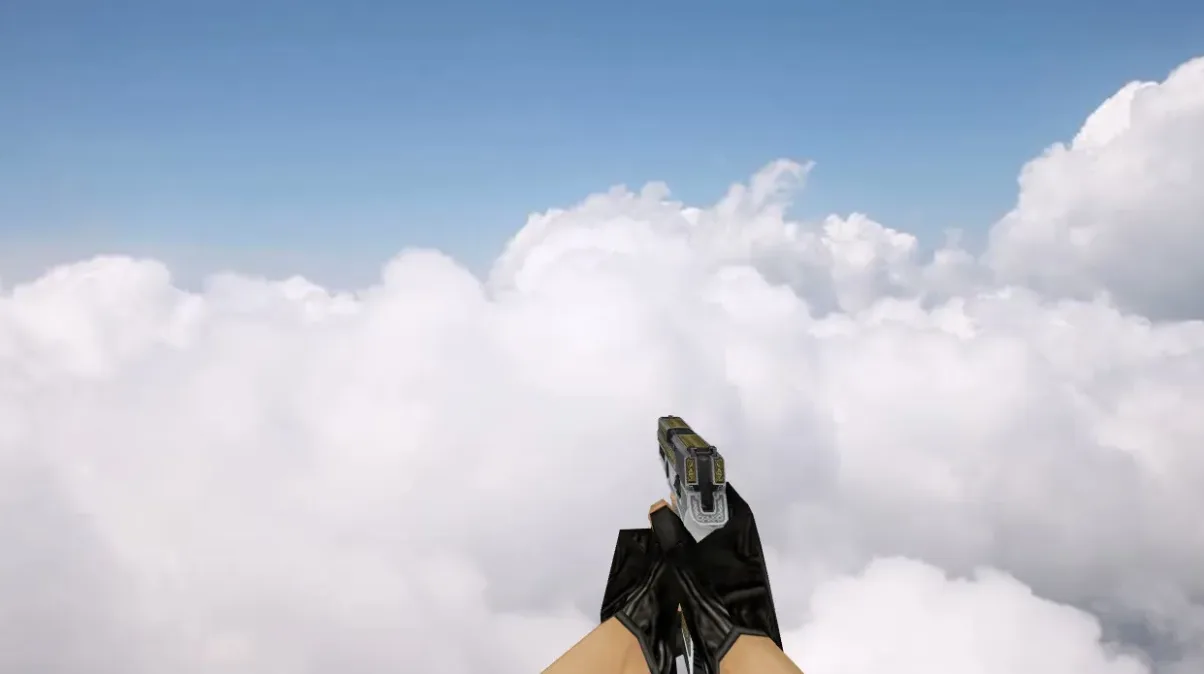
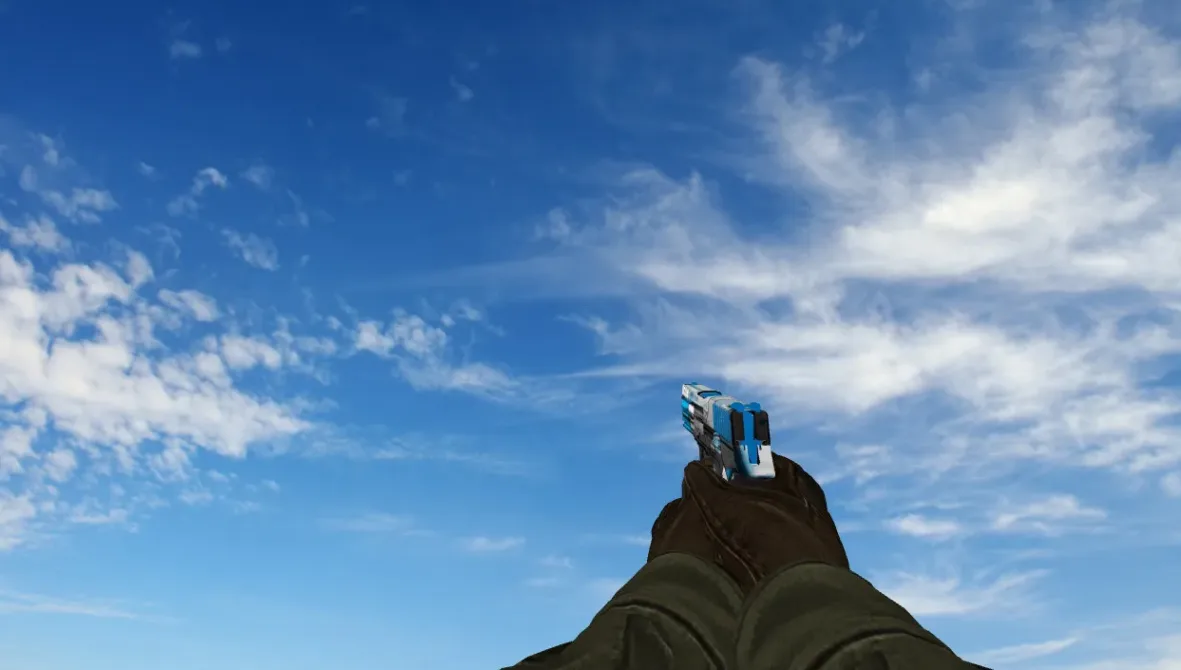
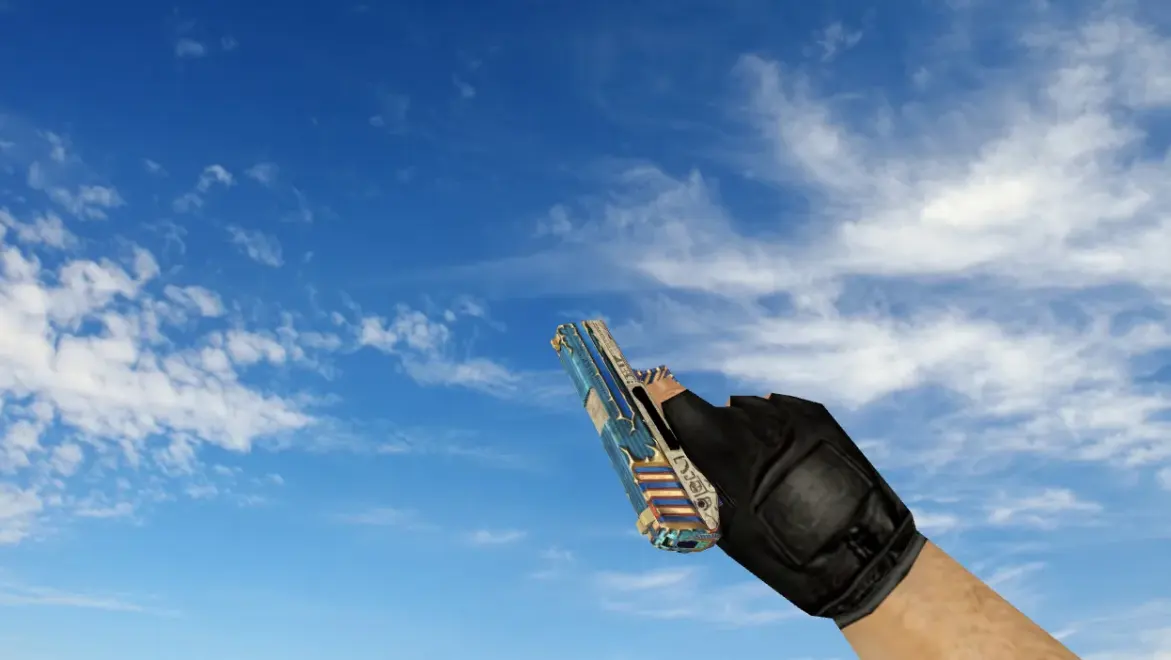
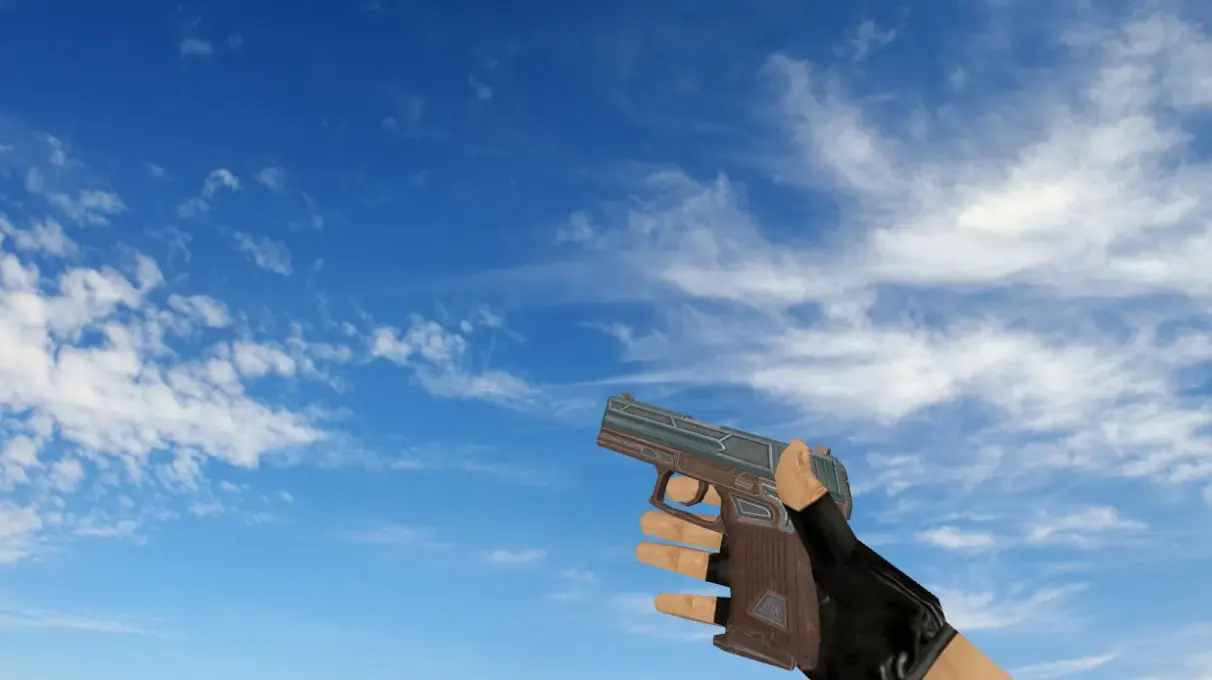
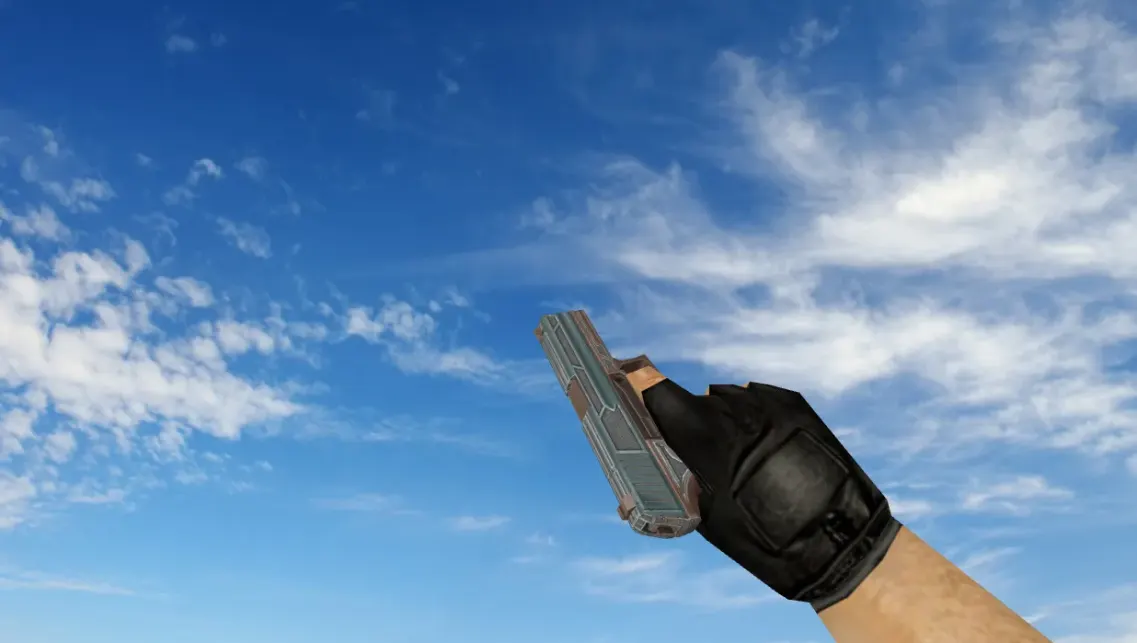
Tec-9 Safety Net Skin for Counter-Strike 1.6 - HD Model
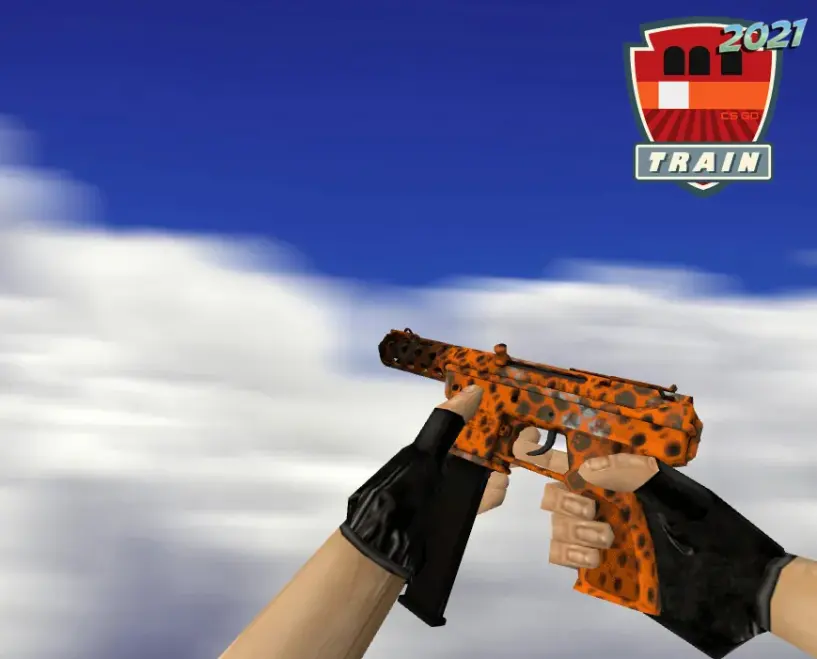
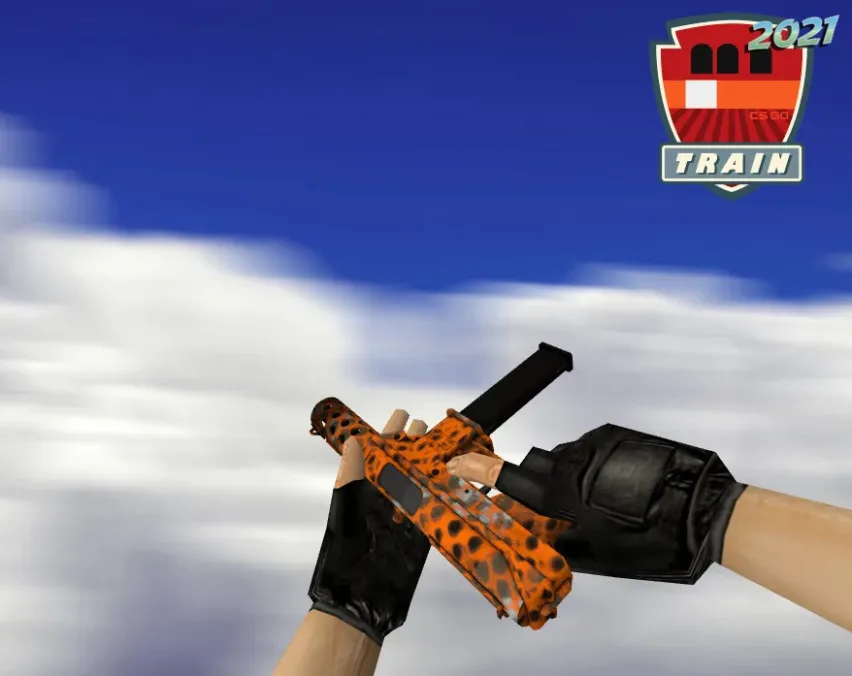
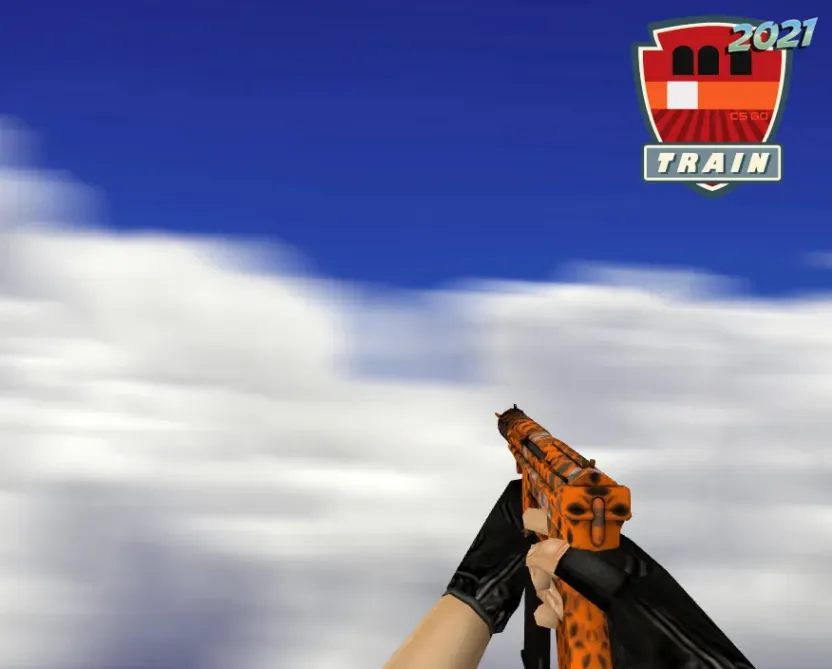
Description
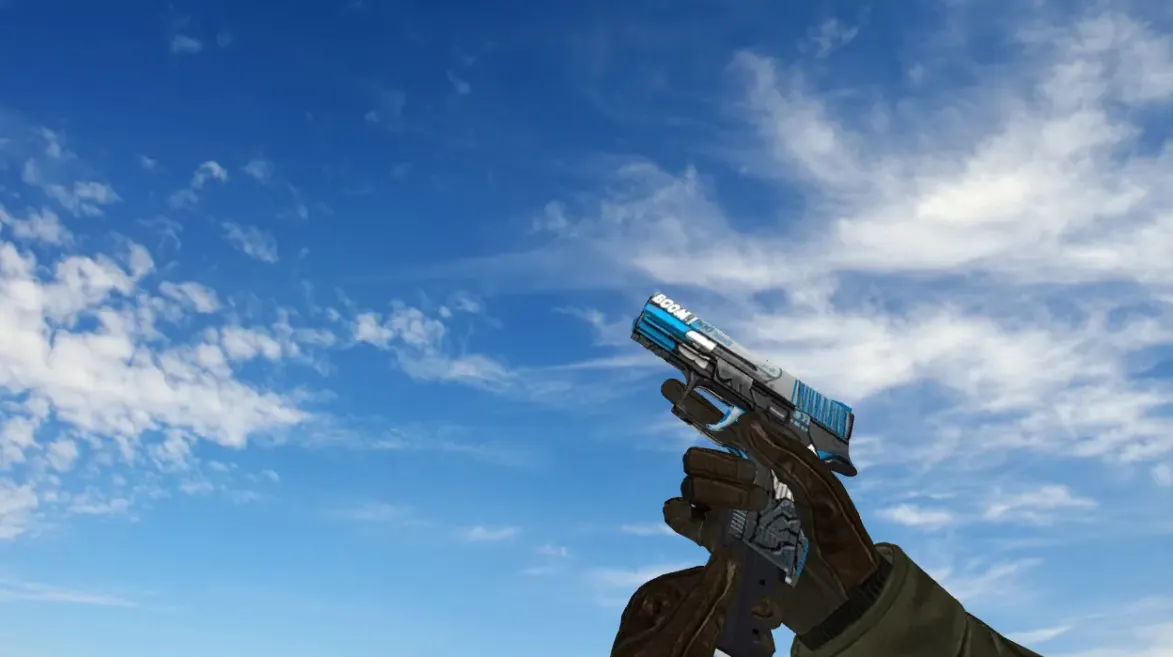
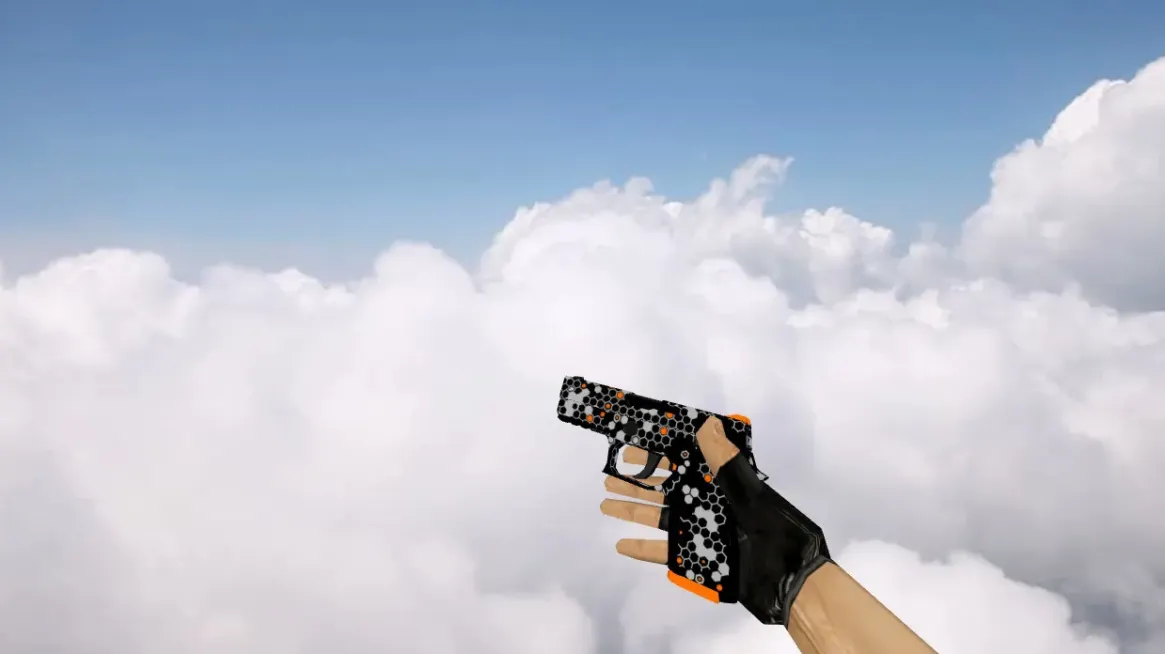
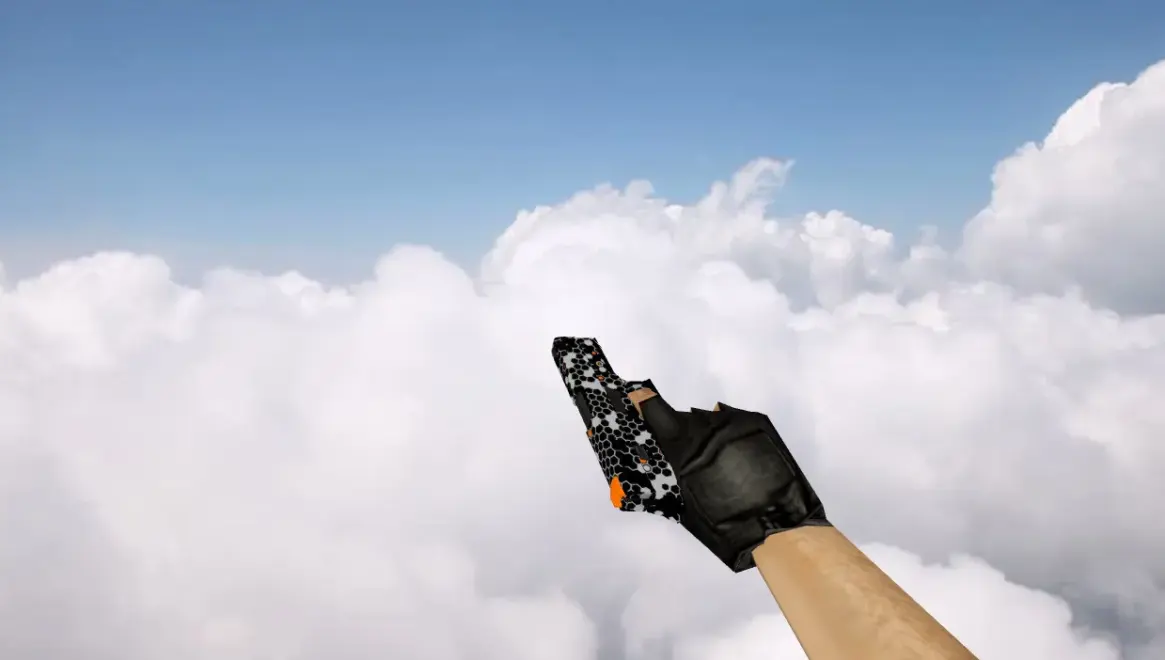
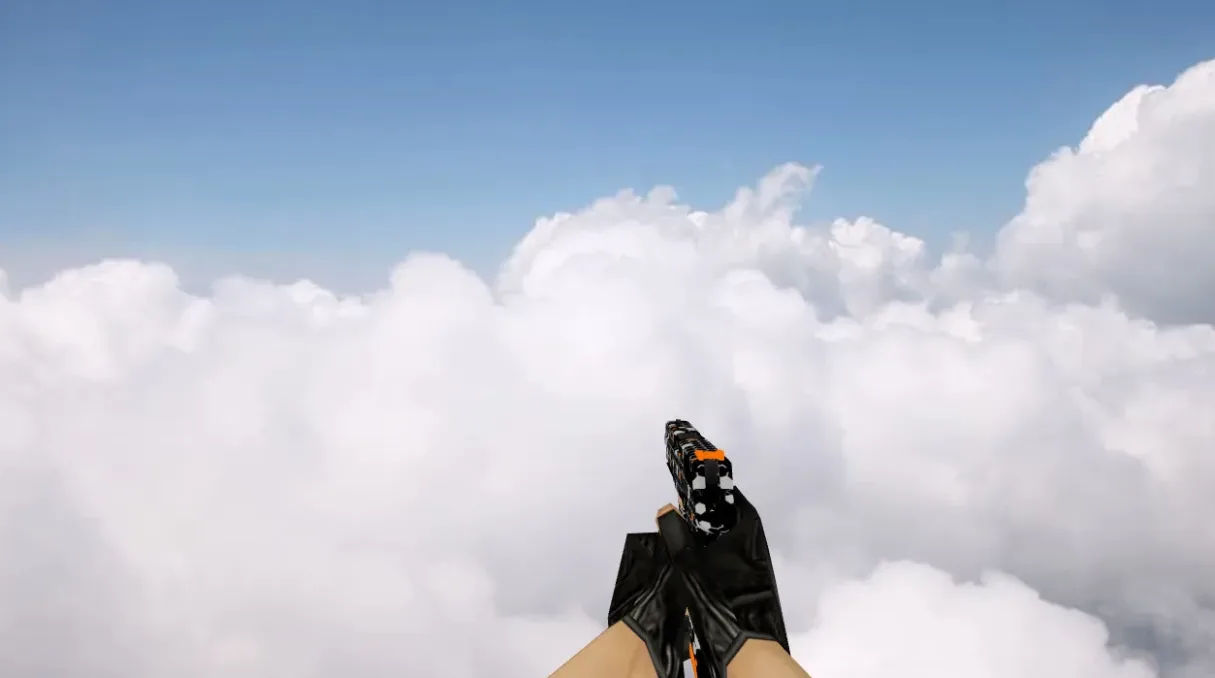
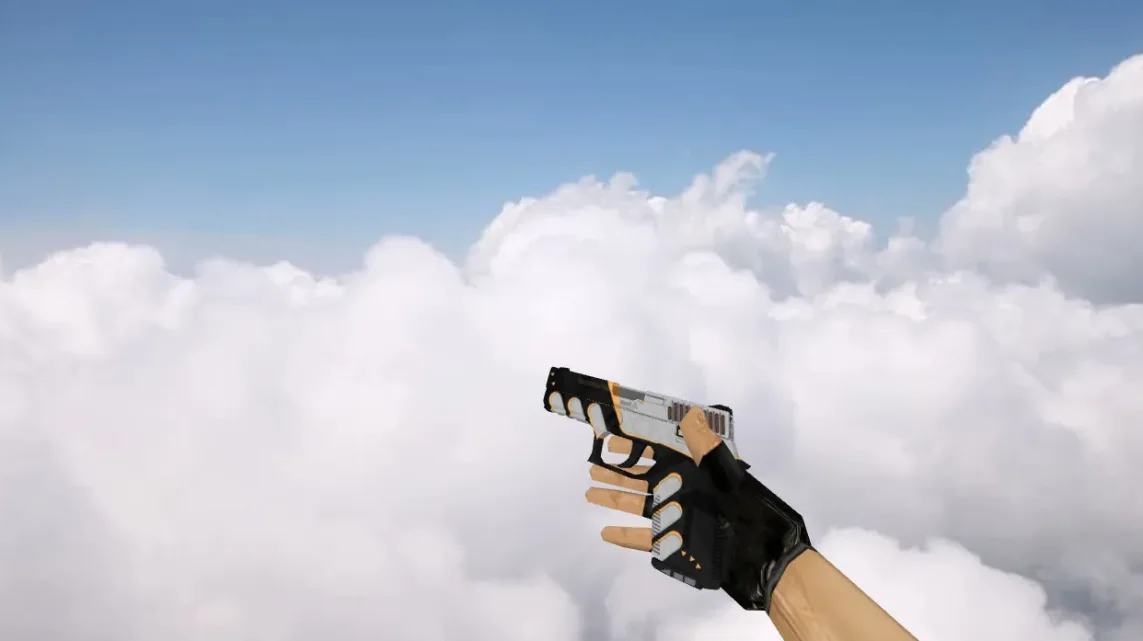
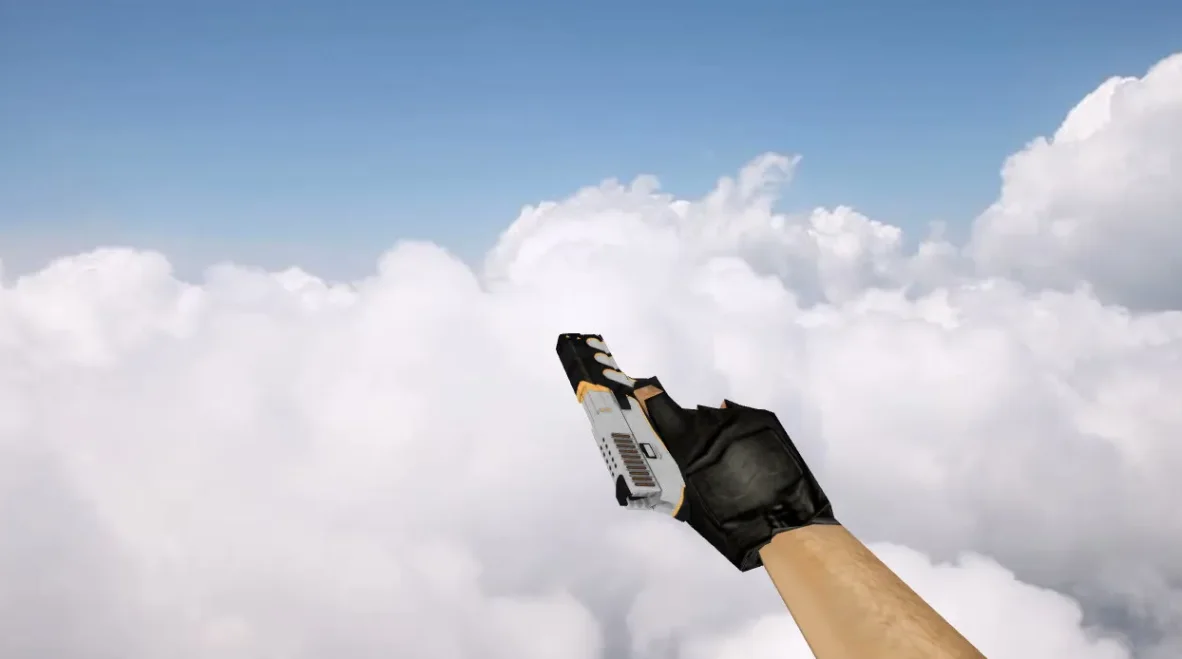
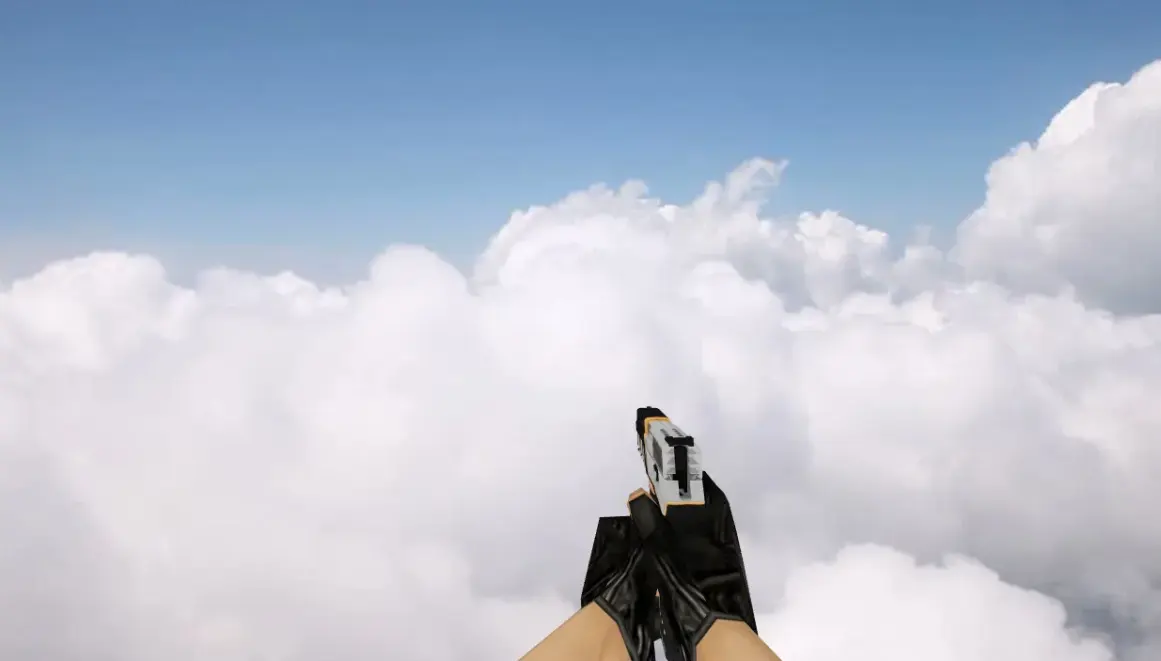
A HD replacement for the Tec-9 pistol (P228 in the game files) in Counter-Strike 1.6, with a white base and an orange geometric grid pattern. It replaces the player, viewmodel and world models, and includes the matching texture and the CS:GO-style movement and Tec-9 weapon sounds.
Contents of the archive:
- models: p_p228.mdl, v_p228.mdl, w_p228.mdl
- gfx/vgui/p228.tga weapon icon
- sounds for the Tec-9: bolt pull, bolt release, clip in, clip out, draw, plus the movement sounds and weapons/p228-1.wav
Extract the Tec-9 Safety Net by FunnkyHD folder contents into the game folder where hl.exe is located, so that the cstrike folder merges with the existing one.
Archive contents
13 files, 3.1 MB uncompressed. Copy the contents of the Tec-9 Safety Net by FunnkyHD folder from the archive into the game folder (where hl.exe is).
- Tec-9 Safety Net by FunnkyHD/cstrike/gfx/vgui/p228.tga 192 KB
- Tec-9 Safety Net by FunnkyHD/cstrike/models/p_p228.mdl 323 KB
- Tec-9 Safety Net by FunnkyHD/cstrike/models/v_p228.mdl 2 MB
- Tec-9 Safety Net by FunnkyHD/cstrike/models/w_p228.mdl 322 KB
- Tec-9 Safety Net by FunnkyHD/cstrike/sound/weapons/csgo/movement1.wav 23 KB
- Tec-9 Safety Net by FunnkyHD/cstrike/sound/weapons/csgo/movement2.wav 24 KB
- Tec-9 Safety Net by FunnkyHD/cstrike/sound/weapons/csgo/movement3.wav 34 KB
- Tec-9 Safety Net by FunnkyHD/cstrike/sound/weapons/csgo/tec9/tec9_boltpull.wav 11 KB
- Tec-9 Safety Net by FunnkyHD/cstrike/sound/weapons/csgo/tec9/tec9_boltrelease.wav 22 KB
- Tec-9 Safety Net by FunnkyHD/cstrike/sound/weapons/csgo/tec9/tec9_clipin.wav 16 KB
- Tec-9 Safety Net by FunnkyHD/cstrike/sound/weapons/csgo/tec9/tec9_clipout.wav 15 KB
- Tec-9 Safety Net by FunnkyHD/cstrike/sound/weapons/csgo/tec9/tec9_draw.wav 43 KB
- Tec-9 Safety Net by FunnkyHD/cstrike/sound/weapons/p228-1.wav 109 KB
Install in three steps
-
1
Download the archive. Use the button on the right, or the Yandex.Disk mirror if the main server is slow.
-
2
Extract it into the game folder. Use 7-Zip or WinRAR. A path without non-Latin characters works best.
-
3
Launch the game. If something doesn't work, mark it below - that is how we know the file needs an update.
Did it work for you?
No sign-up needed. You can pick more than one.