Default Glock Legends Model for Counter-Strike 1.6 - Features, Installation, and Downloads


Description
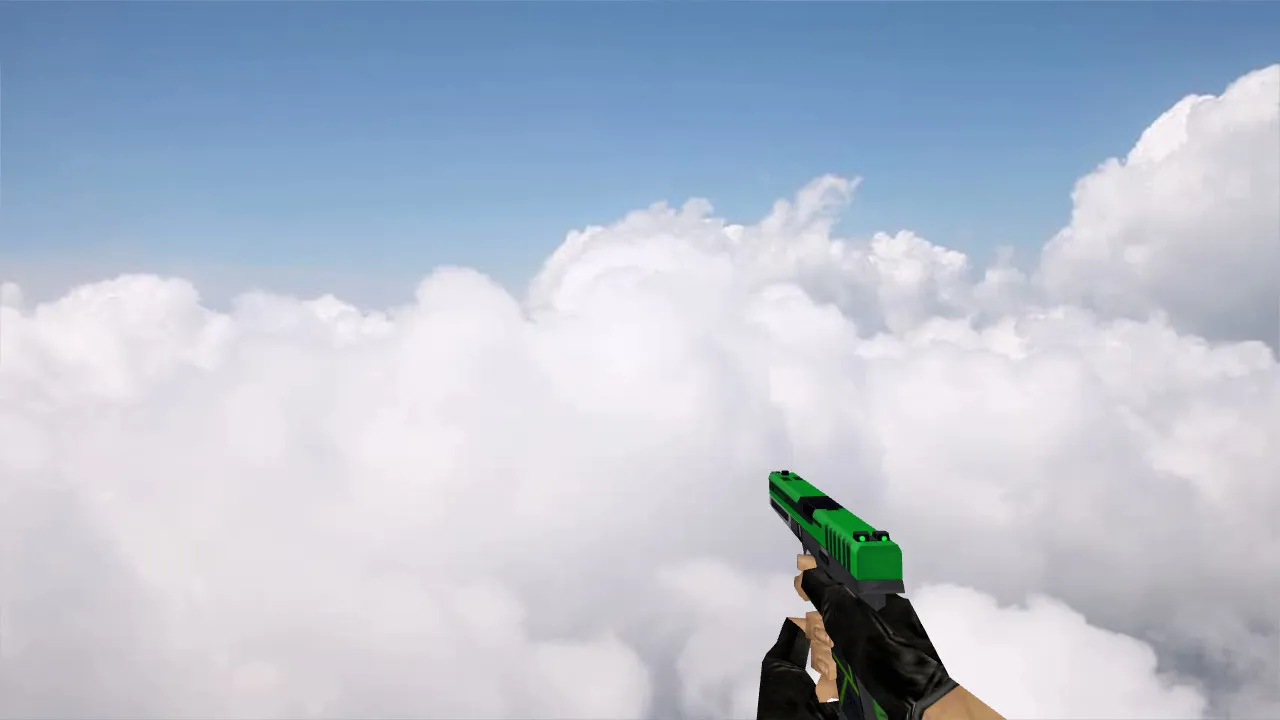
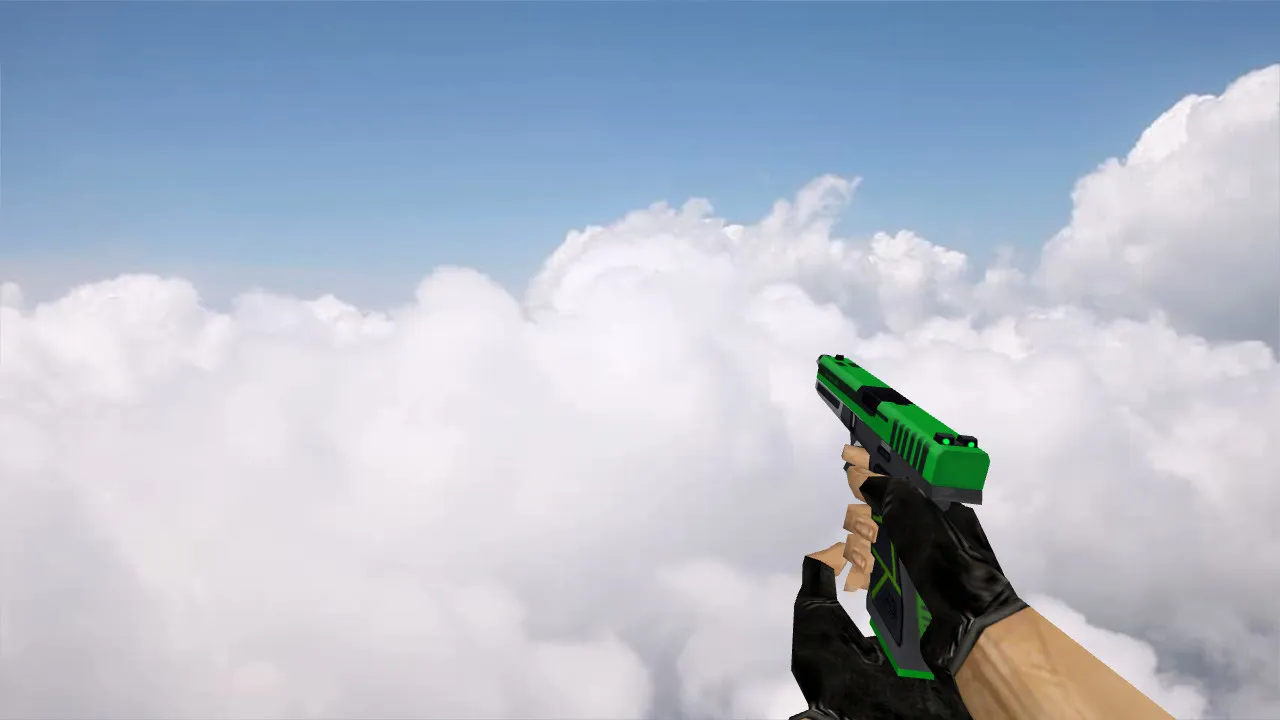
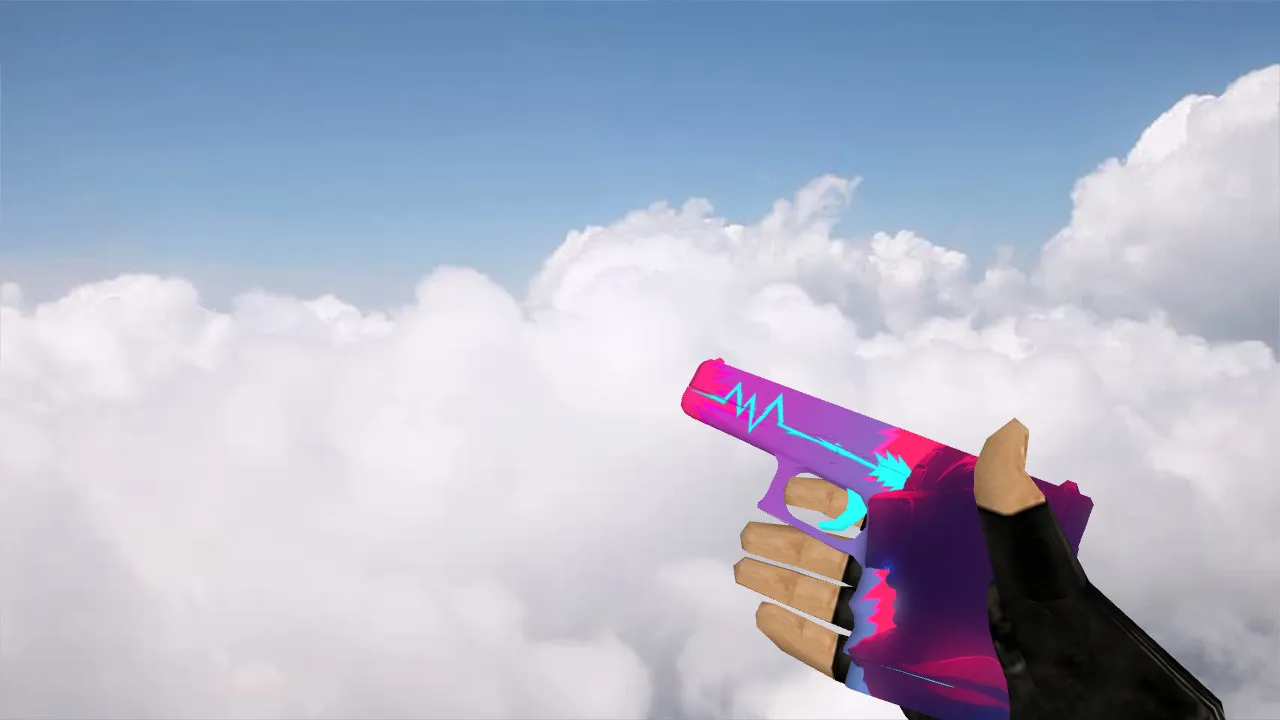
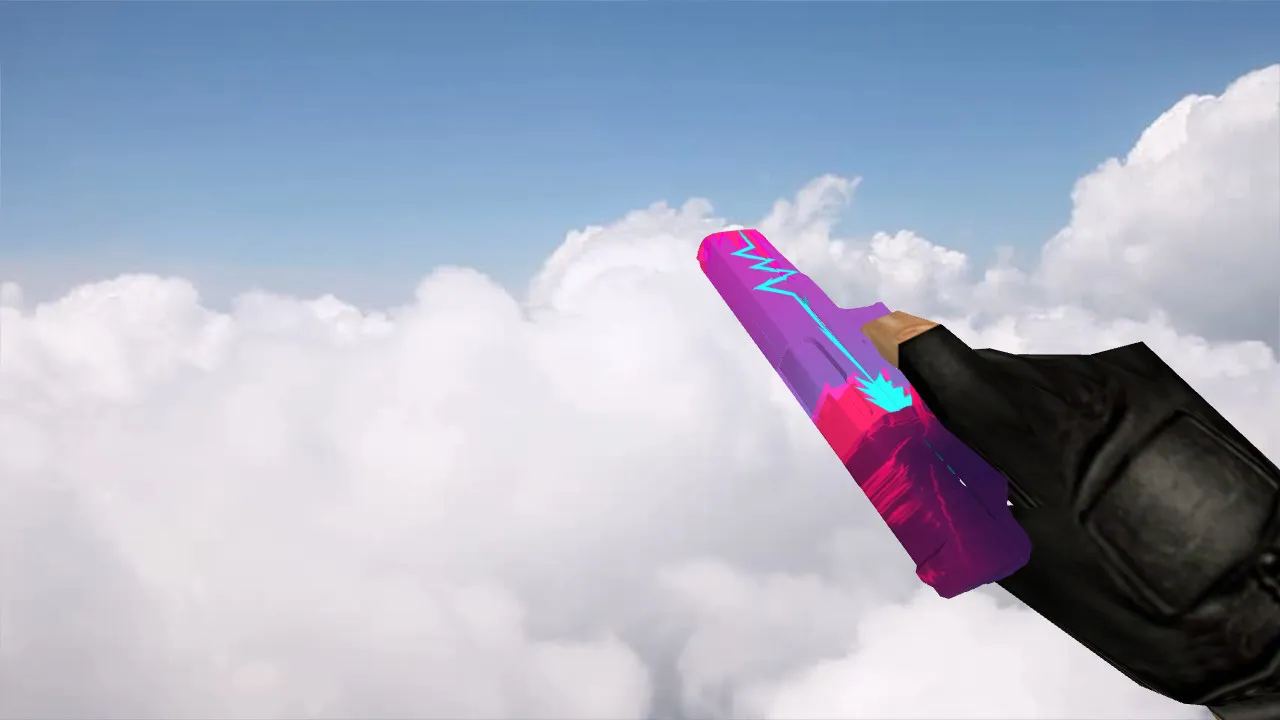
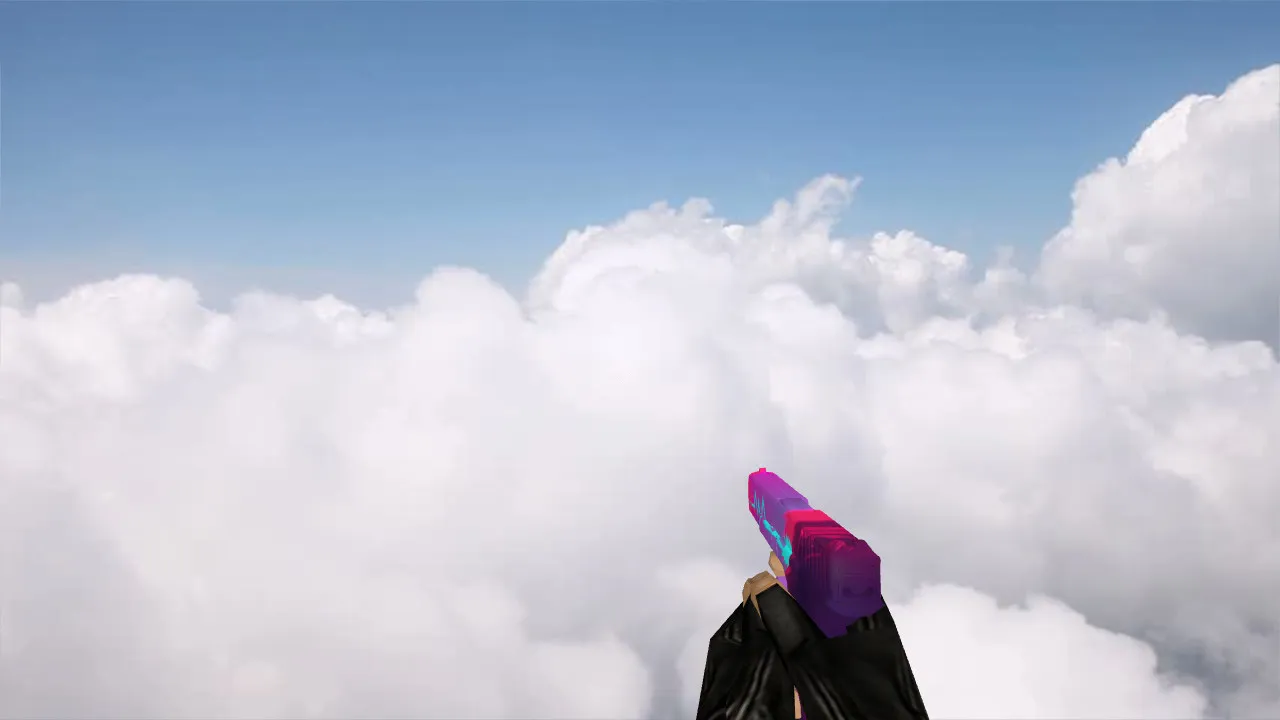
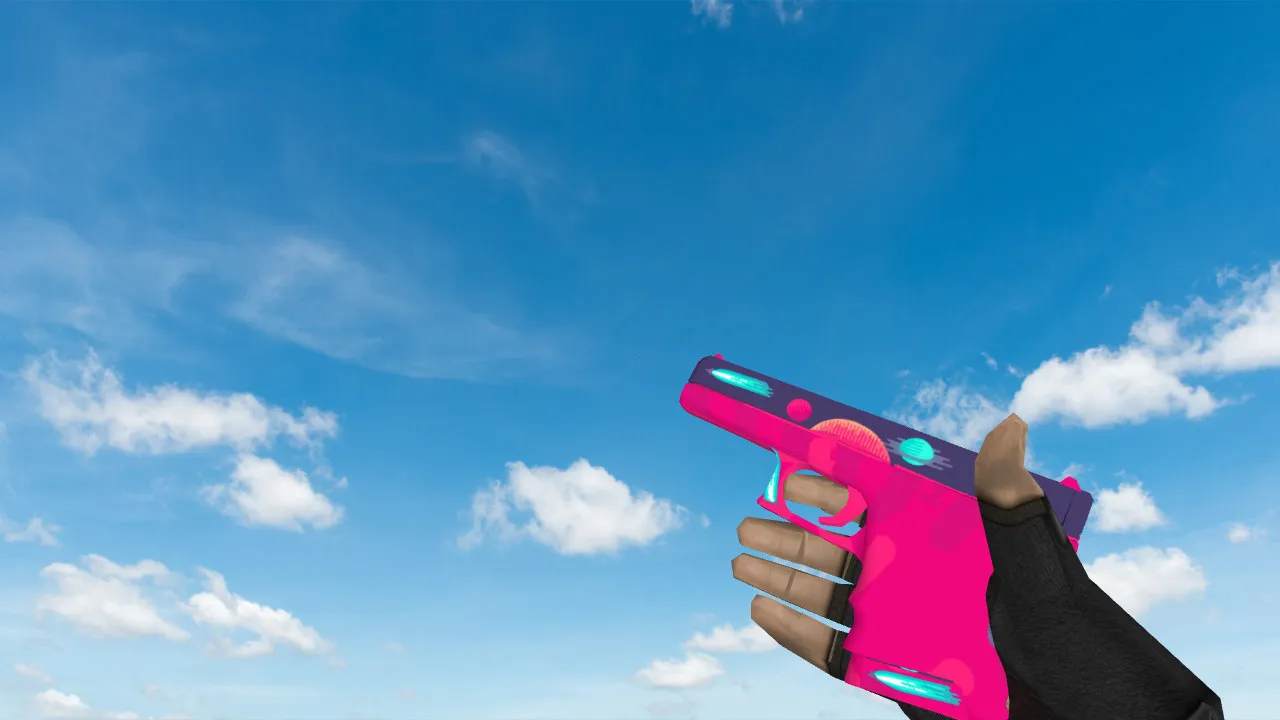
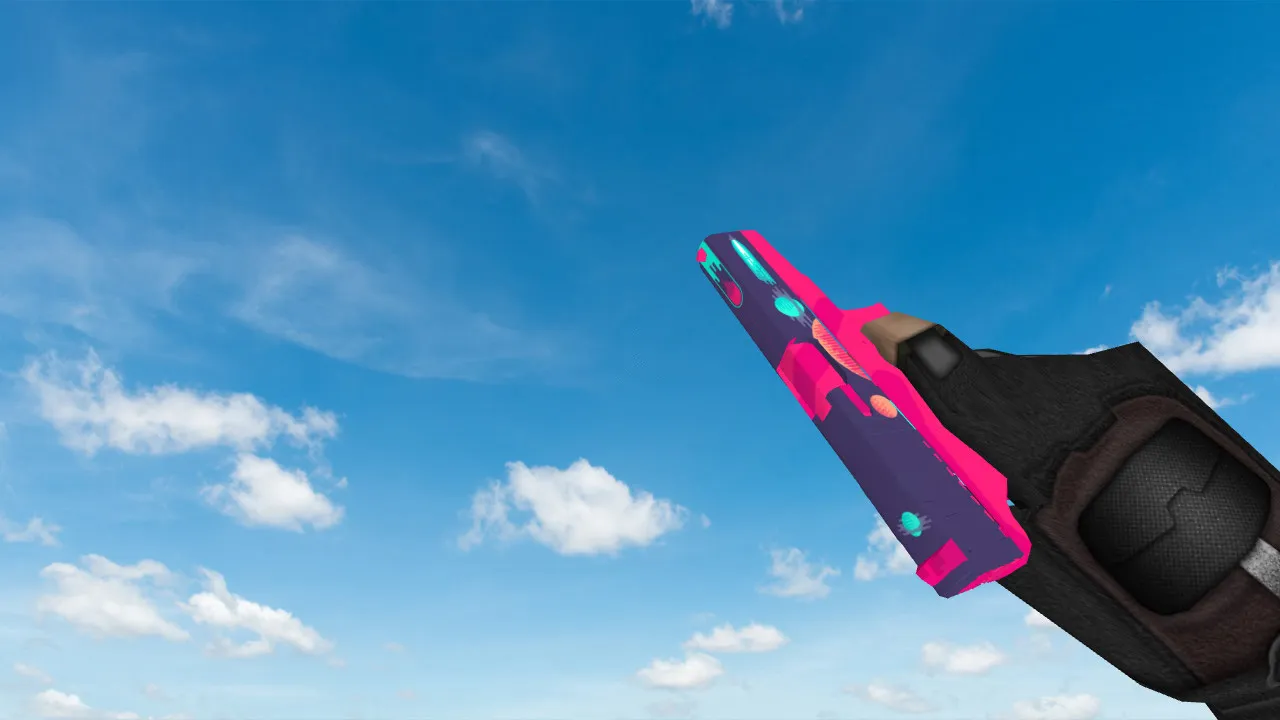
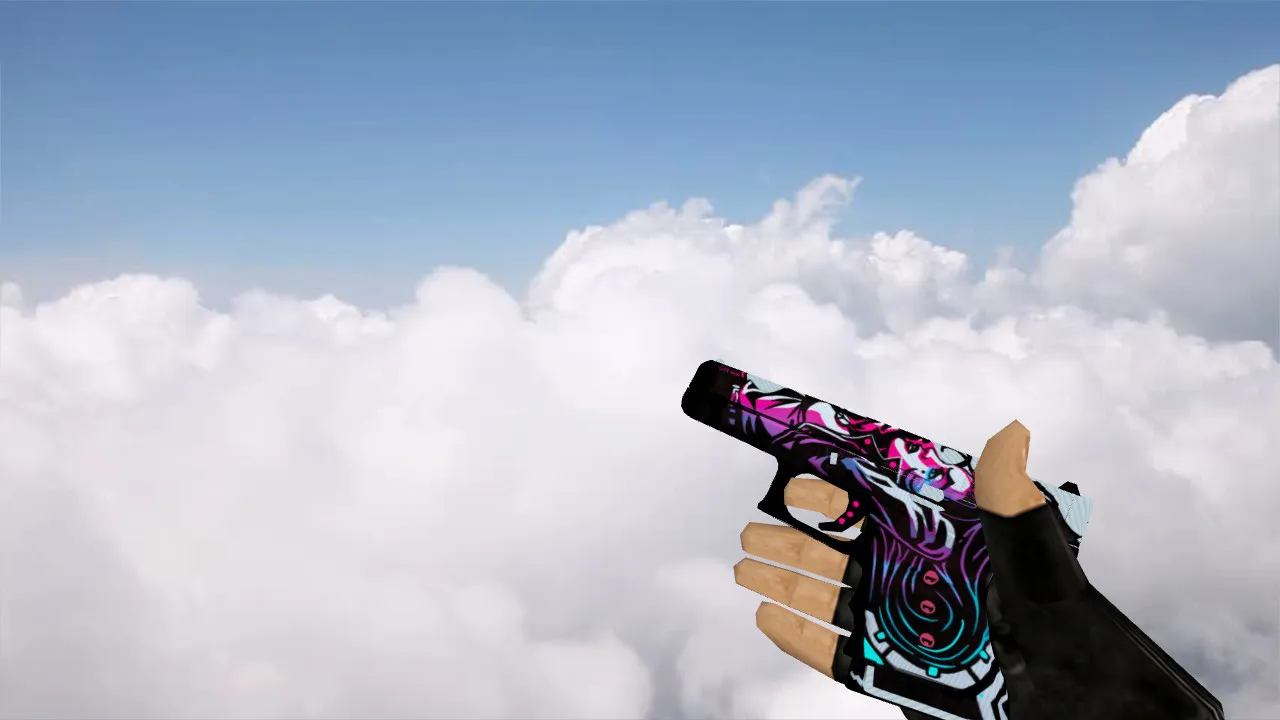
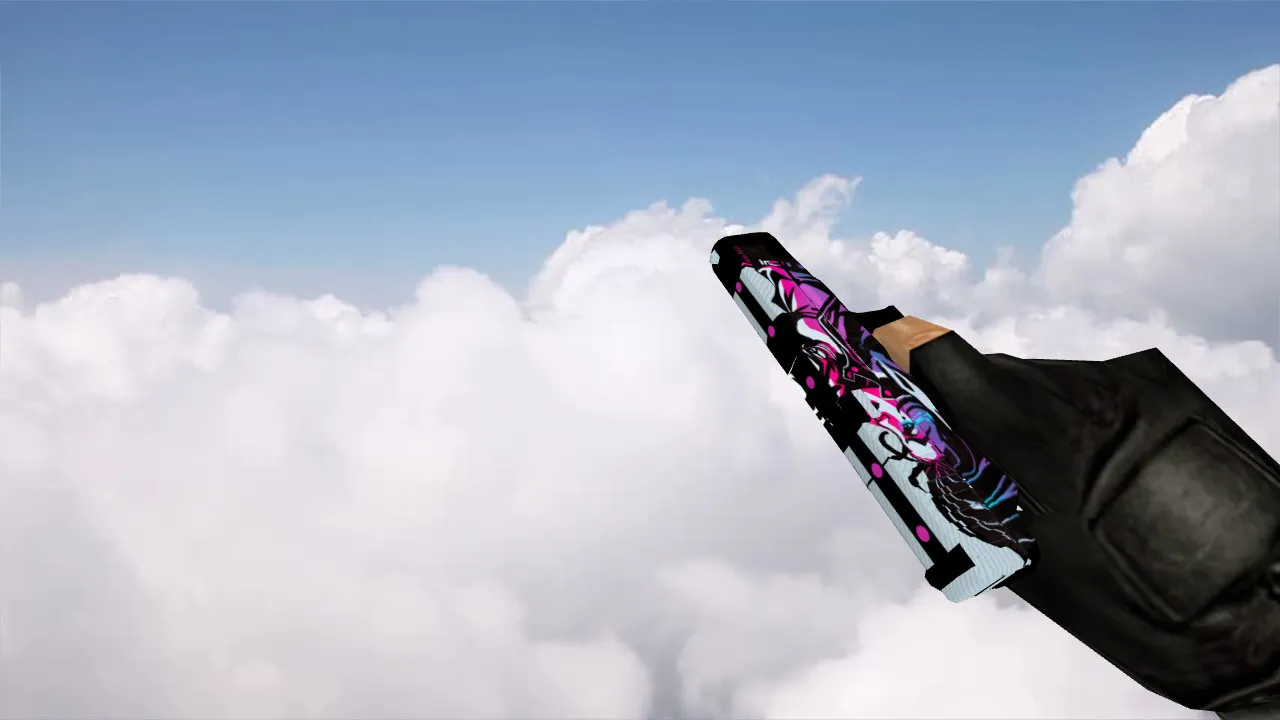
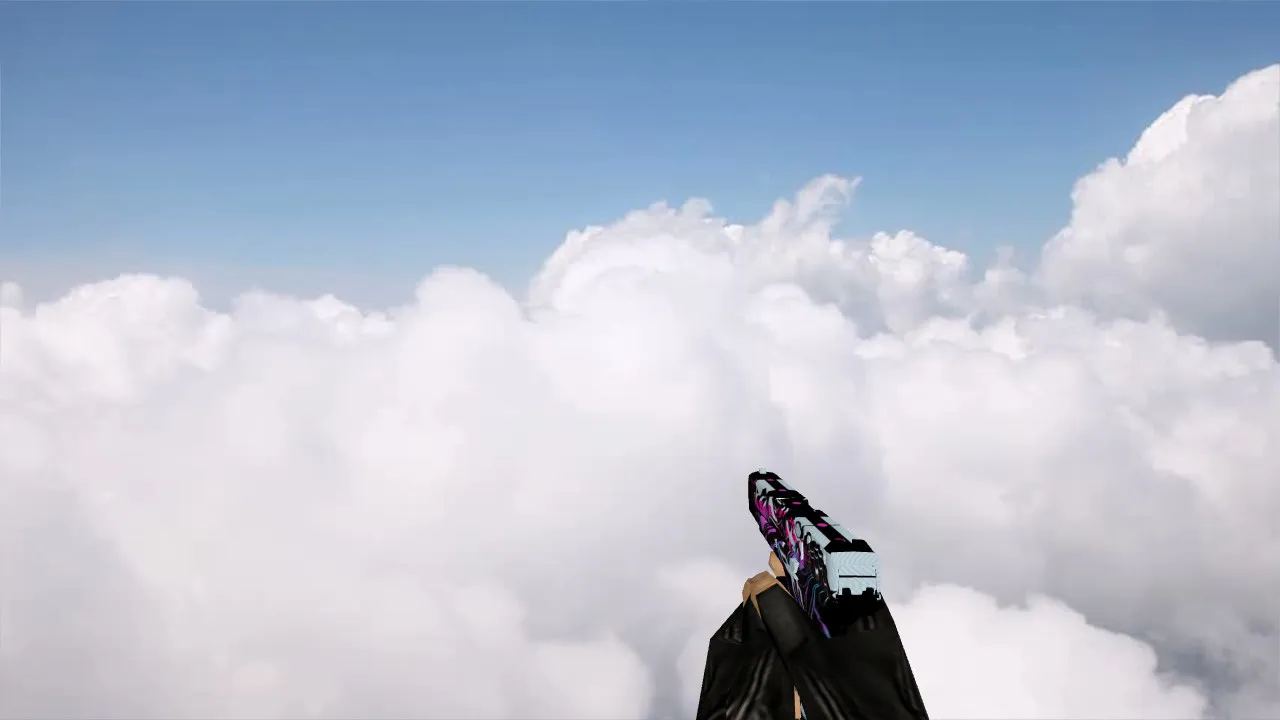
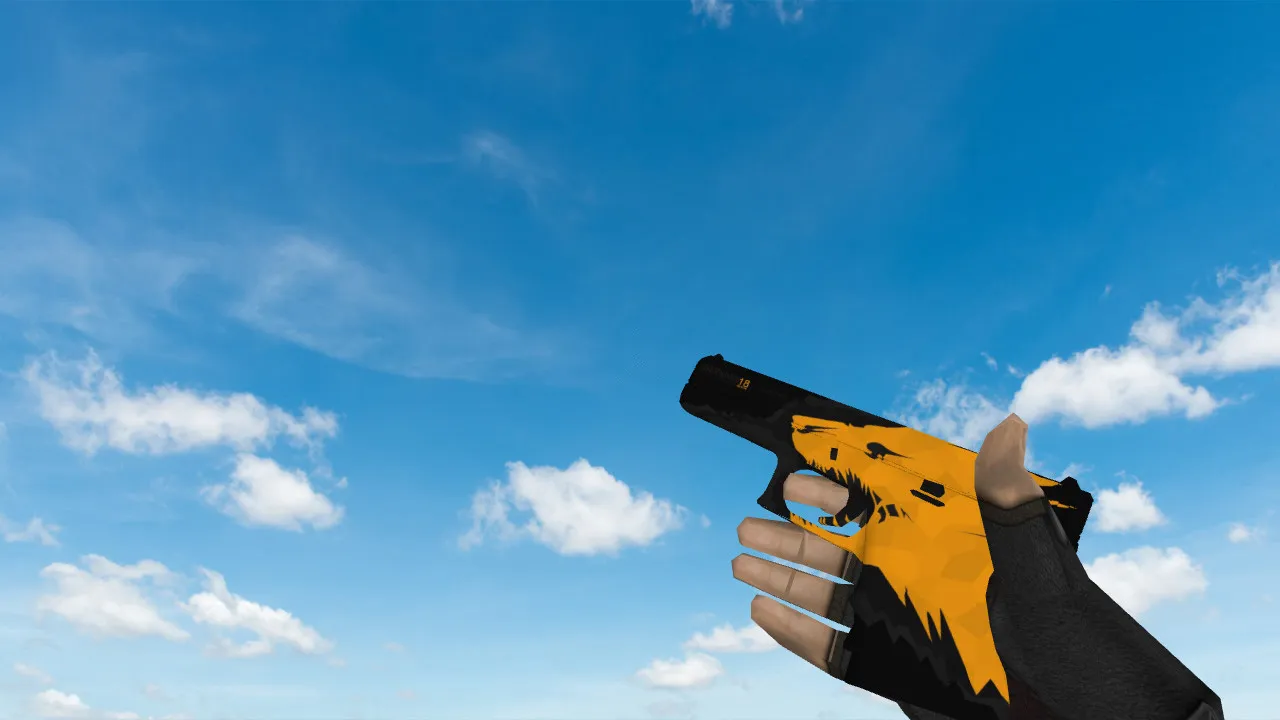
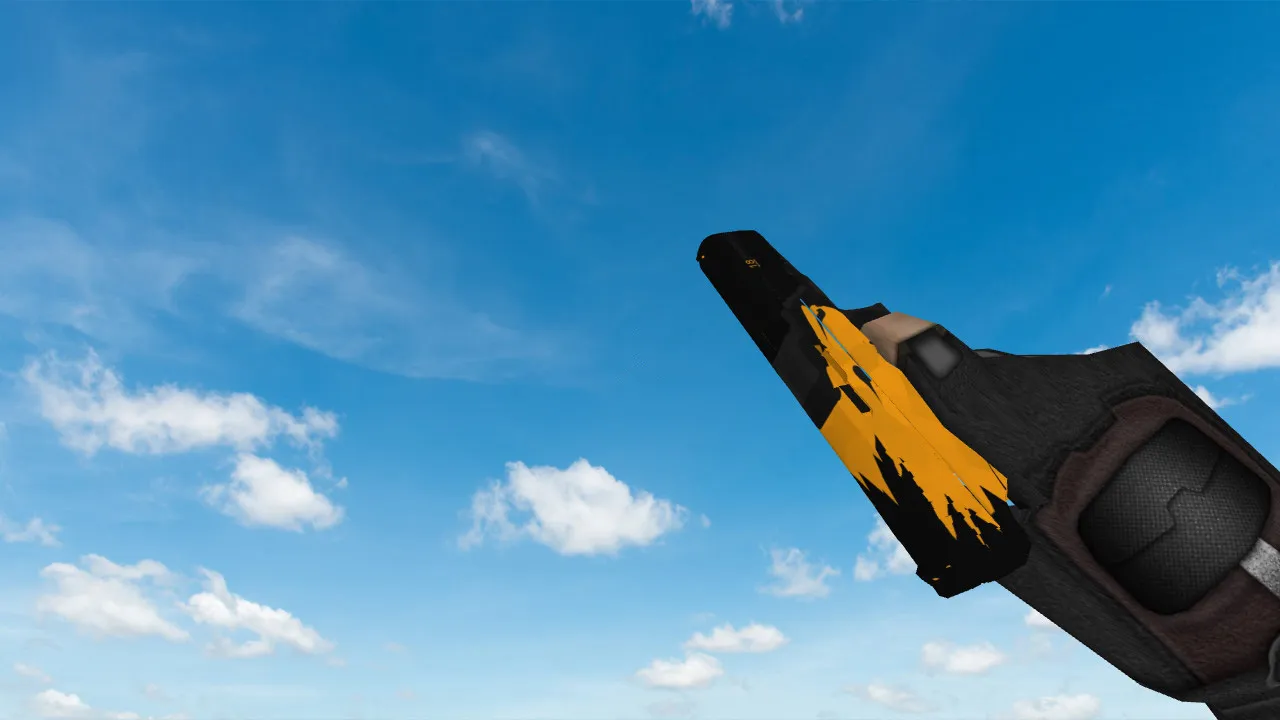
Default Glock Legends Model for CS 1.6
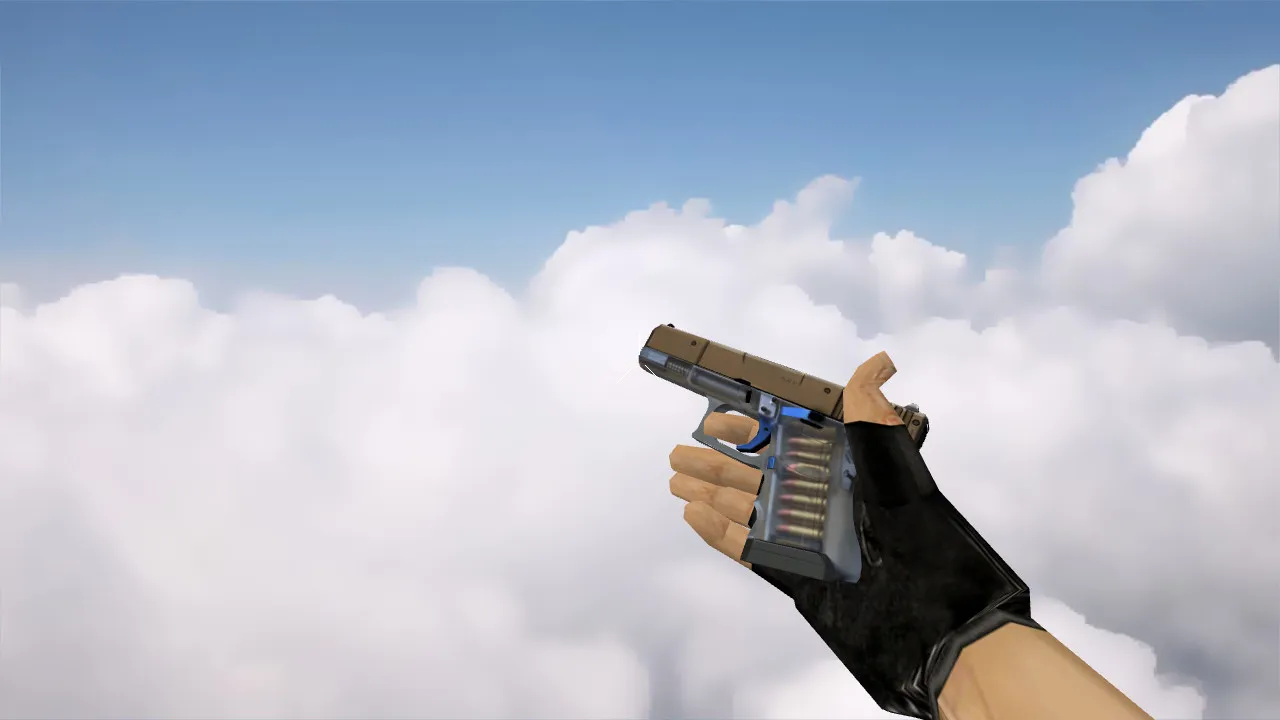
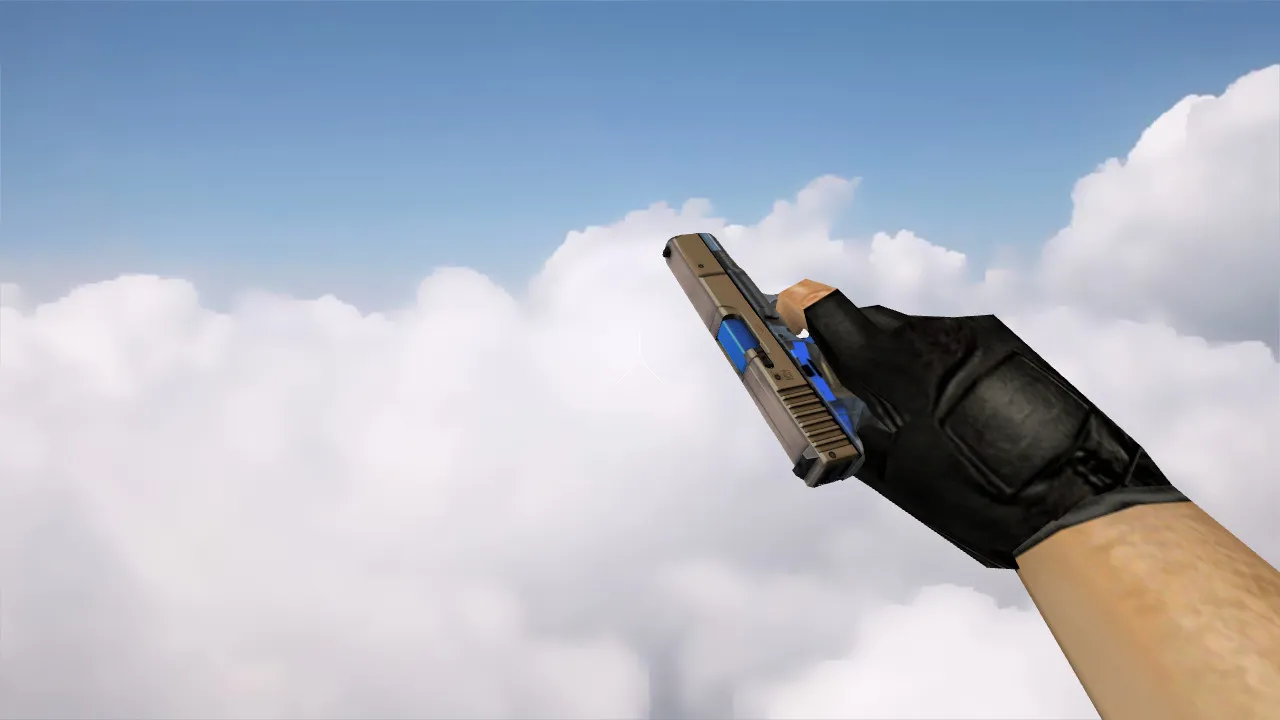
In Counter-Strike 1.6, the Glock 18 is the pistol Terrorists start with, offering dependable close-quarters fire through its burst mode. This Default Glock Legends model upgrades the standard v_ and p_ models with finer details, preserving the familiar shape while adding subtle engravings that appeal to experienced players. The 512x512 textures deliver crisp edges without increasing file sizes, so performance stays smooth on older systems running Build 4554 or 8613. Custom inspect animations allow you to rotate the weapon fluidly during idle moments, exposing detailed engravings on the slide and frame that reflect light in-game.
Hitboxes and Visibility
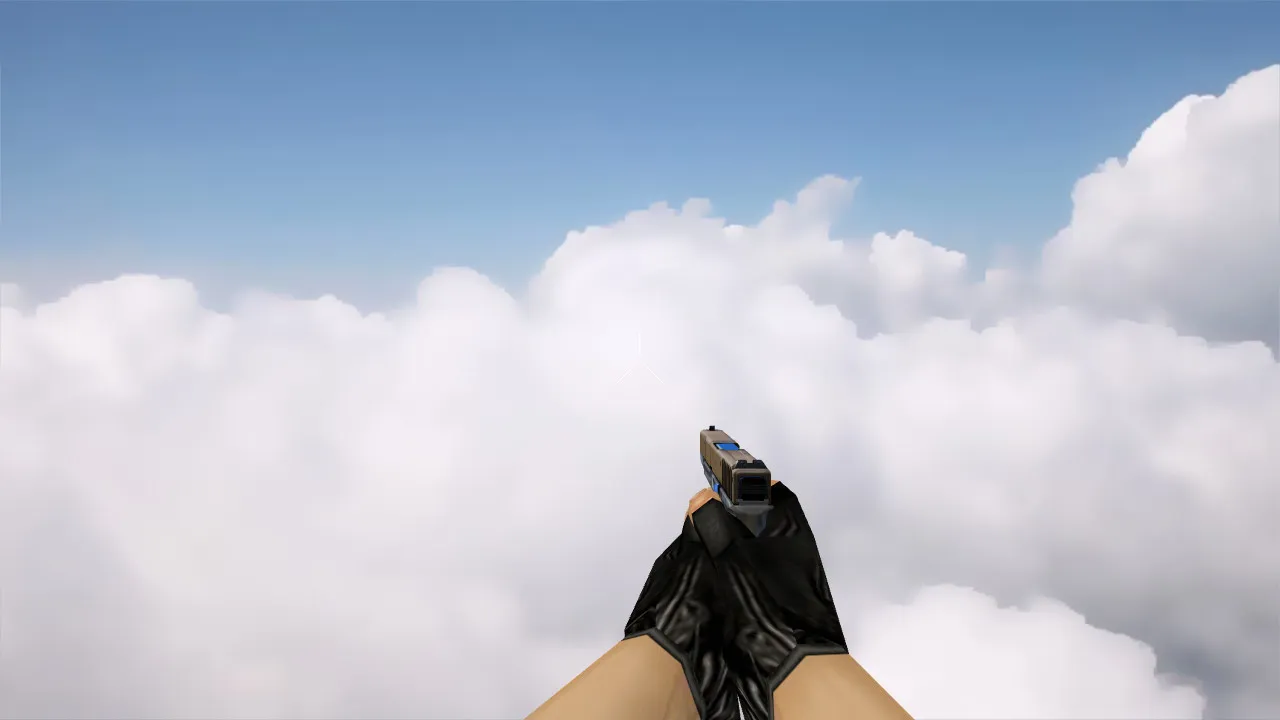
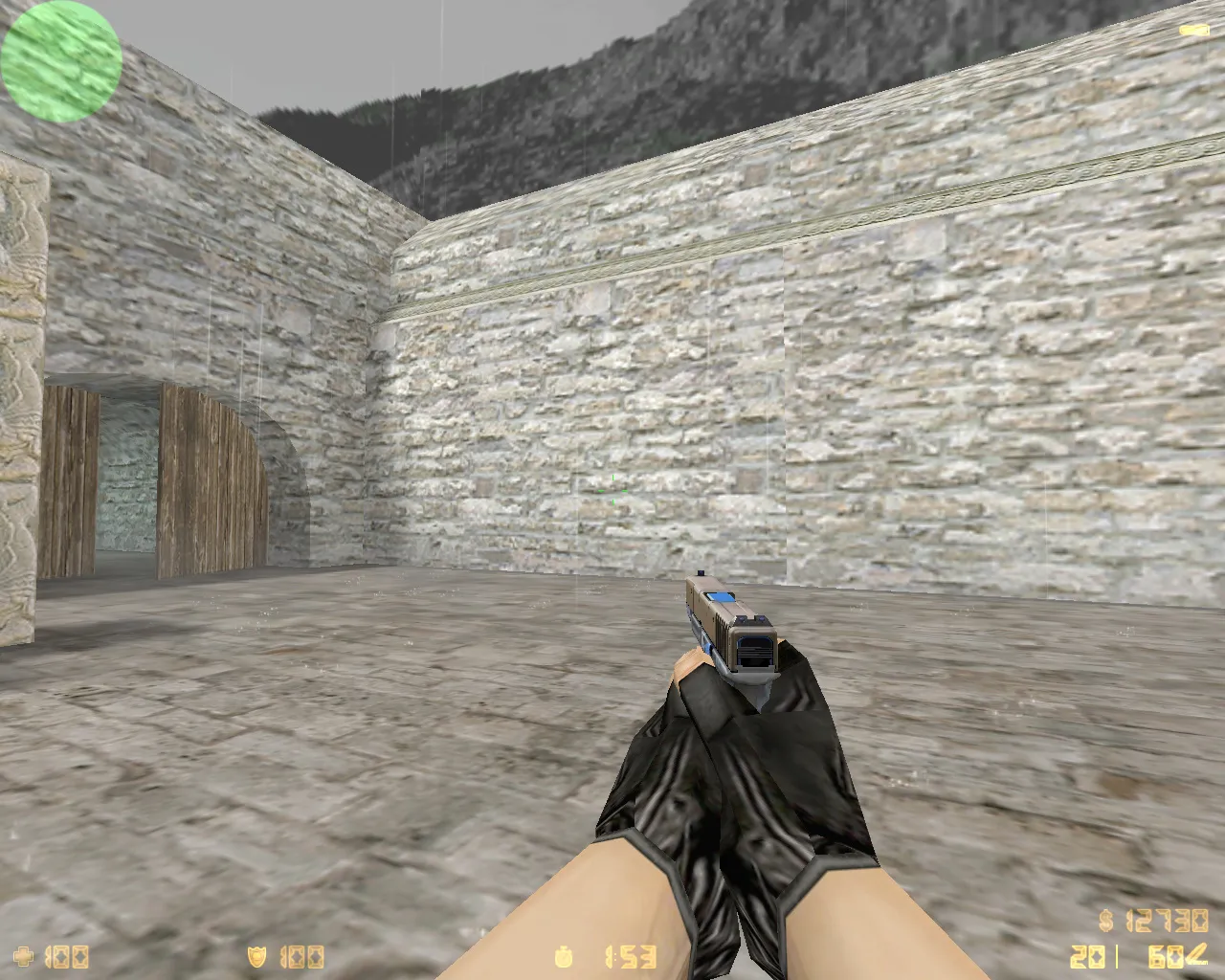
Hitbox alignment remains identical to the original, matching the v_ model's geometry exactly for accurate sprays with no recoil deviation. The polycount is about 800 triangles, low enough for high-fps servers without causing lag spikes. In dimly lit areas such as de_inferno's underpass or cs_office corners, the model's matte finish with slight highlights keeps it visible against shadows, ESL-style for competitive play. There are no clipping problems on w_ world models when dropping or picking up, so sightlines stay clean.
Custom Sounds and Animations
Built-in custom firing sounds swap the default for deeper, metallic reports that reverberate realistically in tight spaces. Burst mode cycles feel more forceful, with clear click feedback on the selector. Reload animations line up perfectly, drawing from the magazine with a satisfying slide rack. These audio changes, taken from high-quality WAV files, boost immersion without interfering with server-side effects. For modders, the .mdl files allow simple wad integration for server-wide use.
Installation Guide
- Unzip the archive into your CS 1.6 root folder.
- Move v_glock18.mdl, p_glock18.mdl, and w_glock18.mdl to cstrike/models.
- Put texture files (.bmp or .tga) in cstrike/models/glock18.
- Replace sound files in cstrike/sound/weapons/glock18-2.wav if you want.
- Start through Steam or a non-Steam client; check in a local game to confirm it loads.
- For bots, make sure .nav files are untouched; this mod works only on the client side.
It works with both WON and Steam versions, and there are no conflicts in config.cfg. If you use custom HUDs, check that sprite paths in the sprites folder stay unchanged. On LAN servers, distribute the model pack via FTP so everyone has the same files.
Safety and Performance
This model pack is clean-no viruses, backdoors, or adware included. Designed for stability, it prevents memory leaks often seen in high-polycount mods. It has been tested on Windows XP through 10, with frame rates staying above 100 FPS on GeForce 4-era cards. Regular updates address any animation glitches from patch 1.1.2.3. Non-Steam users receive full MasterServer protection without auto-connect risks. If you need help, look for model load errors in the console and clear the cache when necessary.
Why Choose Legends Glock?
In CS 1.6's quick rounds, a pistol like the Glock can decide early clutches. This Legends version builds confidence with its detailed v_ model, making eco rounds feel high-end. Combine it with a clean config for no-spread adjustments, and you'll hit headshots from mid-range bursts. Community feedback points to its balance-no exaggerated visuals that attract enemy fire. Download from trusted mirrors to avoid fakes; always check MD5 checksums after extracting.
On tactics, use the Glock's burst to peek long angles on de_dust2's catwalk, where the model's clear outline helps you spot campers. In 1v1 situations, the inspect animation also works as a quick mental reset. For mod fans, take apart the .mdl in HLMV to examine vertex shading-useful for learning custom skinning. All in all, this mod improves the default without changing core gameplay, ideal for 20-year veterans looking for subtle upgrades.
Install in three steps
-
1
Download the archive. Use the button on the right, or the Yandex.Disk mirror if the main server is slow.
-
2
Extract it into the game folder. Use 7-Zip or WinRAR. A path without non-Latin characters works best.
-
3
Launch the game. If something doesn't work, mark it below - that is how we know the file needs an update.
Did it work for you?
No sign-up needed. You can pick more than one.