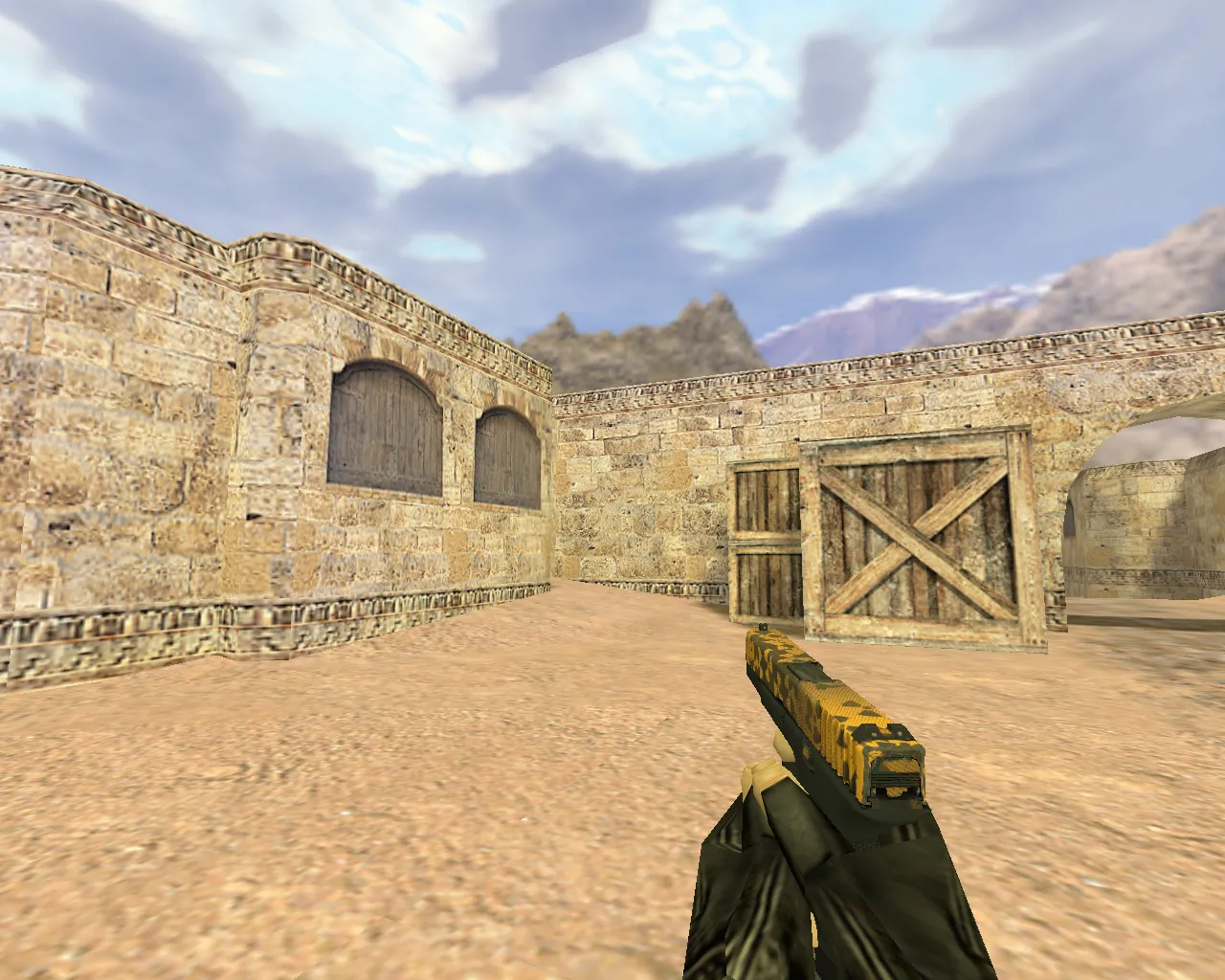
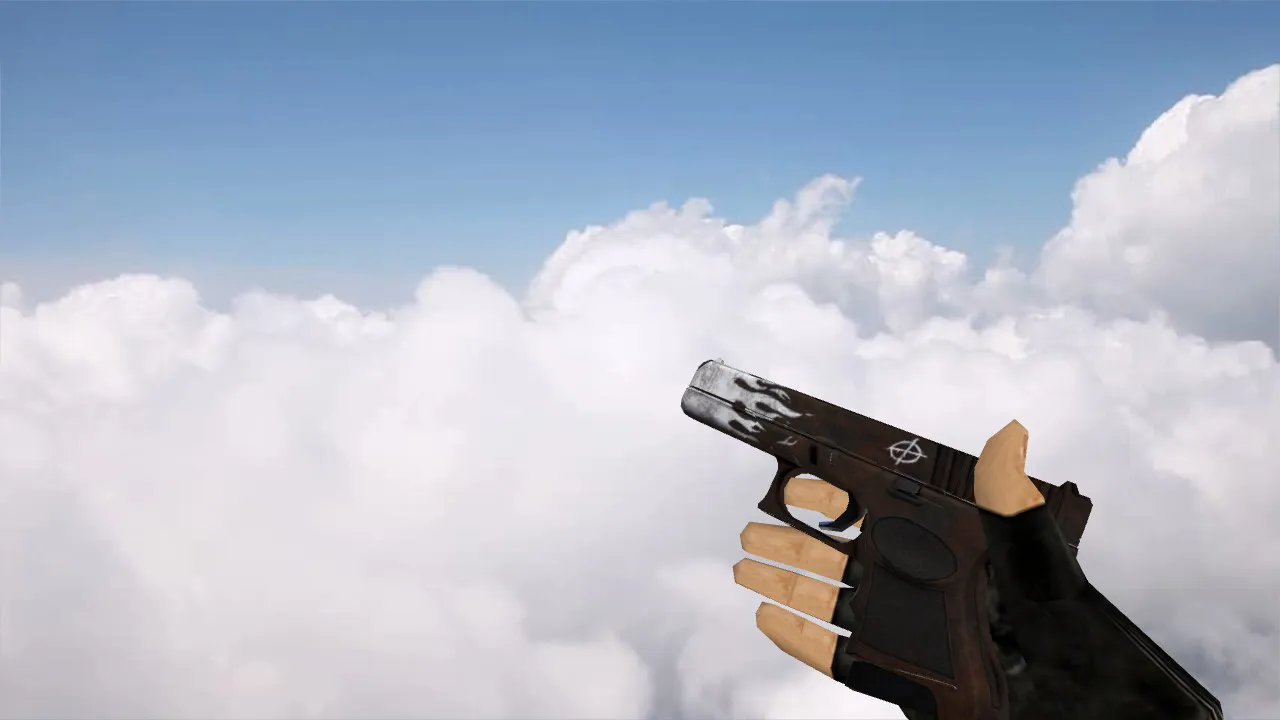
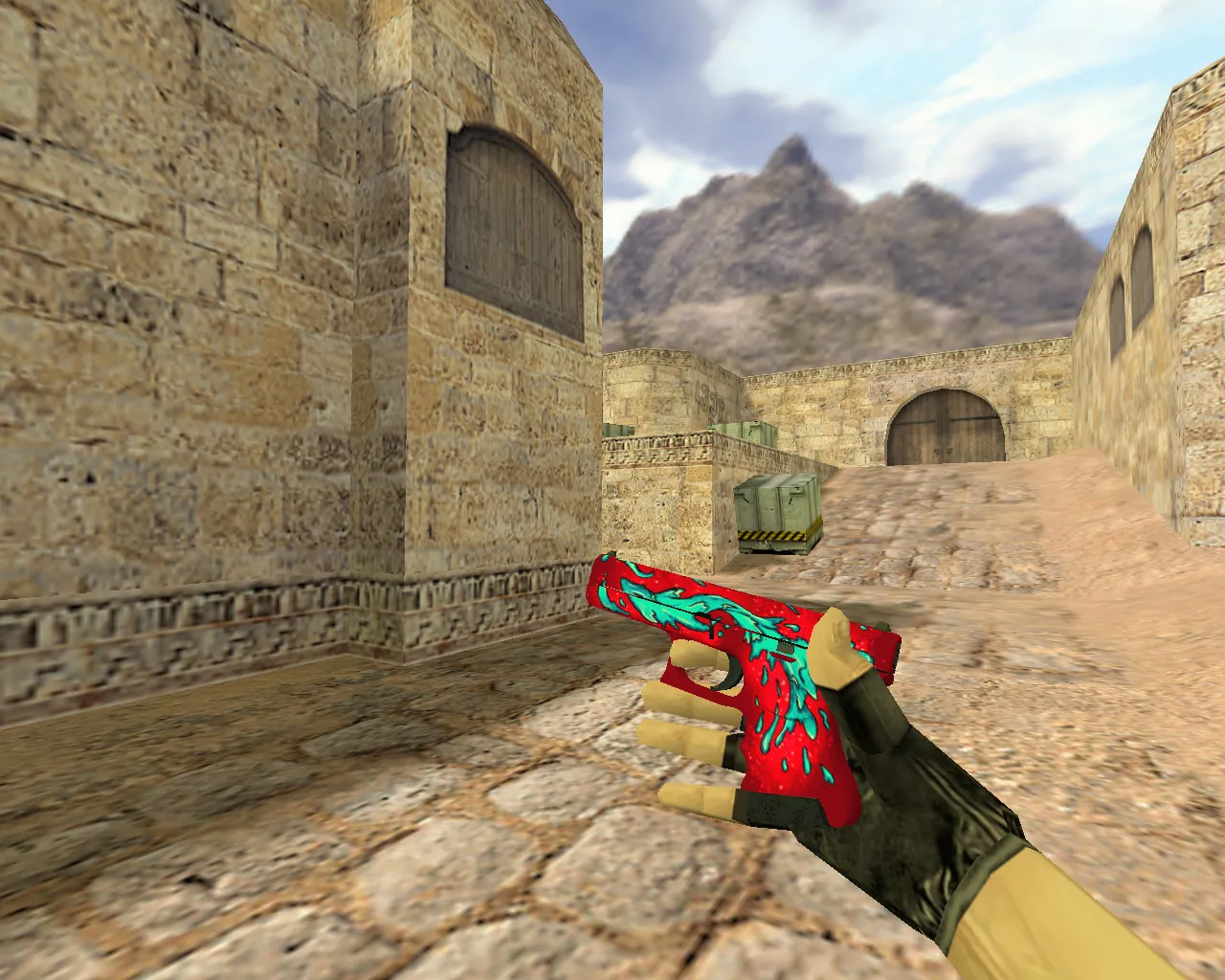
Caramel Apple Glock Model for CS 1.6 - Distinct Weapon Skin with Custom Sounds
Description
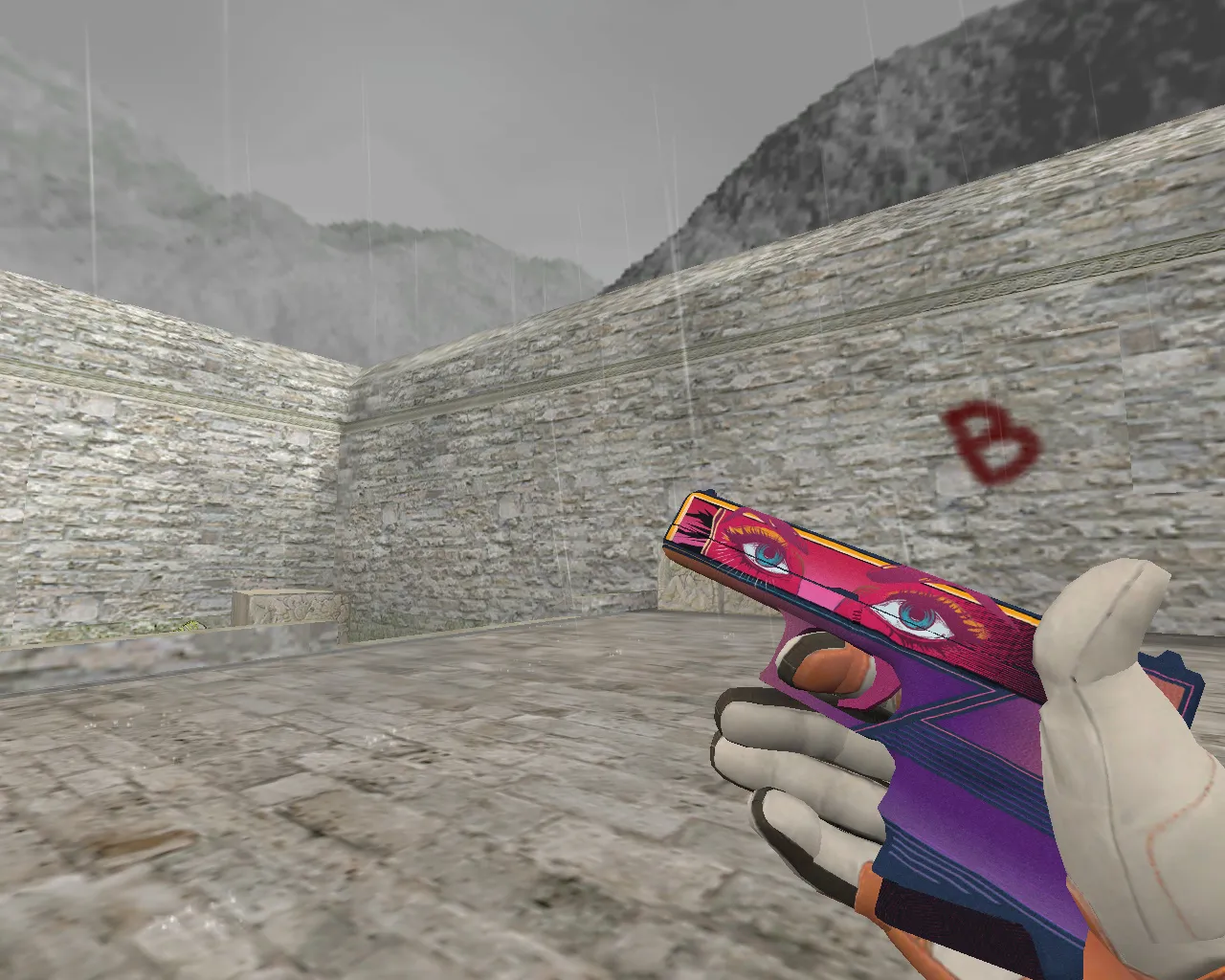
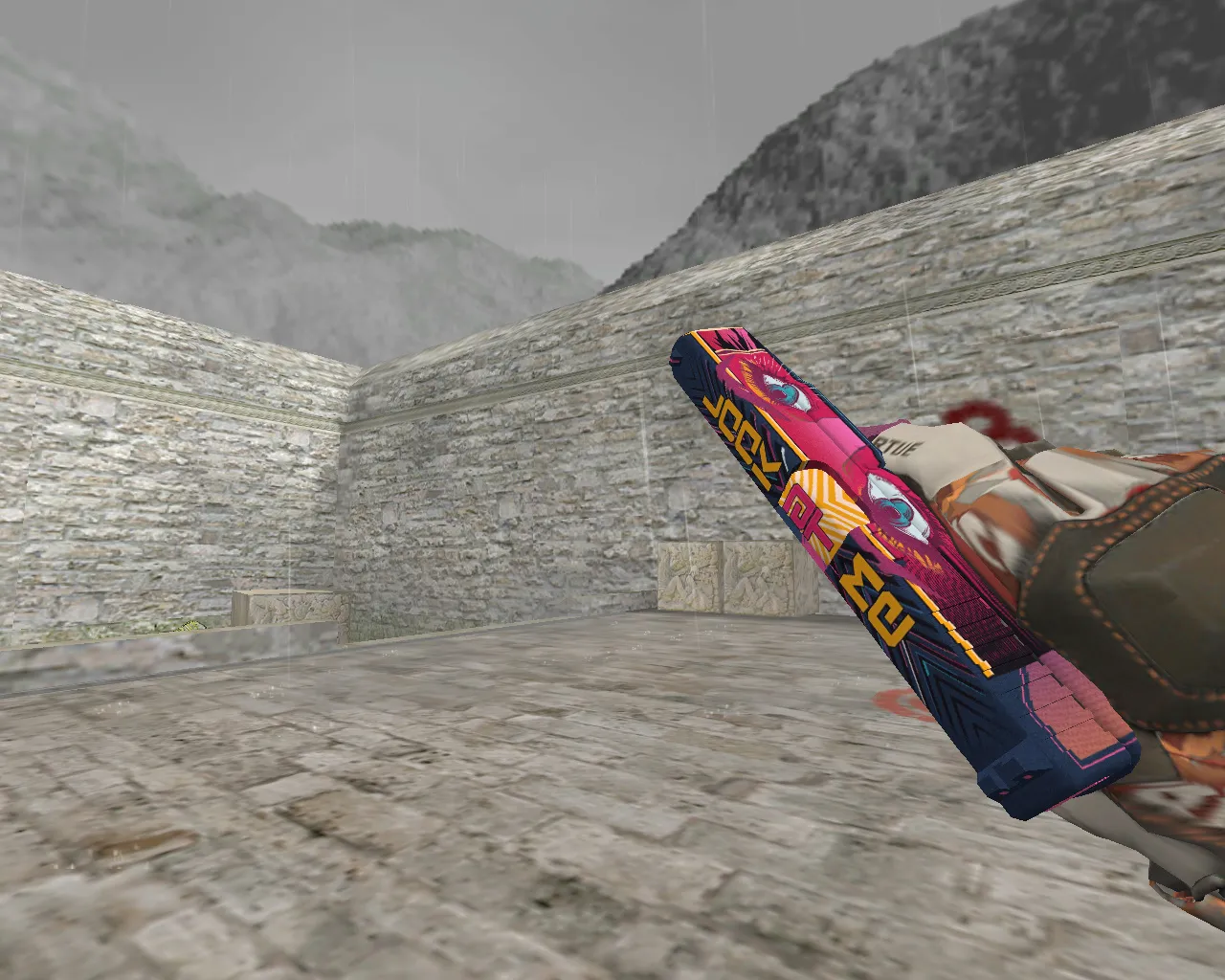
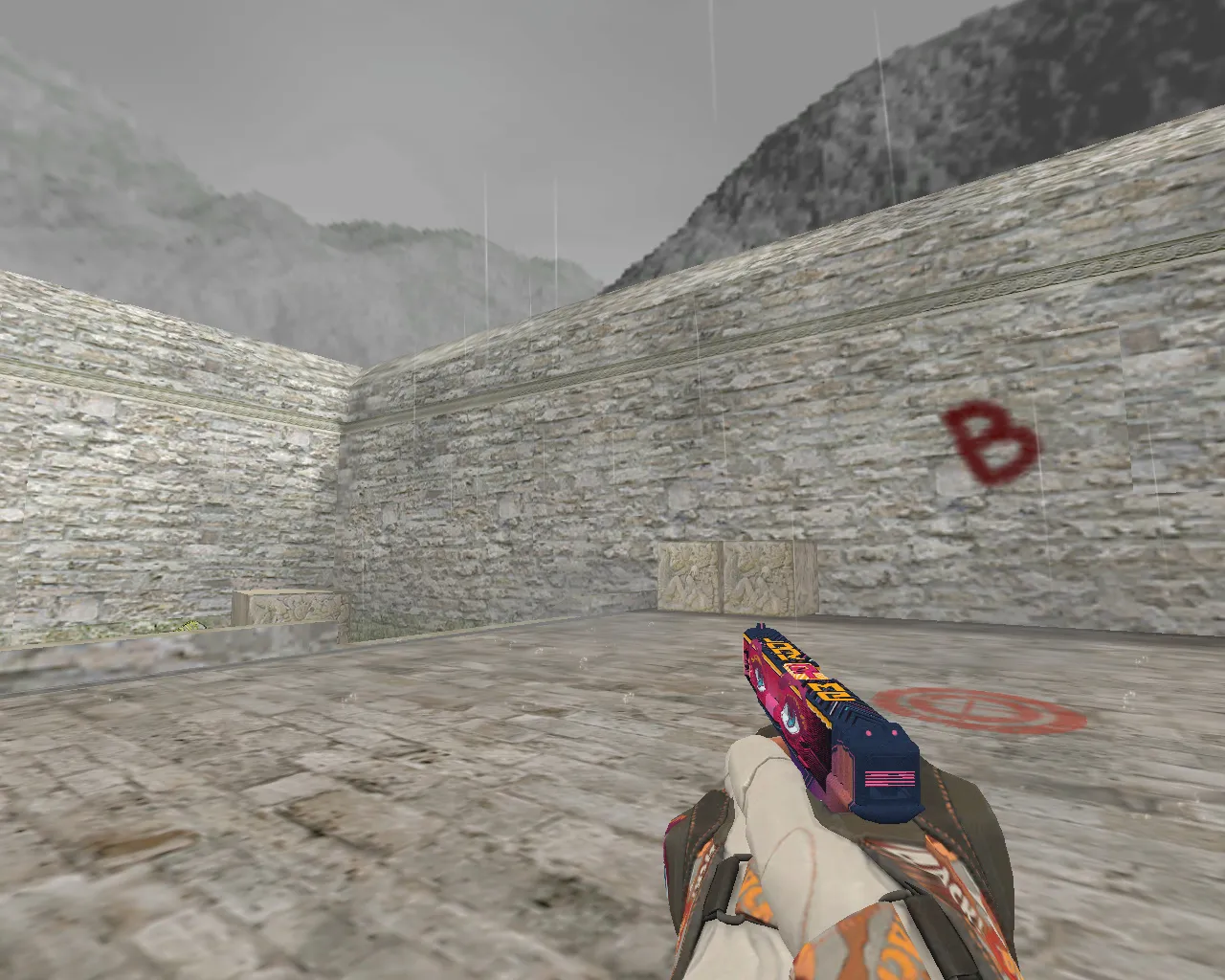
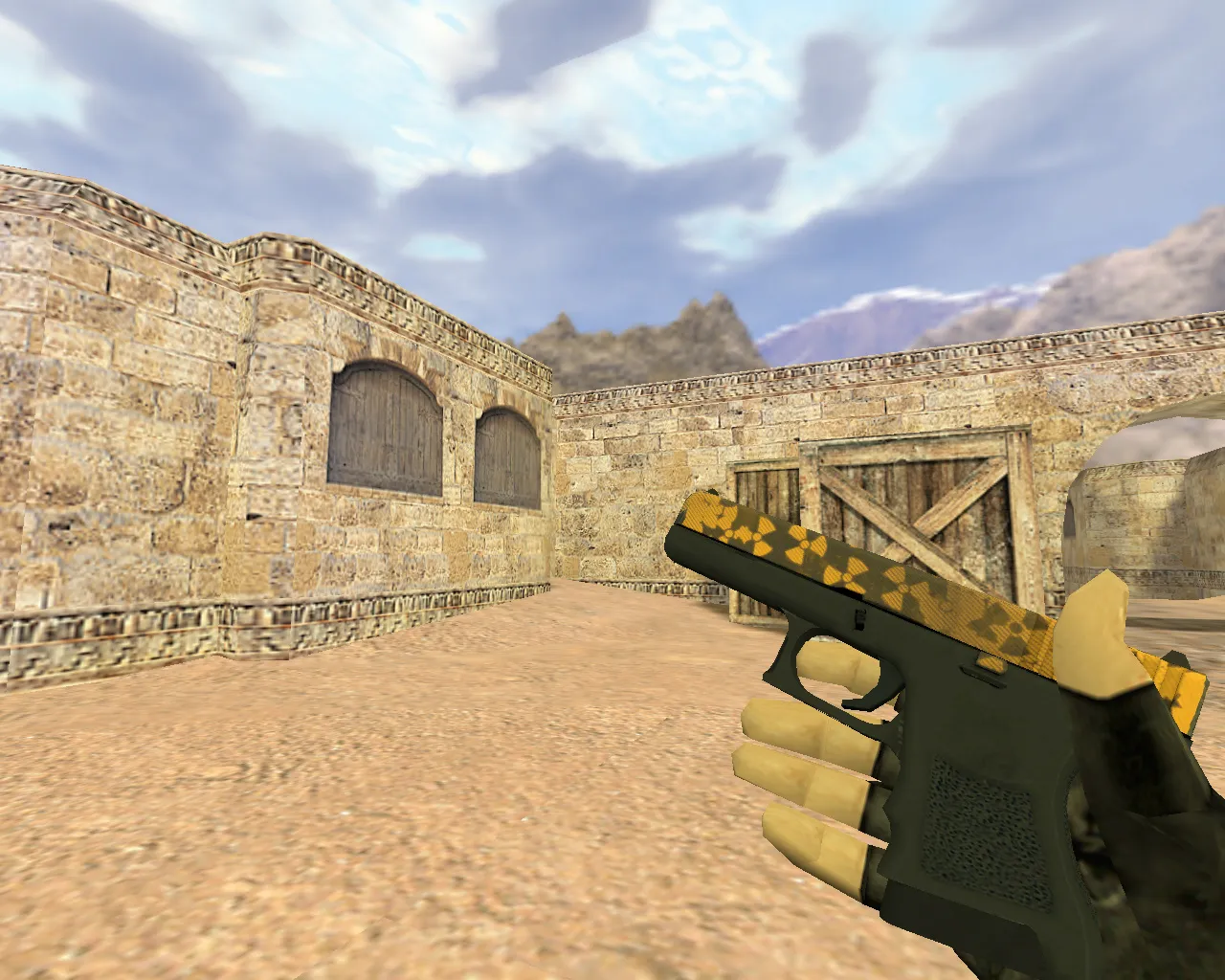
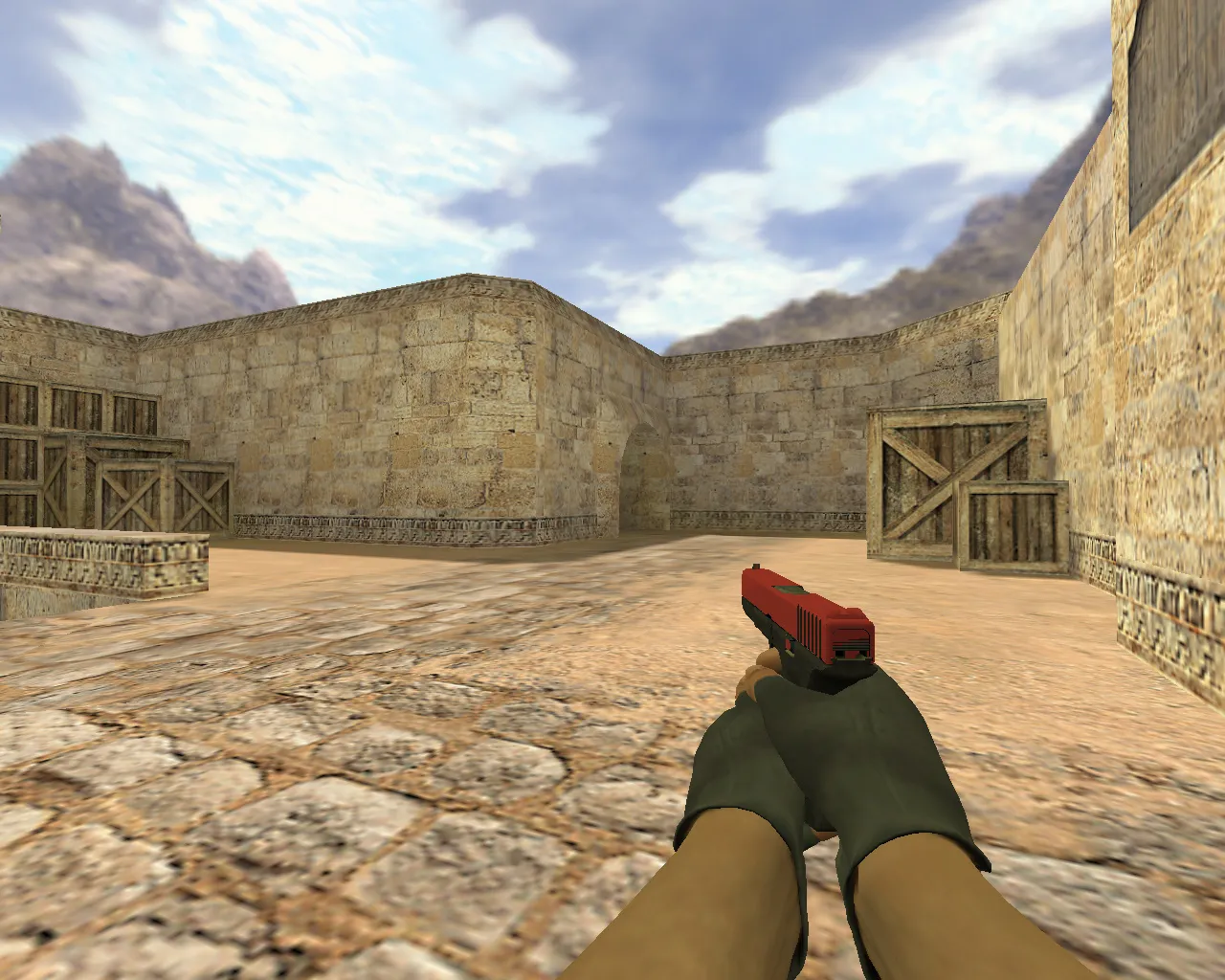
Caramel Apple Glock Model
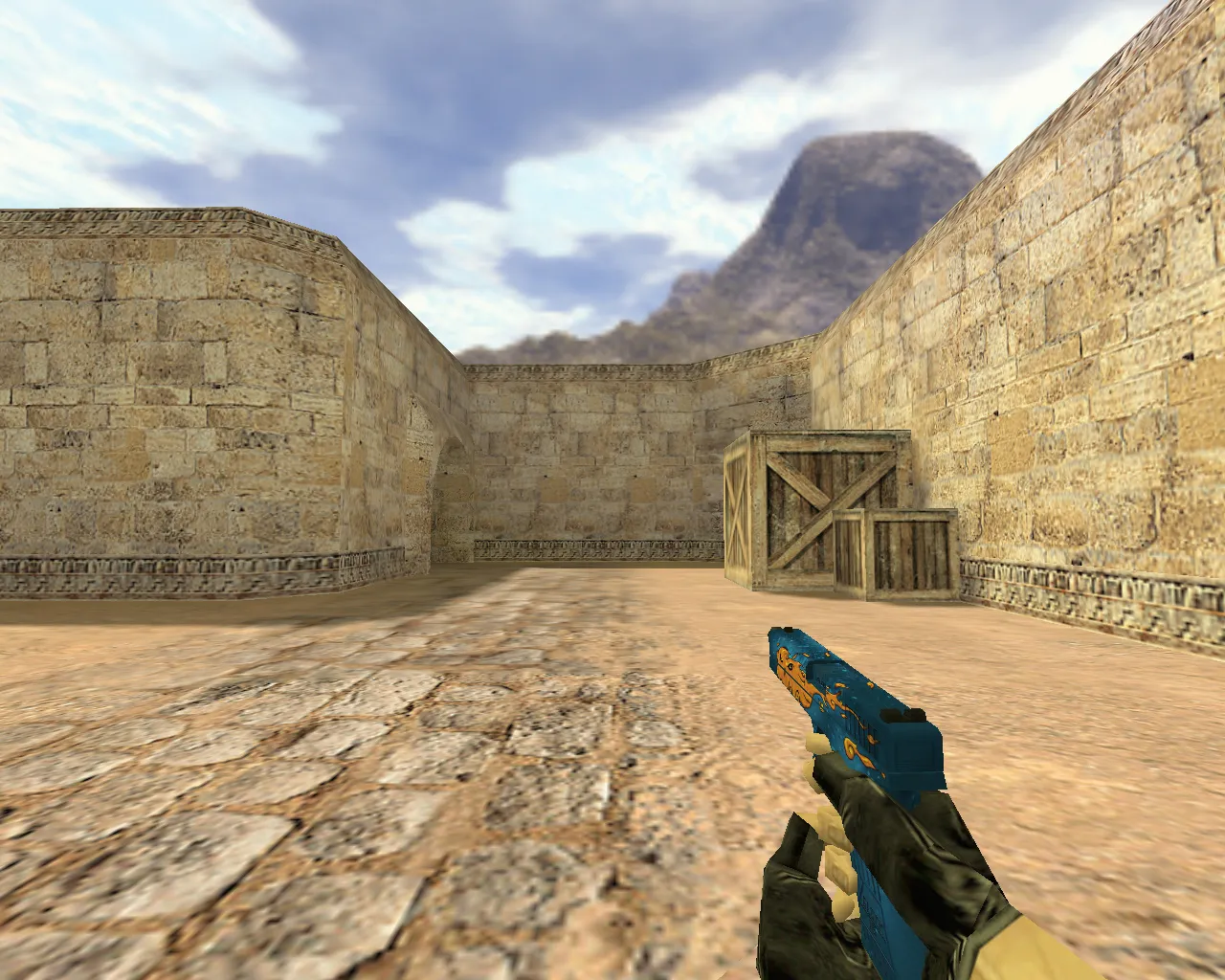
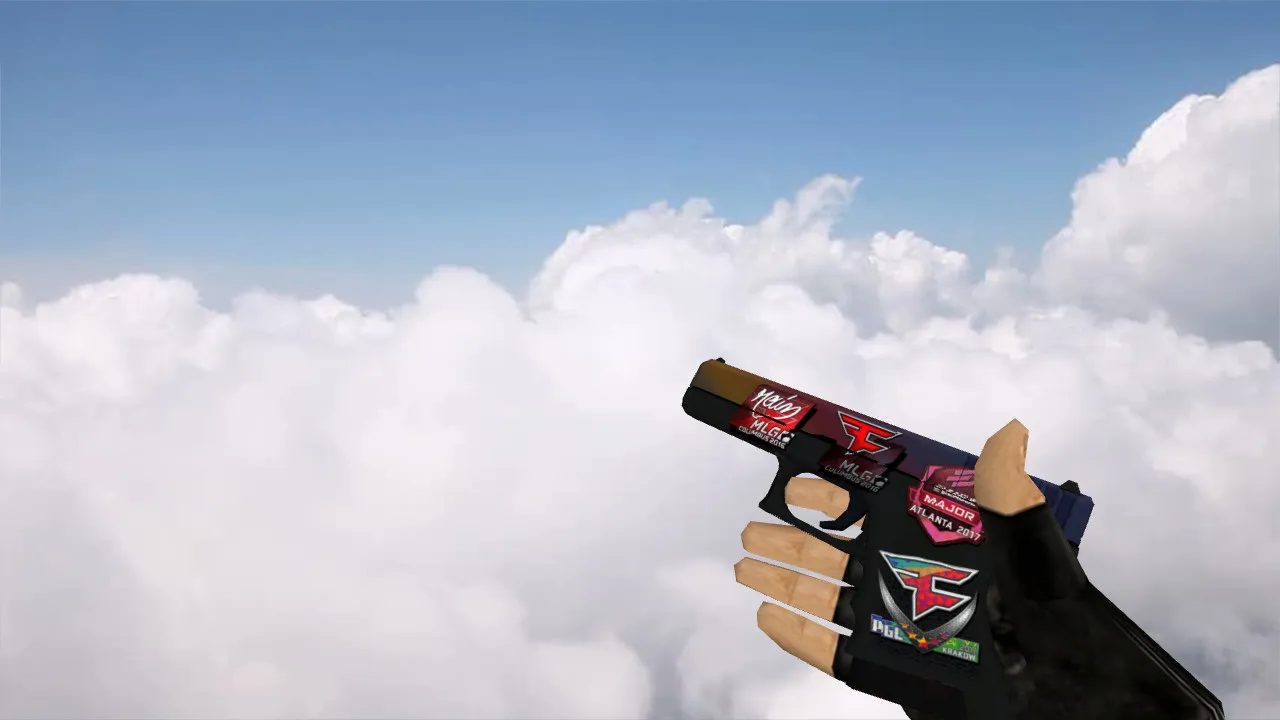
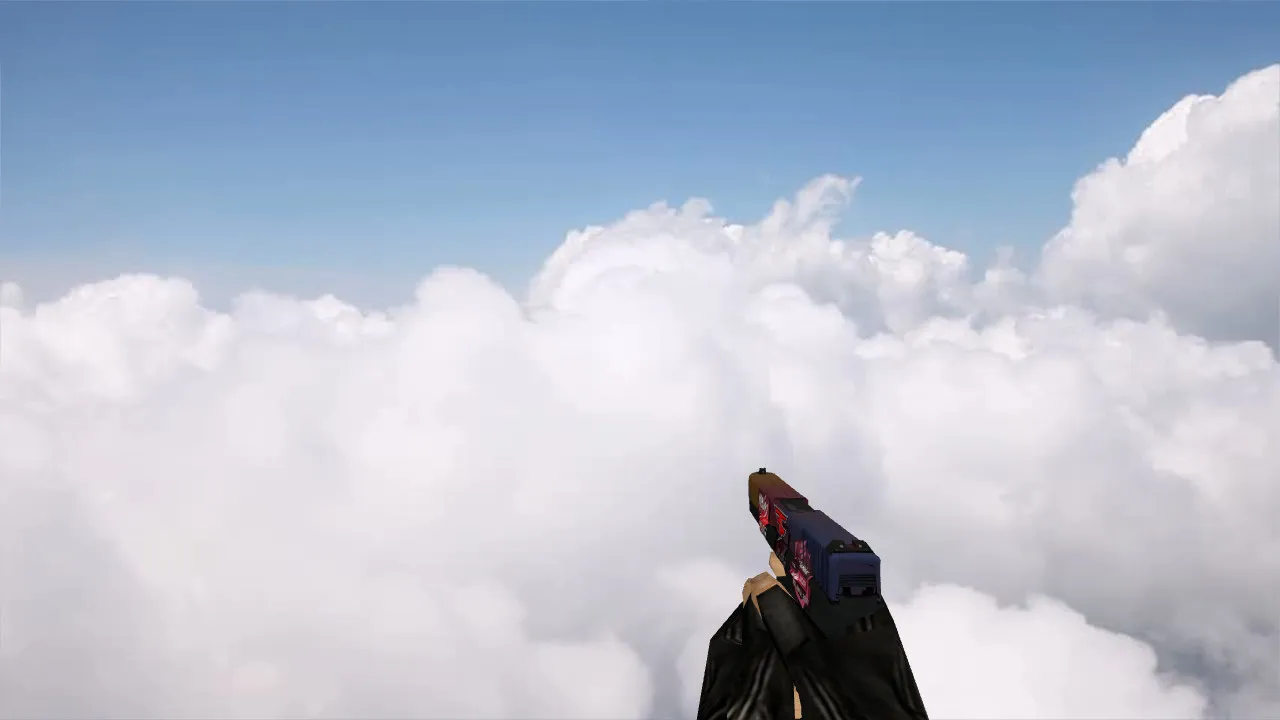
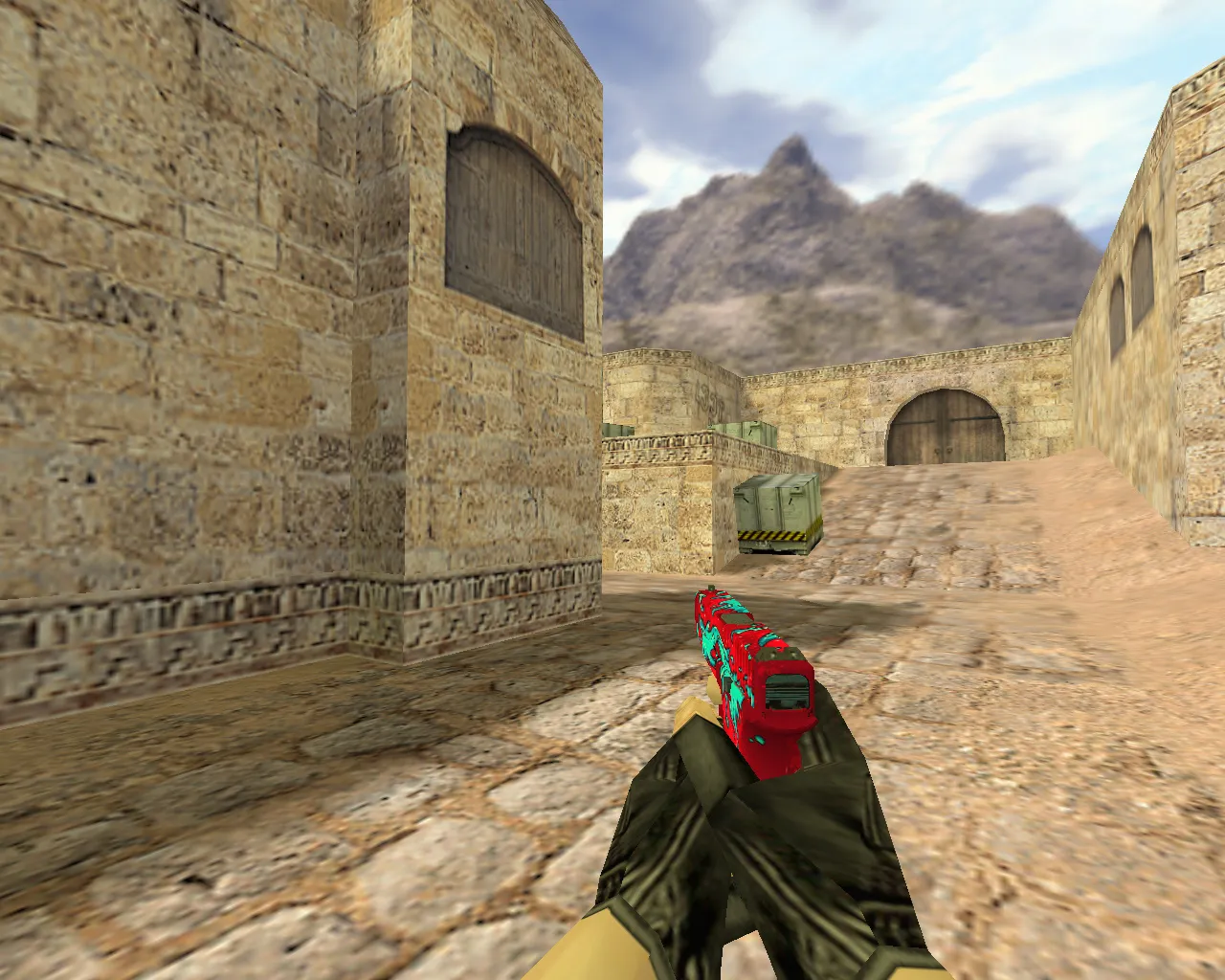
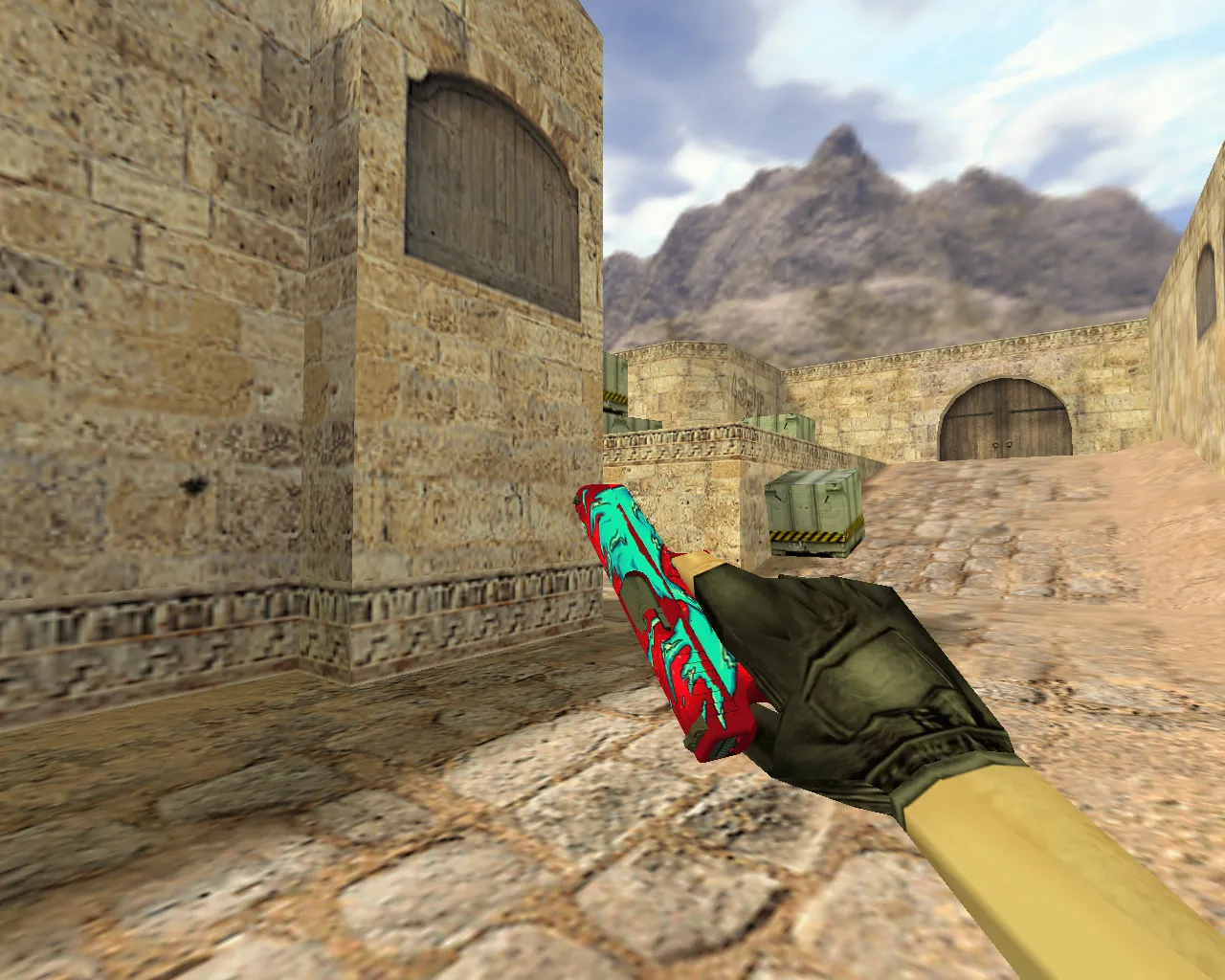
The Caramel Apple Glock model gives a new look to the default pistol in CS 1.6. This skin turns the Glock 18 into a caramel-coated apple, with shiny textures that reflect light during heated rounds. Players receive a detailed viewmodel that stands out in close-quarters fights, particularly on maps such as de_inferno where fast draws are crucial. The design maintains the weapon's silhouette clear for improved visibility against dark backgrounds, making it simpler to track in low-light areas without affecting hitbox alignment.
In CS 1.6, the Glock is the default Terrorist sidearm, firing semi-auto or burst for early-game rushes. This mod improves that function with high-definition textures at 512x512 resolution, lowering pixelation on older hardware. The caramel apple theme provides a playful yet tactical touch, perfect for casual servers or competitive ESL-style play where standing out can offer a psychological advantage.
Technical Specifications
- Models: Contains v_glock for first-person view, p_glock for player visibility, and w_glock for world model. Low polycount around 800 faces guarantees high-fps performance on Build 4554 clients.
- Sounds: Custom shooting effects with clear, layered audio files replacing default wavs. Burst fire sounds echo realistically, syncing with sprite muzzle flashes for immersive feedback.
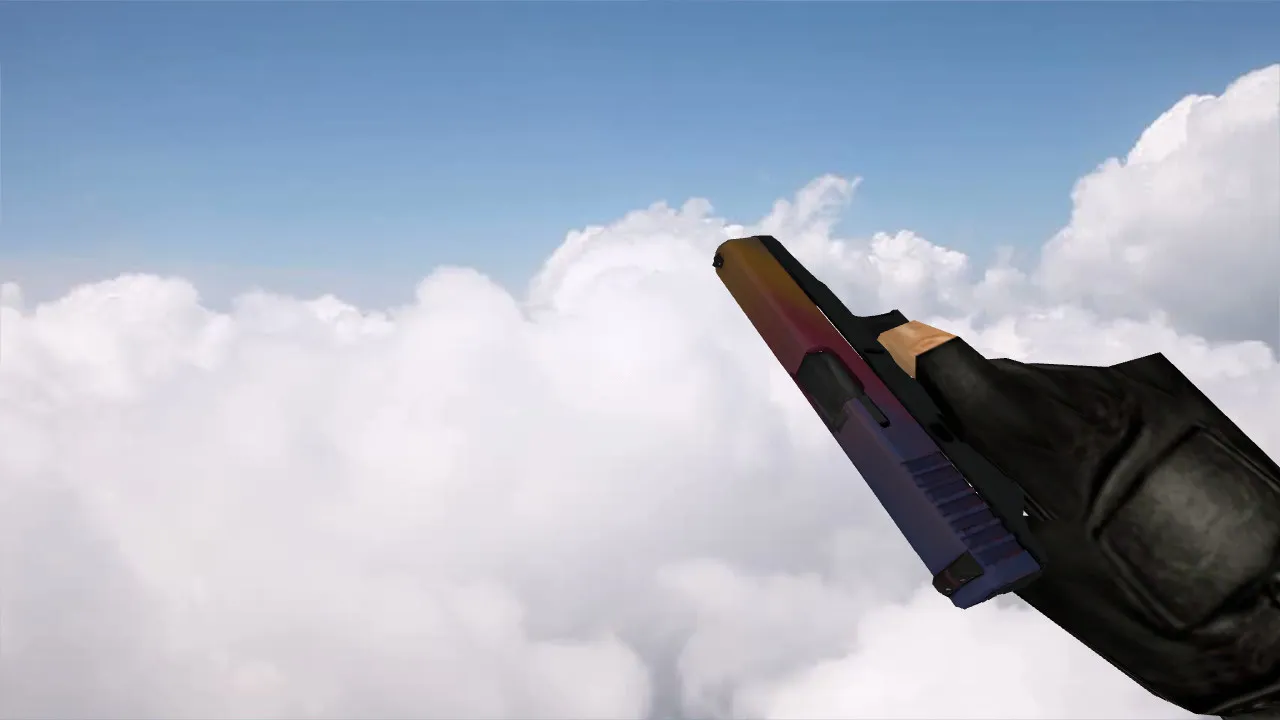
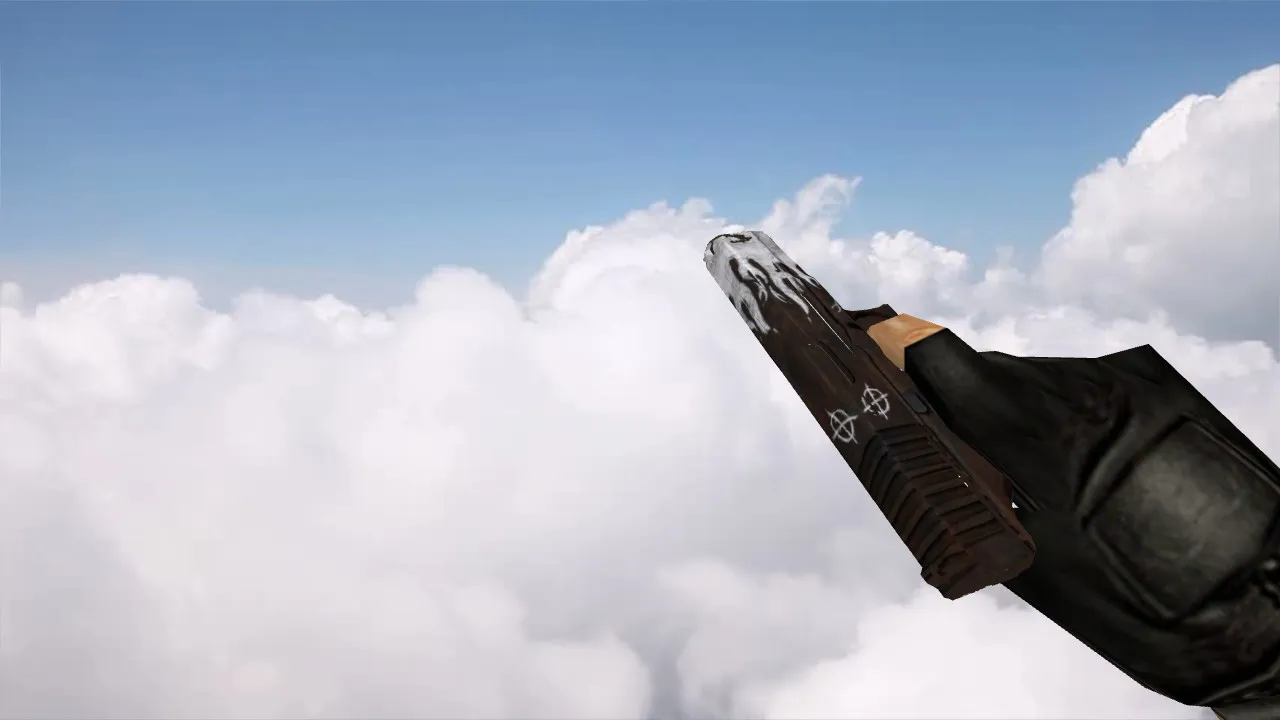
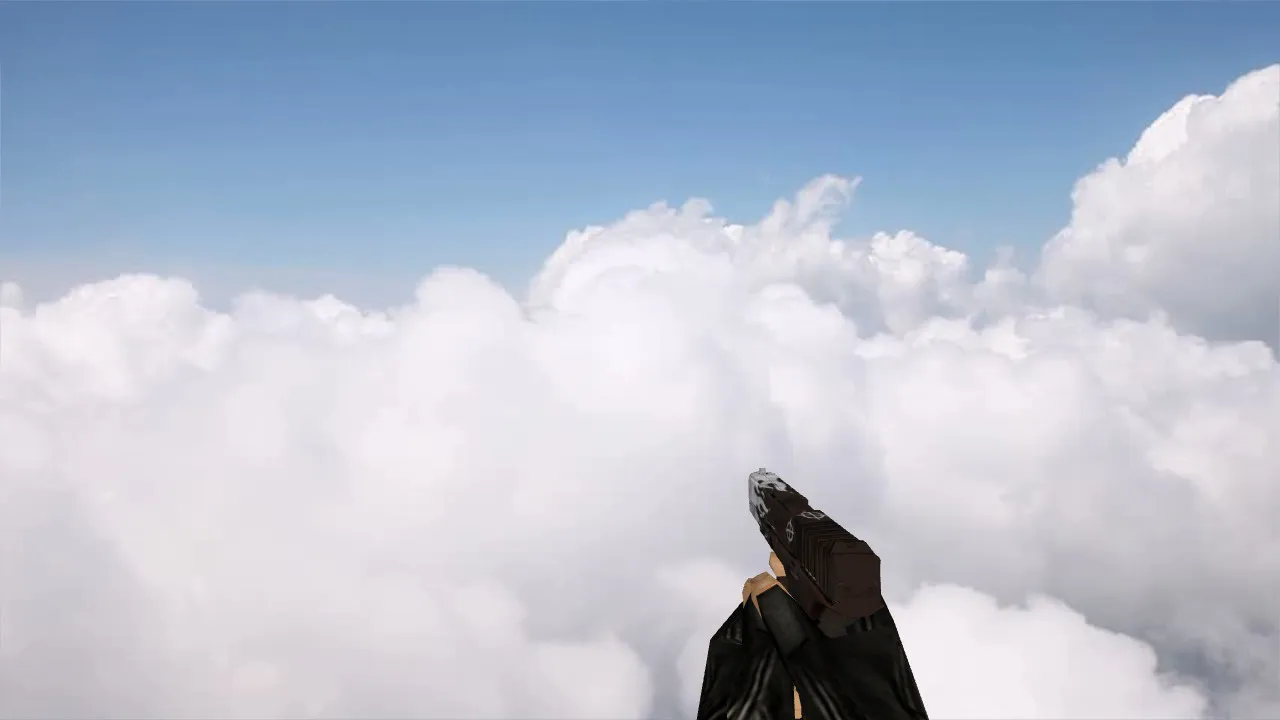
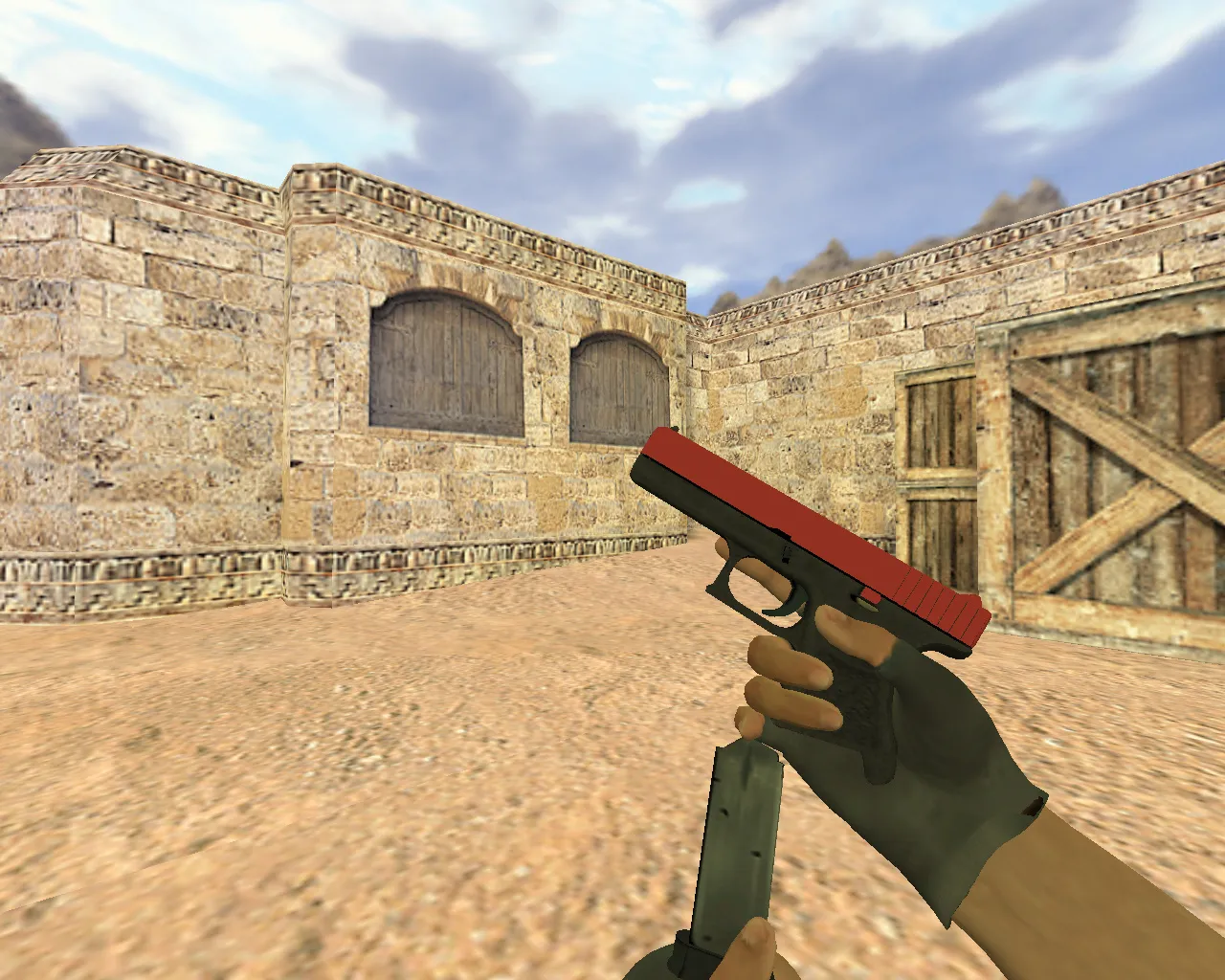
- Animations: Smooth inspect sequence with a natural spin and shine highlight on the apple texture. No clipping issues; animations loop cleanly without frame drops.
- Textures: HD skins with bump mapping for depth on the caramel drip details. Compatible with wad files, no need for custom sprites.
- Compatibility: Works on Steam and Non-Steam installs. Supports MasterServer protection and clean config.cfg setups. No interference with no-recoil scripts or bot navigation.
This model optimizes for hitbox accuracy, ensuring the pistol's collision points match vanilla files. On maps with tight corners like cs_office, the enhanced visibility helps spot enemies faster during pistol rounds. The skin avoids over-saturation, keeping colors balanced for monitors with poor gamma settings.
Advantages
Stand out in lobbies with this unique caramel apple design that doesn't blend into generic metallic looks. The v_glock model sits comfortably in the viewport, with no obtrusive elements blocking crosshair placement. Dark-area visibility shines on bombsite defenses, where shadows hide standard weapons. Pair it with a clean config for 100hz servers, and you'll notice smoother handling in sprays.
For modders, the files integrate easily into custom packs. The texture work uses efficient UV mapping, cutting down on file size while maintaining detail. No need for additional .mdl tweaks; it drops right into your models folder.
Installation Guide
Getting this Glock model running takes minutes. First, backup your original glock files from cstrike/models. Extract the downloaded archive to your CS 1.6 directory, overwriting v_glock.mdl, p_glock.mdl, and w_glock.mdl. For sounds, place the .wav files in cstrike/sound/weapons. Restart the game and select the skin via console if needed-type 'glock' to test. On Non-Steam, ensure compatibility mode is off to avoid crashes.
If you're on a dedicated server, upload the models to the server's cstrike folder for all players to see. Bots recognize the model without .nav file changes, maintaining standard AI paths. Test on a local game to confirm no lag spikes.
Safety and Compatibility Notes
This mod is clean-scanned for viruses, no backdoors, no adware, and zero auto-connect risks. Built for Build 8610 stability, it runs virus-free on all legit CS 1.6 setups. Avoid mixing with unknown mods to prevent conflicts. Enjoy pistol rounds without worries, focusing on headshots and clutches.
Expand your arsenal with this skin and experiment on community servers. The caramel apple Glock adds flair to eco rounds, turning a basic tool into a signature piece. Download and install today for that edge in CS 1.6 matches.
Install in three steps
-
1
Download the archive. Use the button on the right, or the Yandex.Disk mirror if the main server is slow.
-
2
Extract it into the game folder. Use 7-Zip or WinRAR. A path without non-Latin characters works best.
-
3
Launch the game. If something doesn't work, mark it below - that is how we know the file needs an update.
Did it work for you?
No sign-up needed. You can pick more than one.