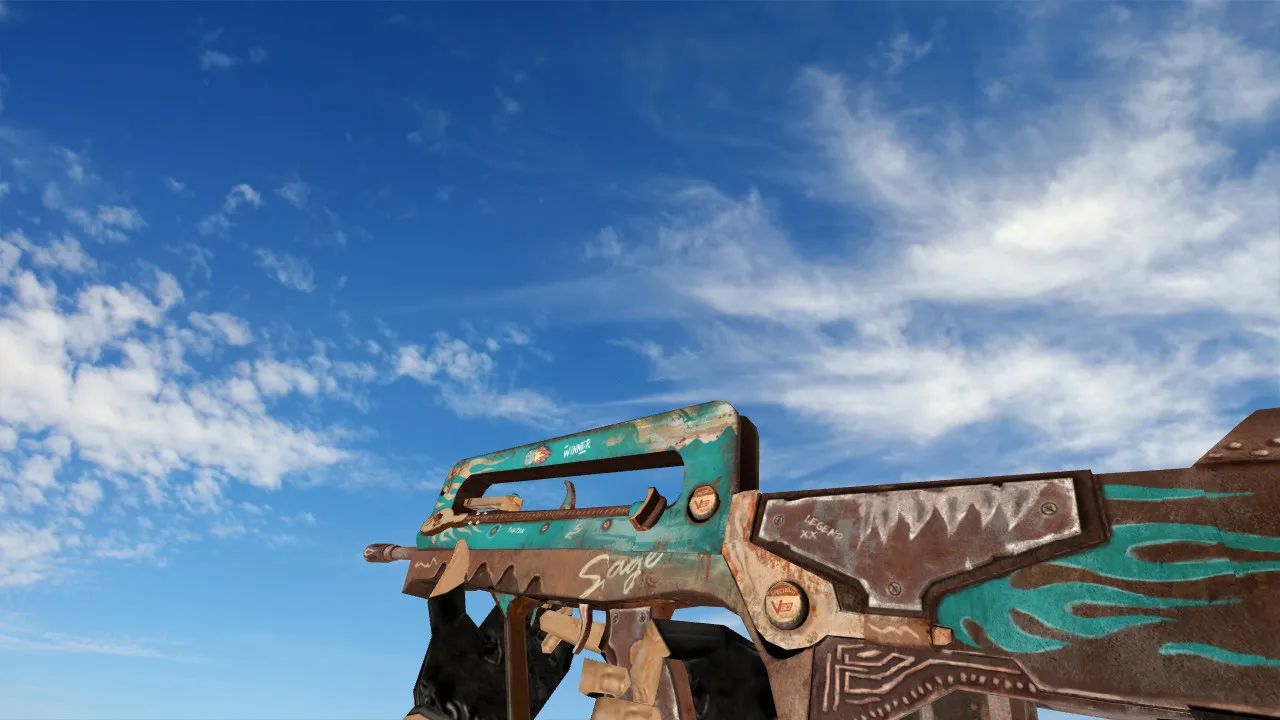
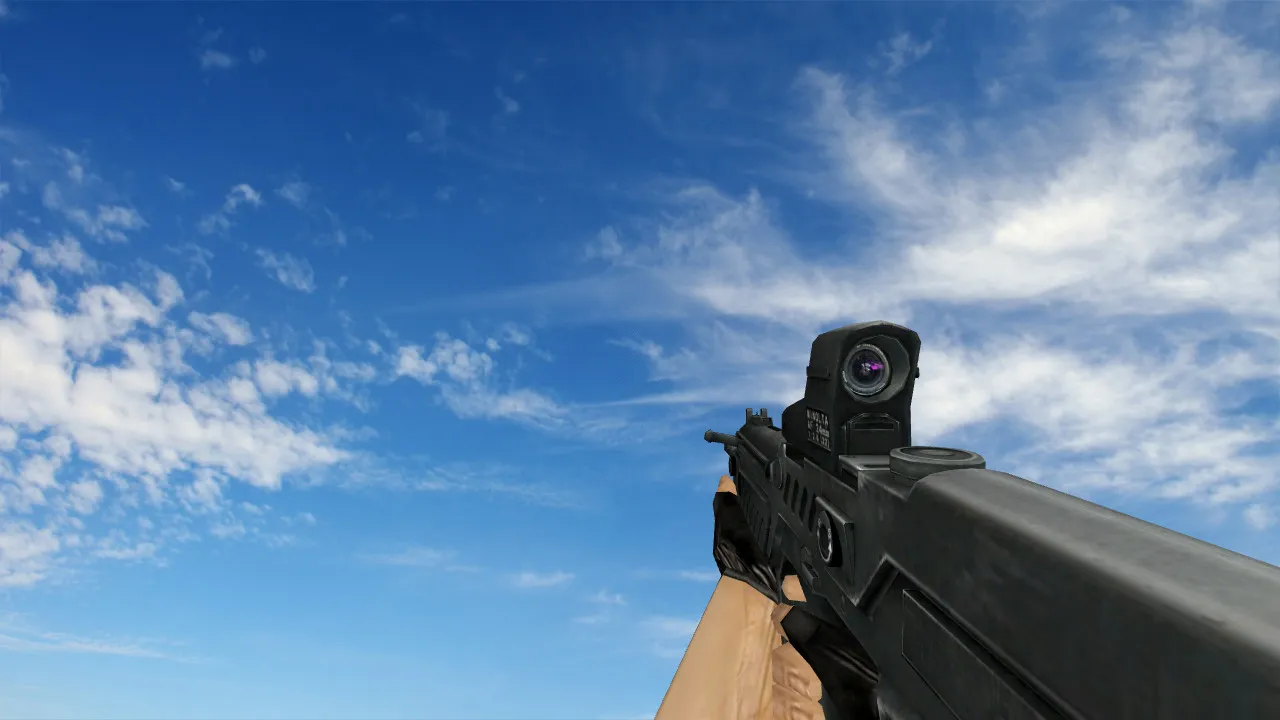
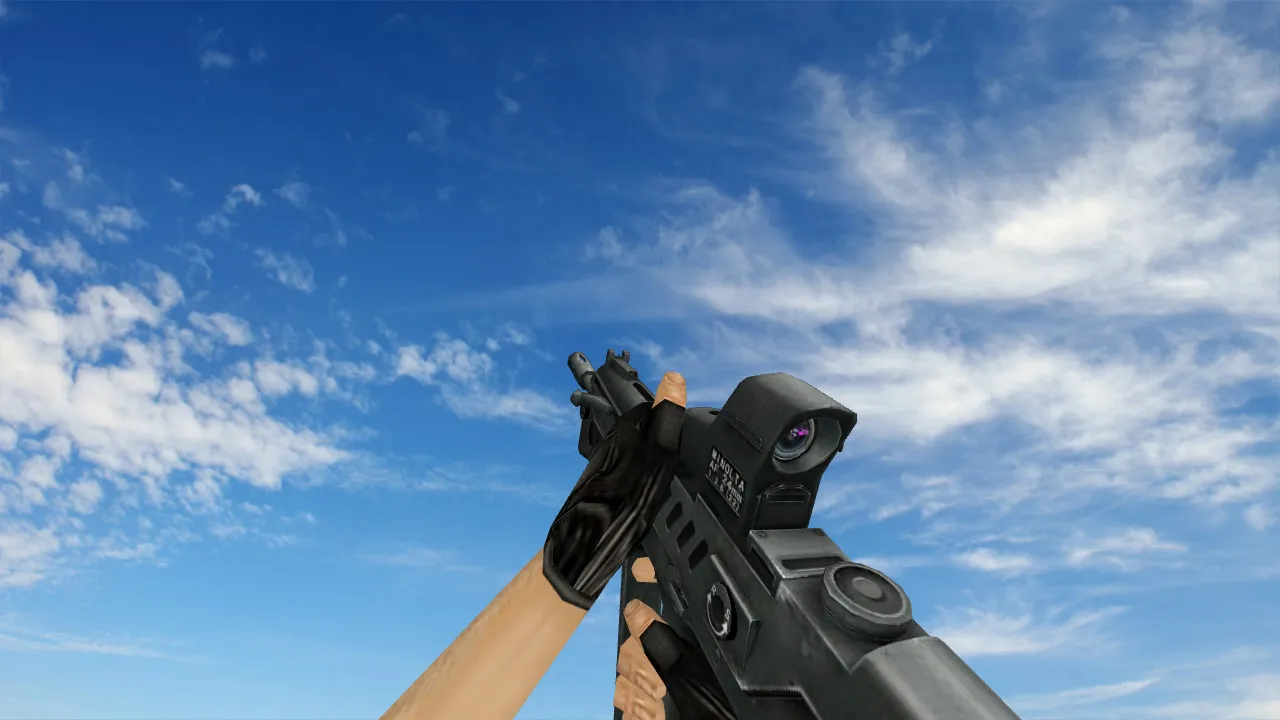
Famas Green Triangle Weapon Model for CS 1.6 - Free Download
Description
Famas Green Triangle Model
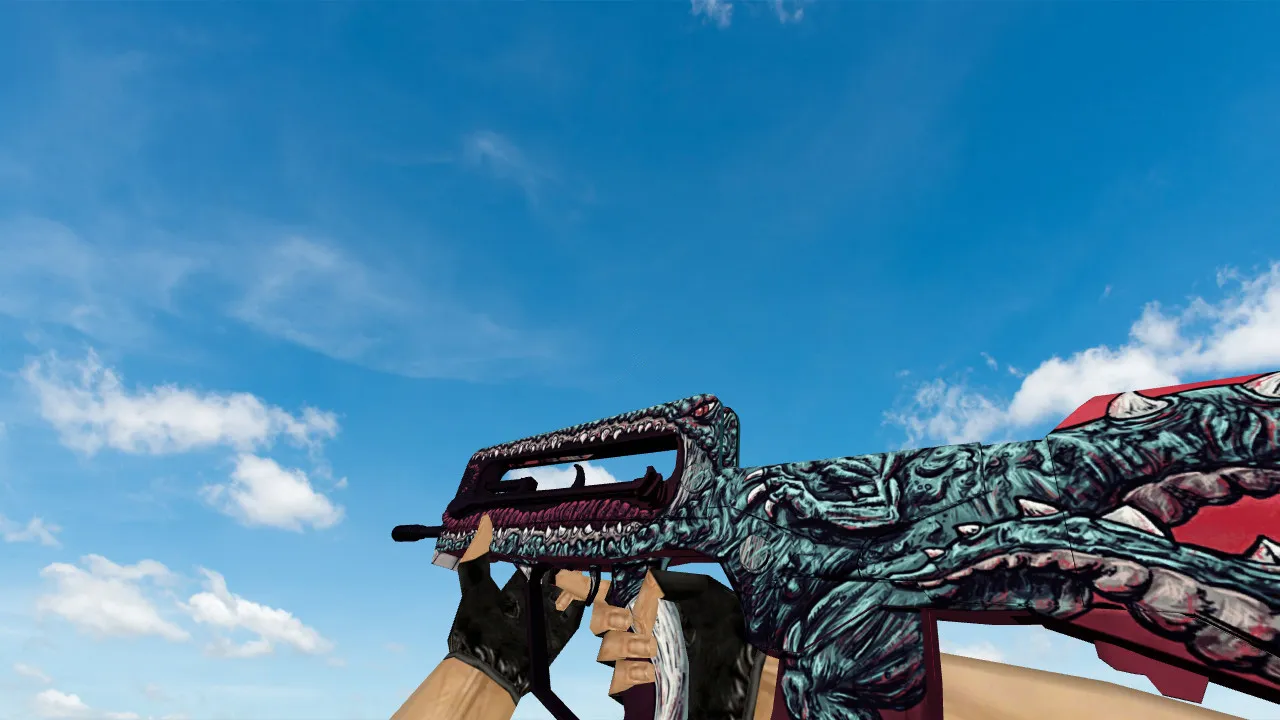
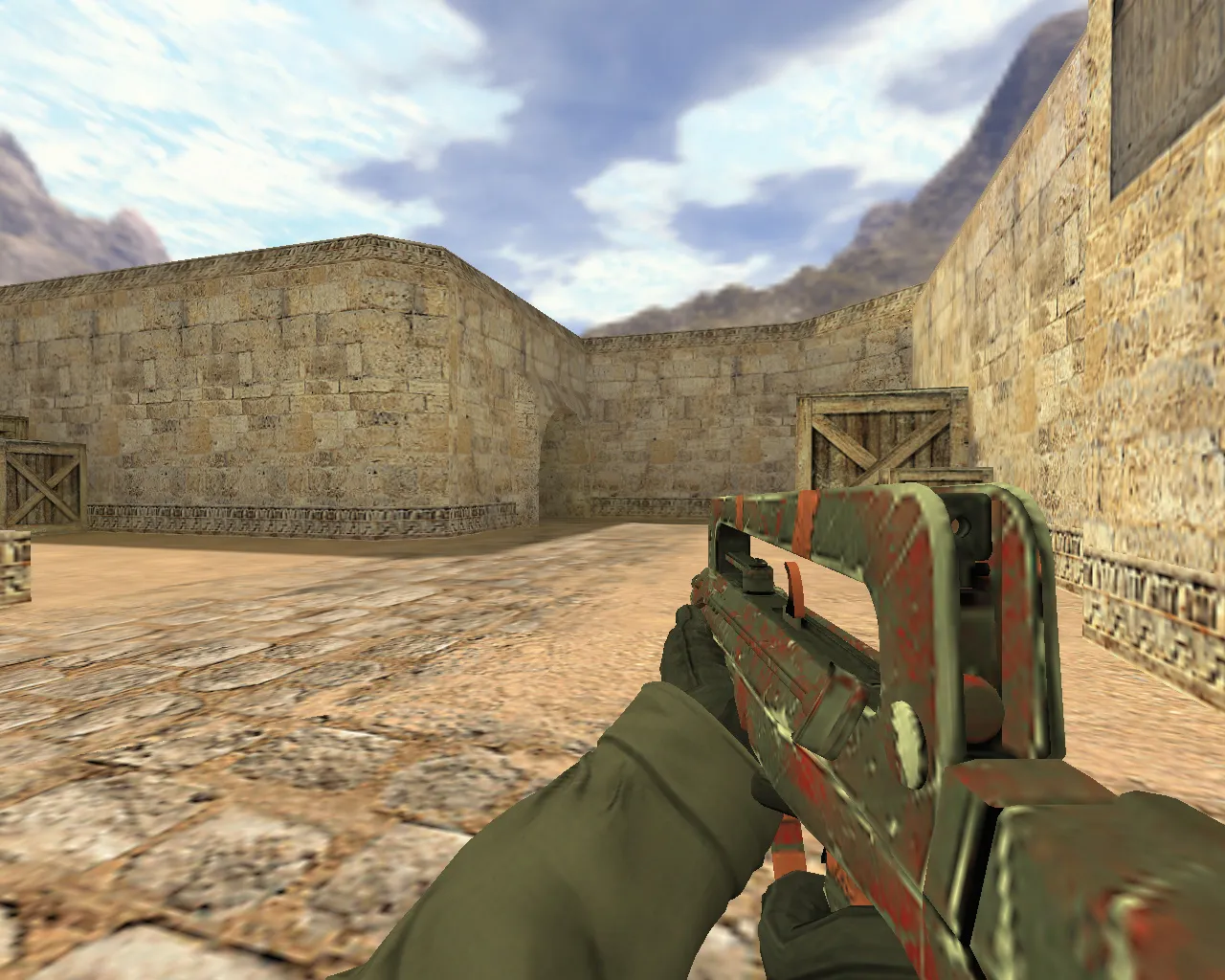
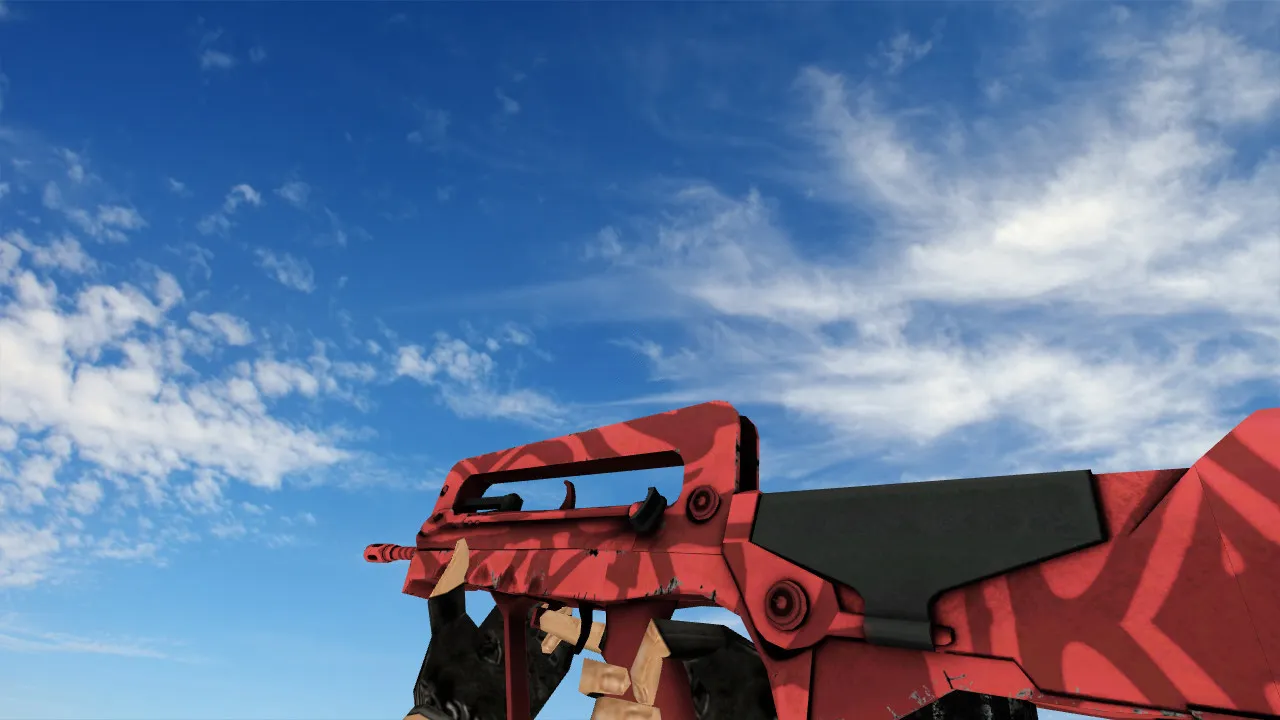
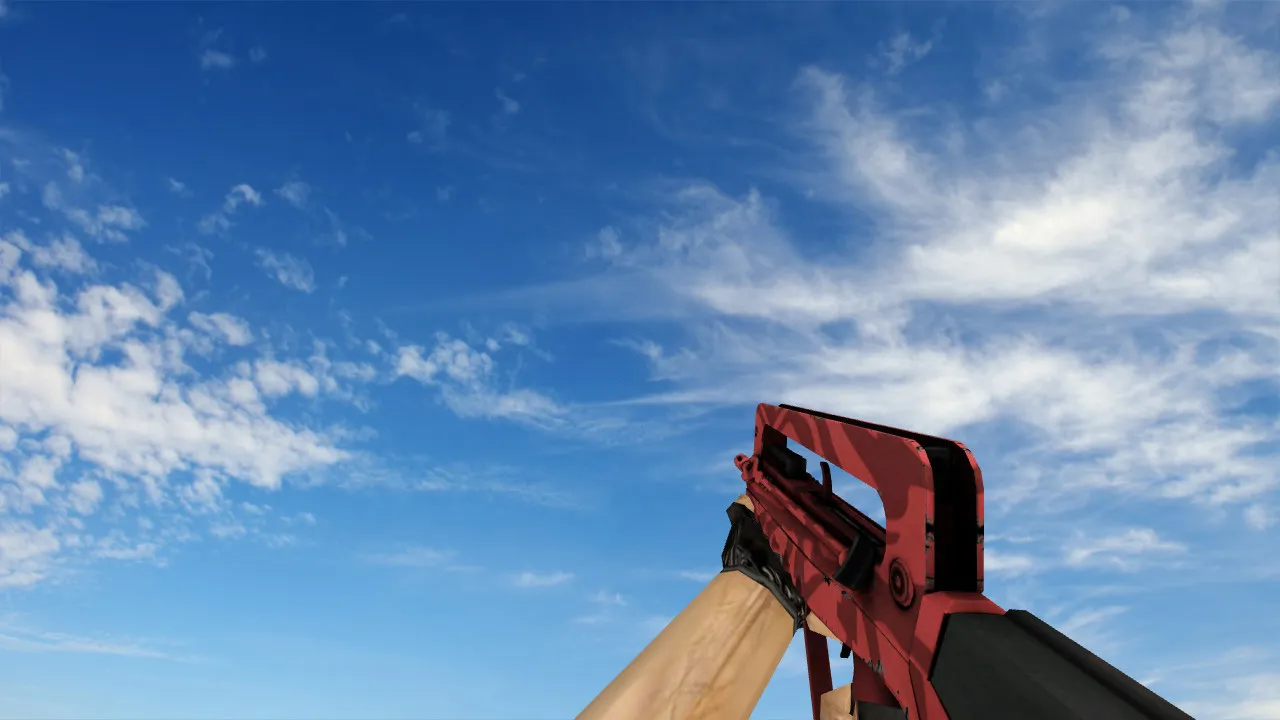
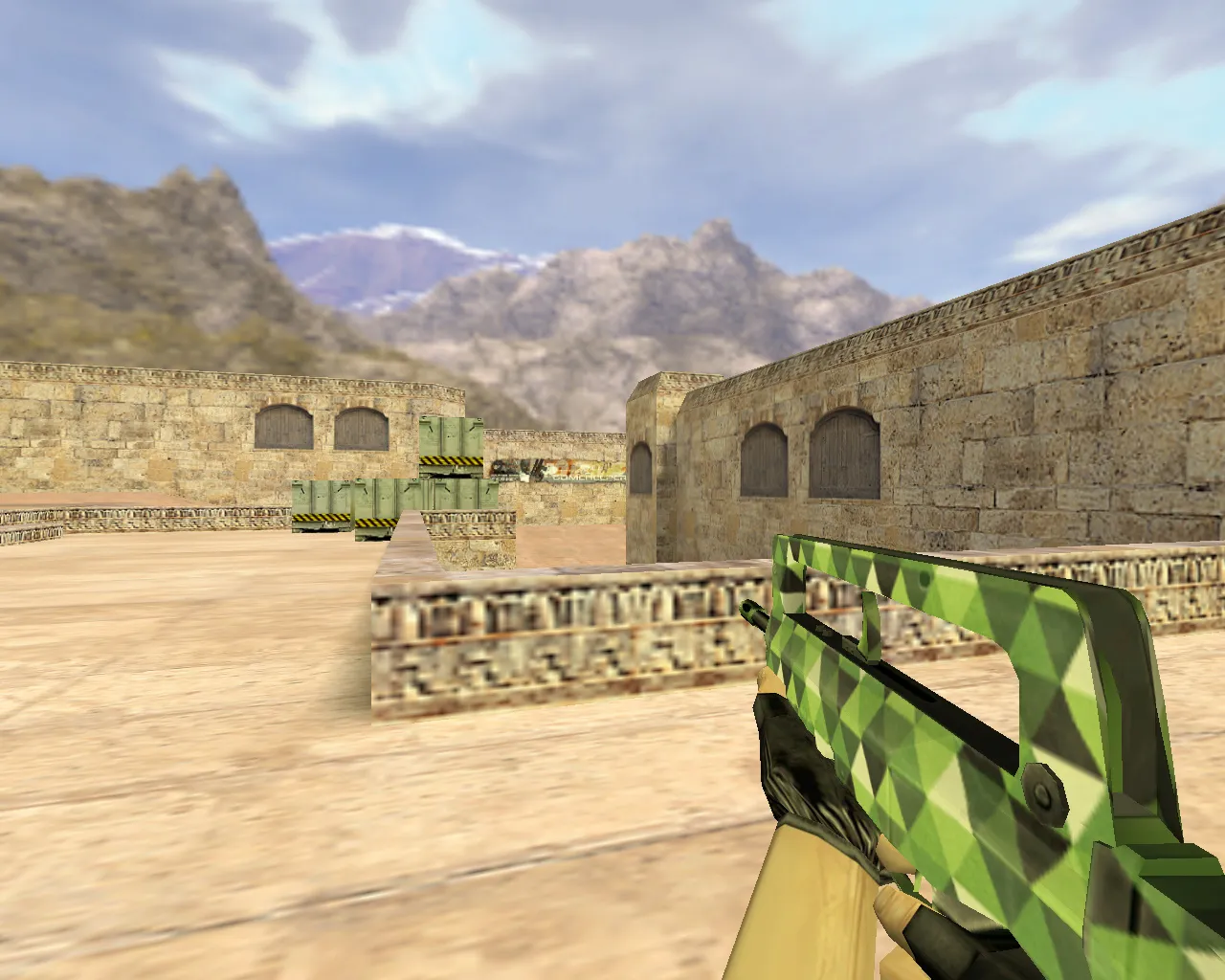
This Famas skin for CS 1.6 has a unique green triangle design. Its sharp visual effects stay clear even in dim locations such as the tunnels on de_dust2 or the shaded areas of de_inferno. The textures are 1024x1024 for fine detail, and the model stays under 1500 faces, so it runs smoothly on older computers. Custom inspect animations move through the green highlights at the same speed as standard viewmodel timings.
To install, replace the files directly in the cstrike/models folder. Put v_famas.mdl, p_famas.mdl, and w_famas.mdl in place, and then adjust your config.cfg if you need model overrides. It works with both Steam and Non-Steam versions, including Build 4554 and 8610. There are no MasterServer conflicts or auto-exec scripts, so your setup stays clean.
- v_model: First-person view with green triangle overlays on the body and stock, aligned with hitboxes for precise aiming.
- p_model: Third-person version with smooth reload and draw animations, visible when switching teams.
- w_model: World model falls to the ground with correct sprite effects, simple to notice in ESL-style competitive play.
- Sounds: Custom firing and reload audio replace the defaults, adding metallic clinks without volume spikes.
- Texture Quality: HD mipmaps cut down aliasing at a distance, and 16-bit color depth helps visibility in dark areas.
The model fits well with existing weapon packs and does not conflict with other FAMAS reskins. Try it on aim maps to check no-recoil patterns or spray control issues. For bot compatibility, leave .nav files as they are. This addition improves tactical awareness in long-range fights, such as holding A-site on de_nuke.
Safety comes first: it has been scanned for viruses, with no backdoors, no adware, and no slow-hack elements. It runs without issues on Windows XP through 10 and does not need admin rights. If you use custom HUDs, the model stays within sprite boundaries to avoid clipping. Add this low-poly choice to your collection-it puts performance ahead of flash and is great for 128-tick servers.
Extra options include an optional .wad file for texture swaps, keeping the total file size under 5MB. Use it with a no-recoil config for balanced gameplay. Download and install in less than two minutes to see the effect in-game right away.
Install in three steps
-
1
Download the archive. Use the button on the right, or the Yandex.Disk mirror if the main server is slow.
-
2
Extract it into the game folder. Use 7-Zip or WinRAR. A path without non-Latin characters works best.
-
3
Launch the game. If something doesn't work, mark it below - that is how we know the file needs an update.
Did it work for you?
No sign-up needed. You can pick more than one.