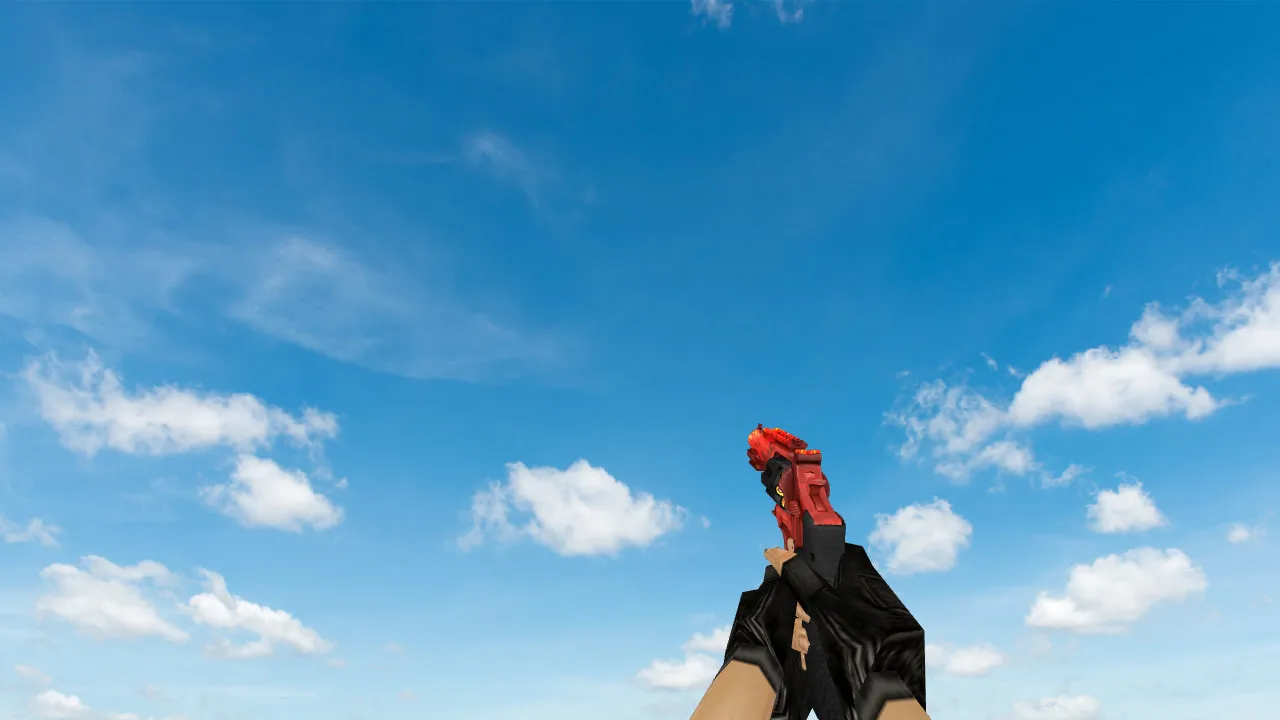
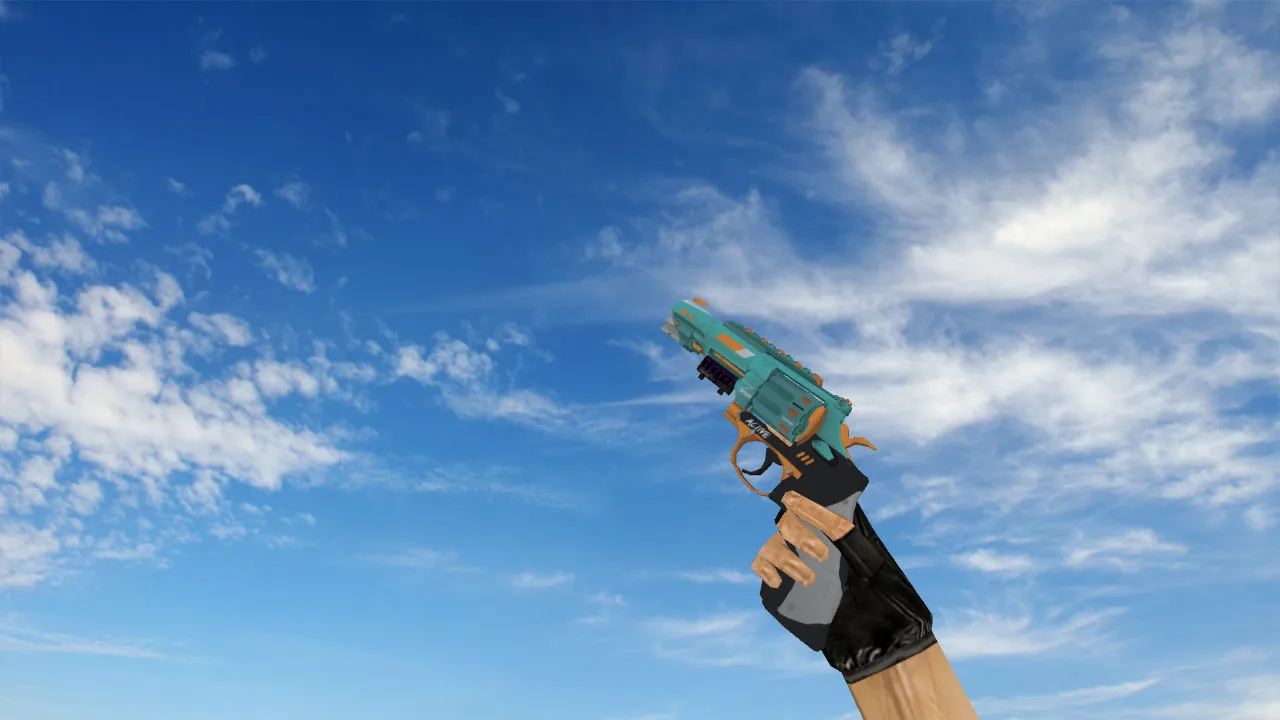
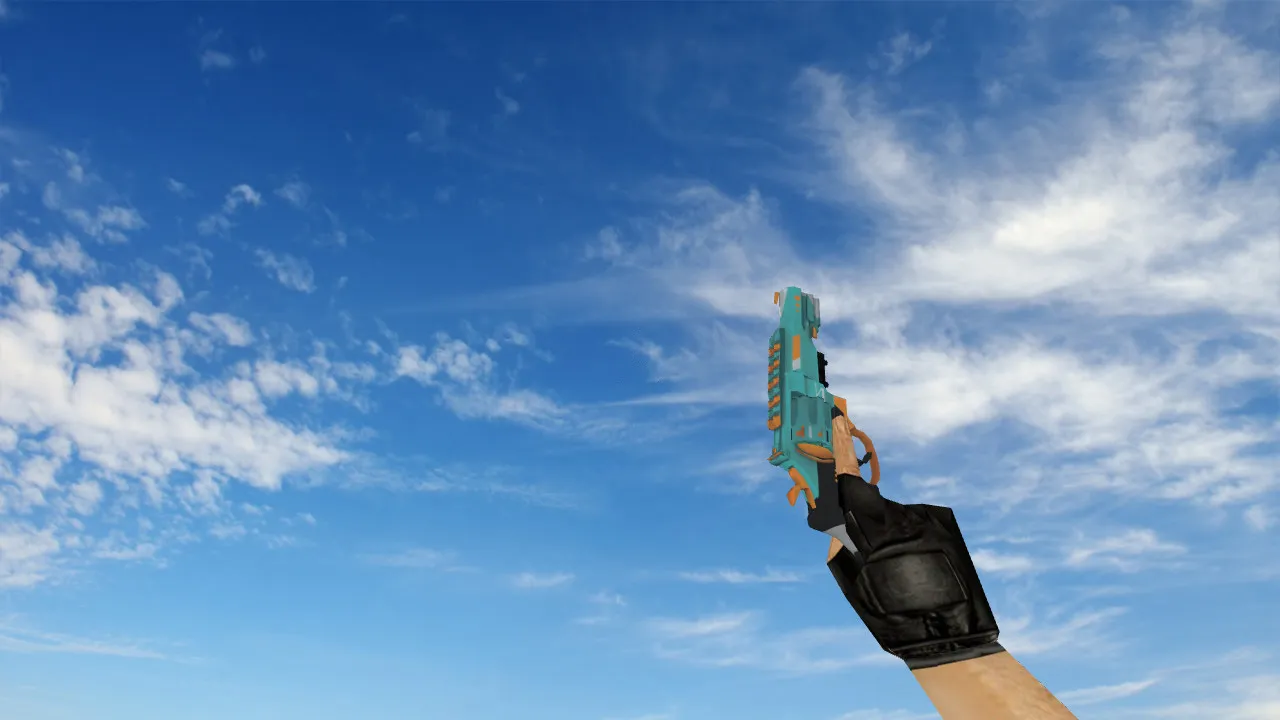
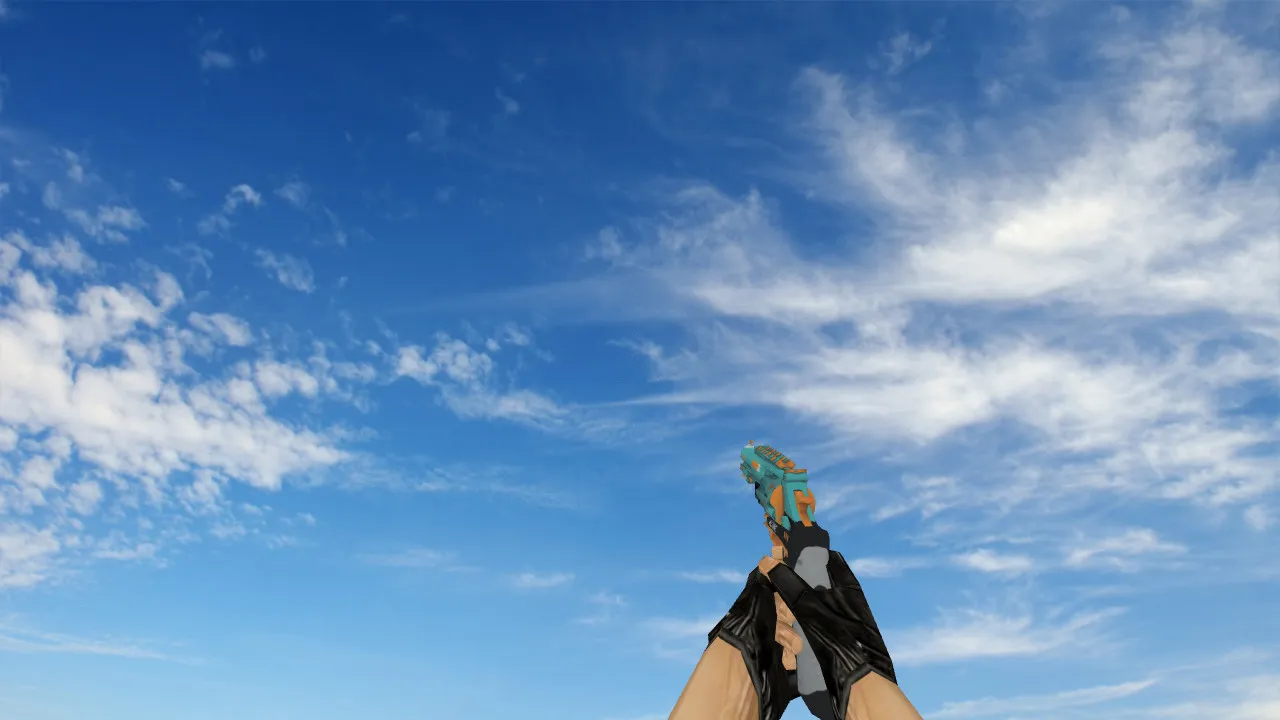
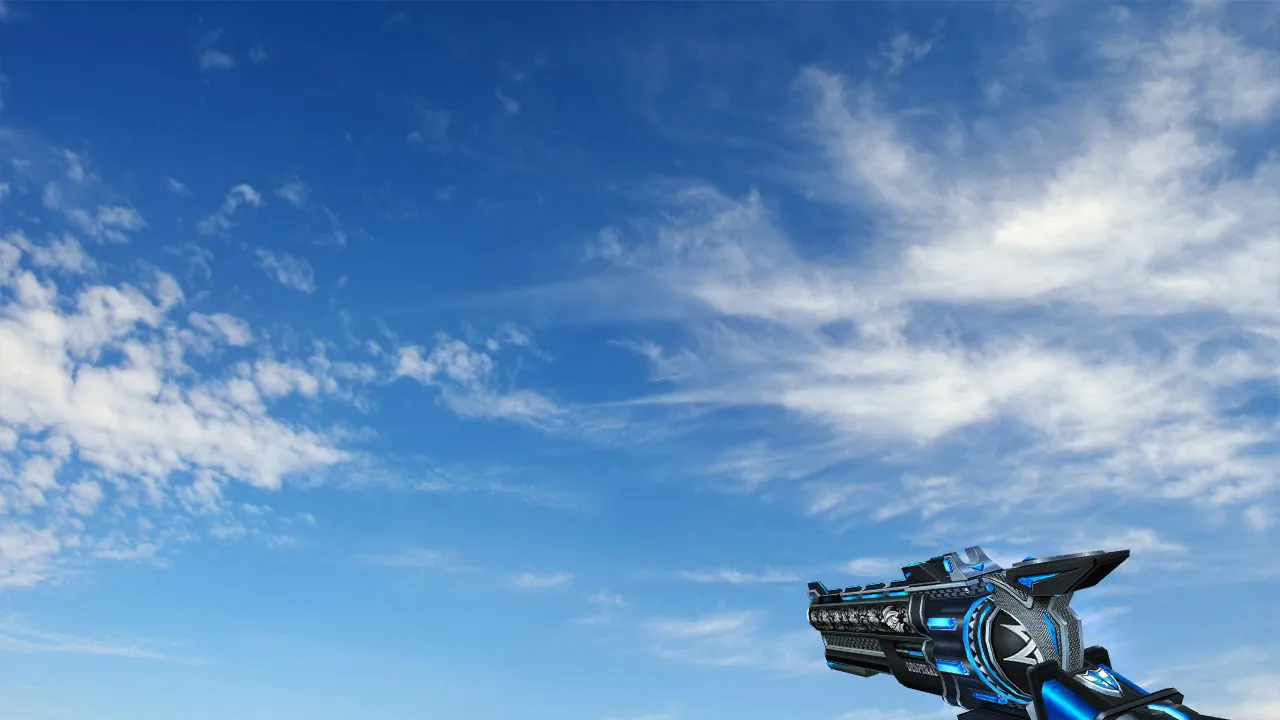
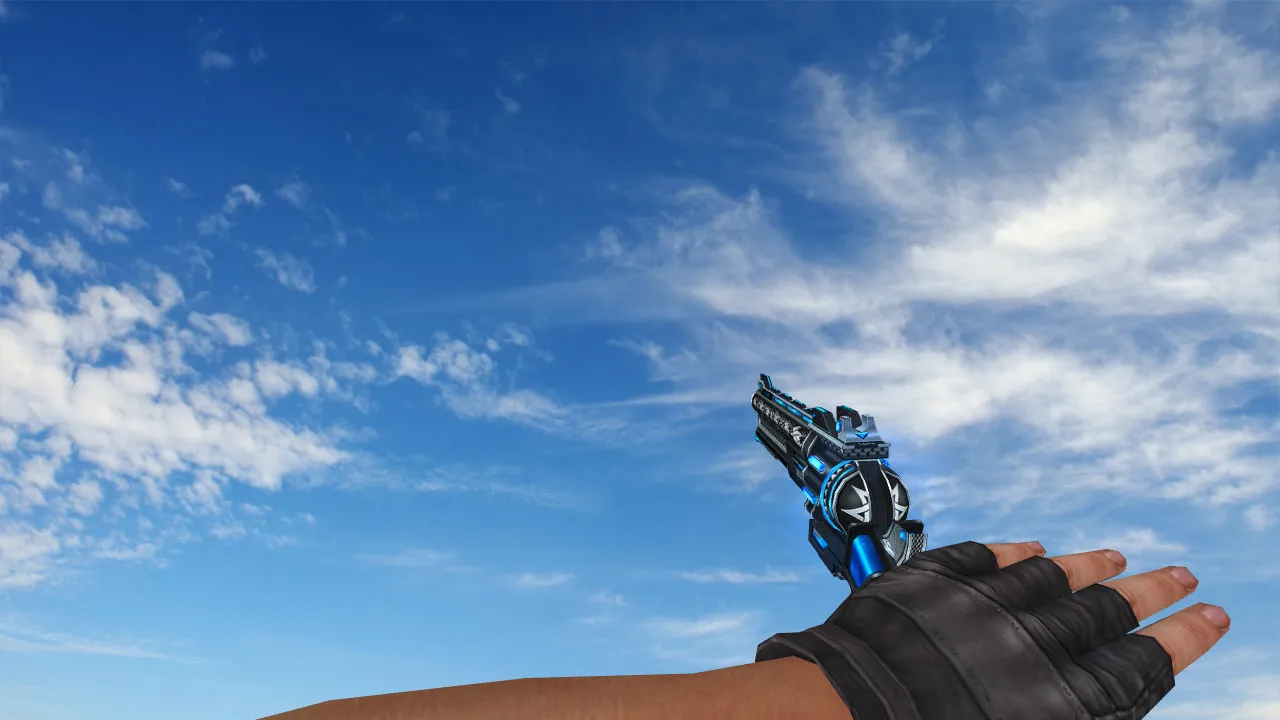
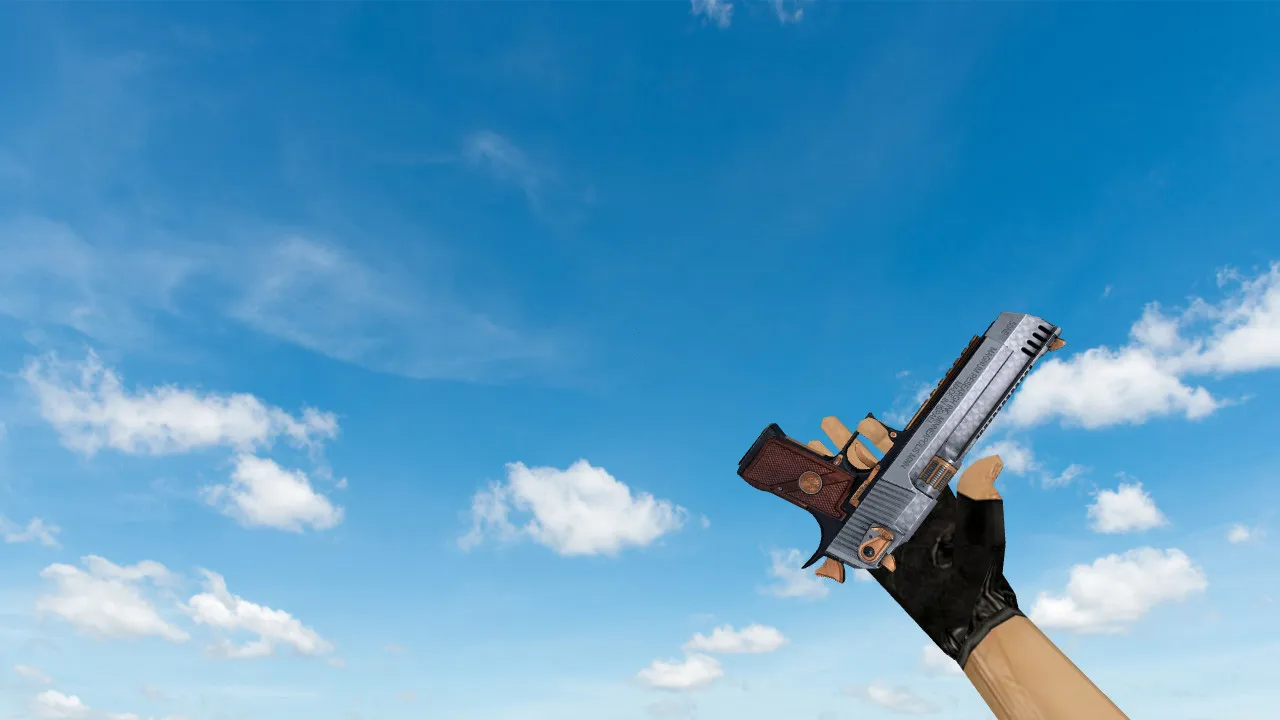
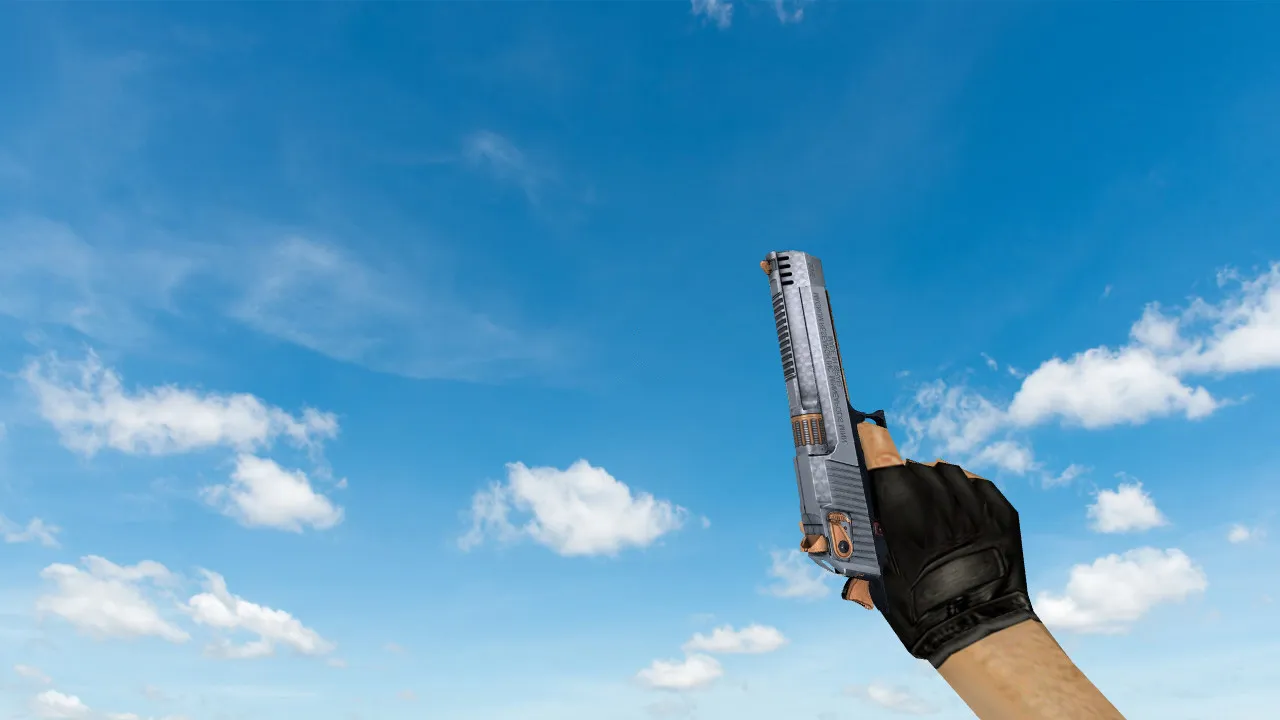
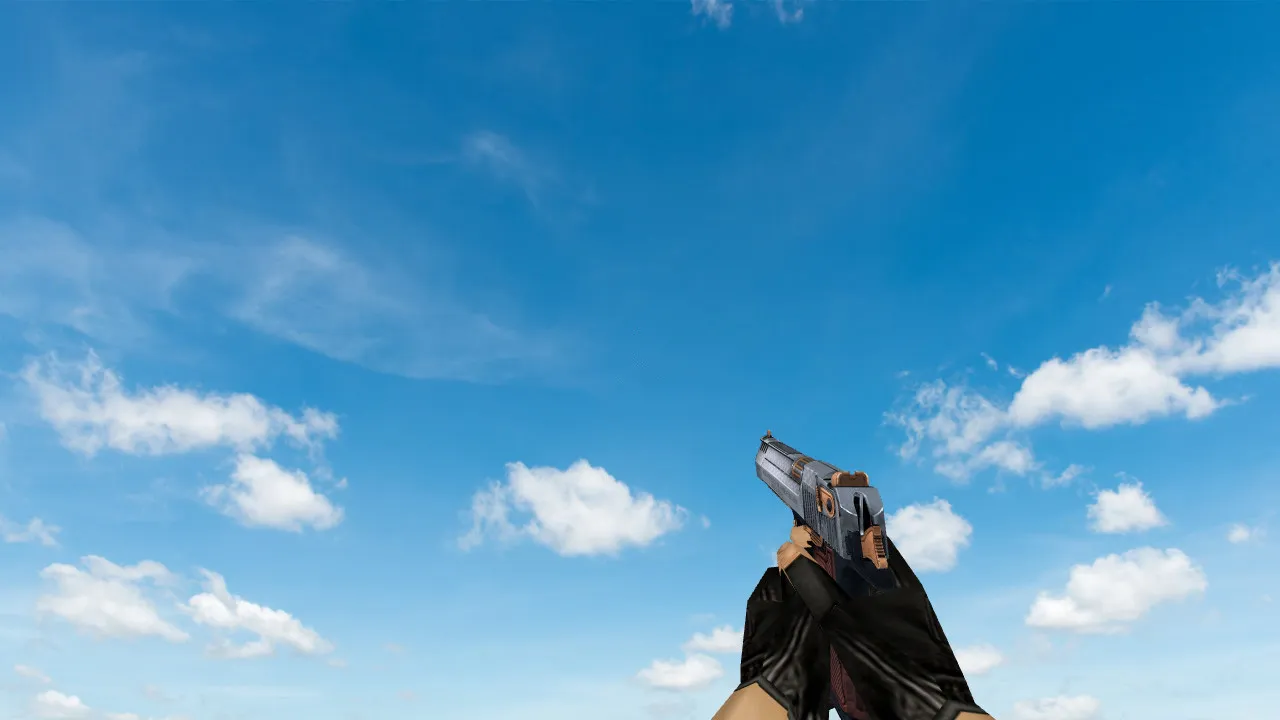
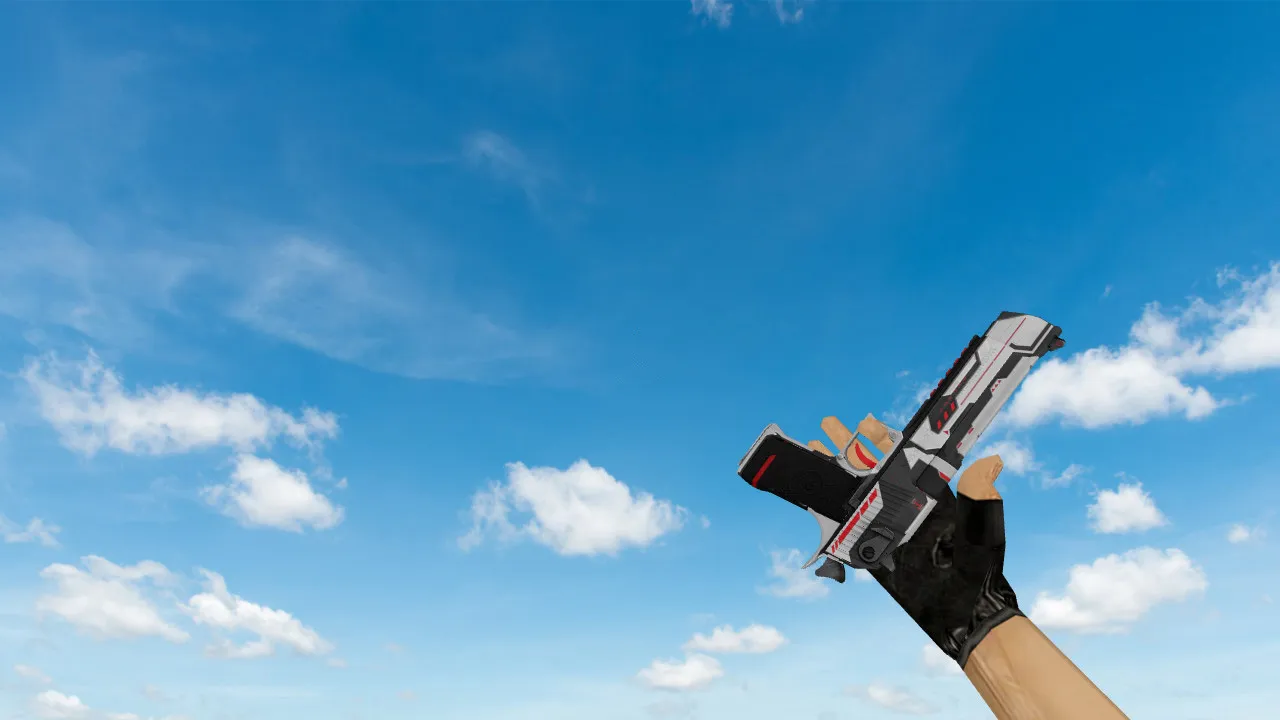
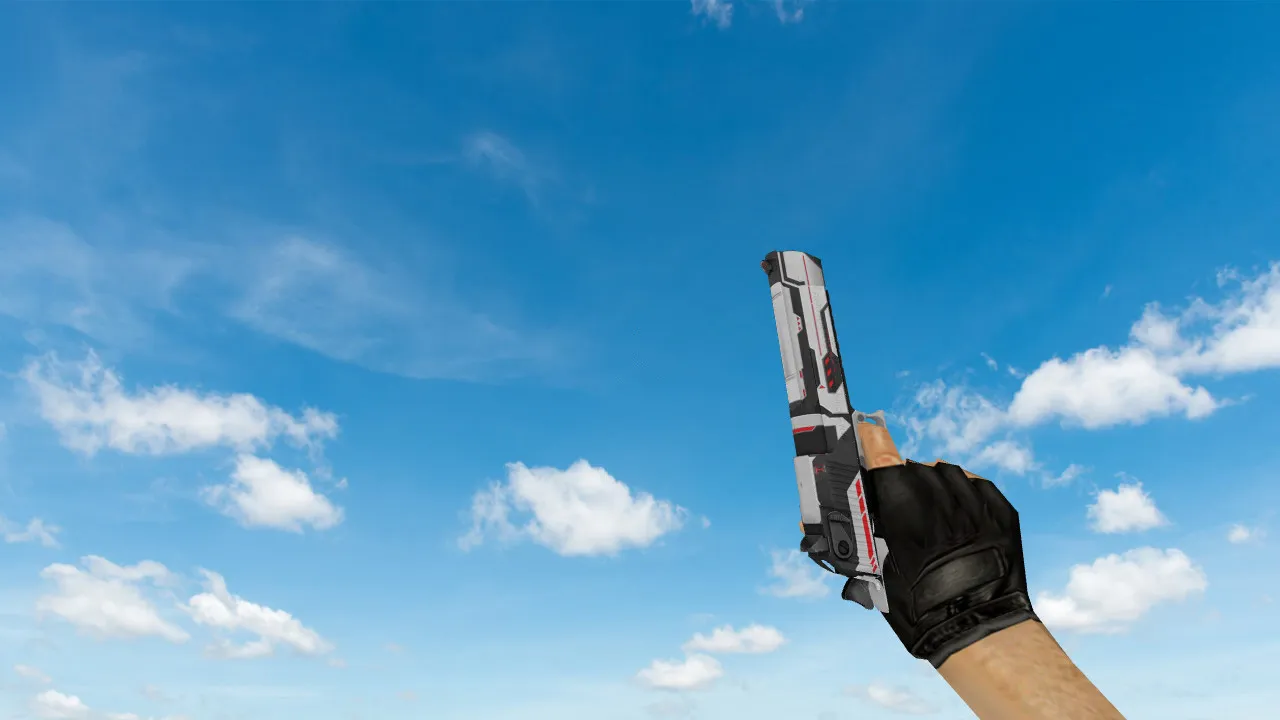
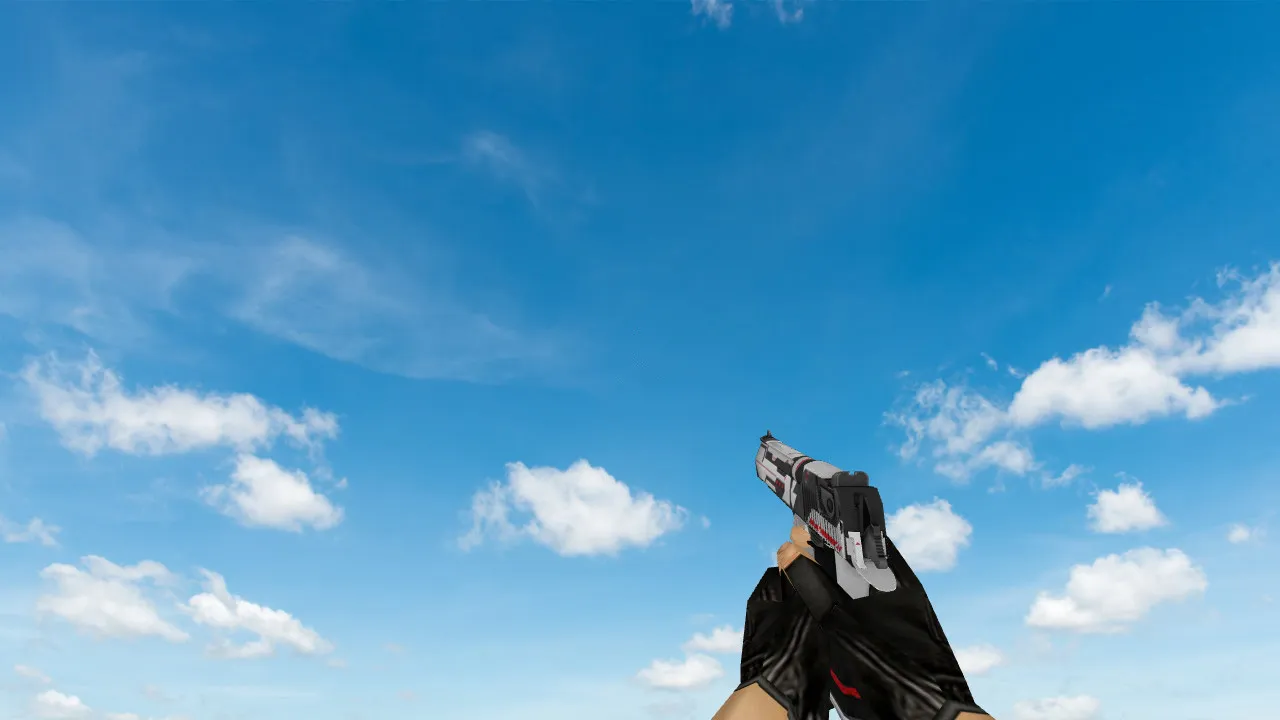
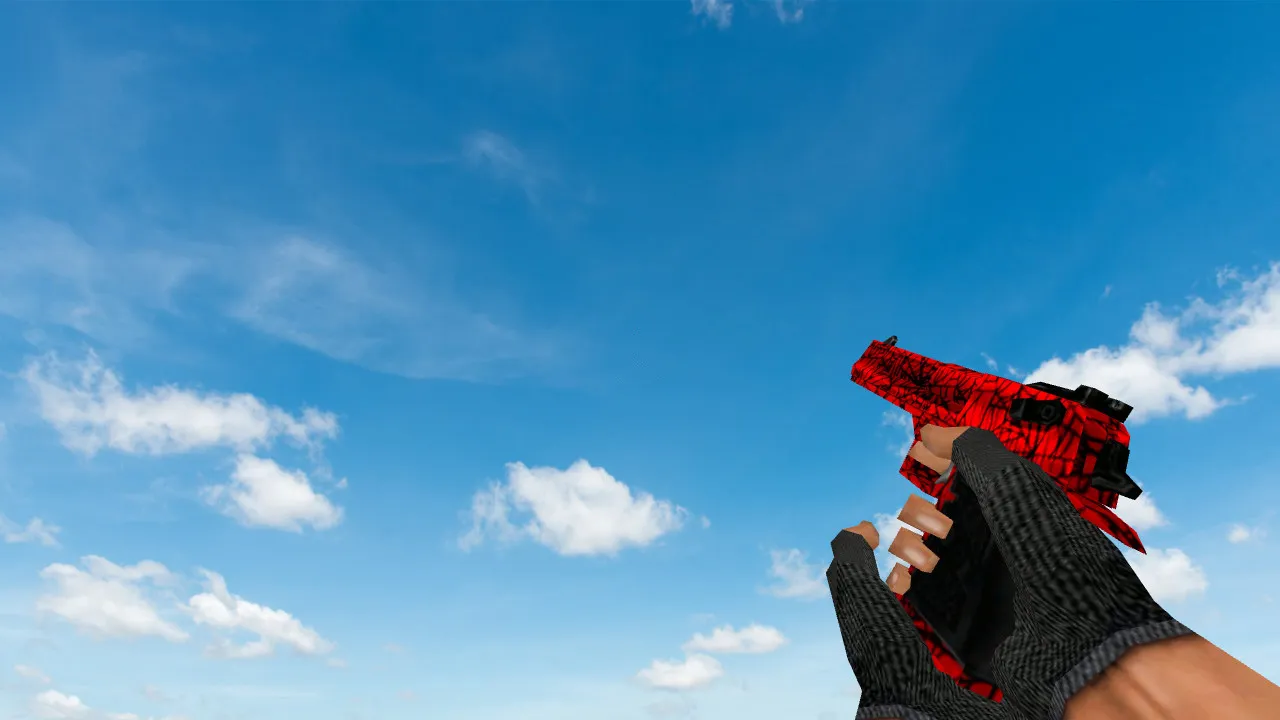
Deagle Wildfire Model for CS 1.6 - HD Textures, Custom Sounds, and Smooth Animations
Description
Deagle Wildfire Model for CS 1.6
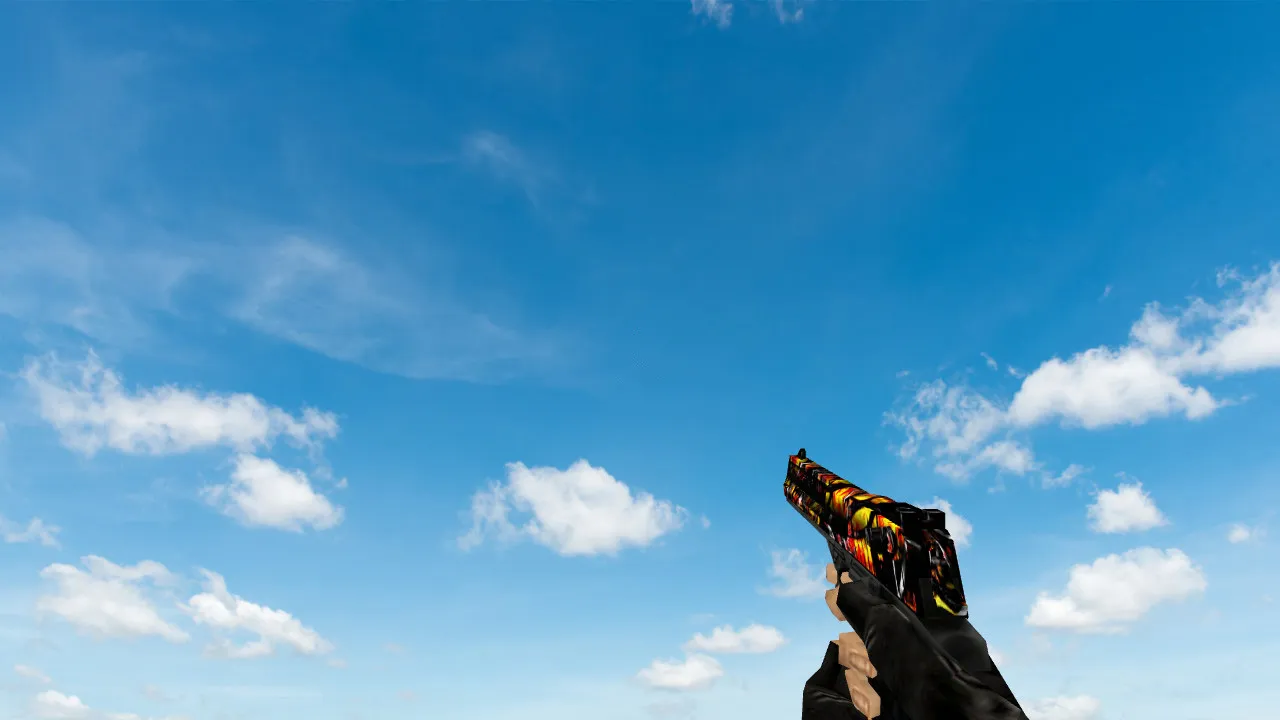
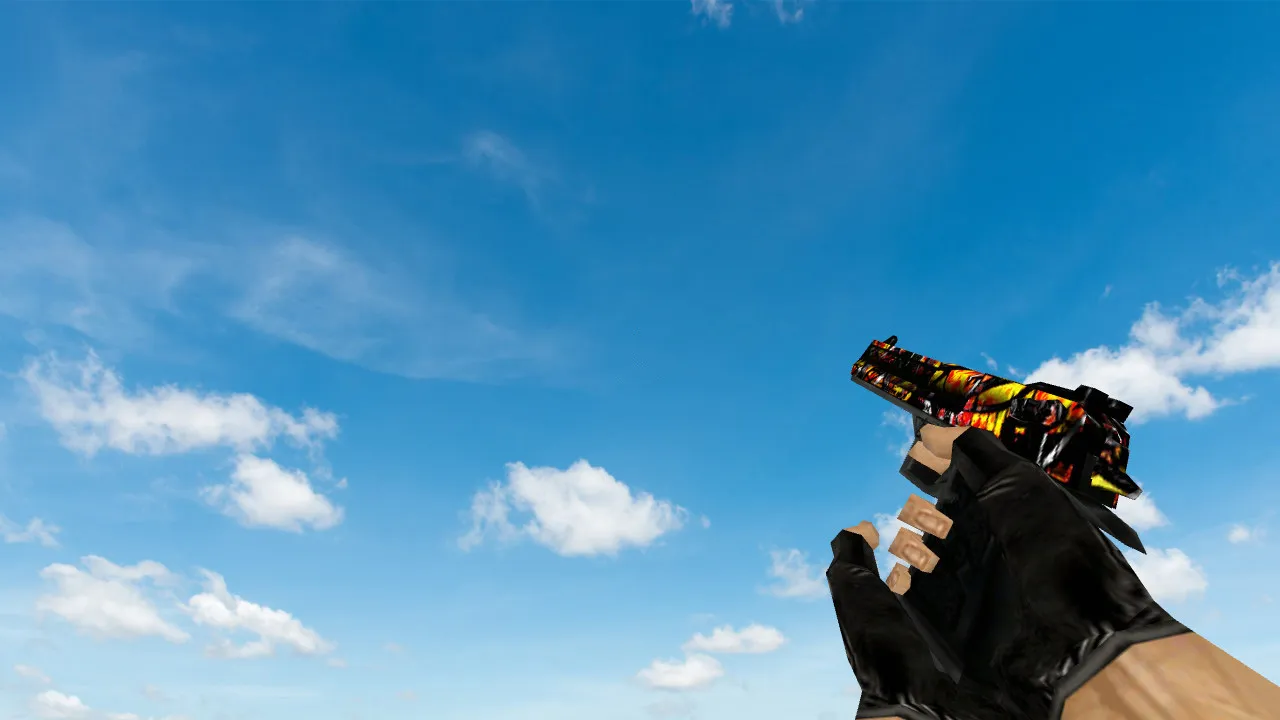
The Deagle Wildfire model enhances the Desert Eagle with comprehensive v_deagle, p_deagle, and w_deagle files. It provides 1024x1024 high-definition textures for clear visibility in dimly lit places such as de_dust2's tunnels. Custom firing sounds offer distinct audio cues during critical moments, while inspection animations bring fluid movement to reloads and weapon handling.
This model preserves hitbox accuracy for dependable shots, crucial in ESL-style servers. The wildfire pattern is noticeable without being distracting, helping you focus on crosshair placement and recoil control. The polygon count remains optimized at roughly 1500 triangles to prevent frame drops on older systems running at 100 FPS.
Main features:
- Models: Complete set of v_deagle for first-person view, p_deagle for player hands, and w_deagle for world drops.
- Textures: High-definition maps without aliasing, compatible with 16-bit color modes.
- Sounds: Replaced wyvern.wav and clipin.wav for authentic Deagle fire and reload cues.
- Animations: Custom inspect sequence at 30 FPS, plus smoothed draw and fire cycles to match vanilla timing.
Installation takes less than two minutes: Extract to cstrike folder, overwrite existing files, and clear cache with 'gl_flush' in console. Works on Build 4554 and Steam/Non-Steam clients without conflicts. No viruses, no backdoors, and no auto-exec scripts-pure client-side mod for clean configs.
In competitive play, the Deagle excels as a one-shot wonder for headshots from mid-range. Pair this model with a no-recoil script for precision, but always check server rules. The wildfire design improves visibility against dark backgrounds, like catwalks on de_inferno, providing a subtle advantage in spotting enemies.
Compared to stock Deagle, this version minimizes sprite flicker during sprays and aligns better with hitboxes for consistent damage registration. Players report improved spray patterns due to the detailed grip texture aiding mouse control. For modders, the .mdl files use standard Half-Life engine formats, easy to tweak in MilkShape 3D.
Run it on public servers or LAN tournaments; MasterServer protection ensures no bans from anti-cheat. Test in offline mode with bots to verify .nav file compatibility-no pathing issues. This model boosts immersion without altering balance, keeping matches fair.
Deagle mains appreciate the added flair during knife rounds or eco setups. The unique inspect animation lets you show off without breaking flow, integrating seamlessly with custom HUDs. Download and integrate it today to elevate your CS 1.6 experience, focusing on skill over visuals alone.
For longevity, back up original files before swapping. If issues arise, delete the custom .mdl and .spr files to revert. Community feedback highlights its stability on Windows XP setups, proving reliability across eras.
Install in three steps
-
1
Download the archive. Use the button on the right, or the Yandex.Disk mirror if the main server is slow.
-
2
Extract it into the game folder. Use 7-Zip or WinRAR. A path without non-Latin characters works best.
-
3
Launch the game. If something doesn't work, mark it below - that is how we know the file needs an update.
Did it work for you?
No sign-up needed. You can pick more than one.