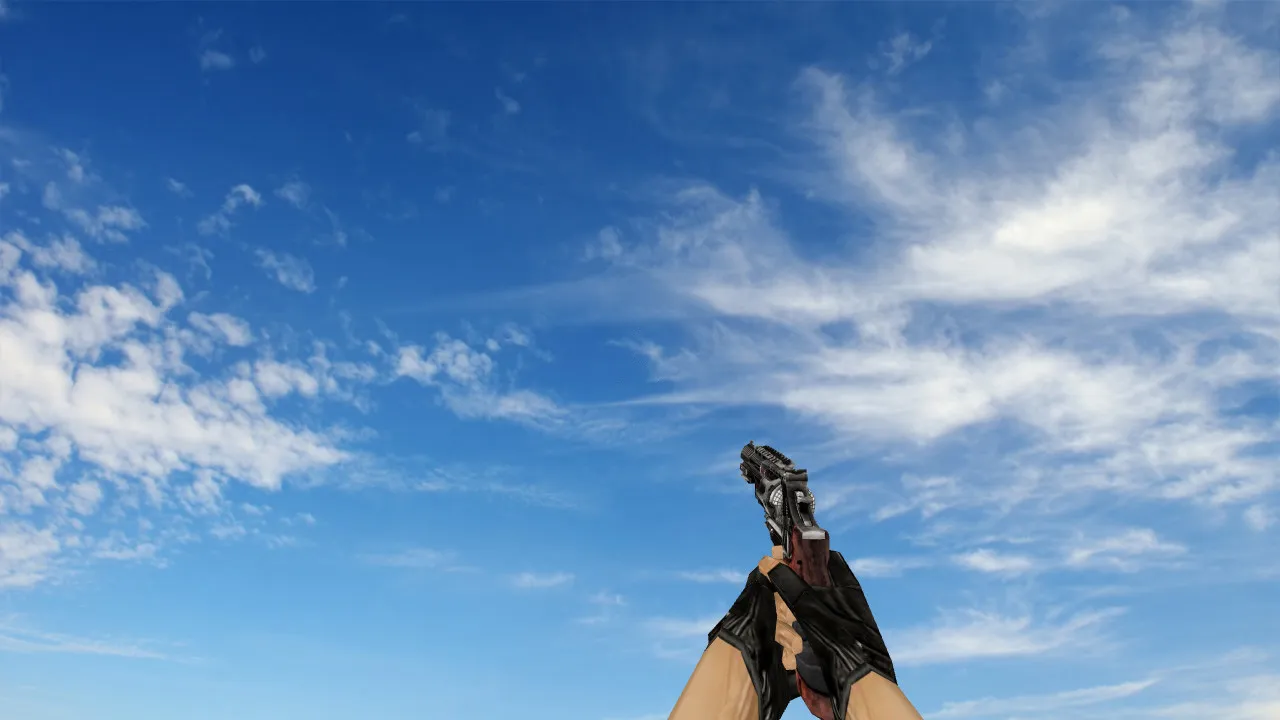
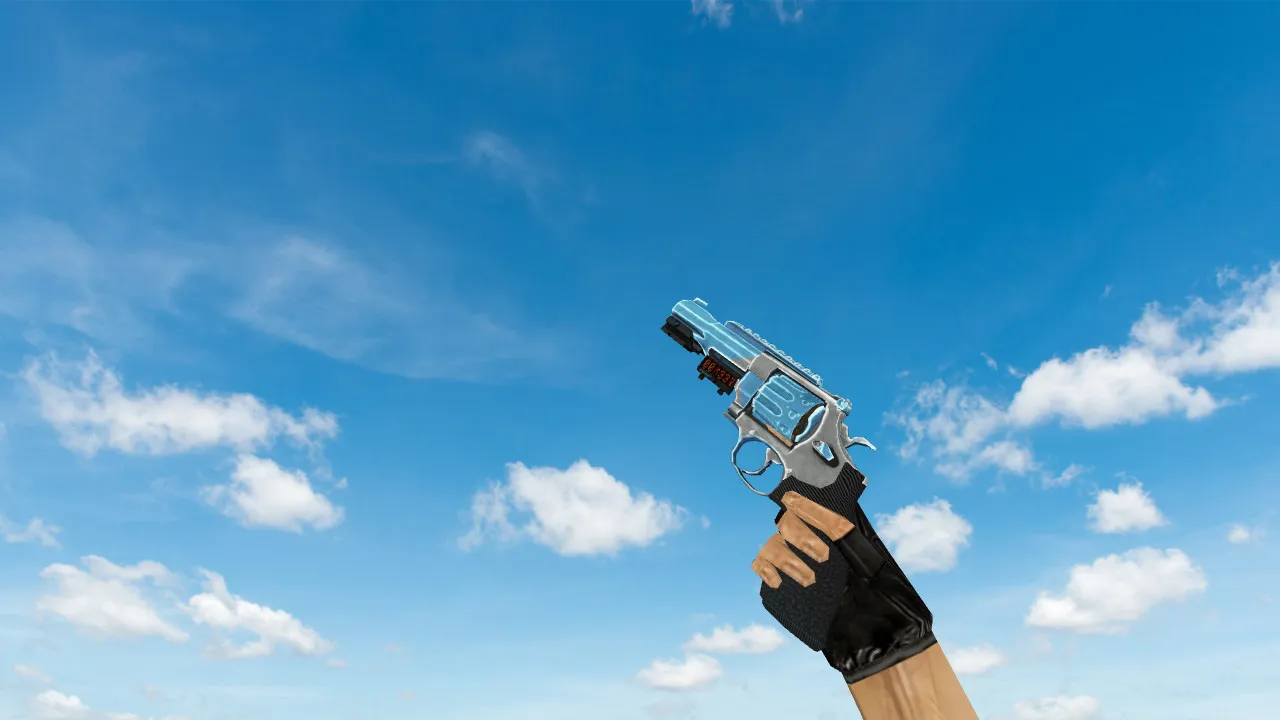
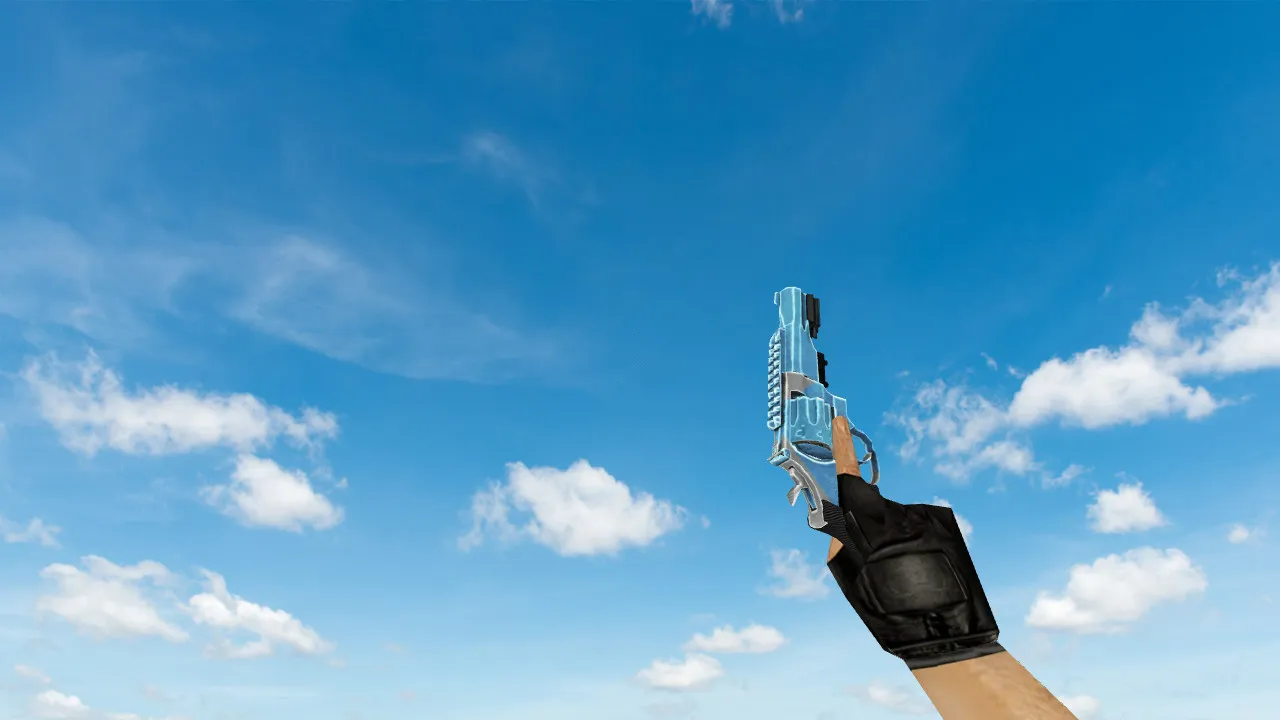
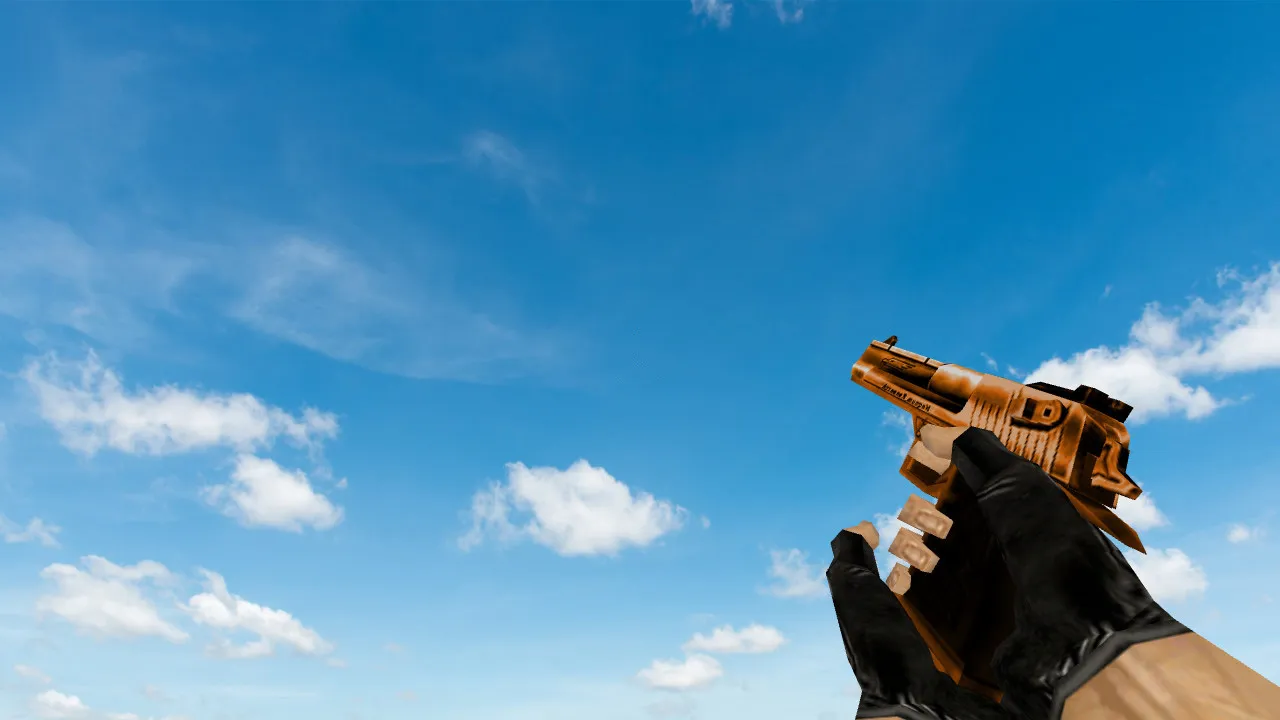
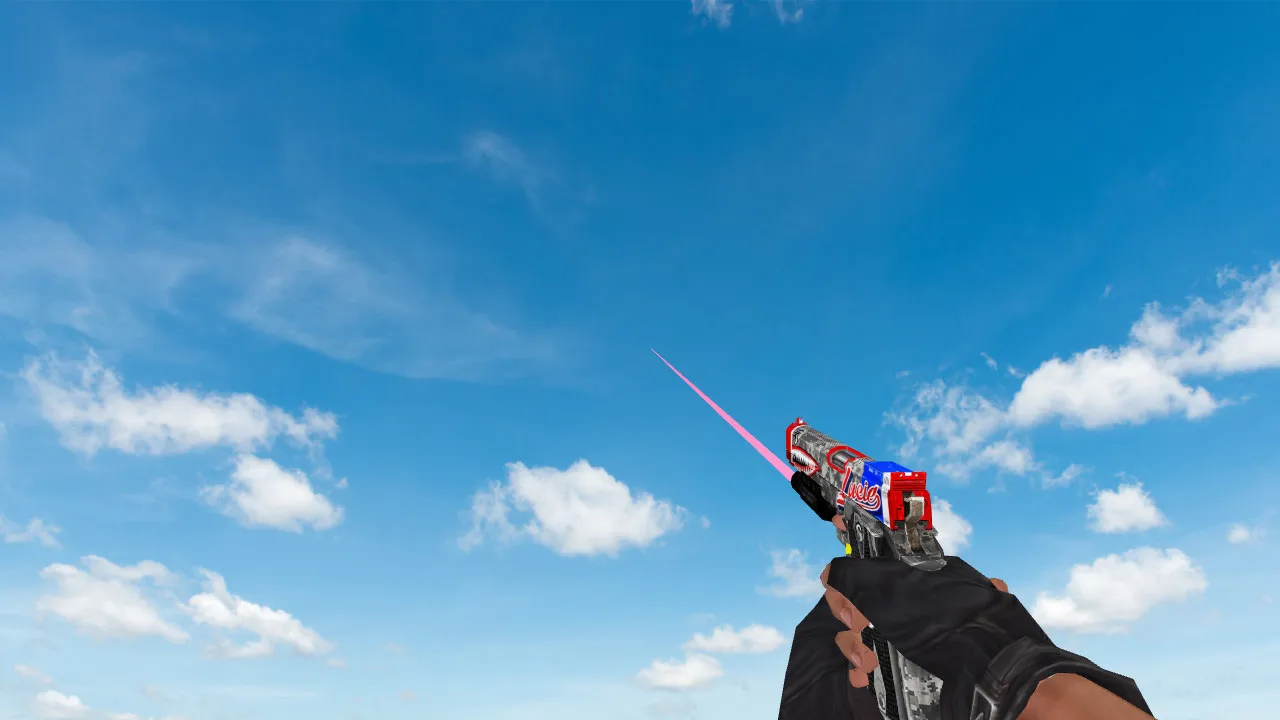
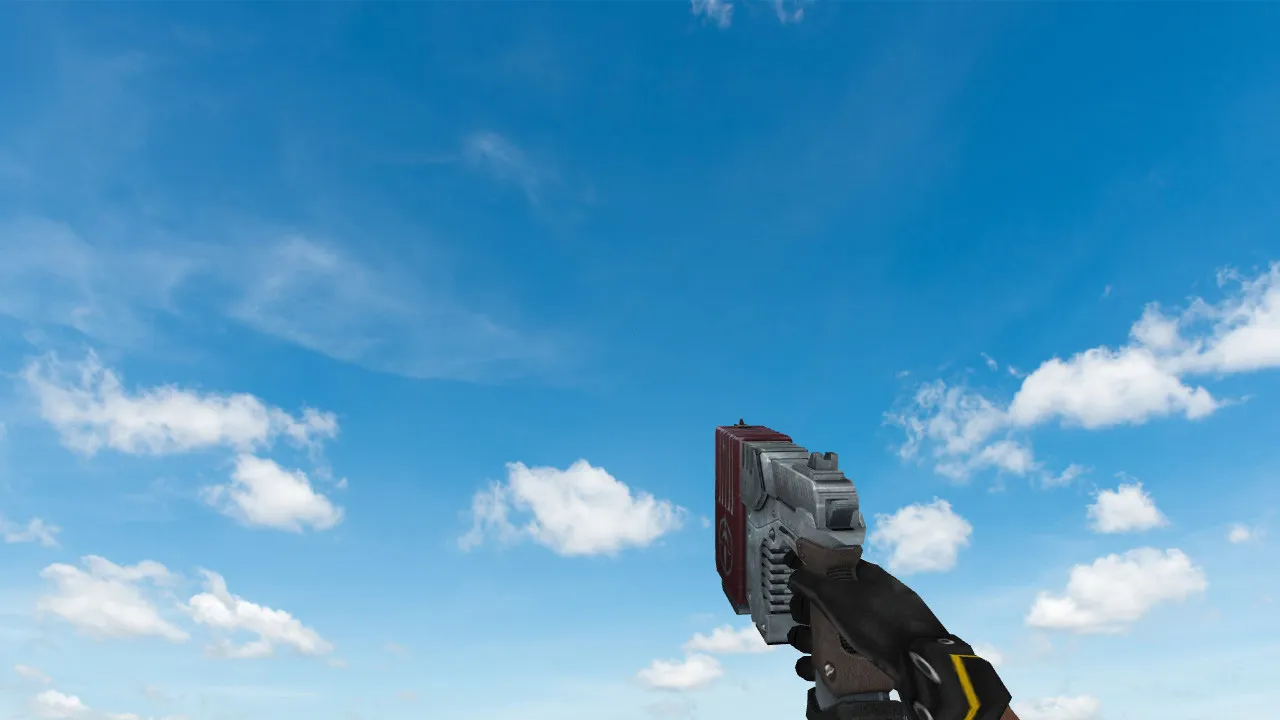
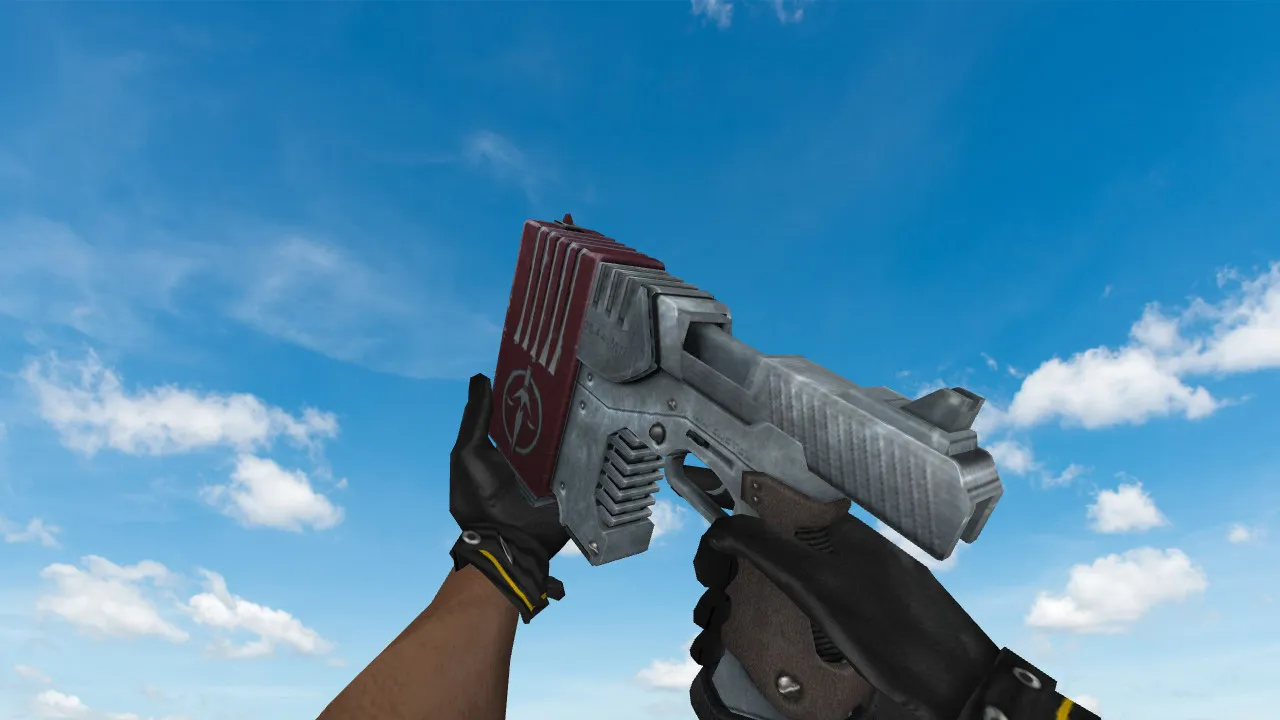
R8 Revolver Project Hydra Deagle Model for CS 1.6 – Detailed Overview and Installation Guide
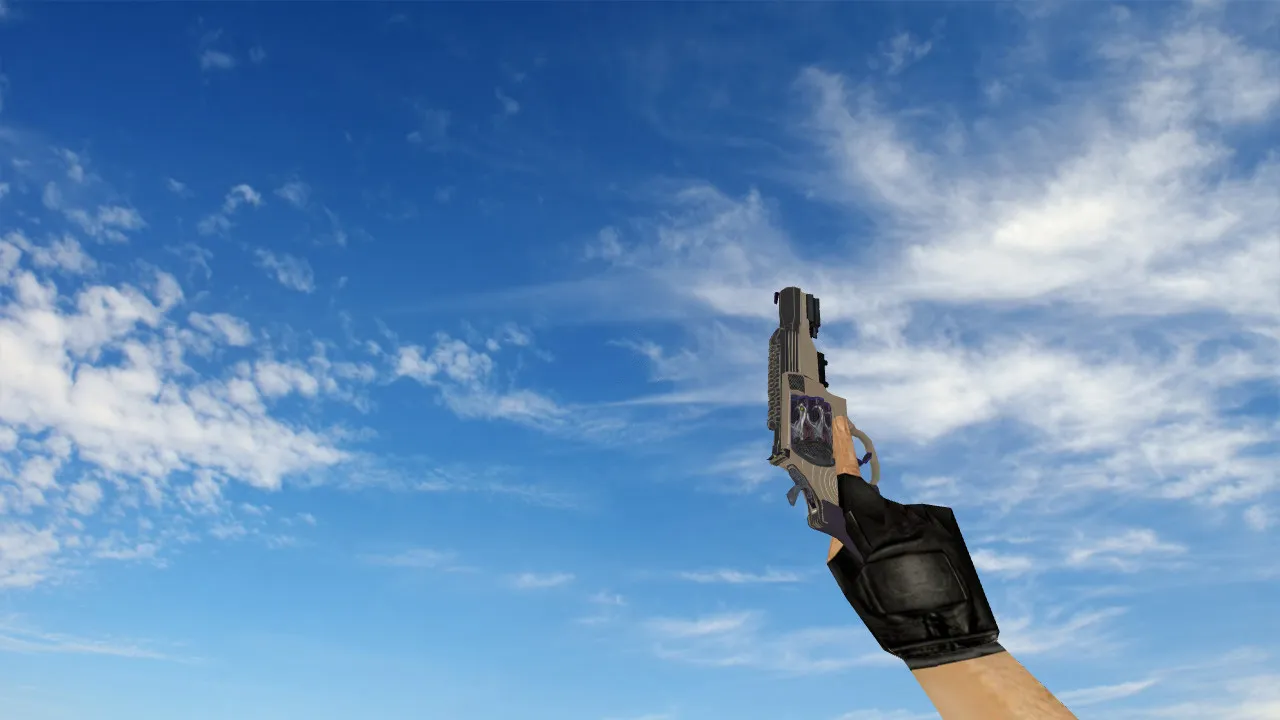
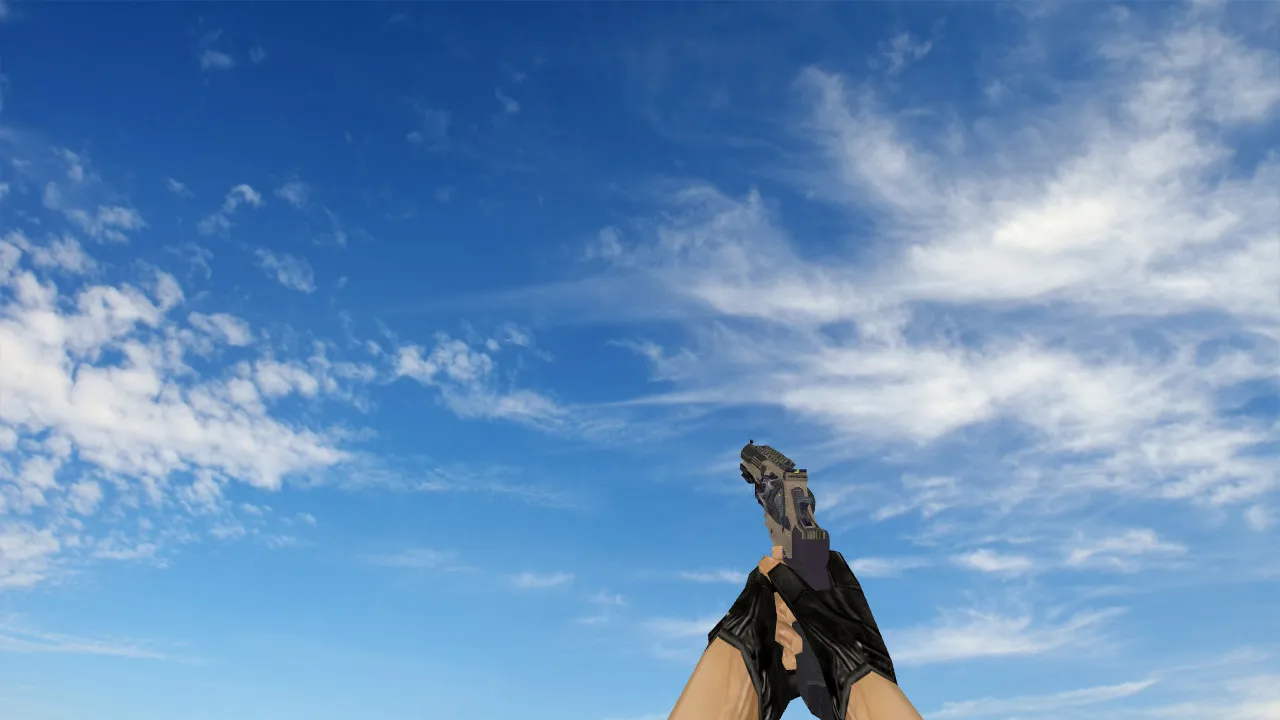
Description
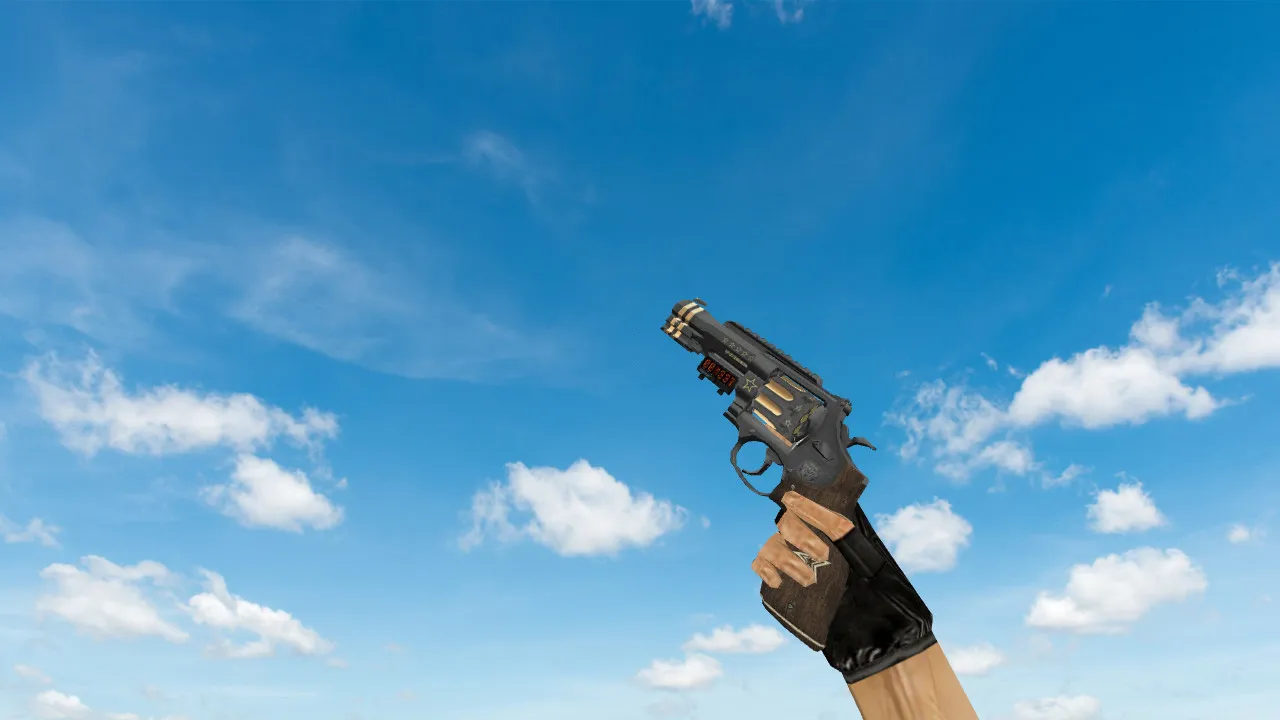
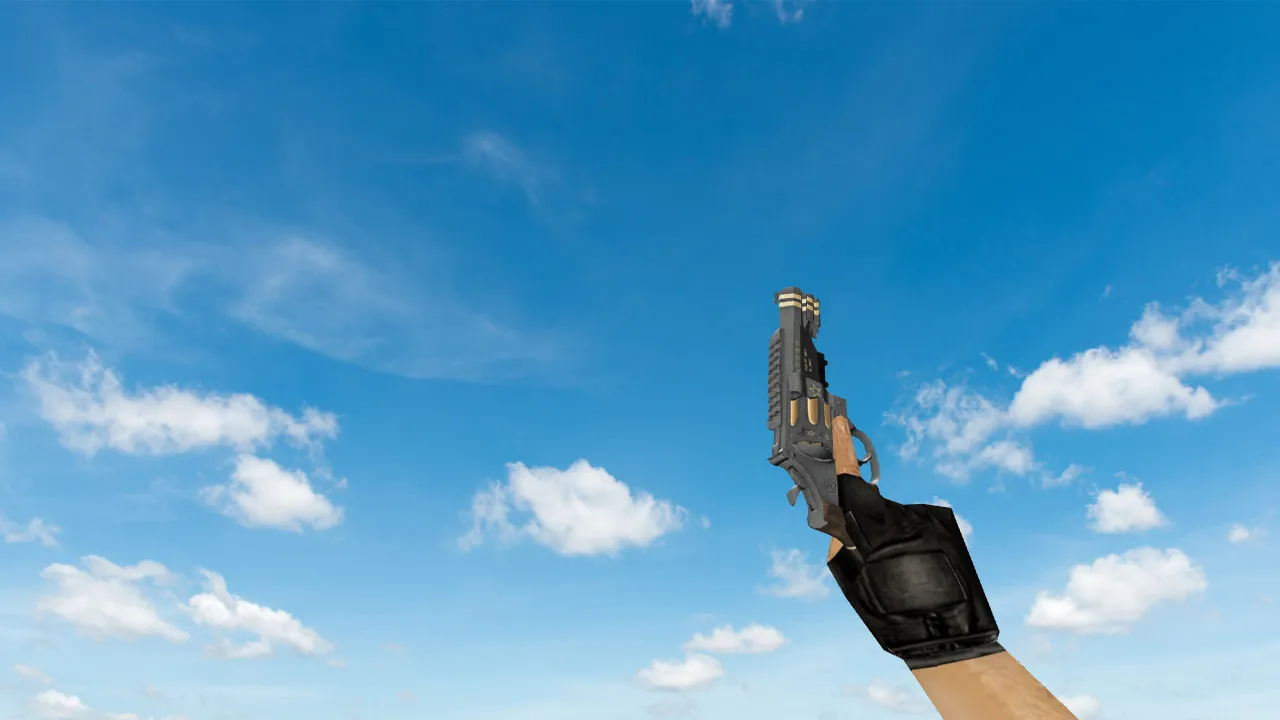
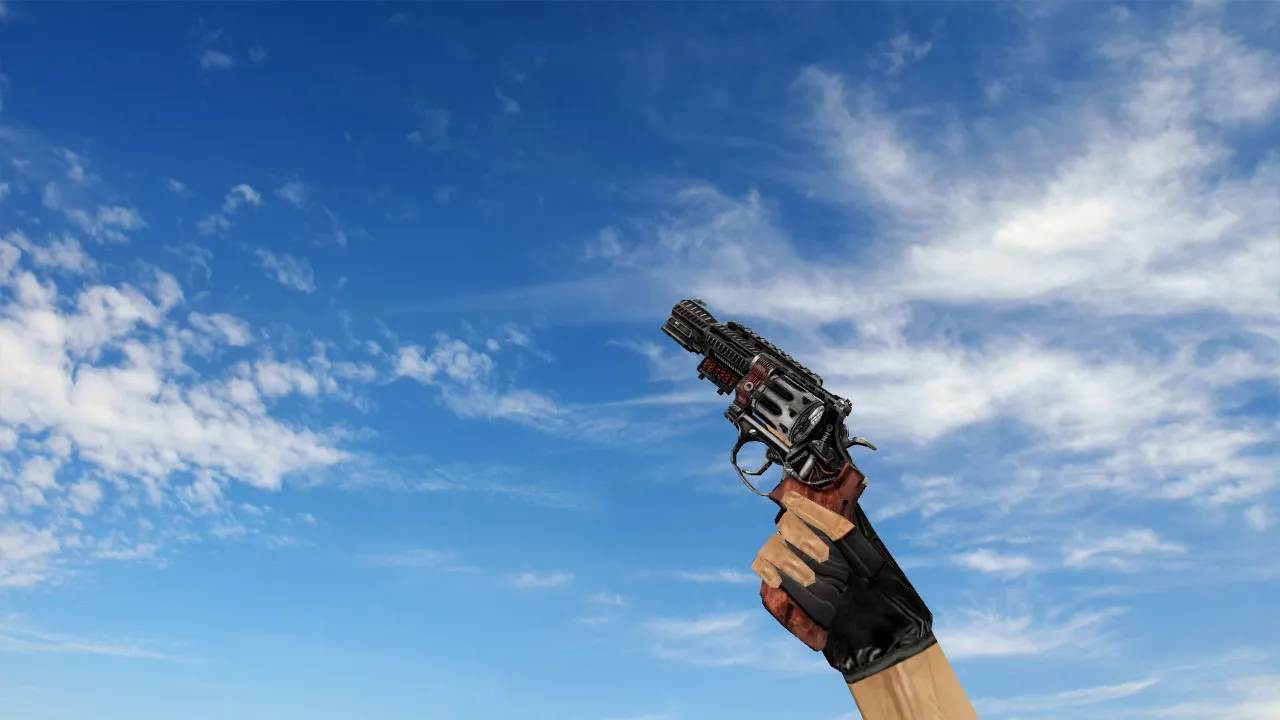
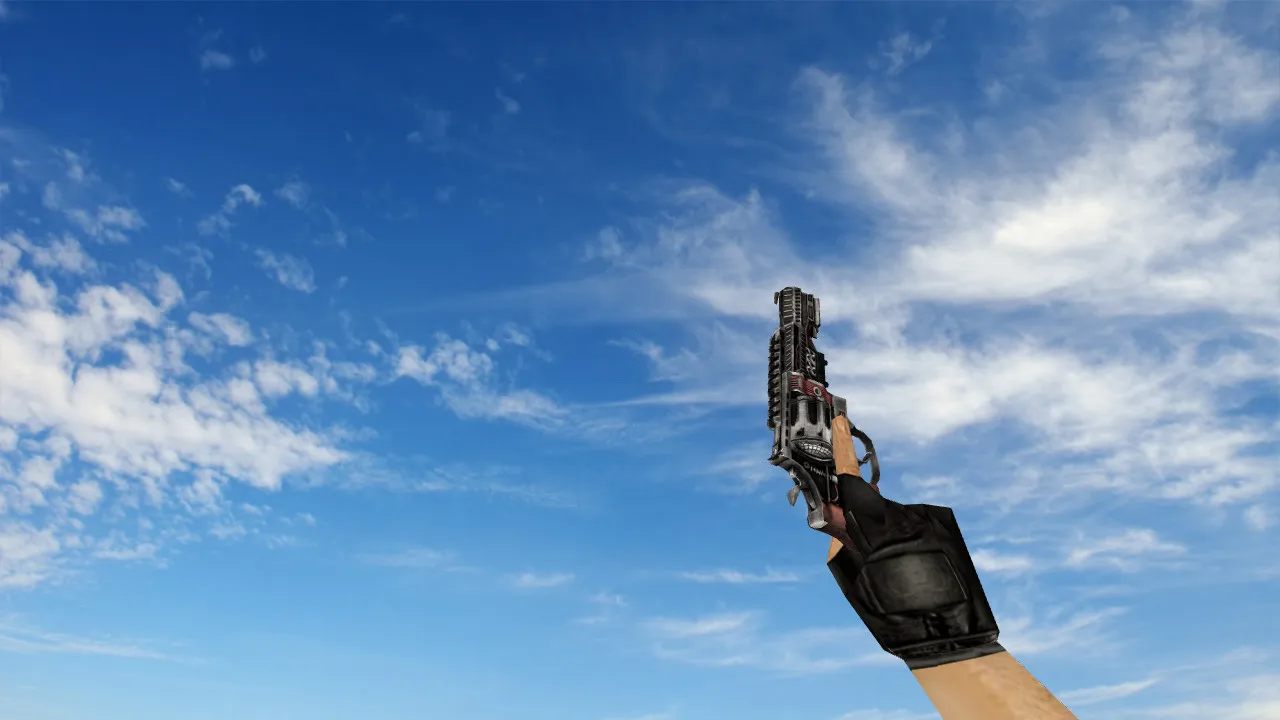
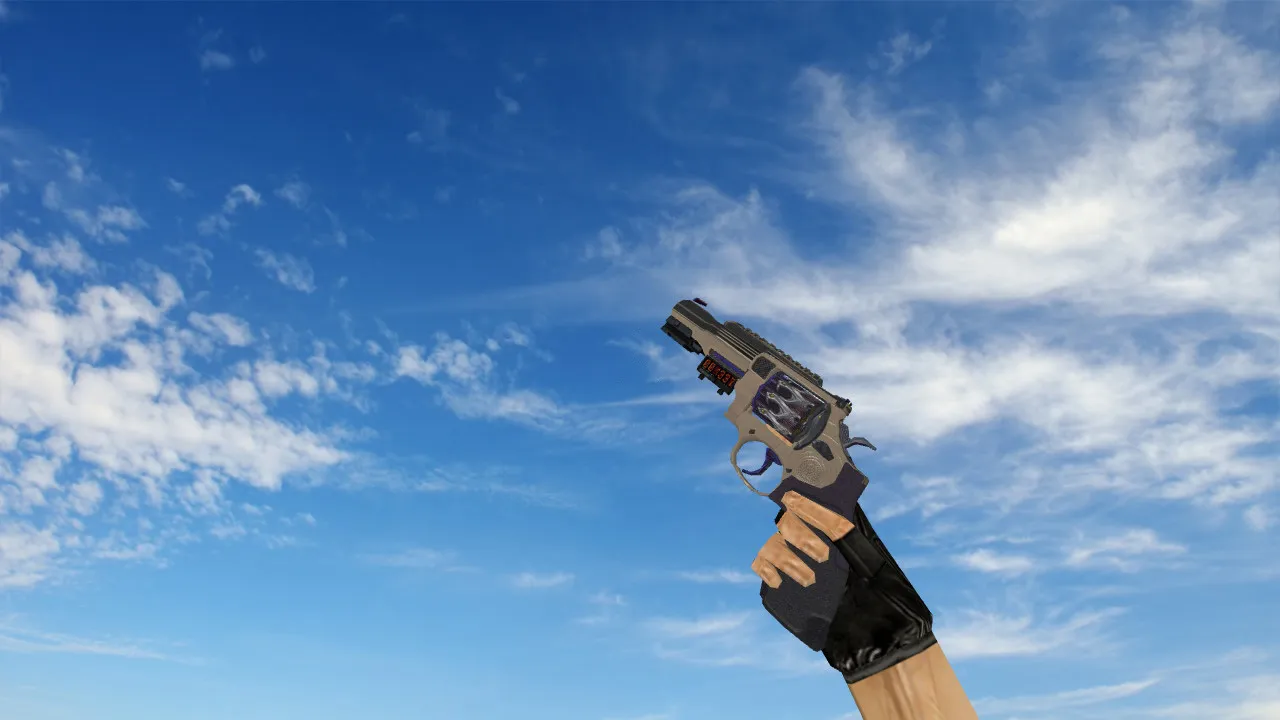
R8 Revolver Project Hydra Model
The R8 Revolver Project Hydra is designed to replace the default Desert Eagle v_ model in CS 1.6. The creators kept the polycount under 1500 to ensure smooth performance on older machines. The 1024x1024 high-definition textures provide clear details on the revolver's barrel, cylinder, and grip, making it stand out during intense de_dust2 long A rushes or close-quarters bombsite fights.
Hitbox alignment is identical to the original Deagle, so bullet registration remains accurate without offset problems common in lesser mods. This setup improves shot precision in low-light areas, such as the shadows of cbble or inferno's mid, where stock models often blend into the background. The p_ and w_ models are also updated, offering consistent world and player views without clipping issues.
Custom inspect animations add depth to the v_ model, including a smooth 360-degree spin and reload sequence that looks natural in third-person spectate modes. Original shooting sounds replace the default Deagle clips-crisp firing reports and metallic clicks enhance audio cues for better enemy positioning awareness. No extra .wav files overload your wad; everything packs efficiently into the .mdl format.
Optimization is a key strength. The model runs at high FPS rates, tested on Build 4554 clients with MasterServer protection enabled. It integrates seamlessly with clean config.cfg setups, avoiding conflicts with no-recoil scripts or custom crosshairs. Both Steam and Non-Steam versions support it, dropping straight into the models/v_deagle.mdl slot without engine tweaks or HLDS modifications.
Installation Steps
Extract the .zip archive to your CS 1.6 root directory. Overwrite the existing v_deagle.mdl, p_deagle.mdl, and w_deagle.mdl files. For sprite-based muzzle flashes, update the sprites folder if included. Launch the game and bind inspect to your preferred key-test in a local server to confirm hitbox sync. Bots recognize the model via standard .nav files, ensuring balanced gameplay on maps like de_nuke.
This mod elevates Deagle playstyles in CS 1.6. The revolver's design draws from tactical revolvers, offering a fresh look for AWP rushers switching to secondary weapons. In ESL-style one-vs-one duels, the enhanced visibility cuts through fog and smoke, giving that edge in pixel-perfect headshots. Polycount stays low to prevent frame drops during grenade spam or multiple player engagements.
- Sounds: Custom .wav files for firing, reload, and dry fire-volume-balanced for clan matches.
- Animations: Fluid inspect and draw sequences timed to GoldSrc engine limits.
- Textures: 1024x1024 resolution with normal mapping for metallic sheen under dynamic lights.
- Compatibility: Works with 32-bit clients, no VAC interference since it's pure cosmetic.
- Performance: Under 5MB total size, zero impact on server tick rates.
Safety comes first with this download. Files scan clean via VirusTotal-no backdoors, slow-hacks, or adware bundled in. Avoid auto-connect configs; stick to manual joins for secure sessions. Regular updates from the modding community keep it patched against exploits.
For Deagle mains grinding awp_le corridors or mirage apartments, Project Hydra transforms routine pistol rounds into standout moments. Pair it with a low-spread config for those clutch 1v2s. The model's durability holds up in long sessions, resisting texture pop-in on mid-range hardware.
Expand your loadout options without compromising core CS 1.6 mechanics. This isn't just a skin-it's a refined tool for competitive edges in public servers or private scrims. Dive into the details during idle times; the inspect loop reveals Hydra engravings that nod to the mod's thematic roots.
Overall, R8 Revolver Project Hydra fits veterans seeking subtle upgrades. It respects the game's roots while pushing visual fidelity forward, all without the bloat of modern engine demands. Load it up and feel the difference in your next deathmatch.
Install in three steps
-
1
Download the archive. Use the button on the right, or the Yandex.Disk mirror if the main server is slow.
-
2
Extract it into the game folder. Use 7-Zip or WinRAR. A path without non-Latin characters works best.
-
3
Launch the game. If something doesn't work, mark it below - that is how we know the file needs an update.
Did it work for you?
No sign-up needed. You can pick more than one.