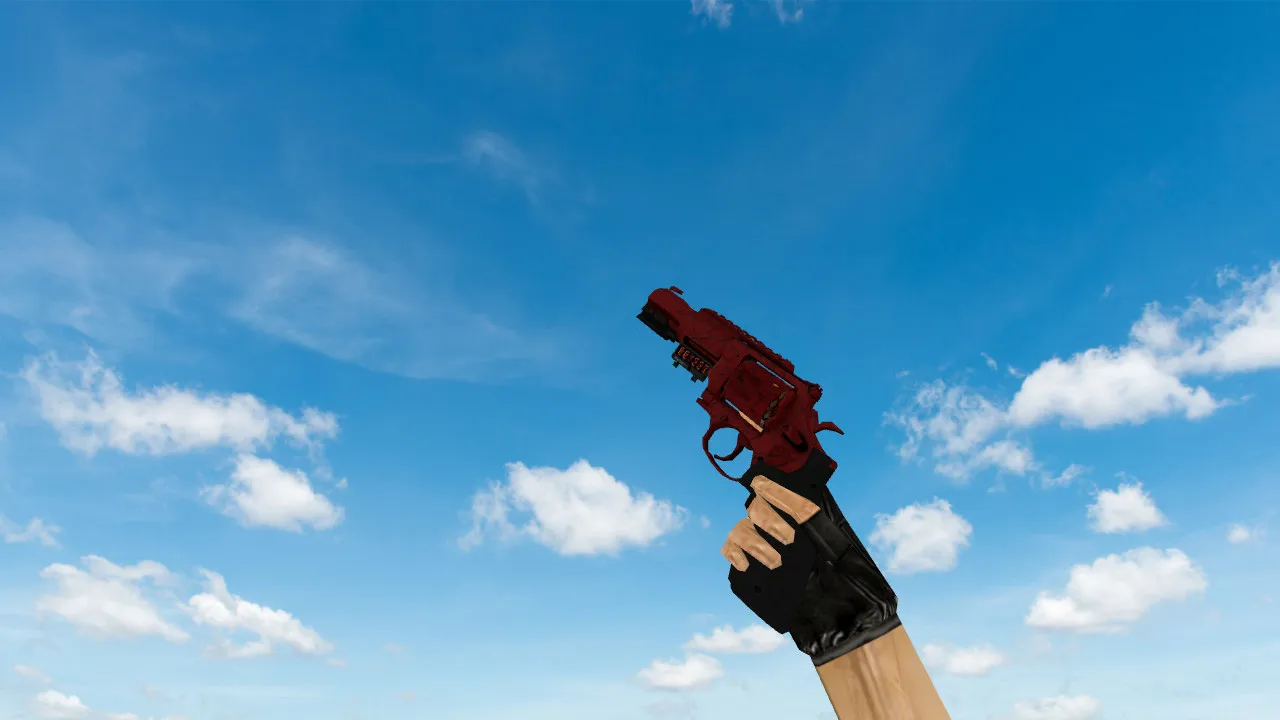
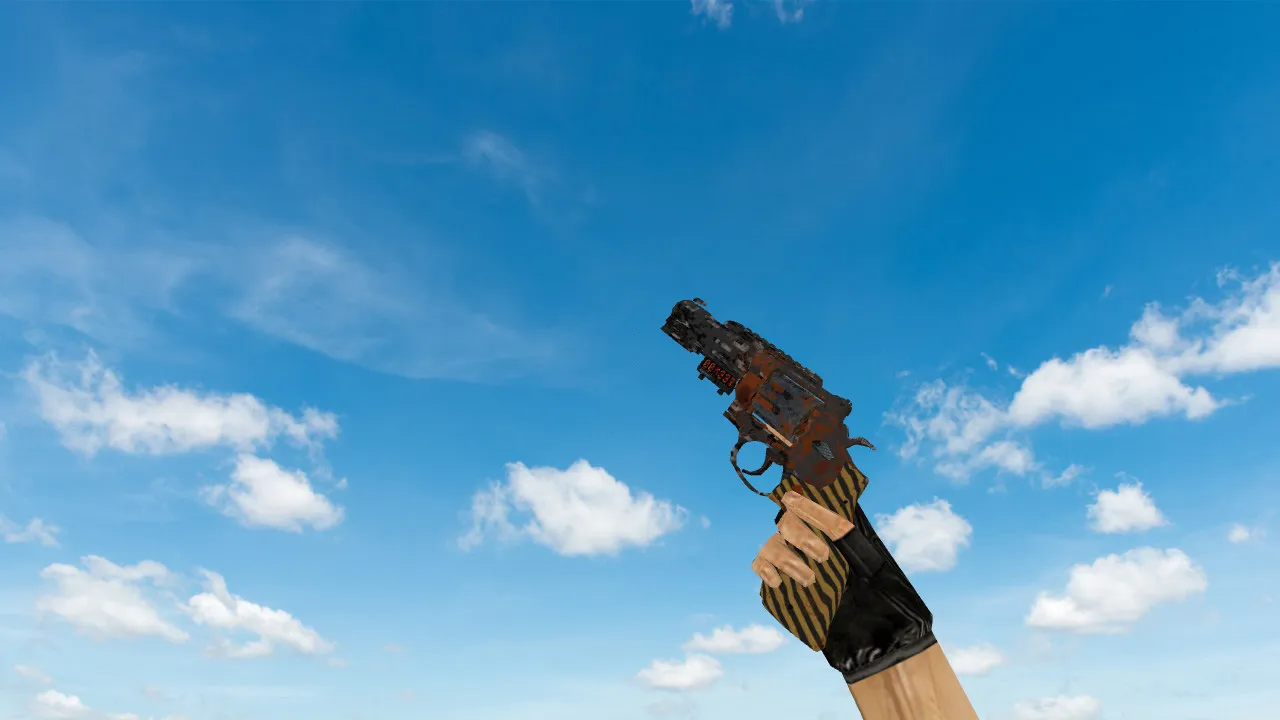
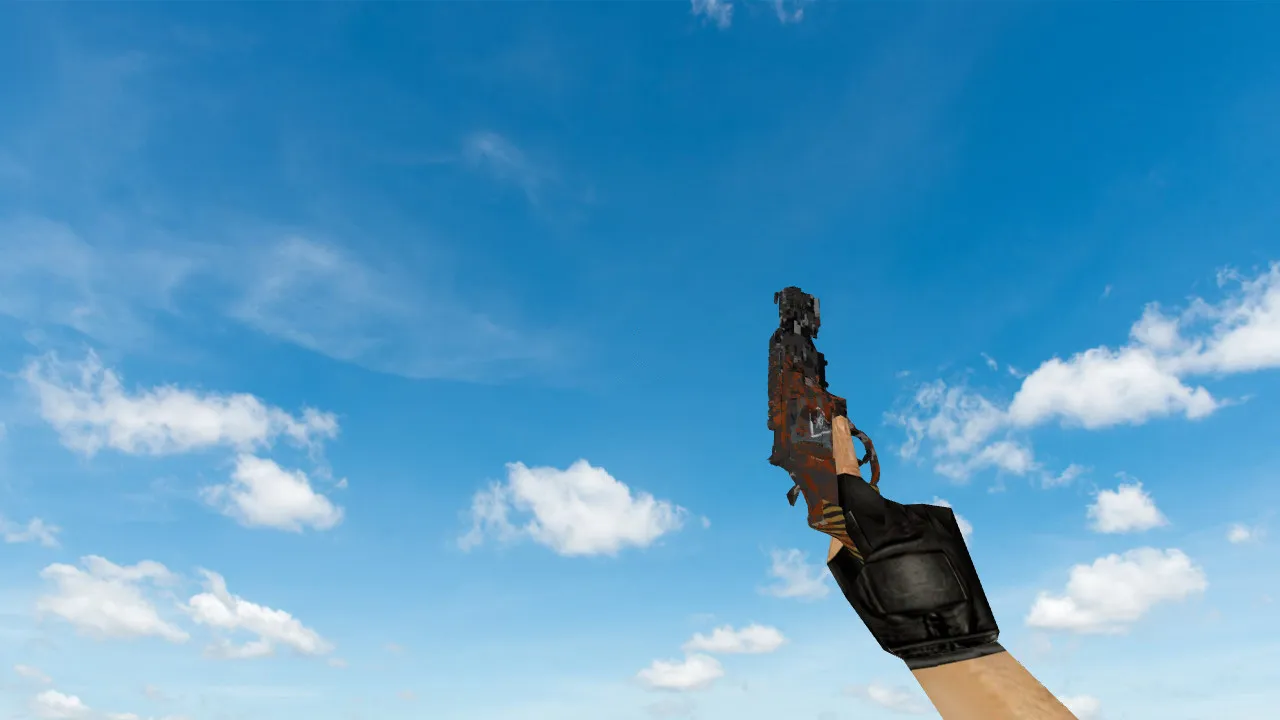
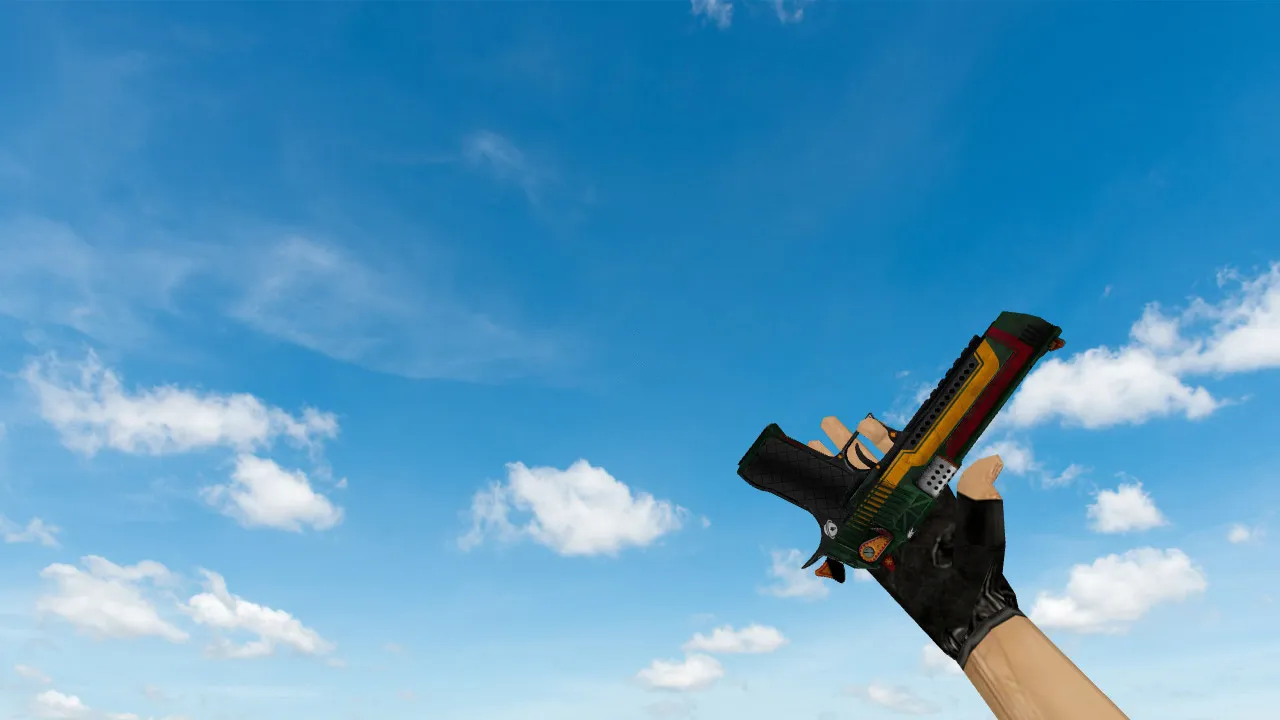
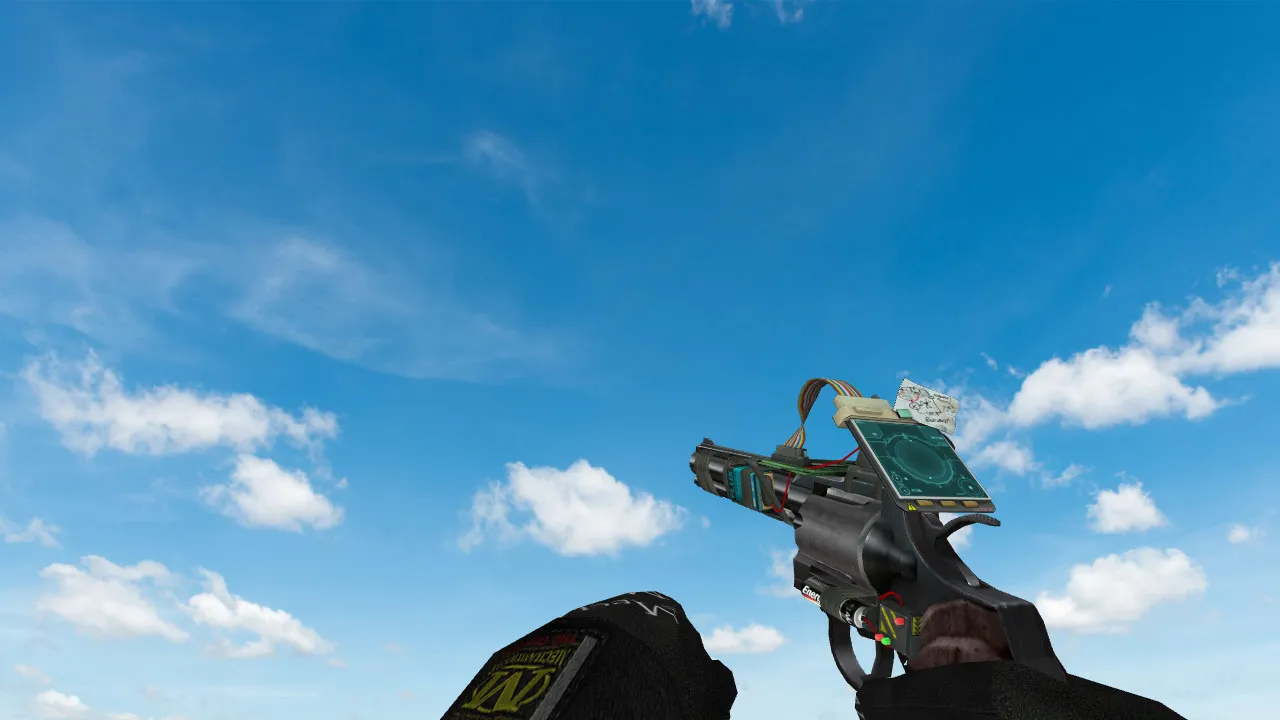
Deagle Obstacle Model for CS 1.6 - HD Skin Review and Details
Description
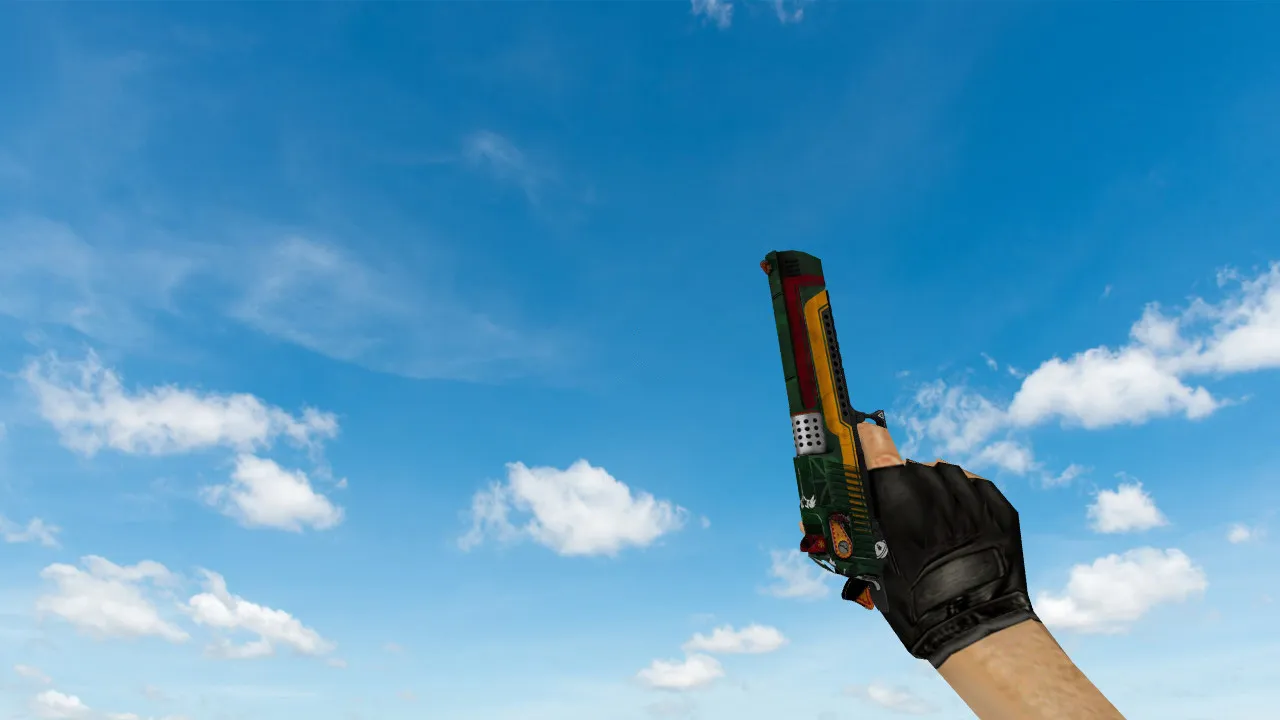
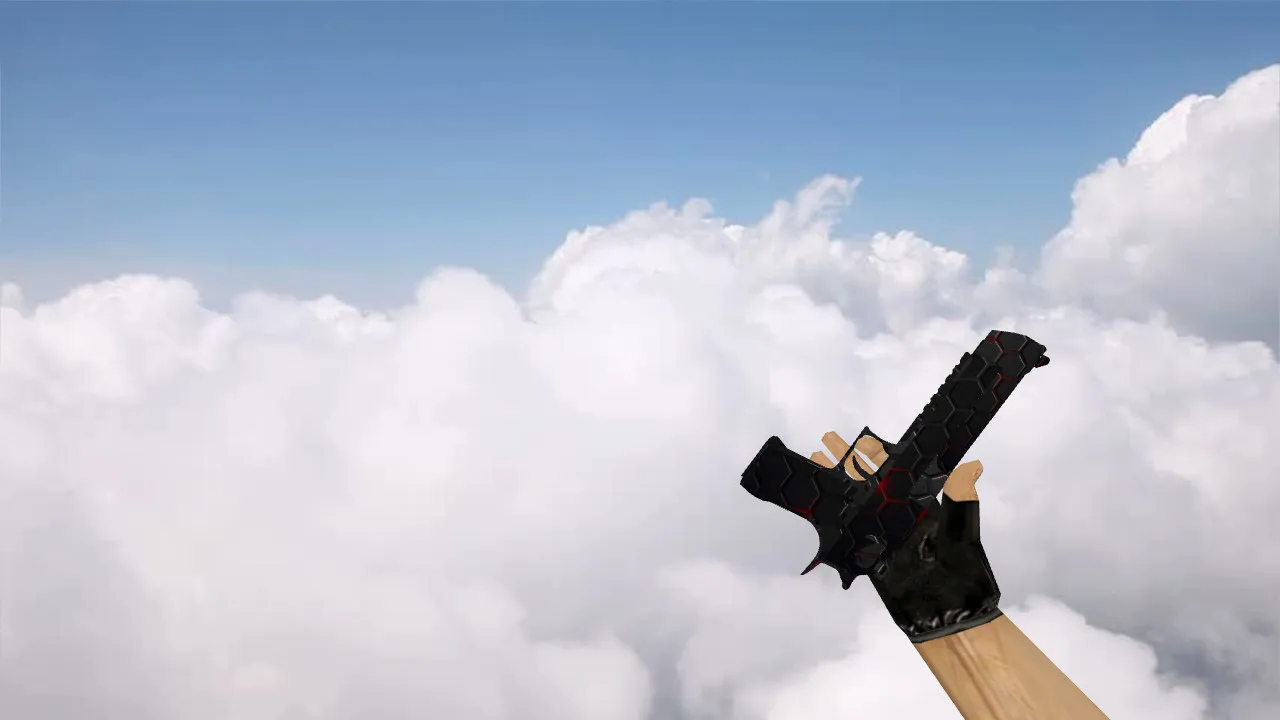
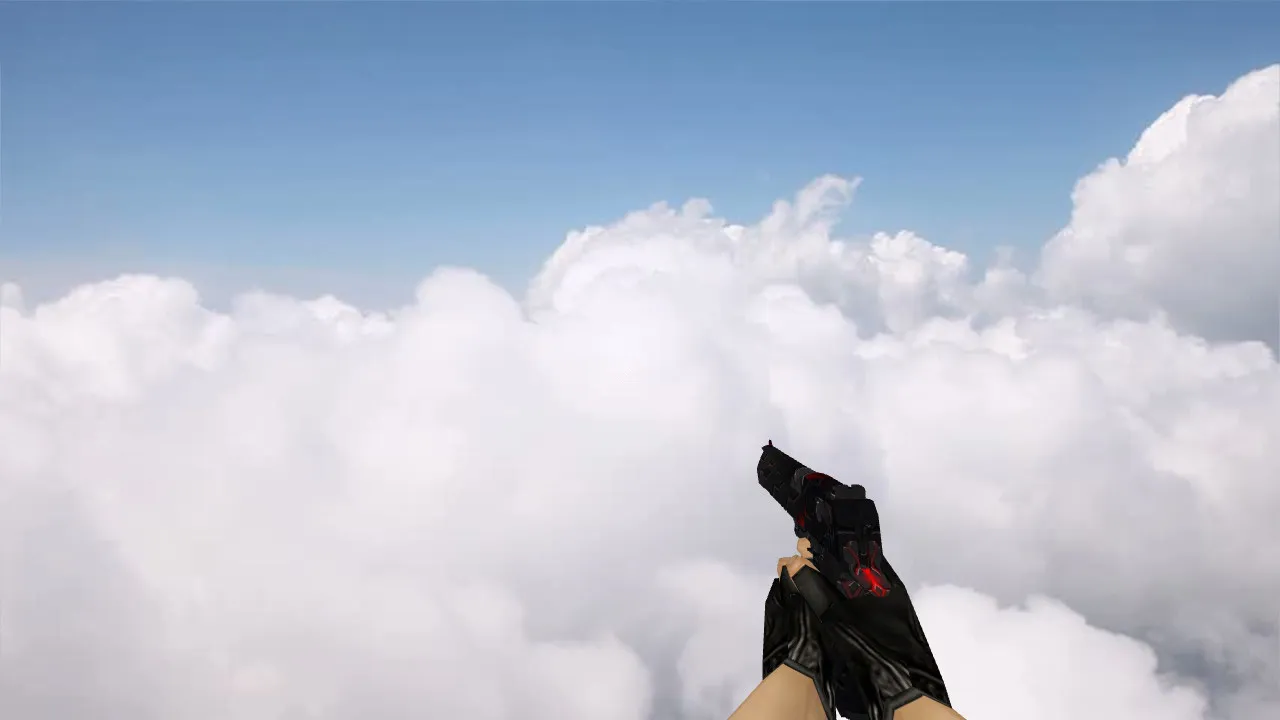
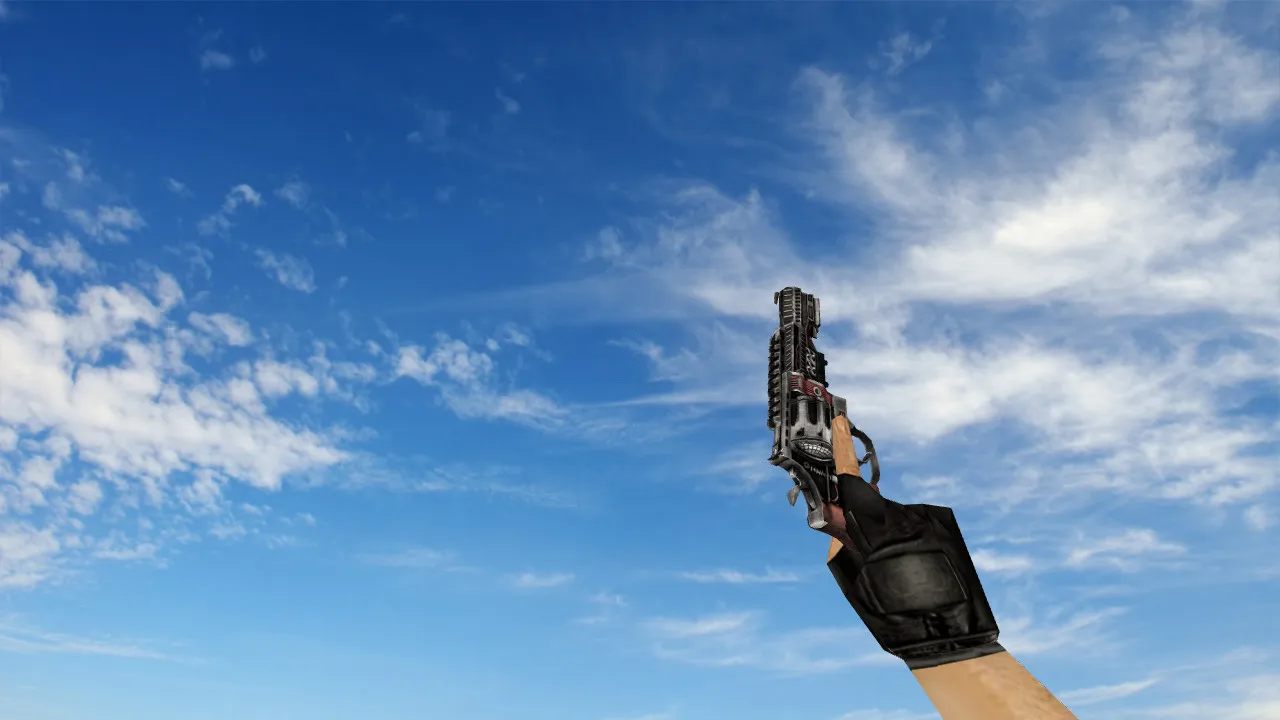
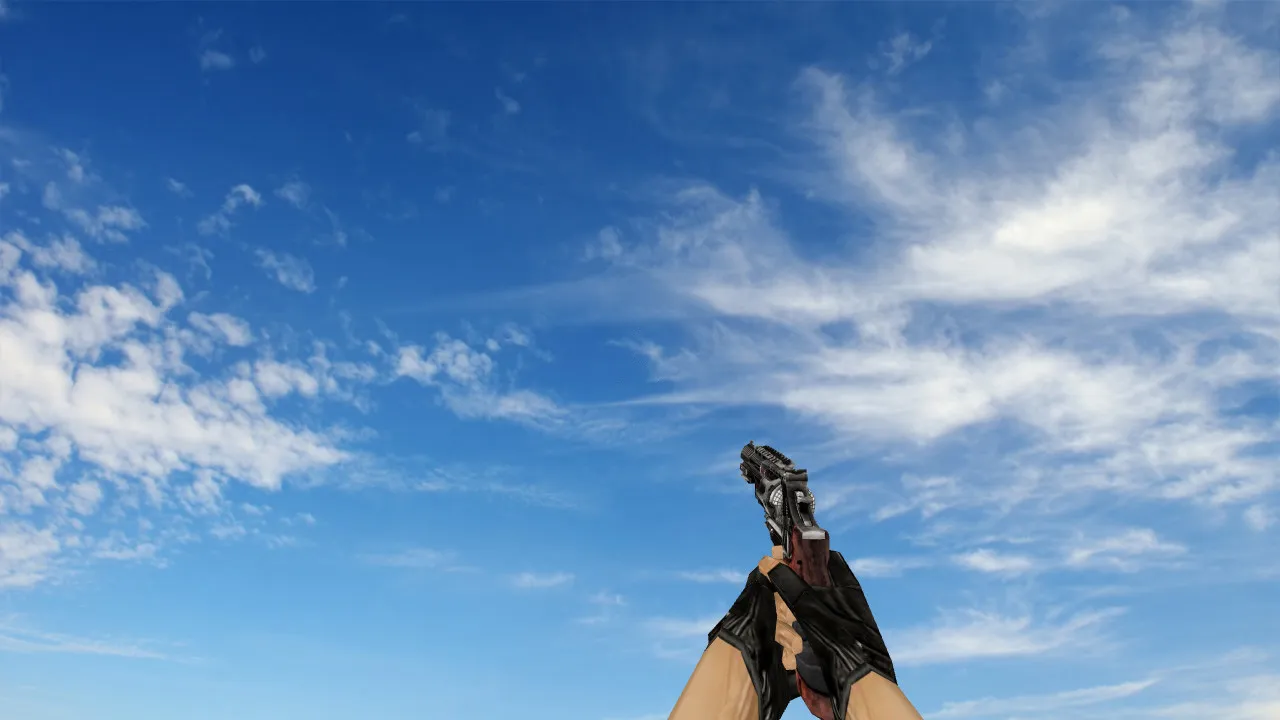
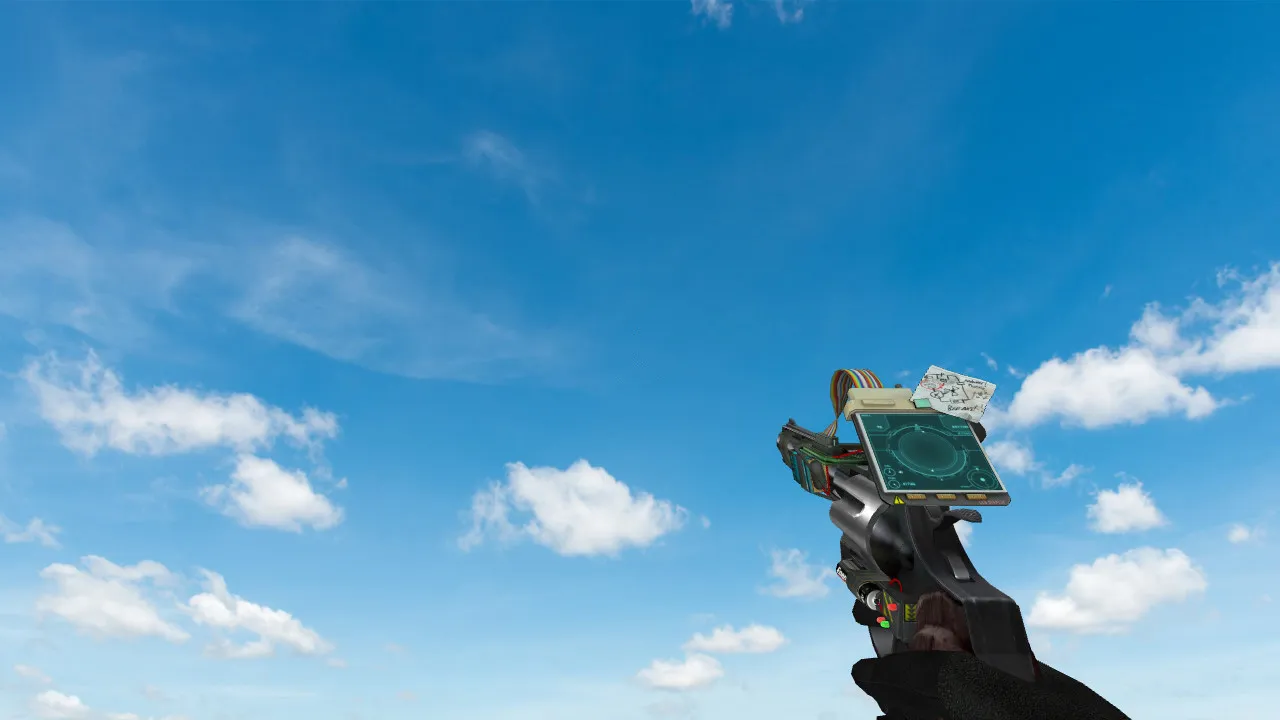
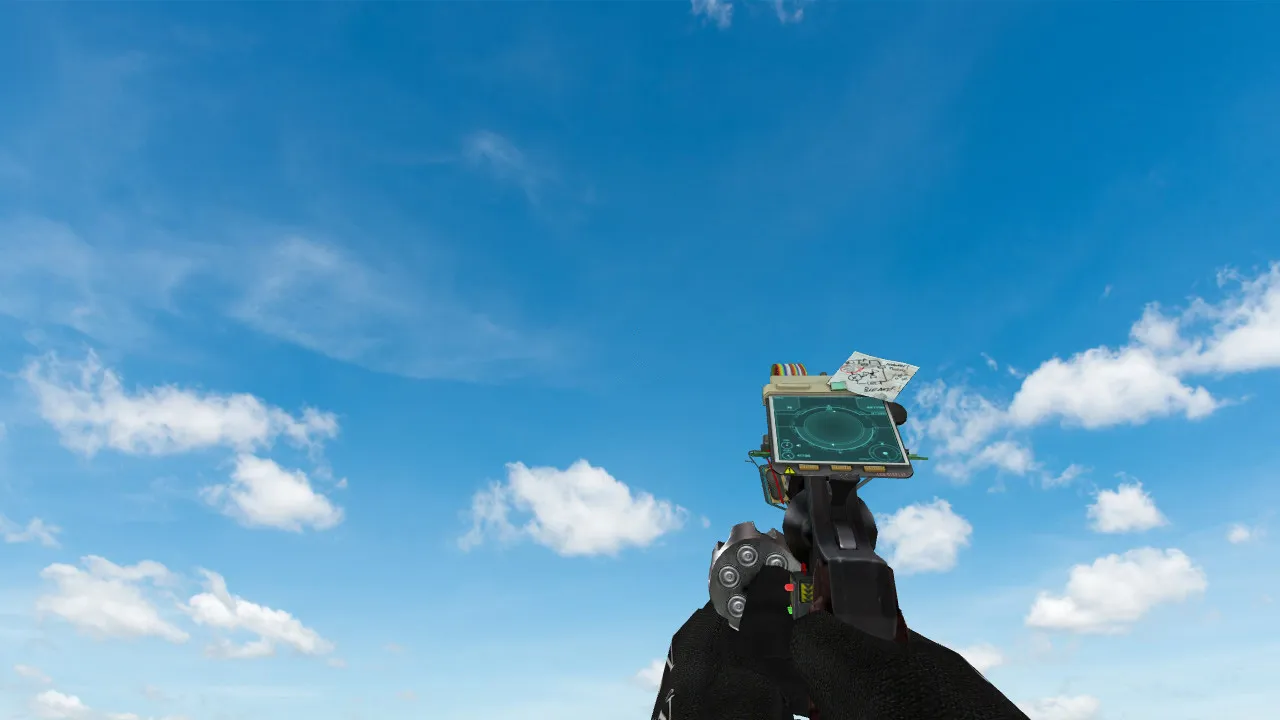
Deagle Obstacle Model for CS 1.6
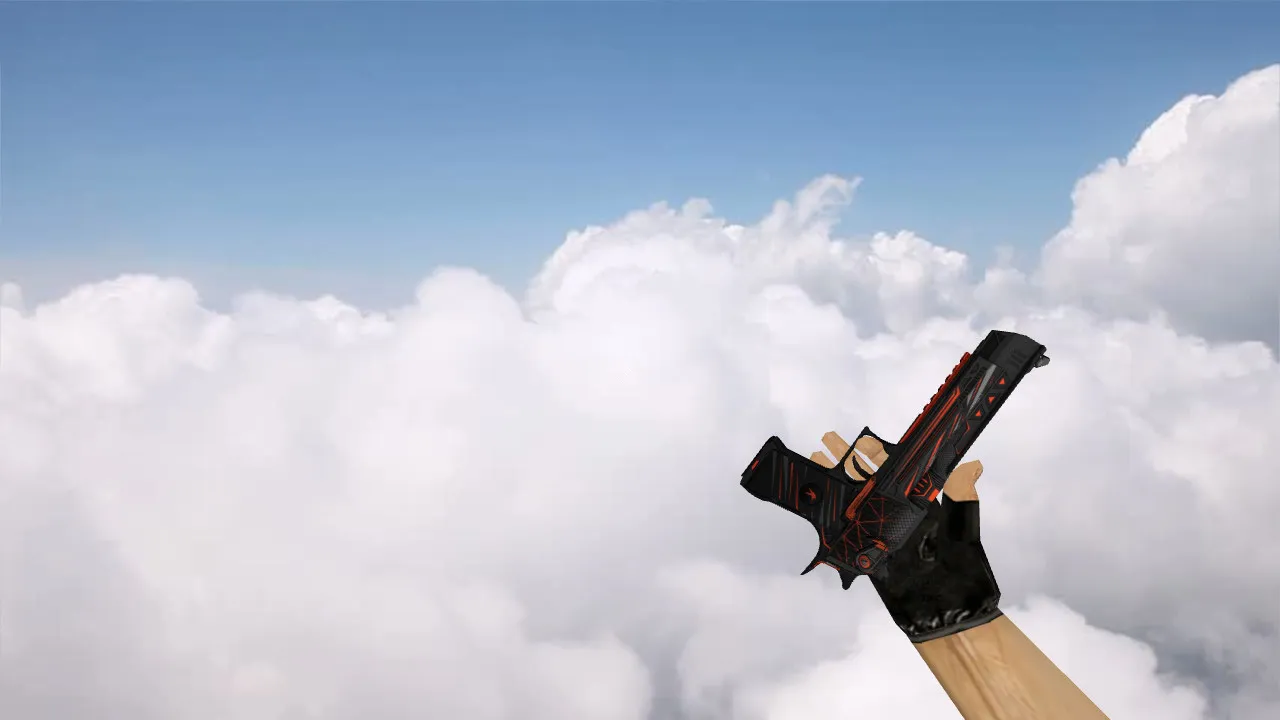
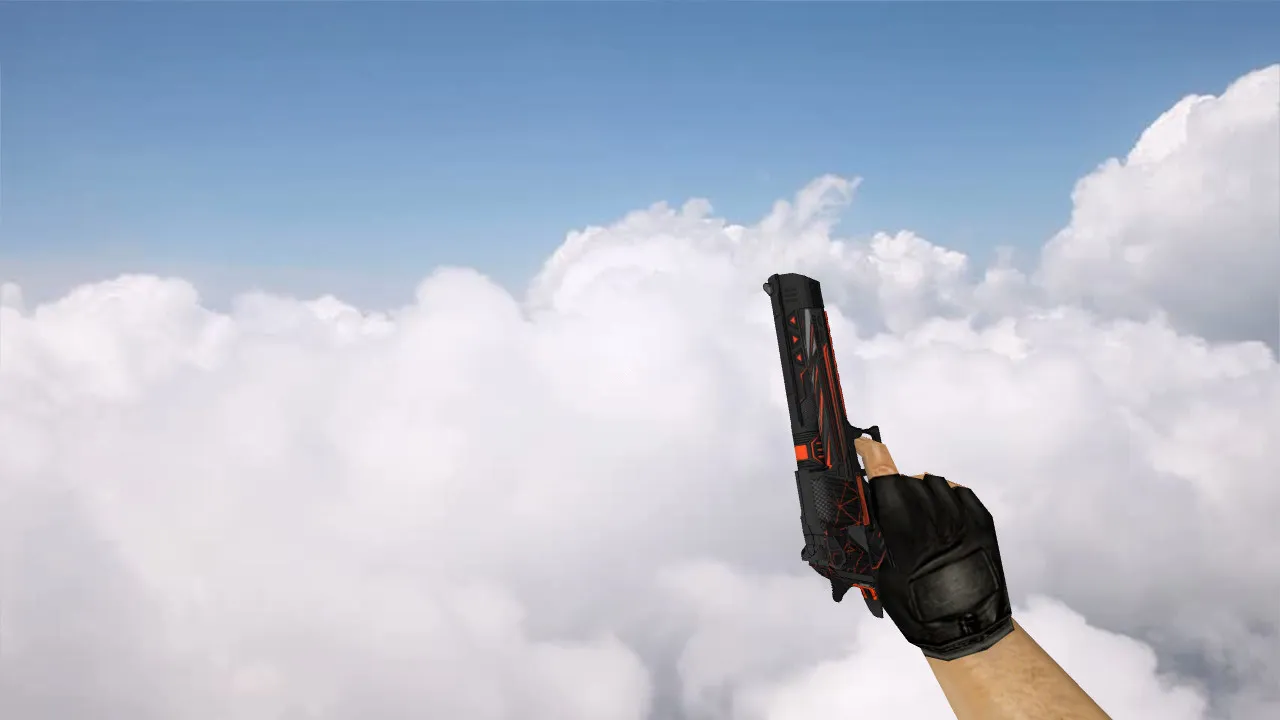
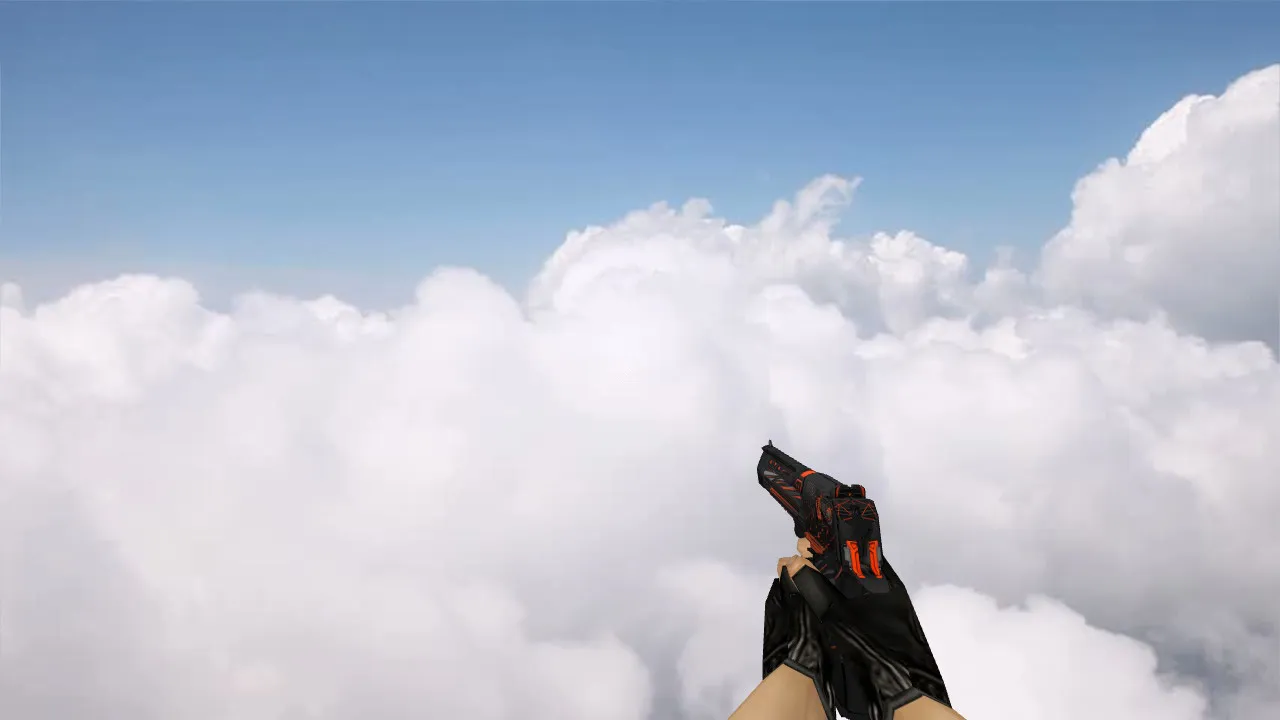
For the Desert Eagle in CS 1.6, the Deagle Obstacle model offers a striking skin. It comes with crisp 1024x1024 HD textures on the v_model, ensuring you can see it clearly during crucial moments. The inspect animation plays smoothly even at high FPS, using custom sequences that work with the original engine and don't cause lag spikes. Custom shot sounds cut through the audio, giving you an advantage in long-range fights on de_dust2 or when dealing with smokes on inferno.
Model Specifications
- v_model: A detailed player-view model with a low polycount that keeps 100+ FPS stable, and hitbox alignment is optimized to prevent clipping.
- p_model: The third-person viewmodel is improved for spectator cameras, so there are no texture seams when you watch teammates take B-site.
- w_model: The world model is updated for dropped weapons, making it visible in dark spots like nuke vents, similar to ESL settings.
This skin performs well under different lighting-whether it's bright mid on cache or shadowy alleys on office-improving your situational awareness without pulling focus from recoil control. It works nicely with no-recoil configs, preserving the Deagle's one-tap ability. It's made for Build 4554 compatibility, whether you're on Steam or not, and you can just drop in a clean config.cfg.
Installation Guide
Put the files into your cstrike folder: swap out deagle.mdl, sprites, and wad files directly. No other mods are required-this avoids MasterServer blocks. Try it on a local server first to check sprite loading and sound syncing. If you use bots, make sure .nav files aren't impacted; this is only a visual change.
Performance and Compatibility
The v_model's polycount remains below 1500, so you won't get frame drops in 16-player public games. Hitbox accuracy is unchanged, so there's no unfair edge or VAC danger. The custom inspect lets you check out the detailed slide and grip textures during a round, adding immersion without interrupting your play. It goes well with AK or M4A1 reskins for a complete loadout change.
Safety first: This download is free of viruses, doesn't include slow-hacks, has no pop-up ads, and no auto-connect scripts. It comes straight from the modding archives and has been tested on both WON and Steam clients.
Tactical Edge
In CS 1.6 metas, the Deagle dominates eco rounds. Obstacle's textures stand out against de_inferno's orange tones or mirage's sandy colors, making it easier to call headshots. Use it to hold angles on dust2 long-the matte finish cuts down on glare. For clan matches, it meets ESL rules: no glows, just clean visuals.
Why Choose Deagle Obstacle
Veterans understand the Deagle's strength, but the default look is dull. This model improves things with precise detailing on the barrel engravings and ergonomic grip. The sound pack includes distinct dry-fire and reload cues that sync perfectly with animation frames. Expand your setup: pair it with no-flash sprites or high-res crosshairs for top performance.
Overall, Deagle Obstacle fits seamlessly into any CS 1.6 setup. From casual deathmatches to 5v5 comp, it improves your game without overcomplicating things. Get it for that pro-level polish on your sidearm.
Install in three steps
-
1
Download the archive. Use the button on the right, or the Yandex.Disk mirror if the main server is slow.
-
2
Extract it into the game folder. Use 7-Zip or WinRAR. A path without non-Latin characters works best.
-
3
Launch the game. If something doesn't work, mark it below - that is how we know the file needs an update.
Did it work for you?
No sign-up needed. You can pick more than one.