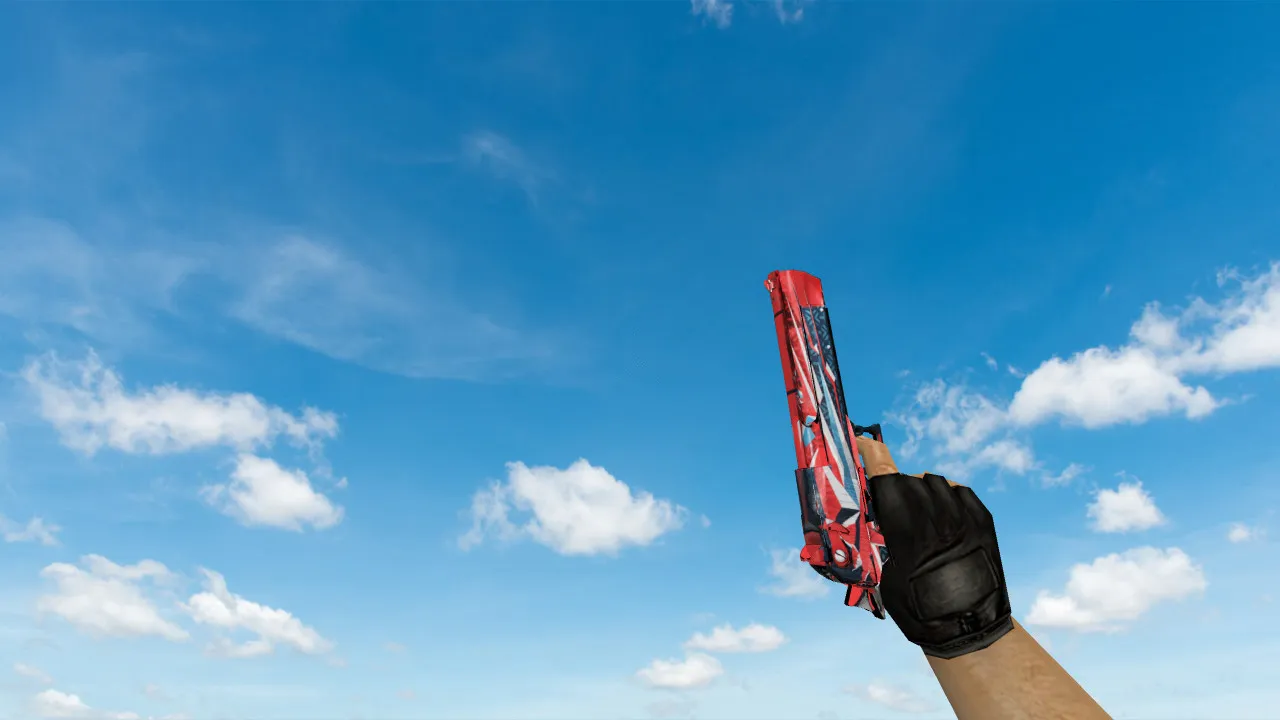
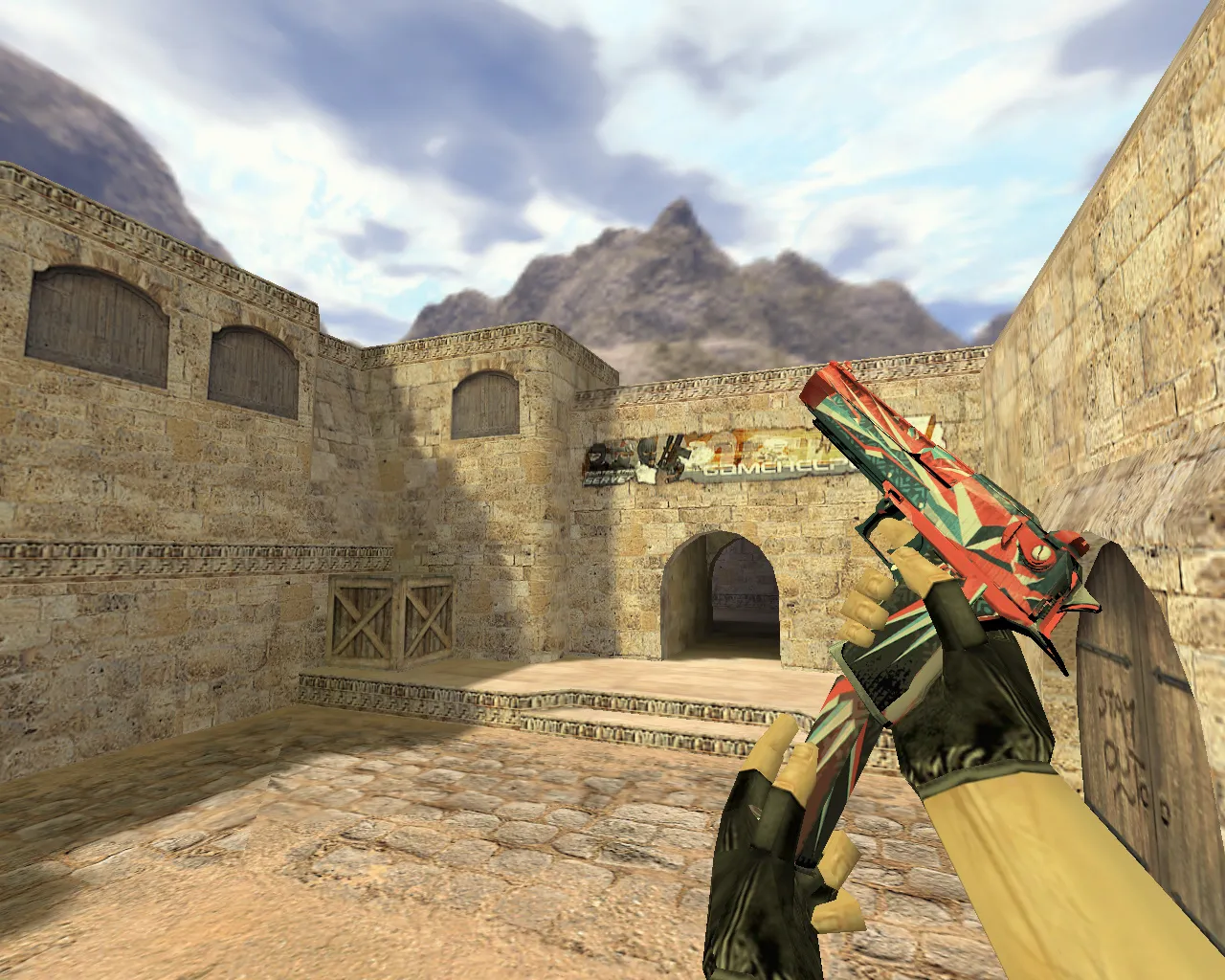
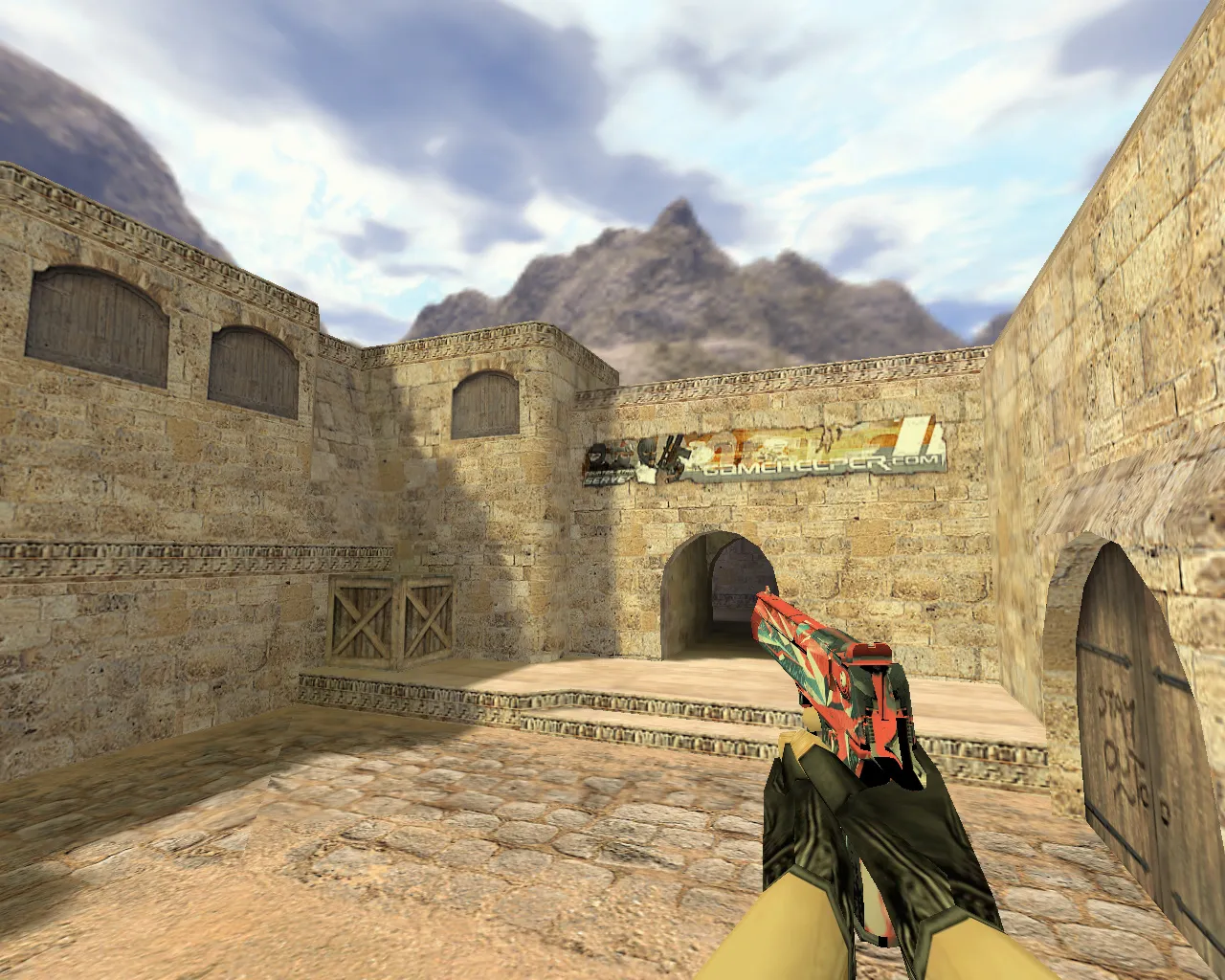
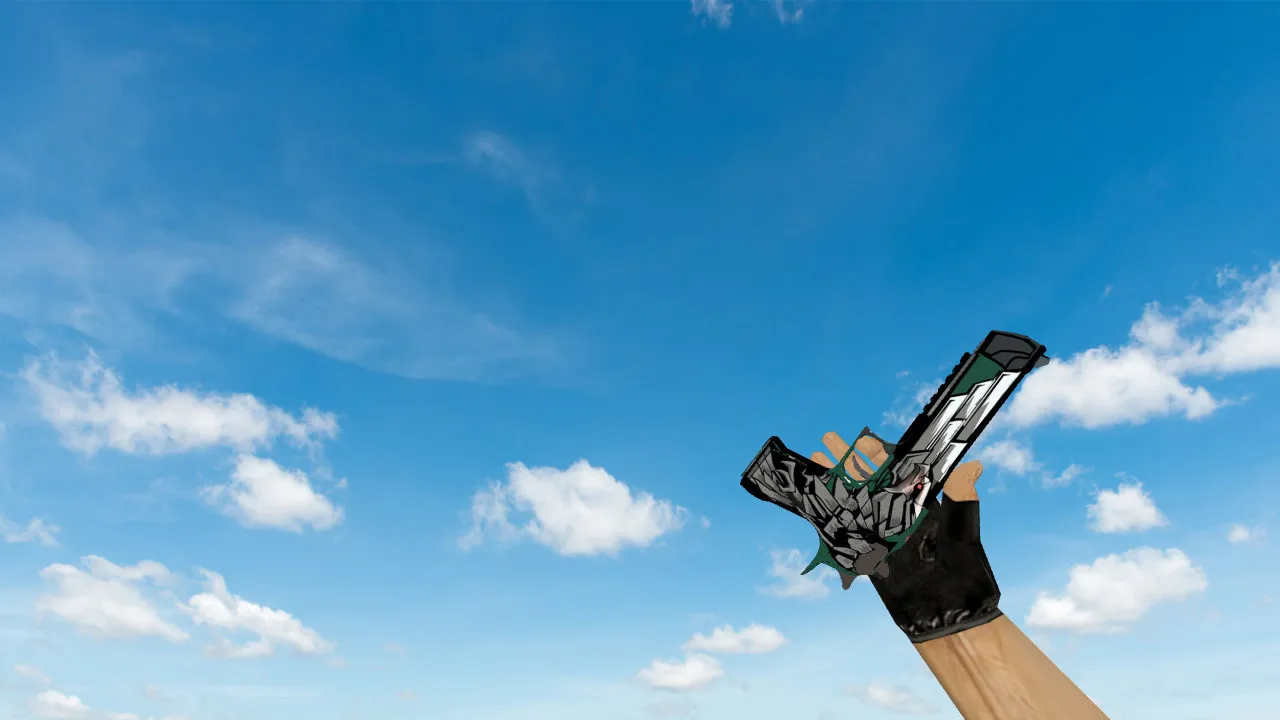
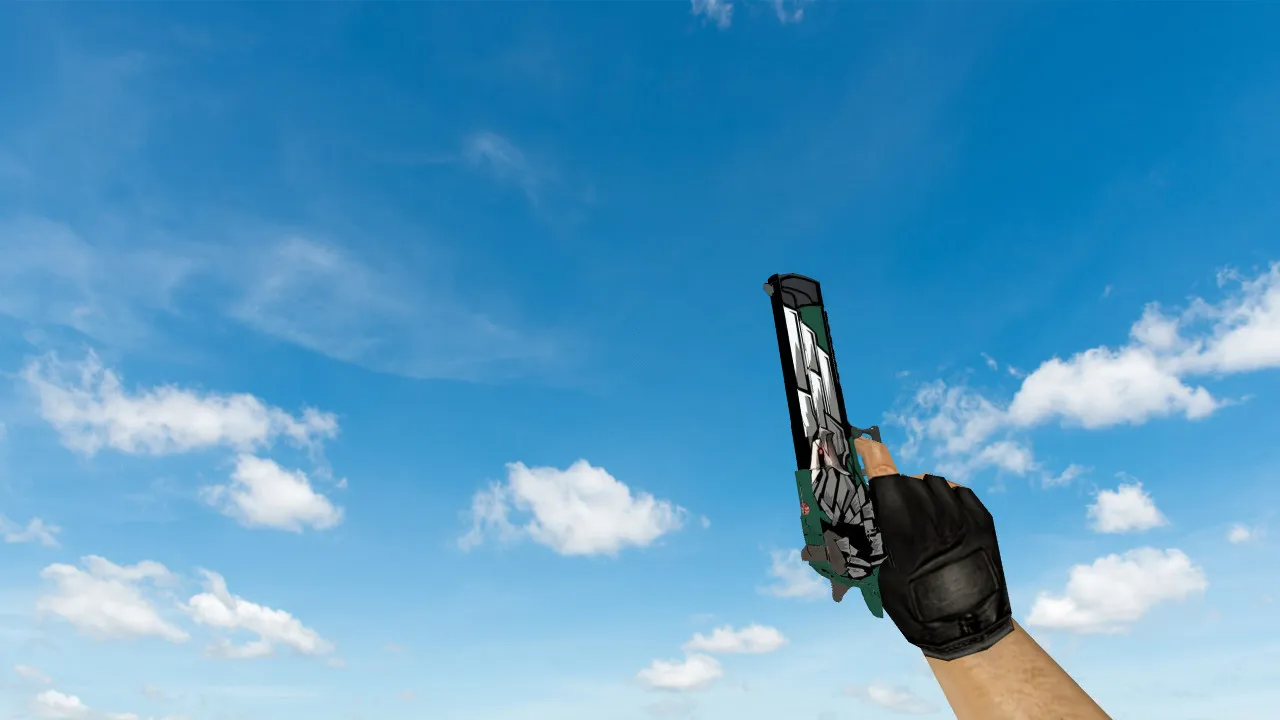
Deagle Oakley Model for CS 1.6 - HD Textures and Smooth Animations
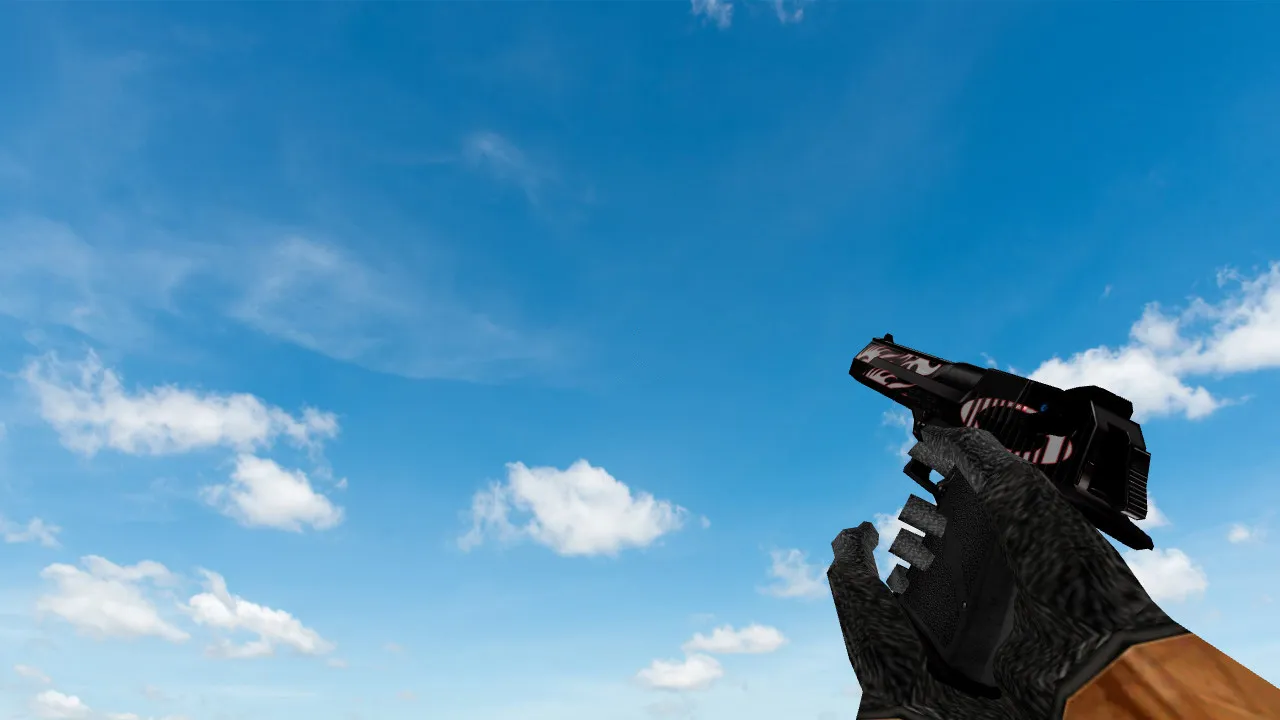
Description
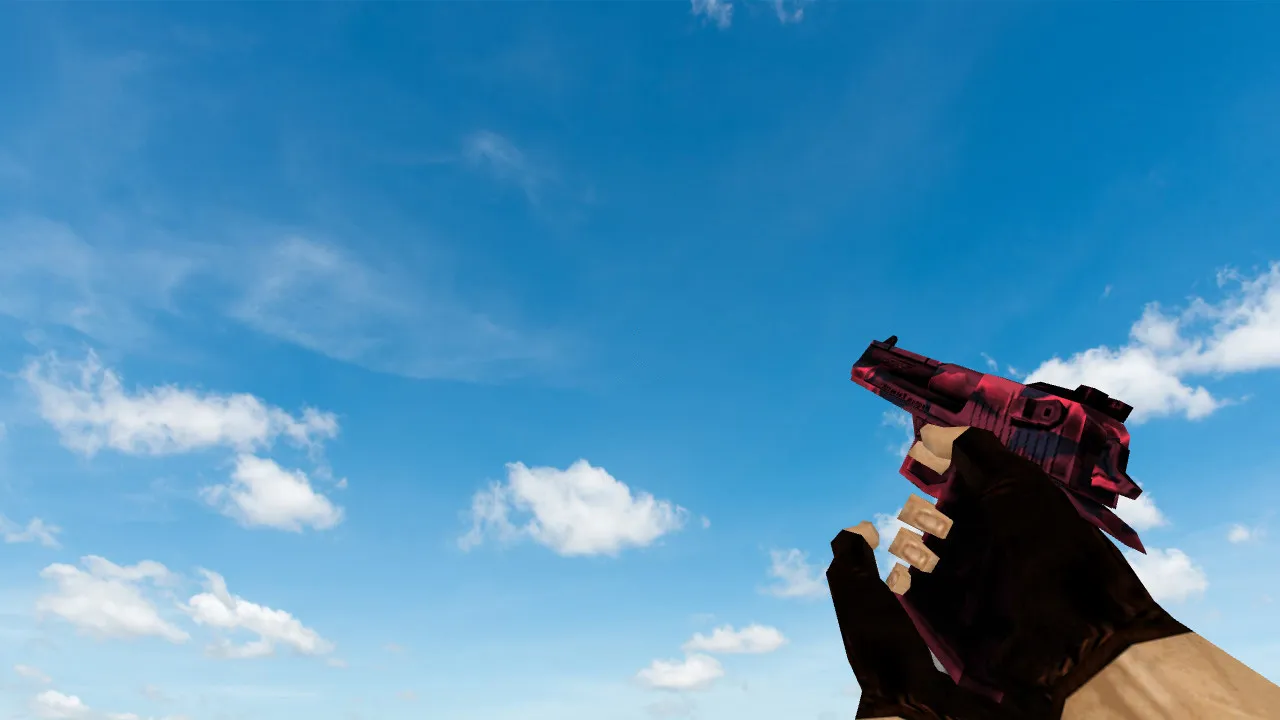
Deagle Oakley Model for CS 1.6
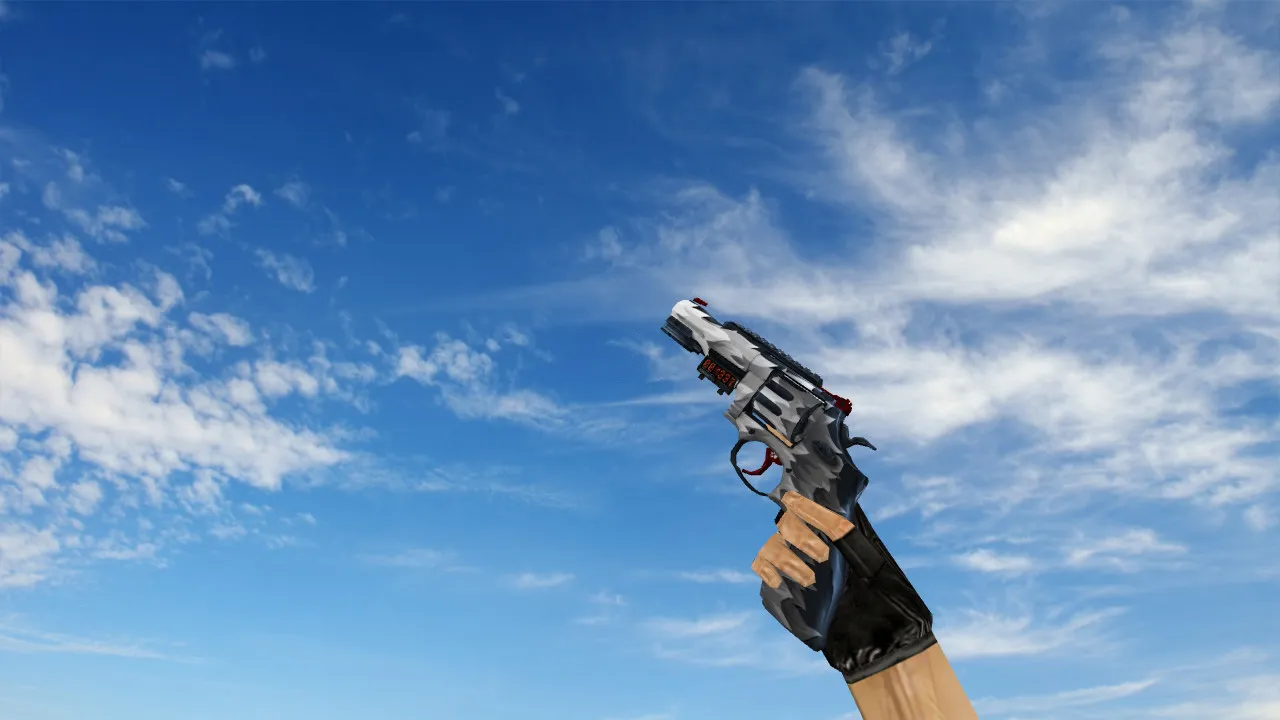
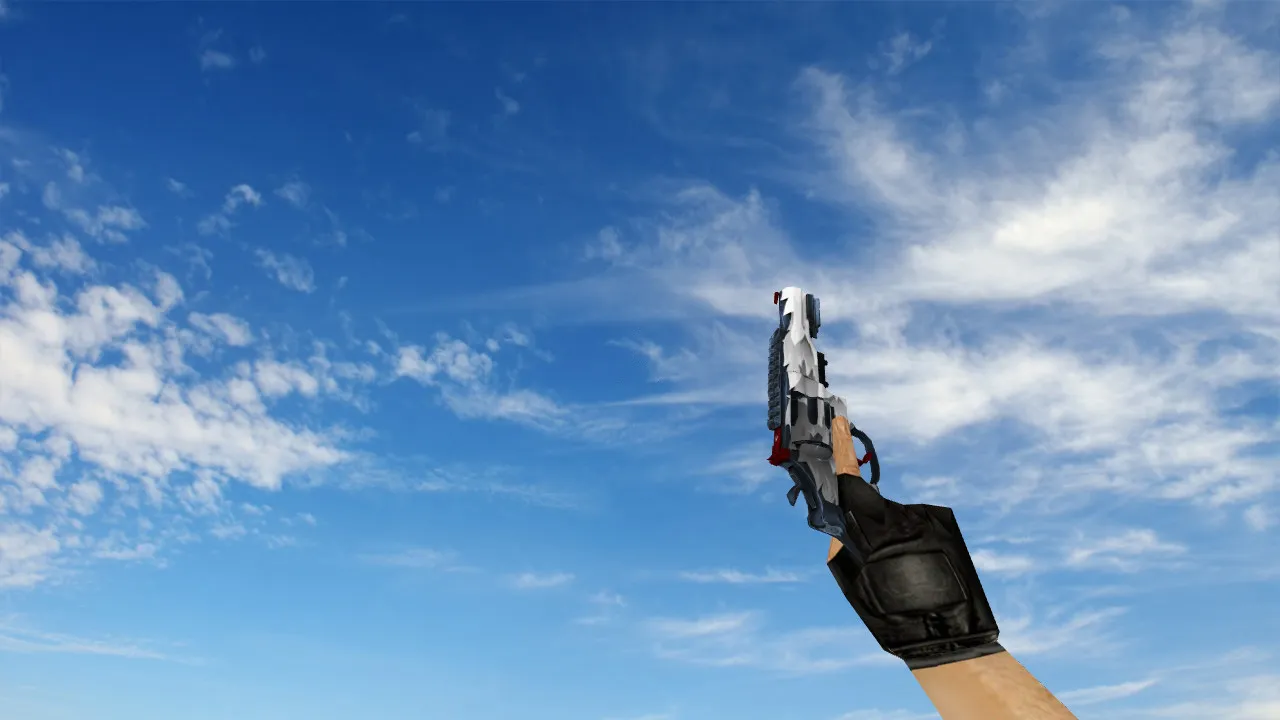
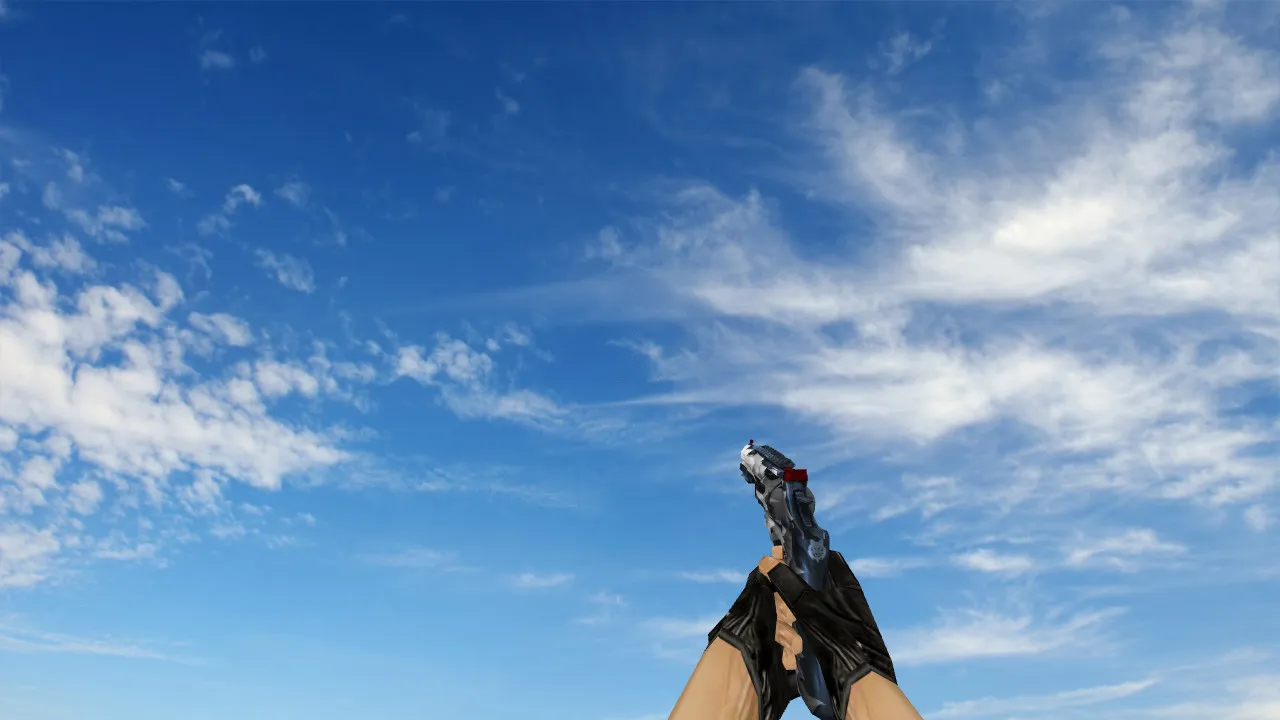
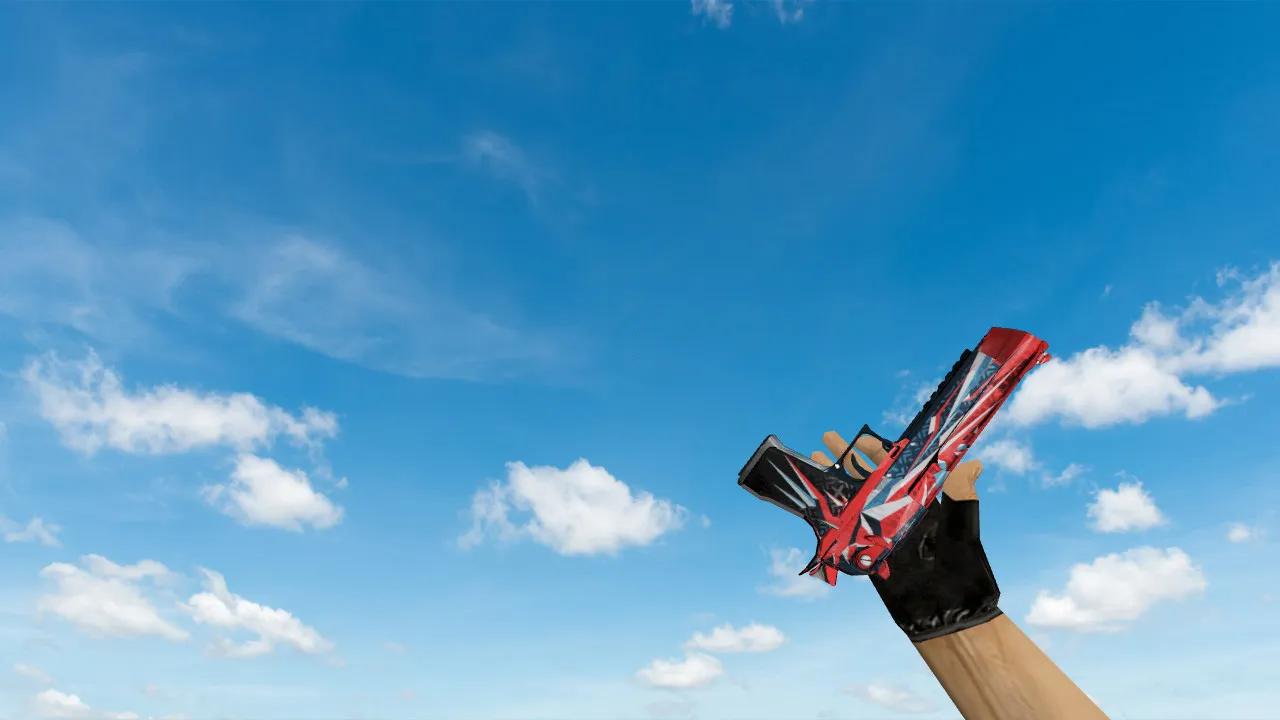
The Deagle Oakley model offers a new look for the iconic Desert Eagle in Counter-Strike 1.6. Its custom v_ model comes with crisp 1024x1024 HD textures that remain visible on dark maps such as de_dust2 or de_inferno, so you can spot details during tense moments. The p_ and w_ models have a low polycount, which helps maintain steady frame rates even on older systems using Build 4554 or 8610.
Inspect animations play smoothly without clipping or stuttering, allowing you to appreciate the Oakley design during a round. Default sounds are swapped for custom ones-crisp gunshots and metallic slide noises that match the recoil pattern. No-recoil changes are not part of this, but hitbox alignment remains identical to vanilla, so your aim stays consistent on any server, Steam or Non-Steam.
The model works with standard skins, so you can combine it with your preferred Deagle finishes without issues. It installs easily with any clean config.cfg, no additional cvars or decals needed. To install, place the files into your models folder-v_deagle.mdl, p_deagle.mdl, and w_deagle.mdl-plus a custom sprite for the HUD icon and a wad file for textures. Bots detect it through .nav files, so single-player and bot matches work fine.
- HD textures for improved detail in dark areas
- Smooth inspect and reload animations
- Custom firing and dry-fire sounds that sound realistic
- Works with all CS 1.6 clients and mods
- Low polycount for high-fps performance
- MasterServer protected, no auto-connect risks
- Clean install: no viruses, ads, or slow-hacks
Whether you're defending A-site on de_nuke or attacking B on de_cache, the Deagle Oakley improves your visual experience without affecting balance. The textures are not over-saturated, so enemy outlines stay clear for ESL-style play. Combine it with a no-spread config for more accurate long-range shots. Each shot has a satisfying weight, making headshots feel more rewarding. Download and install it-your Deagle gets an upgrade that fits any loadout.
For modders, the source files make it simple to adjust the sprite or sound pitch. It works immediately with WON or Steam protocols, and it doesn't interfere with wallbangs or spray patterns. If you run a custom server, this model loads quickly without increasing cache size. Always use verified downloads to keep your setup virus-free; this one is scanned clean regularly.
Install in three steps
-
1
Download the archive. Use the button on the right, or the Yandex.Disk mirror if the main server is slow.
-
2
Extract it into the game folder. Use 7-Zip or WinRAR. A path without non-Latin characters works best.
-
3
Launch the game. If something doesn't work, mark it below - that is how we know the file needs an update.
Did it work for you?
No sign-up needed. You can pick more than one.