Deagle Light Rail Model for CS 1.6 - Quality Textures and Stable Performance
Description
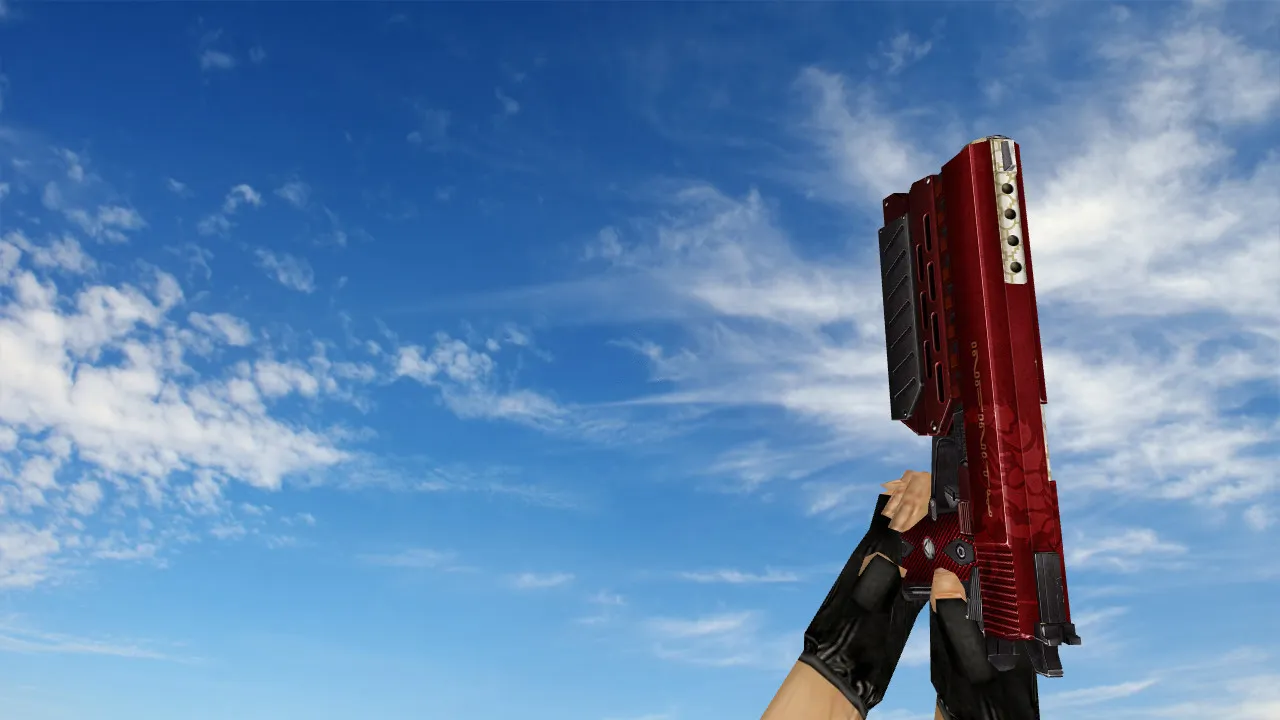
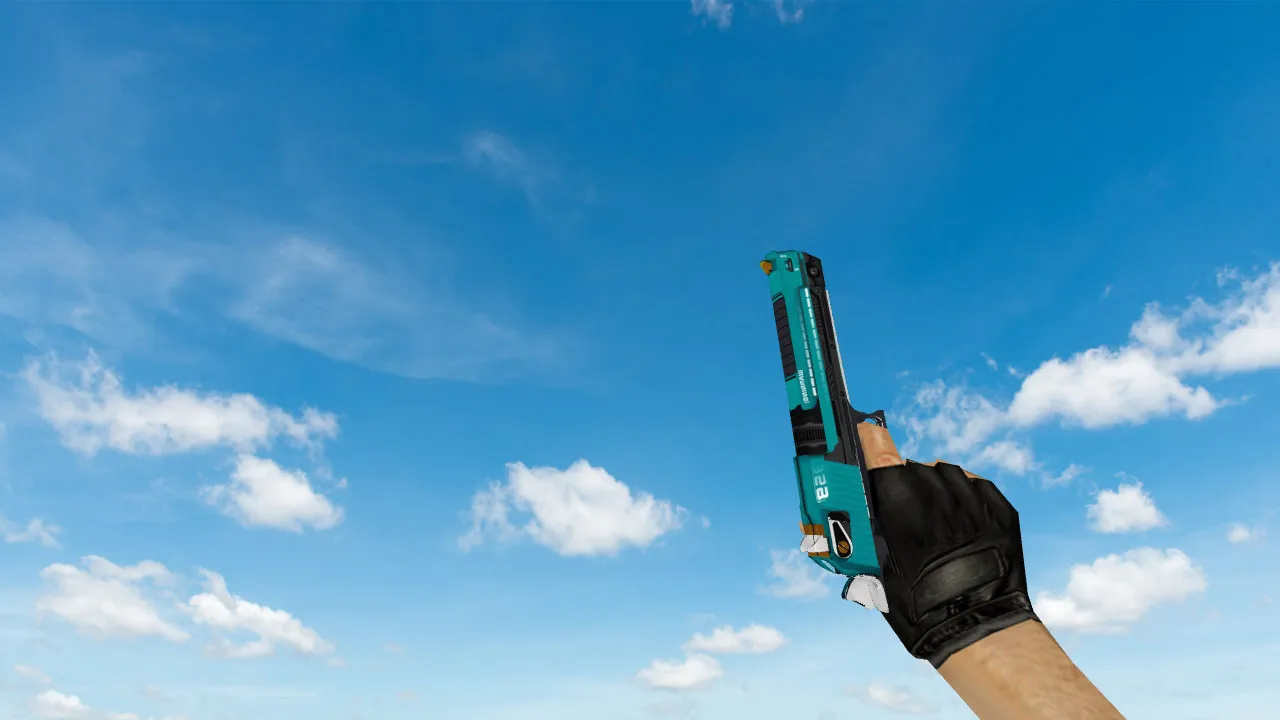
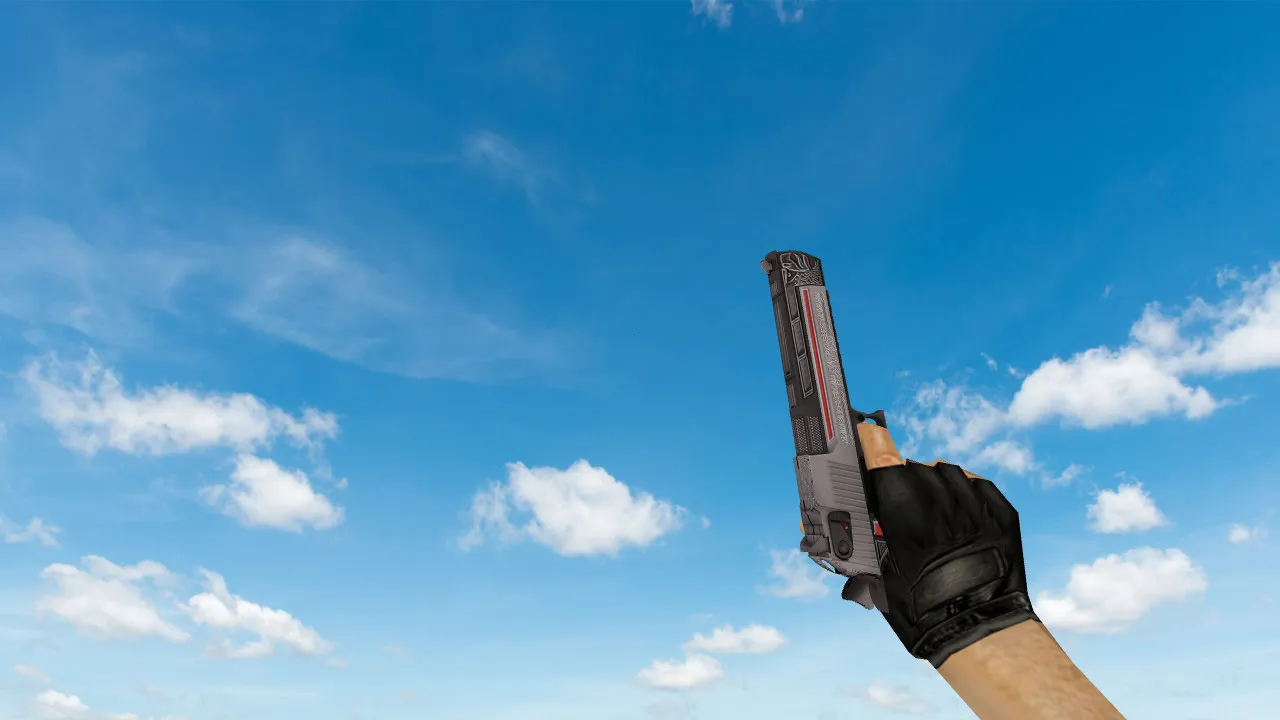
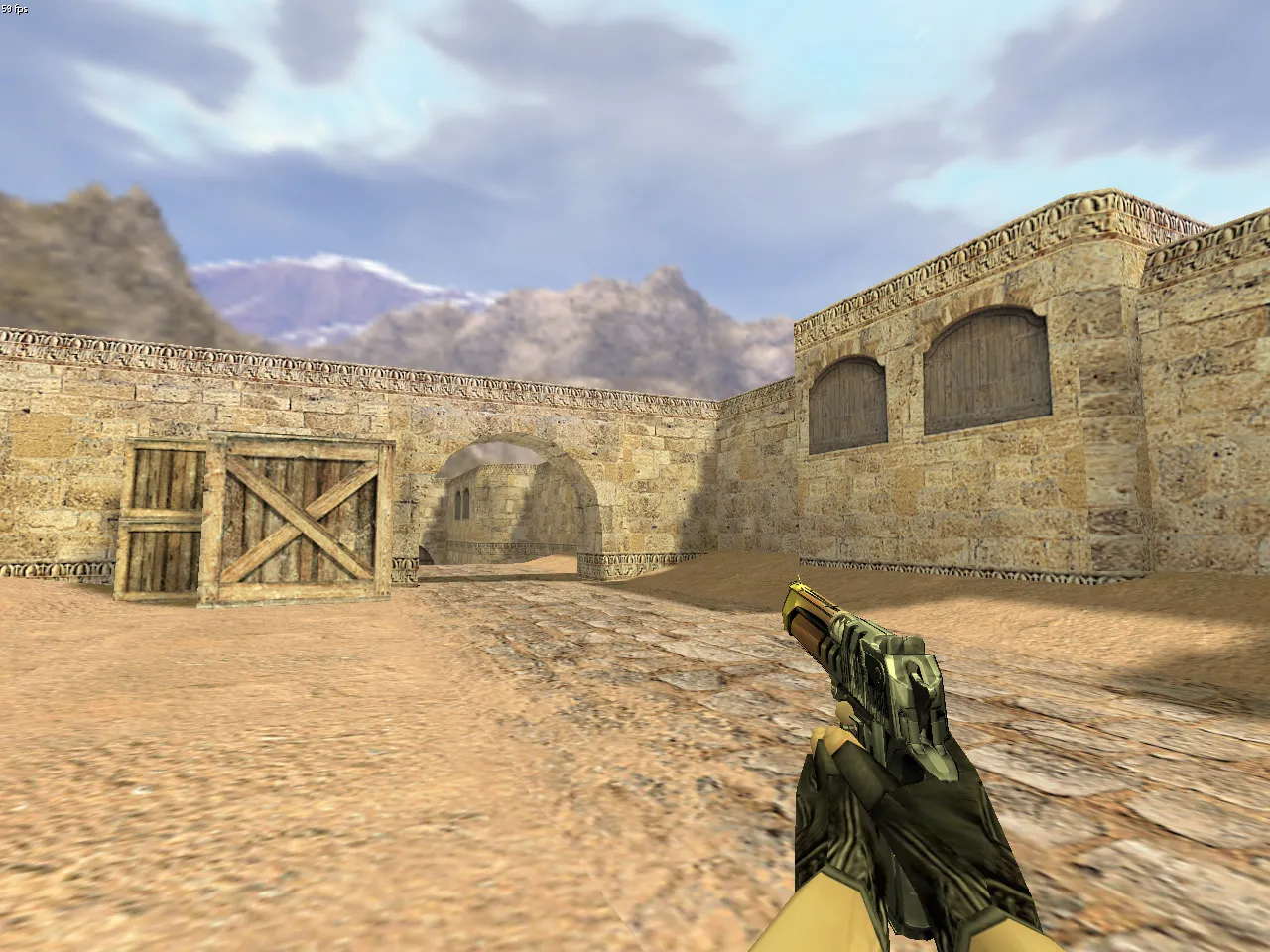
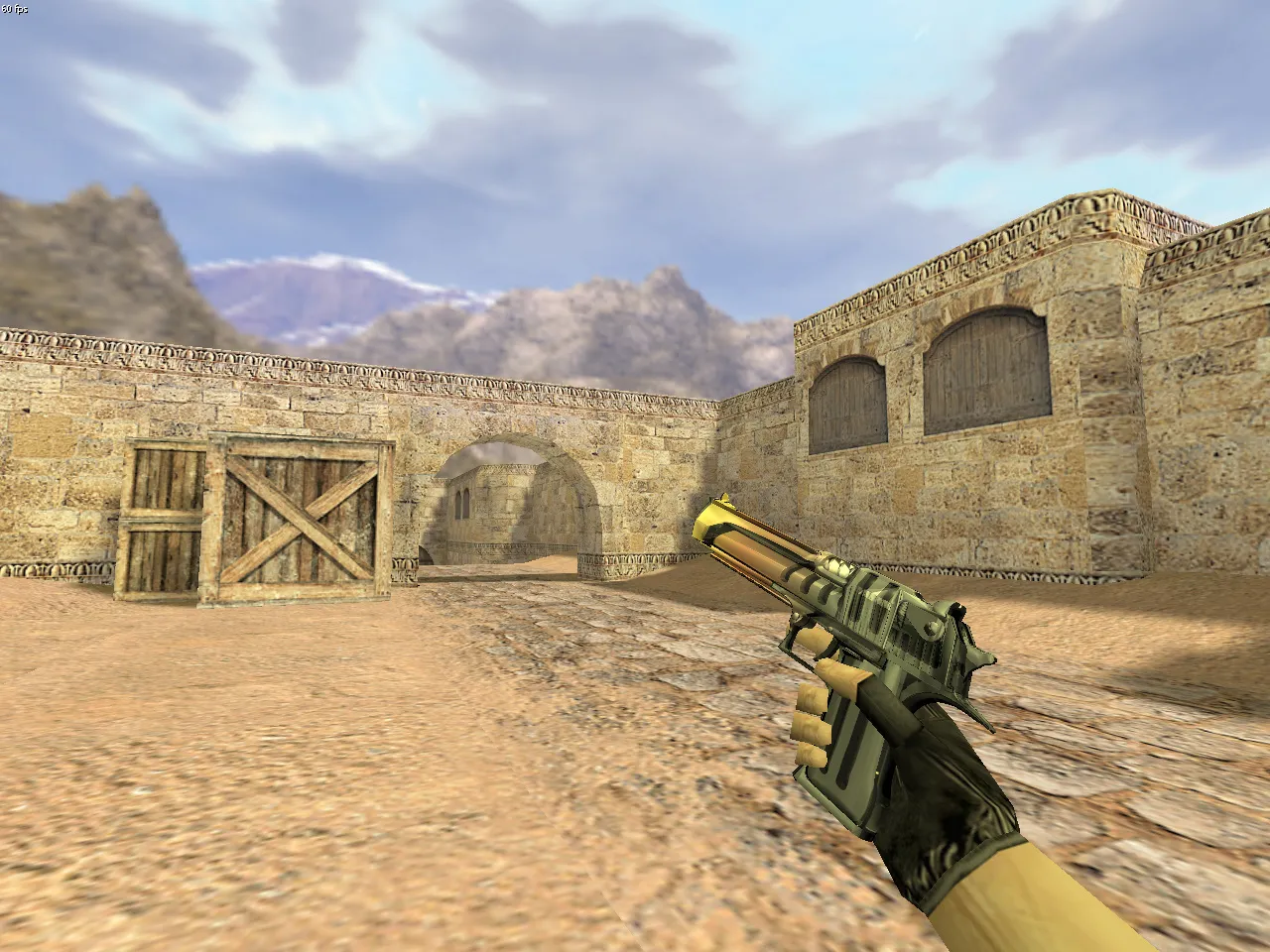
Deagle Light Rail Model for CS 1.6
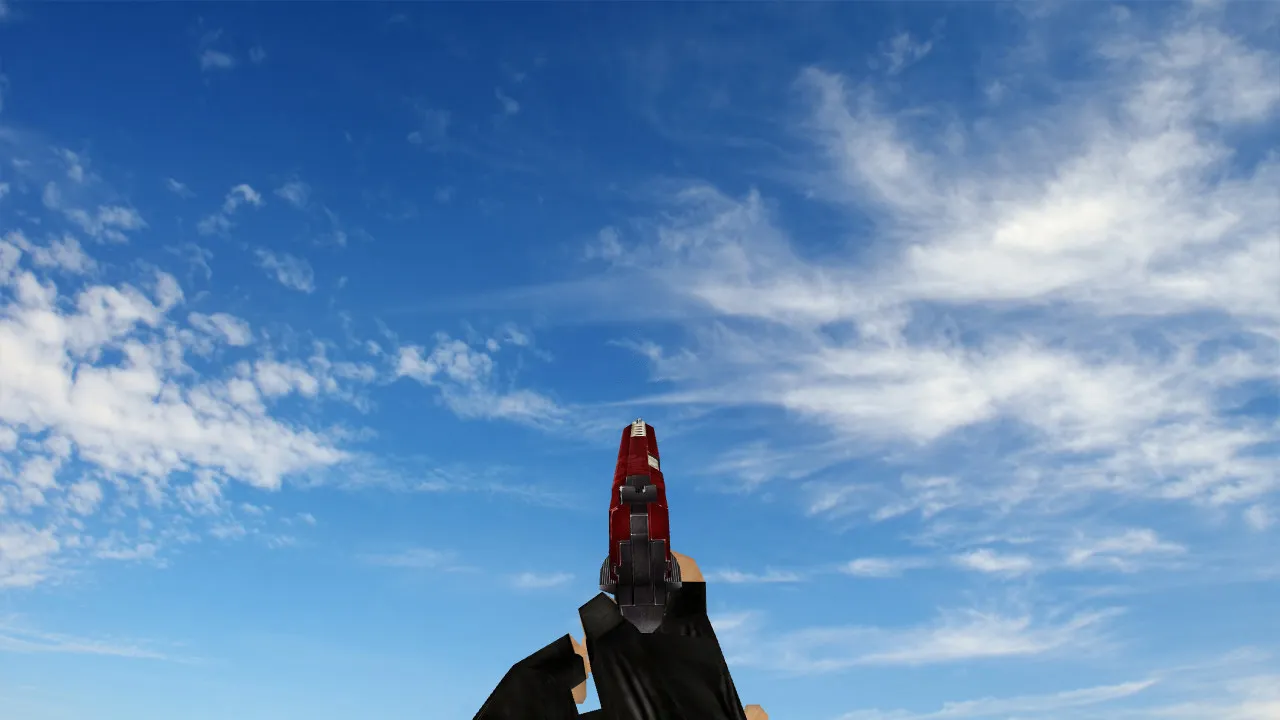
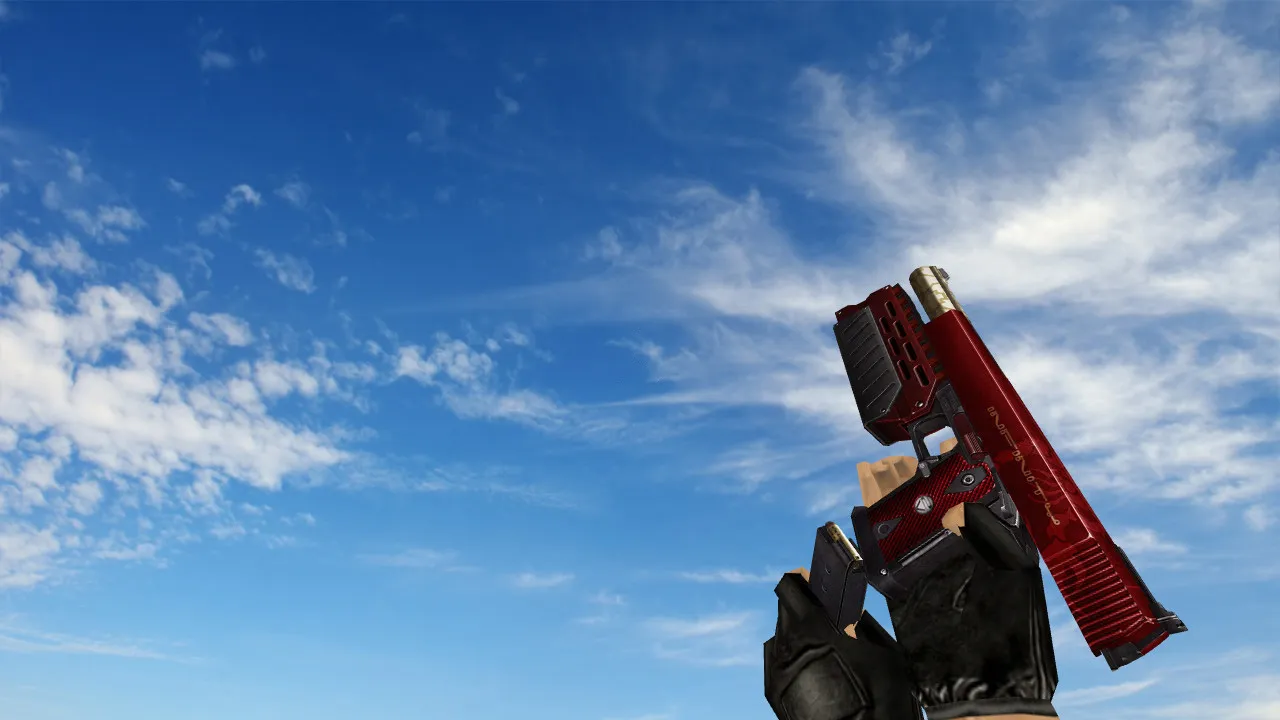
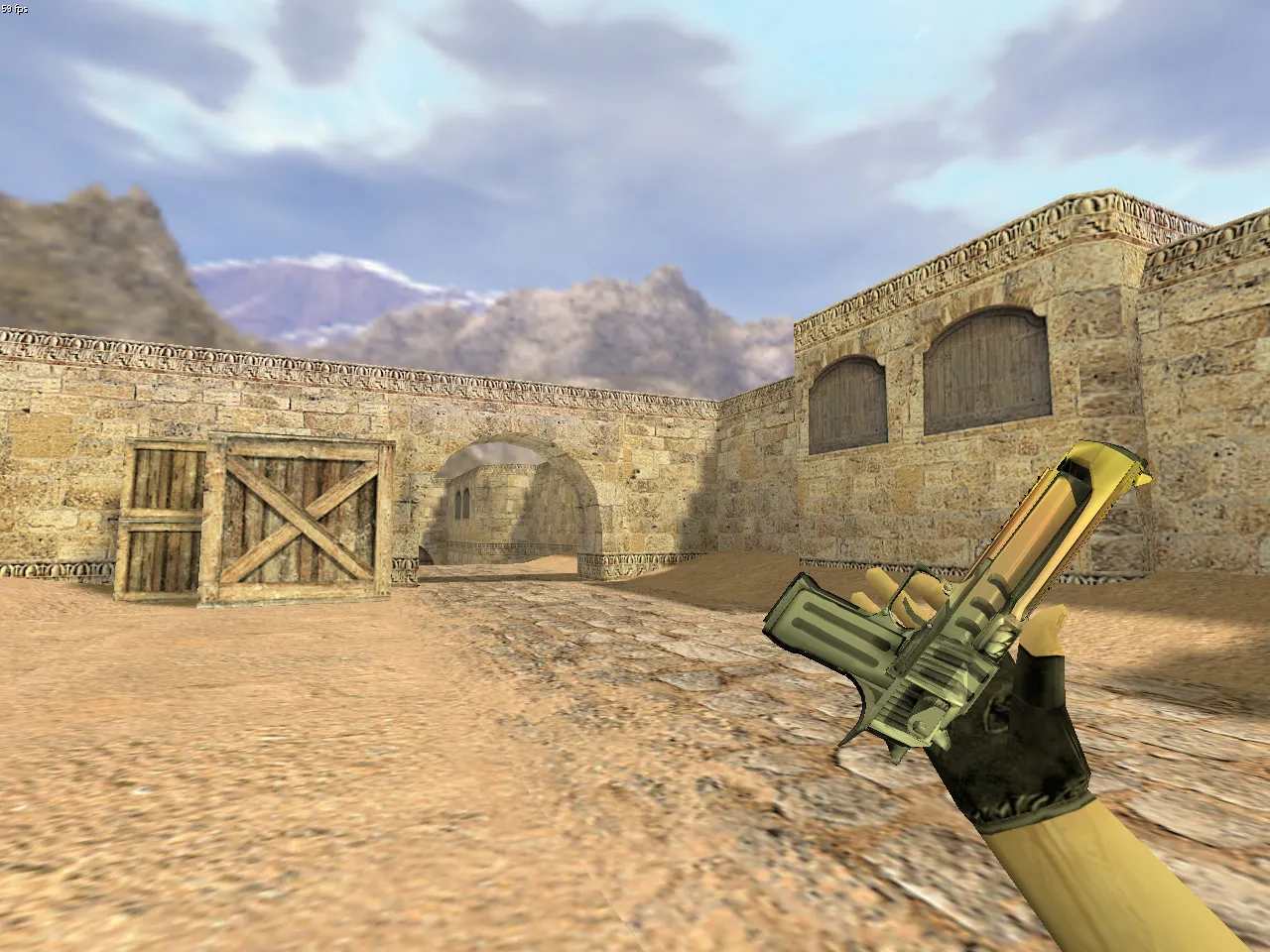
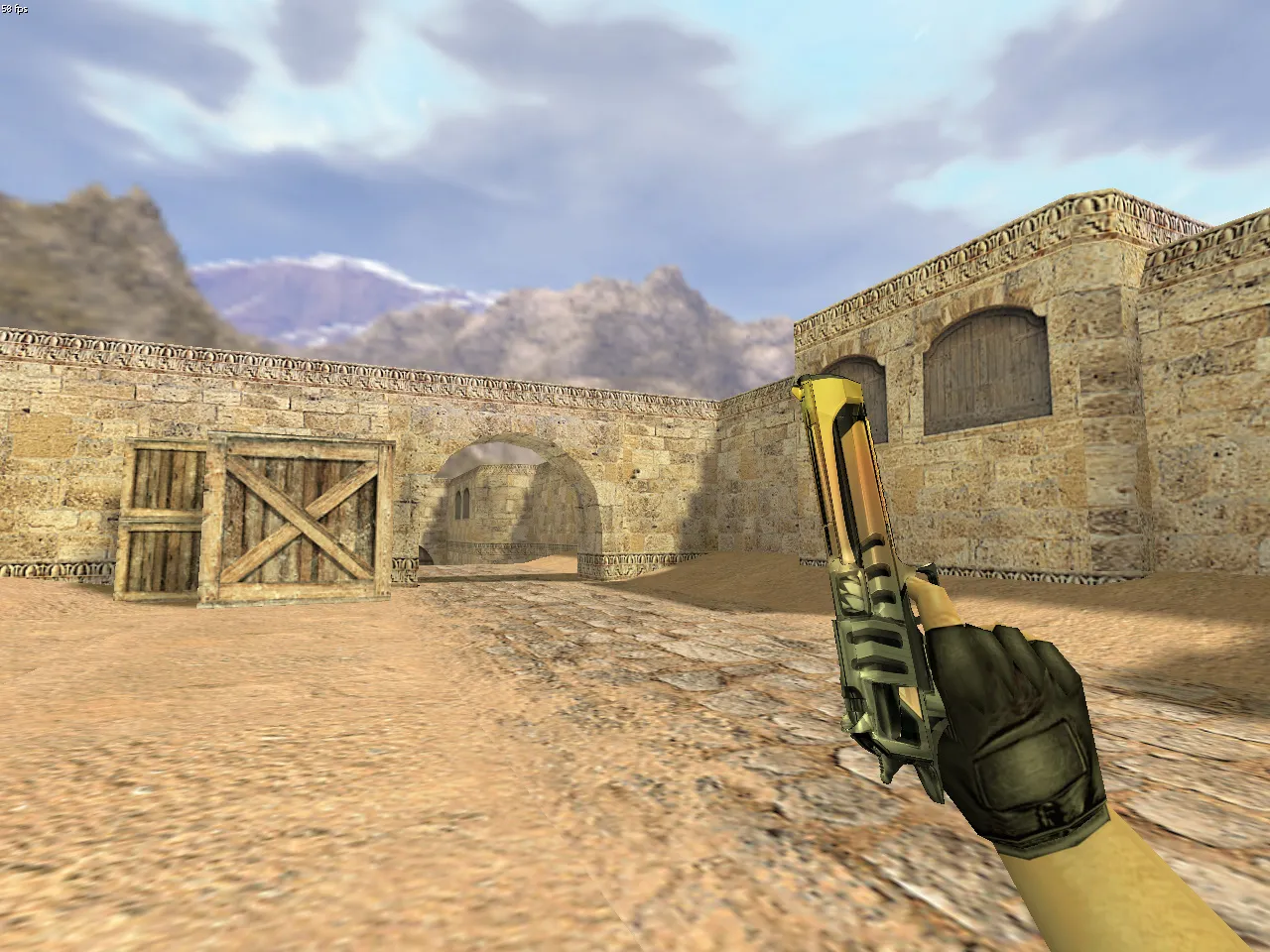
This Deagle model offers reliable stability and ease of use in Counter-Strike 1.6 matches. It comes with a full v_ viewmodel for first-person, p_ player model for third-person, and w_ world model for when the weapon is dropped. These guarantee smooth integration with no frame drops or glitches during high-fps play. Custom sound effects swap out the default shots with clear, realistic audio that matches firing mechanics perfectly. The inspection animation plays without interruption, letting you check the weapon quickly without losing aim.
Textures are 512x512 resolution for sharp details on the light rail design, making the pistol visible in dark spots like de_dust2 tunnels or cbble corners. Hitbox alignment follows vanilla CS 1.6 standards, so you won't face accuracy problems in ESL-style servers. Polycount remains low at about 1500 triangles to keep performance up on older machines, compatible with Build 4554 and 8610.
To install, place the files in your cstrike/models folder. It works with both Steam and Non-Steam clients, no MasterServer changes required. Use it with a clean config.cfg for the best no-recoil handling. This model has no slow-hack elements, viruses, or ads-just pure modding without risks.
Tactics with Deagle Light Rail in CS 1.6
The Deagle requires precise shots, particularly past 500 units where damage falls off. Use it for one-tap headshots in mid-range fights, like holding long A on de_inferno. Set up in good sightlines, such as catwalk on de_nuke, to get maximum 90-damage hits. Don't spray; single-fire mode takes advantage of the model's stable animations for better control. Up close, like B-site bombsites, the fast draw animation helps against rushing T's.
Practice on aim_botz maps to improve crosshair placement. The light rail texture boosts visibility against dark backgrounds, cutting down on spray-and-pray. For bots, add .nav files if you're mapping, but this weapon mod doesn't change AI paths.
Advantages of the Deagle Light Rail Model
- High-resolution 512x512 textures for sharp rail details
- Compatible with any CS 1.6 build or server setup
- Smooth inspection and reload animations without clipping
- Stable custom sounds that don't desync in multiplayer
- Low polycount for high-fps performance on 1.6 engines
- Exact hitbox matching for vanilla accuracy
Beginners can use the intuitive handling to build fundamentals, while pros value the subtle visibility edge in competitive play. Improve skills on deathmatch servers, focusing on Deagle-only rounds to learn recoil patterns. This mod improves without overpowering core gameplay, keeping matches balanced. No auto-connect scripts or hidden payloads-safe to download for direct use in local or online sessions.
Add more weapon mods for AK or M4 to your loadout, but begin here for pistol dominance. Test in private servers to adjust binds, making sure the v_ model renders correctly under sprite lighting.
Install in three steps
-
1
Download the archive. Use the button on the right, or the Yandex.Disk mirror if the main server is slow.
-
2
Extract it into the game folder. Use 7-Zip or WinRAR. A path without non-Latin characters works best.
-
3
Launch the game. If something doesn't work, mark it below - that is how we know the file needs an update.
Did it work for you?
No sign-up needed. You can pick more than one.