Duke Nukem Gun Deagle Model for CS 1.6 - High-Quality Custom Weapon Skin Download



Description
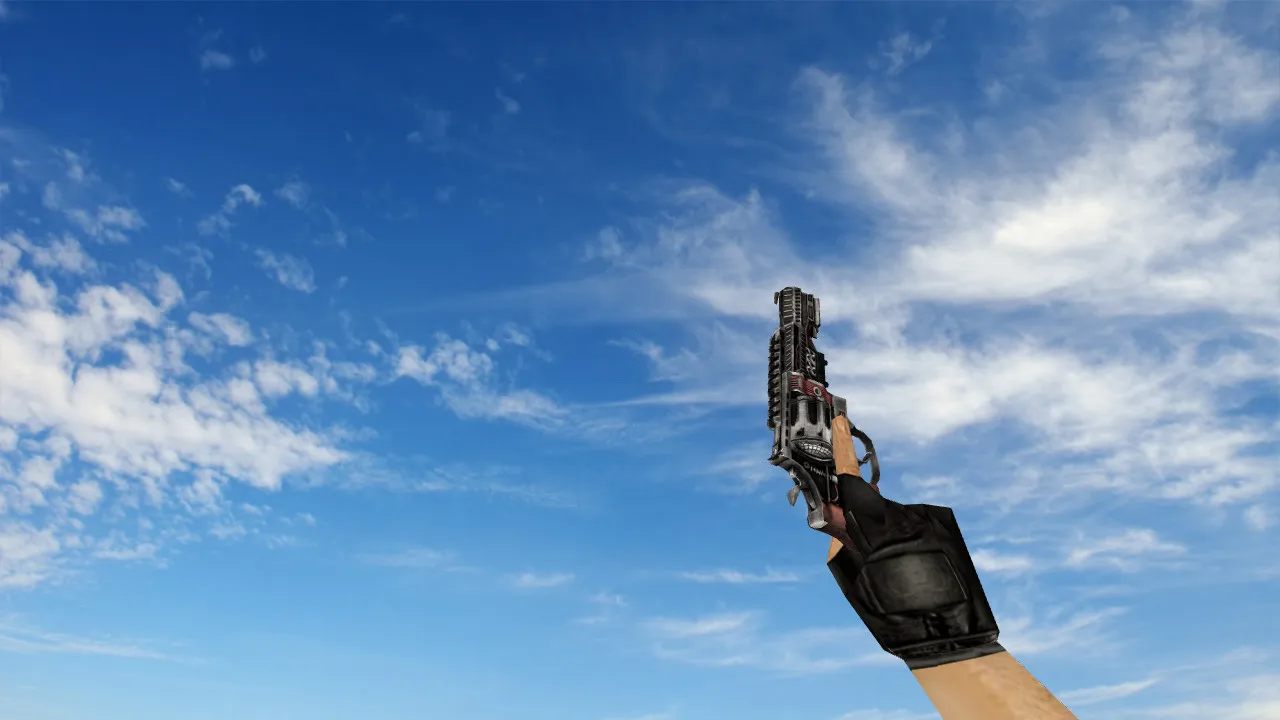
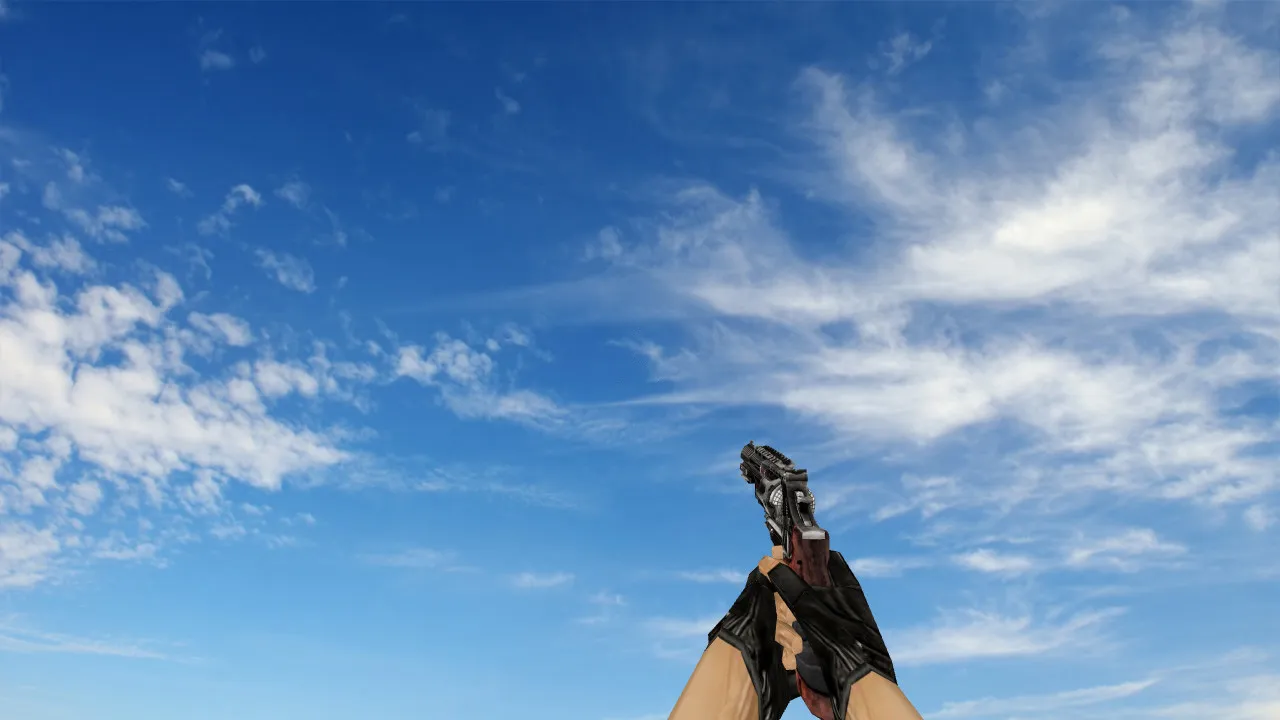
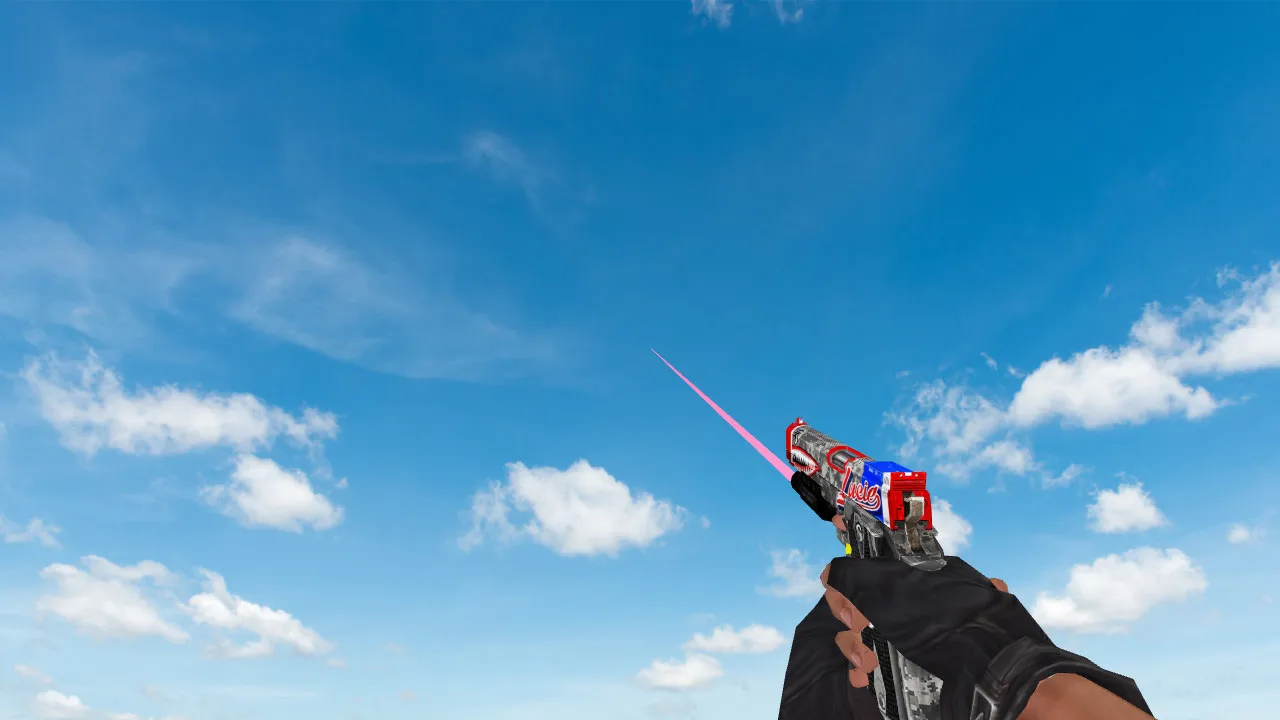
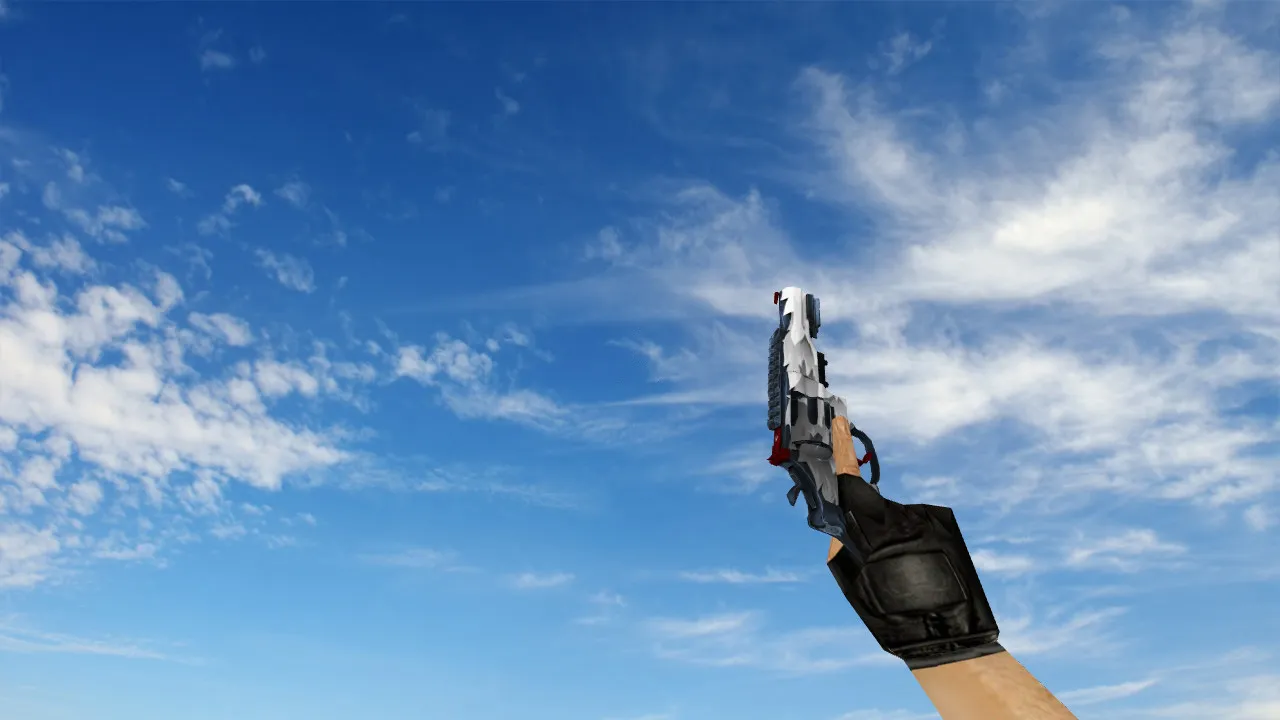
Duke Nukem Gun Deagle Model for CS 1.6
With this Duke Nukem Gun model, the default Deagle in CS 1.6 gets swapped for a detailed crossover design drawing from the classic Duke Nukem series. Sharp 512x512 textures on the v_model remain clear during high-fps play, so visibility stays good even in dim areas such as the de_dust2 tunnels. Improved hitbox alignment is noticeable, cutting down the visual misalignment problems often seen in older mods. The p_model keeps third-person views tidy with no clipping, and the w_model on the ground adds realism without raising polycount-it stays below 1500 polys for smooth performance on older machines.
Custom sounds hit hard: the firing audio imitates heavy-caliber impacts with layered reverb, matching the recoil animation exactly. Inspect animations play smoothly at 30 FPS, so you can rotate the model to examine engravings or grip details without lag. This mod integrates cleanly into ESL-style servers, where visibility in dark corners is crucial. No slow-hack risks here-it's a pure client-side replacement with no server-side dependencies.
Key Features
- v_model: First-person view with HD textures and optimized geometry for accurate aiming.
- p_model: Third-person model seen by others, keeping balance without oversized proportions.
- w_model: Dropped weapon model with accurate shadows and no texture bleeding.
- Custom Sounds: Unique firing, reload, and draw sounds taken from Duke Nukem assets, volume-balanced for clean config setups.
- Inspect Animation: Smooth 360-degree spin with hand positioning that aligns to CS 1.6's default bone structure.
- Texture Quality: 1024x1024 mipmapped skins for sharp details at all distances, no aliasing on high-res monitors.
- Polycount Optimization: Low-poly design (under 1200 faces) ensures high-fps stability, even on Build 4554 clients.
- Compatibility: Works with Steam and Non-Steam installs, no conflicts with MasterServer protection or bot .nav files.
Adding this model improves Deagle playstyles, particularly for long-range sniping on maps like de_inferno. The metallic sheen on the barrel reflects light subtly, helping quick target acquisition without overexposure. Reload times match vanilla, so no balance disruptions in competitive lobbies. For modders, the files use standard .mdl format, easy to tweak in MilkShape 3D for personal configs.
Installation Guide
Download the ZIP archive-scanned clean, no viruses, ads, or auto-connect scripts. Extract contents to your CS 1.6 root folder, typically C:\Program Files\Counter-Strike 1.6\. Overwrite files in models/ and sound/weapons/ directories. Always back up originals first: copy deagle.mdl, deagle.wav, and related assets to a safe folder. Launch the game via hl.exe or Steam shortcut. Test in a local server-bind inspect to a key like 'b' for quick checks.
If issues arise, verify file permissions and clear cache with console command 'gl_flush'. This mod supports WON and Steam protocols, running stable on Windows XP to 10. For multiplayer, ensure no anti-cheat flags it as suspicious-it's purely cosmetic. Pair it with a no-recoil config for that Duke-like power fantasy, but keep it fair play.
Gameplay Benefits
In CS 1.6's fast-paced rounds, the Duke Nukem Gun stands out for its thematic flair without compromising mechanics. The inspect lets you admire the custom engravings during downtime, like between bomb plants on de_cbble. Sounds cut through bomb defuse tension, giving audio cues that feel immersive yet non-intrusive. On public servers, it sparks chats about old-school mods, building community vibes.
For advanced users, edit the .qc file to adjust bob sway or add glow sprites for night maps. Polycount keeps it lightweight, avoiding FPS drops in smoke grenades. Hitbox accuracy ensures bullets register true, no phantom misses from model offsets. Download this for a fresh take on the Deagle-reliable, detailed, and ready for your next clutch.
Safety first: This package includes no executables, backdoors, or telemetry. Extract with 7-Zip or WinRAR, and you're set. Update your wad files if textures look off, but most installs are plug-and-play. Enjoy the power-up in CS 1.6.
Install in three steps
-
1
Download the archive. Use the button on the right, or the Yandex.Disk mirror if the main server is slow.
-
2
Extract it into the game folder. Use 7-Zip or WinRAR. A path without non-Latin characters works best.
-
3
Launch the game. If something doesn't work, mark it below - that is how we know the file needs an update.
Did it work for you?
No sign-up needed. You can pick more than one.