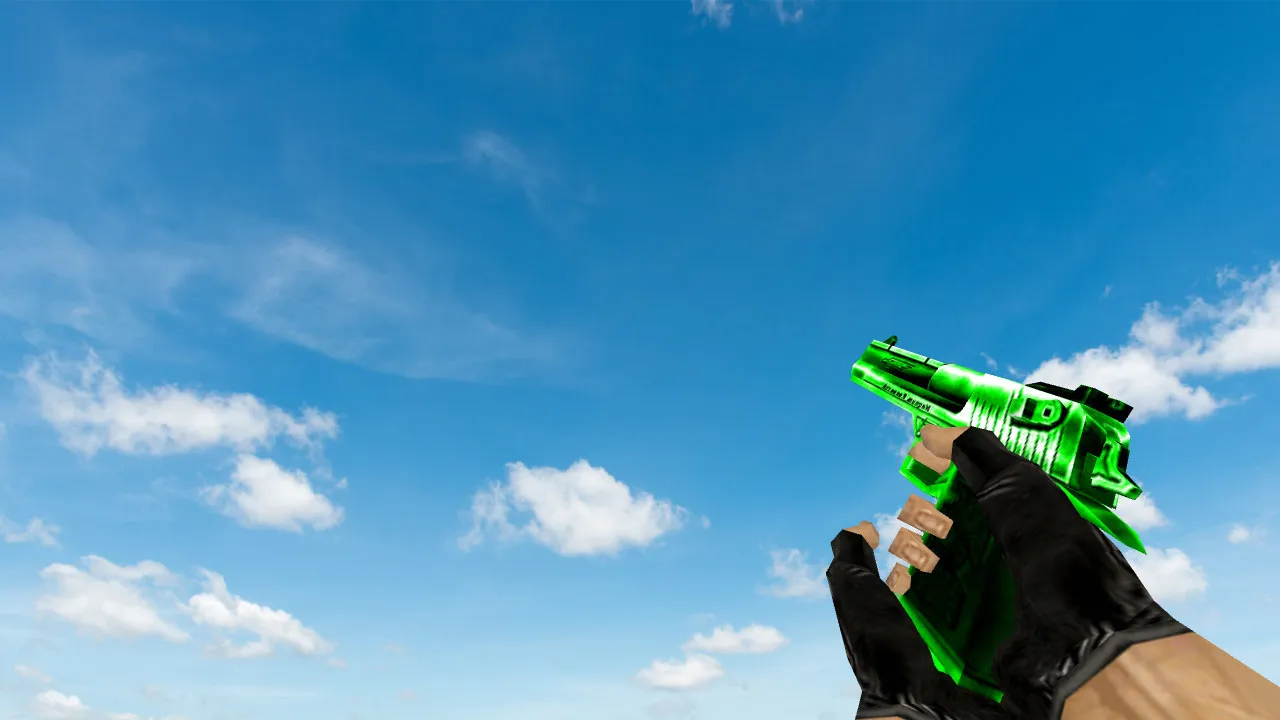
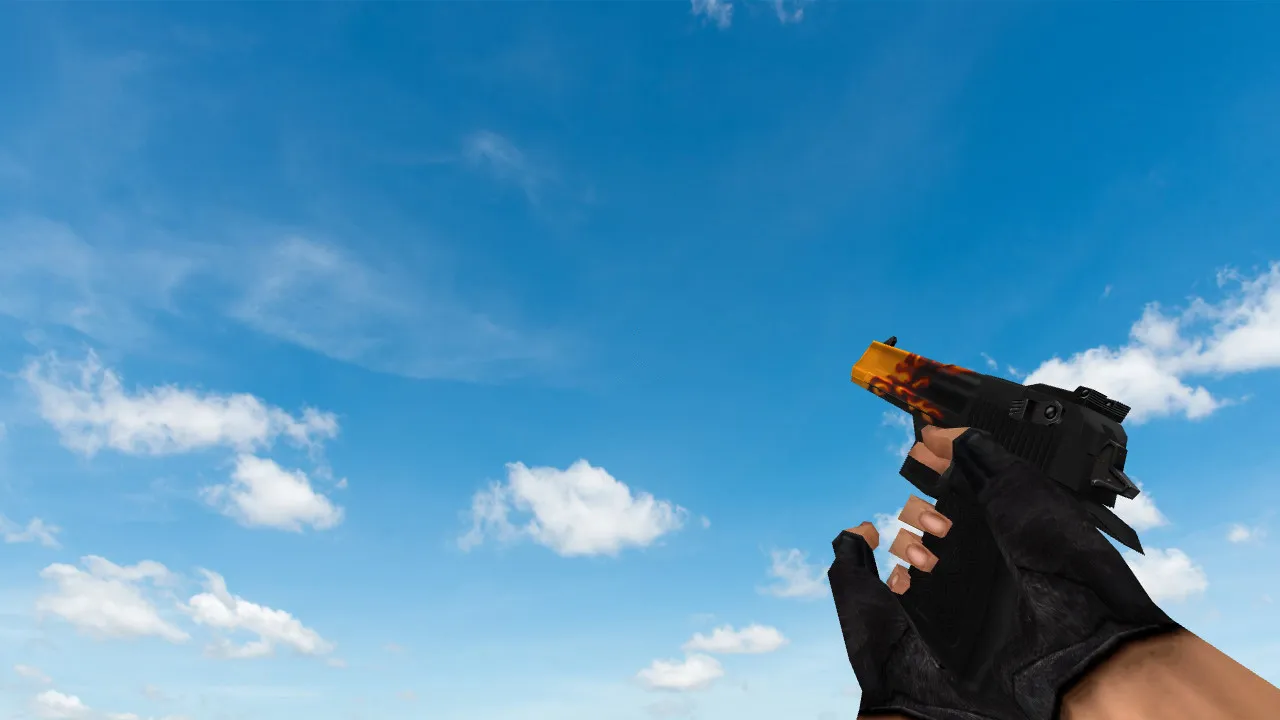
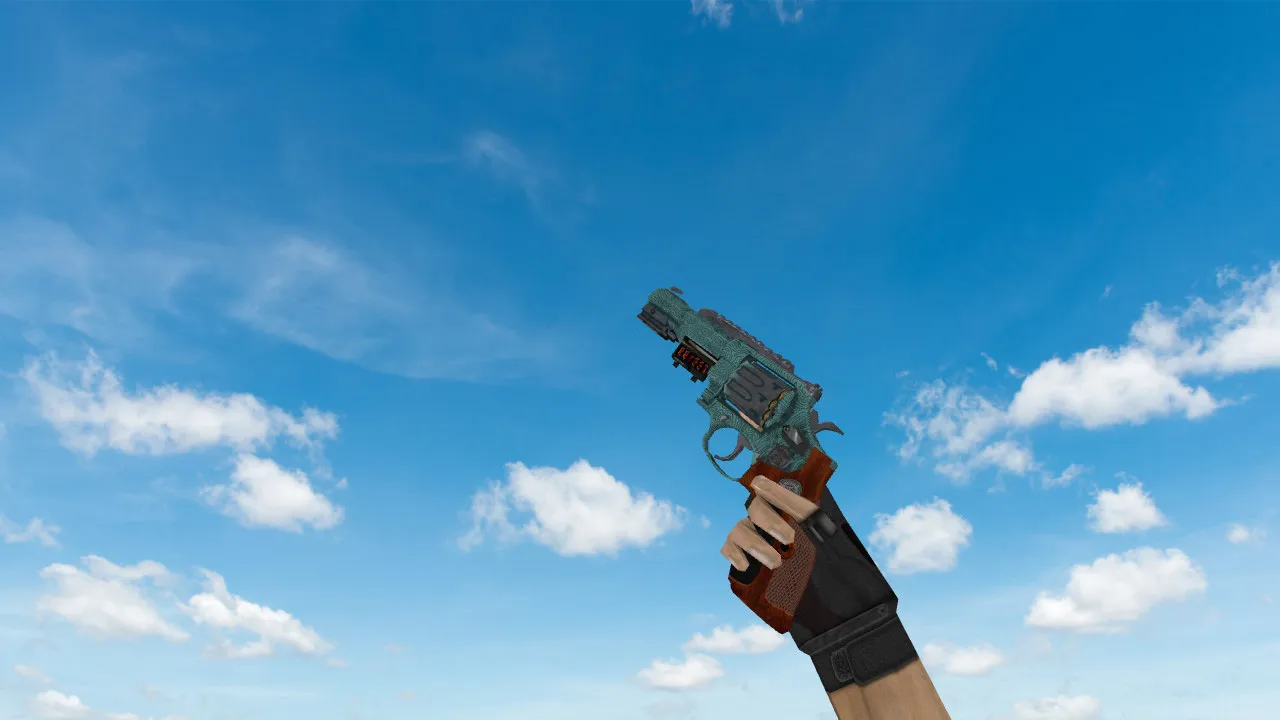
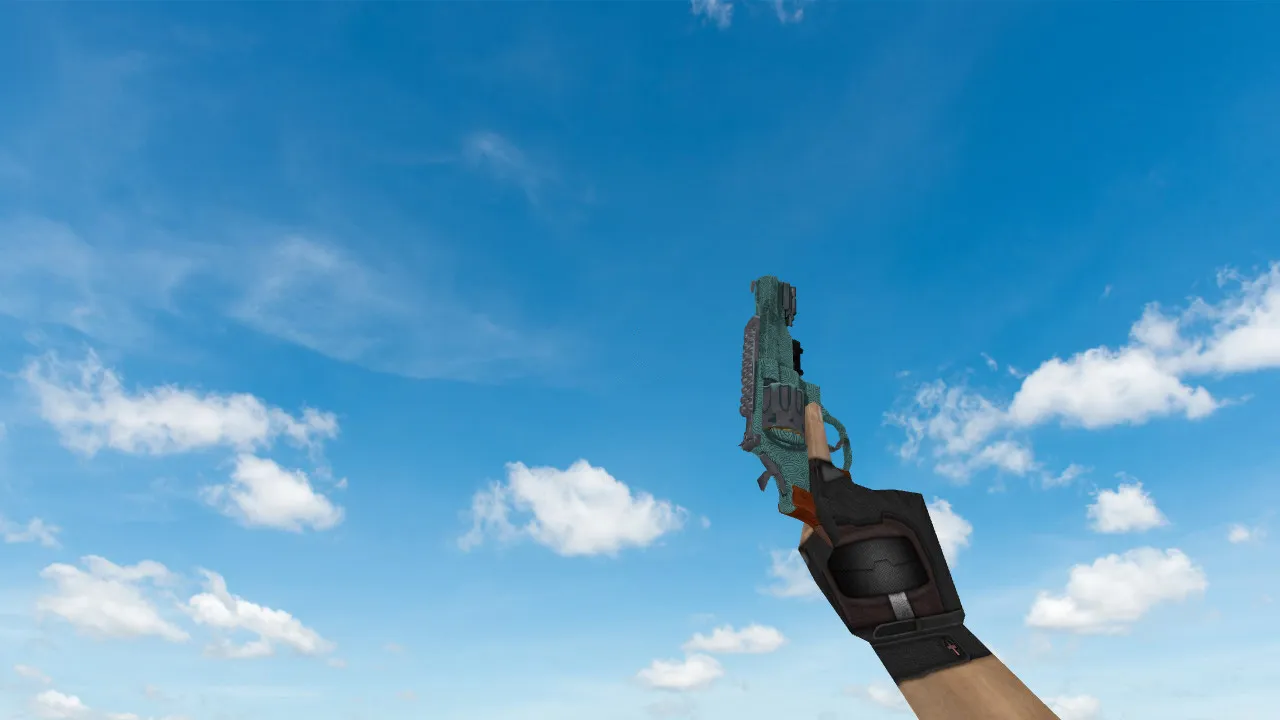
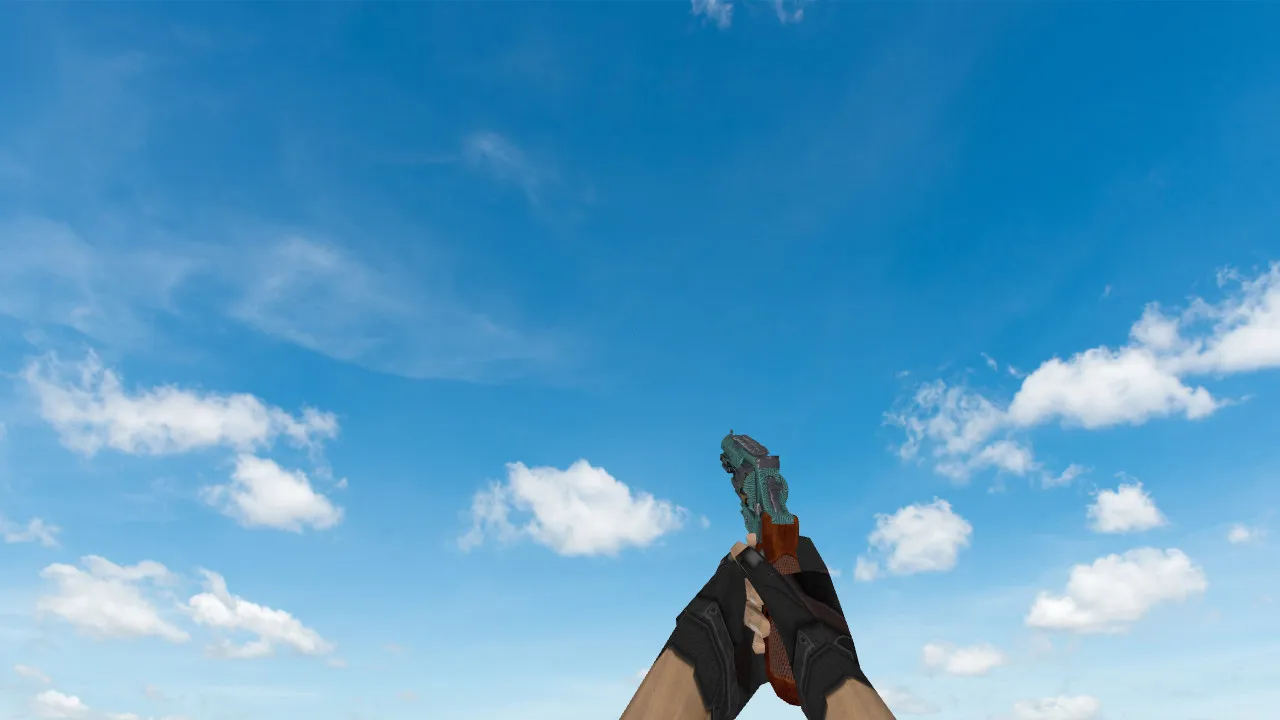
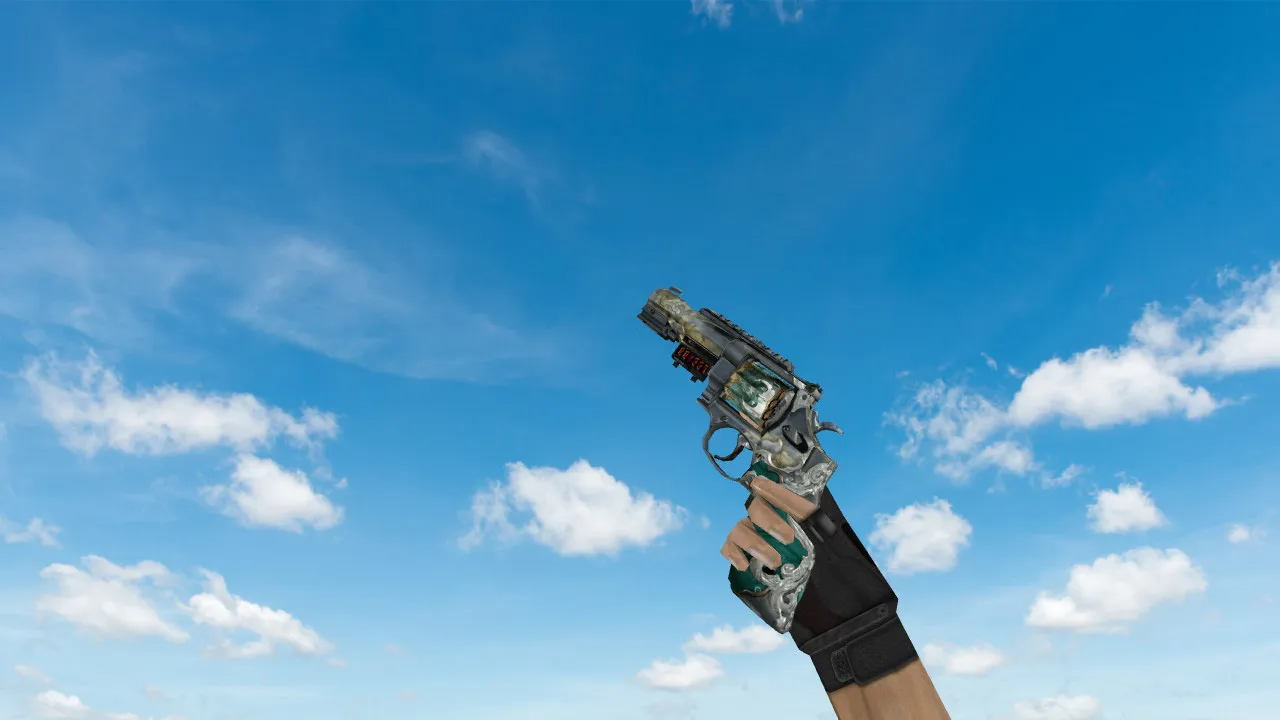
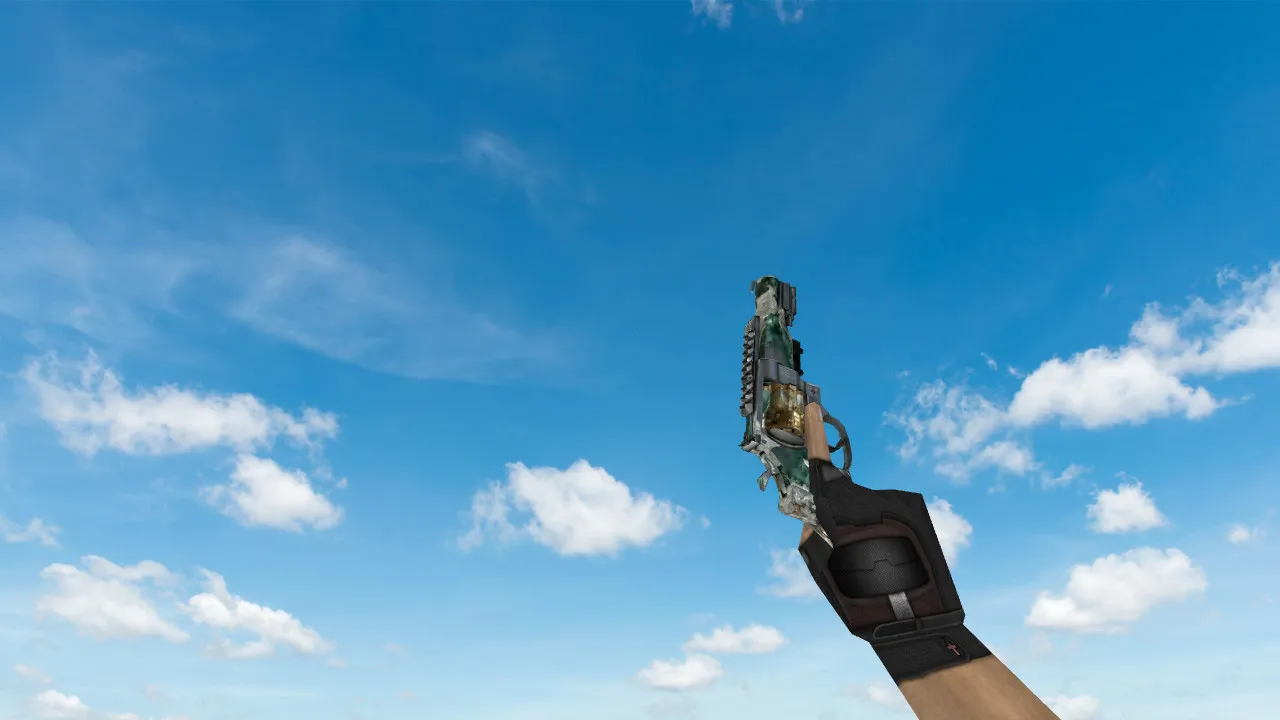
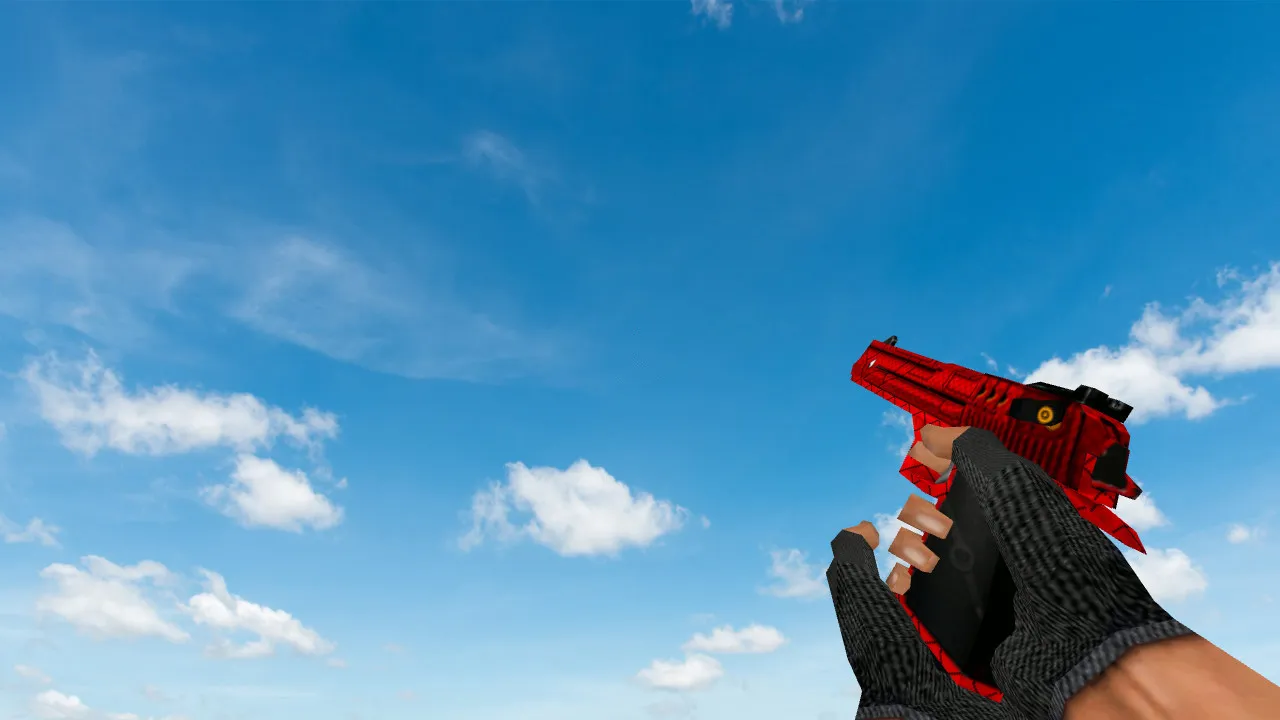
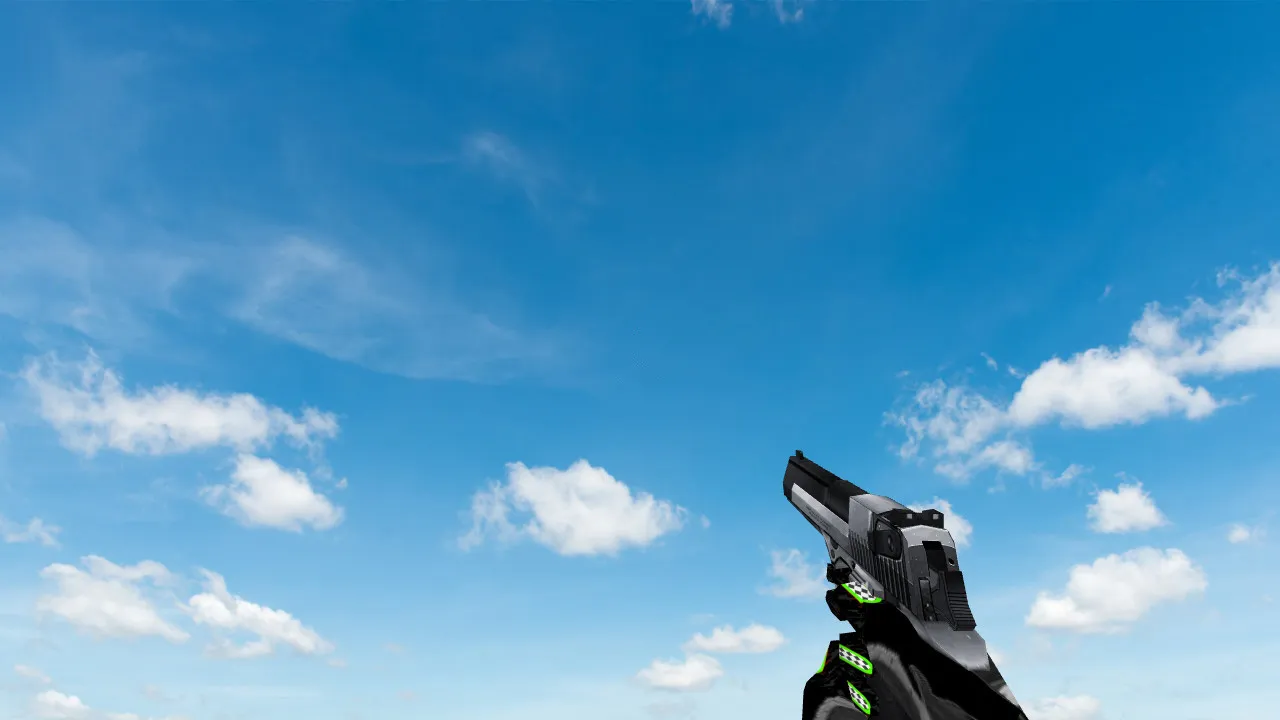
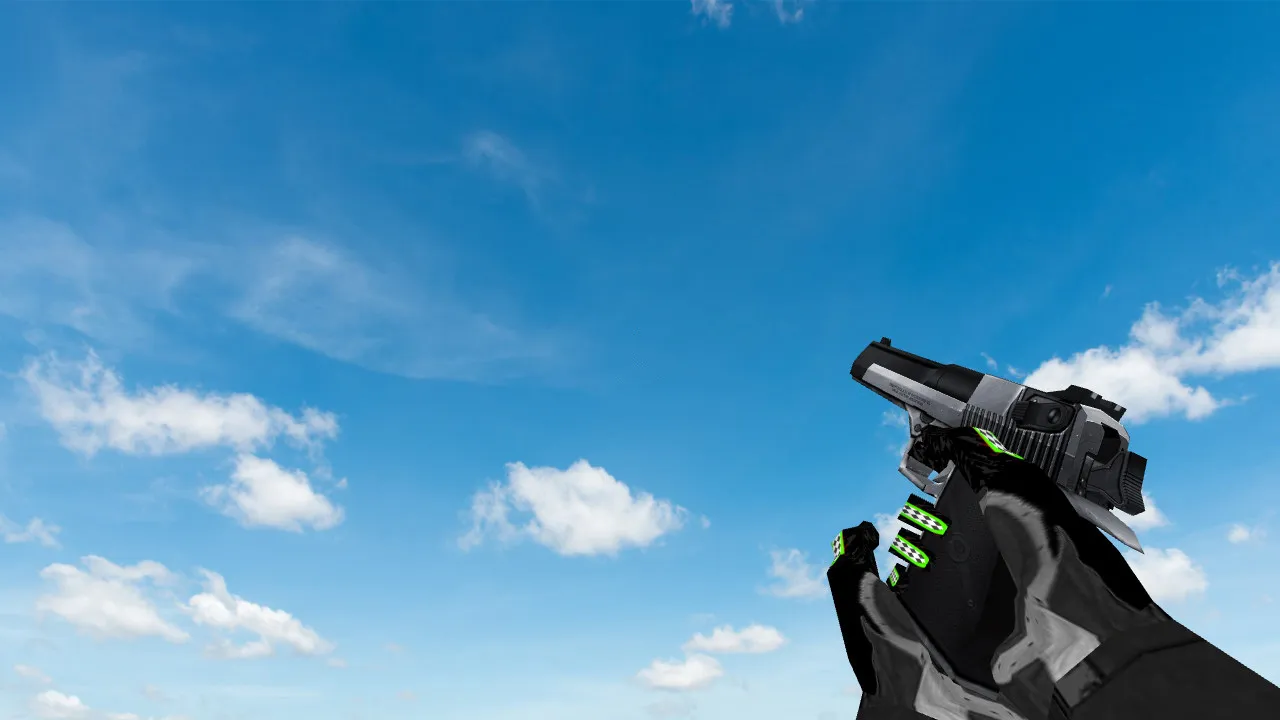
Circuit Board Deagle Model for CS 1.6 - HD Textures & Sounds

Description
Circuit Board Deagle Model for CS 1.6
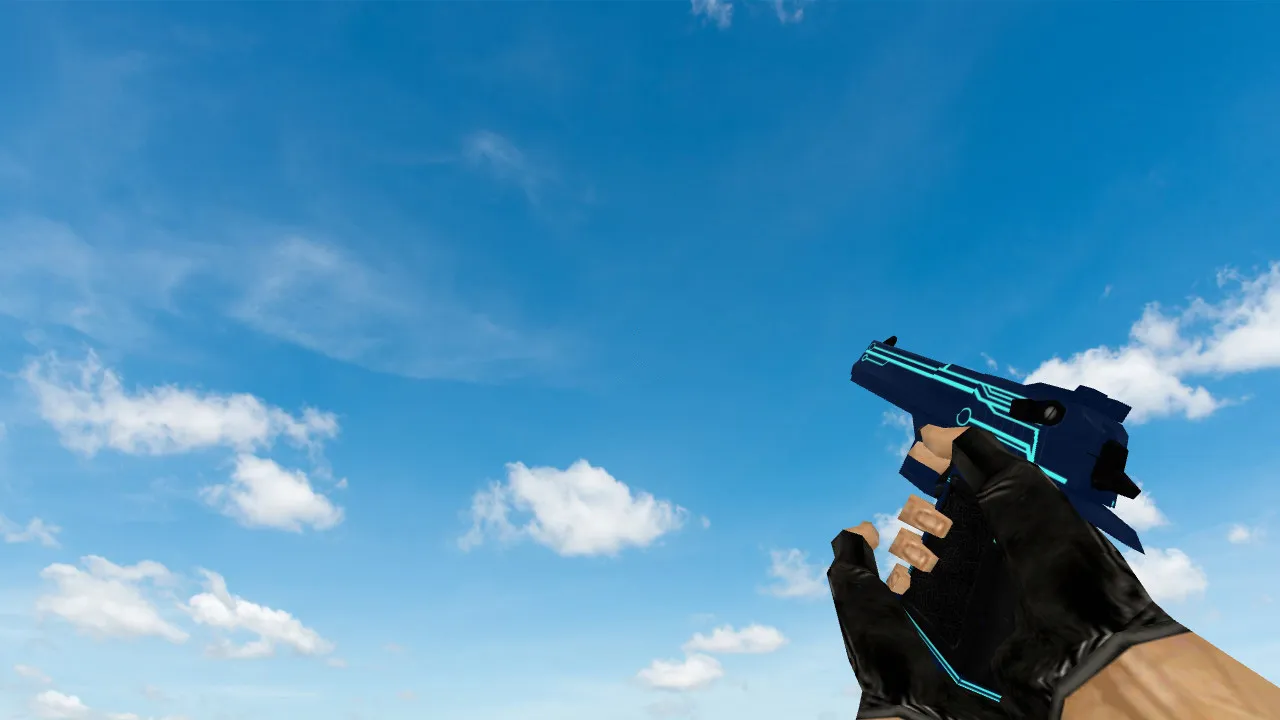
This Circuit Board Deagle model gives the standard Desert Eagle in Counter-Strike 1.6 a sharper look with finer details. The skin swaps out the default Deagle and features circuit board patterns carved into the frame, giving it a technical style that catches the eye in fast rounds. The clearer visuals help players in tight moments when every detail matters for snapping onto targets quickly.
HD textures at 1024x1024 resolution keep the model looking crisp even on weaker computers, with no frame rate loss. The circuit board design adds light engravings on the slide and grip, which improves visibility in dark areas such as de_inferno's underpass or the halls of cs_office. Hitboxes remain unchanged from the original, so the no-recoil behavior and bullet spread stay accurate for fair gameplay.
Custom sounds provide strong reloads and sharp firing noises, similar to real .50 AE rounds. These audio files fit right into the engine, adding immersion without touching server-side mechanics. Inspect animations have smooth transitions: hold secondary fire to see the slide pull back, revealing the circuit-patterned inside with a fluid polycount under 500 tris for the v_model.
- v_model: The first-person view with detailed 3D geometry, tuned for accuracy and high-fps performance at 800x600 resolutions.
- p_model: The world pickup version displays the circuit board etchings from every angle, with proper LOD scaling for long distances.
- w_model: The dropped weapon sprite uses a clean 256x256 texture, so it doesn't clip while falling or blend into ground debris.
Shot effects include a realistic muzzle flash and shell ejection, scripted to match the new sounds for authentic feedback. No custom sprites weigh down the wad file, keeping load times under 2 seconds even on dial-up connections. This model works on Steam and Non-Steam builds like 4554 or 8613, with full MasterServer compatibility.
Installation is simple: Extract the .mdl and .mdl files to your cstrike/models folder, then add a line to your userconfig.cfg for alias binding if needed. There are no slow-hack risks here-files are scanned clean, virus-free, and ad-free. Avoid auto-connect scripts; placing files manually keeps your config clean without conflicts.
In competitive play, this Deagle skin stands out on maps like de_dust2, where long-range headshots need clear v_model visibility. The circuit board theme fits ESL-style servers, where subtle patterns help you spot enemies in sandy sites without over-saturating colors. Polycount stays low at 800 total, preventing FPS drops below 100 on older machines.
For bot navigation, the model doesn't interfere with .nav files, so AI teammates respond normally to dropped weapons. Pair it with a no-recoil config for tighter control during sprays at A-site bombsites. Overall, this addition refreshes the Deagle's role as a one-shot powerhouse, mixing tech looks with functional upgrades for experienced players.
Expand your arsenal without hurting performance. This model fits into custom HUDs or crosshair packs, ensuring sprite alignment during inspections. Test it in offline mode first to verify w_model drop physics match vanilla behavior, avoiding any desync issues in multiplayer lobbies.
Install in three steps
-
1
Download the archive. Use the button on the right, or the Yandex.Disk mirror if the main server is slow.
-
2
Extract it into the game folder. Use 7-Zip or WinRAR. A path without non-Latin characters works best.
-
3
Launch the game. If something doesn't work, mark it below - that is how we know the file needs an update.
Did it work for you?
No sign-up needed. You can pick more than one.