
Glock Gradient Model for CS 1.6
Description
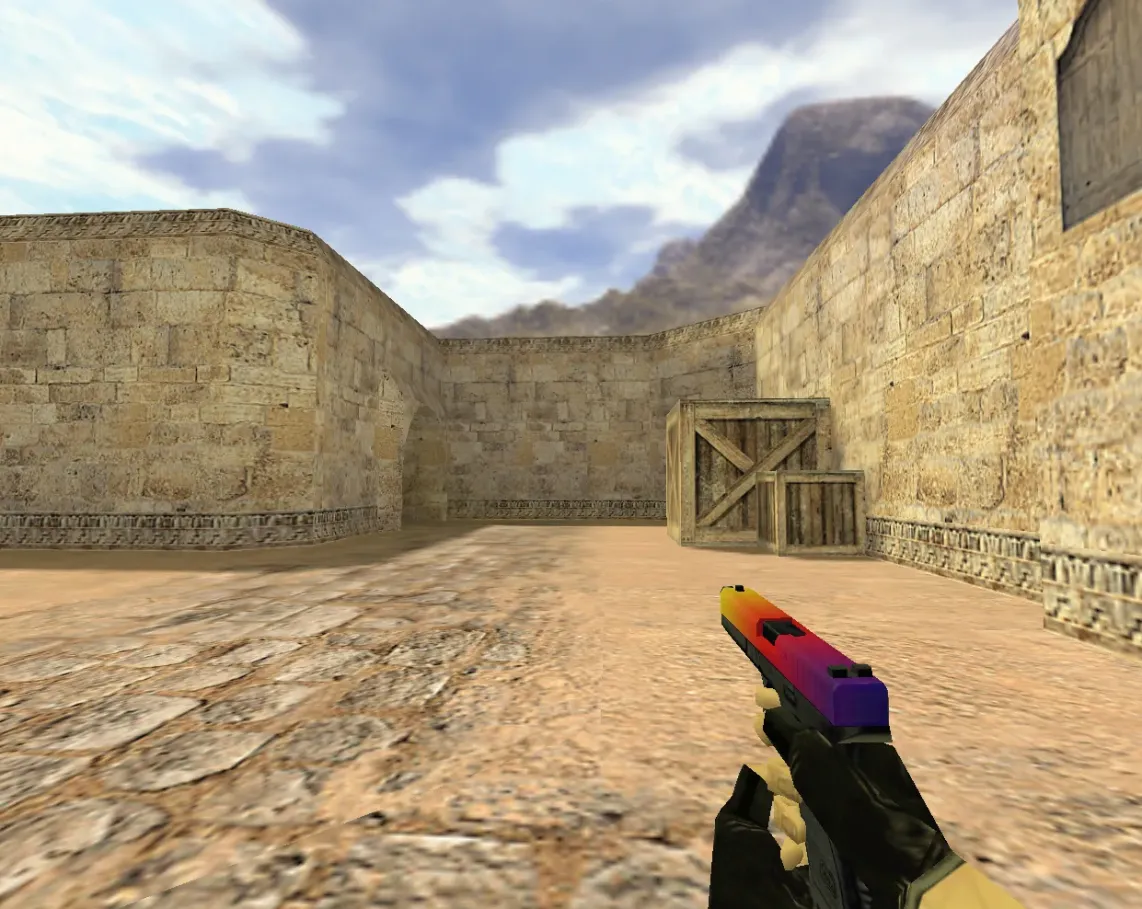
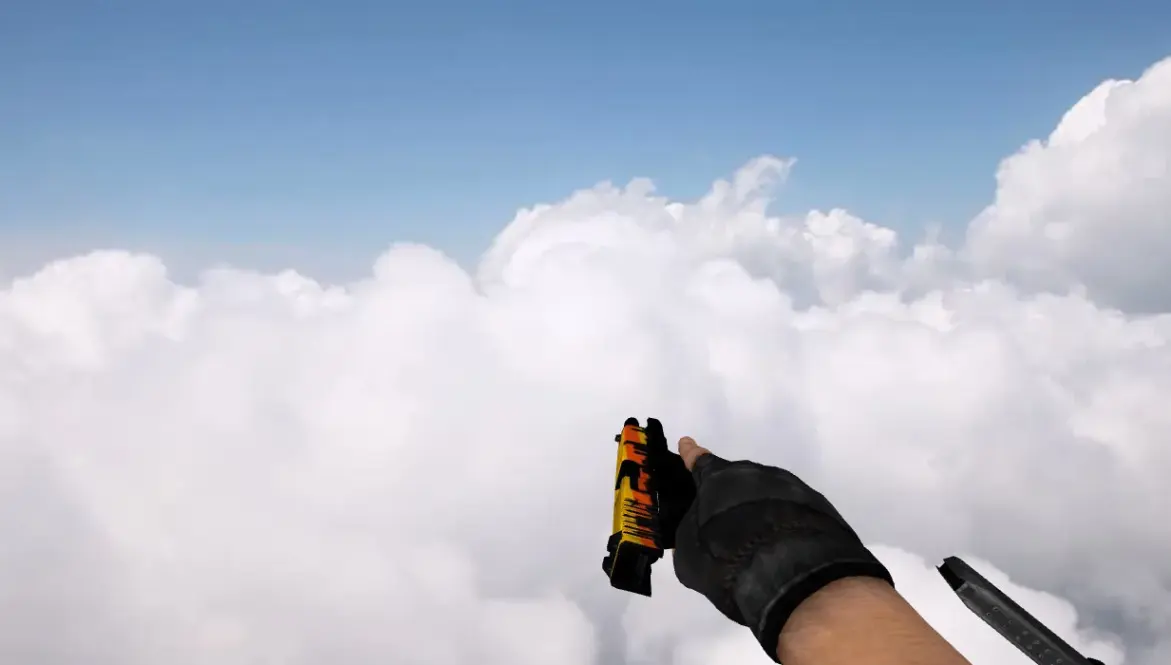
A replacement Glock-18 model for Counter-Strike 1.6 with a gradient finish. The archive contains three models: p_glock18.mdl (inventory/buy menu), v_glock18.mdl (first-person view) and w_glock18.mdl (third-person model). It also includes a custom inspect animation.
- v_glock18.mdl: first-person view model with a dark-blue-to-silver gradient.
- p_glock18.mdl: inventory model for the buy menu.
- w_glock18.mdl: third-person model seen by others and in spectator view.
Place the files in the glock-fade folder inside your cstrike directory so the models end up in cstrike/models/. The model does not change weapon stats, sounds or hitboxes.
Archive contents
3 files, 384 KB uncompressed.
- glock-fade/p_glock18.mdl 74 KB
- glock-fade/v_glock18.mdl 243 KB
- glock-fade/w_glock18.mdl 67 KB
Install in three steps
-
1
Download the archive. Use the button on the right, or the Yandex.Disk mirror if the main server is slow.
-
2
Extract it into the game folder. Use 7-Zip or WinRAR. A path without non-Latin characters works best.
-
3
Launch the game. If something doesn't work, mark it below - that is how we know the file needs an update.
Did it work for you?
No sign-up needed. You can pick more than one.
Similar files








New in this section
- CF Glock-18G Spirit Model for Counter-Strike 1.6
- Christmas Glock 18 Replacement for Counter-Strike 1.6
- Anics Skif A-3000 F1 Glock Replacement Model for CS 1.6
- Default Glock White Skin Model for CS 1.6
- Glock-18 Clear Polymer Model for CS 1.6
- Glock Water Spirit Viewmodel for CS 1.6
- Default Glock Legends Model for CS 1.6
- Default Glock Glitchy Rainbow Weapon Model for CS 1.6
- Glock 55 Custom Weapon Replacement for CS 1.6
- Glock-18 Pink DDPAT Skin for Counter-Strike 1.6