FPS Boost CFG Config for Counter-Strike 1.6


Description
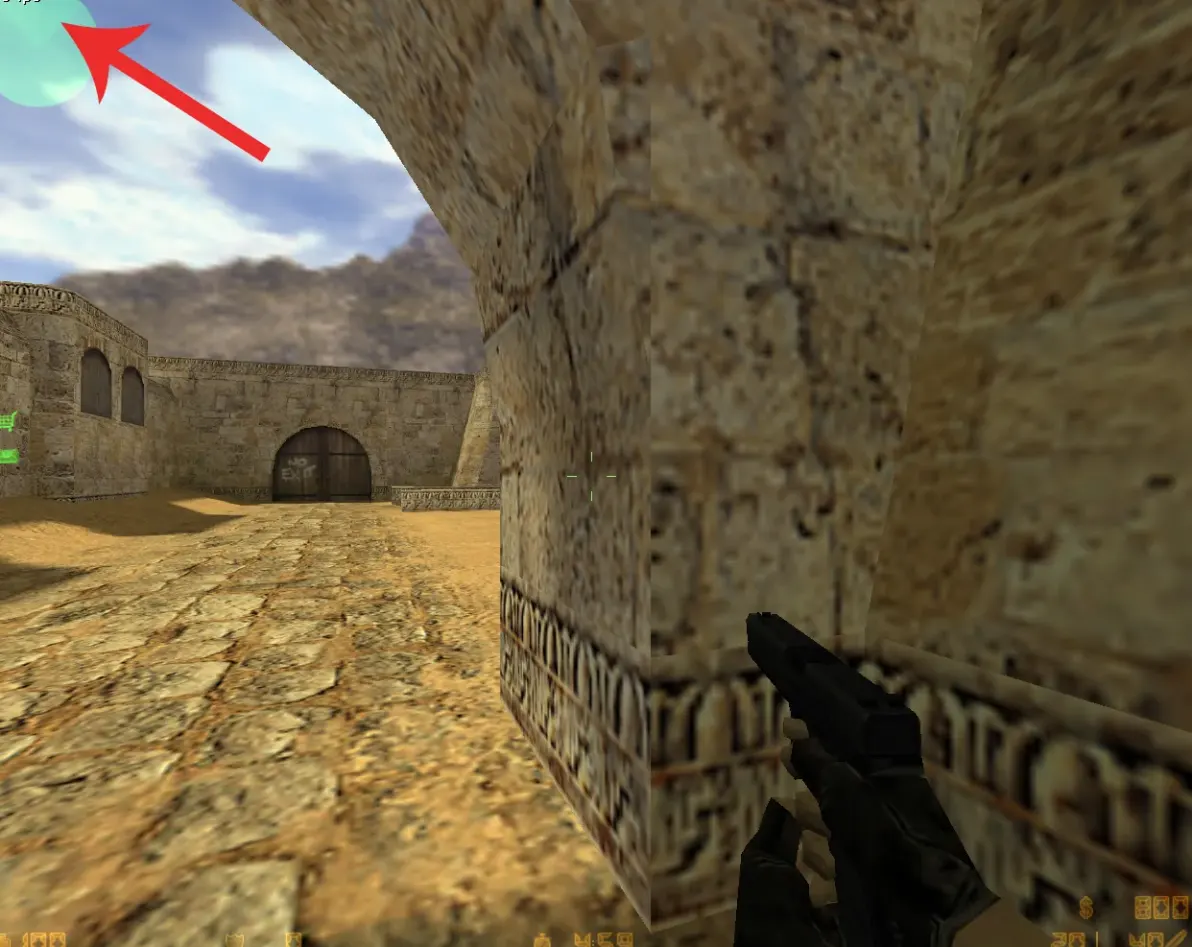
A set of four userconfig.cfg files for Counter-Strike 1.6, each tuned for a different hardware tier: Low PC, Very Low PC, Medium PC and Good PC. The archive contains the four userconfig.cfg files in their own folders and a desc.txt file. Each file is meant for a different class of machine, so pick the one that matches your computer.
- Very Low PC: the most aggressive setup for weak processors.
- Low PC: a lighter variant for older systems.
- Medium PC: a balanced option for mid-range hardware.
- Good PC: the least restrictive version for stronger machines.
Copy the chosen userconfig.cfg into your cstrike folder, replacing the existing file, then launch the game. Back up your current config first so you can restore it later.
Archive contents
5 files, 2 KB uncompressed.
- FPS Boost CFG/Good PC/userconfig.cfg 119 B
- FPS Boost CFG/Low PC/userconfig.cfg 325 B
- FPS Boost CFG/Medium PC/userconfig.cfg 227 B
- FPS Boost CFG/Very Low PC/userconfig.cfg 539 B
- FPS Boost CFG/desc.txt 506 B
Install in three steps
-
1
Download the archive. Use the button on the right, or the Yandex.Disk mirror if the main server is slow.
-
2
Extract it into the game folder. Use 7-Zip or WinRAR. A path without non-Latin characters works best.
-
3
Launch the game. If something doesn't work, mark it below - that is how we know the file needs an update.
Did it work for you?
No sign-up needed. You can pick more than one.