
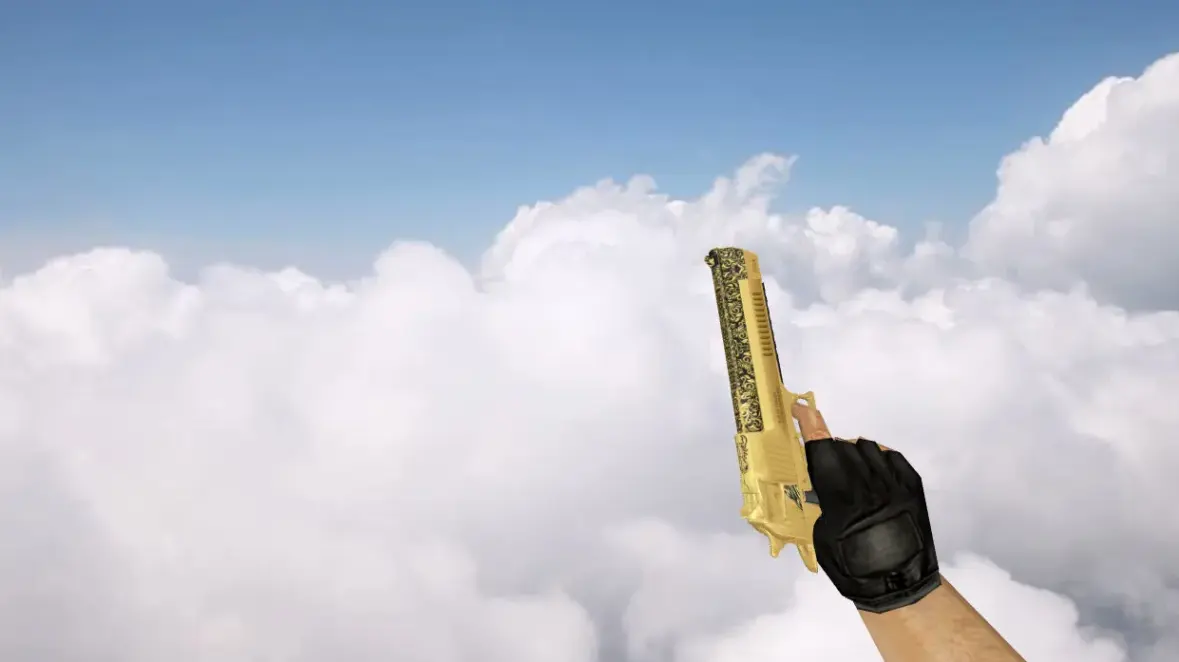
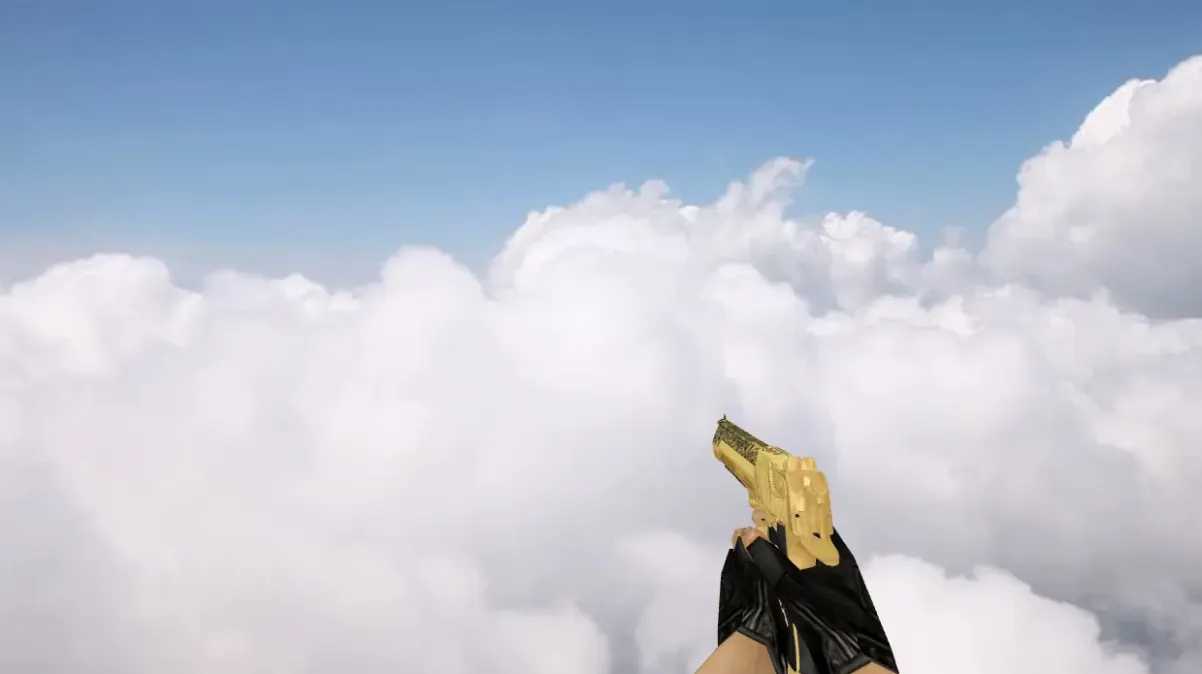
Deagle Glorius Custom Model for CS 1.6

Description
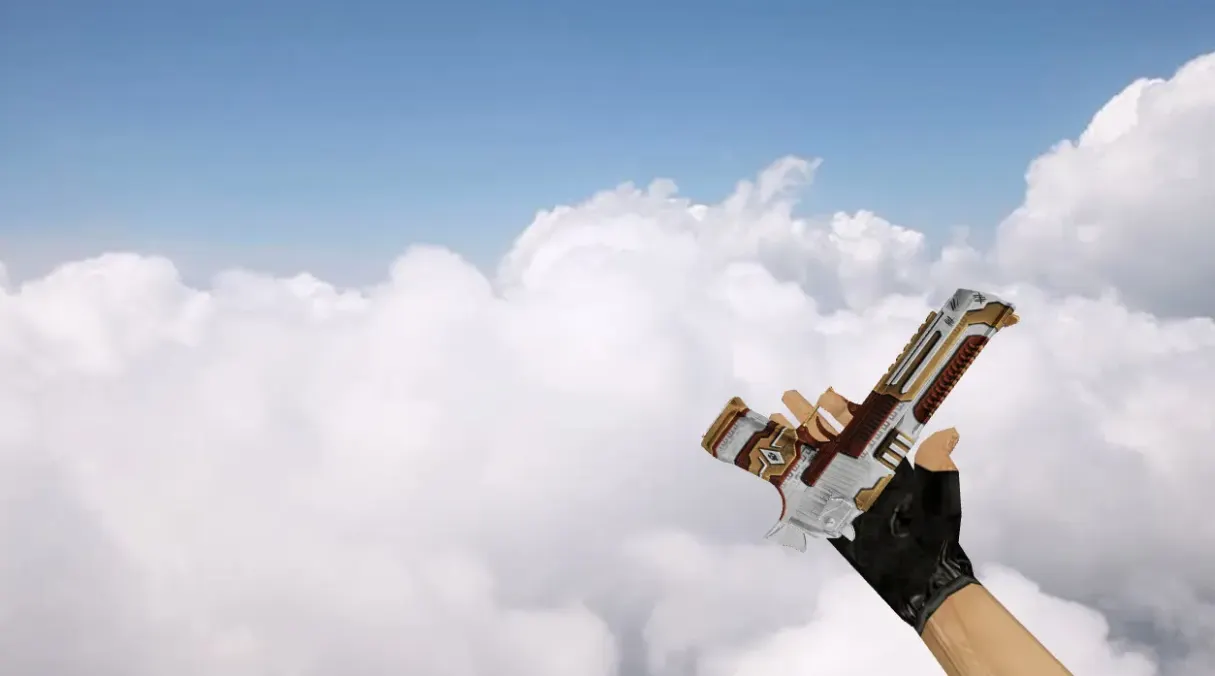
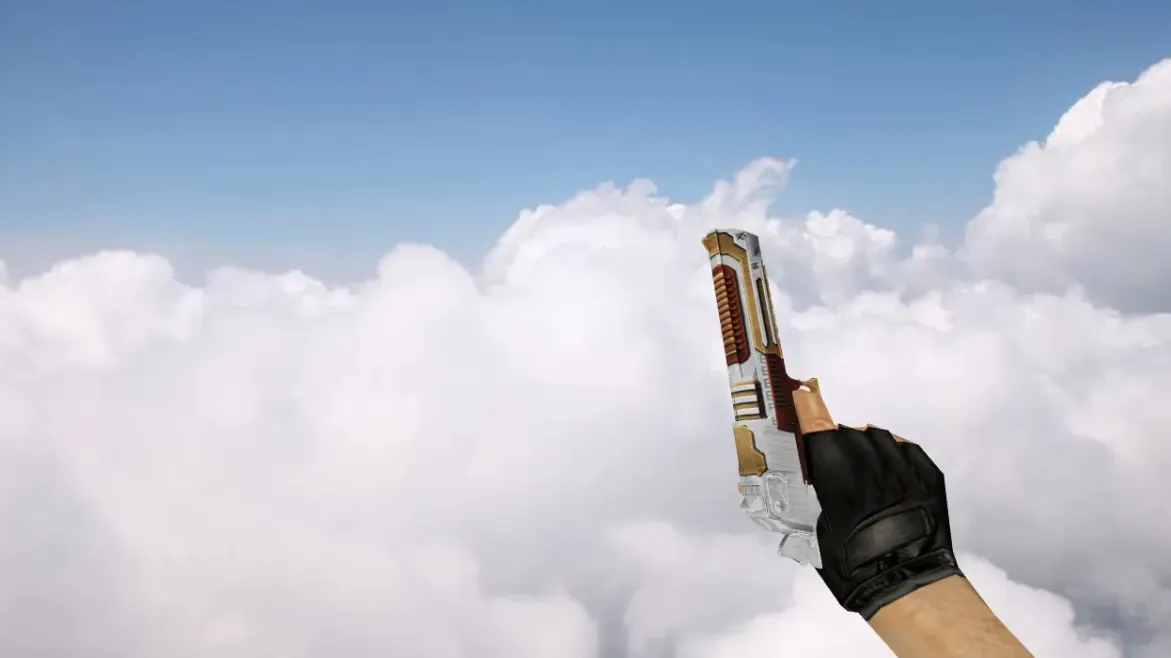
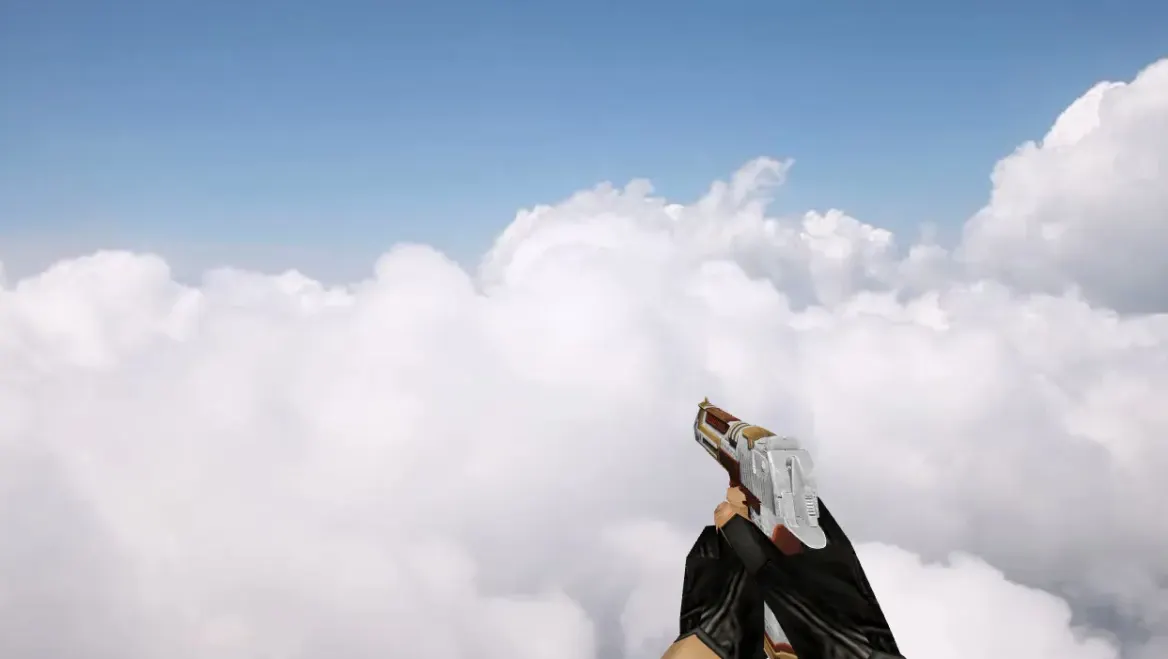
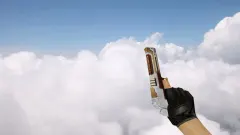
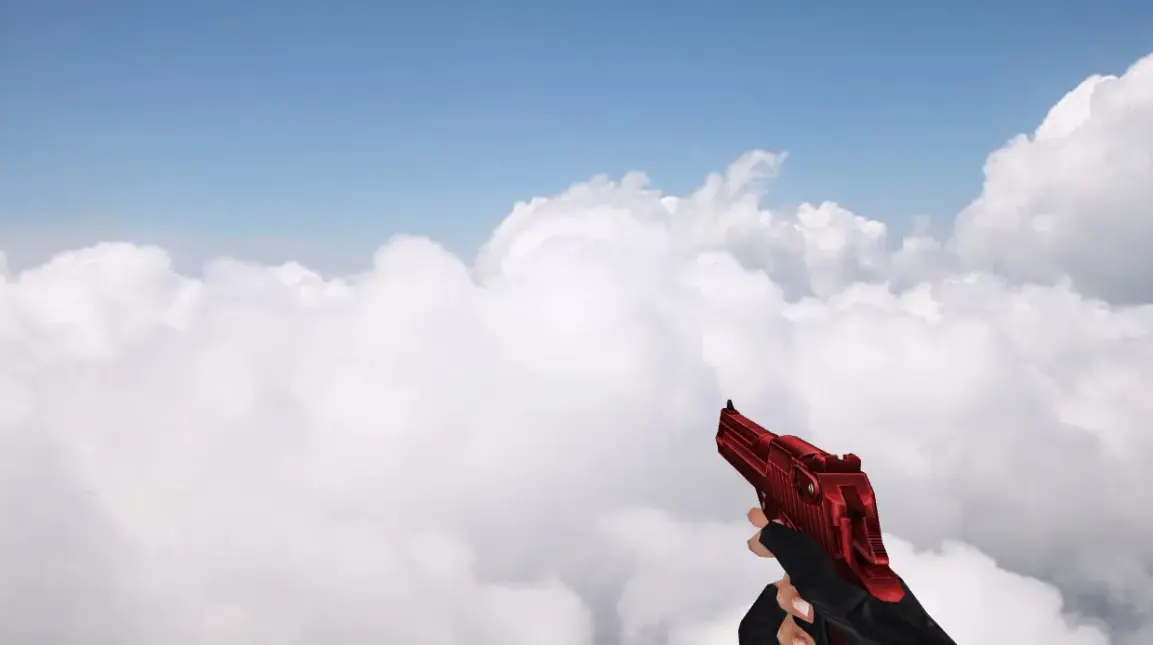
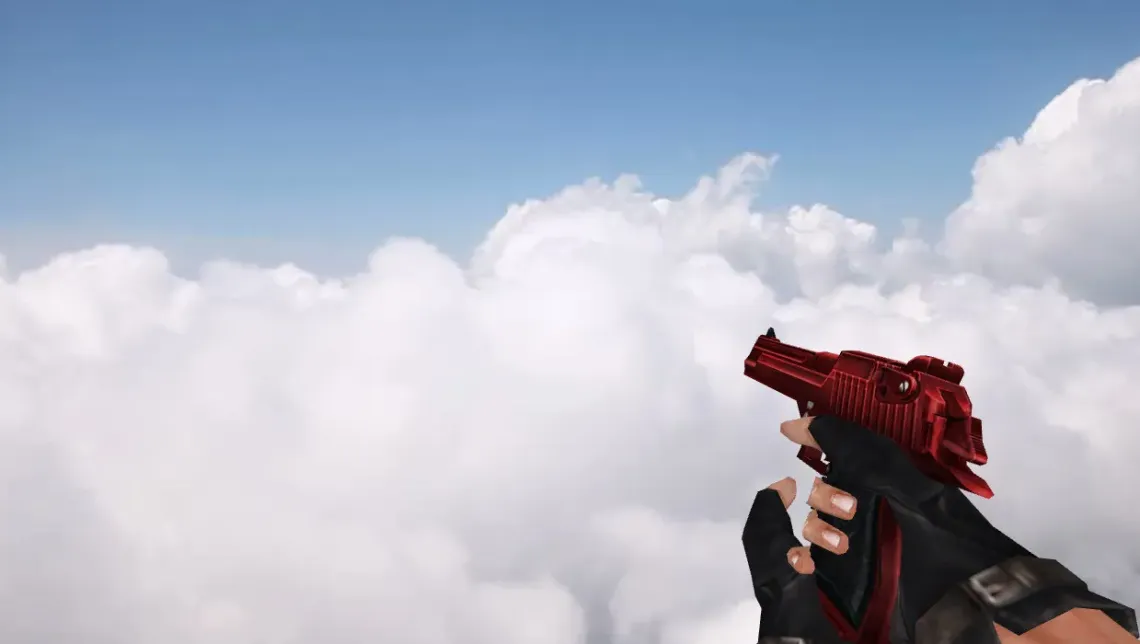
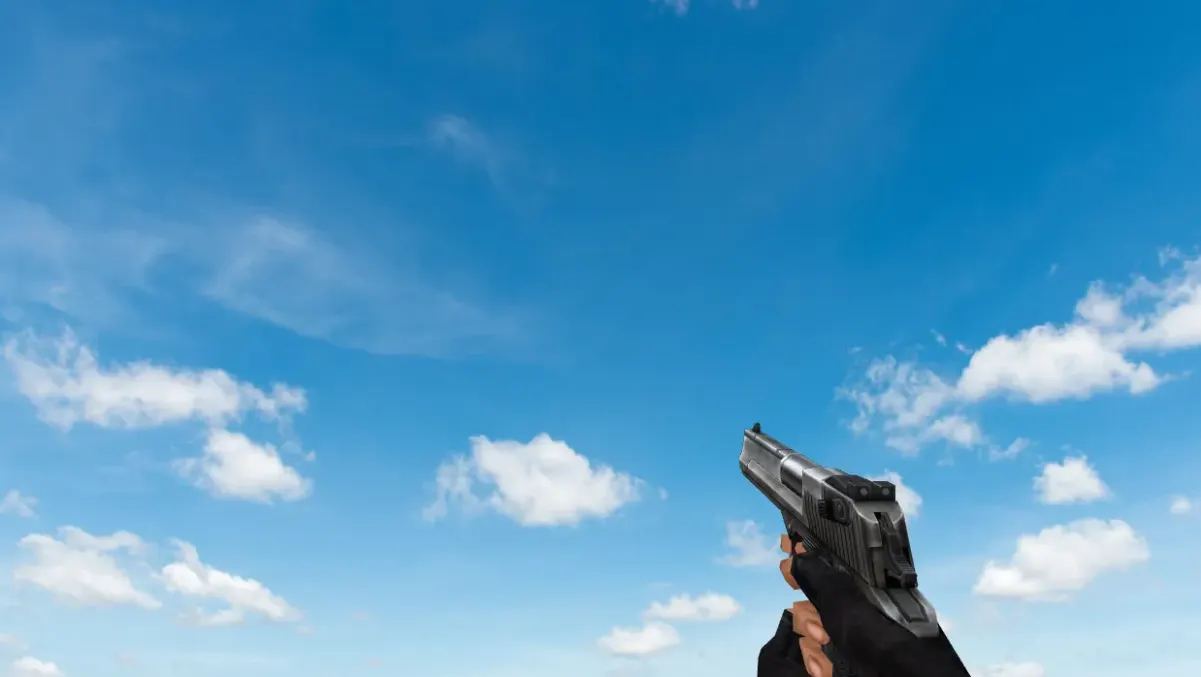
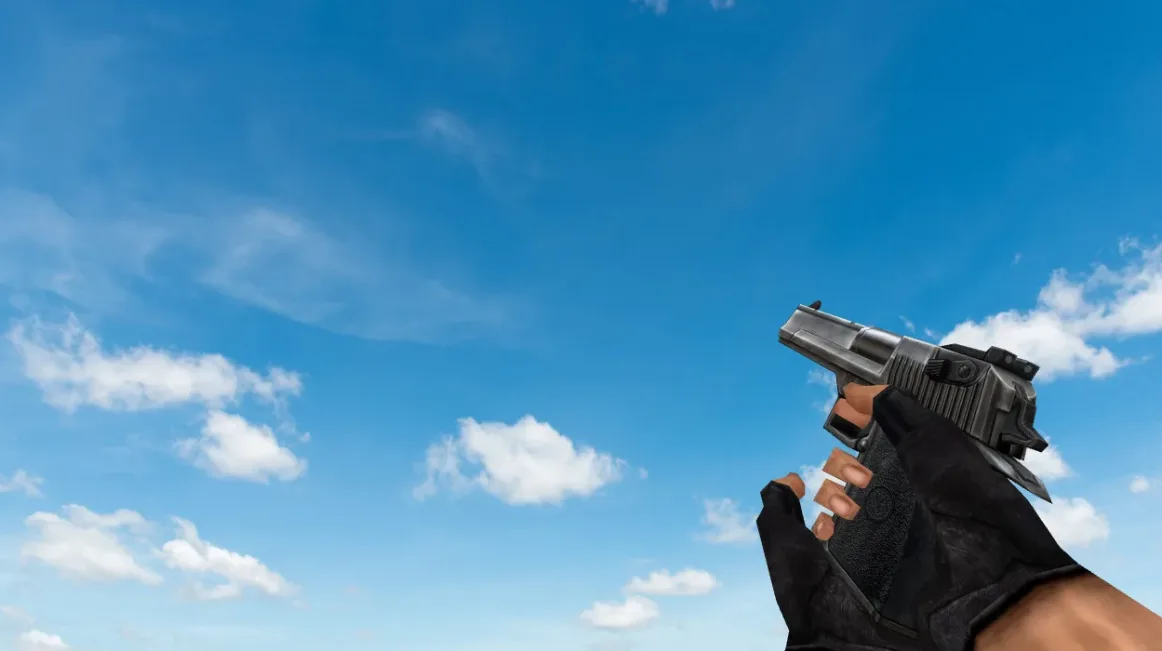
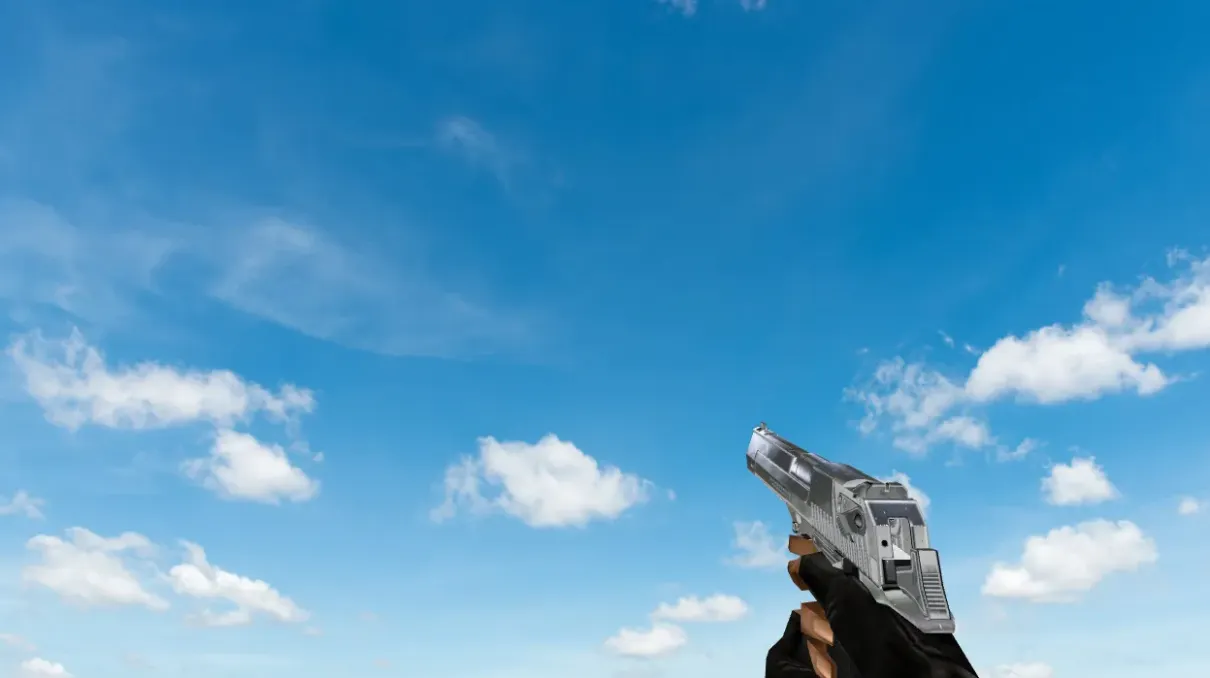
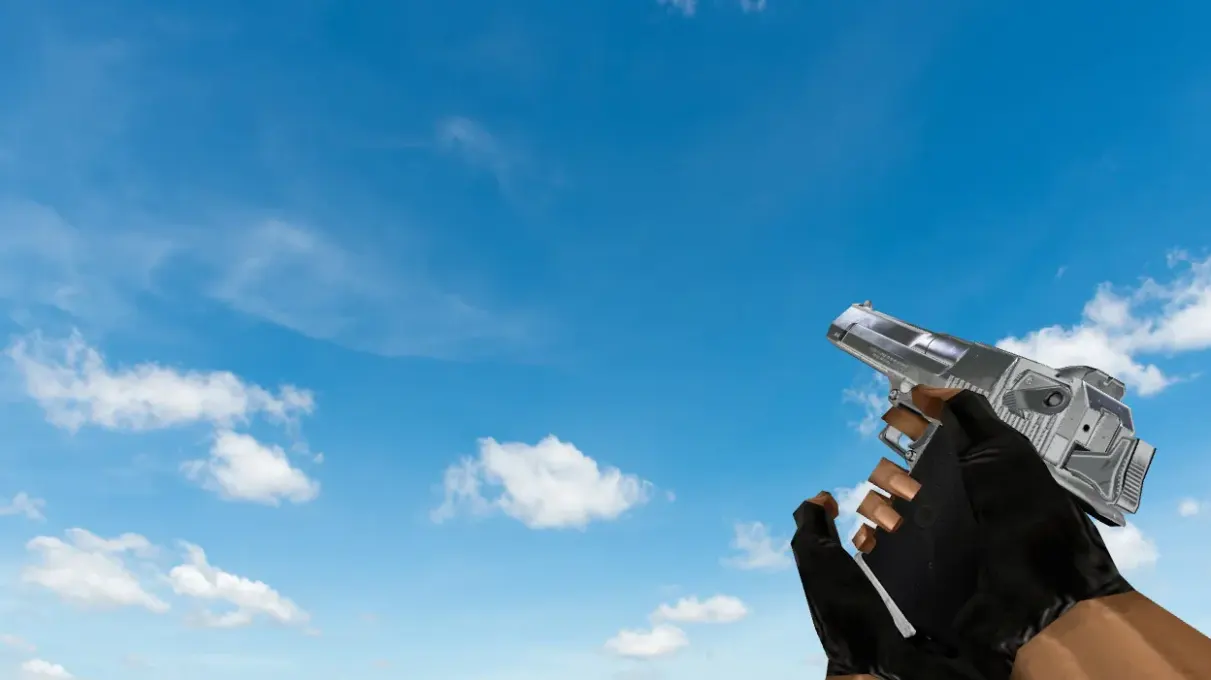
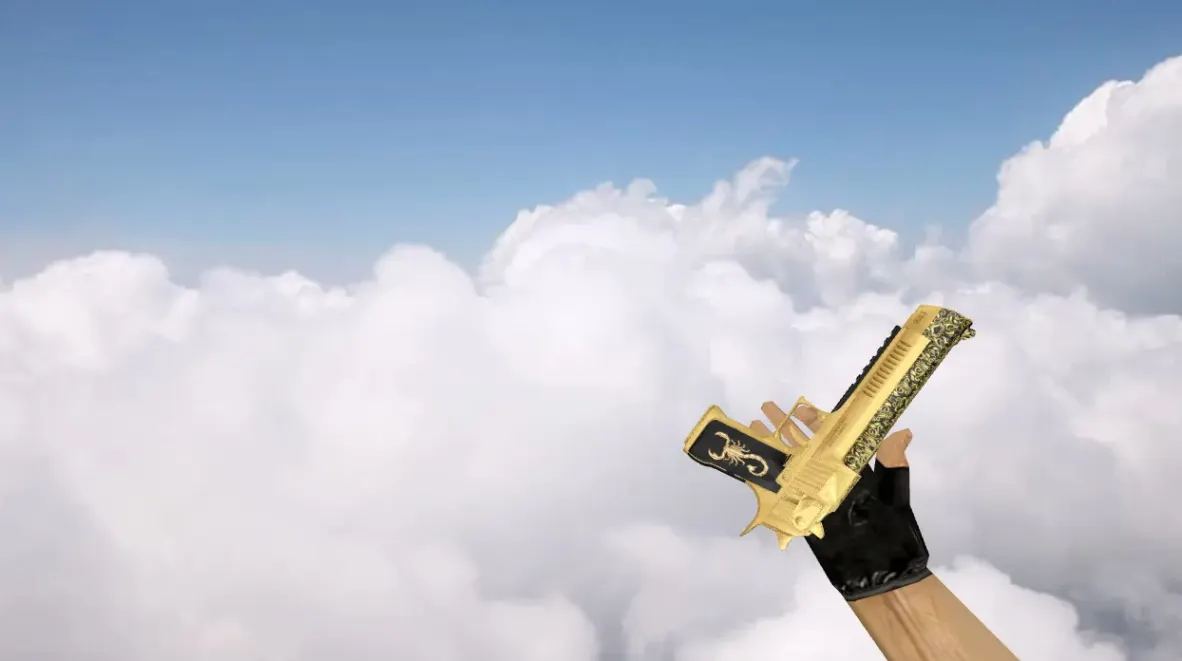
Deagle Glorius is a custom Desert Eagle model for Counter-Strike 1.6, replacing the default player, view and world models of the Deagle.
- Archive contents: p_deagle.mdl, v_deagle.mdl and w_deagle.mdl models, plus six sound files: de_clipin, de_clipout, de_draw, de_slideback, de_slideforward and two firing sounds (deagle-1, deagle-2).
- Installation: extract the deagle-glorius folder from the archive into cstrike, so the models and sounds land in cstrike/models and cstrike/sound/weapons, overwriting the original Deagle files.
Archive contents
10 files, 2.8 MB uncompressed. Copy the contents of the deagle-glorius folder from the archive into the cstrike folder inside the game folder.
- deagle-glorius/models/p_deagle.mdl 445 KB
- deagle-glorius/models/v_deagle.mdl 1.6 MB
- deagle-glorius/models/w_deagle.mdl 440 KB
- deagle-glorius/sound/weapons/de_clipin.wav 12 KB
- deagle-glorius/sound/weapons/de_clipout.wav 12 KB
- deagle-glorius/sound/weapons/de_draw.wav 43 KB
- deagle-glorius/sound/weapons/de_slideback.wav 8 KB
- deagle-glorius/sound/weapons/de_slideforward.wav 6 KB
- deagle-glorius/sound/weapons/deagle-1.wav 133 KB
- deagle-glorius/sound/weapons/deagle-2.wav 133 KB
Install in three steps
-
1
Download the archive. Use the button on the right, or the Yandex.Disk mirror if the main server is slow.
-
2
Extract it into the game folder. Use 7-Zip or WinRAR. A path without non-Latin characters works best.
-
3
Launch the game. If something doesn't work, mark it below - that is how we know the file needs an update.
Did it work for you?
No sign-up needed. You can pick more than one.
Similar files


New in this section
- 44 Magnum Deagle Model for CS 1.6
- Holiday Deagle Skin for CS 1.6
- Crysis Majestic Deagle Model for CS 1.6
- CSO Camo Deagle Model for CS 1.6
- Chromed Desert Eagle Model for CS 1.6
- CF Deagle Silencer Armoured Beast Model for Counter-Strike 1.6
- CSO Desert Eagle Erika Model for CS 1.6
- CSO Desert Eagle Model for CS 1.6
- CSO Desert Eagle Blue Lightning Model for CS 1.6
- Acid Shot Deagle Model for CS 1.6