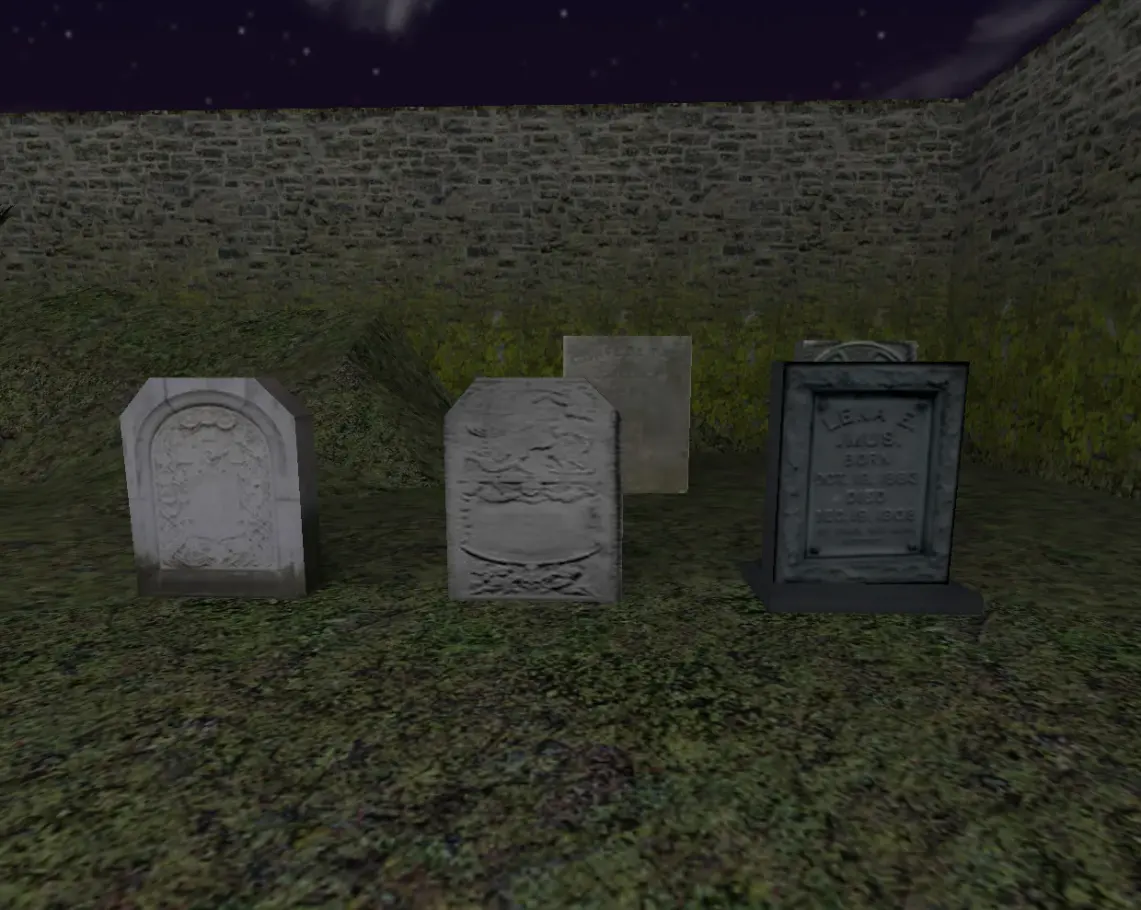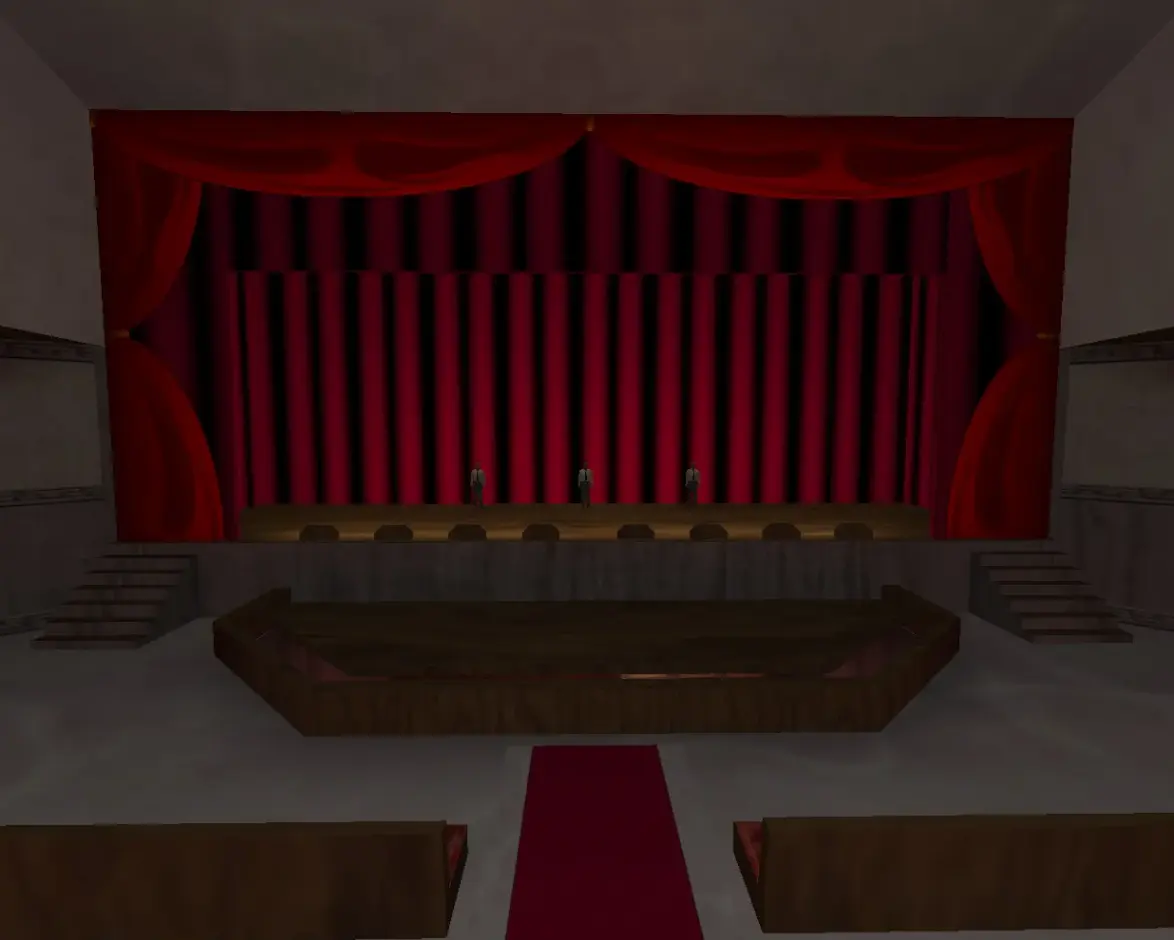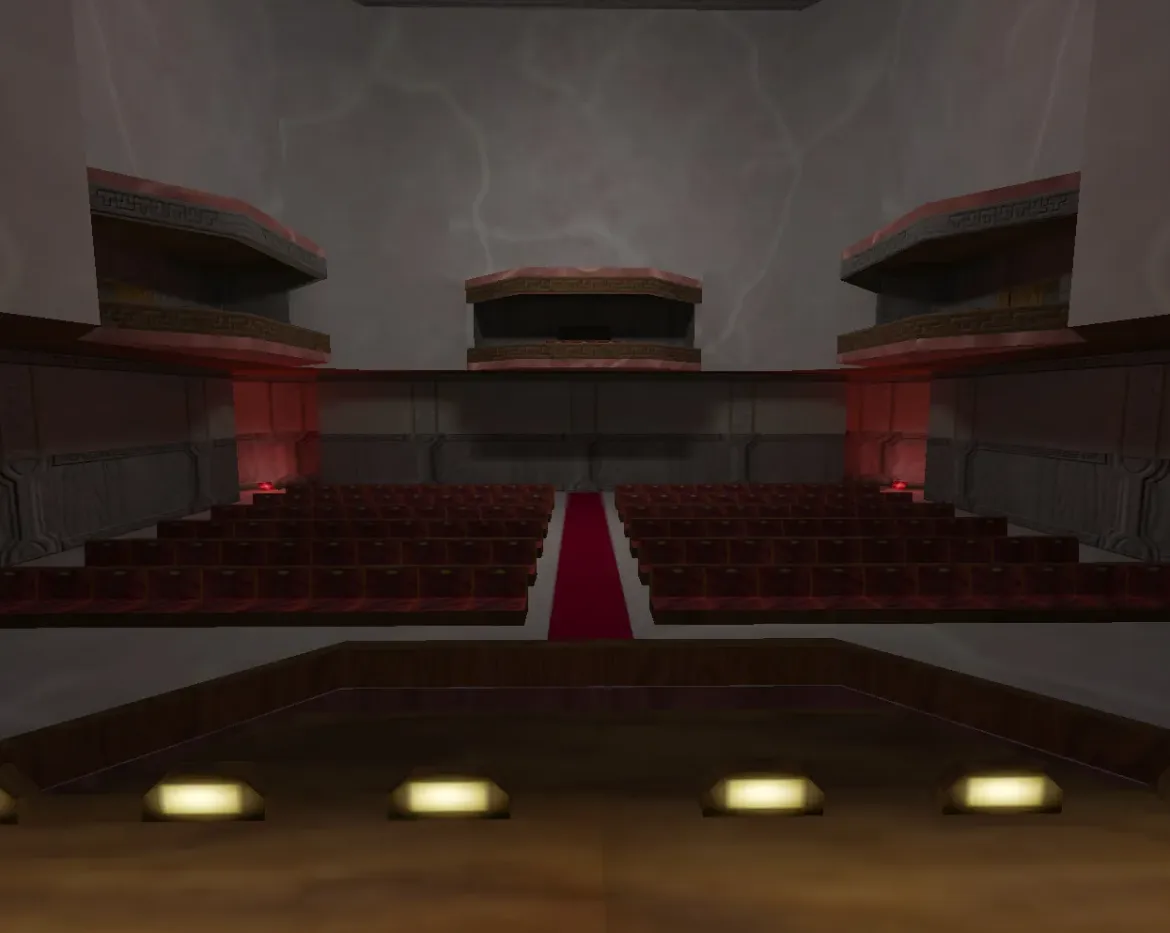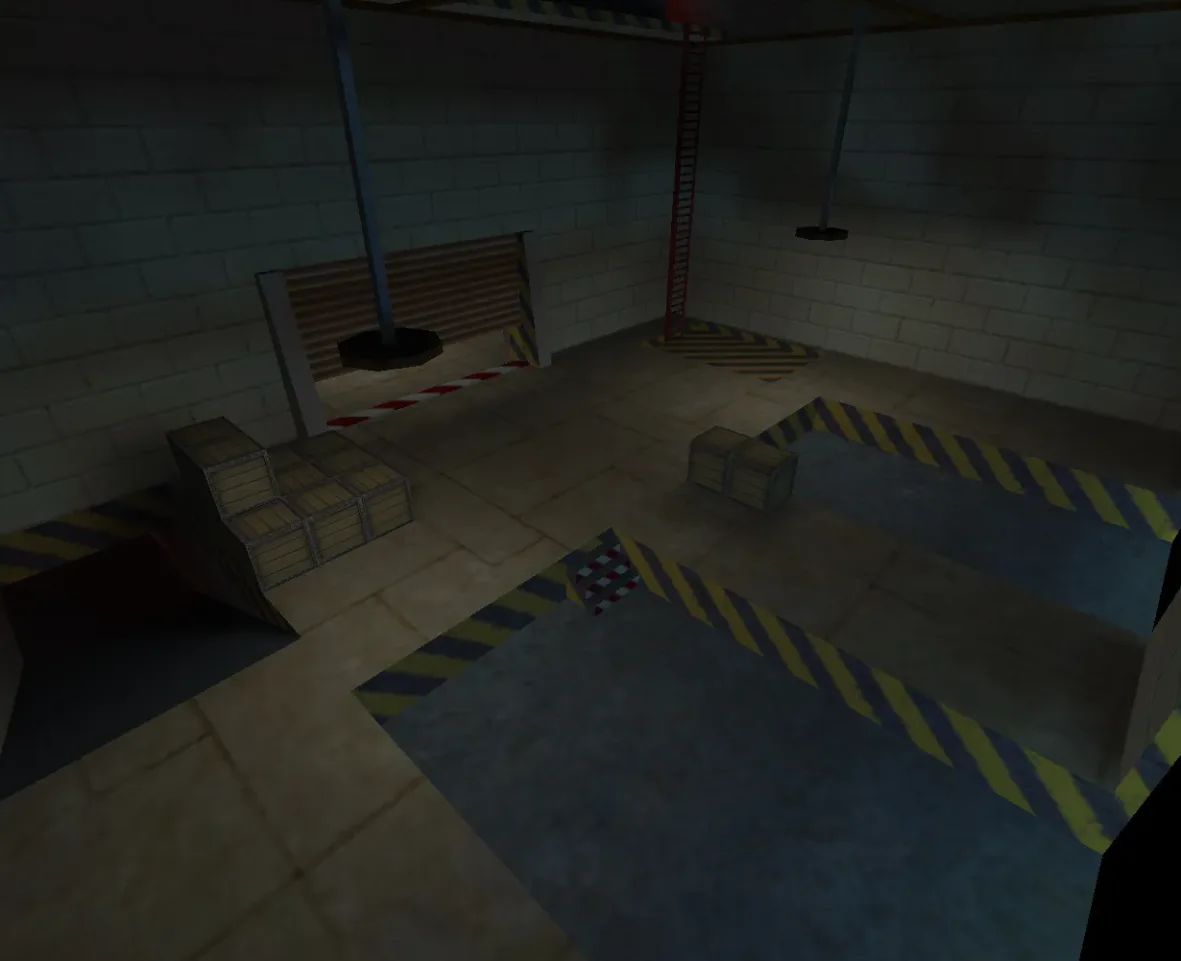
CS Shogun Map for CS 1.6
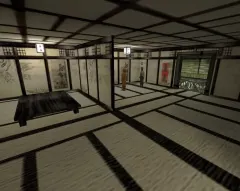
Description
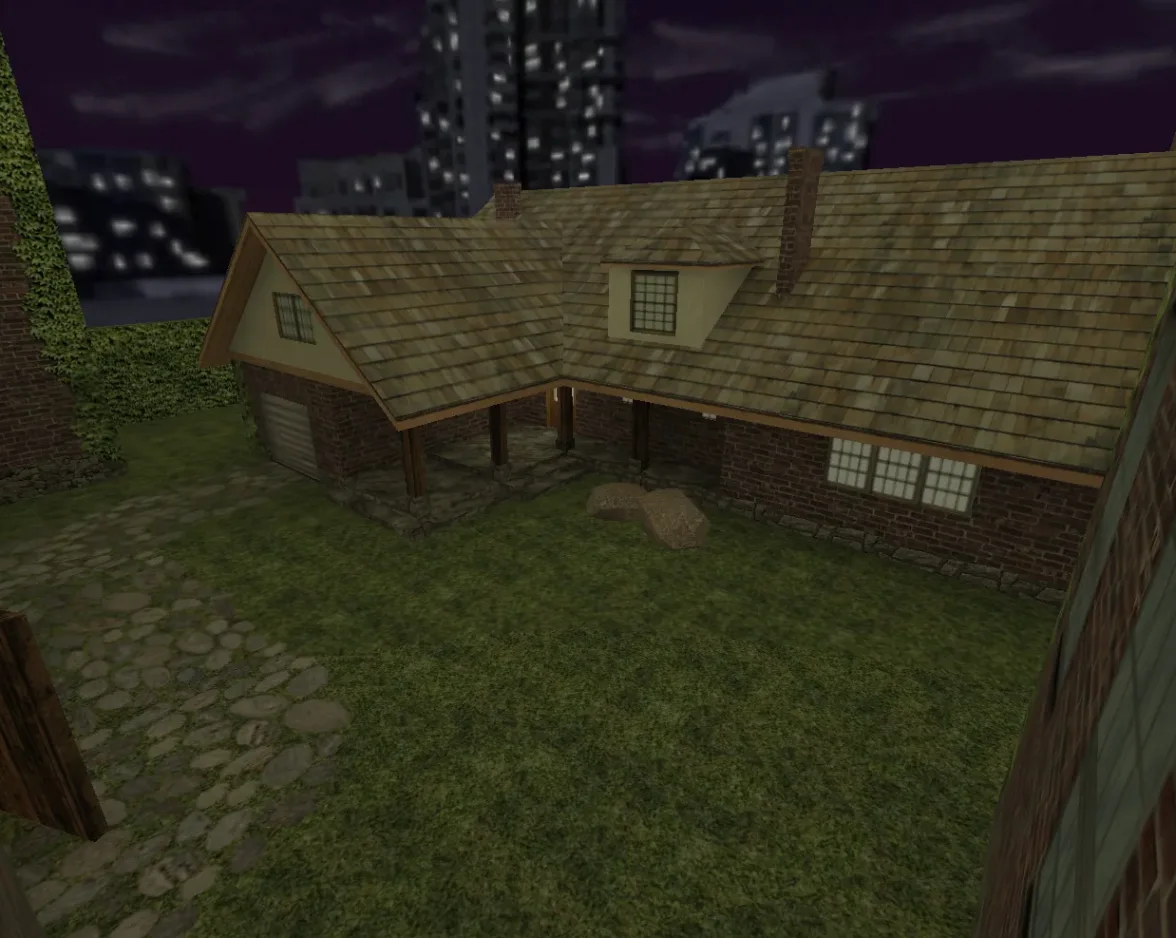
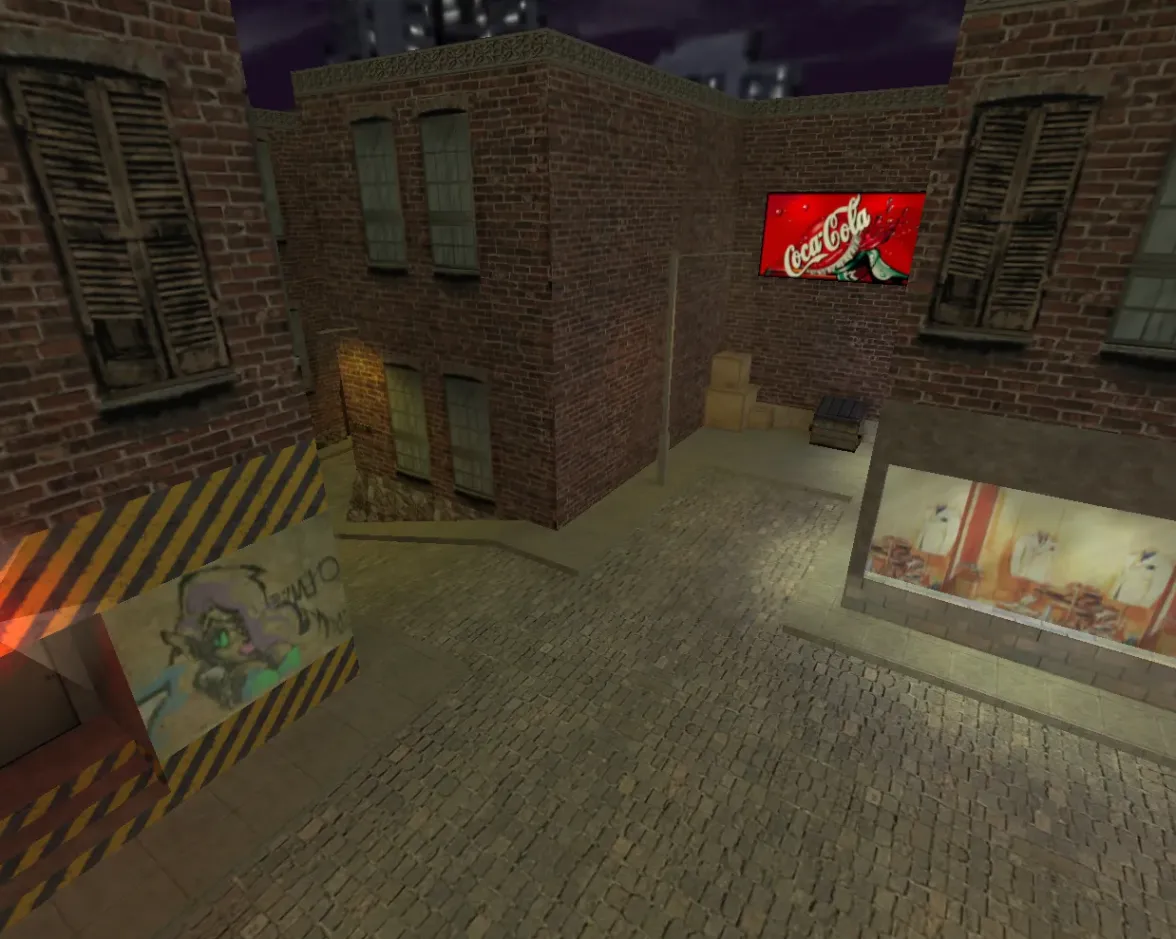
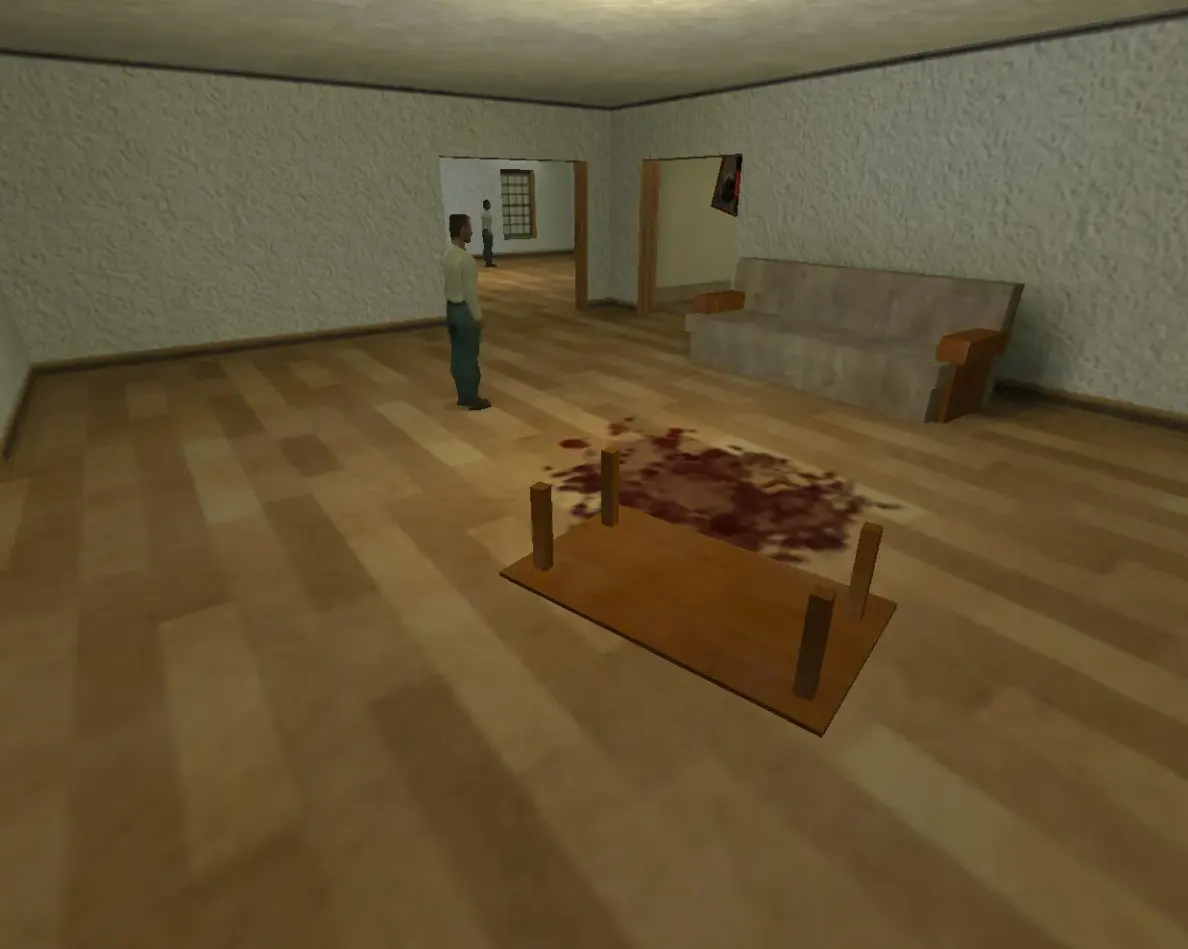
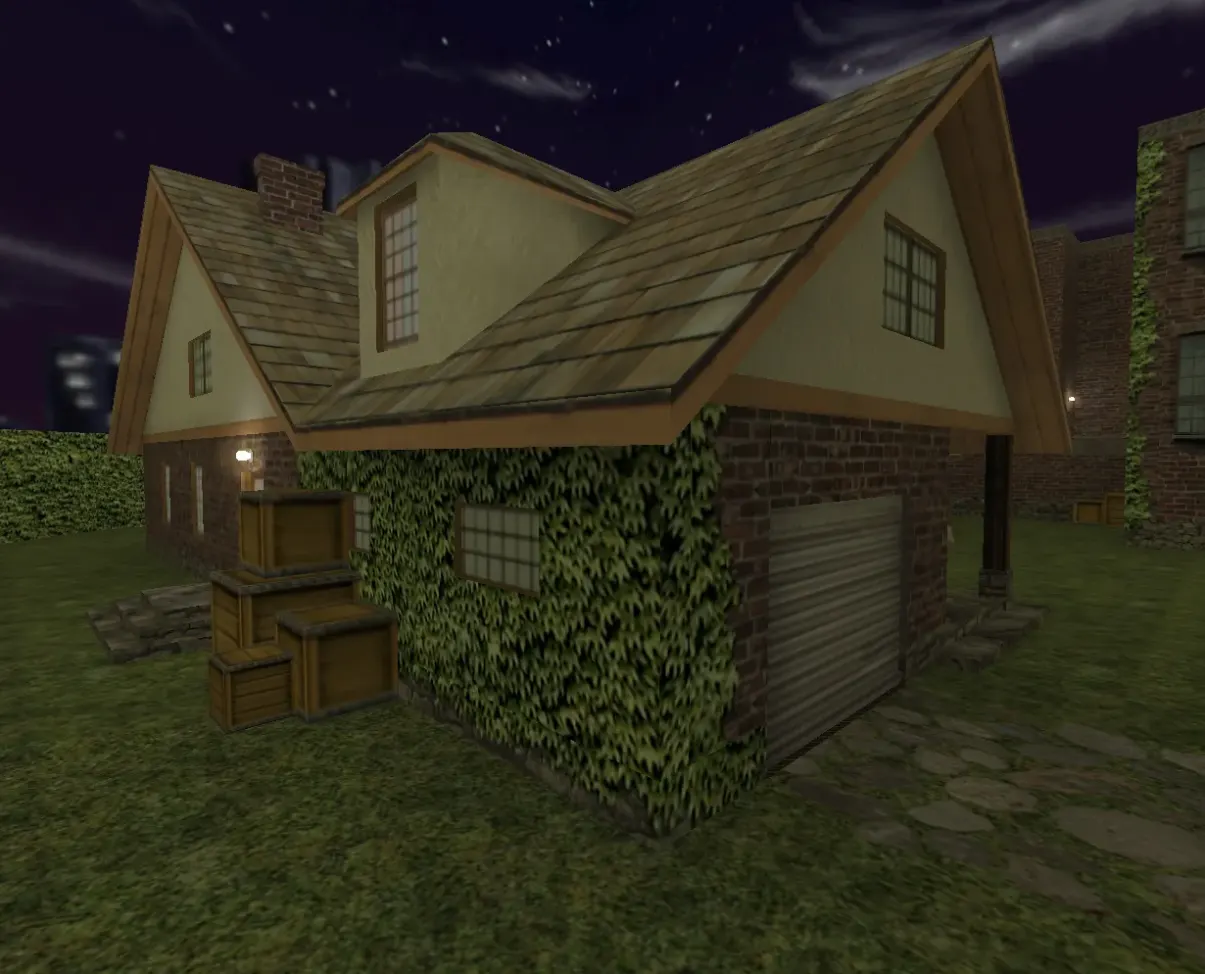
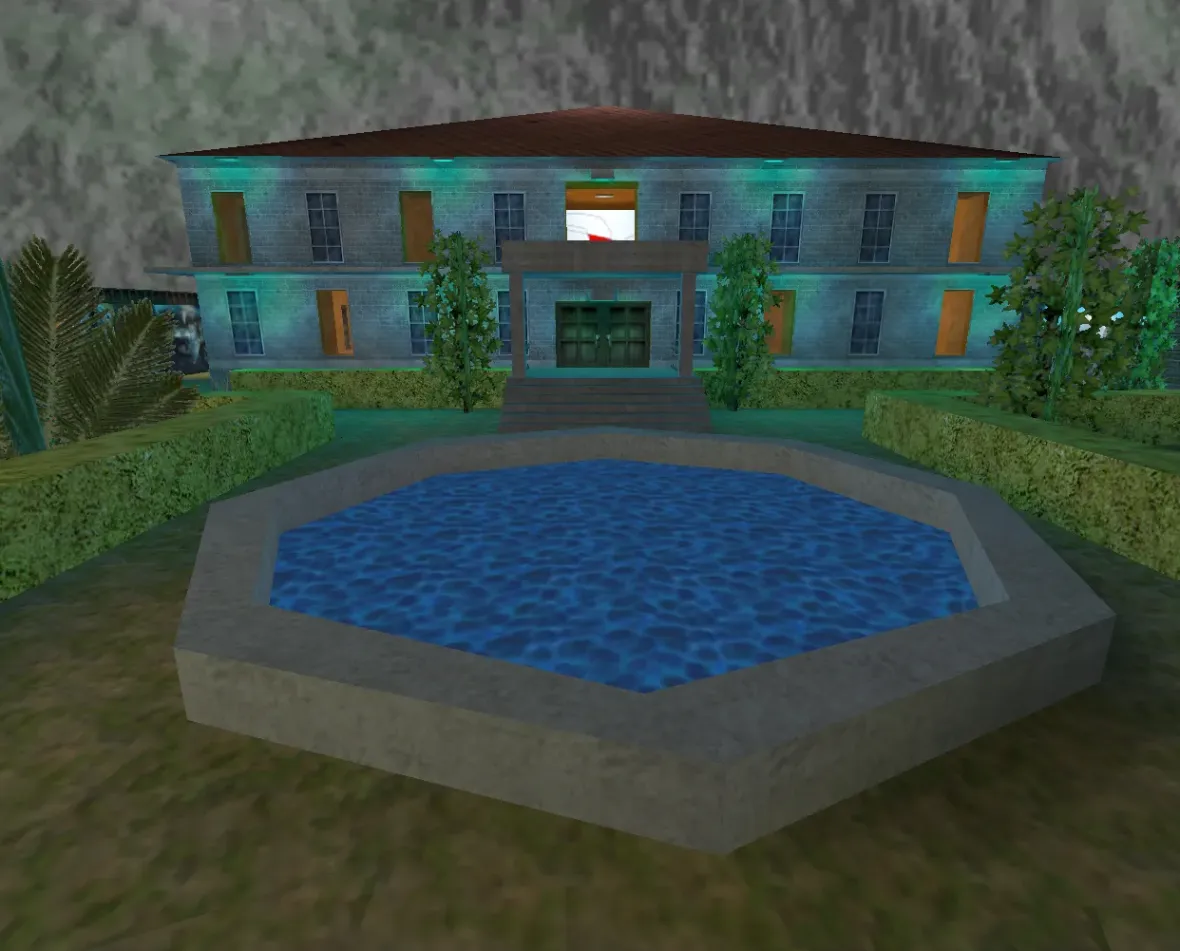
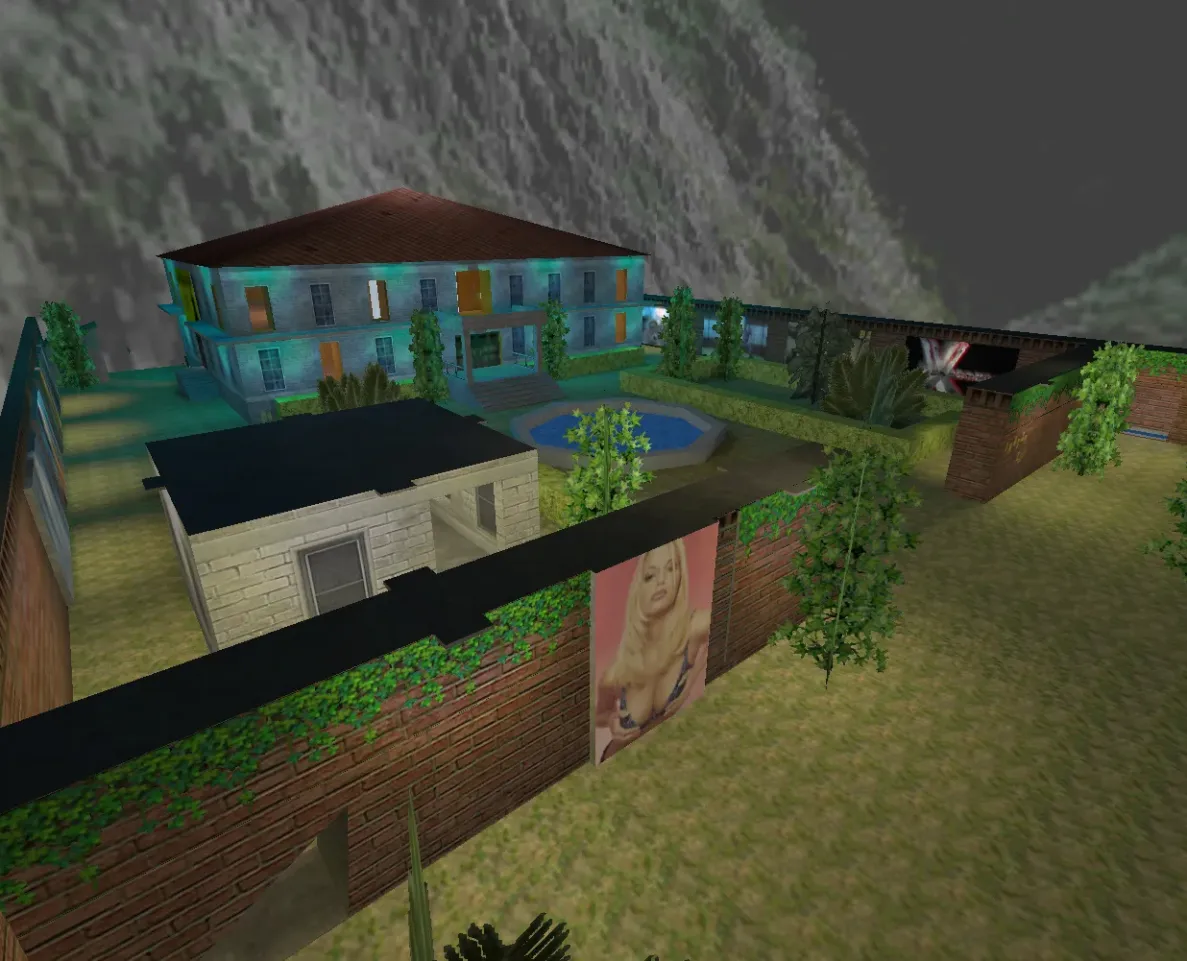
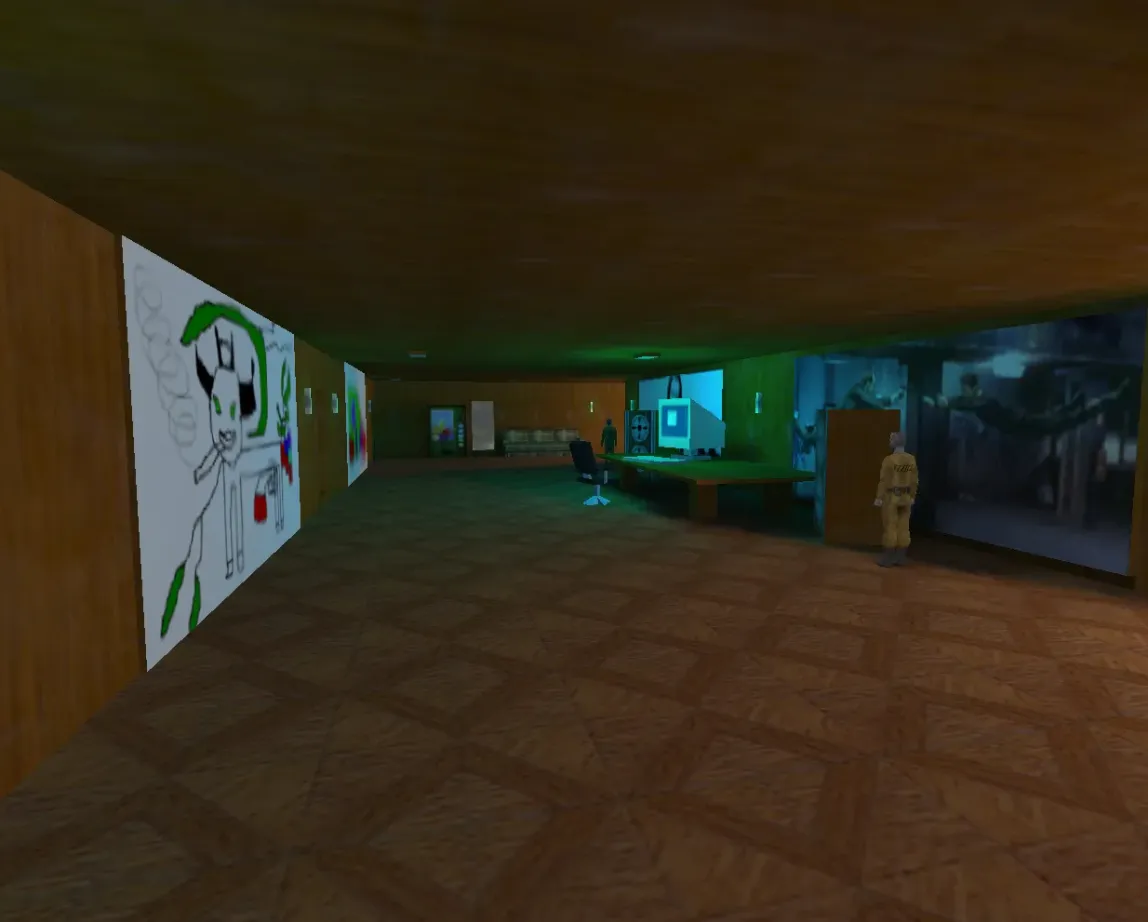
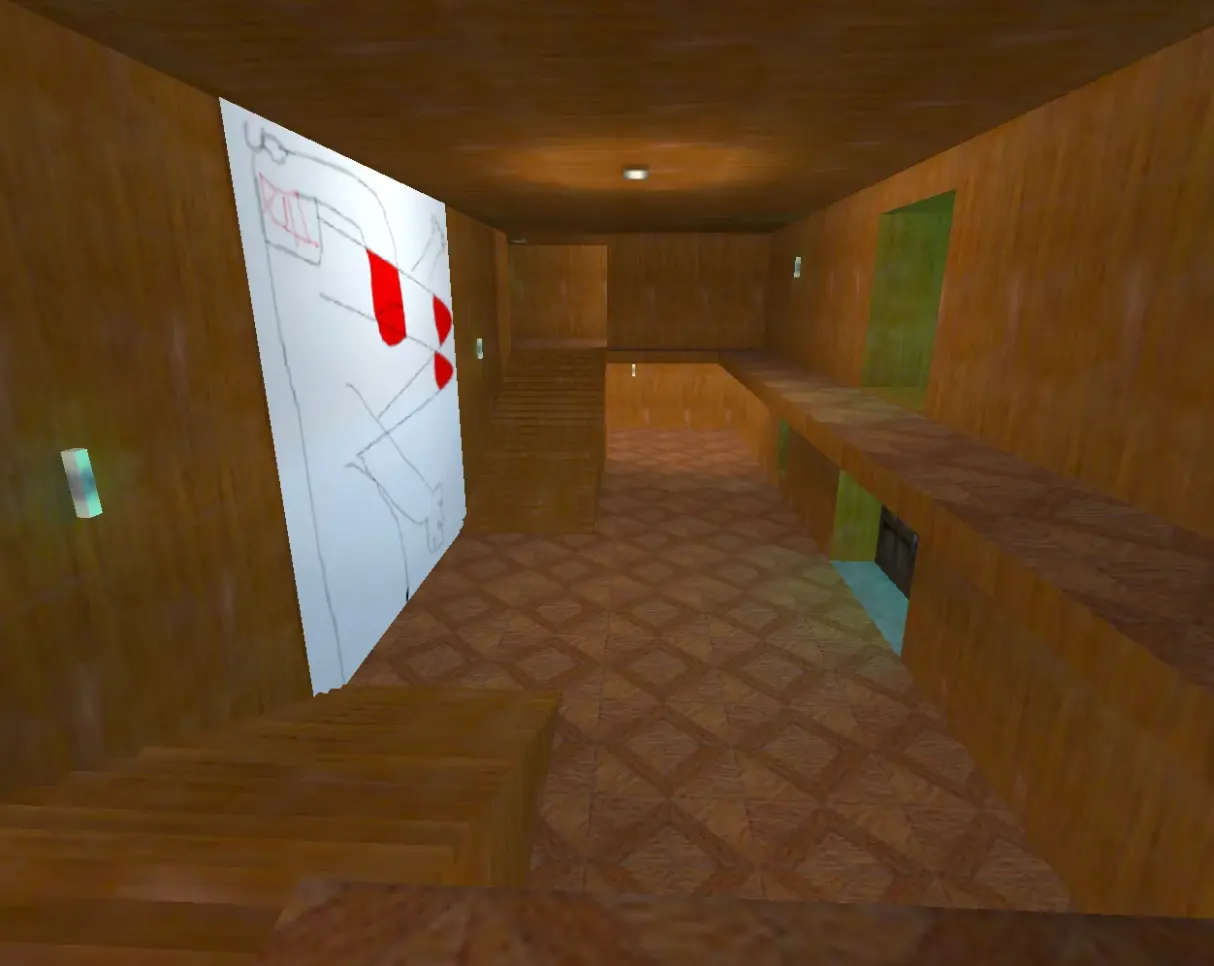
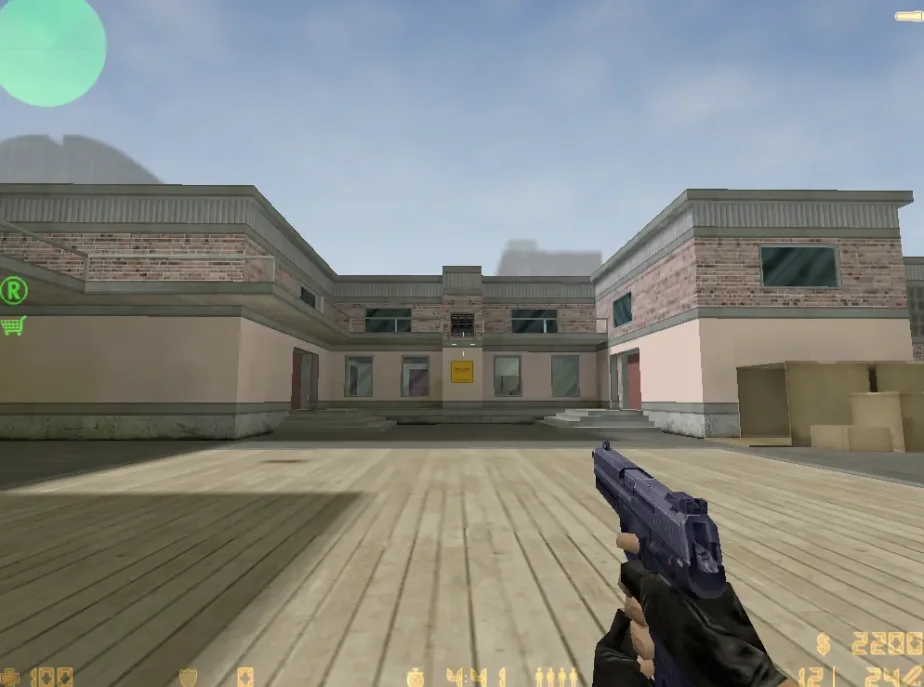
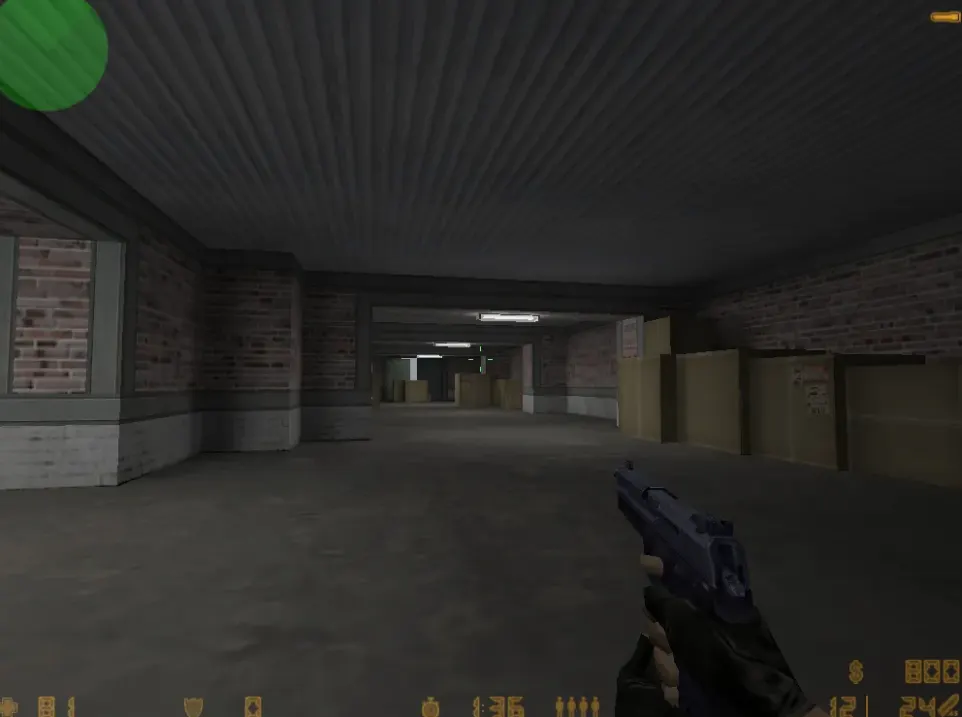
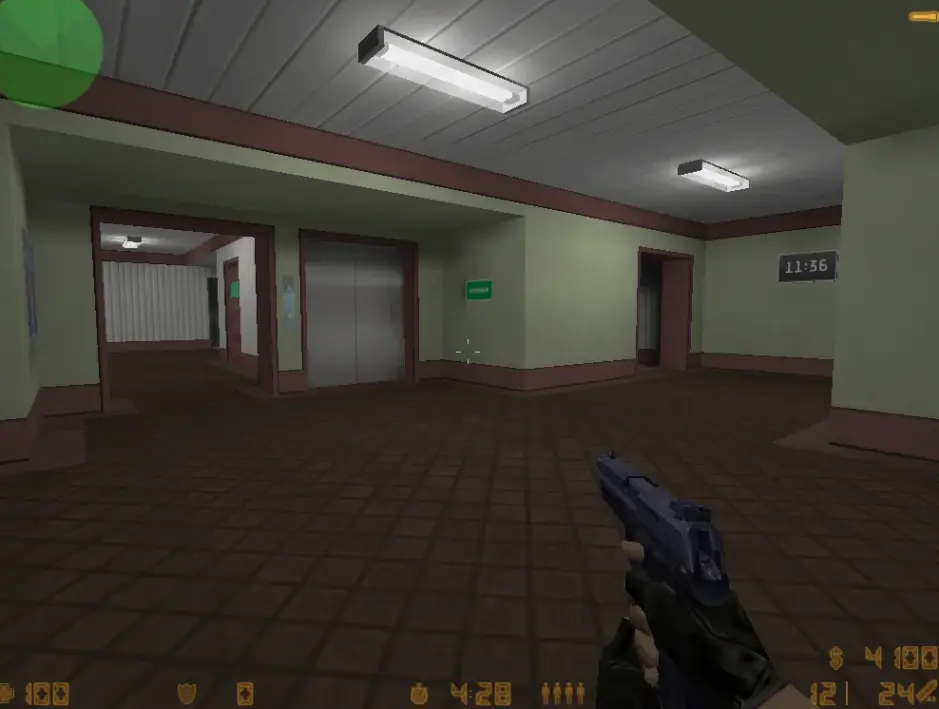
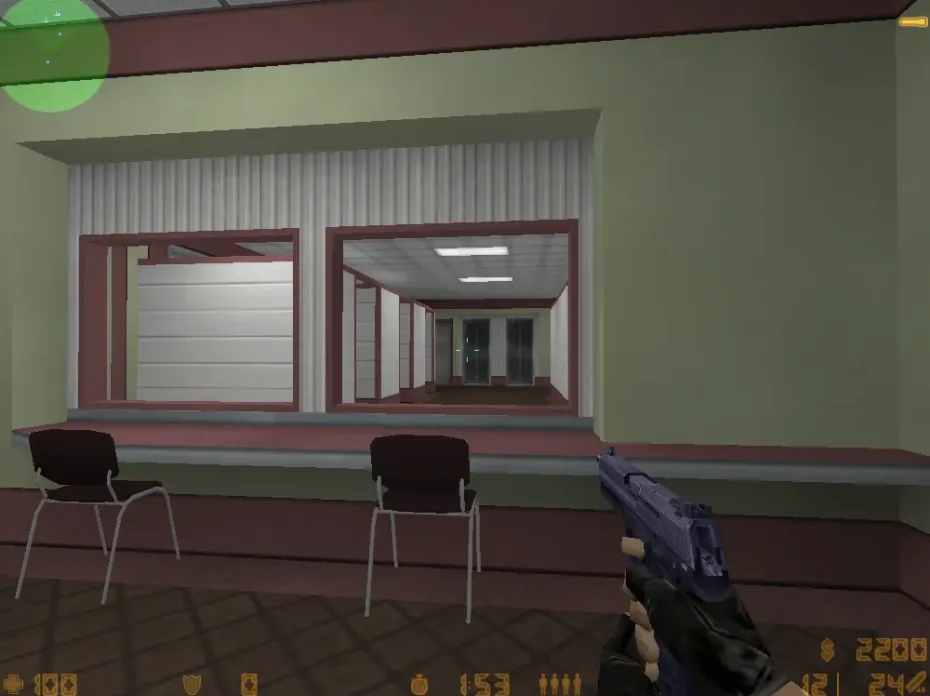
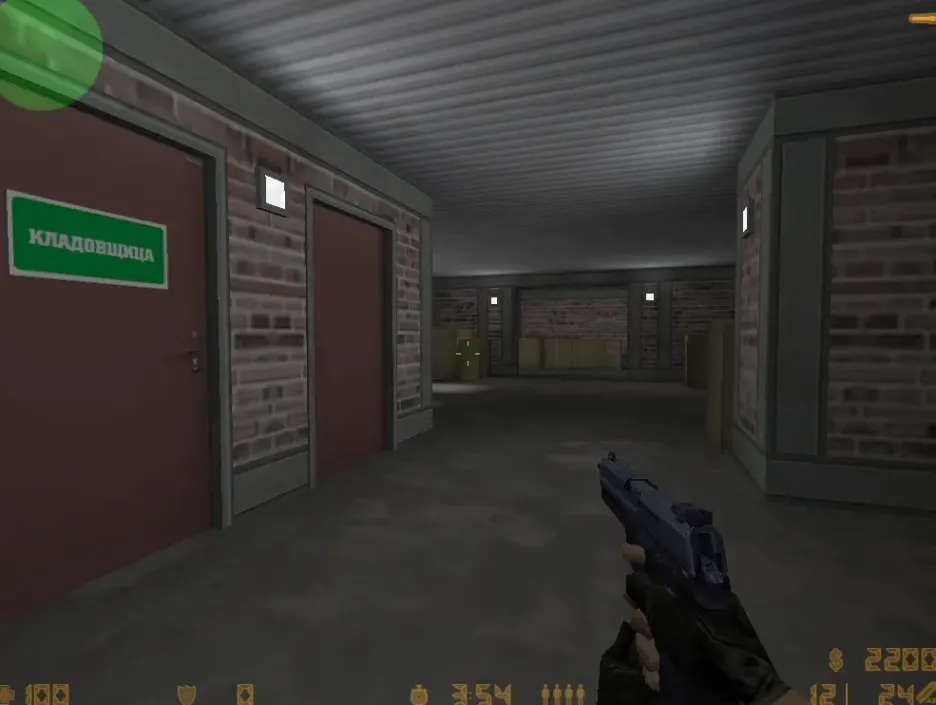
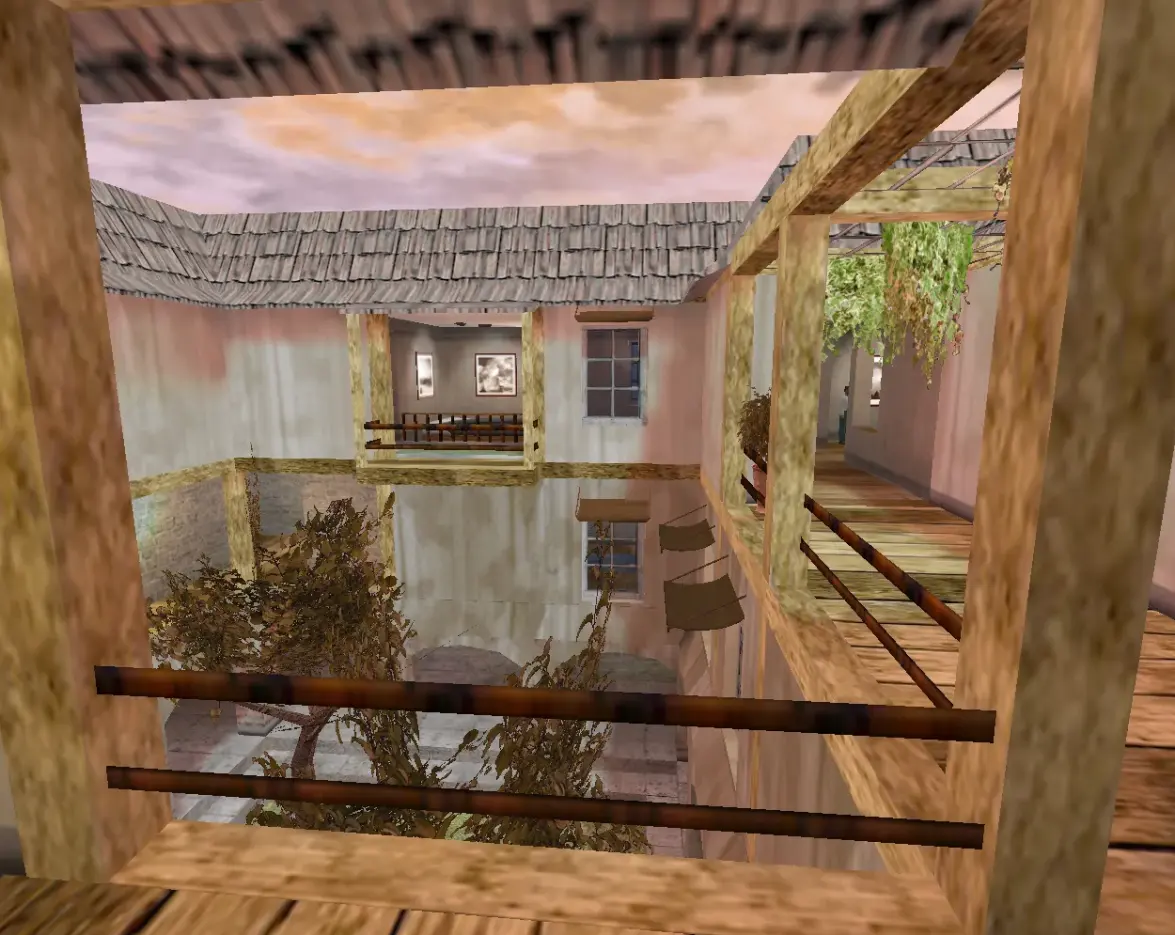
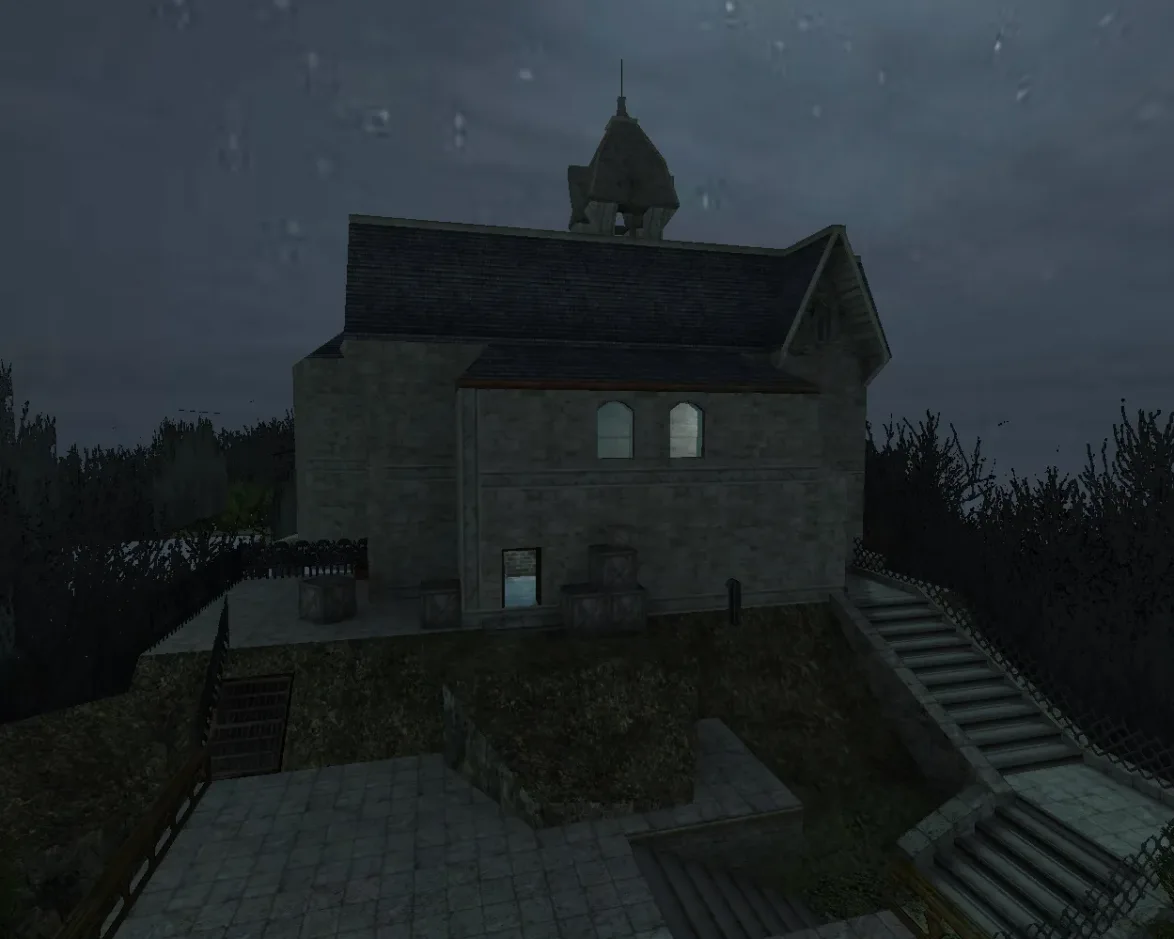
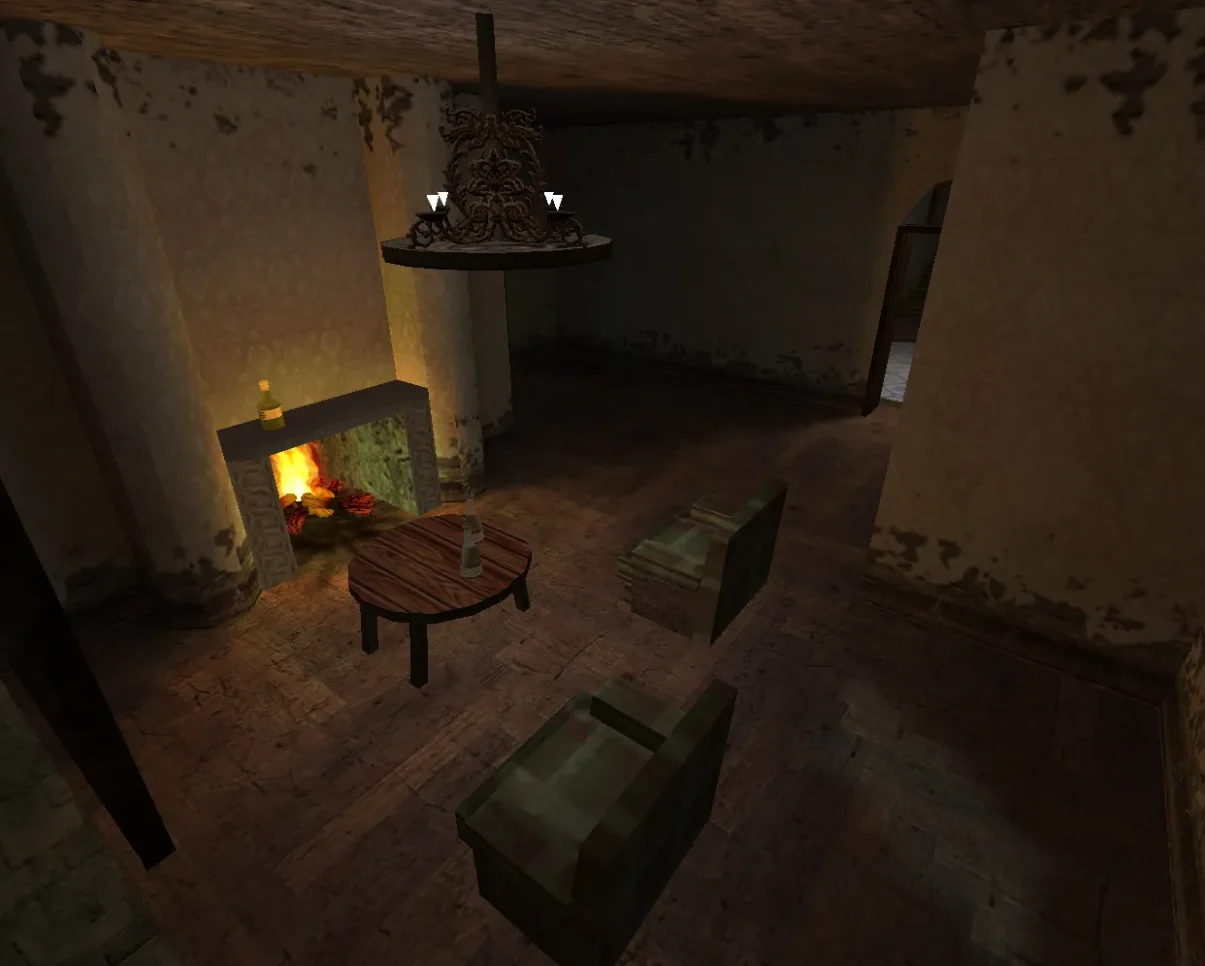
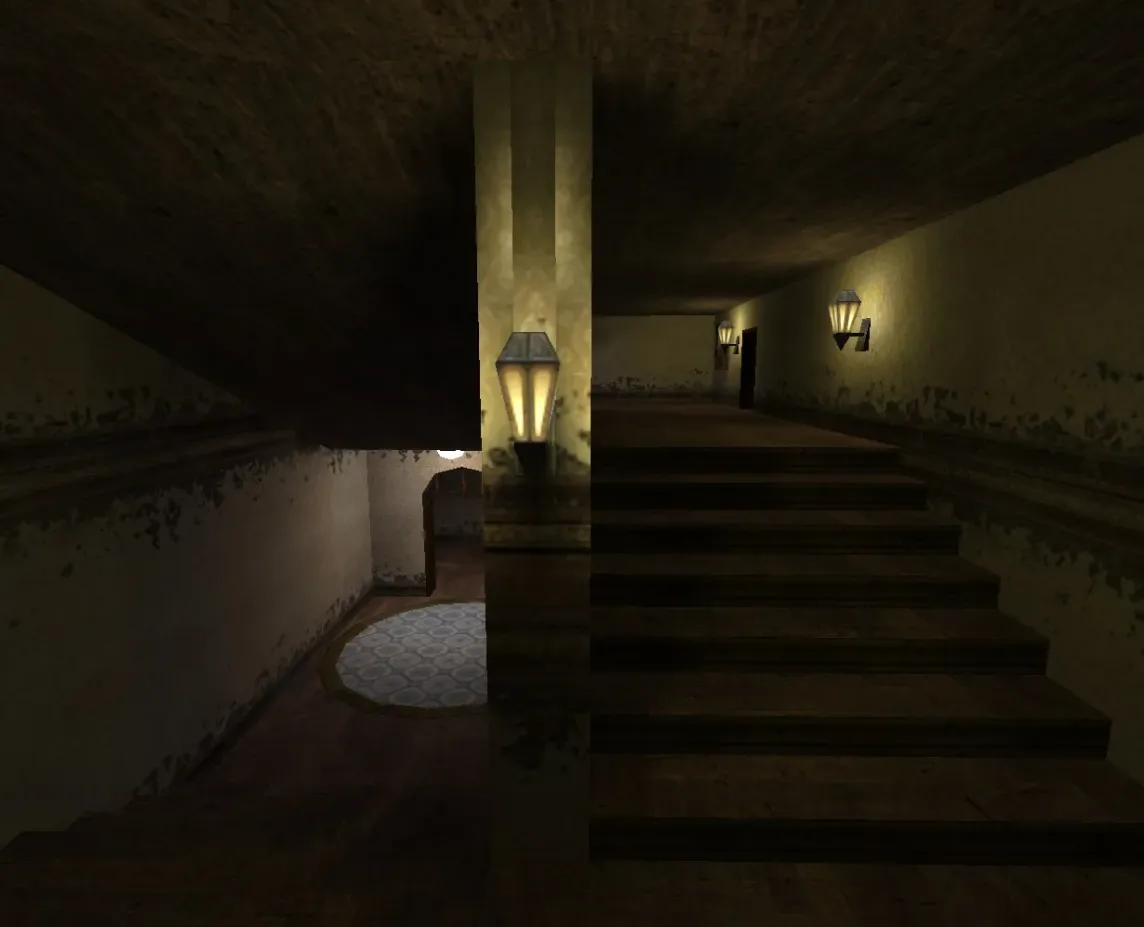
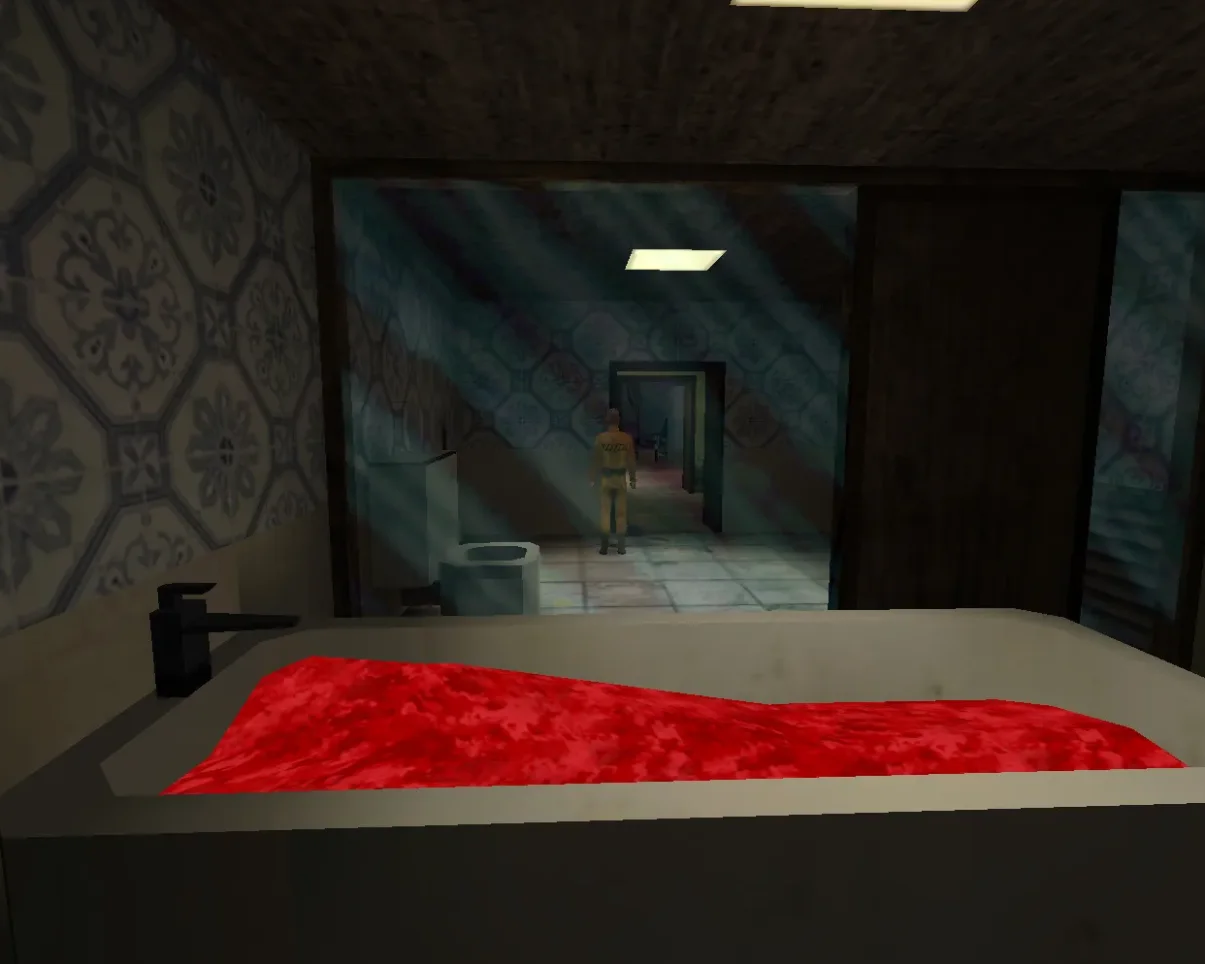
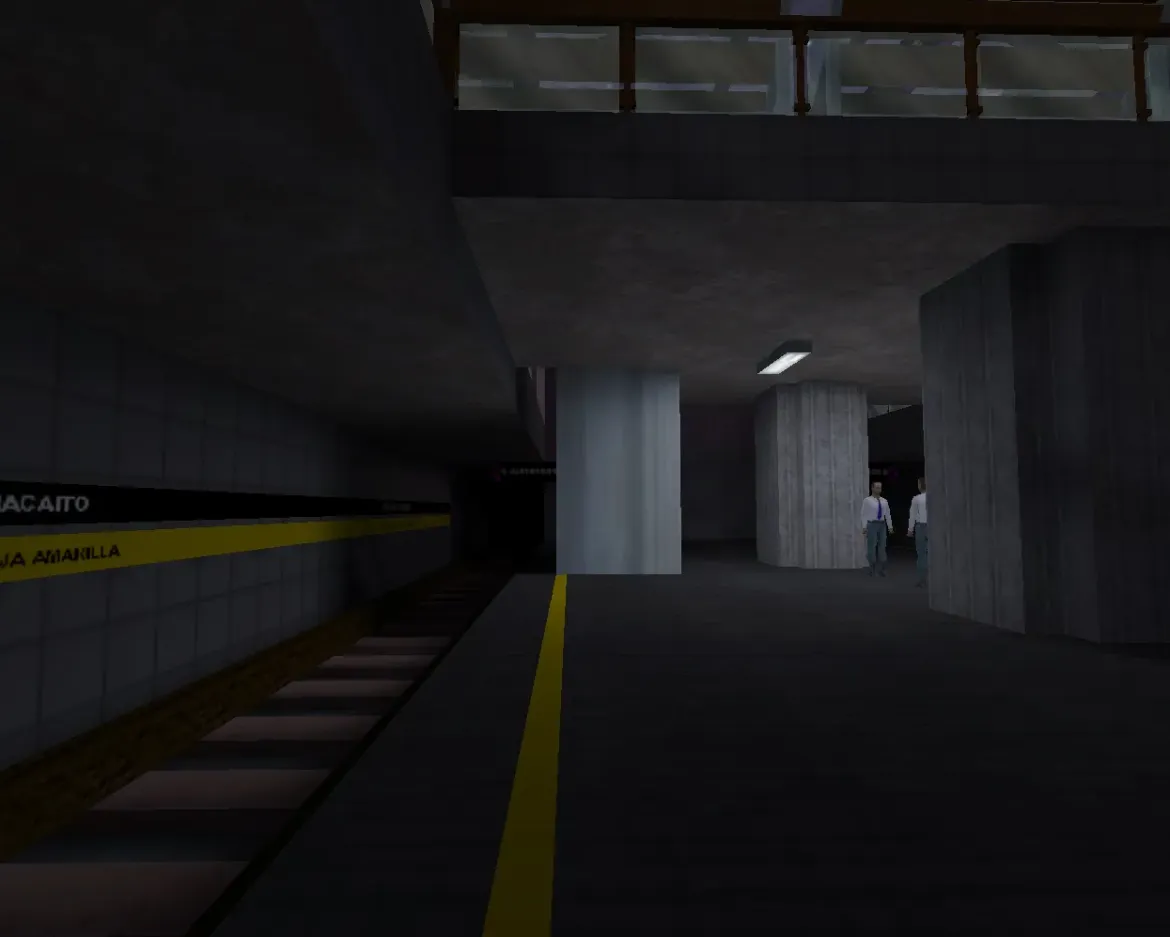
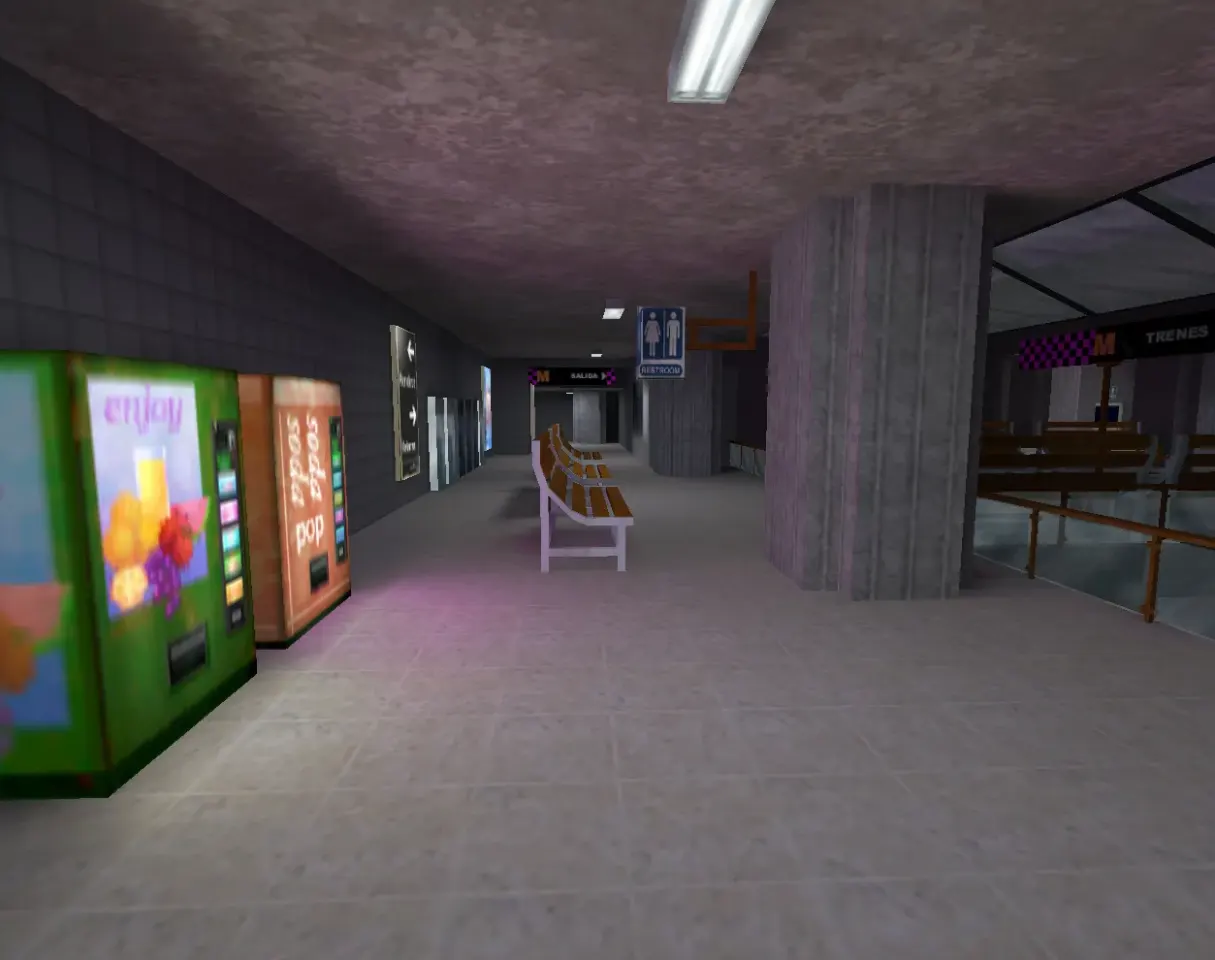
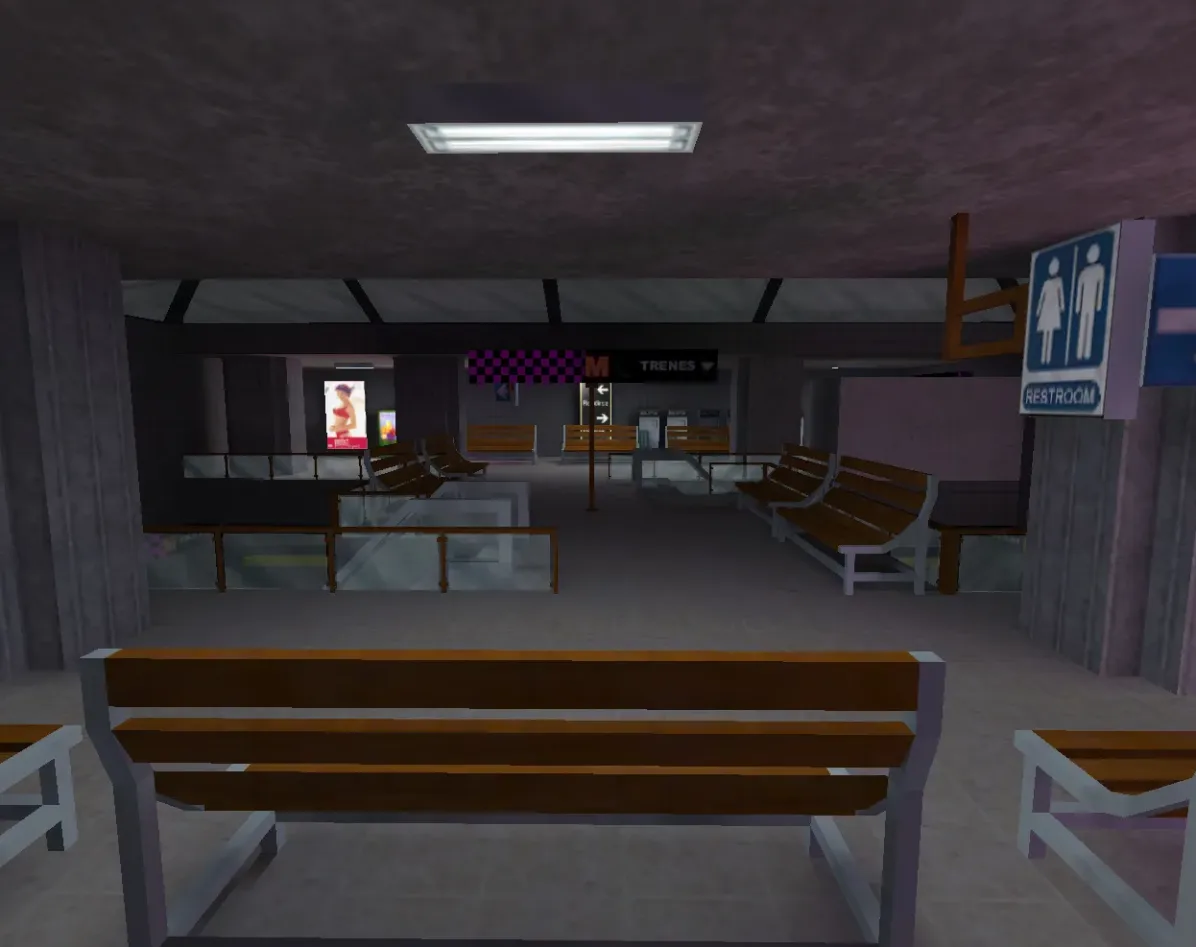
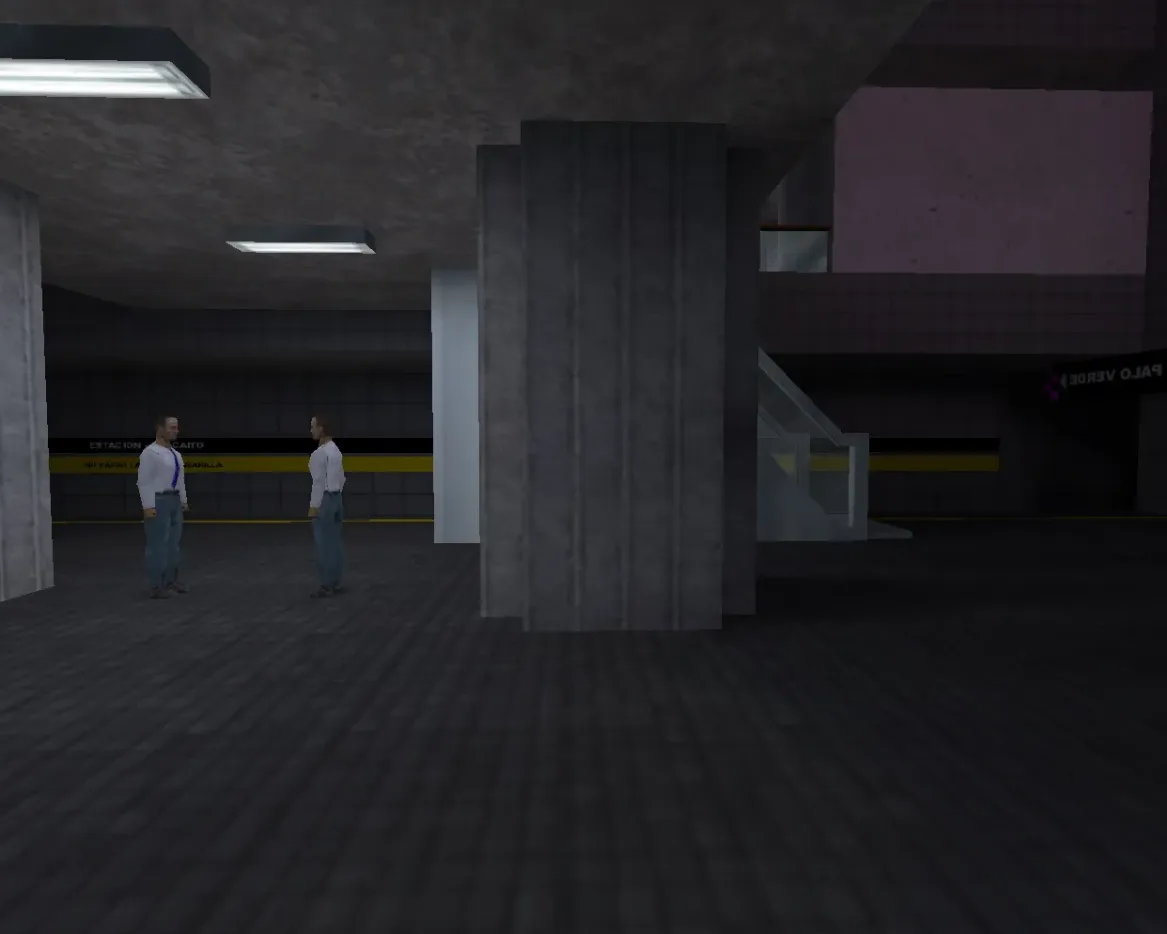
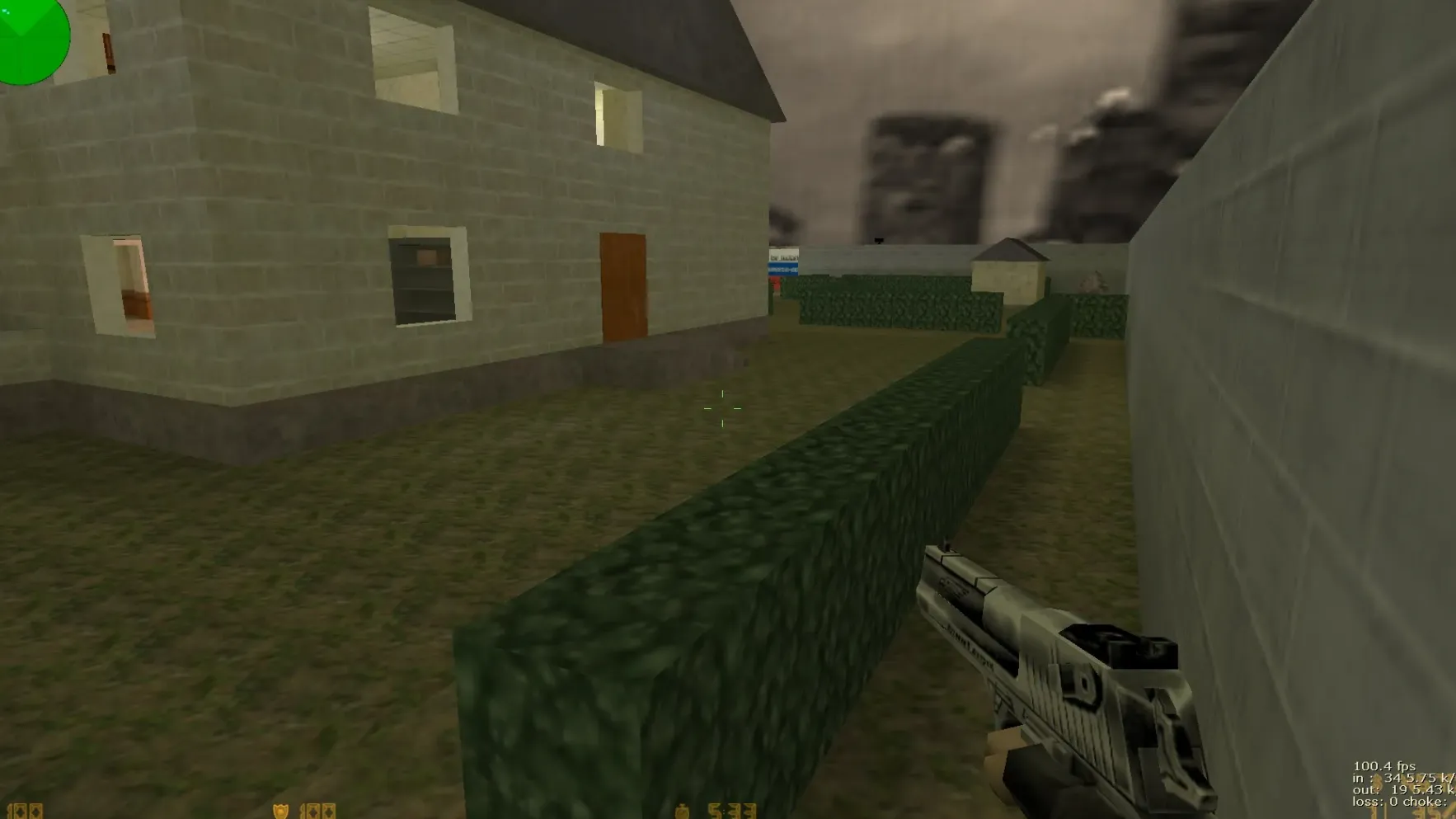
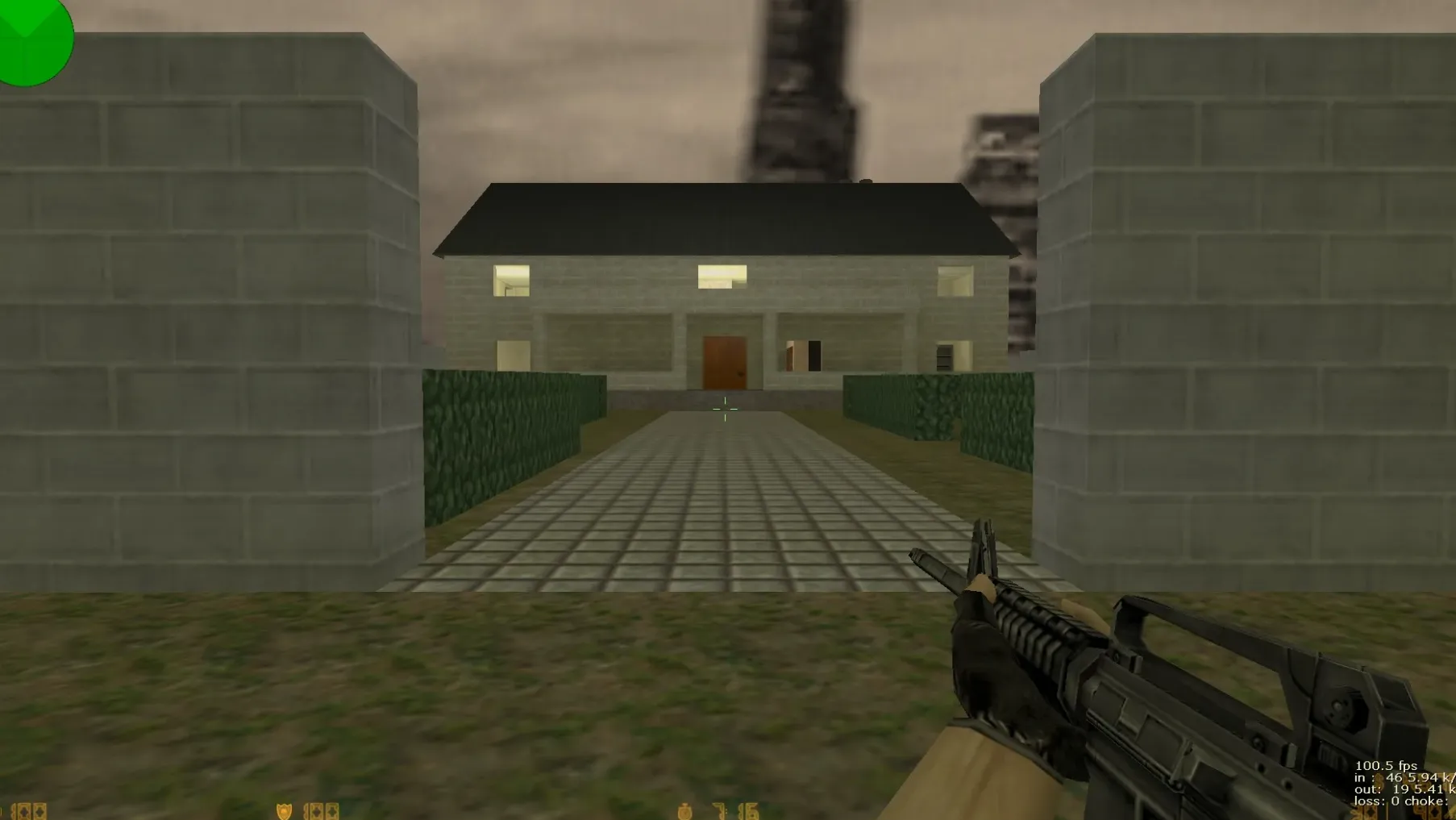
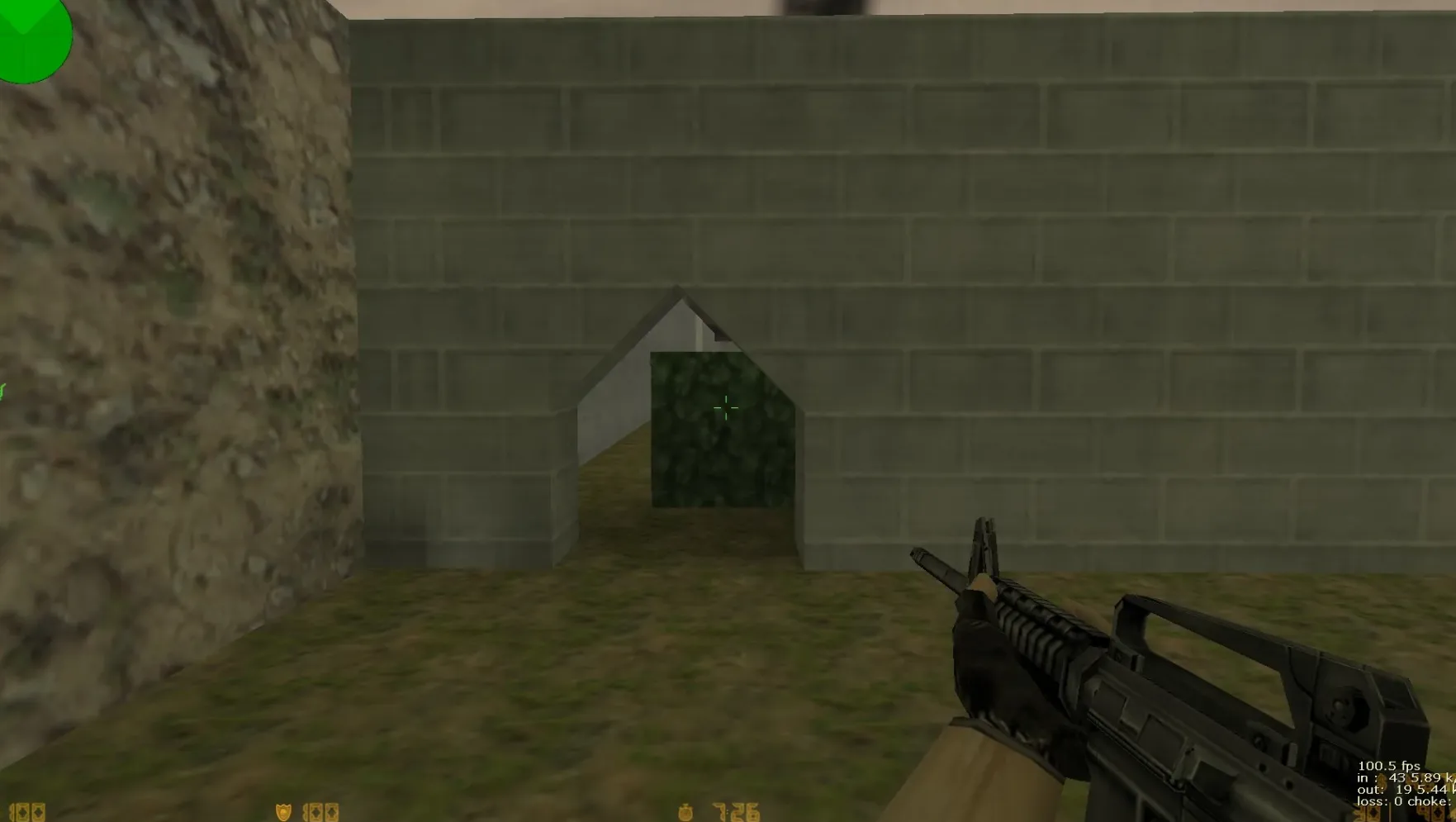
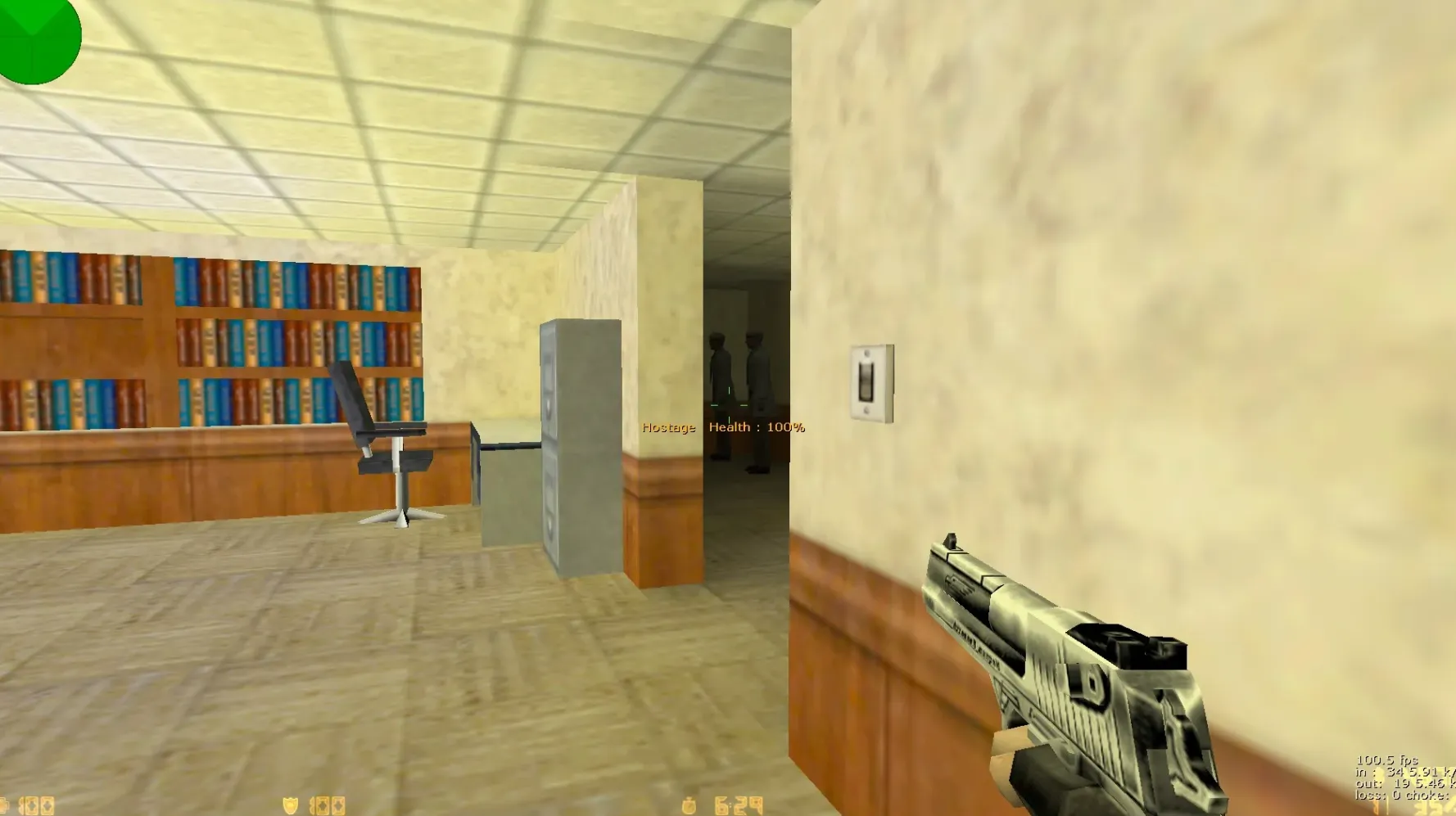
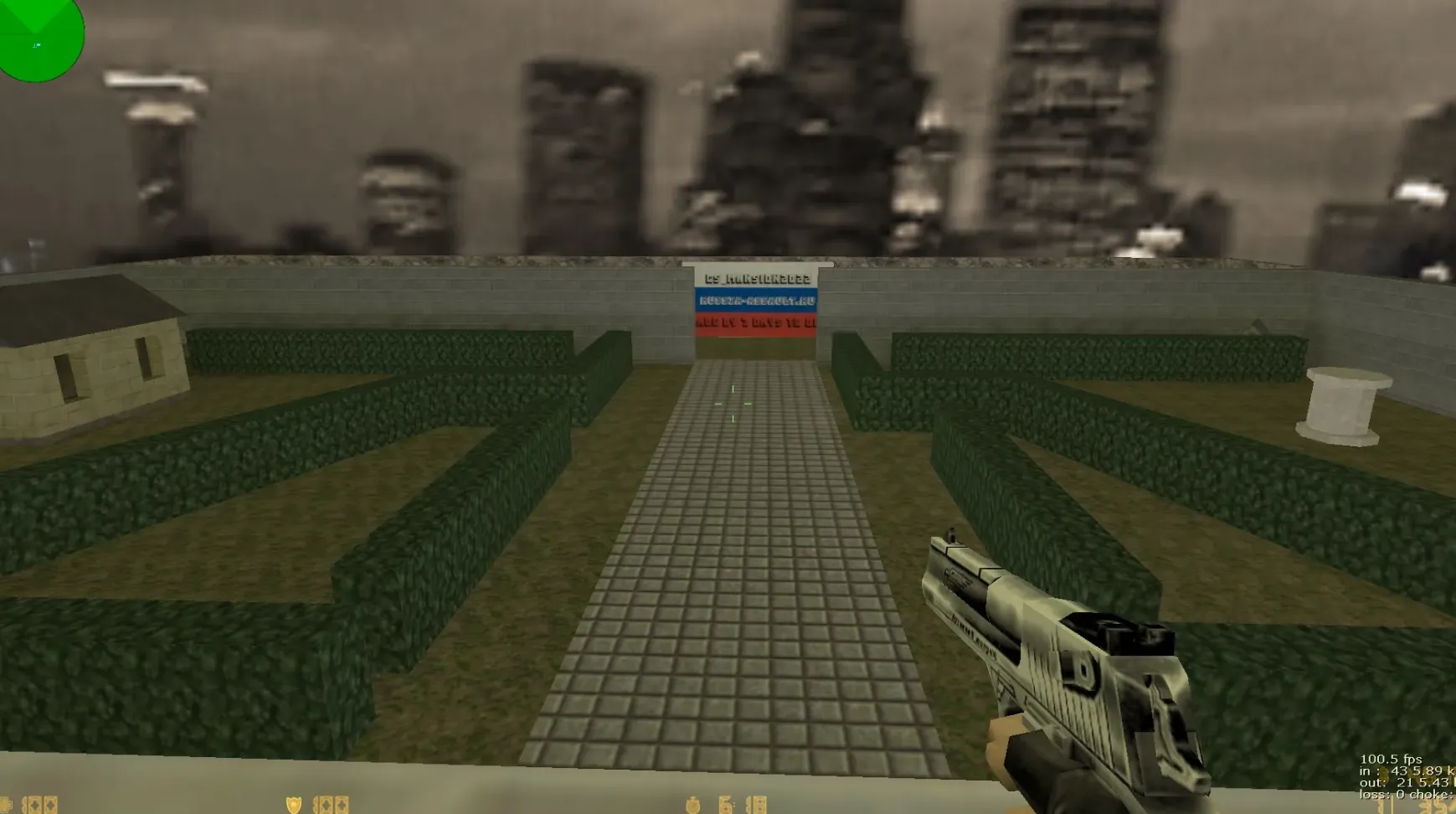
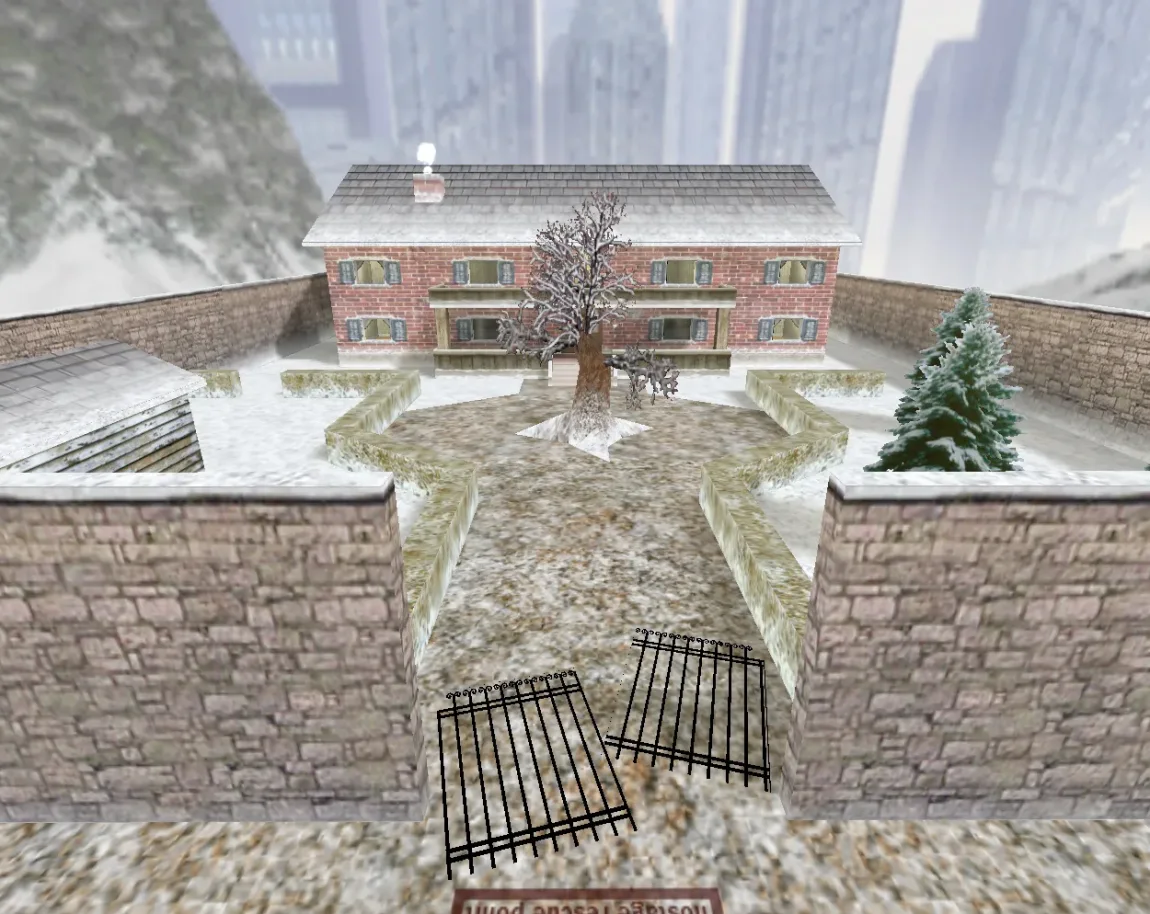
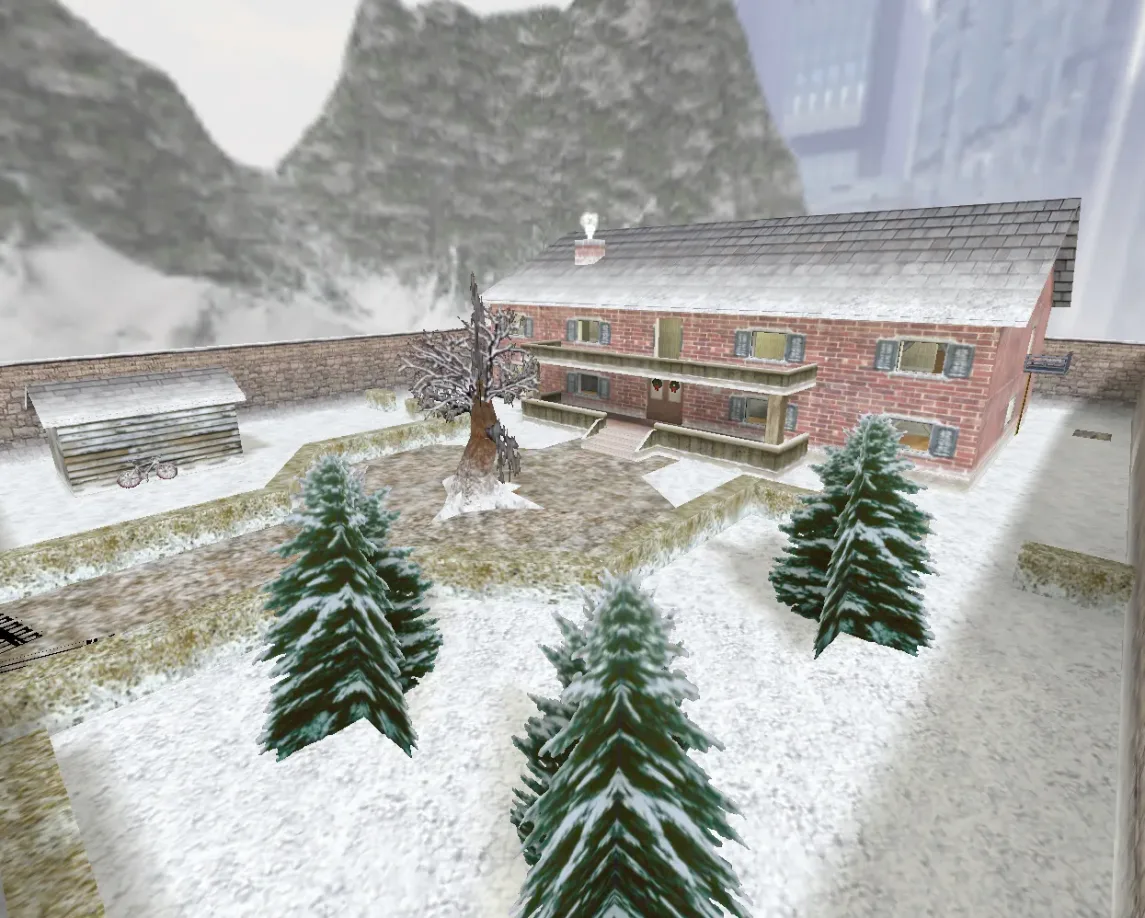
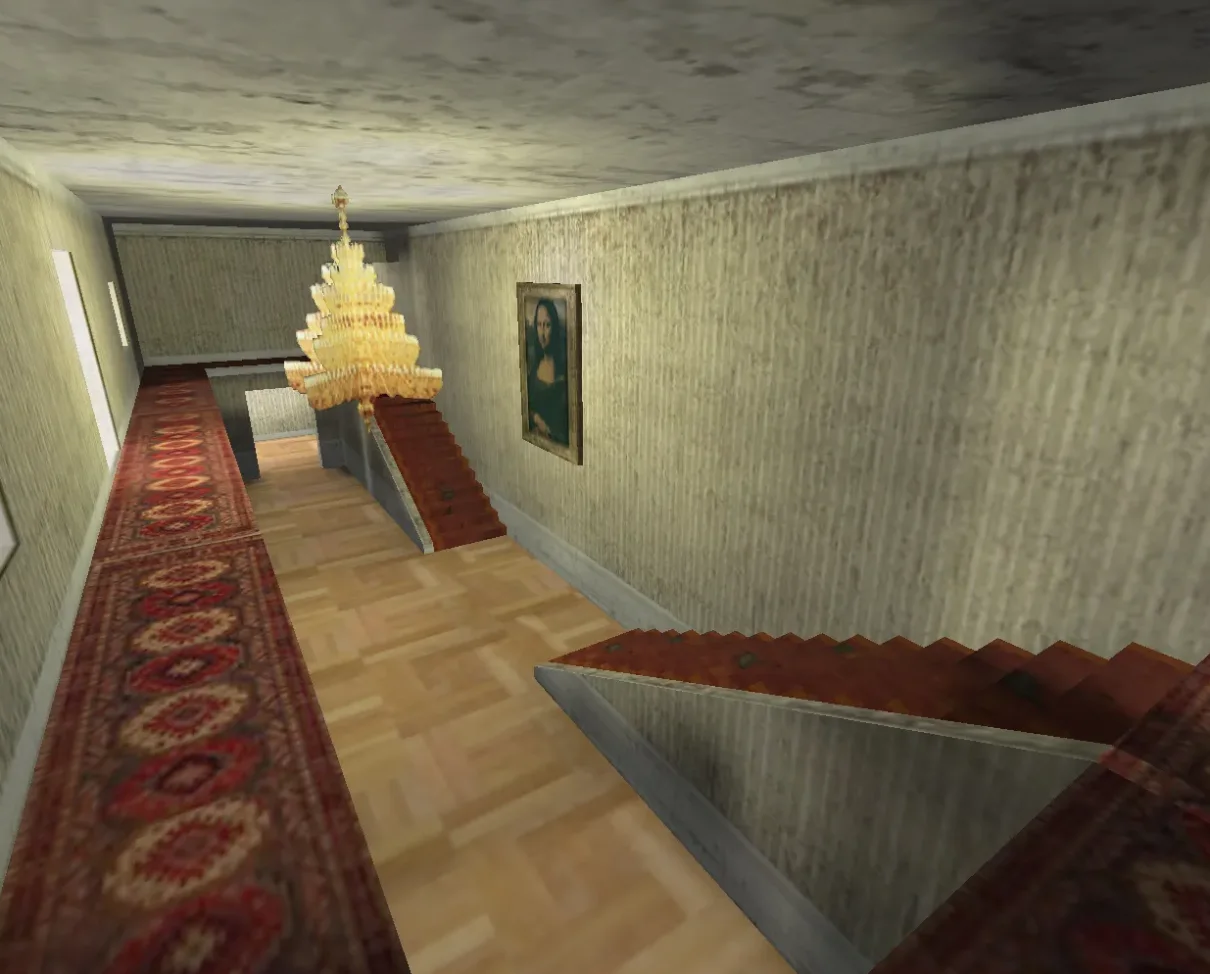
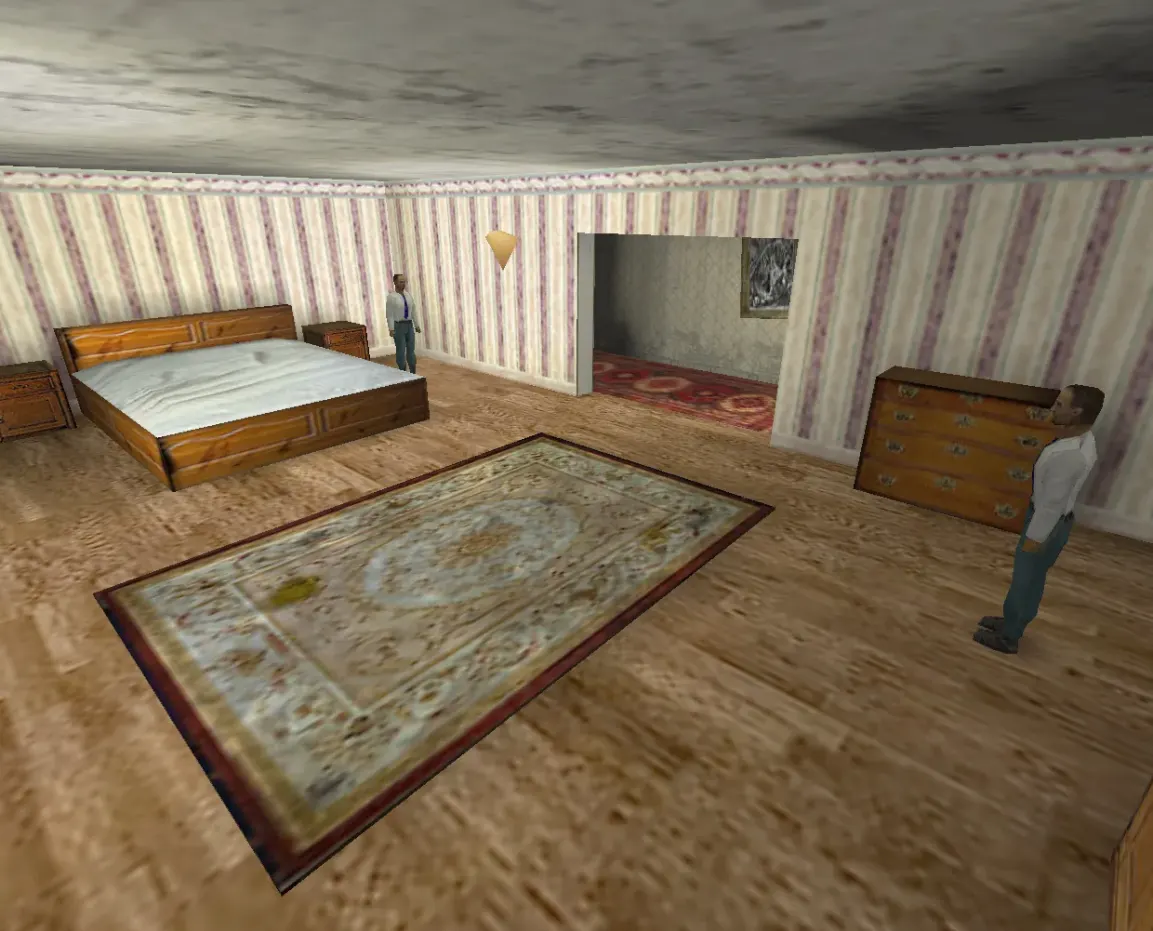
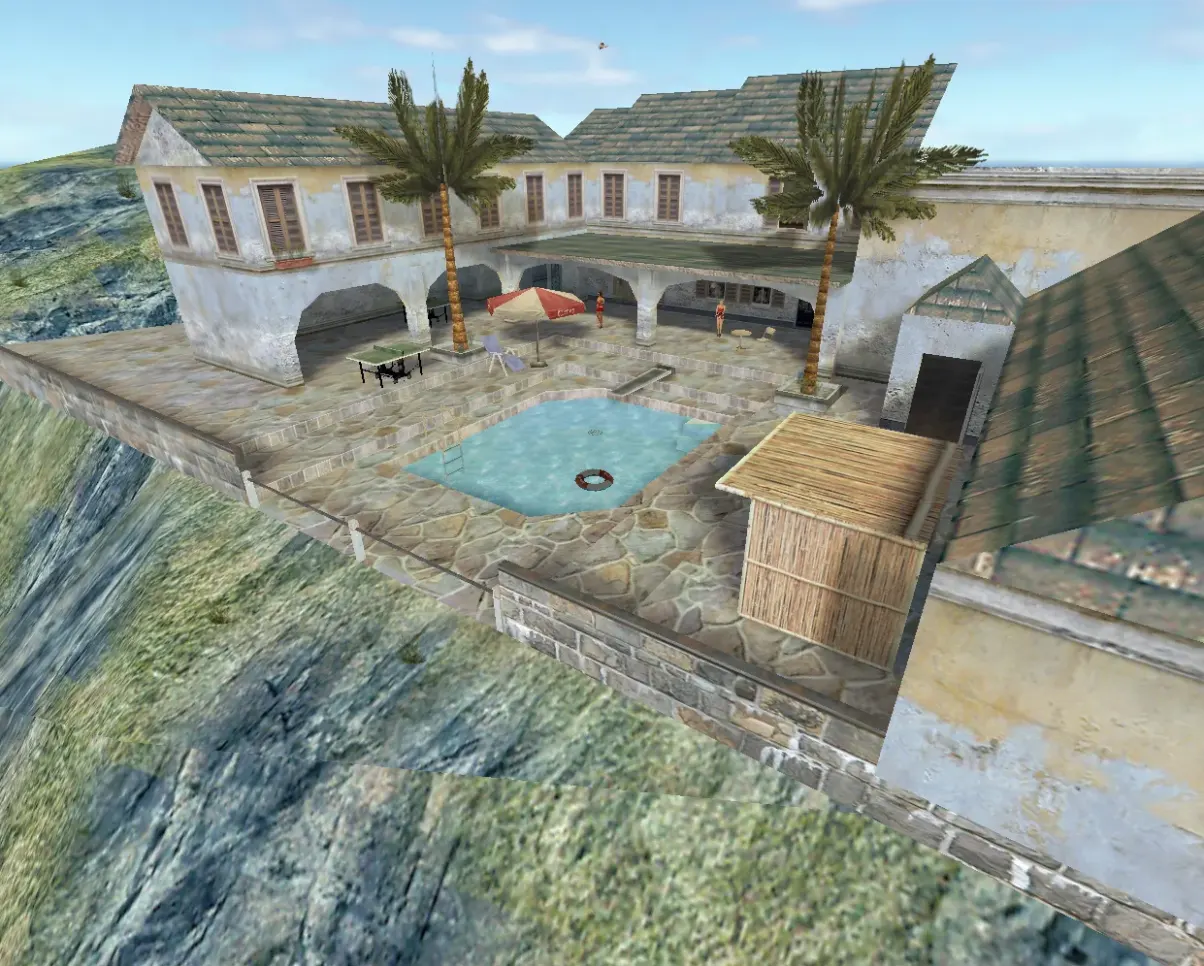
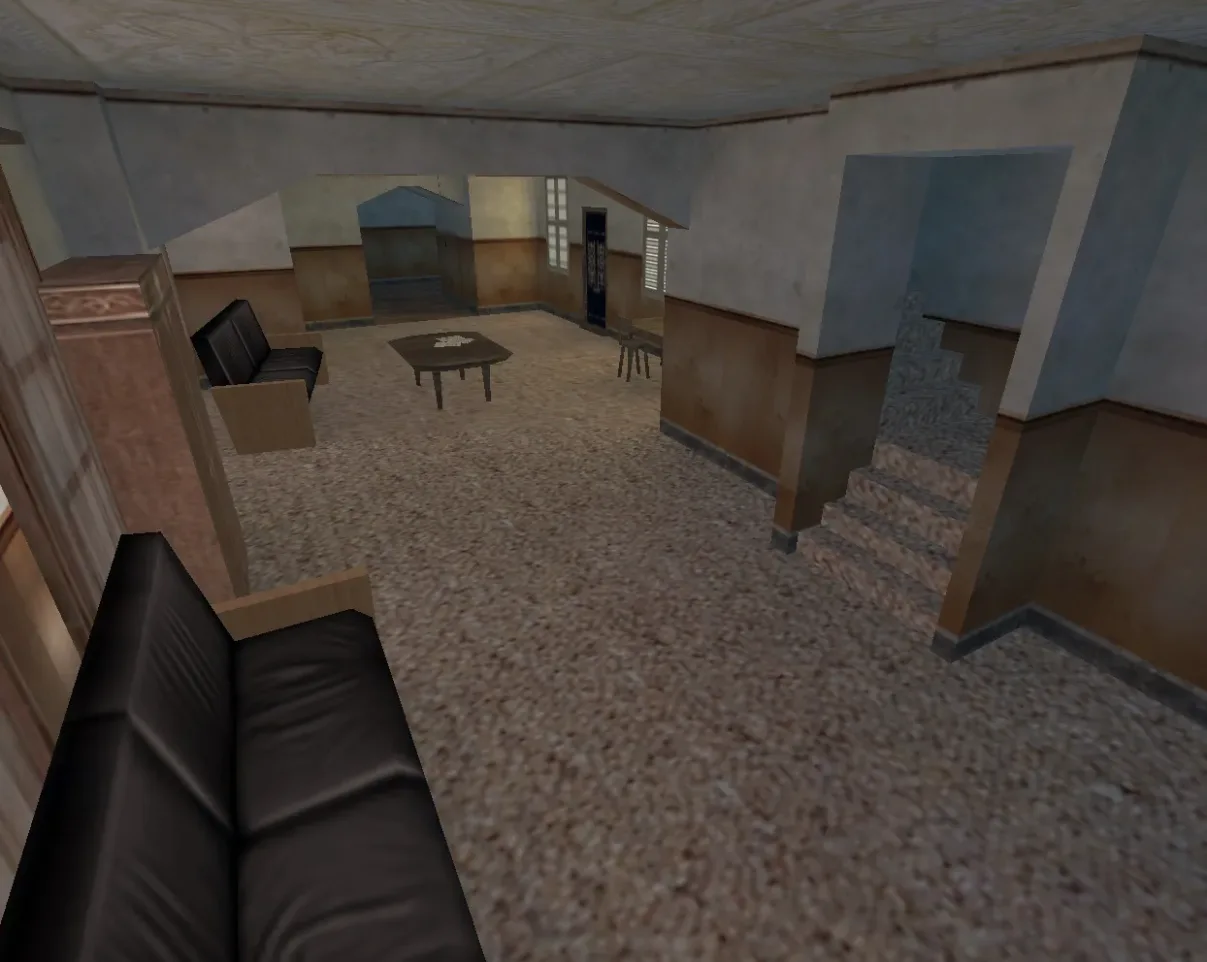
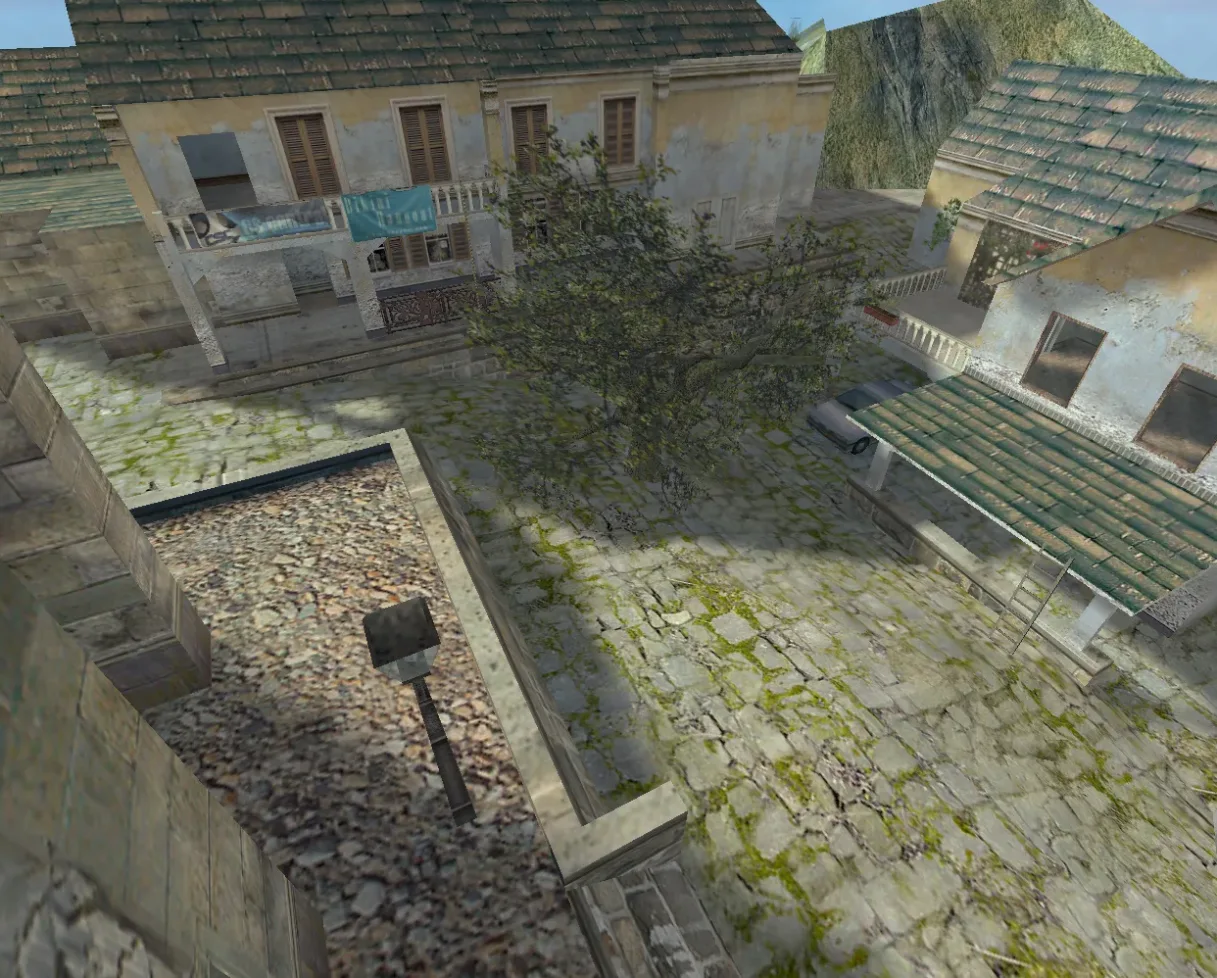
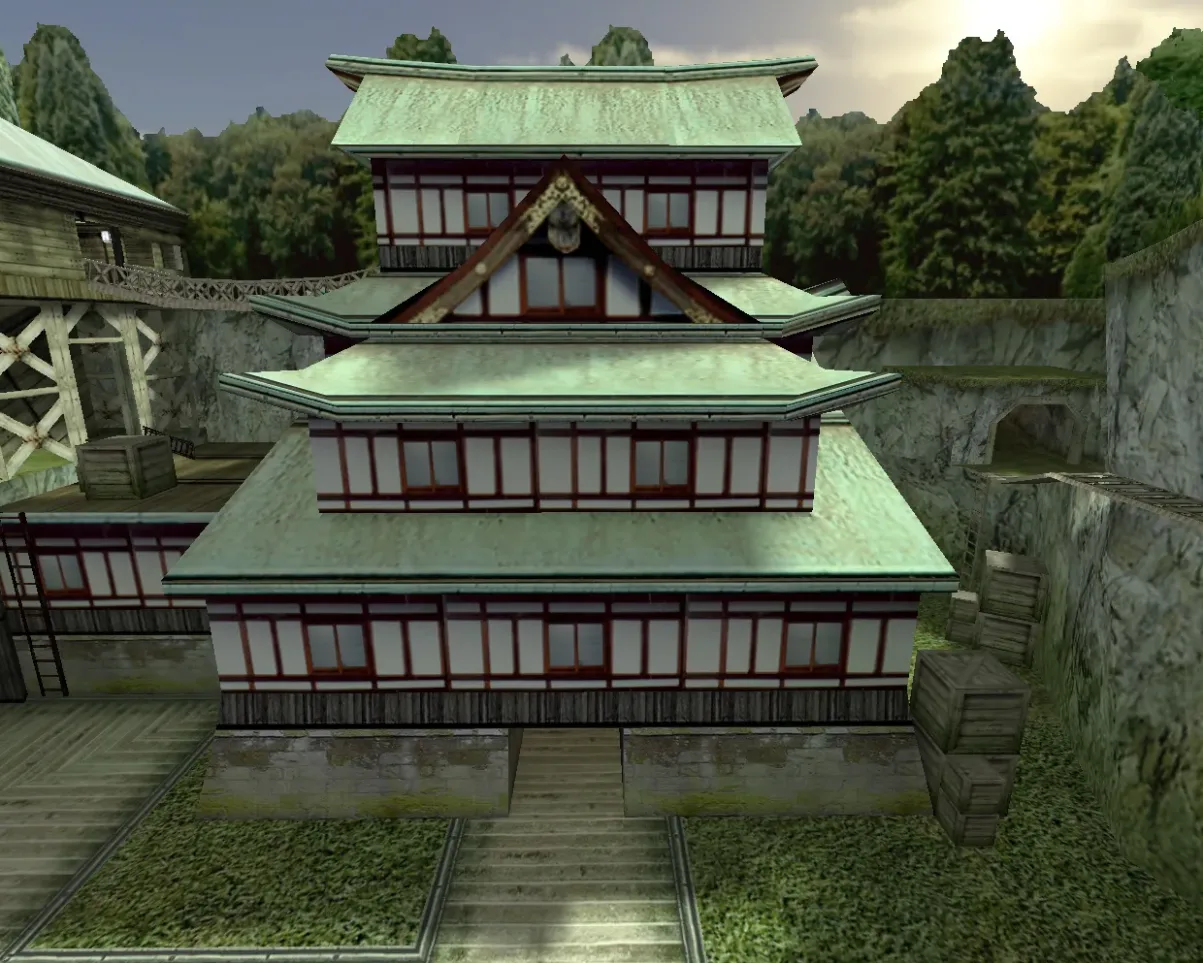
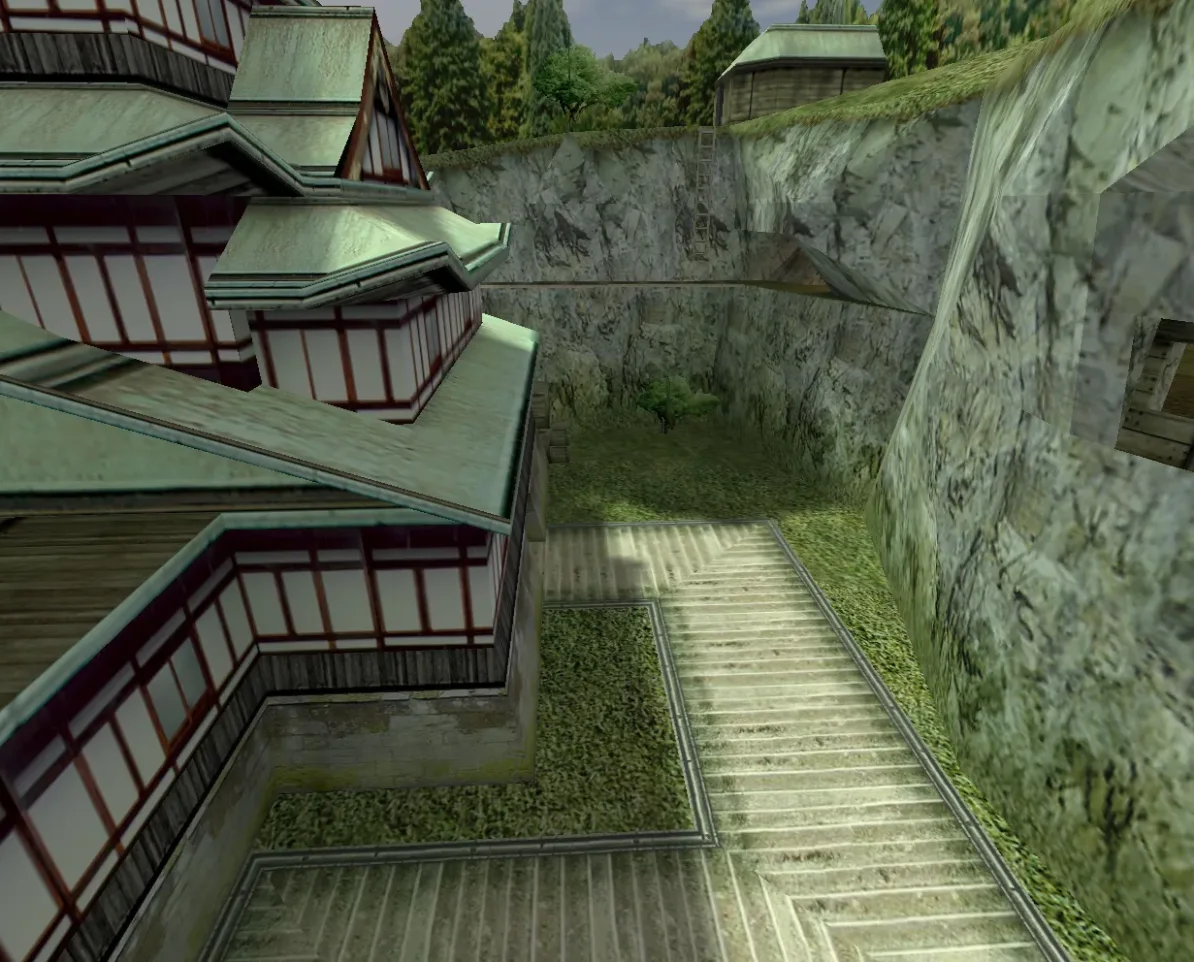
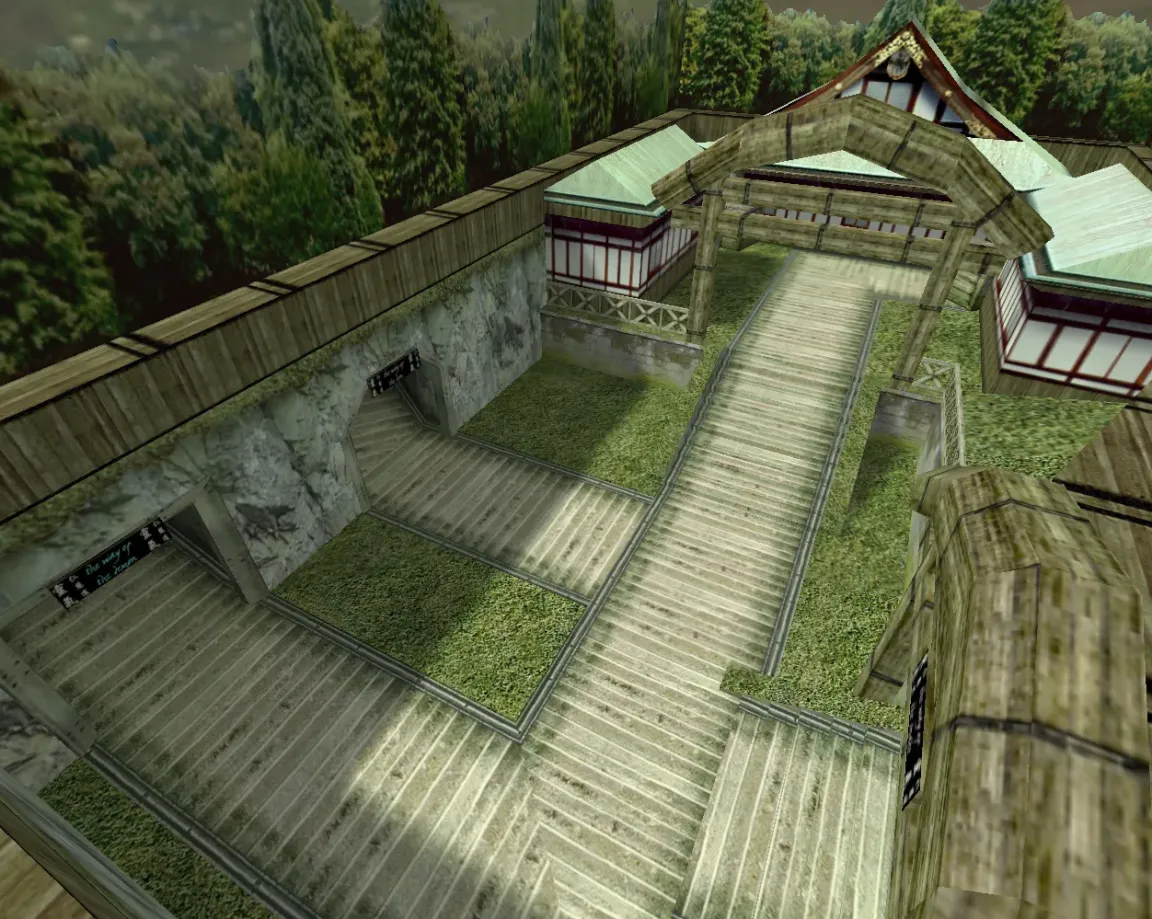
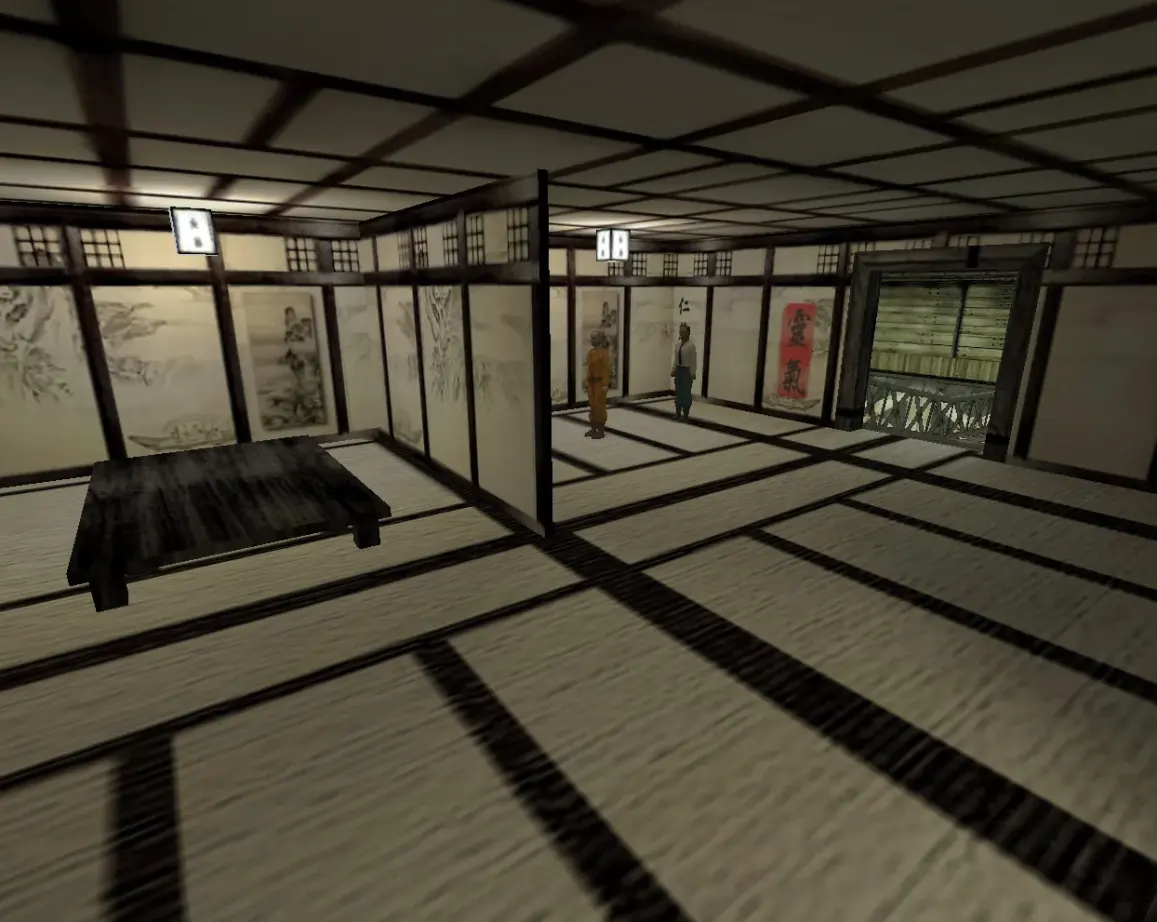
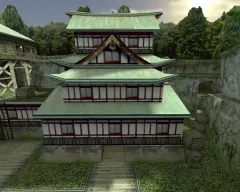
CS Shogun is a Japanese-themed CS 1.6 map with narrow corridors and tight geometry. The archive contains cs_shogun.bsp and cs_shogun.nav in the maps folder, cs_shogun.res, the overview image cs_shogun.tga in overviews, six skybox textures in gfx/env, and shogun.wav in sound.
Extract the archive into cstrike: the cs_shogun folder inside the archive holds the files, so copy its contents rather than the folder itself. The bsp and nav files end up in cstrike/maps/, which is where bots read the navigation data.
Bots and navigation
The included .nav file lets bots path through the corridors and doorways. Test in a local game to confirm they move correctly before using the map on a server.
Archive contents
11 files, 7.4 MB uncompressed. Copy the contents of the cs_shogun folder from the archive into the cstrike folder inside the game folder.
- cs_shogun/gfx/env/grnplsntbk.tga 192 KB
- cs_shogun/gfx/env/grnplsntdn.tga 192 KB
- cs_shogun/gfx/env/grnplsntft.tga 192 KB
- cs_shogun/gfx/env/grnplsntlf.tga 192 KB
- cs_shogun/gfx/env/grnplsntrt.tga 192 KB
- cs_shogun/gfx/env/grnplsntup.tga 192 KB
- cs_shogun/maps/cs_shogun.bsp 3.1 MB
- cs_shogun/maps/cs_shogun.nav 378 KB
- cs_shogun/maps/cs_shogun.res 413 B
- cs_shogun/overviews/cs_shogun.tga 2.3 MB
- cs_shogun/sound/shogun.wav 509 KB
Install in three steps
-
1
Download the archive. Use the button on the right, or the Yandex.Disk mirror if the main server is slow.
-
2
Extract it into the game folder. Use 7-Zip or WinRAR. A path without non-Latin characters works best.
-
3
Launch the game. If something doesn't work, mark it below - that is how we know the file needs an update.
Did it work for you?
No sign-up needed. You can pick more than one.