CS 1.6 XTCS Build: Six Core Improvements for Models, Audio, Crosshair, and Icon
Description
CS 1.6 XTCS Build Summary and Main Differences
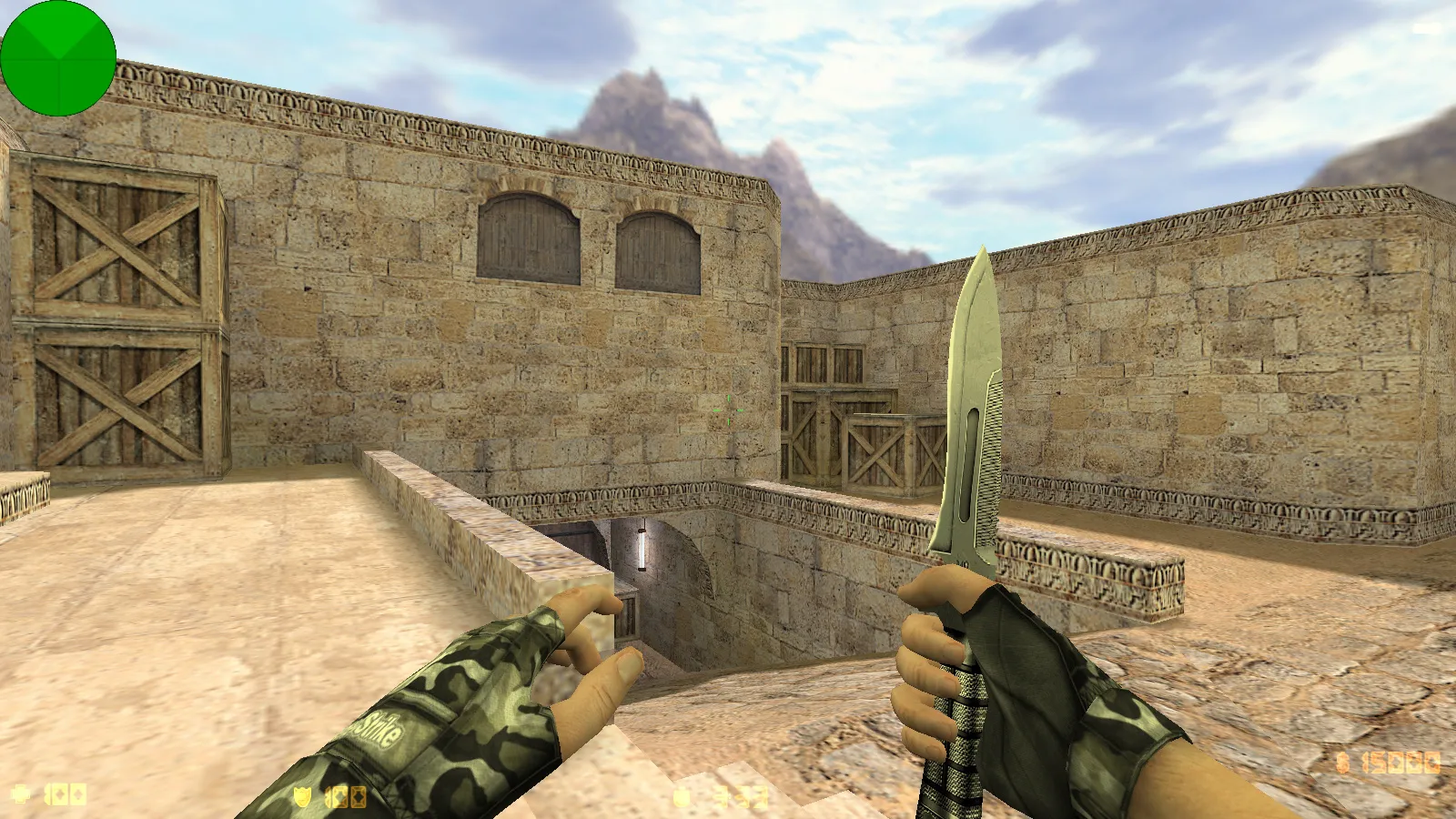
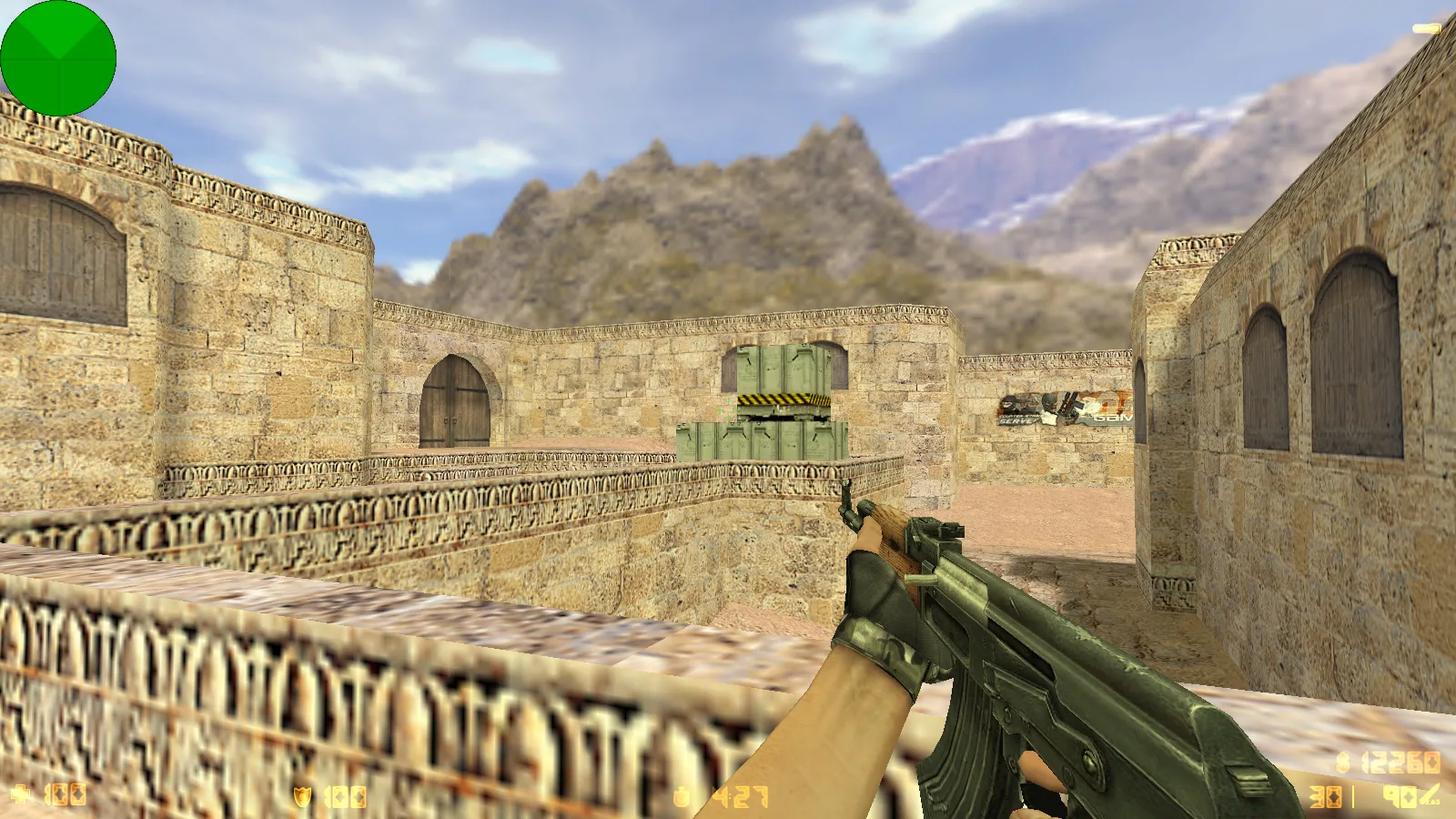
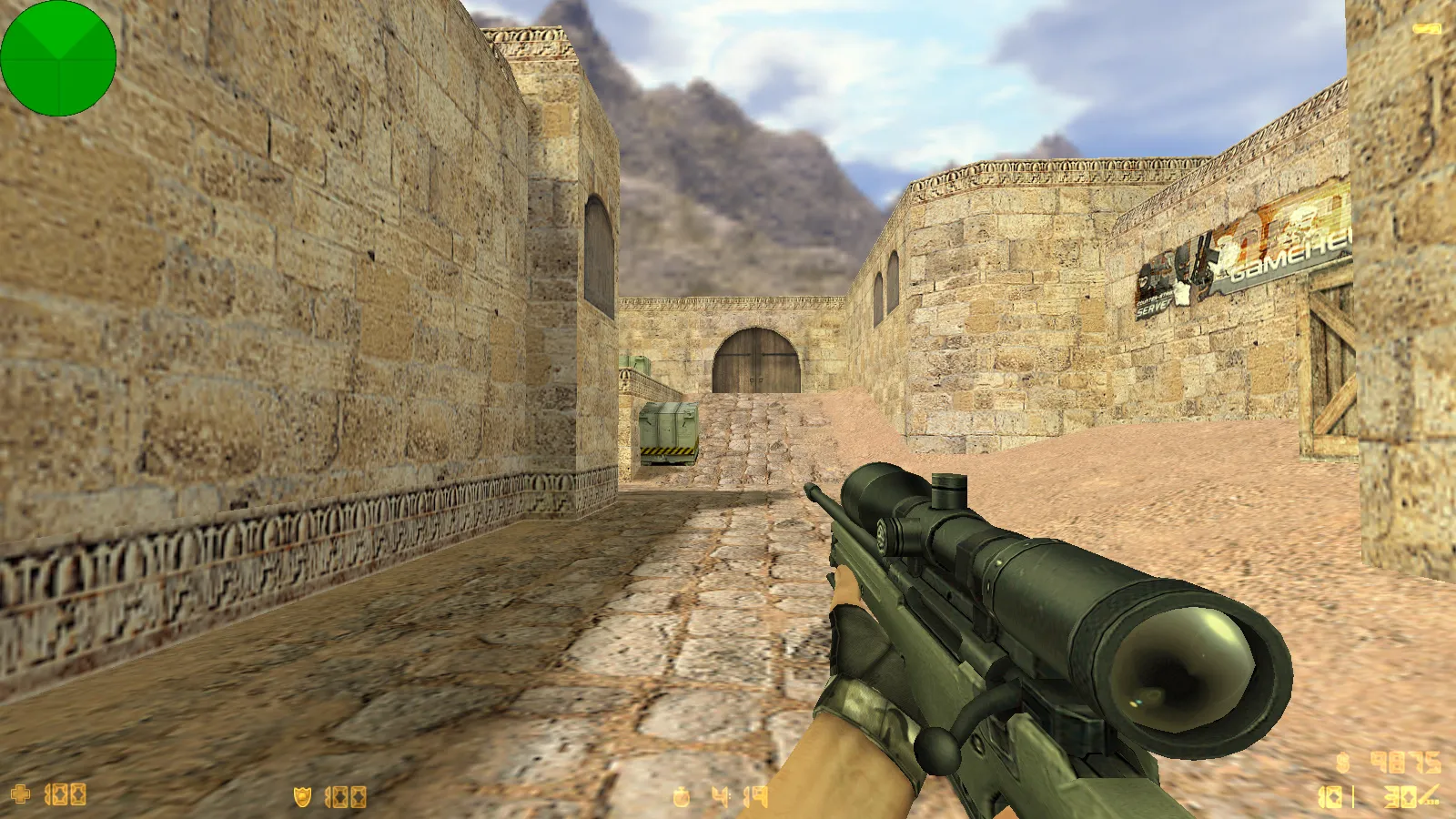
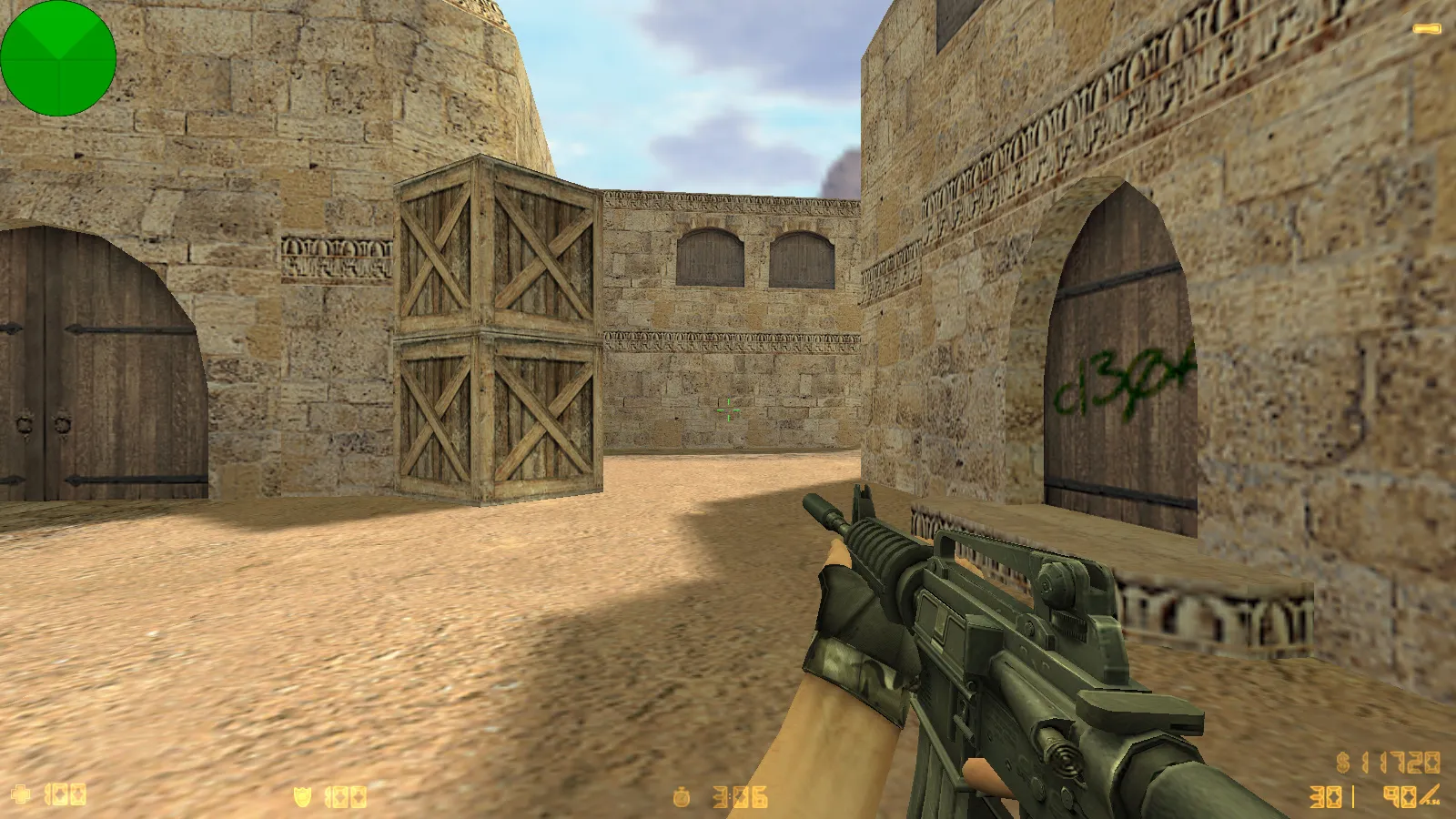
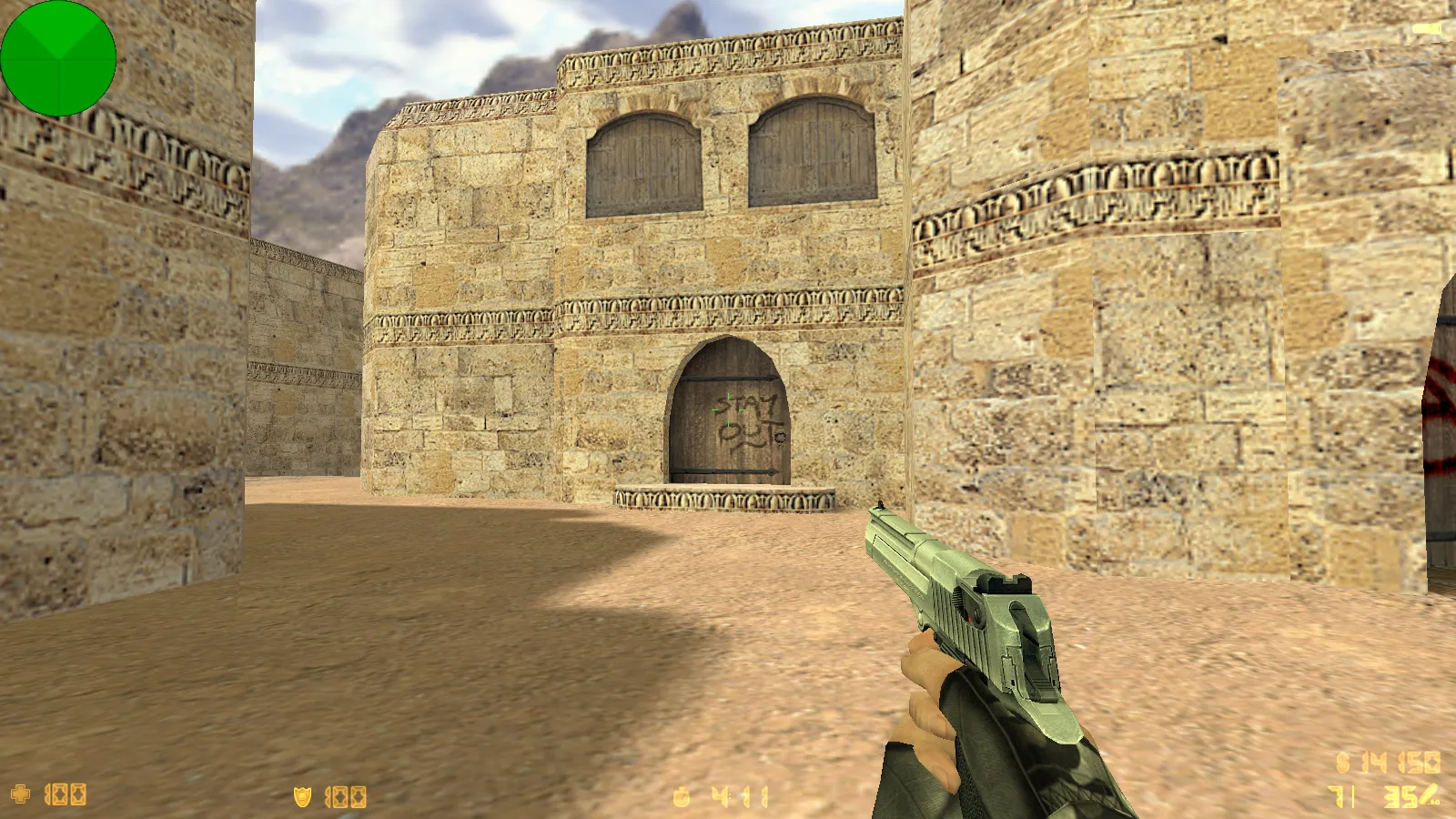
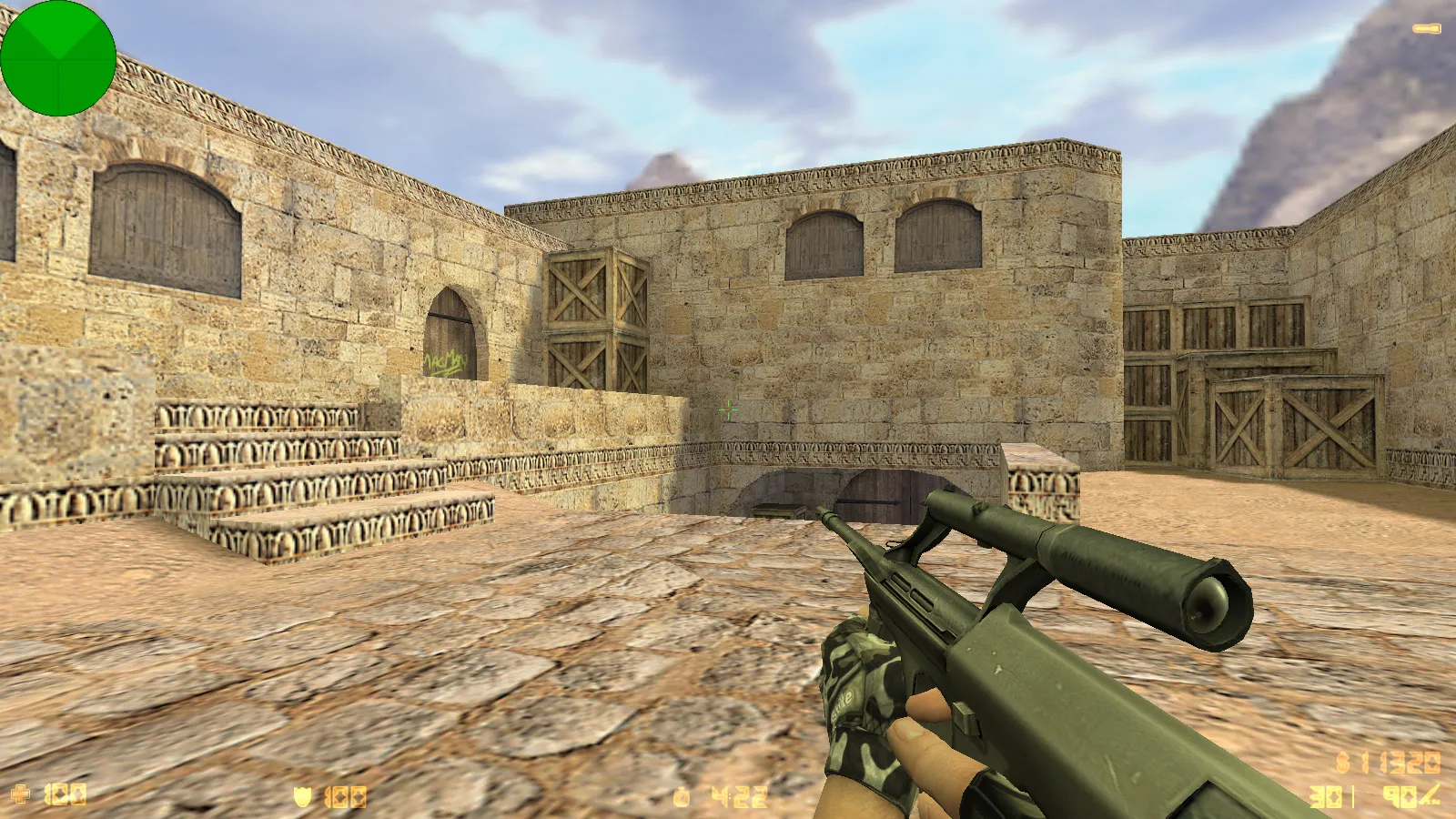
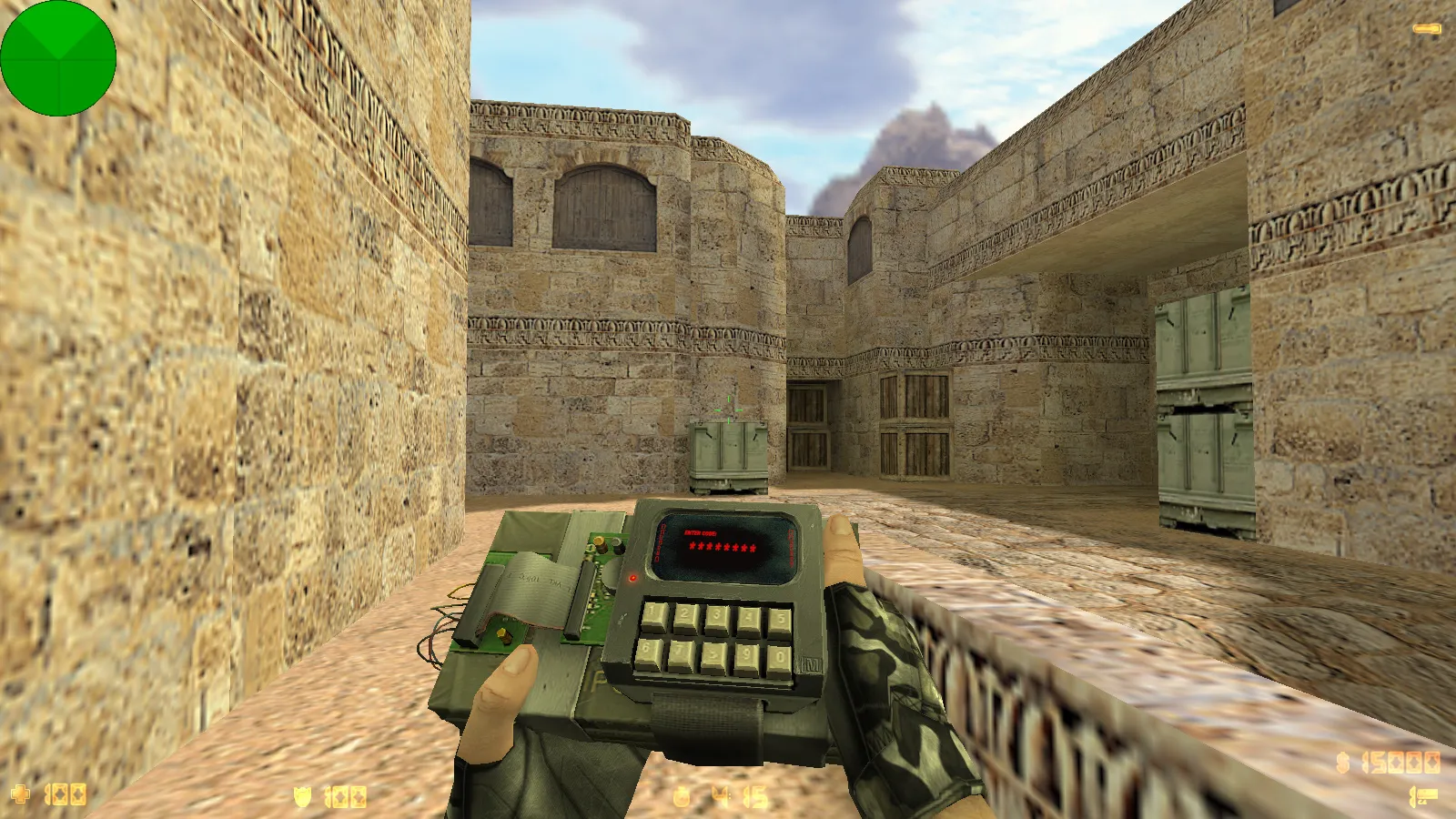
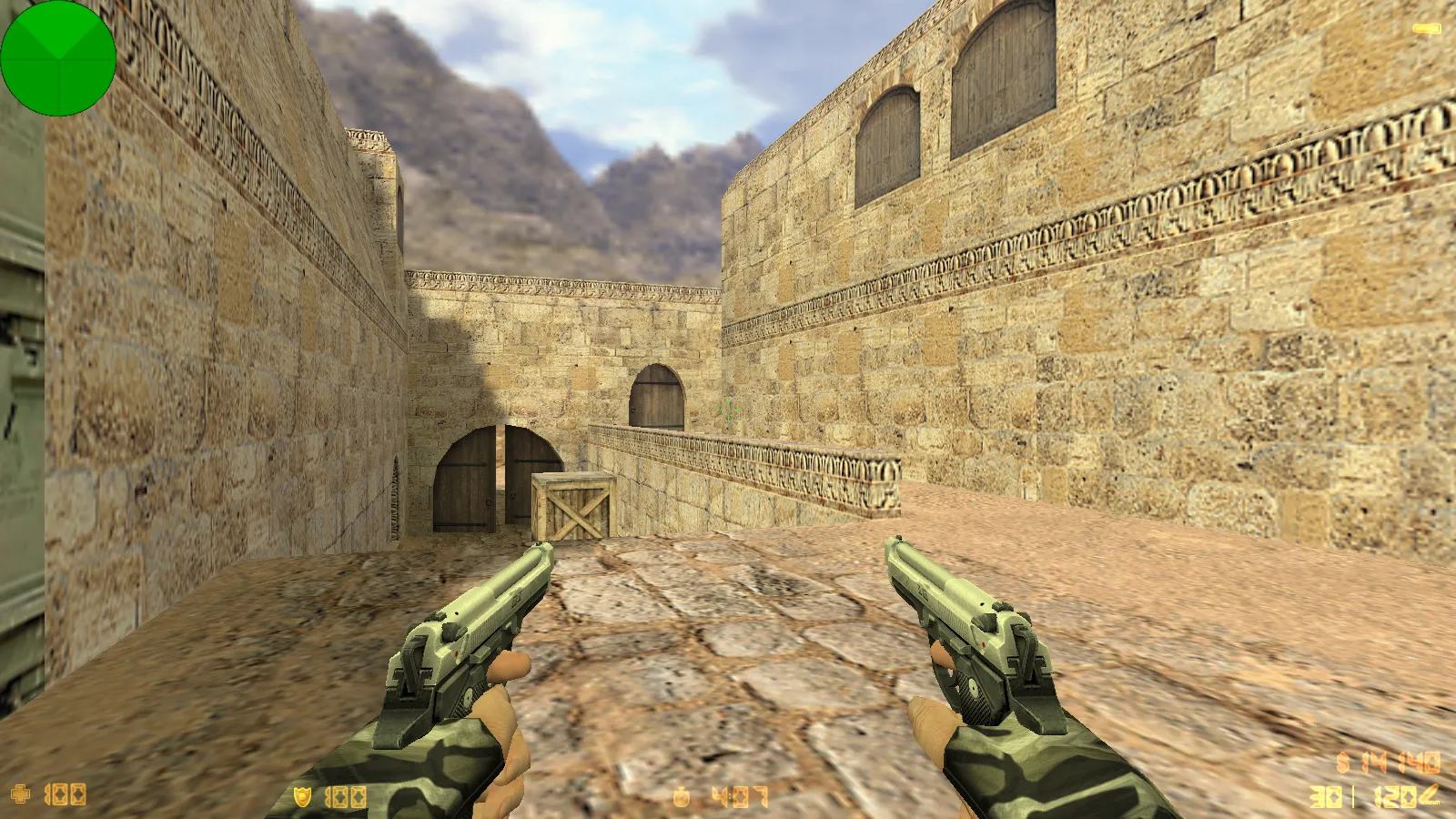
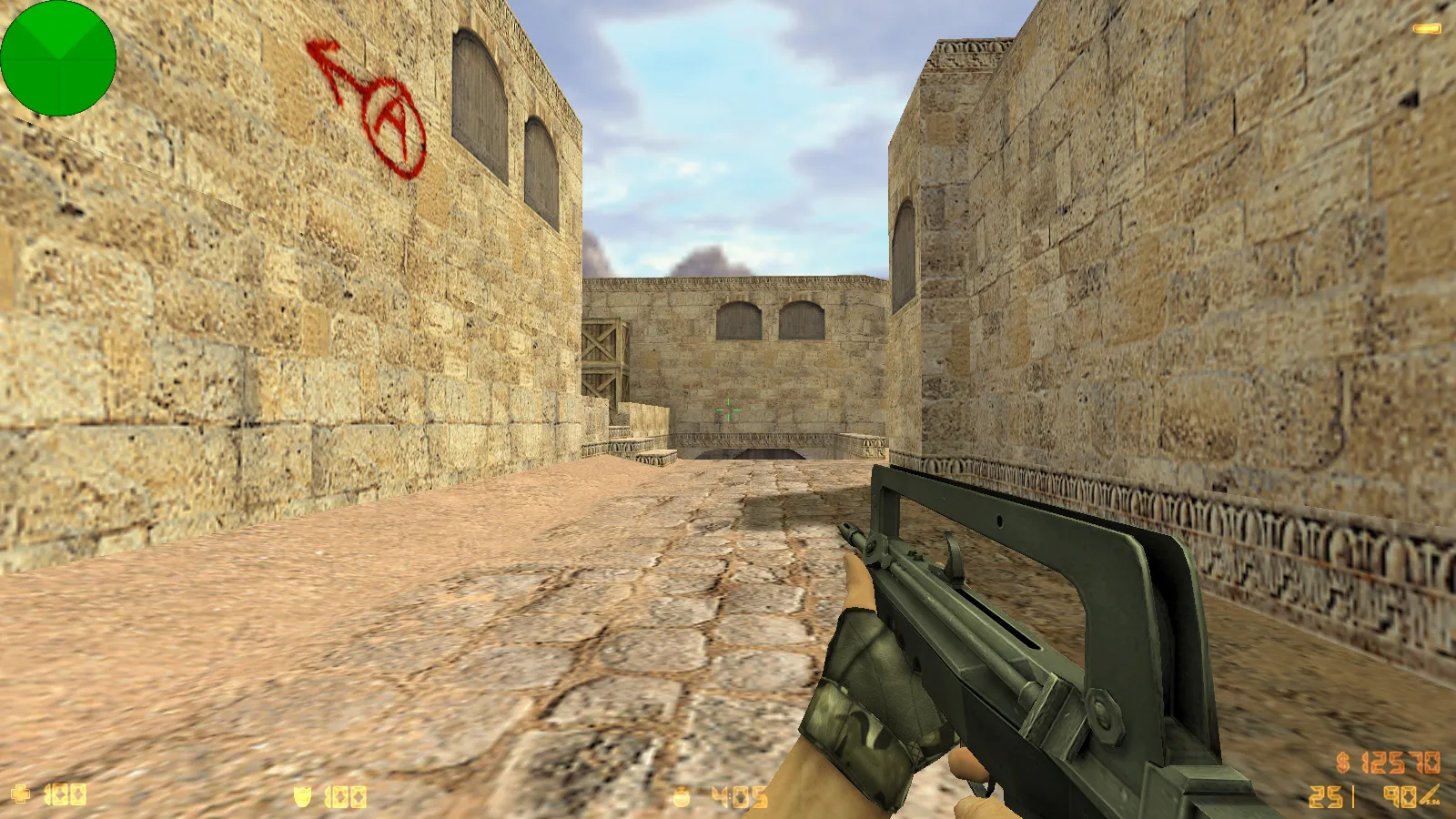
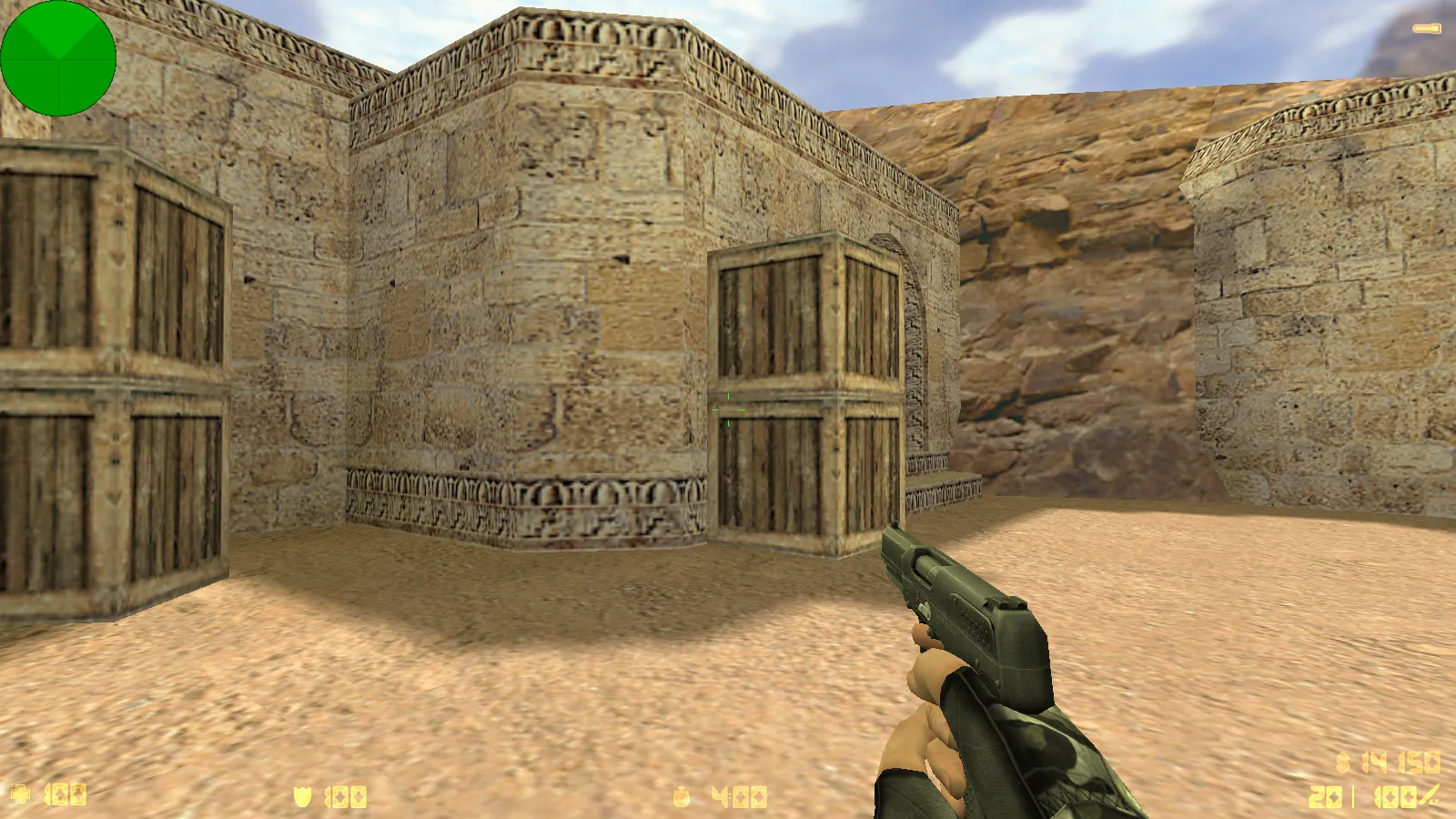
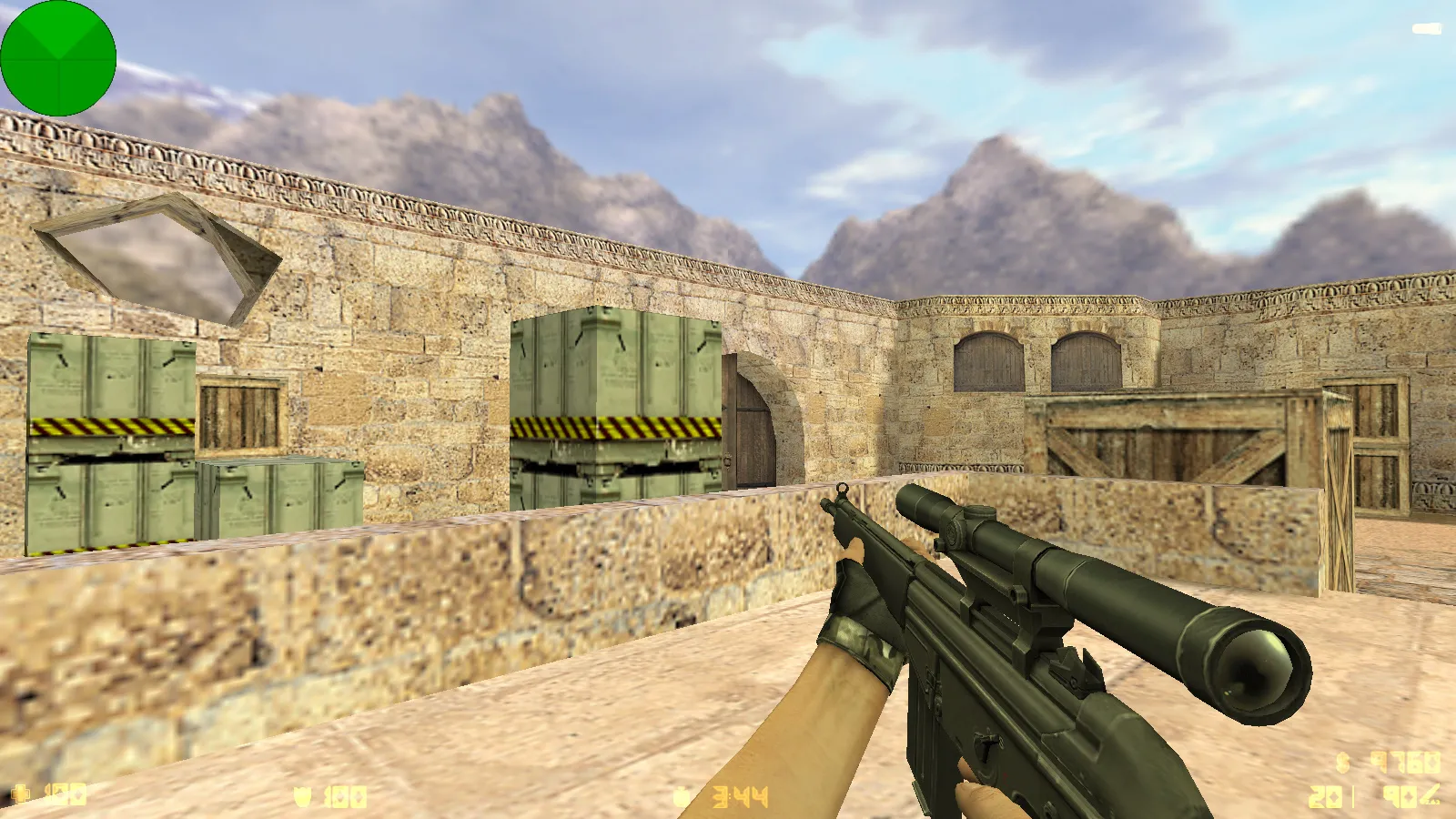
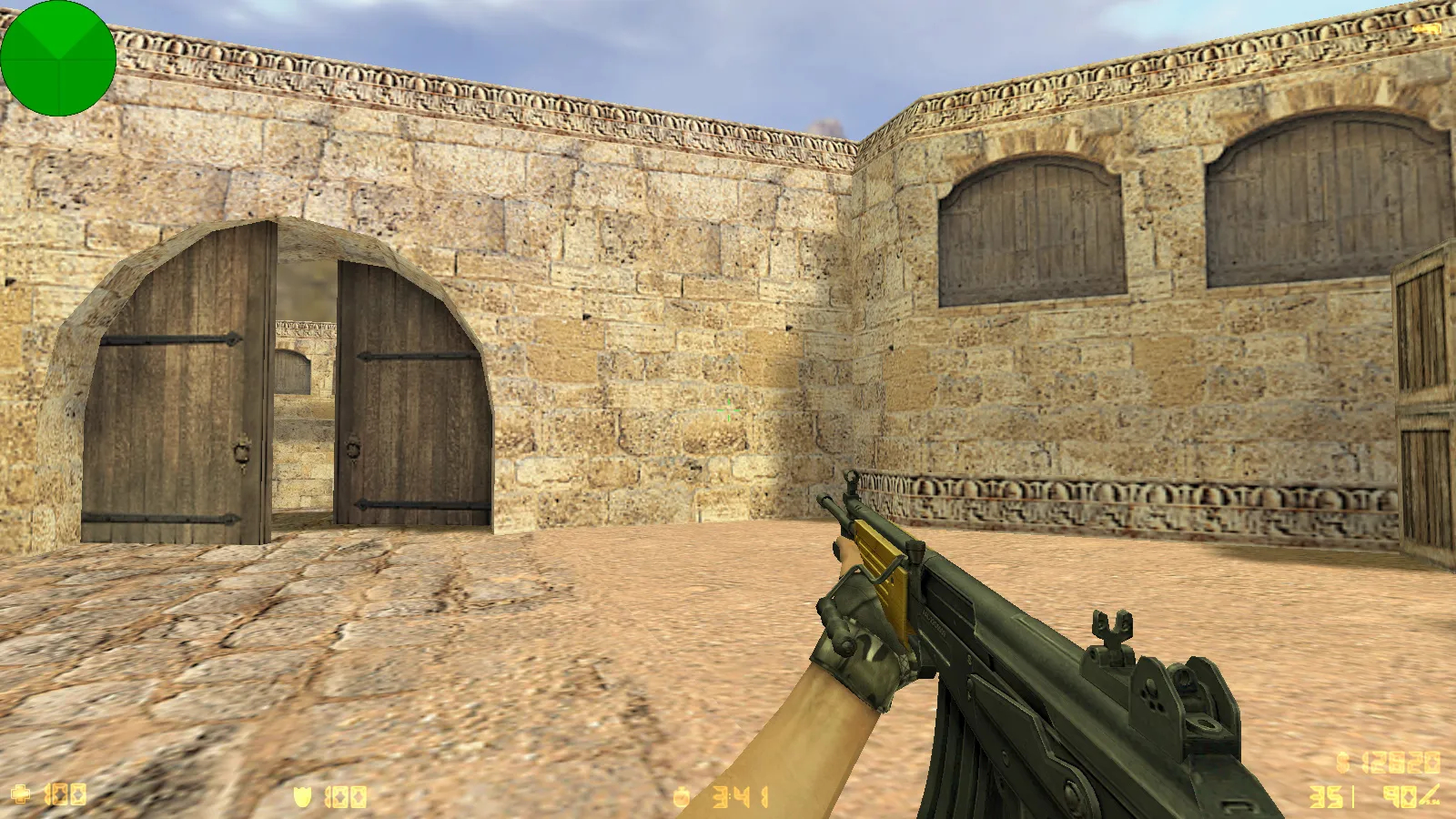
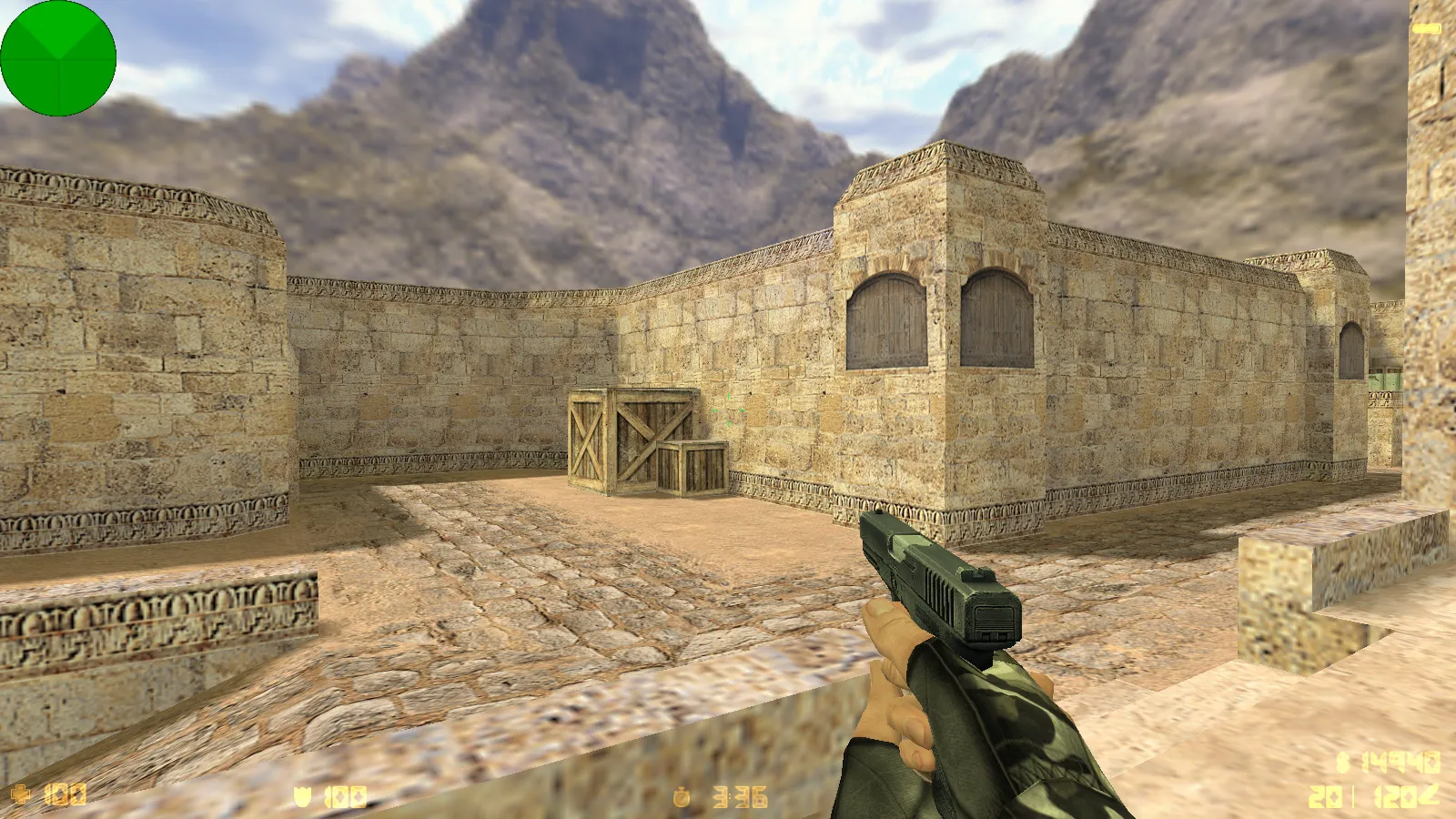
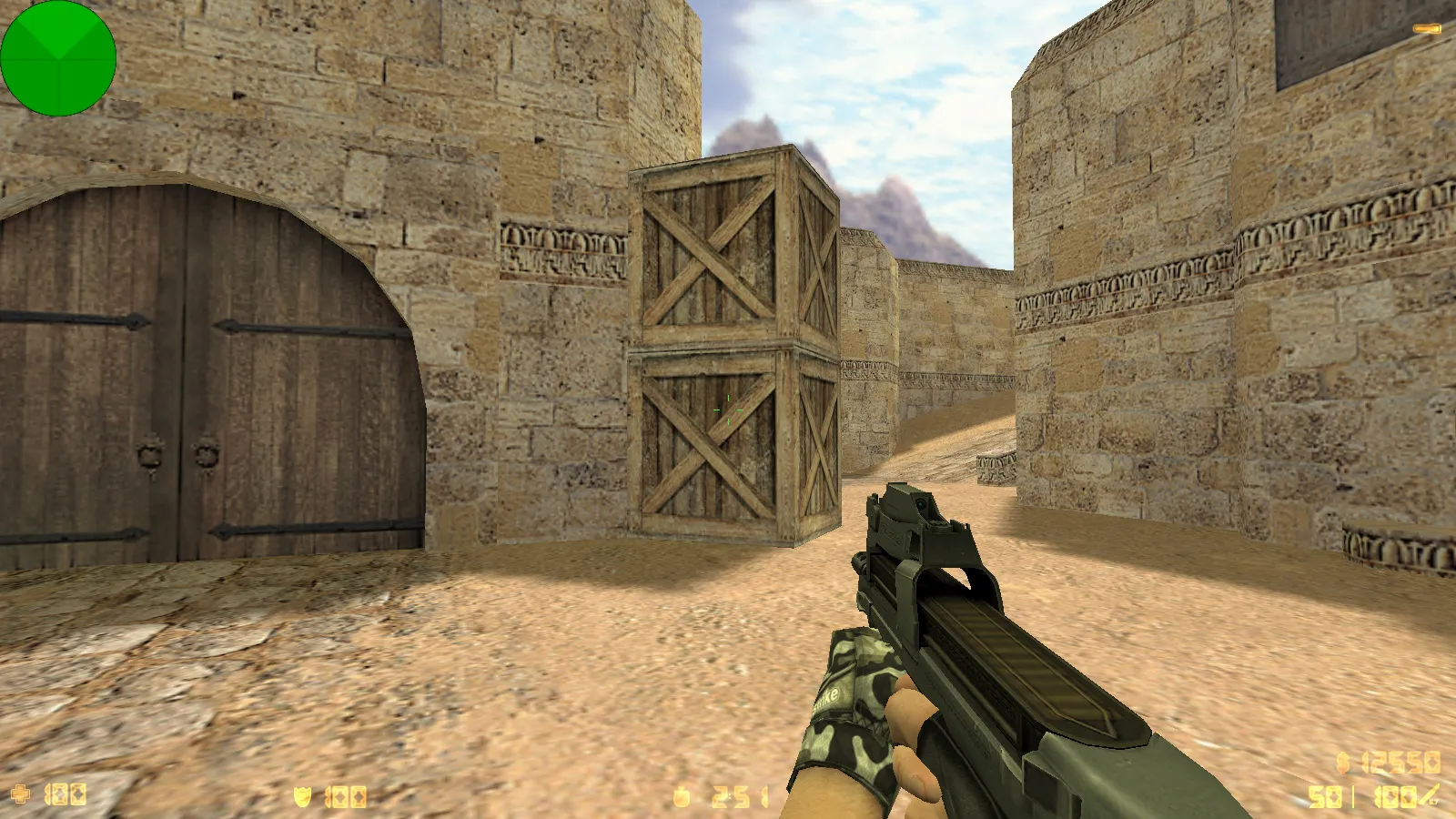
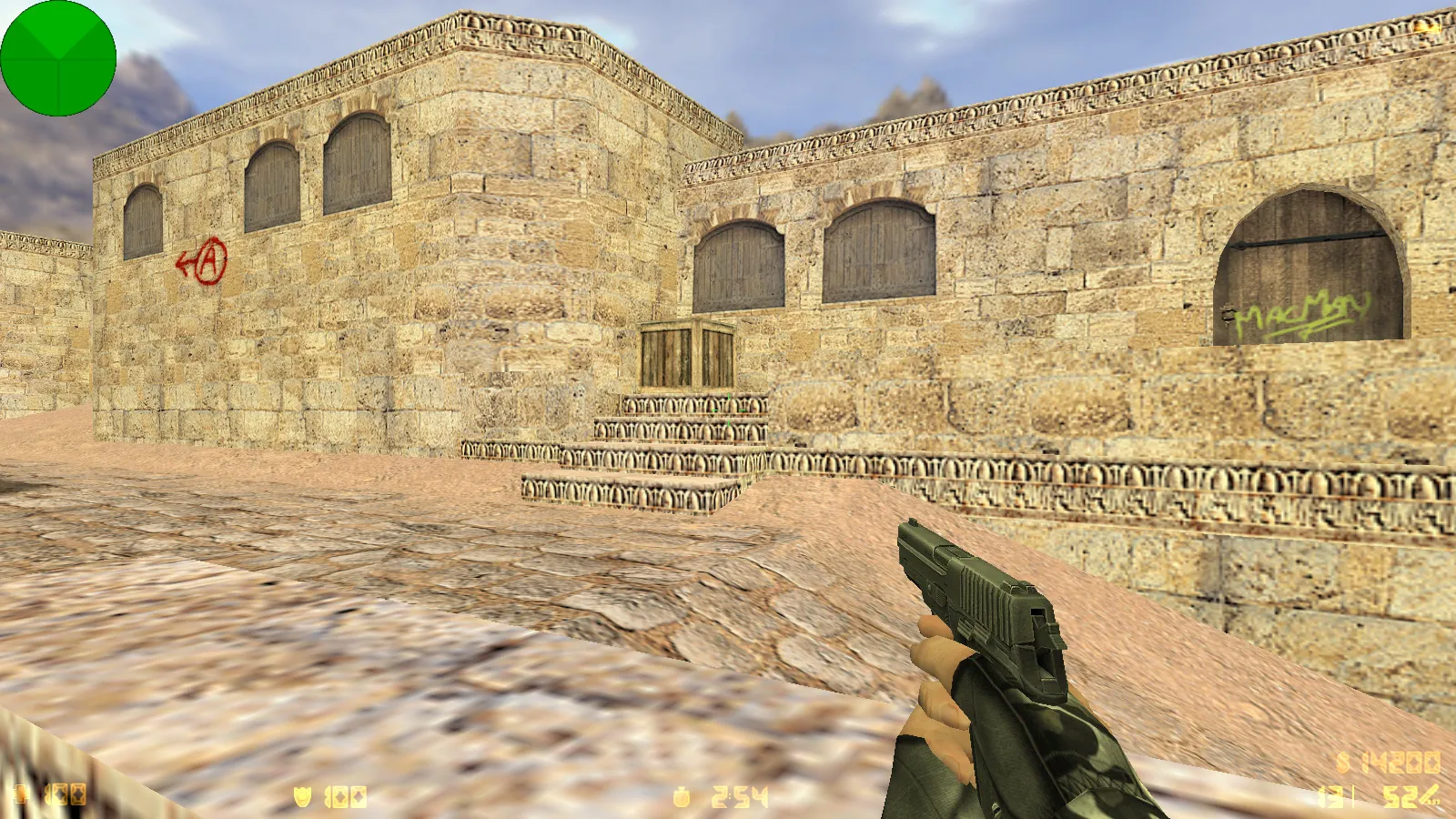
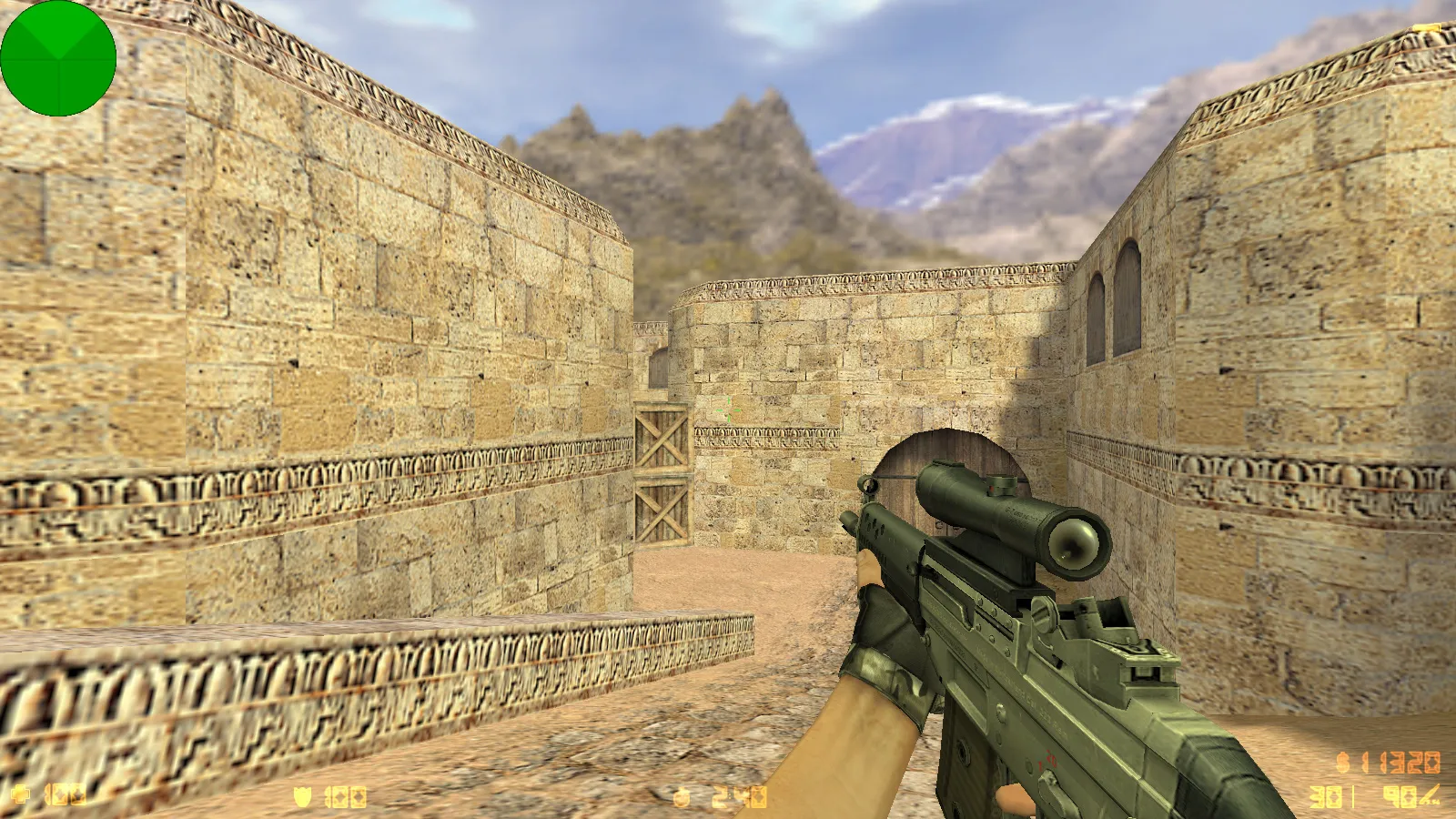
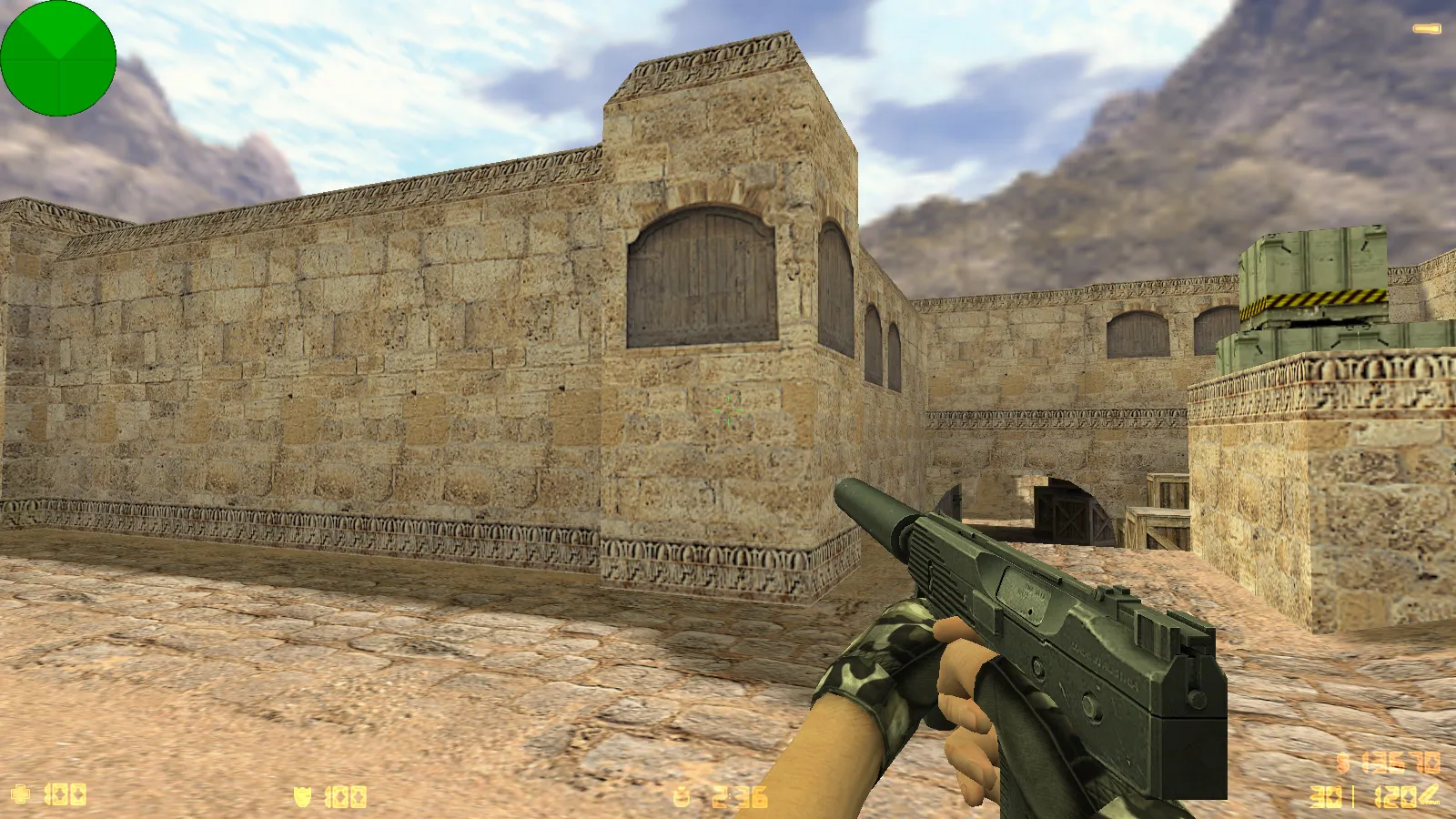
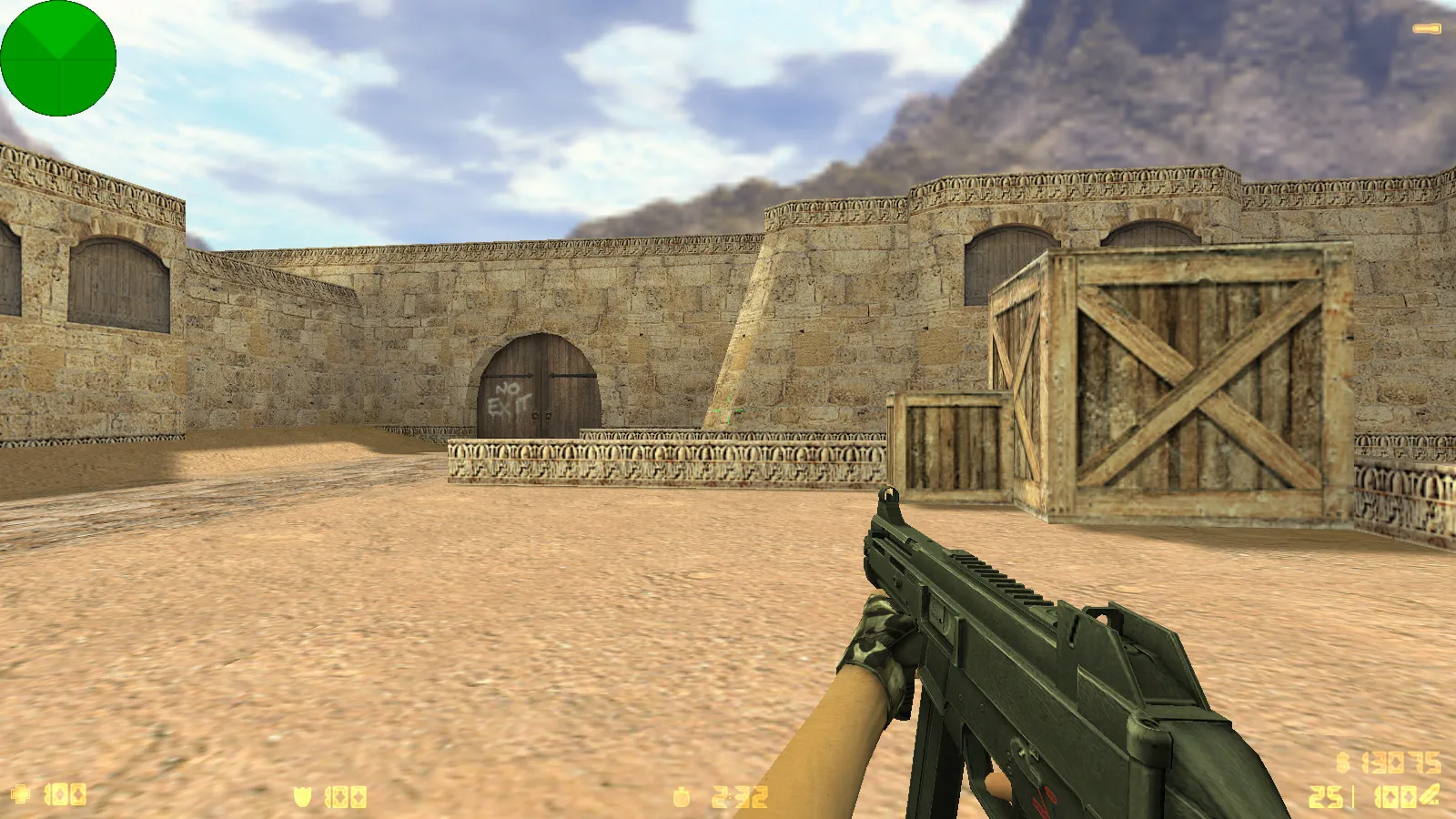
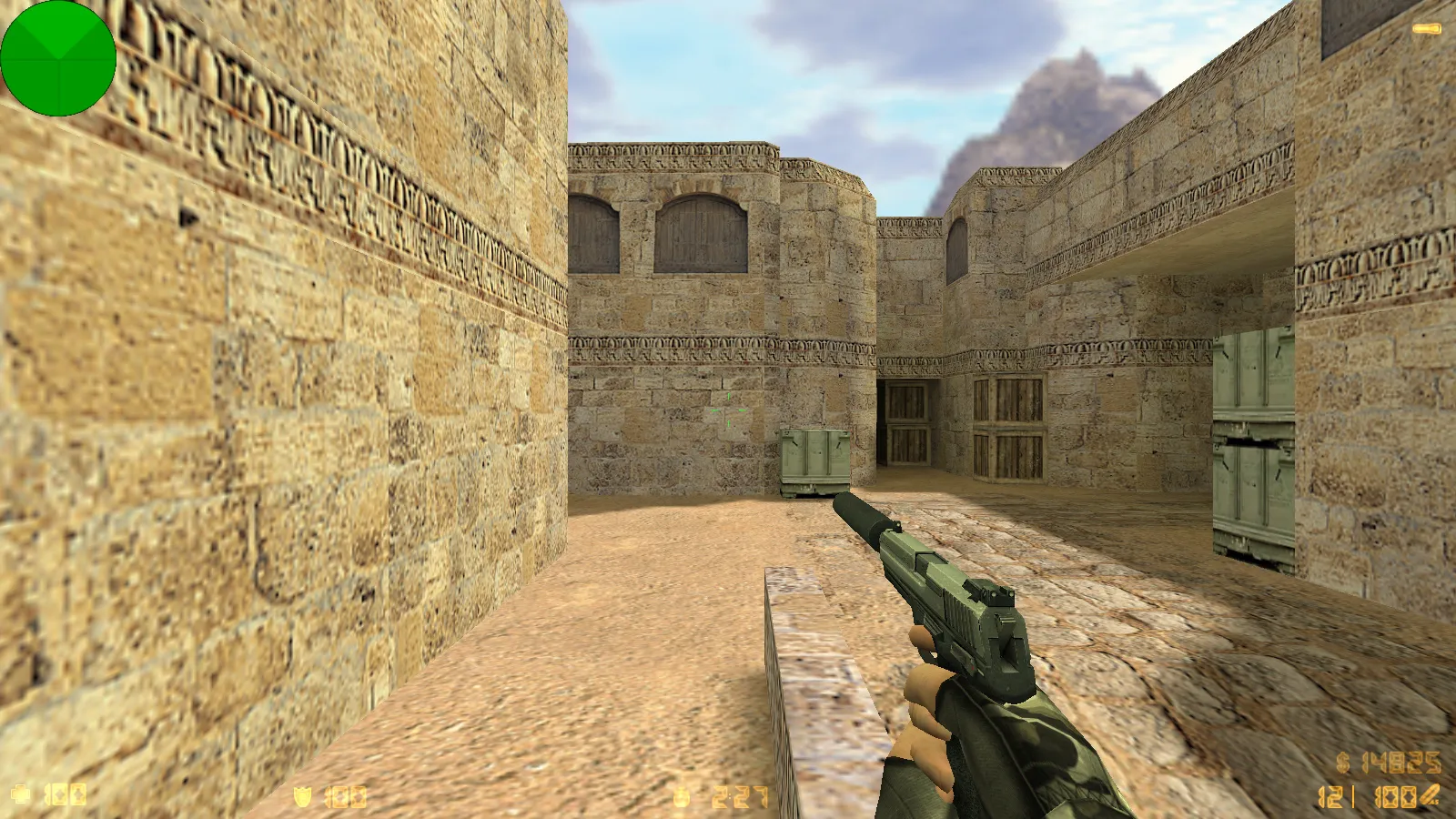
The CS 1.6 XTCS release provides a traditional Counter-Strike 1.6 feel with focused improvements that refresh the client while preserving gameplay. This package contains six distinct upgrades targeting weapon visuals, menu components, crosshair behavior, and sound cues. It keeps full compatibility with regular launch methods and server interactions, allowing it to slot into your usual routine without friction.
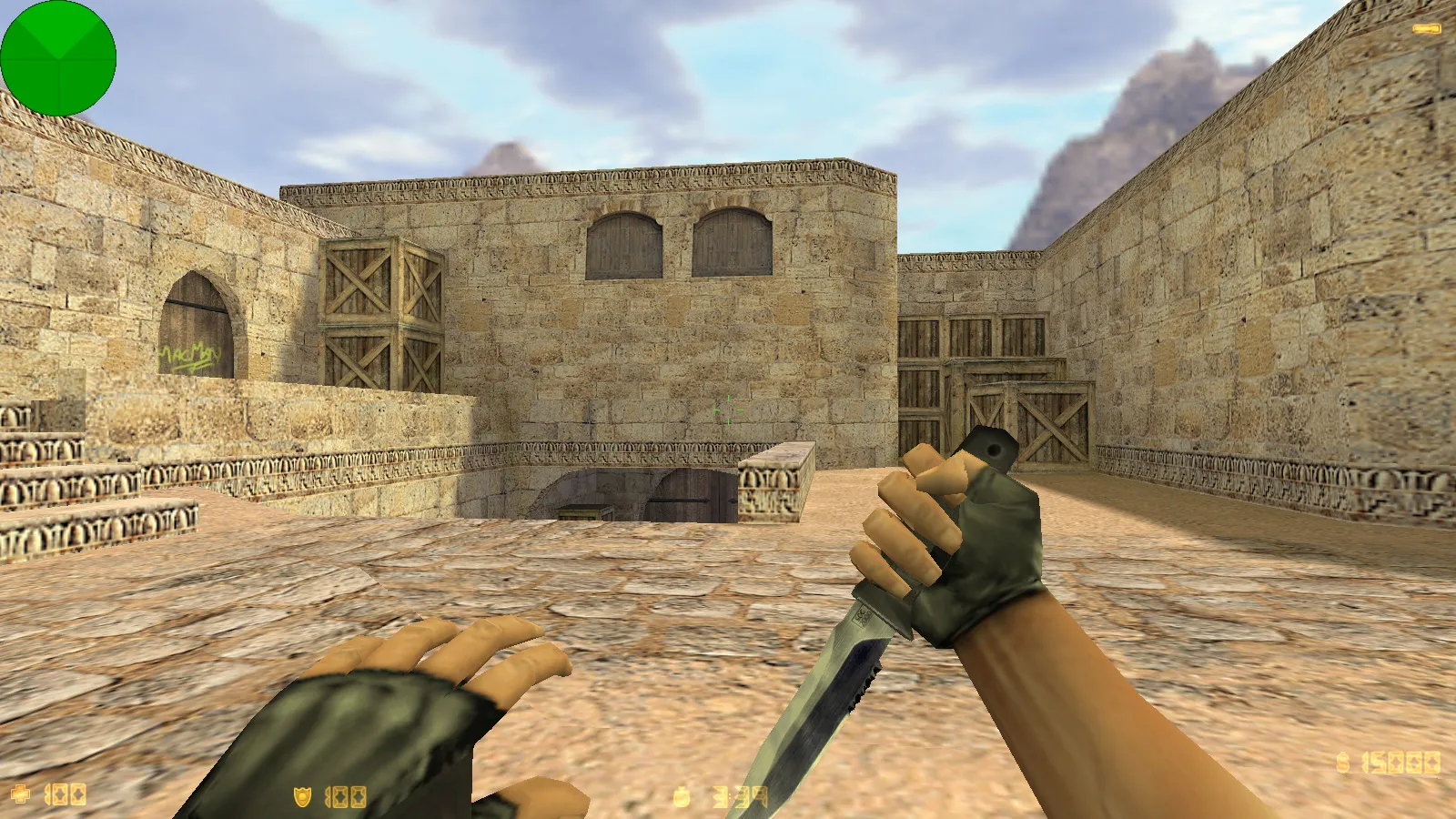
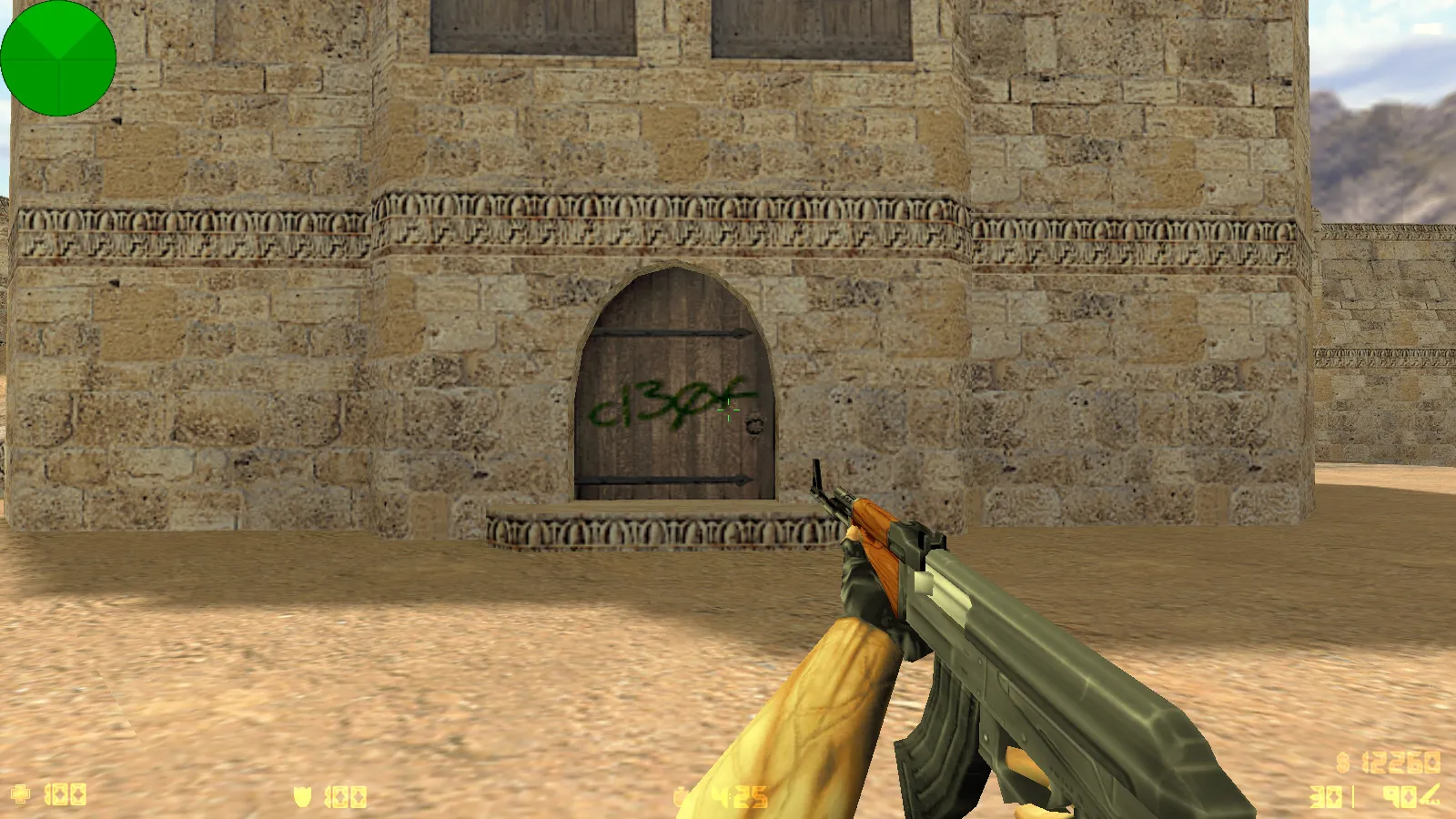
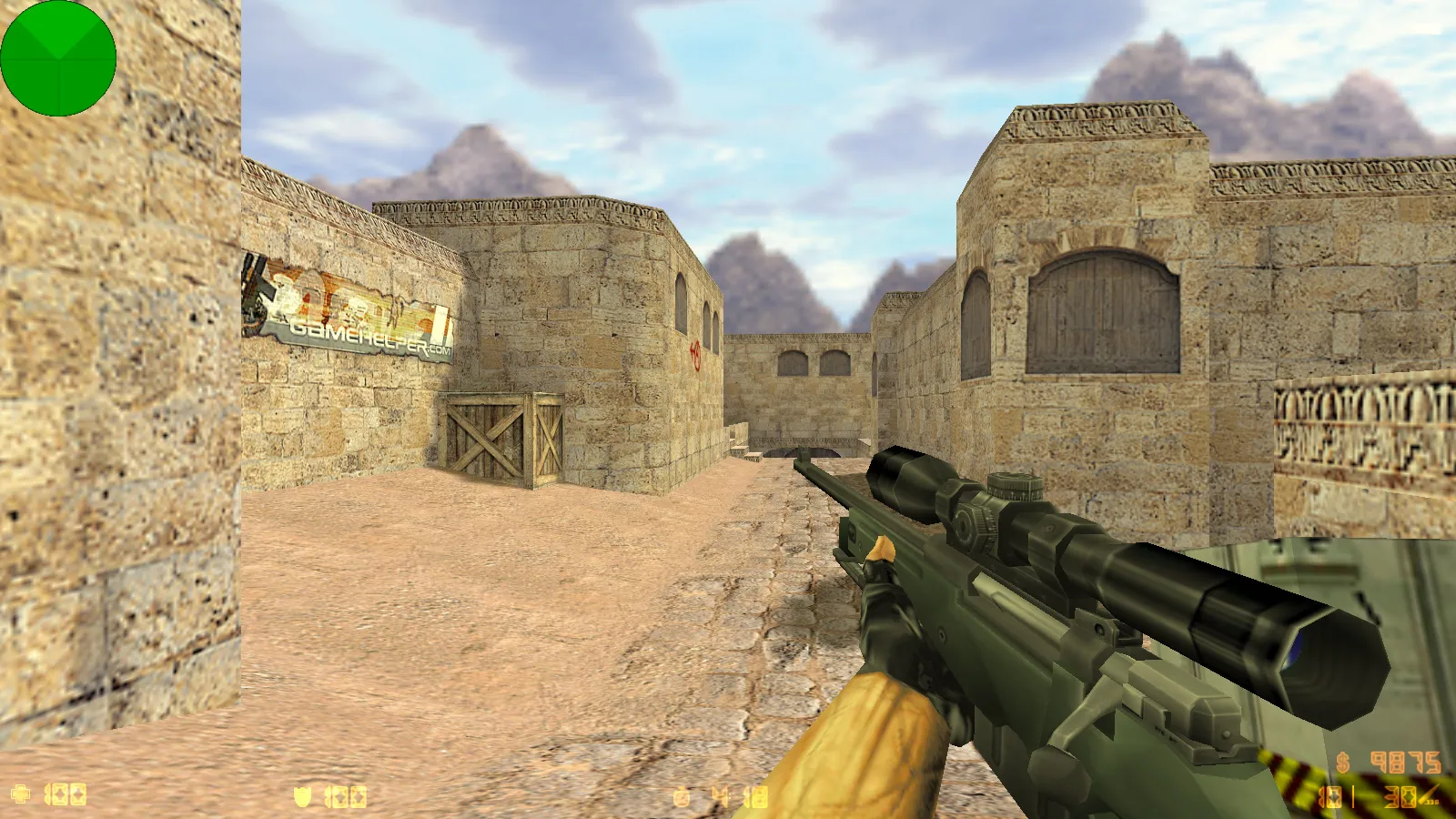
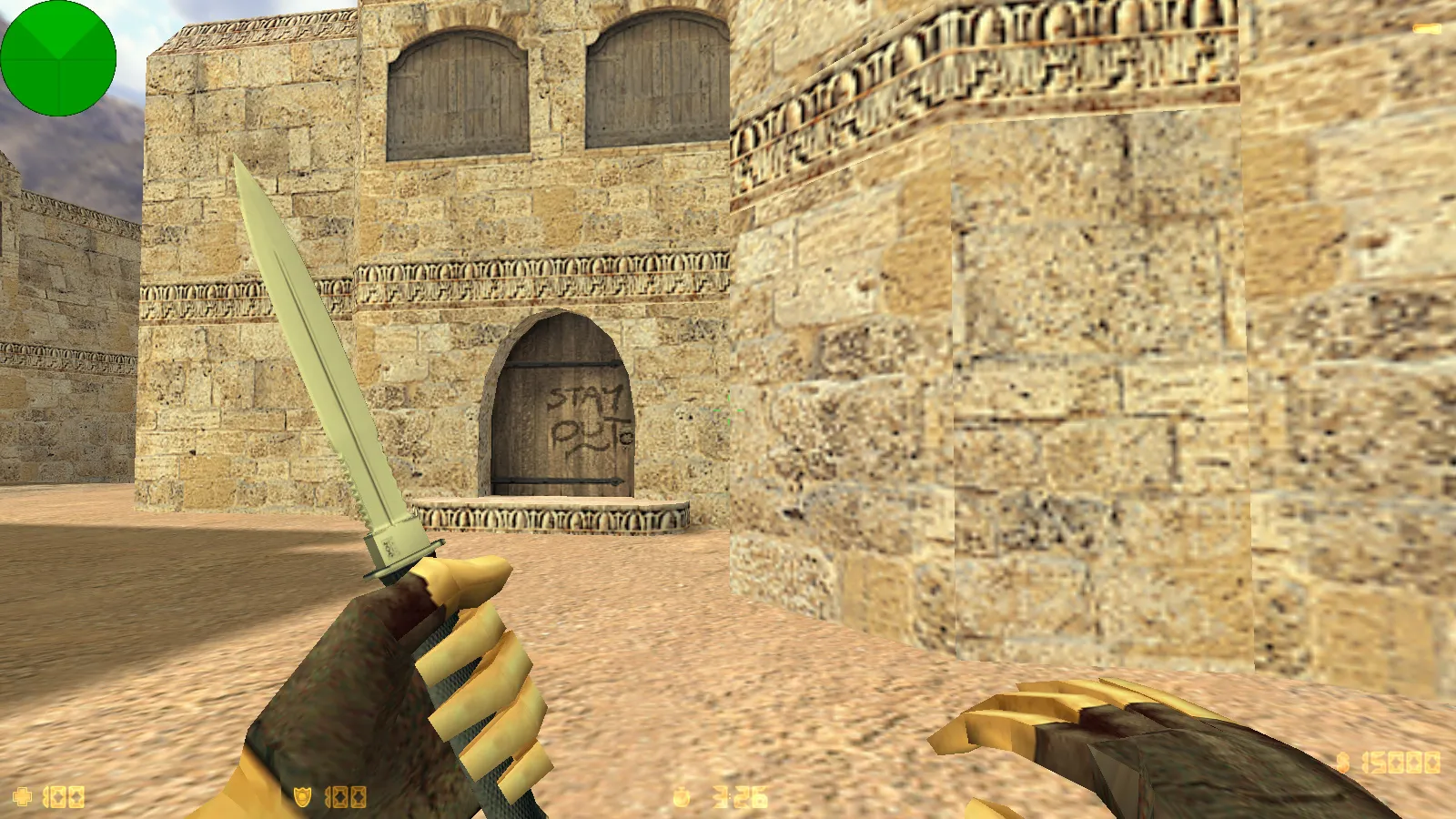
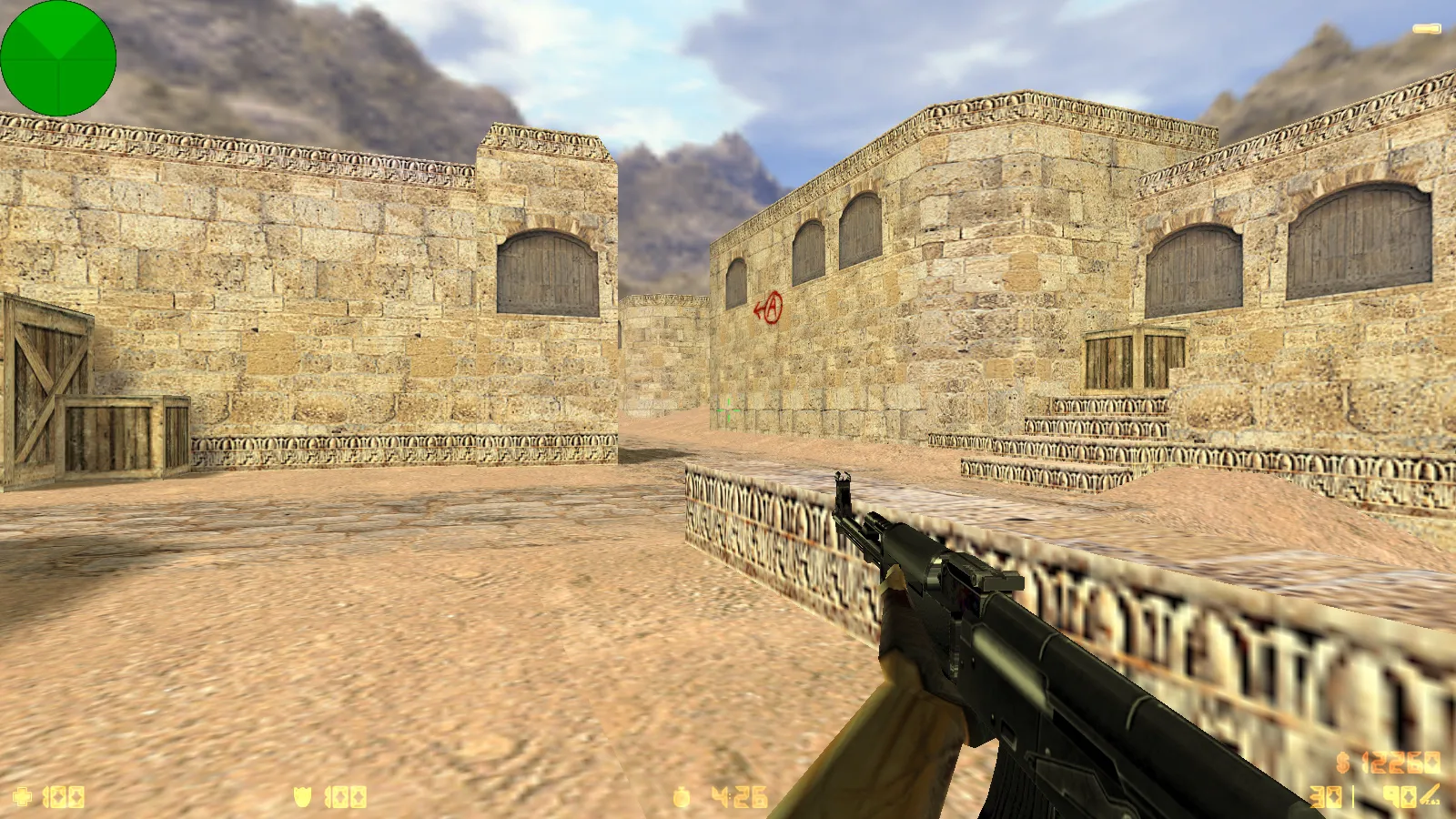
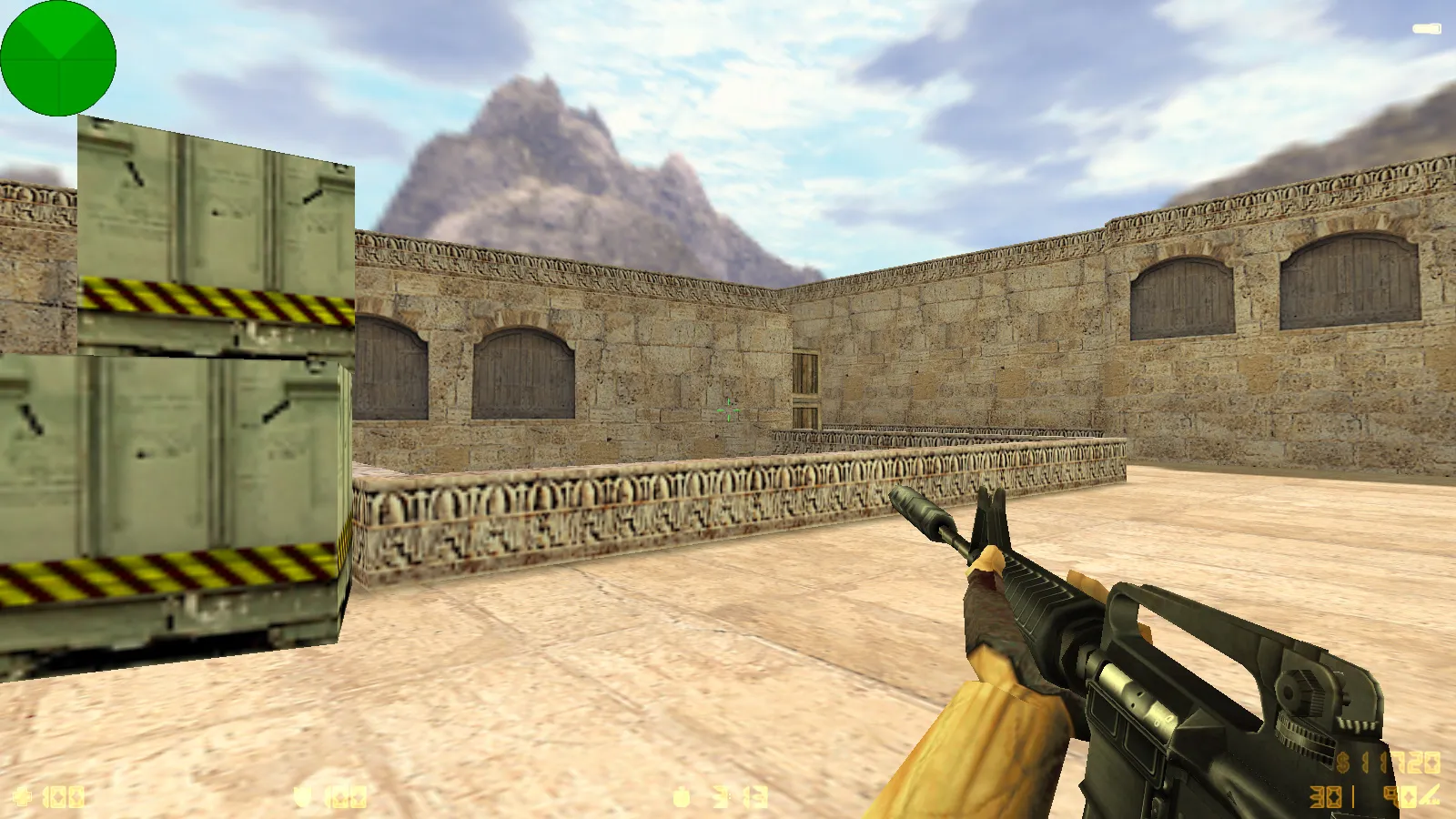
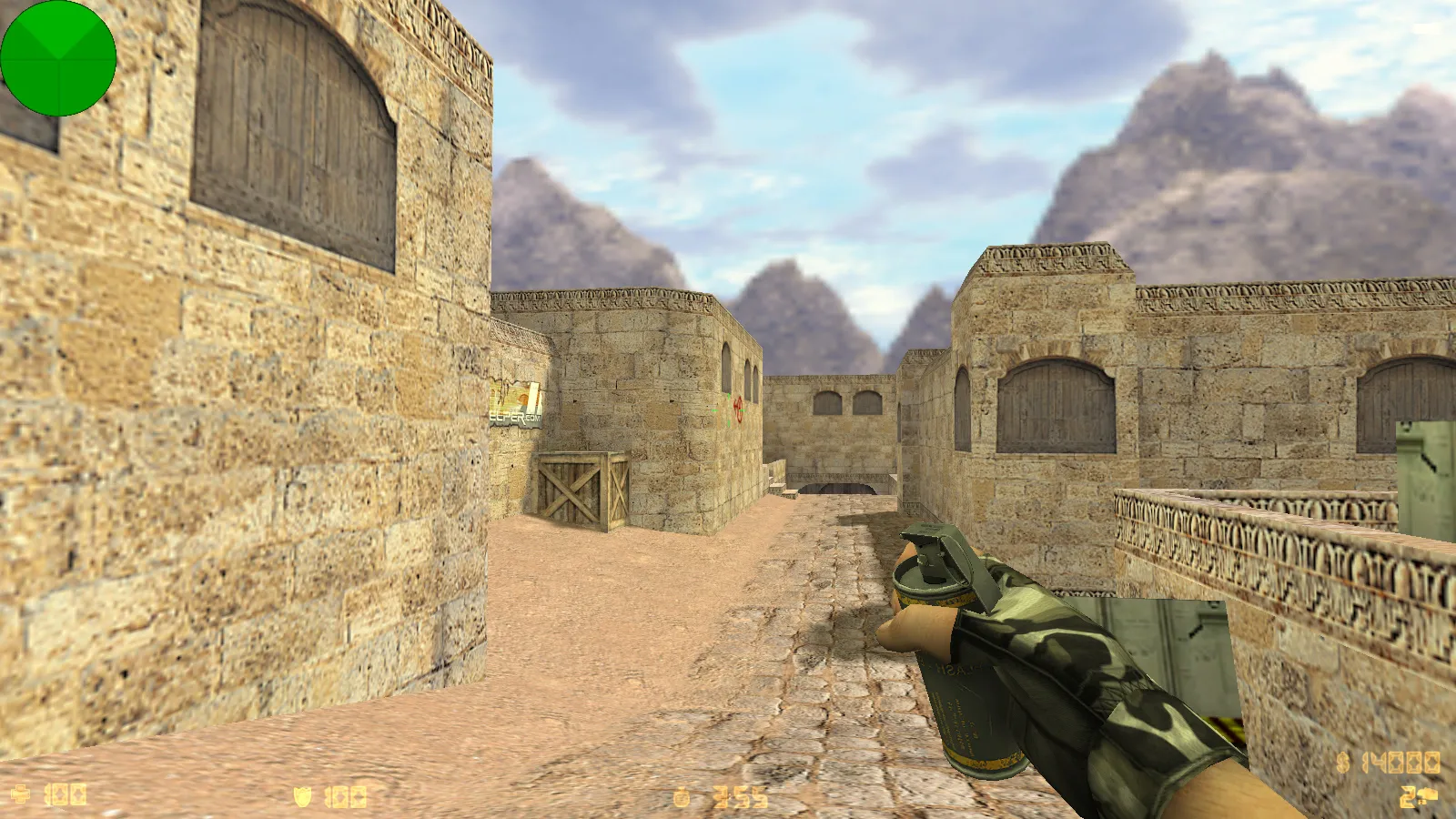
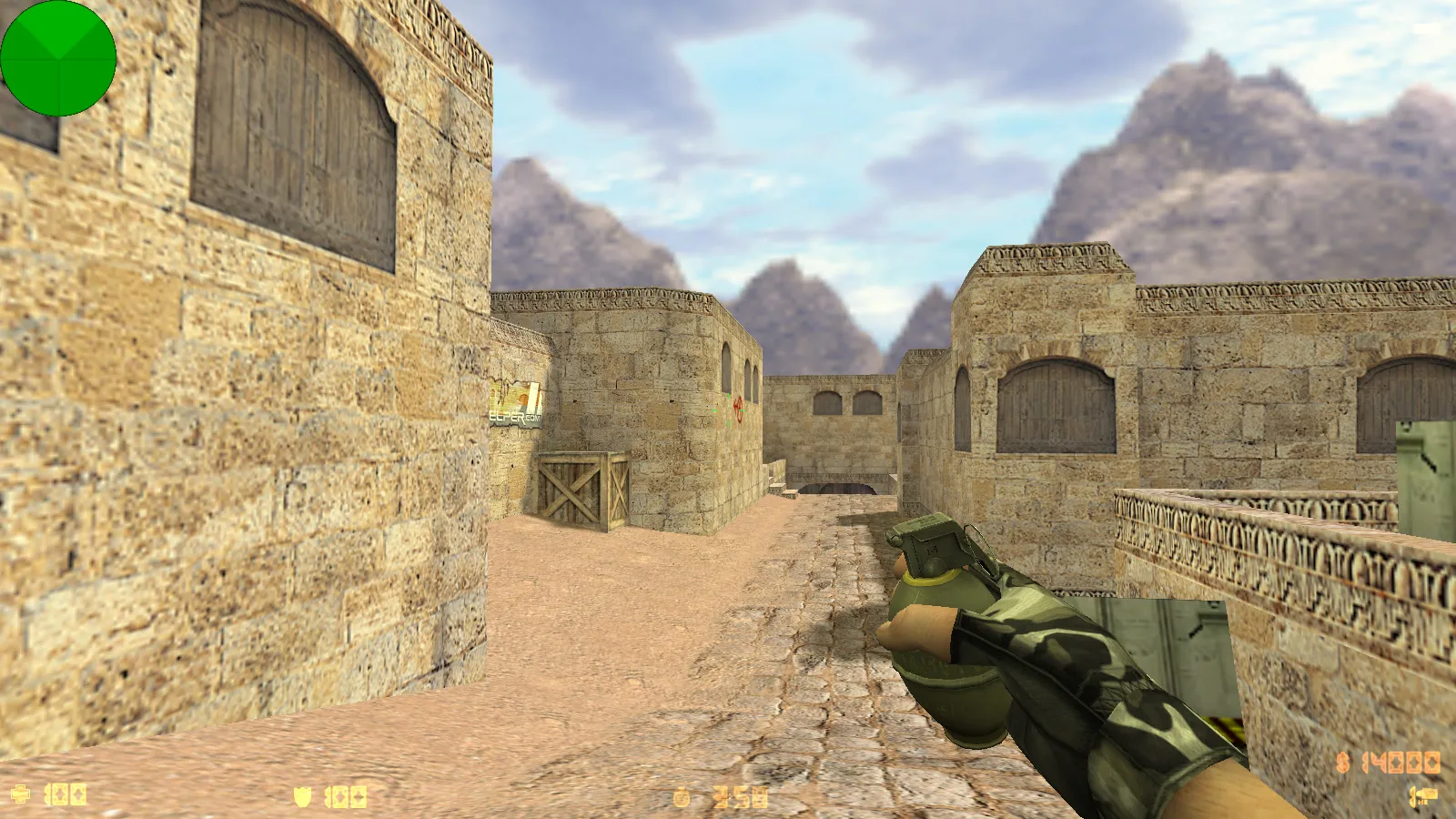
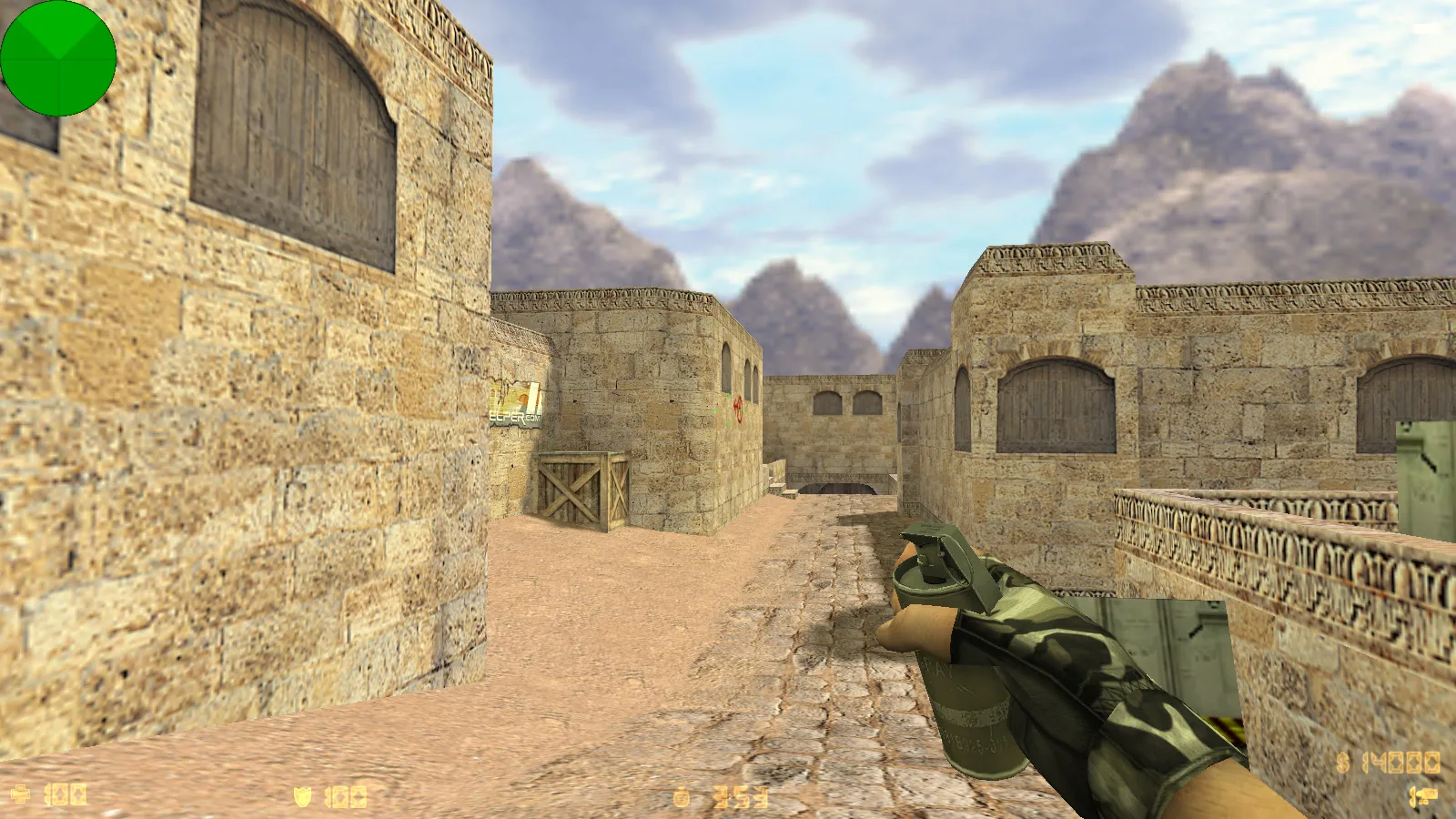
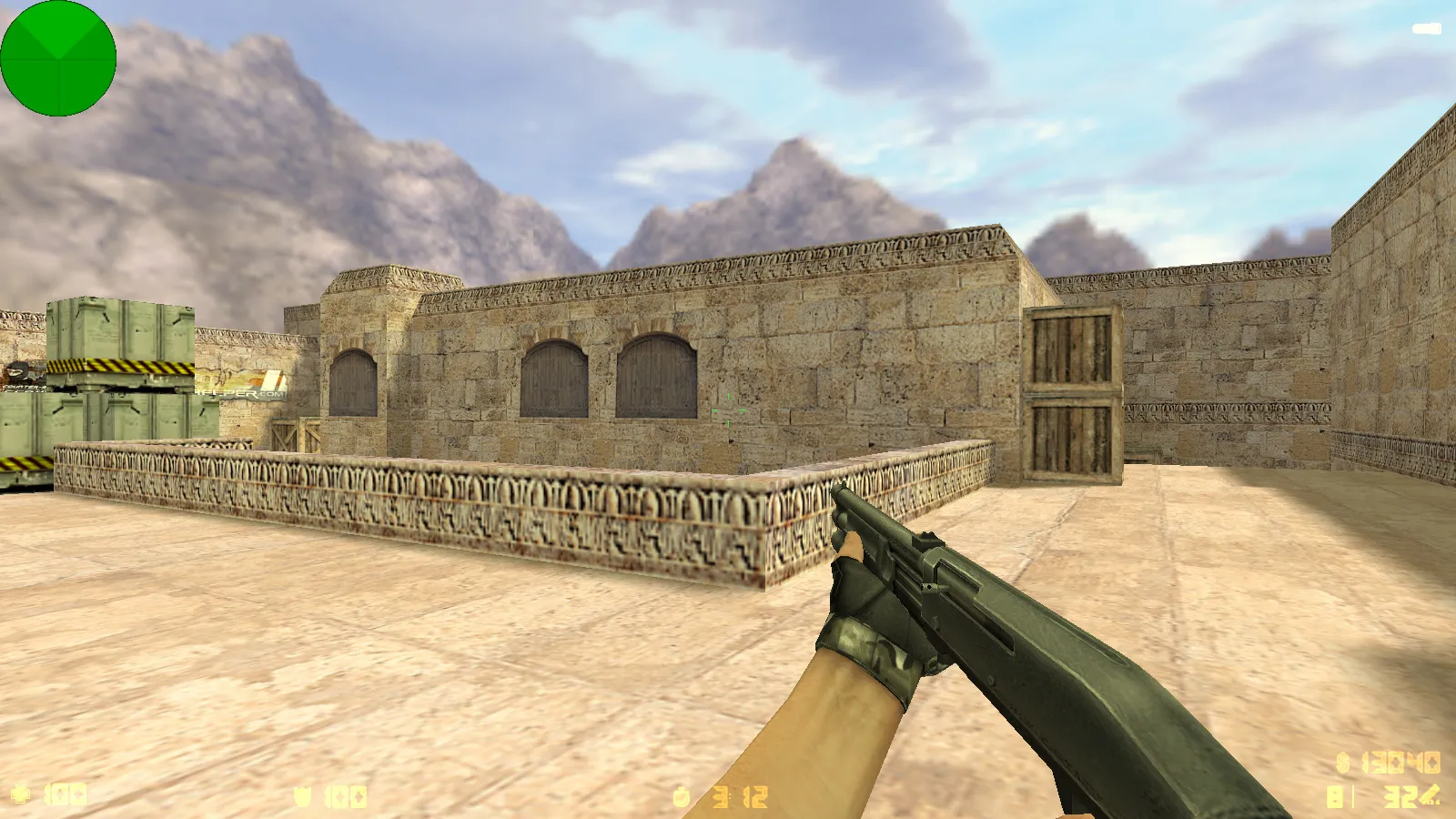
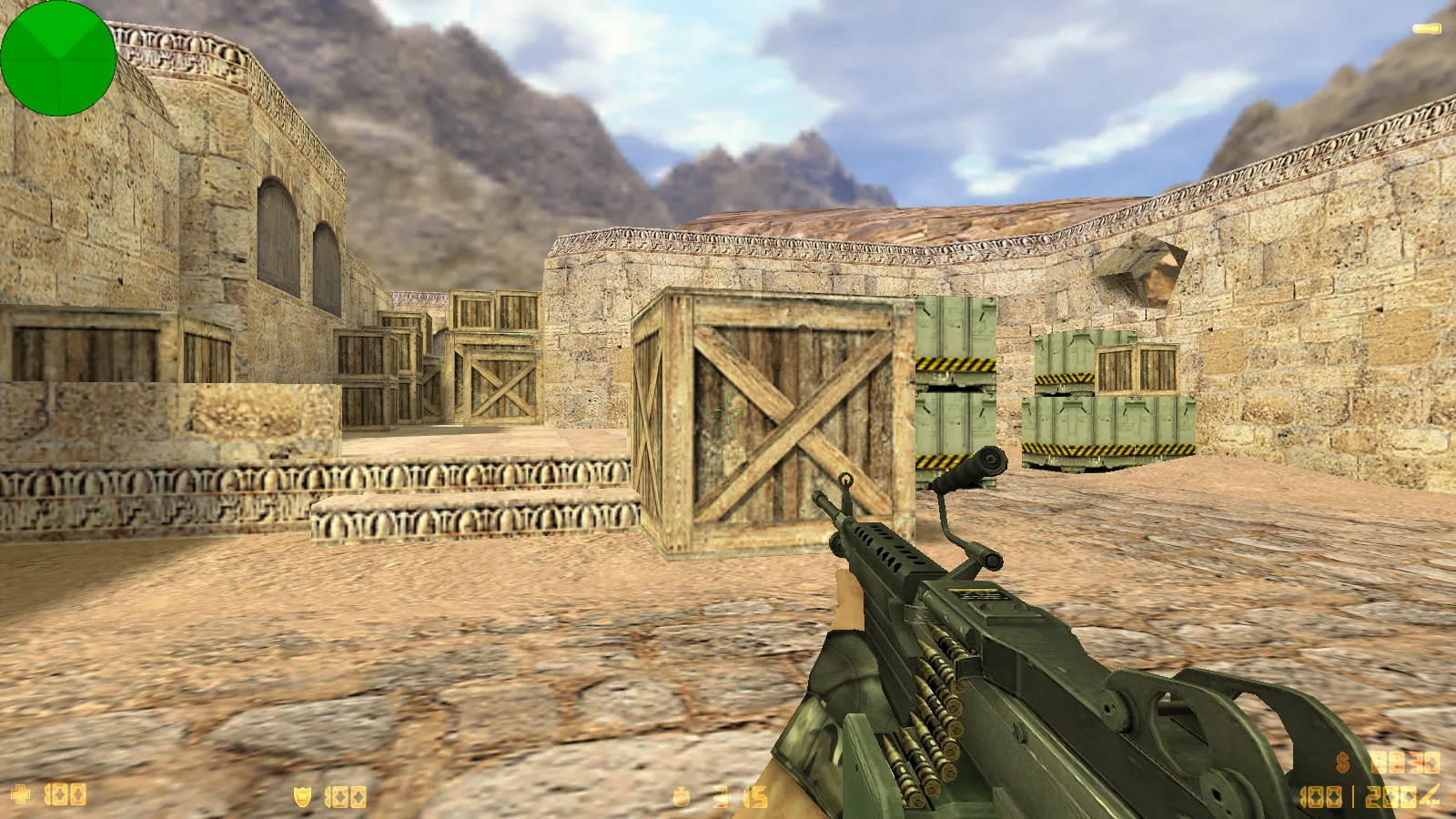
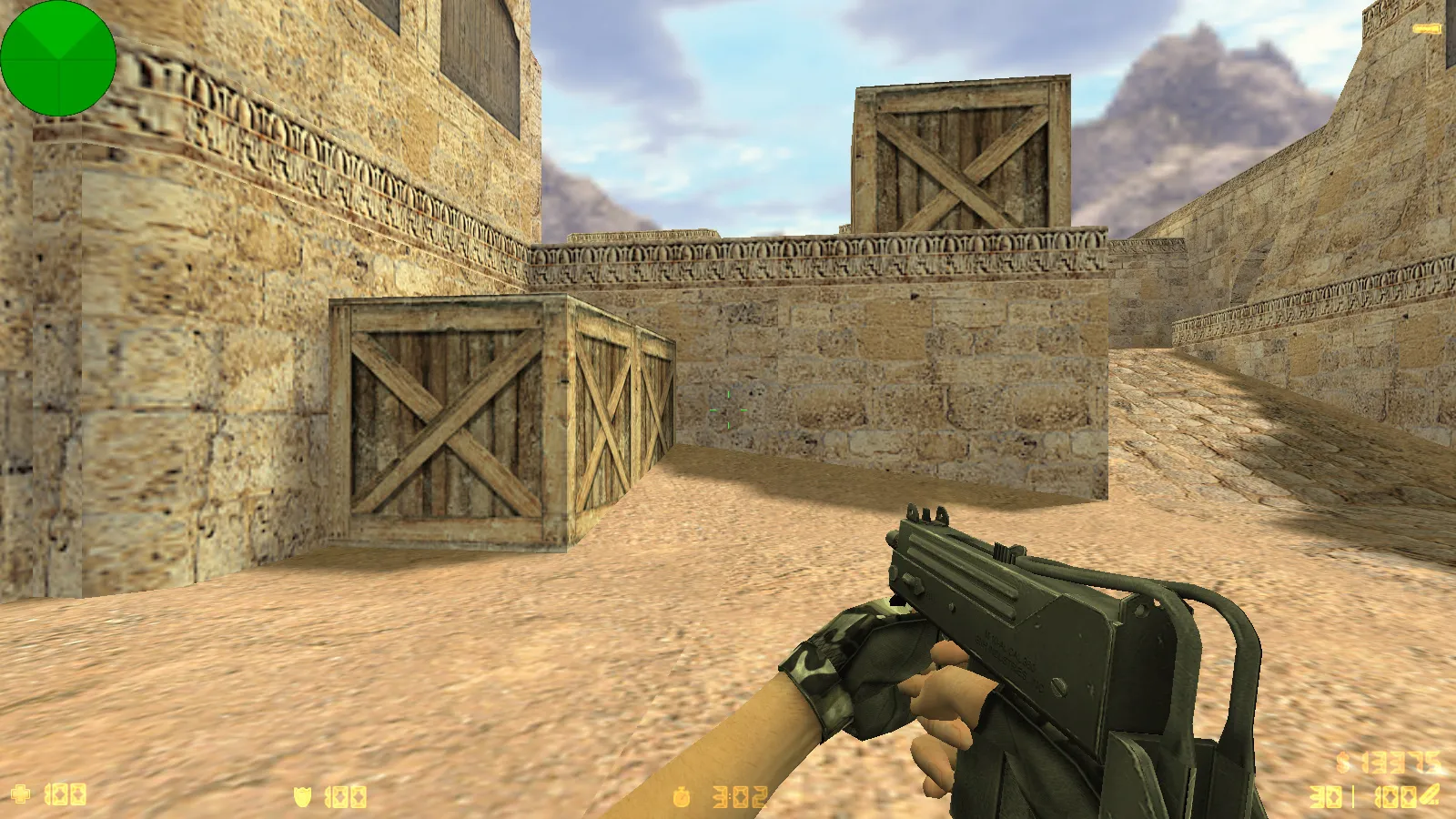
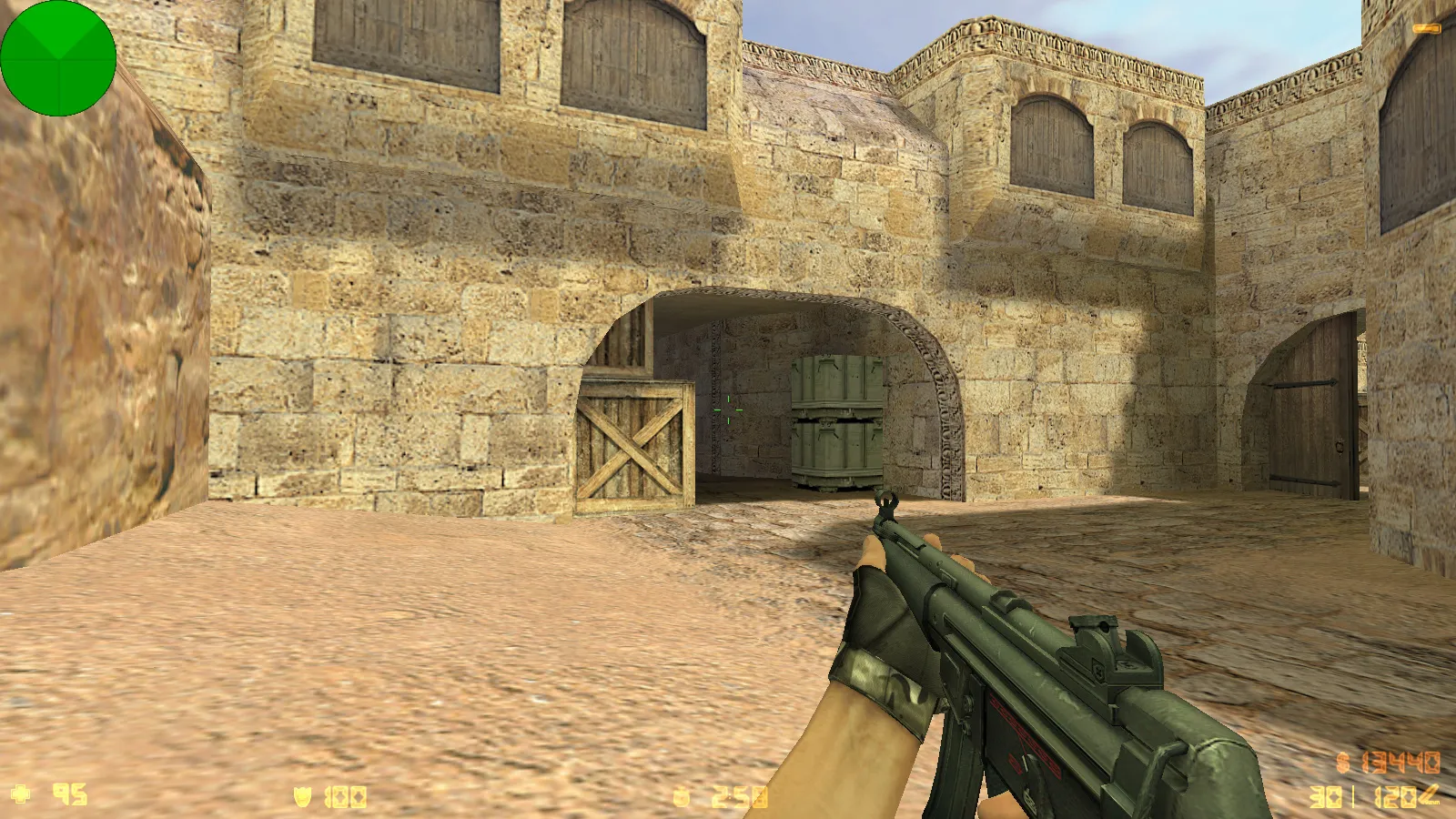
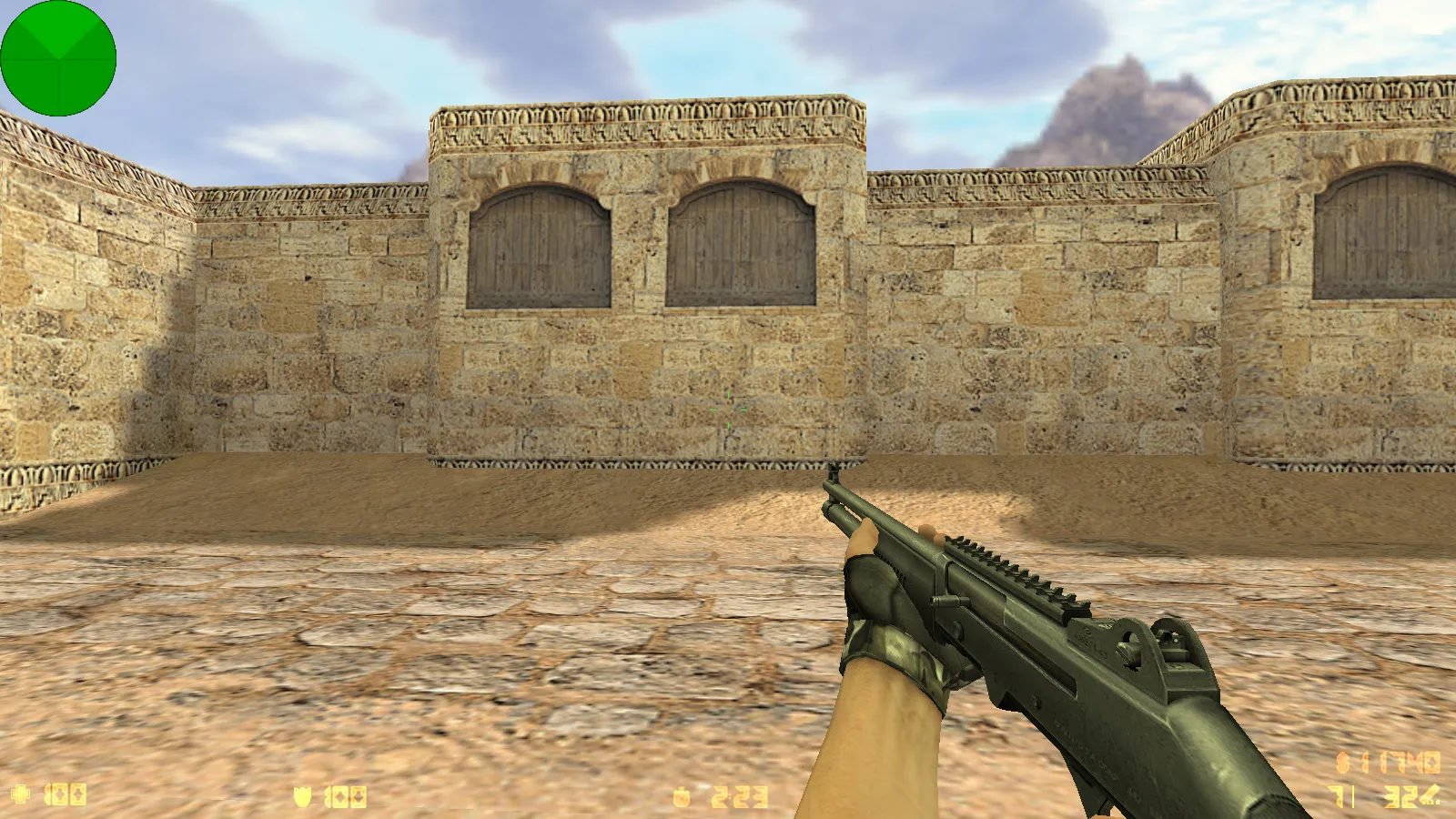
The primary focus rests on visual and audio adjustments. Weapon models employ v_, p_, and w_ prefixes to enable fluid inspect animations and consistent rendering across view modes. Textures rely on high-definition formats tuned for the engine, stopping visual artifacts and keeping fine details visible at standard settings. Polygon counts remain balanced to prevent frame loss, supporting high-FPS play on aging hardware.
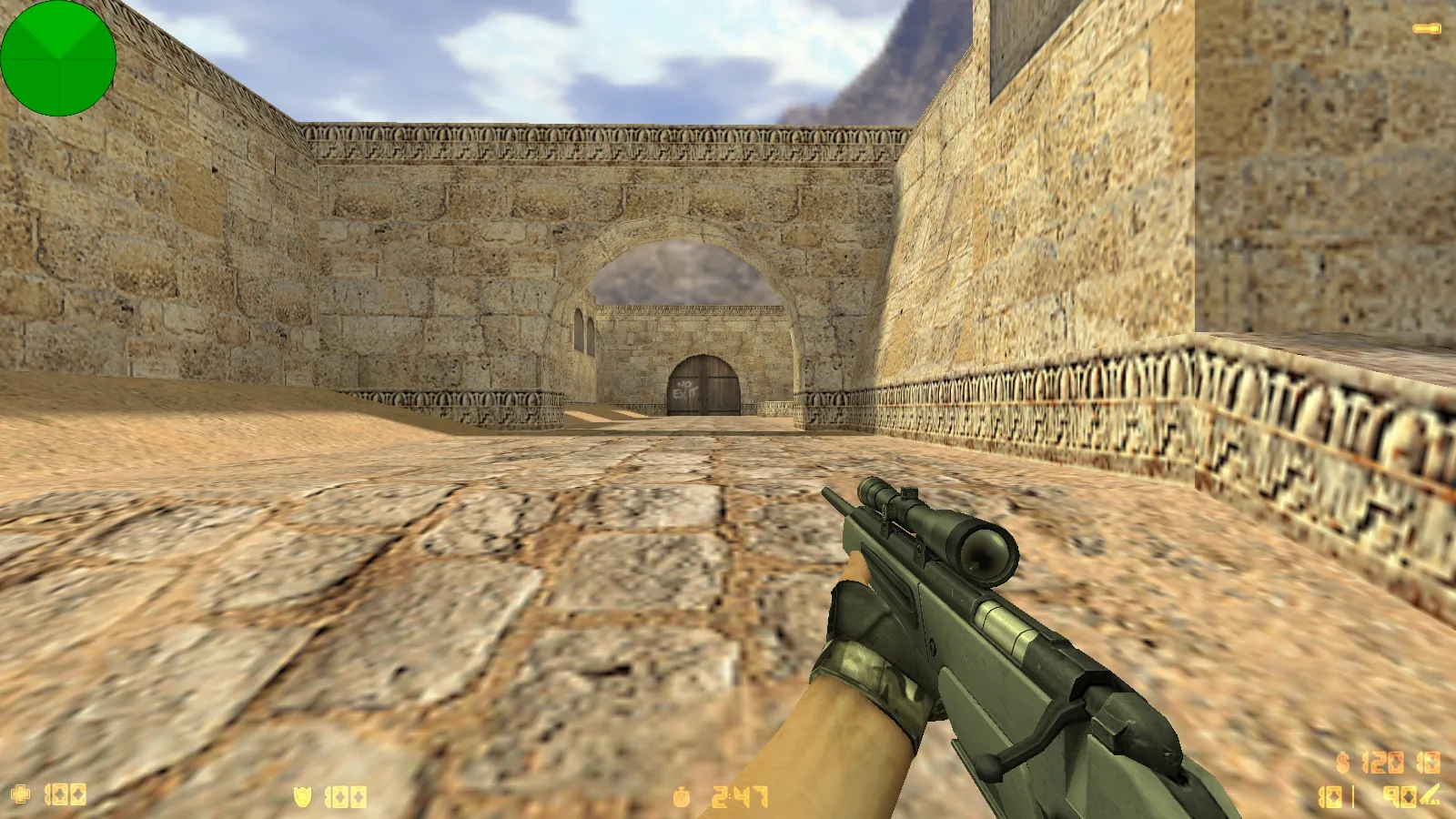
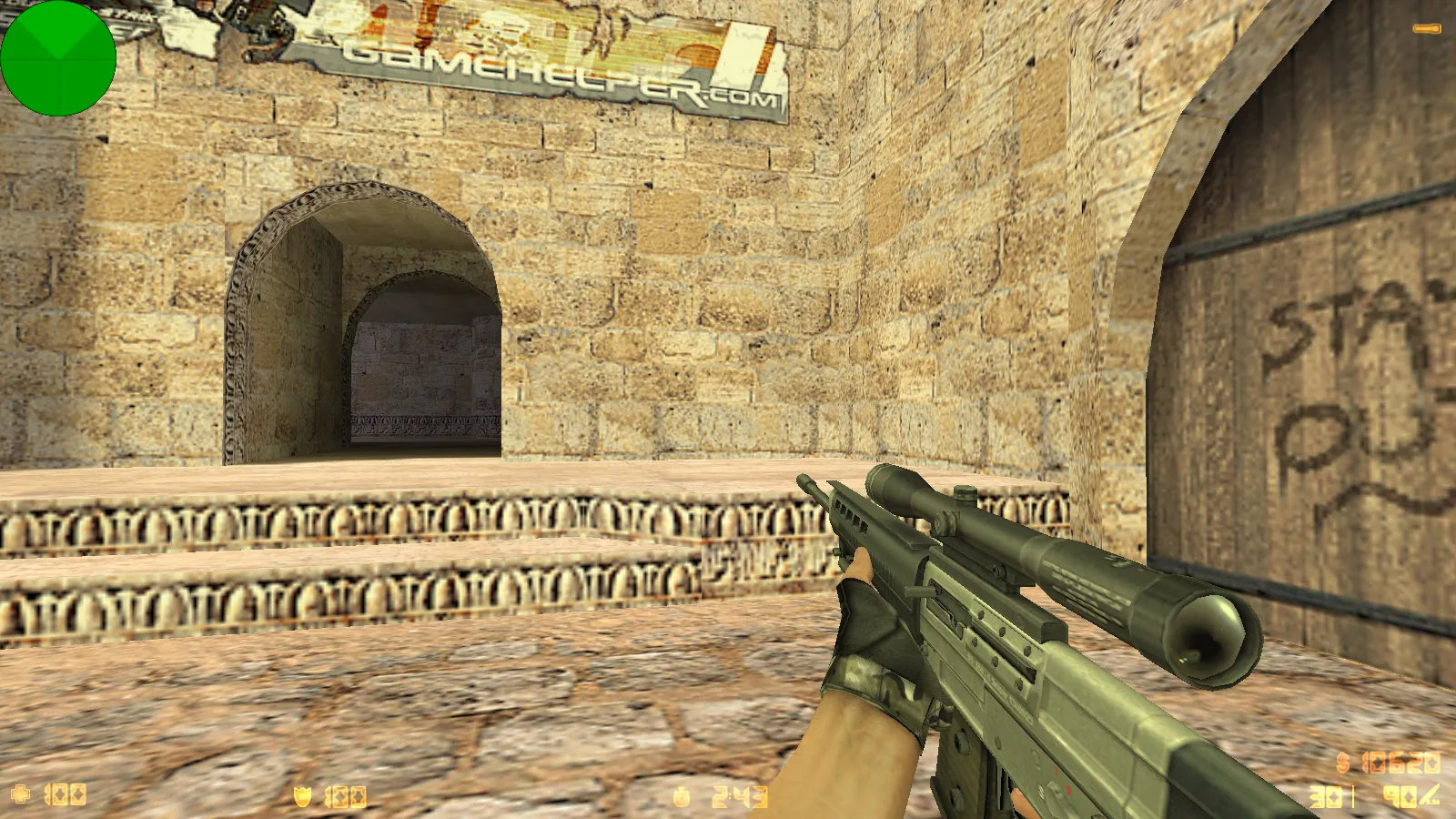
Menu improvements bring custom music tracks and polished sound events, delivering an immersive startup without silence. The sniper crosshair gains precision tweaks for improved long-range tracking and steadier aim during fights. These modifications boost tactical accuracy without changing core mechanics such as hitbox alignment or recoil patterns.
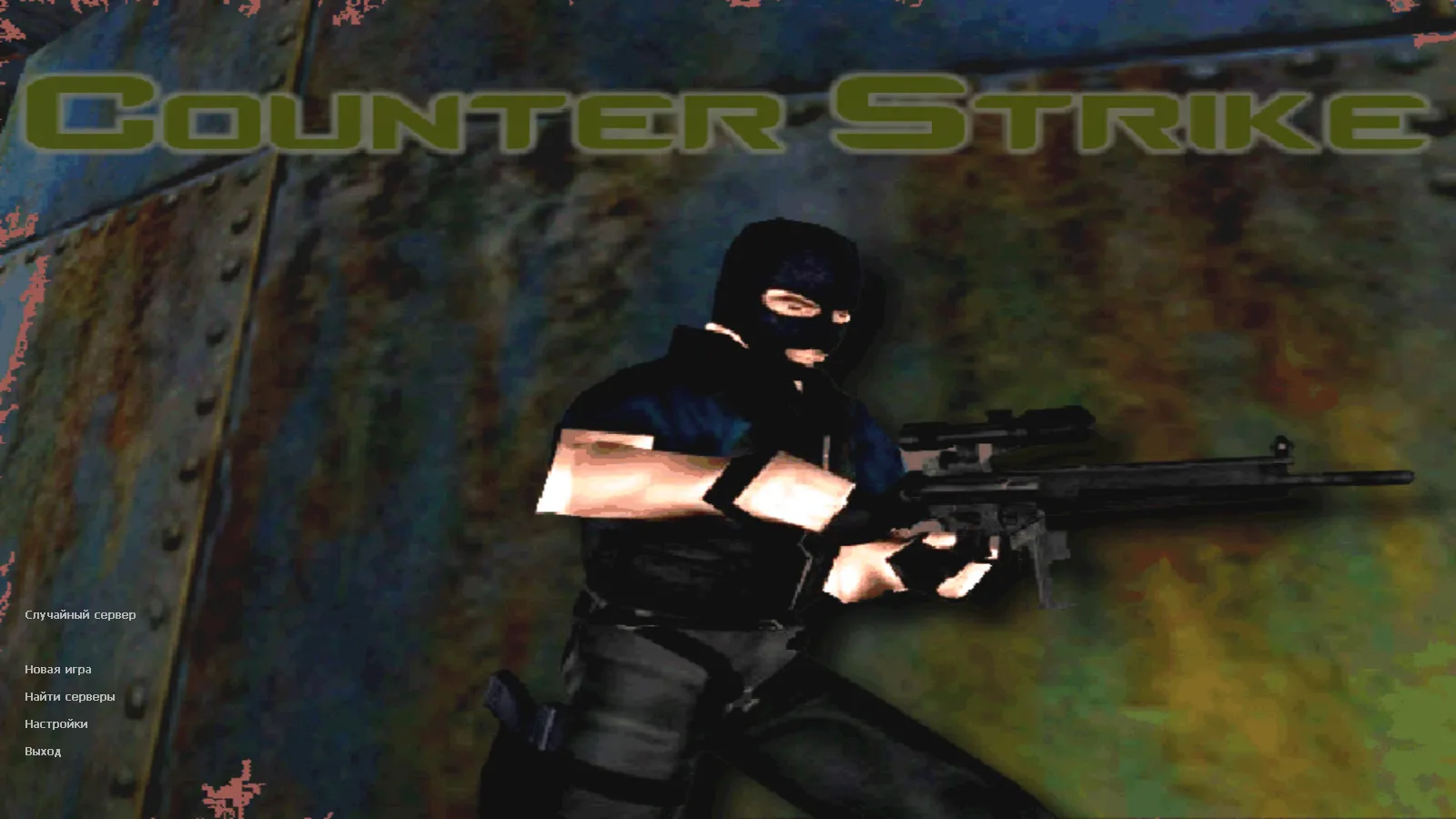
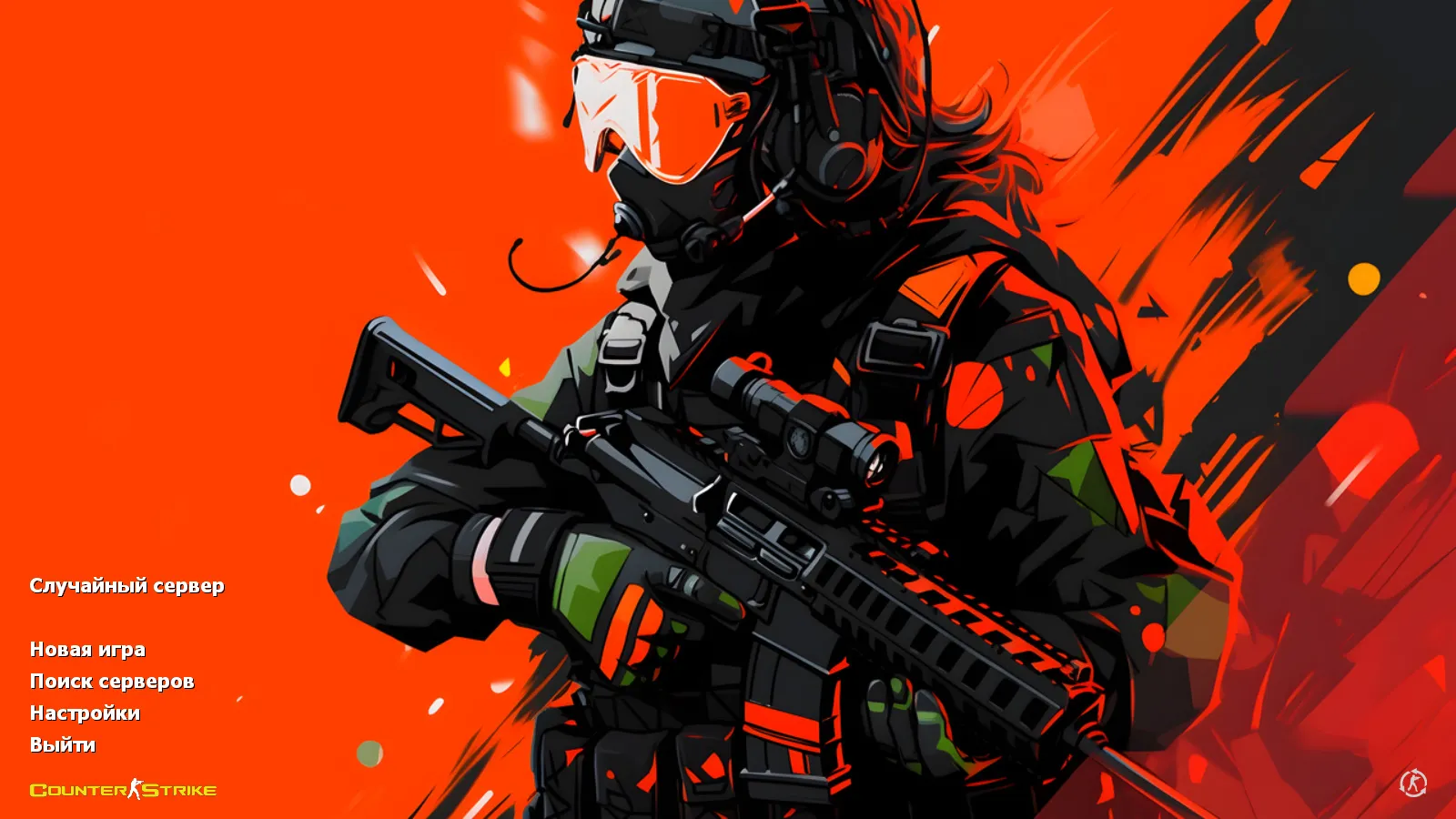
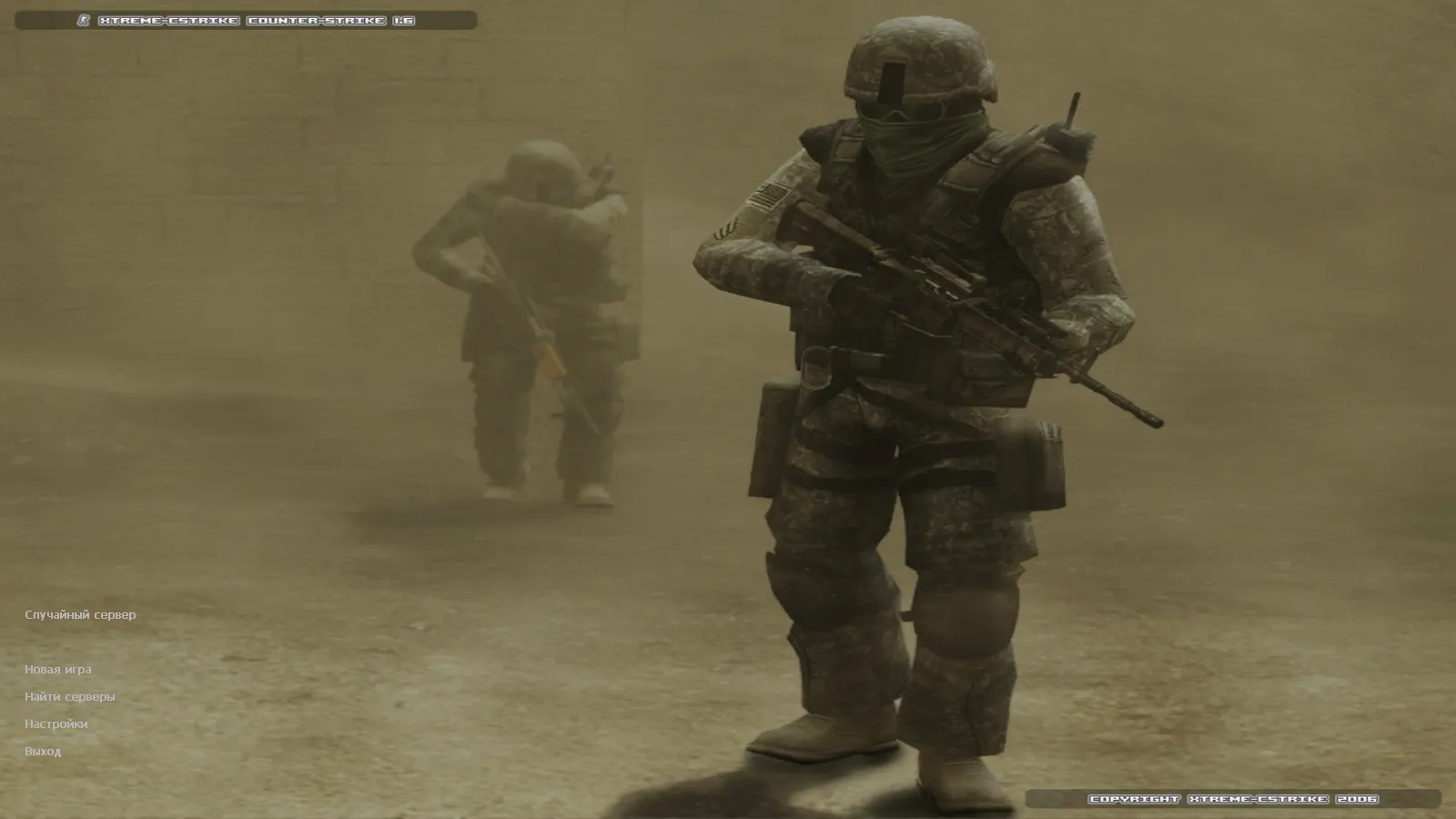
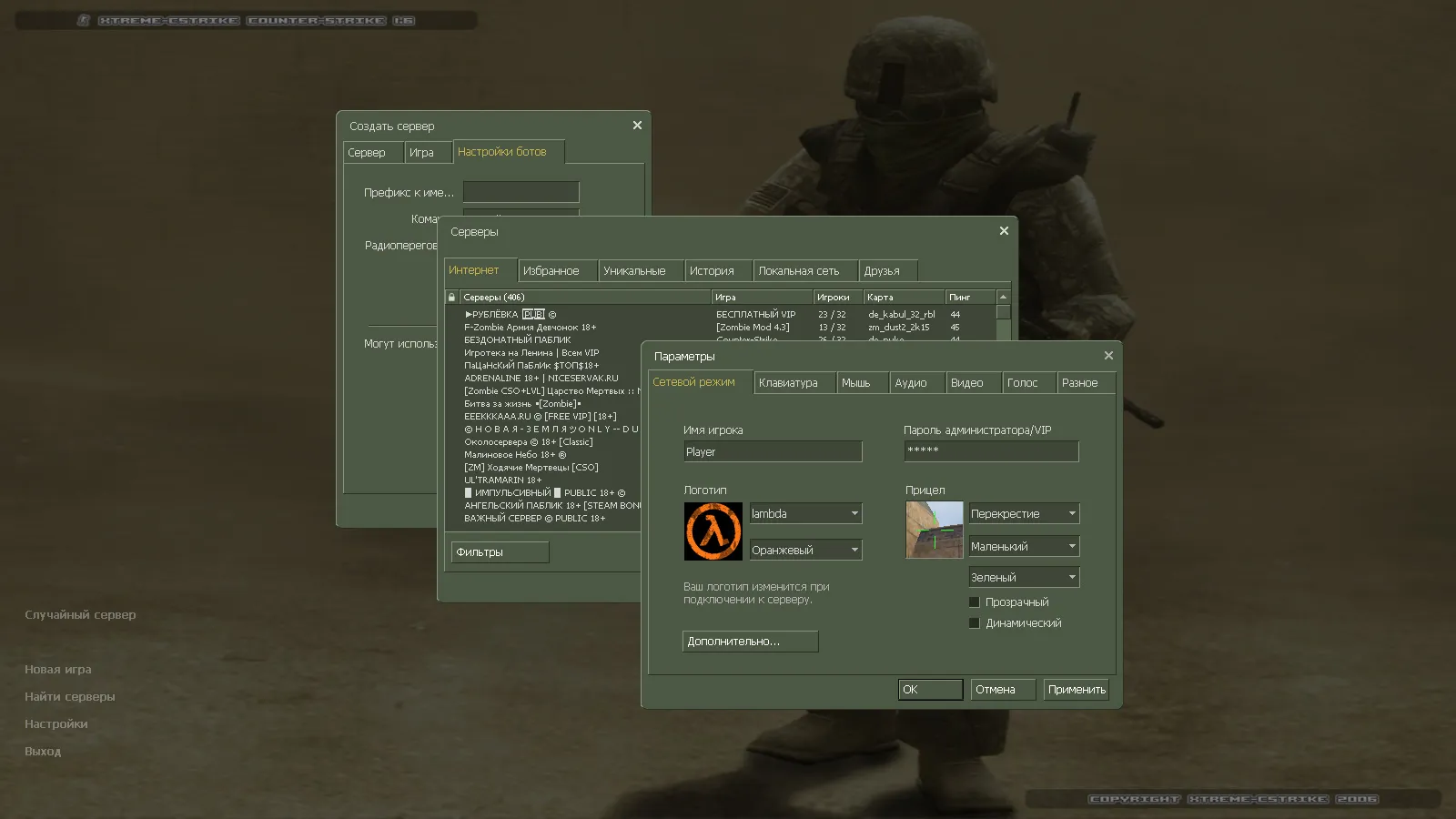
The main menu showcases a dynamic backdrop depicting two soldiers in a sandstorm, adding atmospheric depth that does not affect network performance or mod stability. Furthermore, a custom launch icon unifies the client's look, helping it stand out in task managers and launchers while speeding up identification among different builds.
Compatibility and Windows Launch Instructions
This XTCS build runs on all Windows versions, from older installations to current ones. It starts cleanly without needing special tweaks or registry edits. Whether you launch via Steam or use Non-Steam methods, the client adapts without forcing launcher changes-ideal for preserving established workflows.
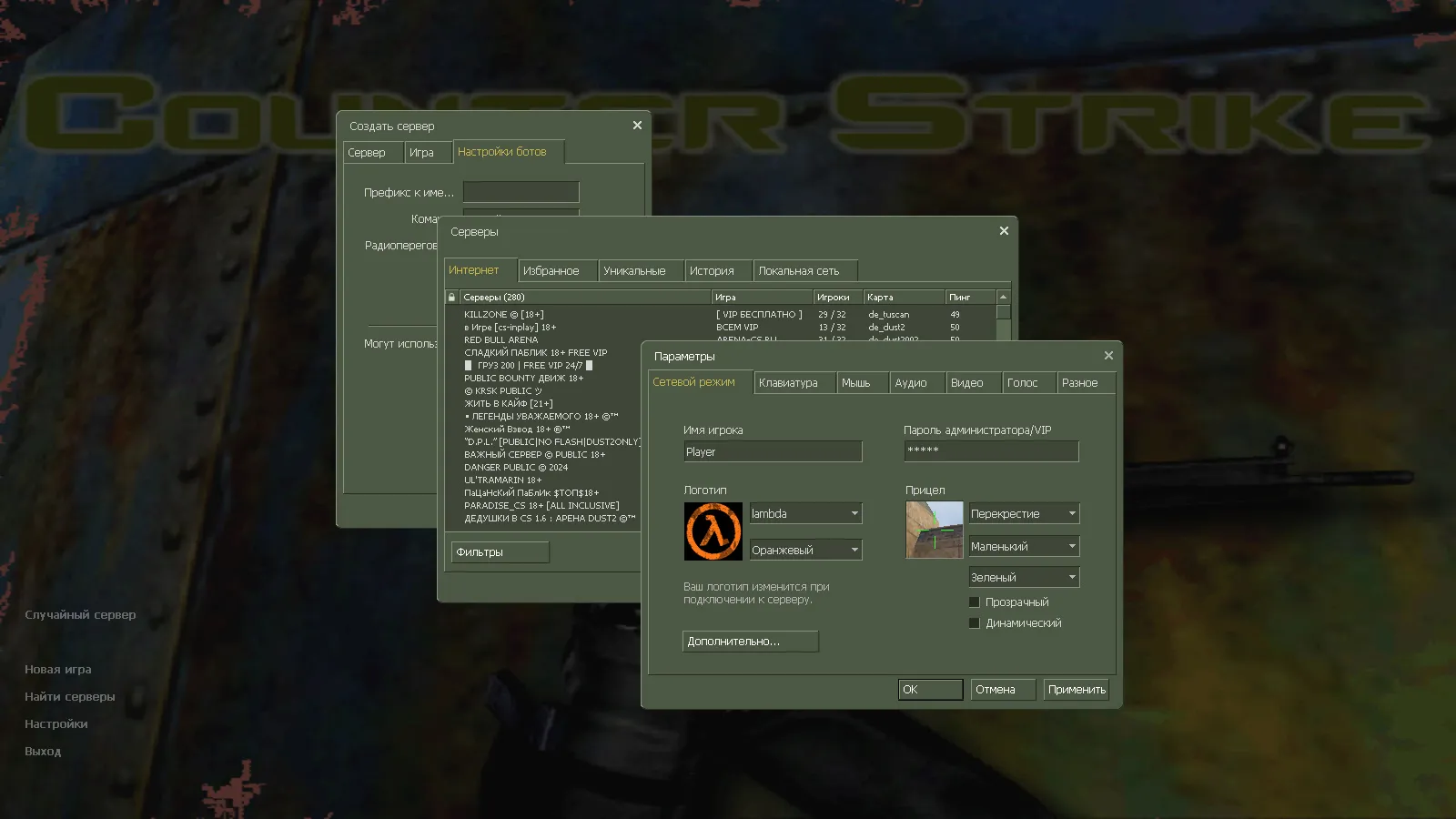
Online connectivity spans 250+ servers, granting wide access to public and private lobbies without limiting communities. Offline bot modes function perfectly as well, letting you load any map, run practice rounds, and rehearse routes at your own pace. Bots follow standard .nav paths, ensuring realistic AI behavior for solo drills.
Server Compatibility and Security Measures
For builds like XTCS, dependable connections and anti-tampering are crucial. It features MasterServer protection to stop spoofing problems, cutting down disconnects and ensuring accurate server queries. This keeps you in the game loop without routing errors or forced redirects.
A clean config.cfg ships by default, removing legacy binds or parameters that might conflict with previous installations. Startup stays predictable-no rogue aliases, no performance drains. Safety first: obtain downloads from trusted sources only. Avoid extras like bundled tools, archives, or scripts; stick to core files to maintain stability and dodge potential risks such as slow-hacks or ads.
Russian Nicknames, Chat, and Mod Support
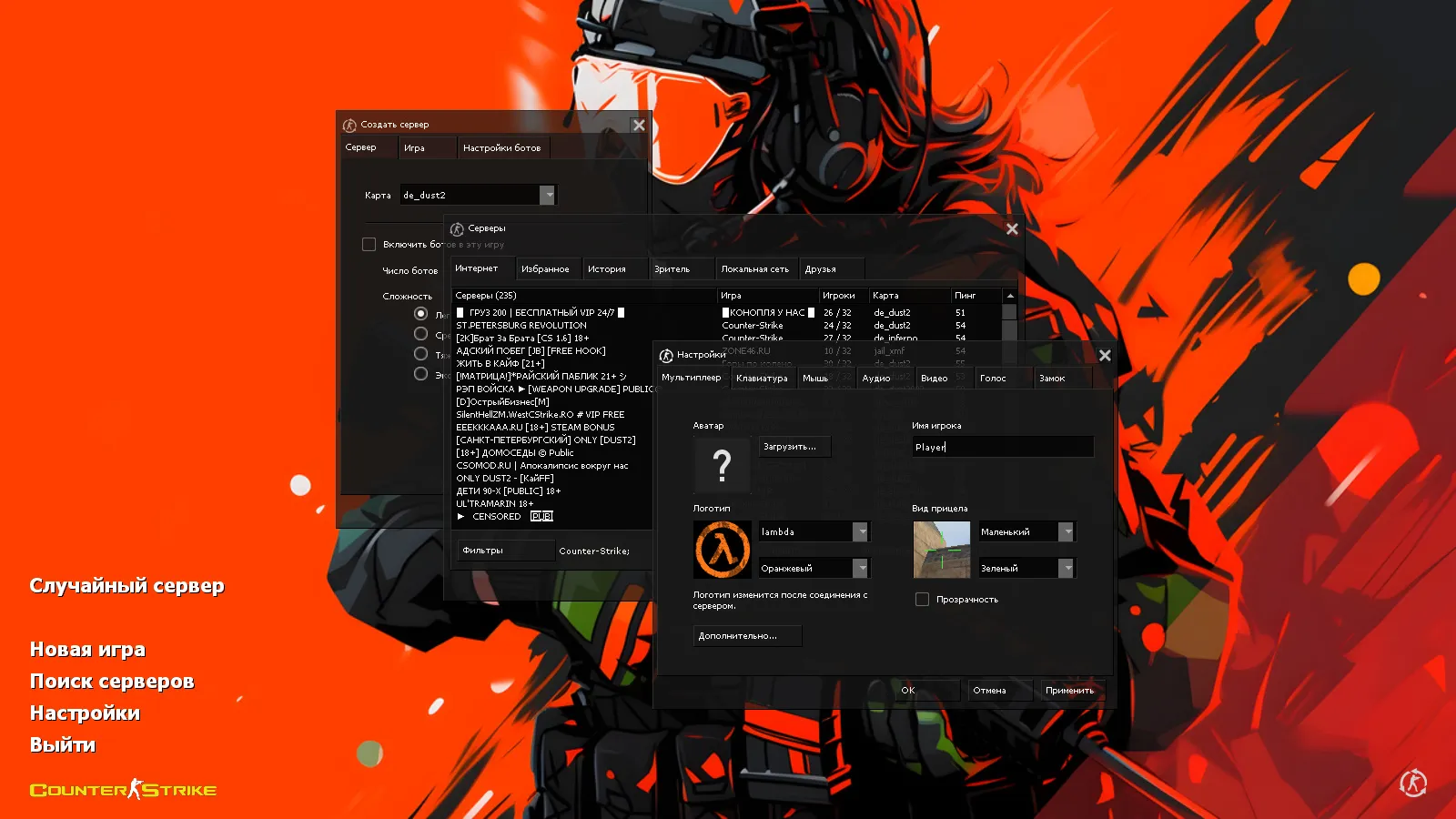
XTCS enables Russian nicknames and in-game chat input, smoothing communication in mixed-language teams or script-based training. Cyrillic rendering holds up without font glitches, perfect for coordinating with Russian-speaking squads on ESL-style servers.
Mod flexibility shines here-you can layer on weapon packs, custom HUDs, or training aids without hard locks. Just verify mod compatibility with the build's file structure beforehand to sidestep load errors. For instance, adding no-recoil configs or sprite enhancements works as long as polygon counts do not spike.
Versions, Builds, and XTCS Context
In the CS 1.6 modding scene, XTCS fits into version lines defined by build numbers like 4554 or 8613 and release years, influencing stability and feature sets. Always匹配
Install in three steps
-
1
Download the archive. Use the button on the right, or the Yandex.Disk mirror if the main server is slow.
-
2
Extract it into the game folder. Use 7-Zip or WinRAR. A path without non-Latin characters works best.
-
3
Launch the game. If something doesn't work, mark it below - that is how we know the file needs an update.
Did it work for you?
No sign-up needed. You can pick more than one.